
Filter & sort
Filter results on Airbnb web
The desktop user opens filters and sets price range, bedrooms, stay type, property type, amenities and instant book.
Step 1 of 13
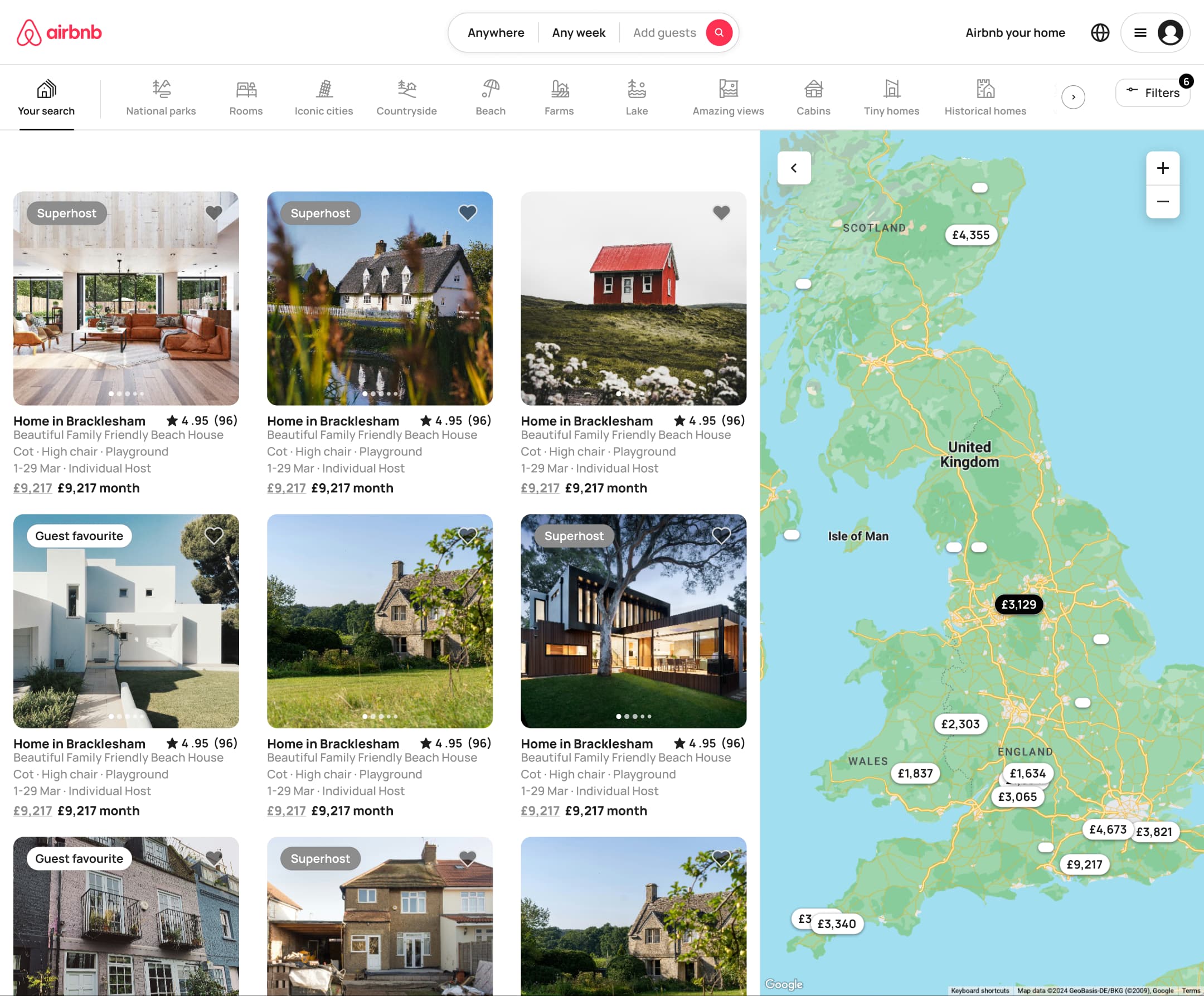
Push
The steps
- Step 1. Push
- Step 2. Click Filters, Modal
- Step 3. Drag min, In-place change
- Step 4. Drag max, In-place change
- Step 5. Select bedrooms, In-place change
- Step 6. Scroll, In-place change
- Step 7. Select favourites, In-place change
- Step 8. Select flat, In-place change
- Step 9. Scroll, In-place change
- Step 10. Tick beachfront, In-place change
- Step 11. Hover, In-place change
- Step 12. Toggle instant book, In-place change
- Step 13. Scroll, In-place change
More from Airbnb Desktop
- Search for a stay on Airbnb web
- Browse homes on Airbnb web
- View a listing on Airbnb web
- Reserve a listing on Airbnb web
- Log in on Airbnb web
- Explore experiences on Airbnb web
- City rentals landing on Airbnb web
- Help centre on Airbnb web
- Dark mode browsing on Airbnb web
- Full Airbnb Desktop UI kit
- Filter & sort flows in other apps
Not affiliated with, endorsed or sponsored by Airbnb. Airbnb is a trade mark of its owner. Recreated for design reference and education. Rights holders: contact us