
Stop Rebuilding.
Start Shipping.
Import pixel-perfect UI from the world's best apps directly into Figma
Real app components, not screenshots. Install free and try 5 screens from any premium clone
Your New Design Library
Why guess when you can learn from companies that spent millions perfecting their UI? Get instant access to battle-tested components from the world's most successful apps.

TikTok
319 Screens
174 Components

Revolut
401 Screens
88 Components
Wise
316 Screens
71 Components

Coinbase
186 Screens
75 Components

Airbnb
341 Screens
105 Components
 Free
Free152 Screens
60 Components

Cash App
99 Screens
45 Components

UberEats
202 Screens
80 Components

Gmail
239 Screens
65 Components
Threads
138 Screens
55 Components

Headspace
193 Screens
70 Components

Shop
210 Screens
68 Components

PayPal
241 Screens
72 Components
Perplexity
261 Screens
40 Components
 Install Free Plugin
Free WhatsApp UI kit included • Unlock all 17 premium apps with a SuperDuperUI membership

Get our WhatsApp Clone for free
Get the complete WhatsApp UI kit absolutely free. No credit card. No sneaky trials. Just install the plugin and start importing WhatsApp's entire interface.
- •Complete WhatsApp UI Kit
- •100% editable files
- •152 Screens, 49 Components & 16 Icons
- •Full layer organisation & auto-layout
Install Free Figma Plugin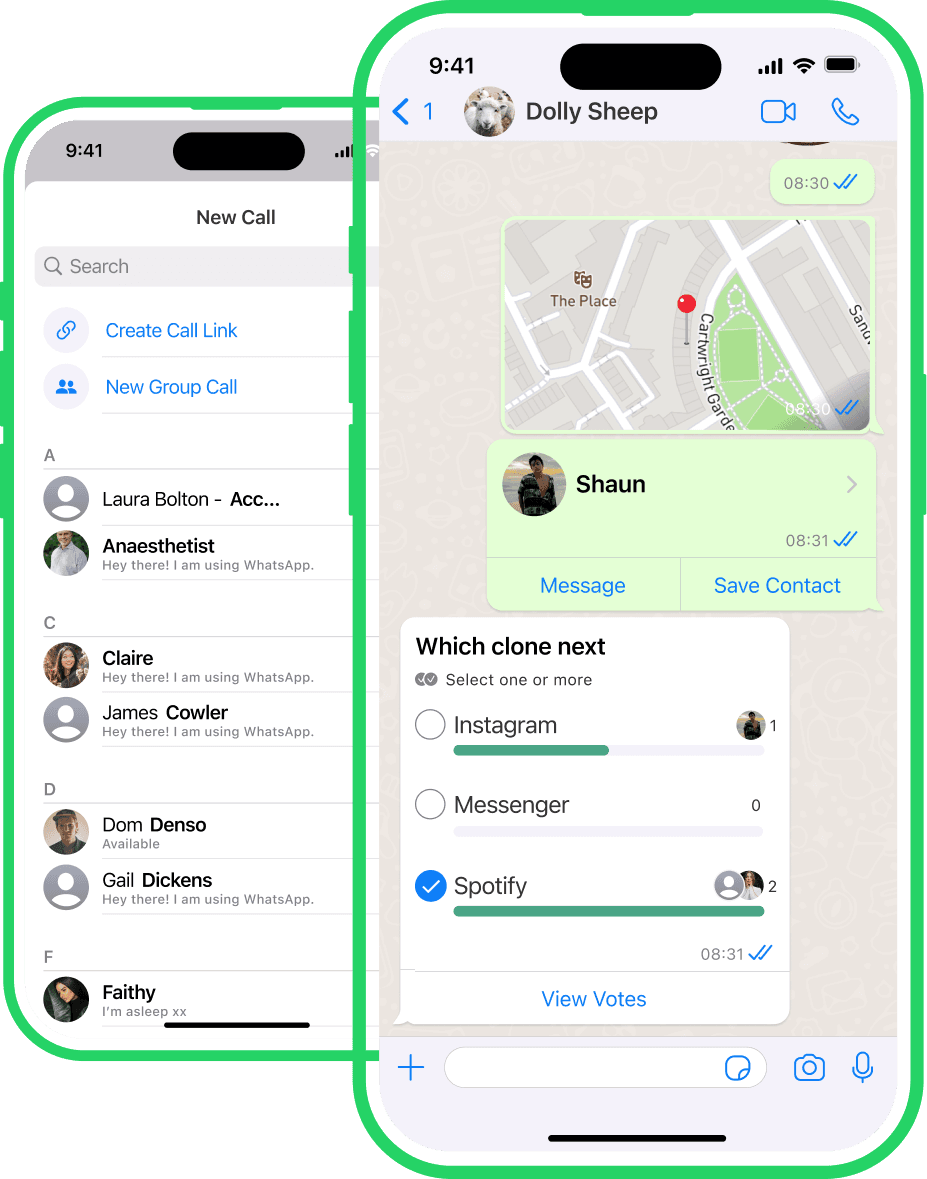
Work Smarter. Design Better.
Packed with features that cater to both efficiency and creativity, it's the perfect ally for designers aiming to build exceptional digital products

Open the Plugin
Launch SuperDuperUI from your Figma plugins menu. The entire library is at your fingertips.

Browse or Search
Explore components by app, category, or use our search to find exactly what you're looking for. Preview before you import.

Import & Customise
Click to import any component directly into your file. Modify colours, adjust spacing, make it yours—but start miles ahead.
Or unlock the Full Library with SuperDuperUI Club

Join the SuperDuperUI Club
Your unlimited all-access pass to all of SuperDuperUI's design resources
Frequently asked questions
Answers to some common questions
Simply click 'Install Free Plugin' button above or search for 'SuperDuperUI' in Figma's community plugins. Once installed, you can access it from any Figma file via the plugins menu.
Start Designing 10x Faster Today
Import your first perfect component in the next 60 seconds. WhatsApp's entire UI is waiting for you, free.
Install Free PluginFree WhatsApp UI kit included • Unlock all 17 premium apps with a SuperDuperUI membership