
Listen to audio
Play a soundscape on Calm
The user plays a soundscape, rates it, favourites it, sets and cancels a sleep timer, plays a sleep story and adds it to a new playlist.
Step 1 of 12
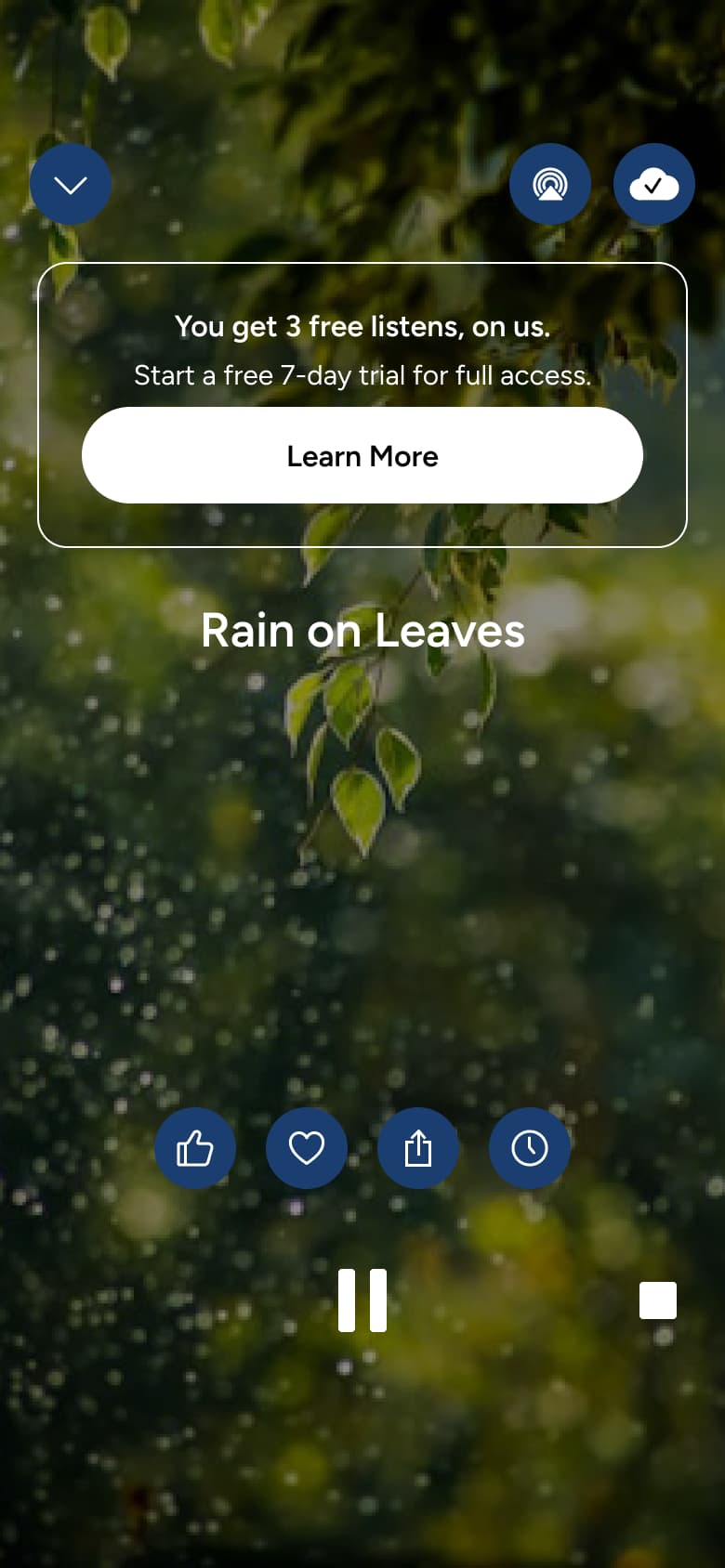
Tap soundscape · Modal
The steps
- Step 1. Tap soundscape, Modal
- Step 2. In-place change
- Step 3. Tap thumbs, Sheet
- Step 4. Tap heart, Dismiss modal or sheet
- Step 5. Tap timer, Modal
- Step 6. Set timer, Dismiss modal or sheet
- Step 7. Tap timer, Modal
- Step 8. Play story, Push
- Step 9. Tap add, Sheet
- Step 10. Type name, In-place change
- Step 11. Tap Save, Dismiss modal or sheet
- Step 12. Tap add, Sheet
More from Calm
- Onboarding on Calm
- Home on Calm
- Scenes on Calm
- Browse meditations on Calm
- Browse music on Calm
- Search on Calm
- Sleep and discover on Calm
- Profile and library on Calm
- Add a session on Calm
- Quick journal on Calm
- Daily reflection on Calm
- Gratitude check-in on Calm
- Sleep check-in on Calm
- Settings on Calm
- Delete account on Calm
- Premium on Calm
- Notifications on Calm
- Full Calm UI kit
- Listen to audio flows in other apps
Not affiliated with, endorsed or sponsored by Calm. Calm is a trade mark of its owner. Recreated for design reference and education. Rights holders: contact us