
View details
View a request on Cash App
The user opens a pending request from activity and its detail sheet.
Step 1 of 3
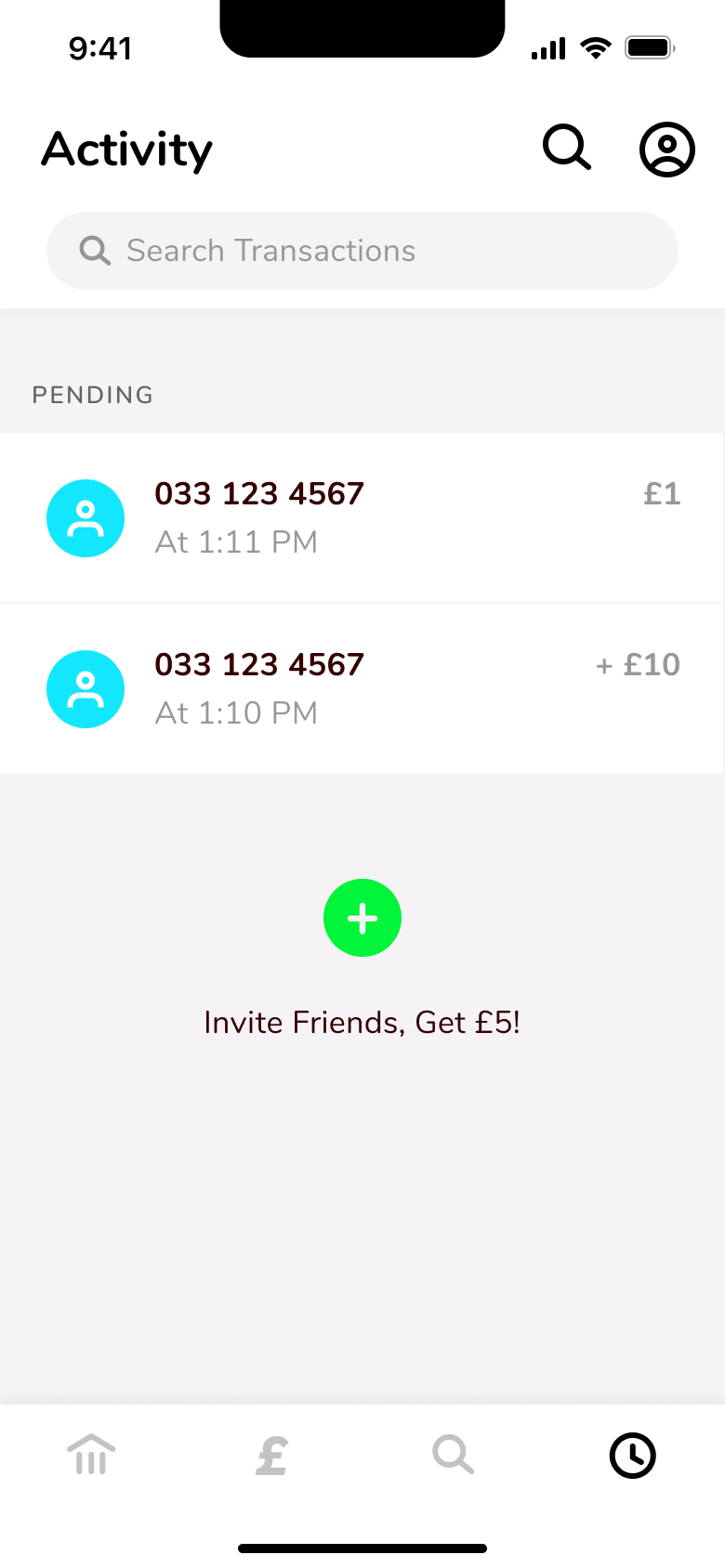
Push
The steps
- Step 1. Push
- Step 2. Tap request, Push
- Step 3. Tap more, Sheet
More from Cash App
- Sign up on Cash App
- Add a debit card on Cash App
- Scan and share a QR code on Cash App
- Edit profile on Cash App
- Account settings on Cash App
- Invite friends on Cash App
- Link a bank account on Cash App
- Request money on Cash App
- Pay someone on Cash App
- Cancel a pending payment on Cash App
- Balance and currency on Cash App
- Full Cash App UI kit
- View details flows in other apps
Not affiliated with, endorsed or sponsored by Cash App. Cash App is a trade mark of its owner. Recreated for design reference and education. Rights holders: contact us