
View details
Get a game on Netflix
The user opens Twelve Minutes, reads more details, learns how games download and gets it from the App Store.
Step 1 of 8
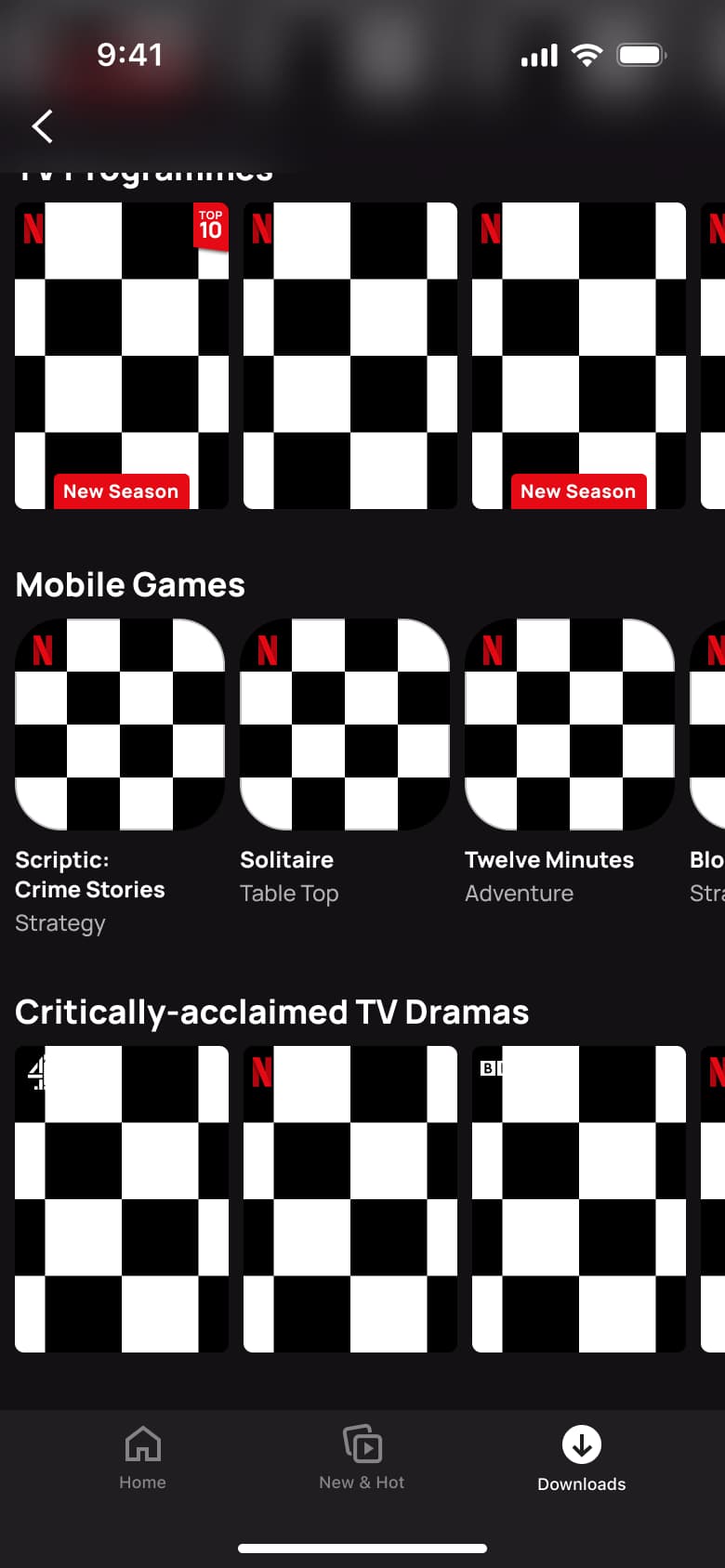
Push
The steps
- Step 1. Push
- Step 2. Tap a game, Push
- Step 3. Scroll, In-place change
- Step 4. Expand languages, In-place change
- Step 5. Expand maturity rating, In-place change
- Step 6. Tap Get game, Modal
- Step 7. Tap Get game, Dismiss modal or sheet
- Step 8. In-place change
More from Netflix
- Launch and welcome on Netflix
- Read the privacy statement on Netflix
- Sign in on Netflix
- Browse home on Netflix
- View a series on Netflix
- Share a title on Netflix
- Rate a title on Netflix
- Add a title to My List on Netflix
- Filter home by category on Netflix
- Search on Netflix
- Watch a film on Netflix
- Check notifications on Netflix
- Manage My List on Netflix
- App settings on Netflix
- New & Hot on Netflix
- Set up Downloads for You on Netflix
- See what you can download on Netflix
- Manage downloads on Netflix
- Delete downloads on Netflix
- Smart Downloads settings on Netflix
- Open a kids profile on Netflix
- Edit a profile on Netflix
- Full Netflix UI kit
- View details flows in other apps
Not affiliated with, endorsed or sponsored by Netflix. Netflix is a trade mark of its owner. Recreated for design reference and education. Rights holders: contact us