
Request money
Split a bill on PayPal
The user starts a bill split, enters the total, chooses who's splitting, adjusts shares, reviews and requests.
Step 1 of 12
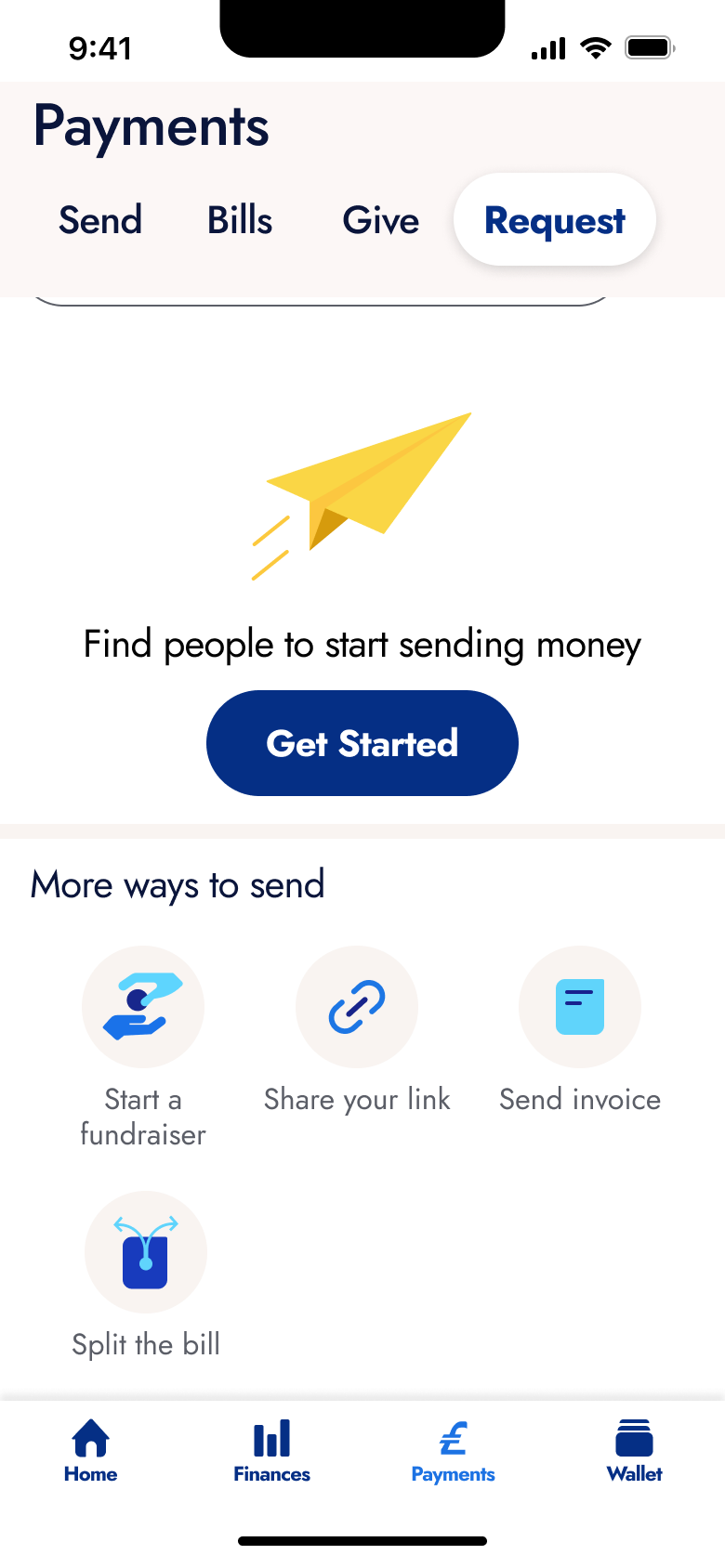
Tap Request · Tab switch
The steps
- Step 1. Tap Request, Tab switch
- Step 2. Tap Split the bill, Push
- Step 3. Tap Get Started, Push
- Step 4. In-place change
- Step 5. Type, In-place change
- Step 6. In-place change
- Step 7. Tap Next, Push
- Step 8. Select contact, In-place change
- Step 9. Select contact, In-place change
- Step 10. Tap Next, Push
- Step 11. Tap Review, Push
- Step 12. Tap Request Now, Push
More from PayPal
- Welcome carousel on PayPal
- Sign up on PayPal
- Complete profile and username on PayPal
- Log in on PayPal
- Contacts and notifications on PayPal
- Create a public profile on PayPal
- Profile and messages on PayPal
- In-person QR on PayPal
- Link a loyalty card on PayPal
- Send money with a theme on PayPal
- Request money on PayPal
- Create an invoice on PayPal
- Home on PayPal
- Explore and buy crypto on PayPal
- Send money abroad on PayPal
- Donate to a charity on PayPal
- Start a fundraiser on PayPal
- Manage wallet on PayPal
- Activity on PayPal
- Link a bank via open banking on PayPal
- Link a card on PayPal
- Complete account setup on PayPal
- Full PayPal UI kit
- Request money flows in other apps
Not affiliated with, endorsed or sponsored by PayPal. PayPal is a trade mark of its owner. Recreated for design reference and education. Rights holders: contact us