
Messaging
Chat on ChatGPT
The user starts a chat from suggestions, watches the answer stream, sends a follow-up and deletes the chat.
Step 1 of 14
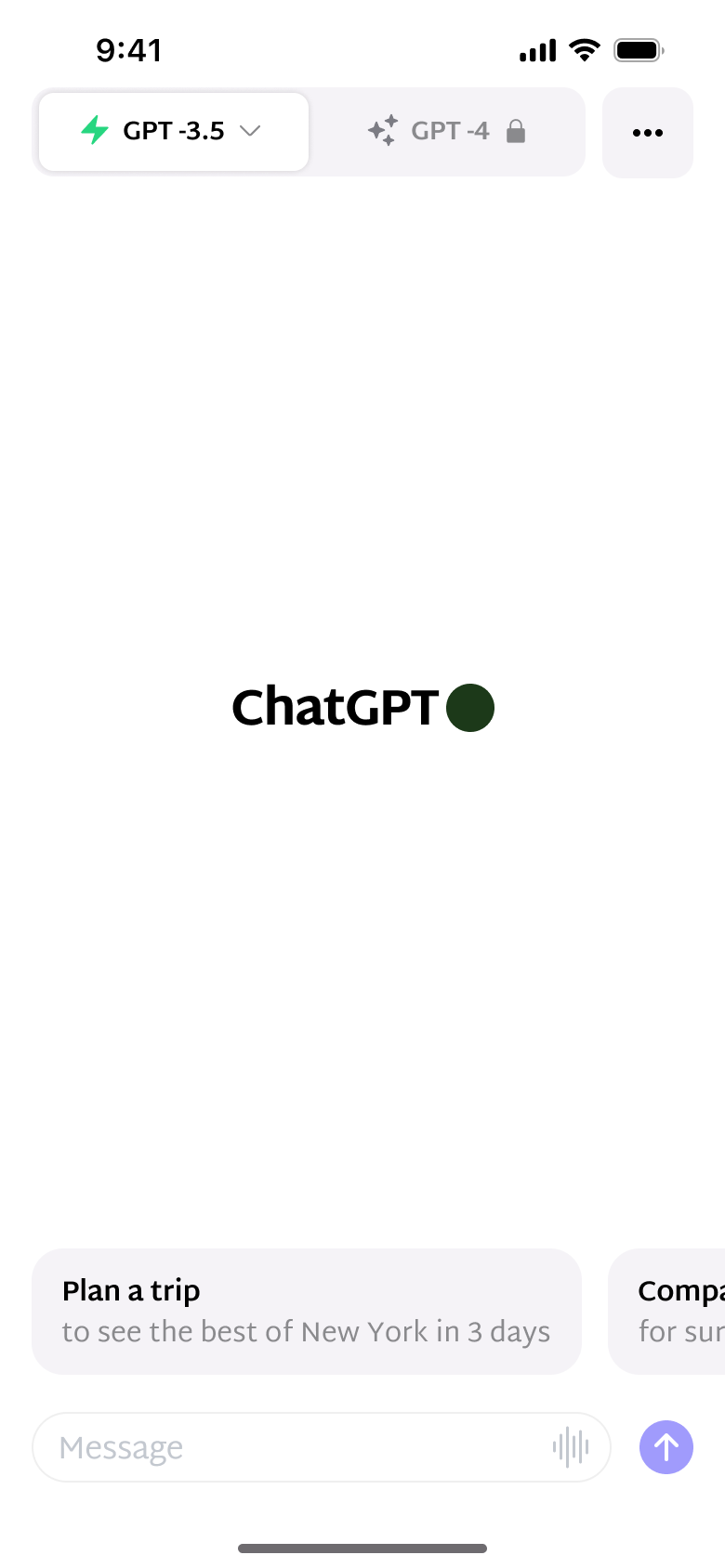
Push
The steps
- Step 1. Push
- Step 2. Swipe, In-place change
- Step 3. Swipe, In-place change
- Step 4. Swipe, In-place change
- Step 5. Tap suggestion, In-place change
- Step 6. In-place change
- Step 7. In-place change
- Step 8. Scroll, In-place change
- Step 9. Tap message, In-place change
- Step 10. Type, In-place change
- Step 11. Tap more, Sheet
- Step 12. Tap Delete, Sheet
- Step 13. Tap Delete, Dismiss modal or sheet
- Step 14. In-place change
More from ChatGPT
- Sign up with email on ChatGPT
- Log in with Apple on ChatGPT
- Log in with Google on ChatGPT
- Animated welcome on ChatGPT
- Share and rename a chat on ChatGPT
- Settings on ChatGPT
- Upgrade to Plus on ChatGPT
- Generate images on ChatGPT
- Browse the web on ChatGPT
- Chat with images on ChatGPT
- Enable new features on ChatGPT
- Voice conversation on ChatGPT
- Dictate and select text on ChatGPT
- Full ChatGPT UI kit
- Messaging flows in other apps
Not affiliated with, endorsed or sponsored by ChatGPT. ChatGPT is a trade mark of its owner. Recreated for design reference and education. Rights holders: contact us