
Notification settings
Notifications on Coinbase
The user opens notifications, sees all caught up, a permission prompt and notification settings.
Step 1 of 3
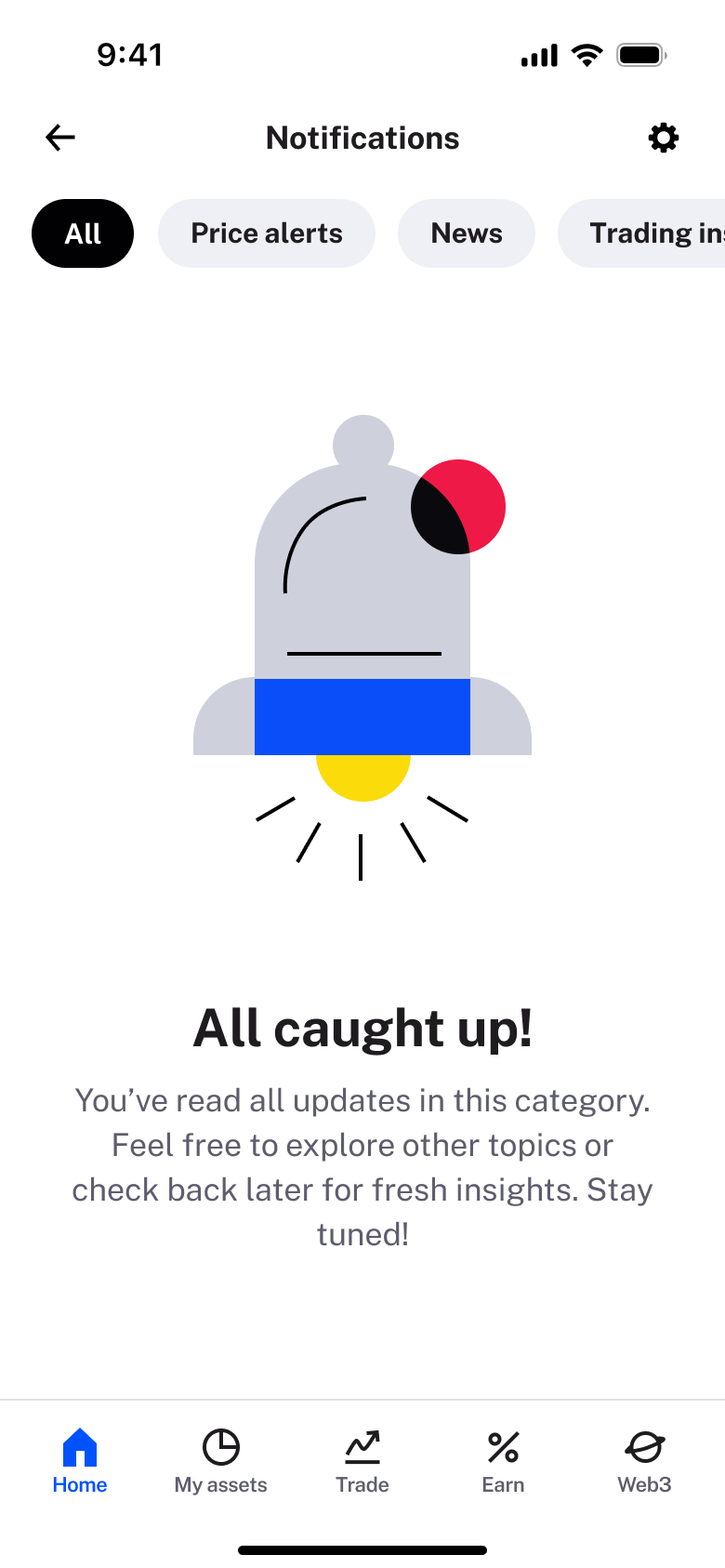
Tap bell · Push
The steps
- Step 1. Tap bell, Push
- Step 2. Tap settings, Push
- Step 3. Tap Allow, Dismiss modal or sheet
More from Coinbase
- Welcome on Coinbase
- Sign in on Coinbase
- Sign up on Coinbase
- Verify identity on Coinbase
- Home on Coinbase
- Menu and settings on Coinbase
- Add a card on Coinbase
- Deposit by bank transfer on Coinbase
- First buy prompt on Coinbase
- My assets on Coinbase
- Send and receive crypto on Coinbase
- Create a web3 wallet on Coinbase
- Explore web3 dapps on Coinbase
- Trade and earn on Coinbase
- Search assets on Coinbase
- View an asset on Coinbase
- Cash out on Coinbase
- Convert crypto on Coinbase
- Sell crypto on Coinbase
- Buy crypto on Coinbase
- Full Coinbase UI kit
- Notification settings flows in other apps
Not affiliated with, endorsed or sponsored by Coinbase. Coinbase is a trade mark of its owner. Recreated for design reference and education. Rights holders: contact us