
Log a past flight manually
Create12 screens
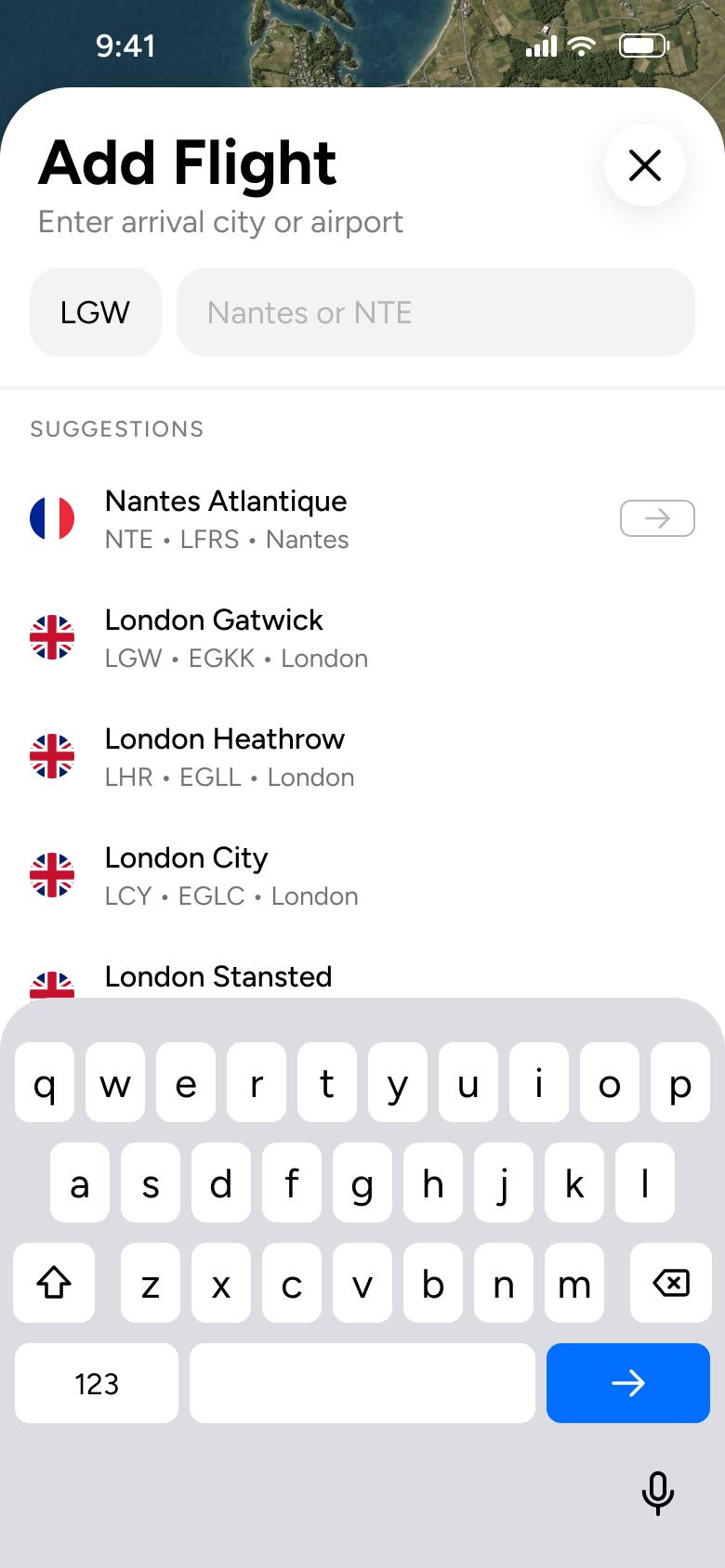
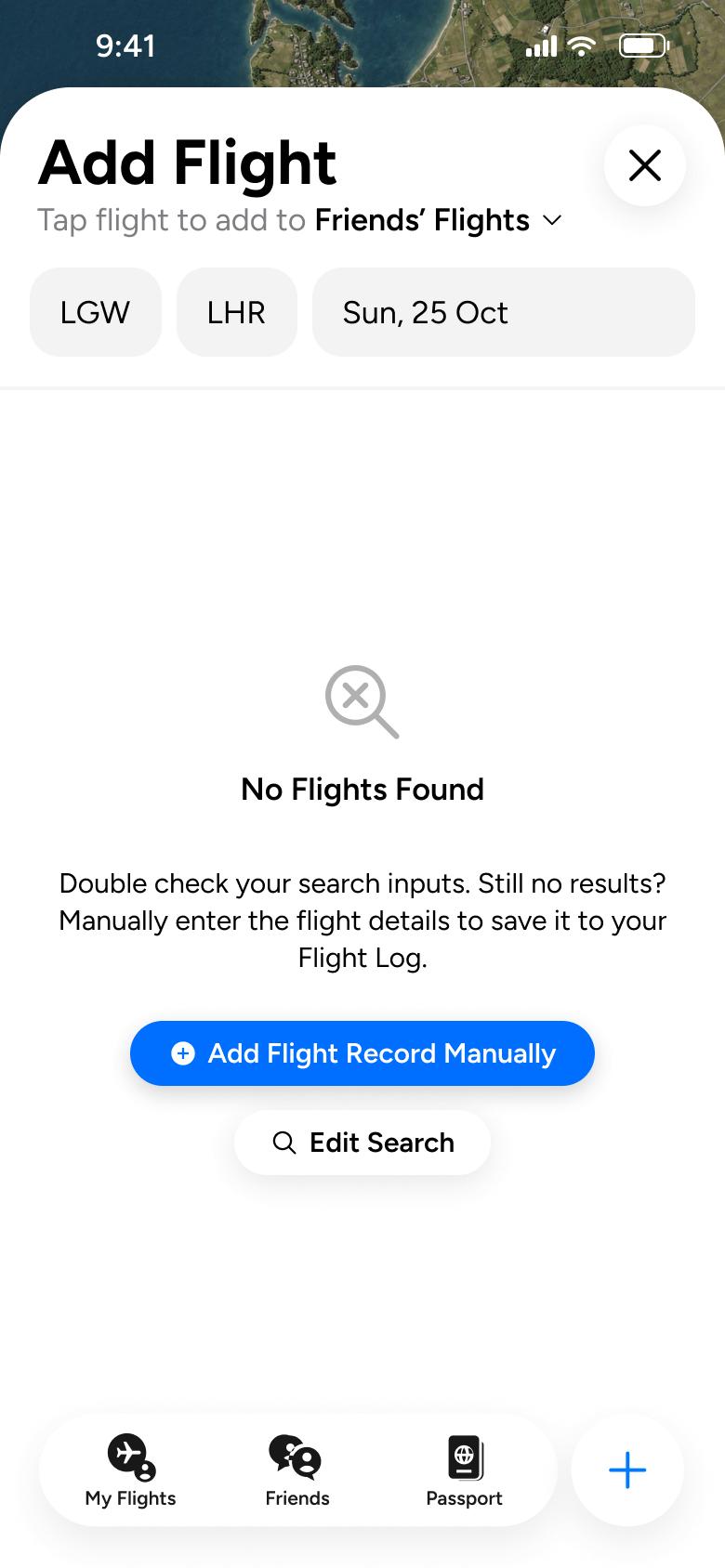
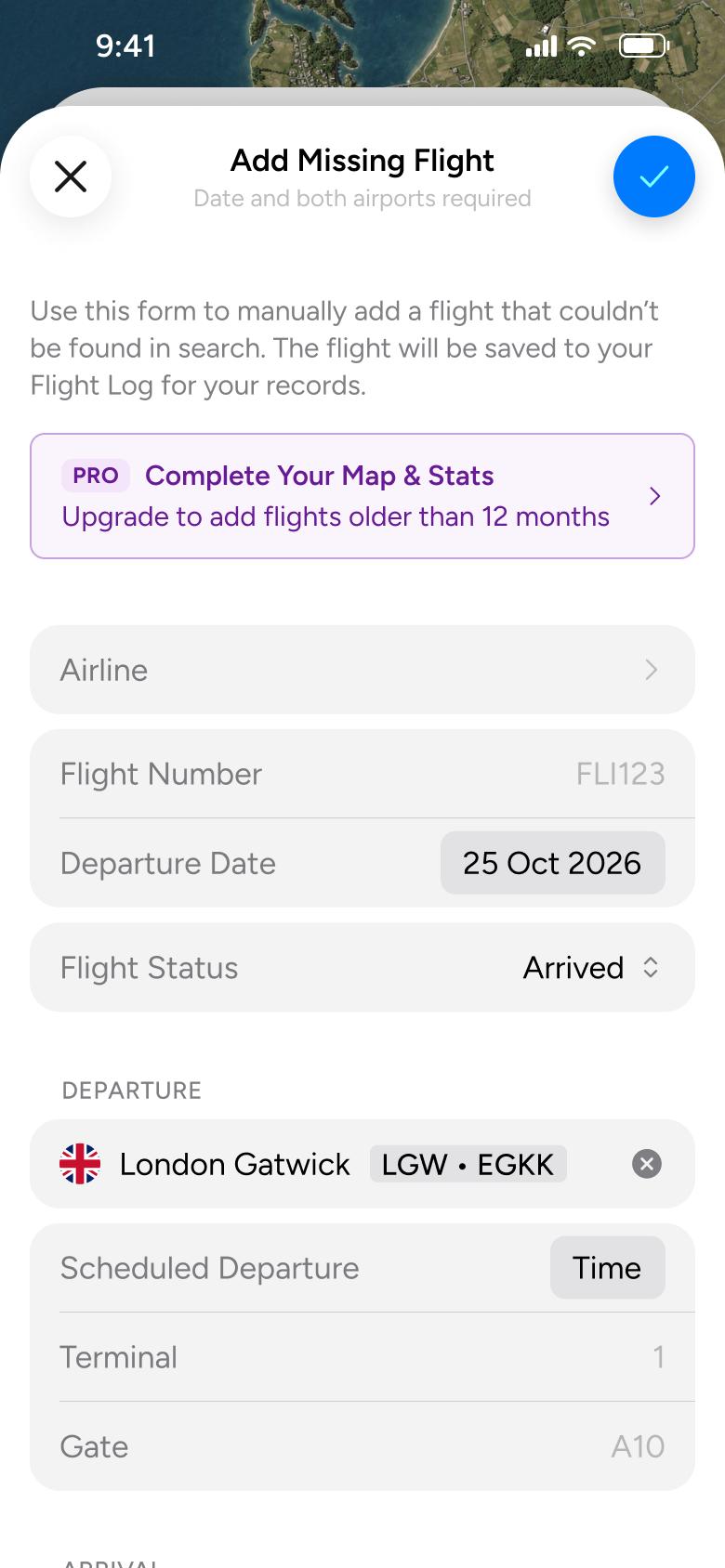
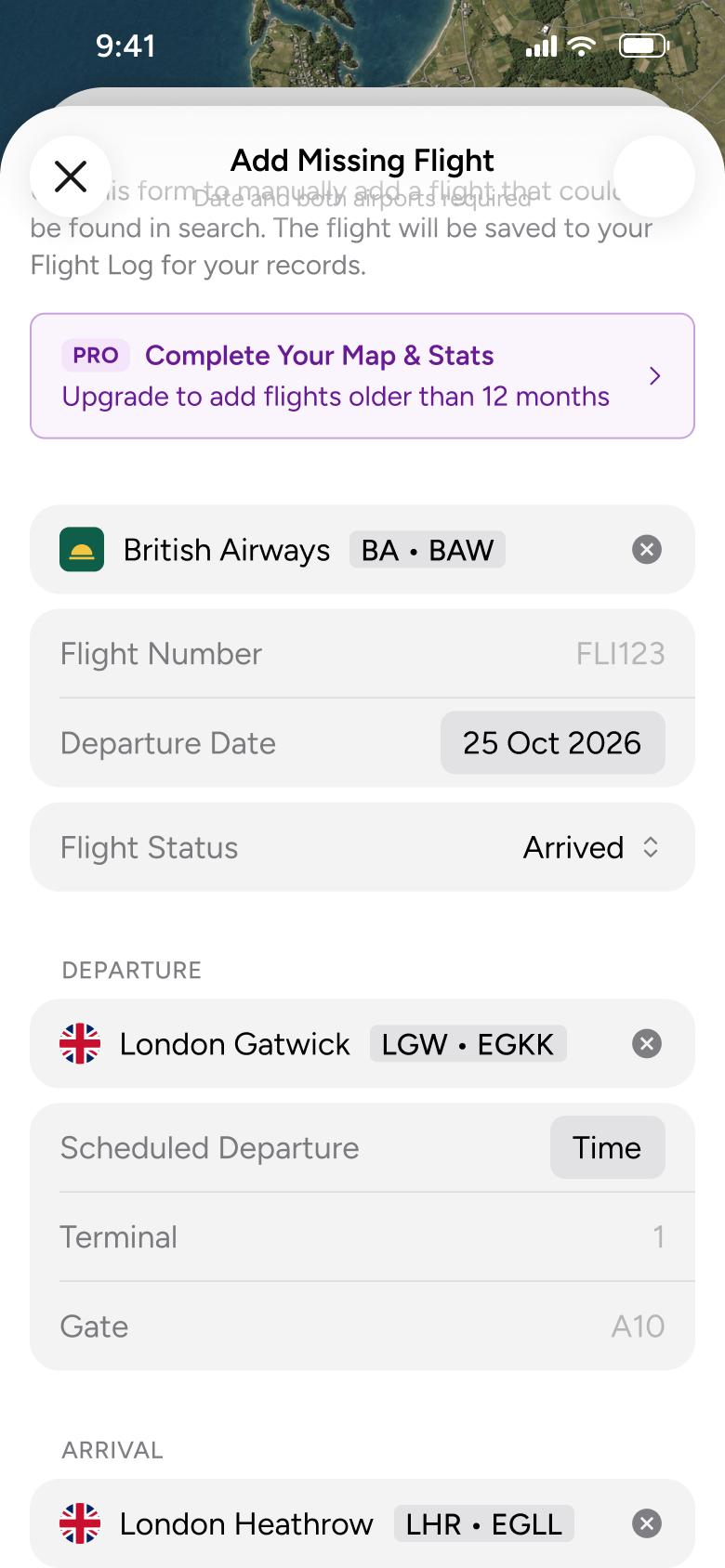
Steps 1–4 of 12, in recording order
Open flowRead the feature guides: airports, my flights, friends, notifications, live activities, connections, delay predictions, HUD, inbound plane, crew mode and the map legend.
FlightyiOS17 steps
Every app’s free flow imports free, no card needed.
See all help & support flows across apps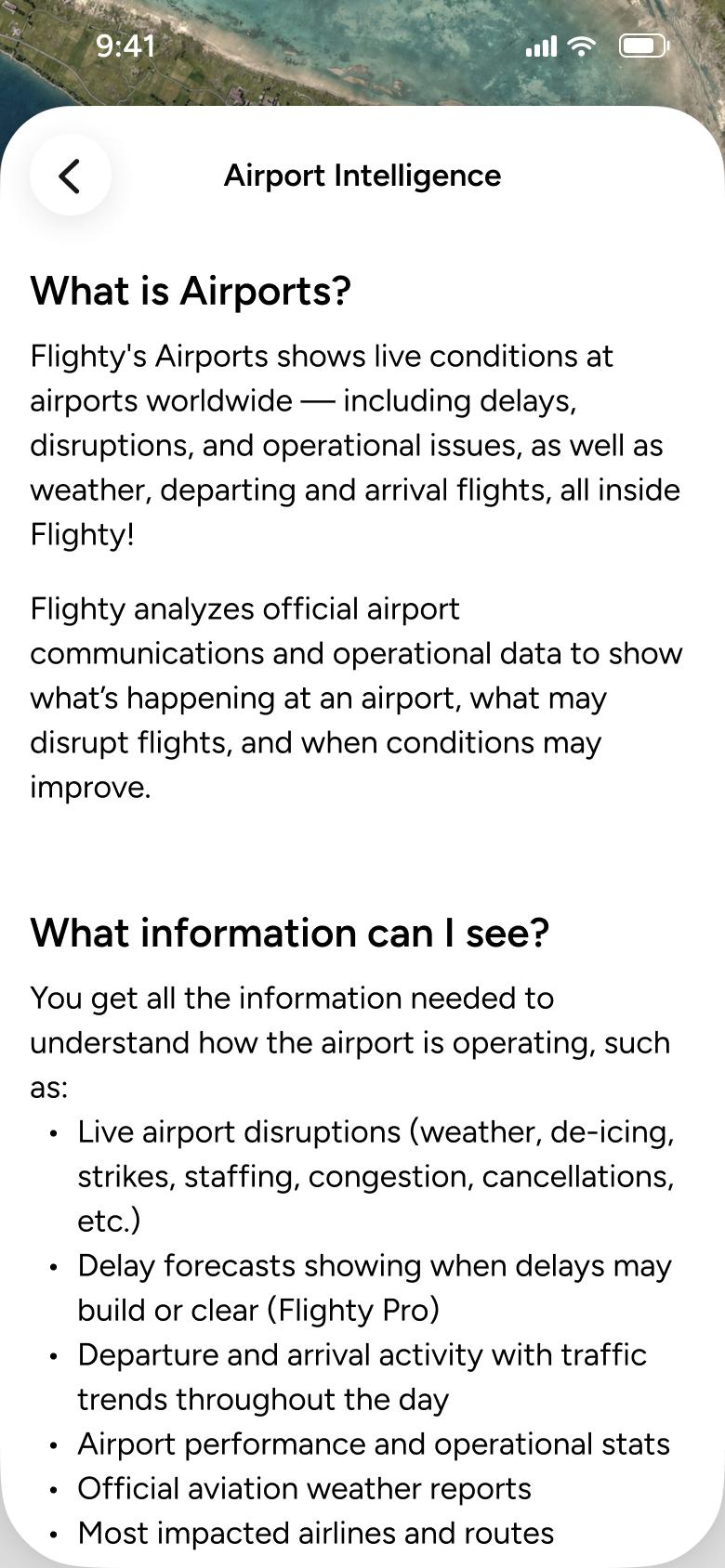
Step 1 of 17
Help 20
How you get here: Slides in from the right
Open the SuperDuper UI plugin in Figma to paste these 17 screens into your file as editable layers.
All 17 steps
Use ← → to step through
Each screen in the order it was recorded, with how the user got there.
Tap Airport Intelligence
Help 20
Slides in from the right
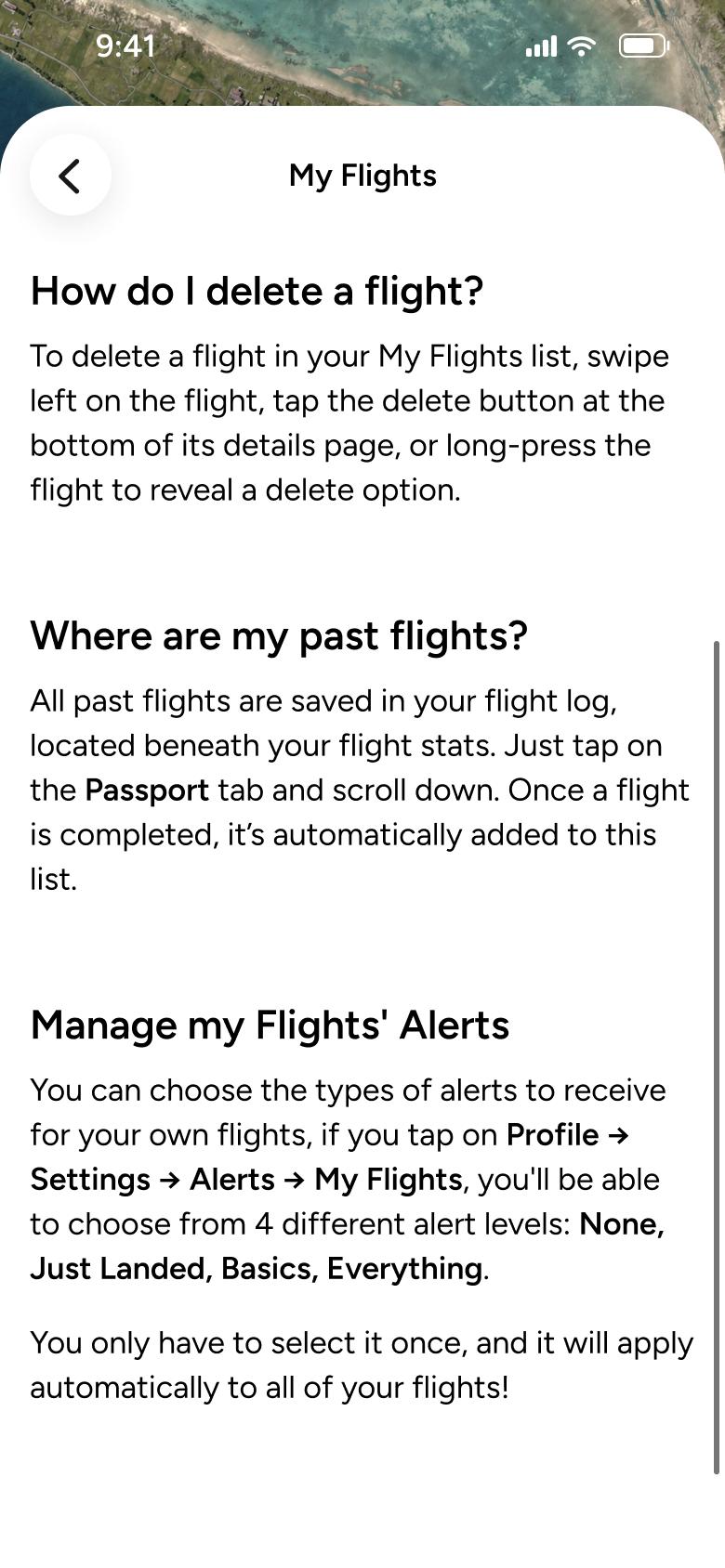
Tap My Flights
Help 21
Slides in from the right
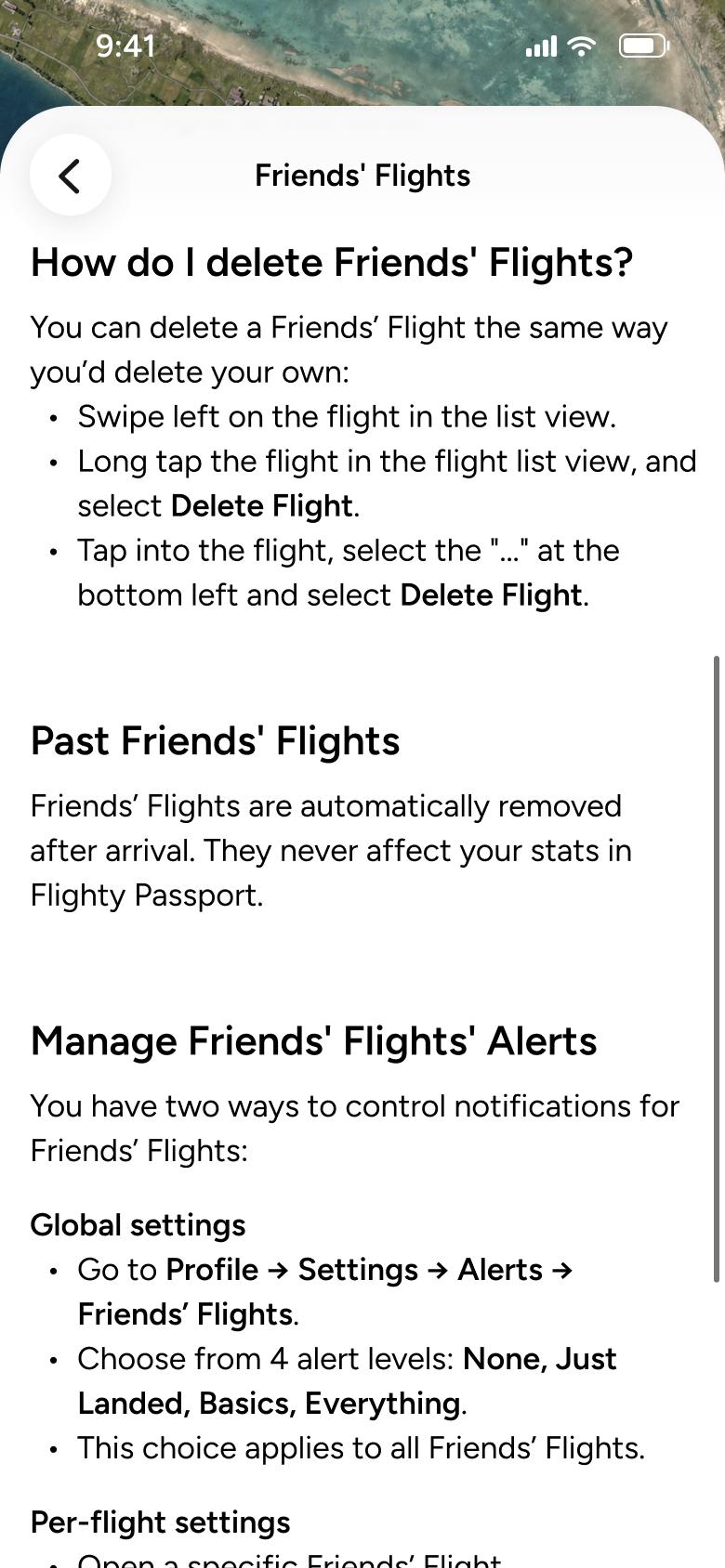
Tap Friends' Flights
Help 22
Slides in from the right
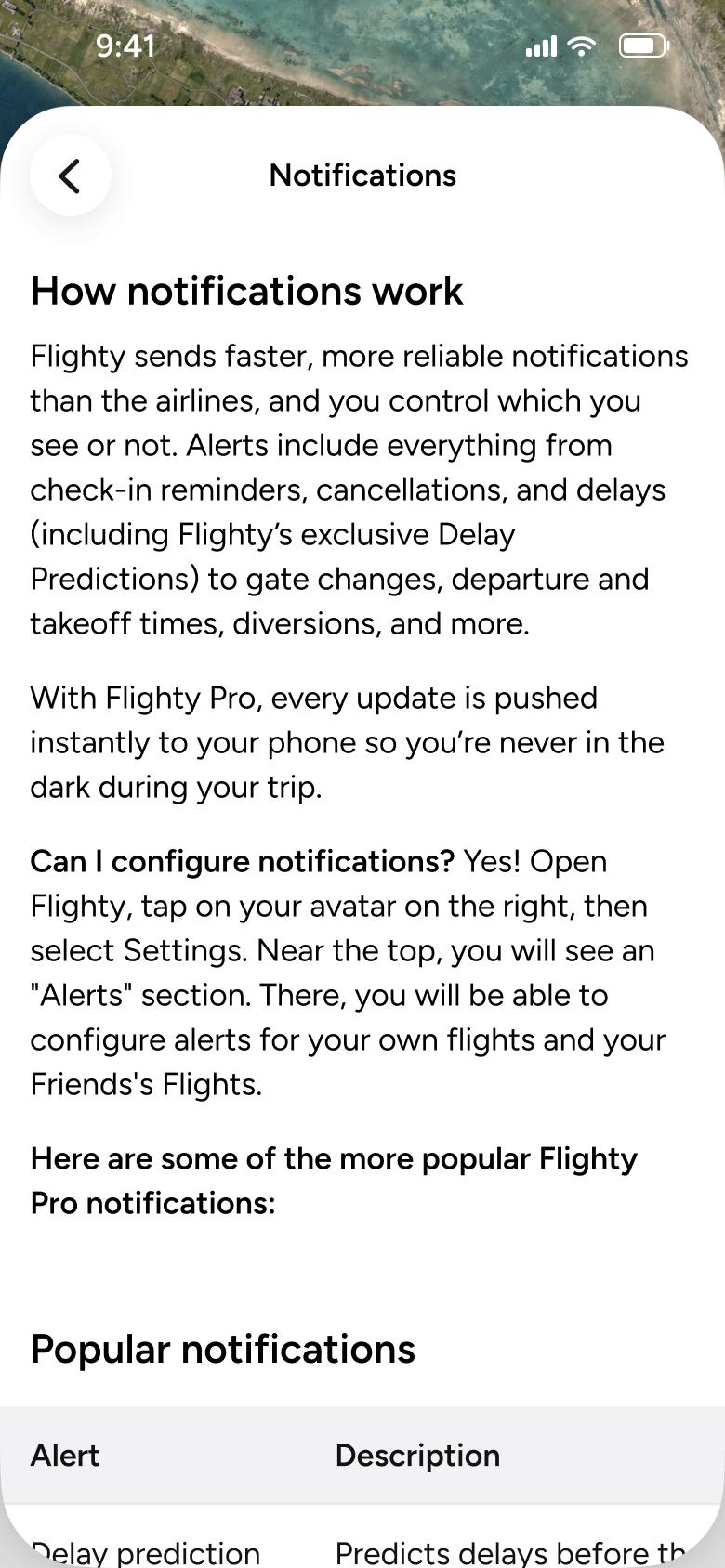
Tap Notifications
Help 23
Slides in from the right
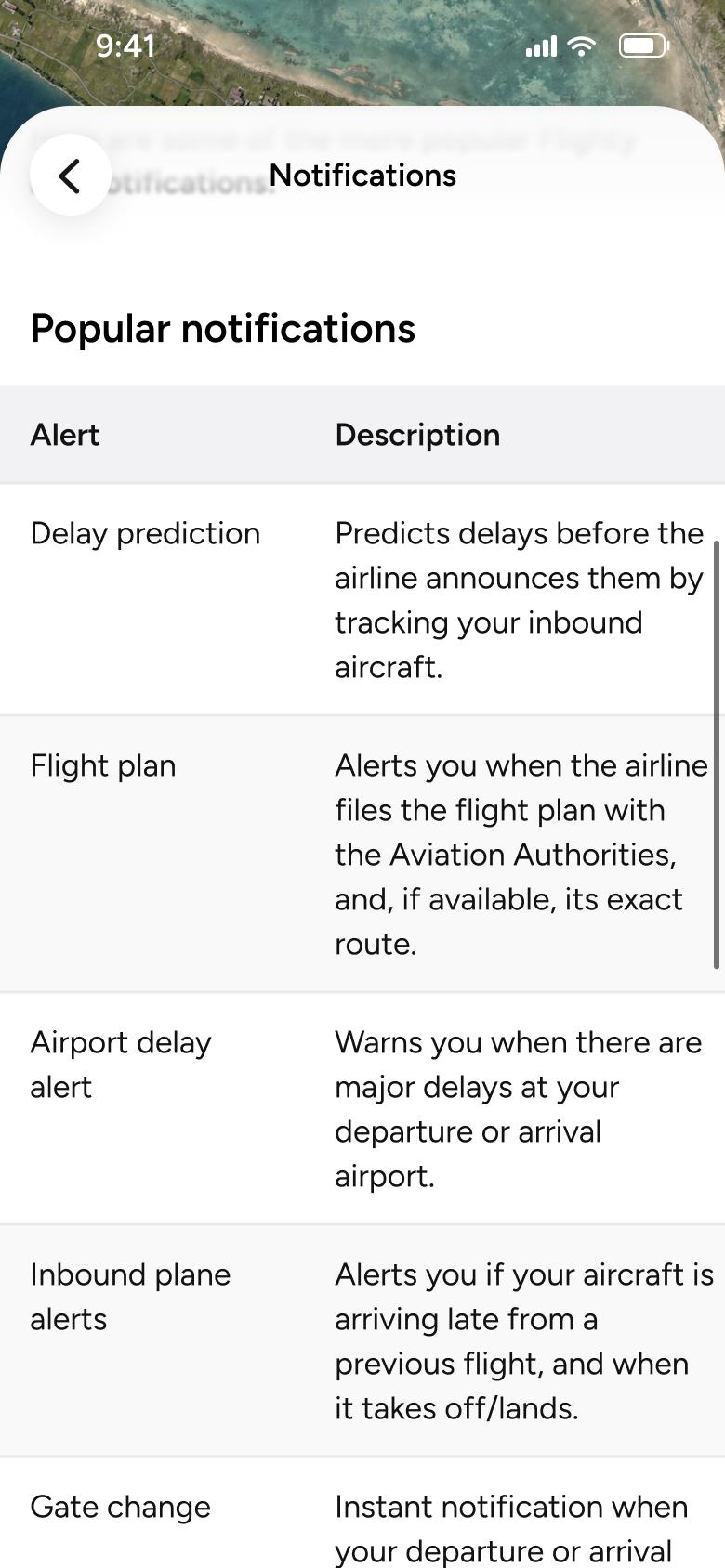
Scroll down
Help 24
Changes in place
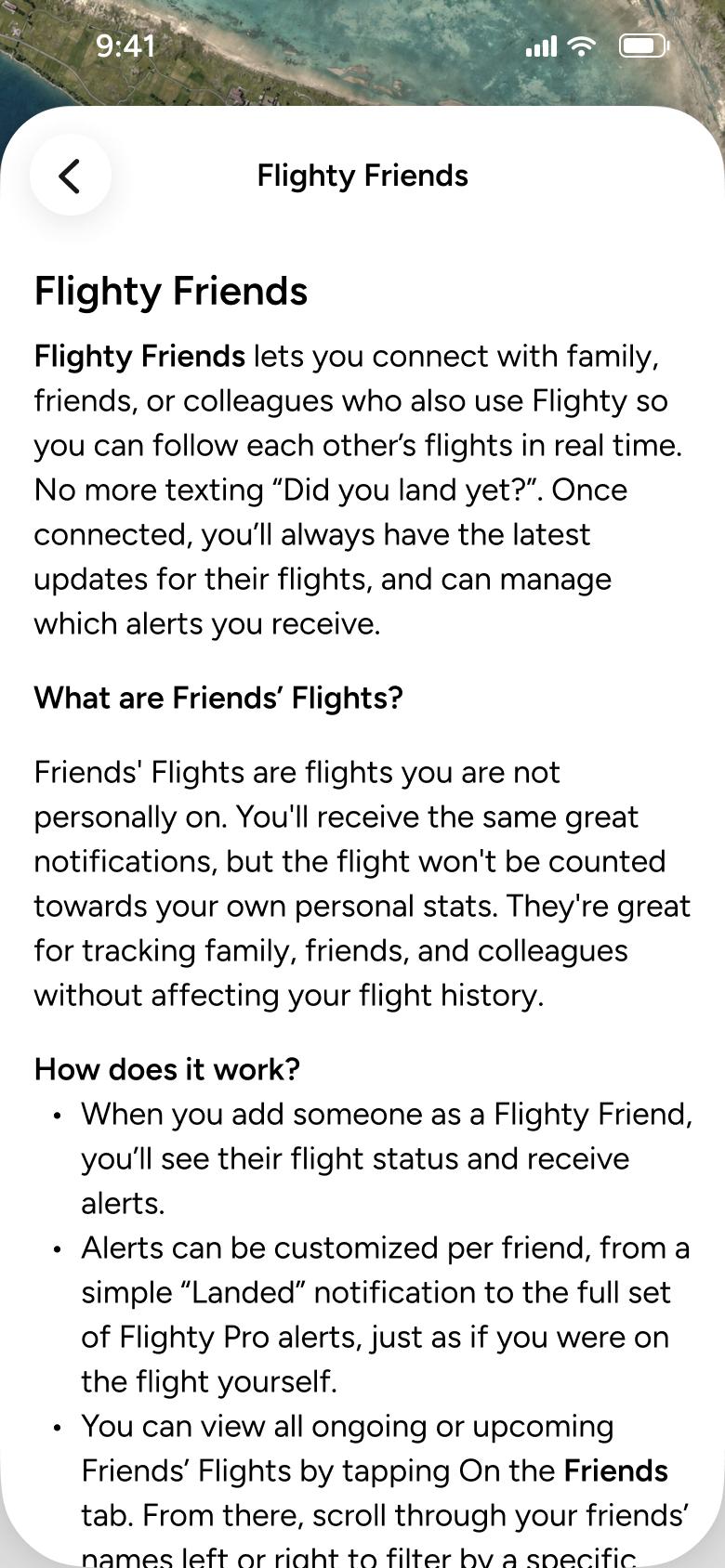
Tap Flighty Friends
Help 25
Slides in from the right
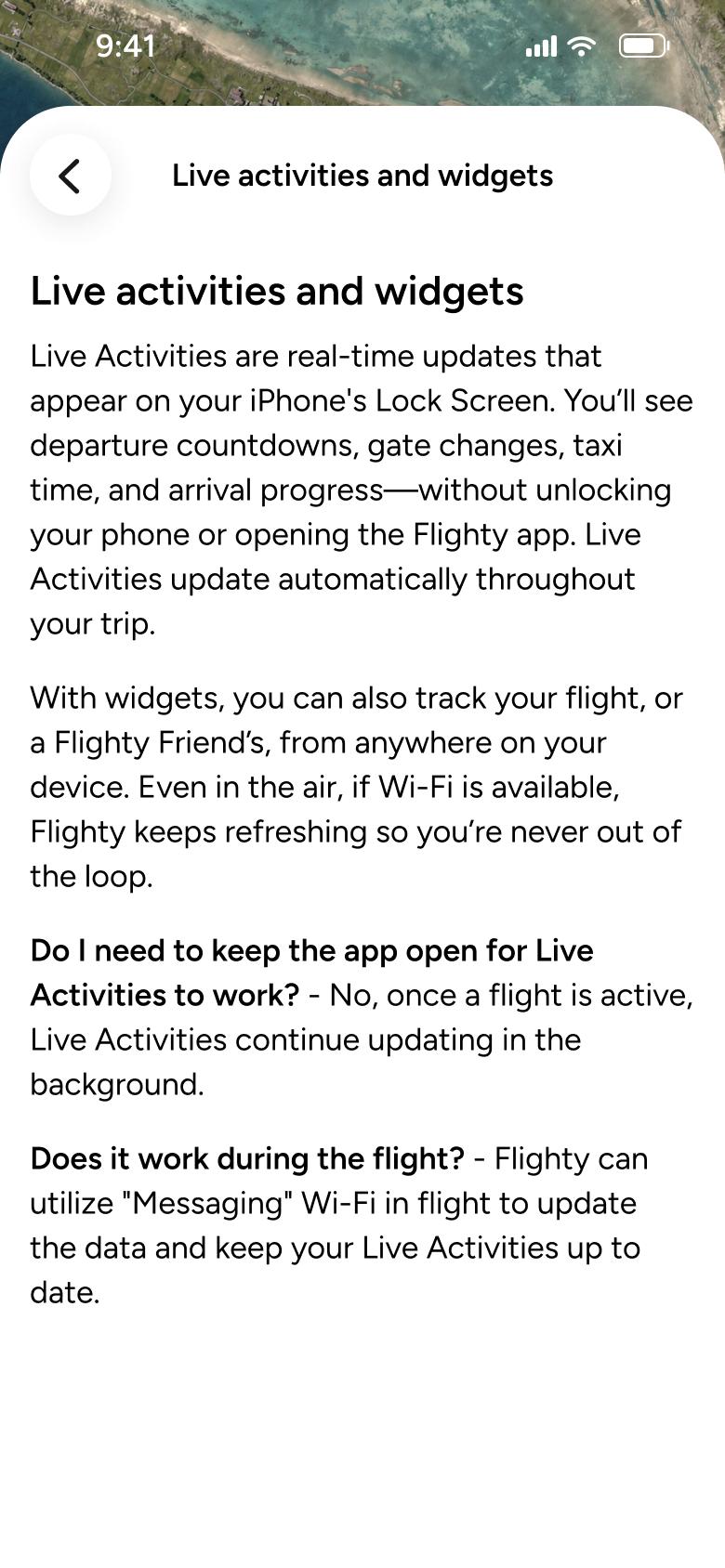
Tap Live activities and widgets
Help 26
Slides in from the right
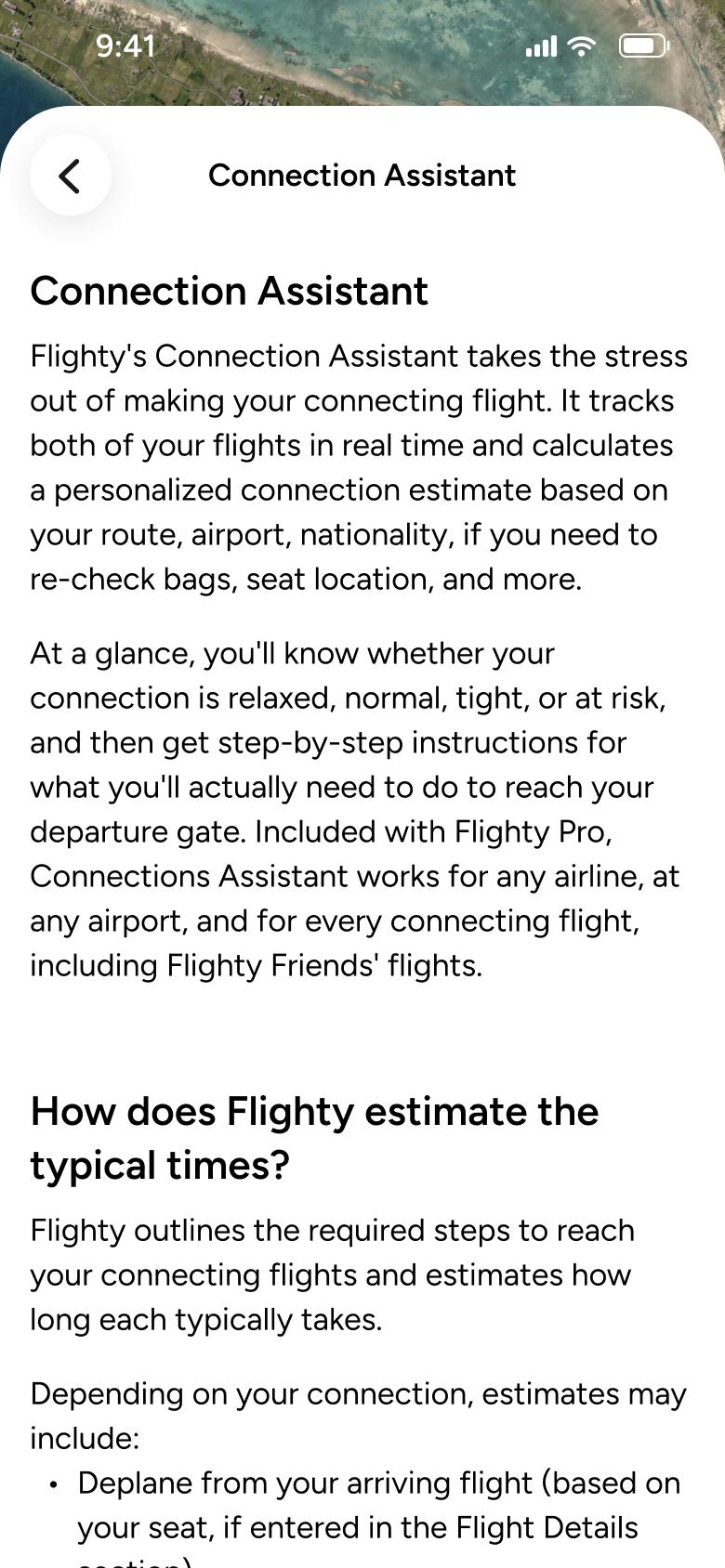
Tap Connection Assistant
Help 27
Slides in from the right
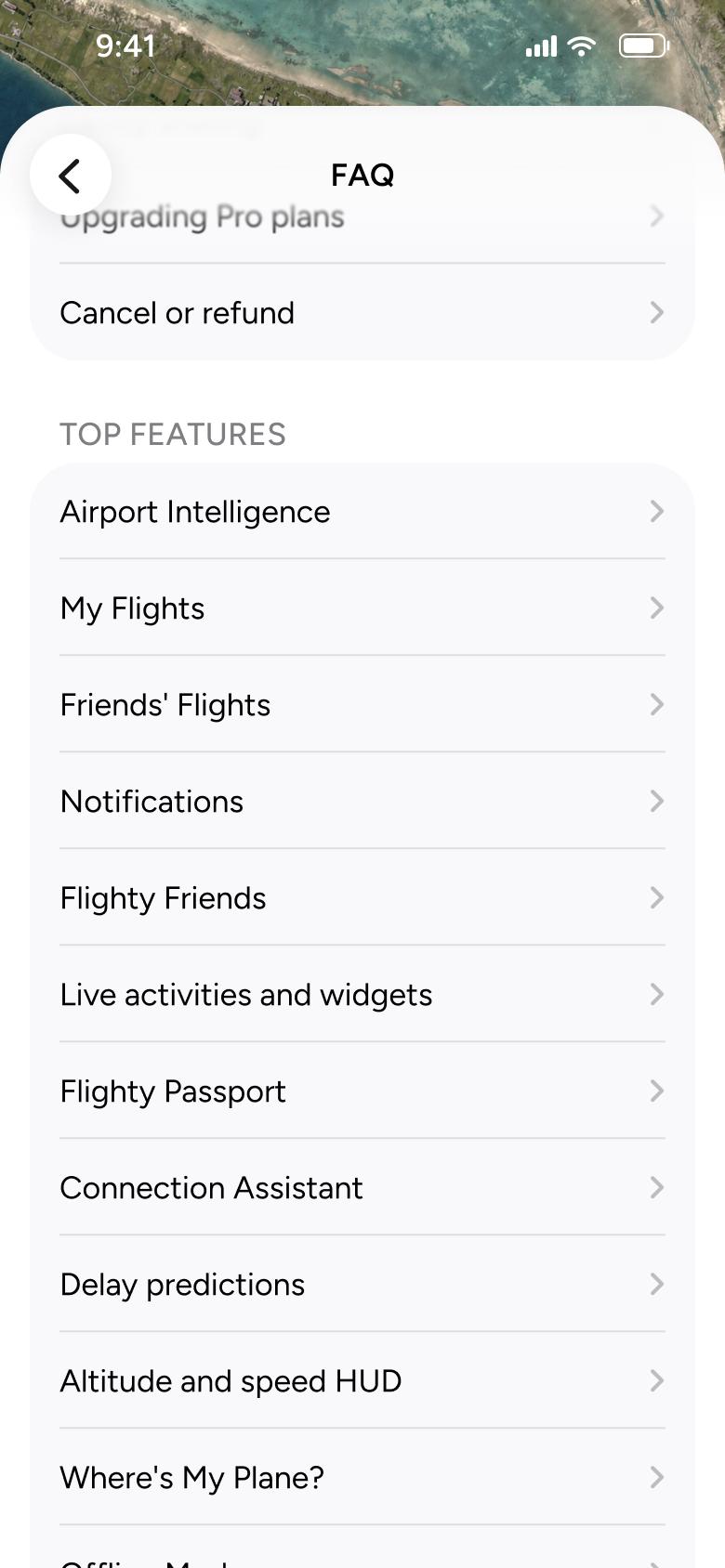
Go back
Help 28
Goes back
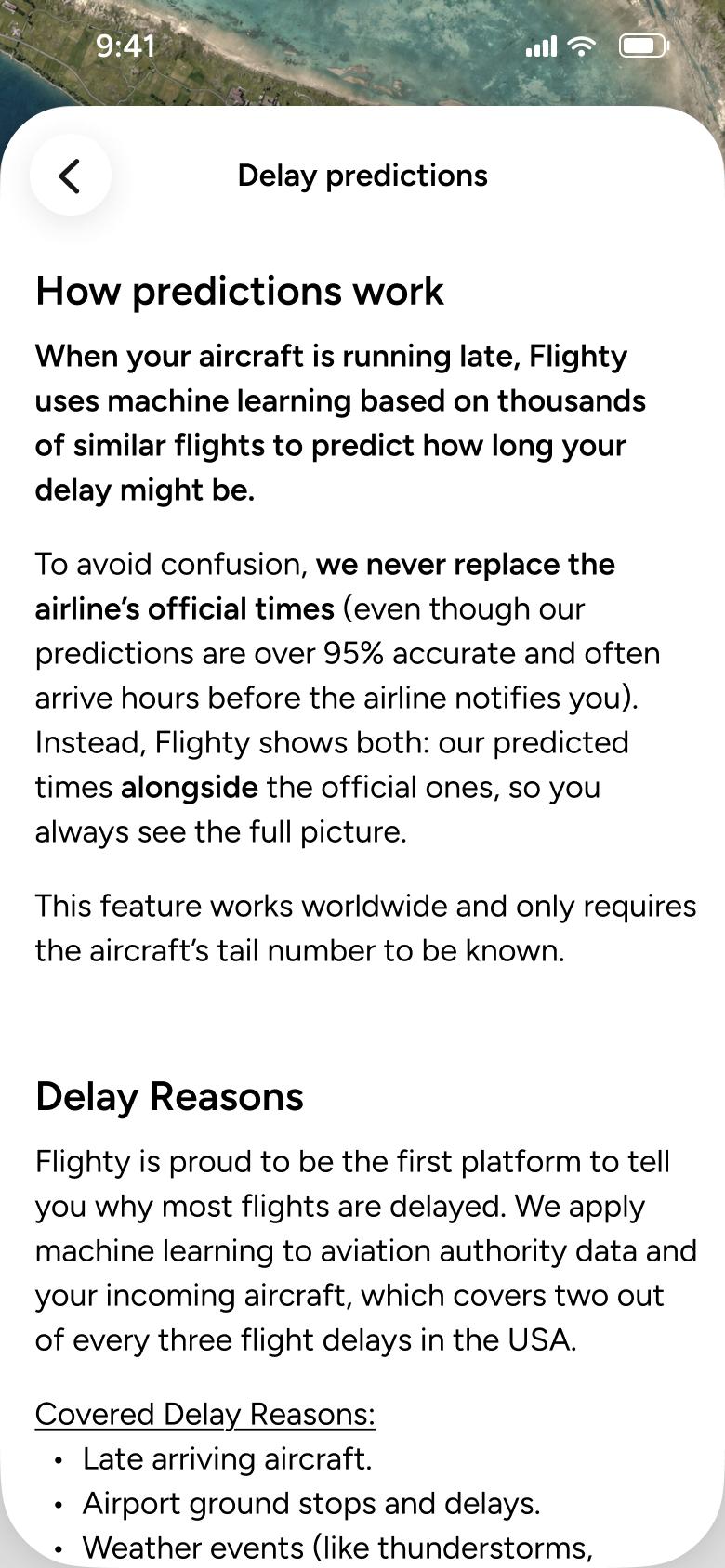
Tap Delay predictions
Help 29
Slides in from the right
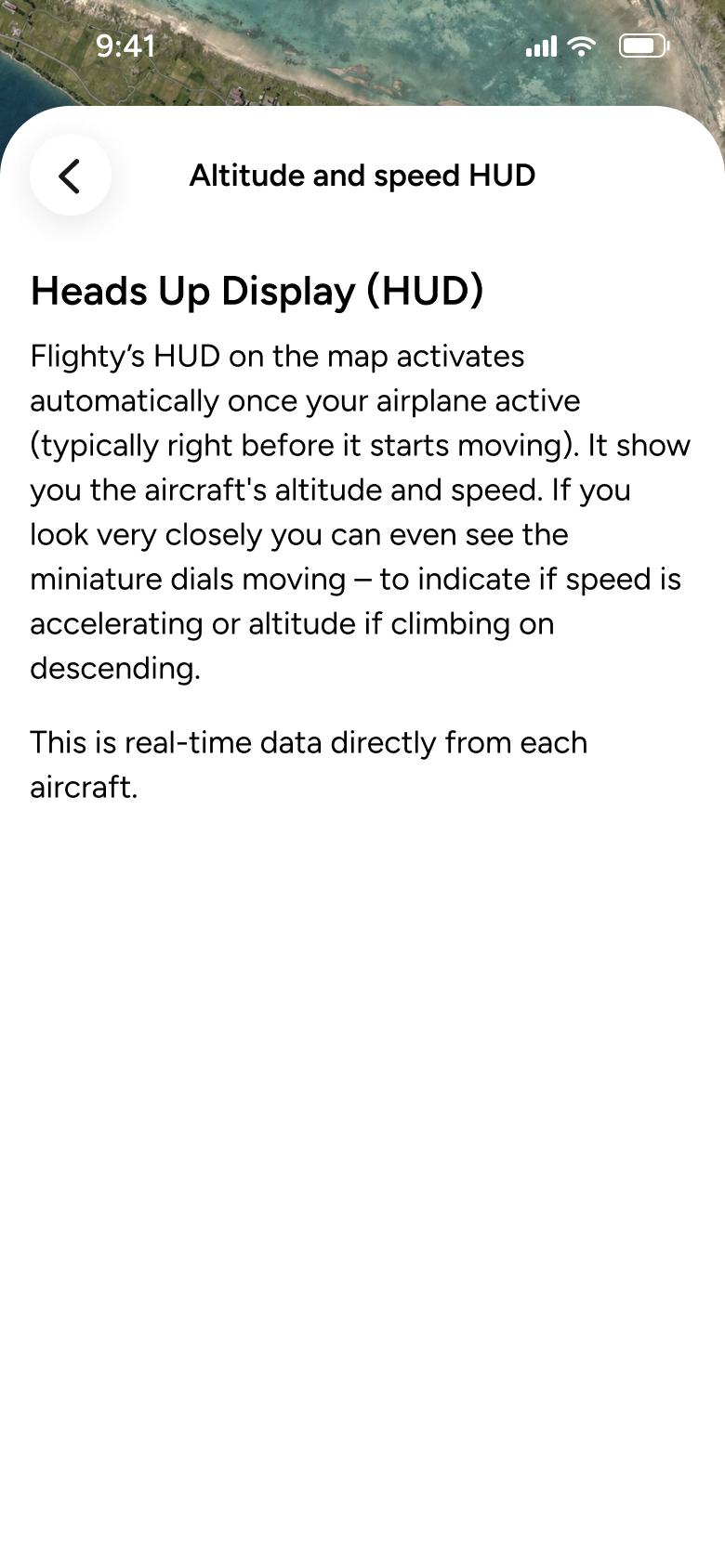
Tap Altitude and speed HUD
Help 30
Slides in from the right
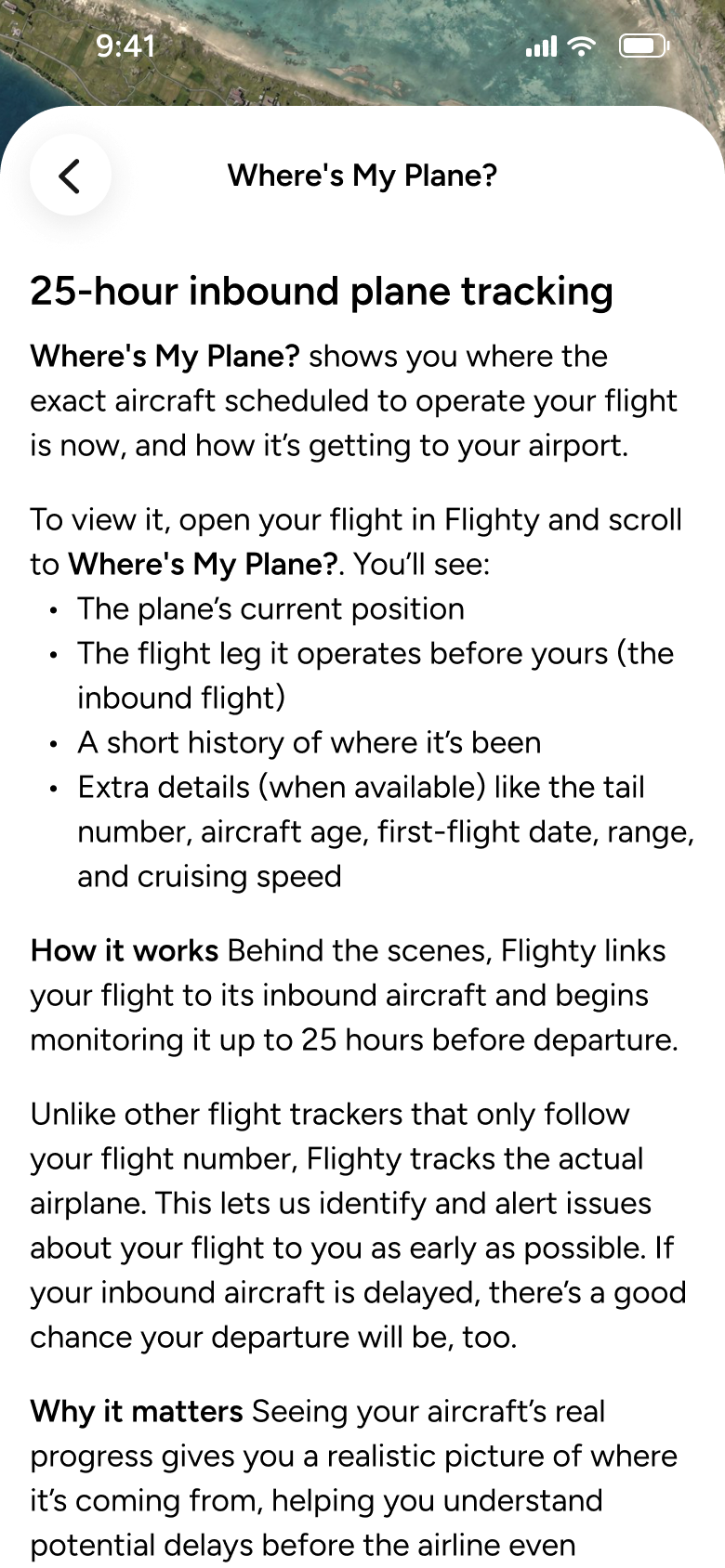
Tap Where's My Plane?
Help 31
Slides in from the right
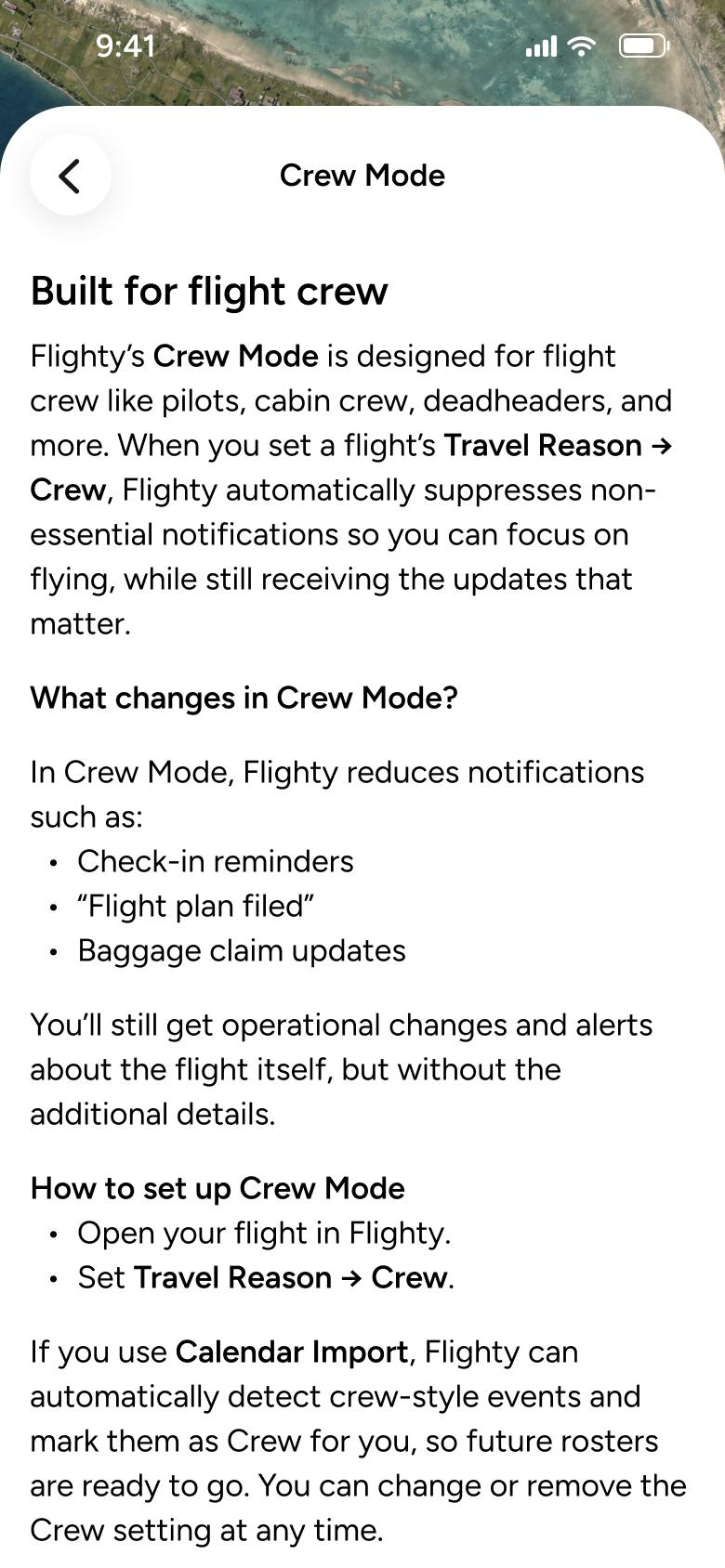
Tap Crew Mode
Help 32
Slides in from the right
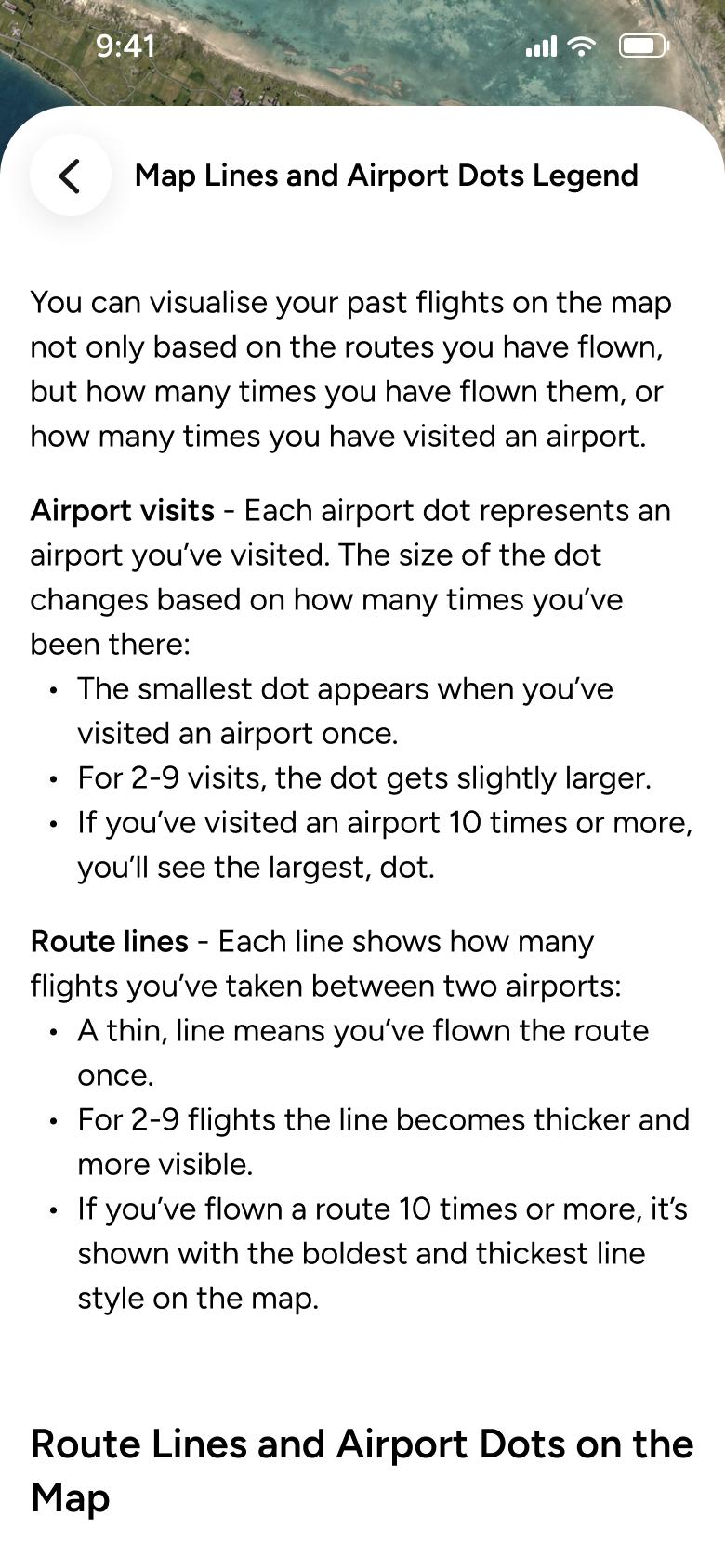
Tap Map Lines and Airport Dots Legend
Help 33
Slides in from the right
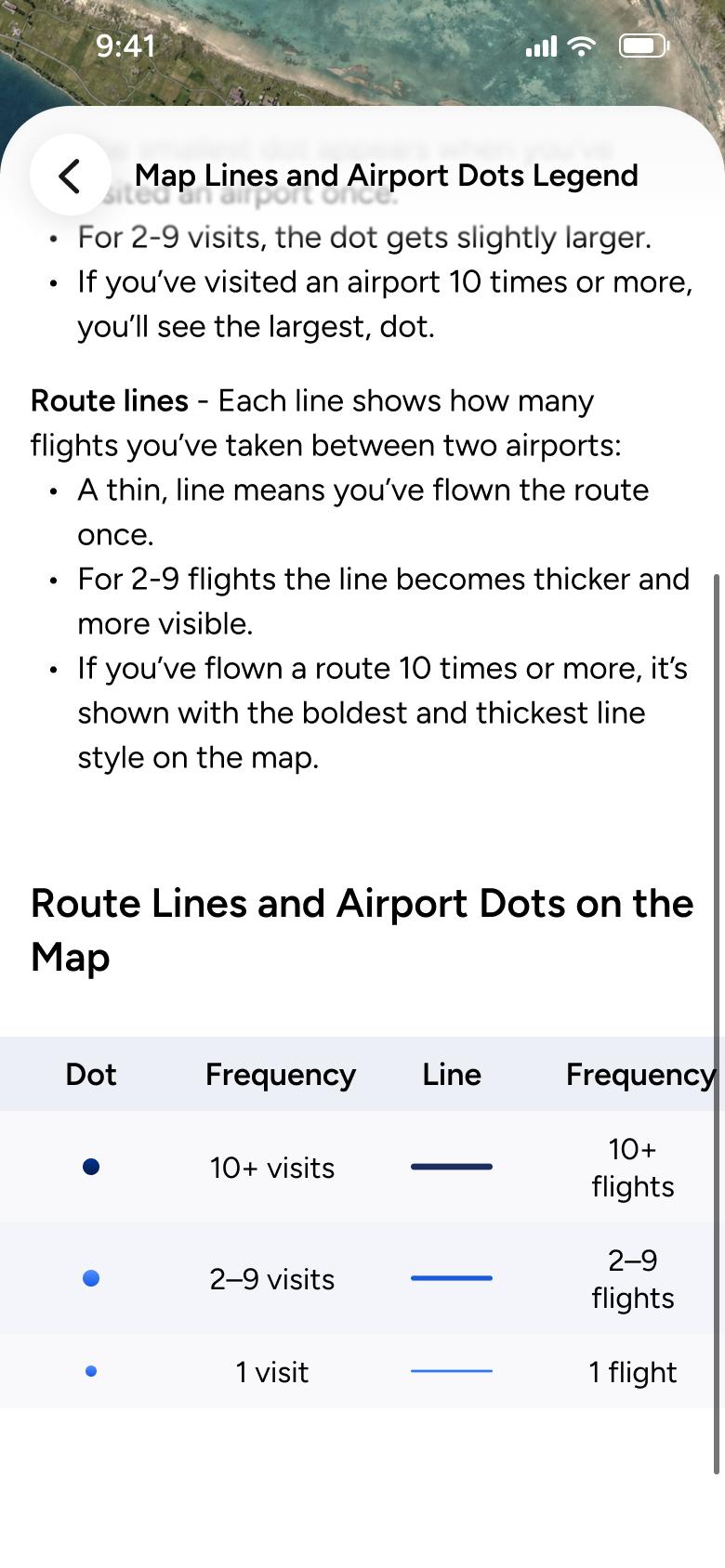
Scroll down
Help 34
Changes in place
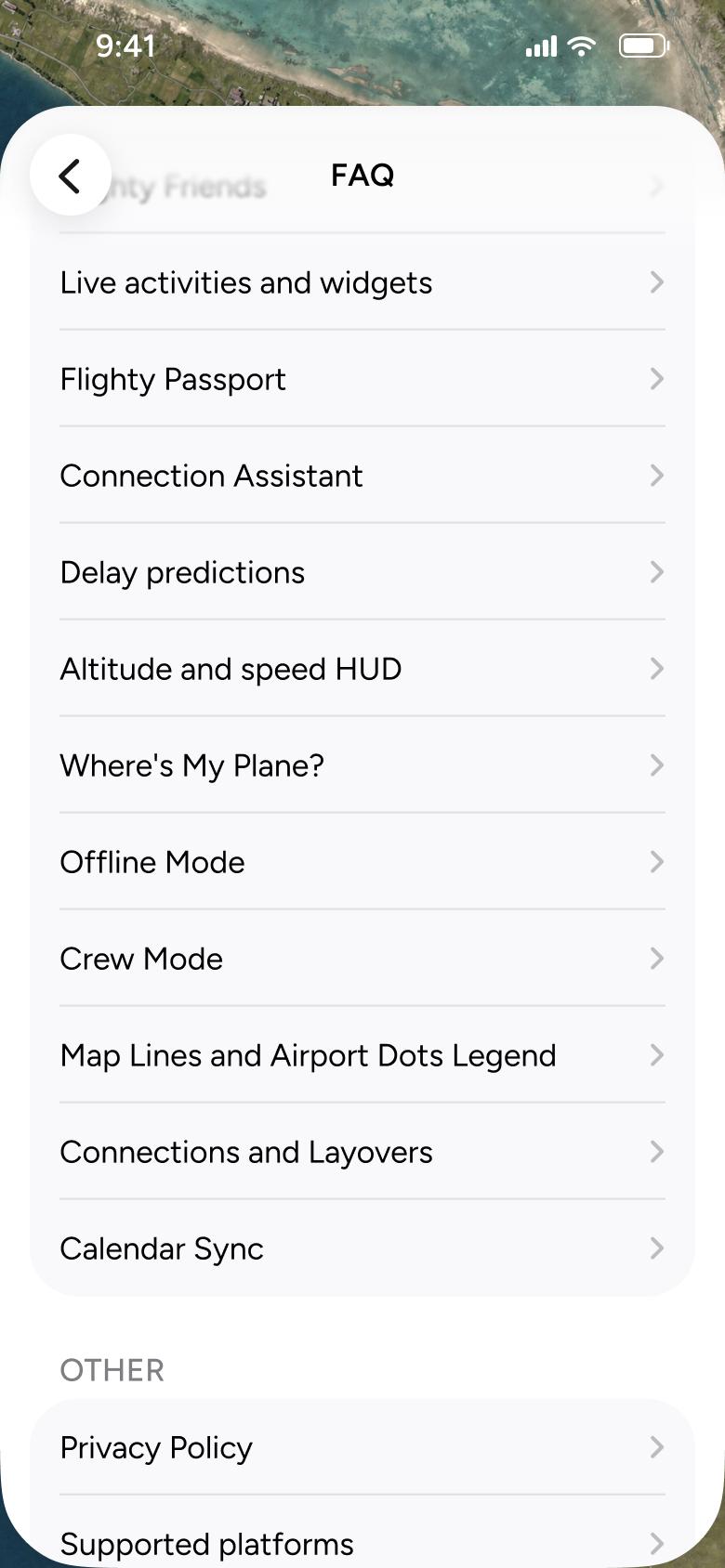
Go back
Help 35
Goes back
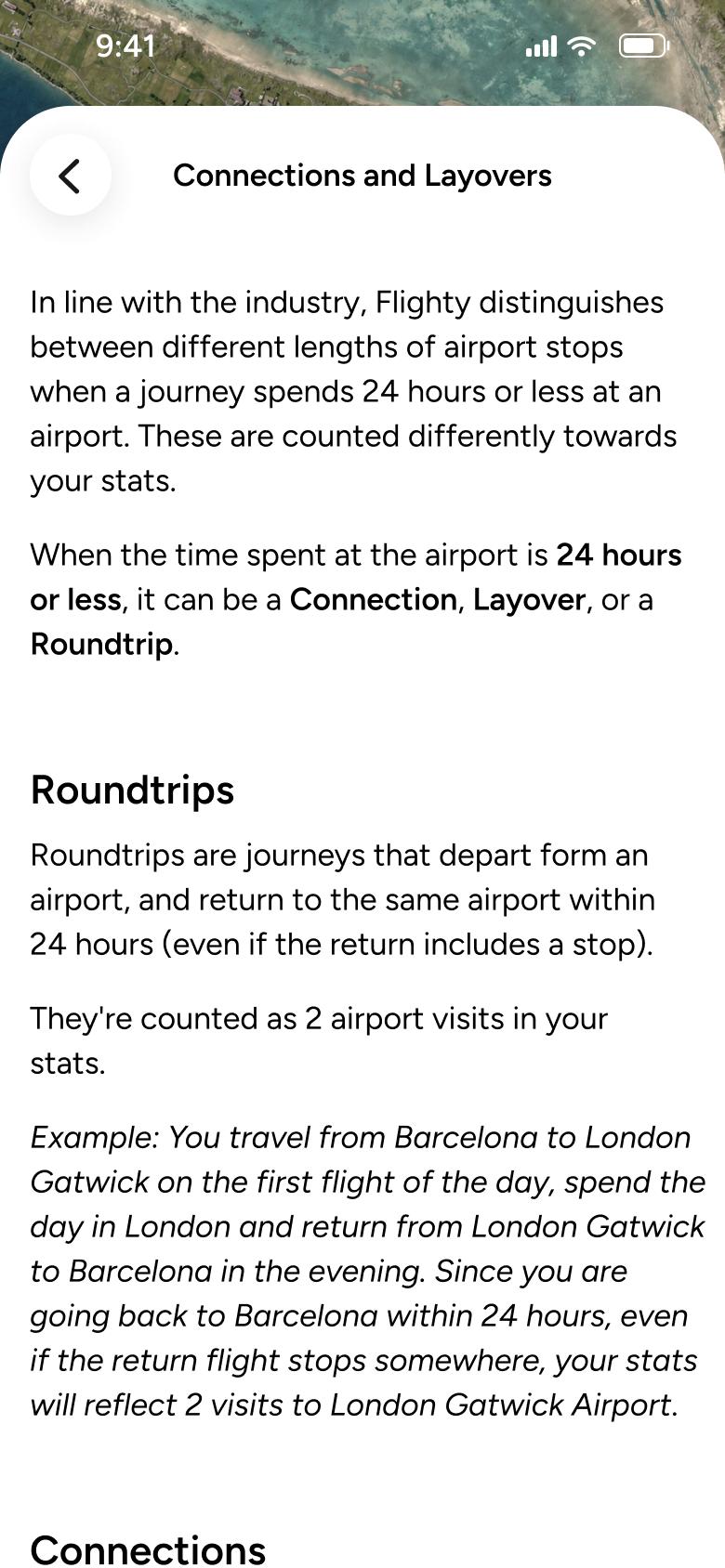
Tap Connections and Layovers
Help 36
Slides in from the right
Not affiliated with, endorsed or sponsored by Flighty. Flighty is a trade mark of its owner. Recreated for design reference and education. Rights holders: contact us
Create12 screens
Steps 1–4 of 12, in recording order
Open flowView details12 screens
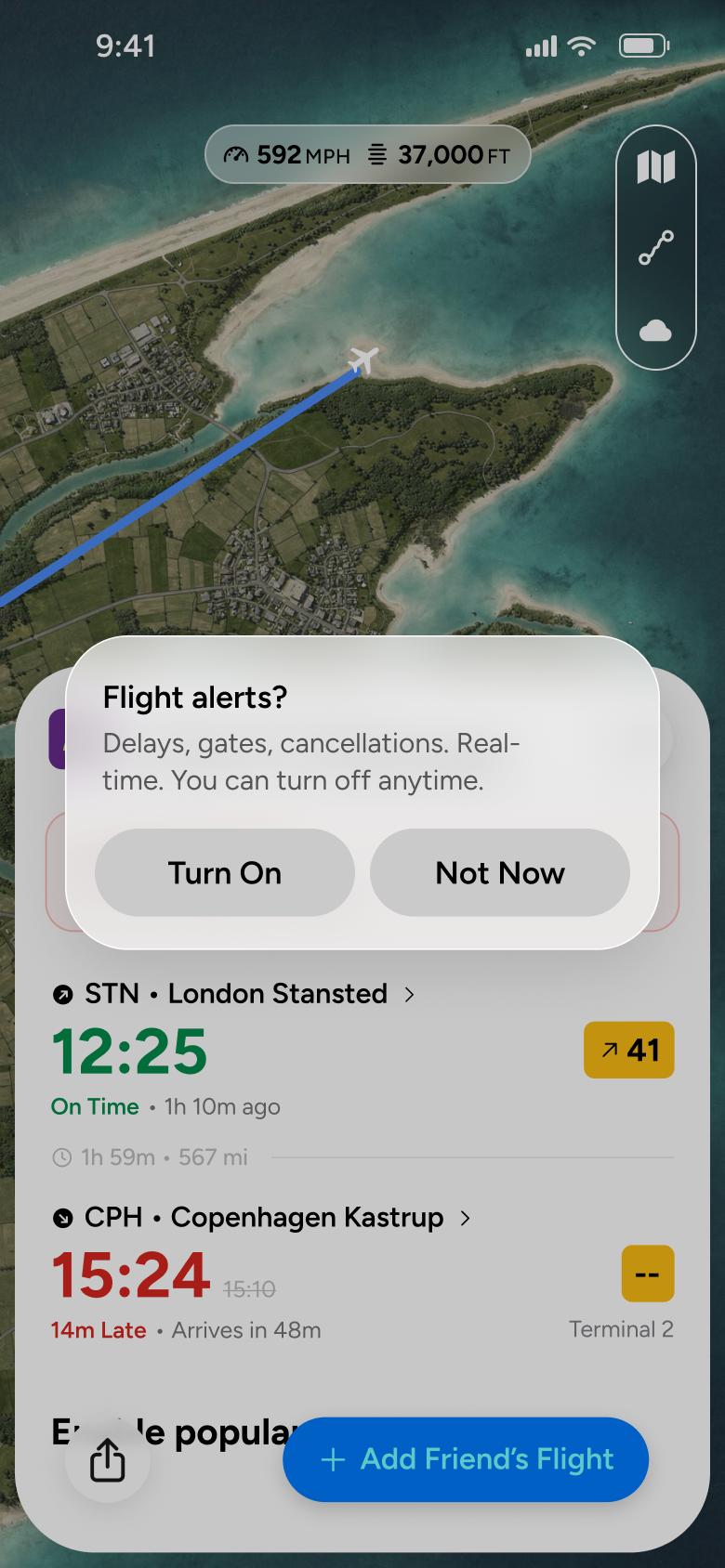
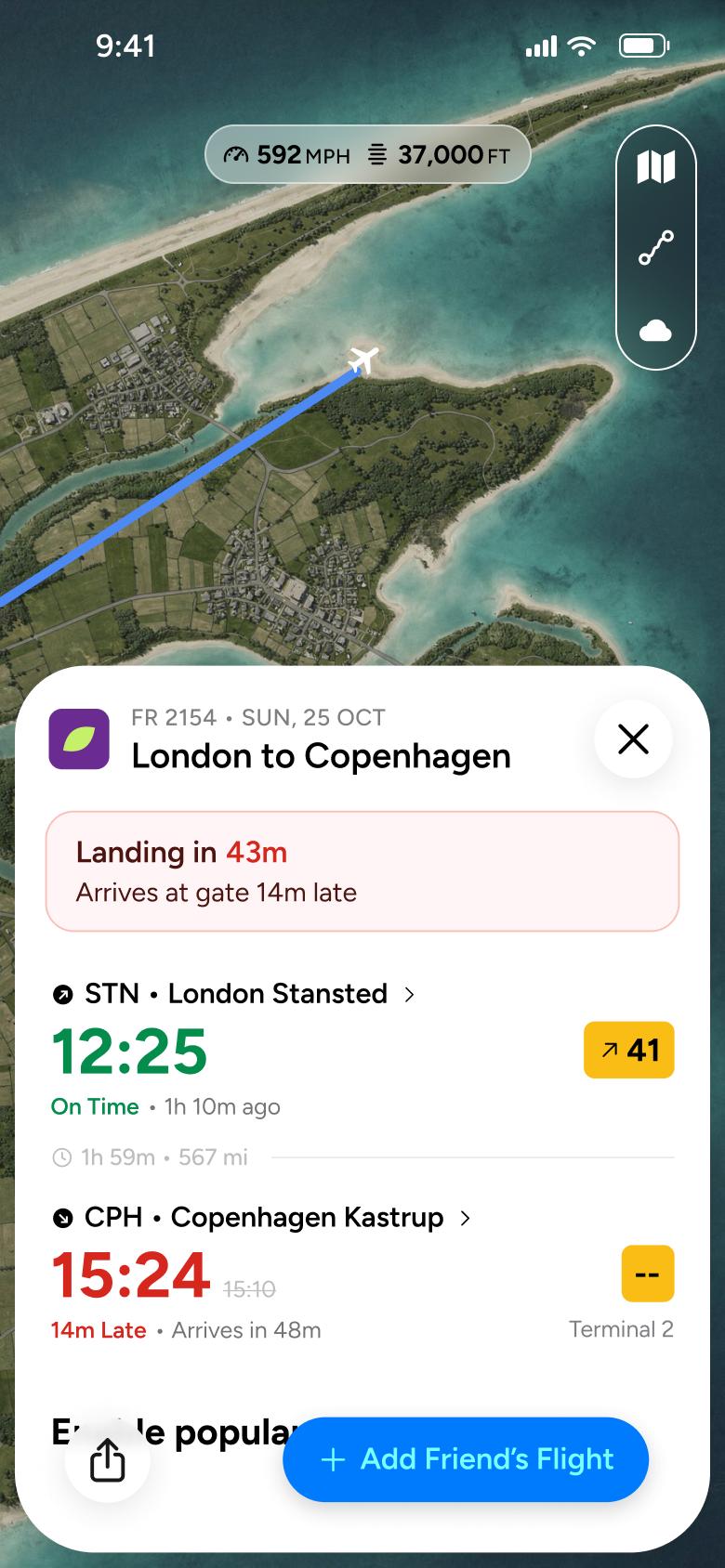
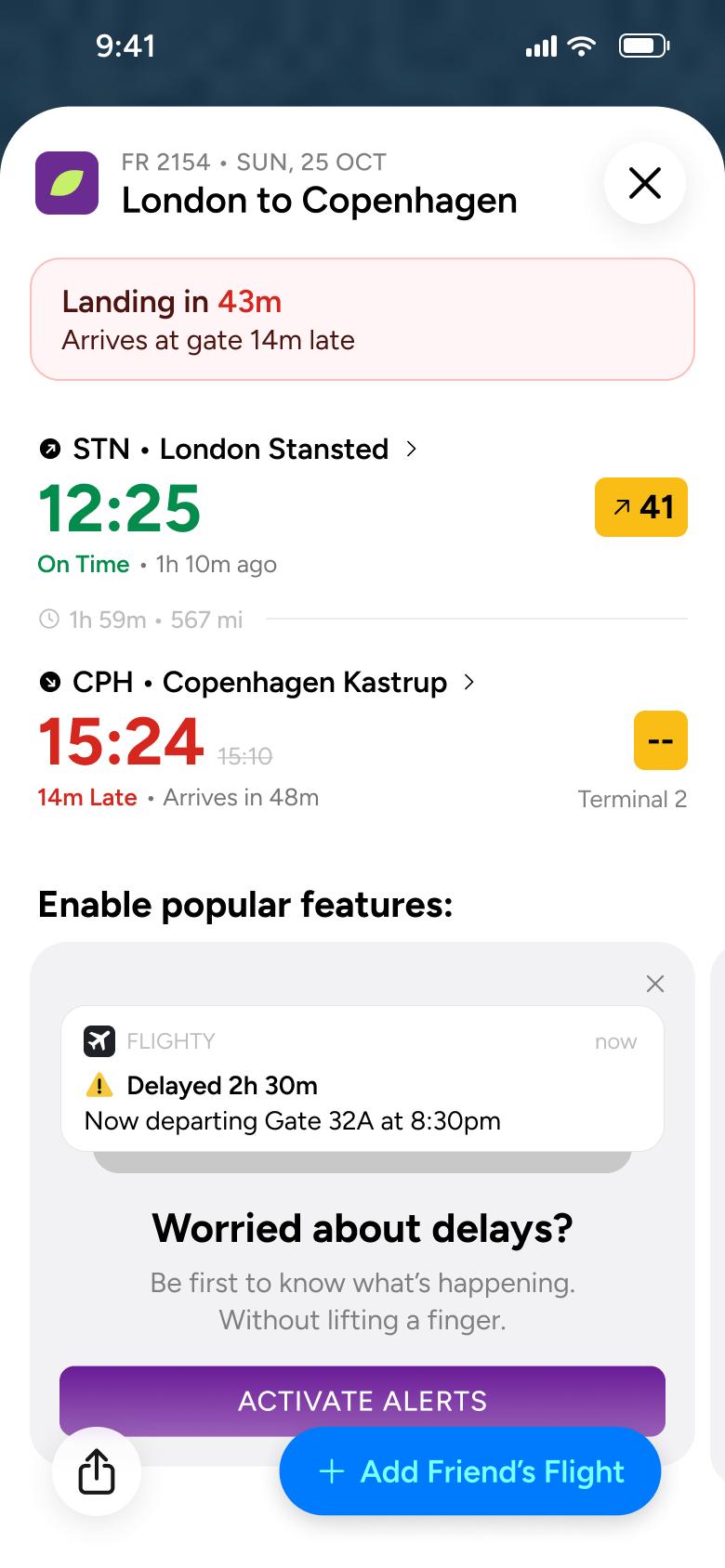
Steps 1–4 of 12, in recording order
Open flowAll of WhatsApp, and a complete flow from every app. No card needed.