Sign up
18 screens
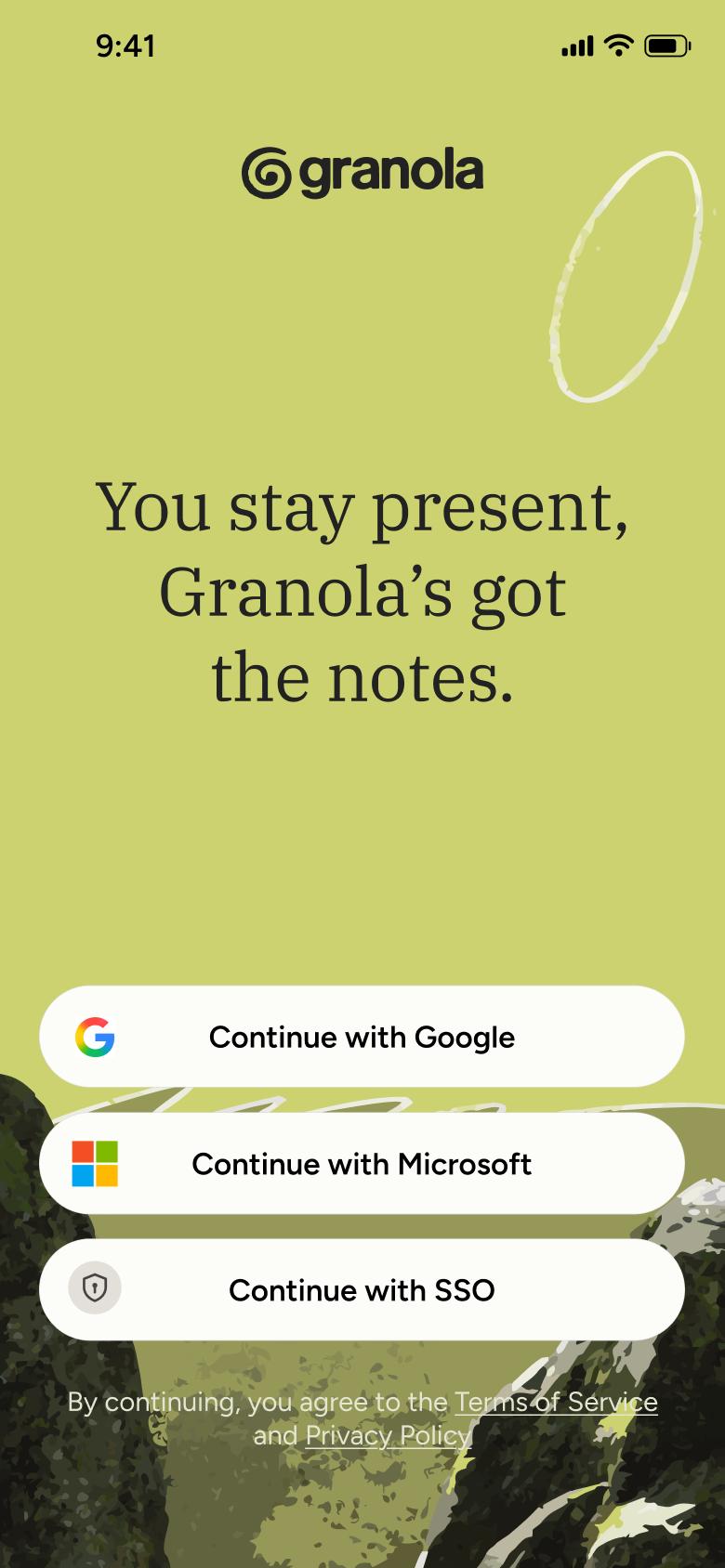
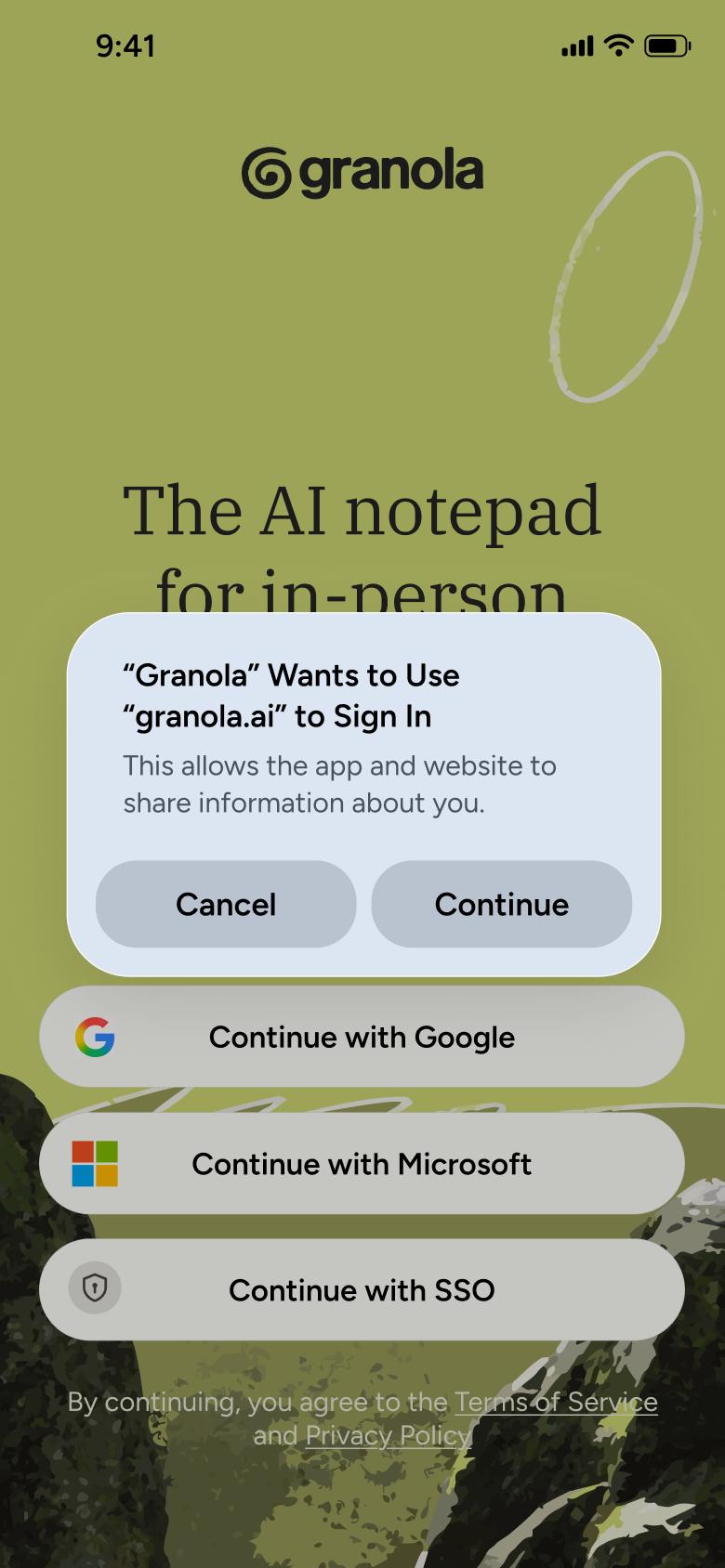
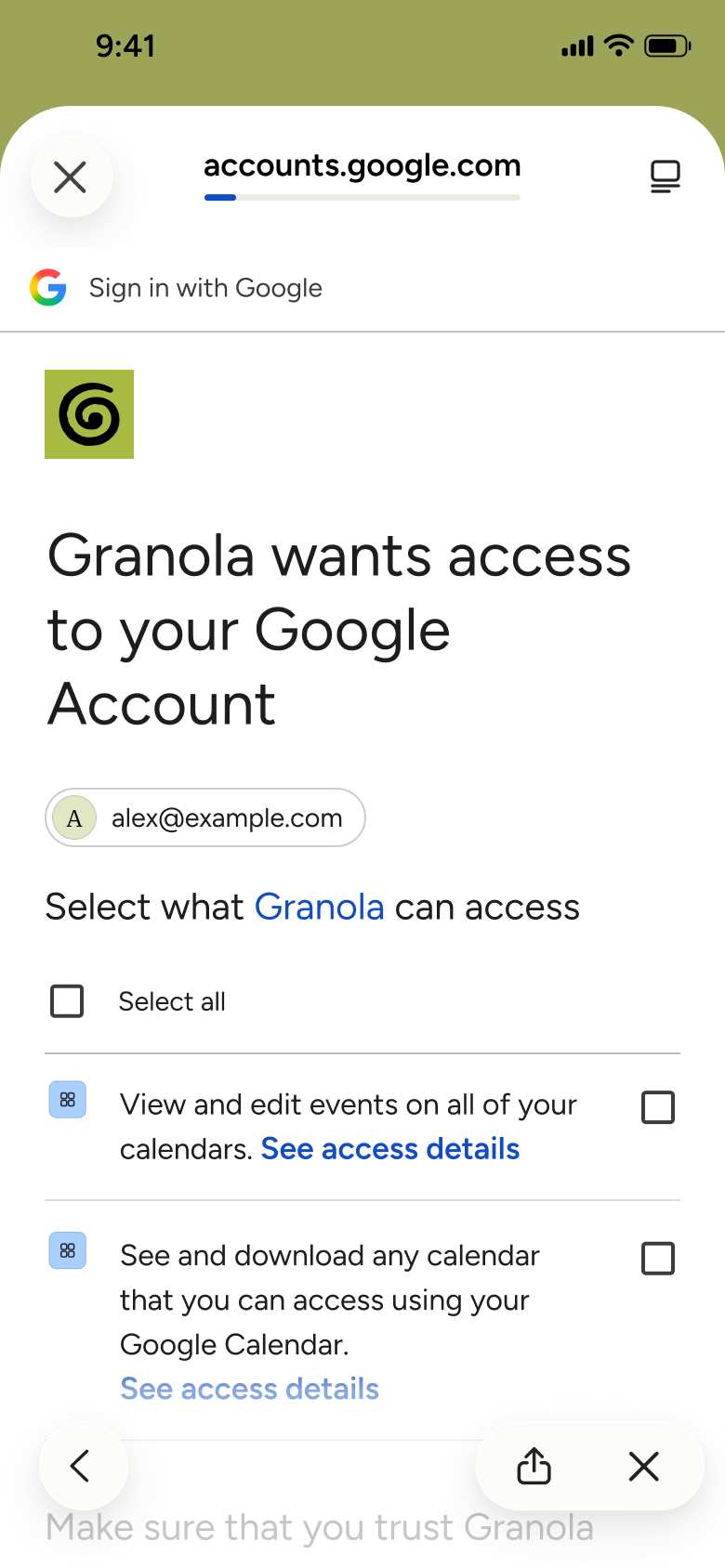
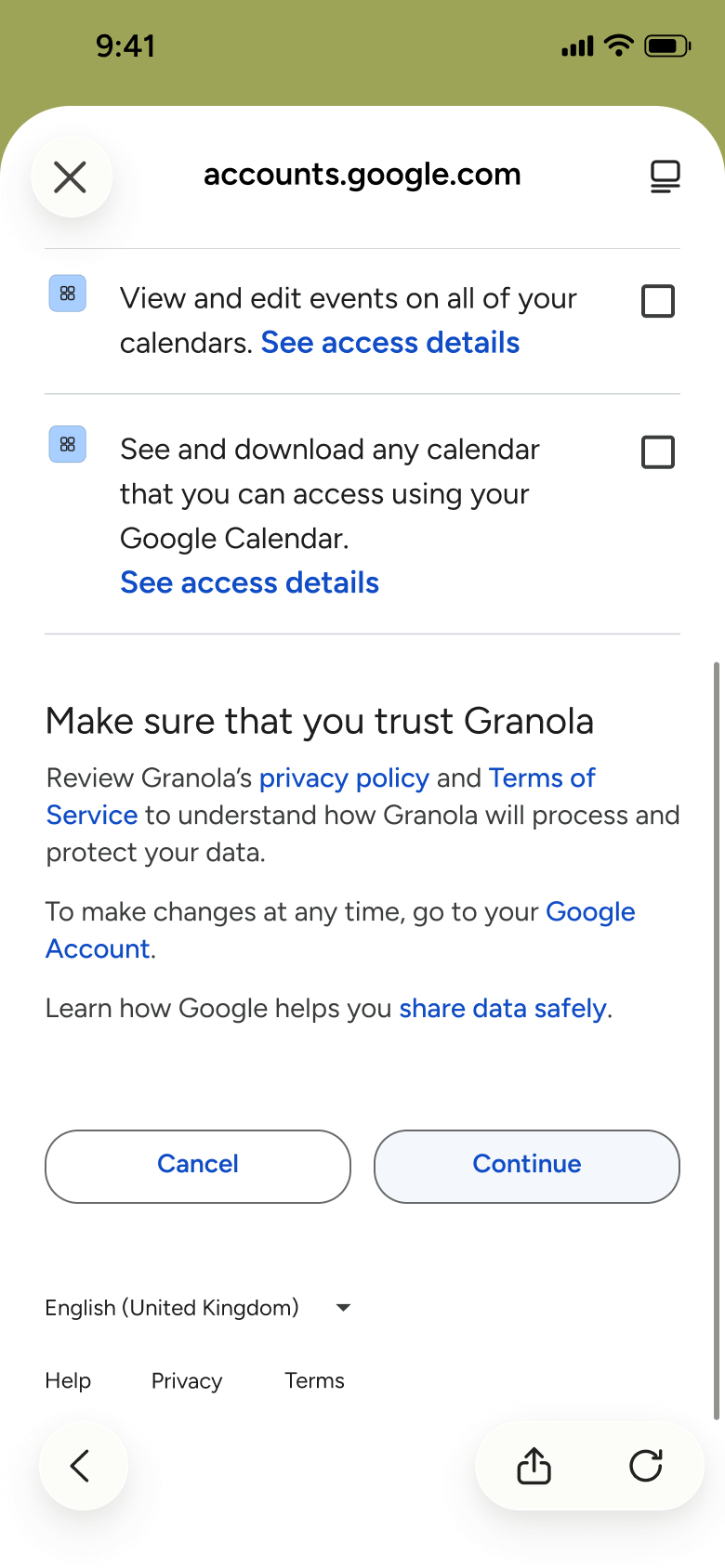
Steps 1–4 of 18, in recording order
Open flowOpen Settings from the avatar, tap Sign out, confirm in the alert and return to the welcome screen.
GranolaiOS3 steps
Every app’s free flow imports free, no card needed.
See all log out flows across apps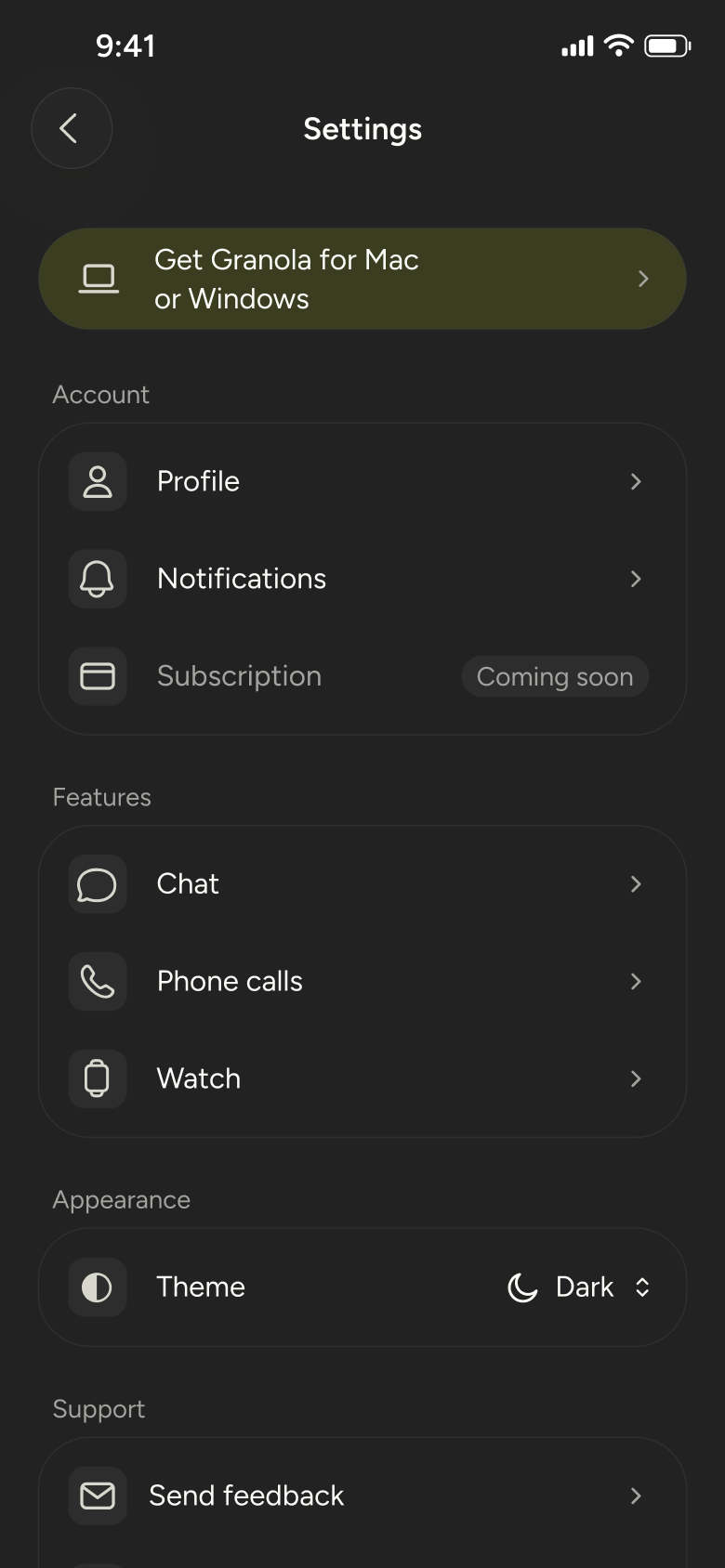
Step 1 of 3
Settings 4
How you get here: Slides in from the right
Open the SuperDuper UI plugin in Figma to paste these 3 screens into your file as editable layers.
All 3 steps
Use ← → to step through
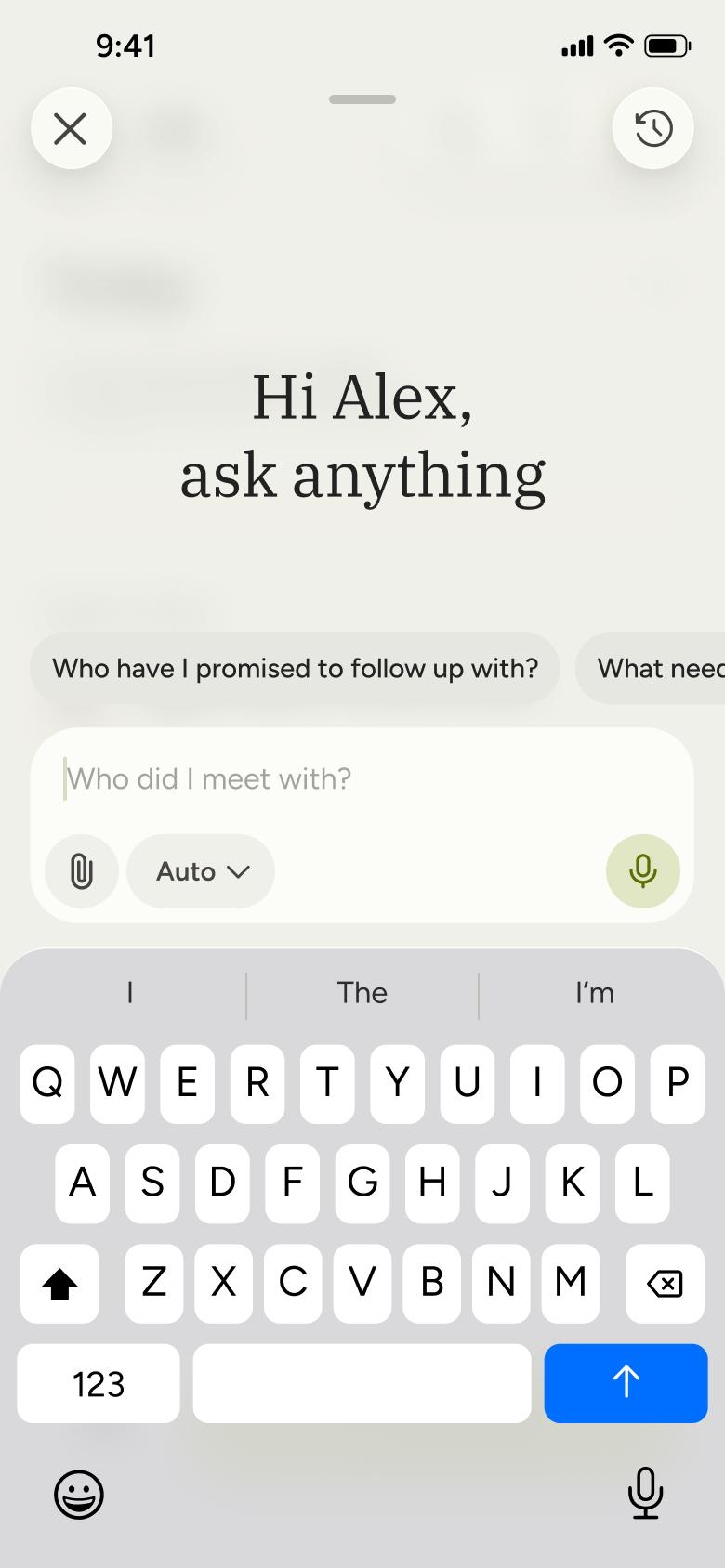
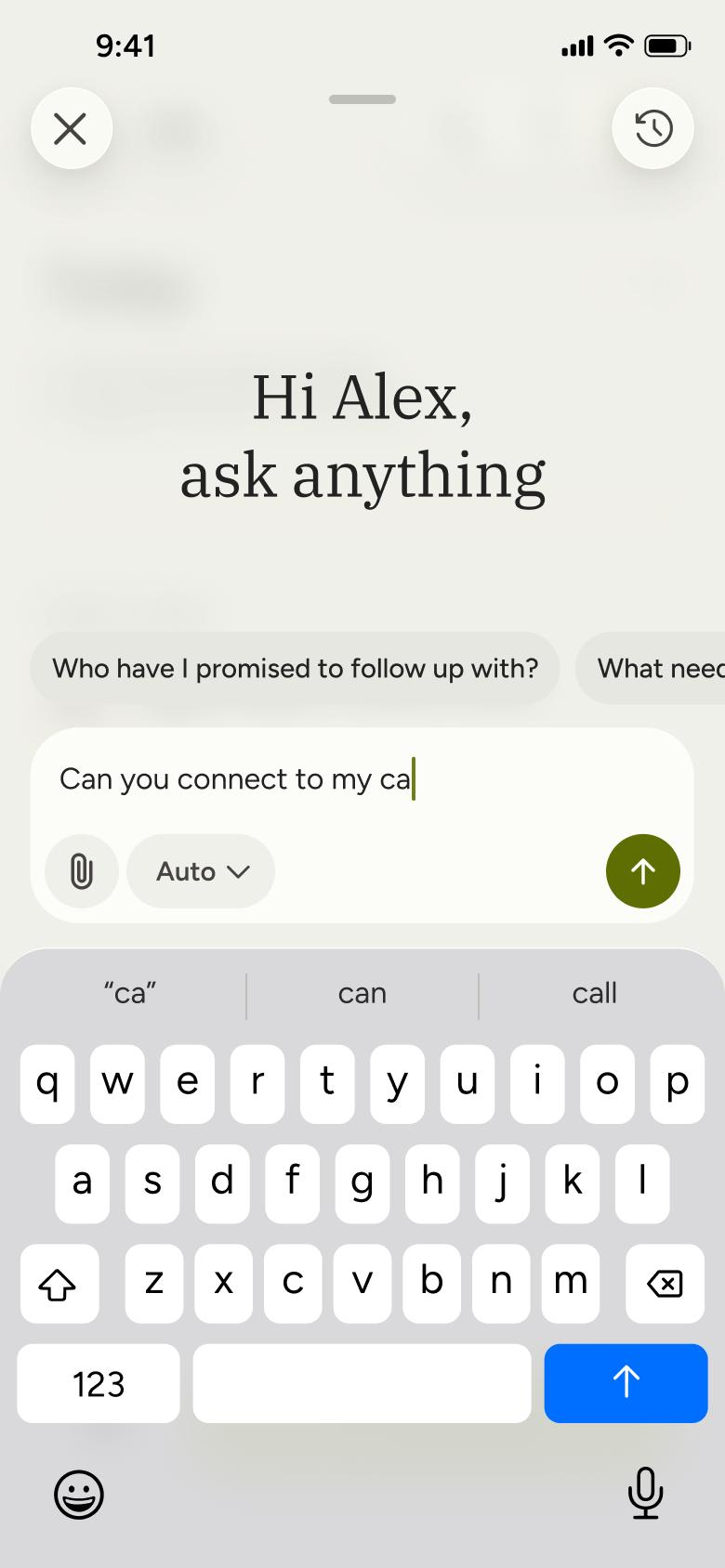
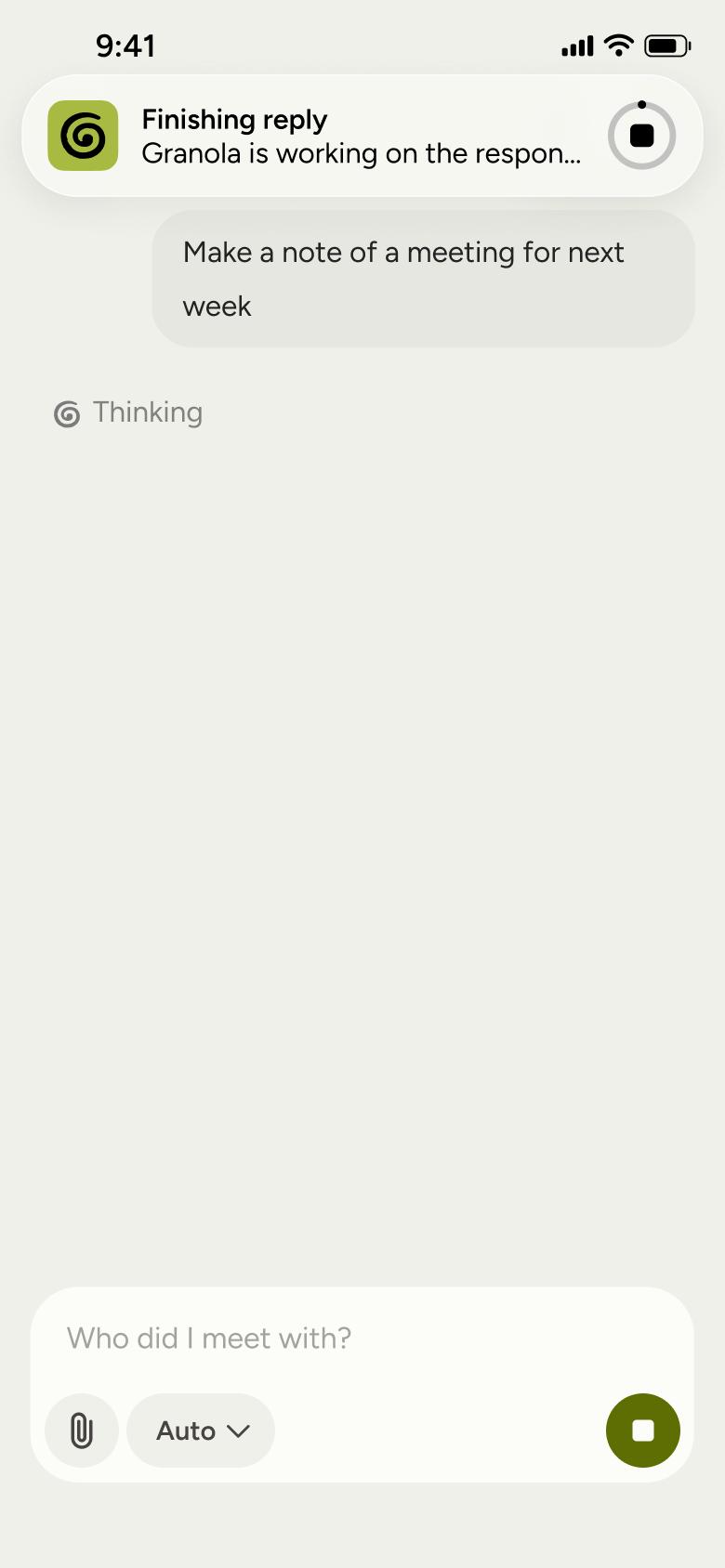
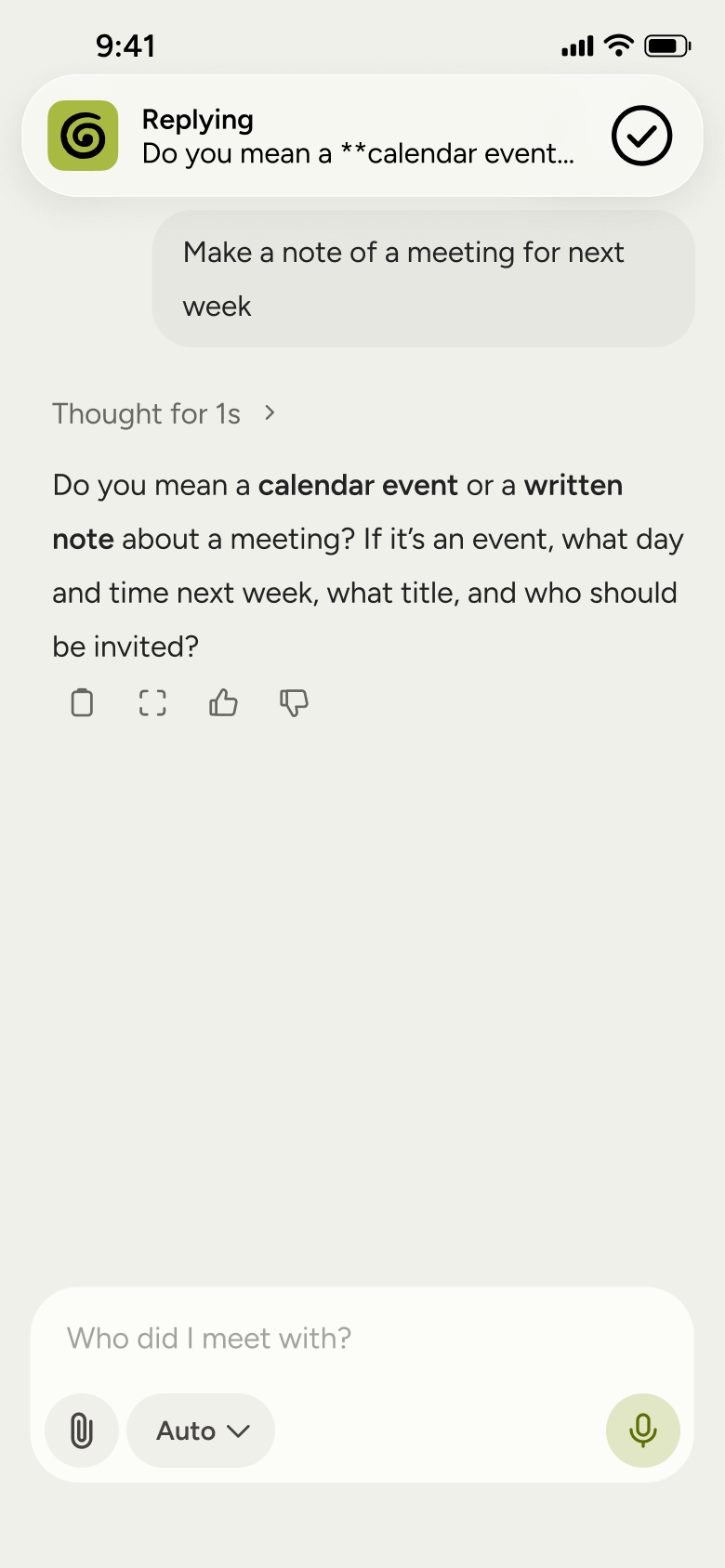
Each screen in the order it was recorded, with how the user got there.
Tap avatar
Settings 4
Slides in from the right
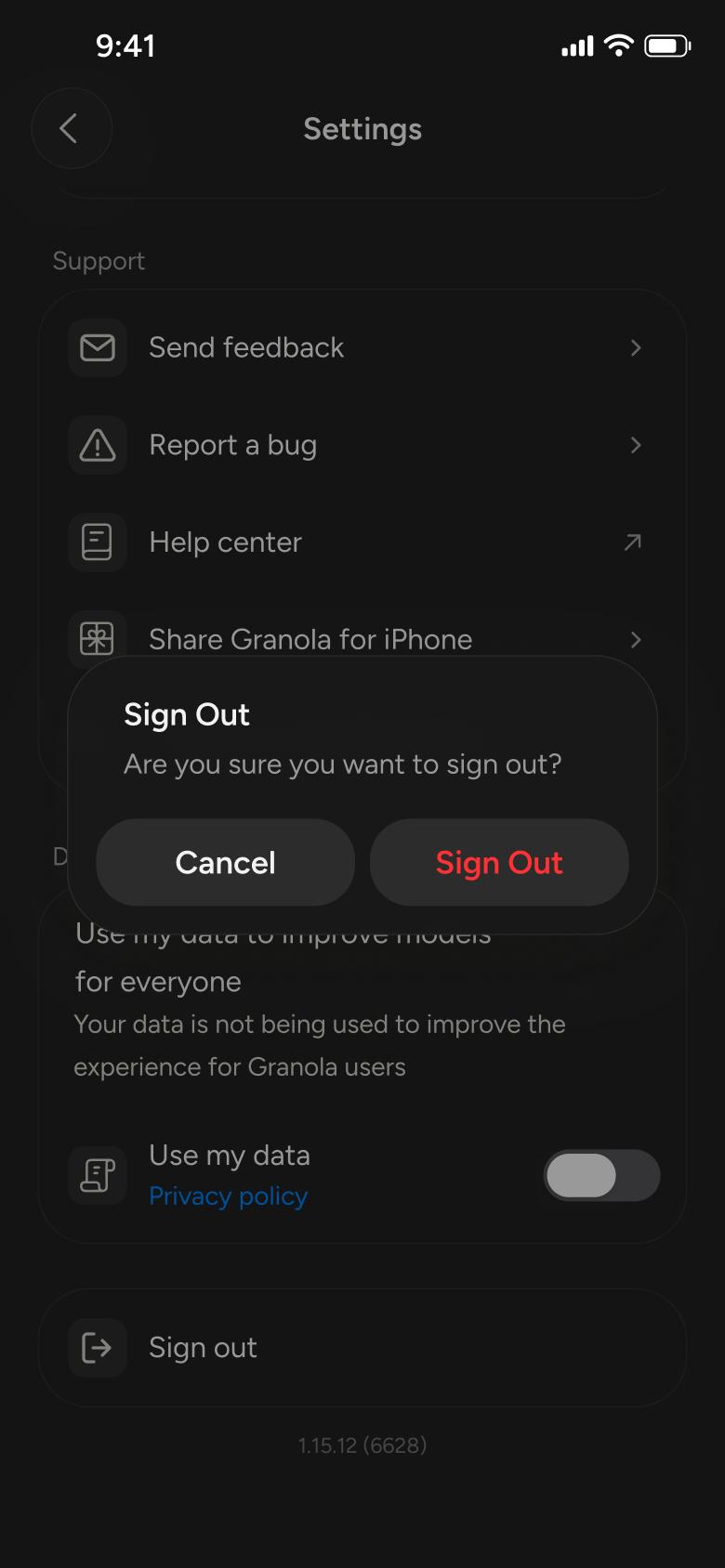
Tap Sign out
Settings 7
Shows an alert
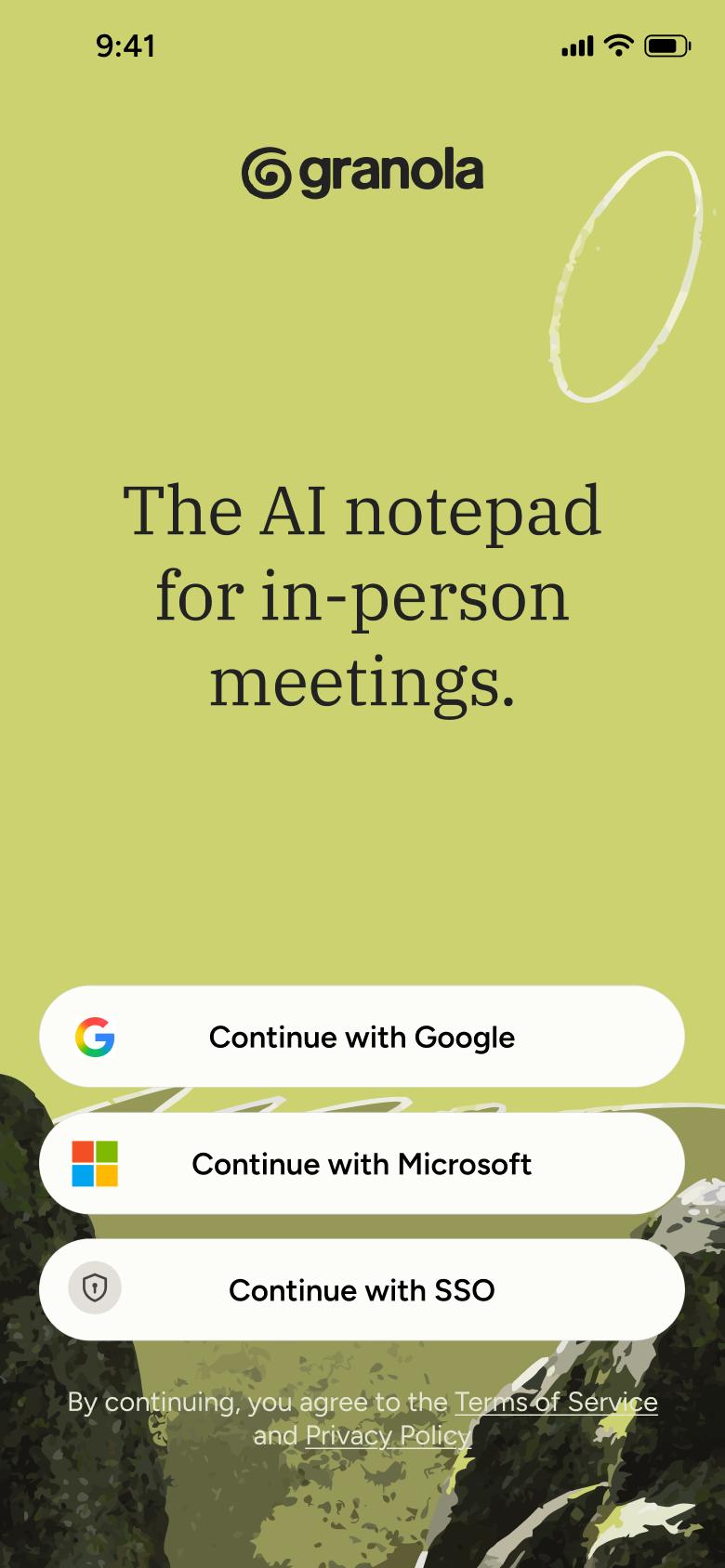
Confirm Sign Out
Welcome and Sign In 4
Opens full screen
Not affiliated with, endorsed or sponsored by Granola. Granola is a trade mark of its owner. Recreated for design reference and education. Rights holders: contact us
All of WhatsApp, and a complete flow from every app. No card needed.