
Search
10 screens
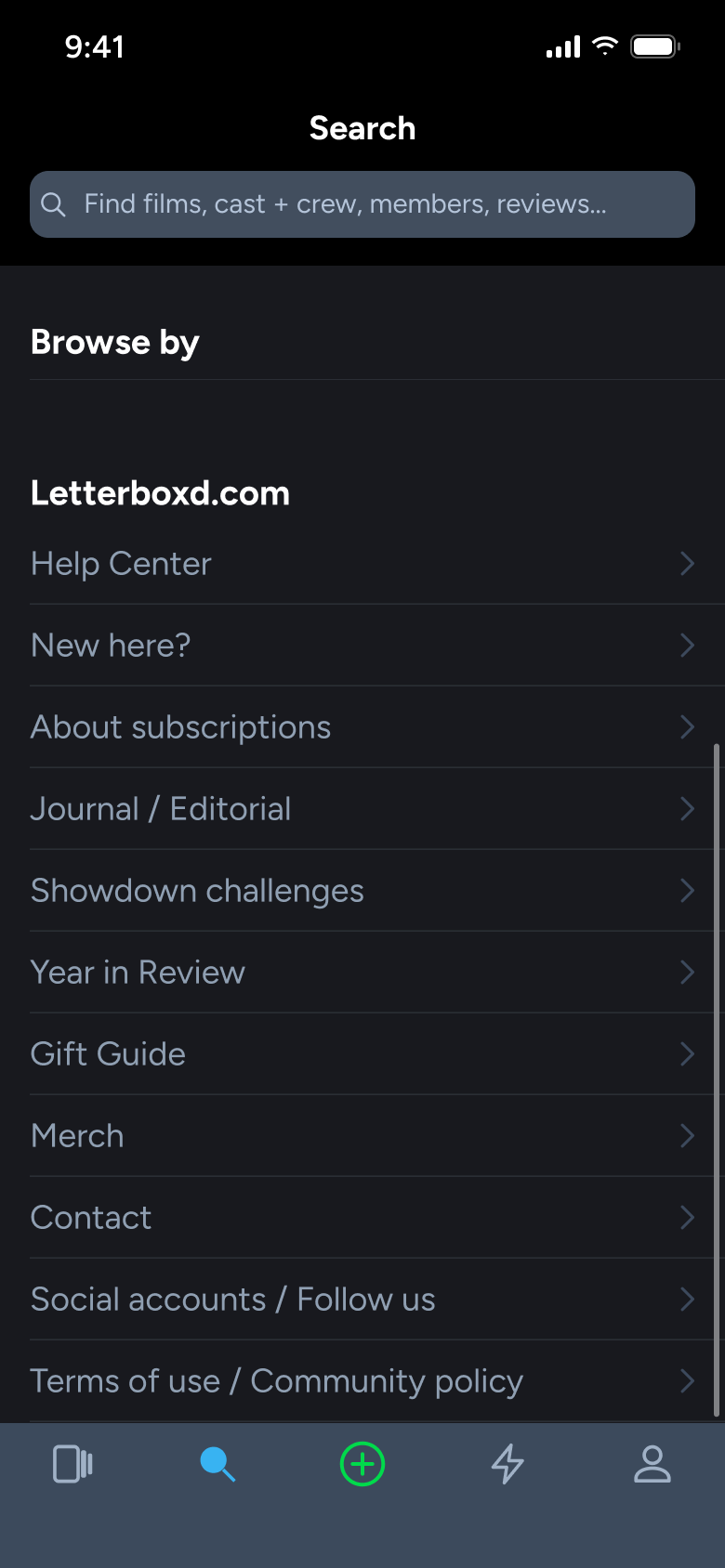
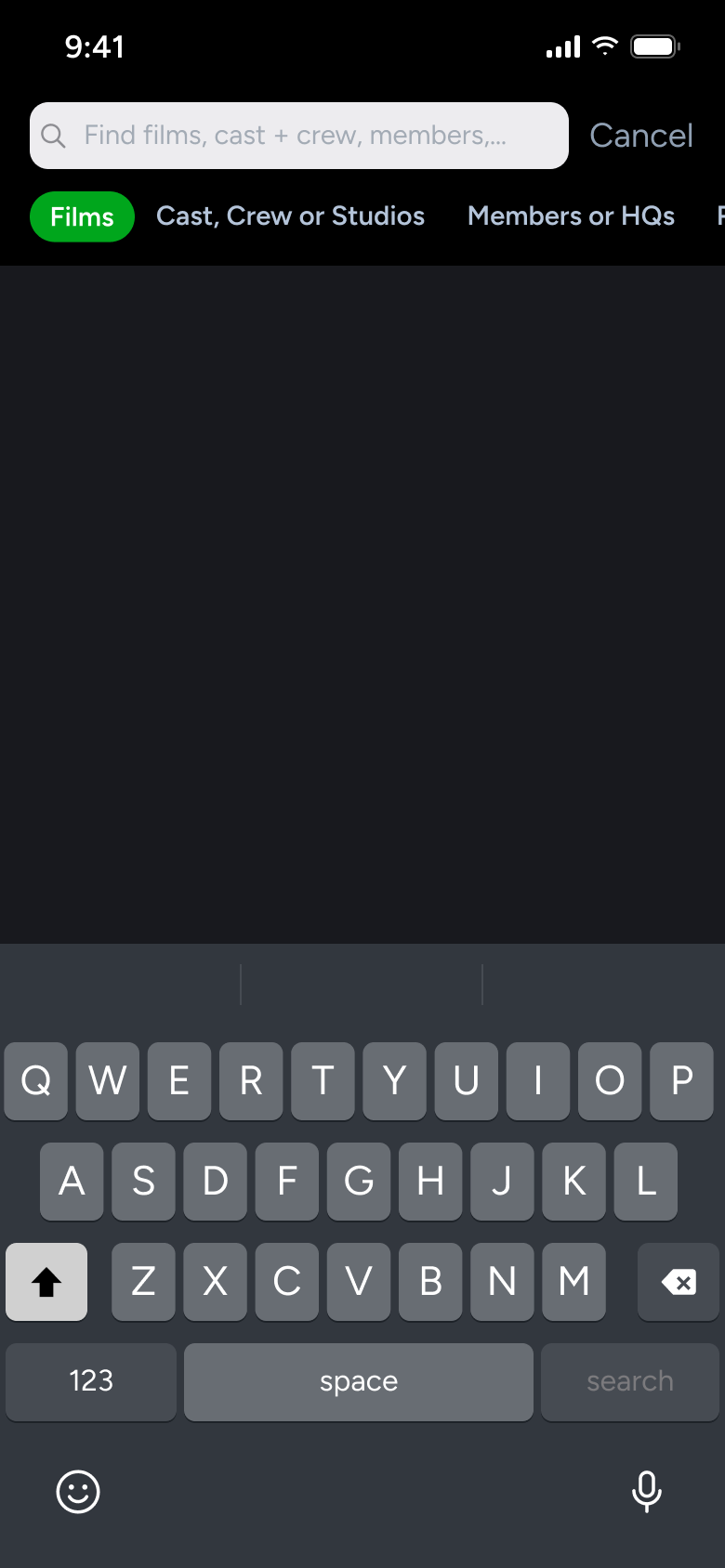
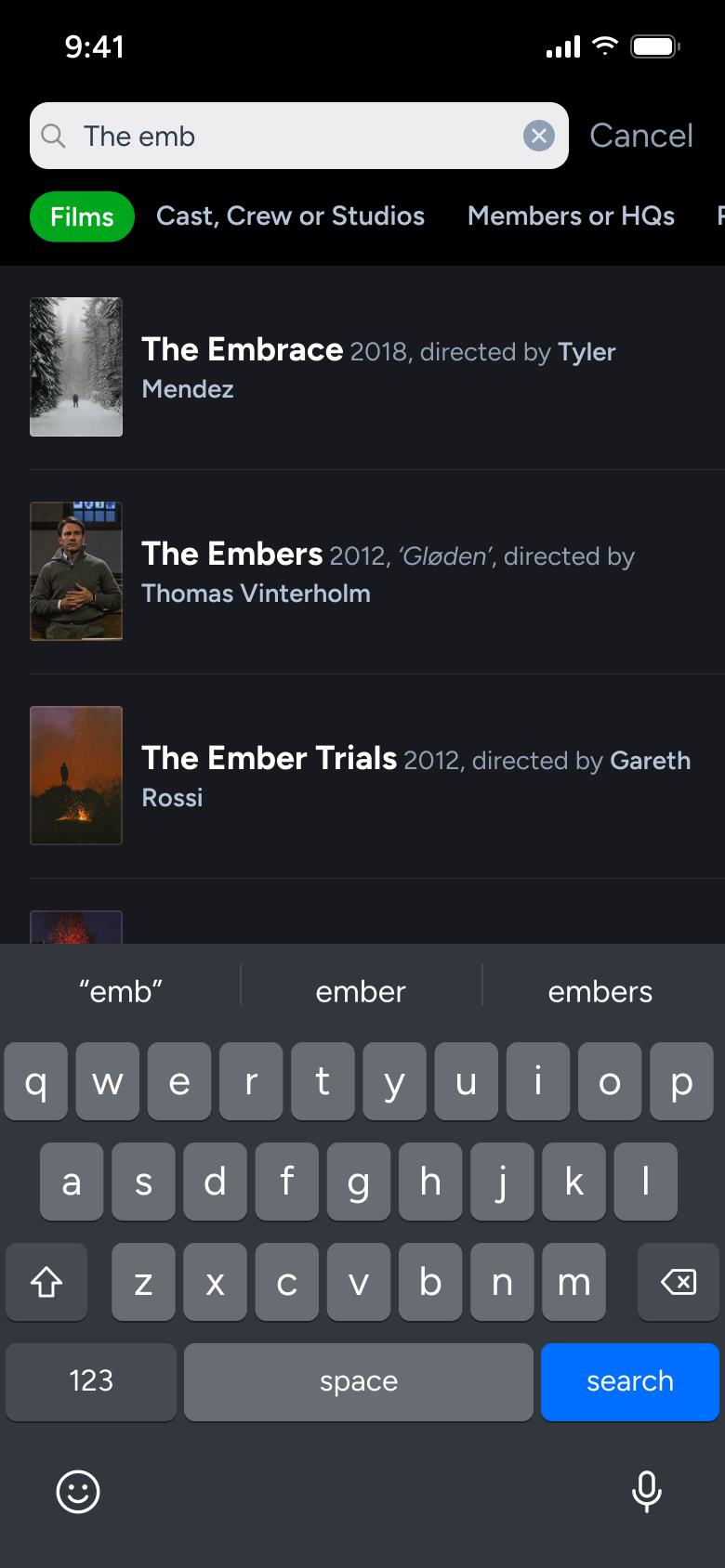
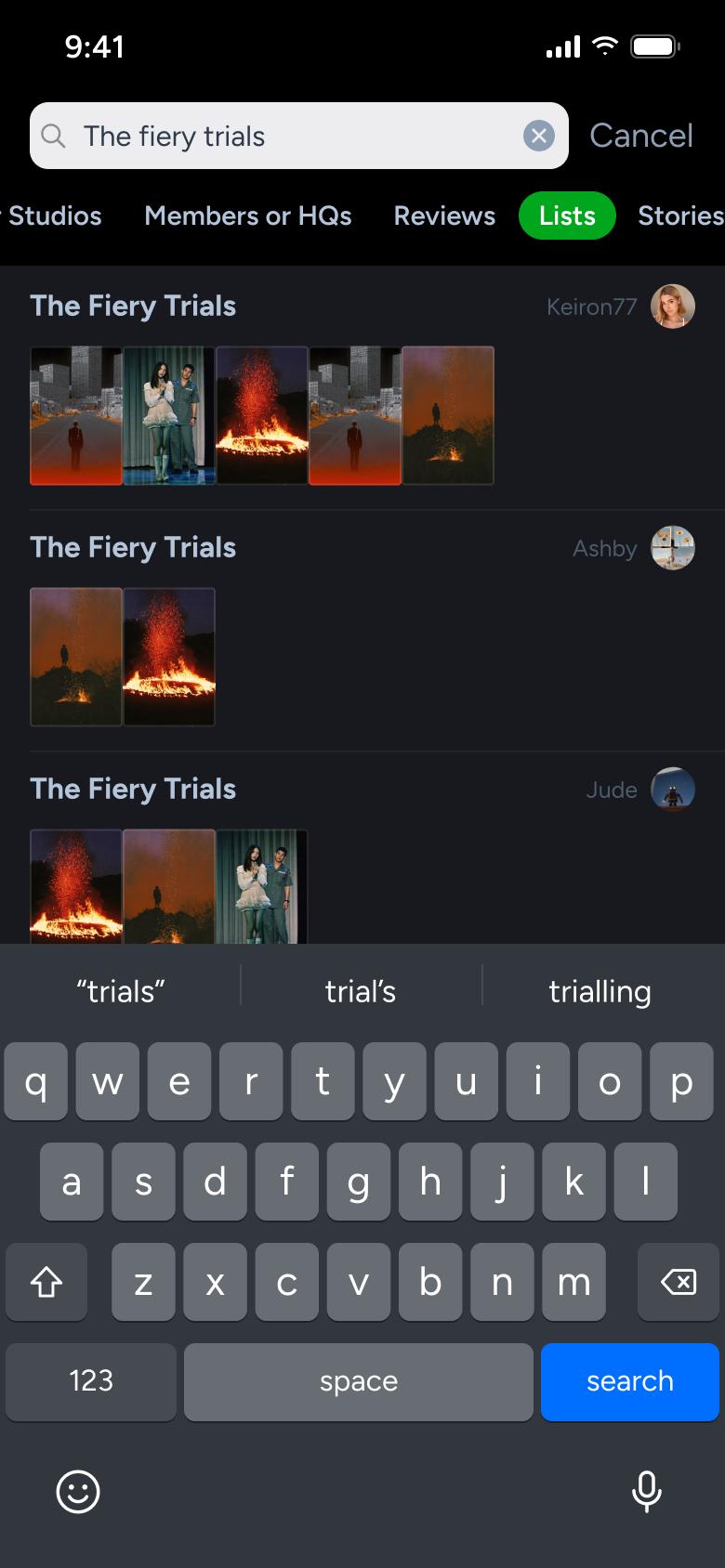
Steps 1–4 of 10, in recording order
Open flowOpen the app, answer the notifications, ad-consent and tracking prompts, swipe through five tour cards on tracking, diary, reviews, friends and lists, and land on the welcome page.
LetterboxdiOS10 stepsFree sample
Every app’s free flow imports free, no card needed.
See all onboarding flows across apps
Step 1 of 10
Launch and Tour 1
How you get here: Changes in place
Open the SuperDuper UI plugin in Figma to paste these 10 screens into your file as editable layers.
All 10 steps
Use ← → to step through
Each screen in the order it was recorded, with how the user got there.
Open the app
Launch and Tour 1
Changes in place
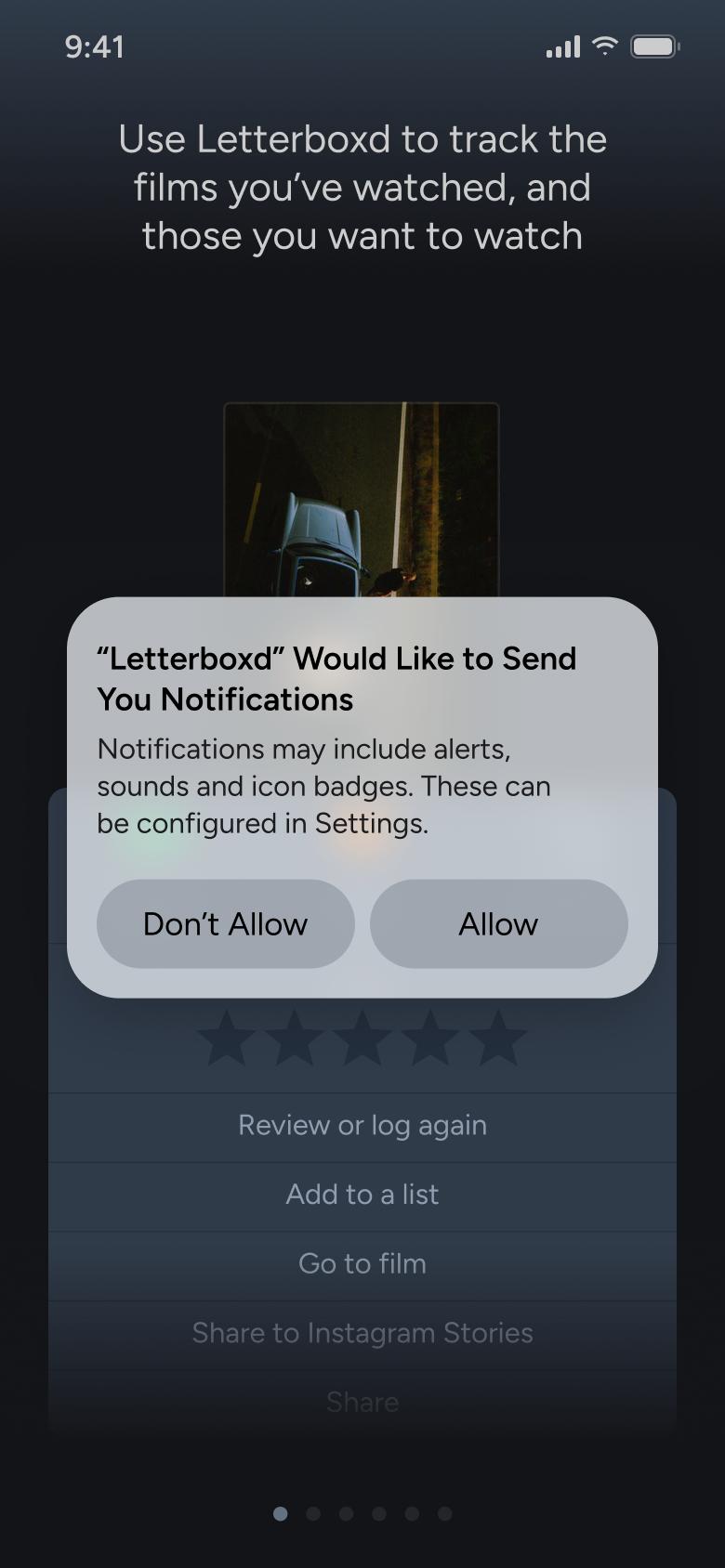
Tour opens; system asks for notifications
Launch and Tour 2
Shows an alert
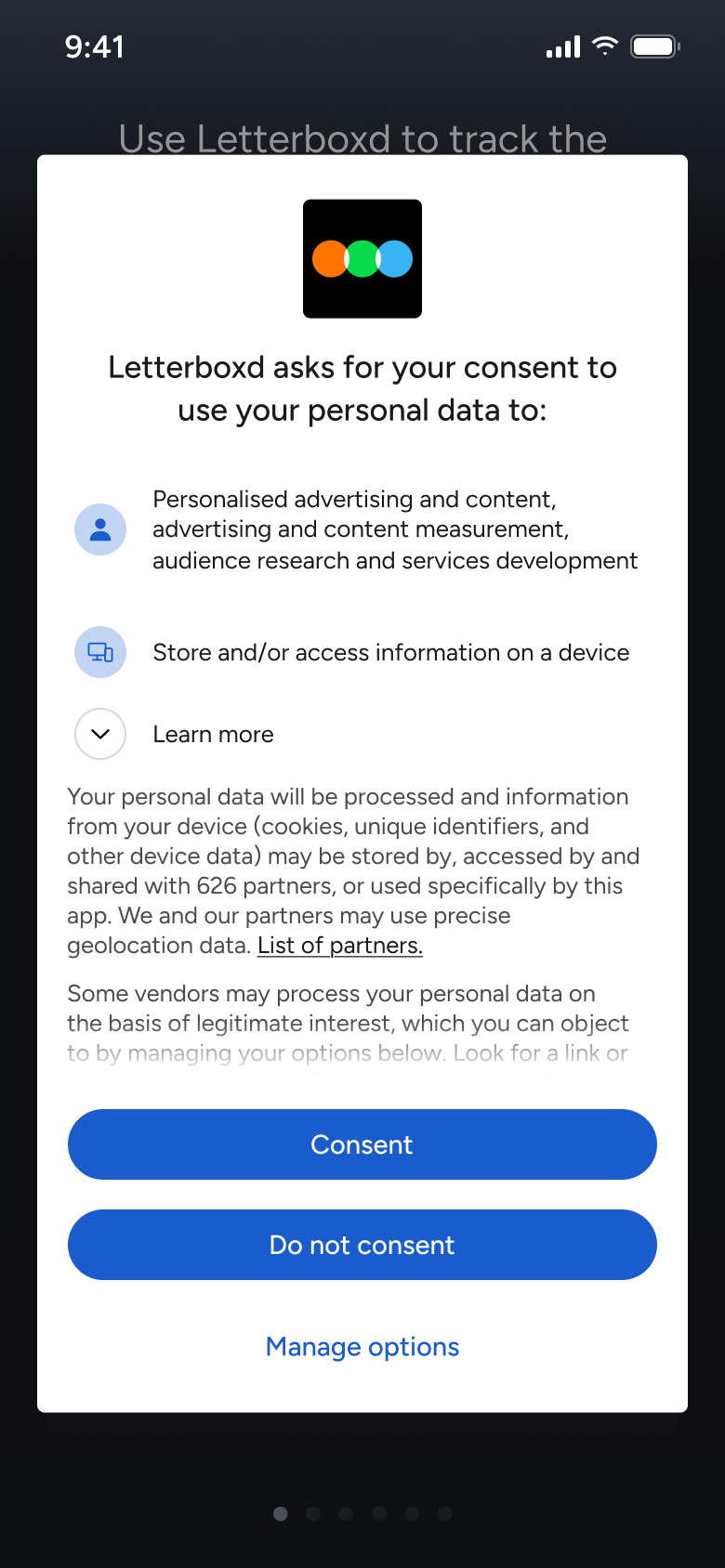
Answer the notifications prompt
Launch and Tour 3
Opens full screen
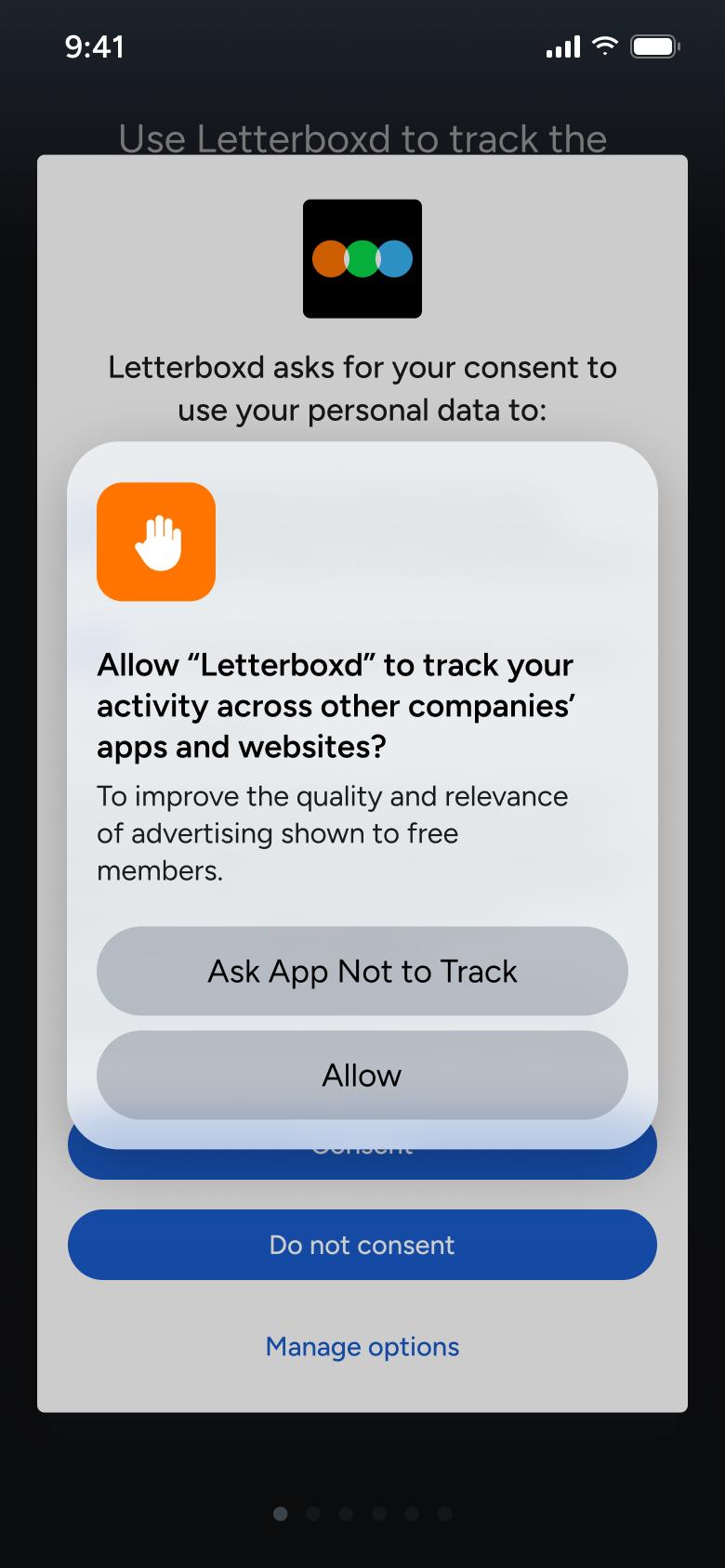
Tap Consent
Launch and Tour 4
Shows an alert
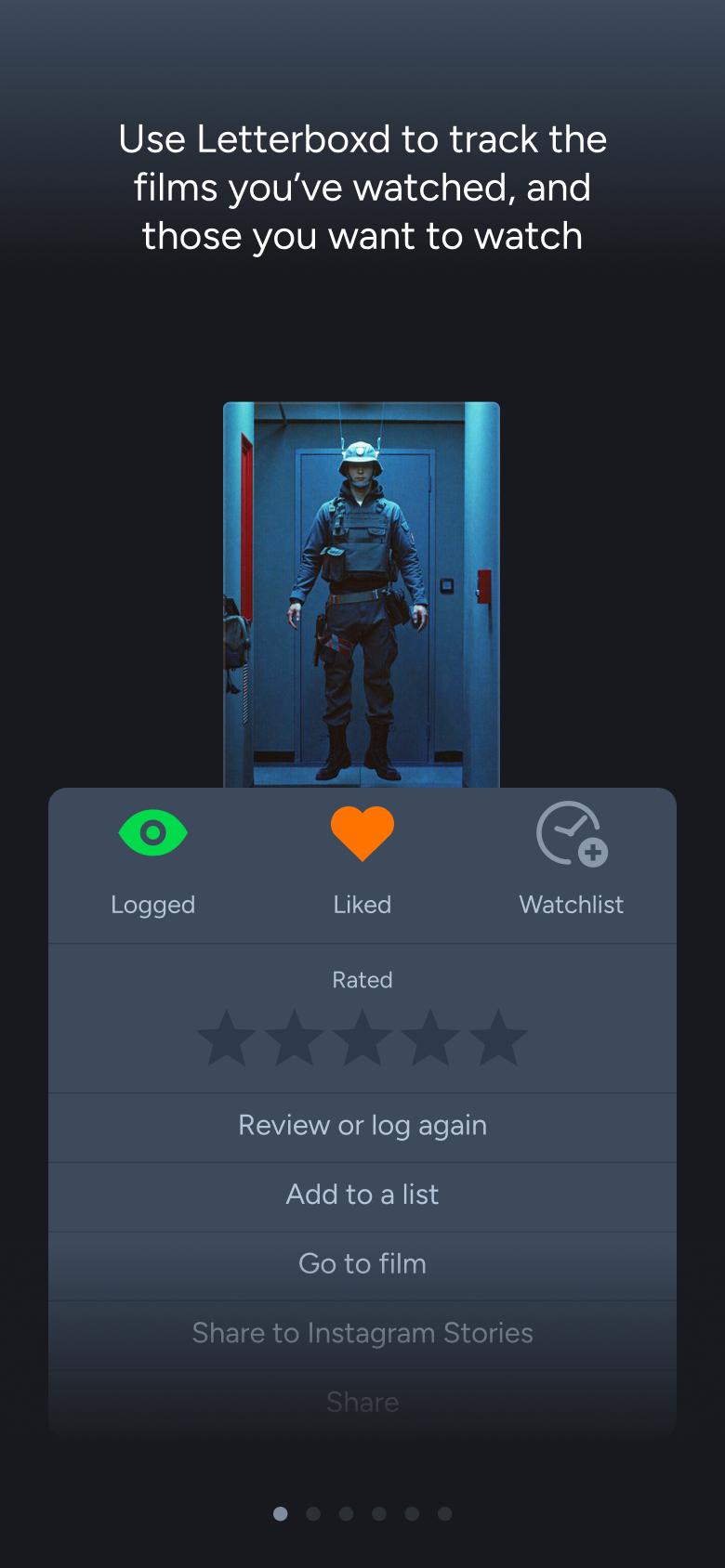
Answer the tracking prompt
Launch and Tour 5
Closes
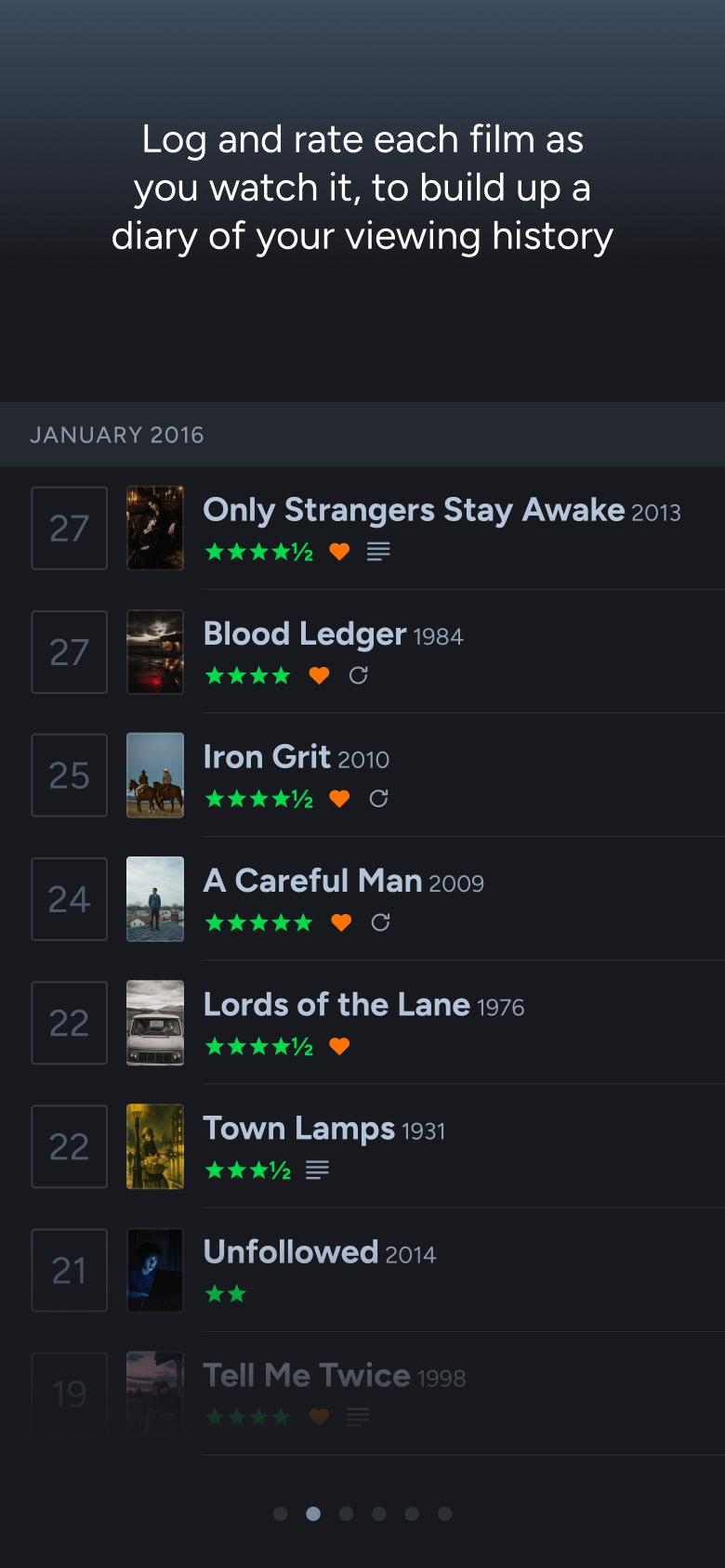
Swipe left
Launch and Tour 6
Changes in place
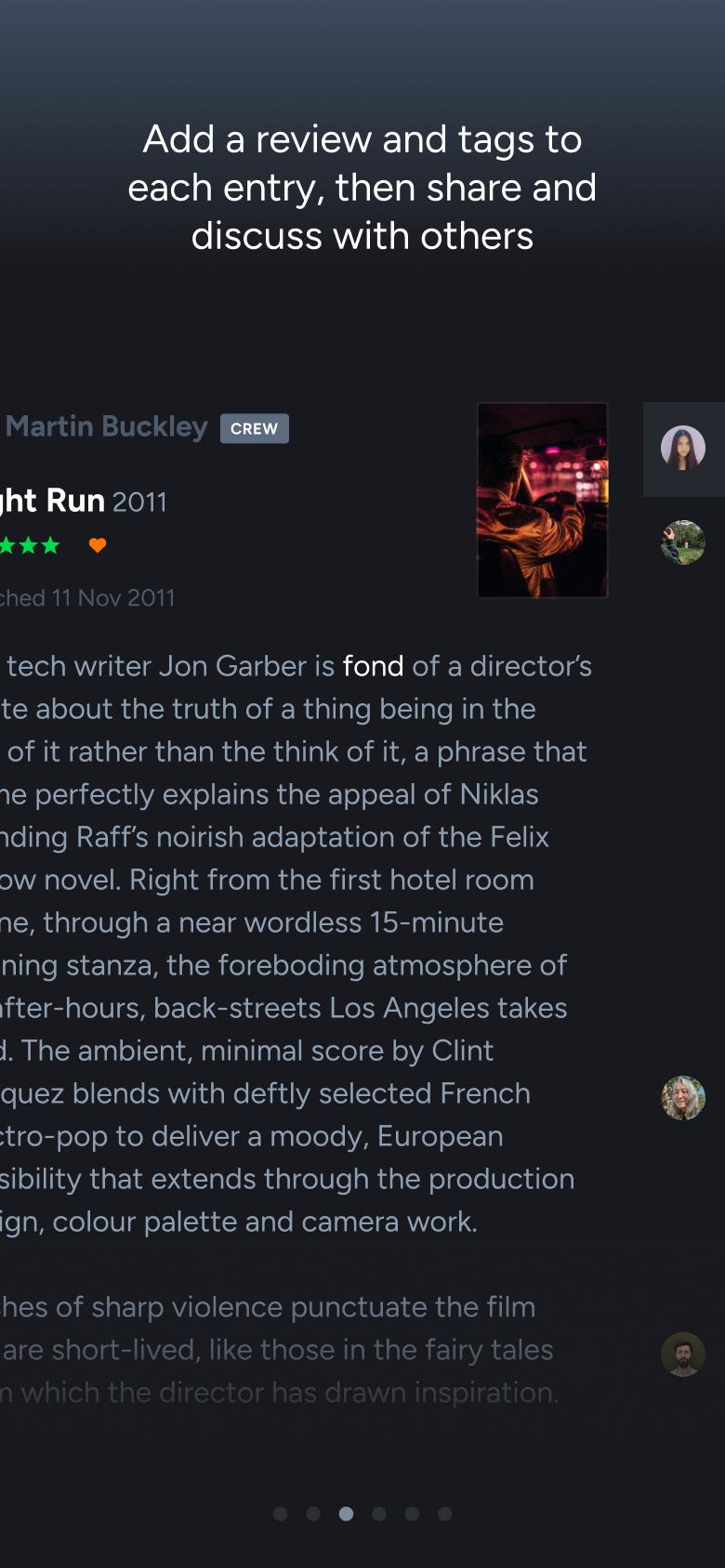
Swipe left
Launch and Tour 7
Changes in place
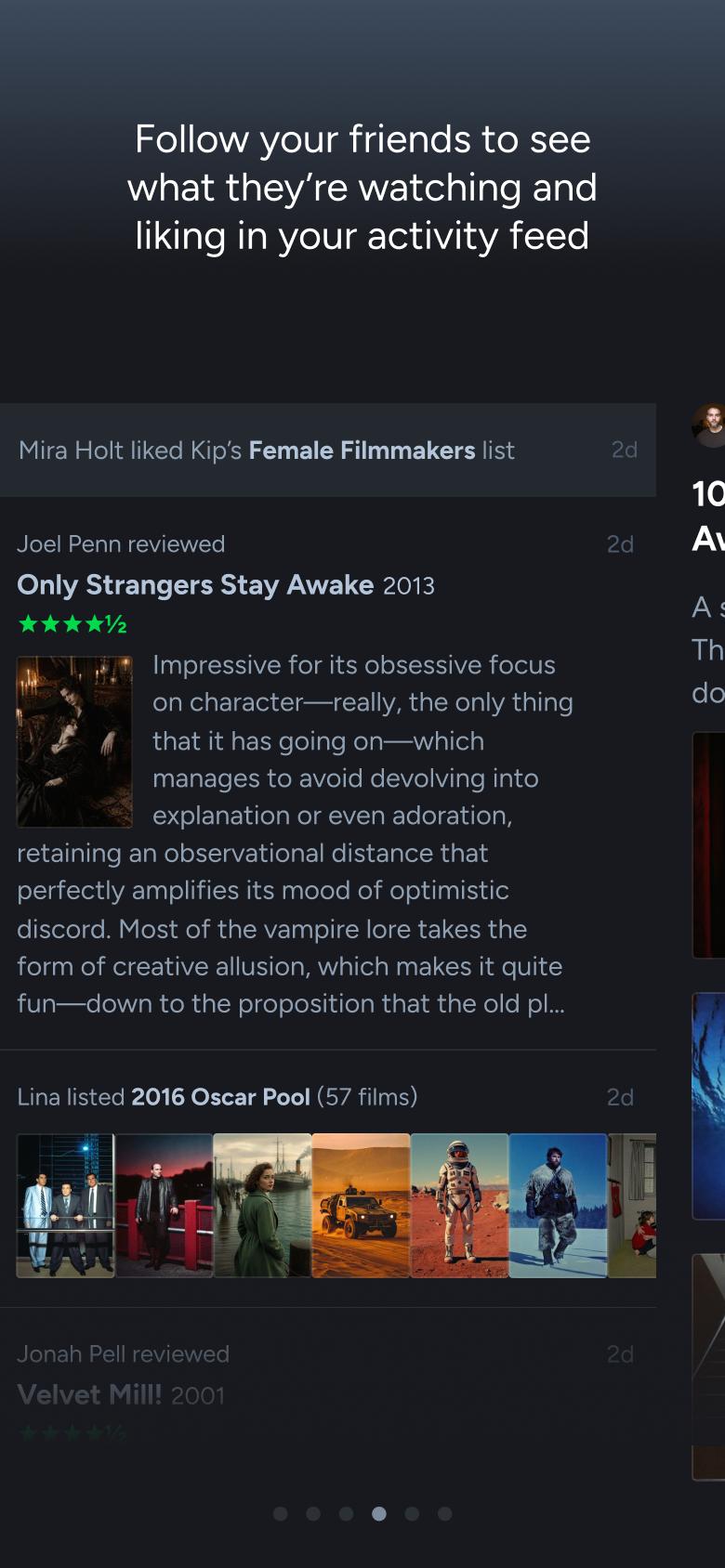
Swipe left
Launch and Tour 8
Changes in place
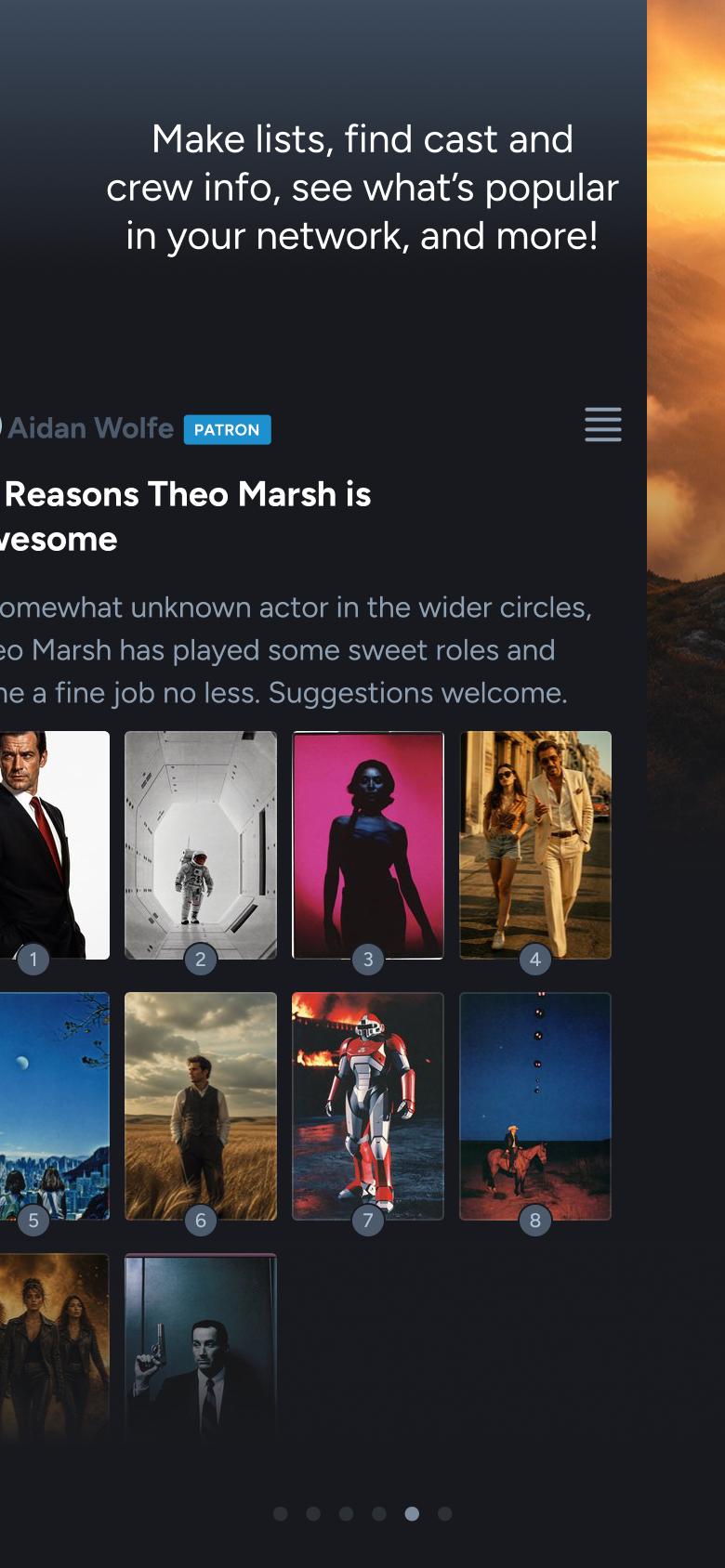
Swipe left
Launch and Tour 9
Changes in place
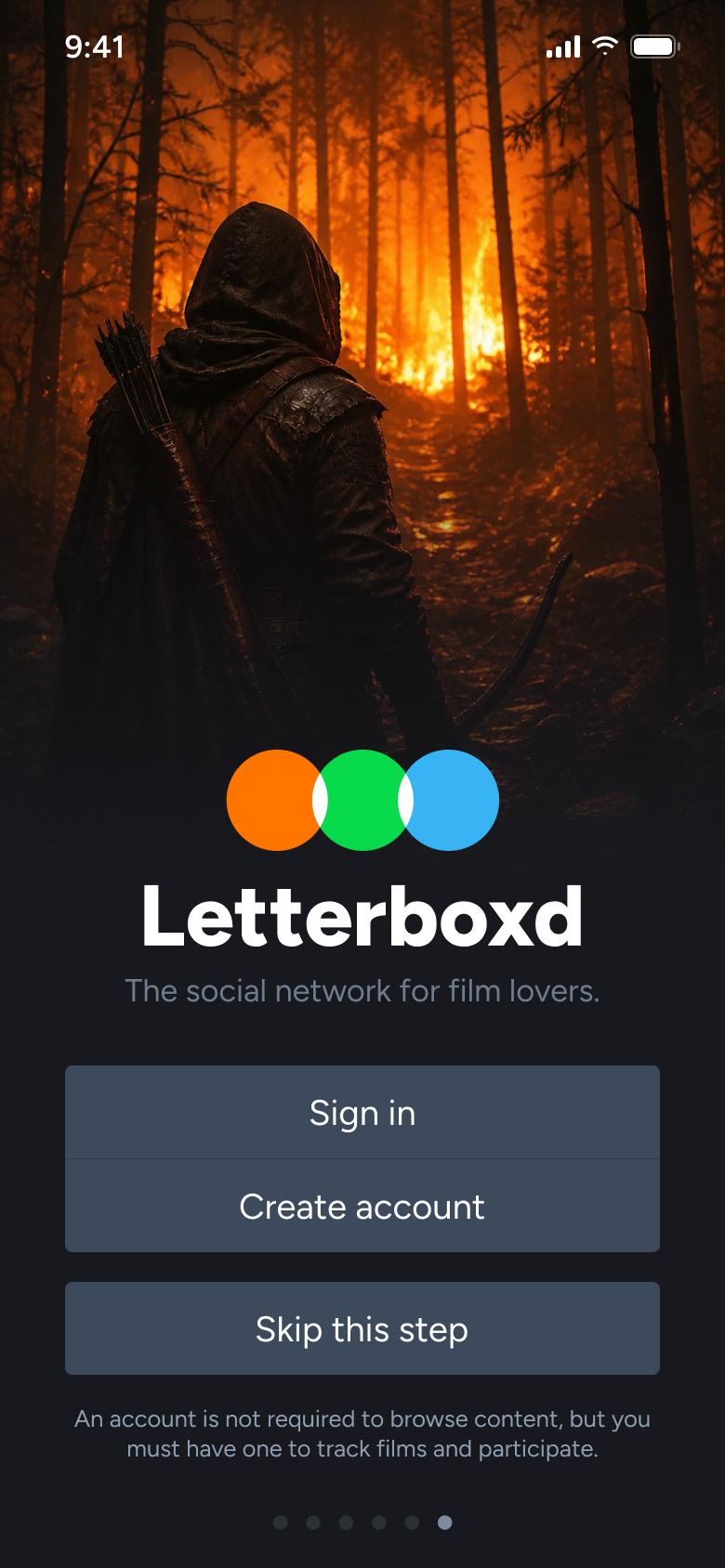
Swipe to the last tour page
Welcome and Sign In 1
Changes in place
Not affiliated with, endorsed or sponsored by Letterboxd. Letterboxd is a trade mark of its owner. Recreated for design reference and education. Rights holders: contact us
10 screens
Steps 1–4 of 10, in recording order
Open flowBrowse & shop9 screens
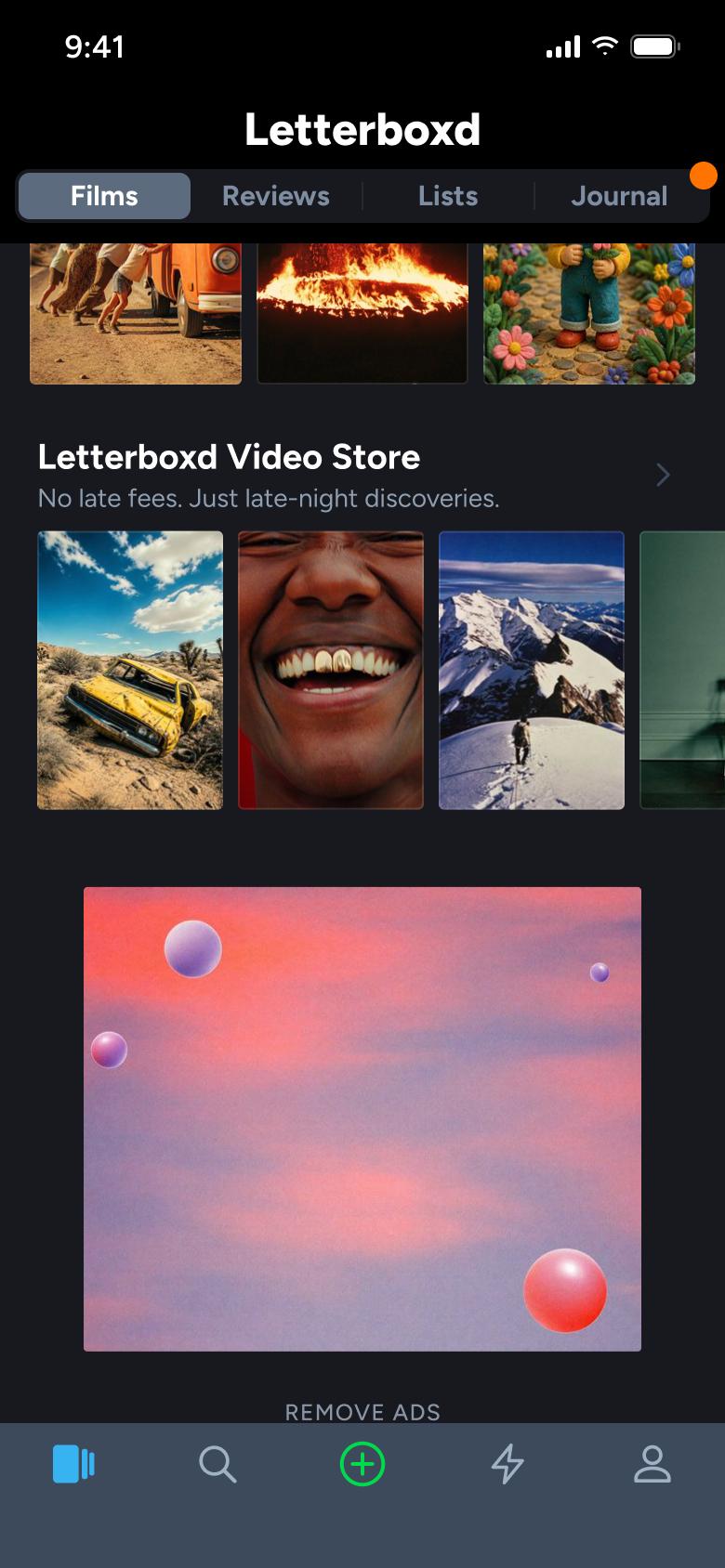
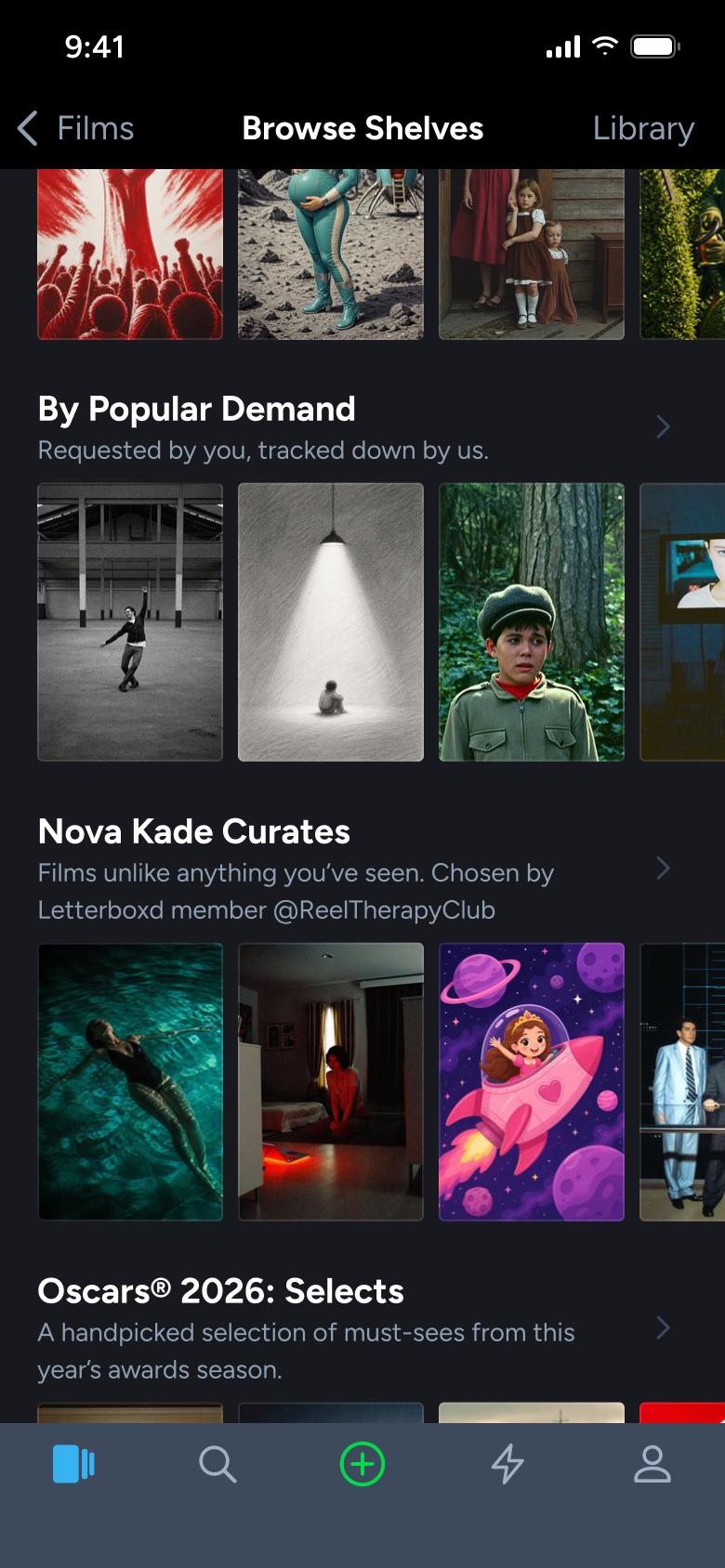
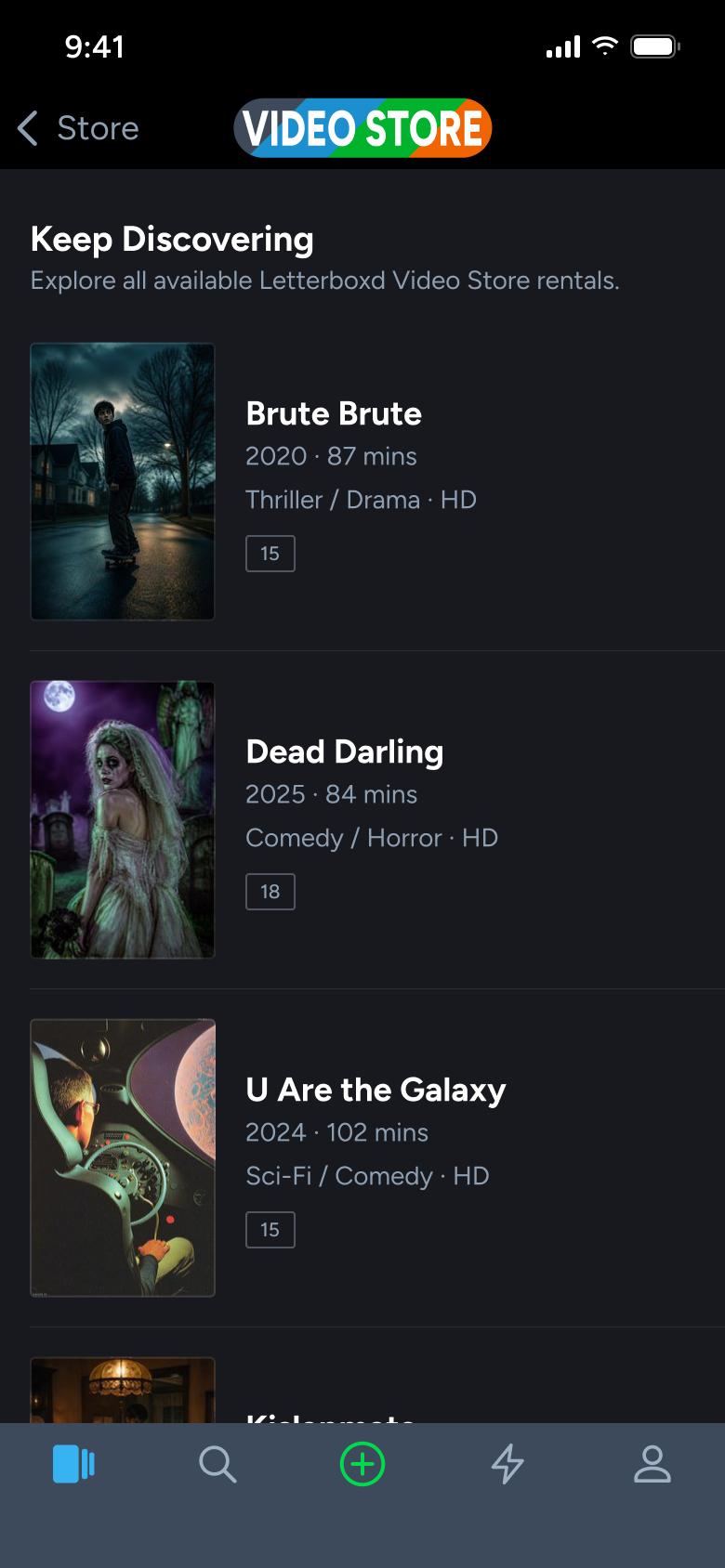
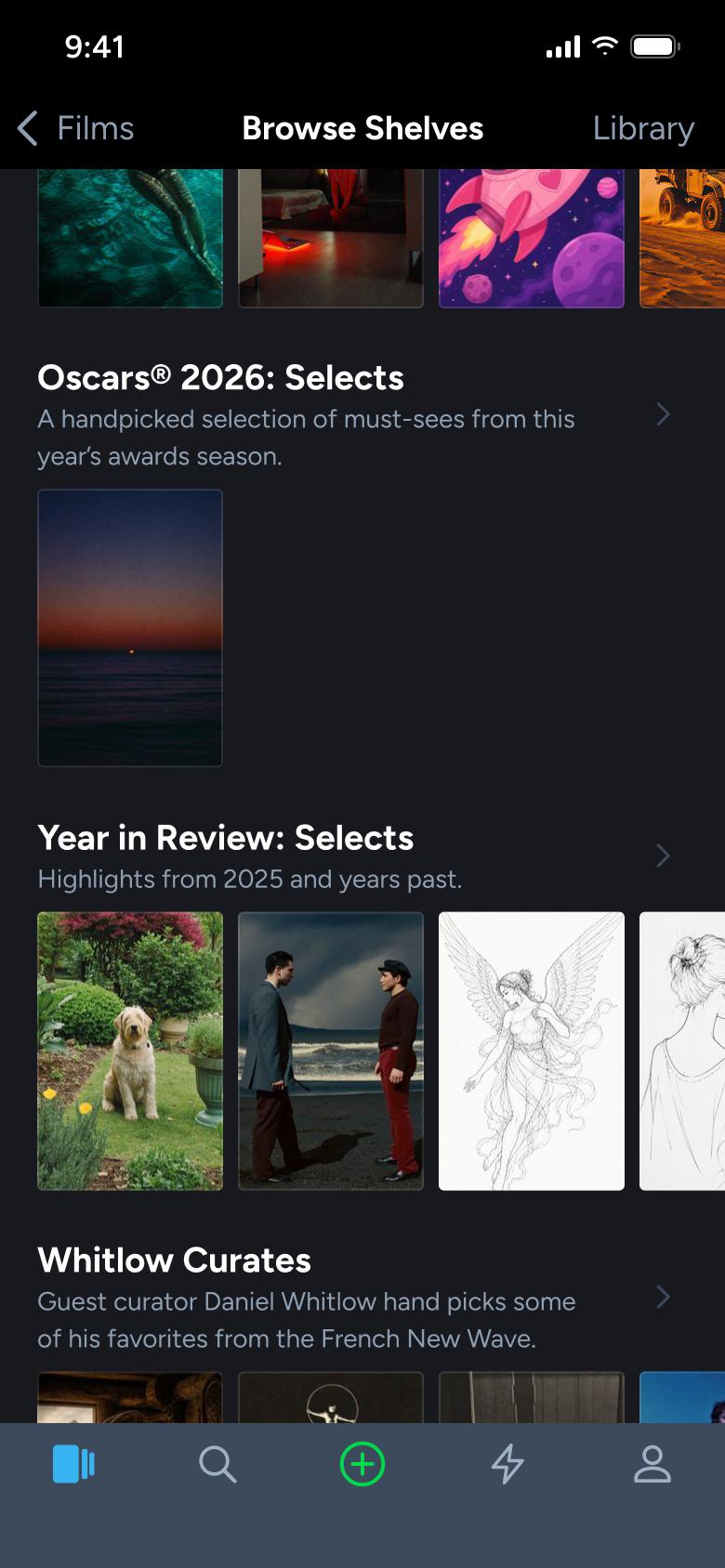
Steps 1–4 of 9, in recording order
Open flowAll of WhatsApp, and a complete flow from every app. No card needed.
Step 1 of 10
Launch and Tour 1
How you get here: Changes in place
Open the SuperDuper UI plugin in Figma to paste these 10 screens into your file as editable layers.
All 10 steps
Use ← → to step through