
Create
Create a space on Perplexity
The user creates a space with title, icon, description, AI prompt and privacy, then shares it, copies the link and edits privacy.
Step 1 of 24
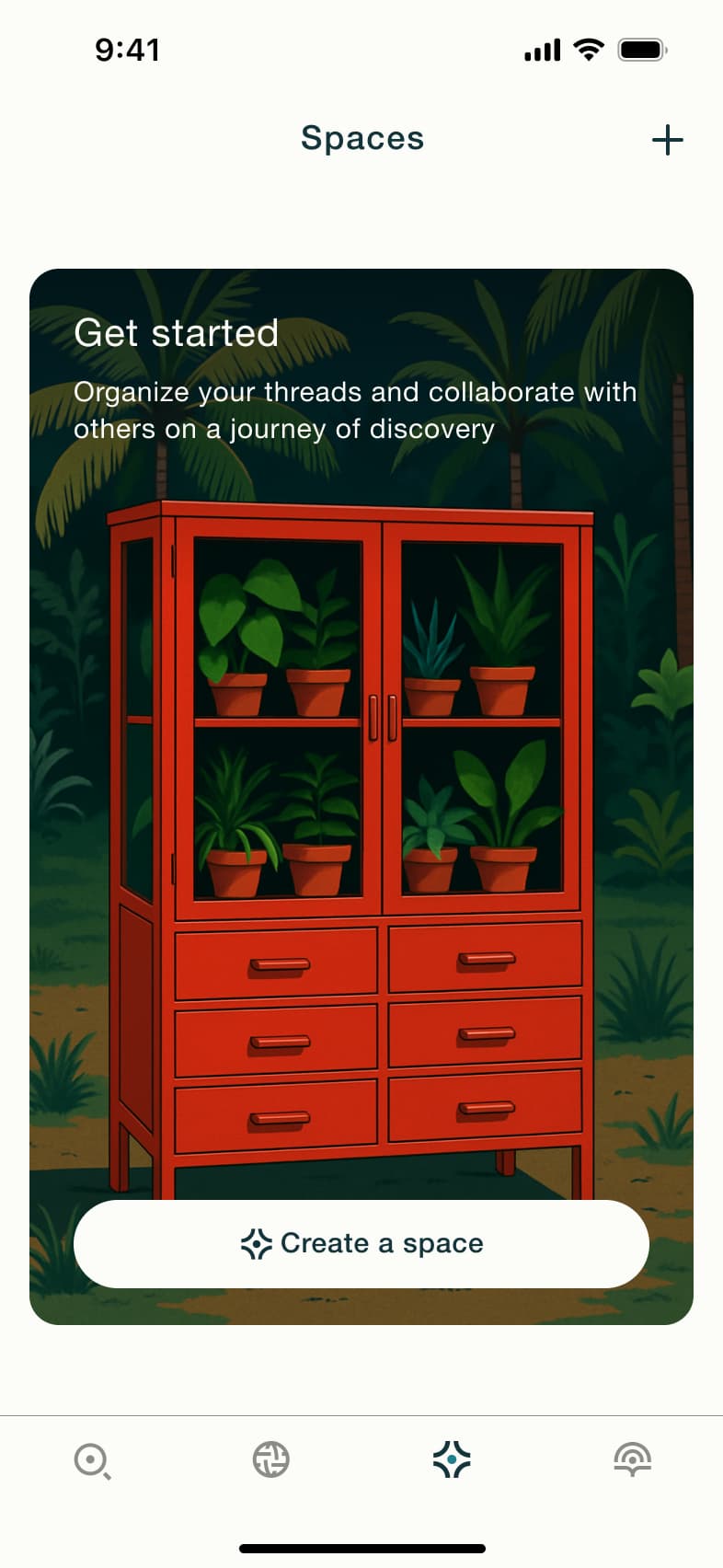
Tap Spaces · Tab switch
The steps
- Step 1. Tap Spaces, Tab switch
- Step 2. In-place change
- Step 3. Tap Create a space, Modal
- Step 4. Scroll, In-place change
- Step 5. Tap title, In-place change
- Step 6. Tap icon, Sheet
- Step 7. Scroll, In-place change
- Step 8. Select icon, Dismiss modal or sheet
- Step 9. Type prompt, In-place change
- Step 10. In-place change
- Step 11. Select private, In-place change
- Step 12. Tap Create, Dismiss modal or sheet
- Step 13. In-place change
- Step 14. Tap share, Sheet
- Step 15. Tap more, Dismiss modal or sheet
- Step 16. Tap Copy link, In-place change
- Step 17. Tap Privacy, Sheet
- Step 18. Dismiss modal or sheet
- Step 19. In-place change
- Step 20. In-place change
- Step 21. Tap Edit, Modal
- Step 22. Tap Spaces, Tab switch
- Step 23. In-place change
- Step 24. Scroll, In-place change
More from Perplexity
- Signed-out tour on Perplexity
- Log in with email on Perplexity
- Log in with work email on Perplexity
- Subscribe to Pro on Perplexity
- Settings on Perplexity
- Account and username on Perplexity
- Delete account on Perplexity
- Theme and app icon on Perplexity
- Voice and language on Perplexity
- Sports watchlist on Perplexity
- Finance watchlist on Perplexity
- Set location on Perplexity
- Ask a question on Perplexity
- Research mode on Perplexity
- News and pro search on Perplexity
- Stock answer on Perplexity
- Sports answer on Perplexity
- Read a discover story on Perplexity
- Ask a follow-up on Perplexity
- Rate and rewrite an answer on Perplexity
- Voice search on Perplexity
- Hands-free voice mode on Perplexity
- Space details and sources on Perplexity
- Bookmarks on Perplexity
- Library and thread search on Perplexity
- Full Perplexity UI kit
- Create flows in other apps
Not affiliated with, endorsed or sponsored by Perplexity. Perplexity is a trade mark of its owner. Recreated for design reference and education. Rights holders: contact us