SuperDuperUI
UI ClonesDesign SystemsAIPluginsCustom Clones
Home / Flows / Delete or deactivate account / Shop

Delete or deactivate account

Delete account on Shop

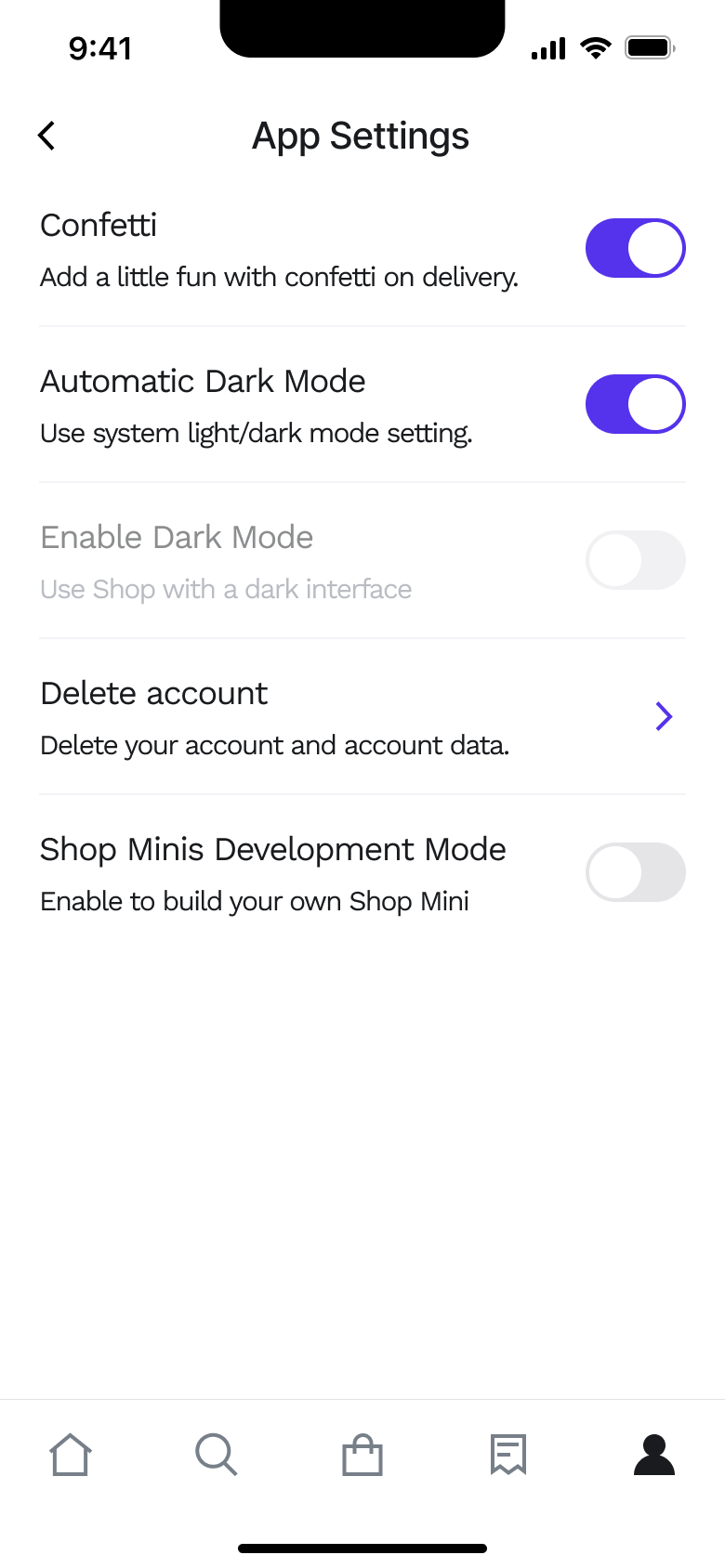
From app settings the user opens the delete account warning.

Try 5 screens free in FigmaImport this flow

Step 1 of 2

Shop flow, step 1: account-settings 13

Push

The steps

  1. Step 1. Push
  2. Step 2. Tap Delete account, Push

More from Shop

  • Sign up on Shop
  • Home on Shop
  • Track an order on Shop
  • View a store and product on Shop
  • Search and browse categories on Shop
  • Filter and sort on Shop
  • Add sunglasses to bag on Shop
  • Buy now on Shop
  • Account and sign out on Shop
  • First purchase on Shop
  • Review, pay and confirm on Shop
  • Browse home and collections on Shop
  • Shopping assistant on Shop
  • Manage orders on Shop
  • Account settings on Shop
  • Full Shop UI kit
  • Delete or deactivate account flows in other apps

Not affiliated with, endorsed or sponsored by Shop. Shop is a trade mark of its owner. Recreated for design reference and education. Rights holders: contact us

SuperDuperUI

Premium UI/UX design resources for creating exceptional digital experiences.

Products

  • UI Clones
  • Design Systems
  • Plugins
  • Icons

Services

  • Custom Clones
  • Pricing
  • Downloads

Company

  • Founder Story
  • Changelog
  • Compare
  • Glossary
  • Licence Agreement
  • Privacy Policy
  • Rights Holders

© 2026 SuperDuperUI. A Precode product.

Need help? hello@superduperui.com

Not affiliated with, endorsed or sponsored by the companies whose apps we recreate. Their names and logos are trade marks of their owners. Recreated for design reference and education. Rights holders: contact us