
Open a savings account
Sign up11 screens
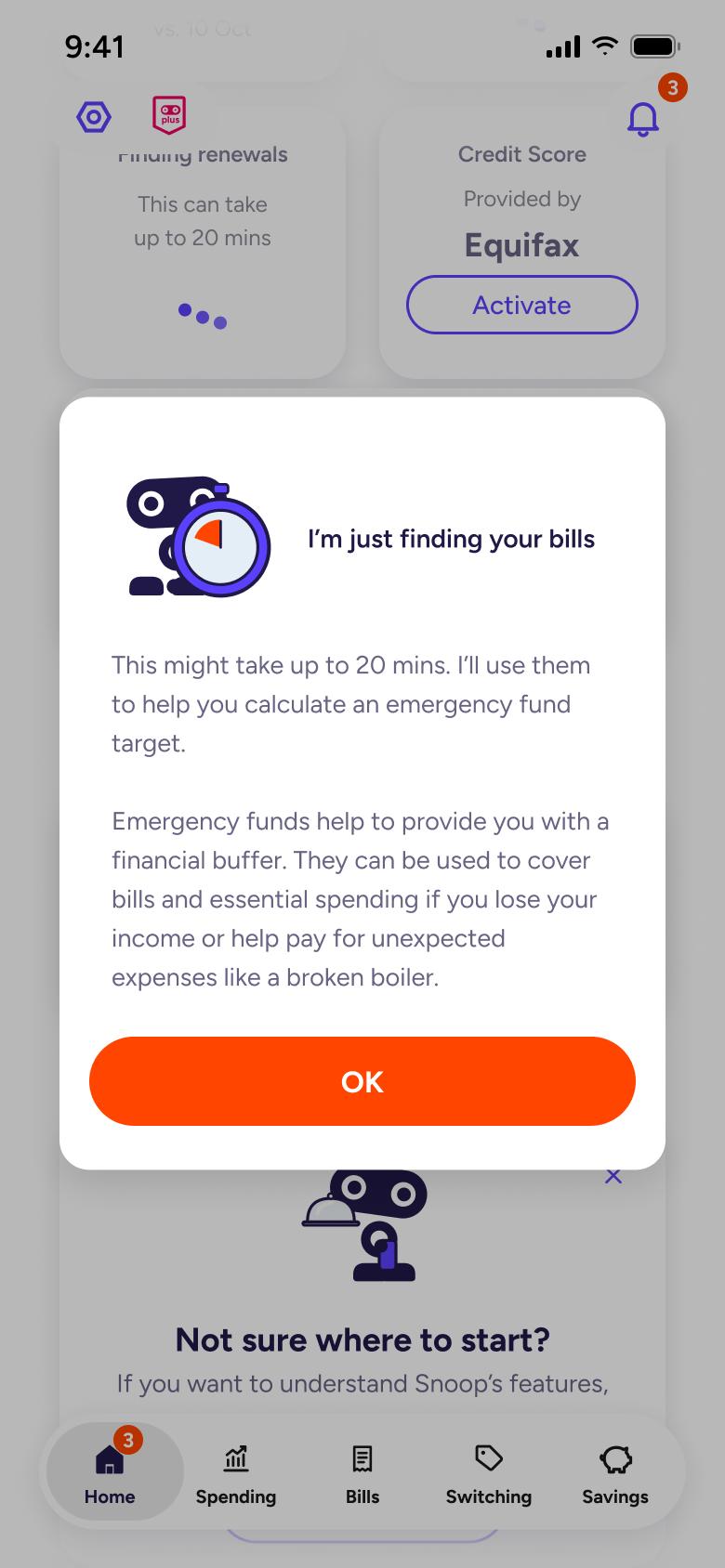
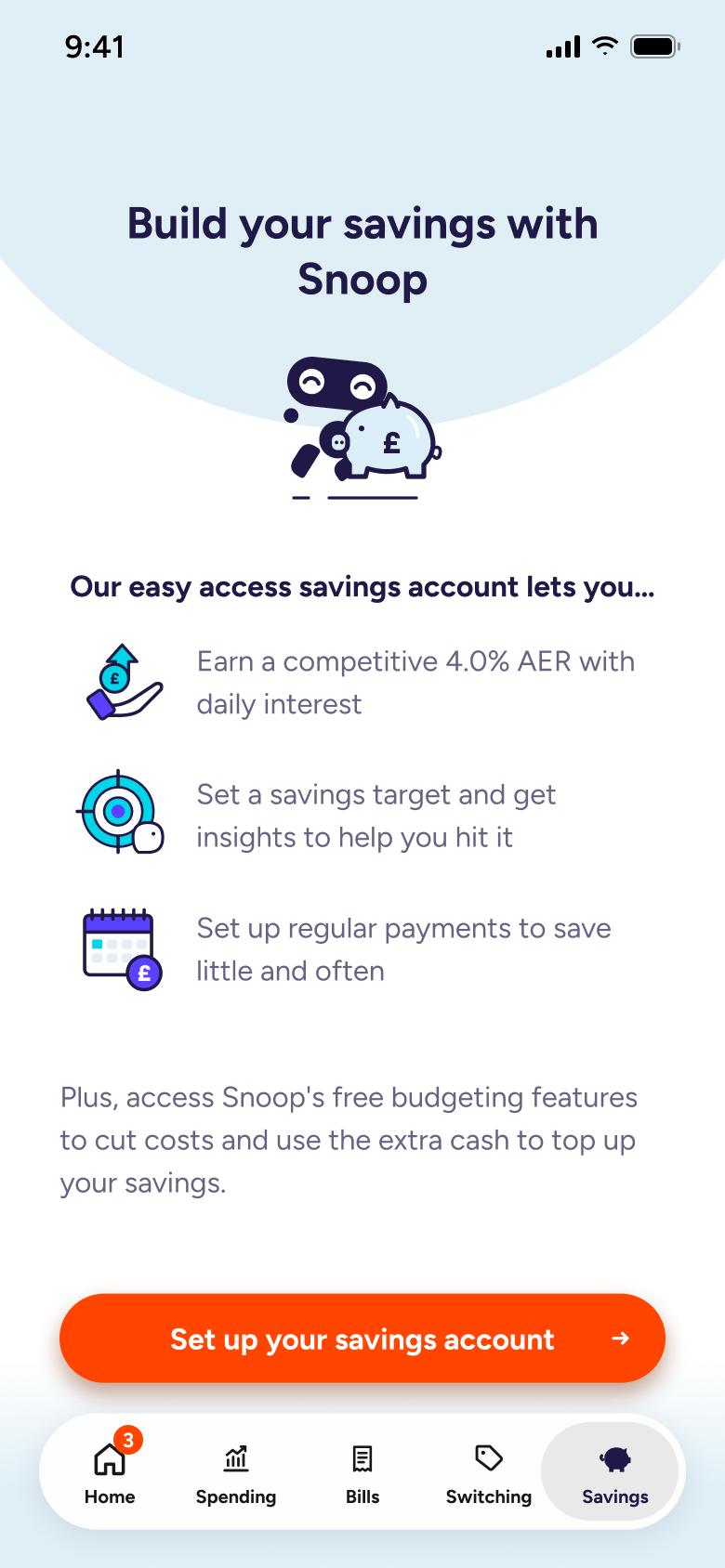
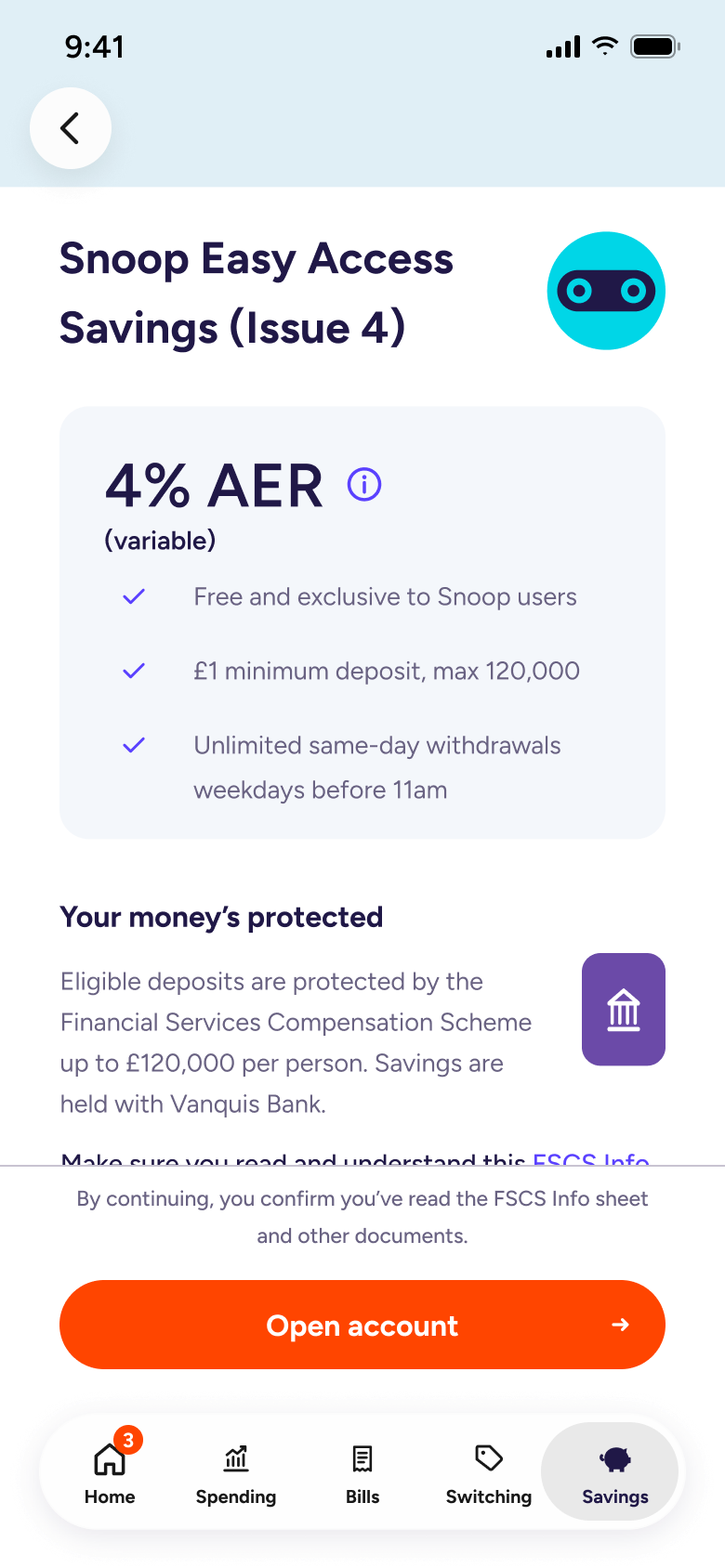
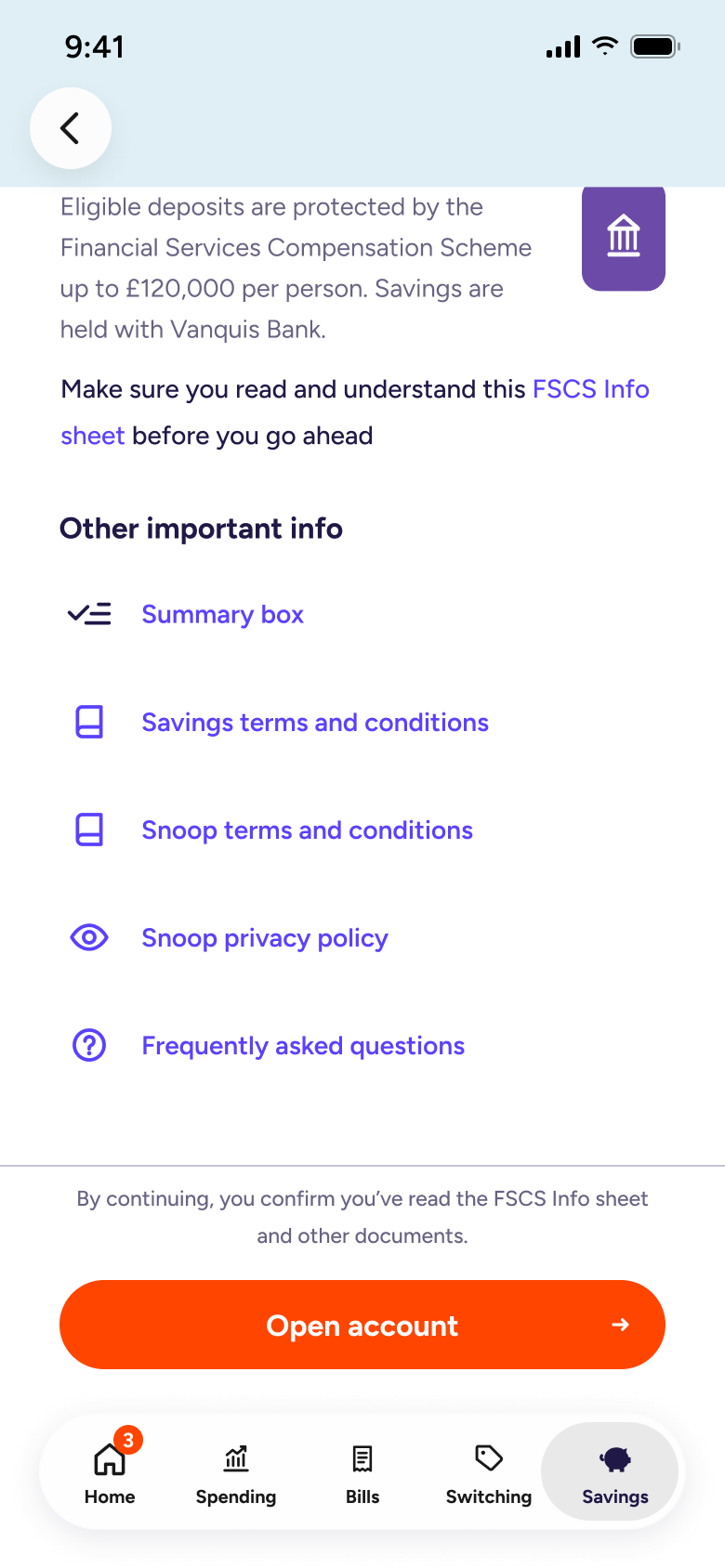
Steps 1–4 of 11, in recording order
Open flowWhile the first account connects, auto-advancing story pages introduce the mascot and features: accounts in one place, spending, budgets, bills, deals, savings, feed and alerts, ending on All done.
SnoopiOS16 steps
Every app’s free flow imports free, no card needed.
See all onboarding flows across apps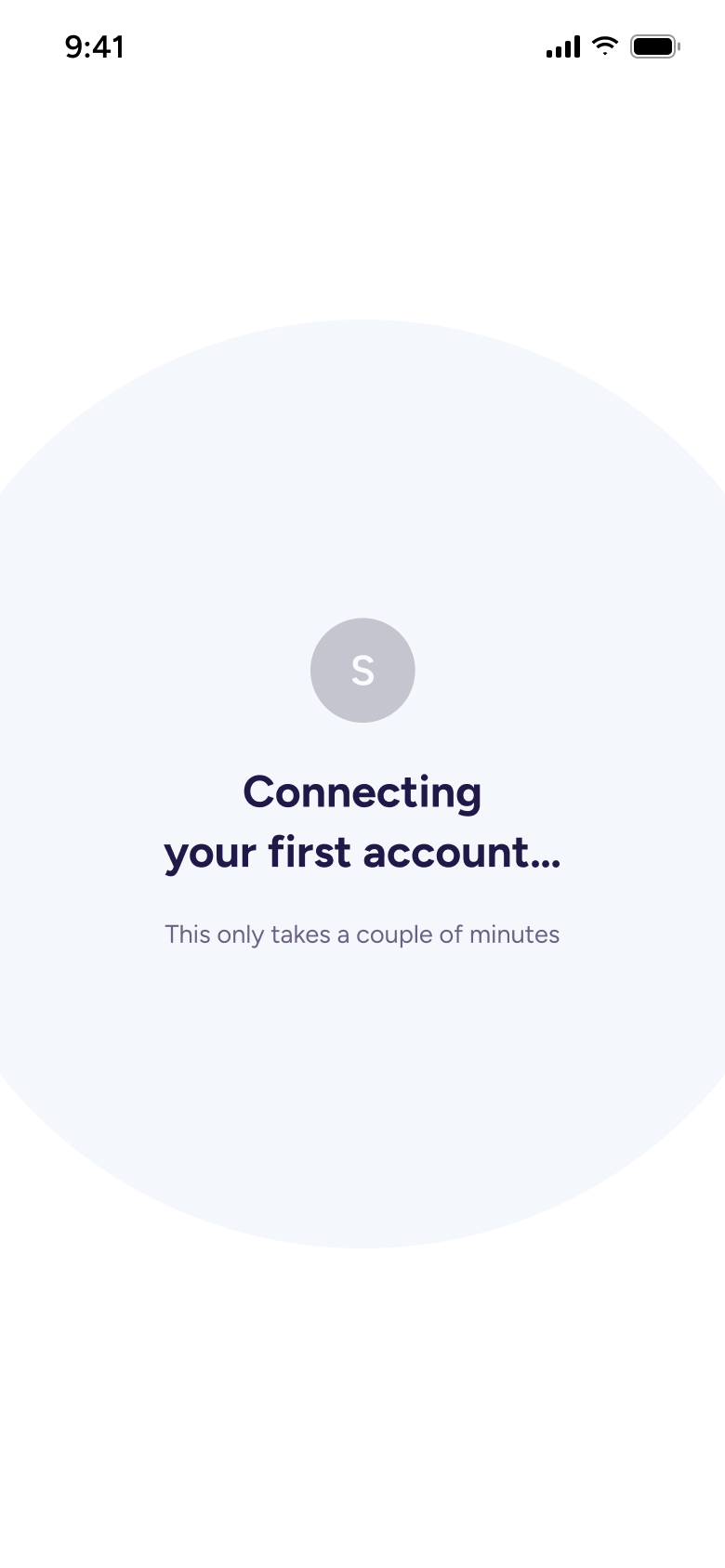
Step 1 of 16
Connect Bank 6
How you get here: Leaves the app
Open the SuperDuper UI plugin in Figma to paste these 16 screens into your file as editable layers.
All 16 steps
Use ← → to step through
Each screen in the order it was recorded, with how the user got there.
Return from bank approval
Connect Bank 6
Leaves the app
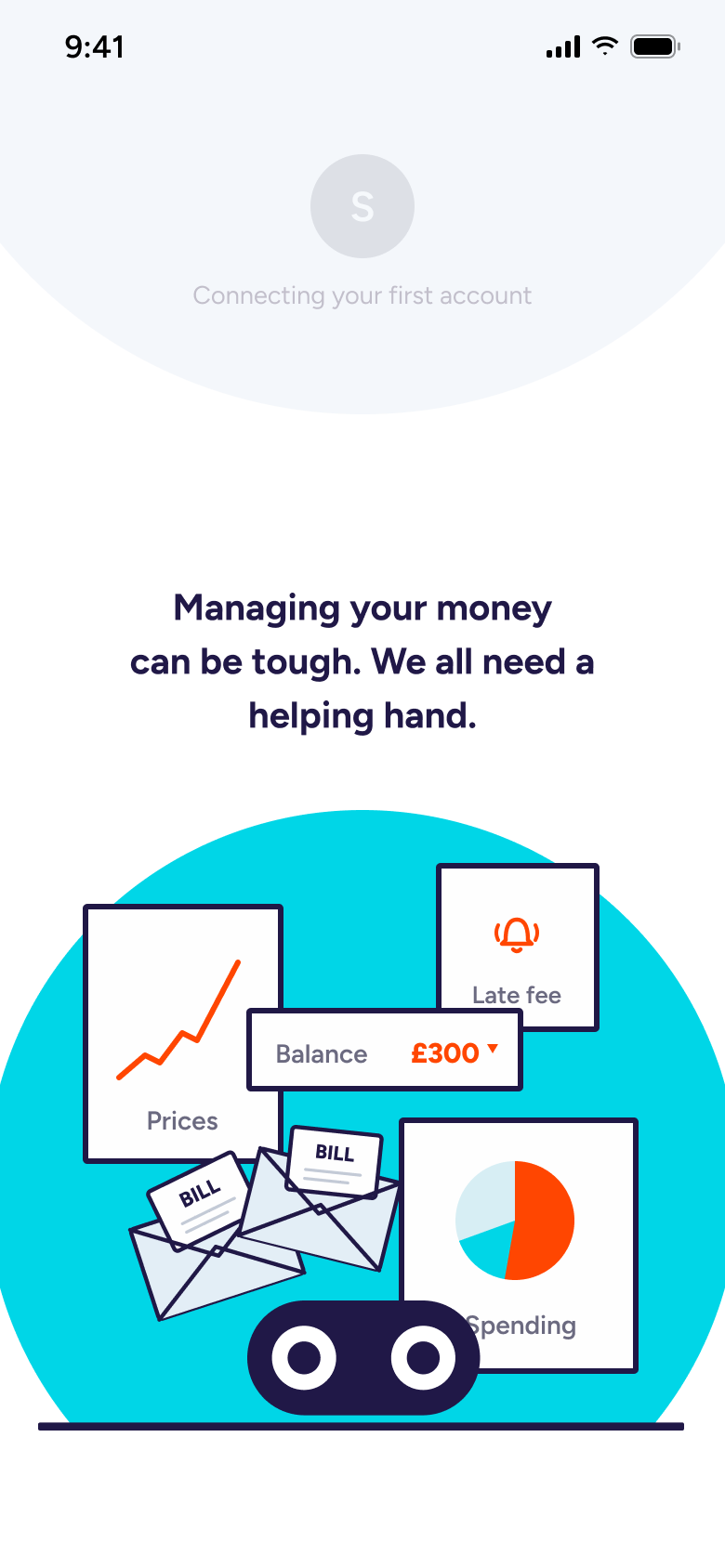
Connecting starts story
Intro Story 1
Changes in place
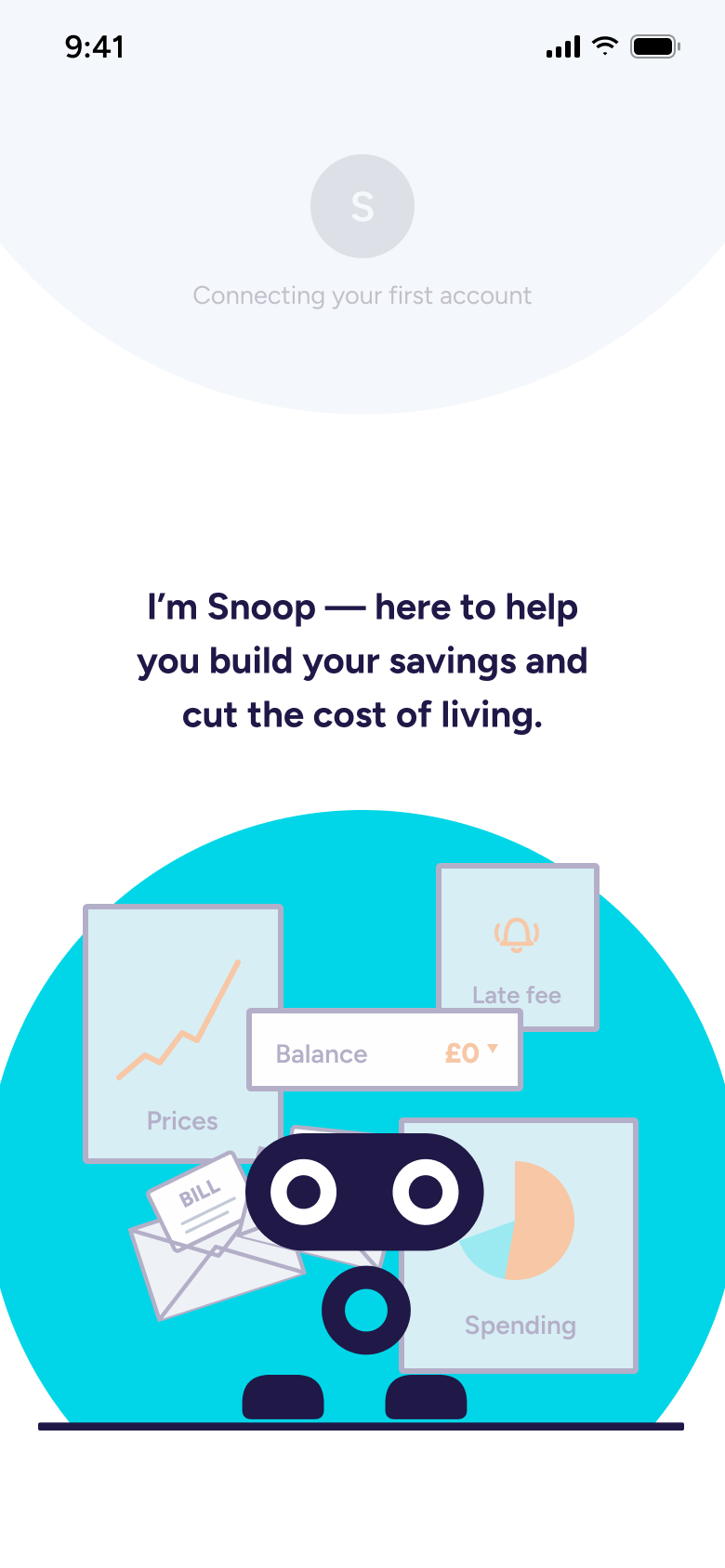
Auto-advance to next story page
Intro Story 2
Changes in place
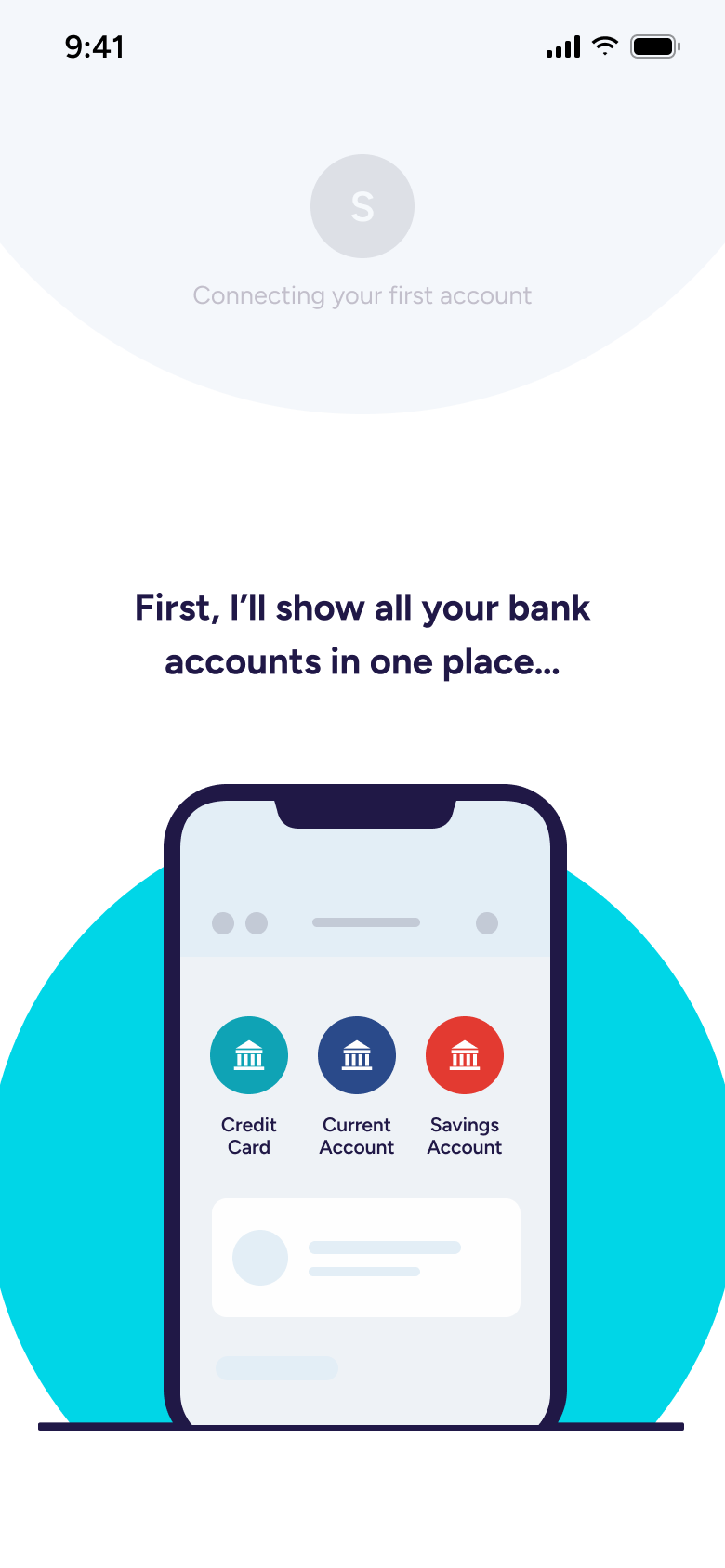
Auto-advance to next story page
Intro Story 3
Changes in place
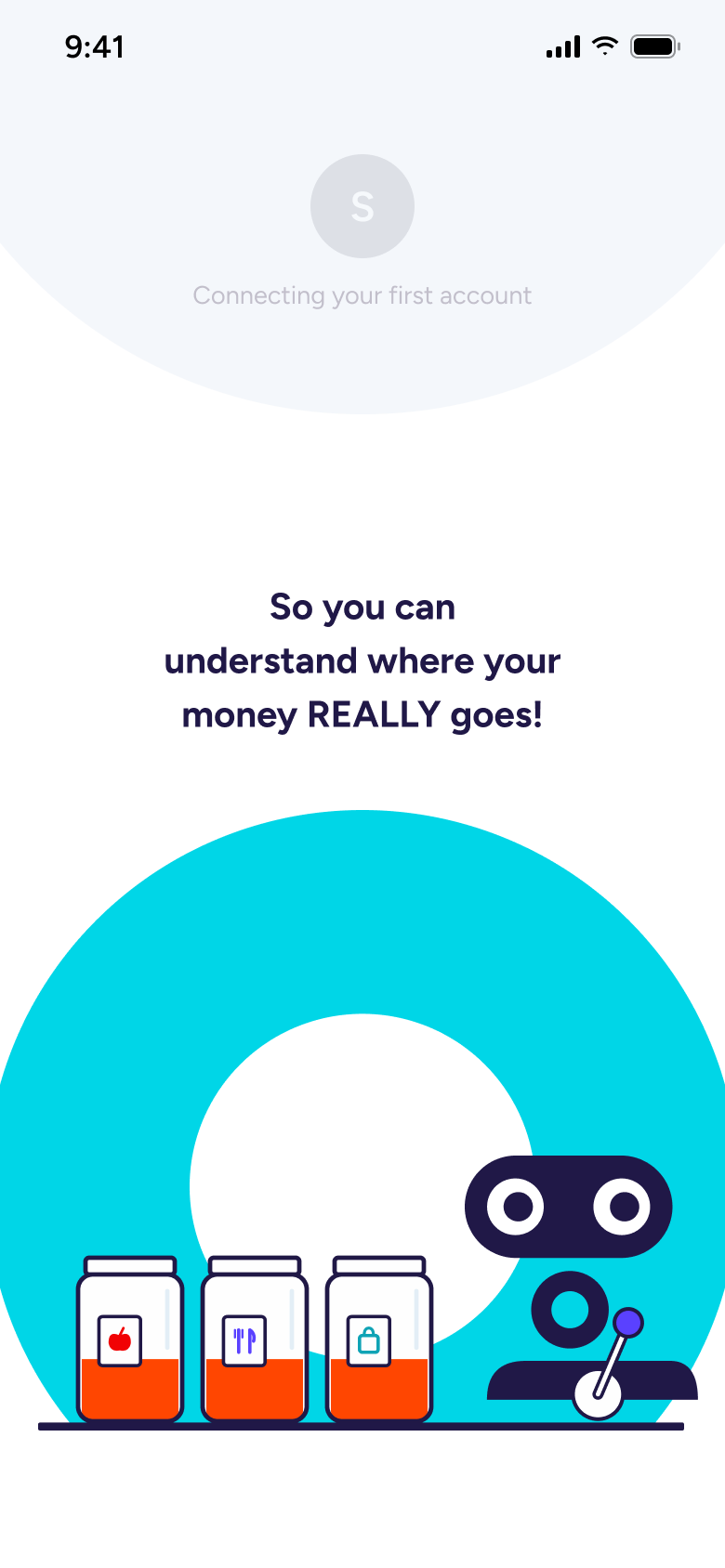
Auto-advance to next story page
Intro Story 4
Changes in place
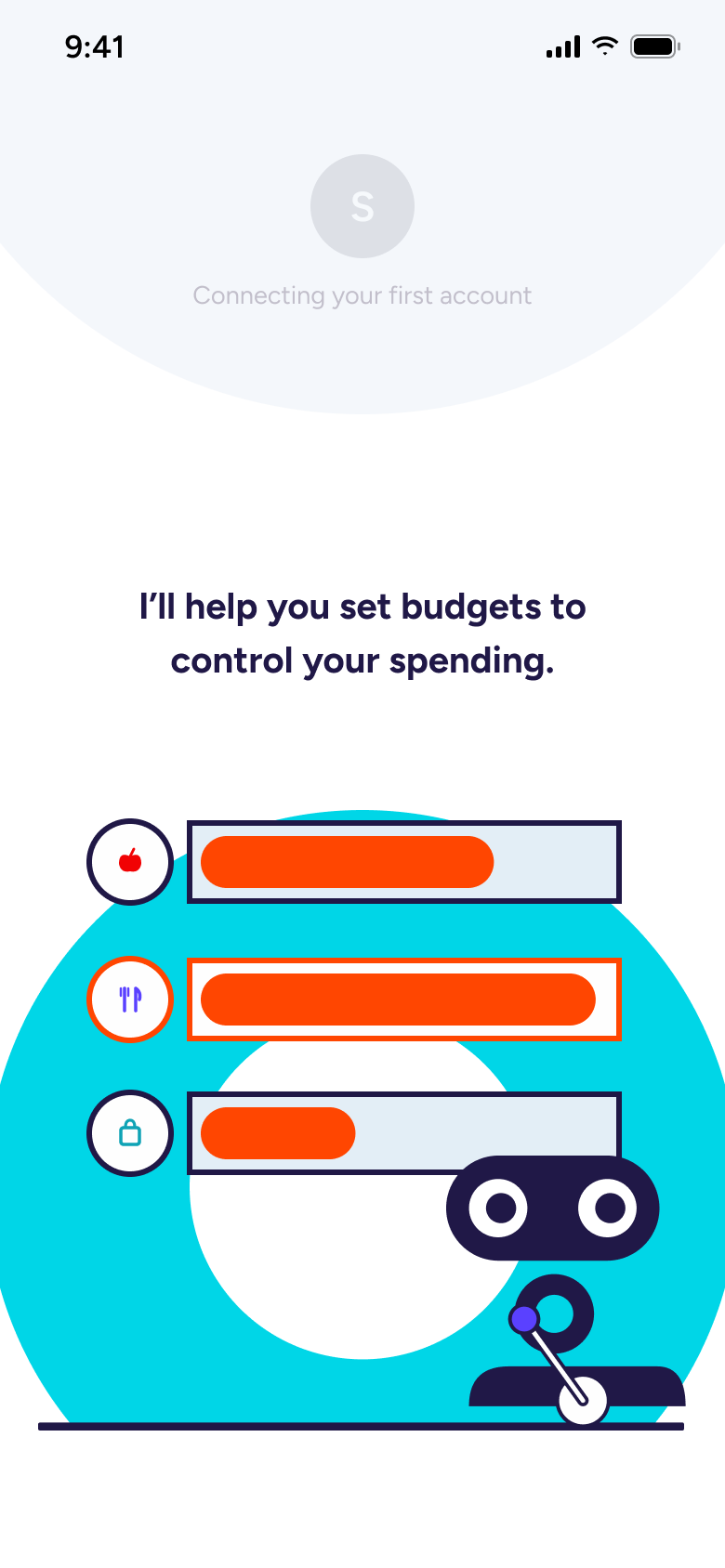
Auto-advance to next story page
Intro Story 5
Changes in place
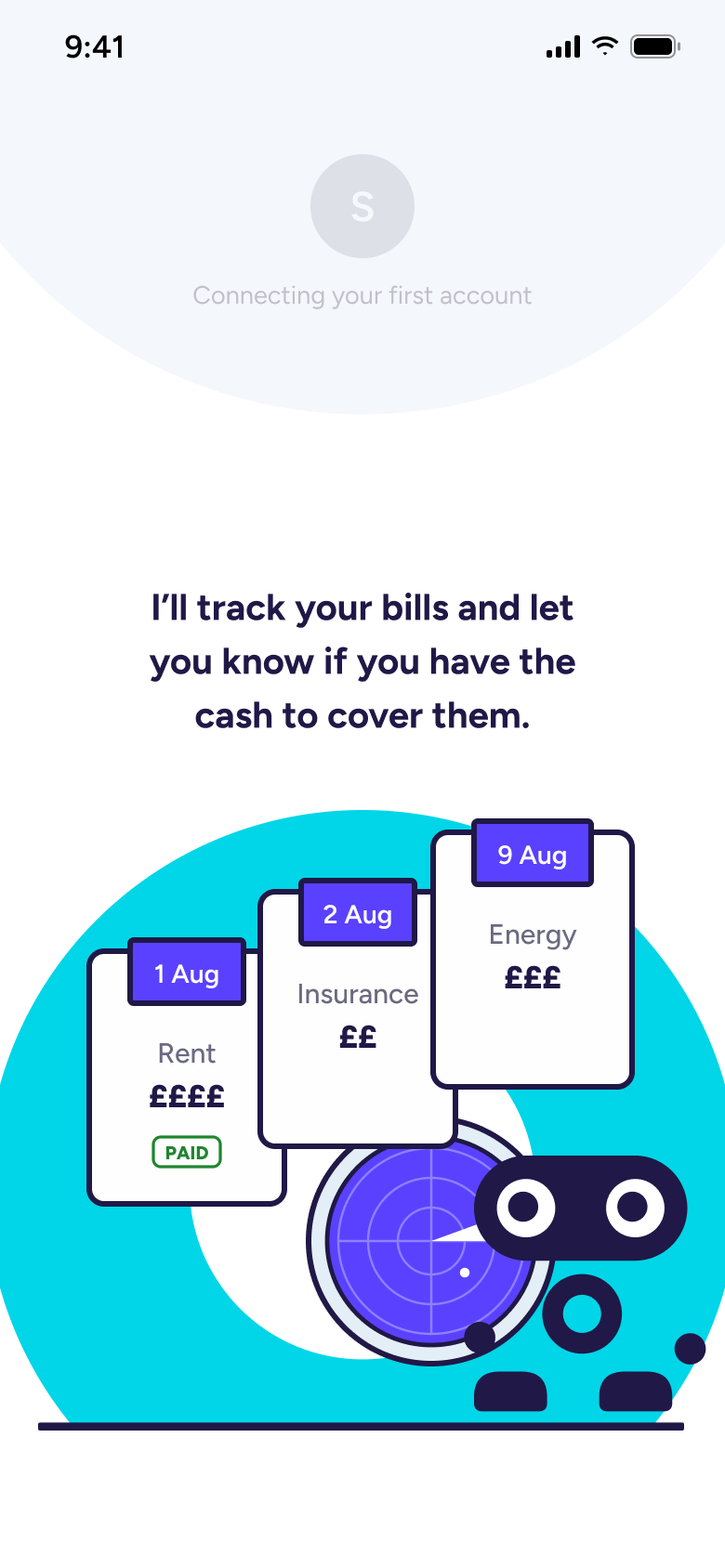
Auto-advance to next story page
Intro Story 6
Changes in place
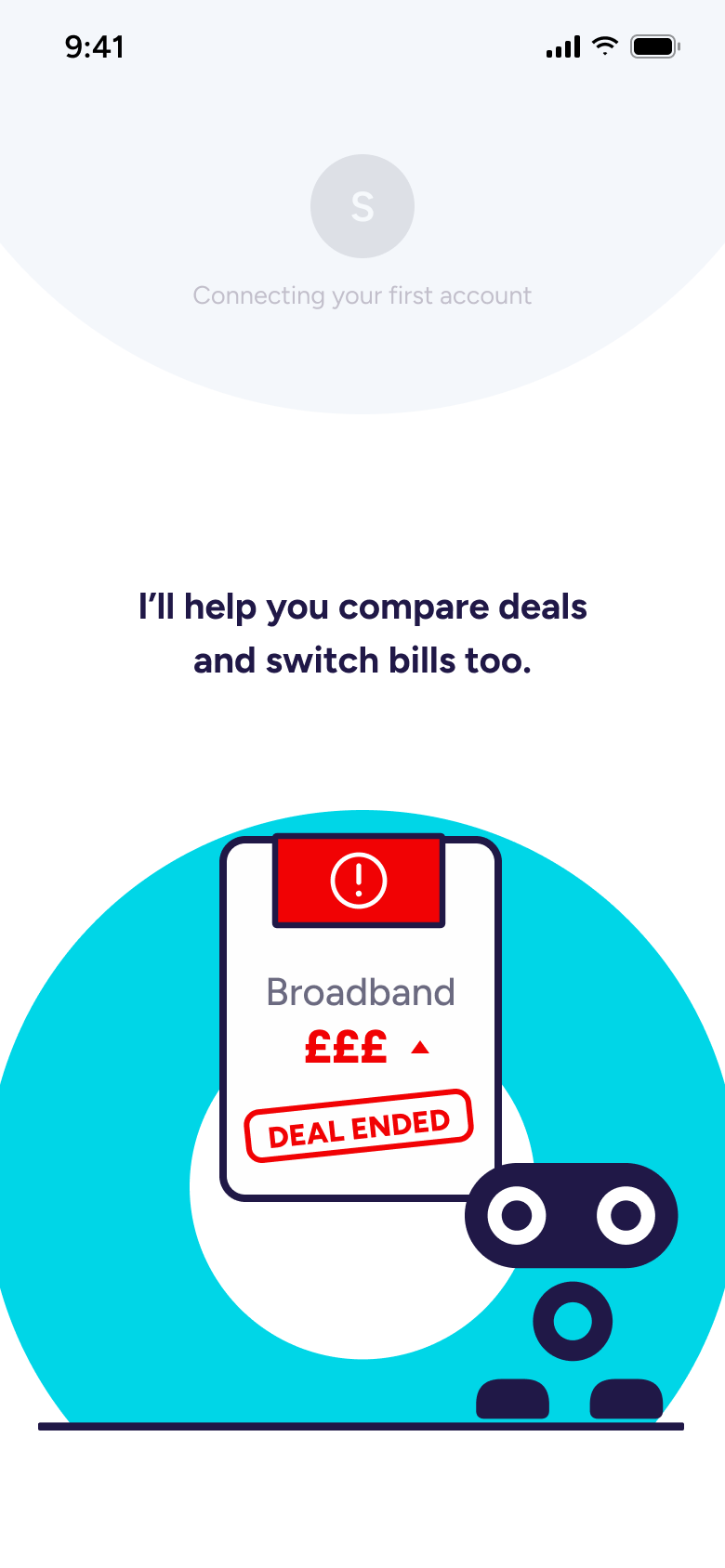
Auto-advance to next story page
Intro Story 7
Changes in place
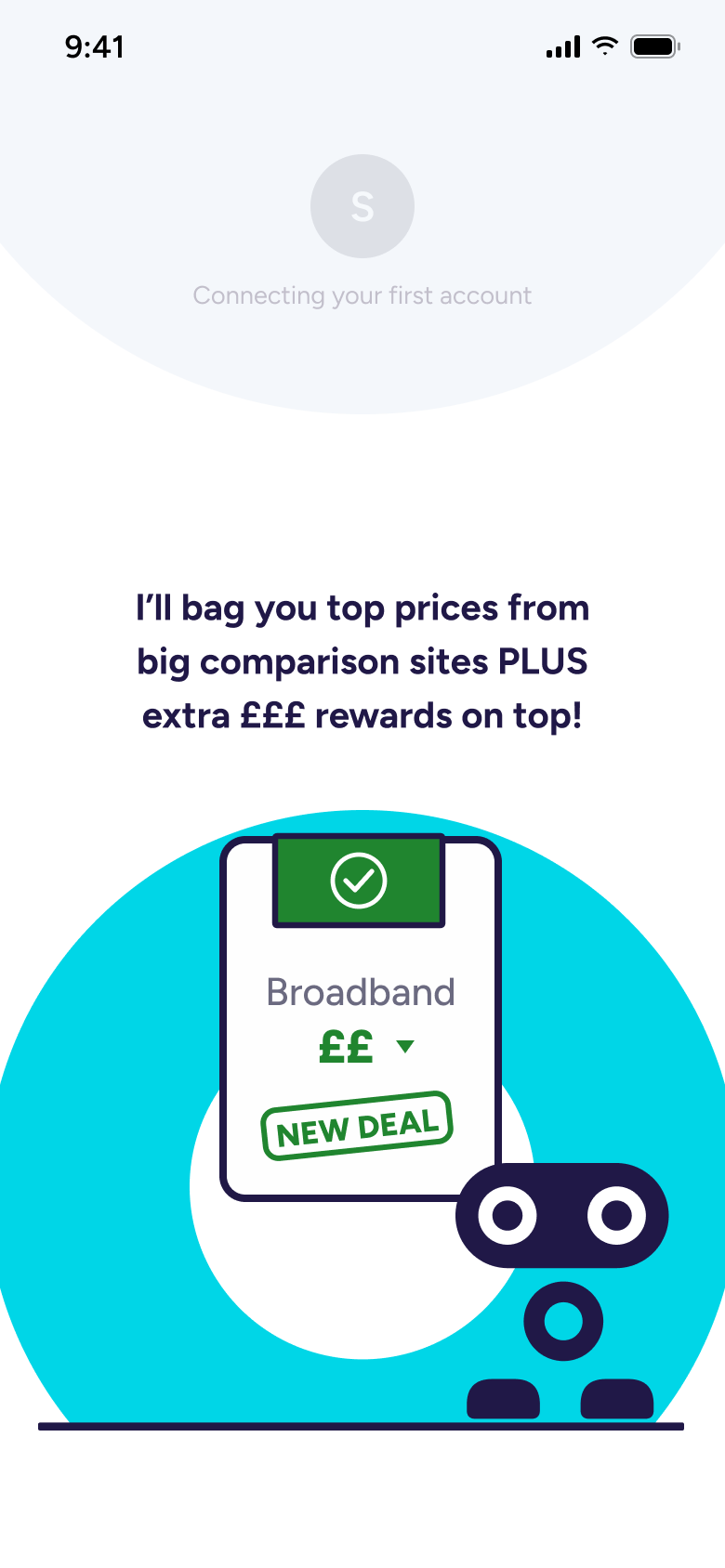
Auto-advance to next story page
Intro Story 8
Changes in place
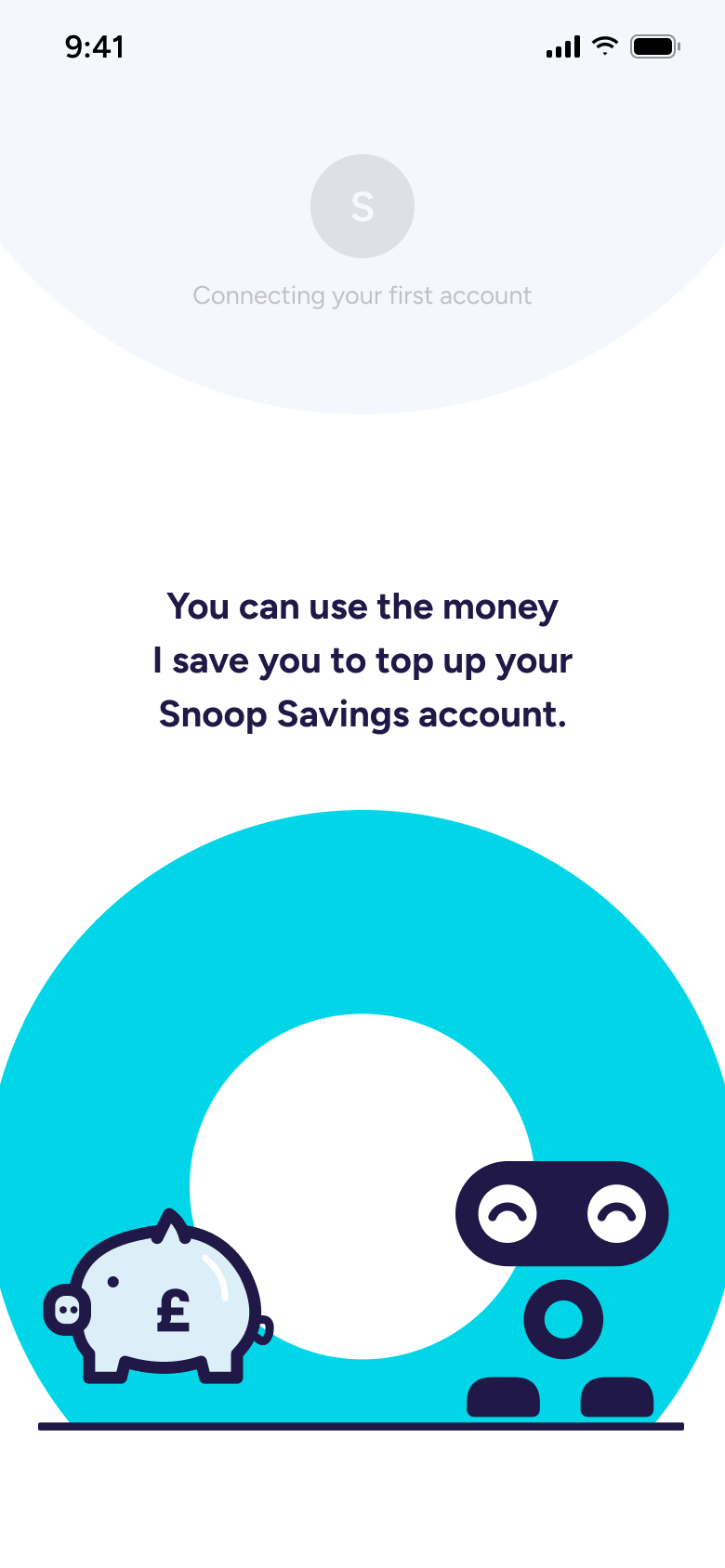
Auto-advance to next story page
Intro Story 9
Changes in place
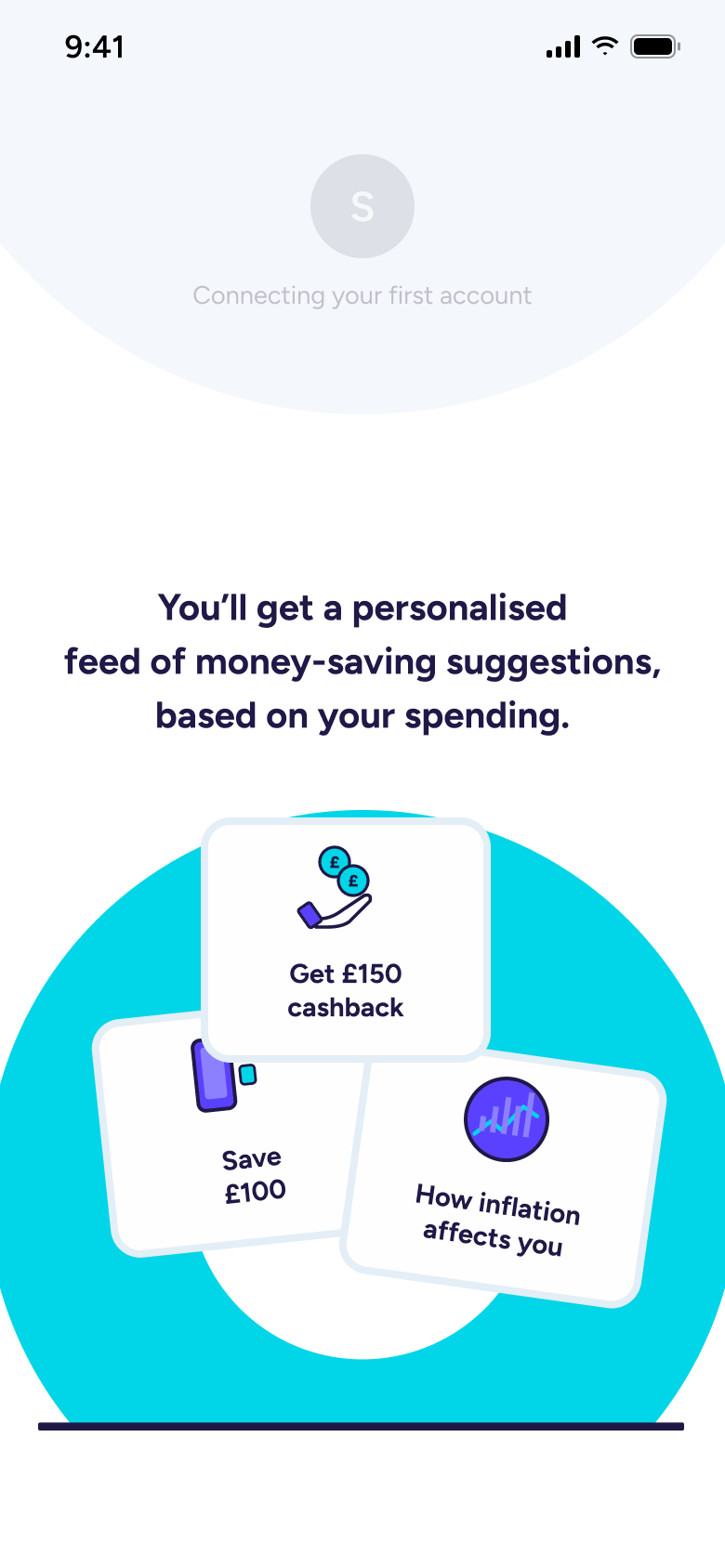
Auto-advance to next story page
Intro Story 10
Changes in place
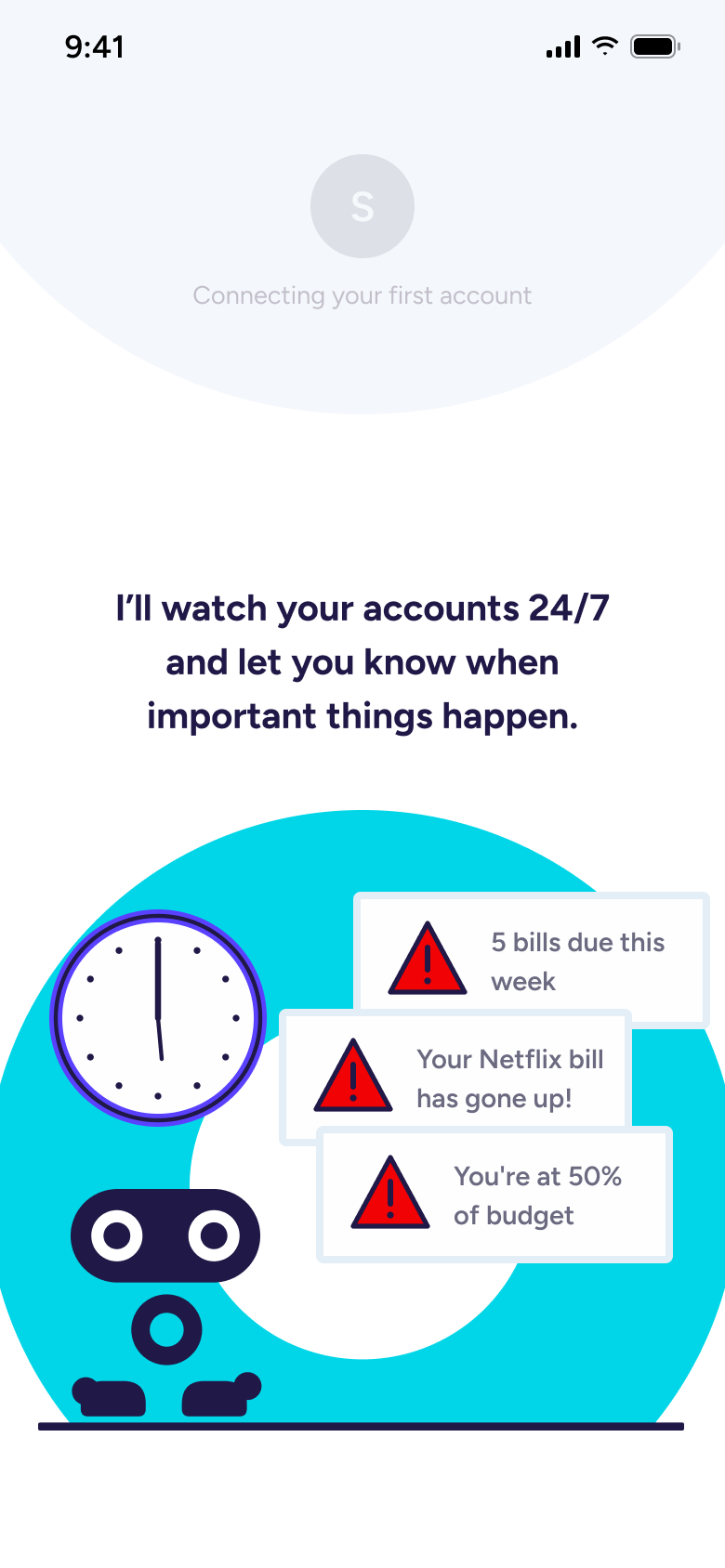
Auto-advance to next story page
Intro Story 11
Changes in place
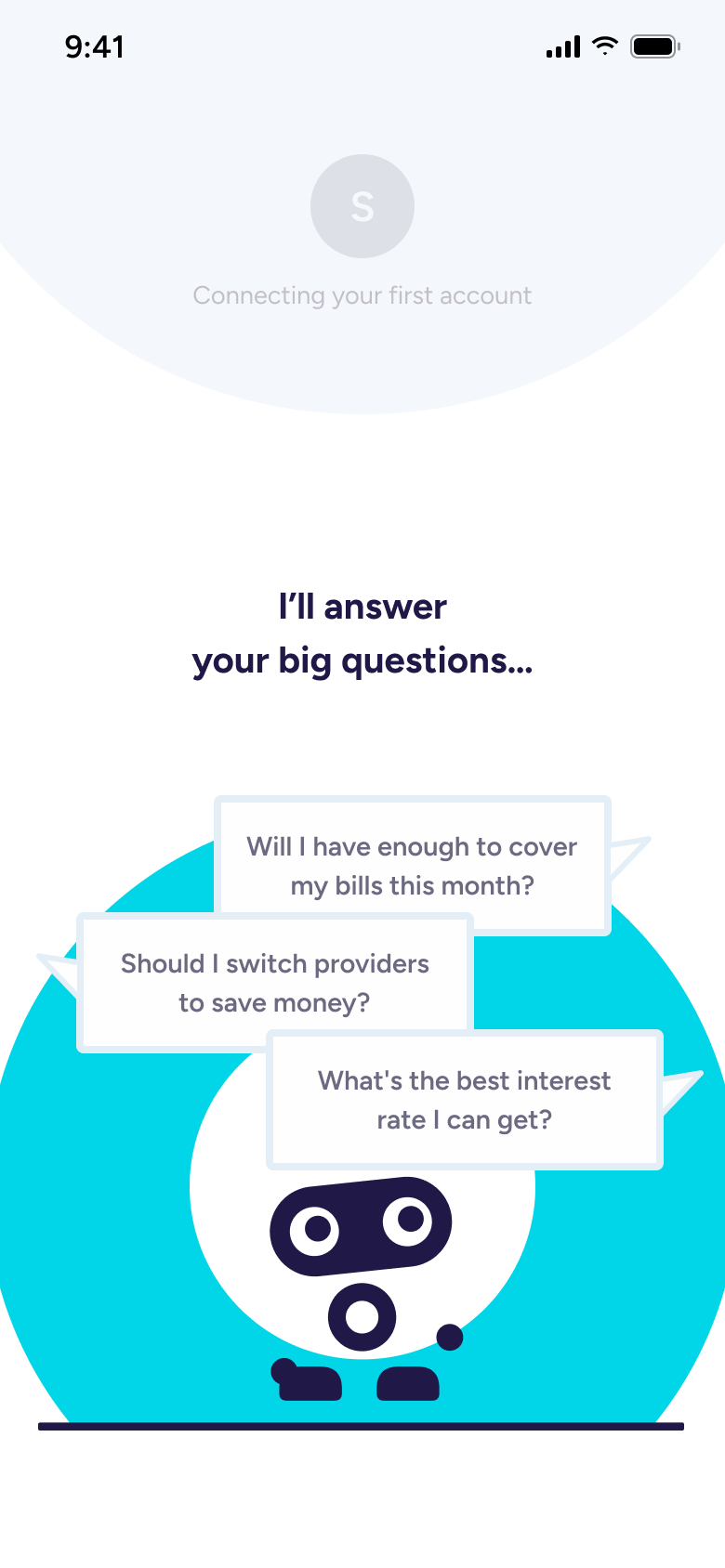
Auto-advance to next story page
Intro Story 12
Changes in place
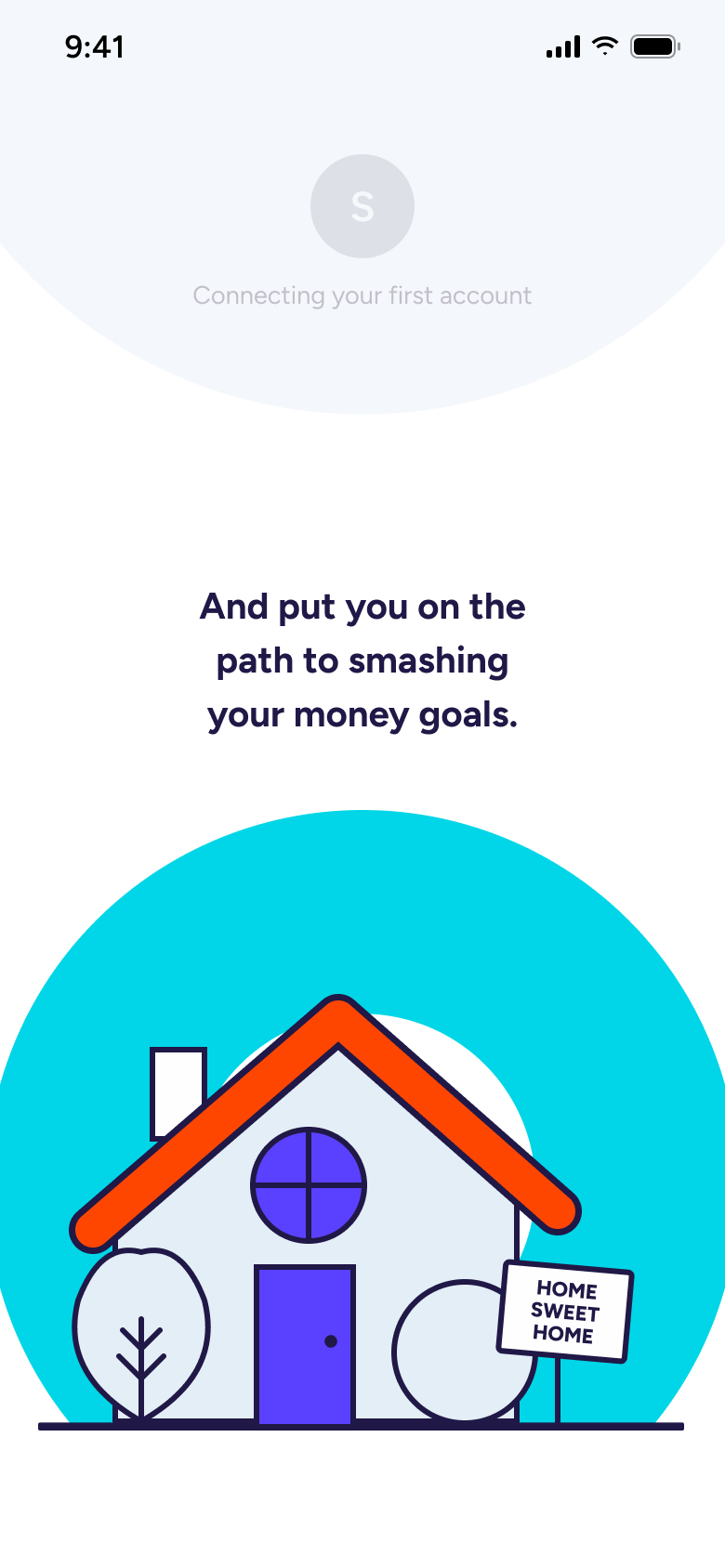
Auto-advance to next story page
Intro Story 13
Changes in place
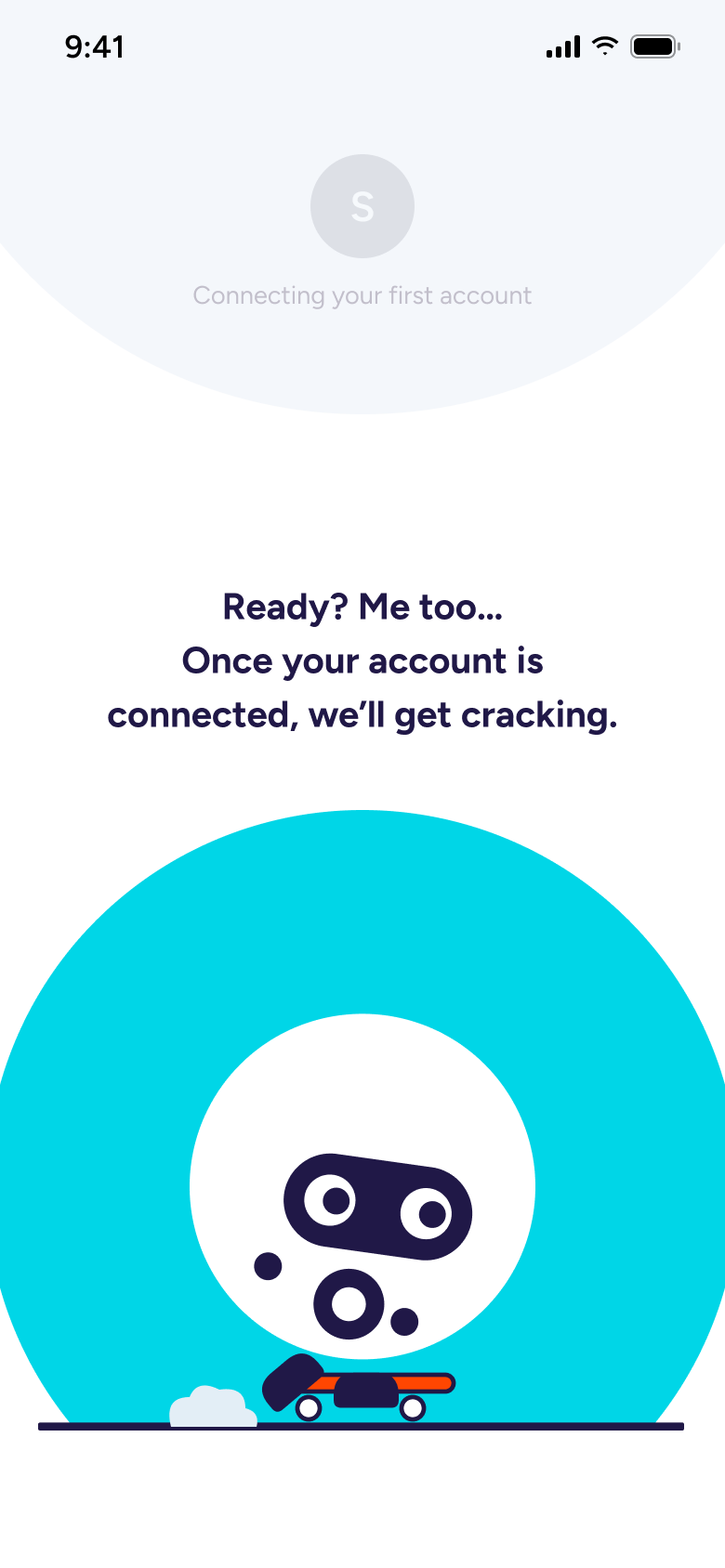
Auto-advance to next story page
Intro Story 14
Changes in place
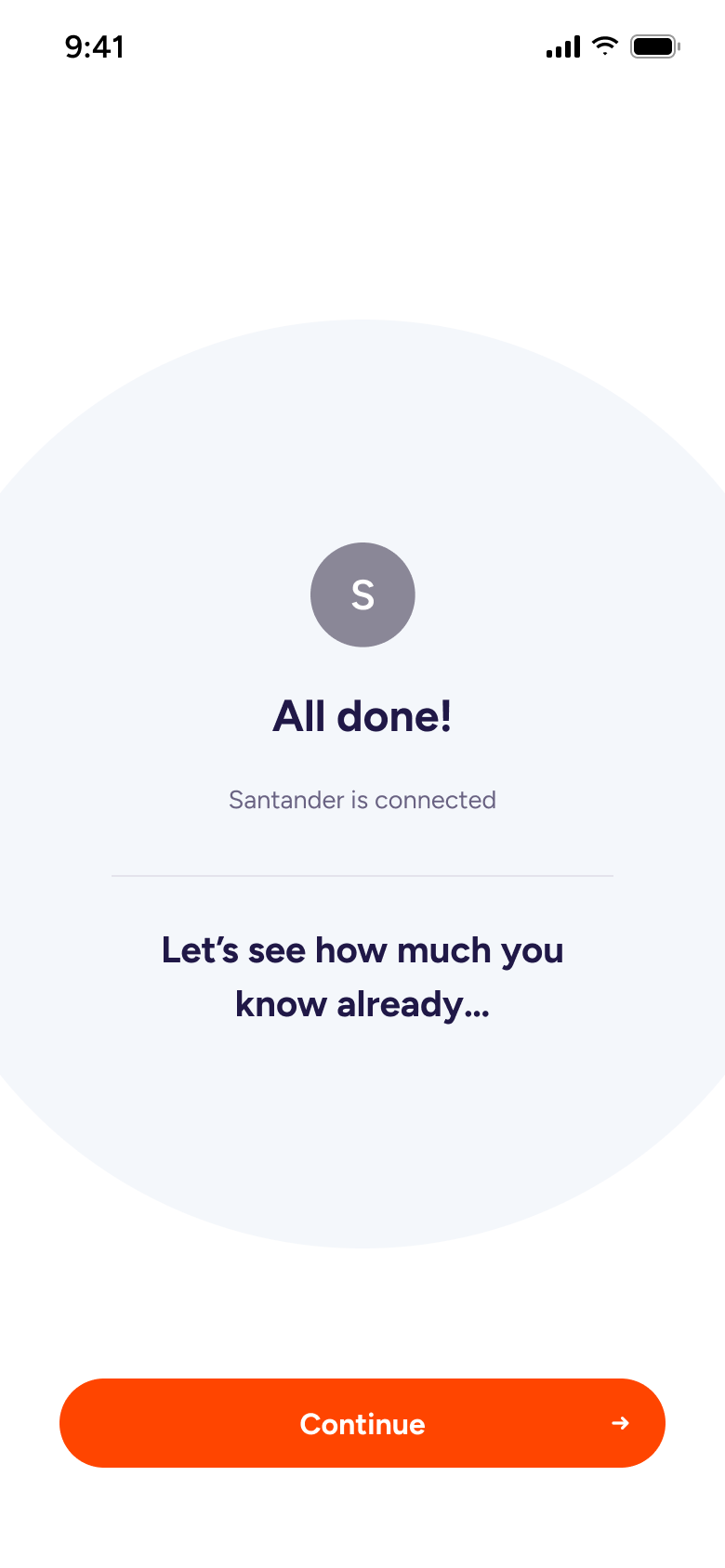
Connection completes
Connect Bank 7
Changes in place
Not affiliated with, endorsed or sponsored by Snoop. Snoop is a trade mark of its owner. Recreated for design reference and education. Rights holders: contact us
Sign up11 screens
Steps 1–4 of 11, in recording order
Open flowOnboarding personalisation10 screens
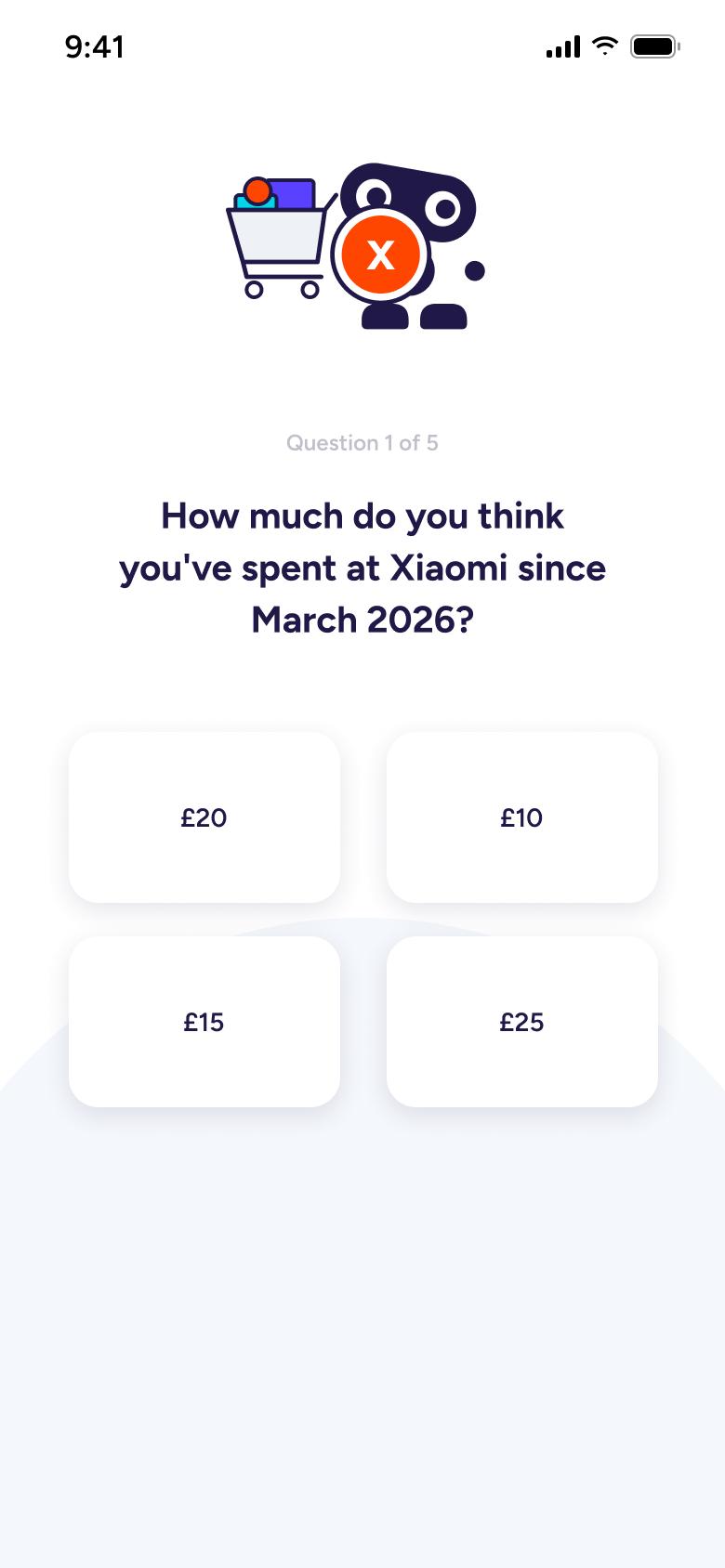
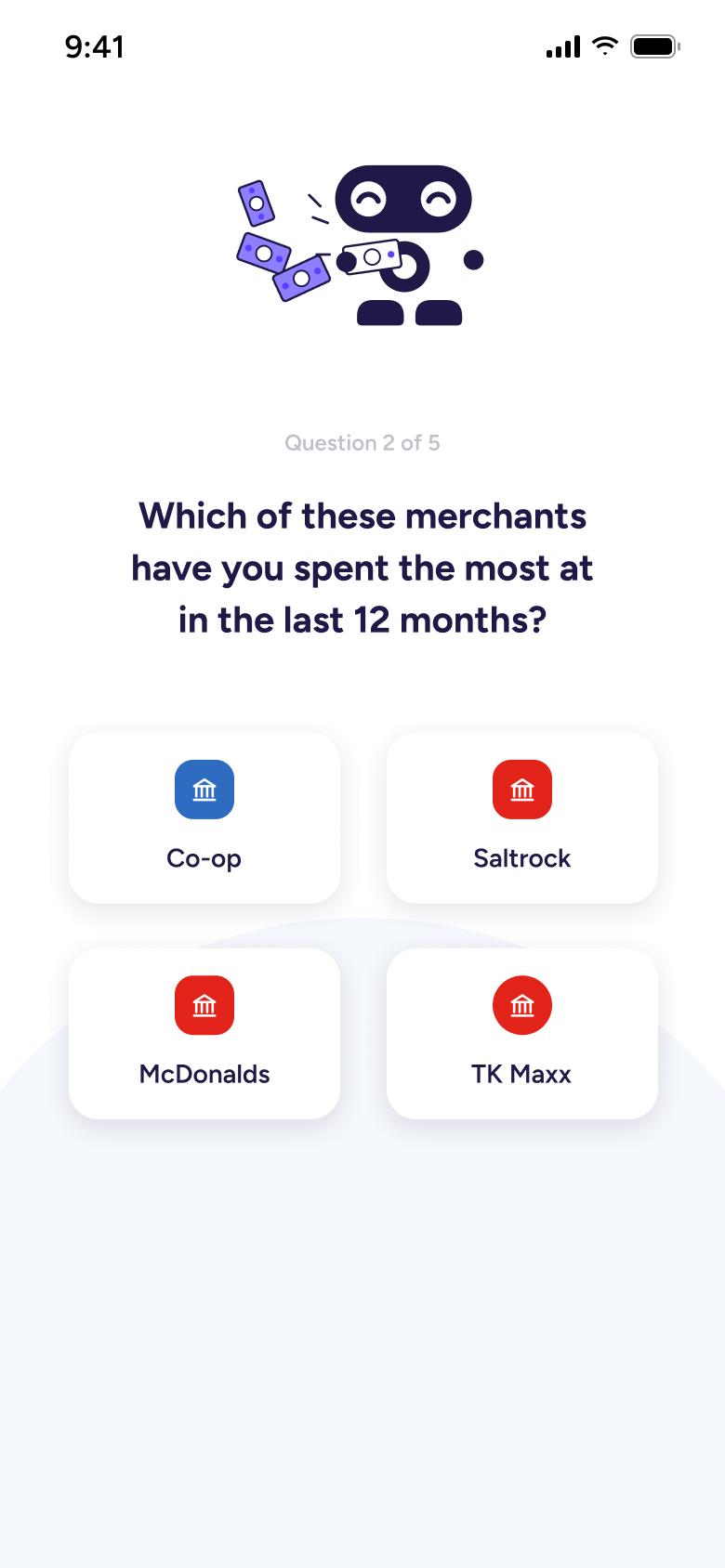
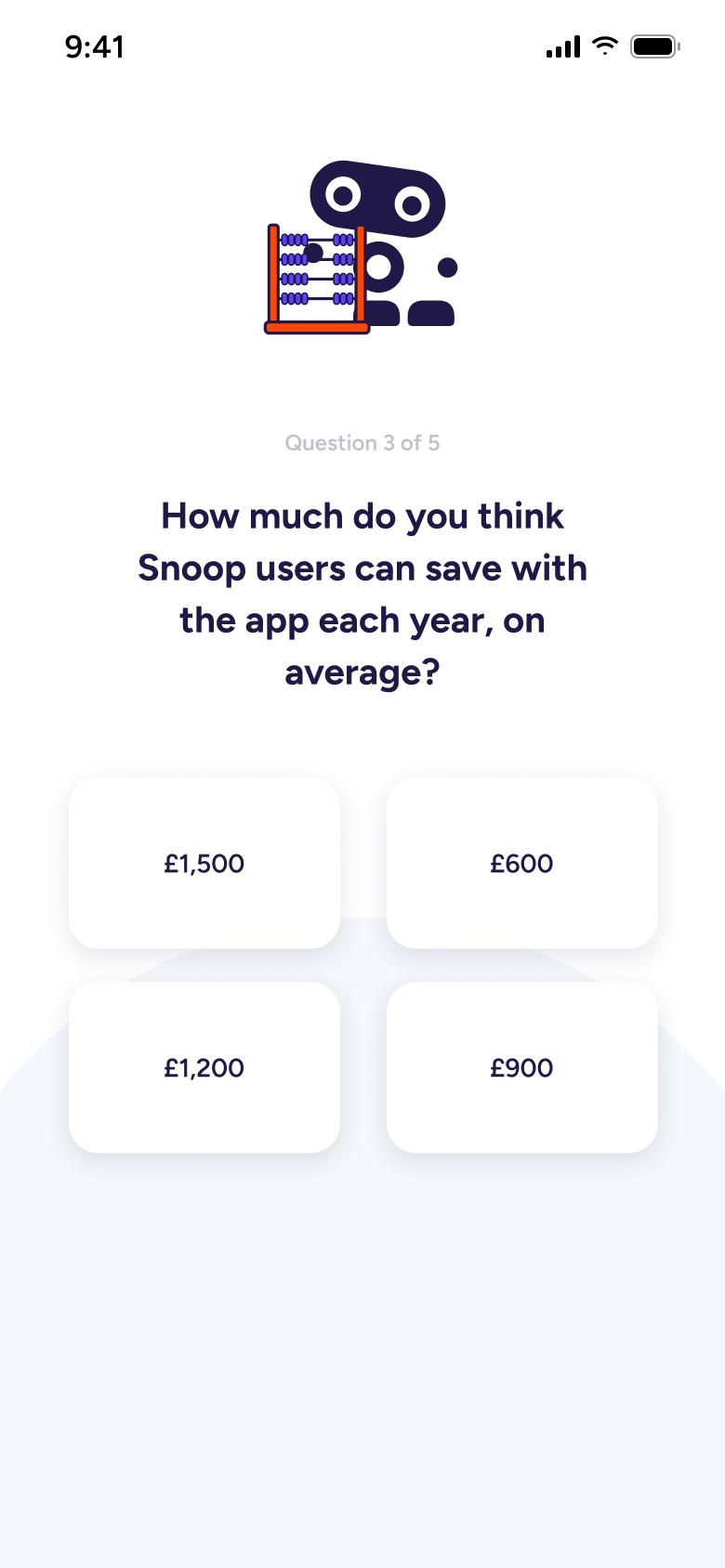
Steps 1–4 of 10, in recording order
Open flowAll of WhatsApp, and a complete flow from every app. No card needed.
Step 1 of 16
Connect Bank 6
How you get here: Leaves the app
Open the SuperDuper UI plugin in Figma to paste these 16 screens into your file as editable layers.
All 16 steps
Use ← → to step through