
Order tracking
Baskets and orders empty states on Uber Eats
The user opens empty baskets and an empty orders list, then sees a basket after adding items.
Step 1 of 4
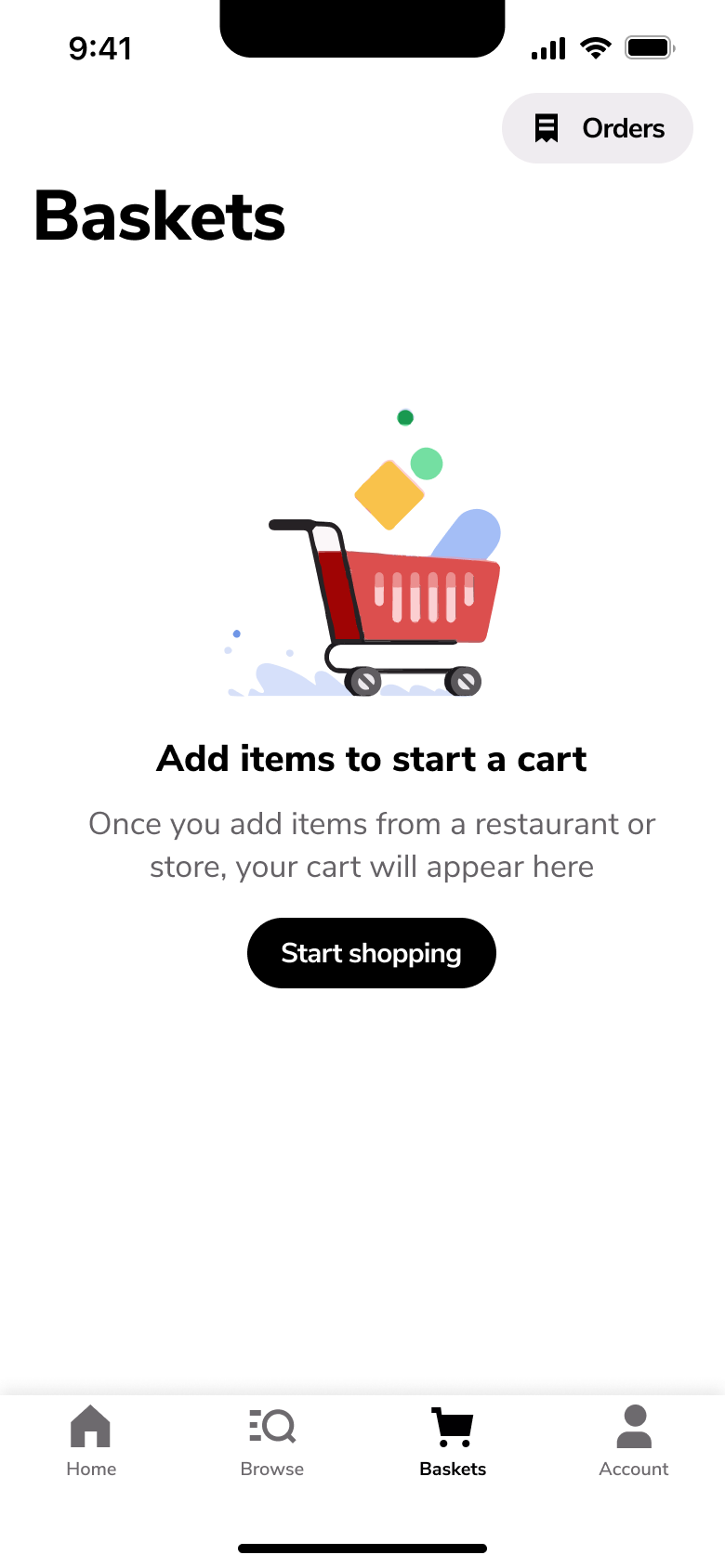
Tap Baskets · Tab switch
The steps
- Step 1. Tap Baskets, Tab switch
- Step 2. Tap Orders, Push
- Step 3. Tap Home, Tab switch
- Step 4. Tap Baskets, Tab switch
More from UberEats
- Sign up on Uber Eats
- Add a payment card on Uber Eats
- Set delivery address on Uber Eats
- Browse home and categories on Uber Eats
- Search on Uber Eats
- Sort and filter on Uber Eats
- View a restaurant on Uber Eats
- Start a group order on Uber Eats
- Customise and add a drink to basket on Uber Eats
- Customise a meal on Uber Eats
- Checkout and place an order on Uber Eats
- Track a delivery on Uber Eats
- Message the courier on Uber Eats
- Tip and rate the courier on Uber Eats
- Past orders and receipts on Uber Eats
- Get help with an order on Uber Eats
- Account and wallet on Uber Eats
- Favourites on Uber Eats
- Invite friends on Uber Eats
- Membership trial on Uber Eats
- Restaurant rewards on Uber Eats
- Full UberEats UI kit
- Order tracking flows in other apps
Not affiliated with, endorsed or sponsored by UberEats. UberEats is a trade mark of its owner. Recreated for design reference and education. Rights holders: contact us