
Filter & sort
18 screens
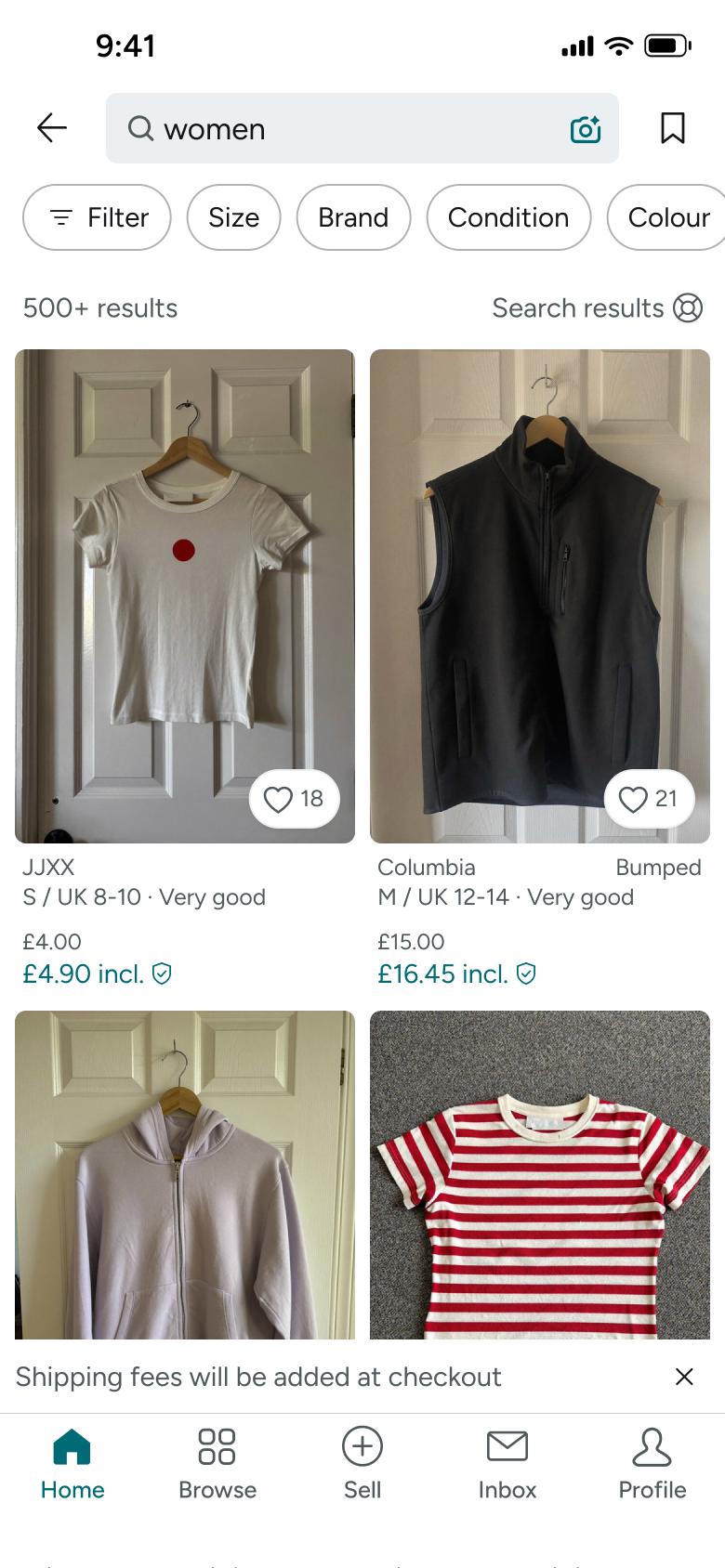
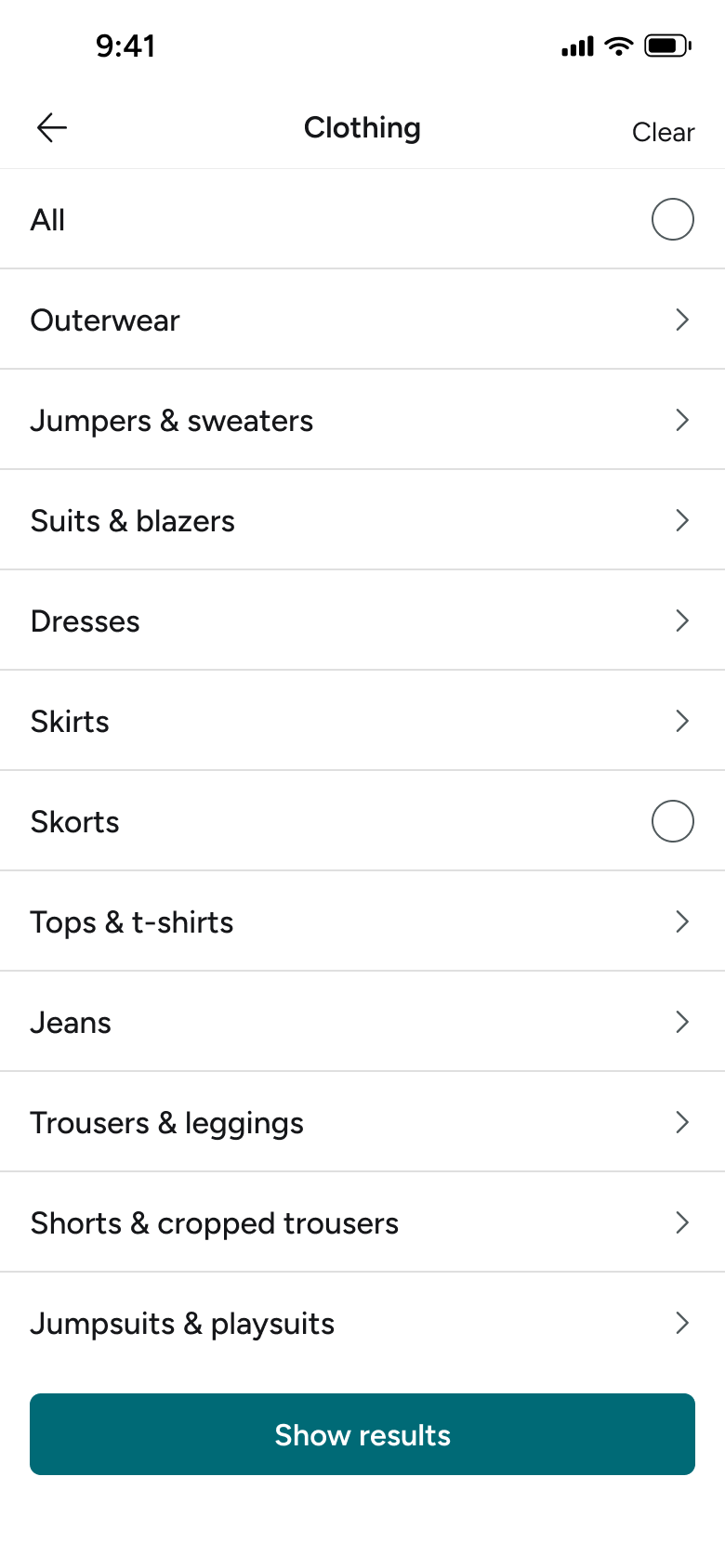
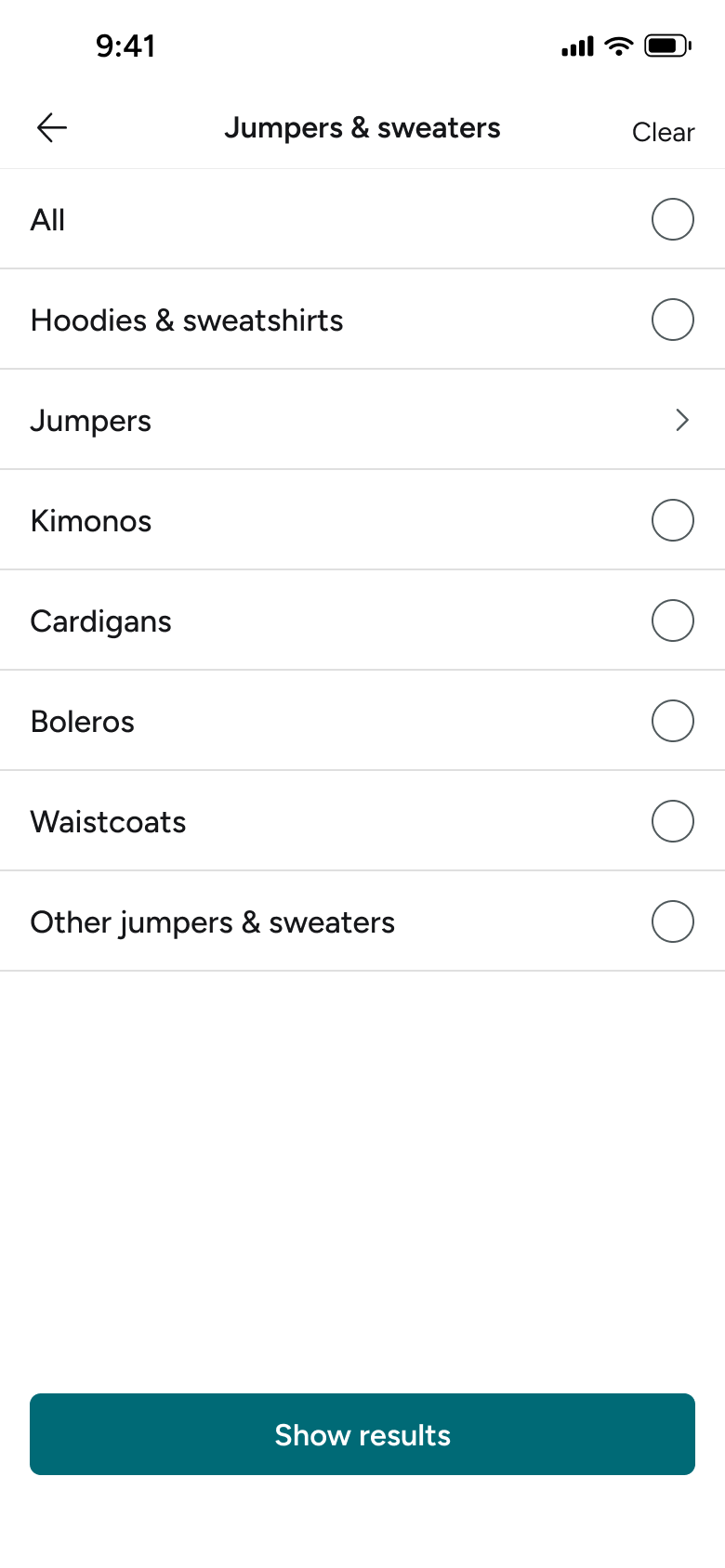
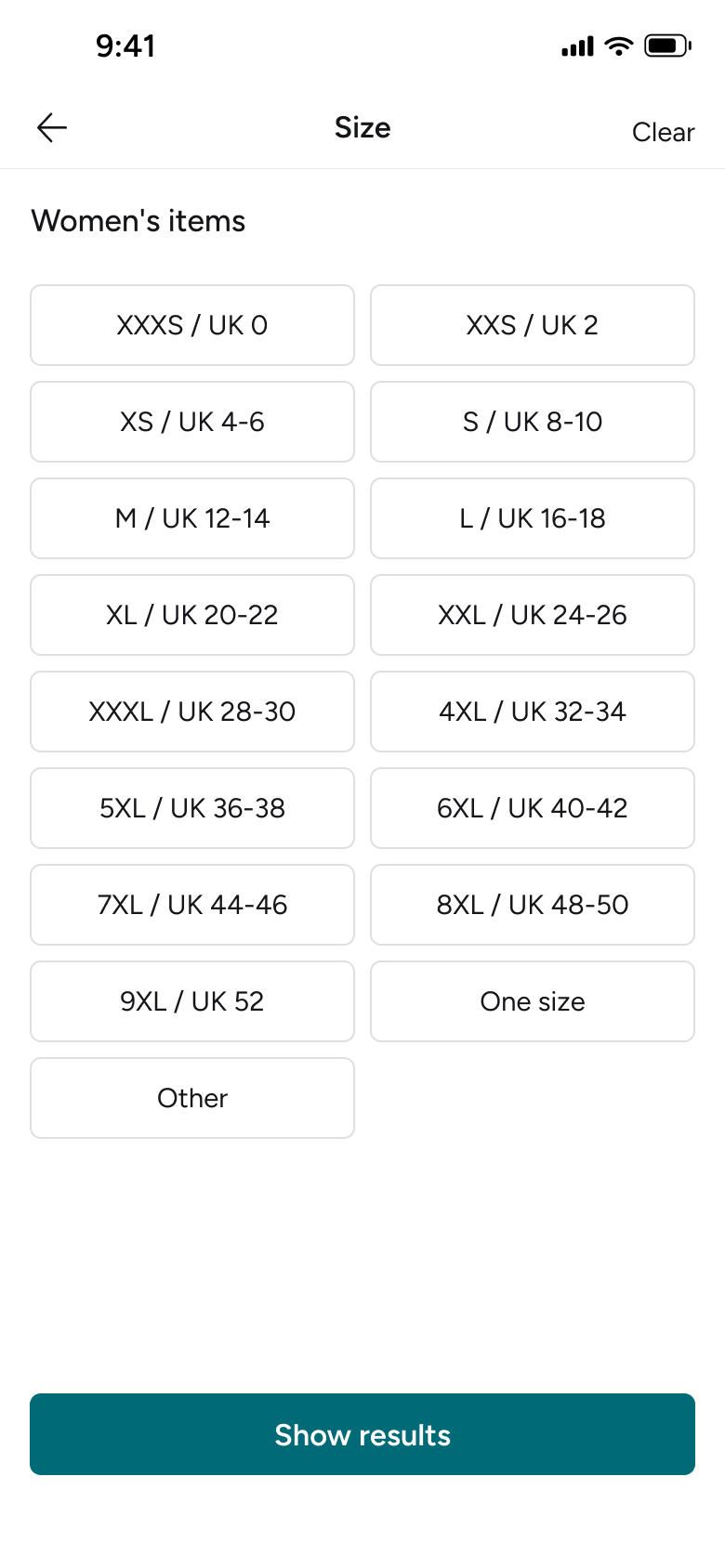
Steps 1–4 of 18, in recording order
Open flowOpen the sell form, handle photo and camera access, add a title, accept suggested category and brand, set condition, colours, price and parcel size, fix validation errors and upload the listing.
VintediOS22 steps
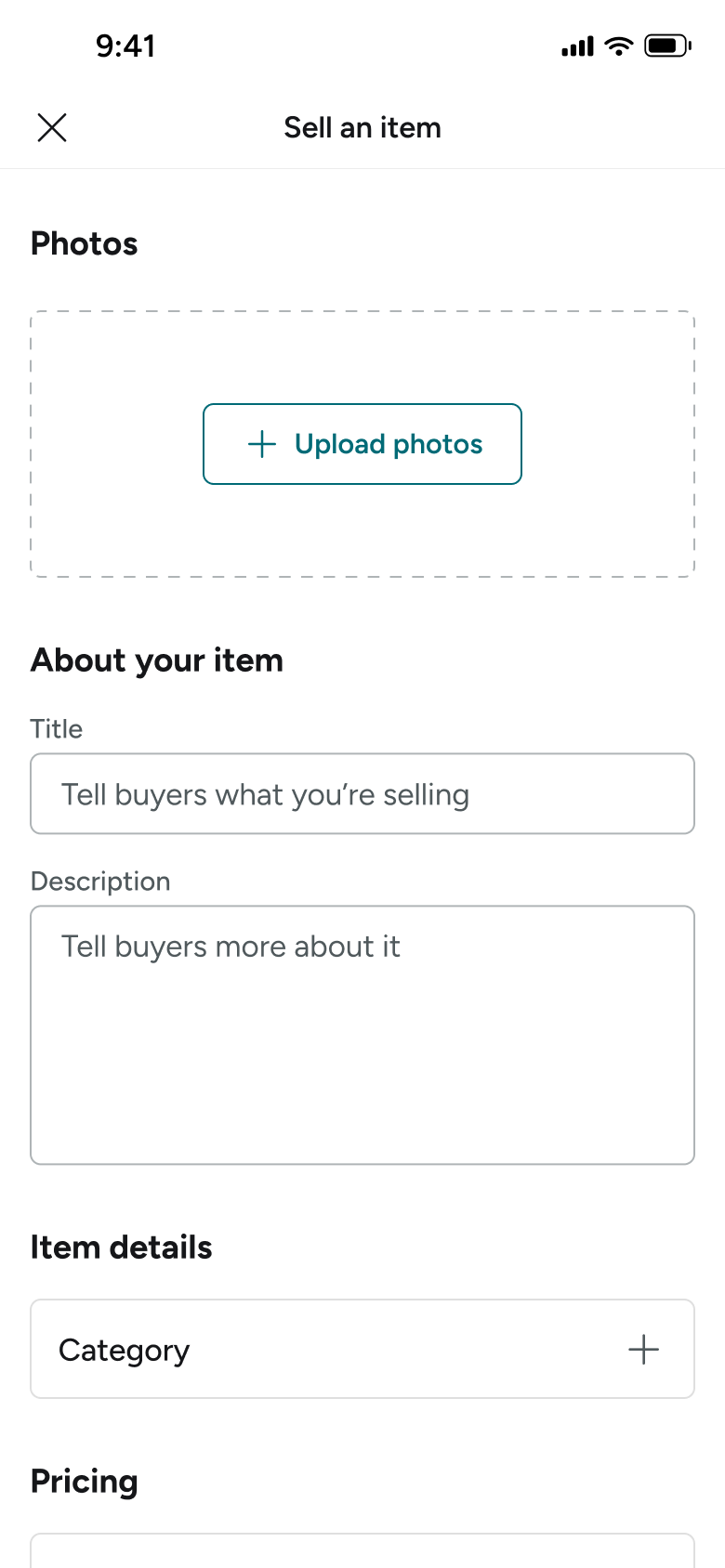
Step 1 of 22
Sell an Item 1
How you get here: Opens full screen
Open the SuperDuper UI plugin in Figma to paste these 22 screens into your file as editable layers.
All 22 steps
Use ← → to step through
Each screen in the order it was recorded, with how the user got there.
Tapped Sell tab
Sell an Item 1
Opens full screen
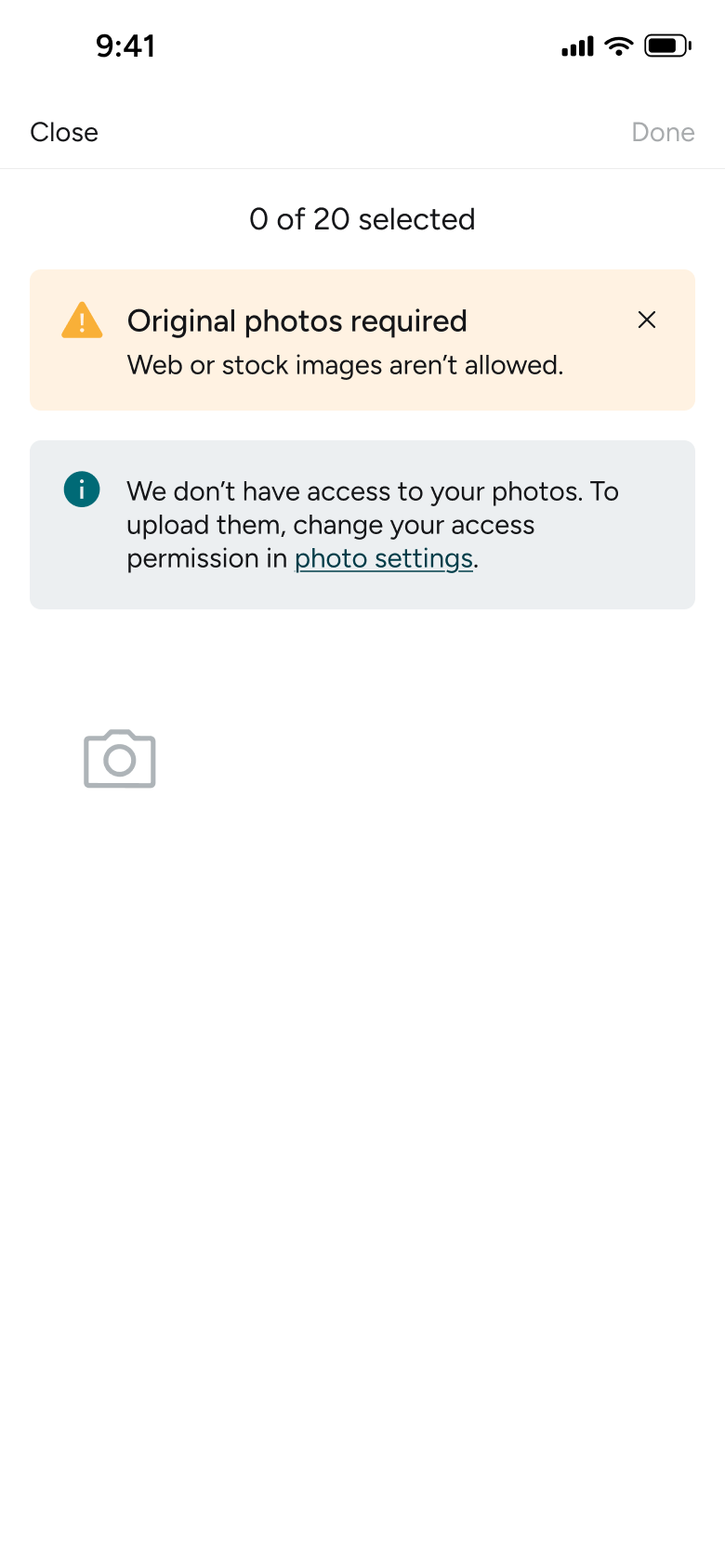
Tapped Upload photos
Sell an Item 2
Opens full screen
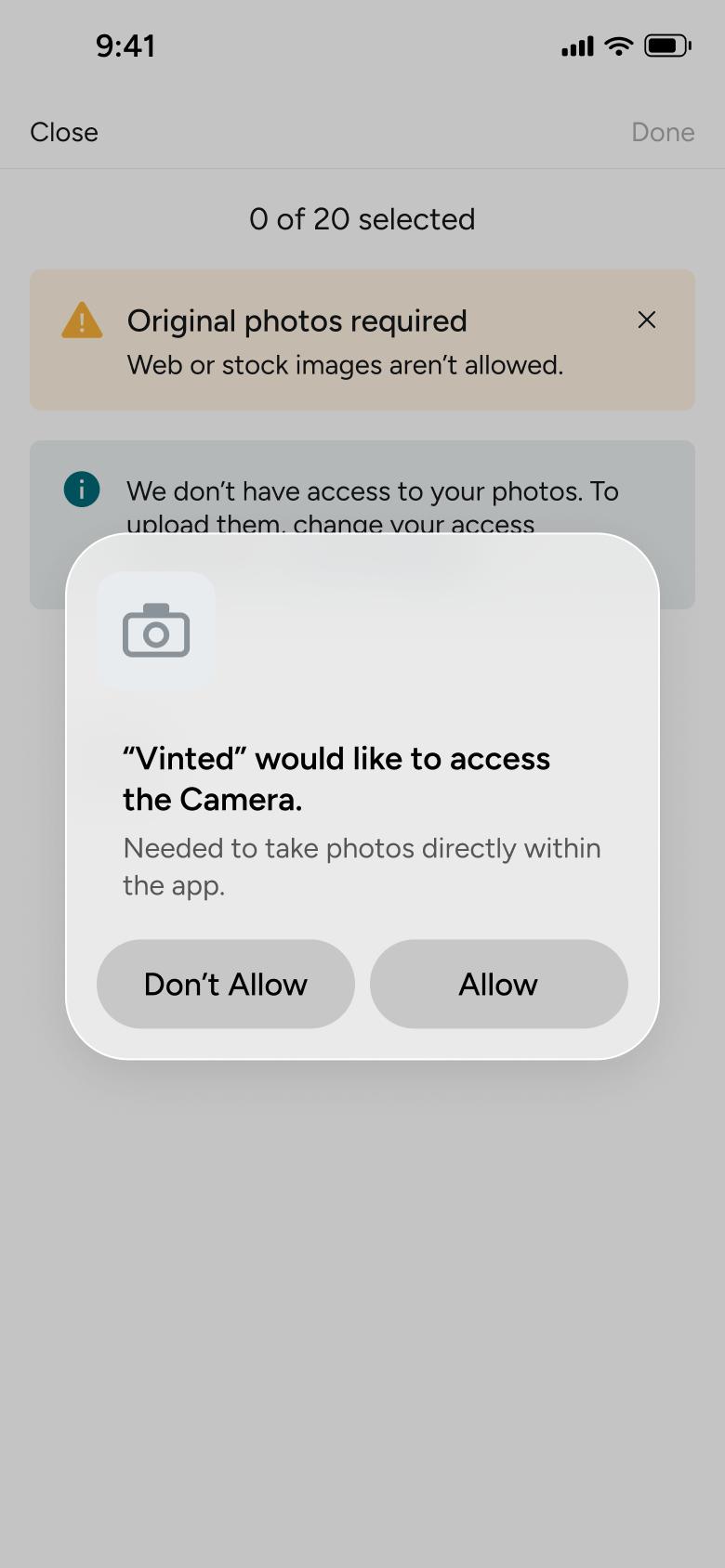
Tapped camera tile
Sell an Item 3
Shows an alert
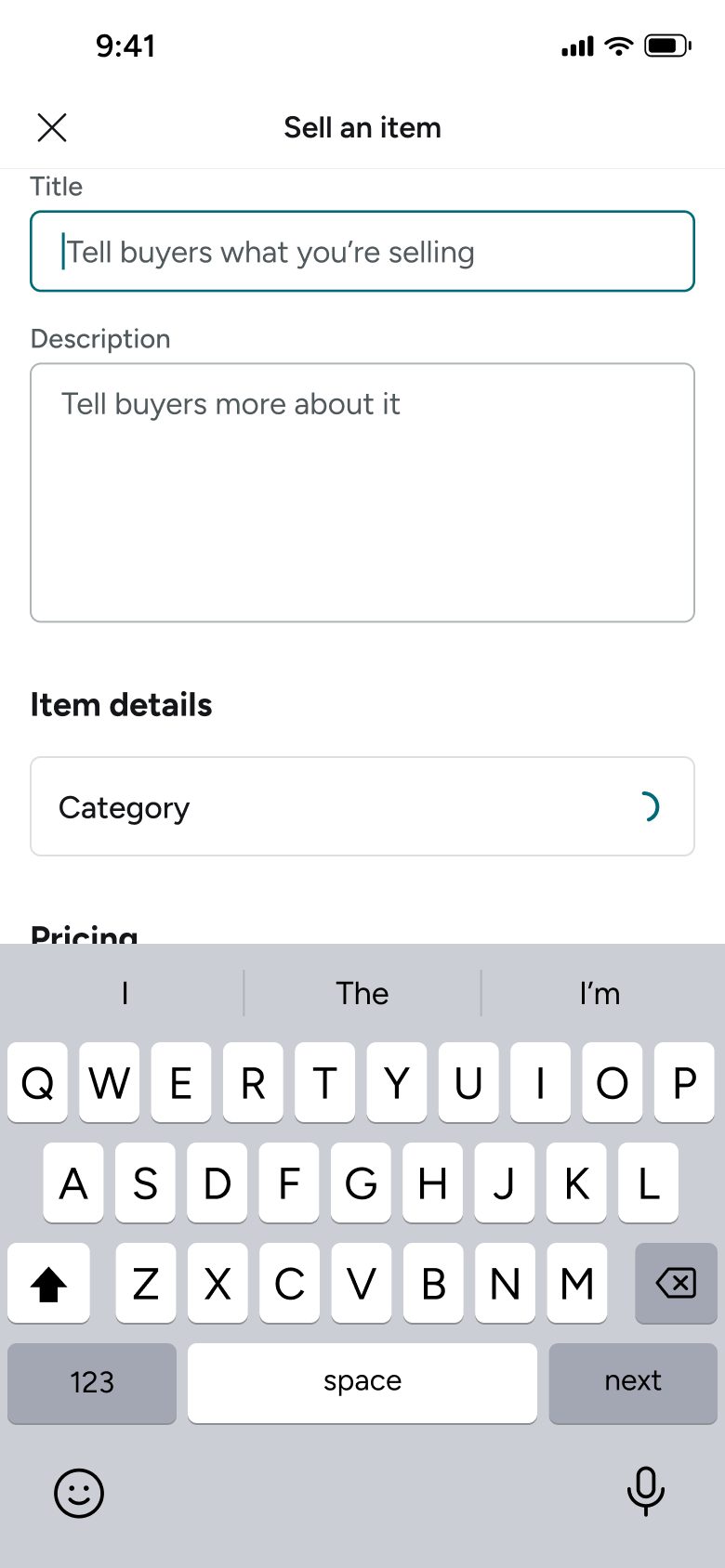
Focused title field
Sell an Item 4
Changes in place
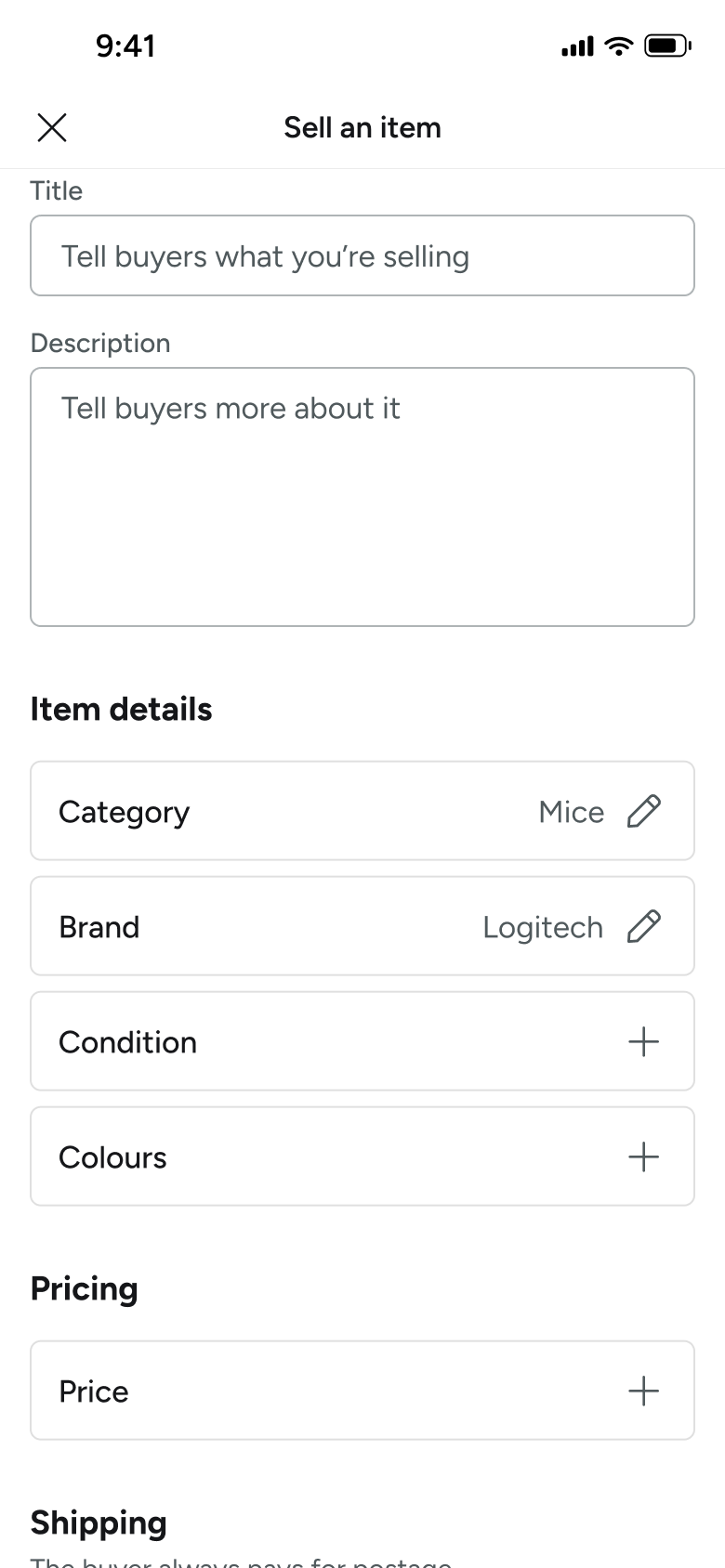
Category and brand auto-suggested
Sell an Item 5
Changes in place
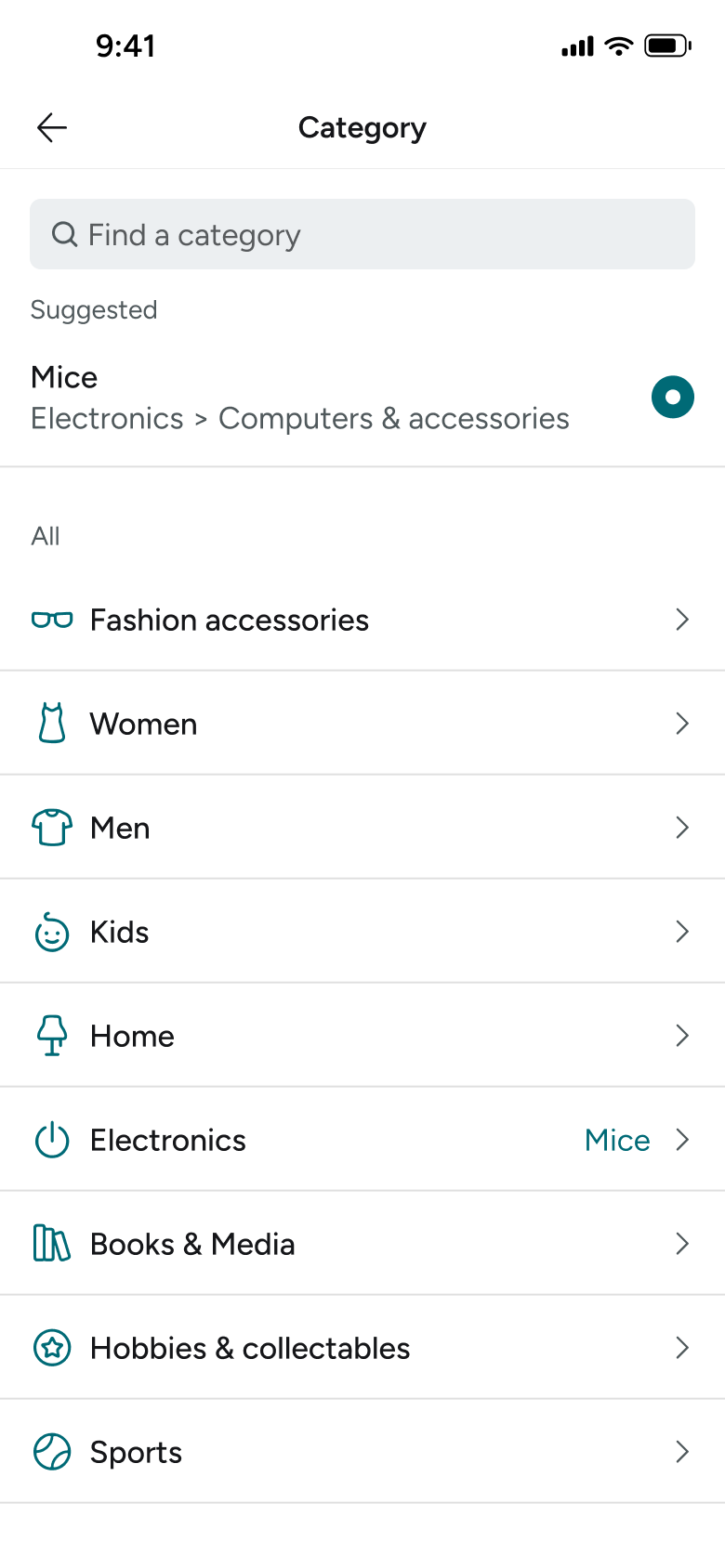
Tapped Category
Sell an Item 6
Slides in from the right
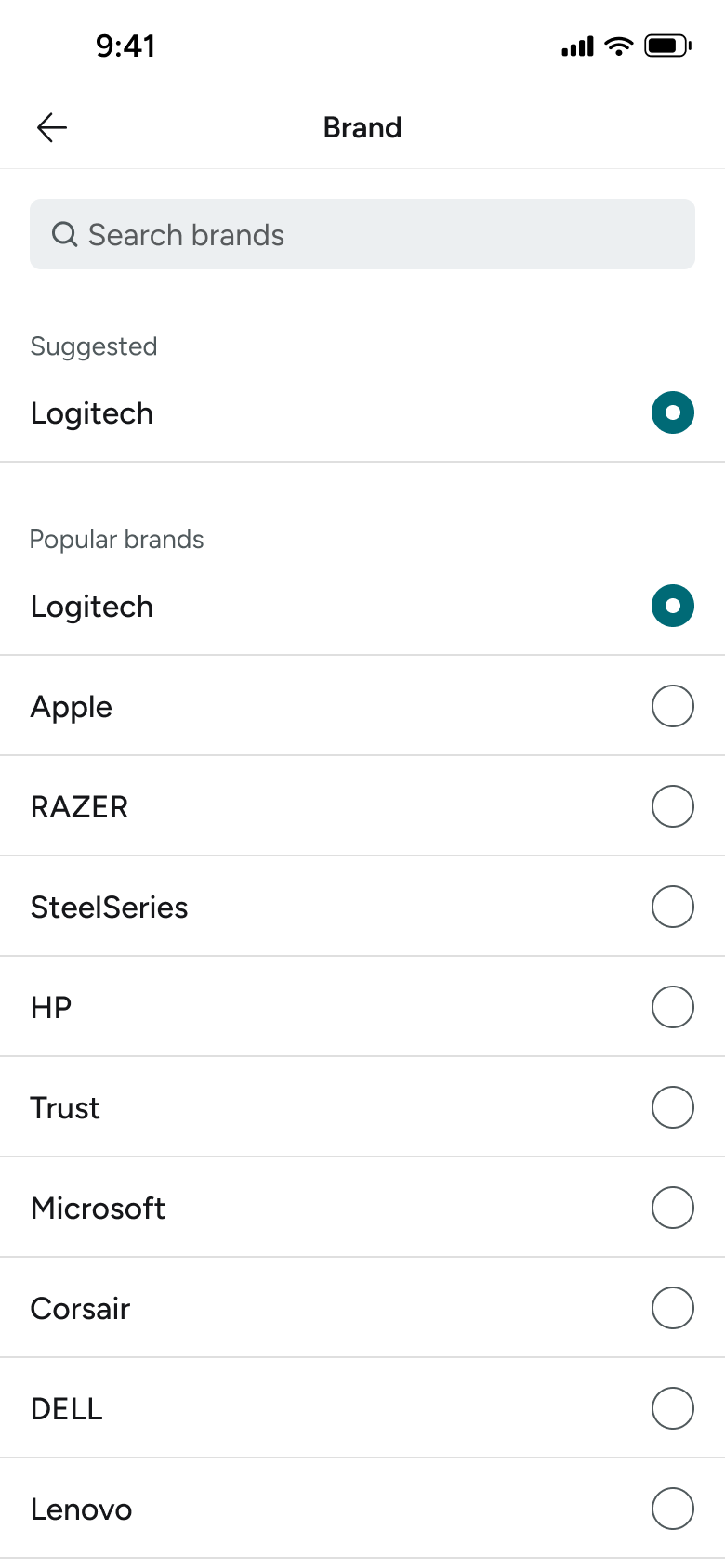
Tapped Brand
Sell an Item 7
Slides in from the right
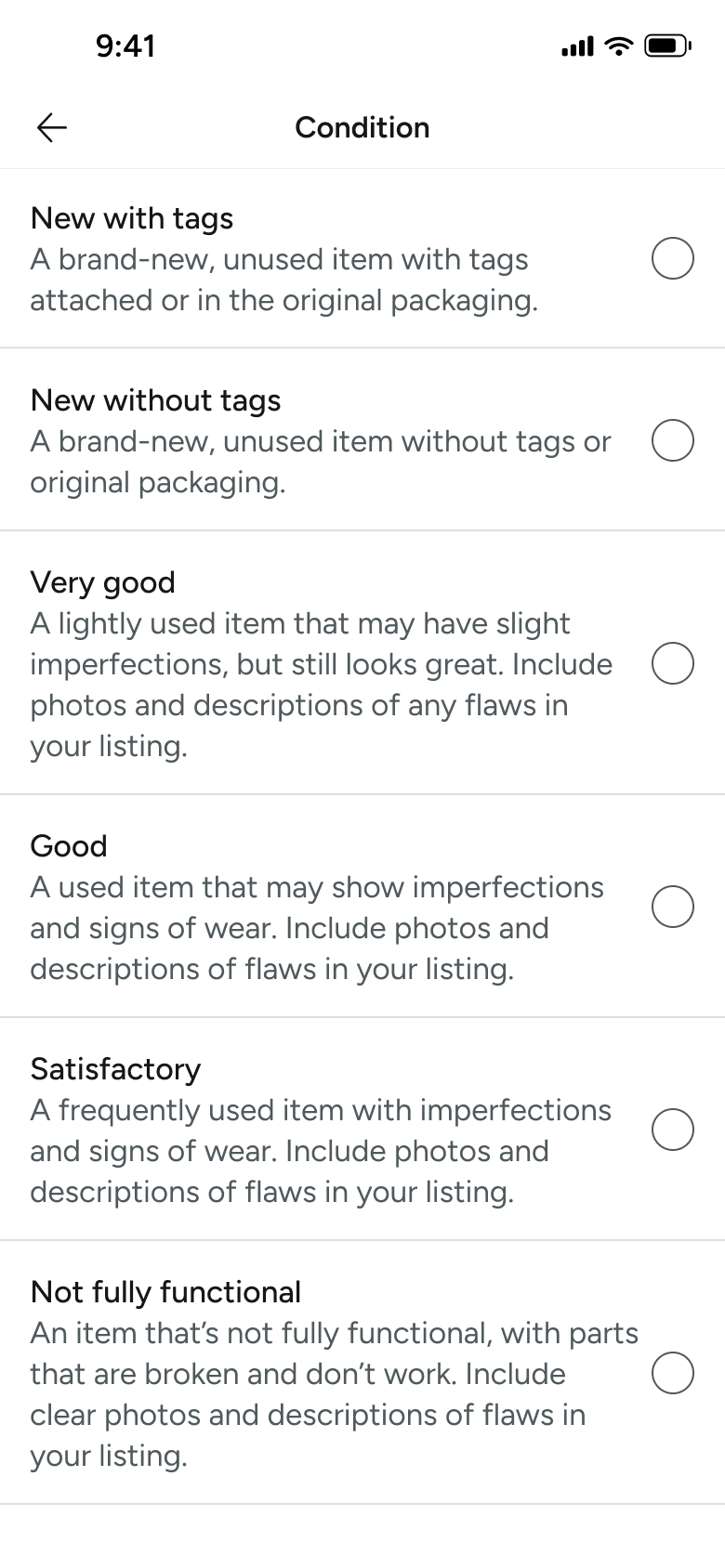
Tapped Condition
Sell an Item 8
Slides in from the right
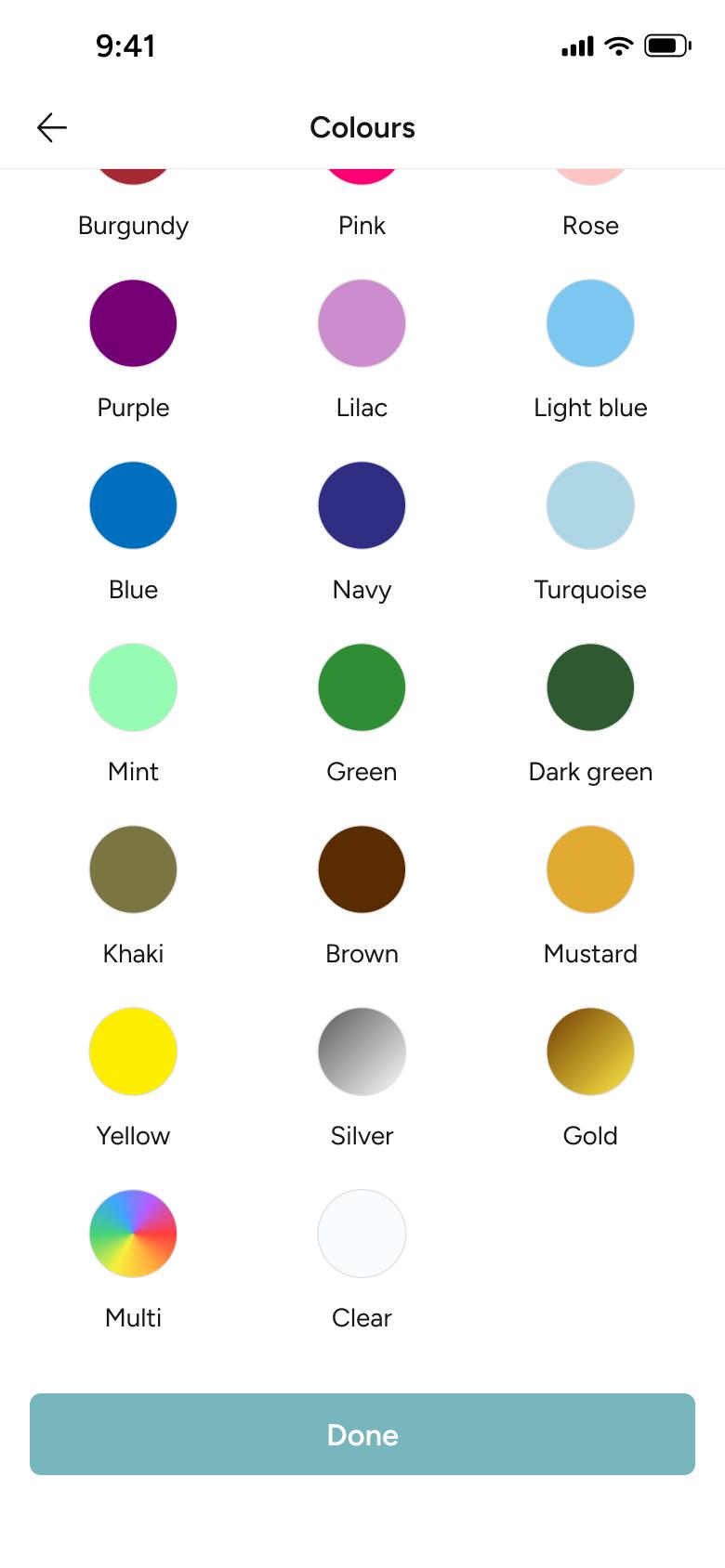
Tapped Colours
Sell an Item 9
Slides in from the right
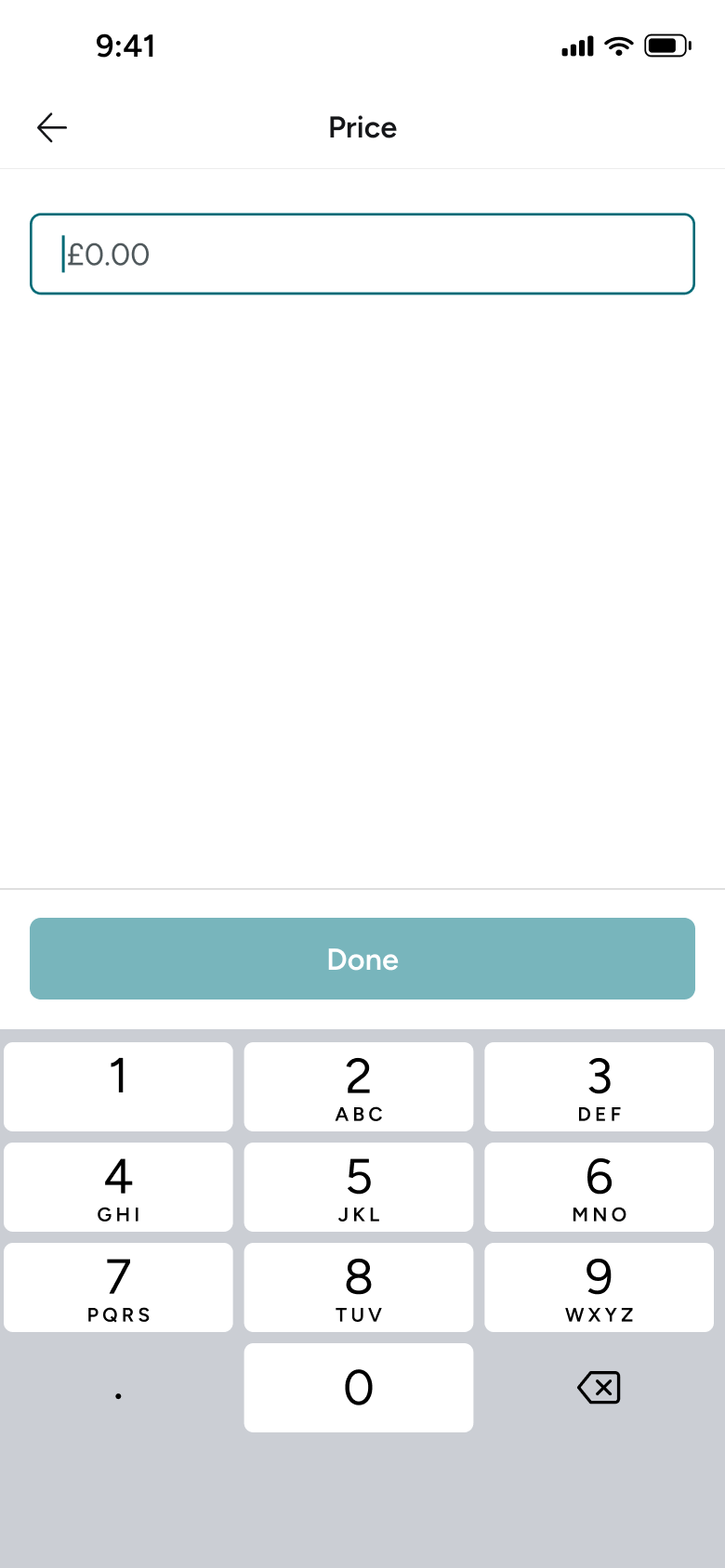
Tapped Price
Sell an Item 10
Slides in from the right
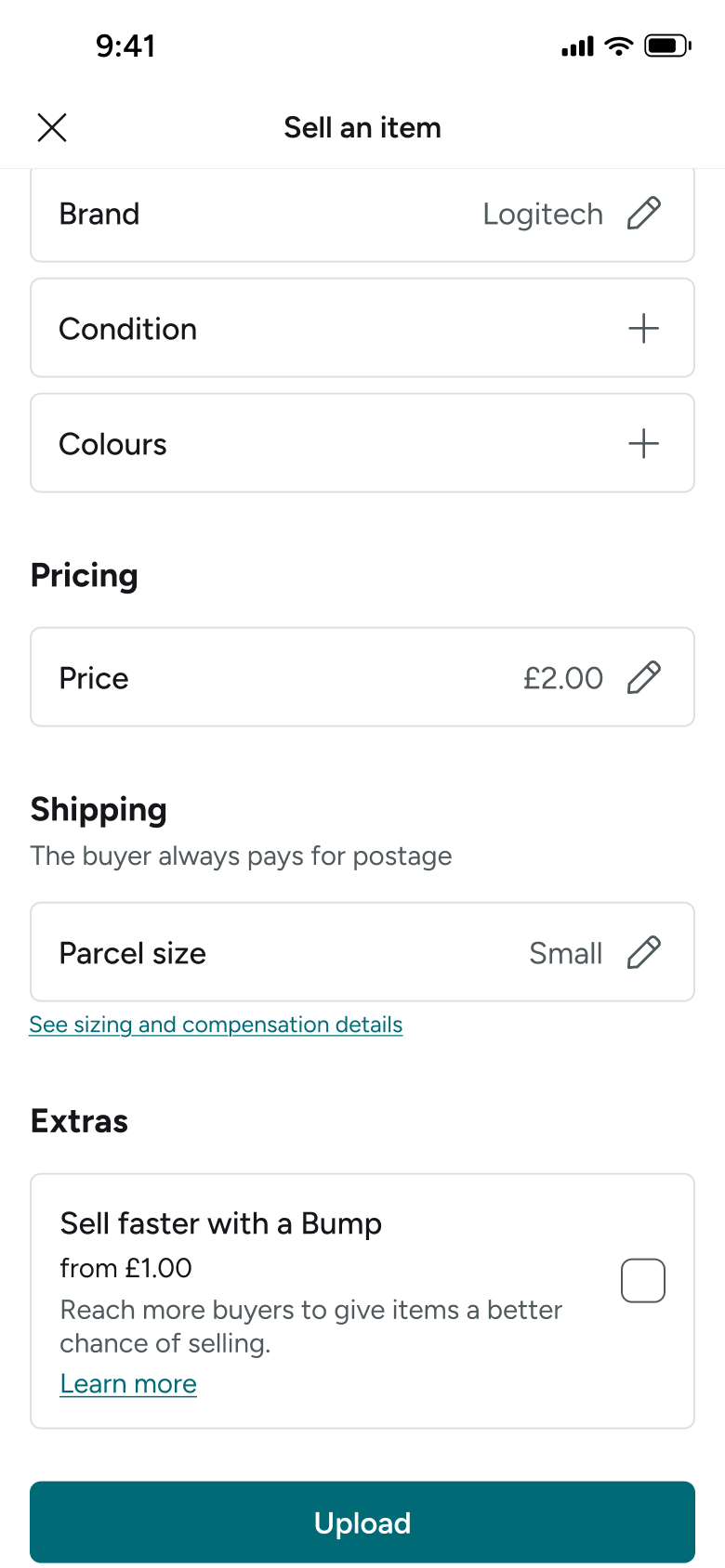
Saved price
Sell an Item 11
Goes back
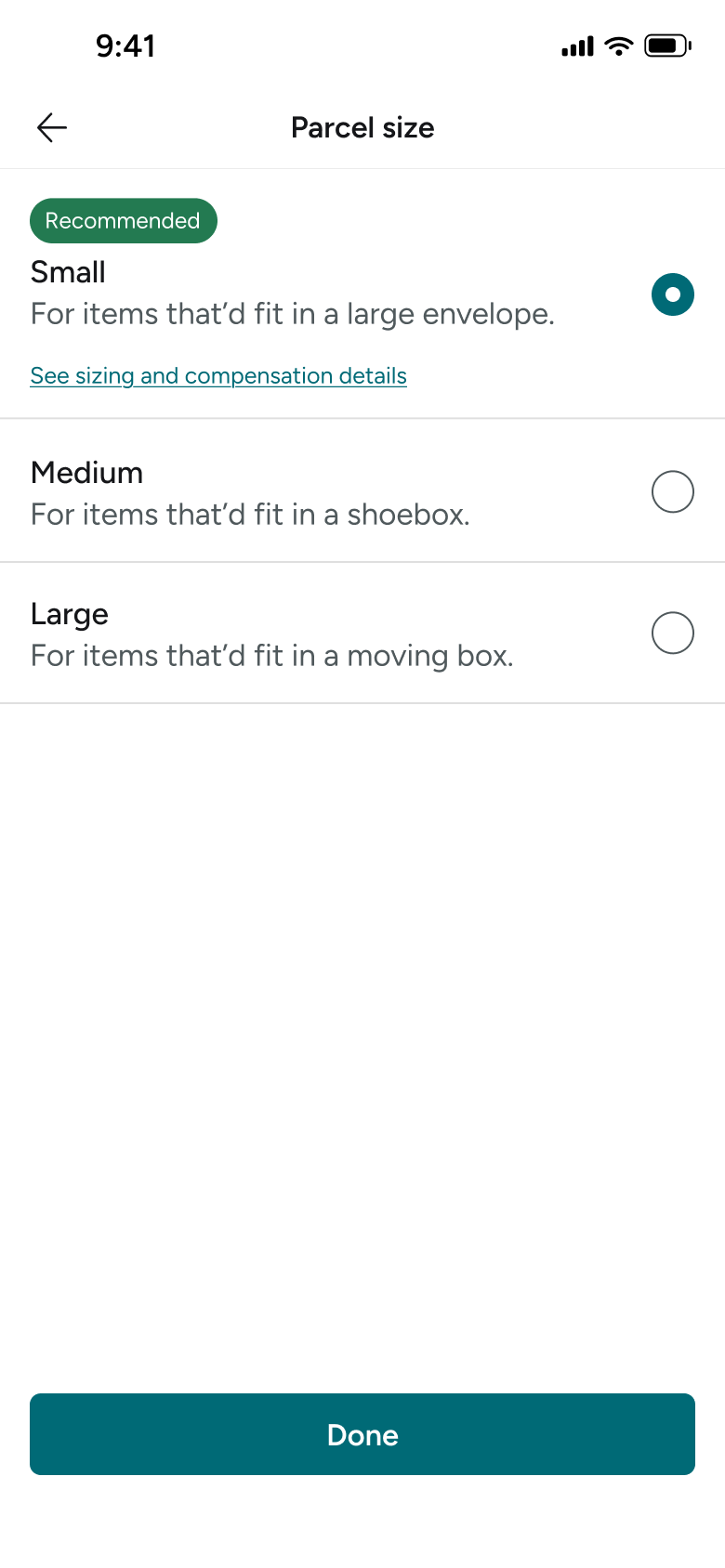
Tapped Parcel size
Sell an Item 12
Slides in from the right
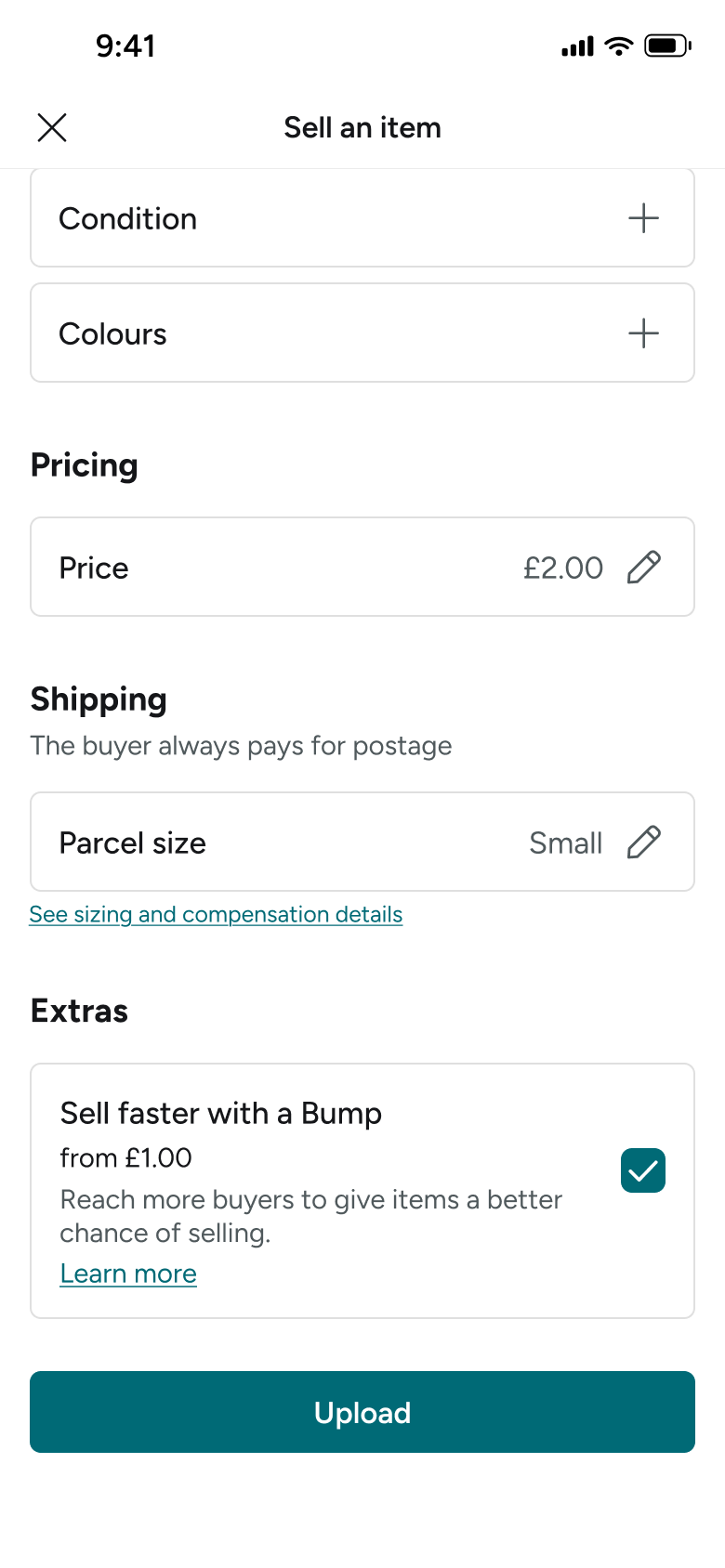
Ticked Bump
Sell an Item 13
Changes in place
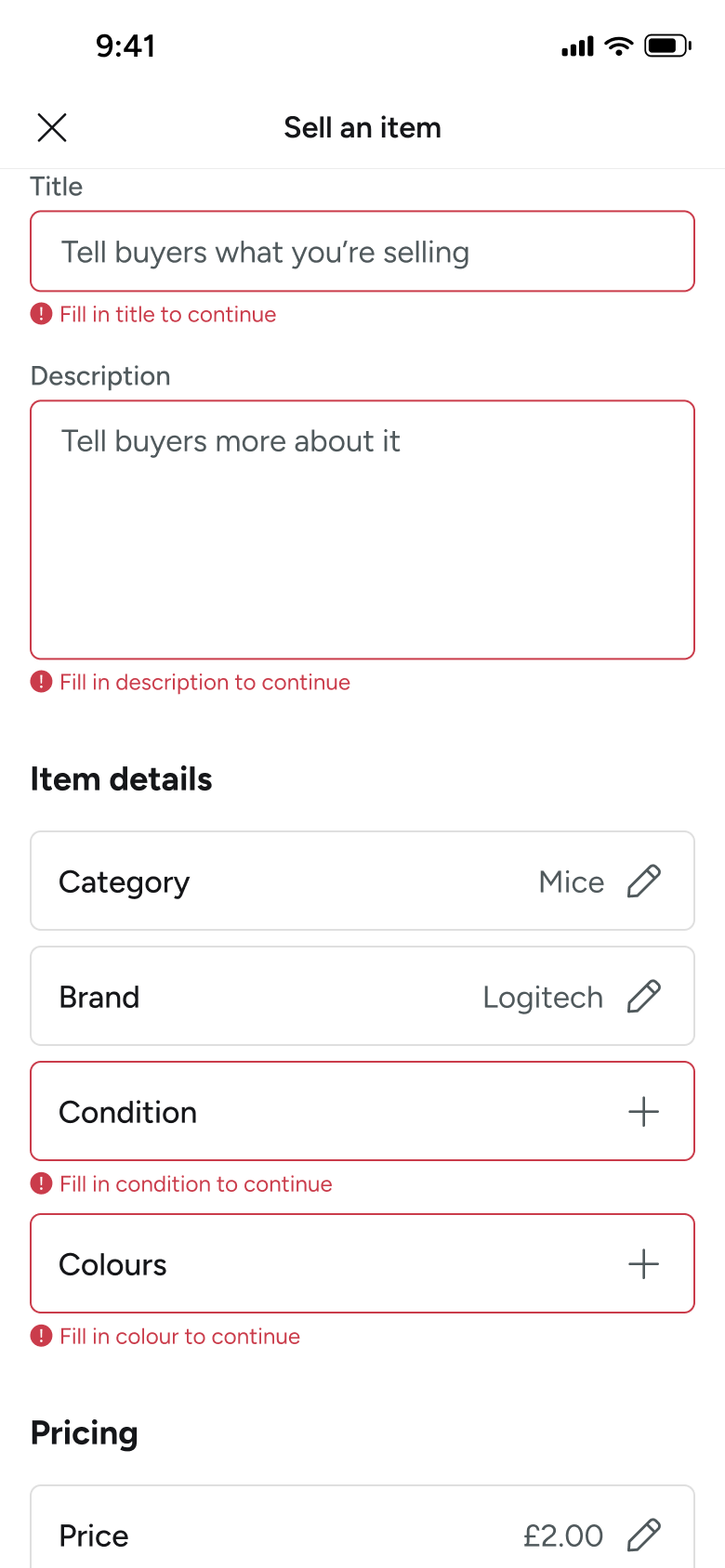
Tapped Upload with empty fields
Sell an Item 14
Changes in place
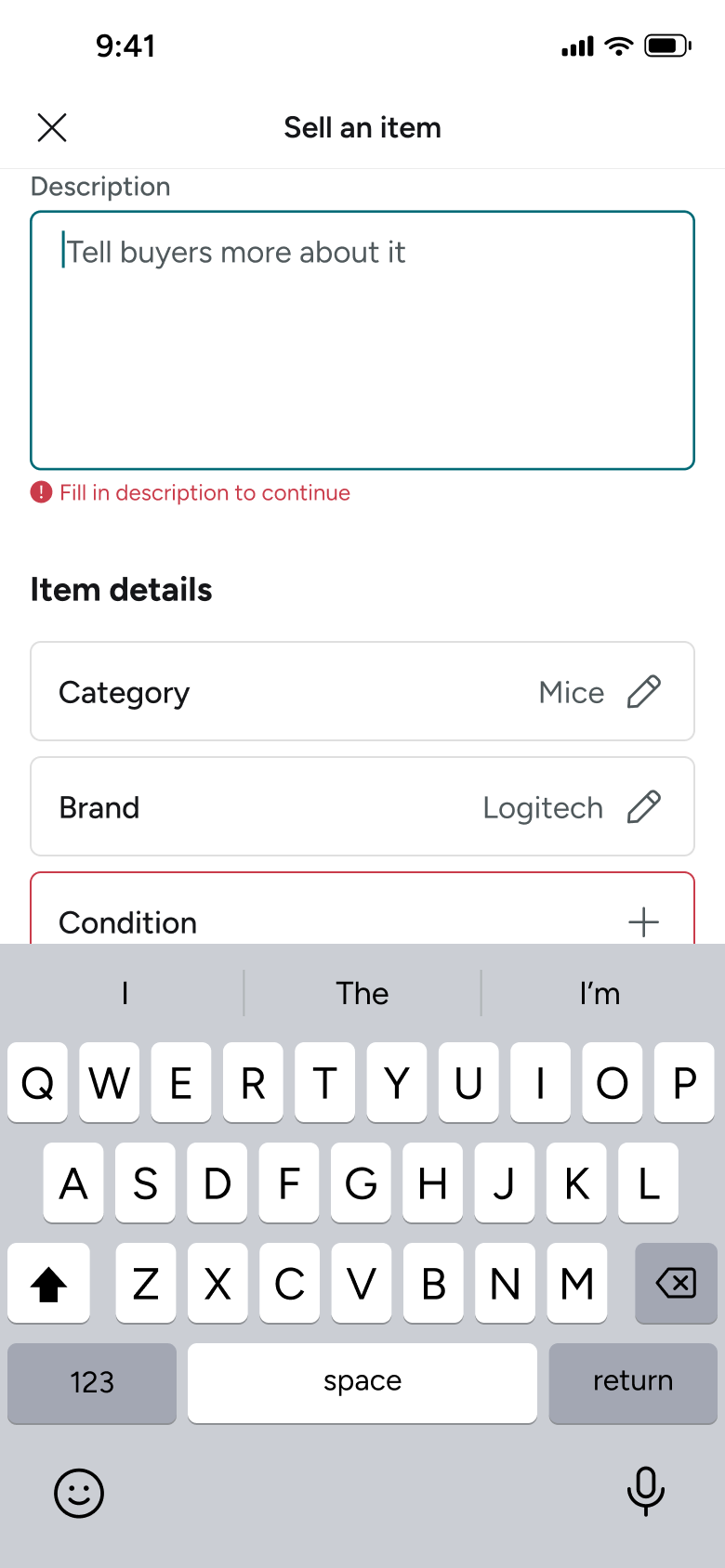
Focused description
Sell an Item 15
Changes in place
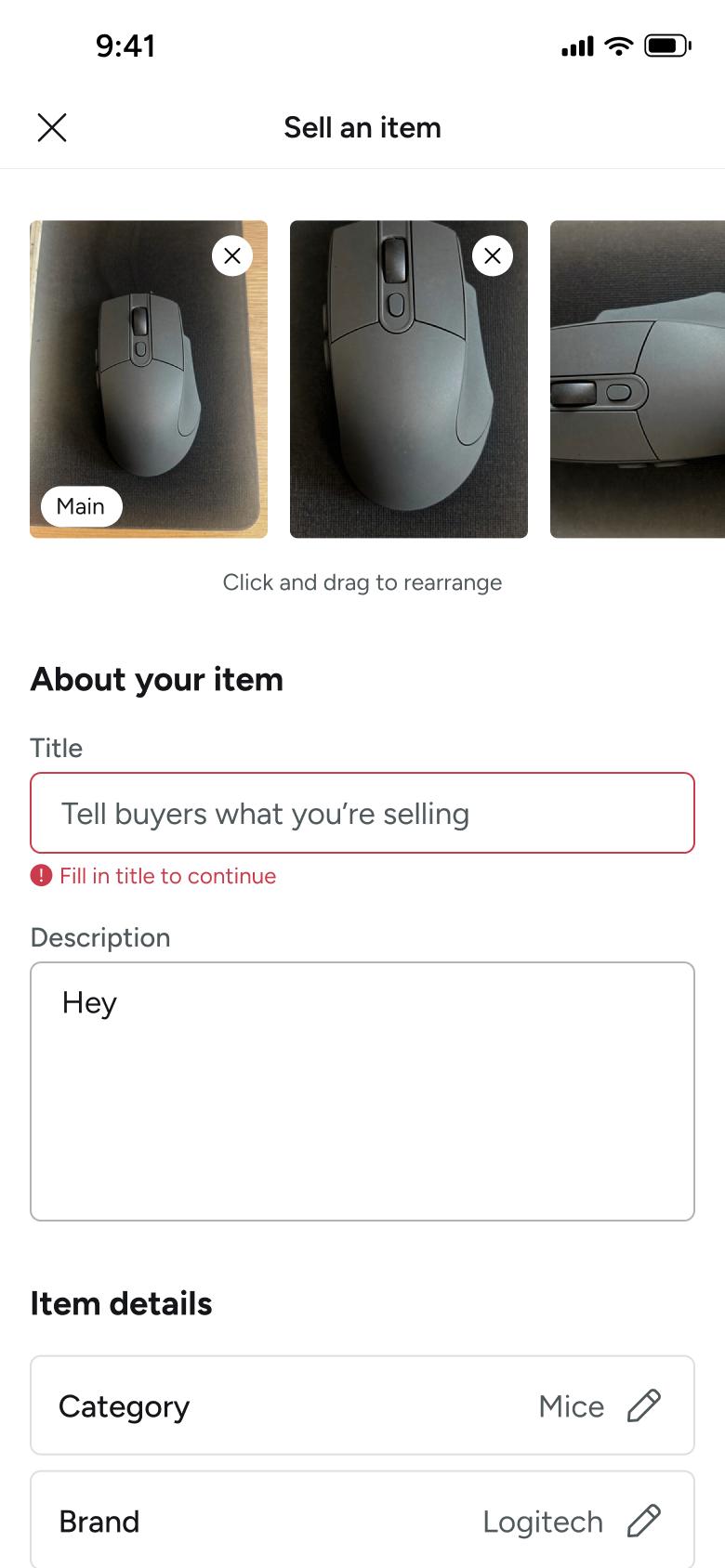
Scrolled to top
Sell an Item 16
Changes in place
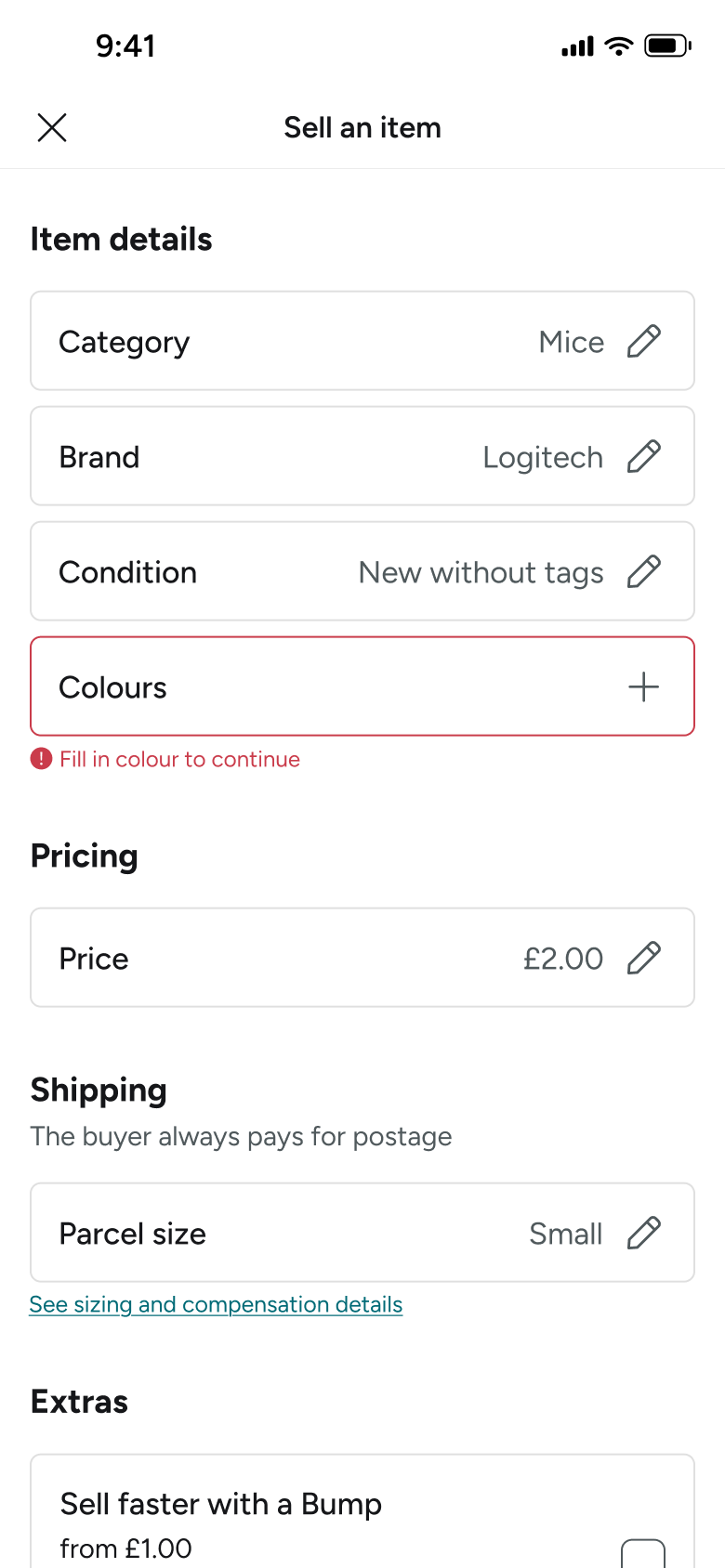
Selected condition
Sell an Item 17
Goes back
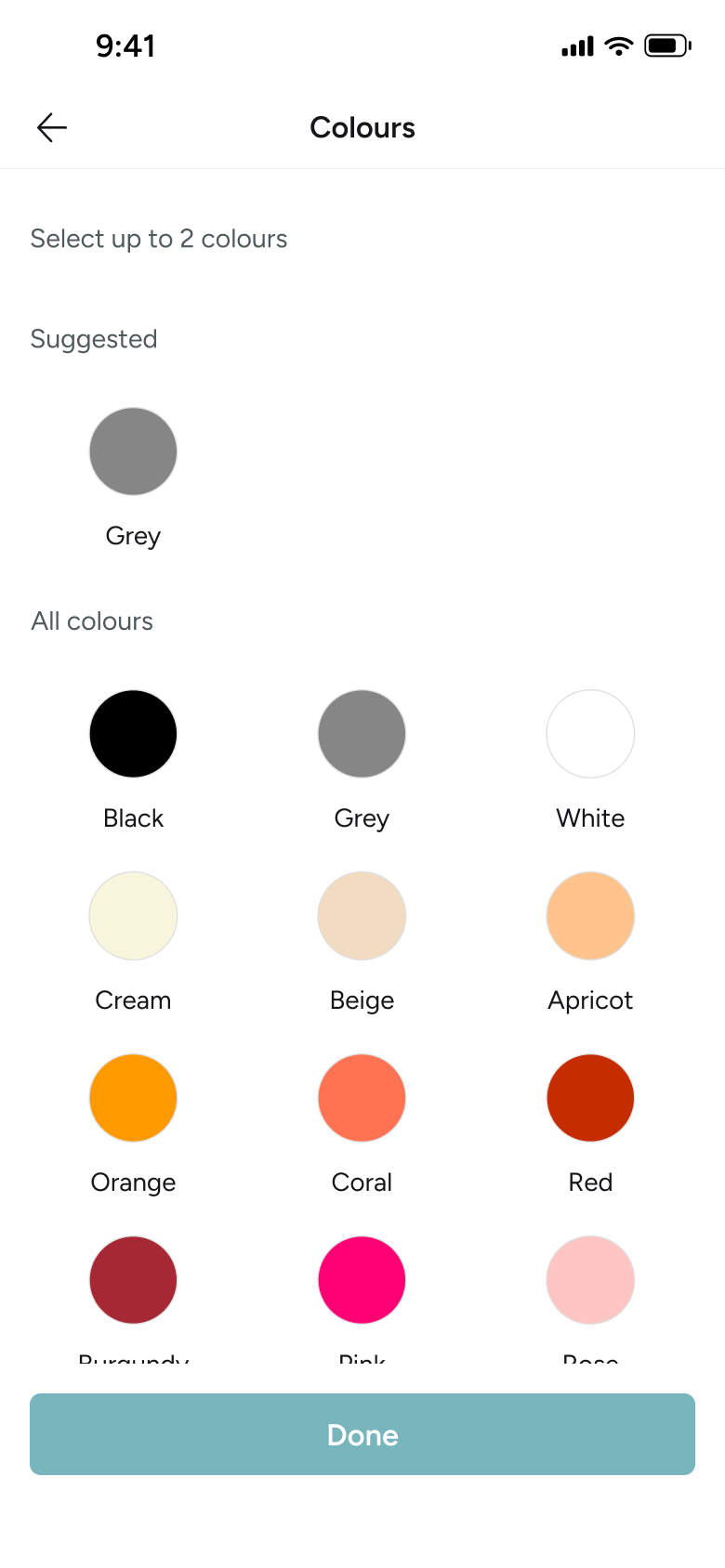
Tapped Colours
Sell an Item 18
Slides in from the right
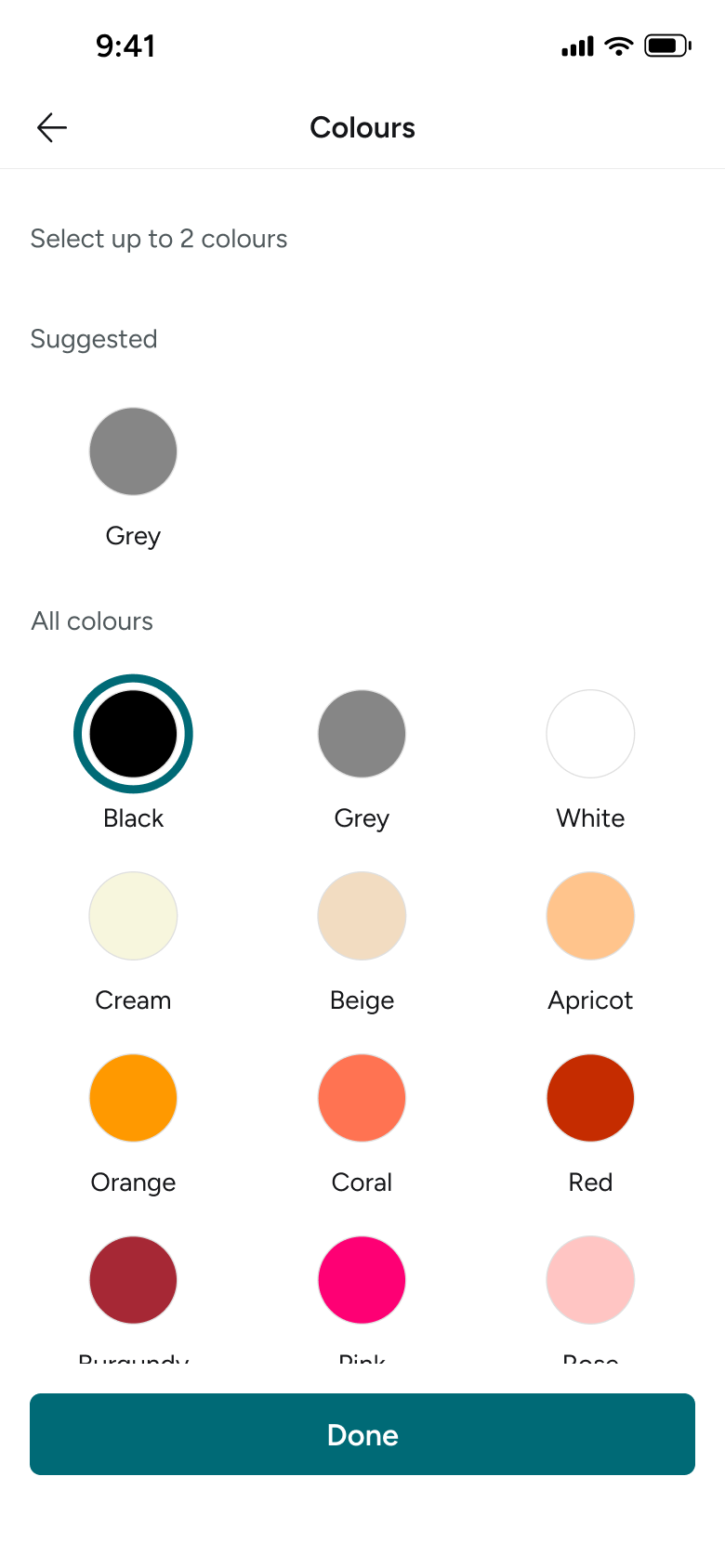
Selected black
Sell an Item 19
Changes in place
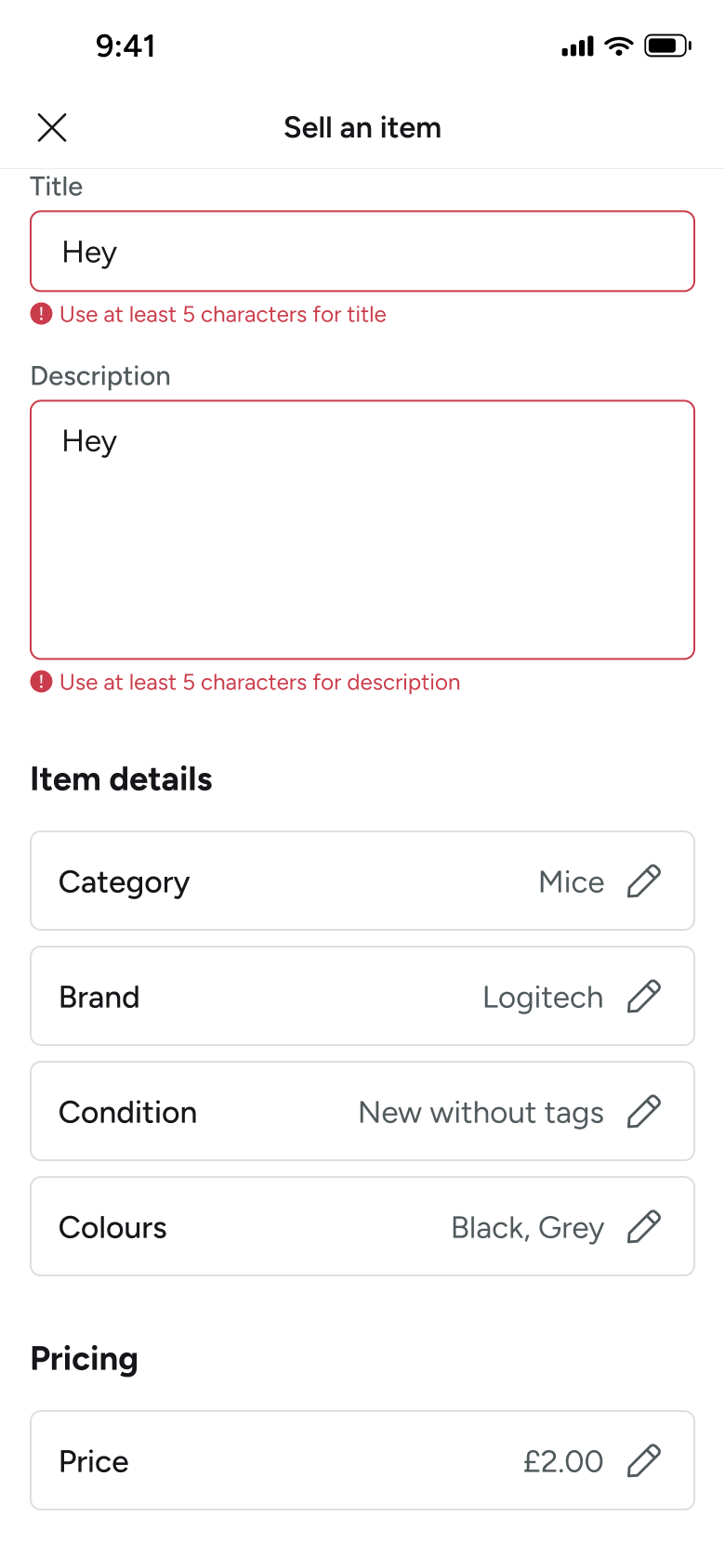
Saved colours
Sell an Item 20
Goes back
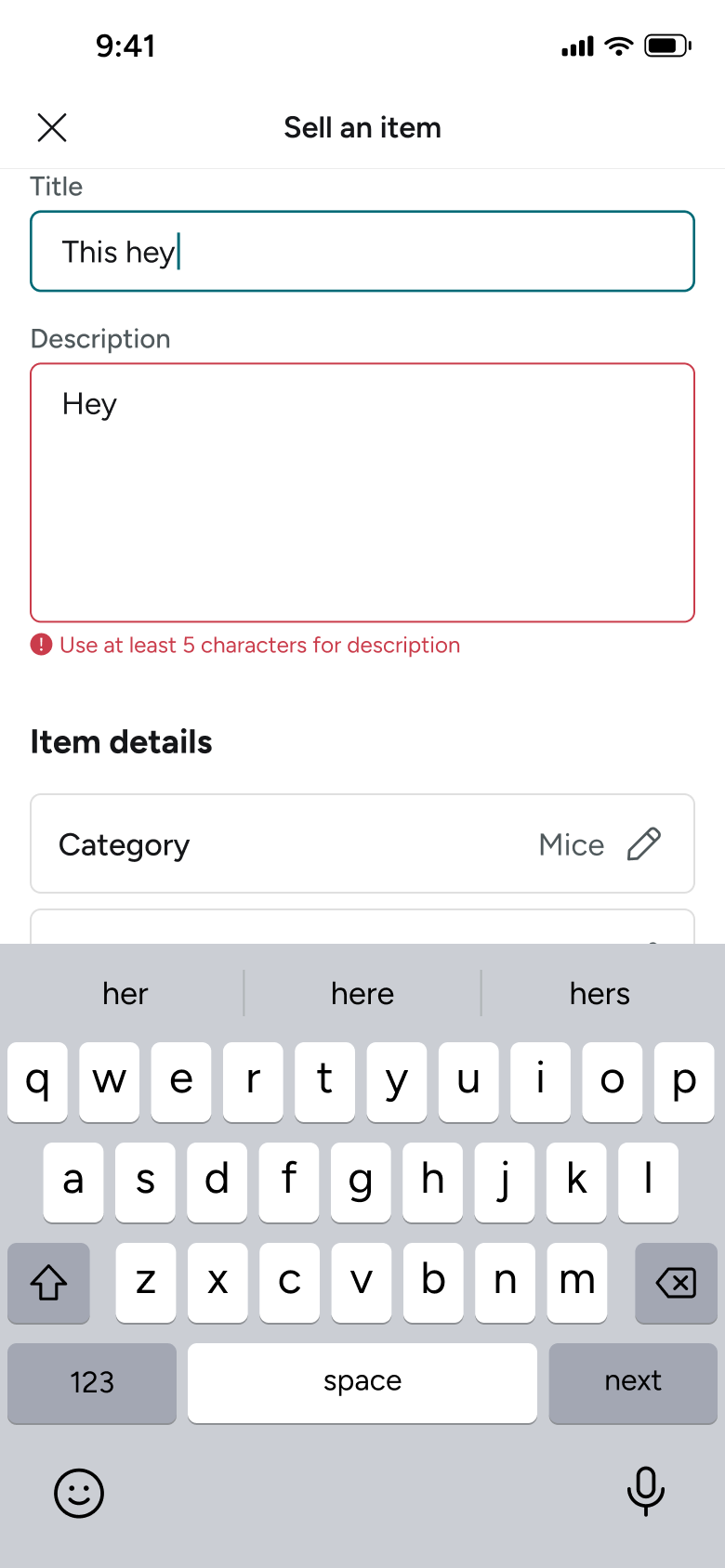
Edited title
Sell an Item 21
Changes in place
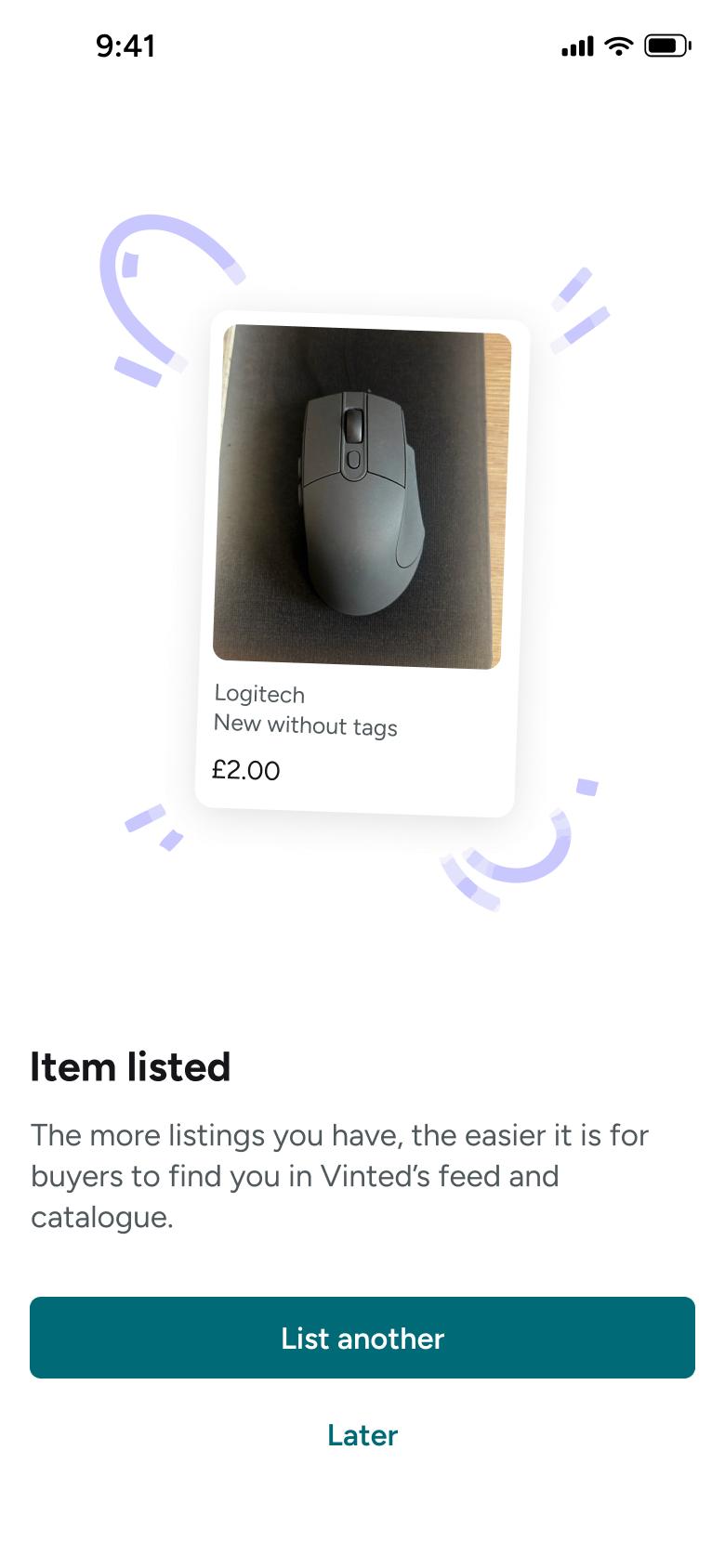
Tapped Upload
Sell an Item 22
Slides in from the right
Not affiliated with, endorsed or sponsored by Vinted. Vinted is a trade mark of its owner. Recreated for design reference and education. Rights holders: contact us
18 screens
Steps 1–4 of 18, in recording order
Open flow15 screens

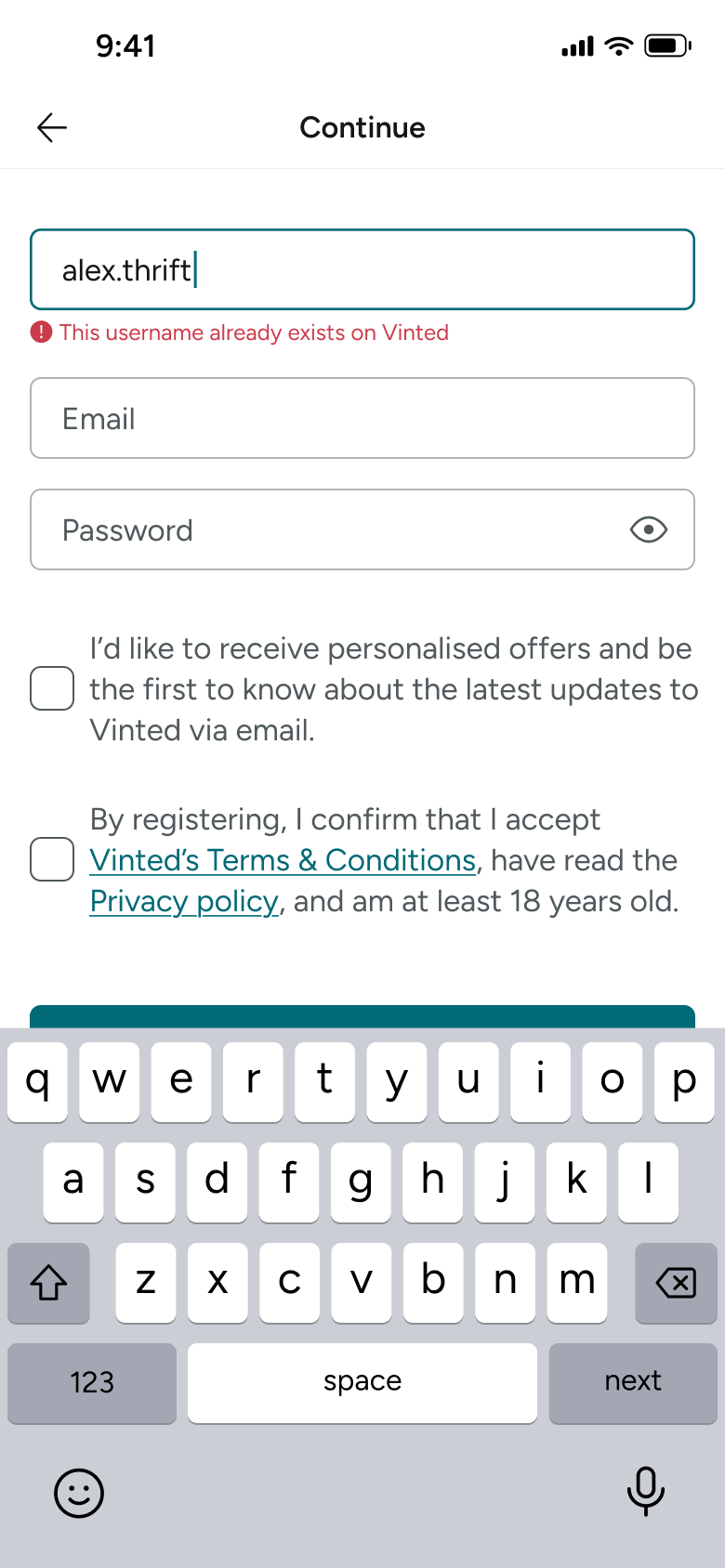
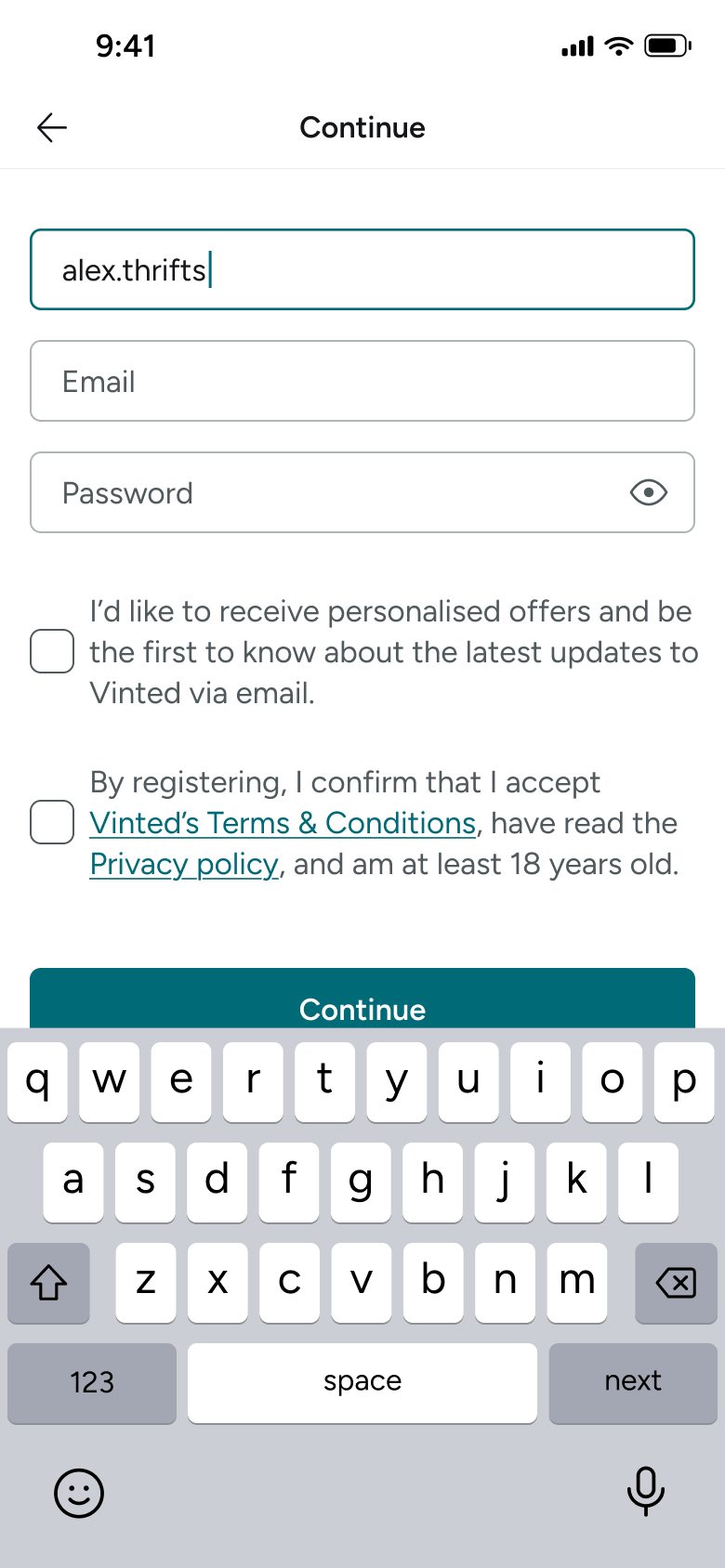
Steps 1–4 of 15, in recording order
Open flowAll of WhatsApp, and a complete flow from every app. No card needed.