
Plan setup
Onboarding14 screens
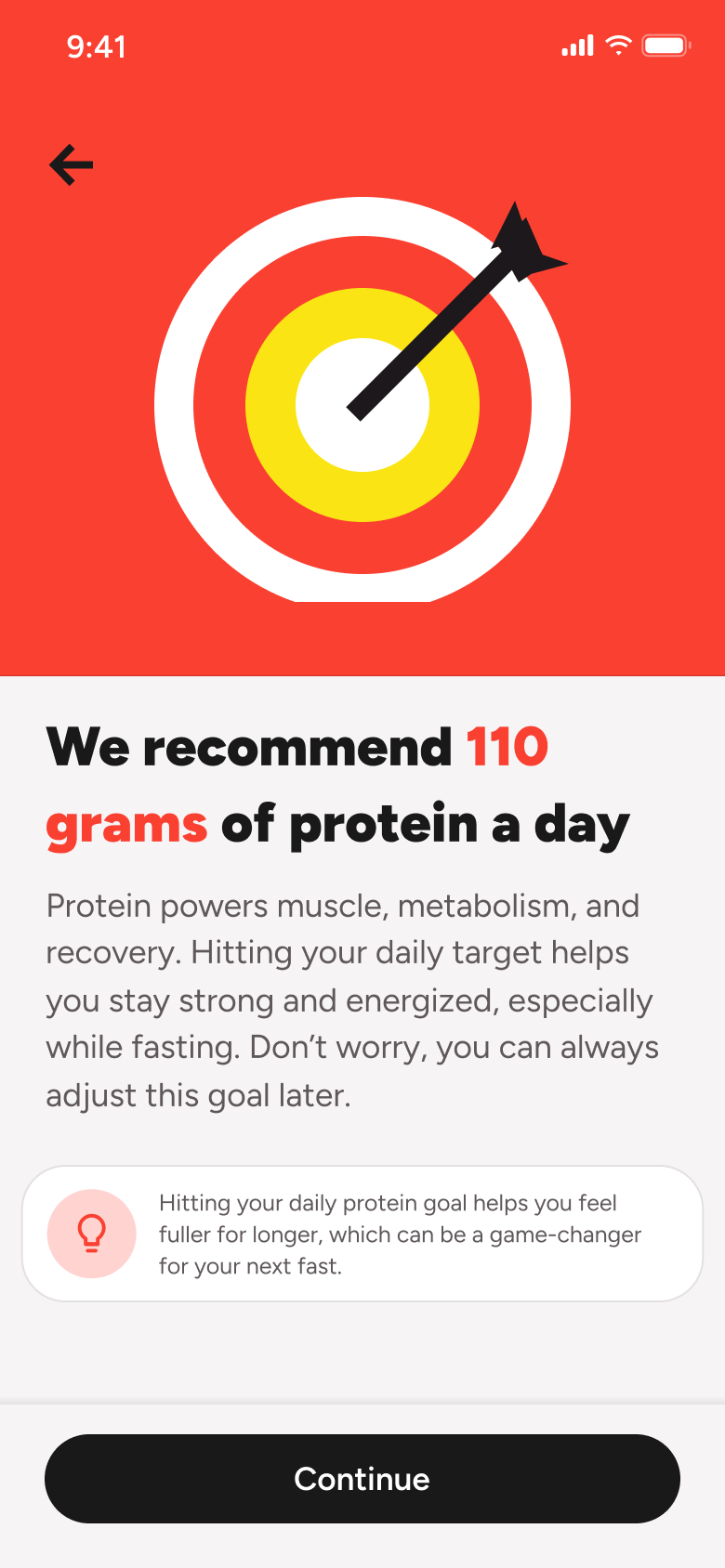
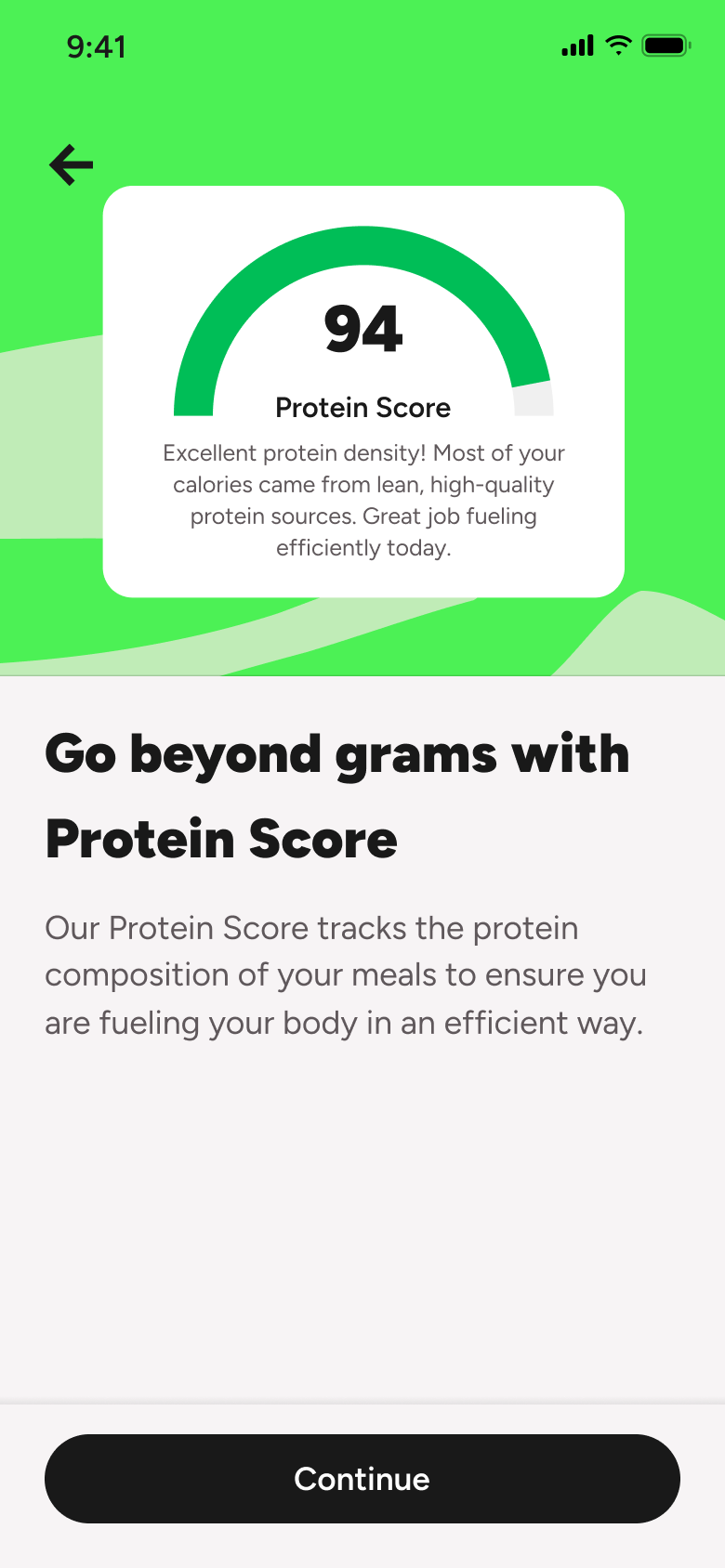
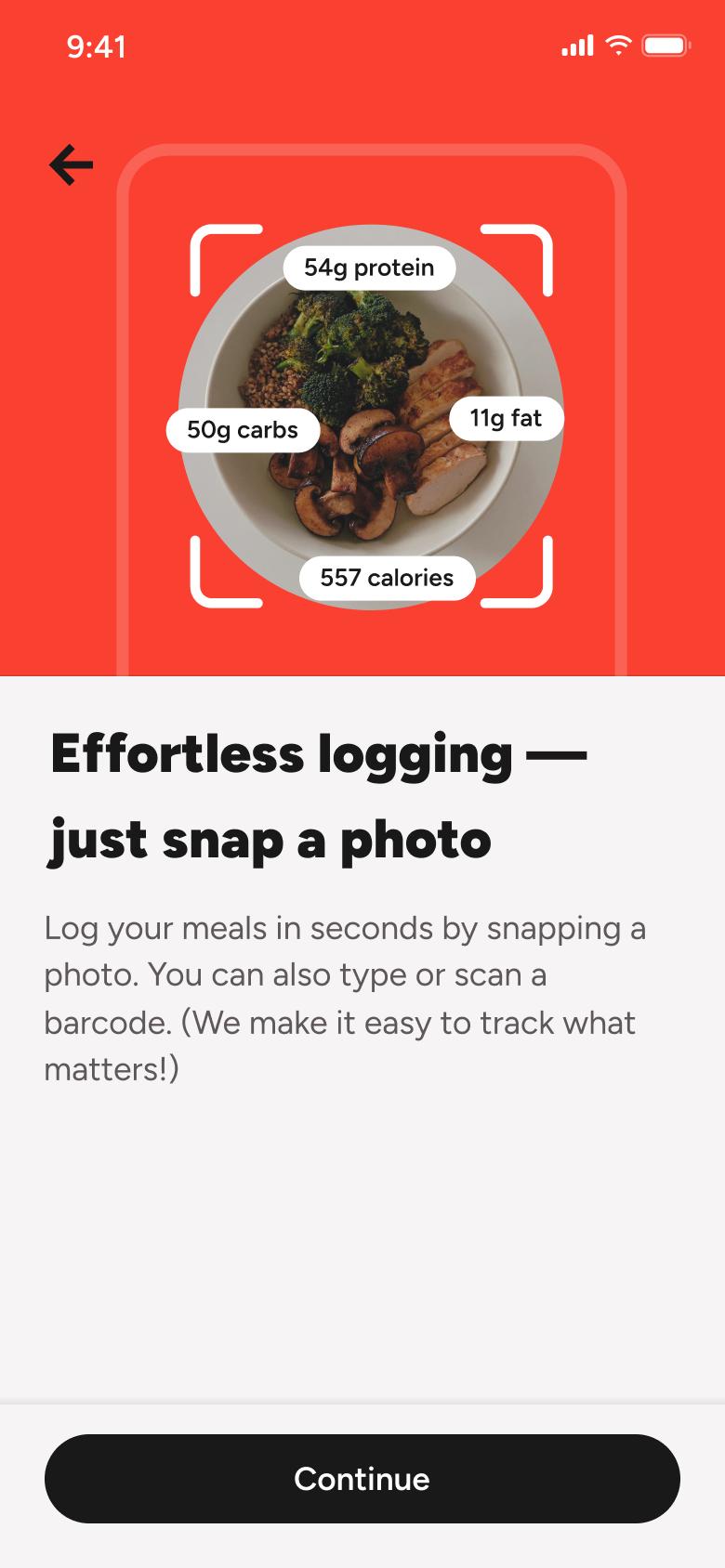
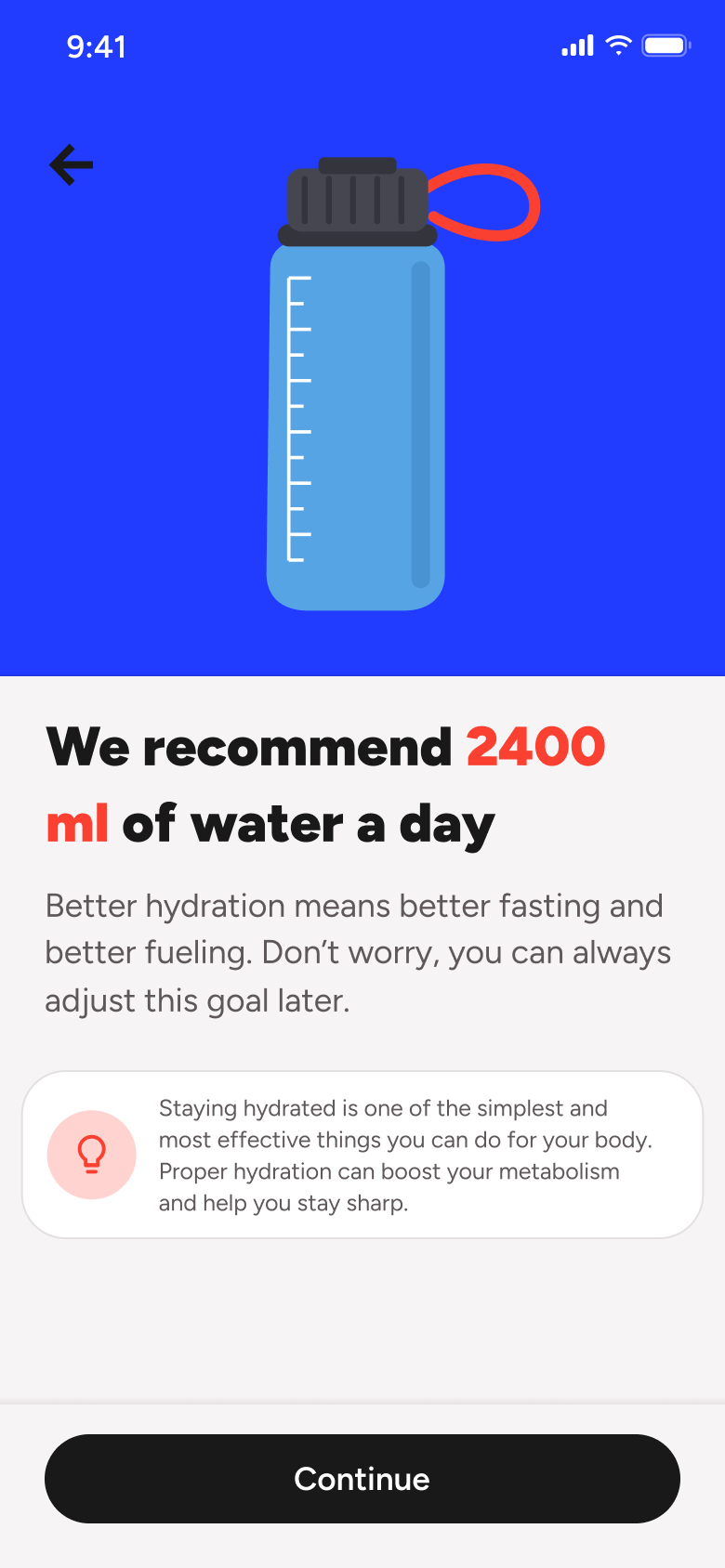
Steps 1–4 of 14, in recording order
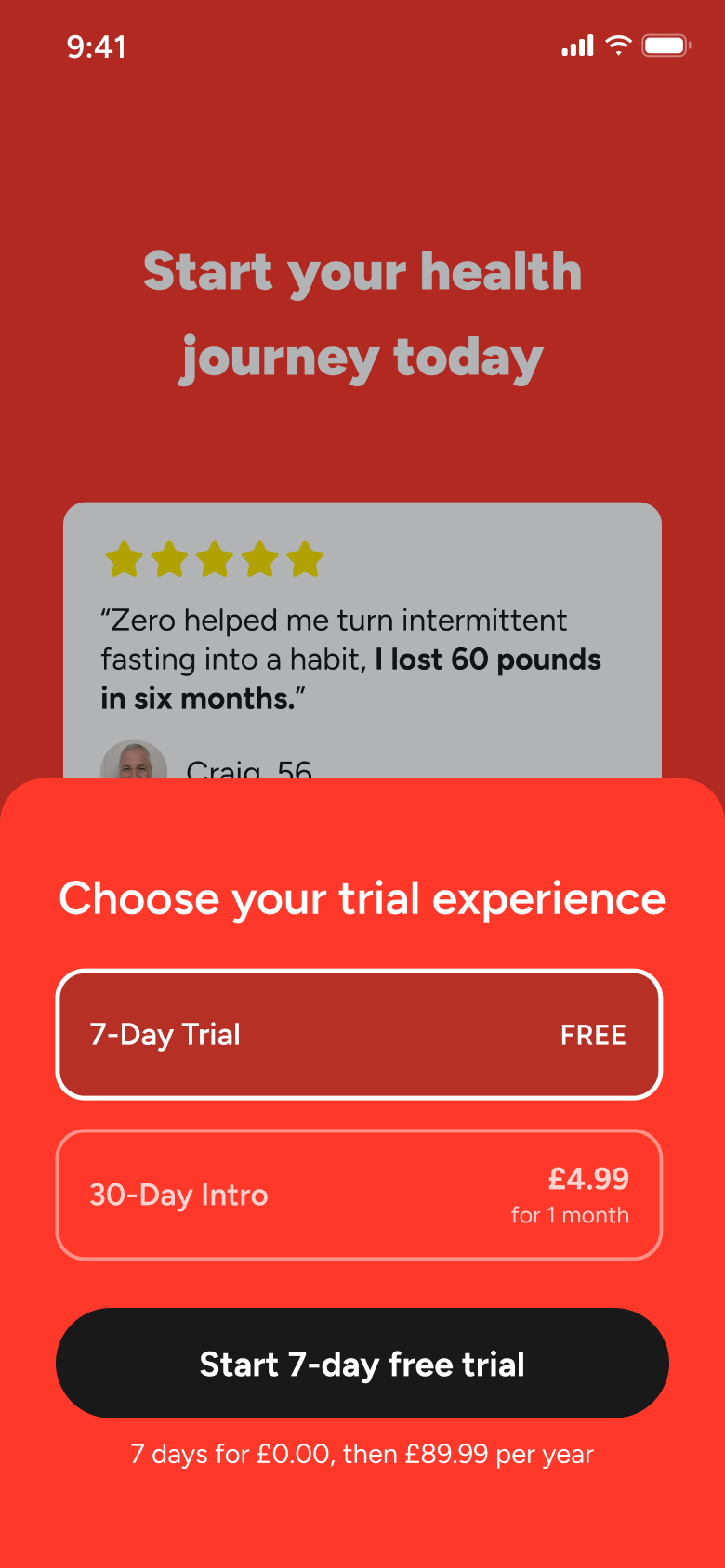
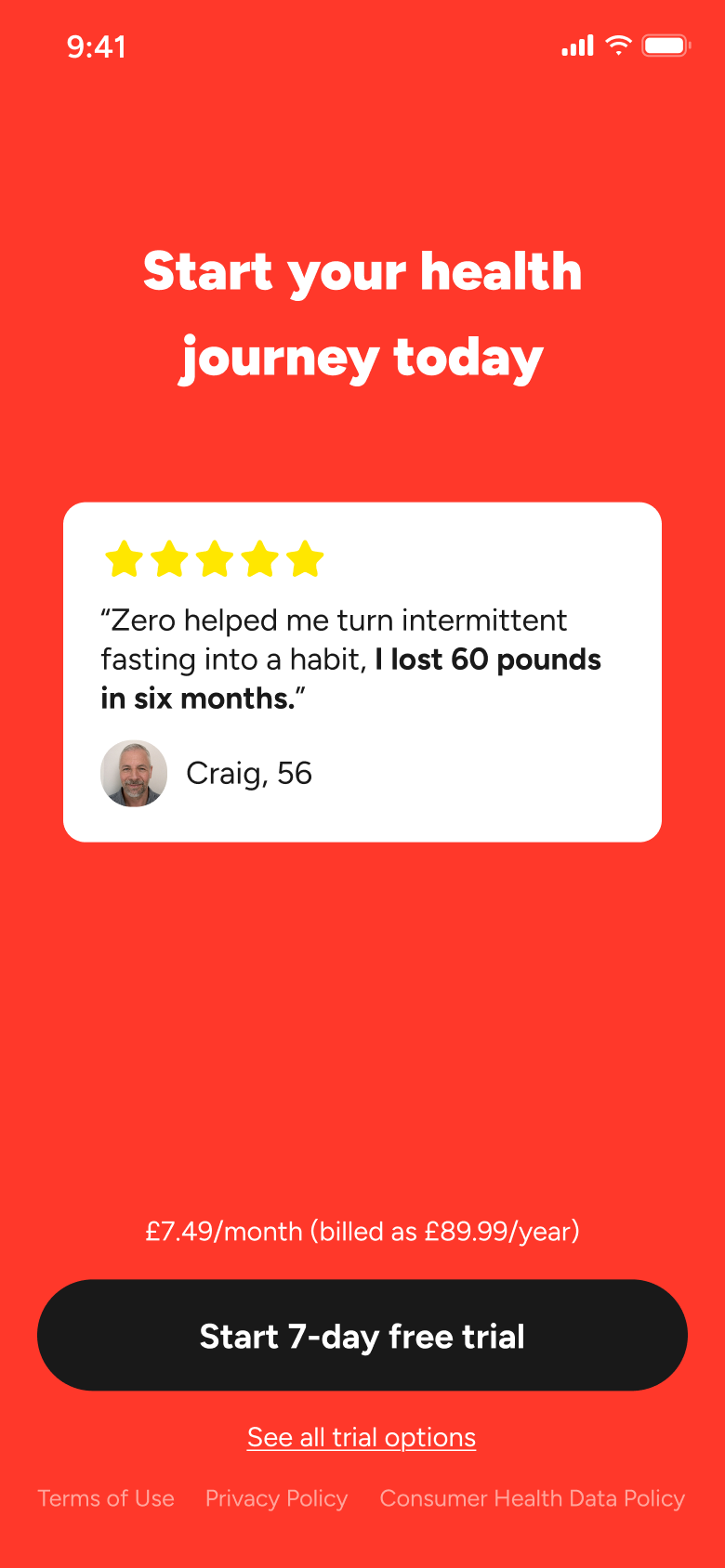
Open flowSee the free-trial intro and awards, open the trial options sheet, switch between the intro offer and free trial, close a one-time offer and dismiss the paywall.
ZeroiOS6 steps
Every app’s free flow imports free, no card needed.
See all subscribe & upgrade (paywall) flows across apps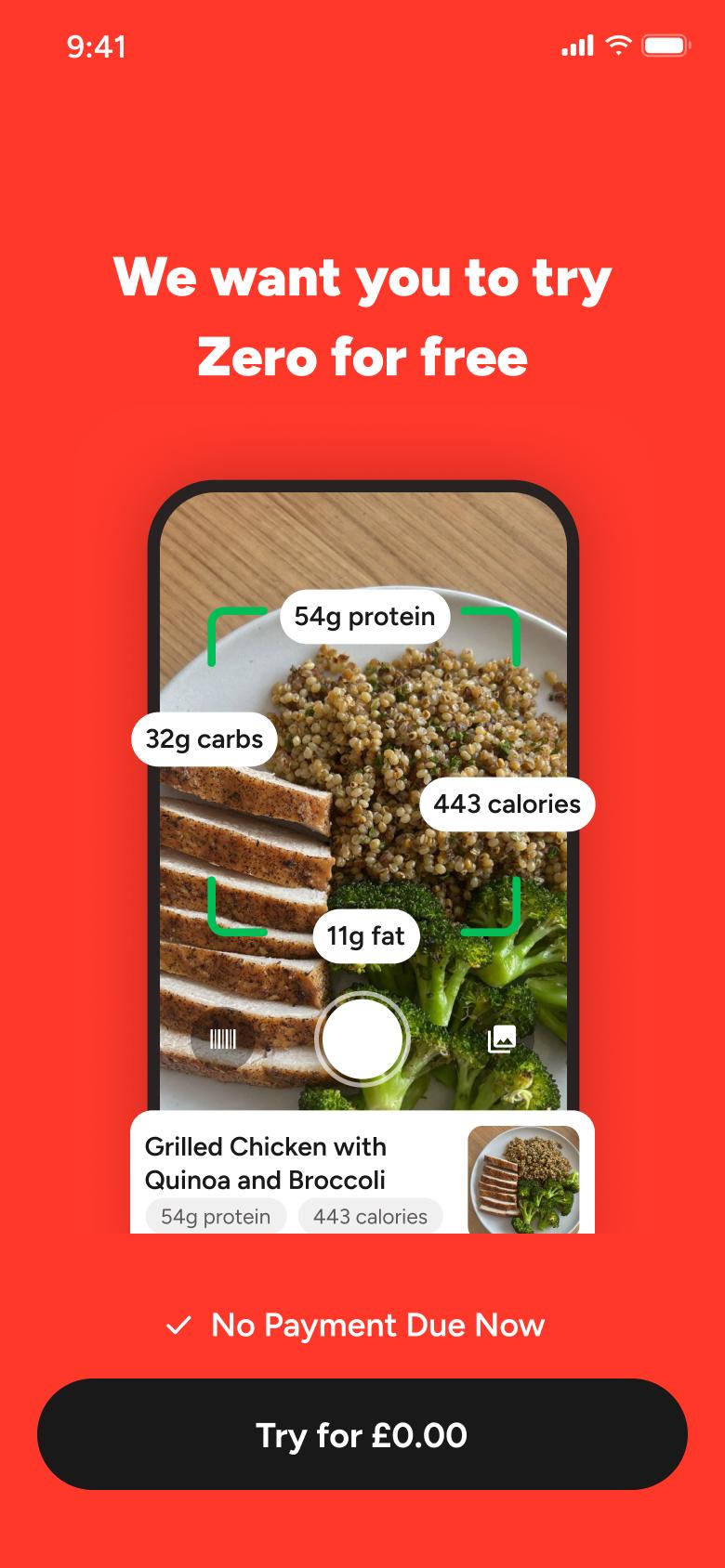
Step 1 of 6
Paywall 1
How you get here: Slides in from the right
Open the SuperDuper UI plugin in Figma to paste these 6 screens into your file as editable layers.
All 6 steps
Use ← → to step through
Each screen in the order it was recorded, with how the user got there.
Tap Continue
Paywall 1
Slides in from the right
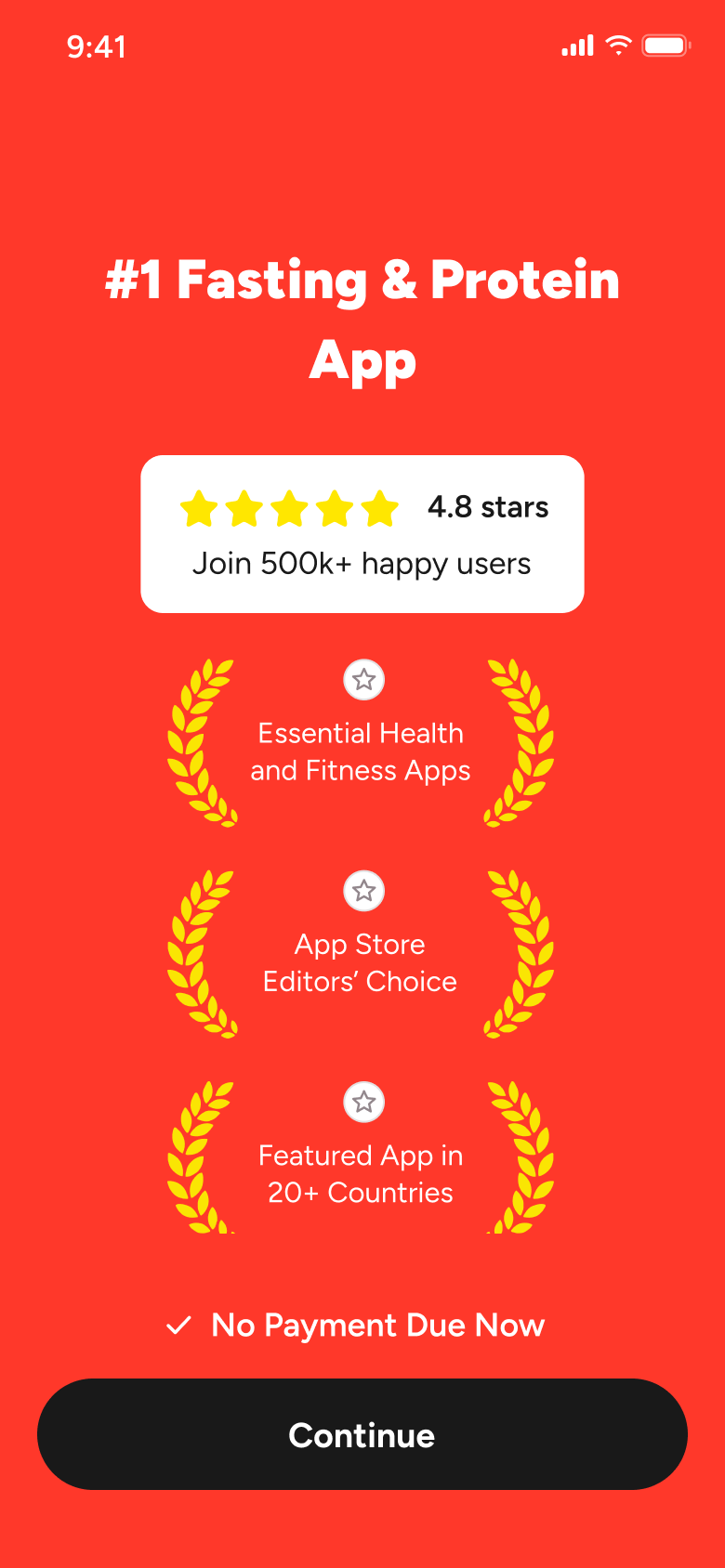
Tap Try for free
Paywall 2
Slides in from the right
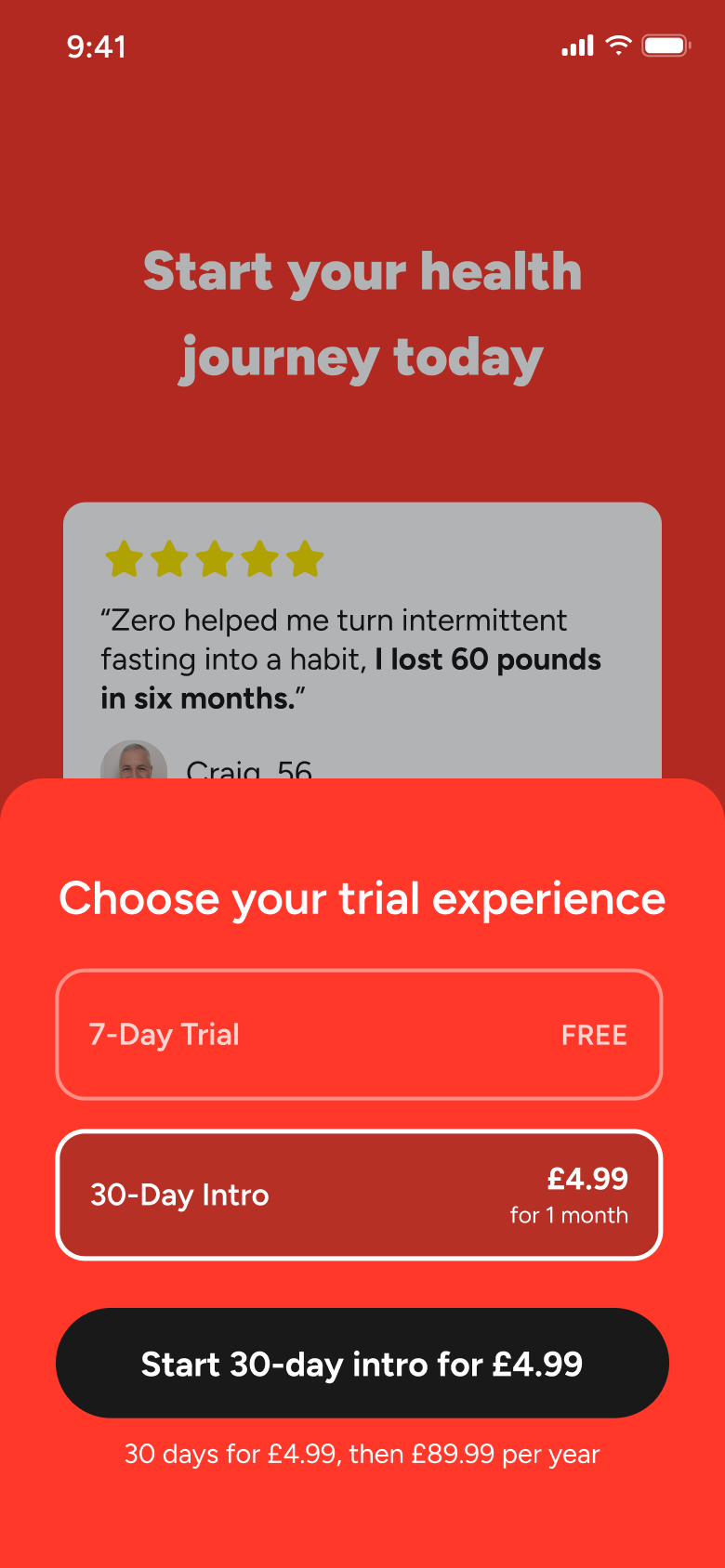
Tap See all trial options
Paywall 3
Slides up from the bottom
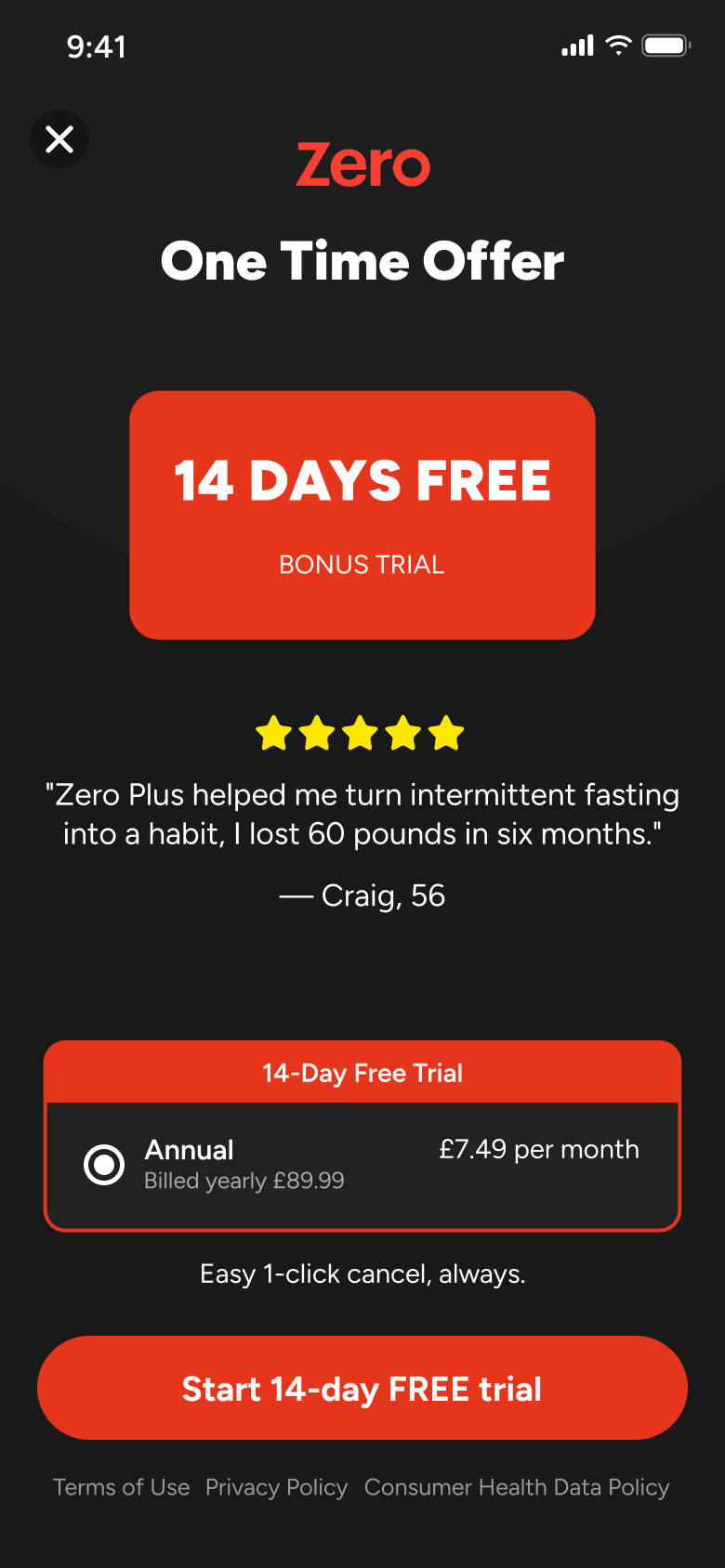
Close store purchase sheet
Paywall 4
Opens full screen
Close one-time offer
Paywall 5
Closes
Swipe trial sheet down
Paywall 6
Closes
Not affiliated with, endorsed or sponsored by Zero. Zero is a trade mark of its owner. Recreated for design reference and education. Rights holders: contact us
Onboarding14 screens
Steps 1–4 of 14, in recording order
Open flowCapture & scan14 screens
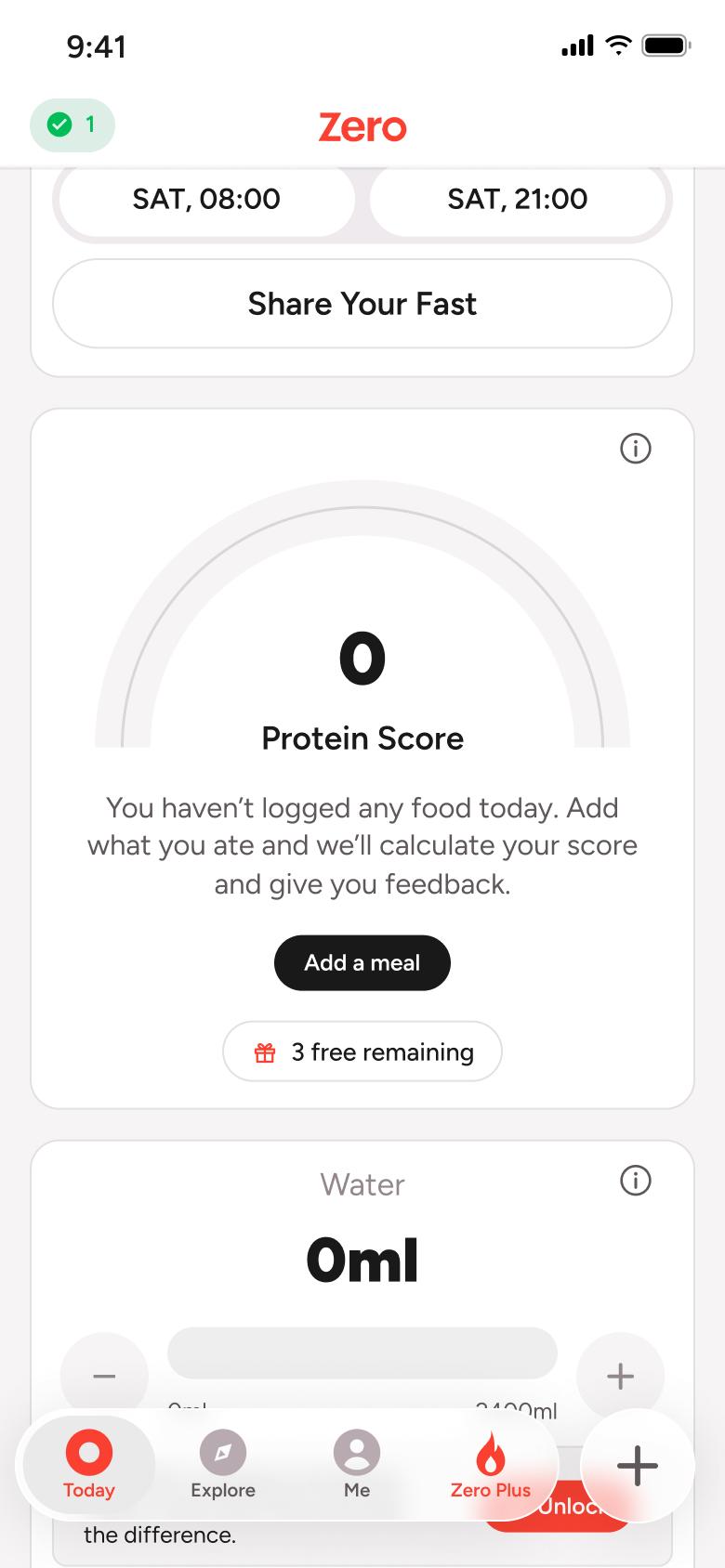
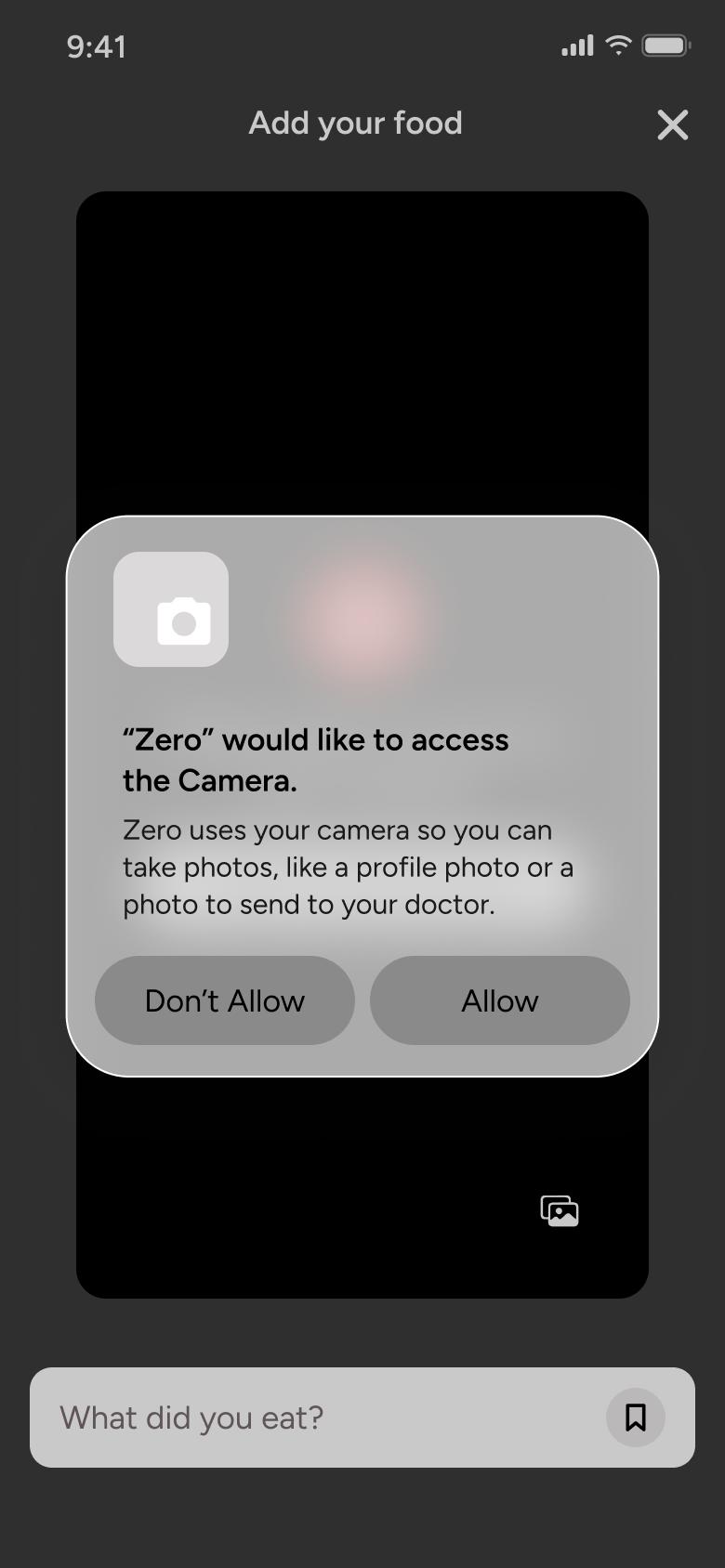
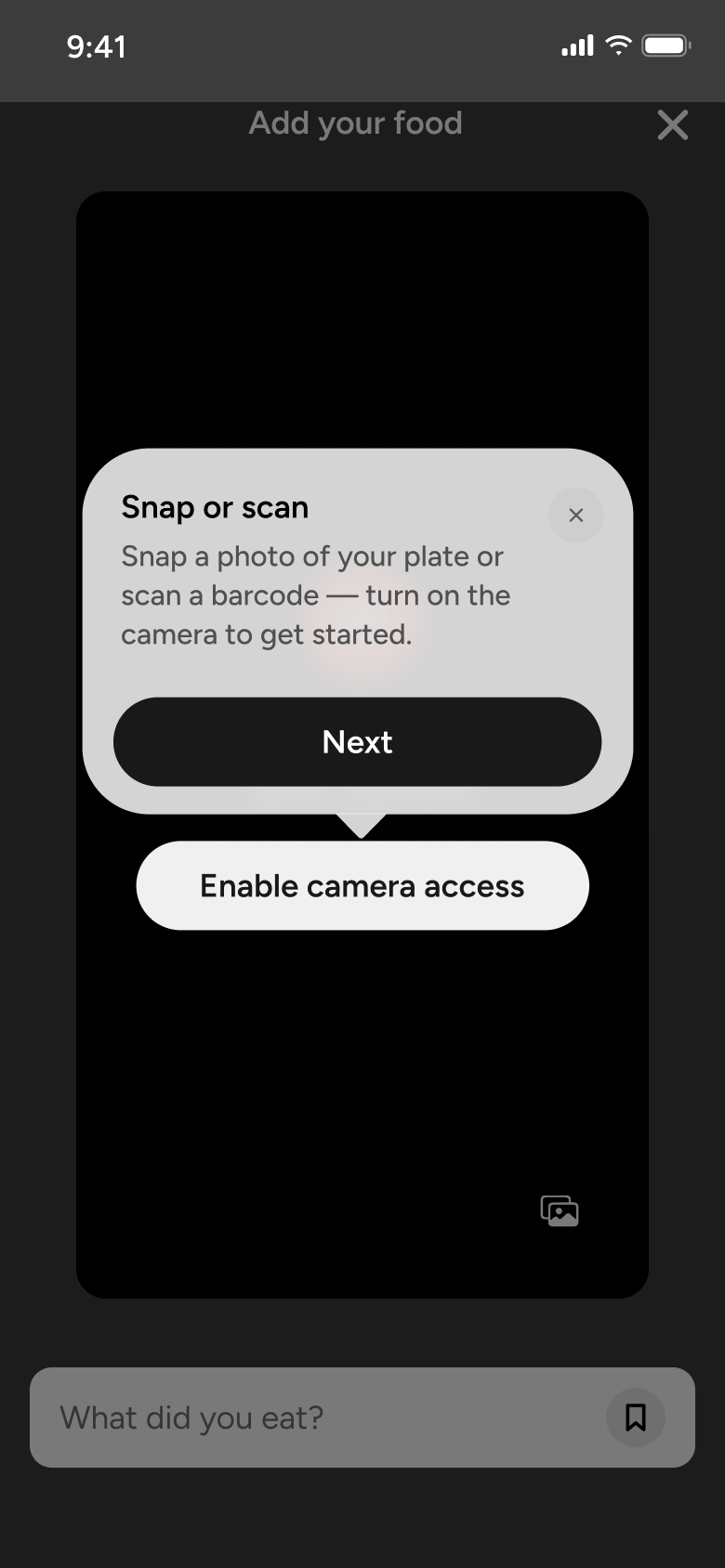
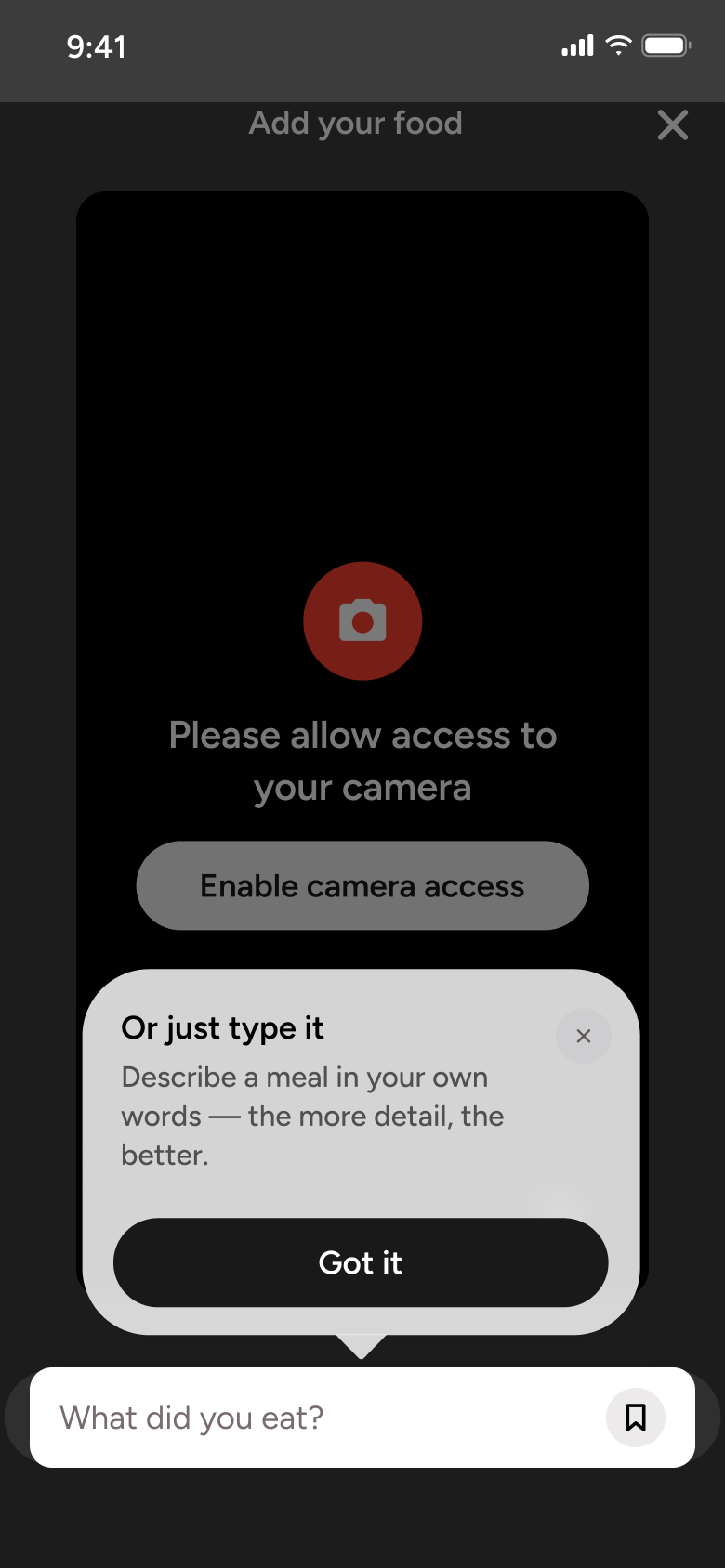
Steps 1–4 of 14, in recording order
Open flowAll of WhatsApp, and a complete flow from every app. No card needed.