
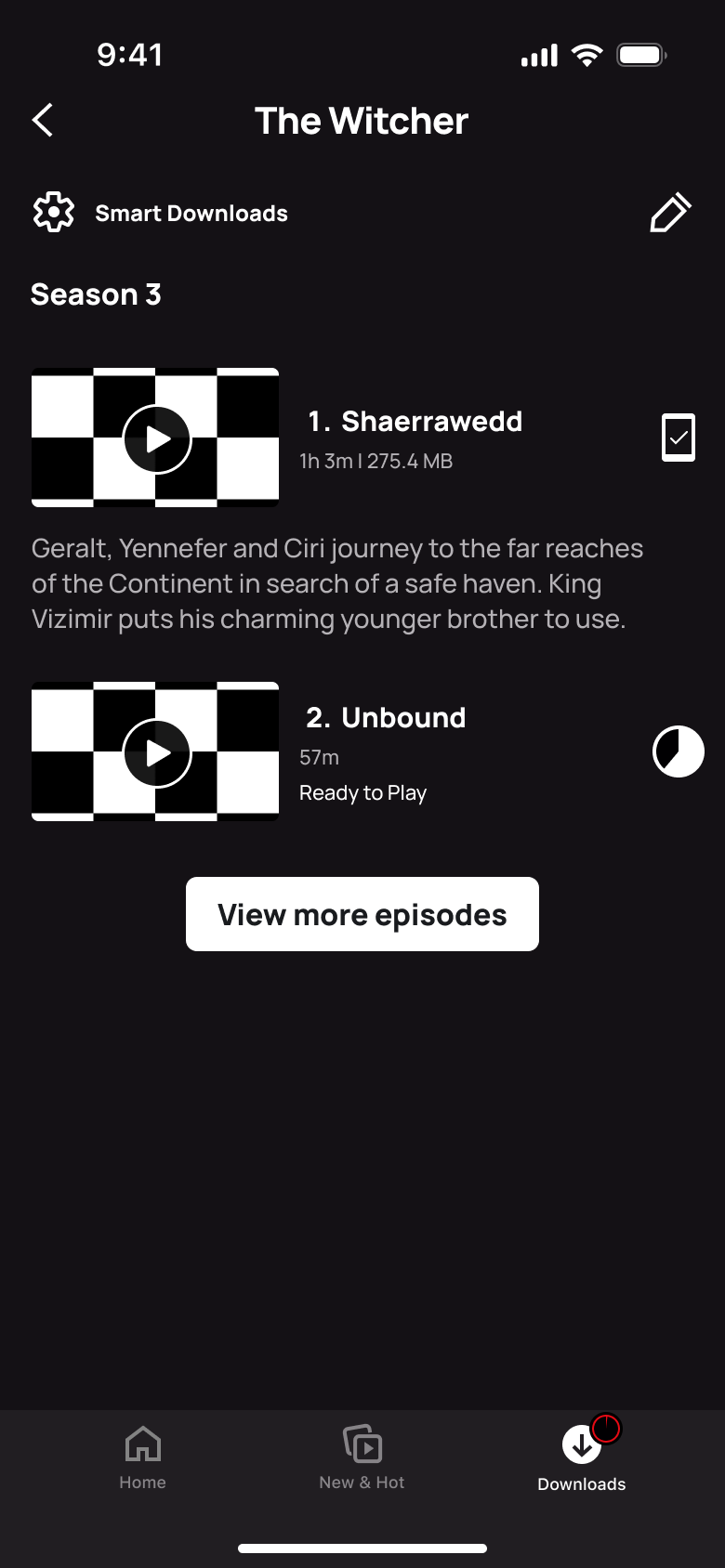
 1
1- In-place change
 2
2Tap edit - In-place change
 3
3Tap remove - Back
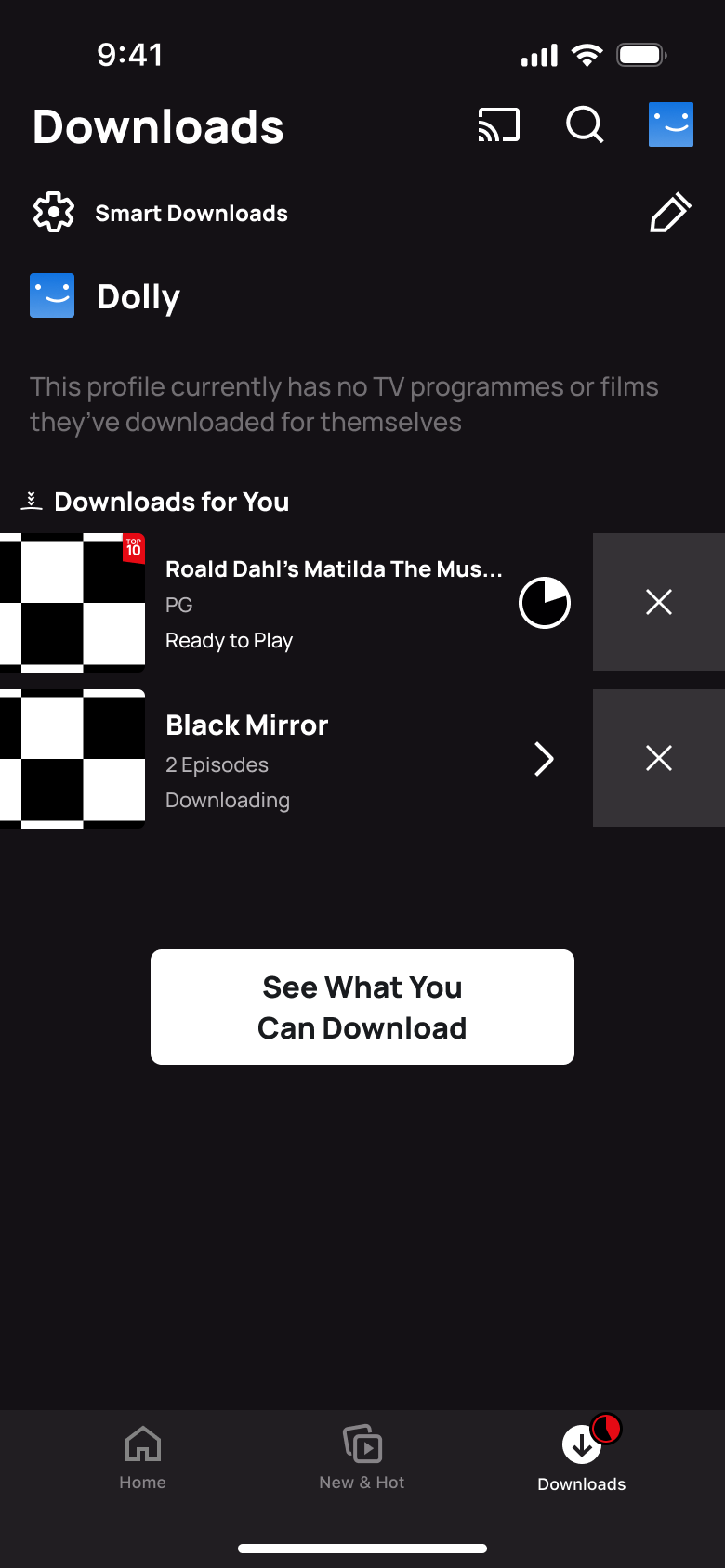 4
4Back - Sheet
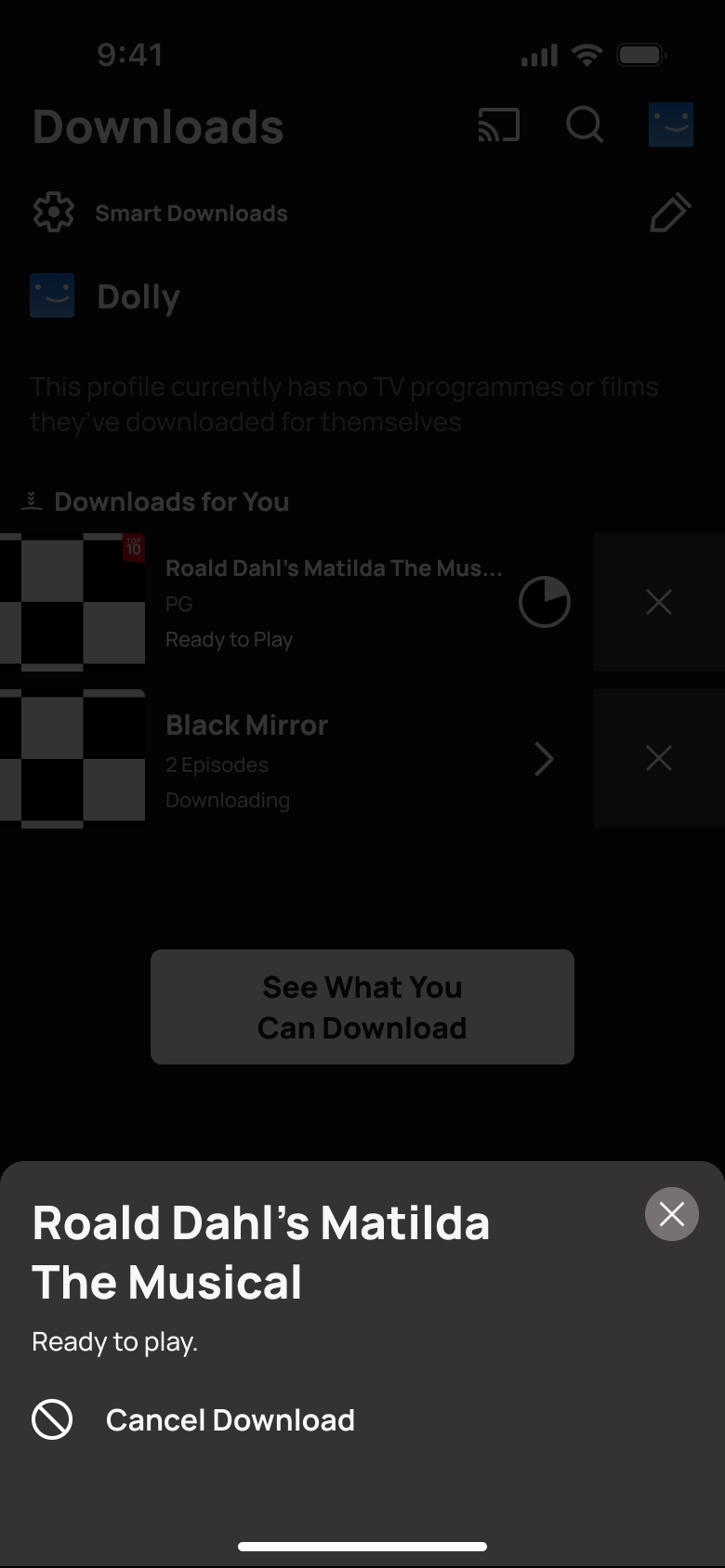 5
5Tap download status - Dismiss modal or sheet
 6
6Tap Cancel Download - Alert / dialog over screen
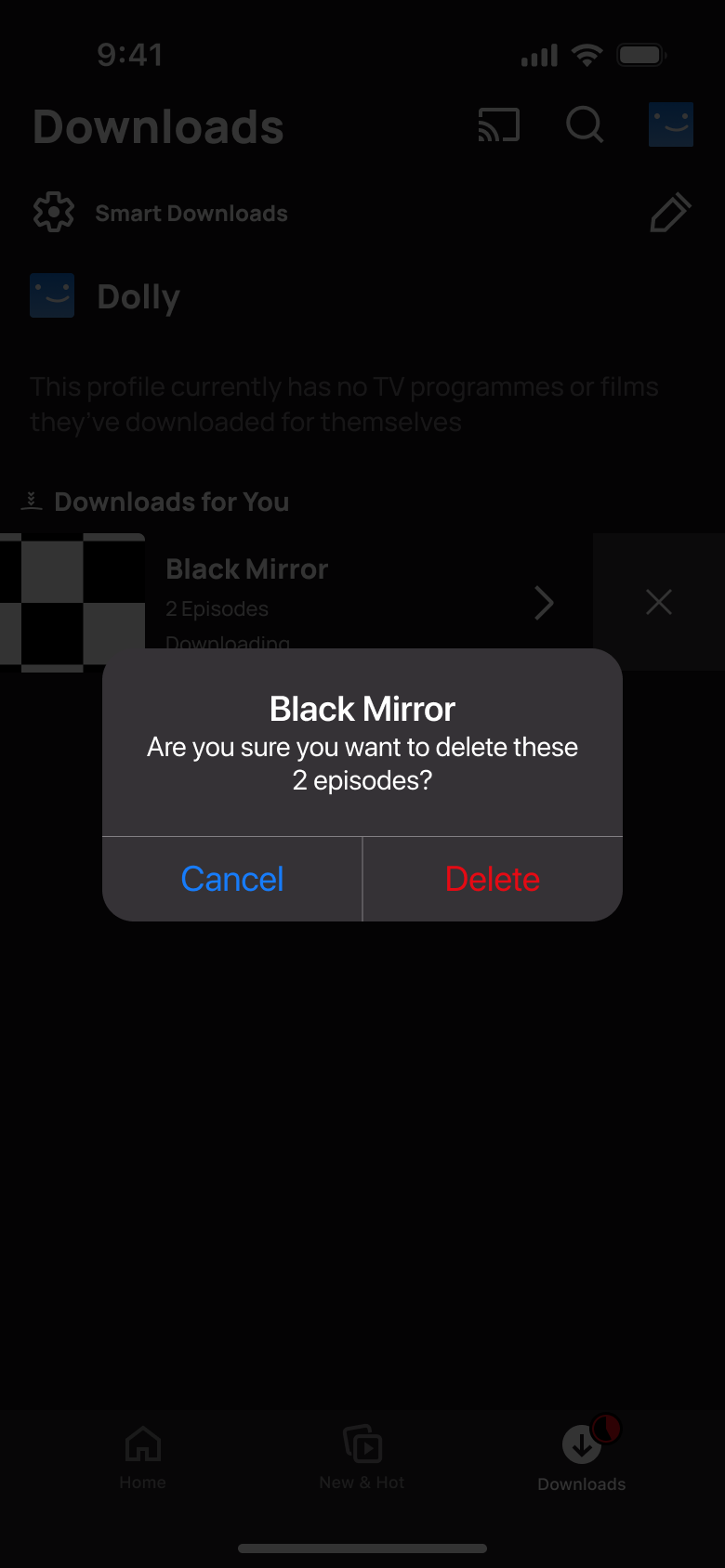 7
7Tap remove - Dismiss modal or sheet
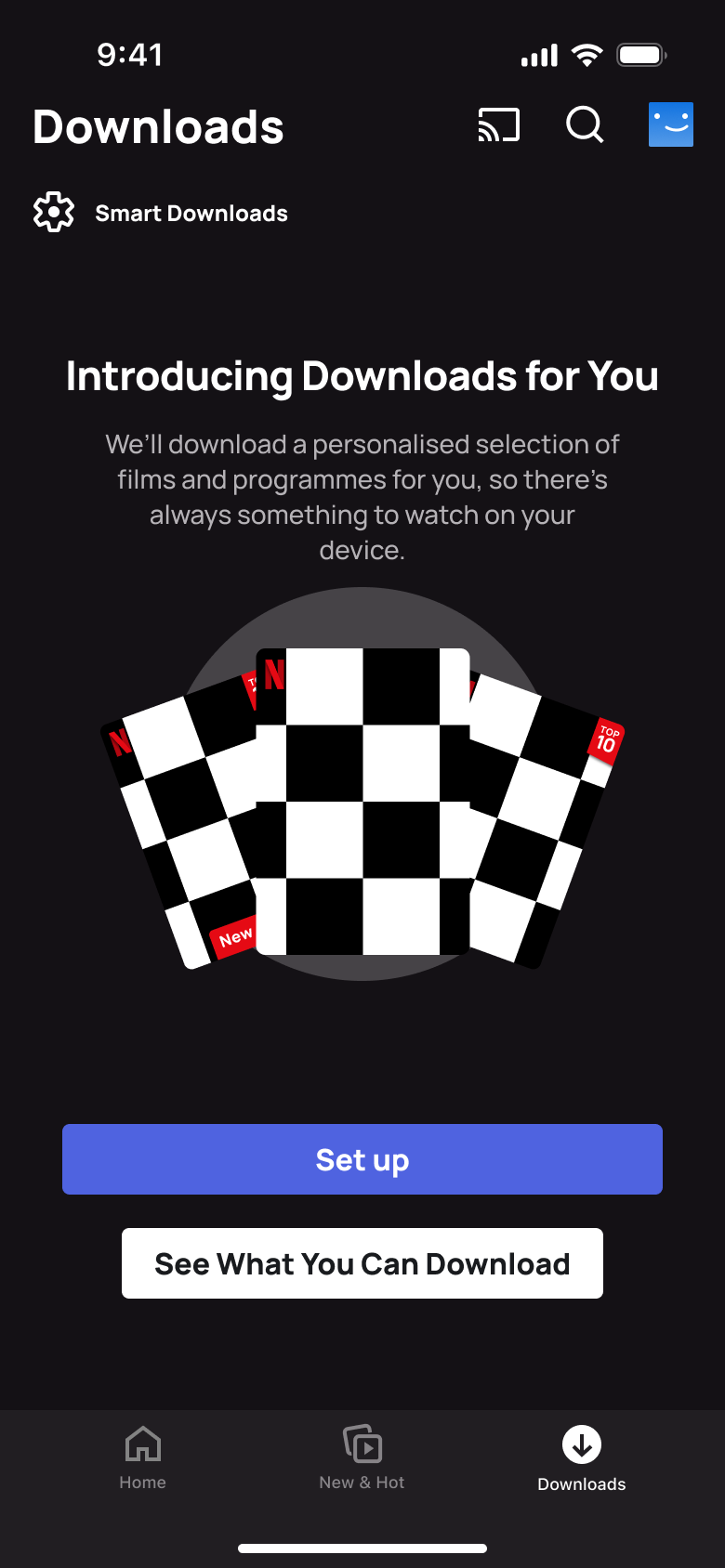 8
8Tap Delete
Content
Delete & remove flows from real apps
Every delete & remove flow we have rebuilt, as a row of numbered screens with the transition between each step. Open one to play it through and import it into Figma.
1 flow from 1 app
More content flows
Try an editable clone in Figma
Install the free plugin and import 5 screens from any paid clone, or take the whole WhatsApp clone free.
Not affiliated with, endorsed or sponsored by the companies whose apps we recreate. Their names and logos are trade marks of their owners. Recreated for design reference and education. Rights holders: contact us