
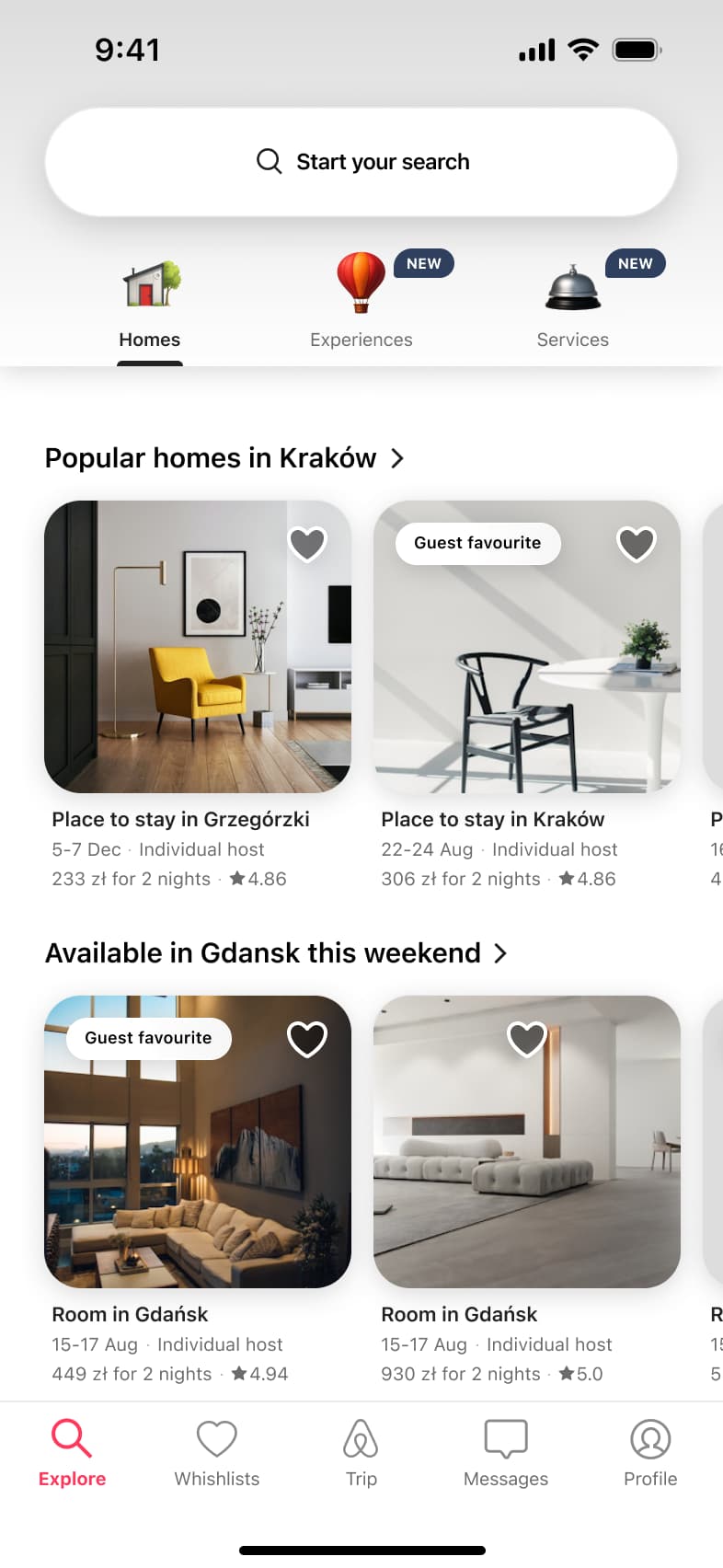
 1
1- In-place change
 2
2Scroll - In-place change
 3
3Scroll - In-place change
 4
4Scroll - In-place change
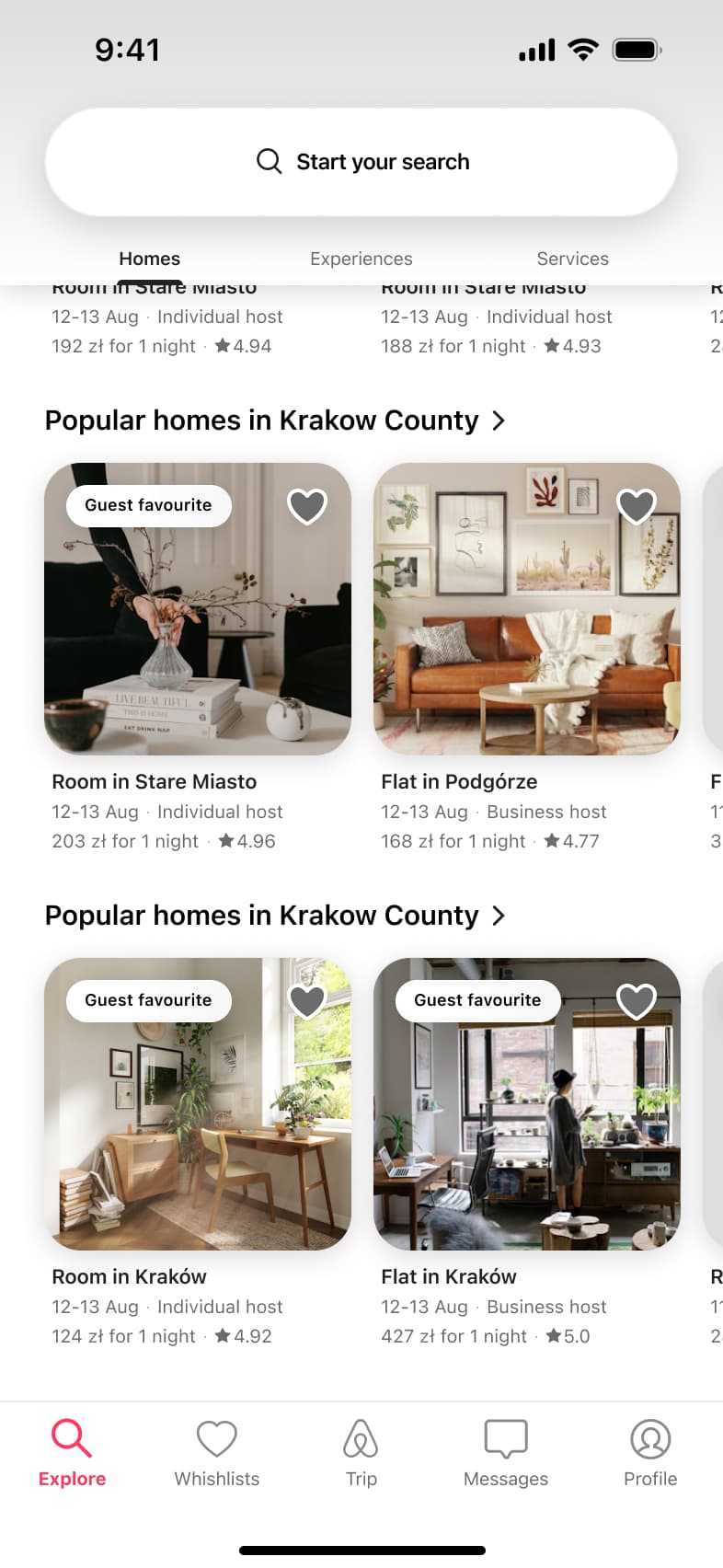 5
5Scroll
Content
Browse & discover flows from real apps
Every browse & discover flow we have rebuilt, as a row of numbered screens with the transition between each step. Open one to play it through and import it into Figma.
32 flows from 17 apps
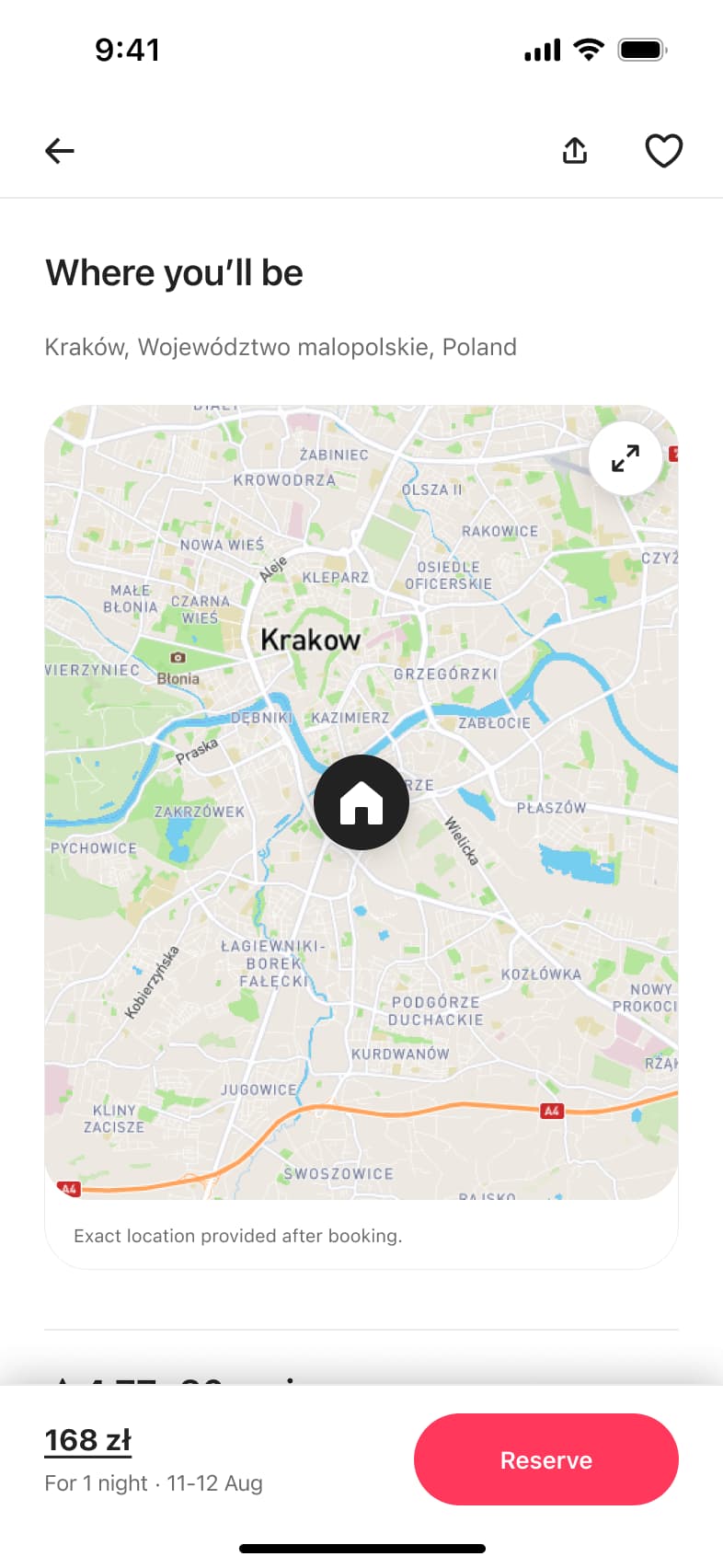 1
1- Modal
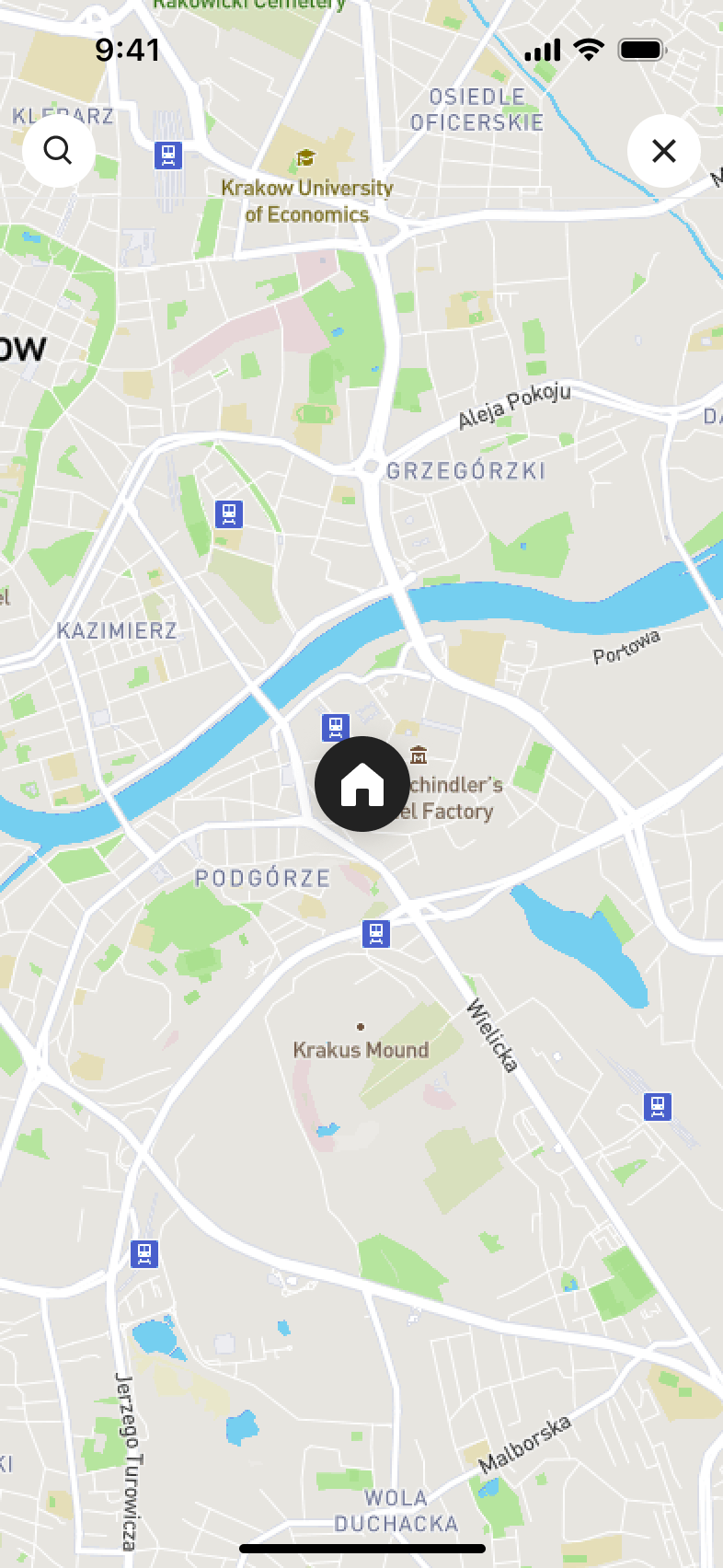 2
2Tap map - In-place change
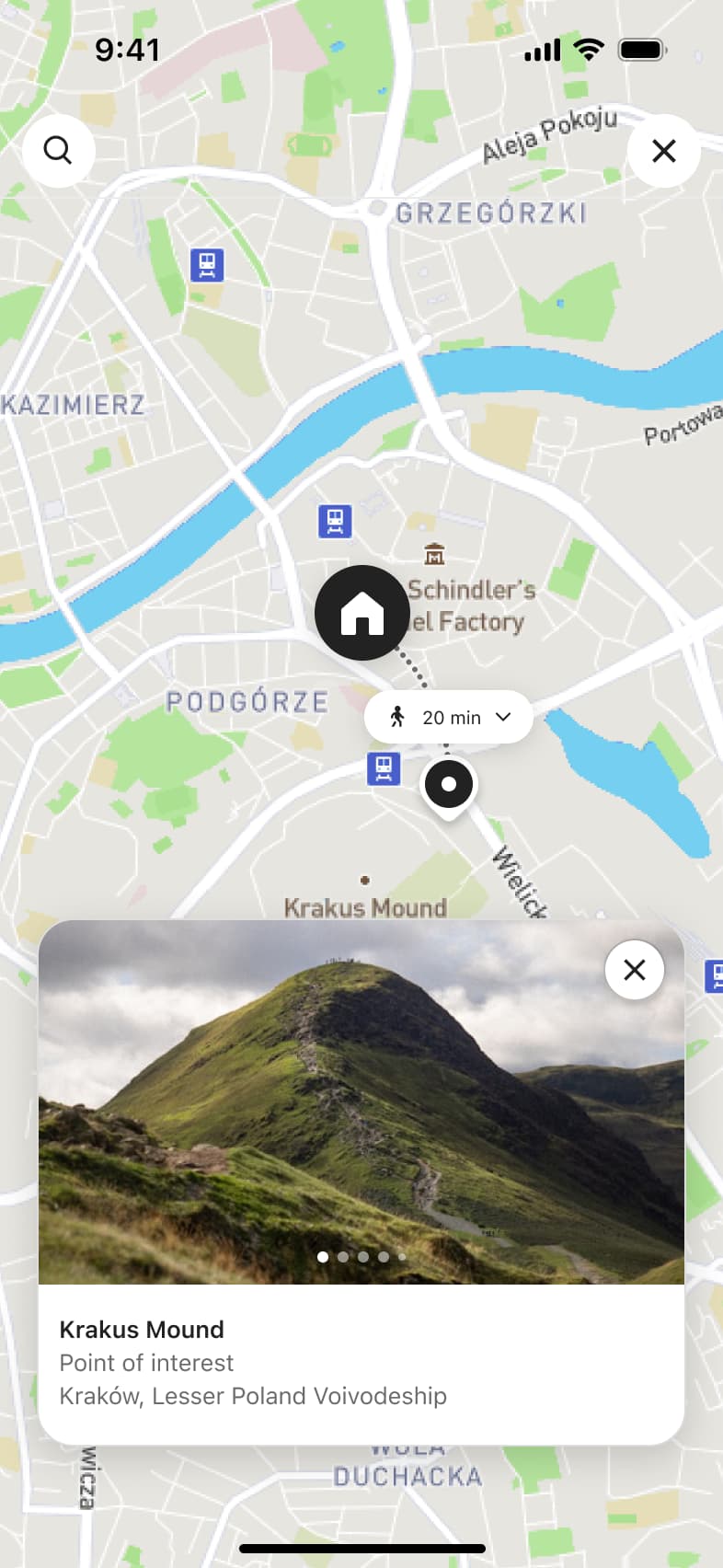 3
3Tap point of interest - In-place change
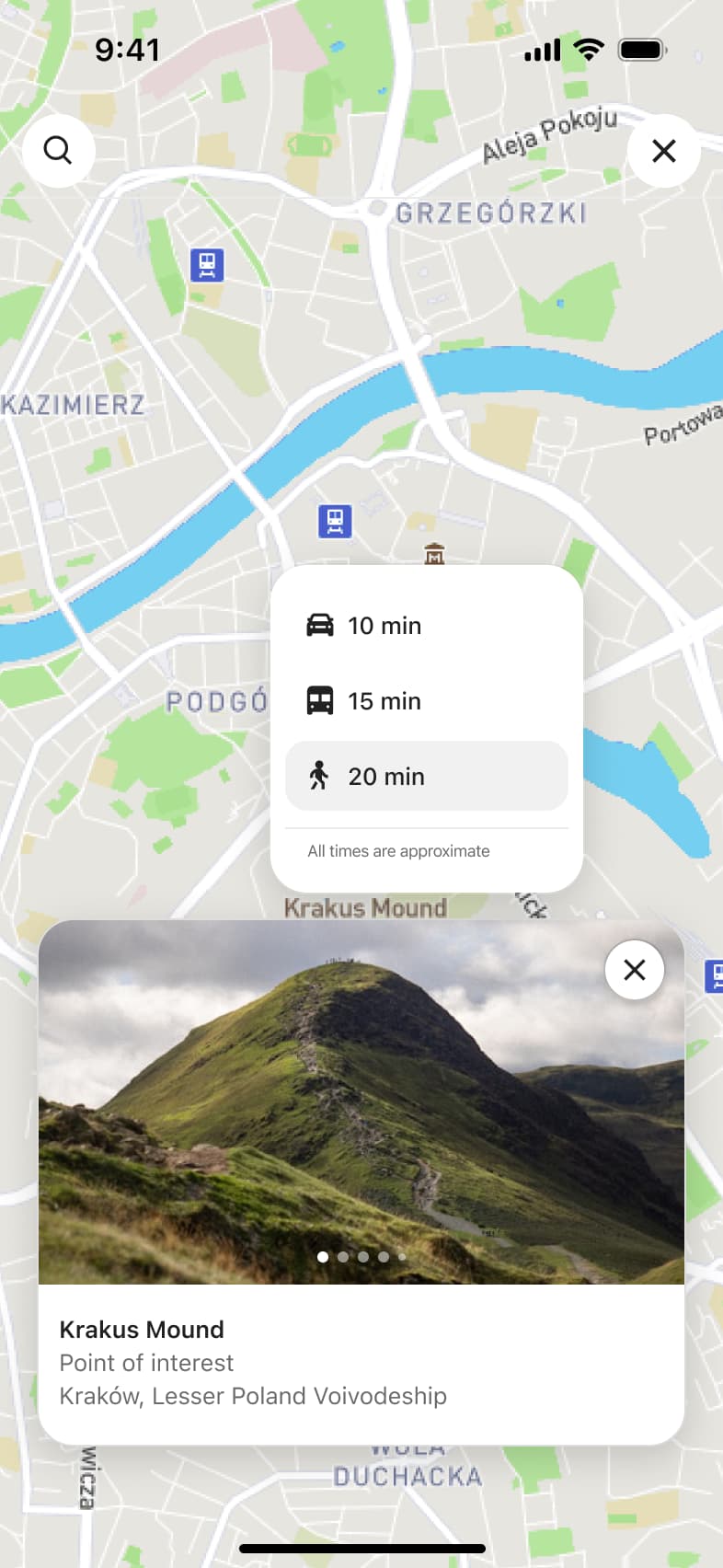 4
4Tap travel time - Modal
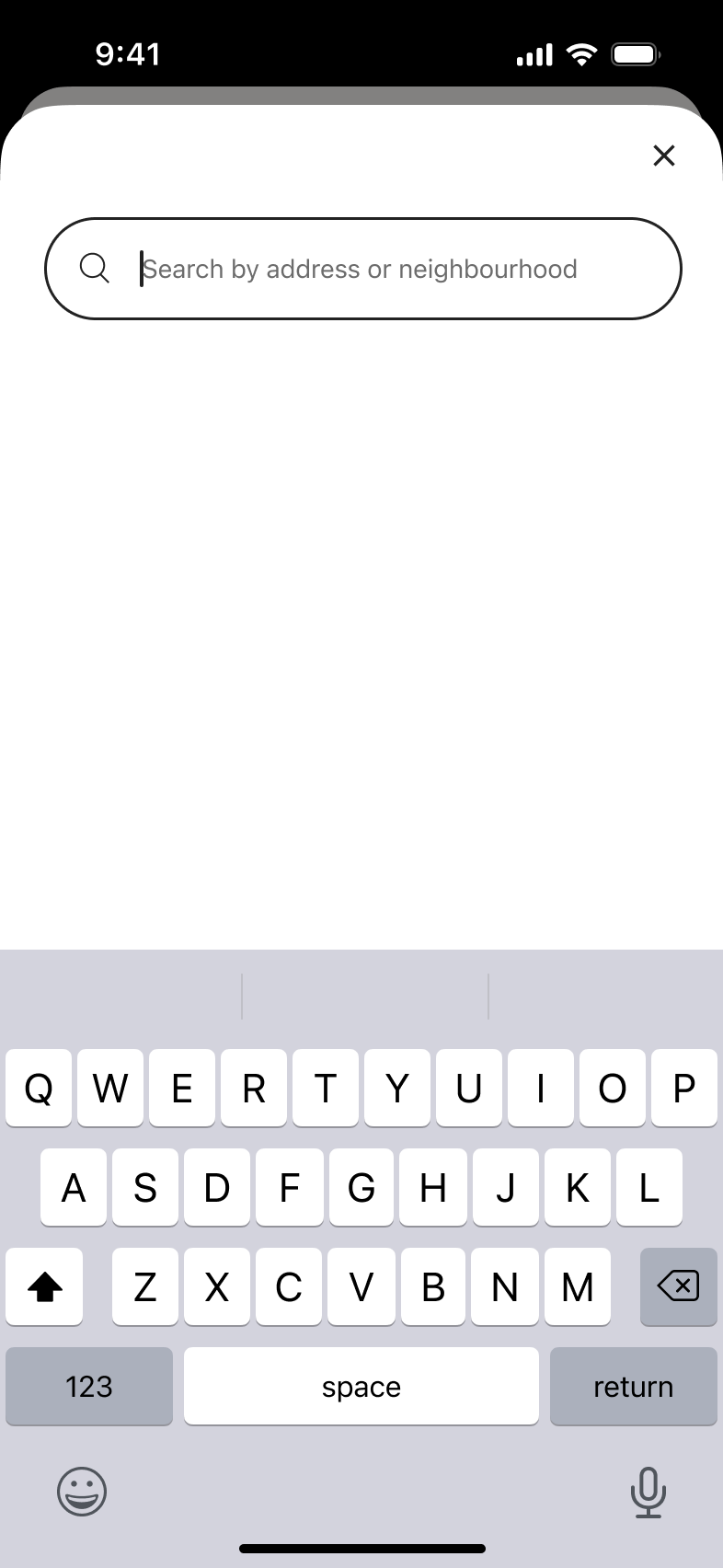 5
5Tap search - In-place change
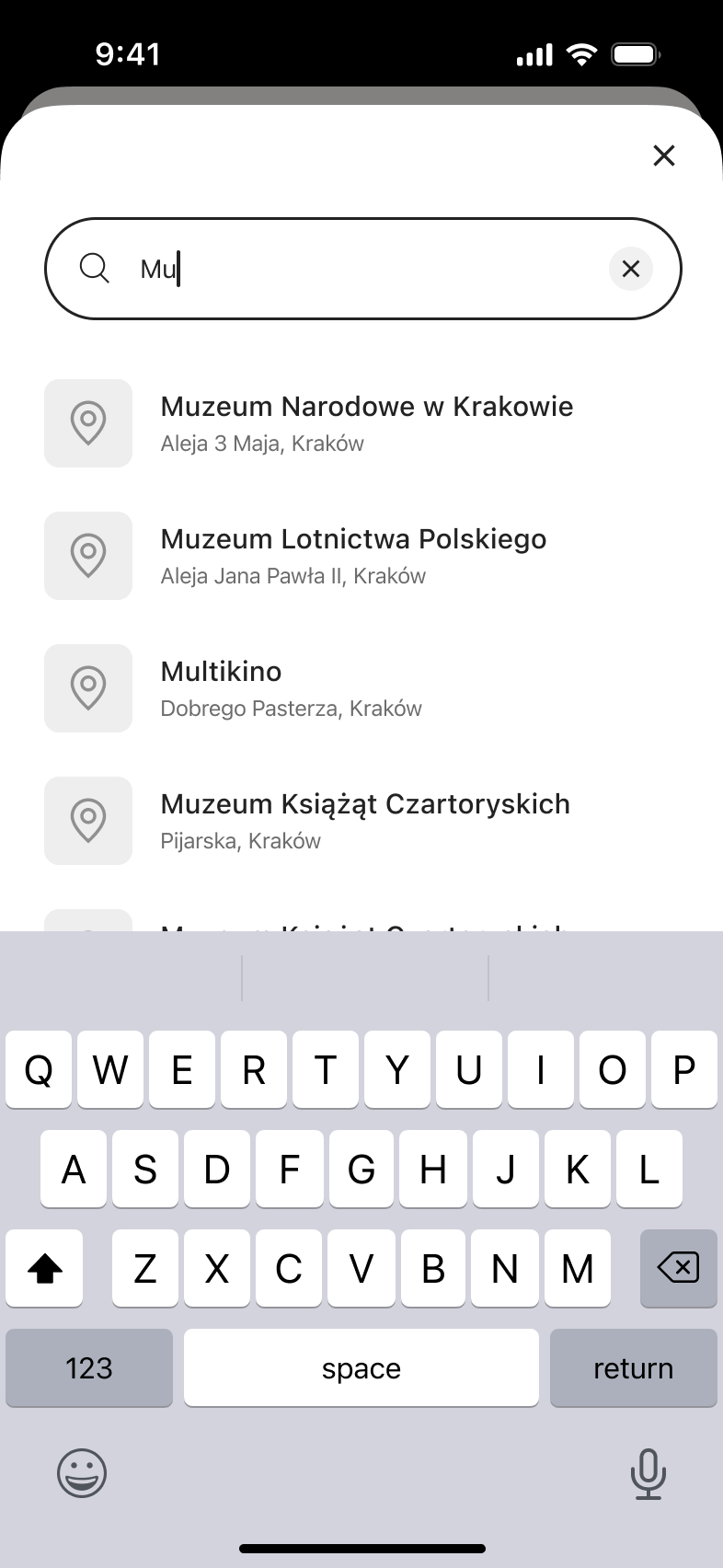 6
6Type query - In-place change
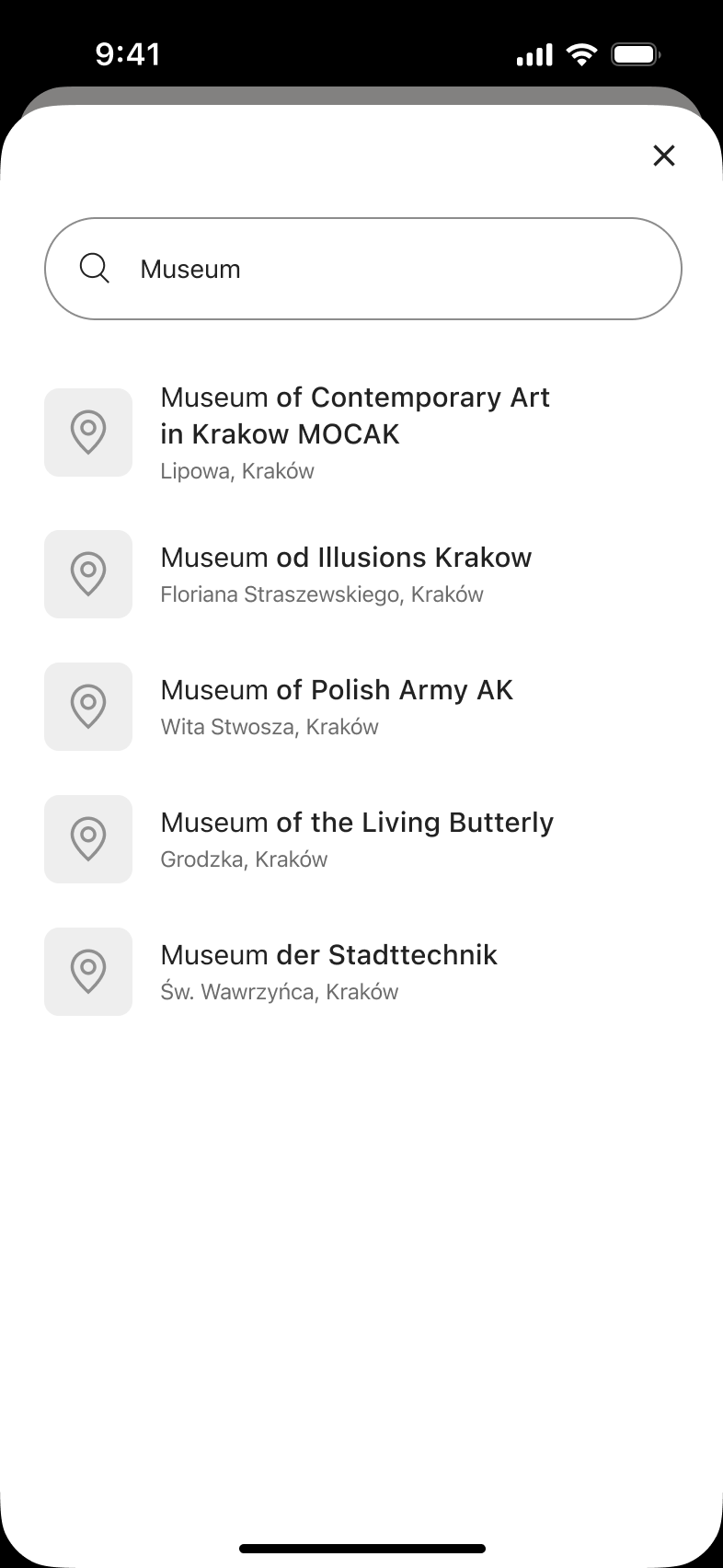 7
7Tap Search
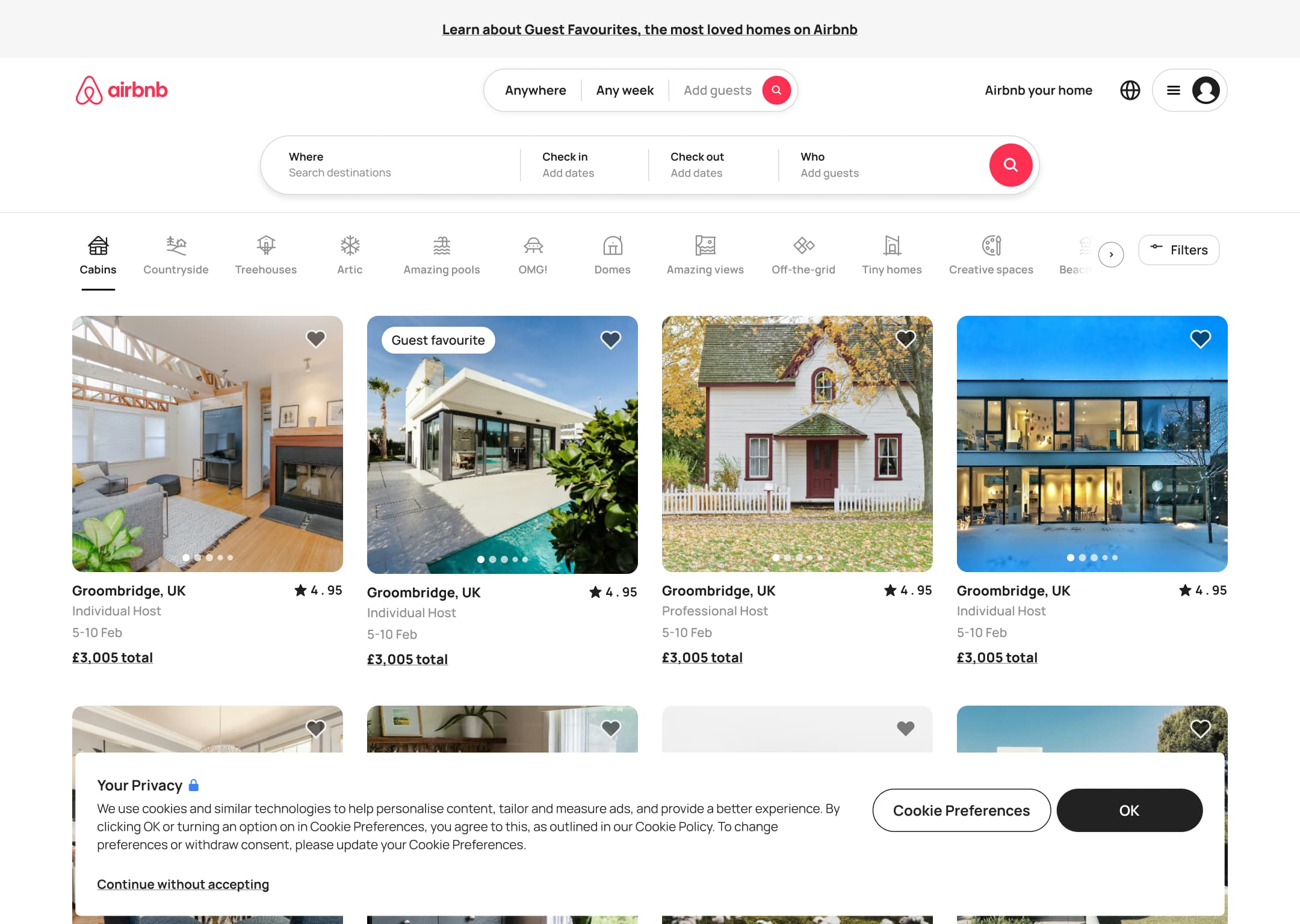 1
1- In-place change
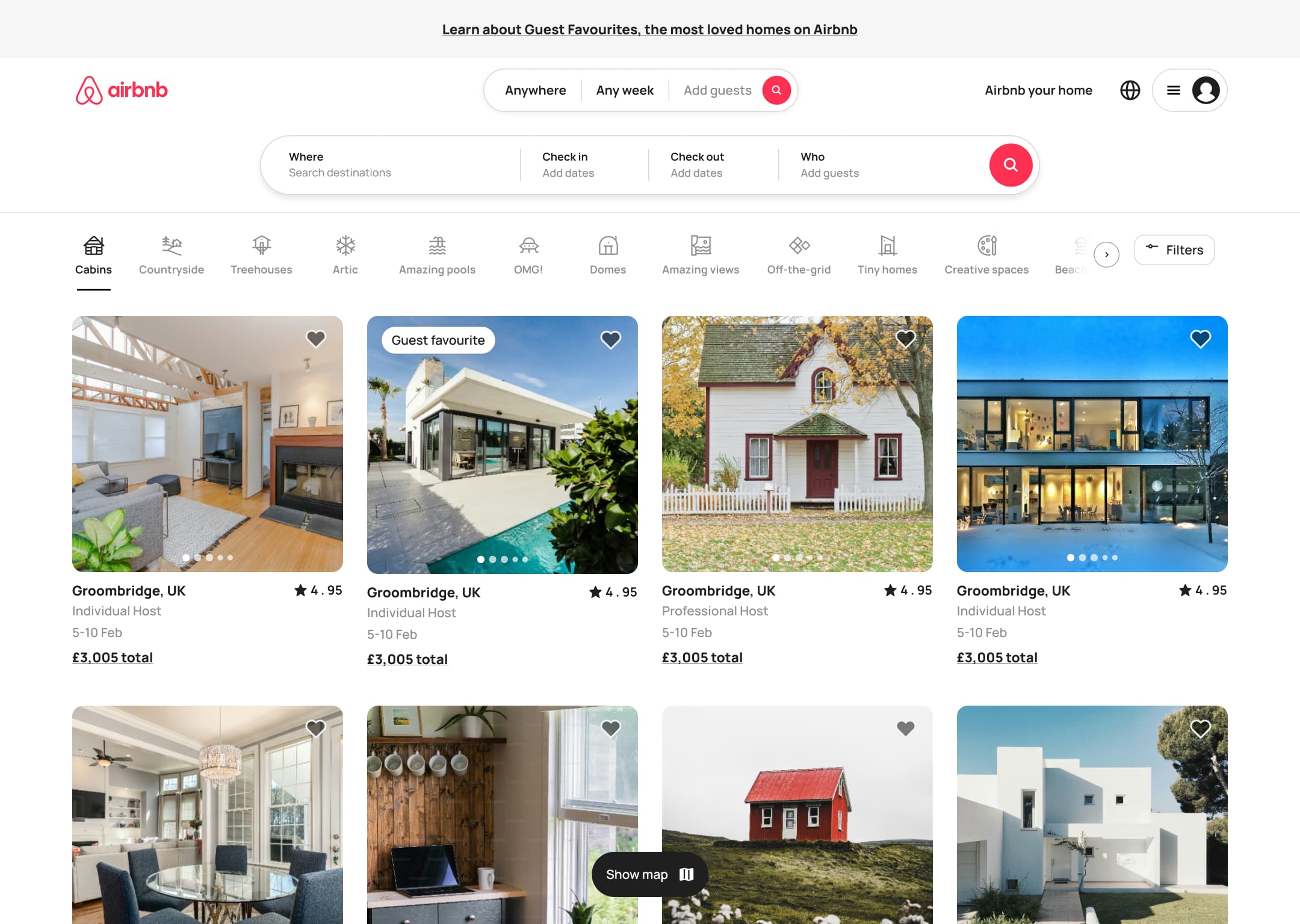 2
2Click OK - In-place change
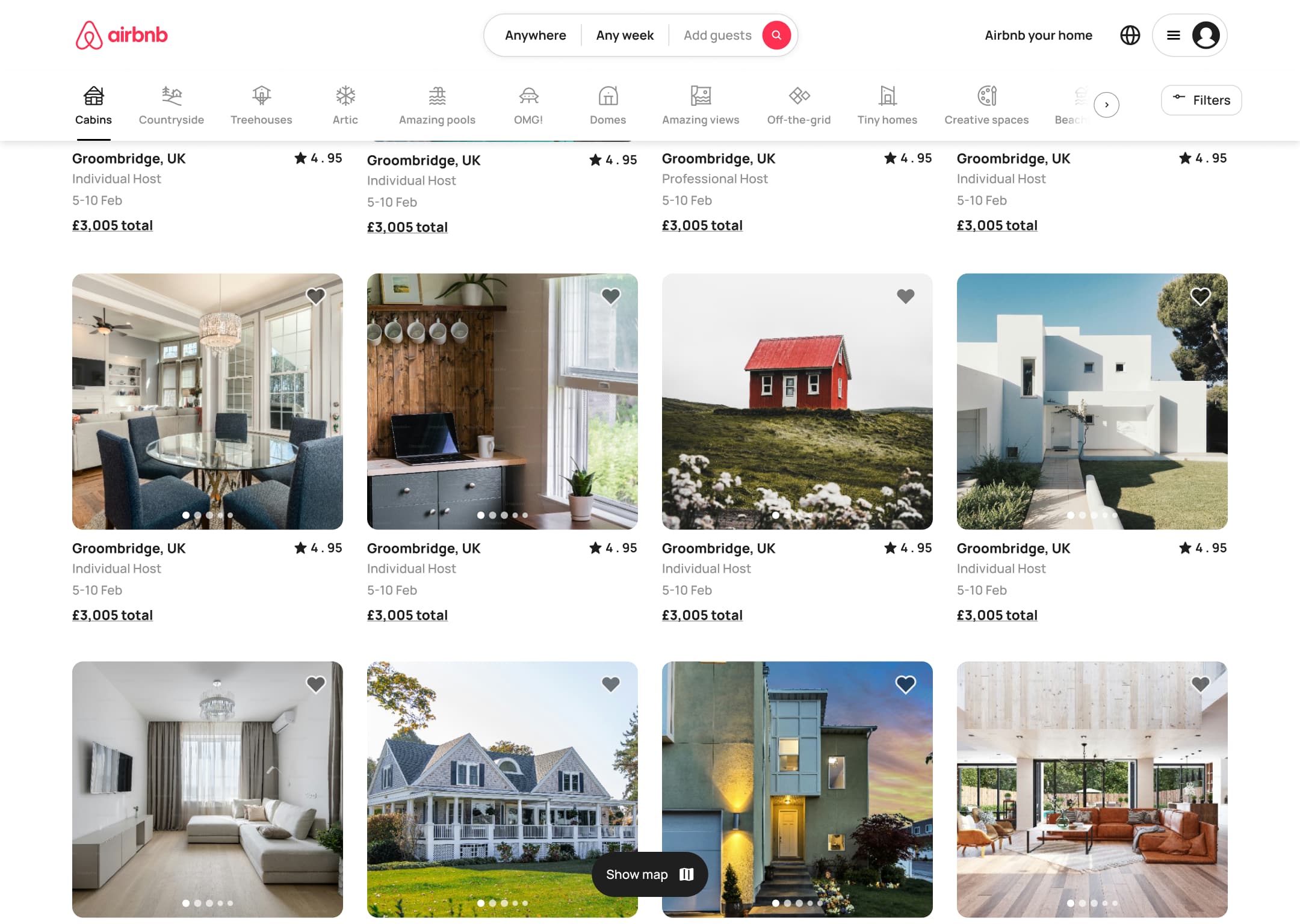 3
3Scroll - In-place change
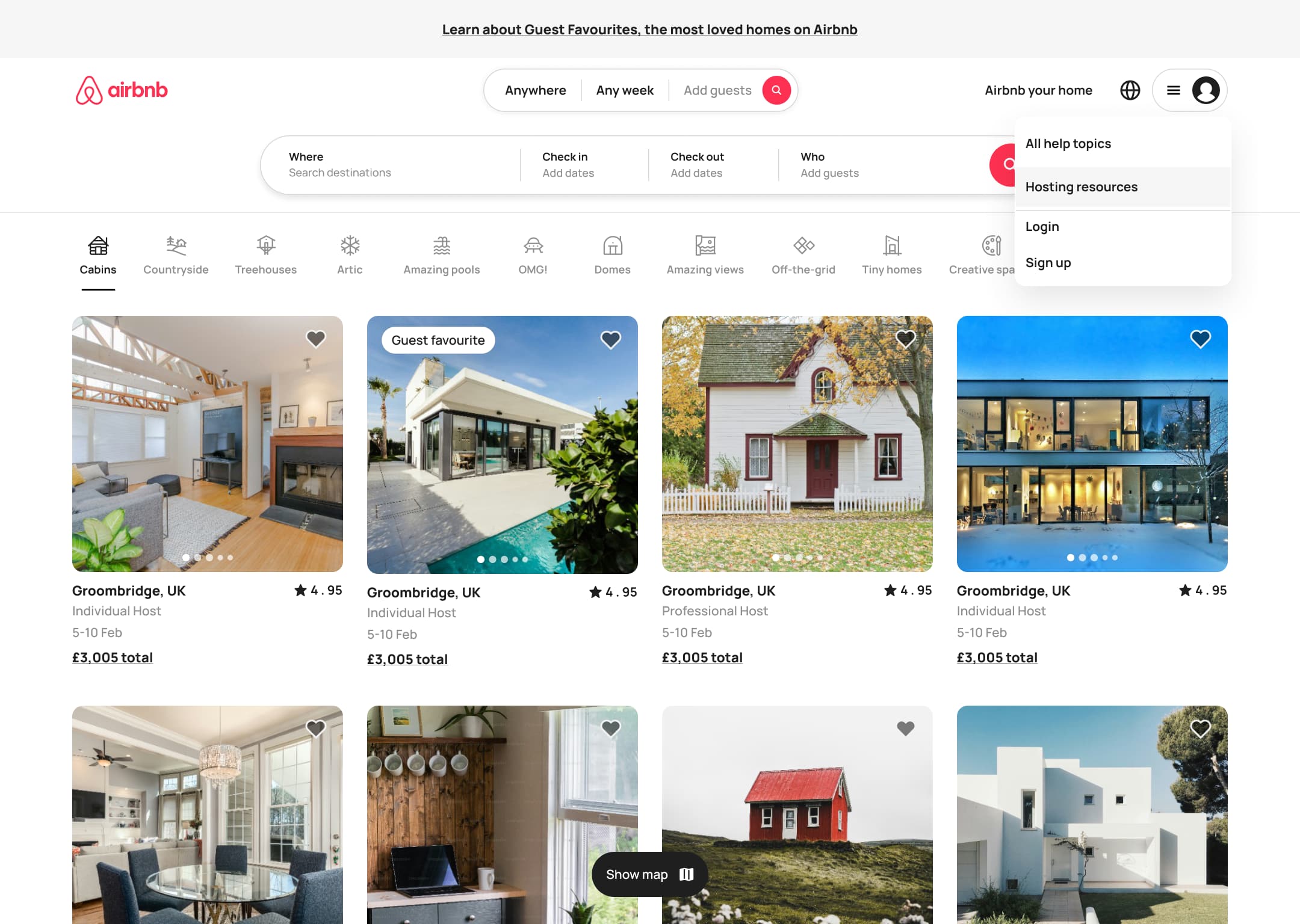 4
4Click menu - In-place change
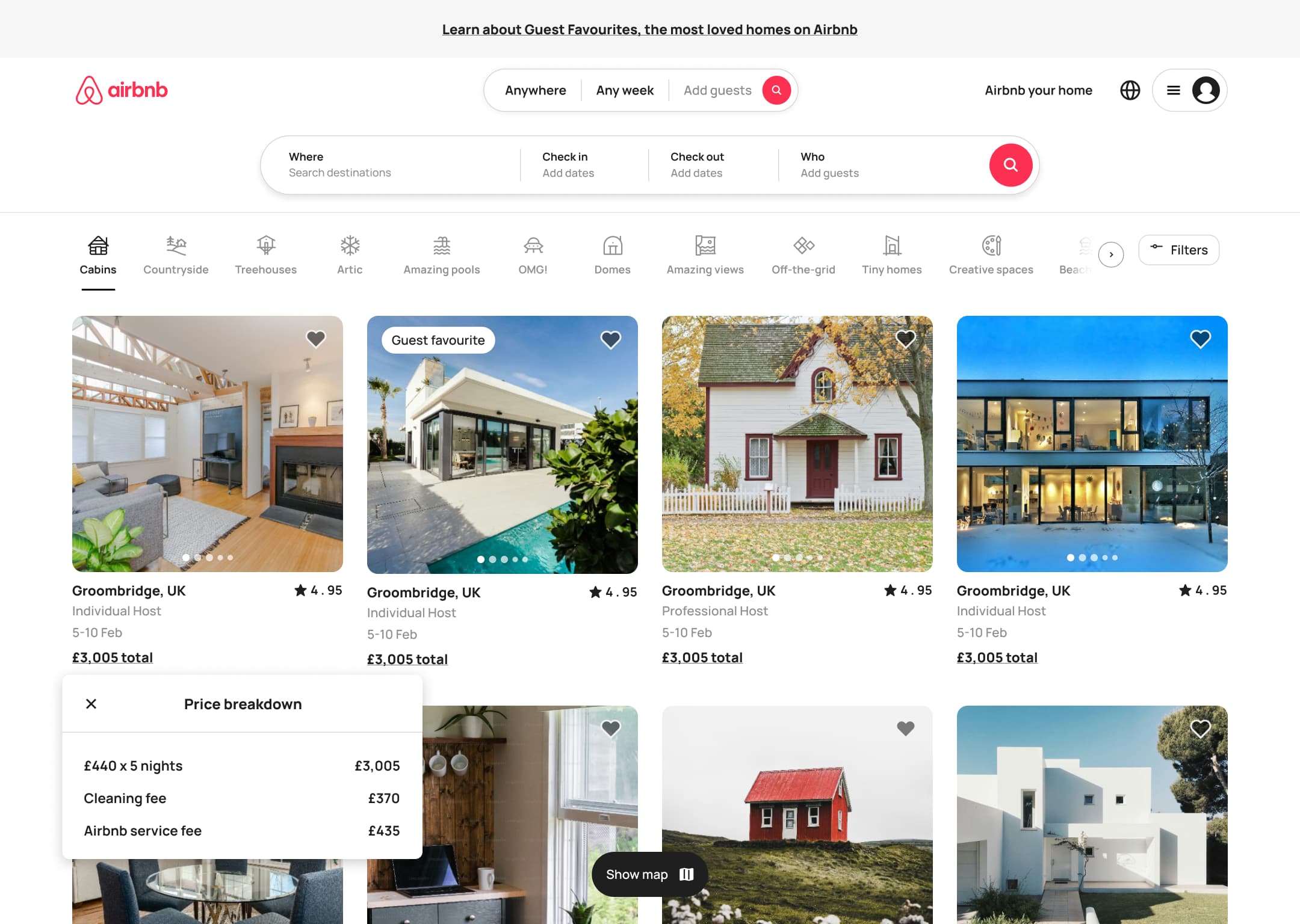 5
5Click total - In-place change
 6
6Scroll - Push
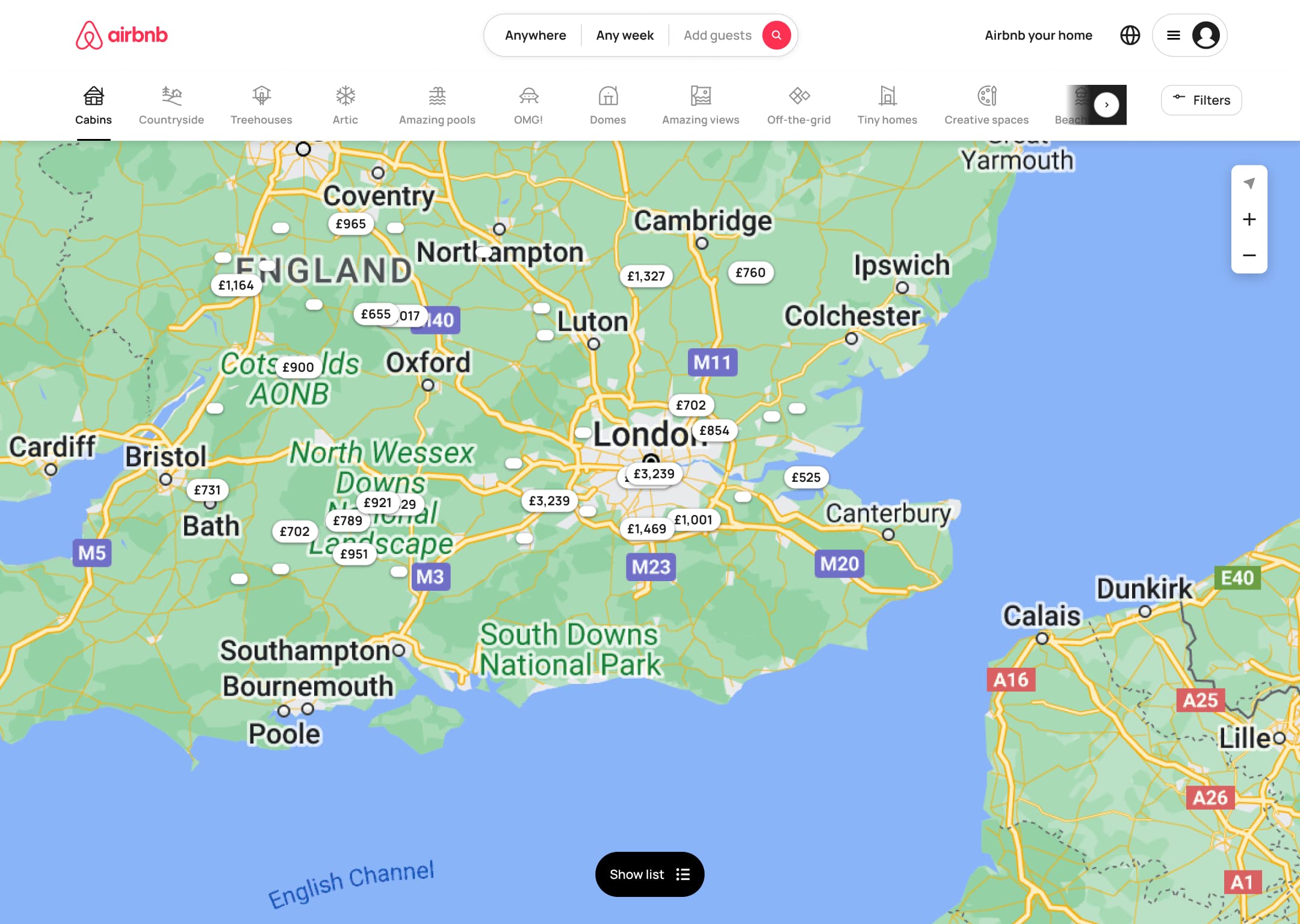 7
7Click Show map - In-place change
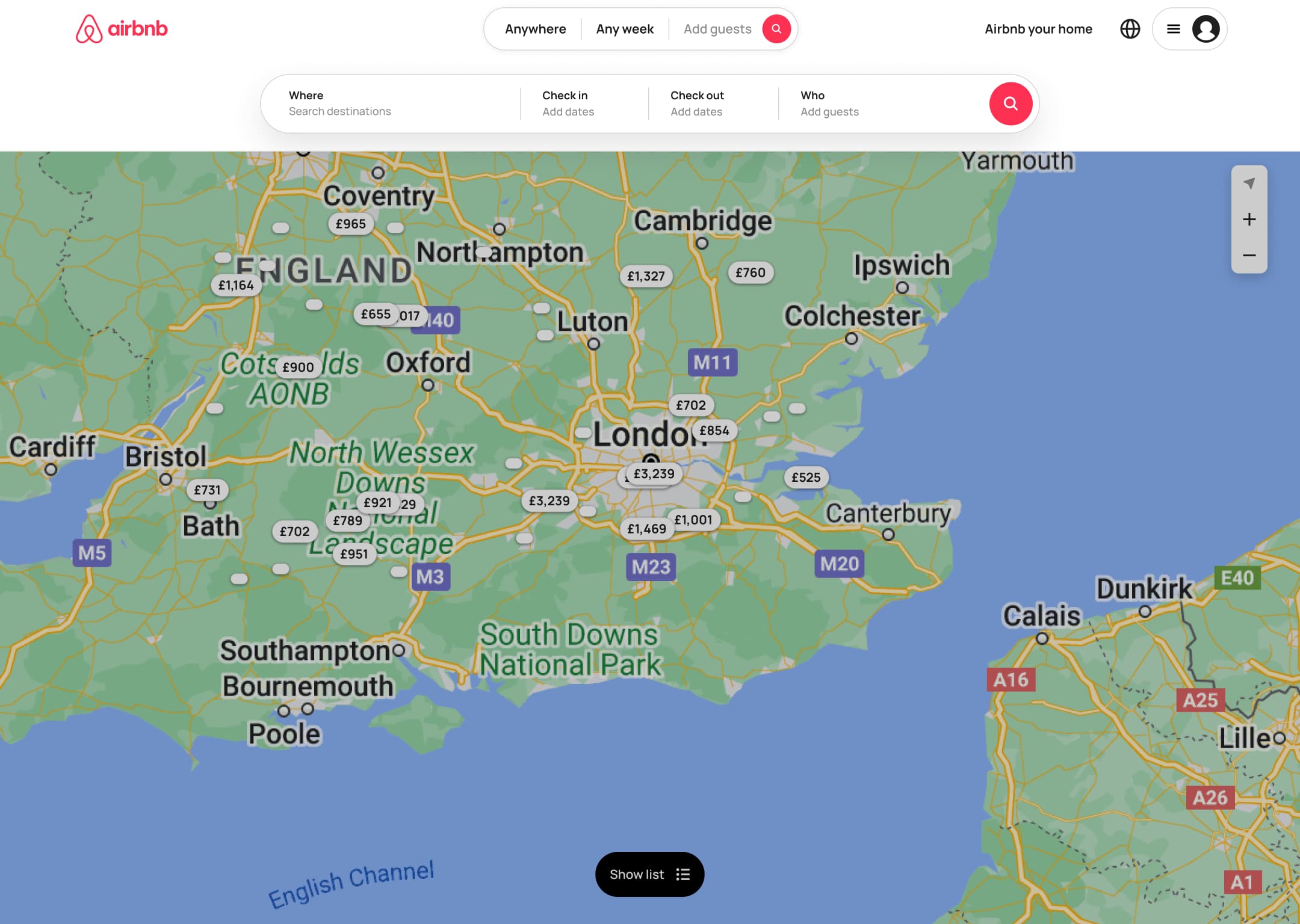 8
8Click search - +1 more
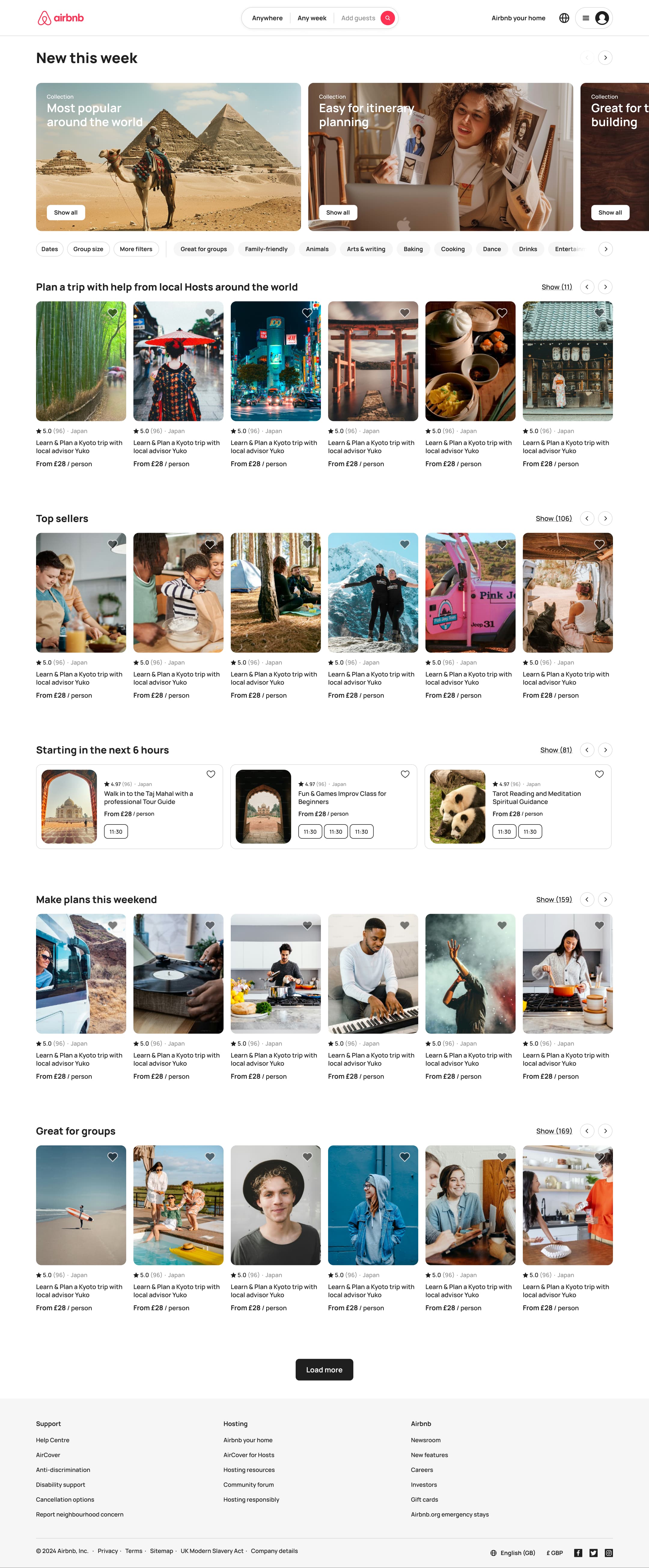 1
1Click Experiences - Push
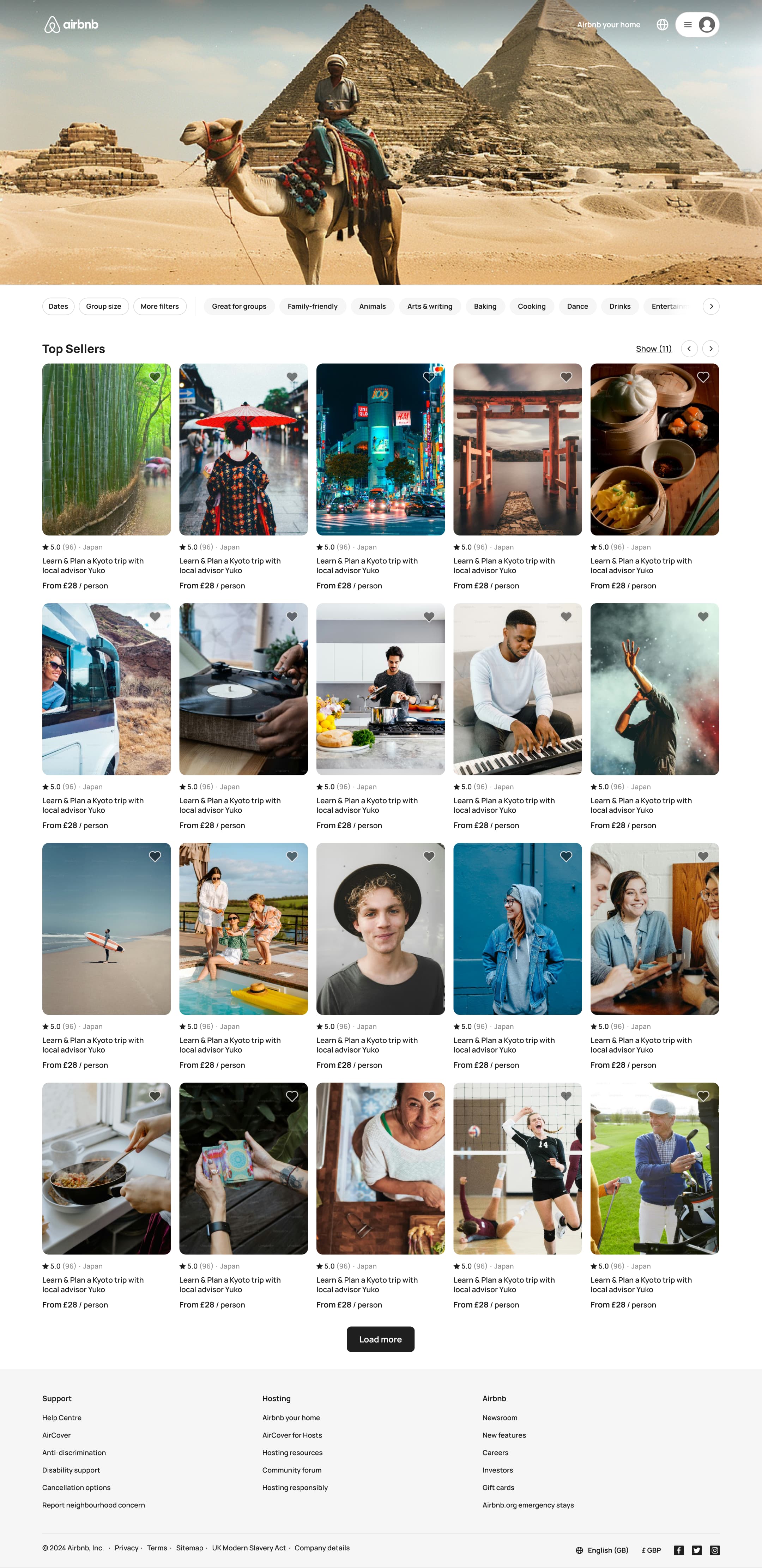 2
2Click category - In-place change
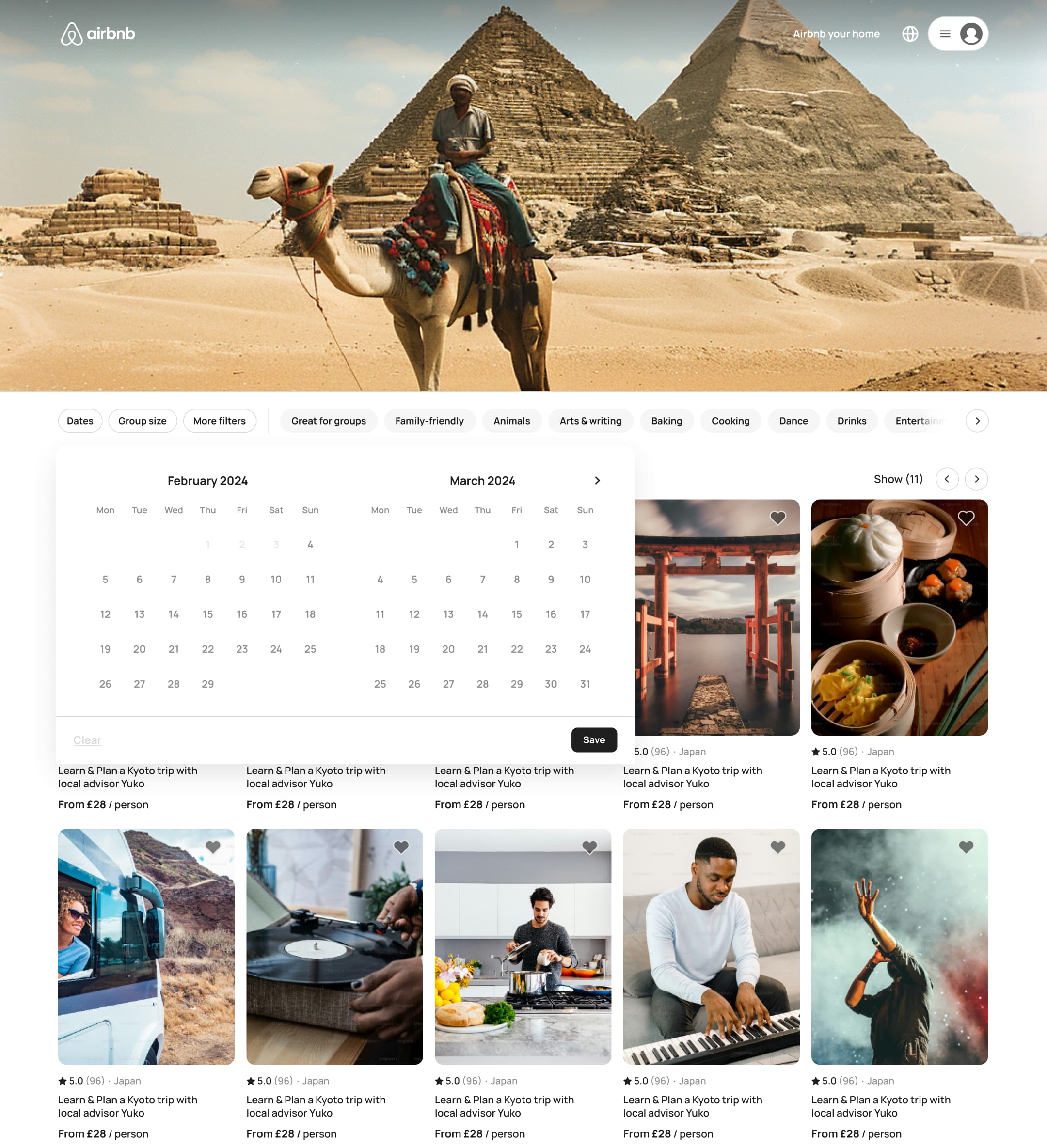 3
3Click Dates - Push
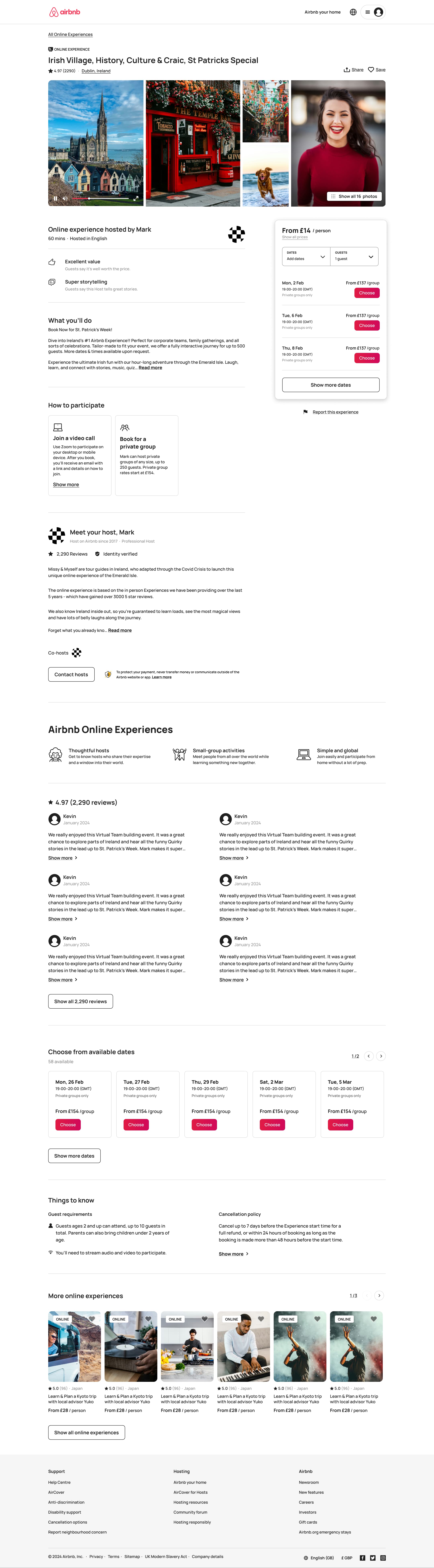 4
4Click experience - In-place change
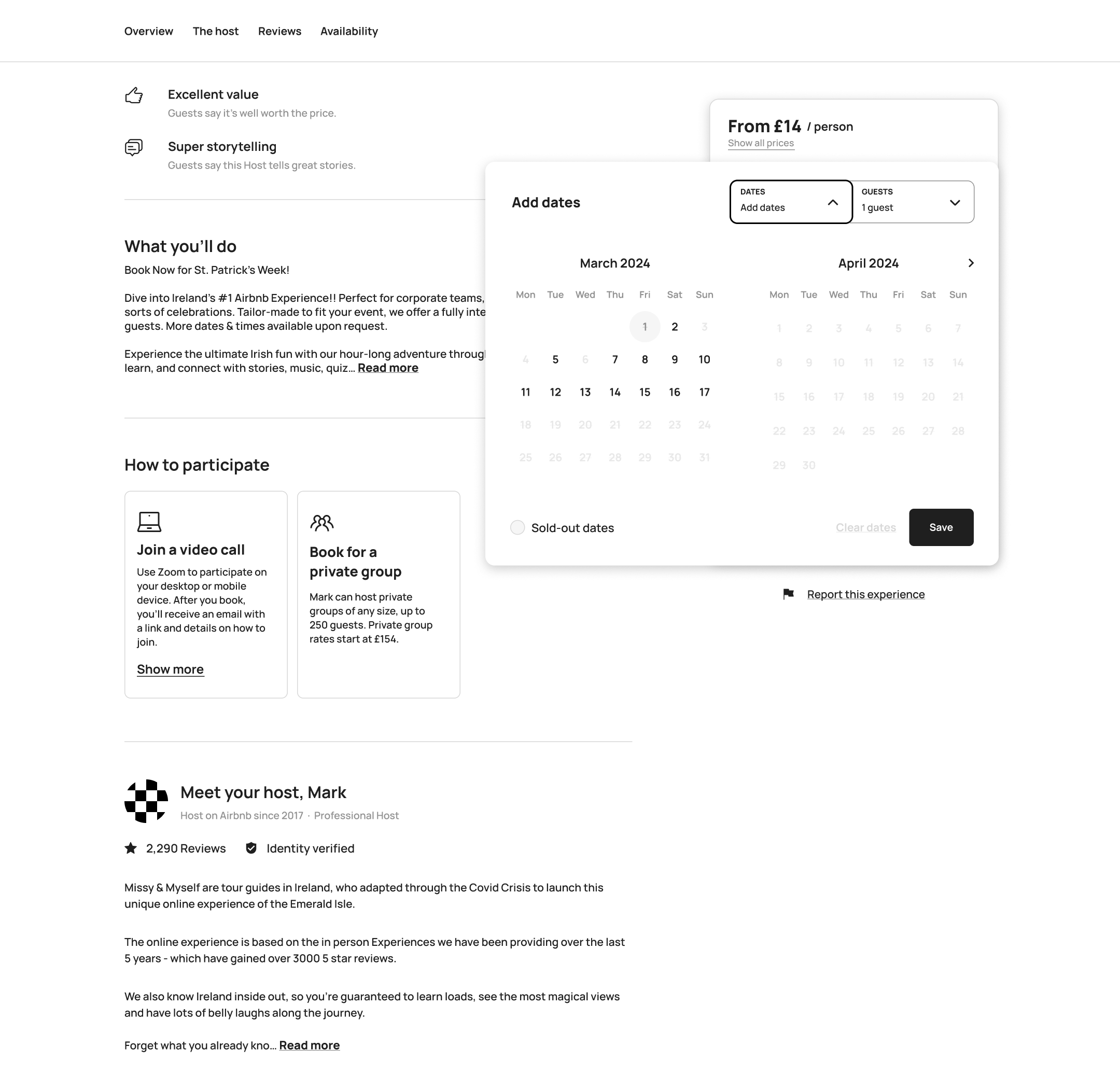 5
5Click Add dates - In-place change
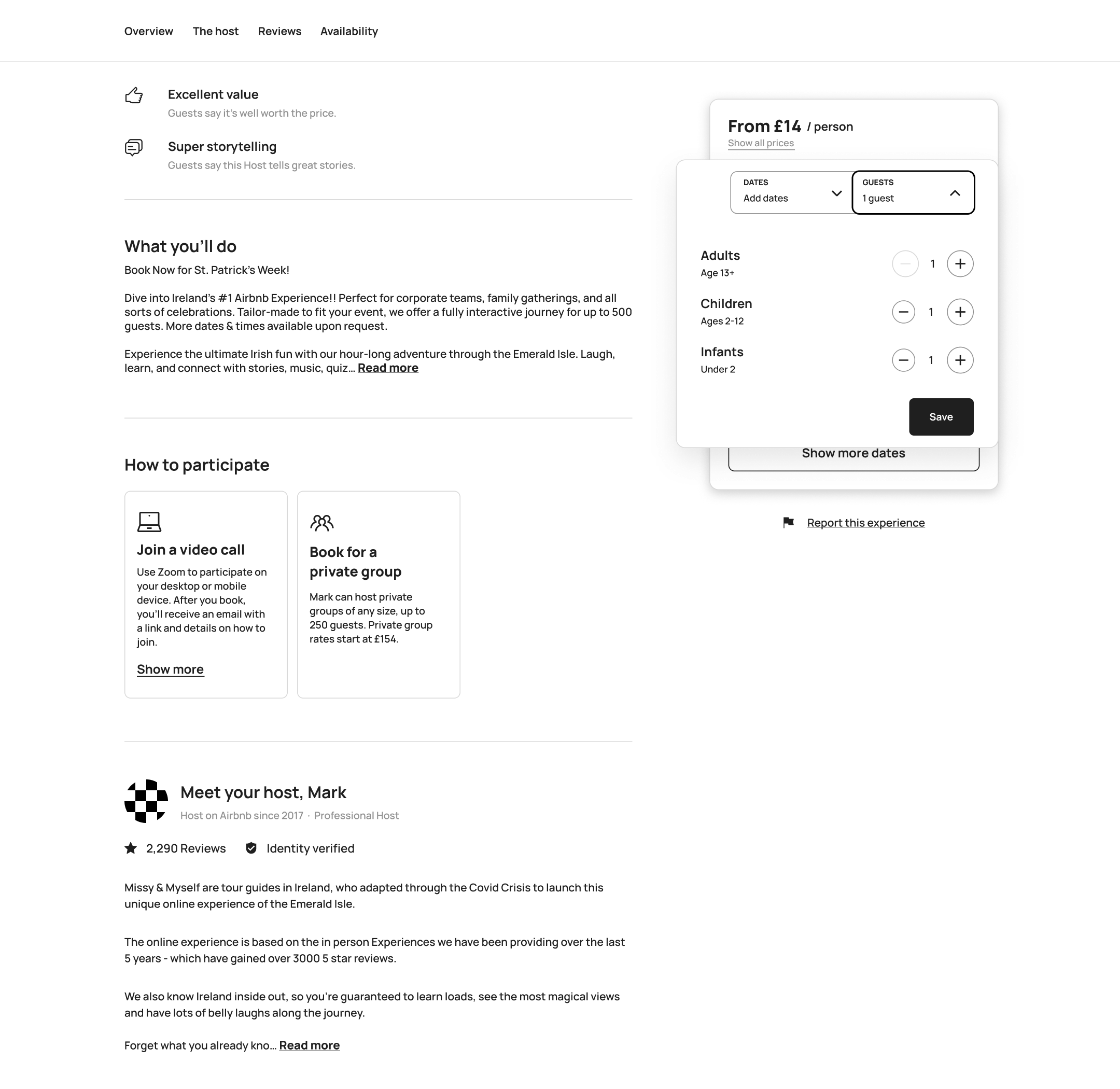 6
6Click Guests - In-place change
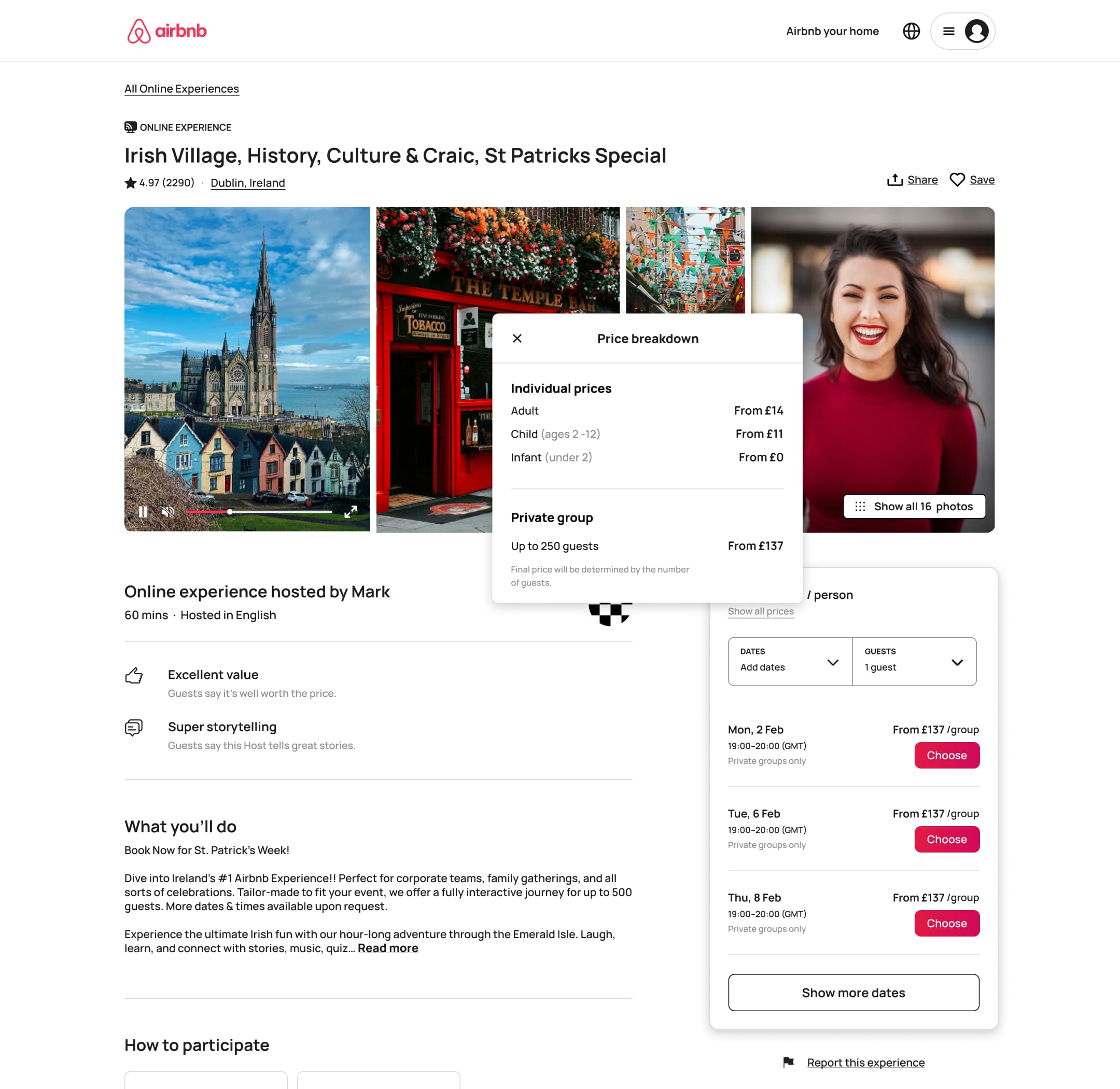 7
7Click price - In-place change
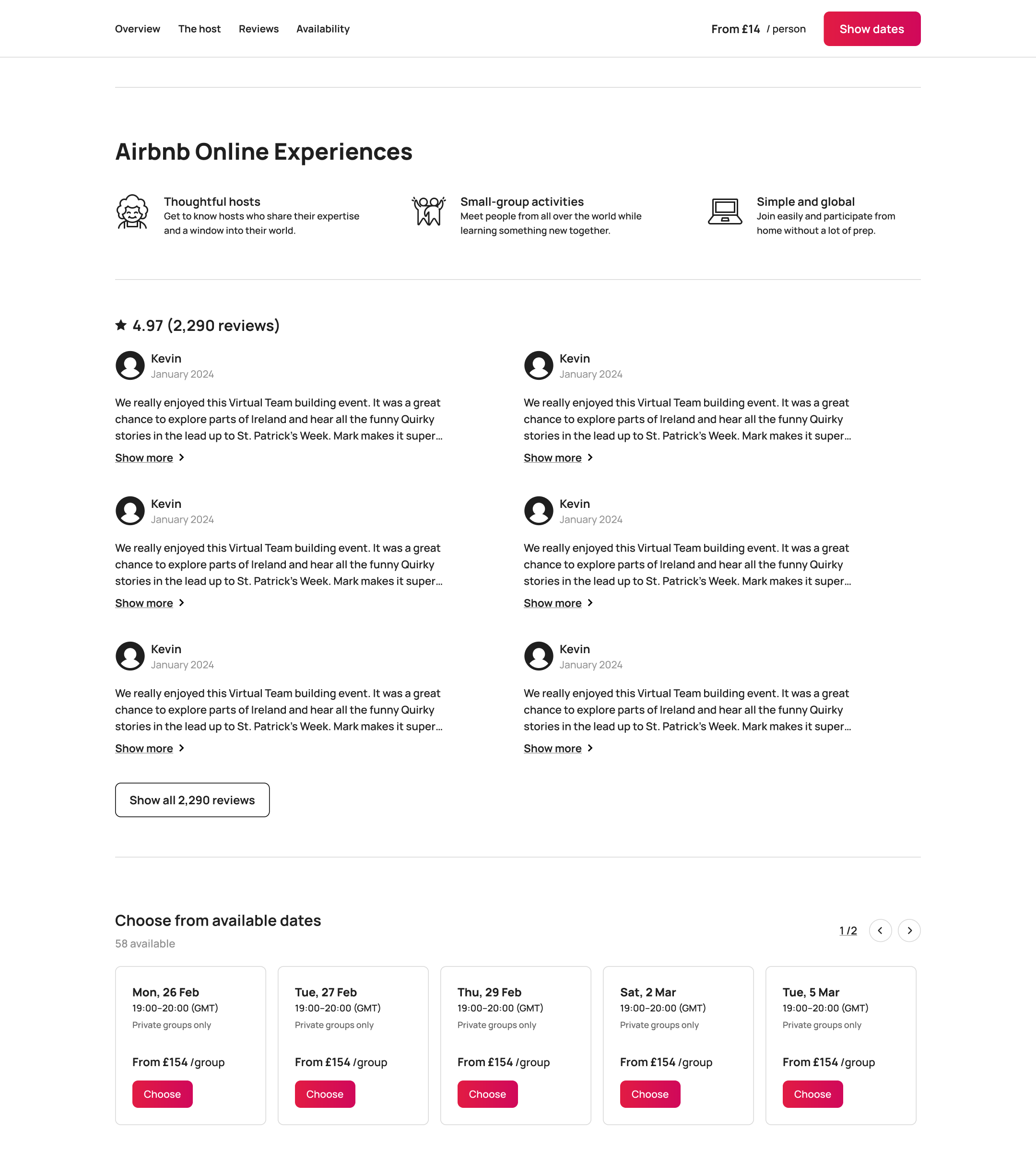 8
8Scroll - +1 more
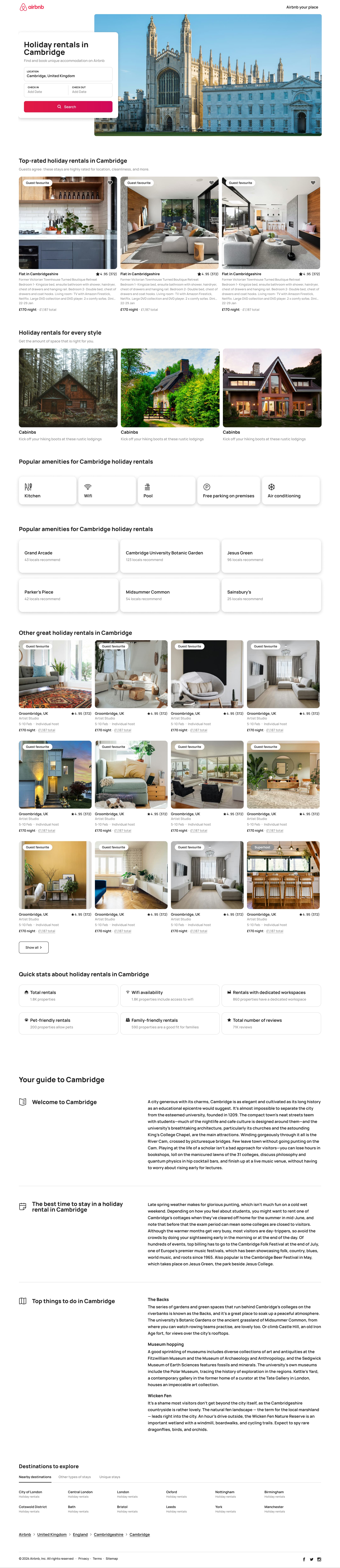 1
1- In-place change
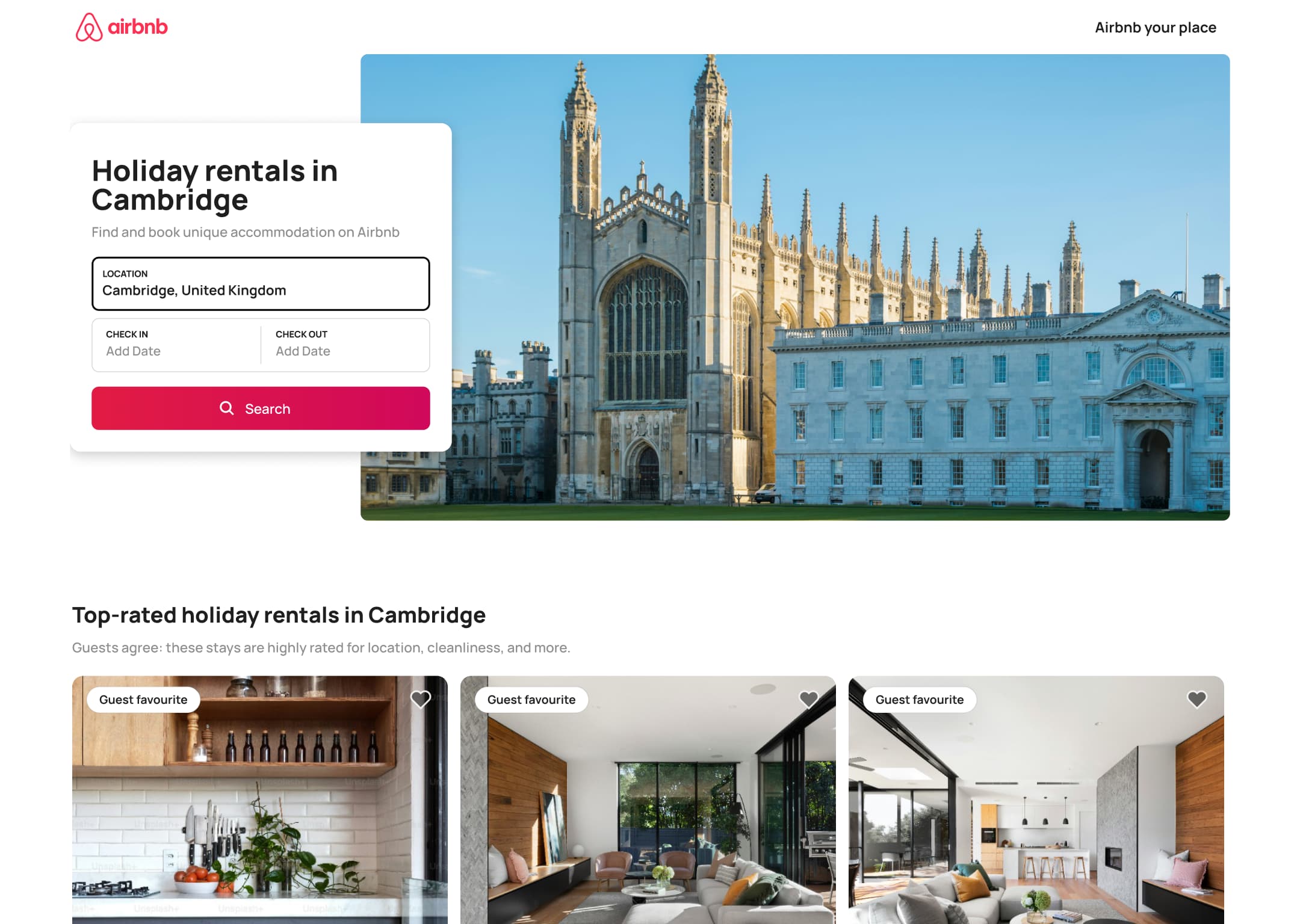 2
2 - In-place change
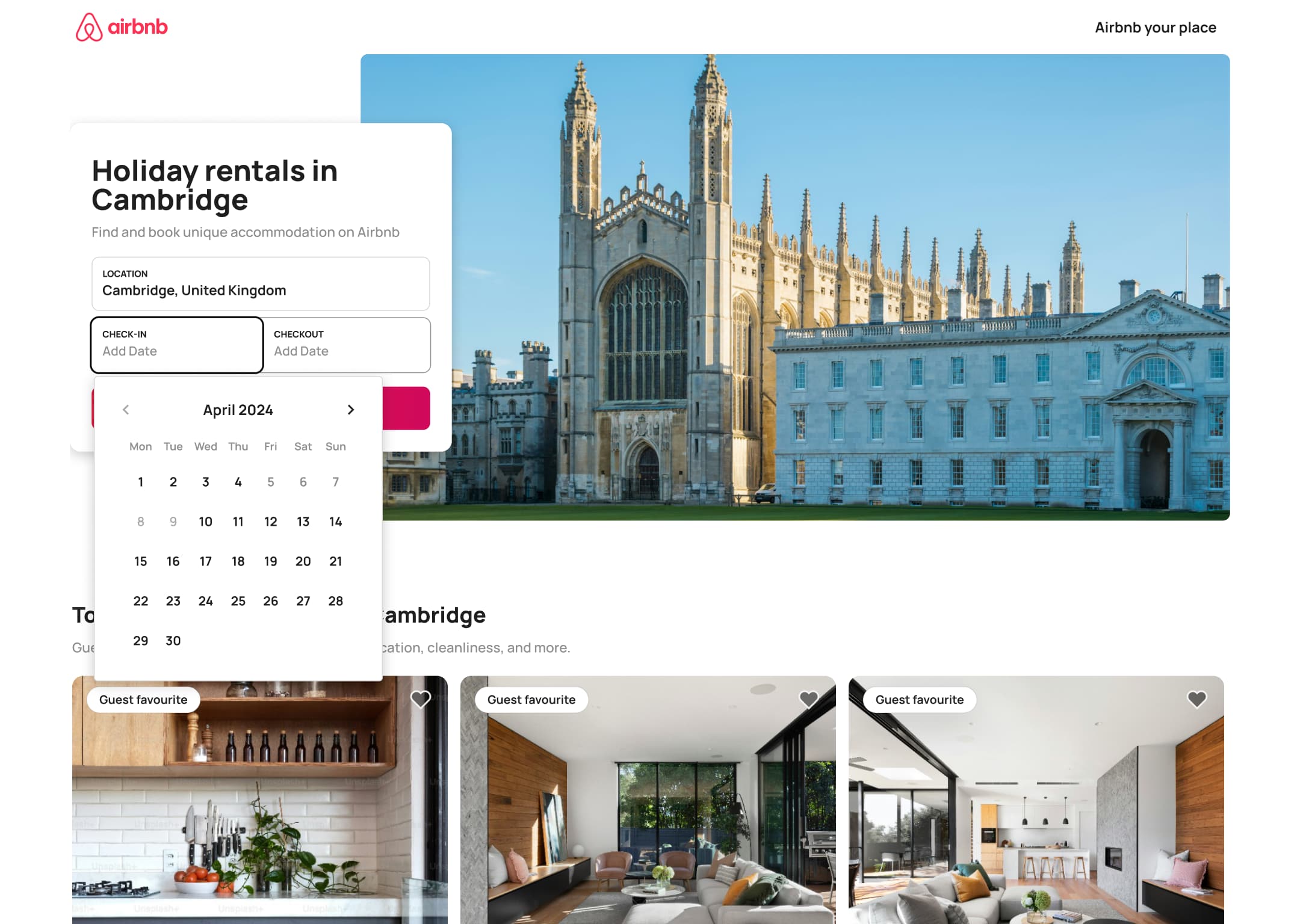 3
3Click Check in - In-place change
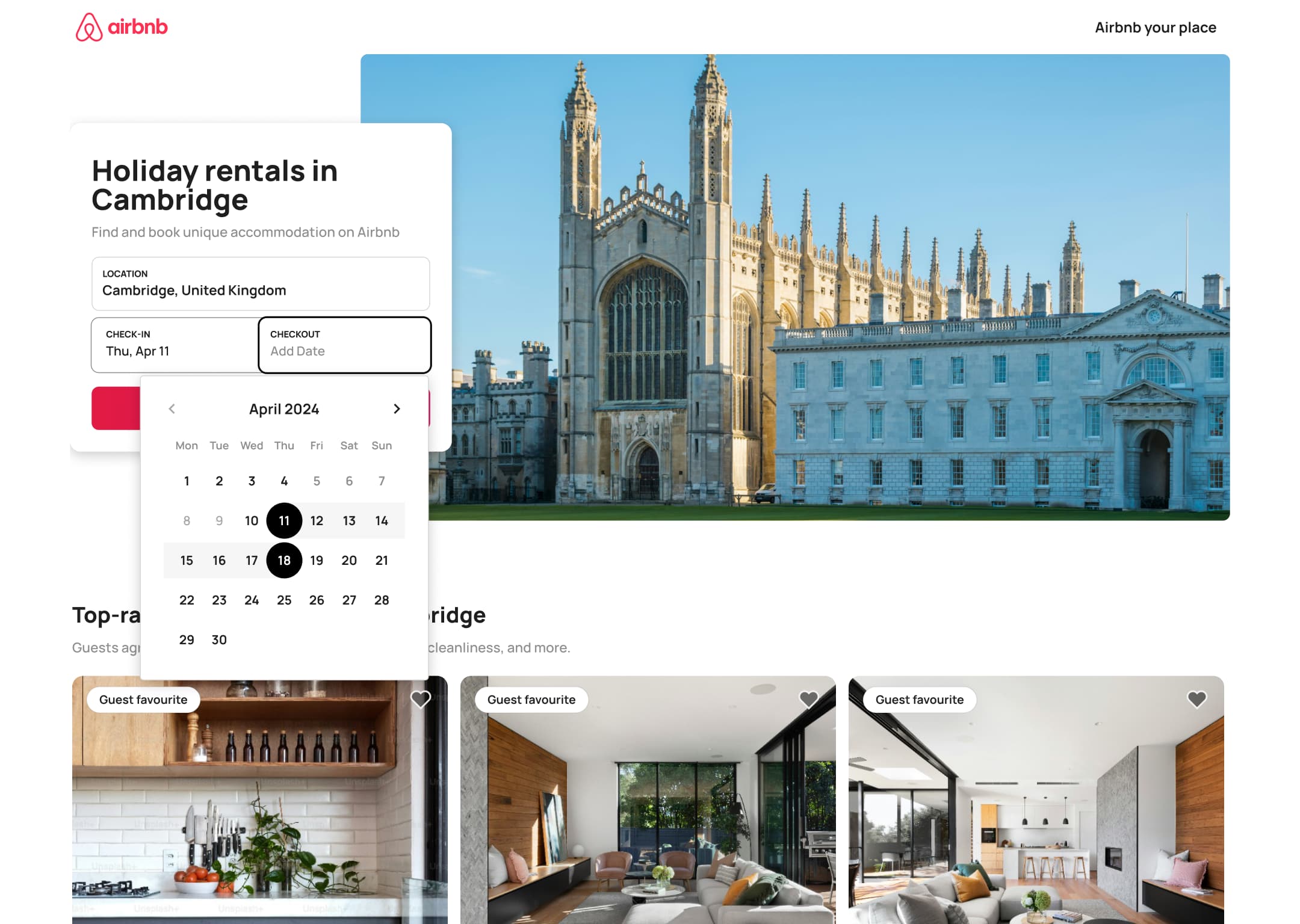 4
4Select dates - In-place change
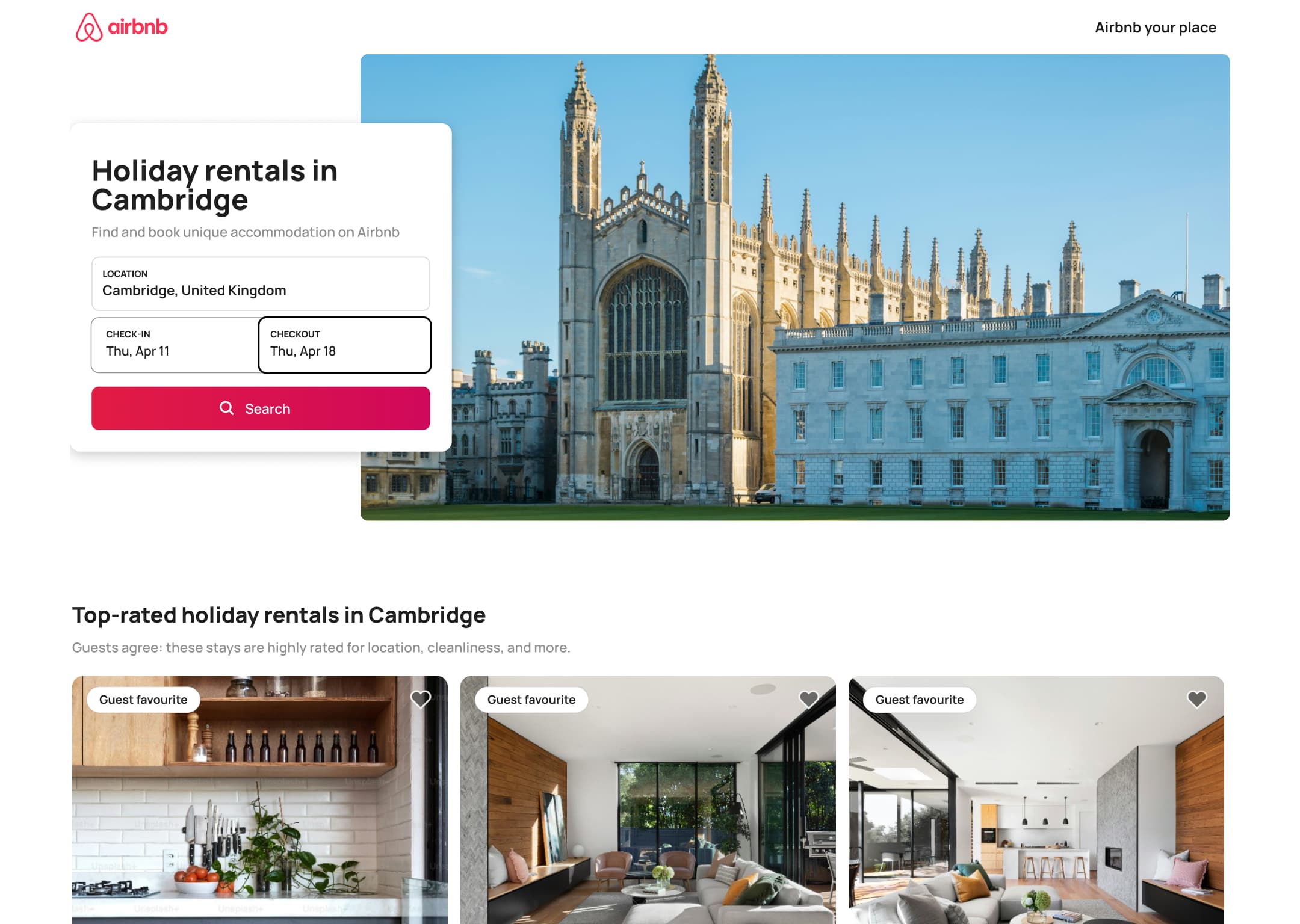 5
5
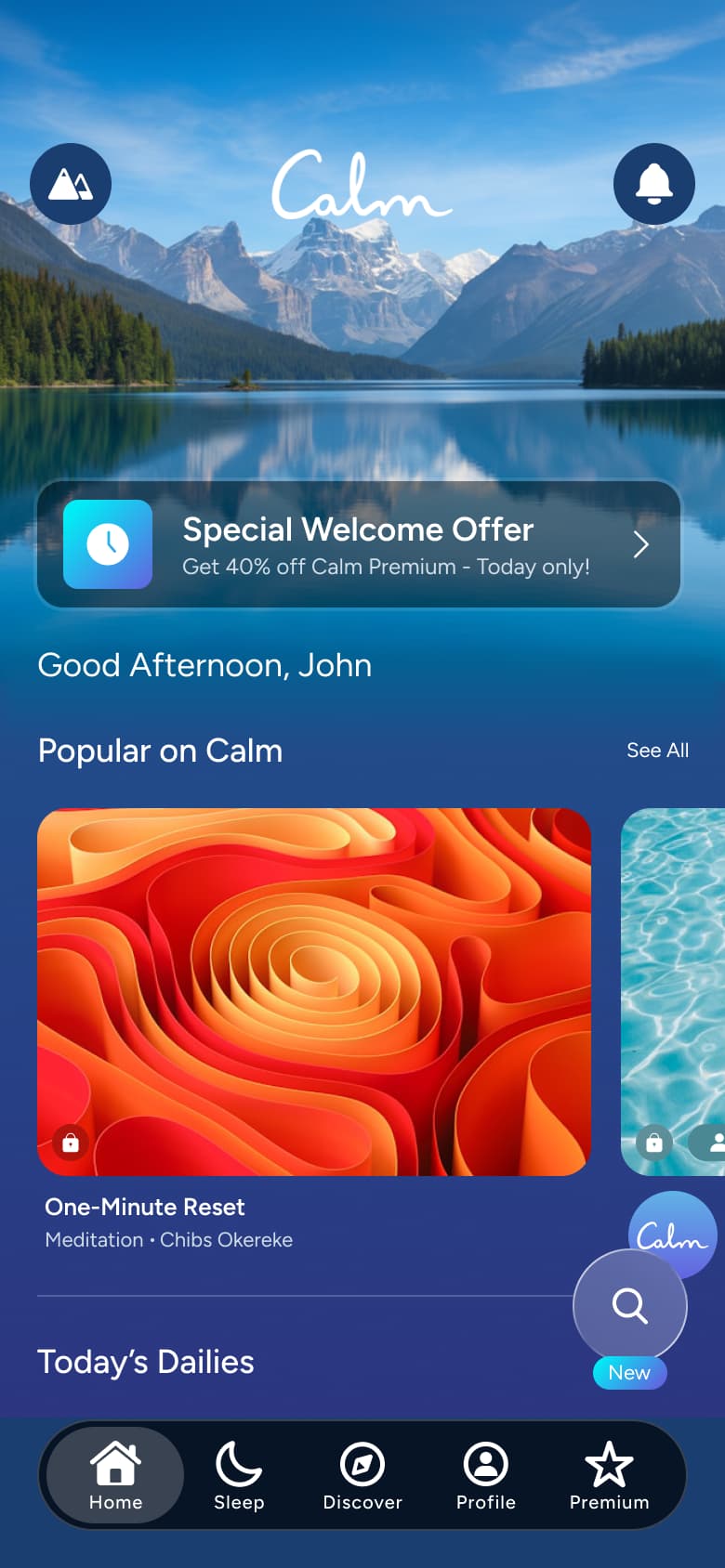 1
1- In-place change
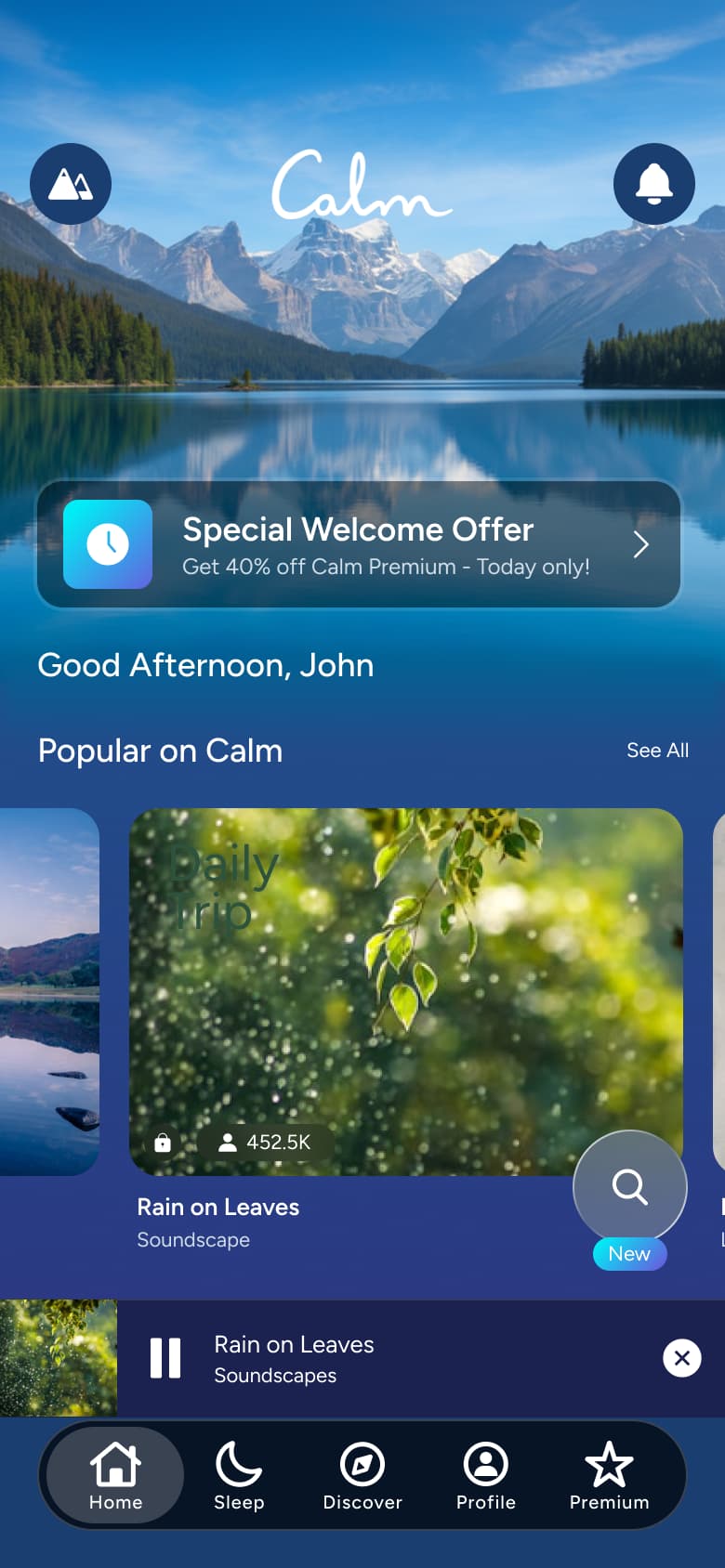 2
2Play - In-place change
 3
3Scroll - In-place change
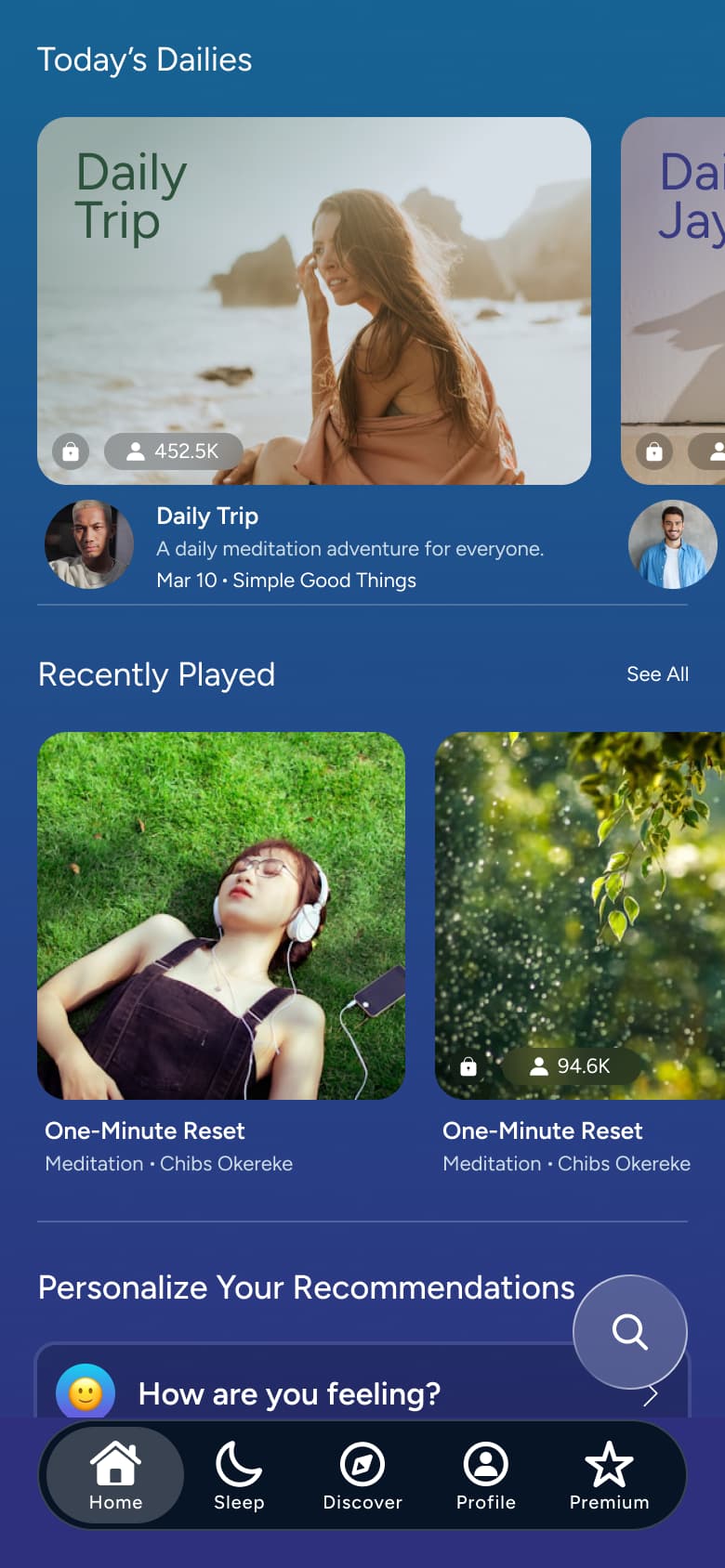 4
4Scroll - In-place change
 5
5 - In-place change
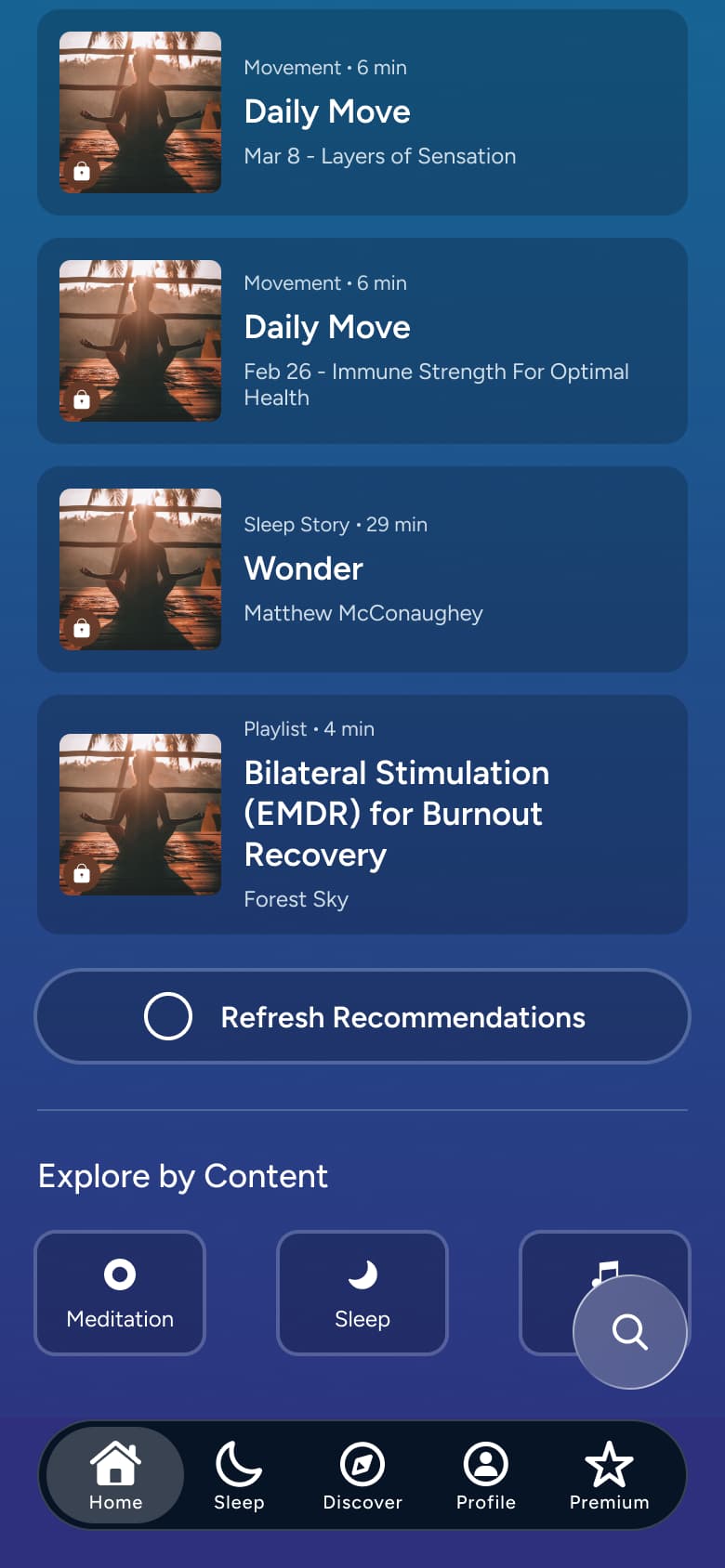 6
6Scroll - Sheet
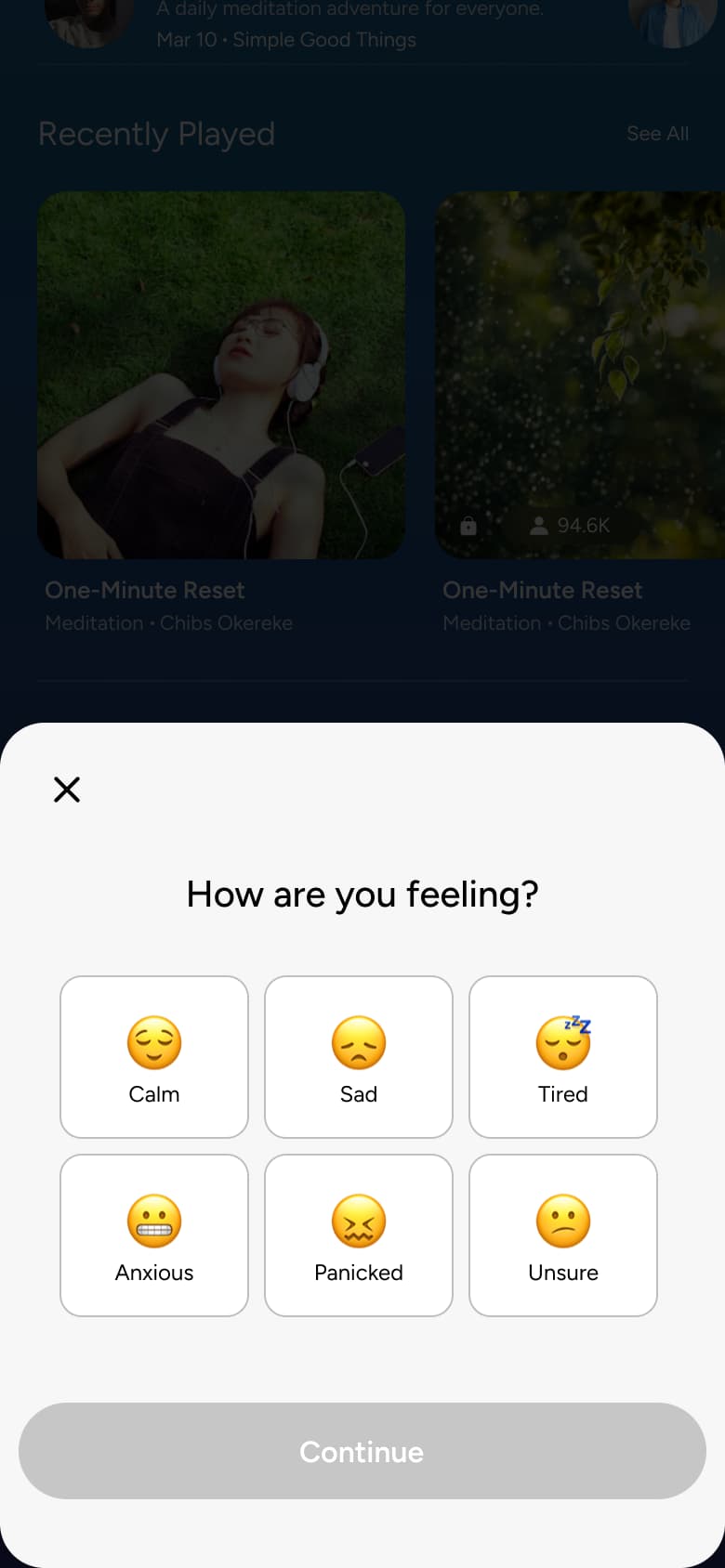 7
7Tap how are you feeling - In-place change
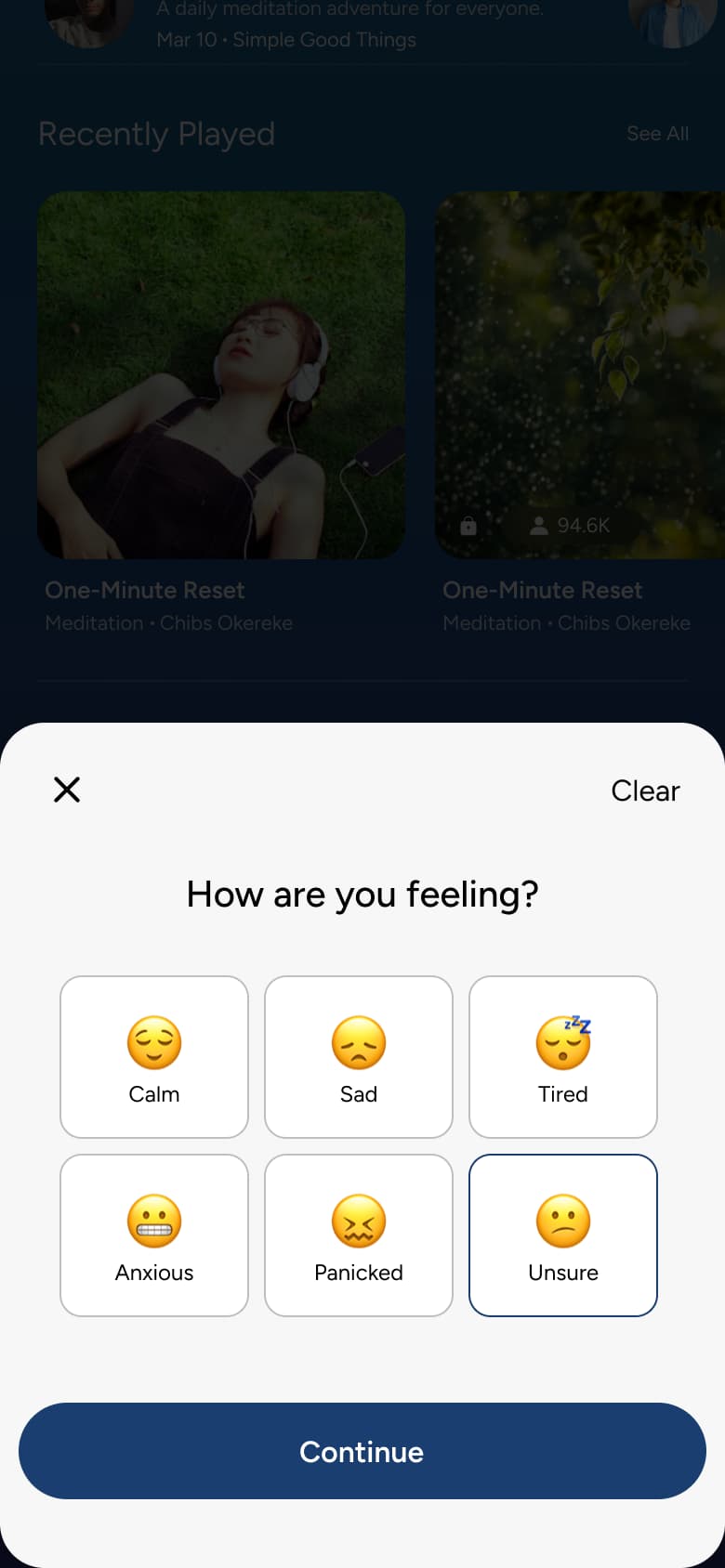 8
8Select mood
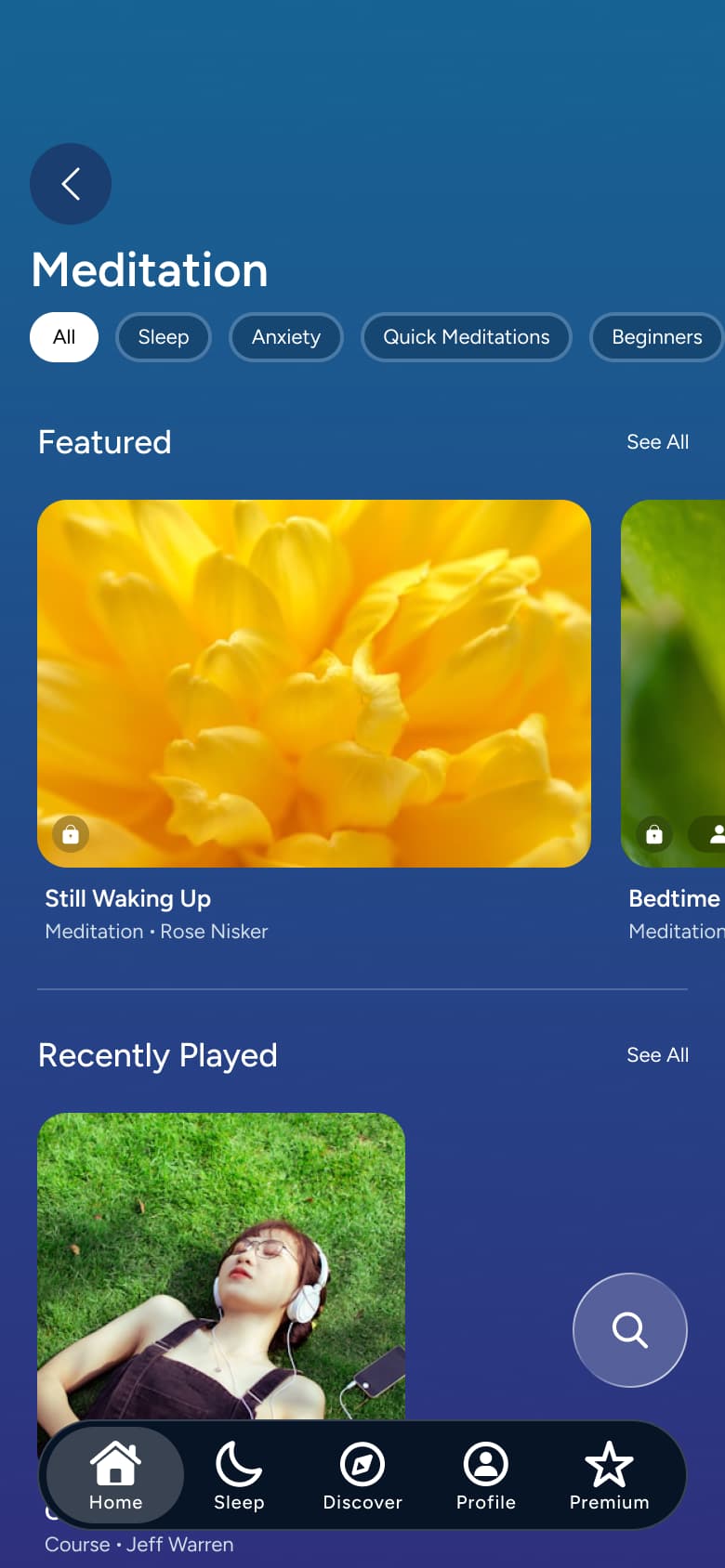 1
1Tap Meditation - In-place change
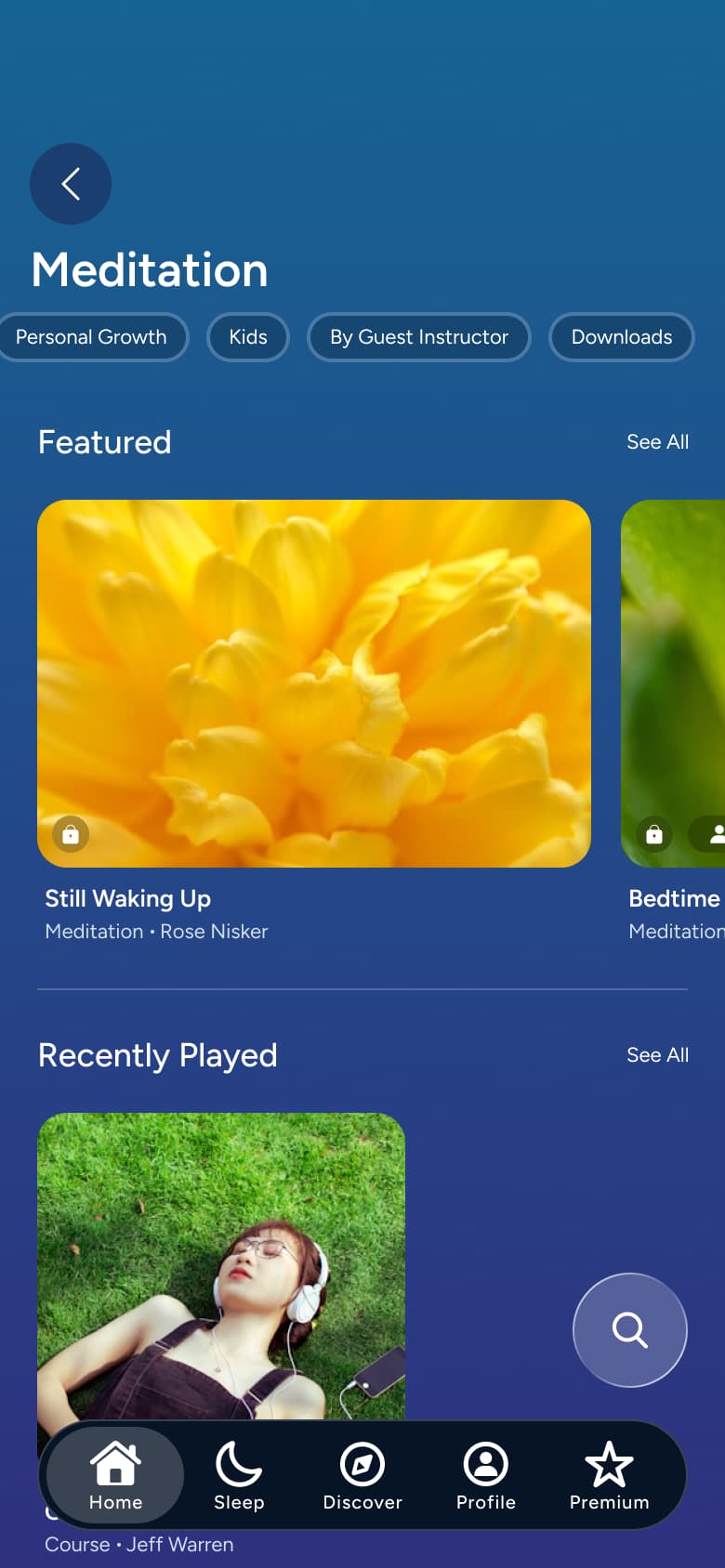 2
2Tap chip - In-place change
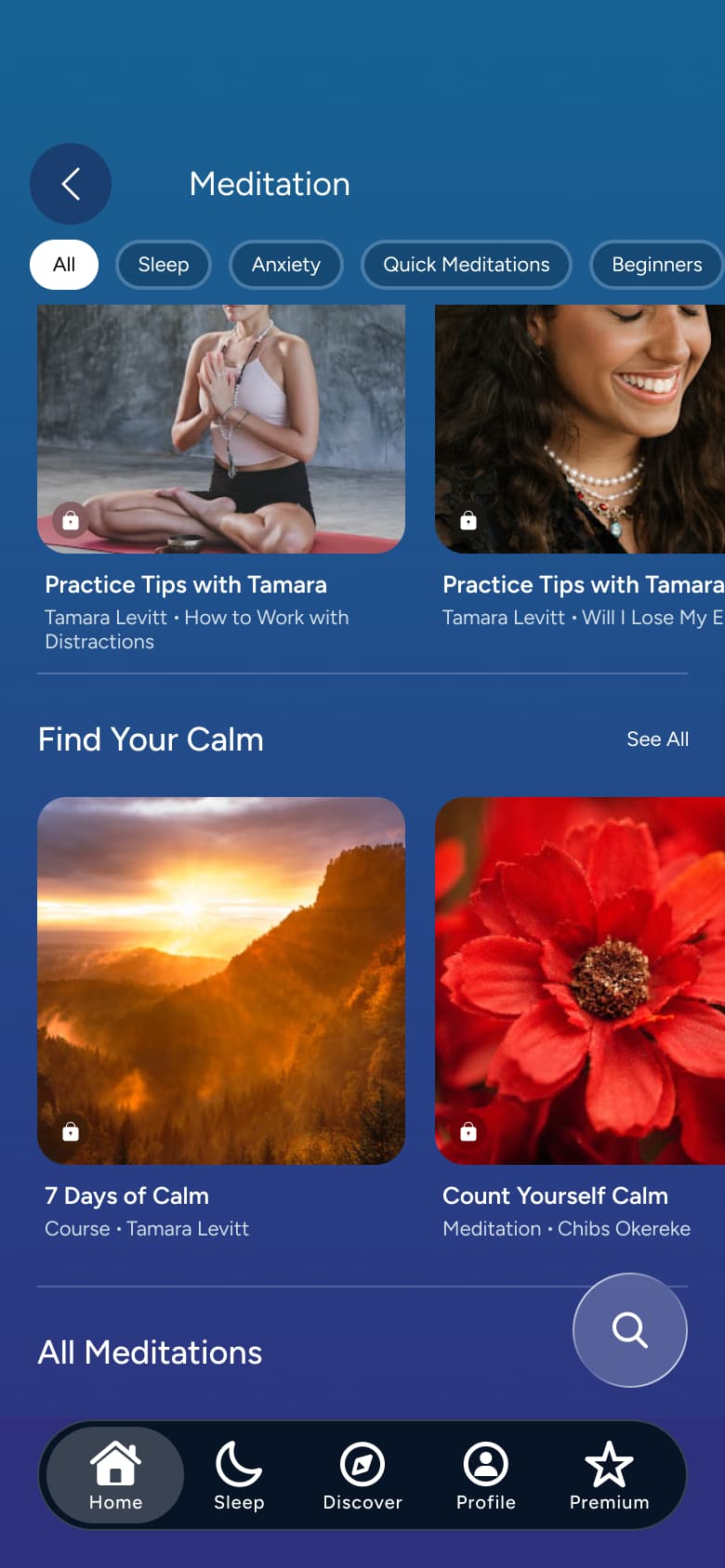 3
3Scroll - In-place change
 4
4Tap Kids - In-place change
 5
5Tap Downloads
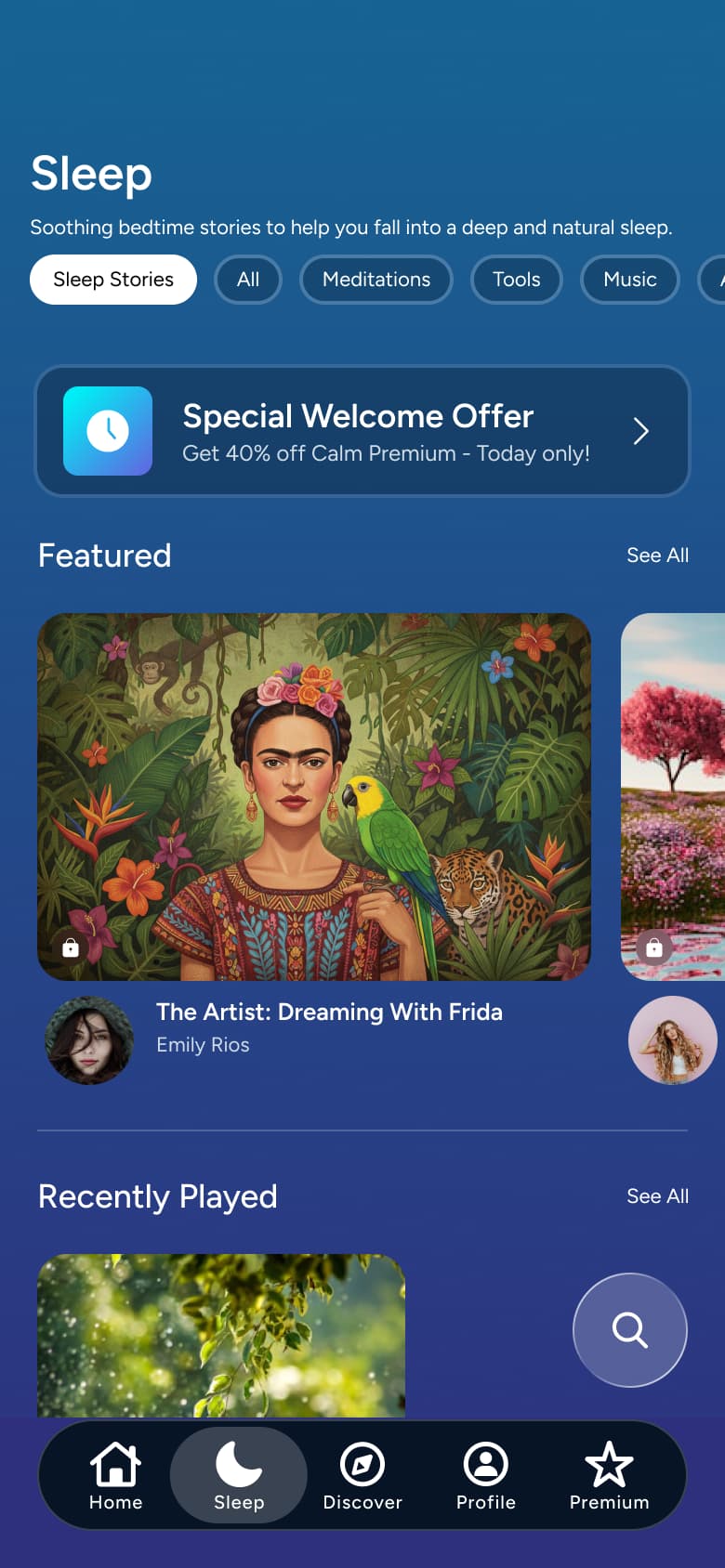 1
1Tap Sleep - In-place change
 2
2Scroll - Tab switch
 3
3Tap Discover - In-place change
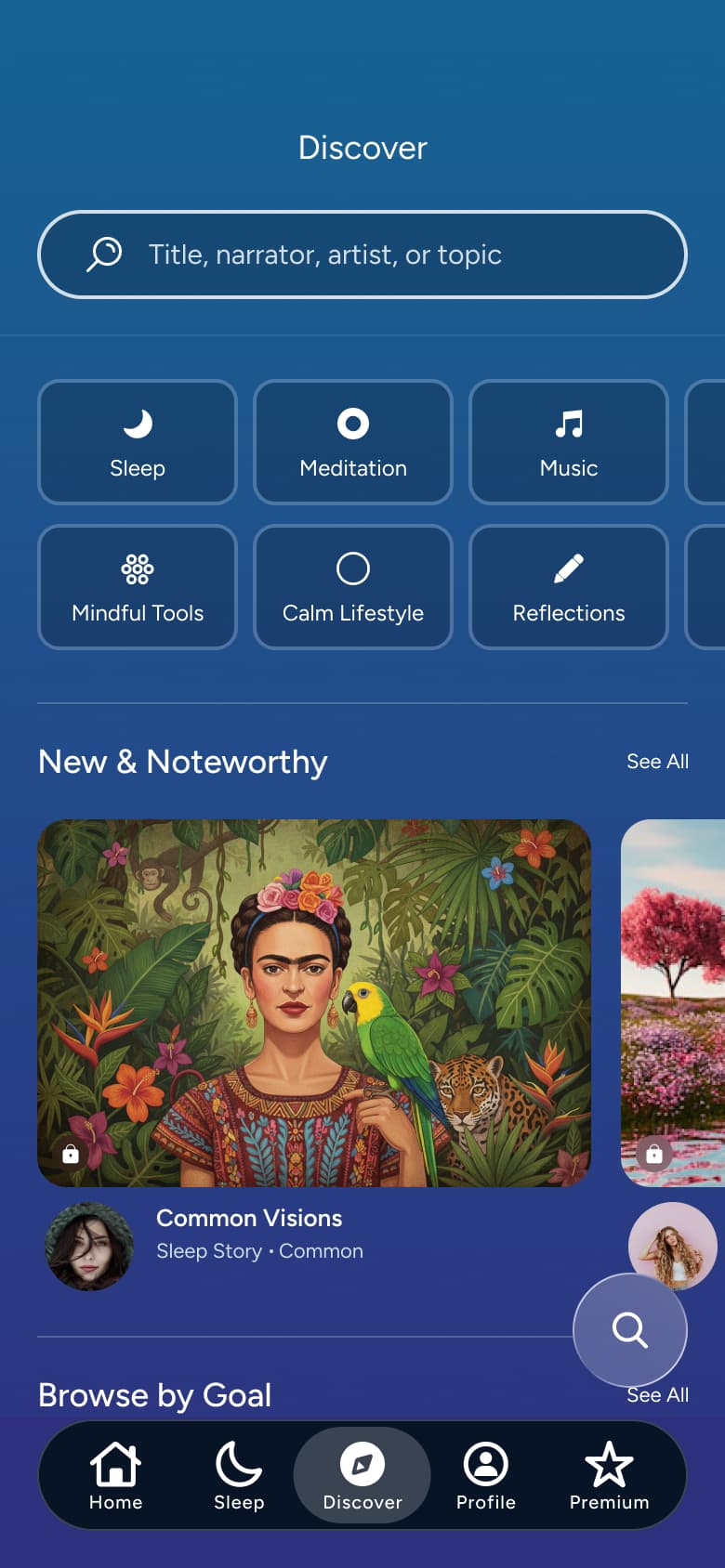 4
4Scroll - In-place change
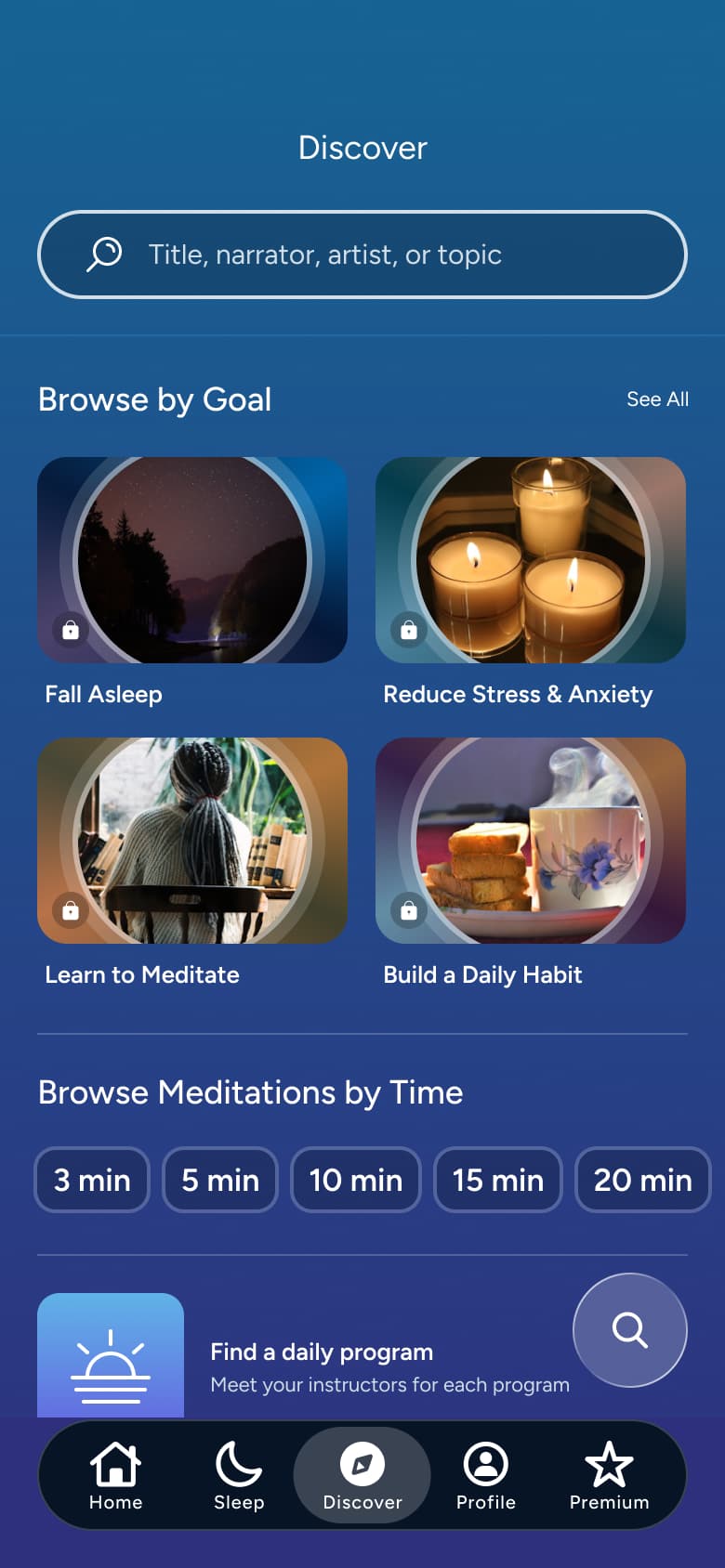 5
5Scroll - In-place change
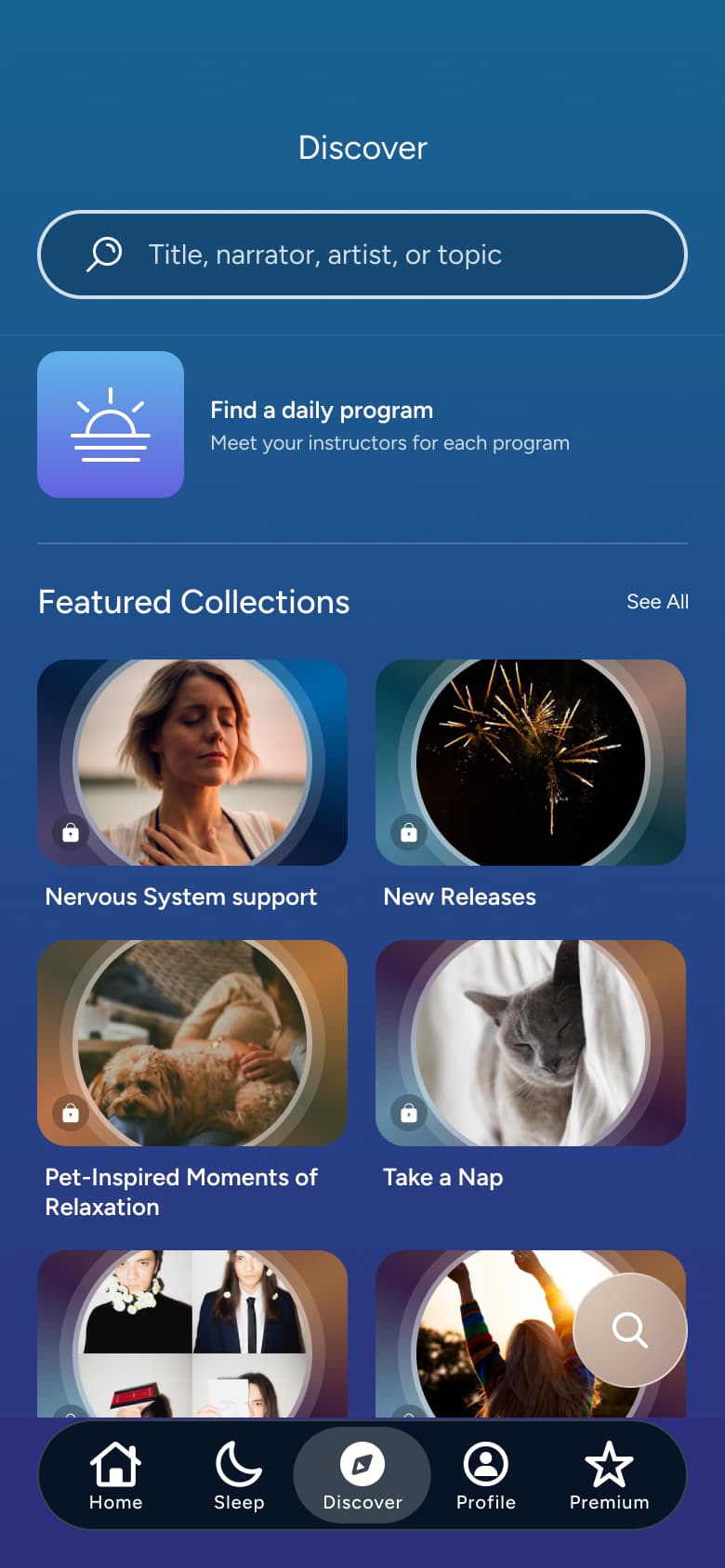 6
6Scroll
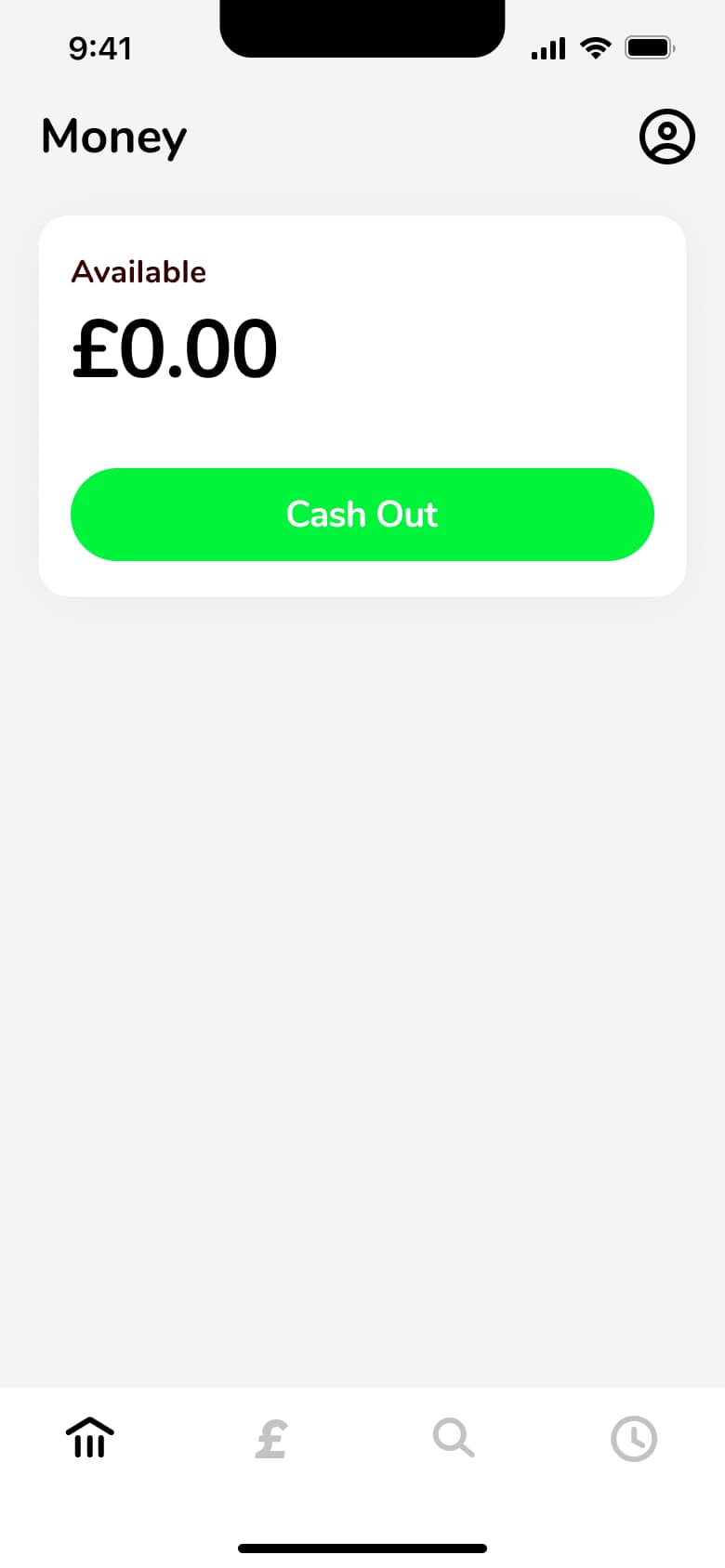 1
1Tap Money - Tab switch
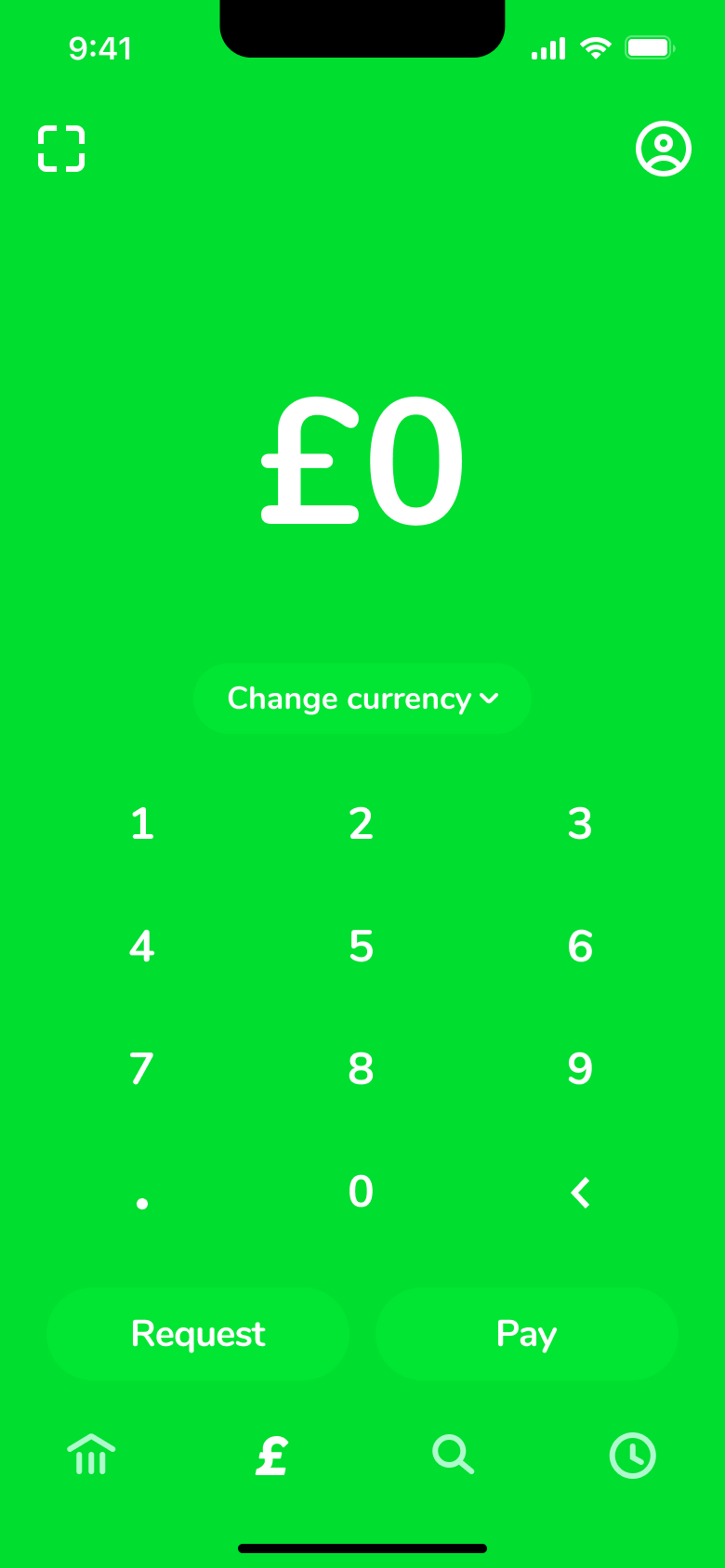 2
2Tap pay - Sheet
 3
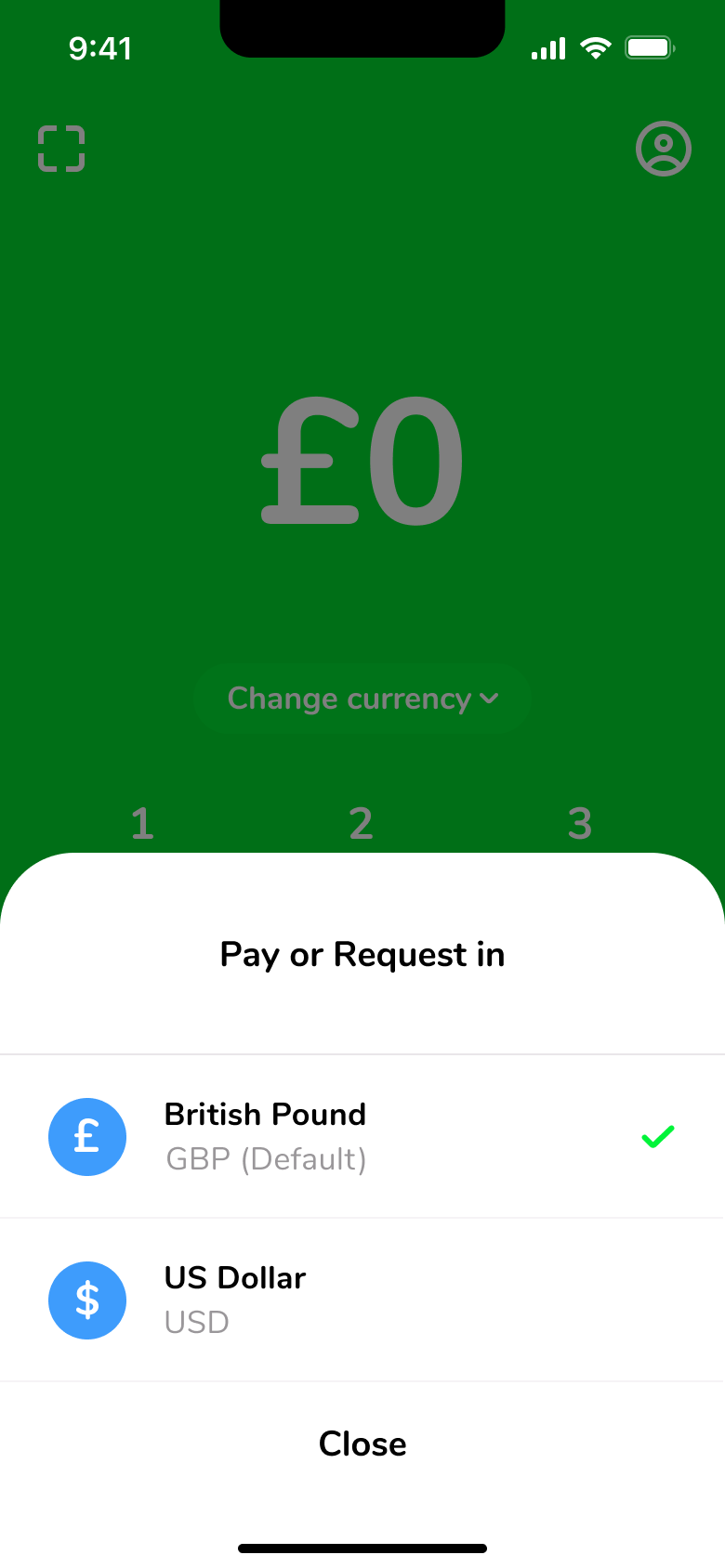
3Tap Change currency
 1
1- In-place change
 2
2 - In-place change
 3
3 - In-place change
 4
4 - In-place change
 5
5 - In-place change
 6
6
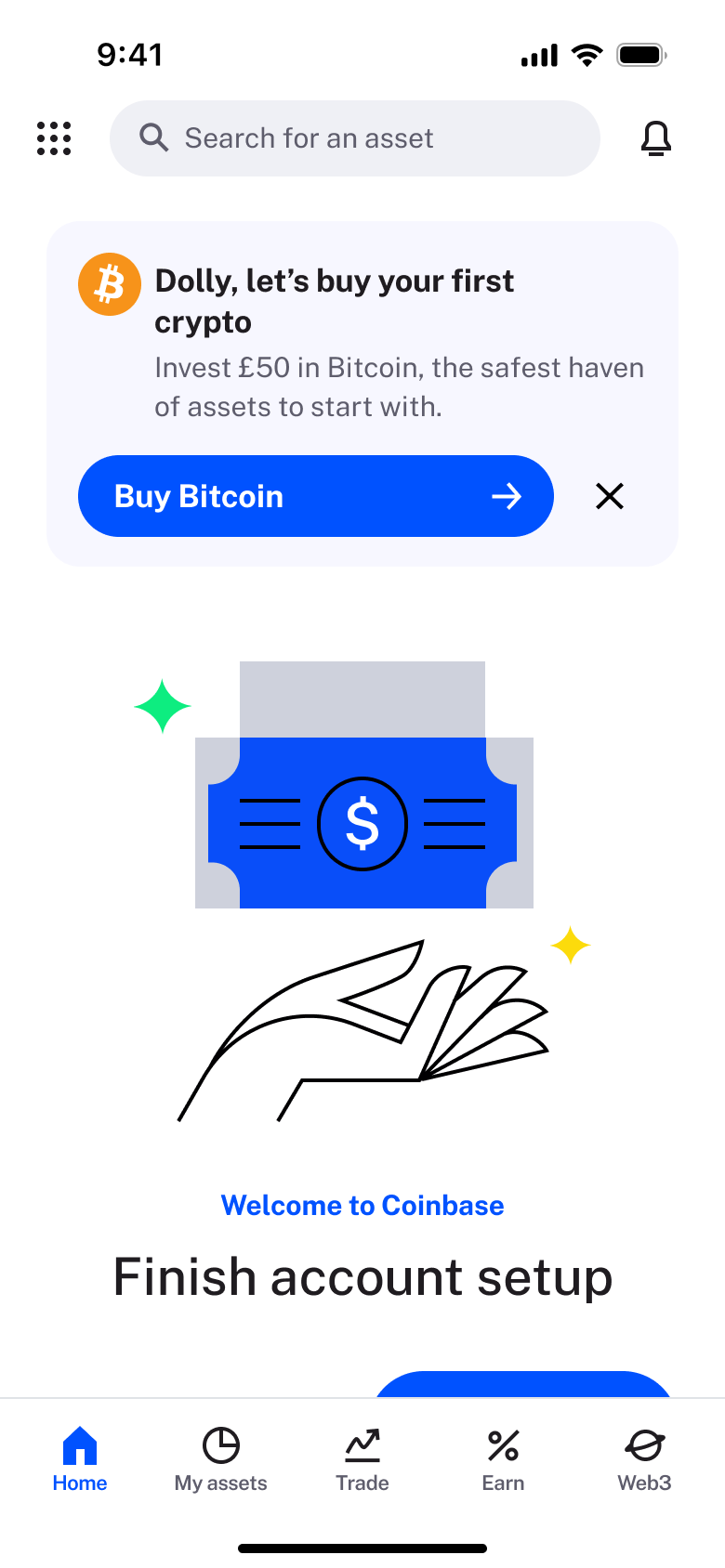 1
1- In-place change
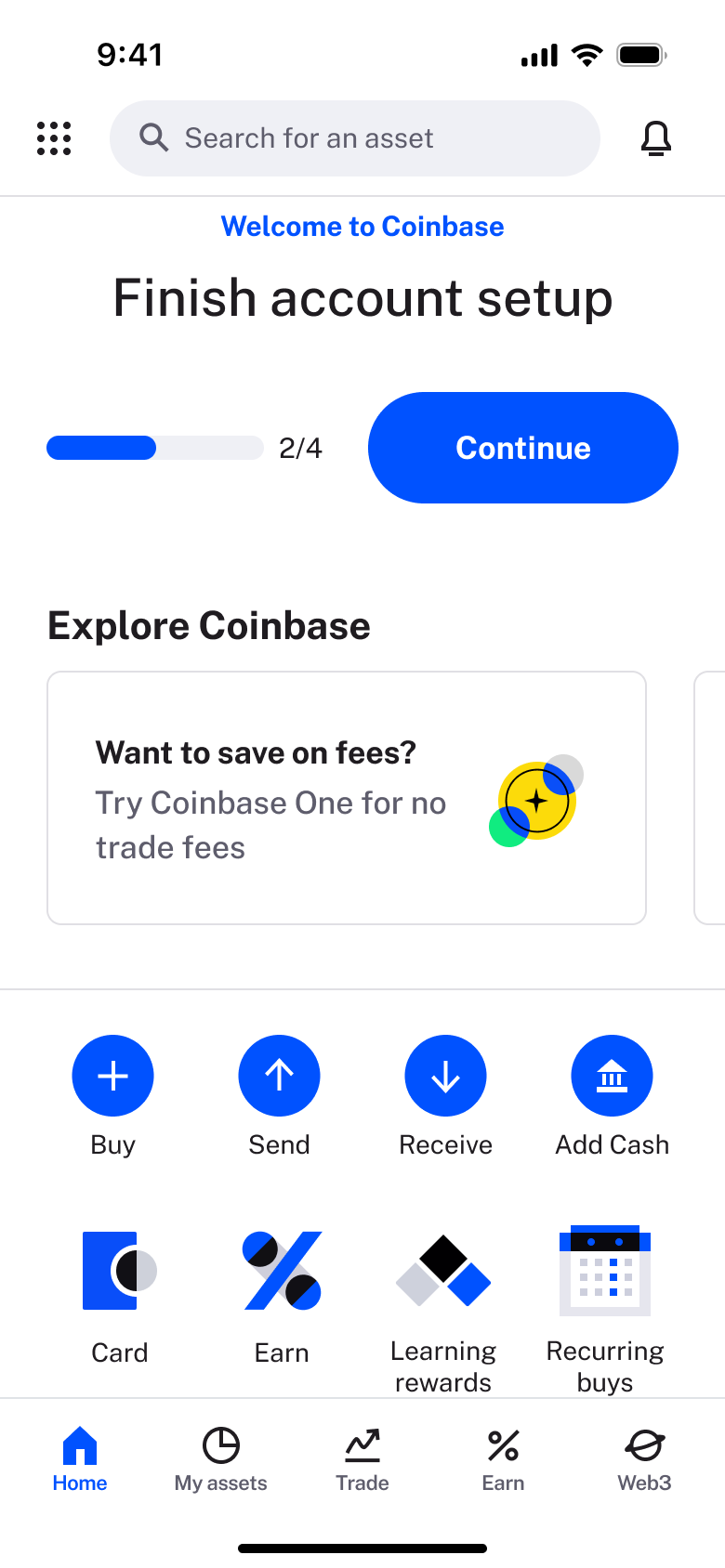 2
2Scroll - In-place change
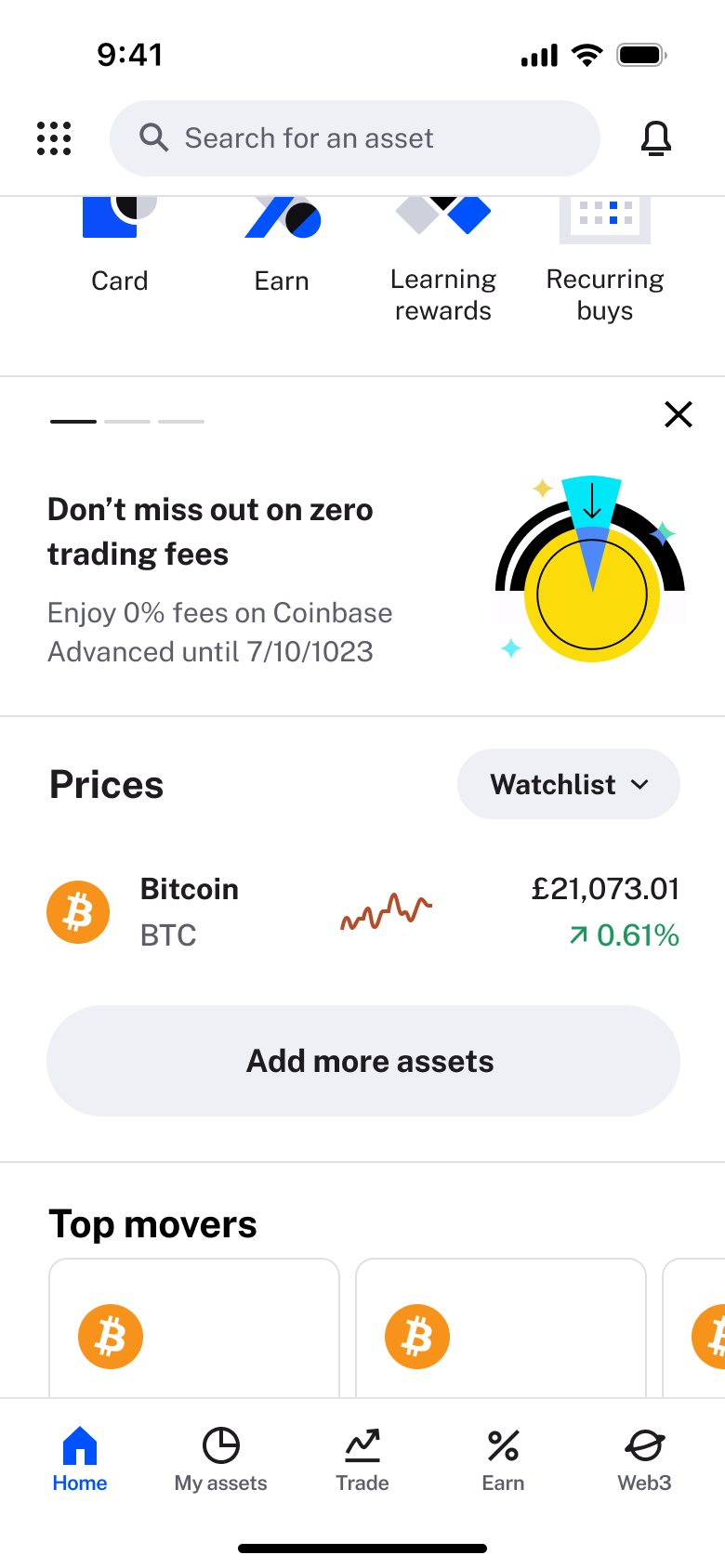 3
3Scroll - In-place change
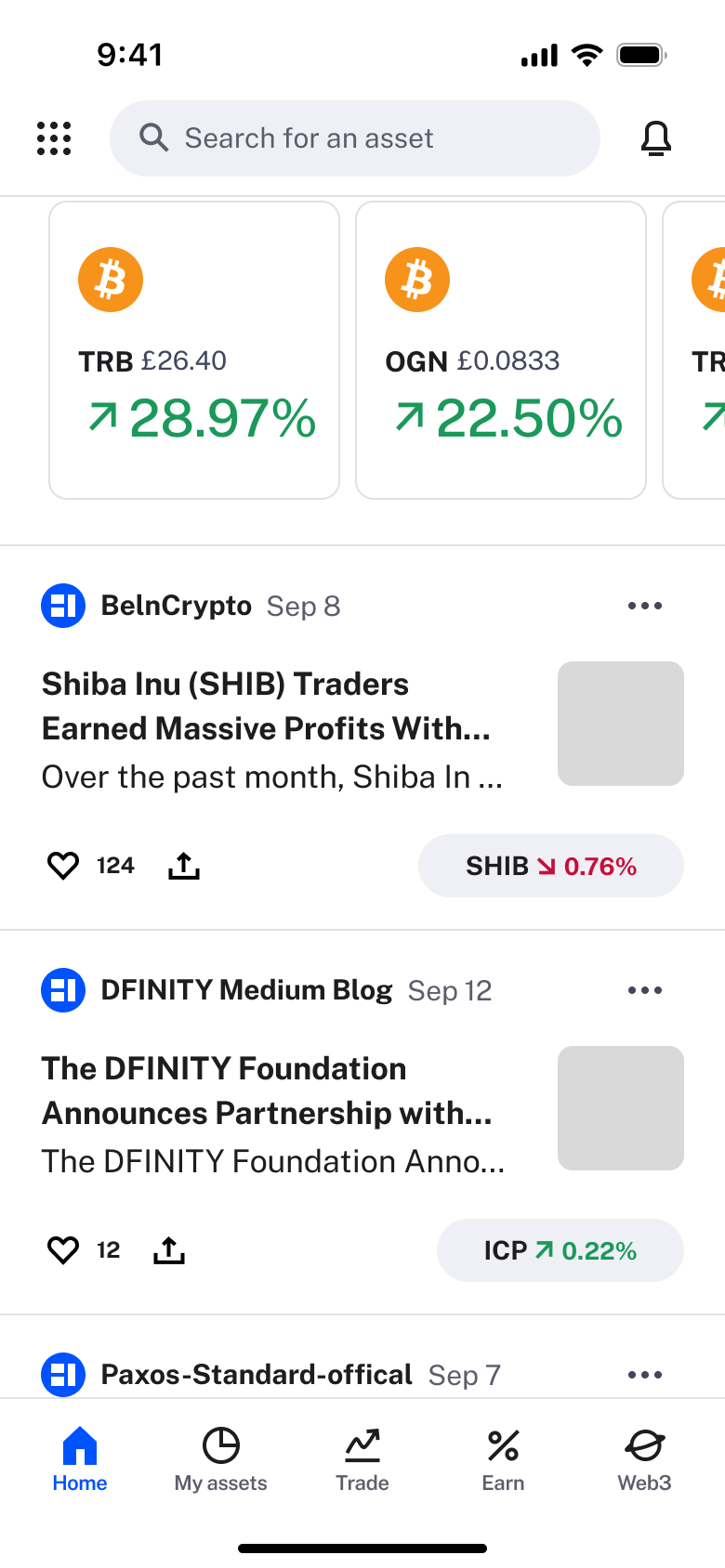 4
4Scroll - In-place change
 5
5Scroll
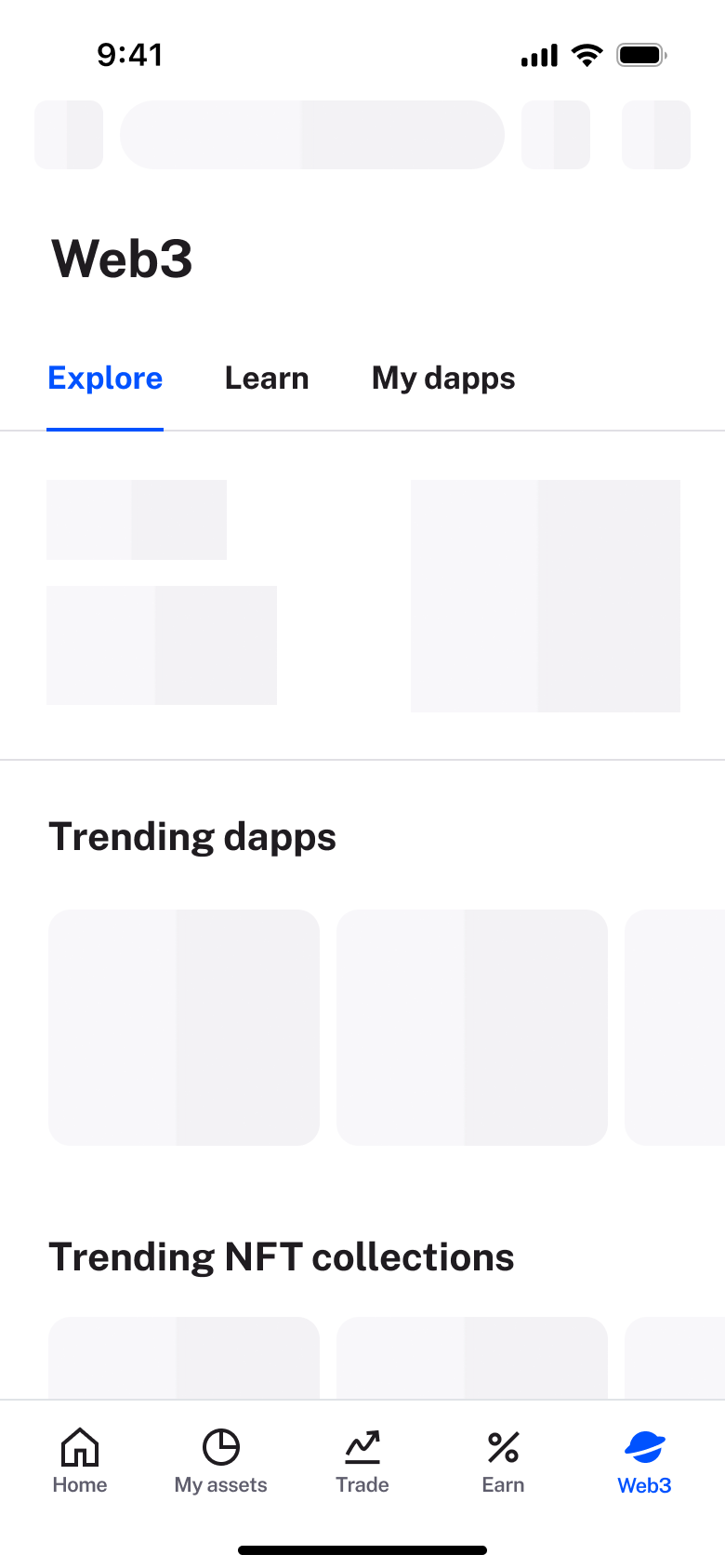 1
1Tap Web3 - In-place change
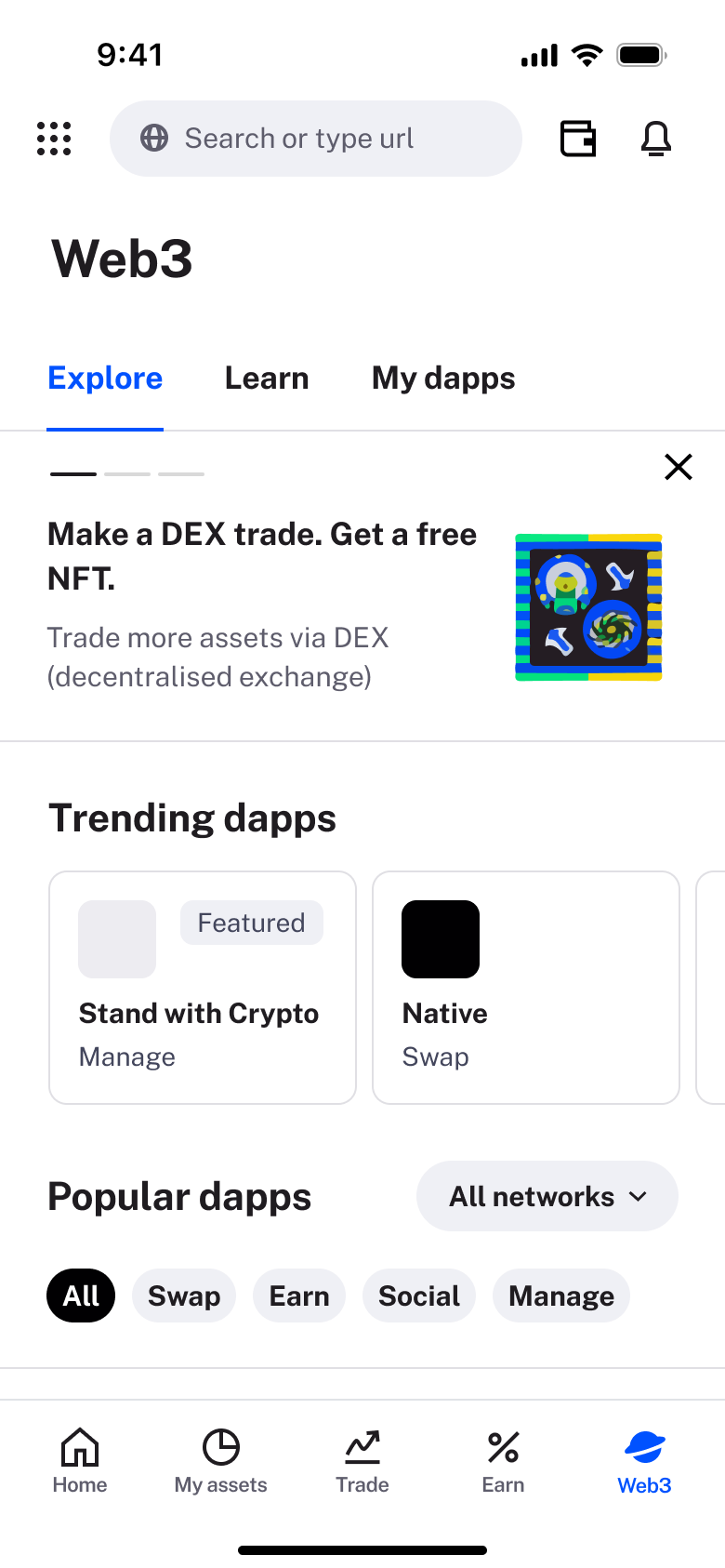 2
2 - In-place change
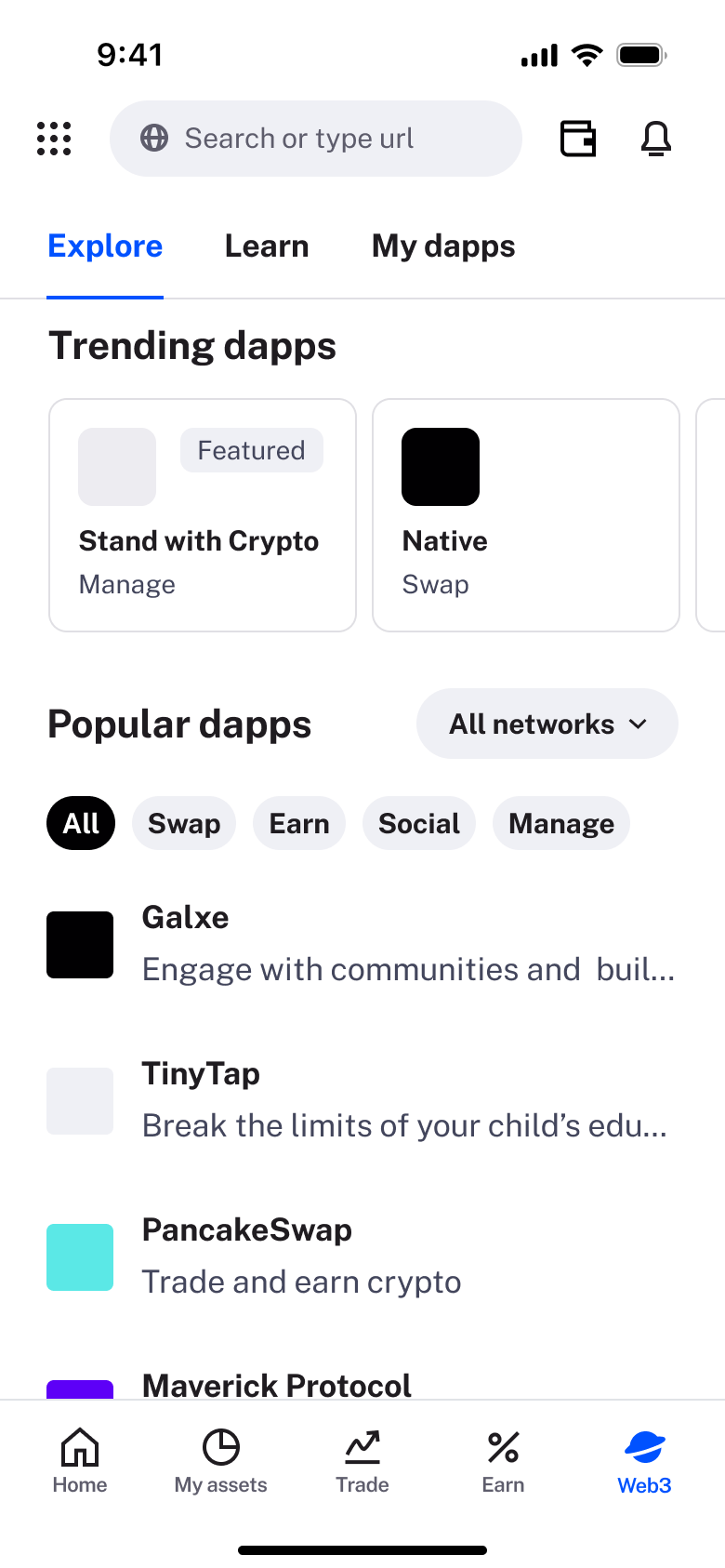 3
3Scroll - In-place change
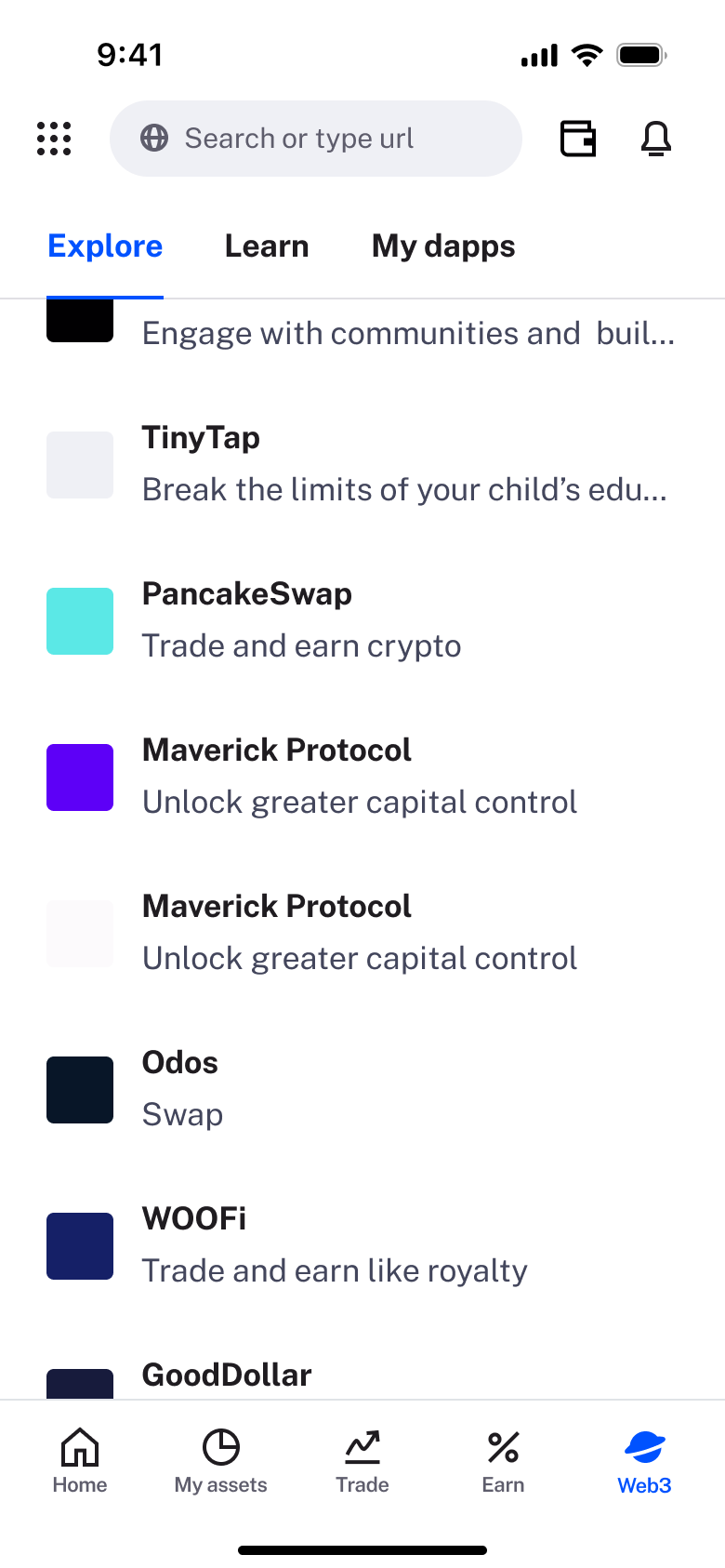 4
4Scroll - In-place change
 5
5Scroll - Tab switch
 6
6Tap Learn - Tab switch
 7
7Tap My dapps - Sheet
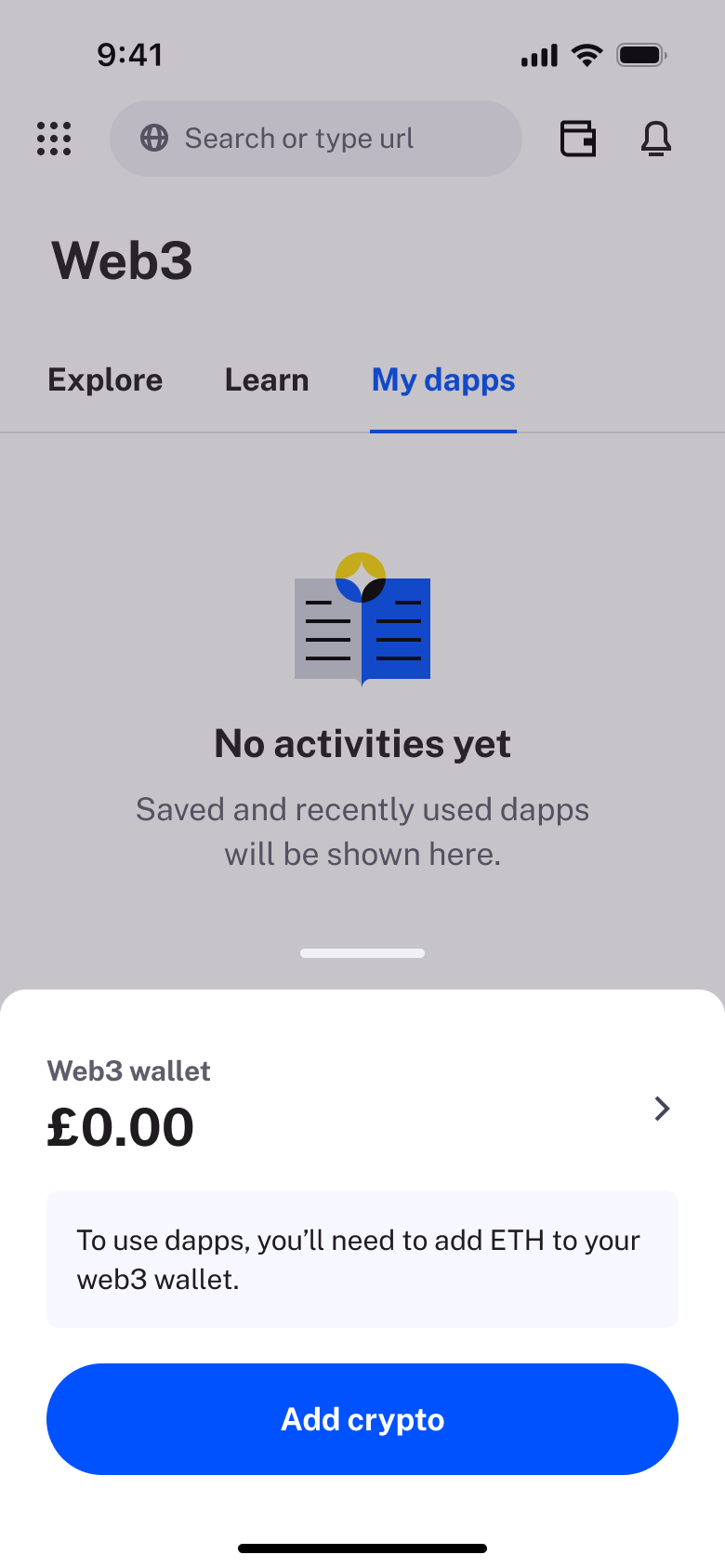 8
8Tap wallet
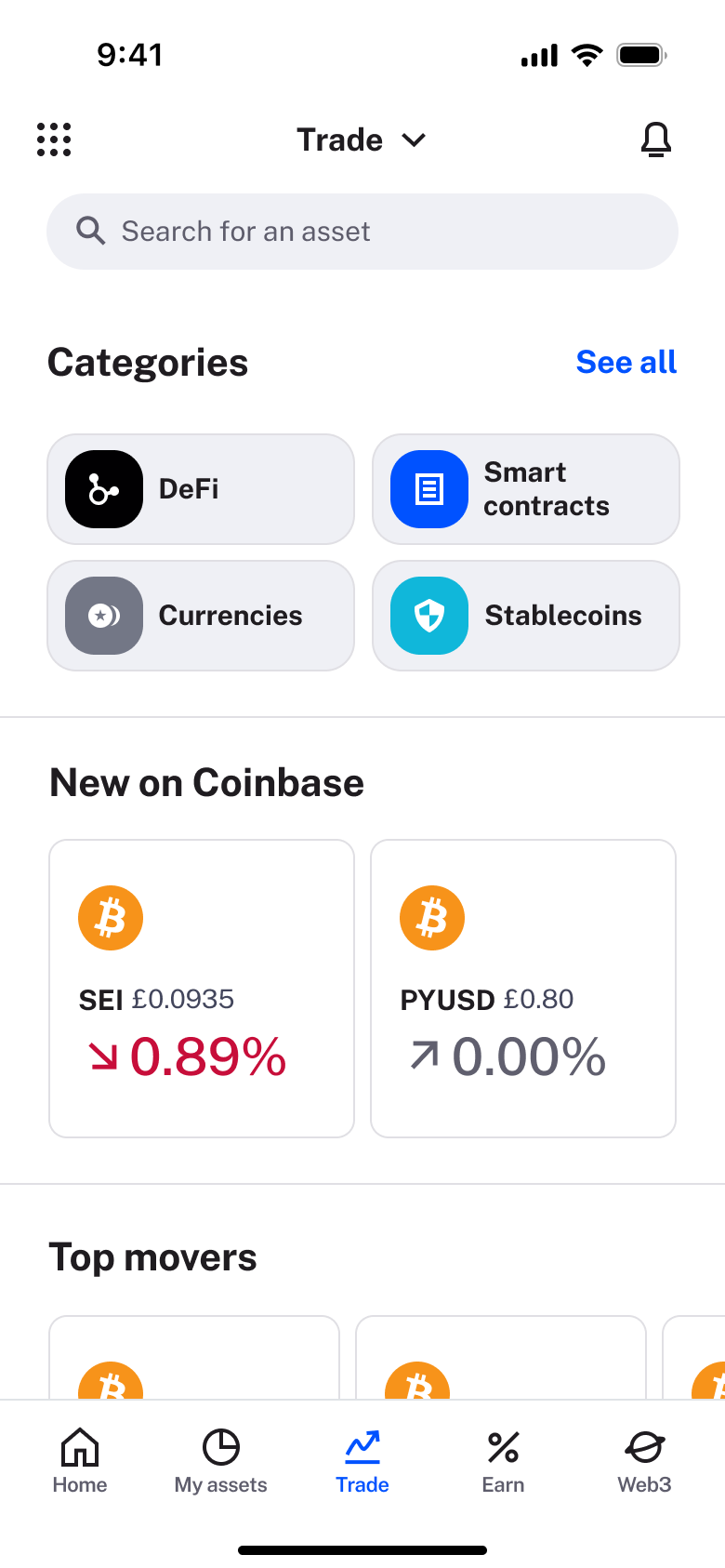 1
1Tap Trade - Sheet
 2
2Tap Trade - Dismiss modal or sheet
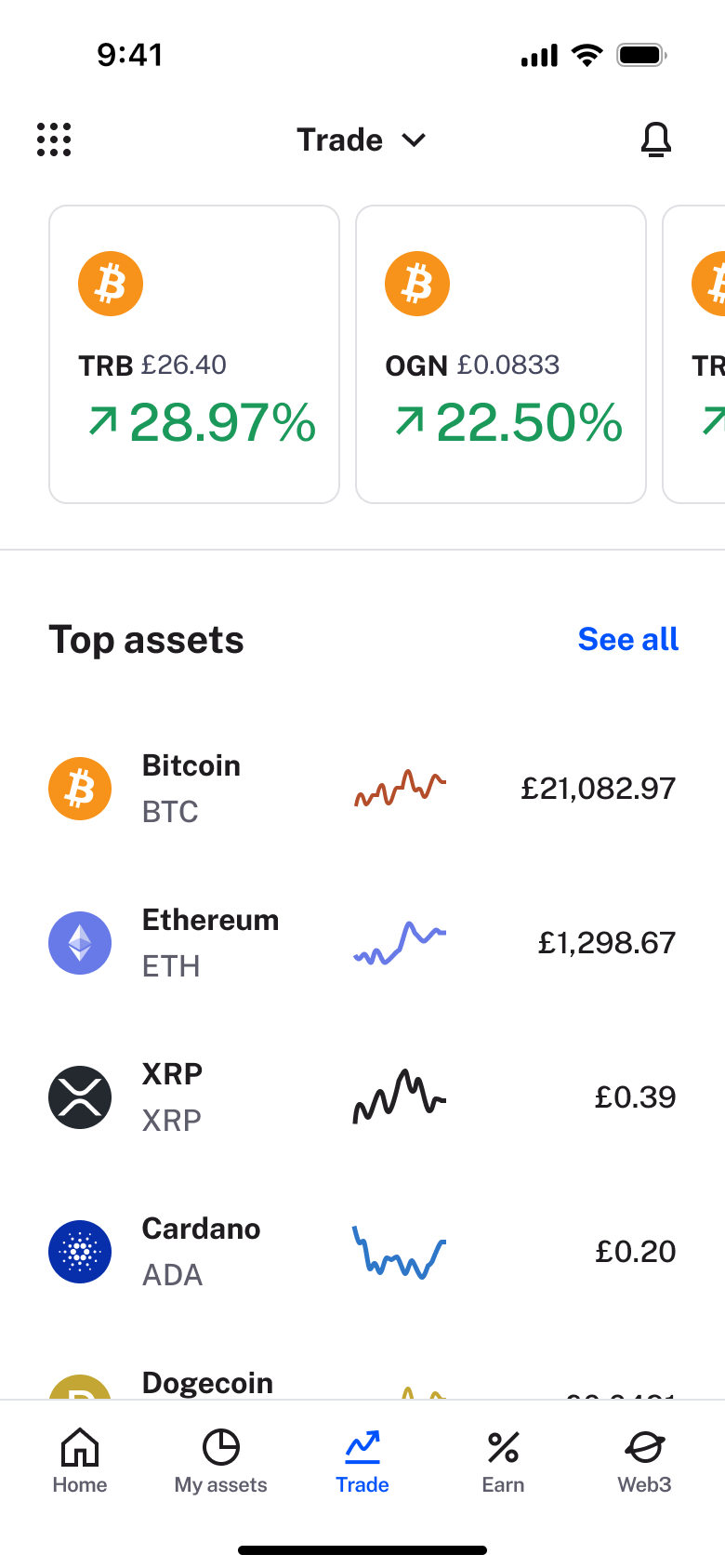 3
3 - In-place change
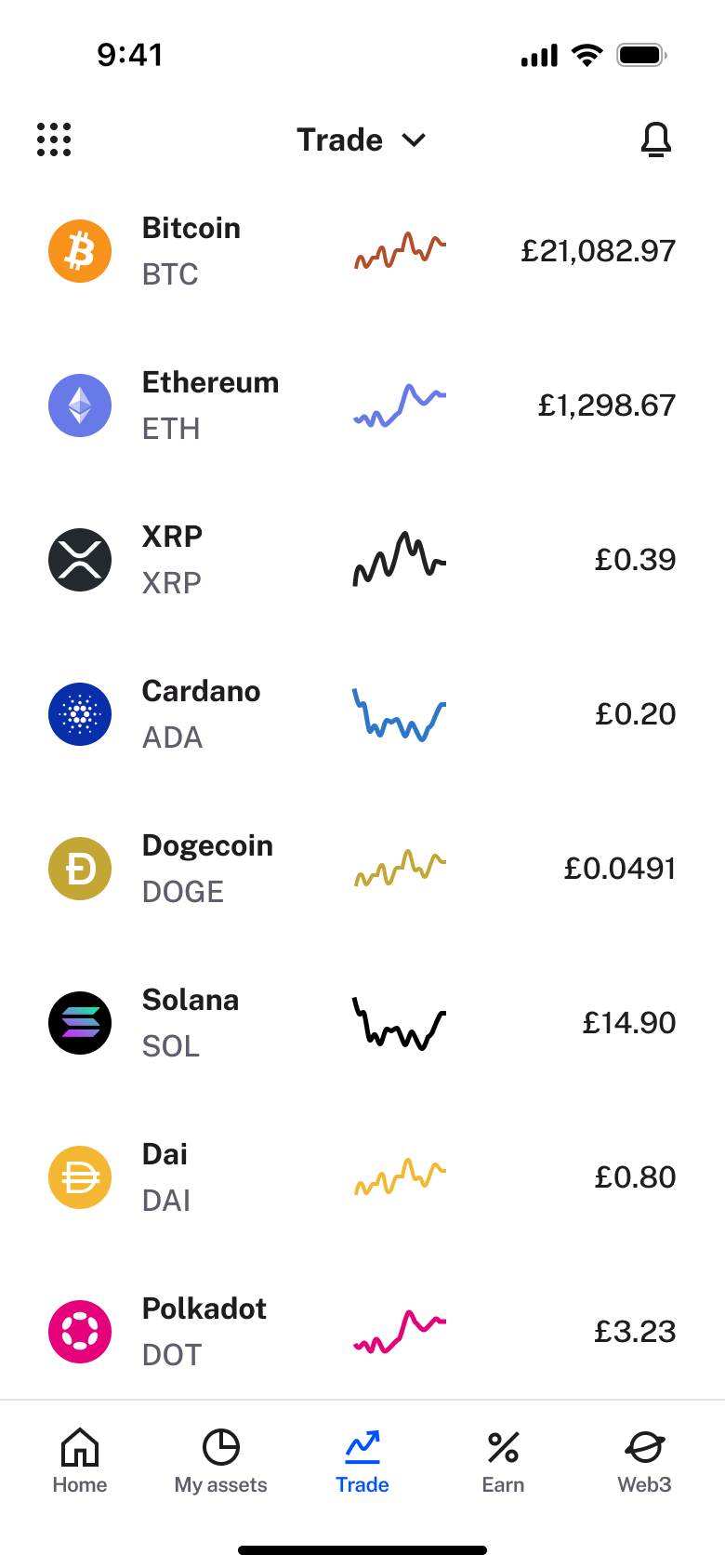 4
4Scroll - Tab switch
 5
5Tap Earn - In-place change
 6
6Scroll - In-place change
 7
7Scroll
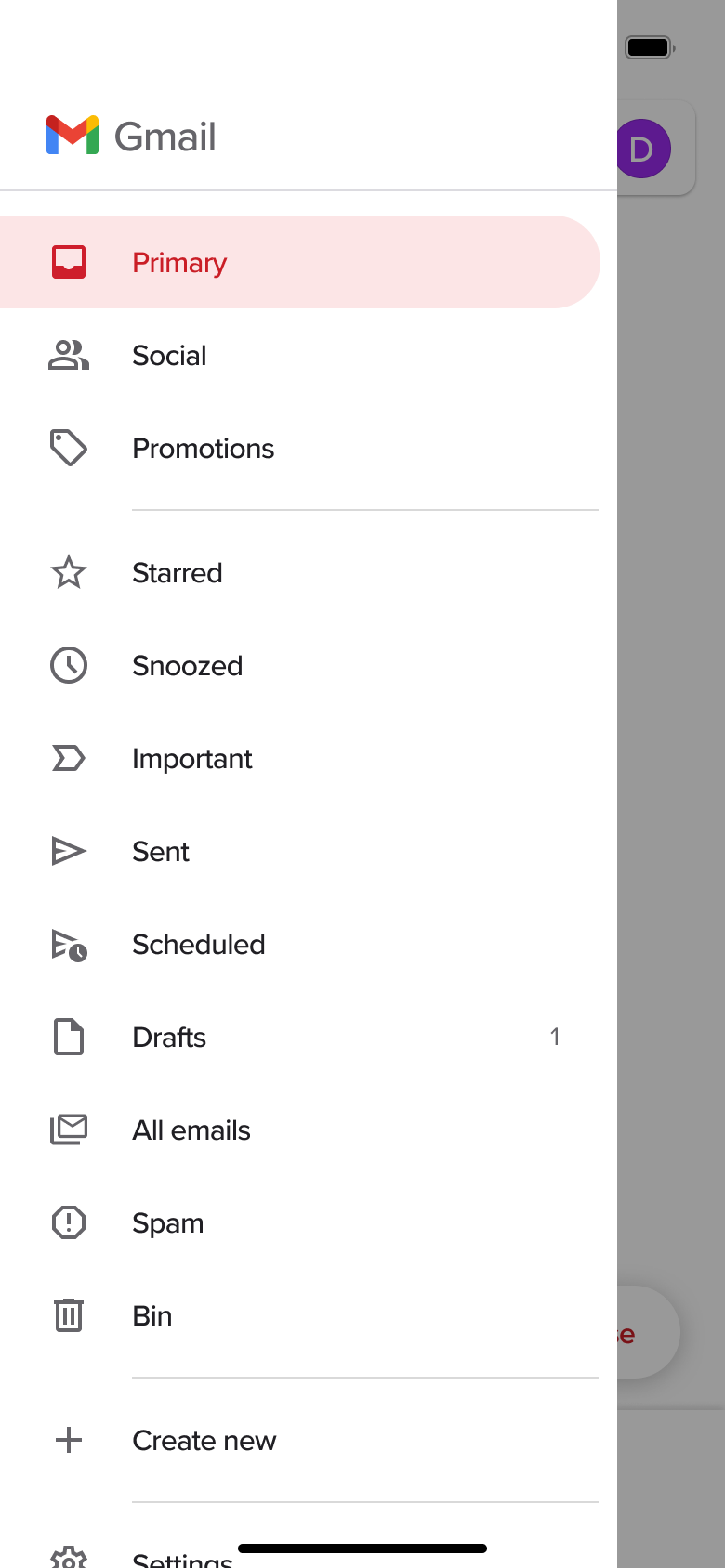 1
1Tap menu - Dismiss modal or sheet
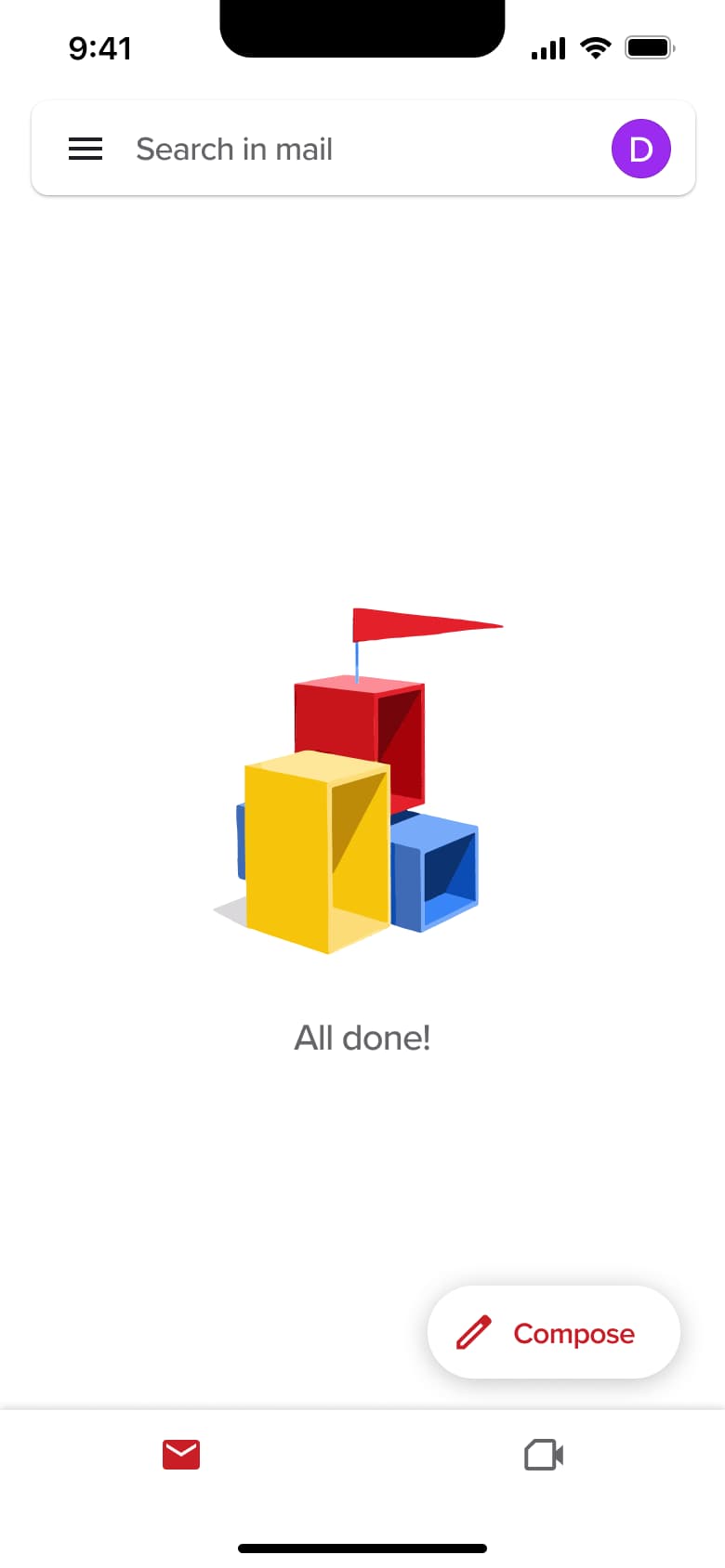 2
2Tap Primary - Tab switch
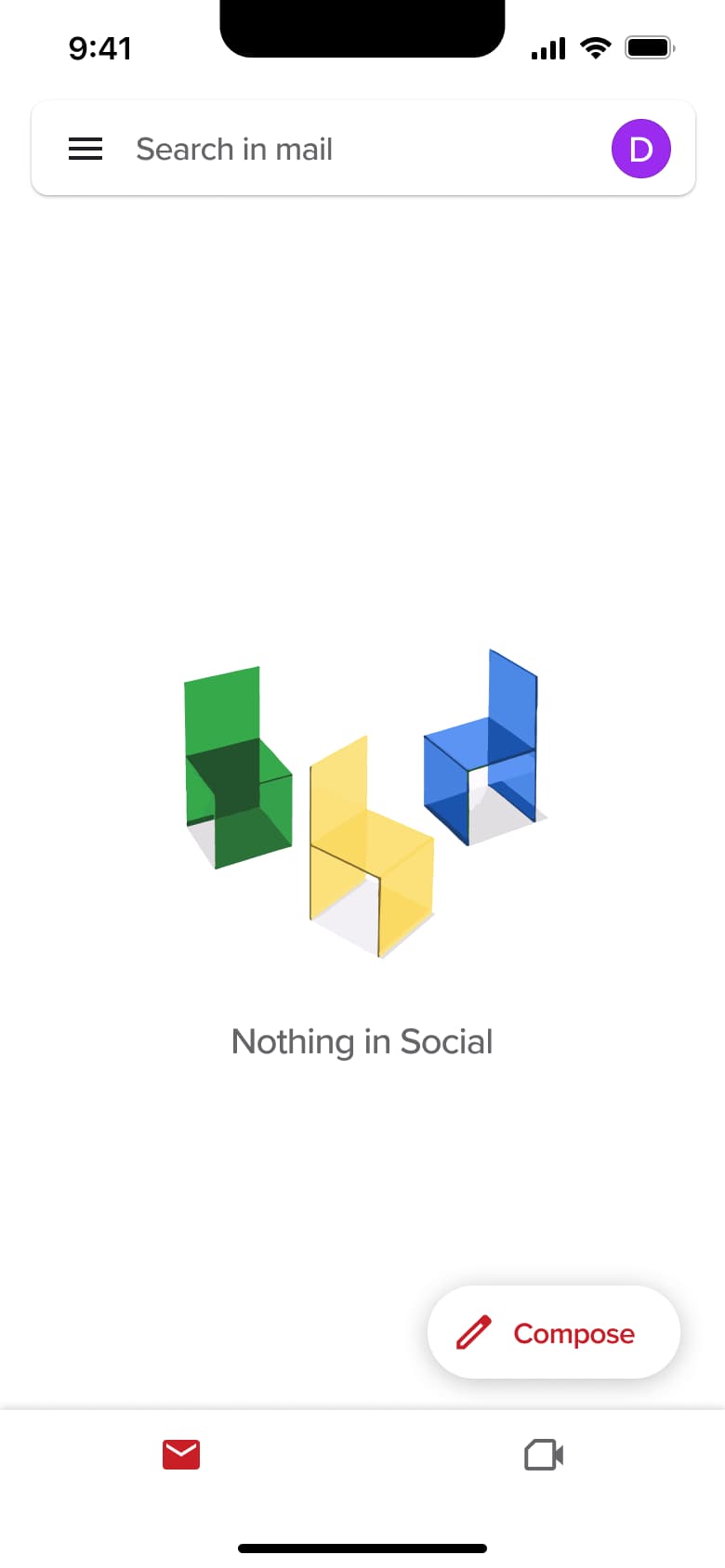 3
3 - Modal
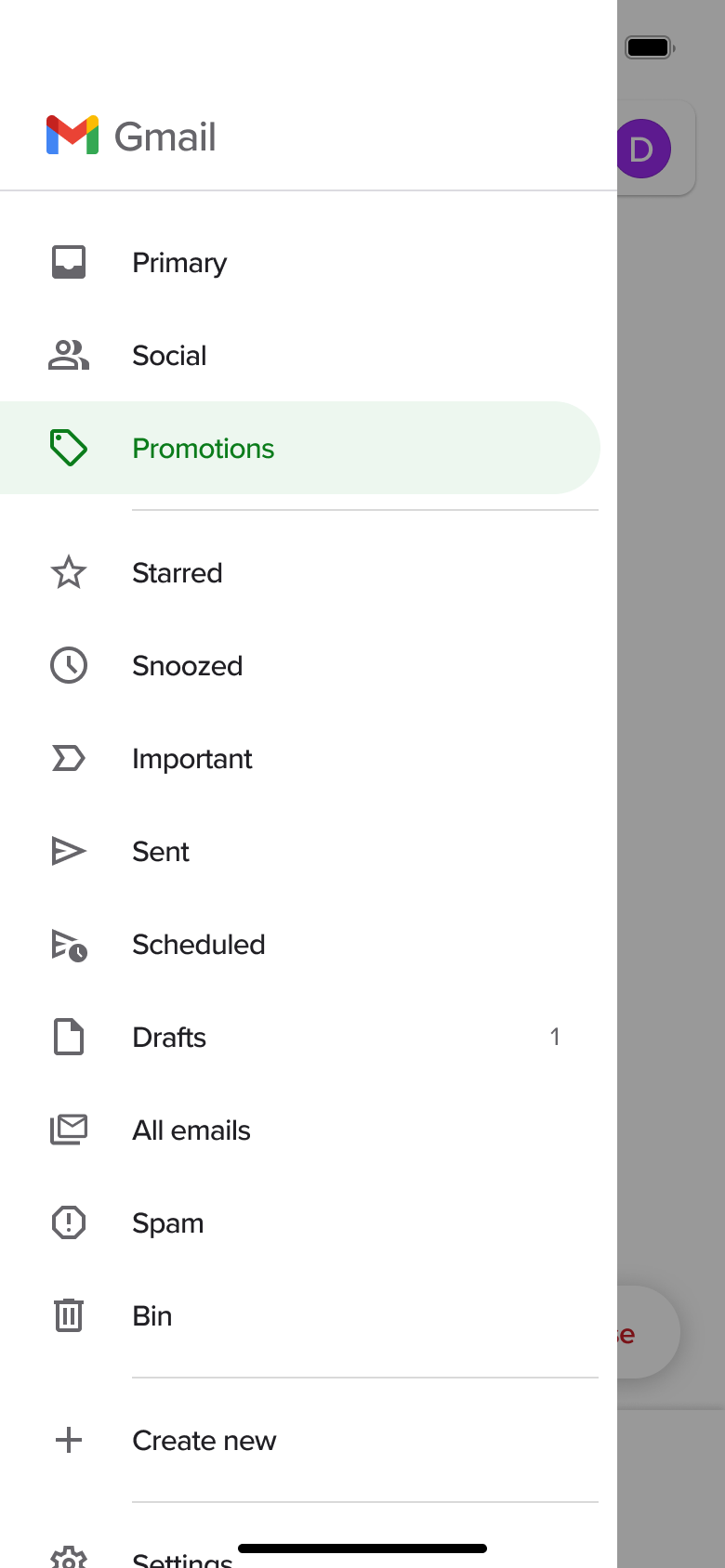 4
4Tap menu - Dismiss modal or sheet
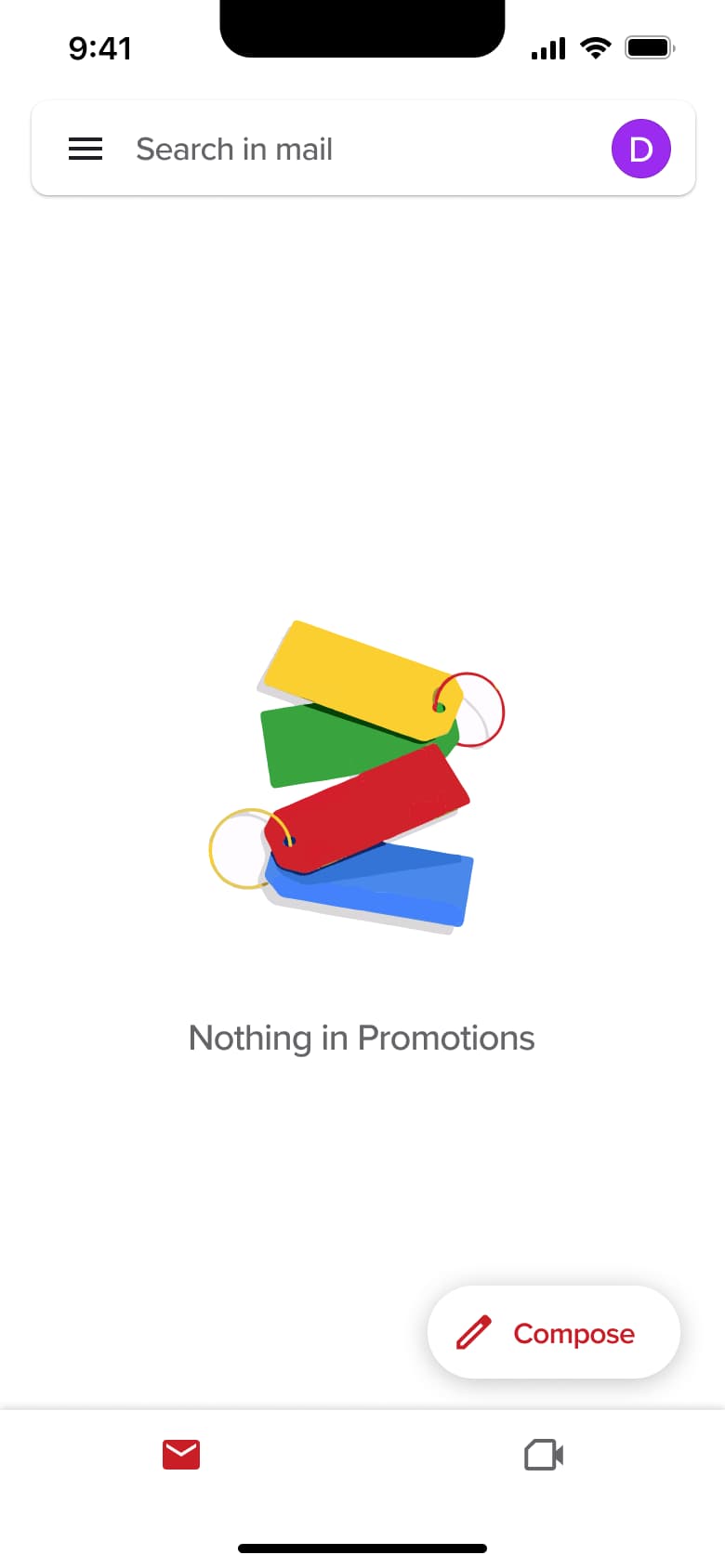 5
5Tap Promotions - Modal
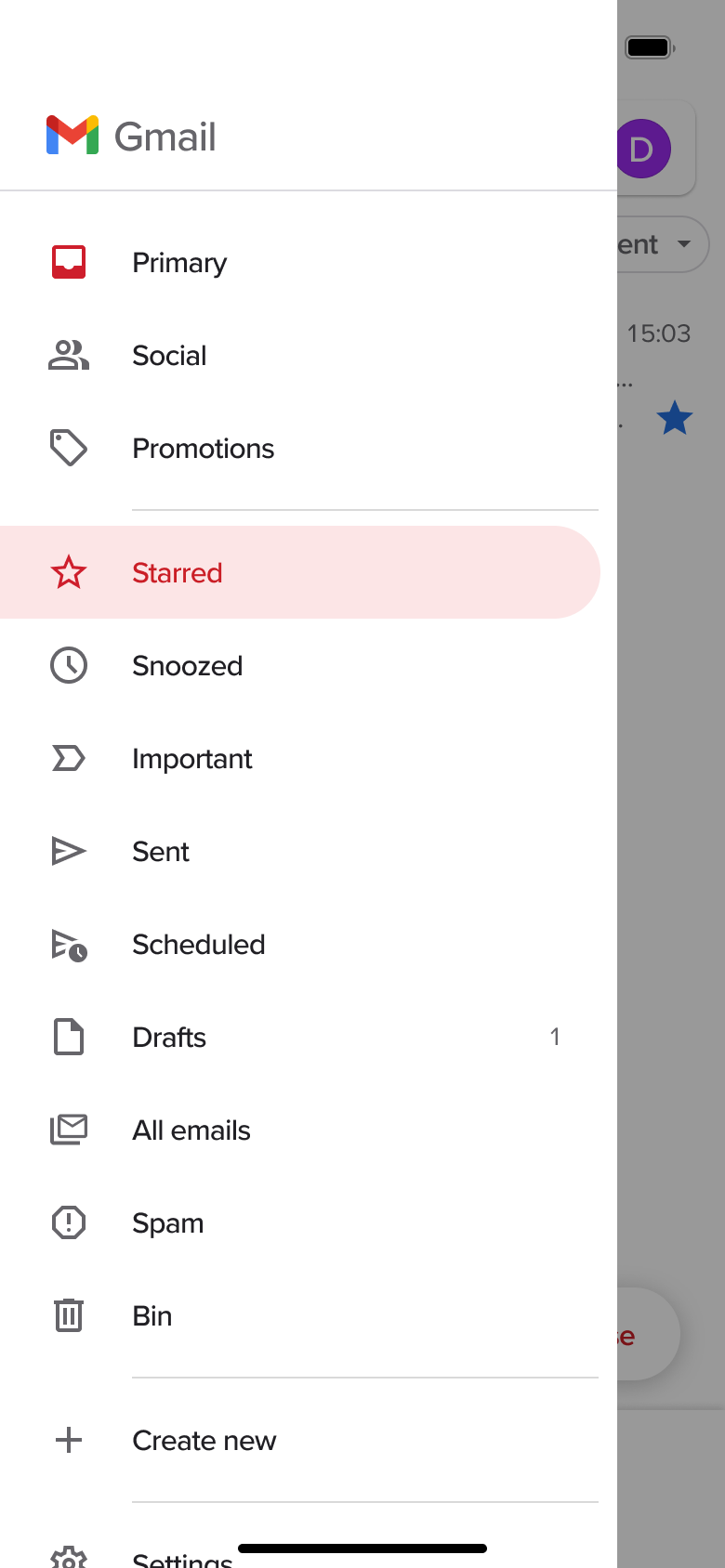 6
6Tap menu - Dismiss modal or sheet
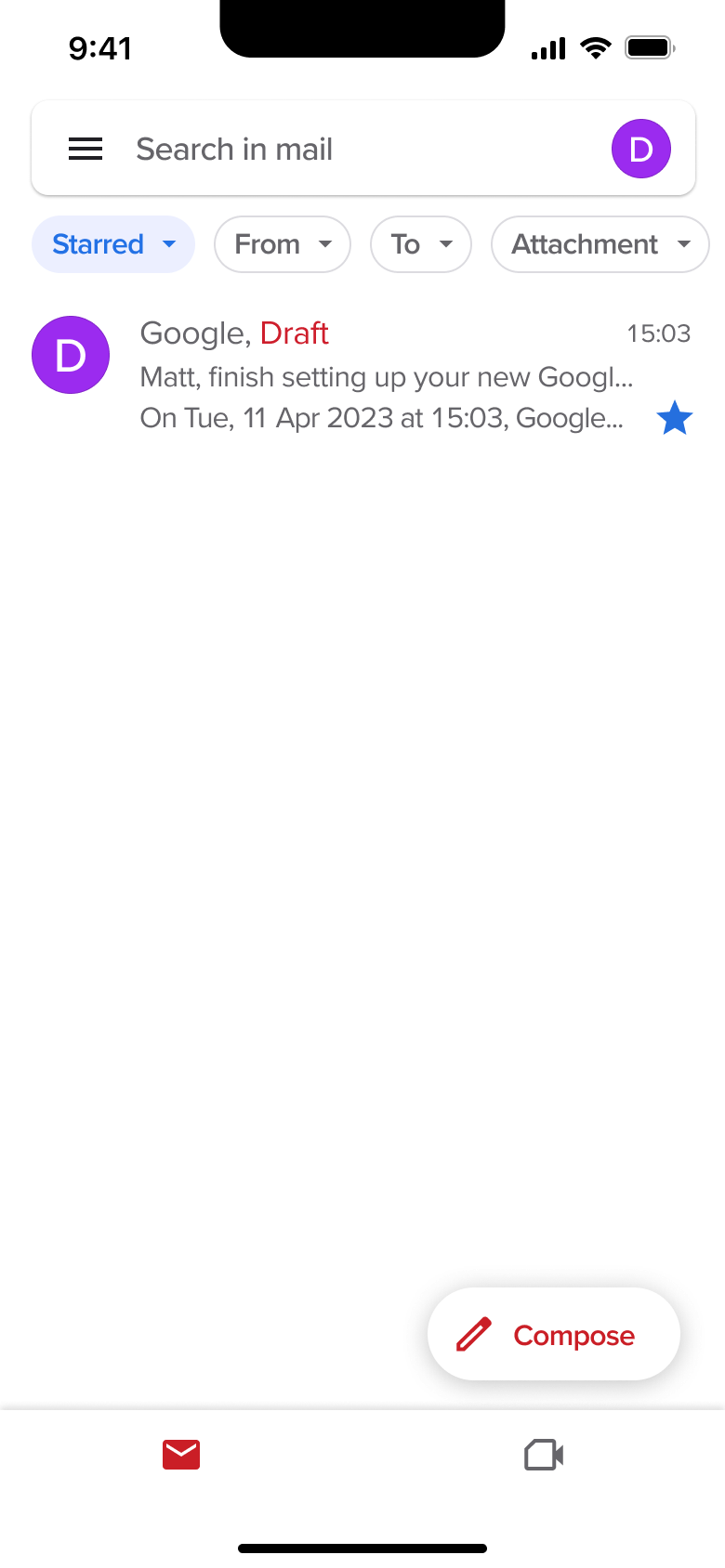 7
7Tap Starred - Modal
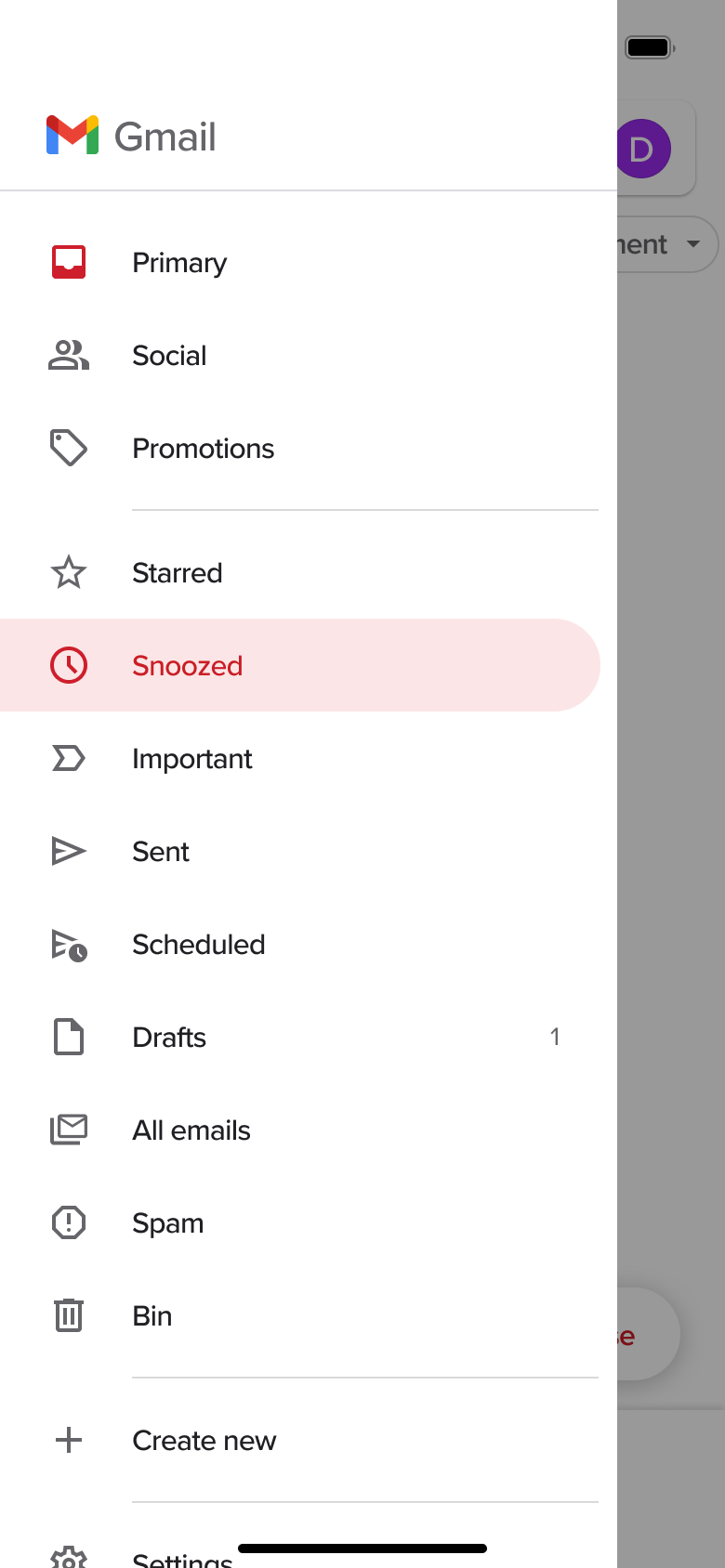 8
8Tap menu - +13 more
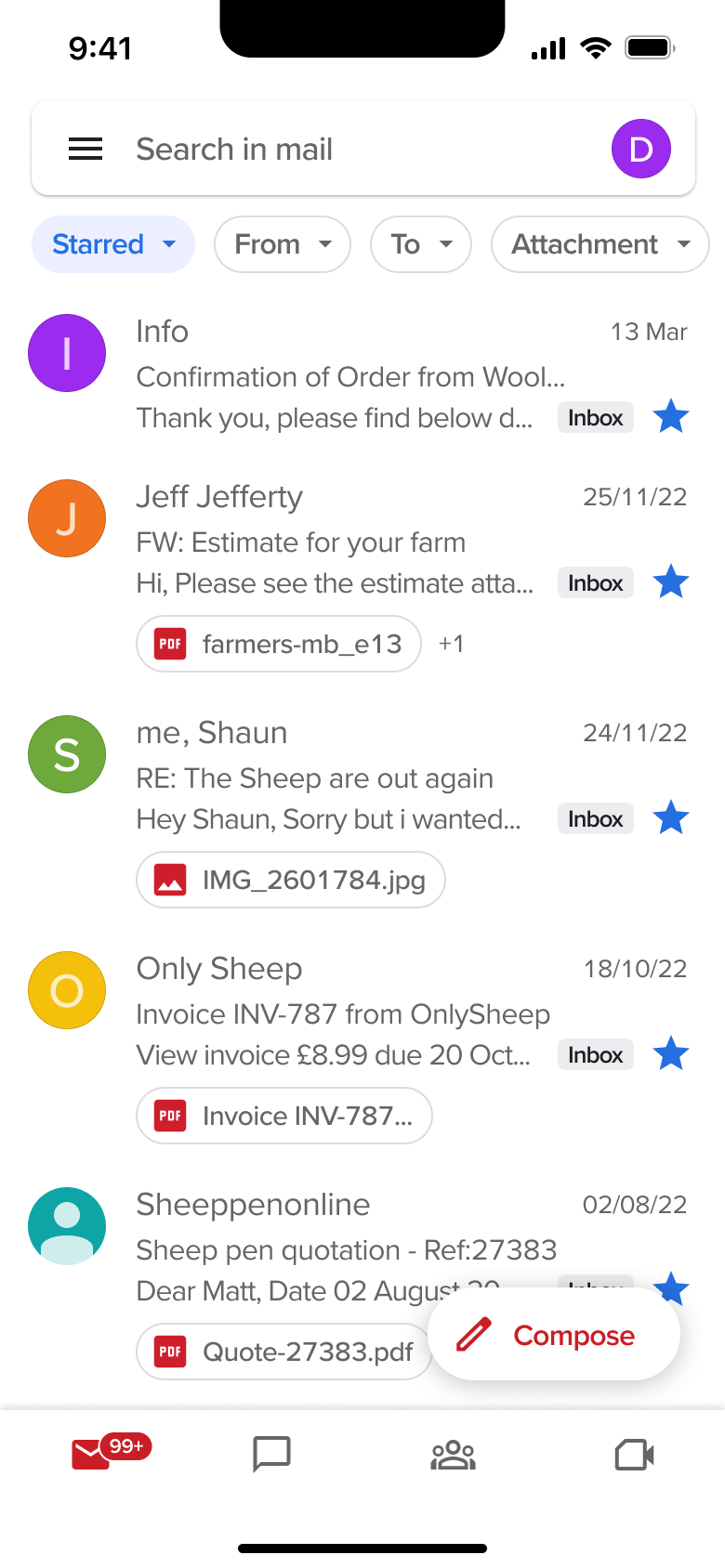 1
1- In-place change
 2
2Tap chip - In-place change
 3
3Tap chip - In-place change
 4
4Tap chip - In-place change
 5
5Tap chip - In-place change
 6
6Tap chip - In-place change
 7
7Tap chip - Modal
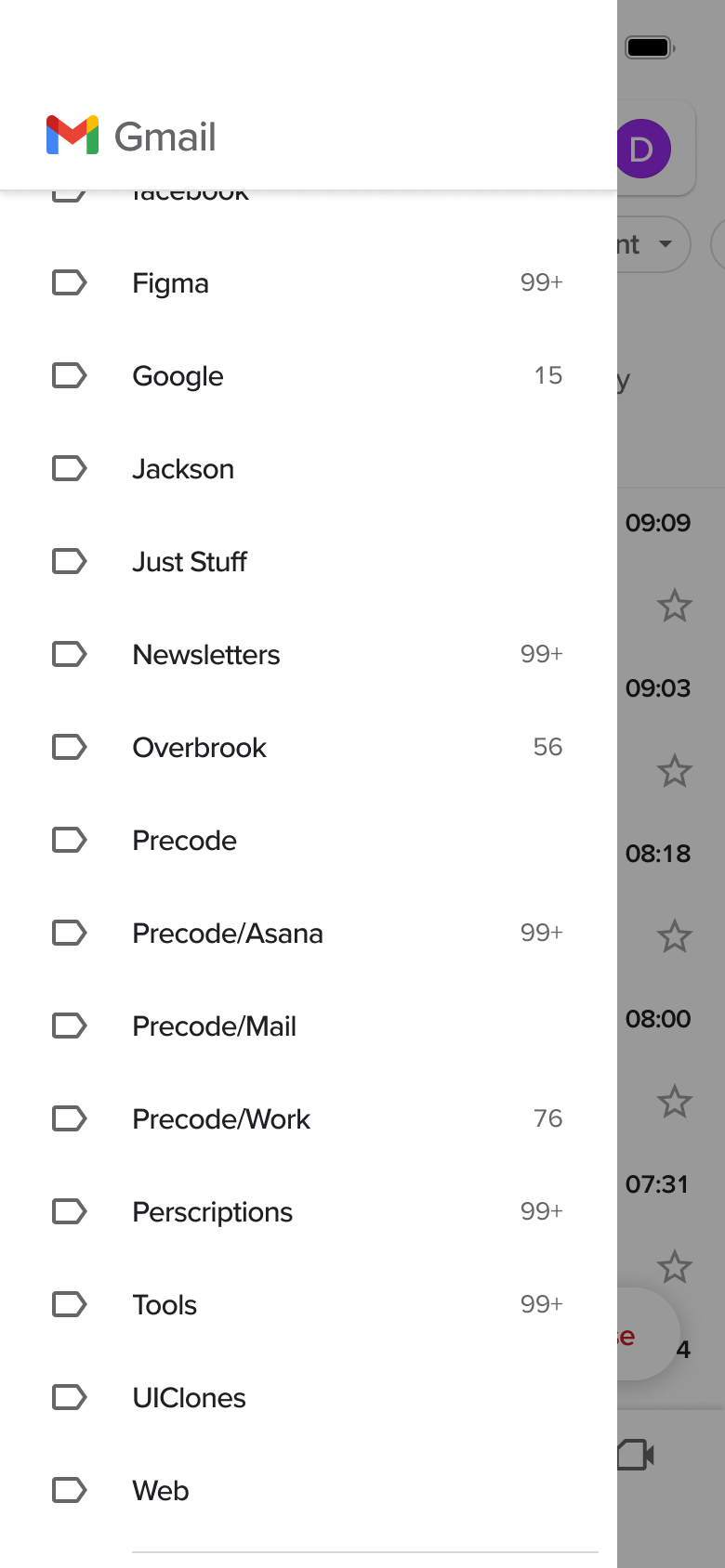 8
8Tap menu - +1 more
 1
1- In-place change
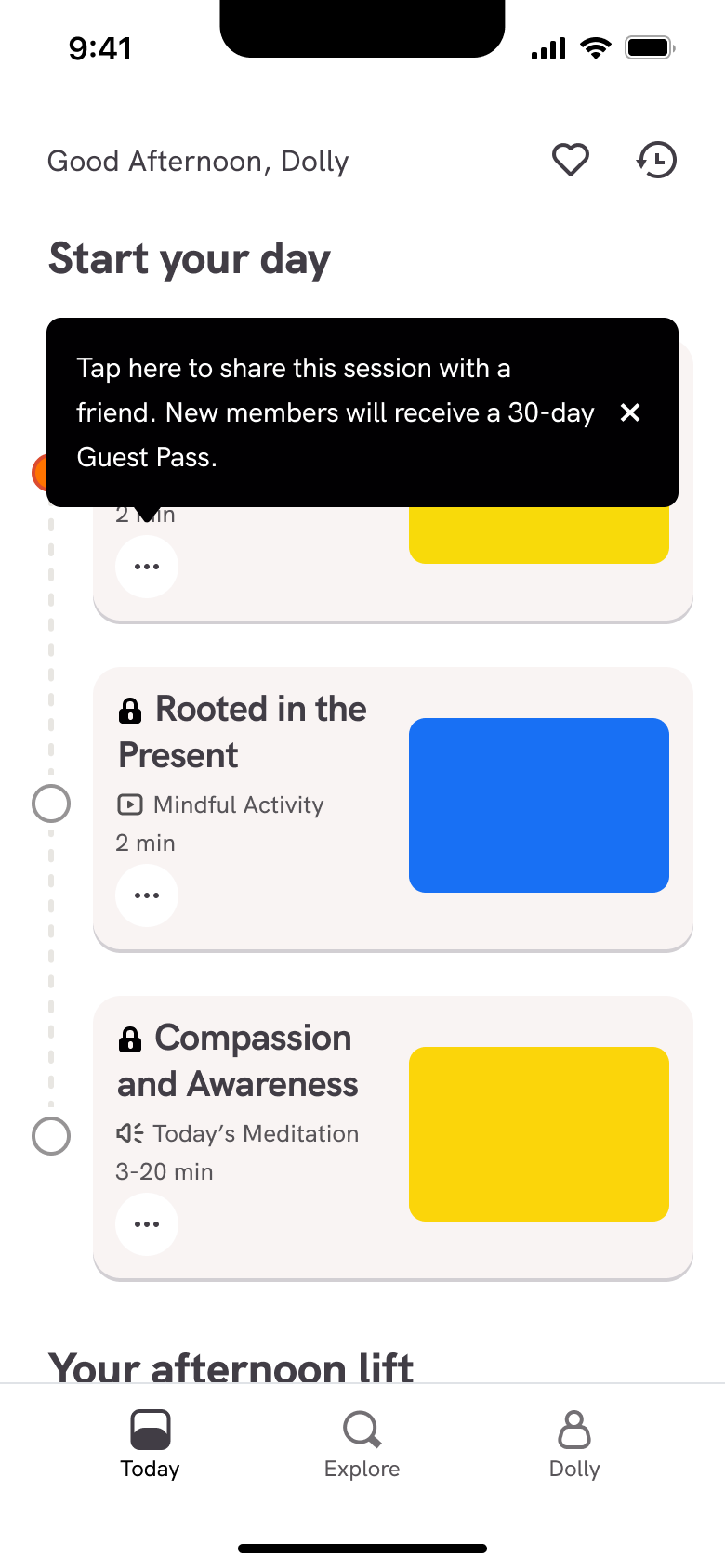 2
2 - In-place change
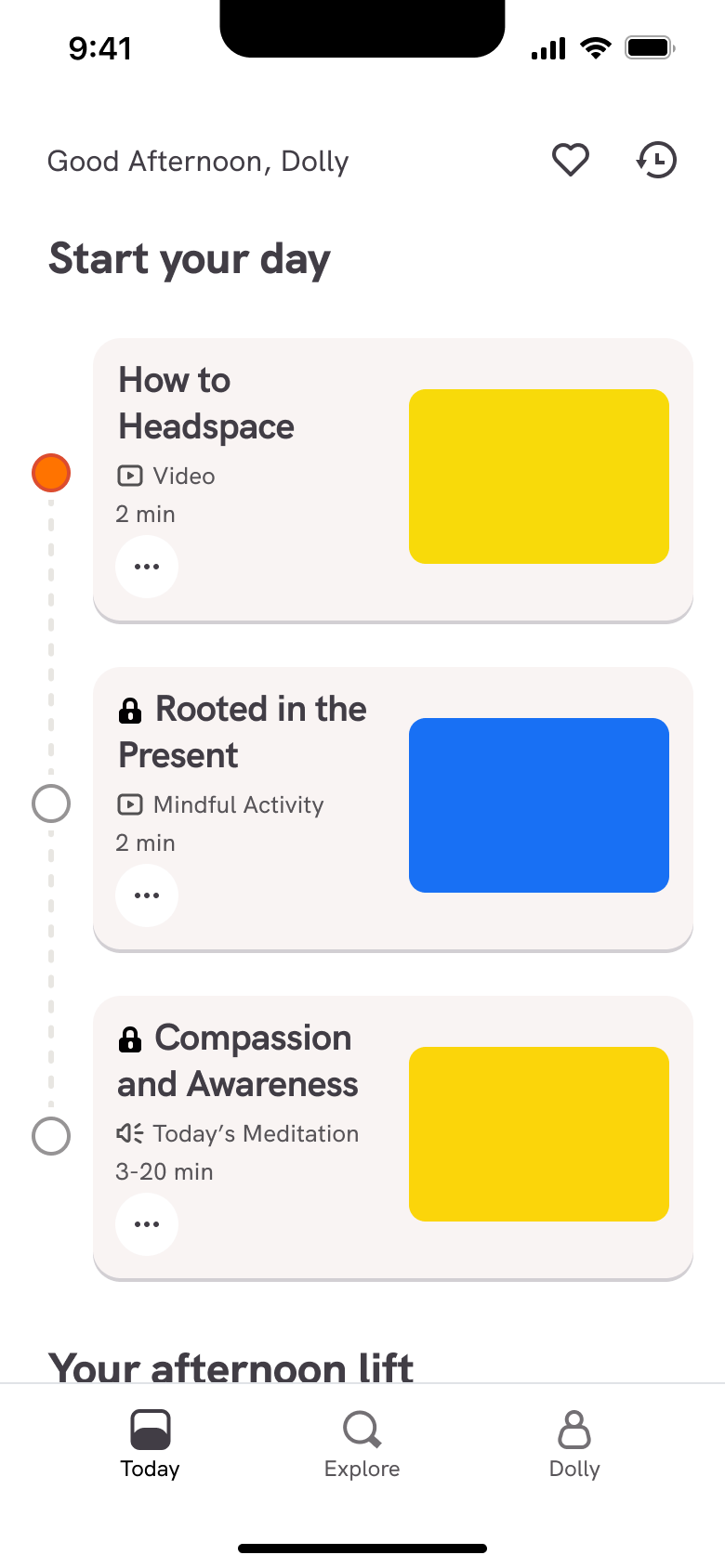 3
3Dismiss tip - In-place change
 4
4Scroll - In-place change
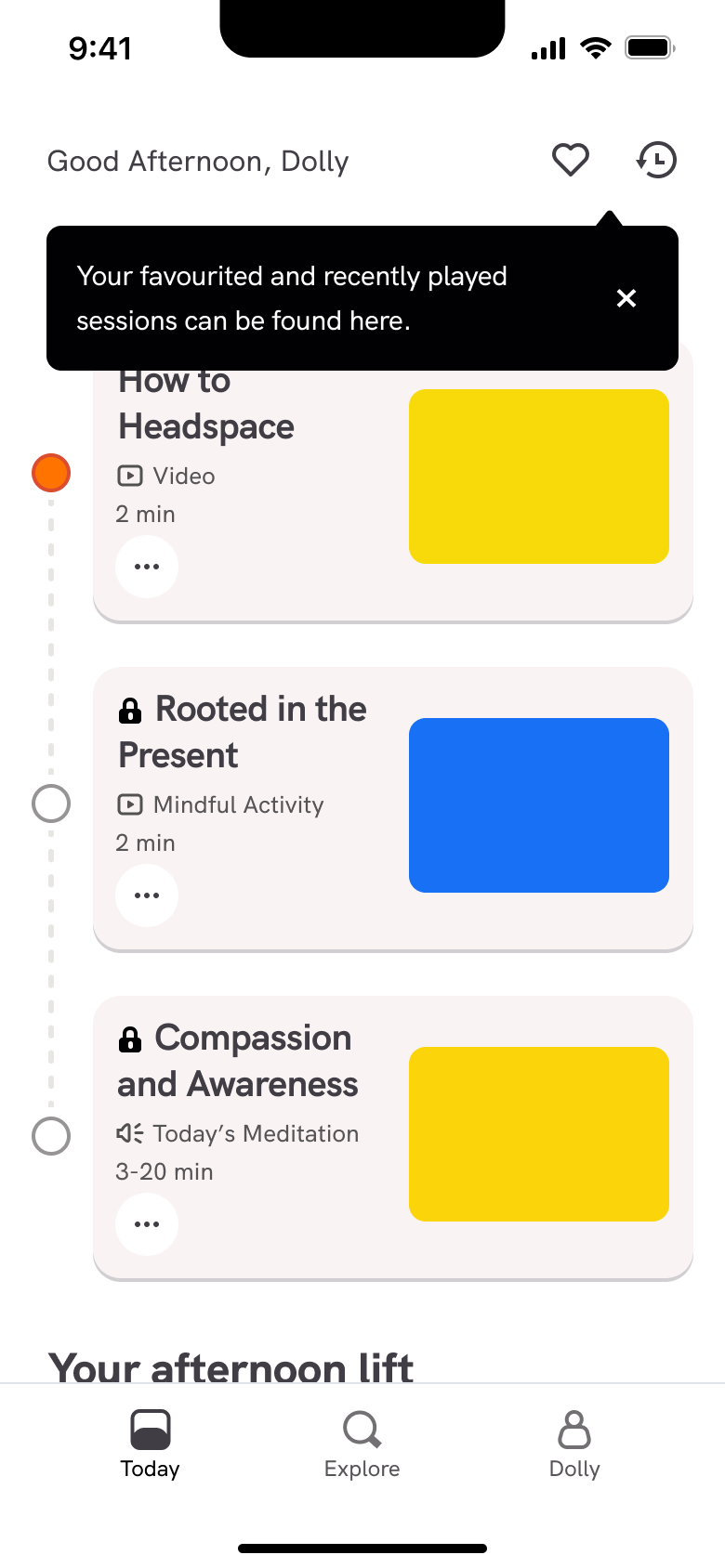 5
5 - Push
 6
6Tap recent - Push
 7
7Tap favourites
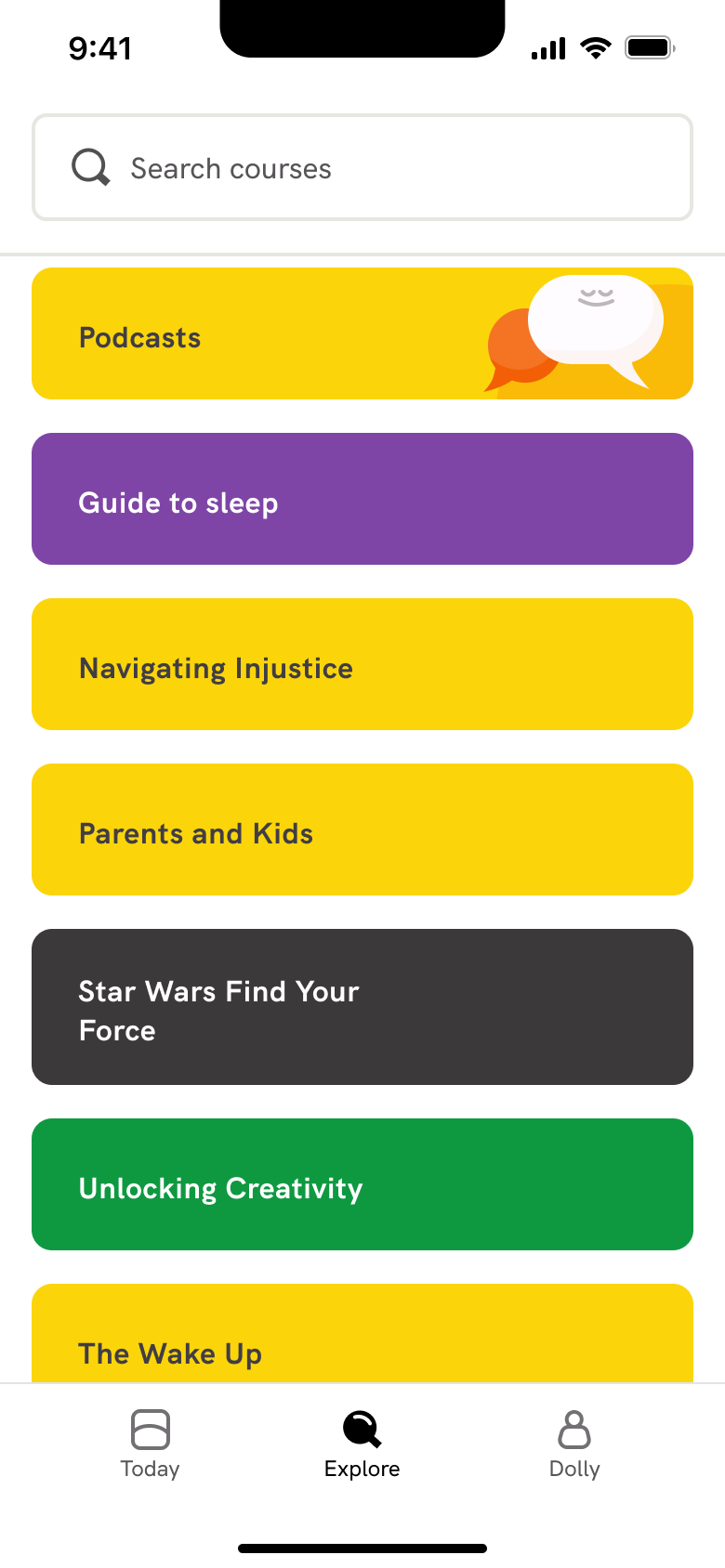 1
1Tap courses - Push
 2
2Tap collection - In-place change
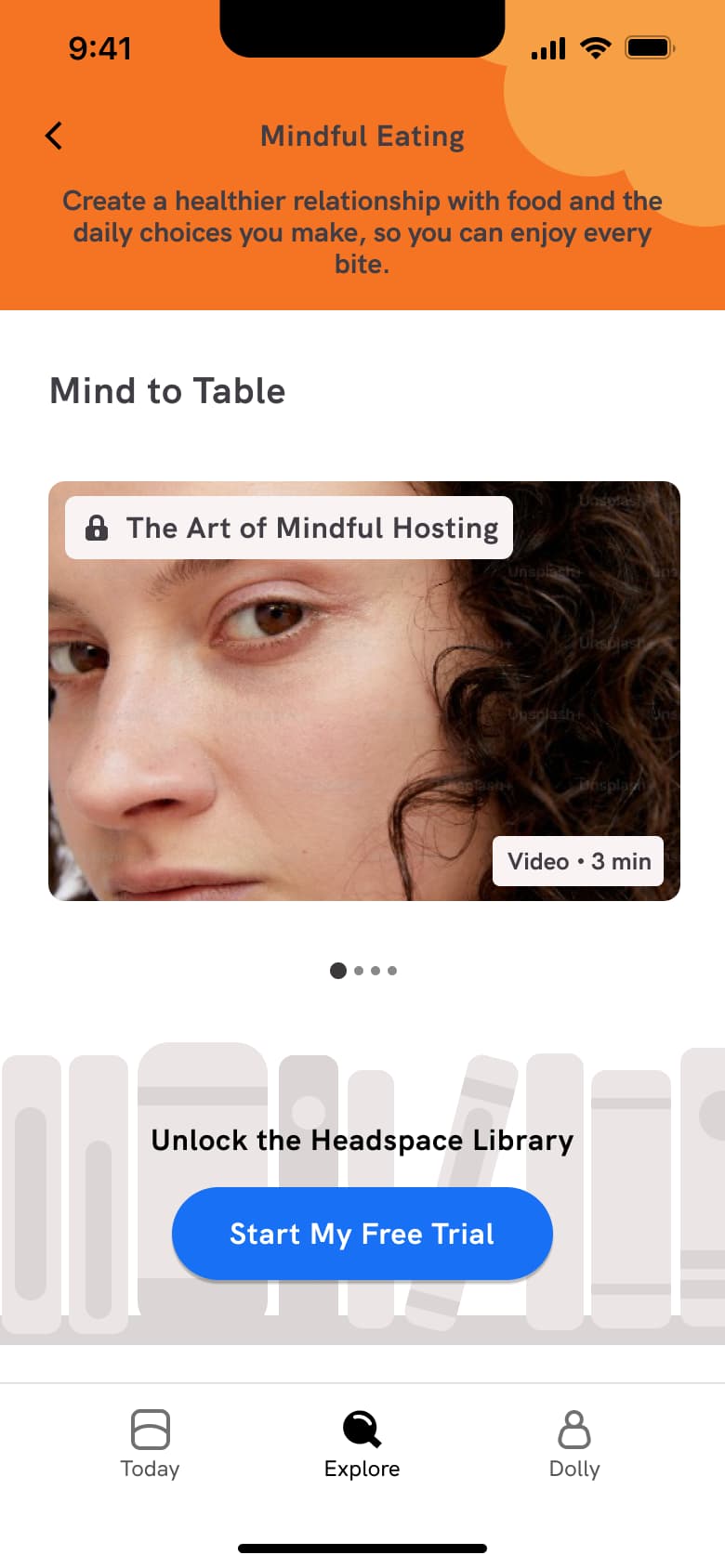 3
3 - In-place change
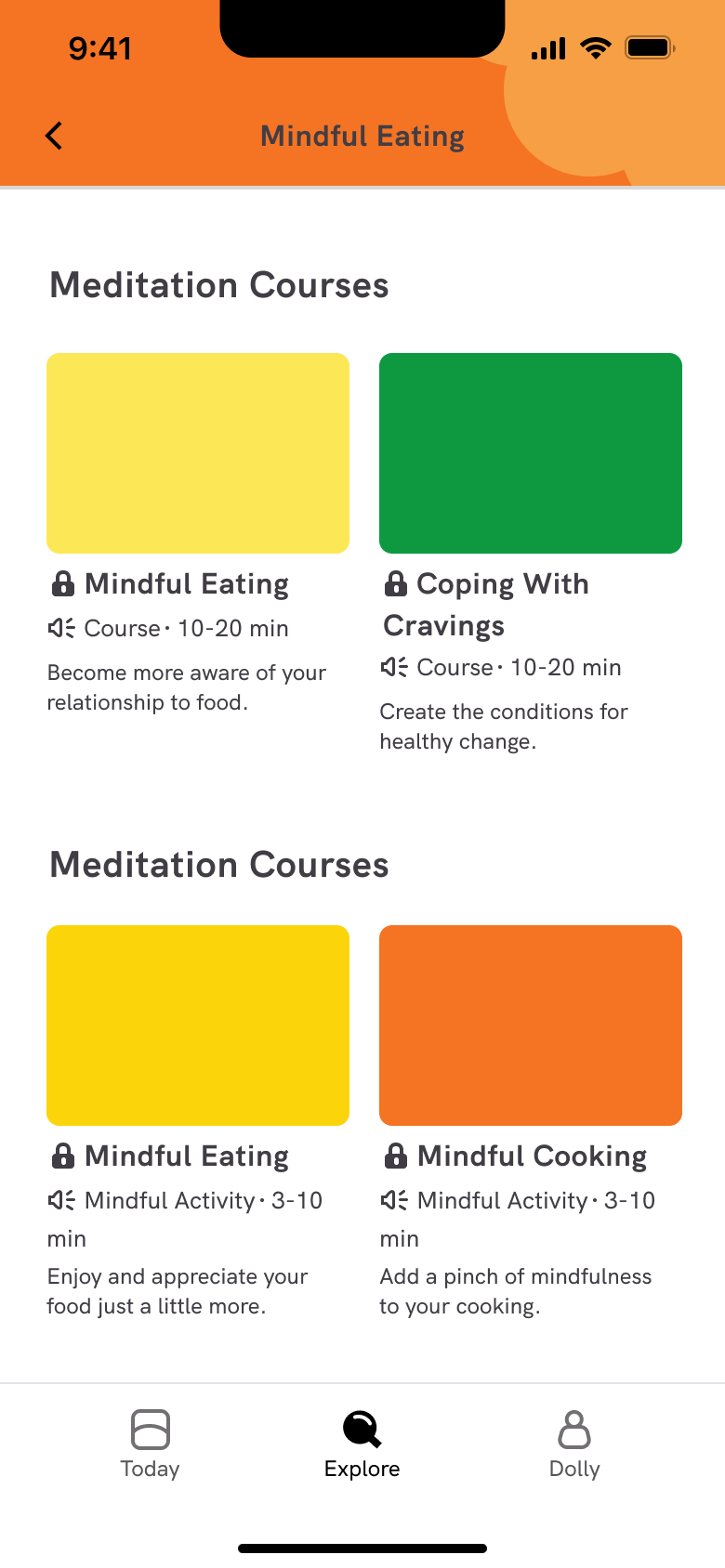 4
4Scroll - In-place change
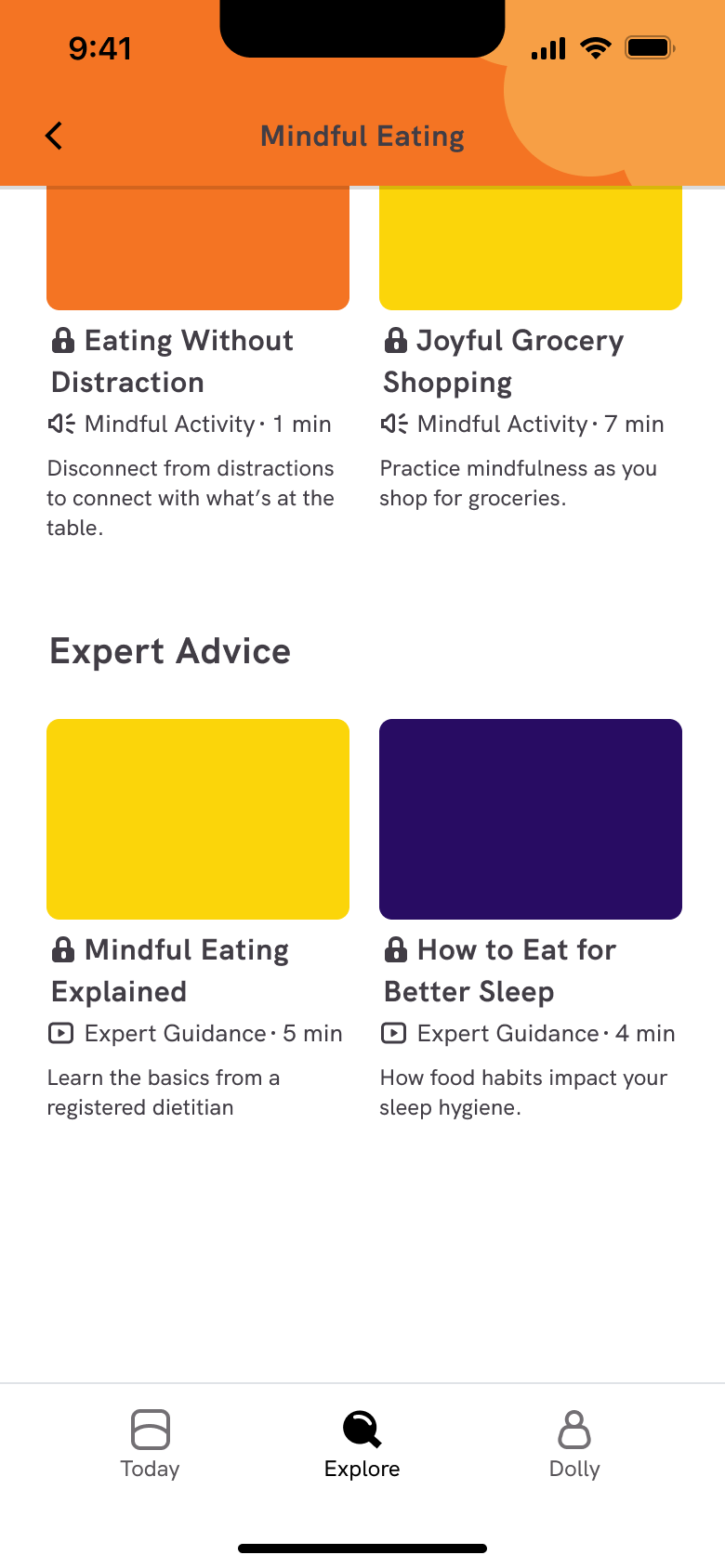 5
5Scroll - Push
 6
6Tap Meditate - In-place change
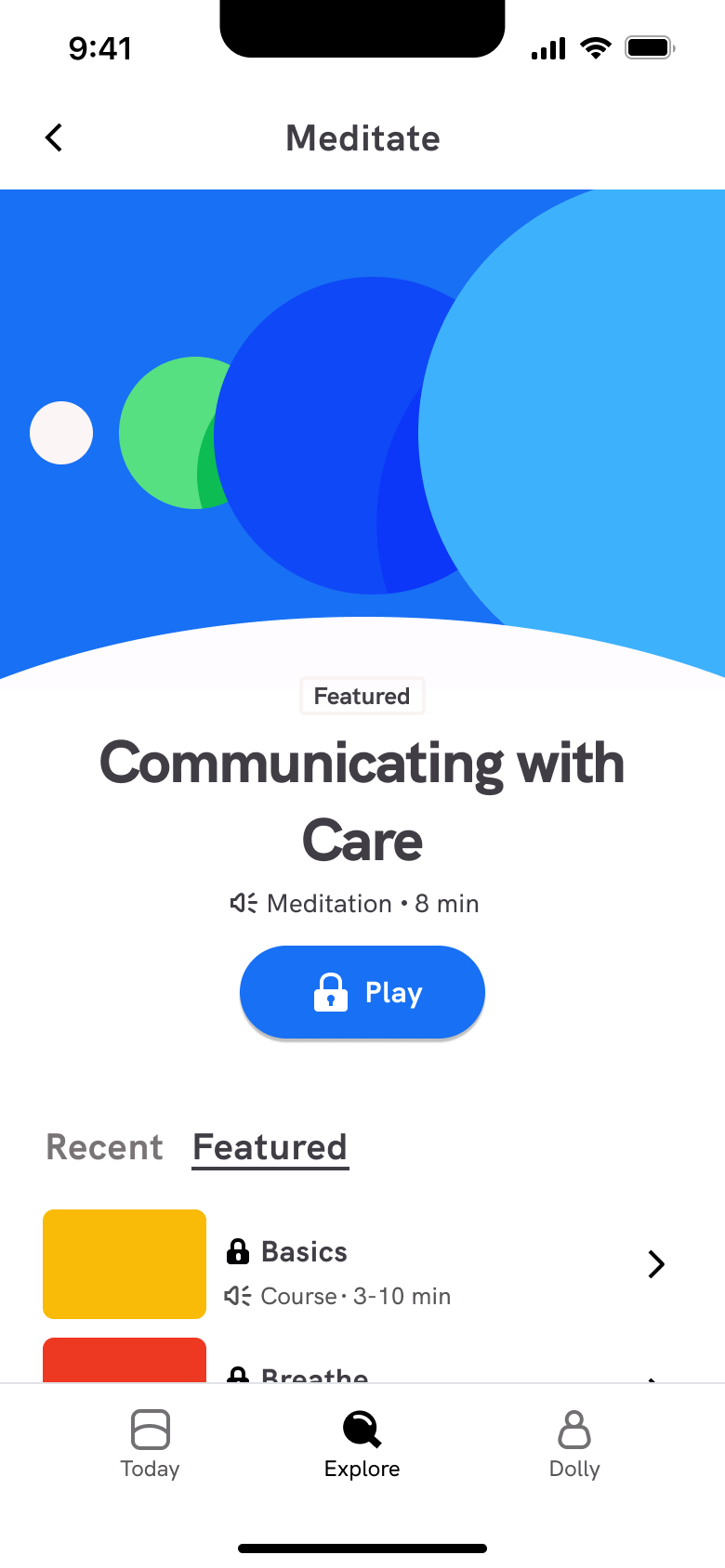 7
7 - In-place change
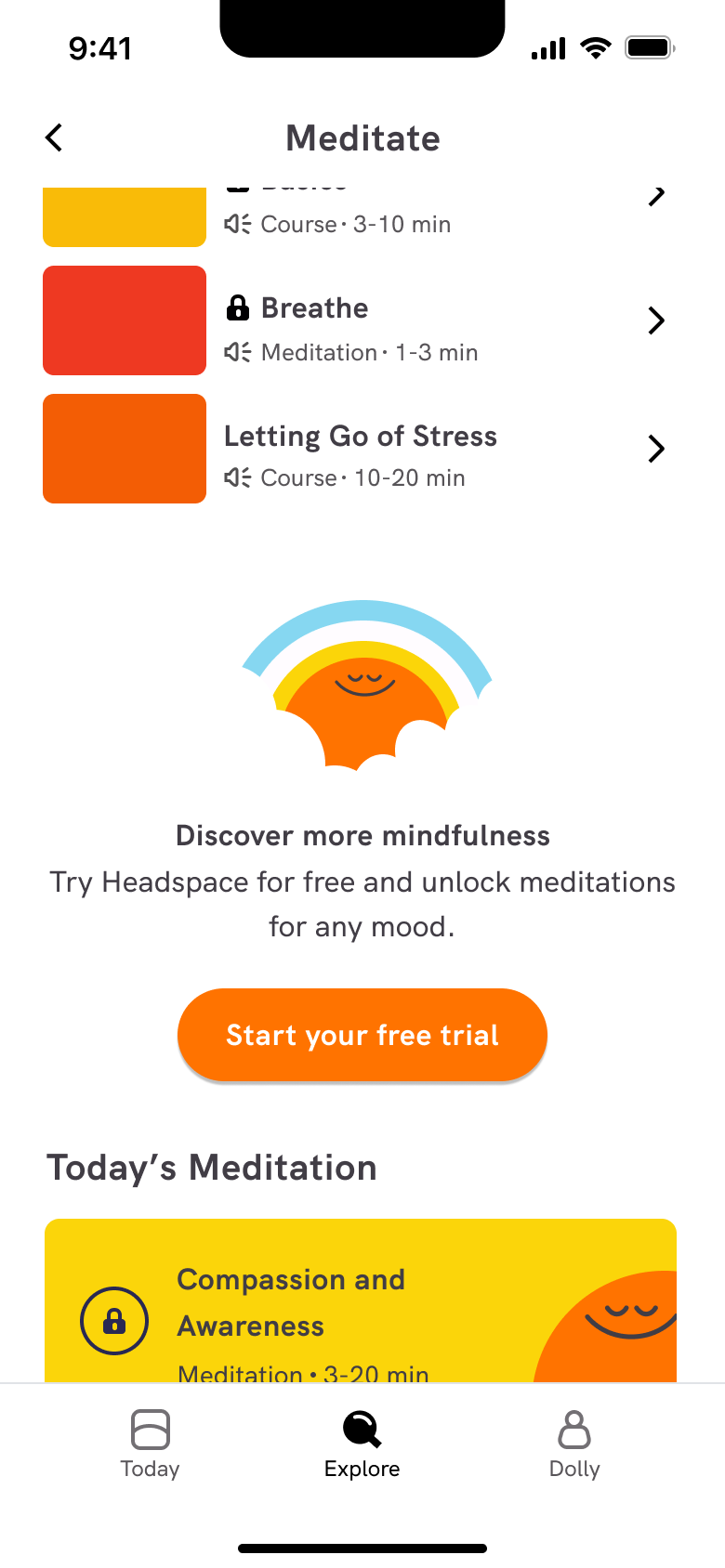 8
8Scroll - +3 more
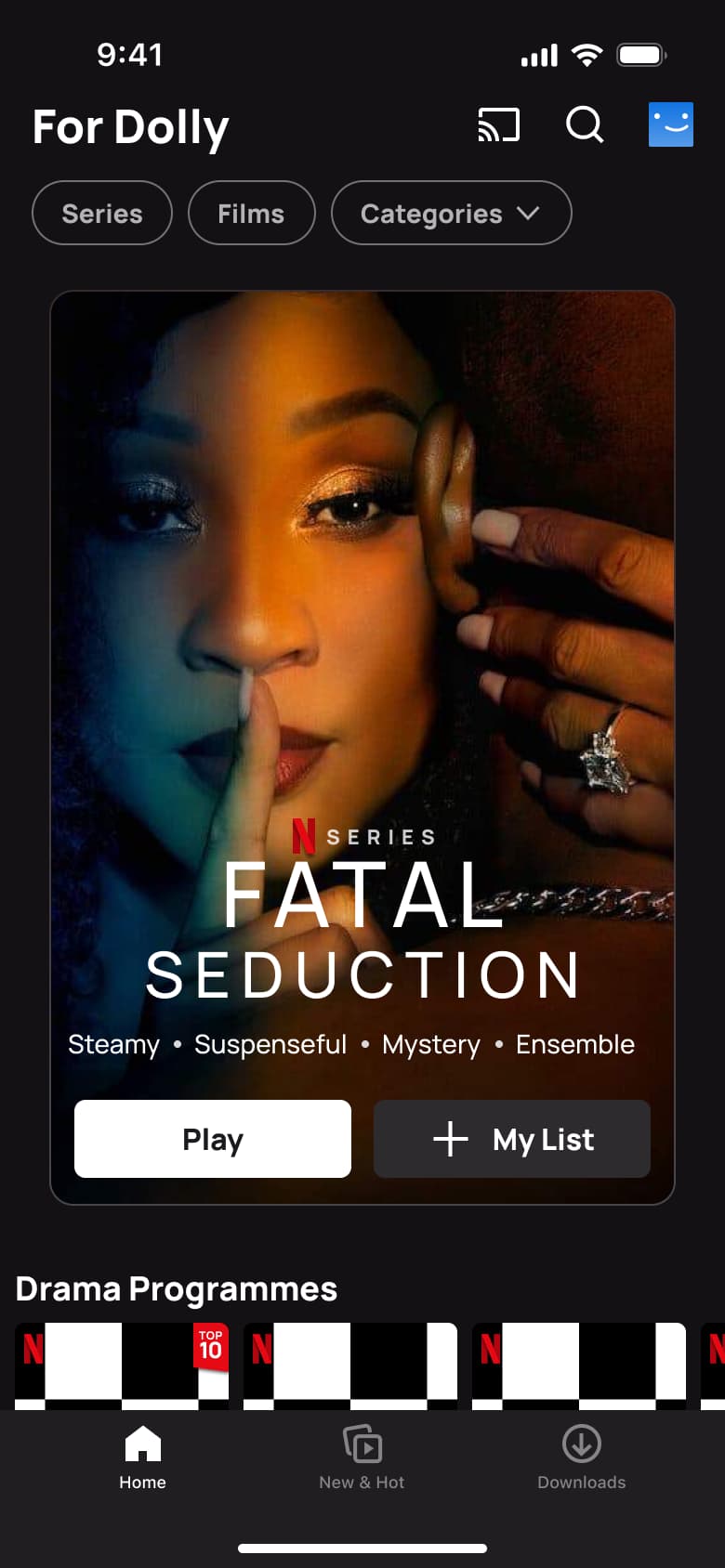 1
1- In-place change
 2
2Scroll - Sheet
 3
3Tap more on a title - Push
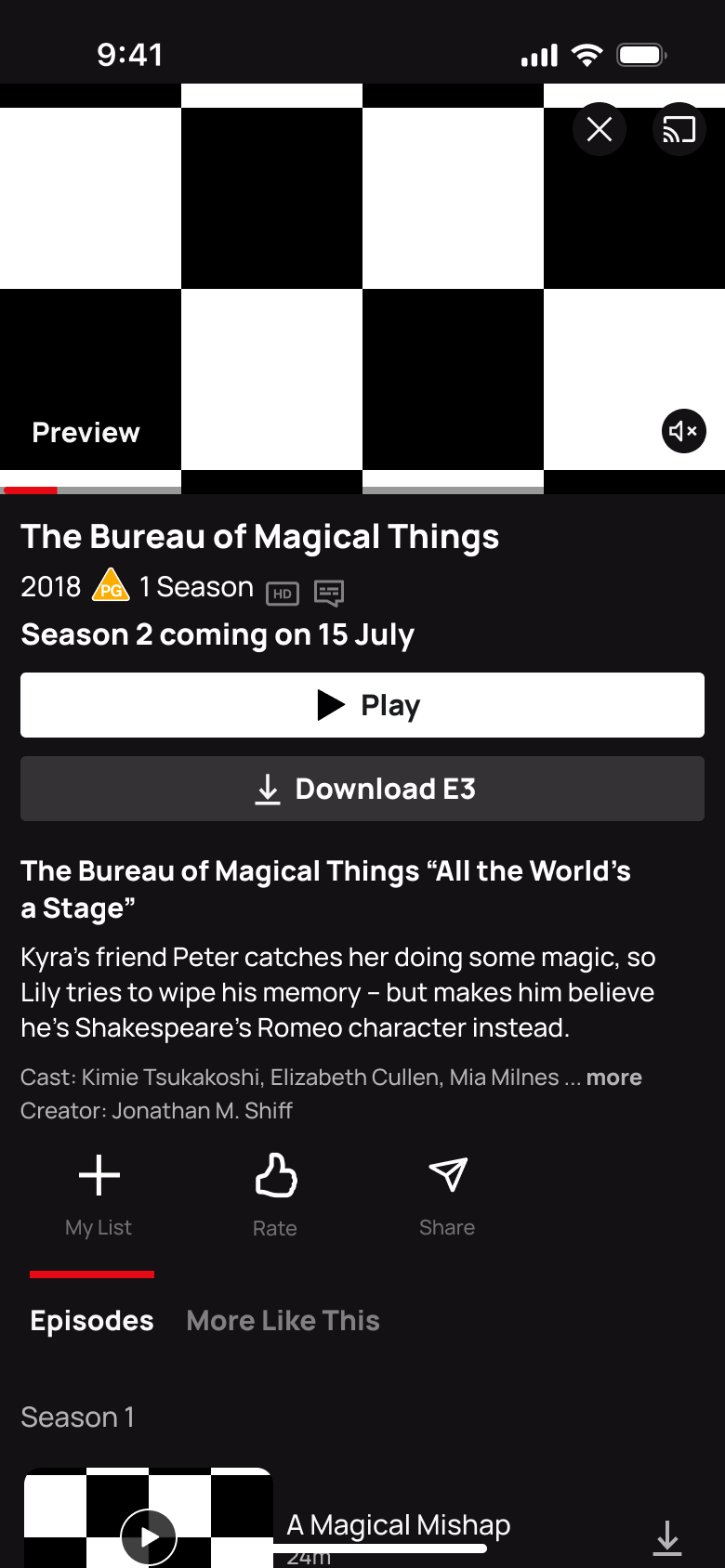 4
4Tap Episodes and info
 1
1Tap New & Hot - In-place change
 2
2 - In-place change
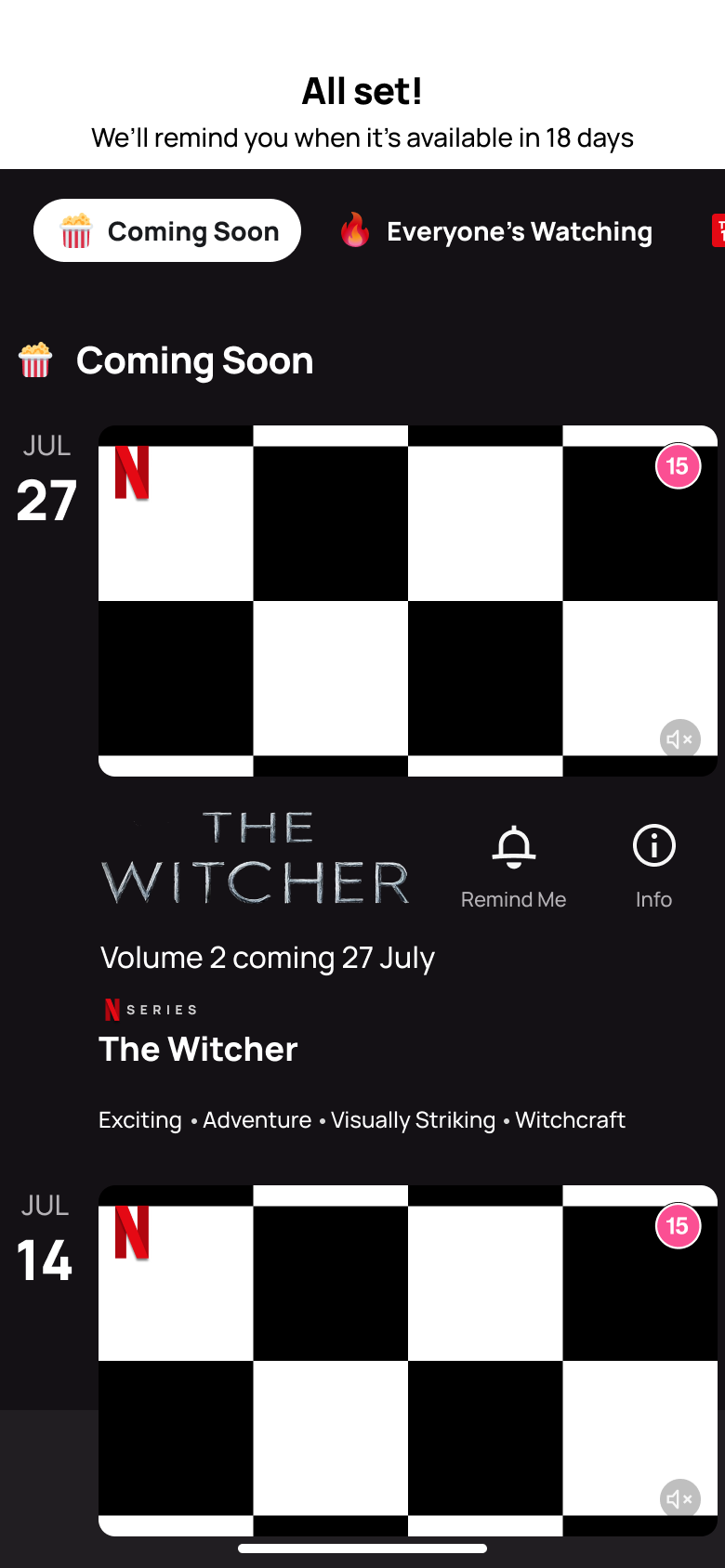 3
3Tap Remind Me - In-place change
 4
4Tap Everyone's Watching - In-place change
 5
5Tap Top 10 TV - In-place change
 6
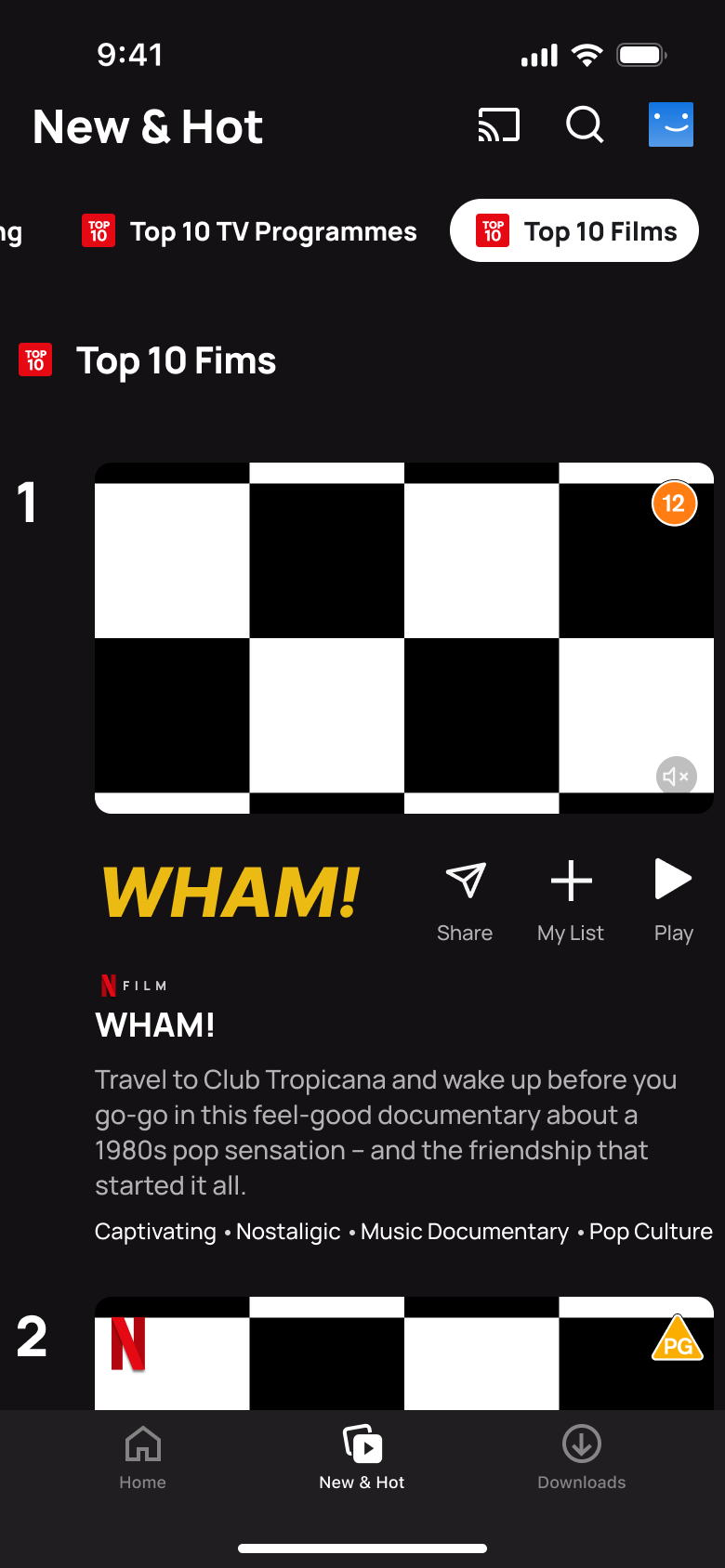
6Tap Top 10 Films
 1
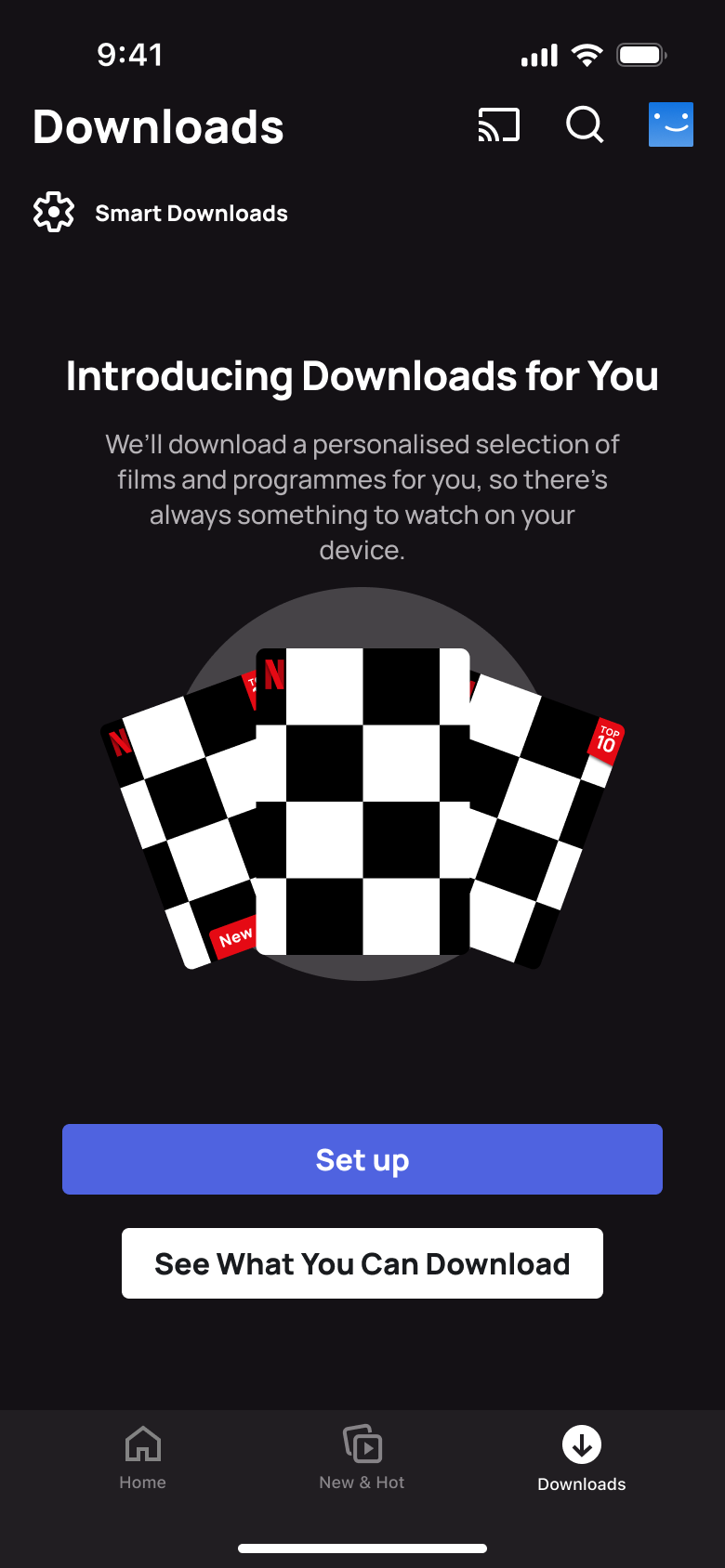
1- Push
 2
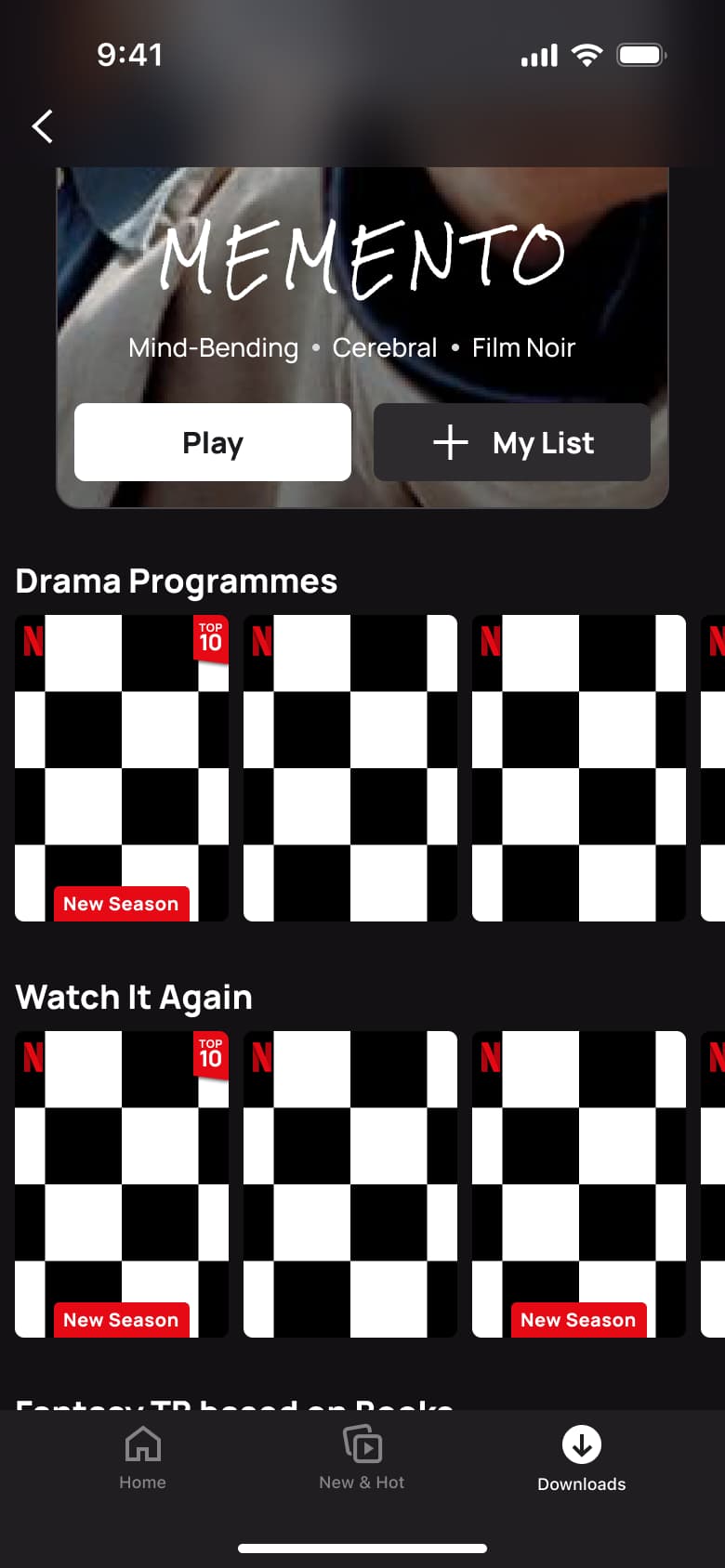
2Tap See What You Can Download - In-place change
 3
3Scroll - In-place change
 4
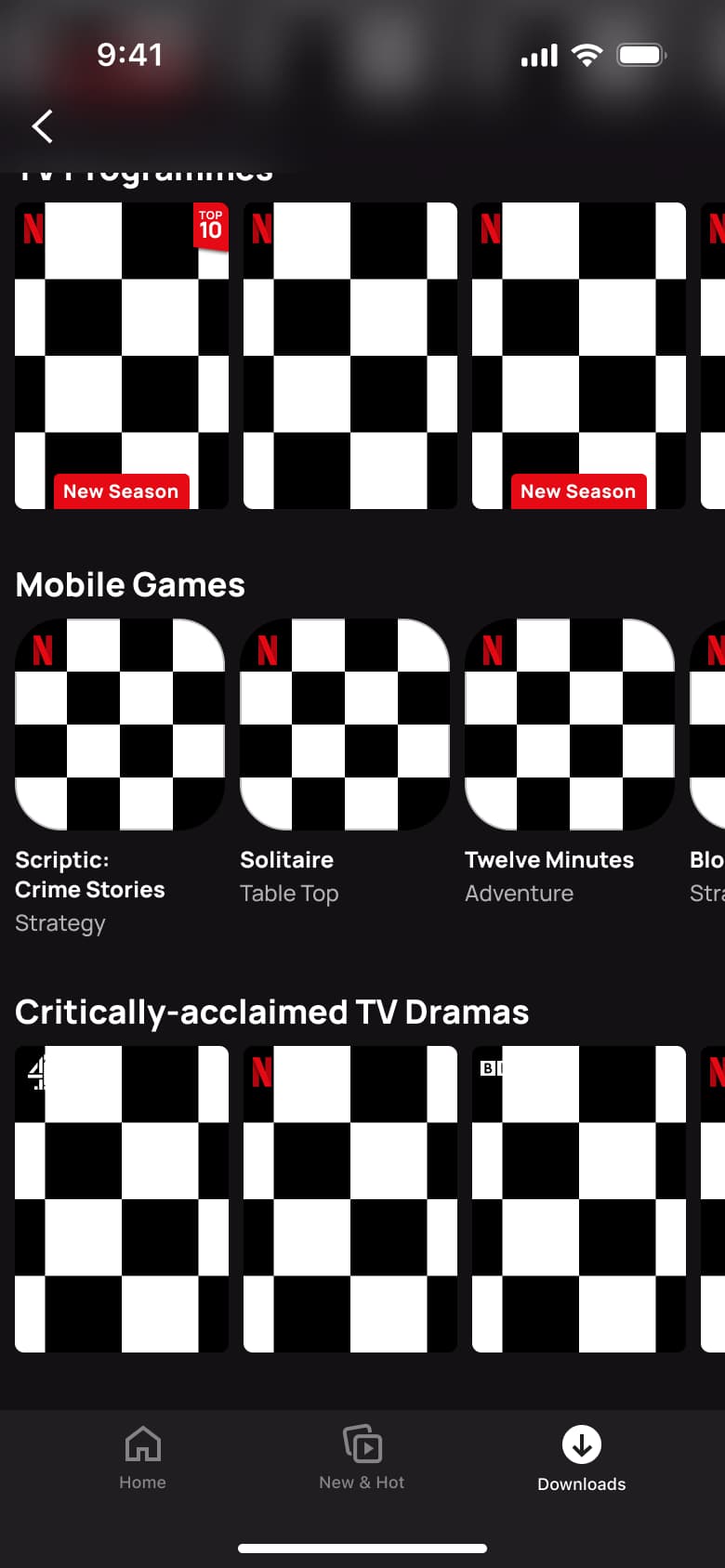
4Scroll
 1
1- In-place change
 2
2Swipe - In-place change
 3
3Swipe - In-place change
 4
4Swipe - In-place change
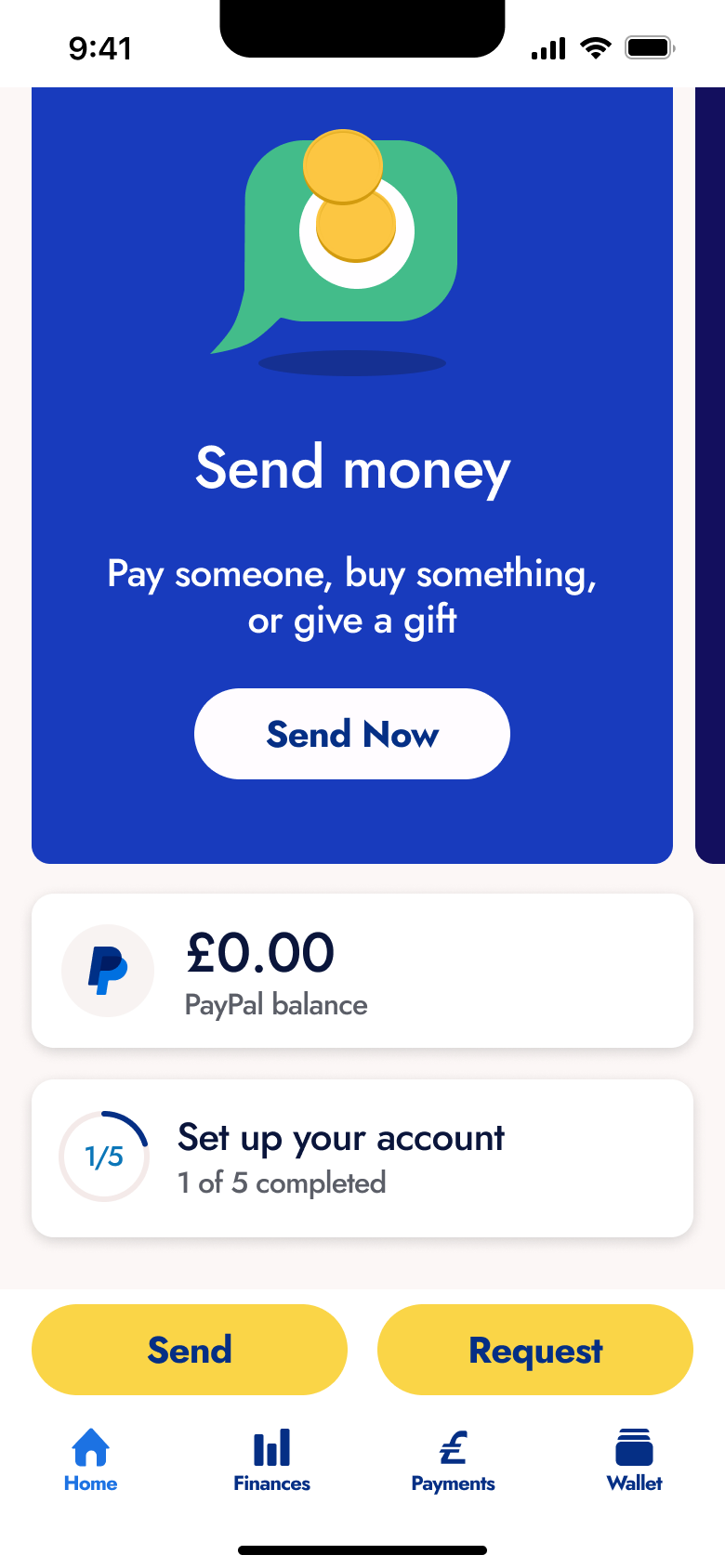 5
5 - In-place change
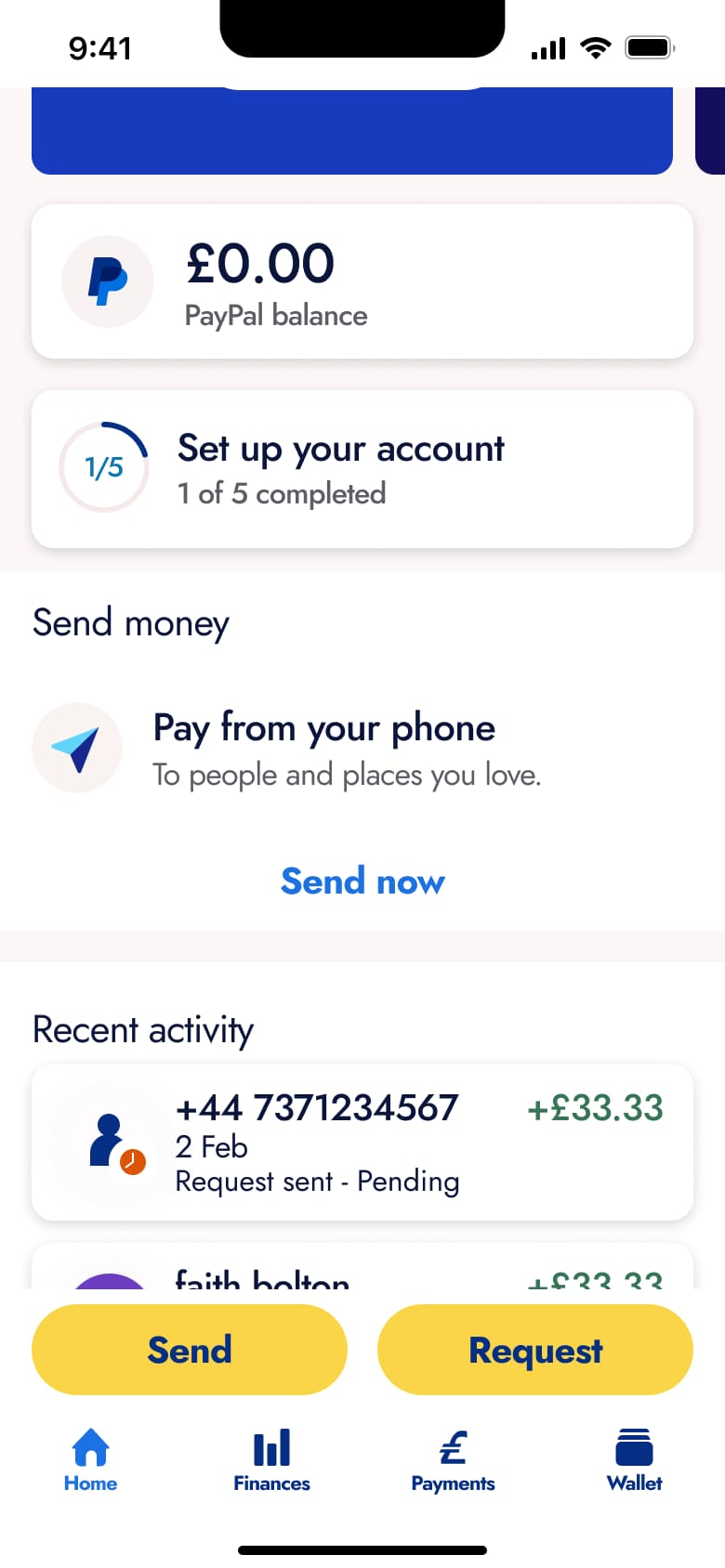 6
6Scroll - In-place change
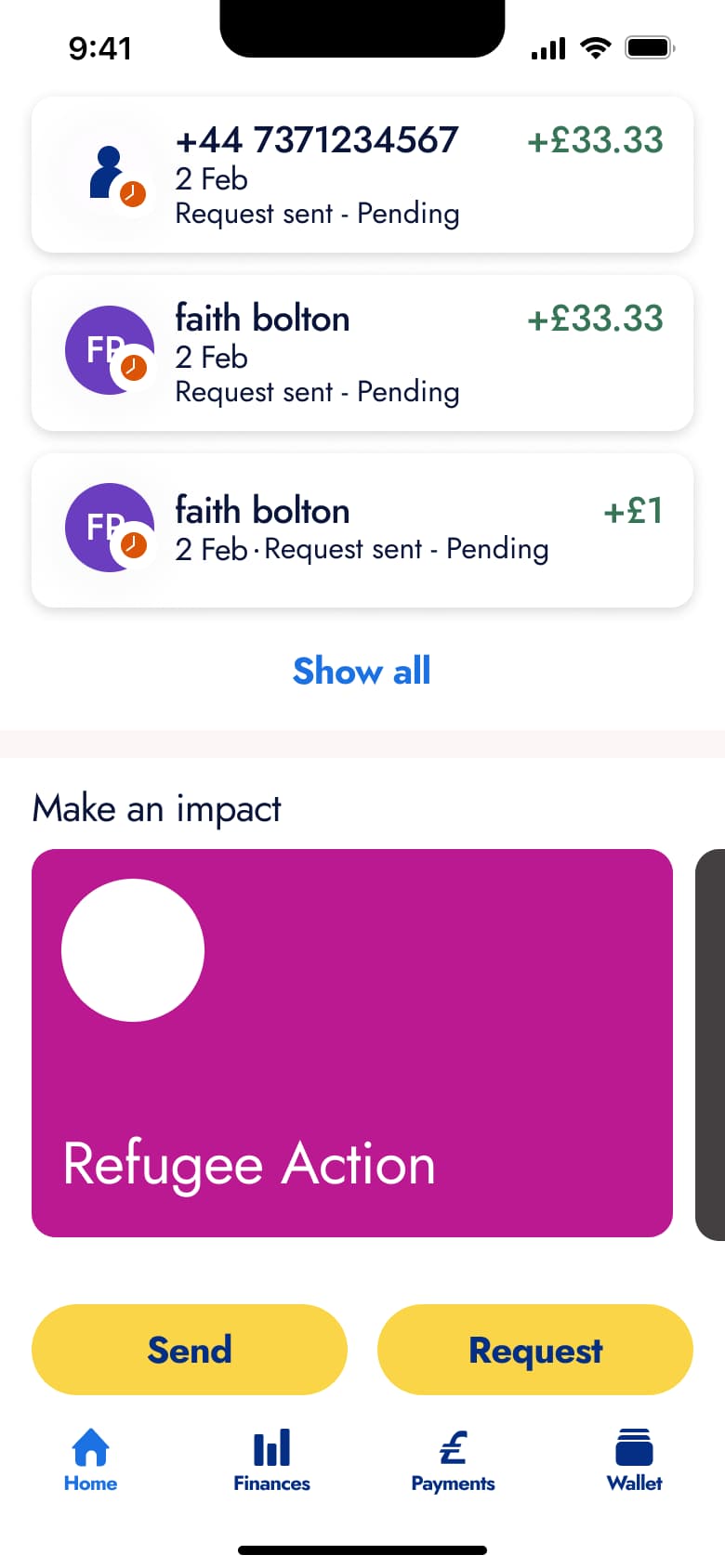 7
7Scroll - In-place change
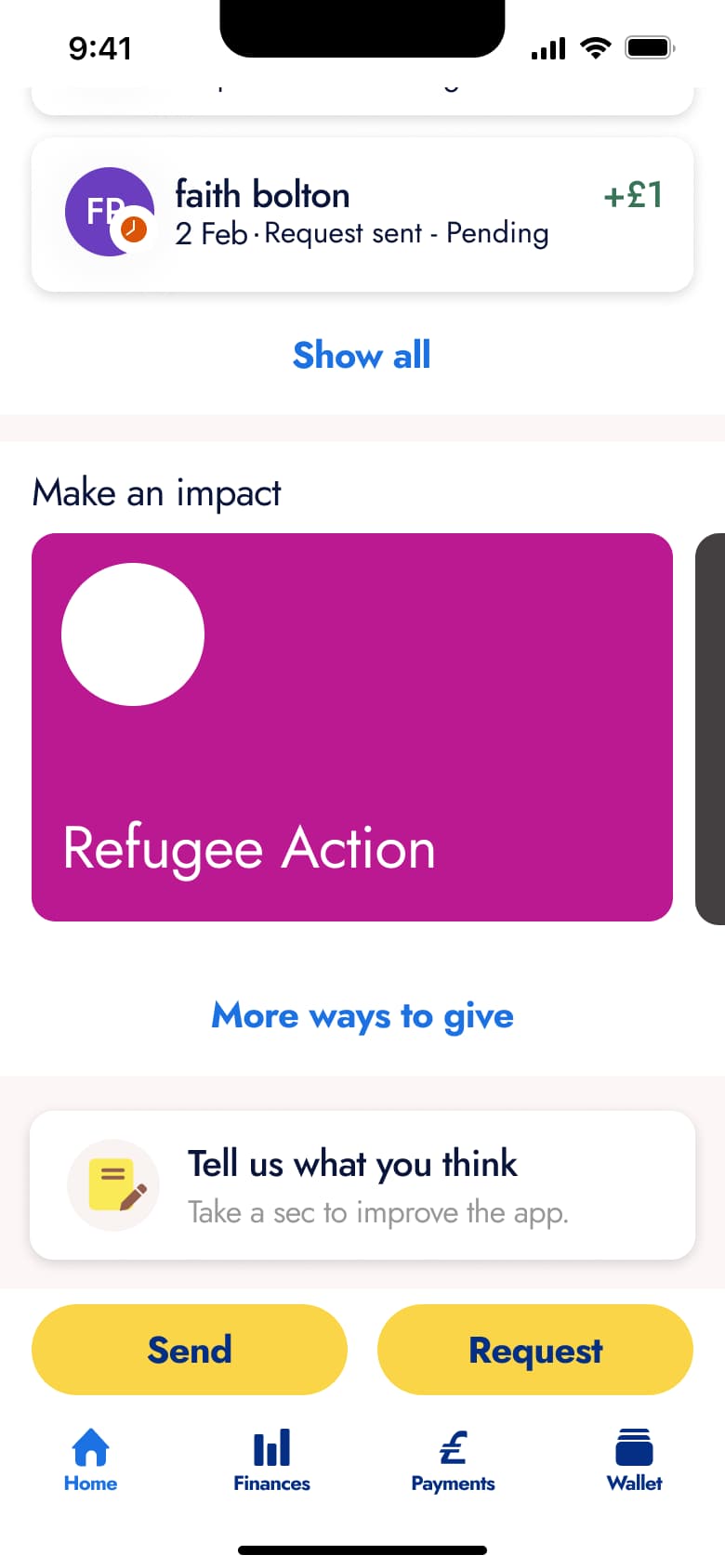 8
8Scroll - +3 more
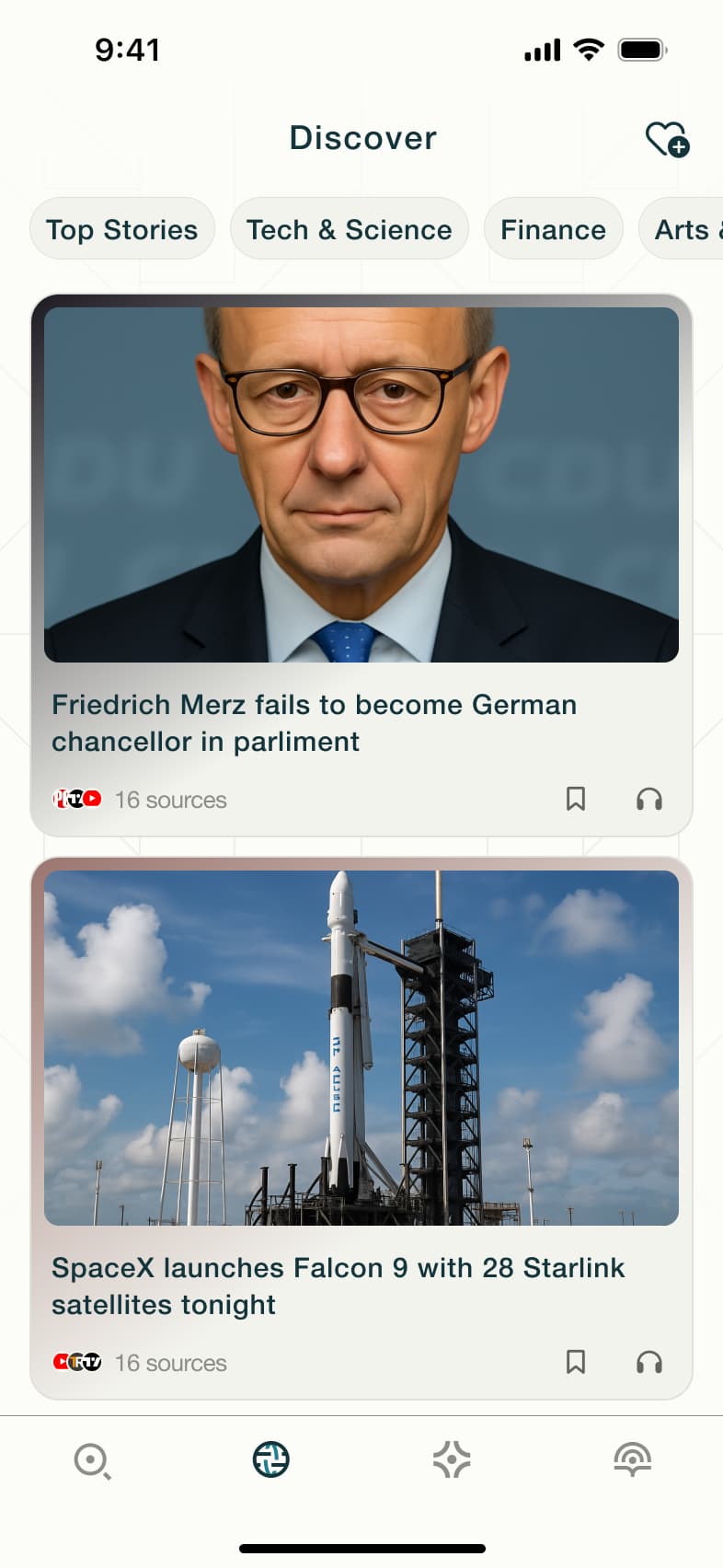 1
1- Push
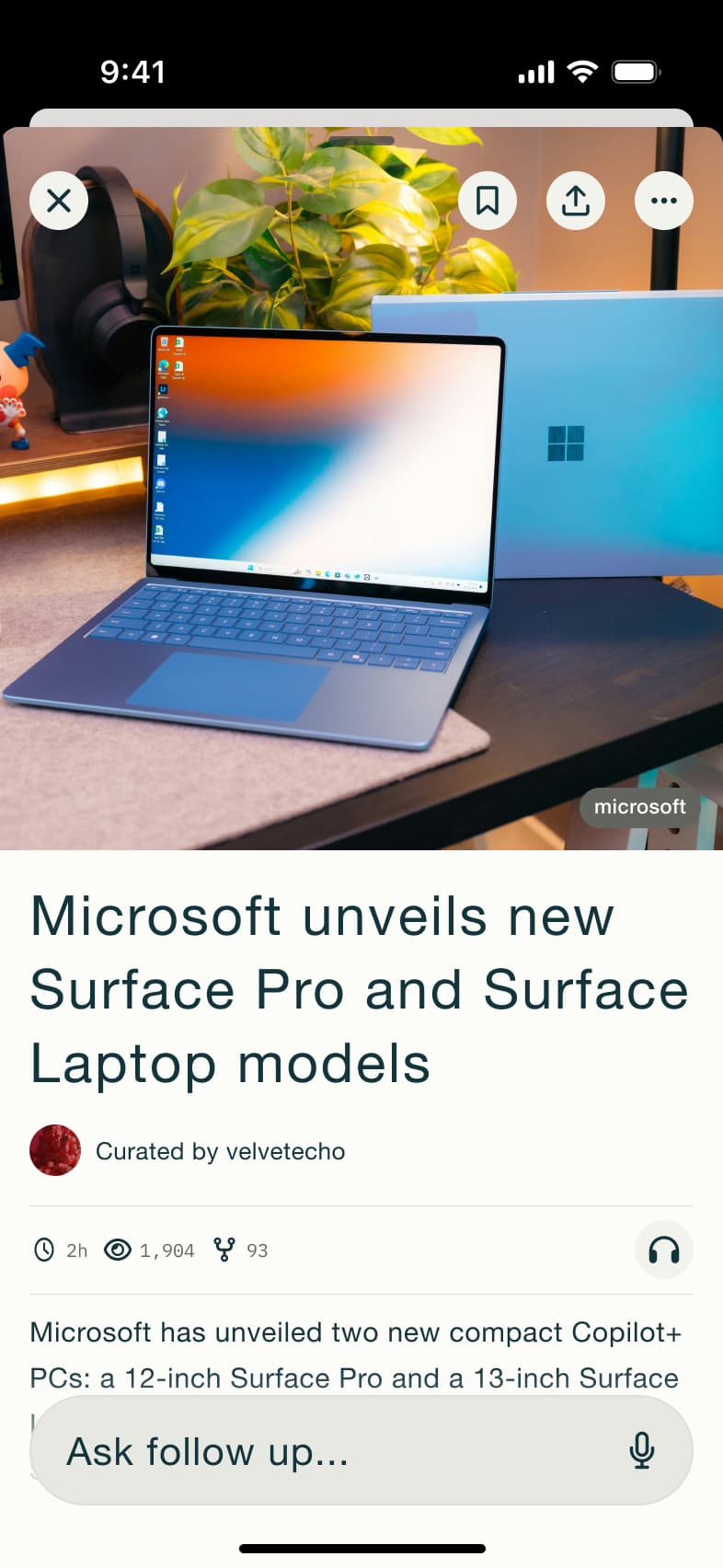 2
2Tap story - In-place change
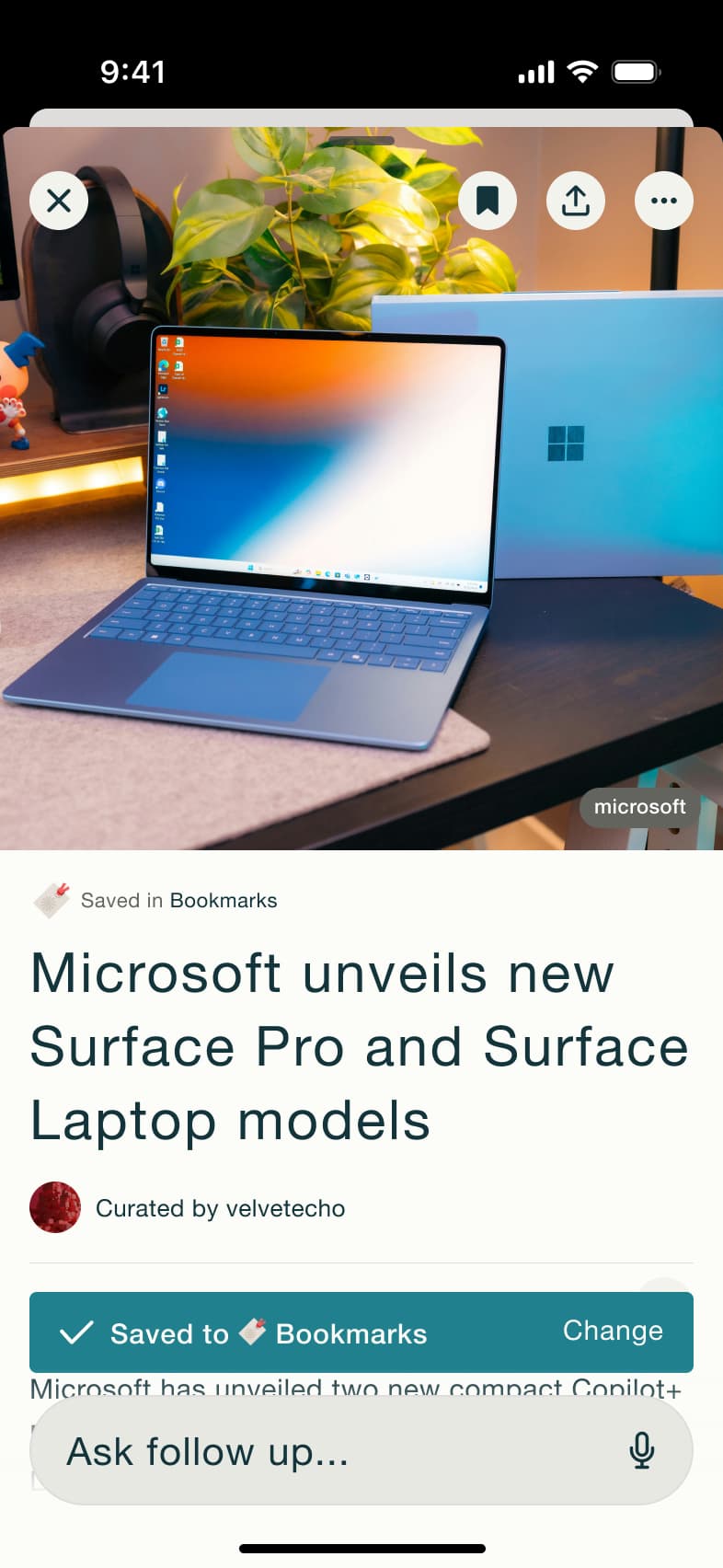 3
3Tap bookmark - In-place change
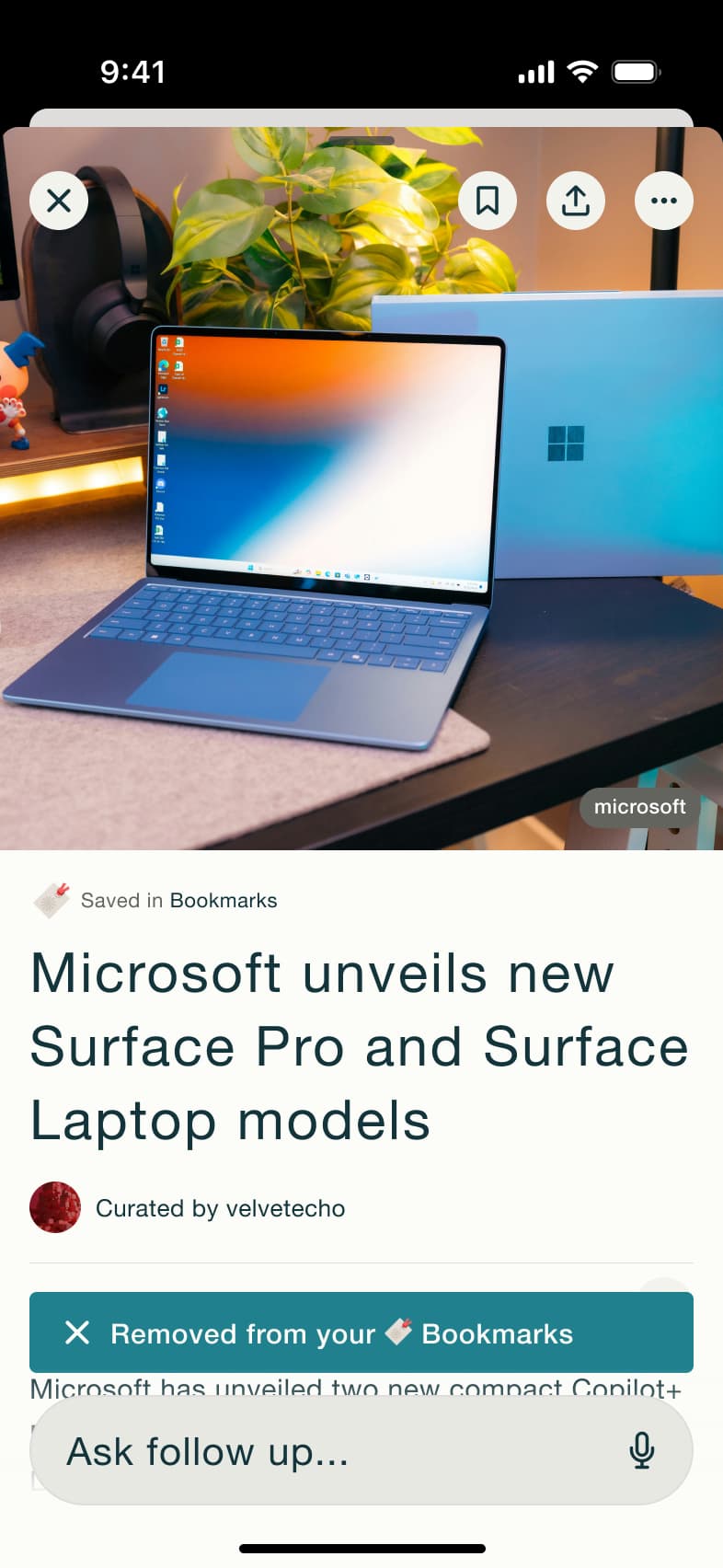 4
4Tap bookmark - In-place change
 5
5 - In-place change
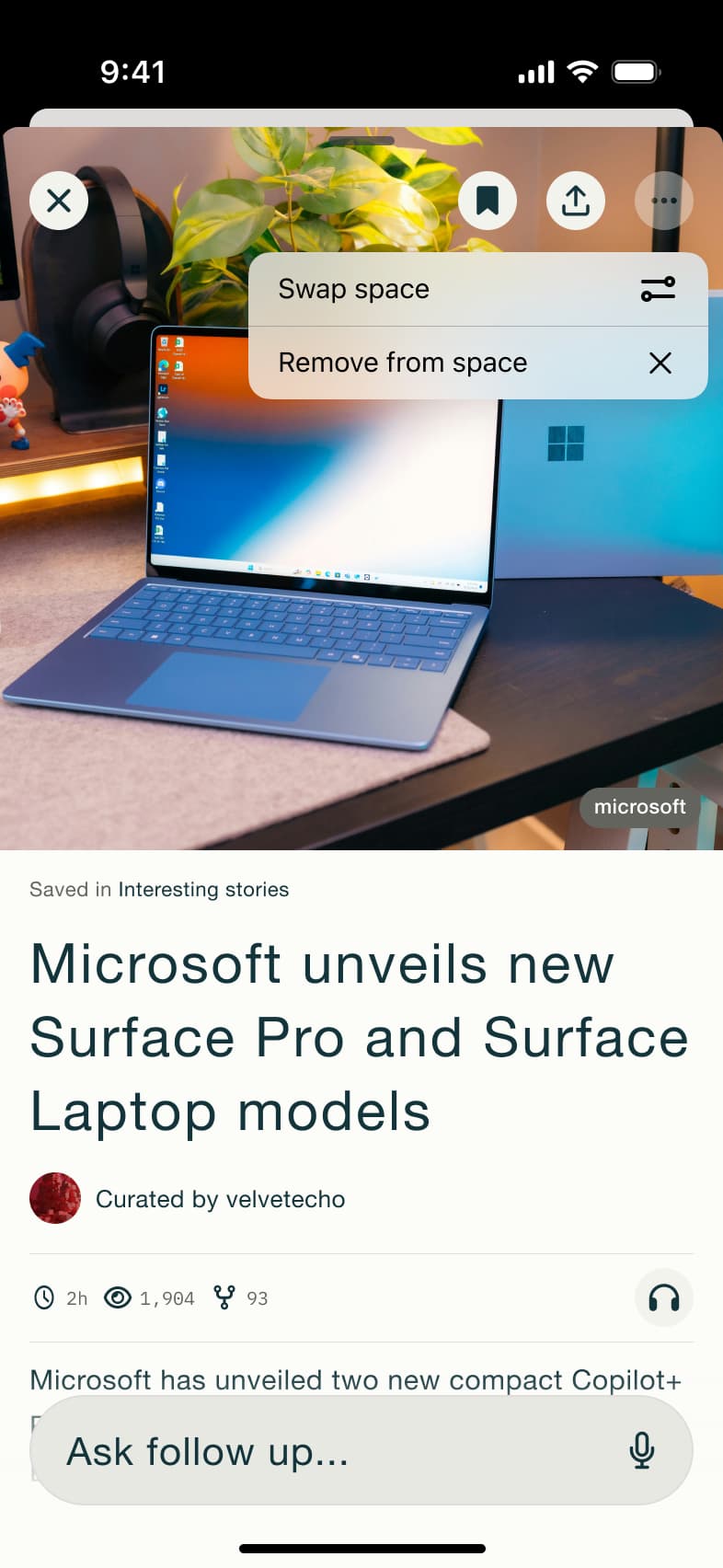 6
6Tap saved - In-place change
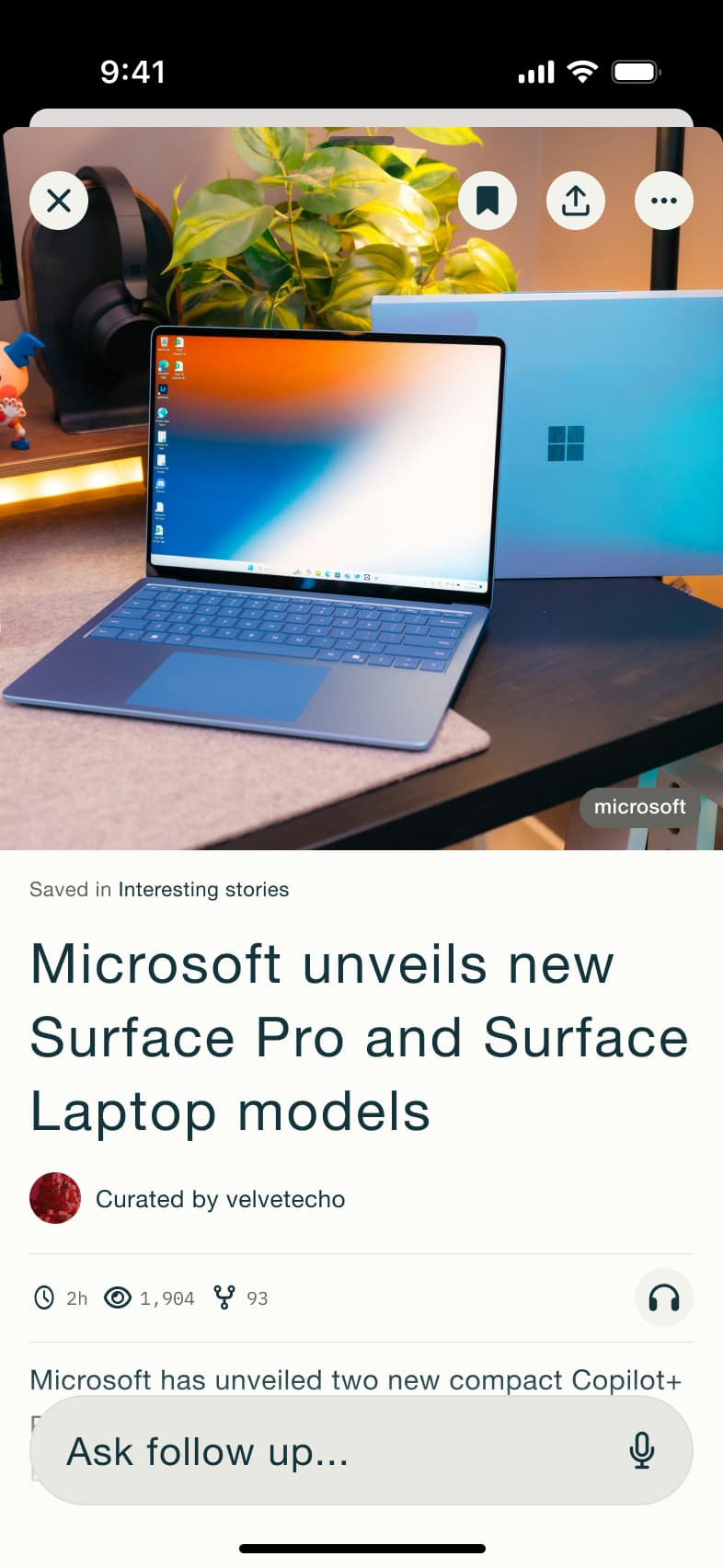 7
7 - In-place change
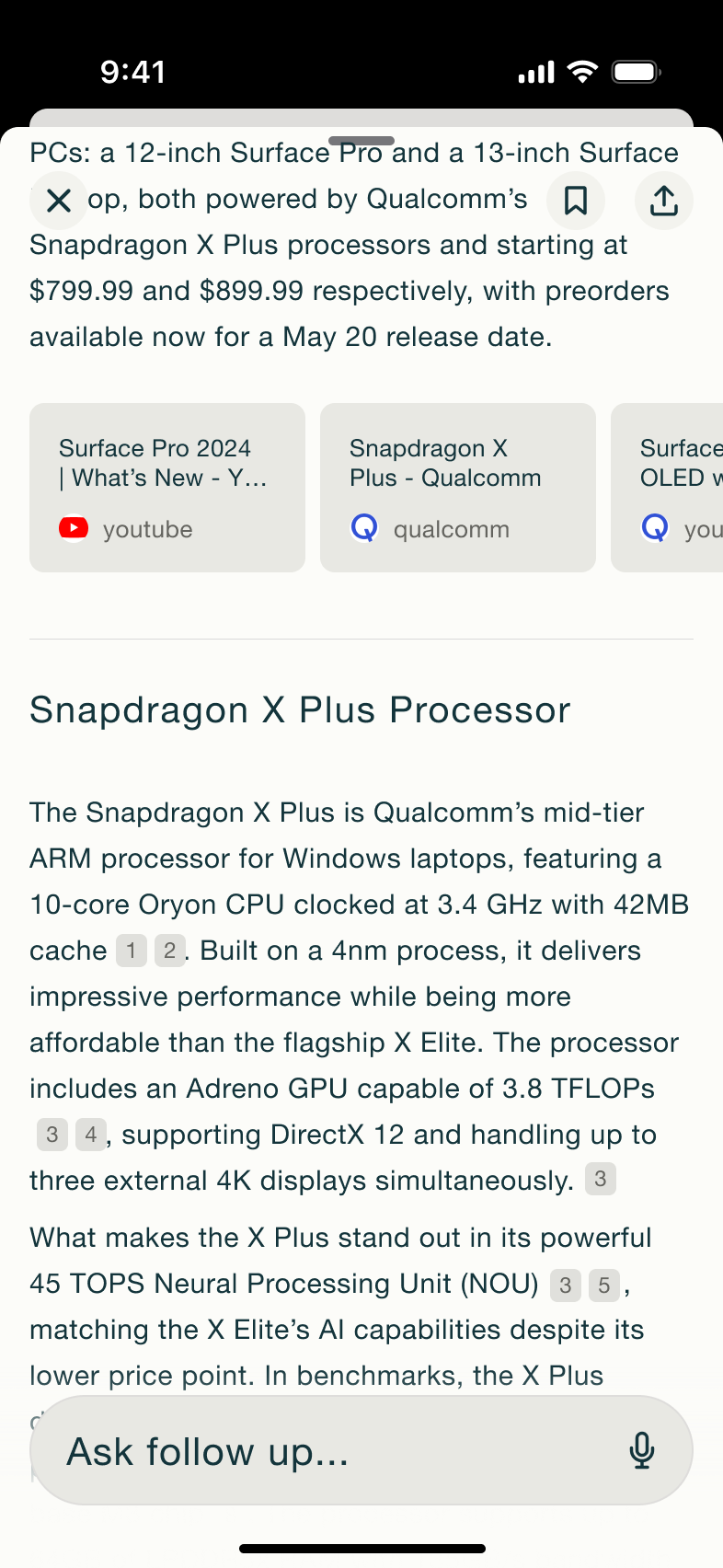 8
8Scroll - +8 more
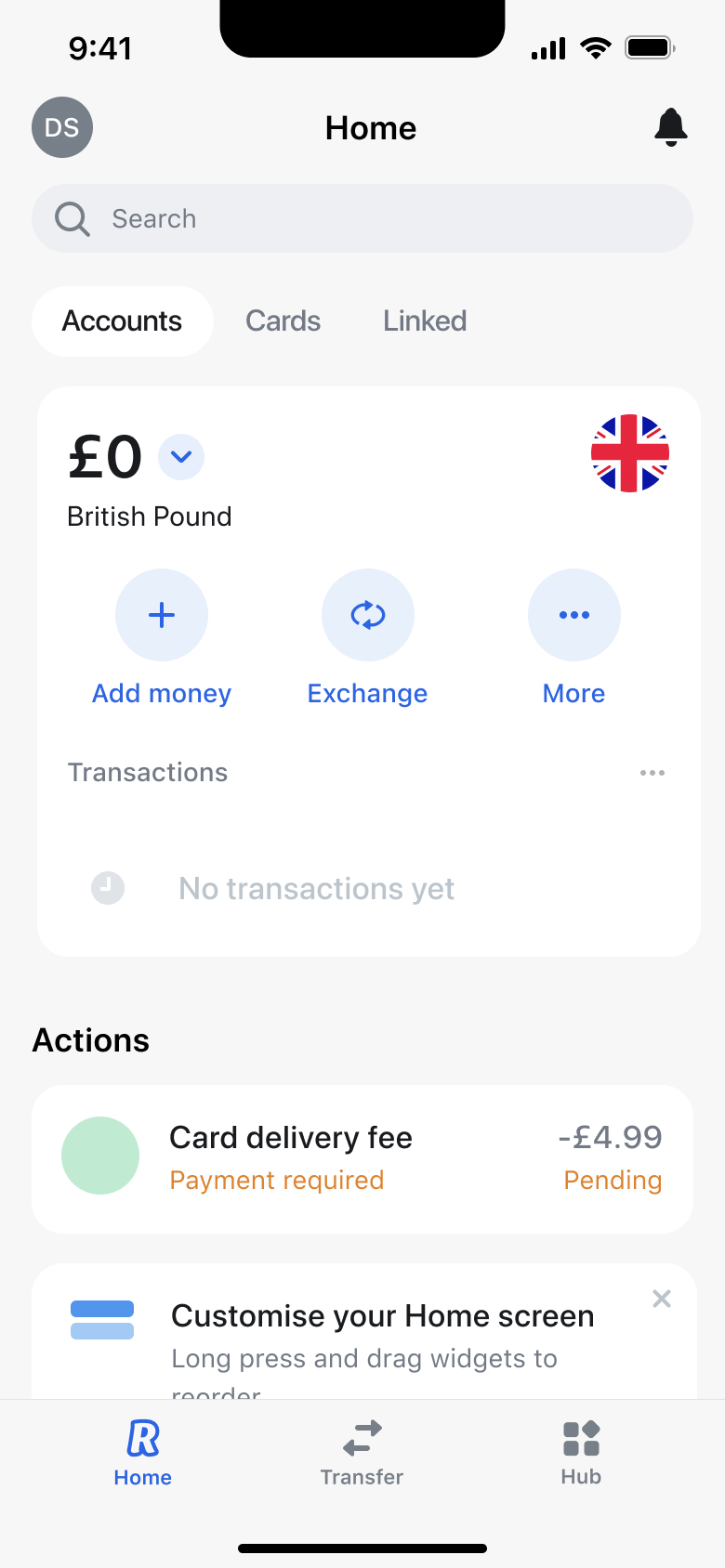 1
1- In-place change
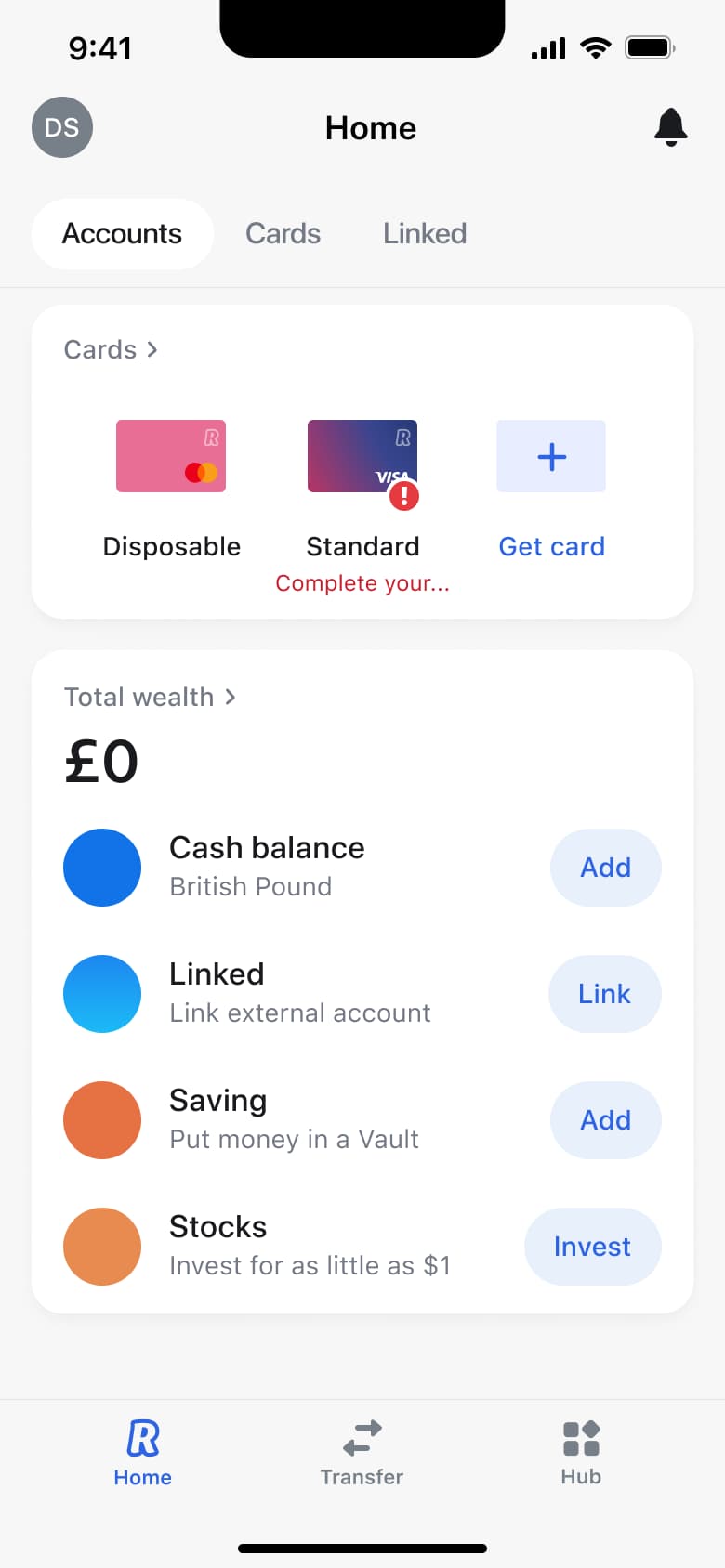 2
2Tap Accounts - Sheet
 3
3Tap balance - Modal
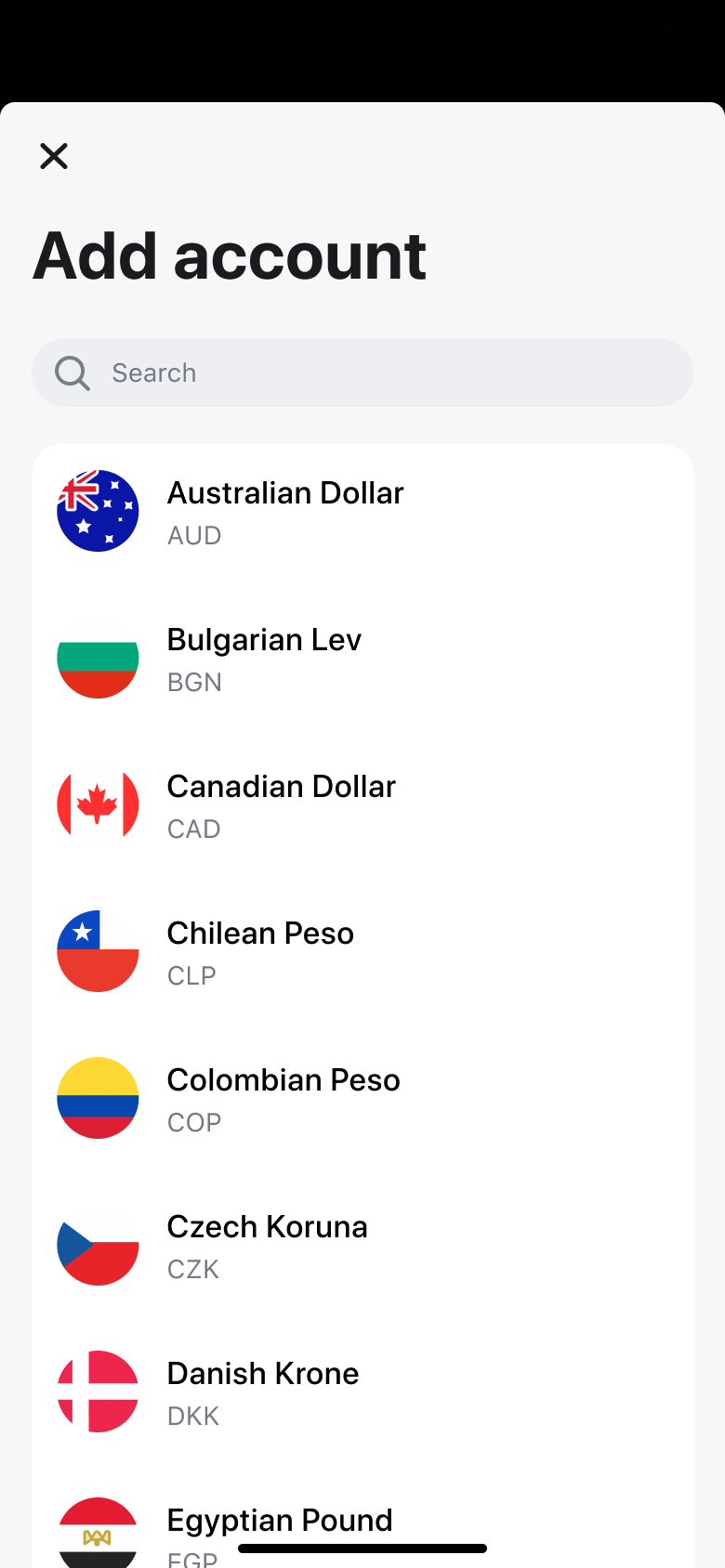 4
4Tap New - In-place change
 5
5Scroll - Dismiss modal or sheet
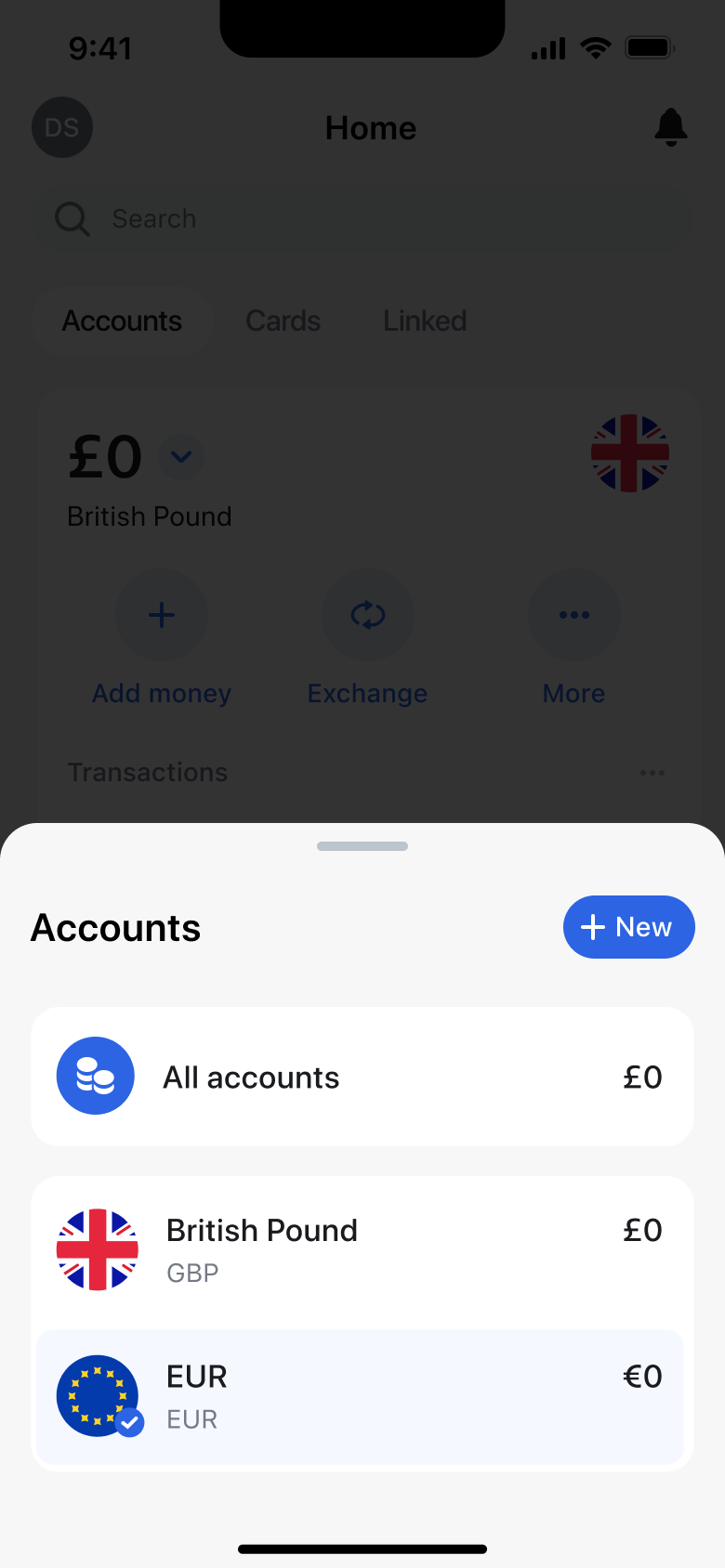 6
6Select currency - Push
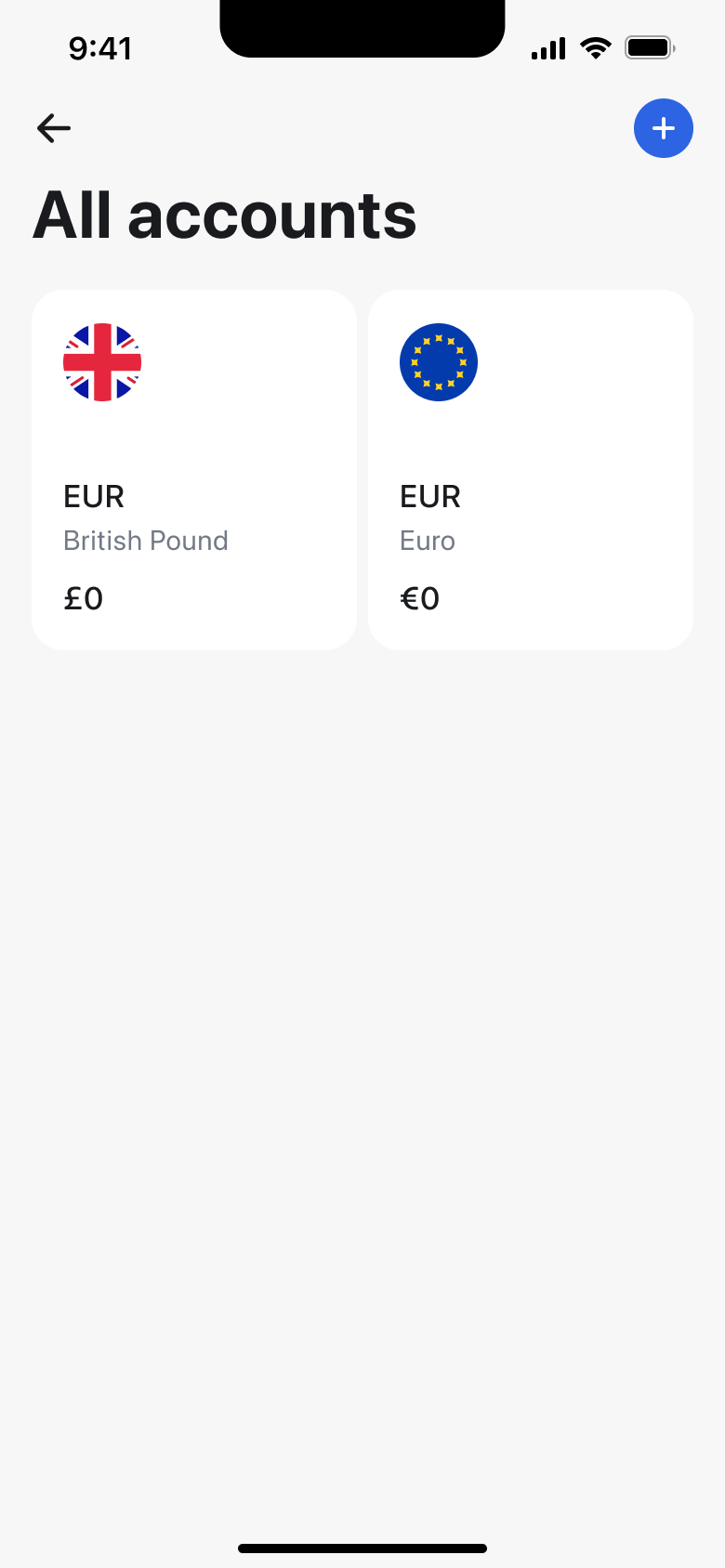 7
7Tap All accounts
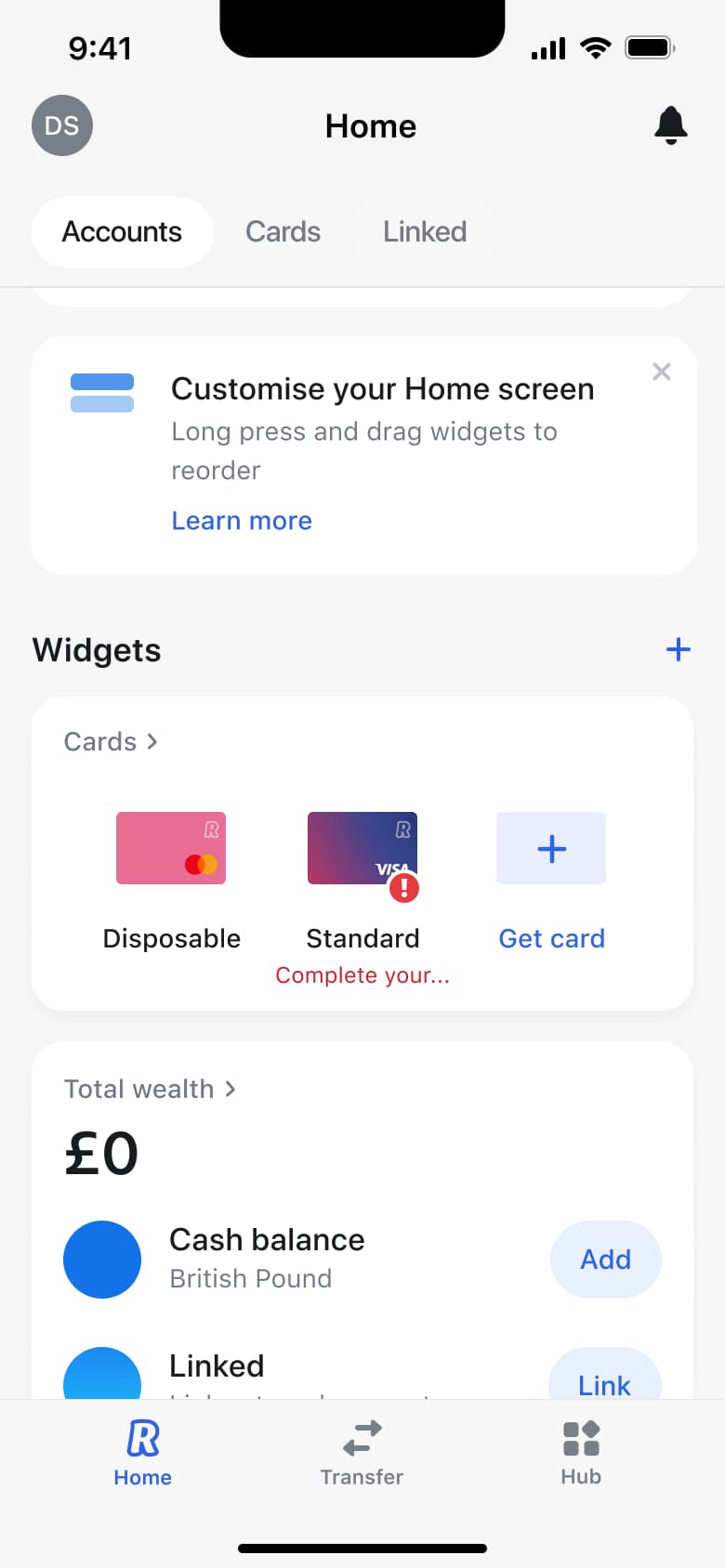 1
1- Modal
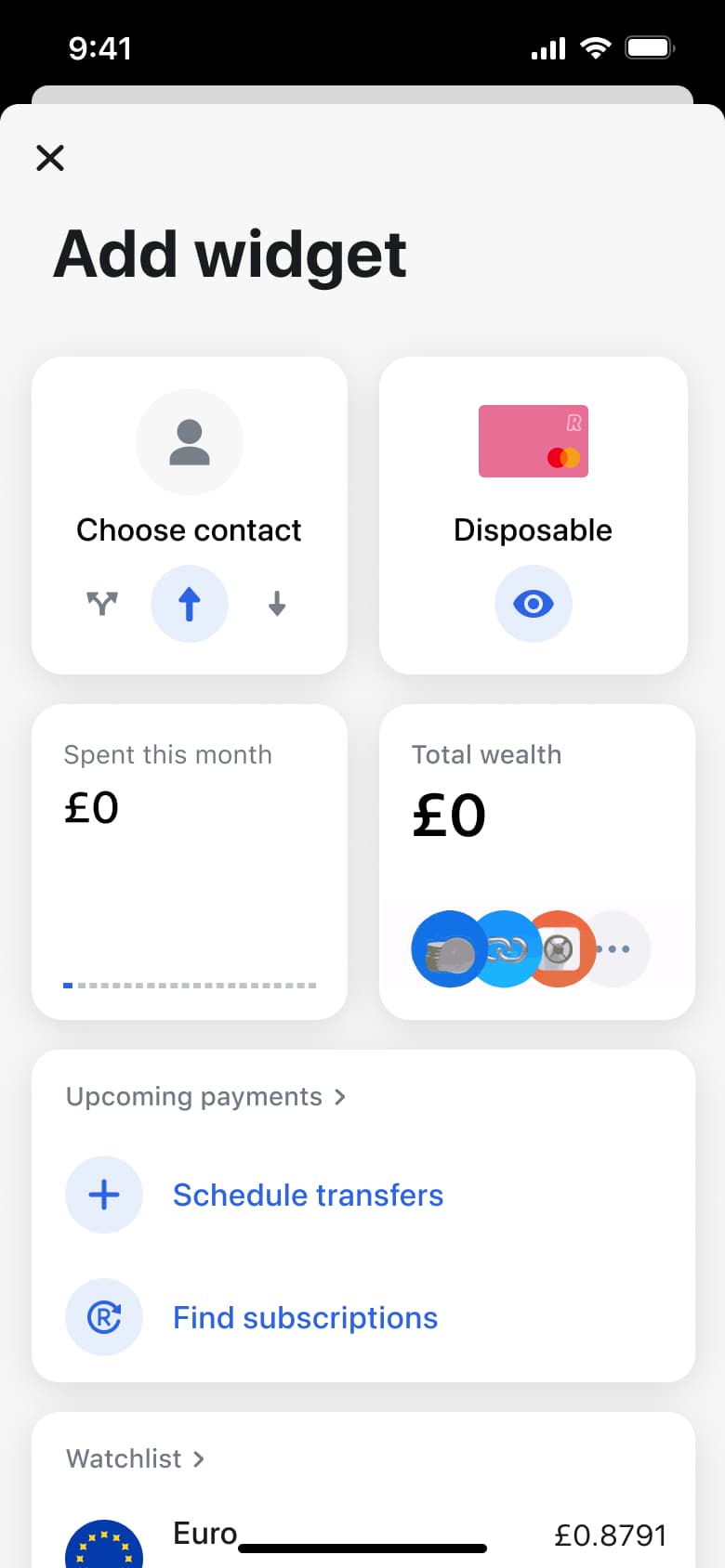 2
2Tap add widget - In-place change
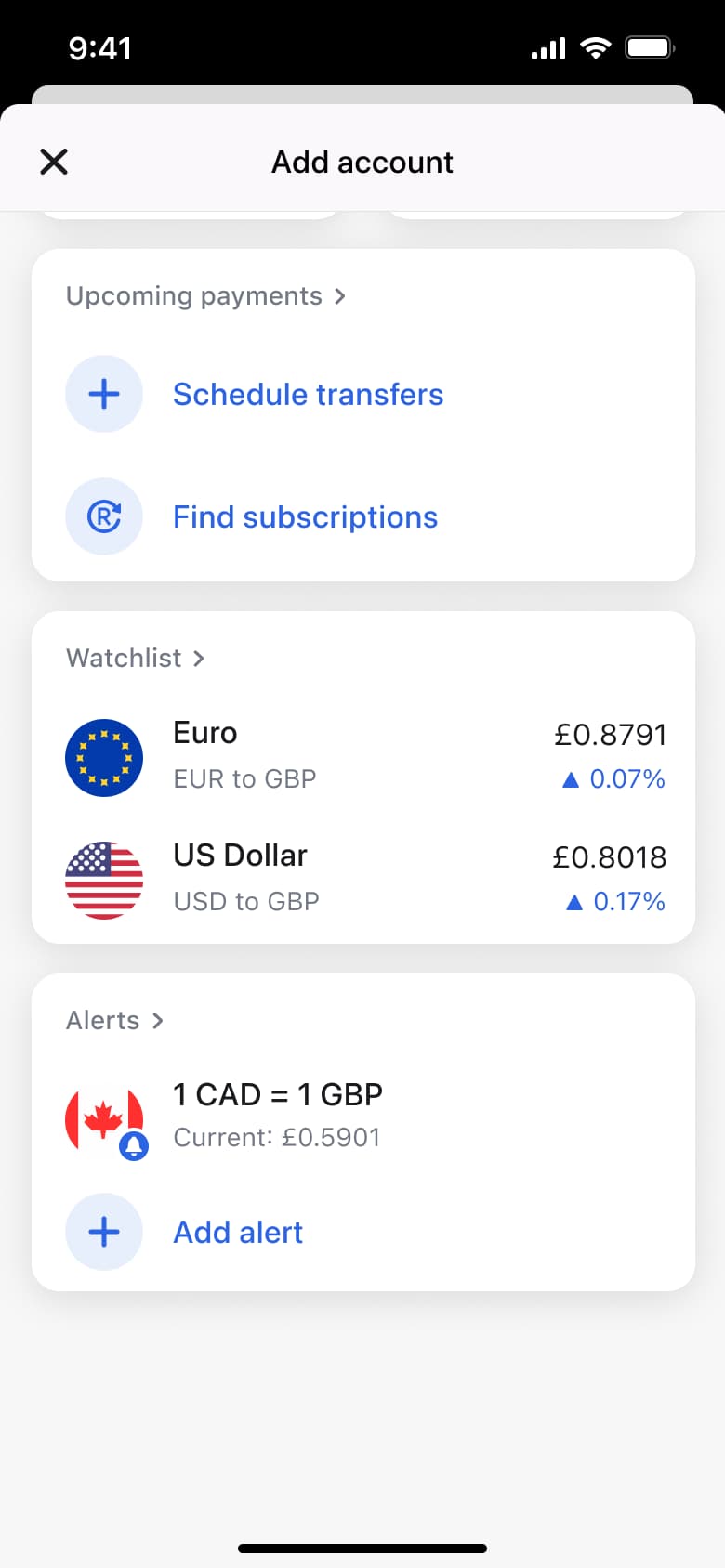 3
3Scroll - Push
 4
4Tap converter
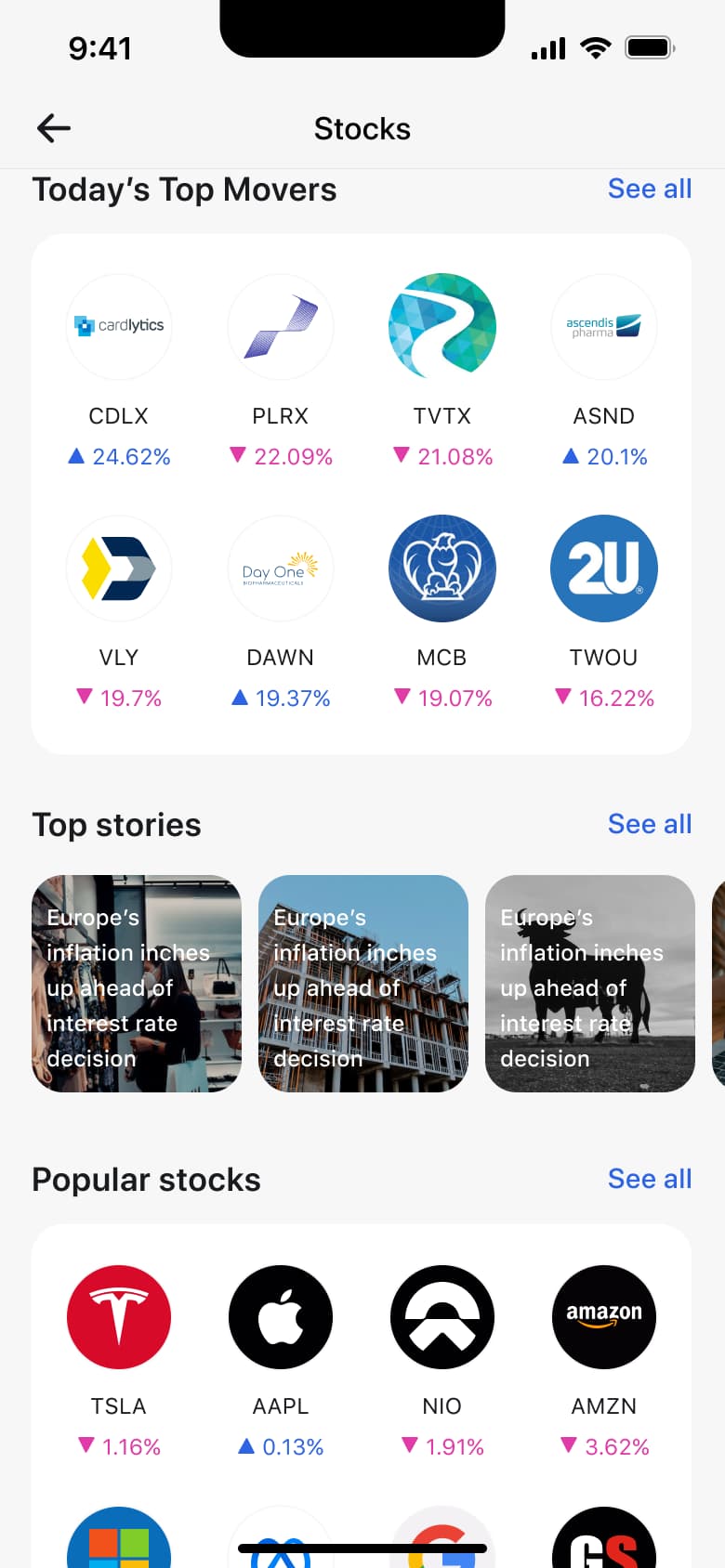 1
1Tap See all - Push
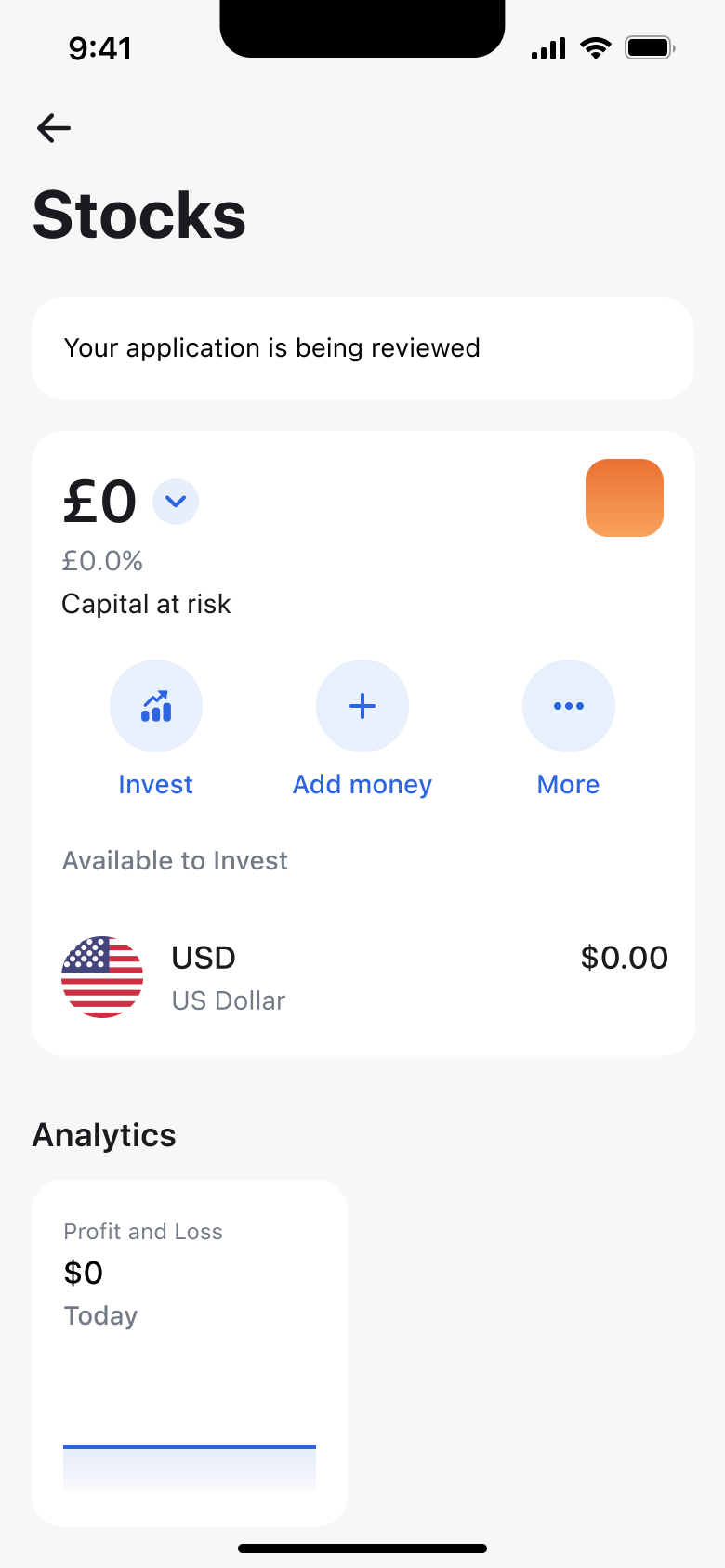 2
2Back - Sheet
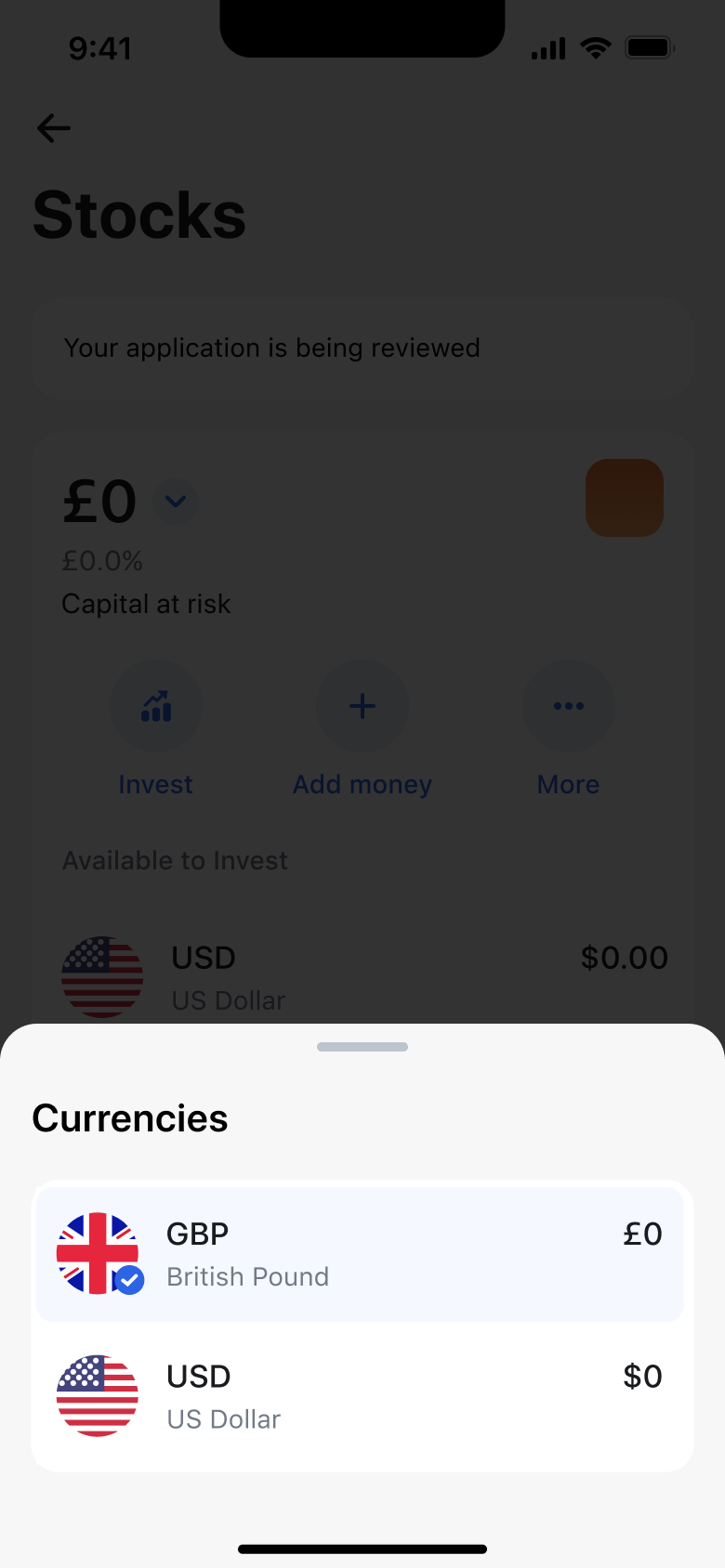 3
3Tap balance - Sheet
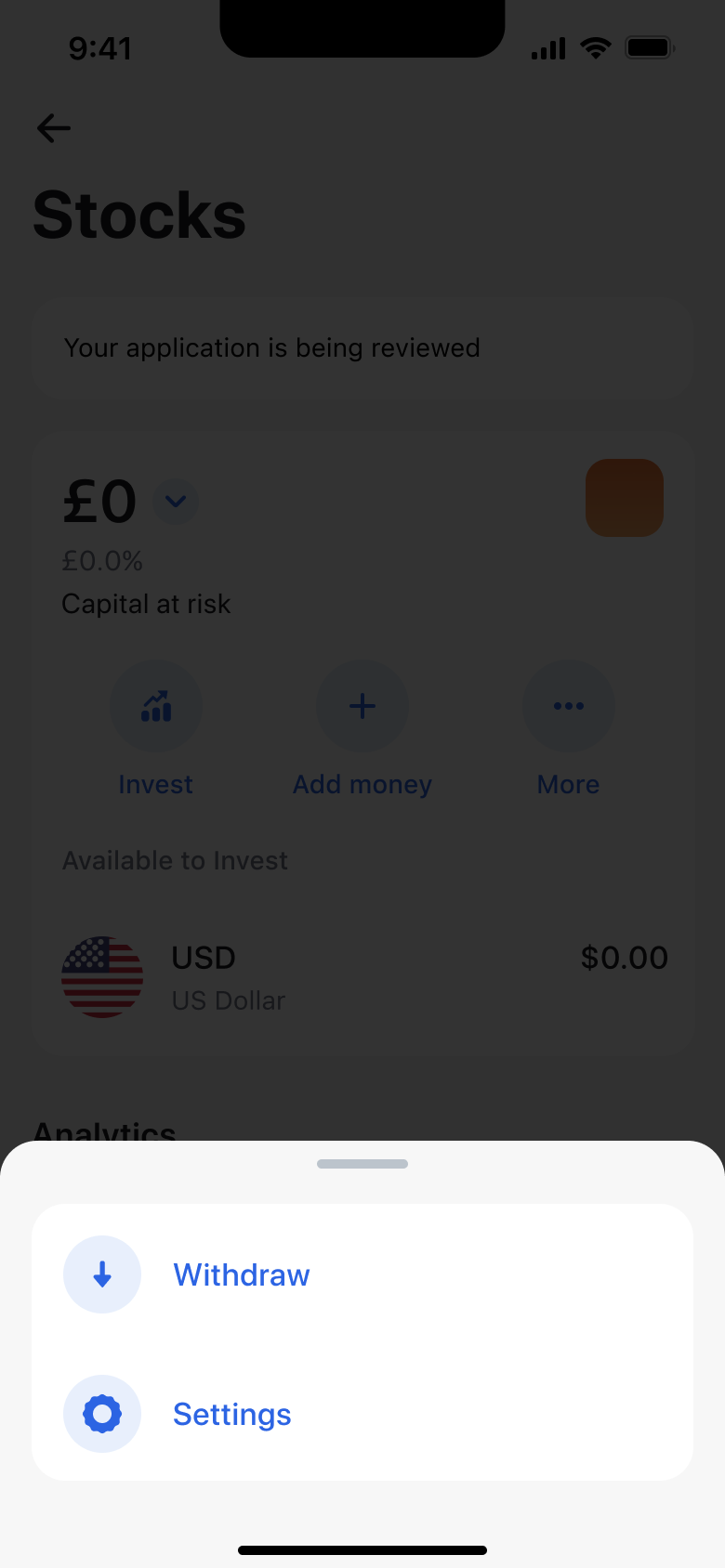 4
4Tap More
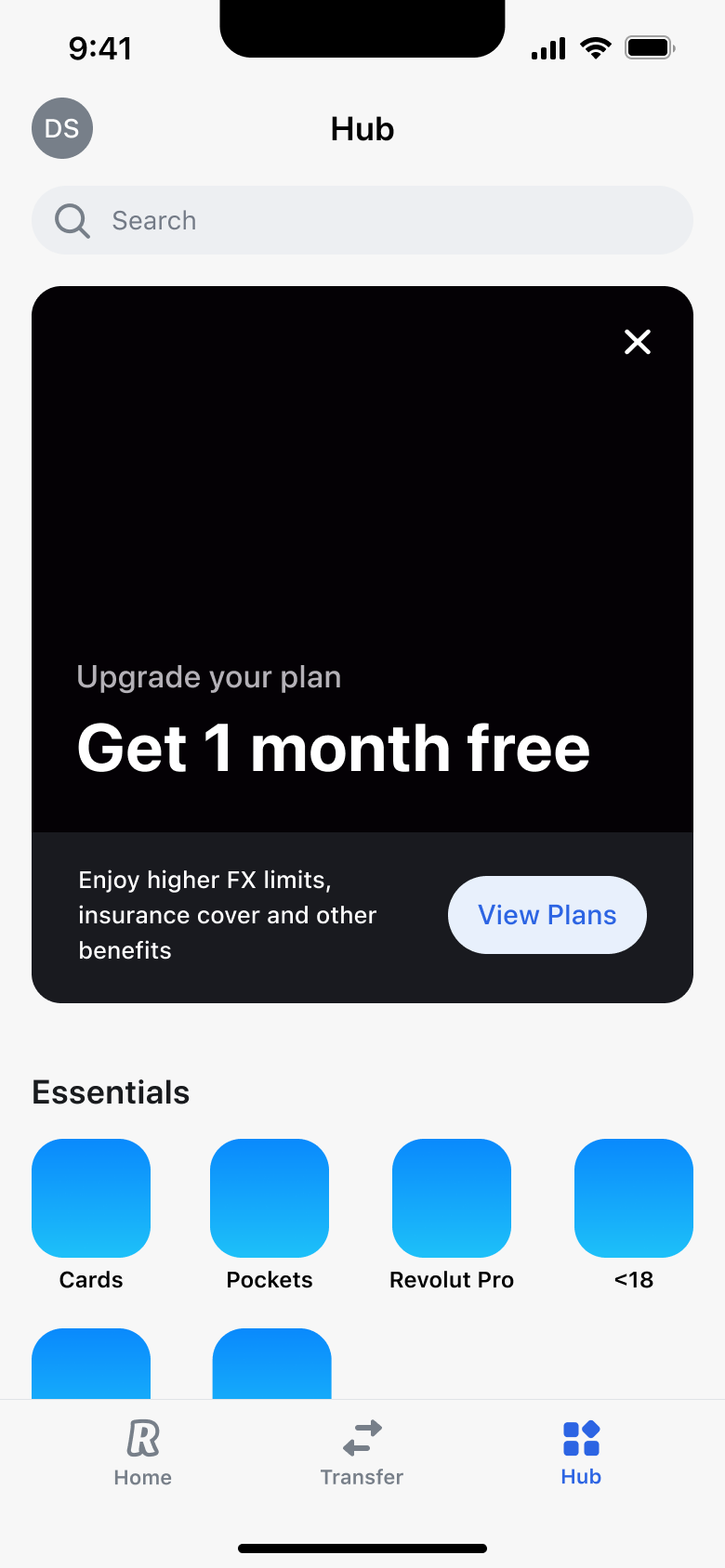 1
1Tap Hub - Modal
 2
2Tap search - Dismiss modal or sheet
 3
3Tap Cancel
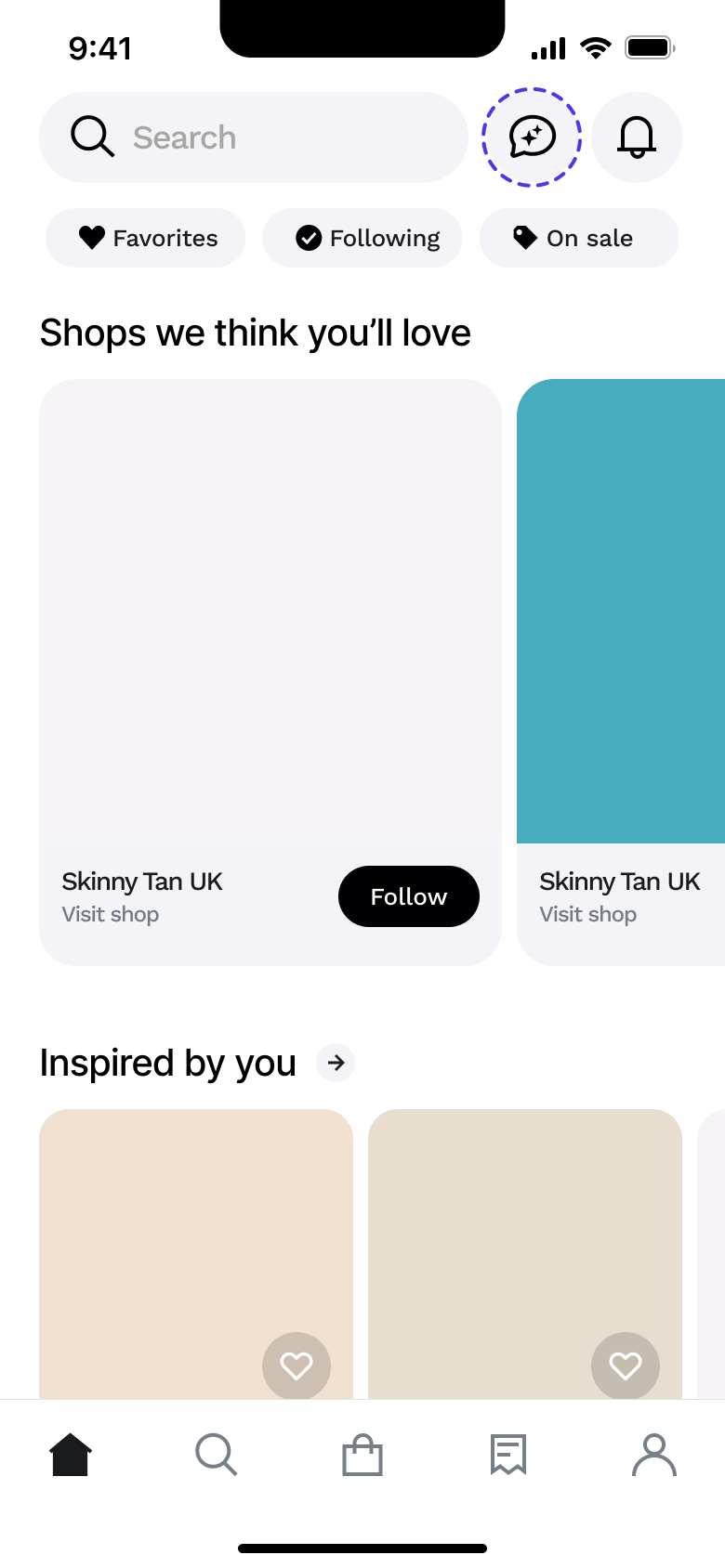 1
1- In-place change
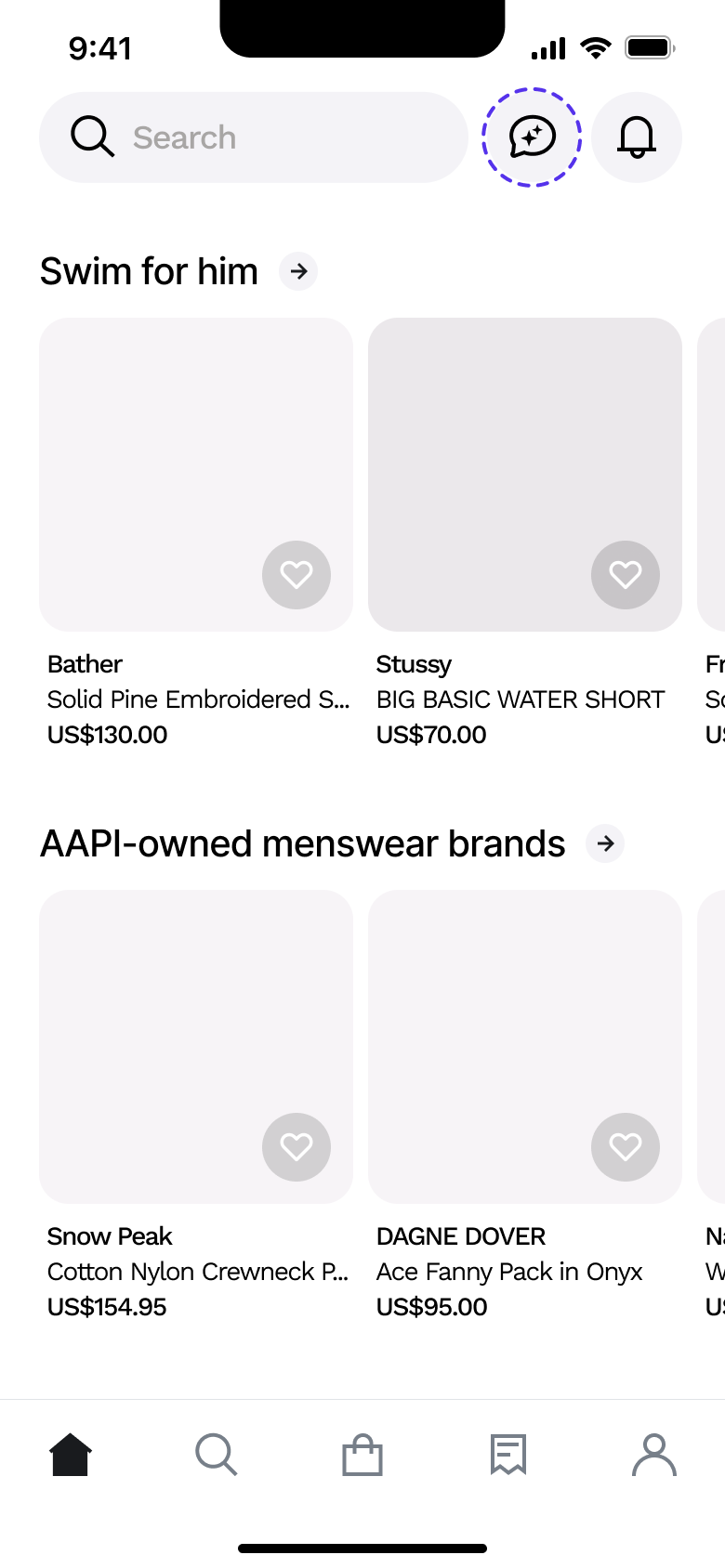 2
2Scroll - In-place change
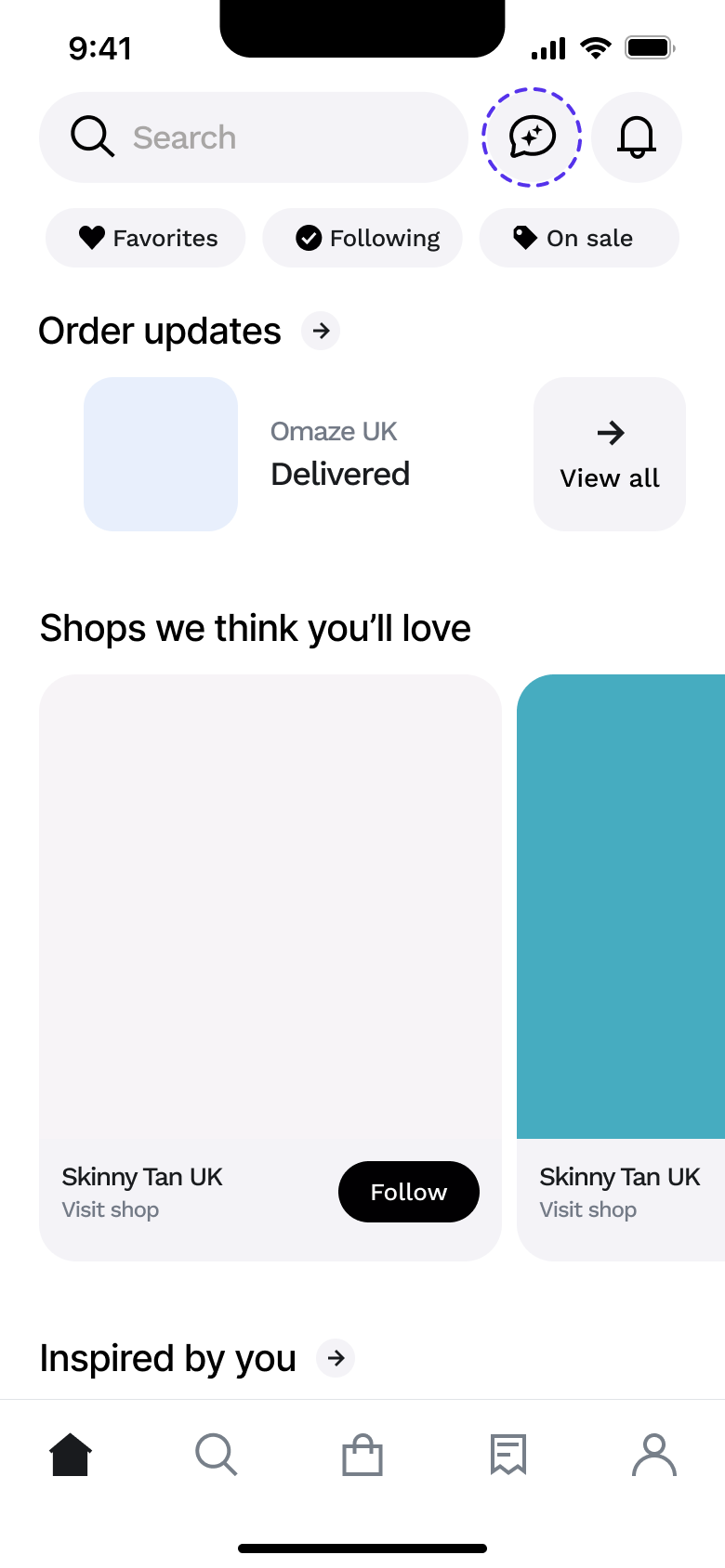 3
3Scroll
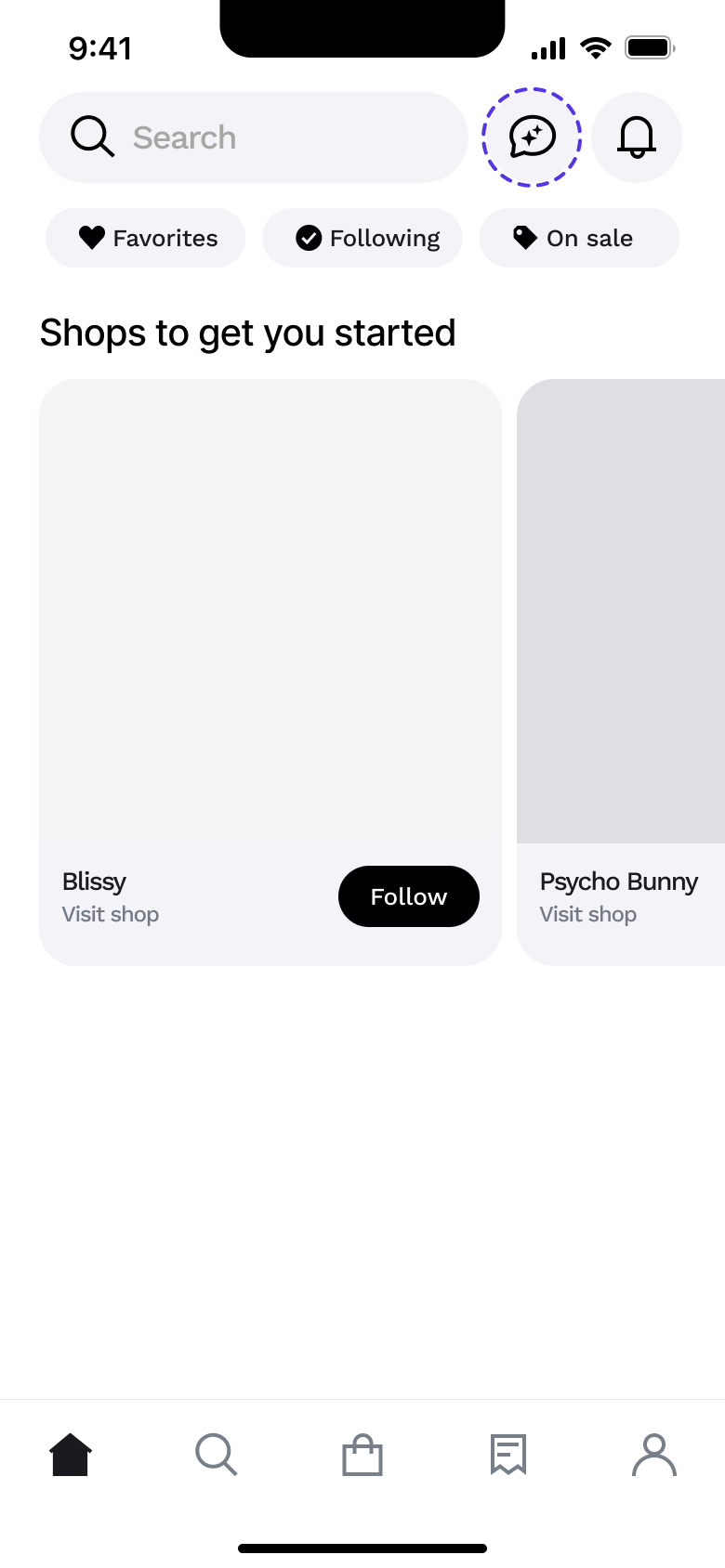 1
1- In-place change
 2
2 - In-place change
 3
3Scroll - Modal
 4
4Tap search - Push
 5
5Tap recent - Tab switch
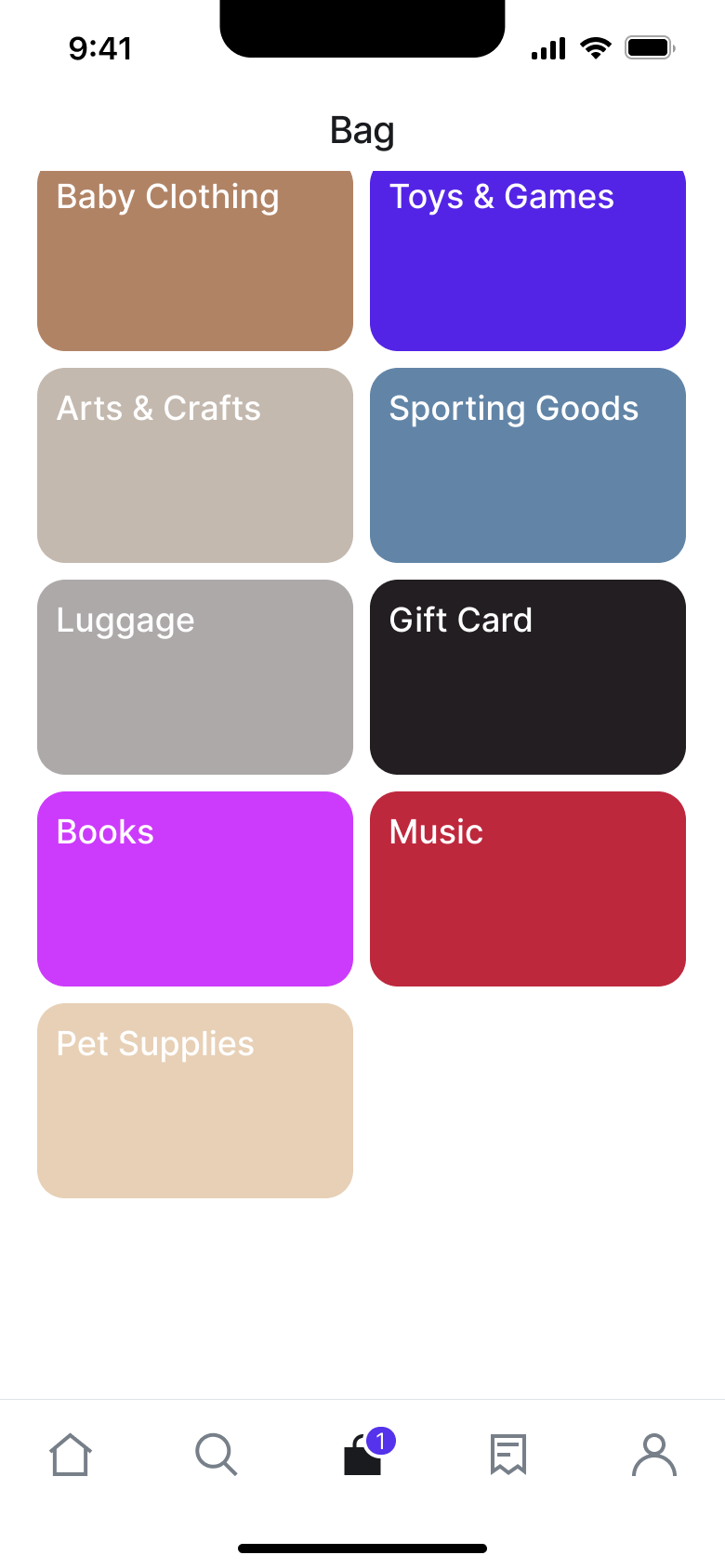 6
6Tap Bag - Tab switch
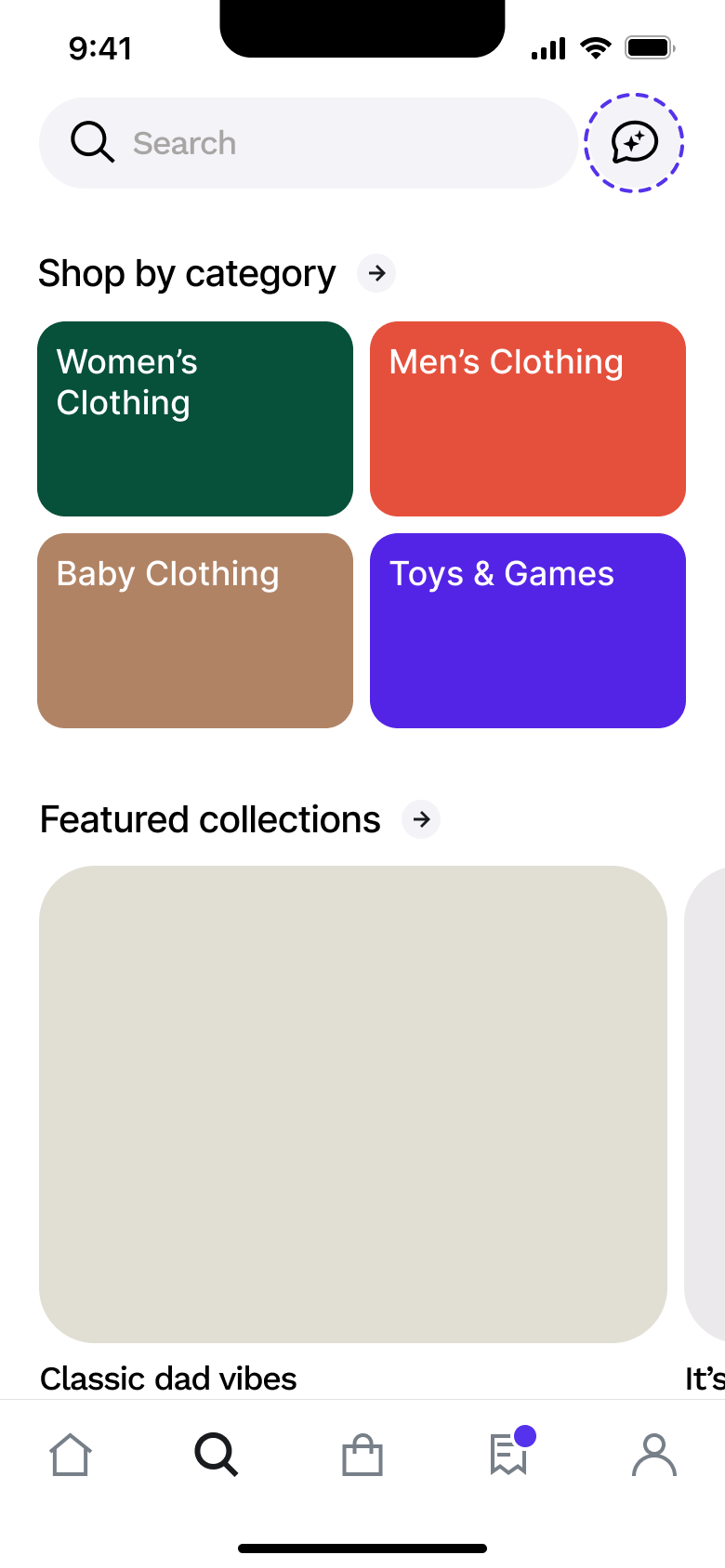 7
7Tap Search - Push
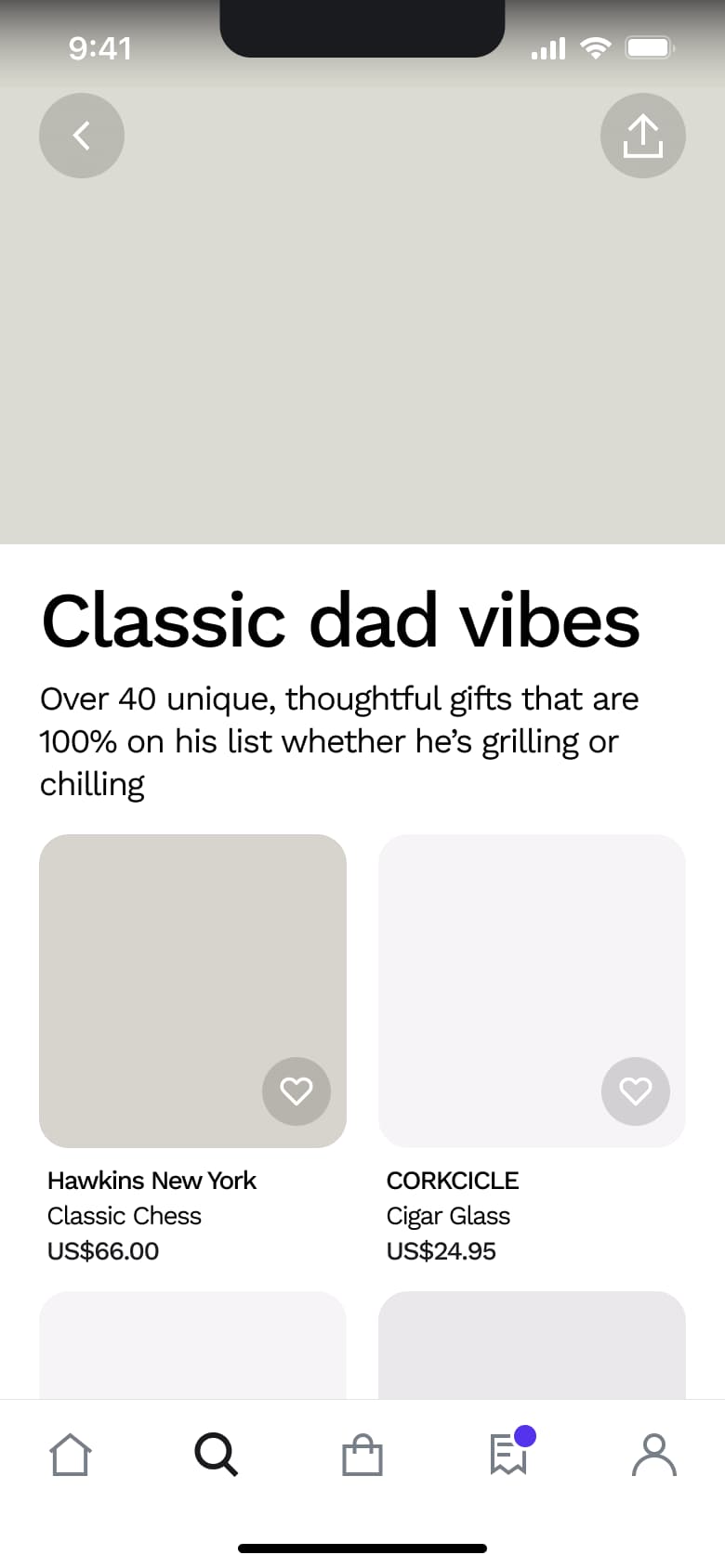 8
8Tap collection
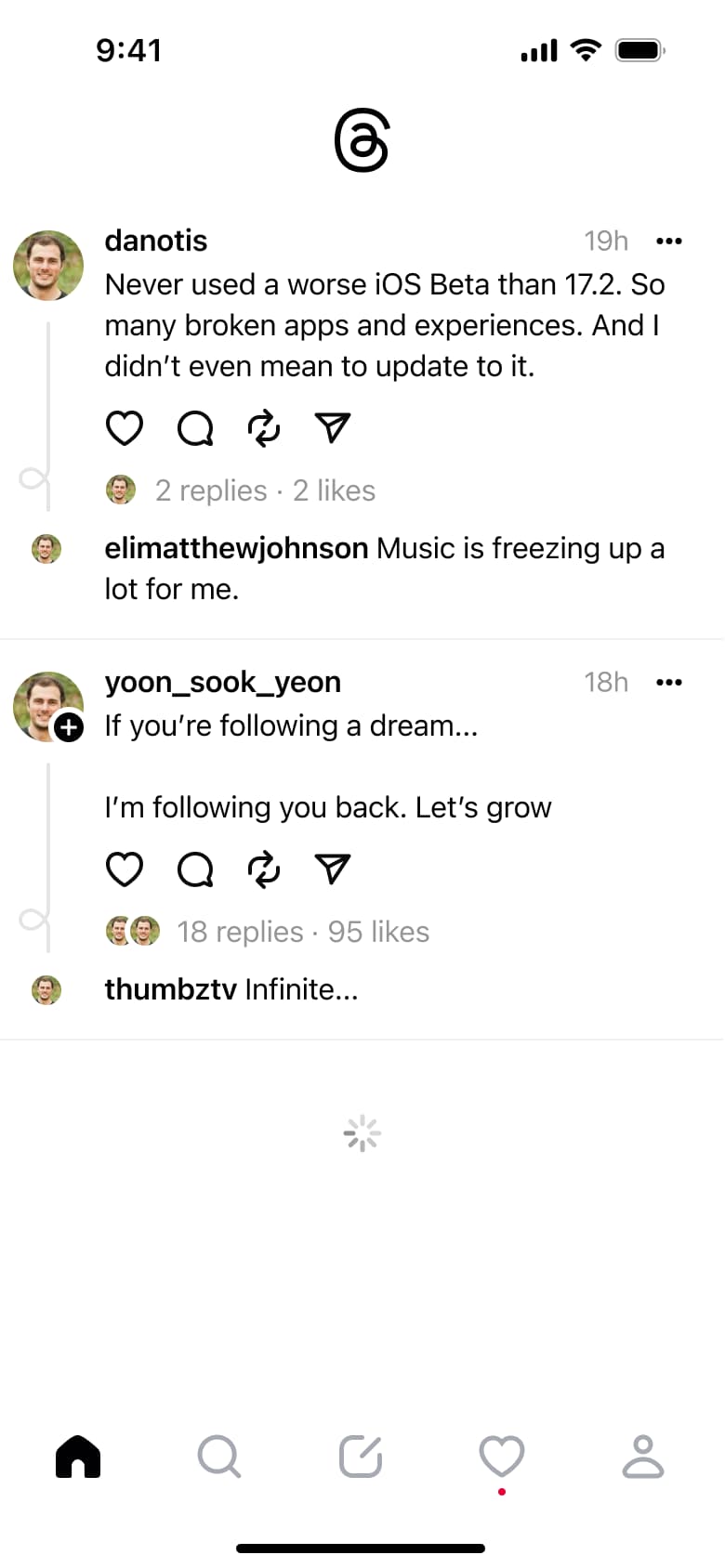 1
1- In-place change
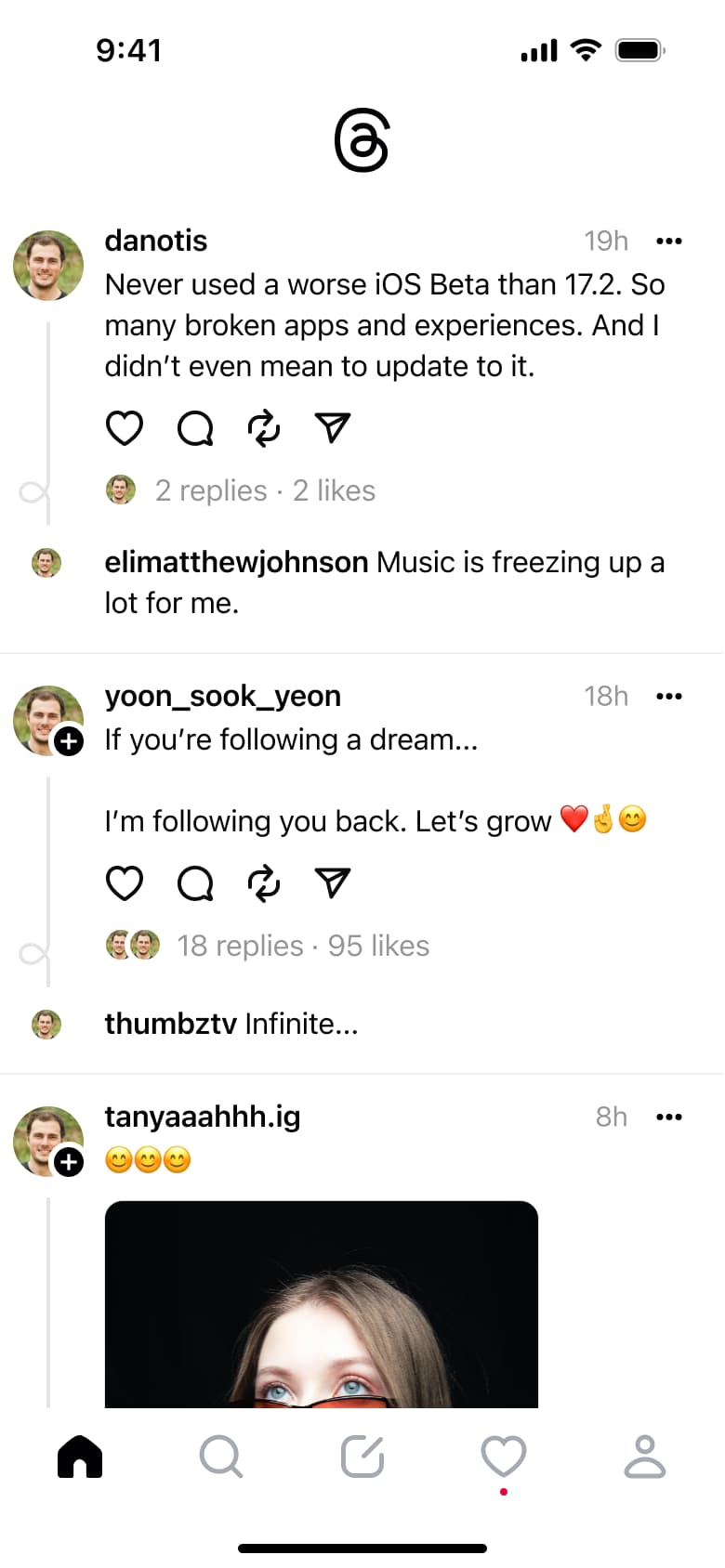 2
2Scroll - In-place change
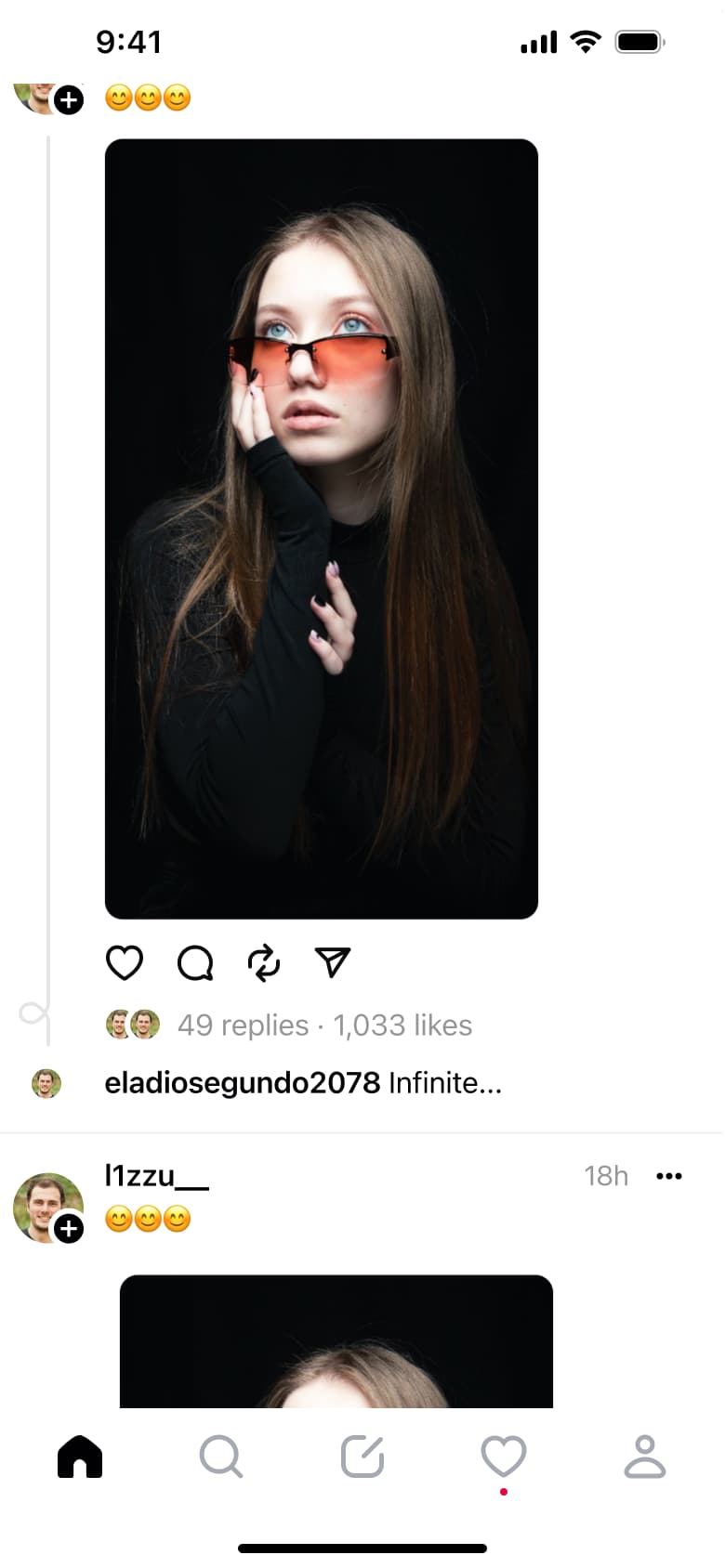 3
3Scroll - In-place change
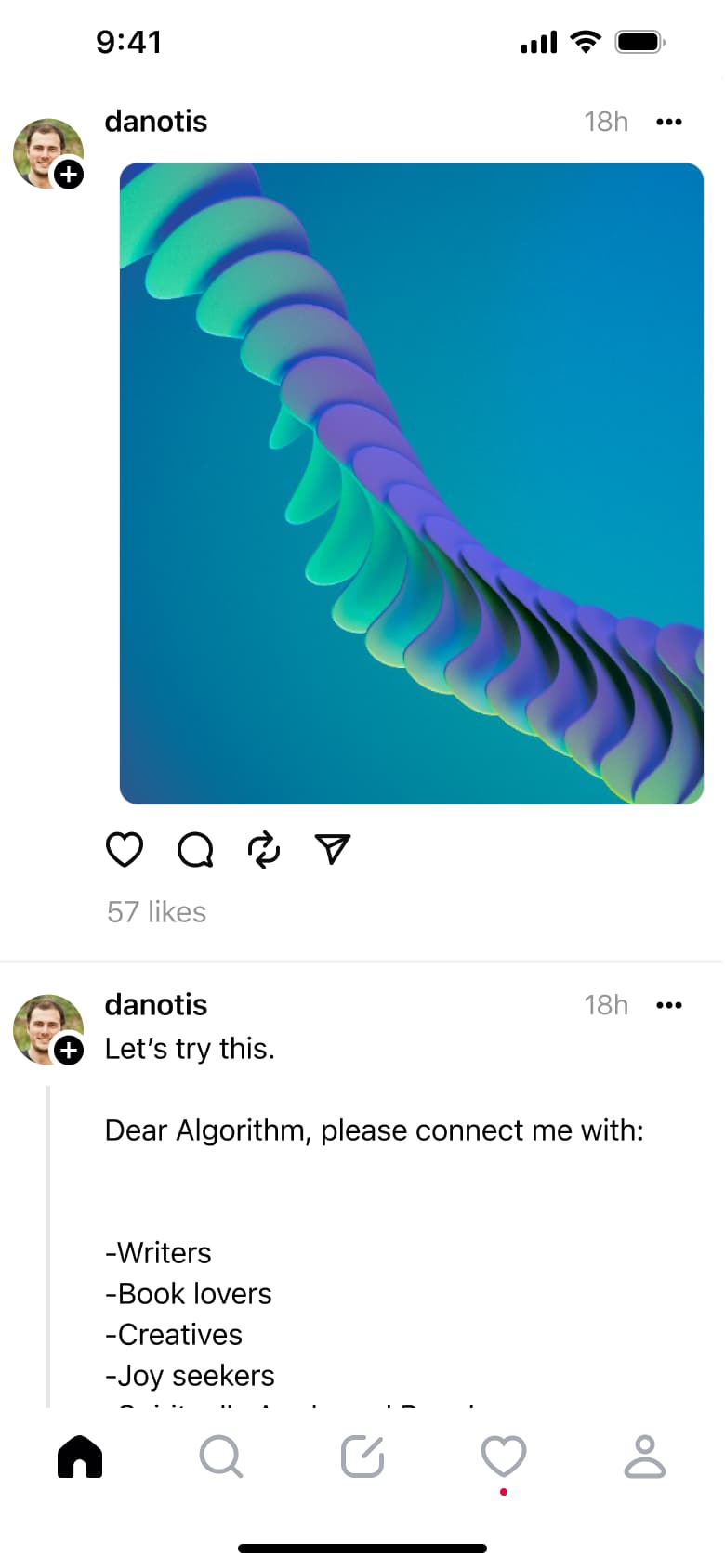 4
4Scroll - In-place change
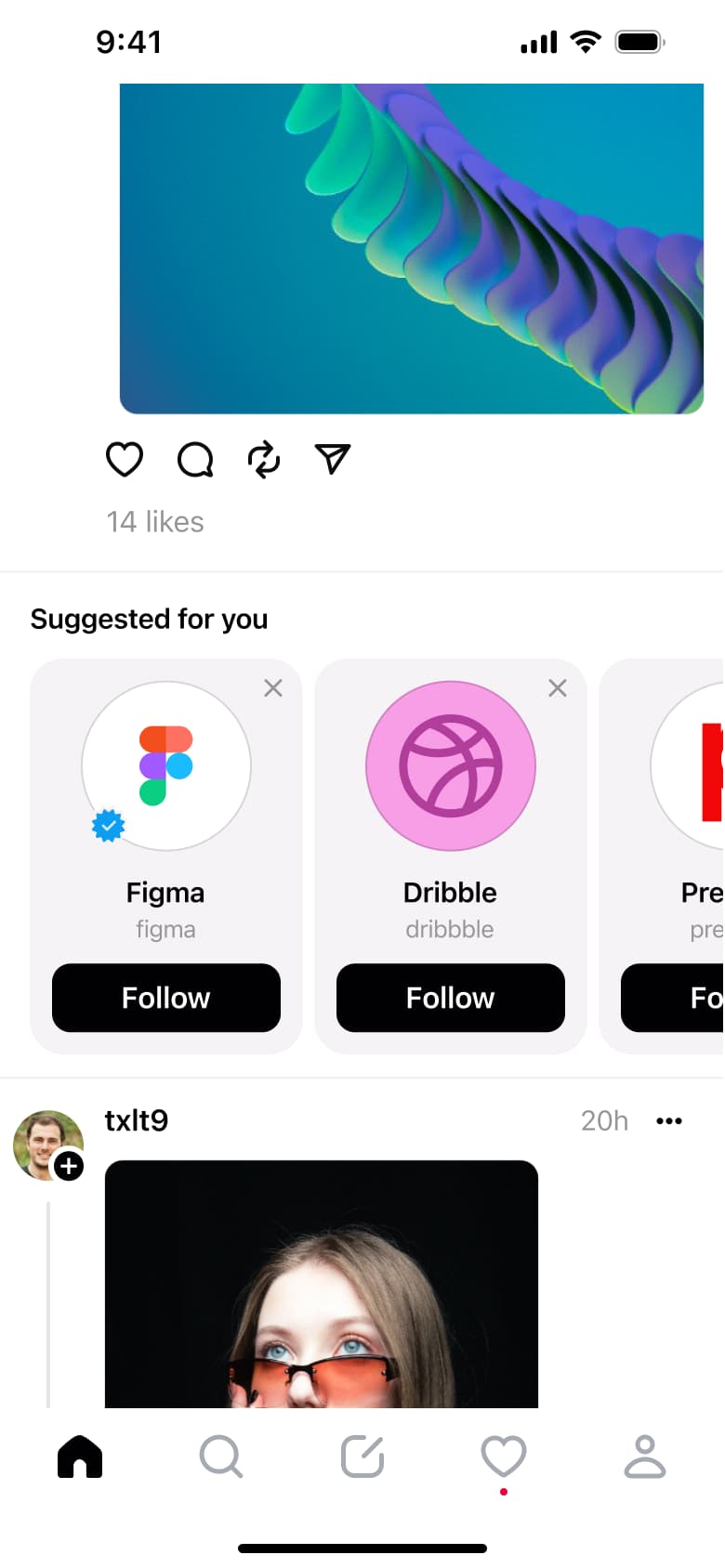 5
5Scroll - In-place change
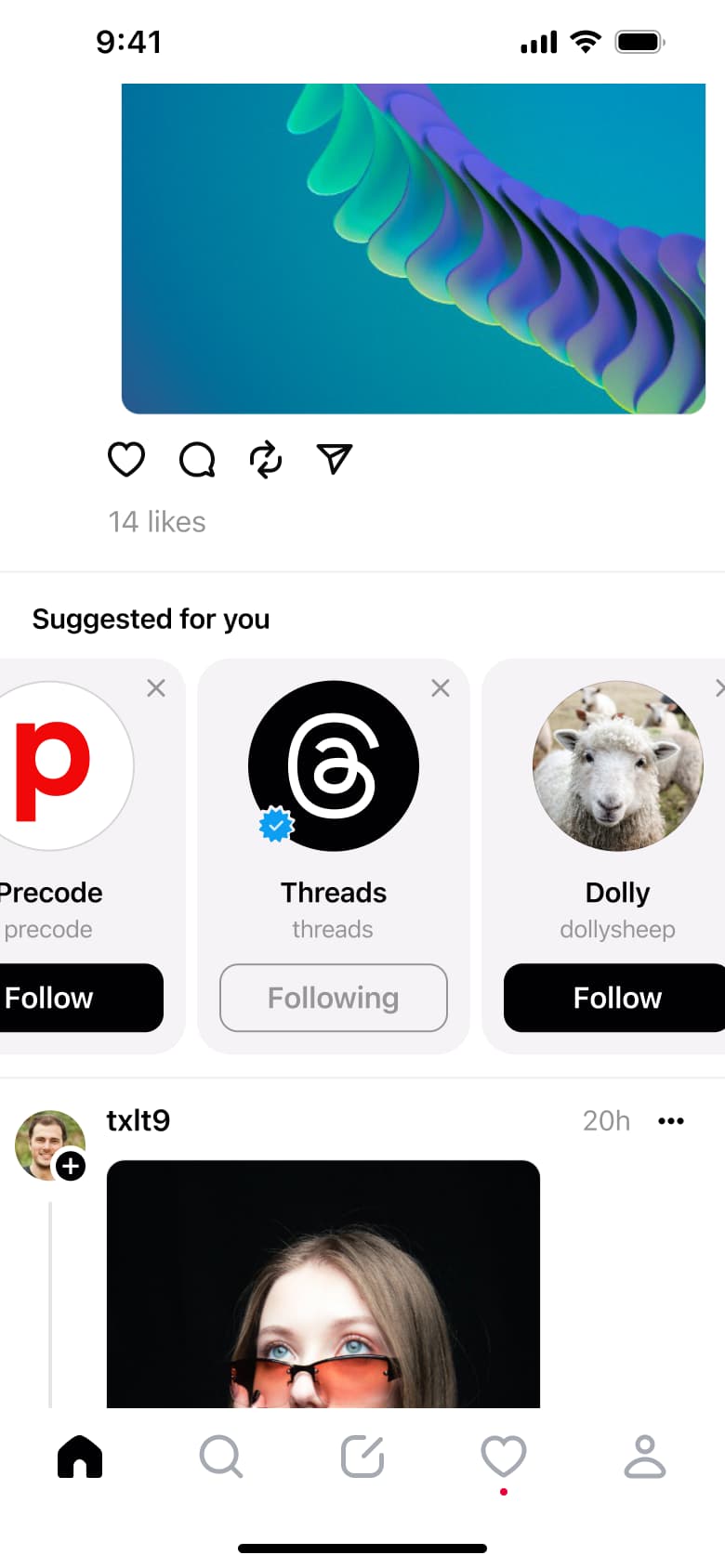 6
6Tap Follow - In-place change
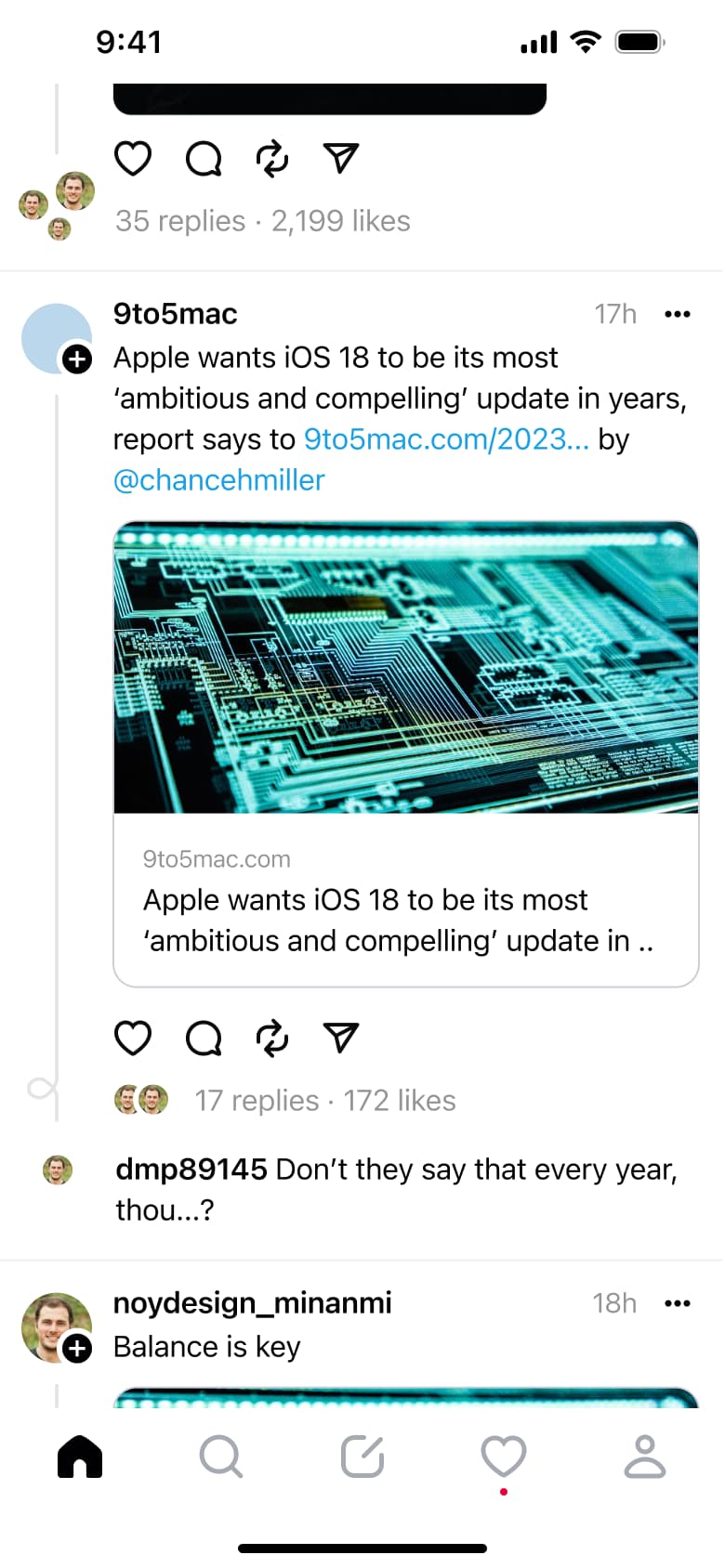 7
7Scroll - Alert / dialog over screen
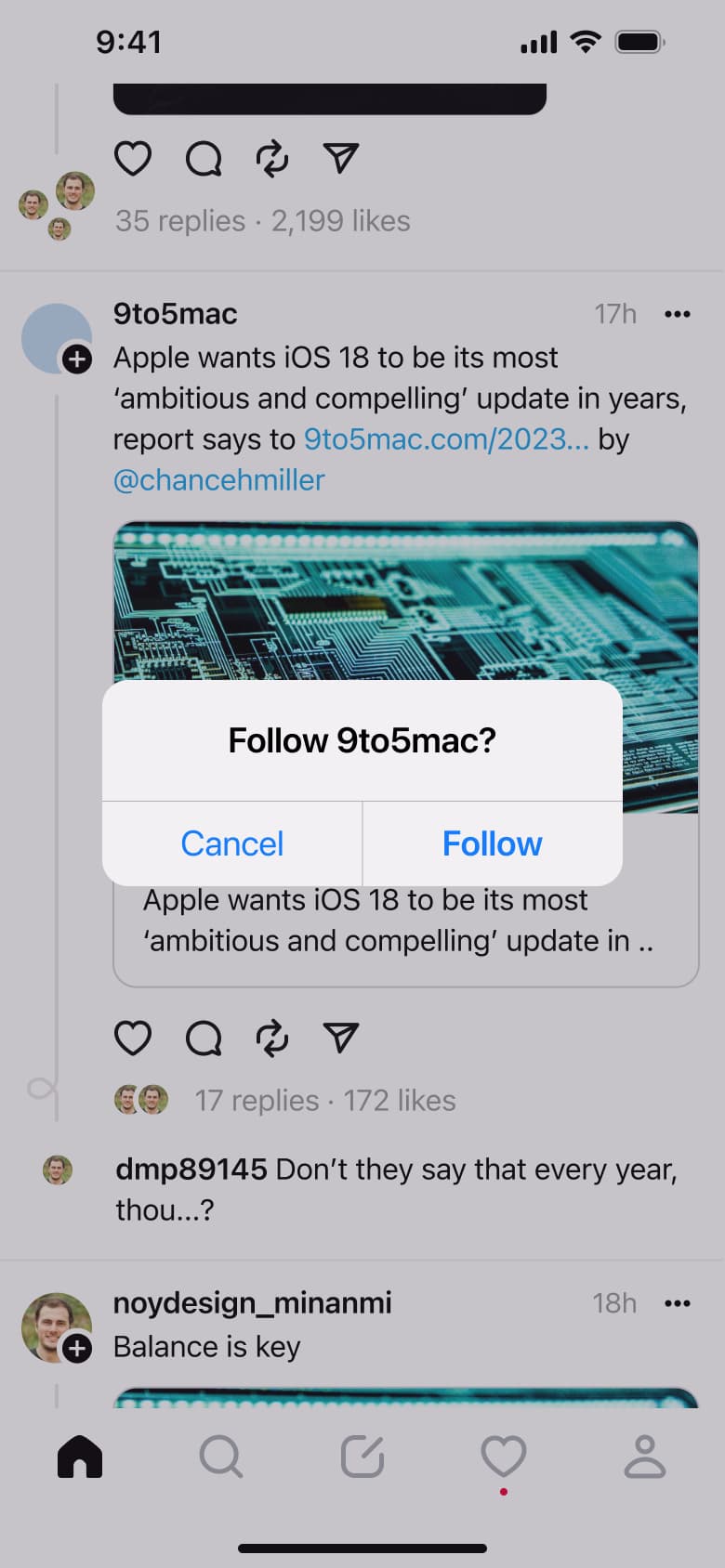 8
8Tap plus - +1 more
 1
1- In-place change
 2
2 - In-place change
 3
3Double-tap like - In-place change
 4
4Swipe up - In-place change
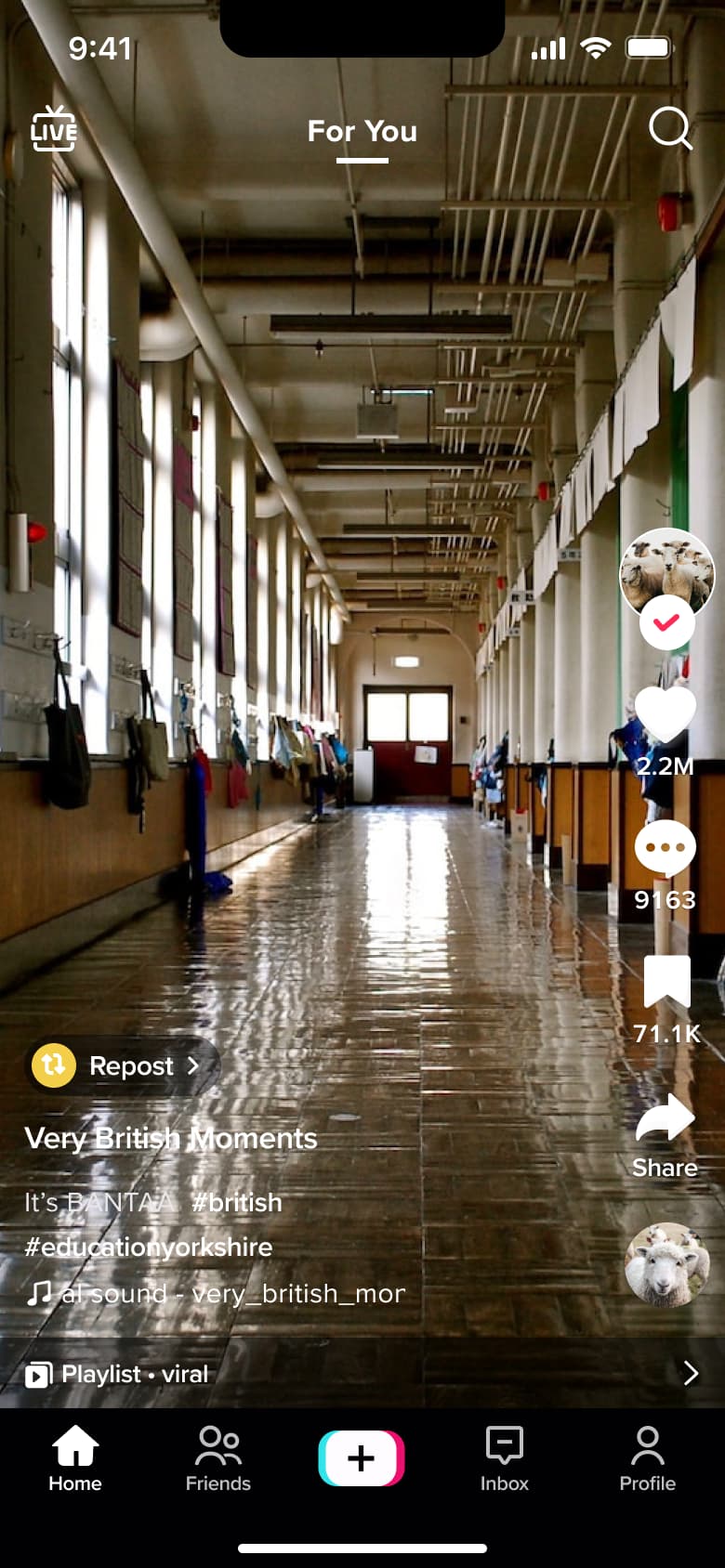 5
5Swipe up - In-place change
 6
6Swipe up - In-place change
 7
7Swipe up - In-place change
 8
8Swipe up - +20 more
 1
1- Modal
 2
2Tap address - Tab switch
 3
3Tap Browse - Push
 4
4Tap Grocery - Push
 5
5Tap Restaurants - In-place change
 6
6 - In-place change
 7
7Scroll tiles - In-place change
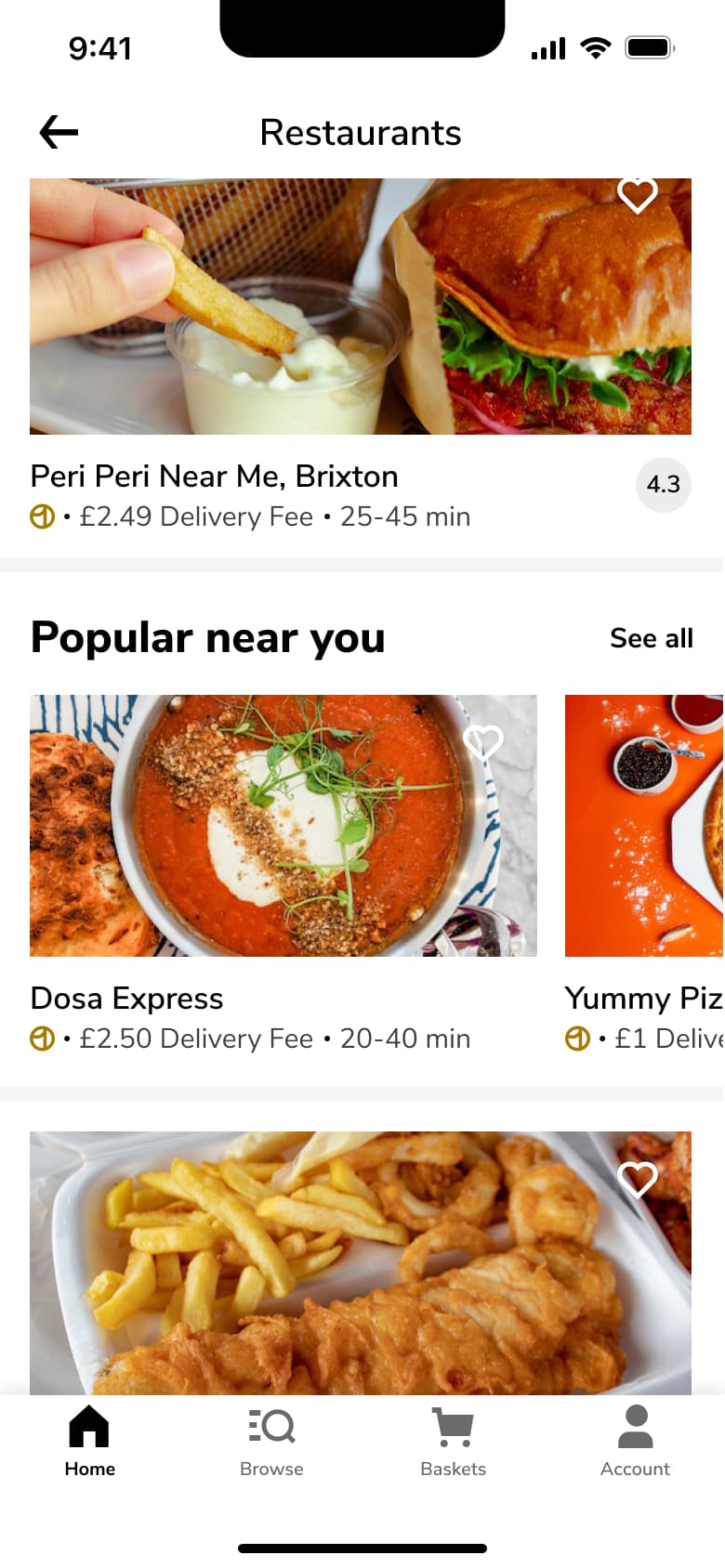 8
8Scroll - +6 more
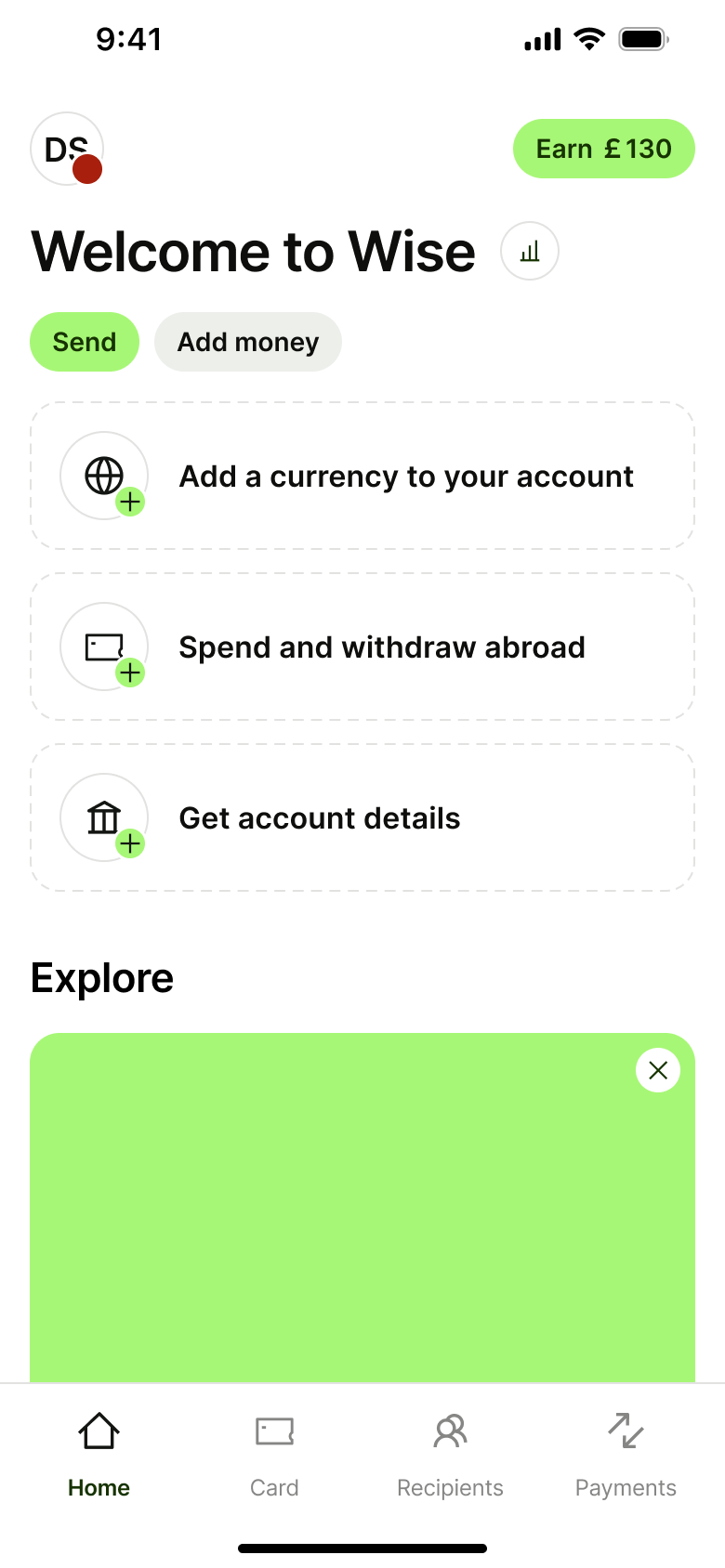 1
1- In-place change
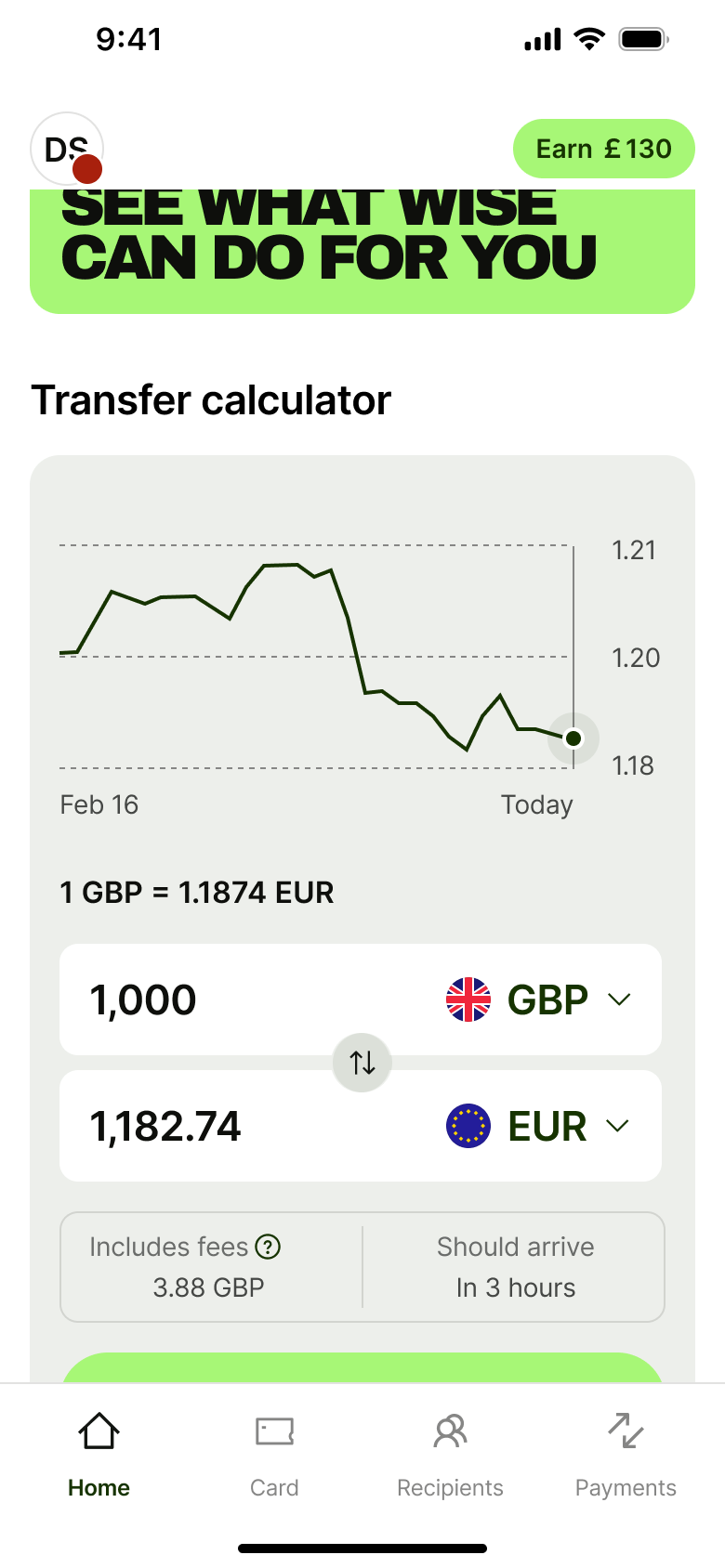 2
2Scroll - In-place change
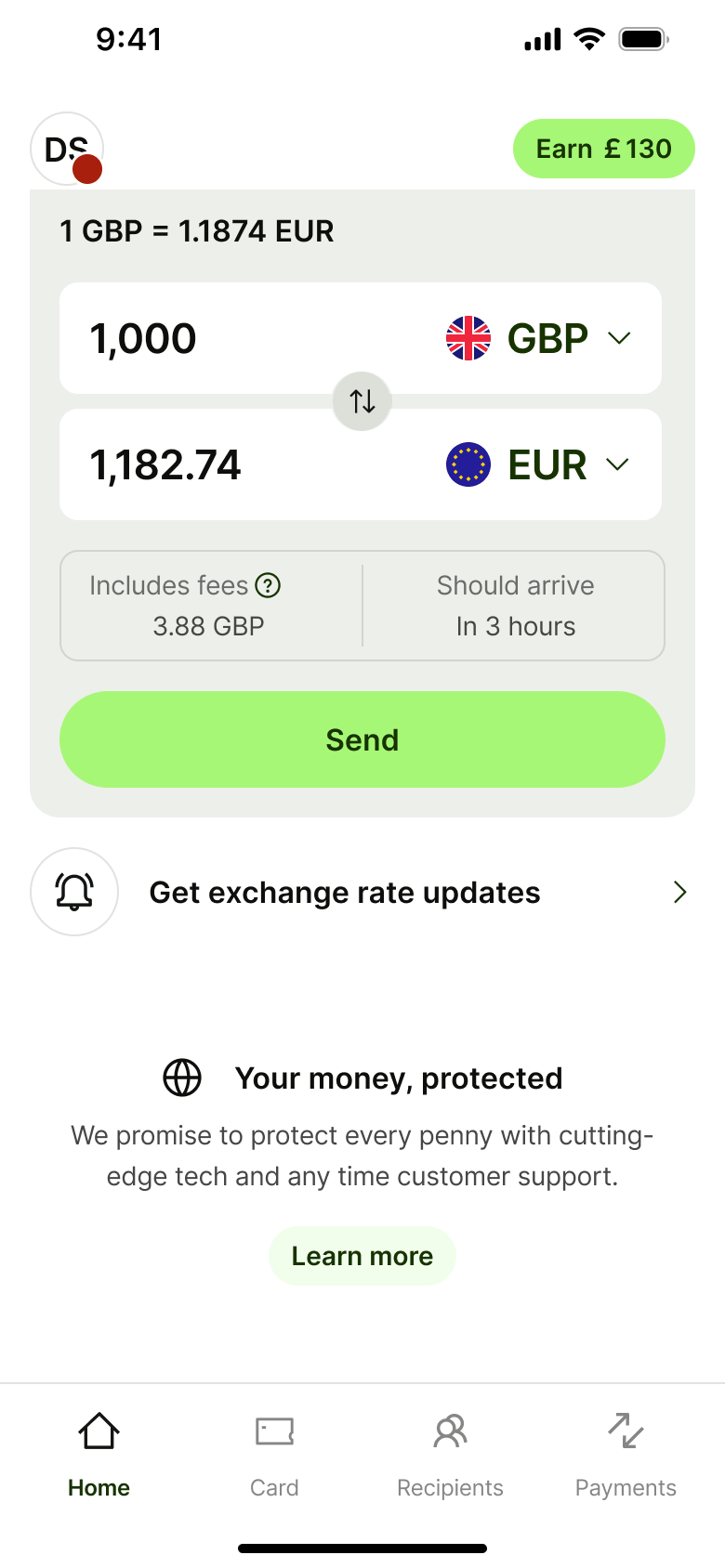 3
3Scroll - In-place change
 4
4Scroll - In-place change
 5
5 - In-place change
 6
6 - In-place change
 7
7Scroll - In-place change
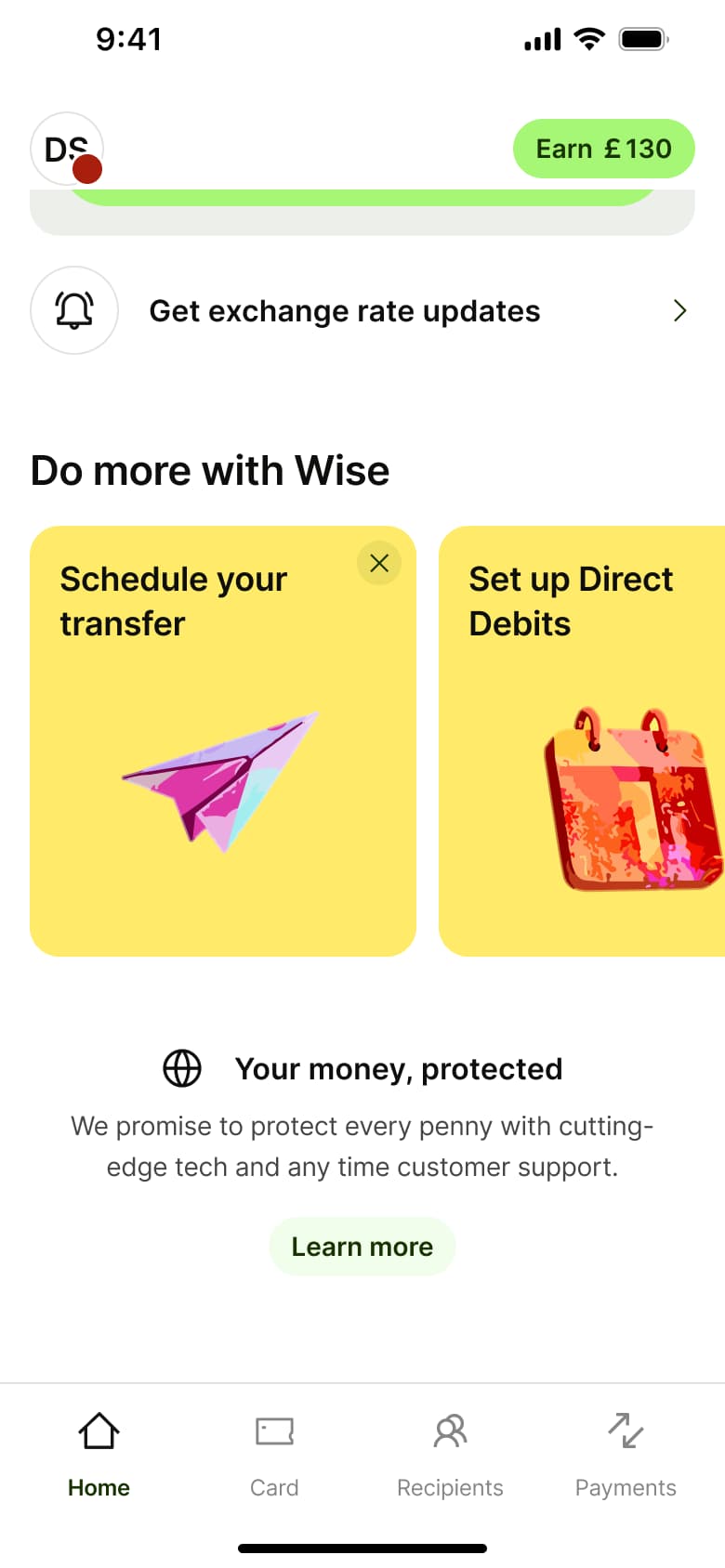 8
8Scroll - +3 more
More content flows
Try an editable clone in Figma
Install the free plugin and import 5 screens from any paid clone, or take the whole WhatsApp clone free.
Not affiliated with, endorsed or sponsored by the companies whose apps we recreate. Their names and logos are trade marks of their owners. Recreated for design reference and education. Rights holders: contact us