
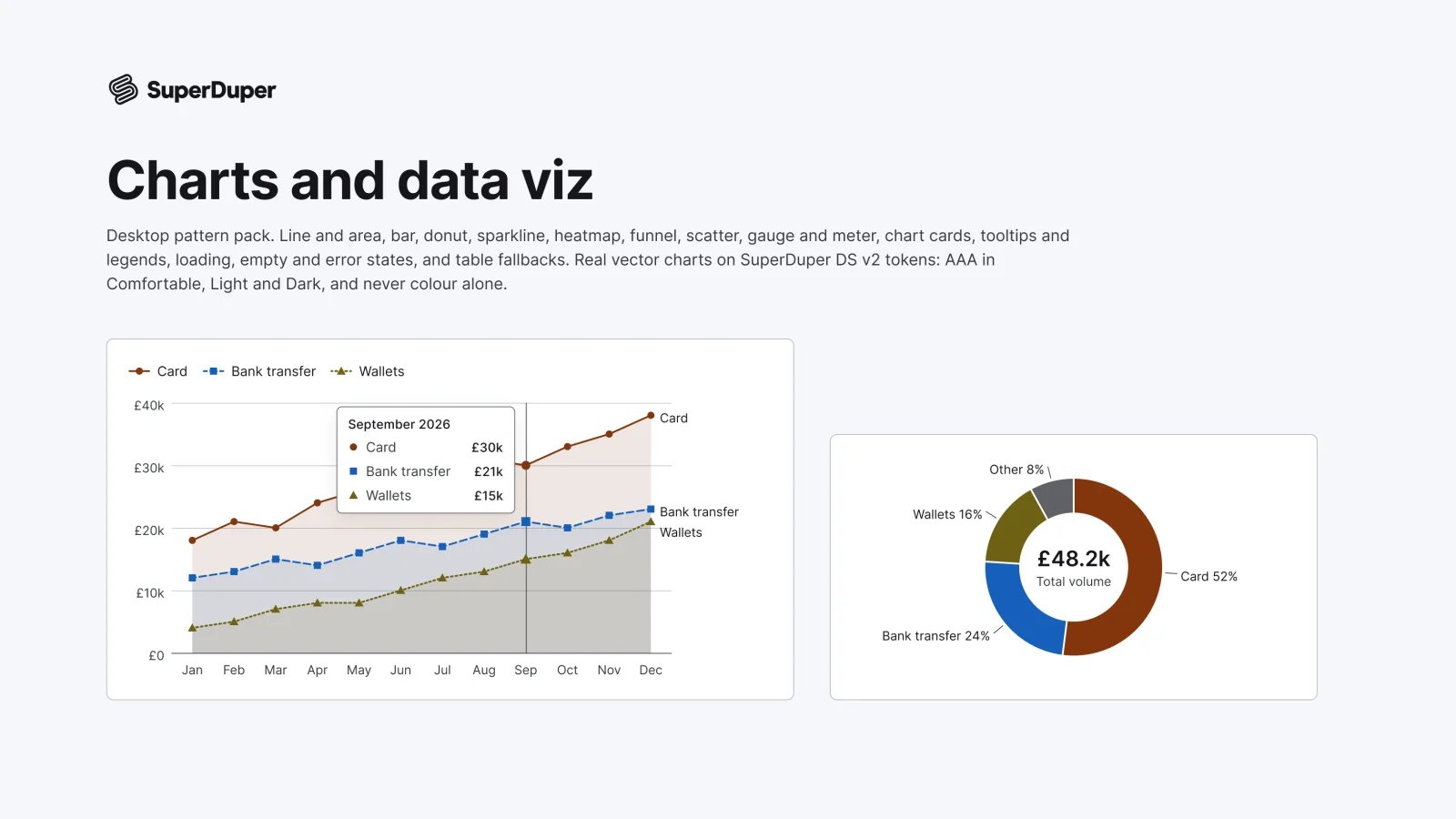
Charts and data viz
Desktop13 components54 variants4 recreations
Desktop line, bar, donut, heatmap, funnel, scatter and gauge charts drawn as vectors, with legends, tooltips and states.
$9, or included with Pro
Desktop packData display
Desktop avatars, stacks, presence, thumbnails, galleries, a lightbox and image frames, with editable placeholder art.

Also for mobile: Avatars, images and placeholders
Avatars with initials, abstract shapes or a glyph, avatar stacks, presence rows, image and video thumbnails, figures, a selectable gallery, a lightbox, logo slots, file preview tiles and aspect ratio frames that load or fail. Every picture is a generated vector placeholder you can recolour, with no photos or faces. Each page has documentation and a live grid in Light and Dark, Comfortable and Compact.

9 variants

6 variants

12 variants

8 variants

3 variants

2 variants

3 variants

4 variants

15 variants

18 variants
Recreations of real products, so you can compare approaches side by side. They are approximate, built from public product knowledge, with placeholder data and no third-party artwork.

Recreated from Slack

Recreated from Google Photos
Not affiliated with, endorsed or sponsored by Slack and Google Photos. Their names are trade marks of their owners and are used only to say what each recreation is based on.
Avatar stacks of two, four and an overflow count, in small and medium sizes. All 6 variants, free to see with a SuperDuperUI account. The Figma file comes with the pack.
Desktop13 components54 variants4 recreations
Desktop line, bar, donut, heatmap, funnel, scatter and gauge charts drawn as vectors, with legends, tooltips and states.
$9, or included with Pro
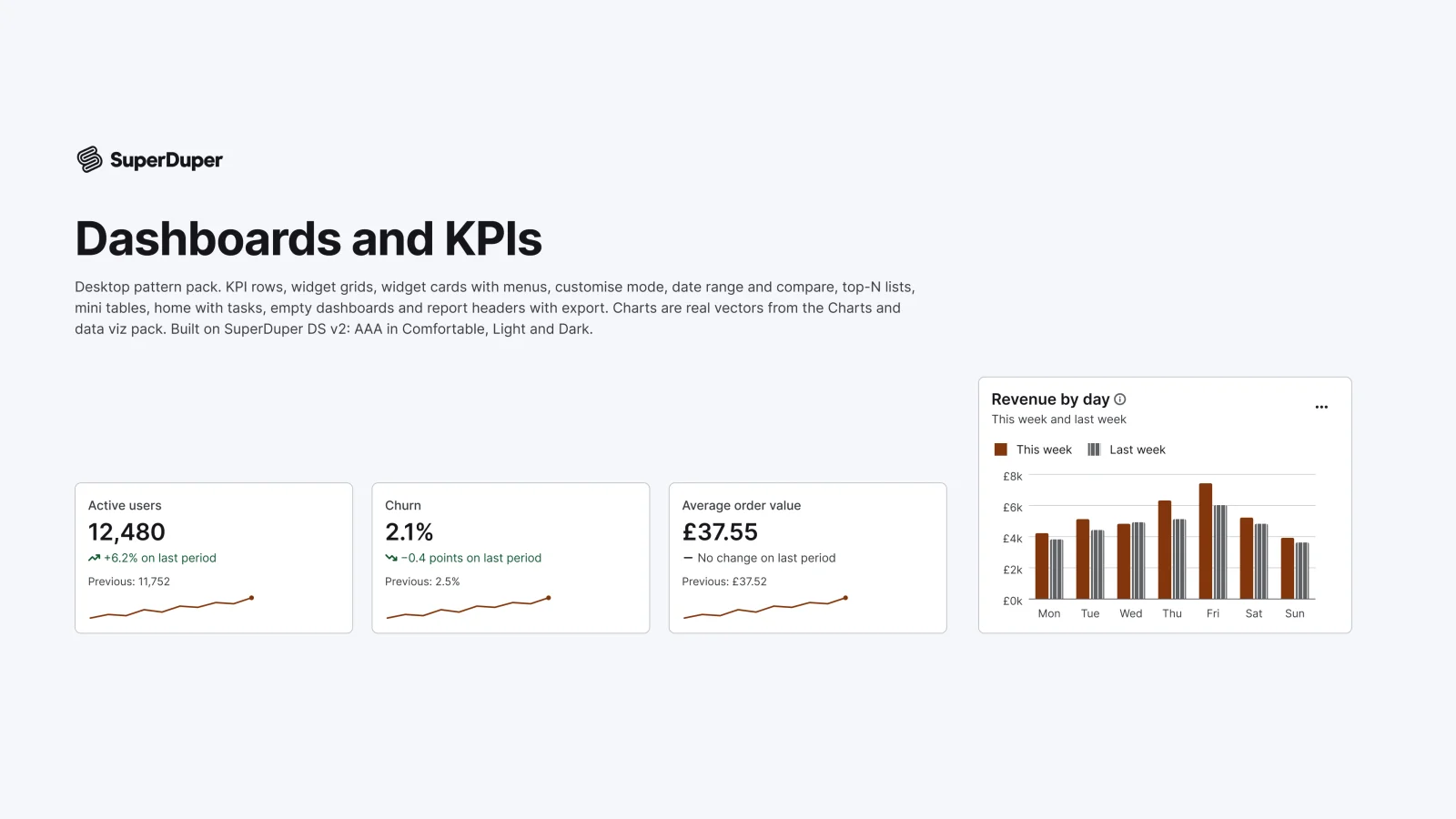
Desktop10 components35 variants5 recreations
Desktop KPI rows, widget cards, date range pickers, top-N lists, dashboard homes and empty states with vector charts.
$9, or included with Pro
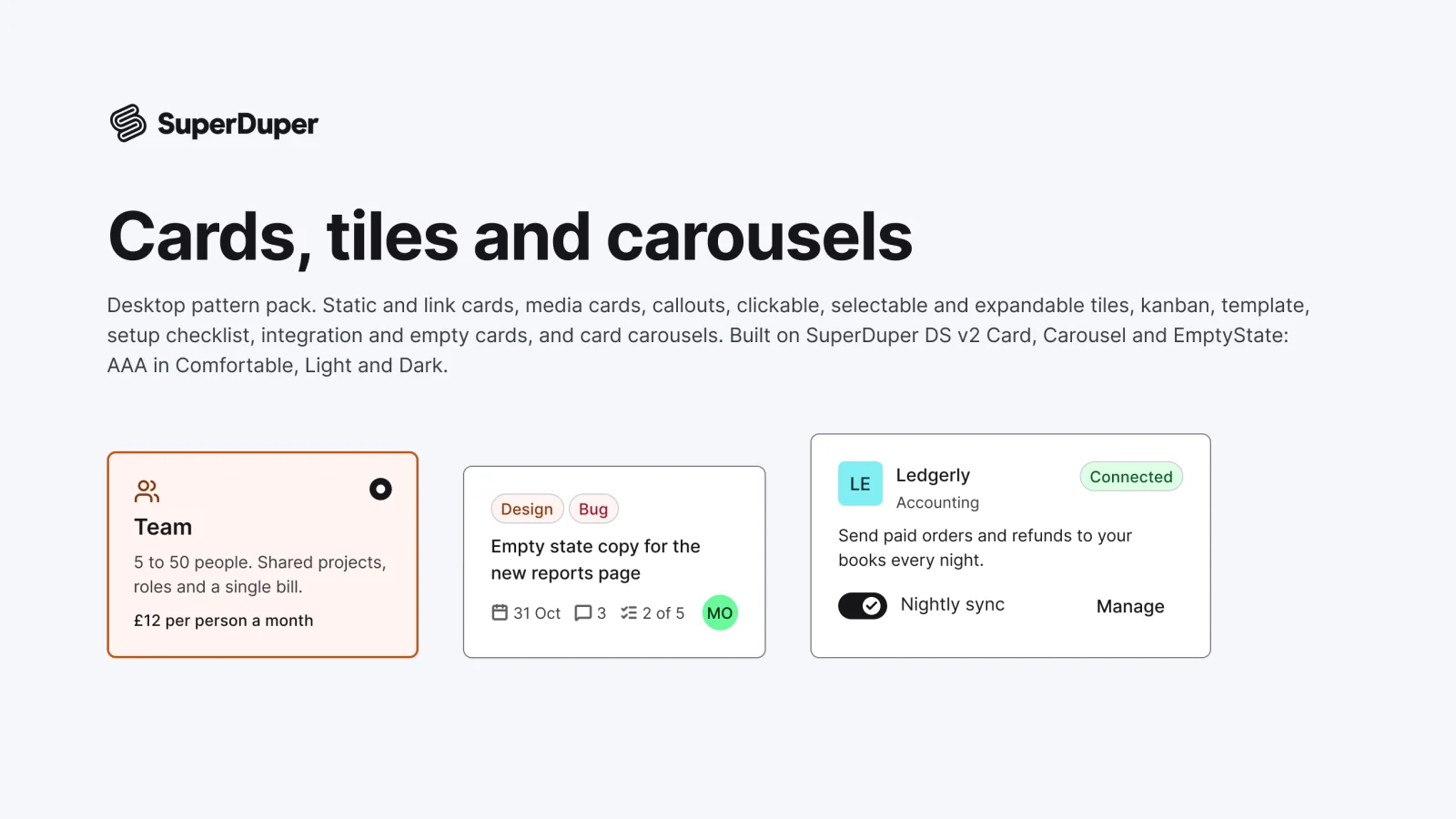
Desktop13 components67 variants4 recreations
Desktop cards and tiles: media, callout, selectable, expandable, kanban, template, checklist, integration and carousels.
$9, or included with Pro
One Figma file: SuperDuper Pack: Avatars, images and placeholders (Desktop). It has 10 components with 80 variants, 2 recreations, and notes on when to use each part. Everything uses Figma variables, so you can change the colours and type to match your product.