

Avatars, images and placeholders
Mobile12 components205 variants3 recreations
Avatars, presence, stacks, story rings, image frames, photo grids and viewers for phone apps, with vector placeholders.
$9, or included with Pro
Mobile packData display
Mobile charts: scrubbable lines, sparklines, weekly bars, donuts, activity rings, heatmaps, gauges and period selectors.
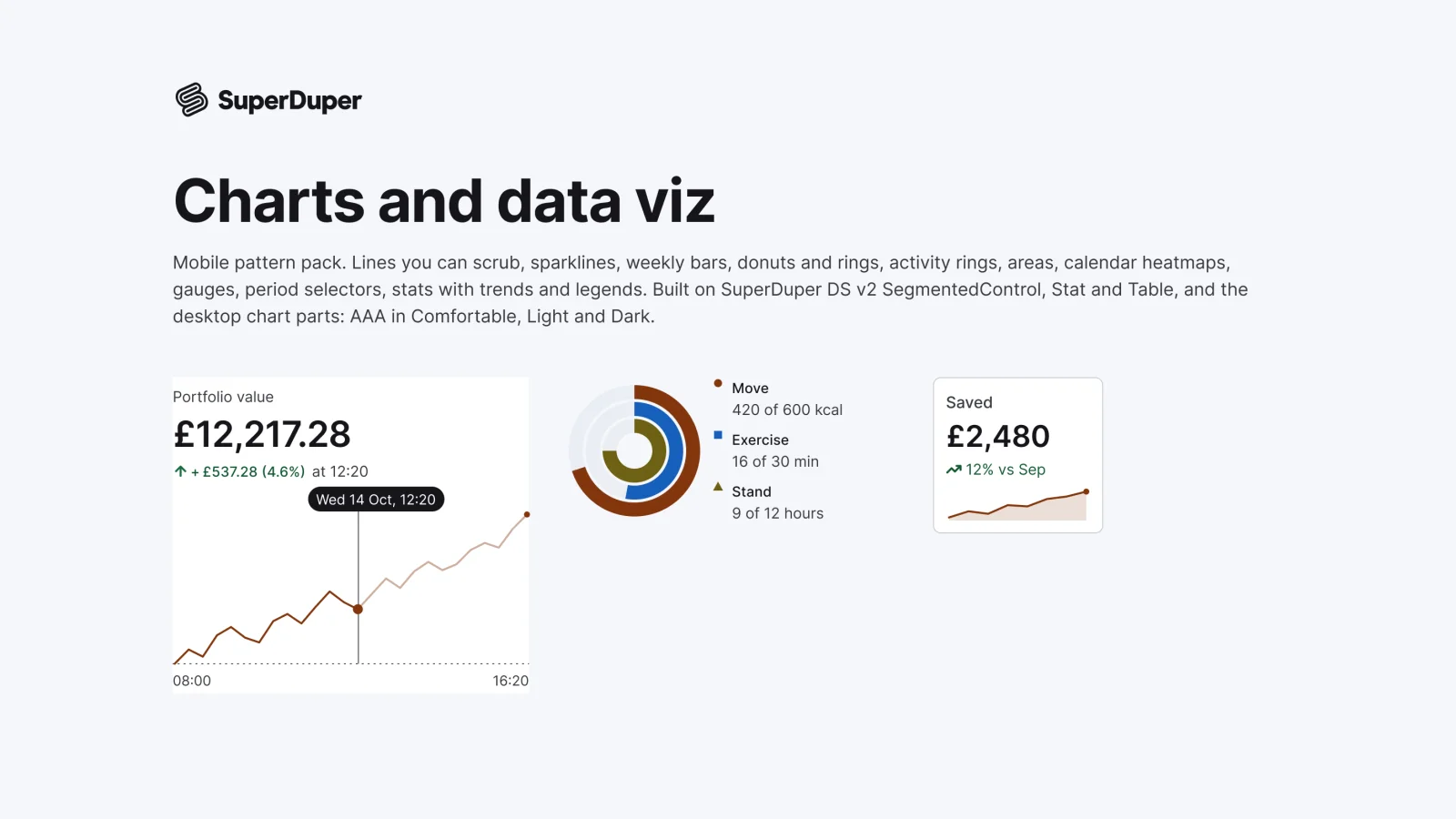
Also for desktop: Charts and data viz
Eleven chart patterns for phones: a line chart with scrub, sparkline rows, weekly bars with a goal, donut and ring progress, activity rings, area charts with compare, a heatmap calendar, a gauge, a period selector, stat trends and legends. Charts are editable vectors with figures that match the data, and each page shows a 390 by 844 phone screen in context.
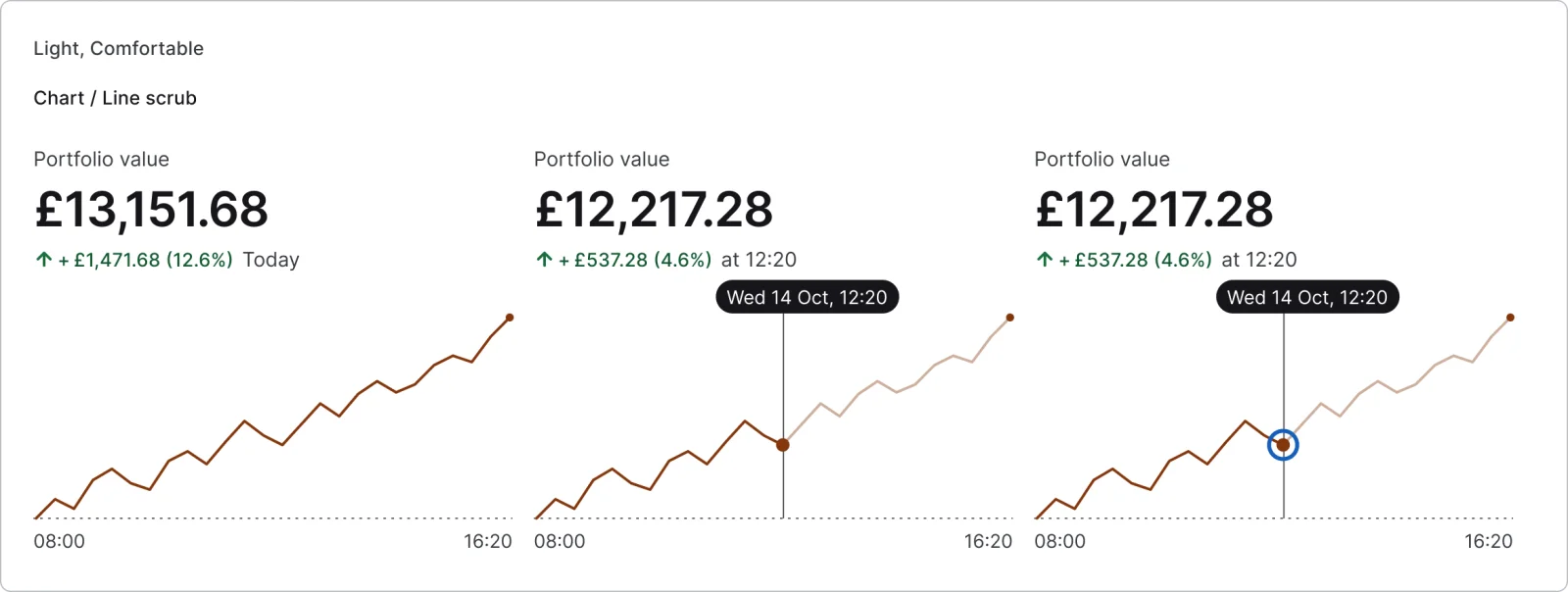
3 variants

3 variants
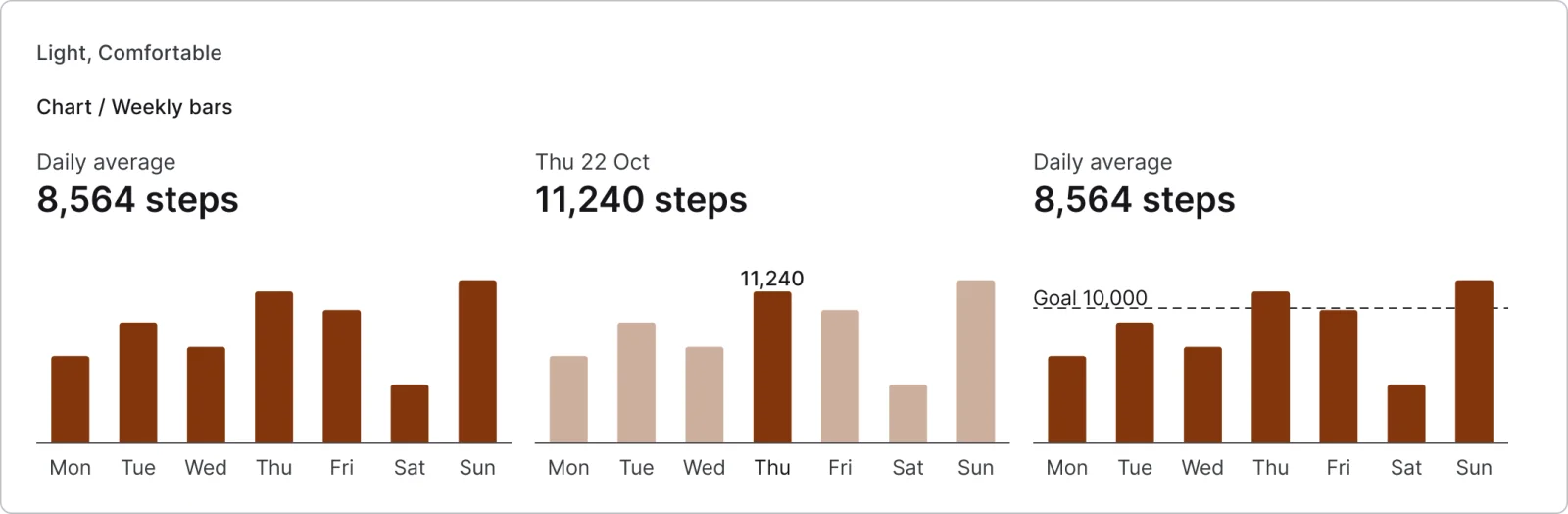
3 variants
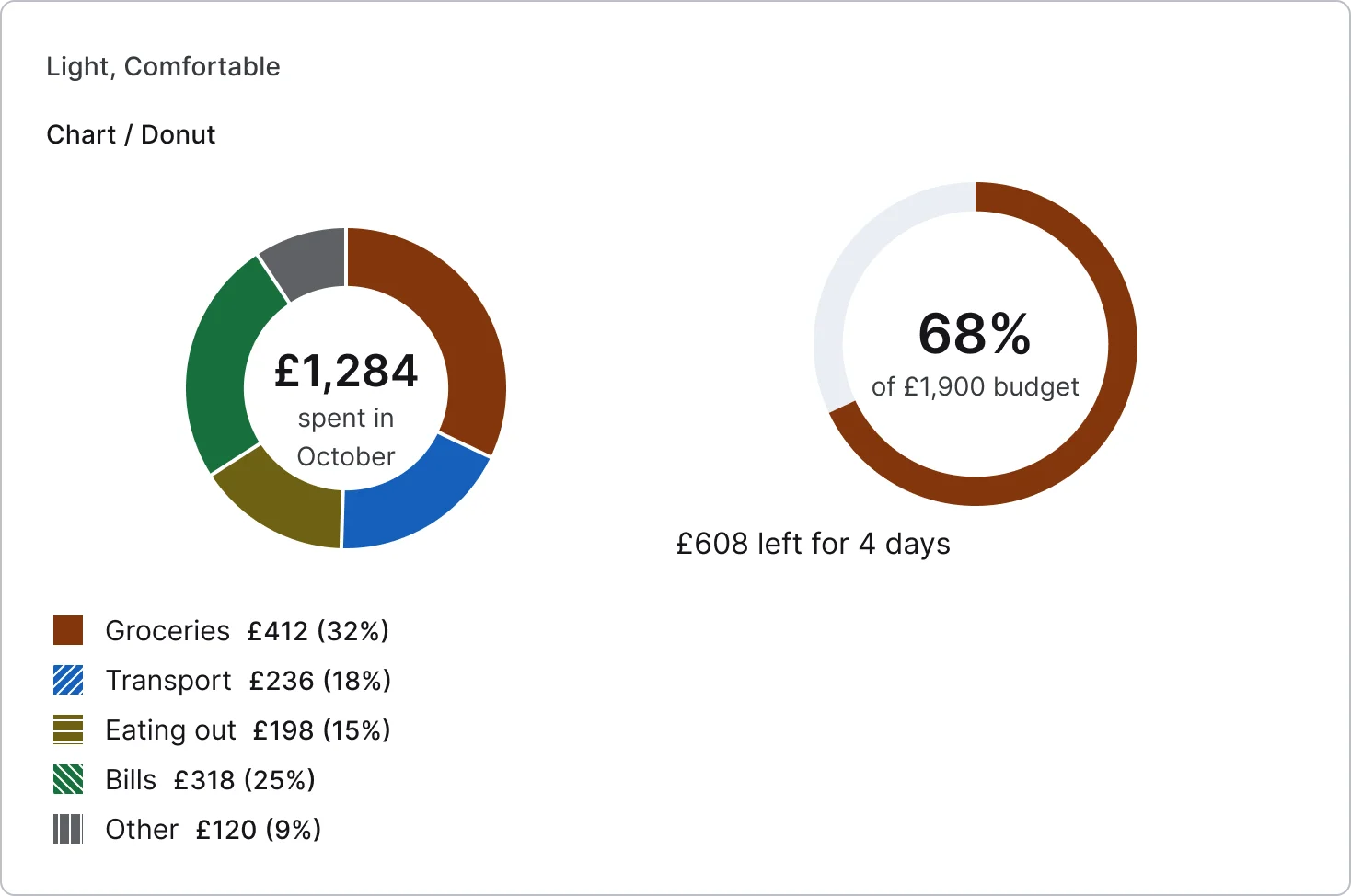
2 variants
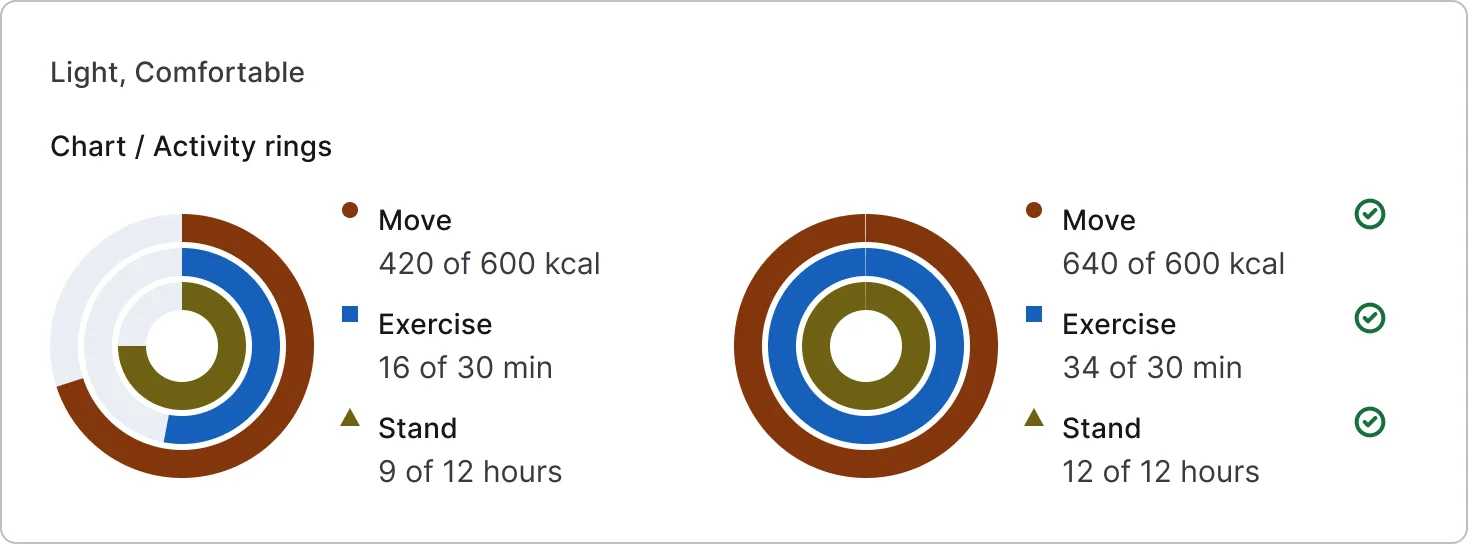
2 variants
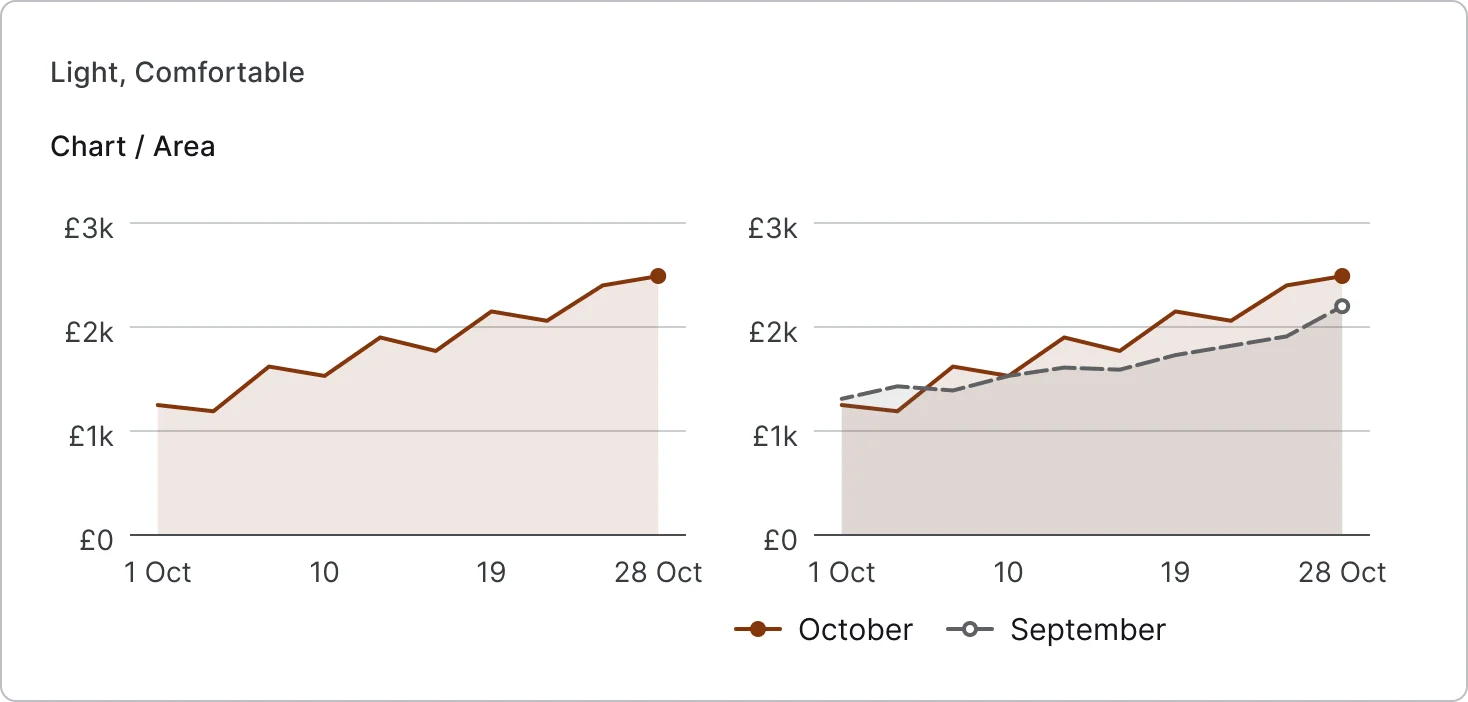
2 variants
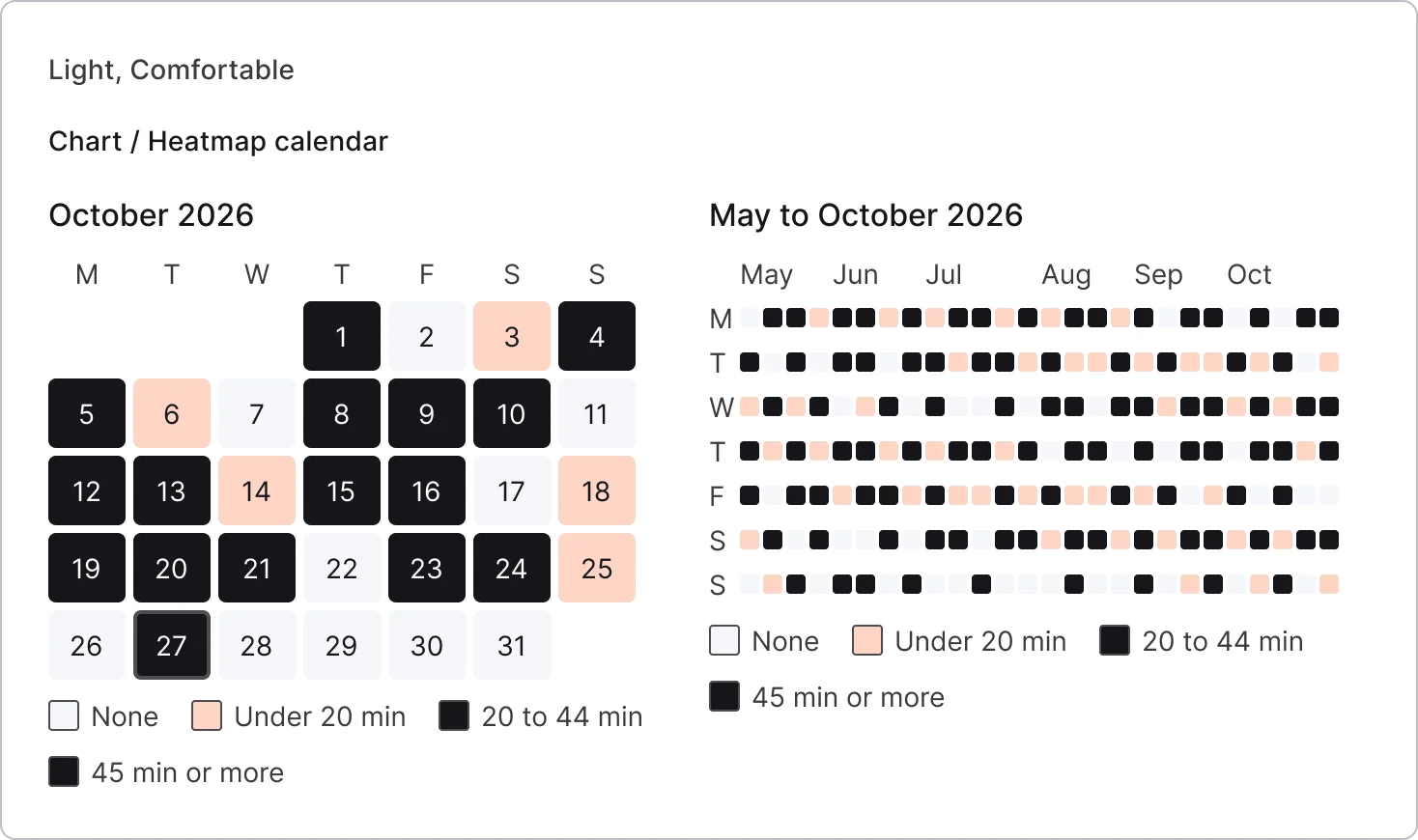
2 variants
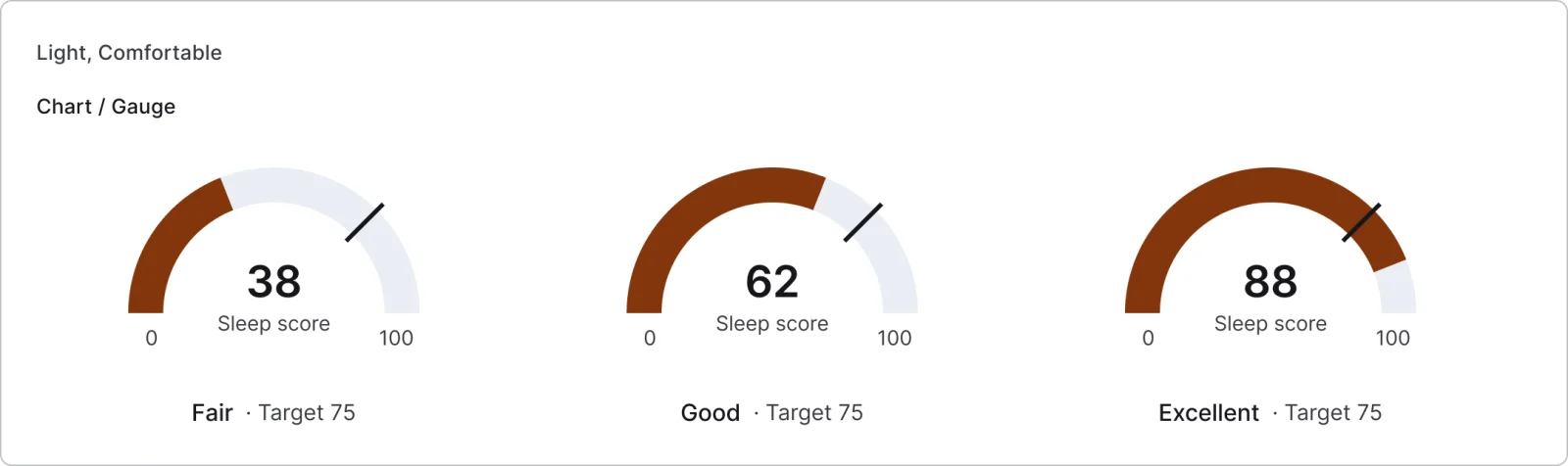
3 variants
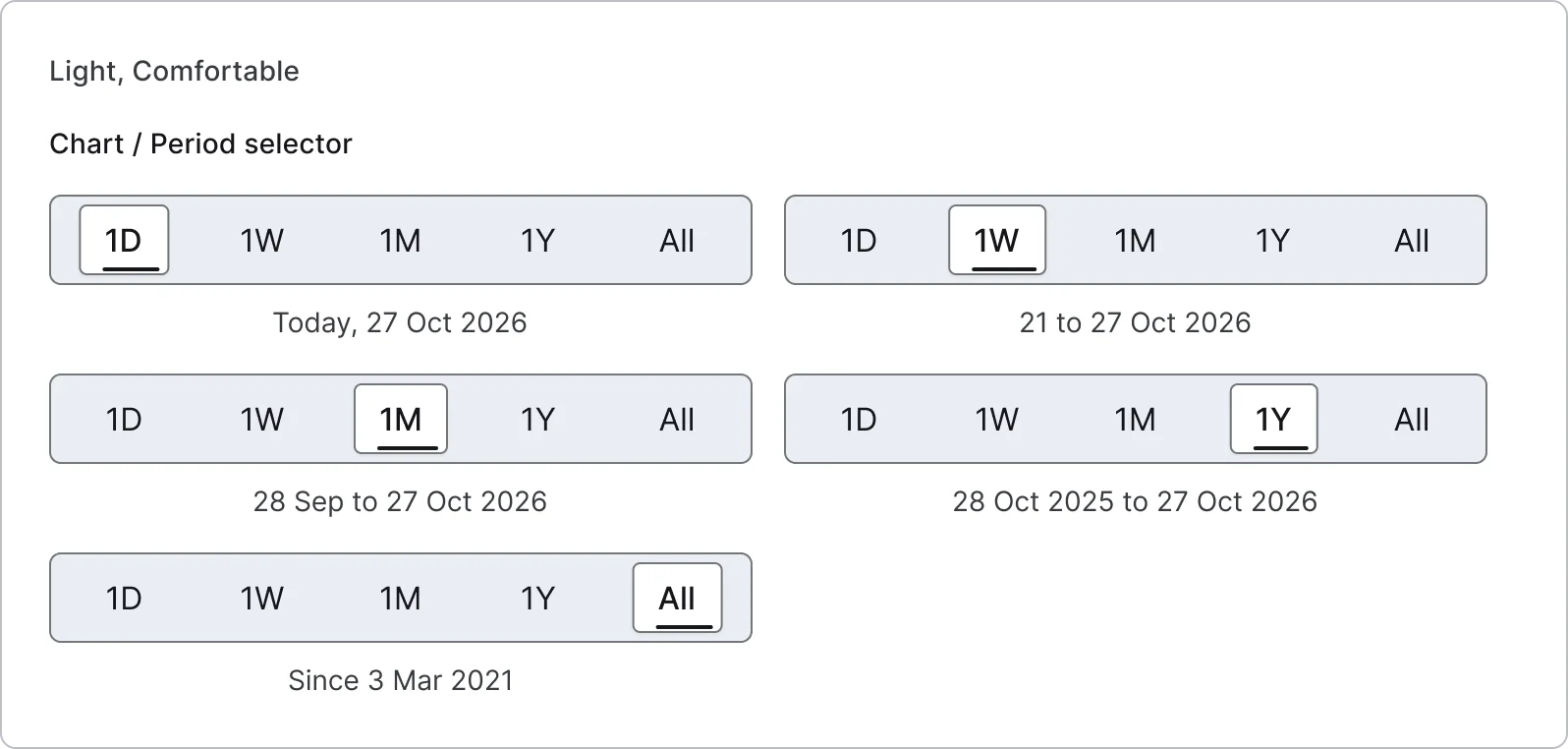
5 variants
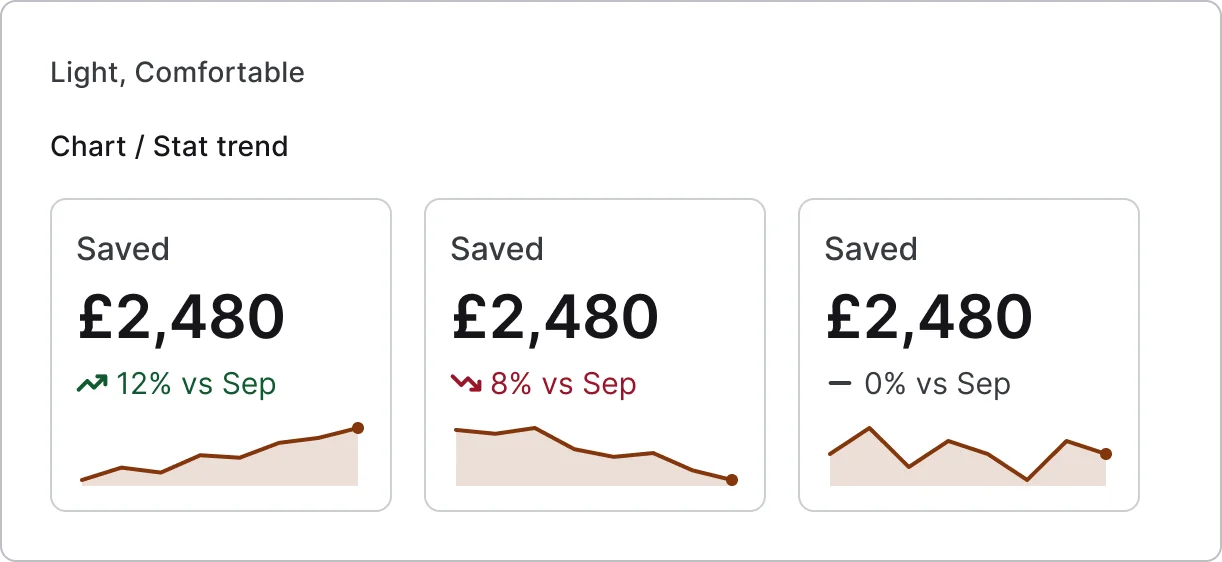
3 variants

3 variants
Recreations of real products, so you can compare approaches side by side. They are approximate, built from public product knowledge, with placeholder data and no third-party artwork.
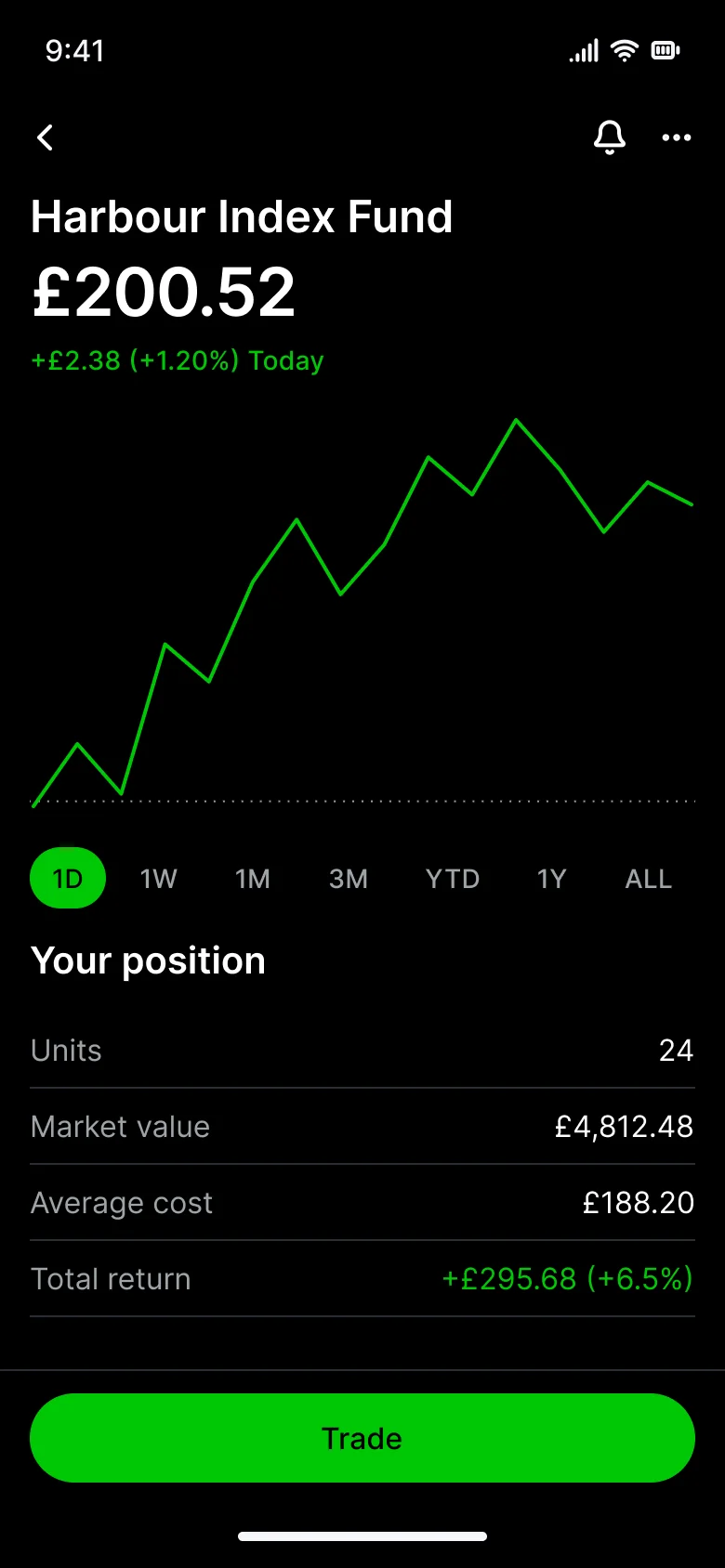
Recreated from Robinhood
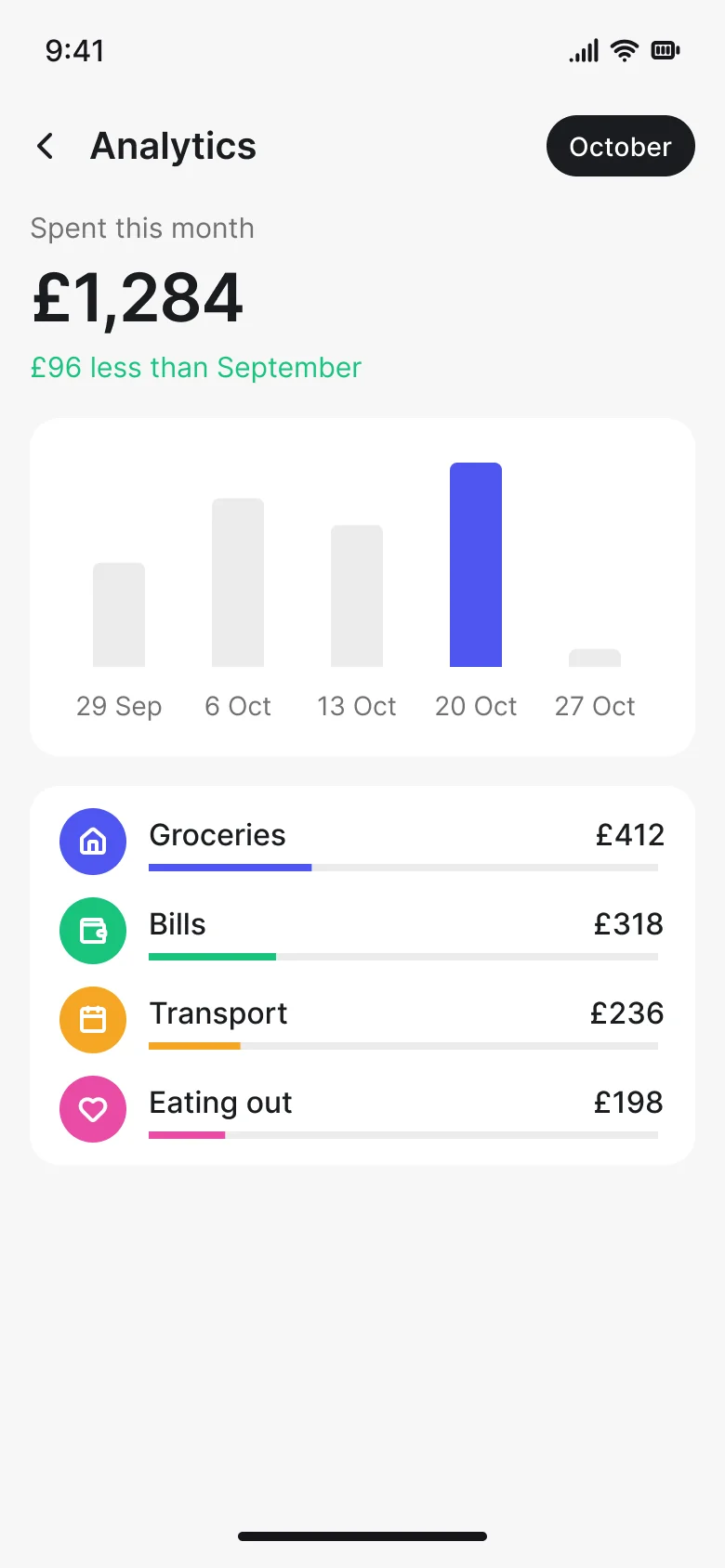
Recreated from Revolut
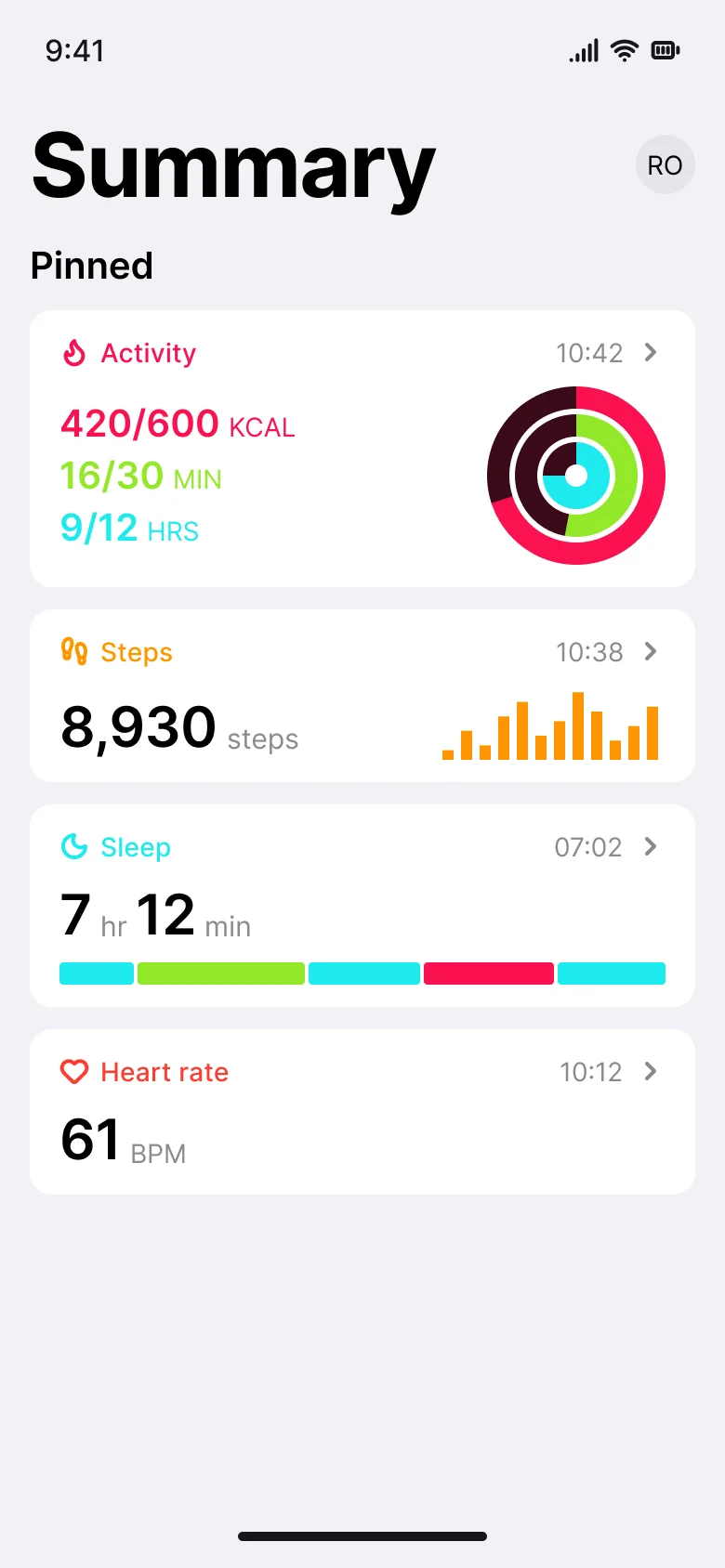
Recreated from Apple Health
Not affiliated with, endorsed or sponsored by Robinhood, Revolut and Apple Health. Their names are trade marks of their owners and are used only to say what each recreation is based on.
A line chart at rest, while scrubbing and with keyboard focus on a point. All 3 variants, free to see with a SuperDuperUI account. The Figma file comes with the pack.
Mobile12 components205 variants3 recreations
Avatars, presence, stacks, story rings, image frames, photo grids and viewers for phone apps, with vector placeholders.
$9, or included with Pro
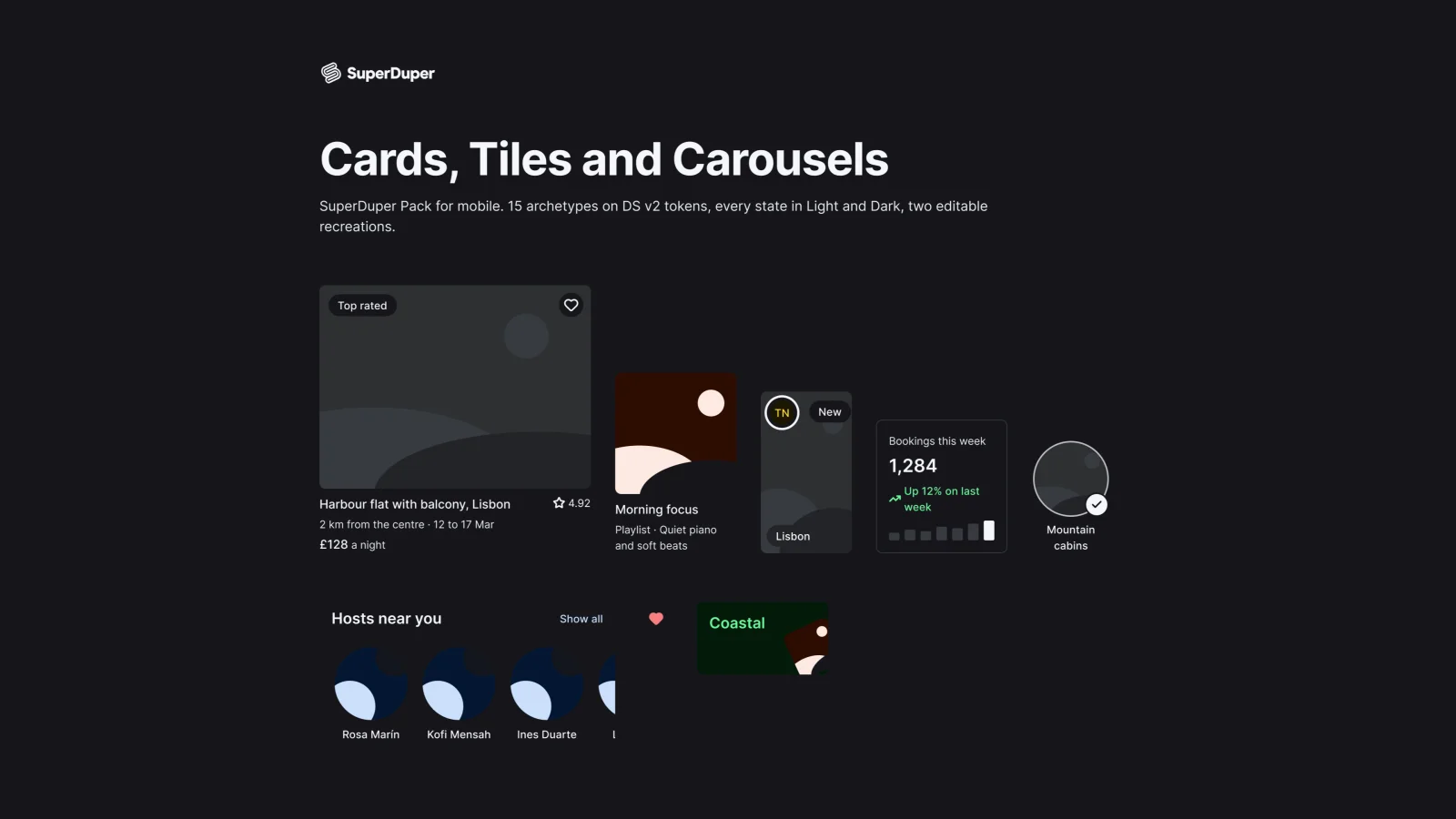
Mobile15 components121 variants2 recreations
Mobile listing, media and stat cards, tiles, shelves, carousels and a swipe stack, with pressed, focus and loading states.
$9, or included with Pro
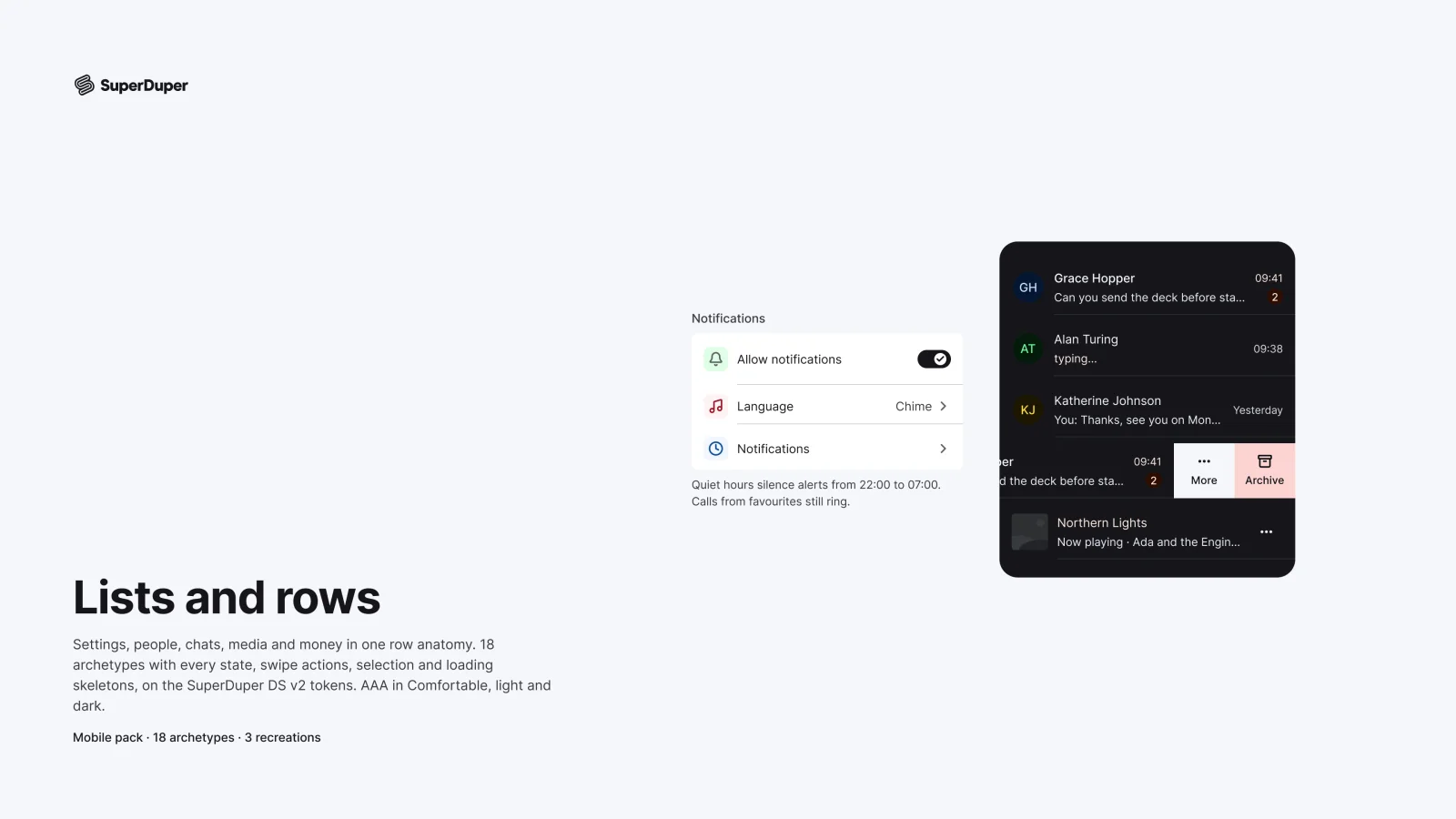
Mobile18 components217 variants3 recreations
Mobile list rows built on one anatomy: settings, toggles, media, people, chats, transactions and more.
$9, or included with Pro
One Figma file: SuperDuper Pack: Charts and data viz (Mobile). It has 11 components with 31 variants, 3 recreations, and notes on when to use each part. Everything uses Figma variables, so you can change the colours and type to match your product.