
Search
Desktop10 components34 variants4 recreations
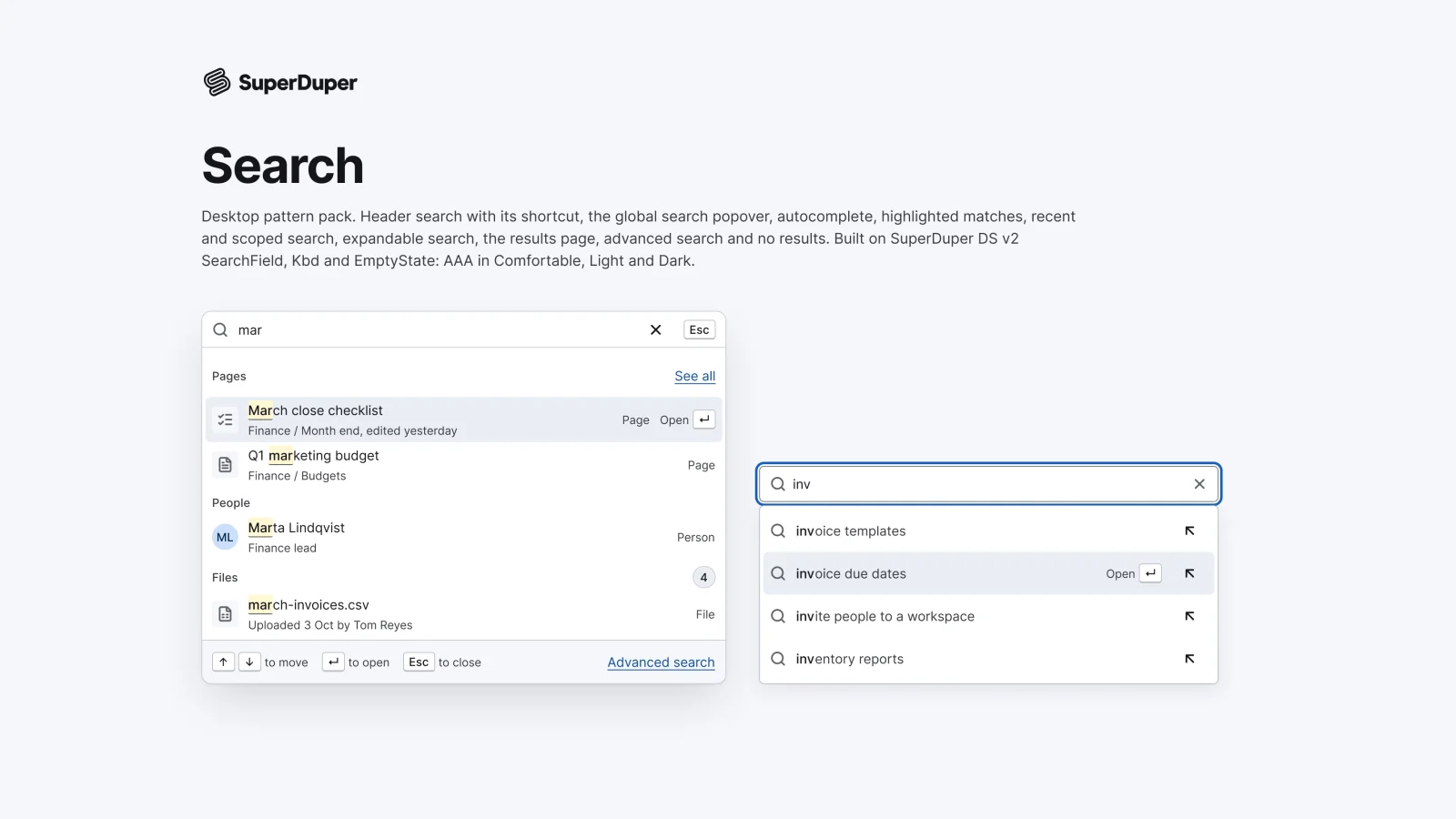
Desktop search: header trigger, global popover, autocomplete, match highlights, recents, scoped search, results and no results.
$9, or included with Pro
Desktop packActions and input
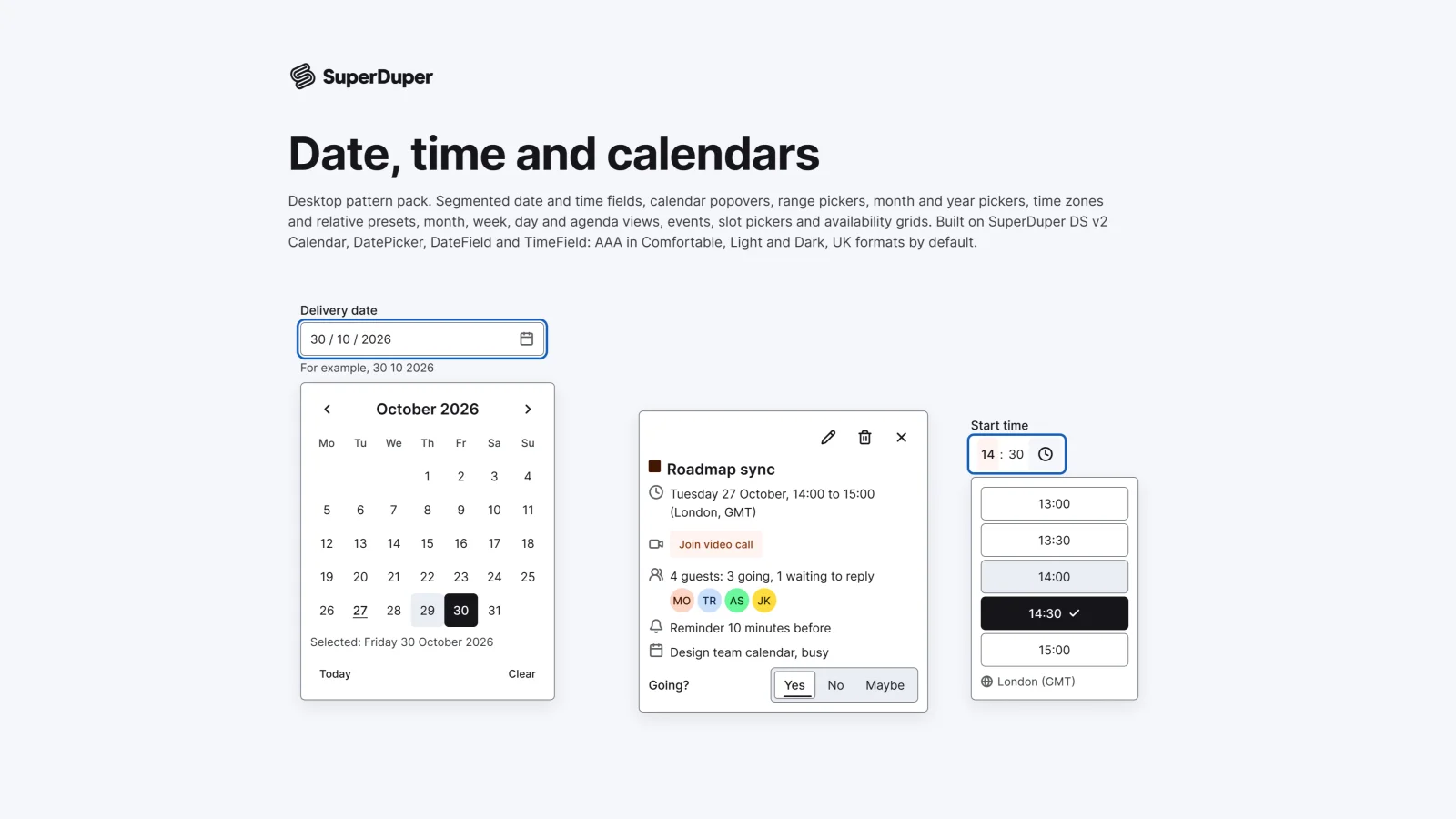
Desktop date and time fields, calendar and range pickers, time zones, month, week and day views, events and slot pickers.
Also for mobile: Date, time and calendars
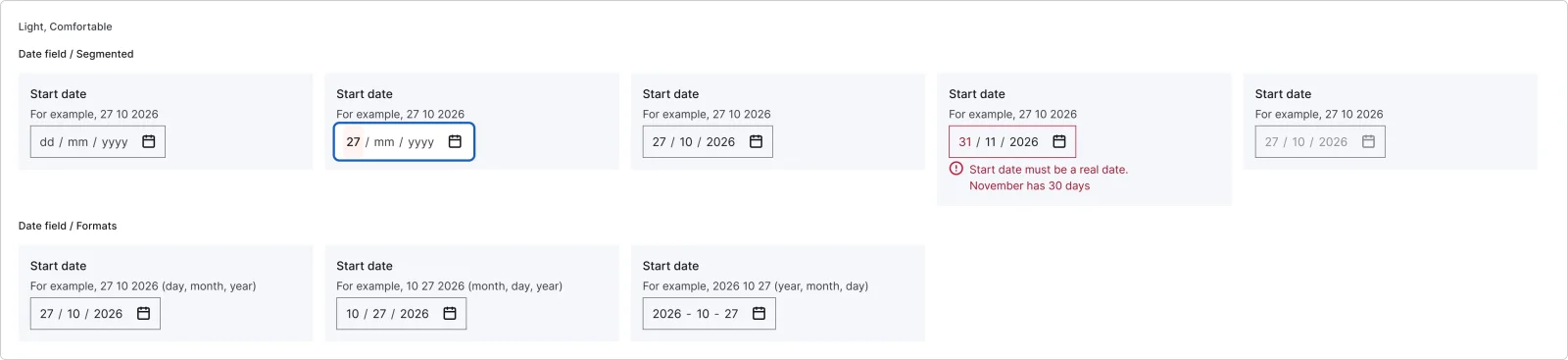
Fourteen date and time patterns for web apps: segmented date and time fields, a calendar popover, a two-month range picker with presets, month and year pickers, a time zone selector, relative presets, month, week and day calendar views, events, a slot picker and an availability grid. UK formats by default, with US, ISO, 12-hour and right-to-left examples.
5 variants
3 variants
4 variants
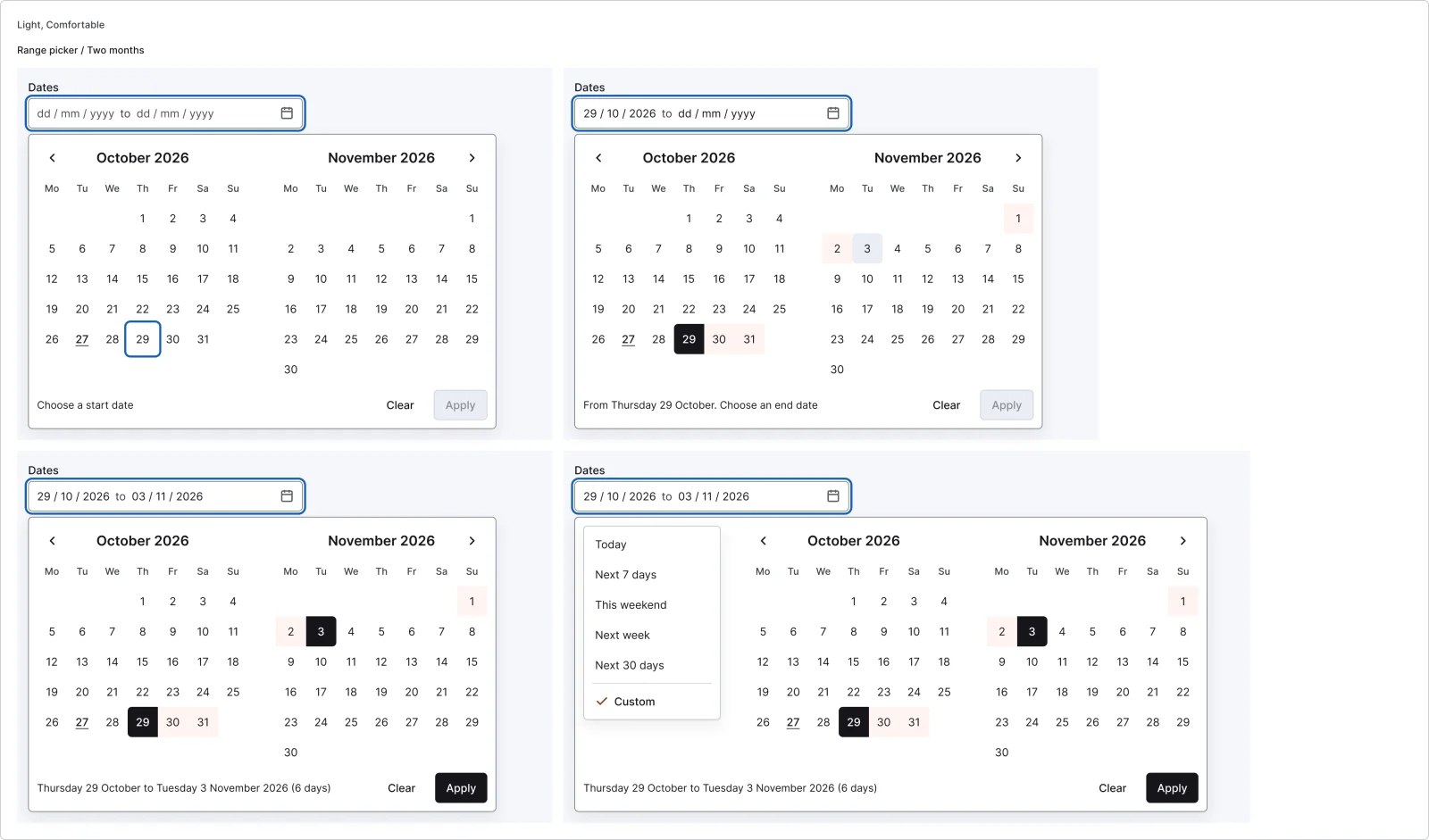
4 variants
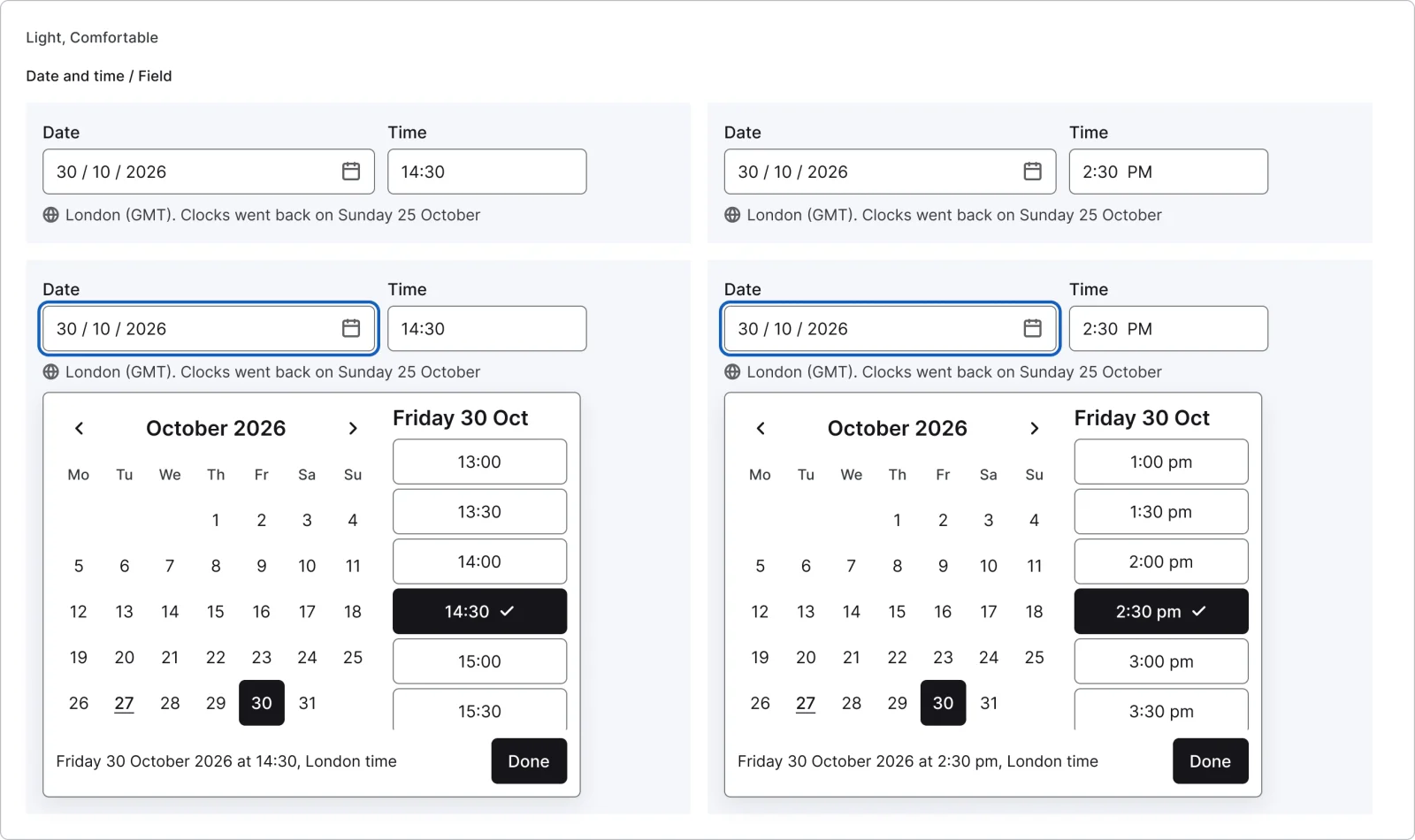
4 variants
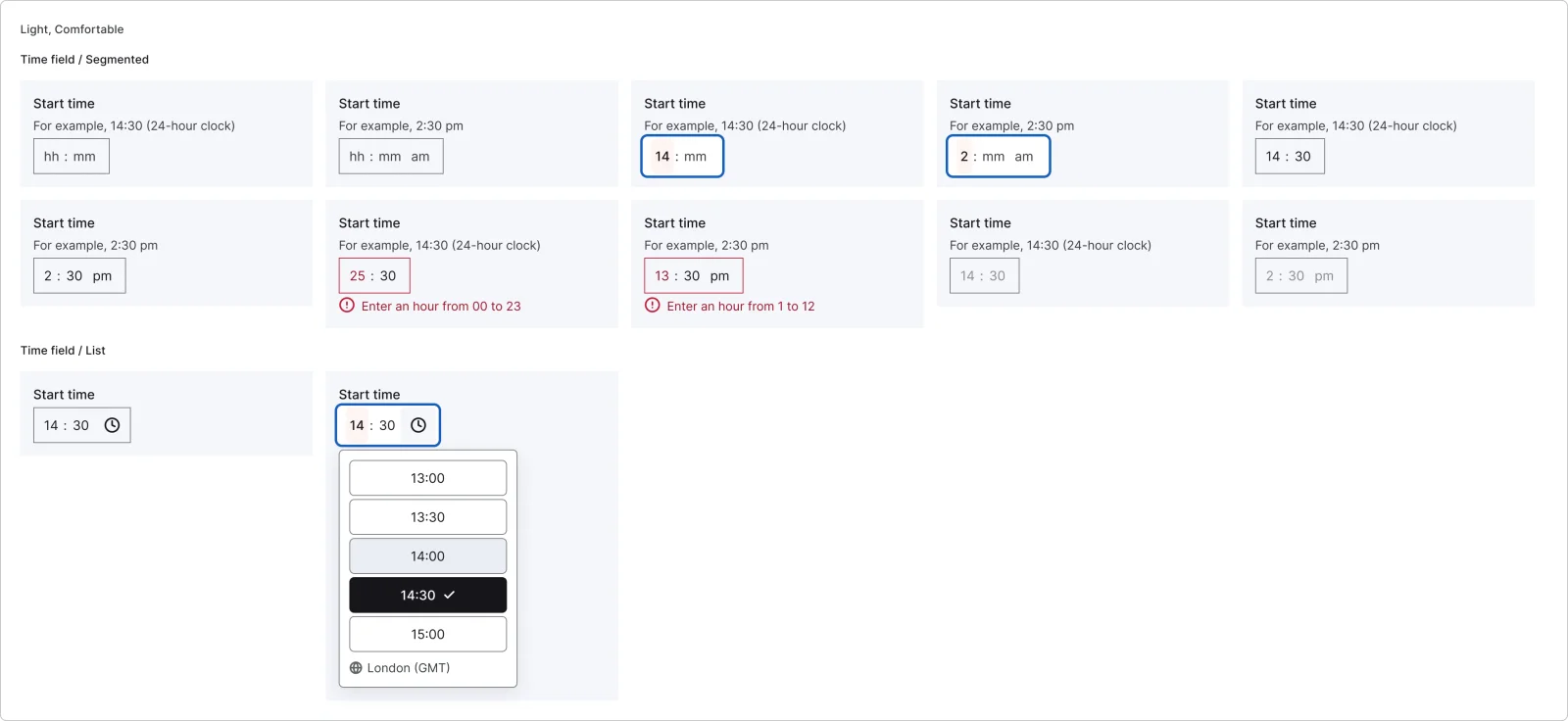
10 variants
2 variants
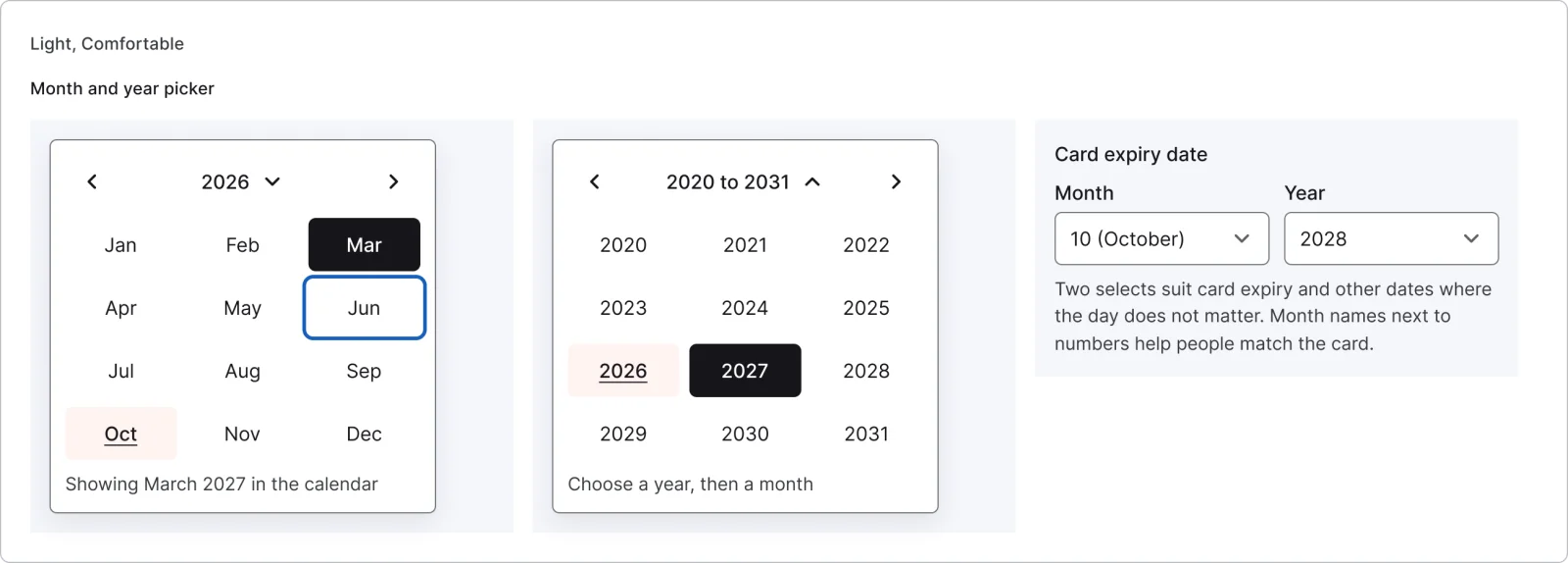
3 variants
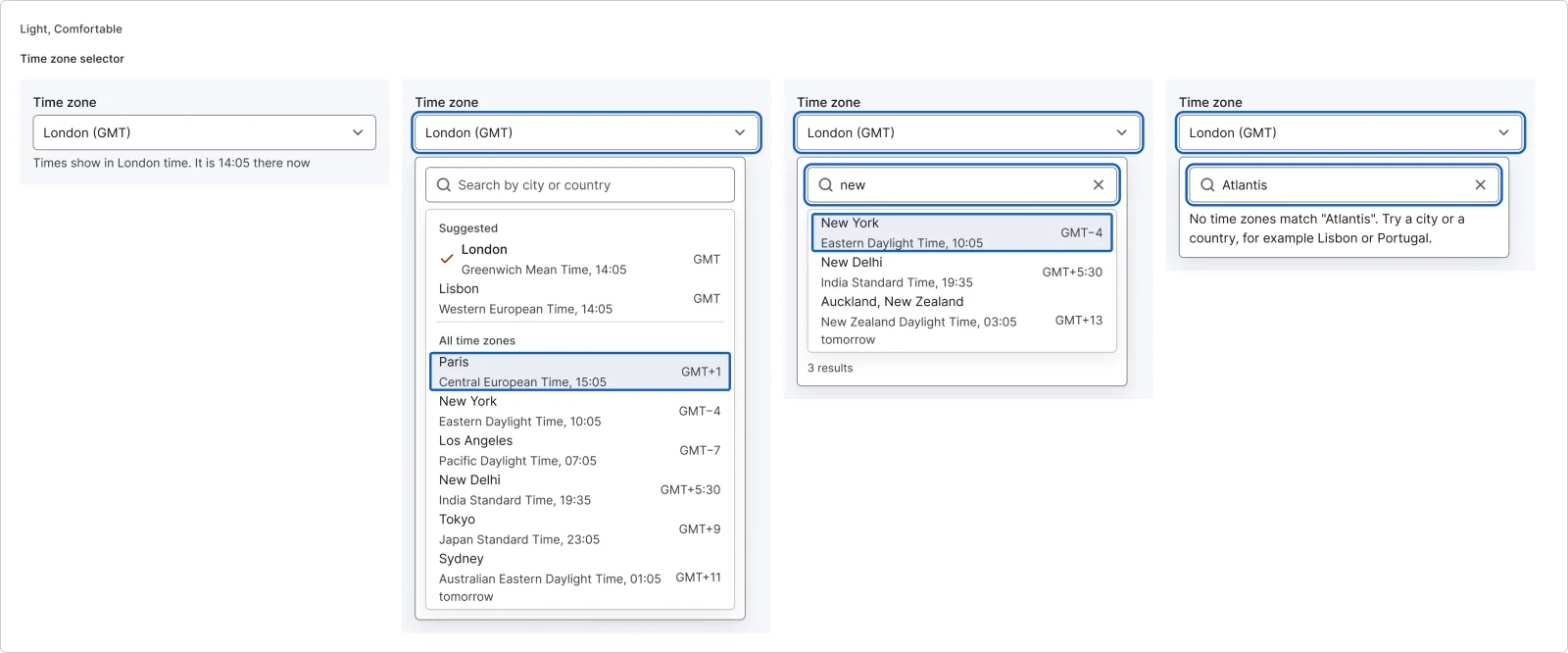
4 variants
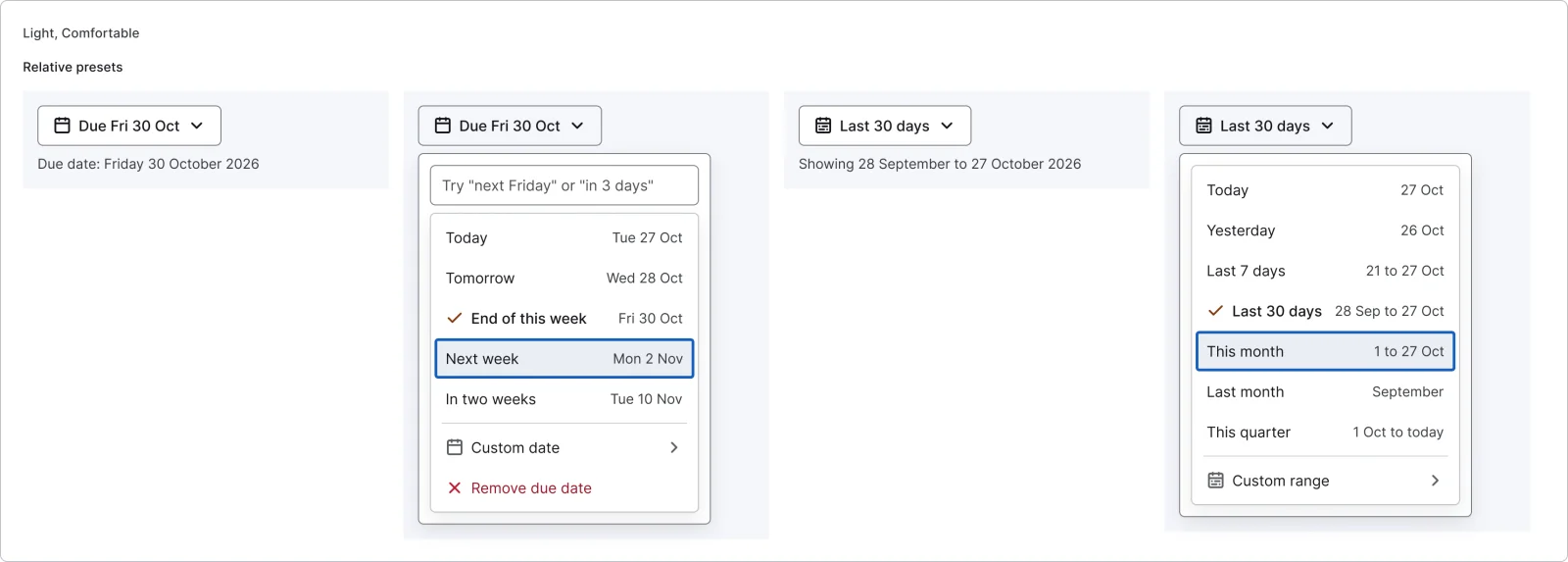
4 variants
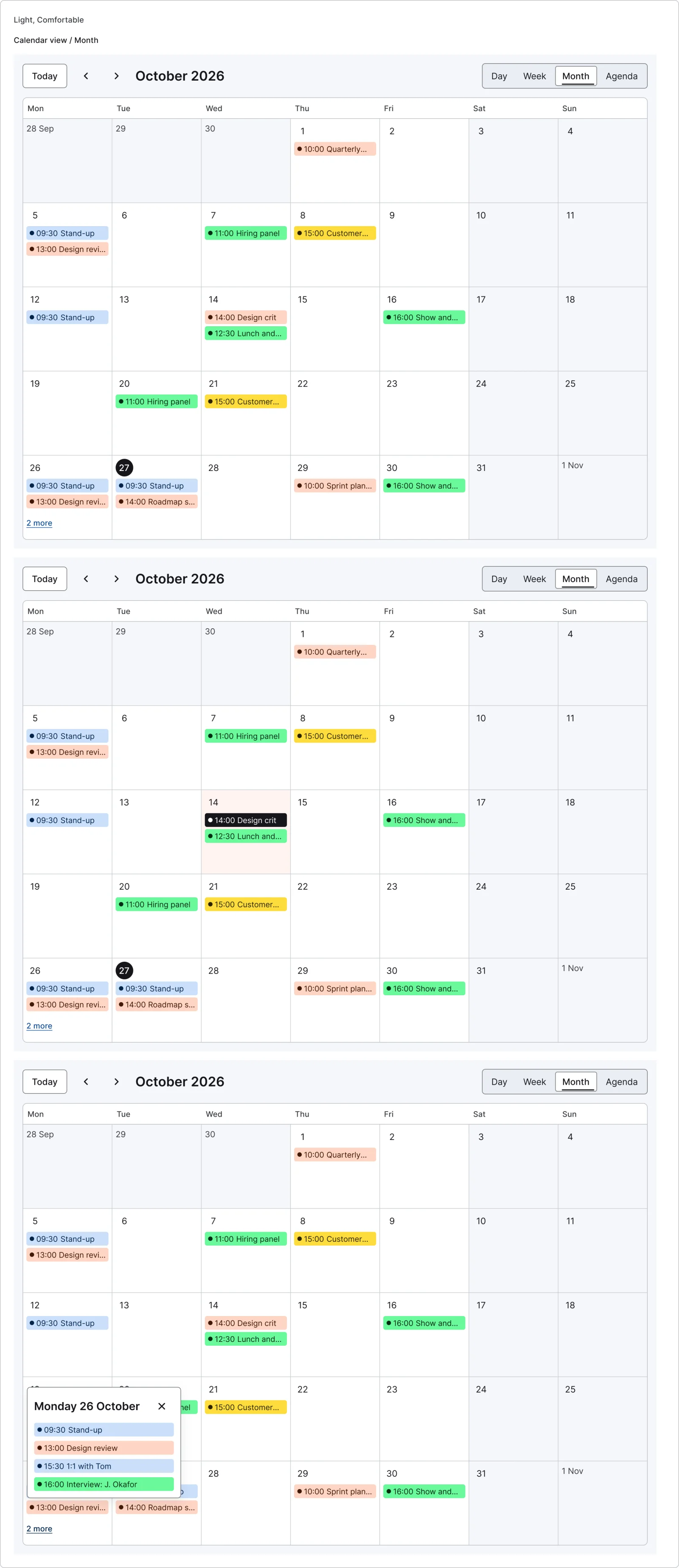
3 variants
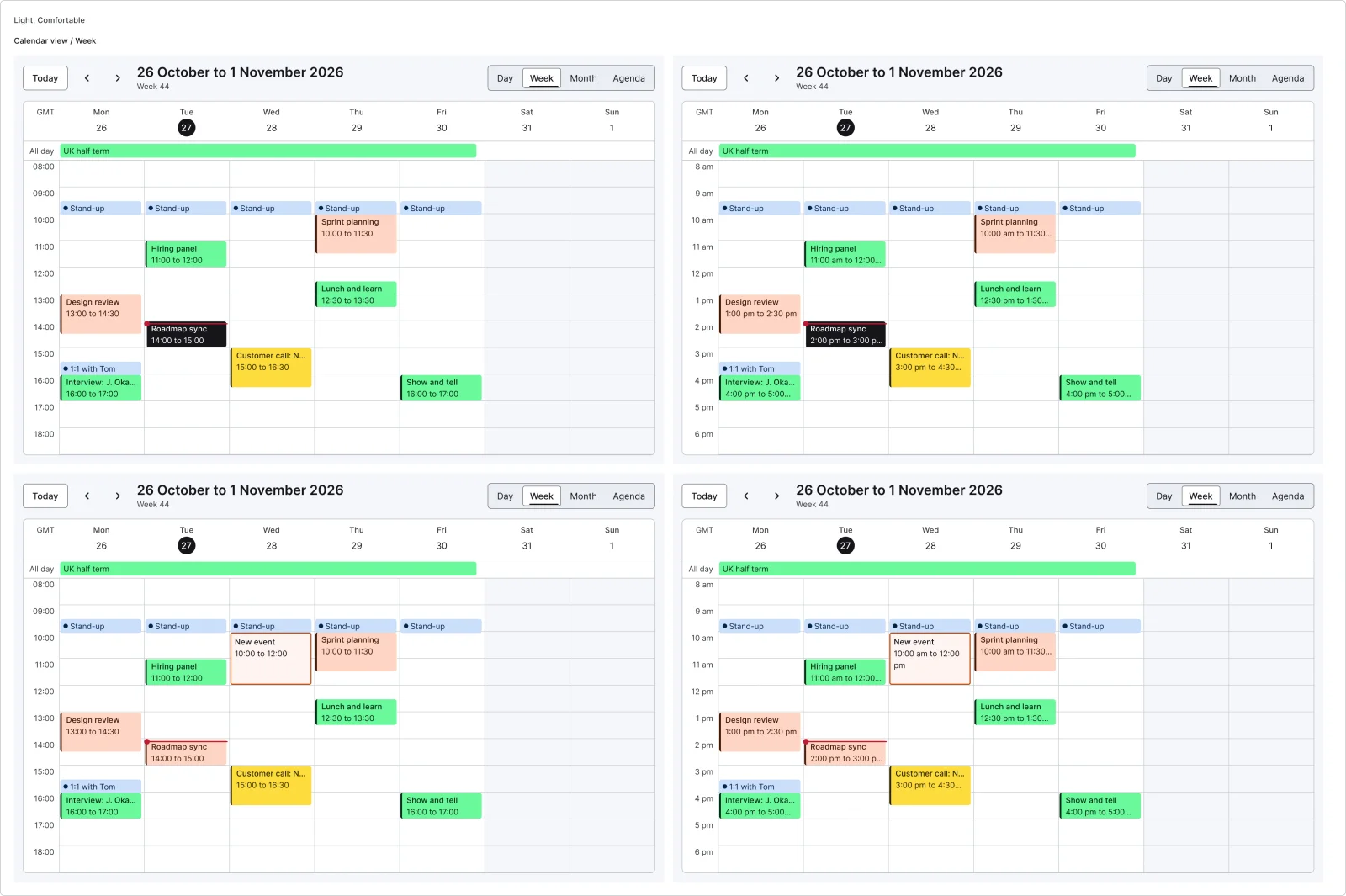
4 variants
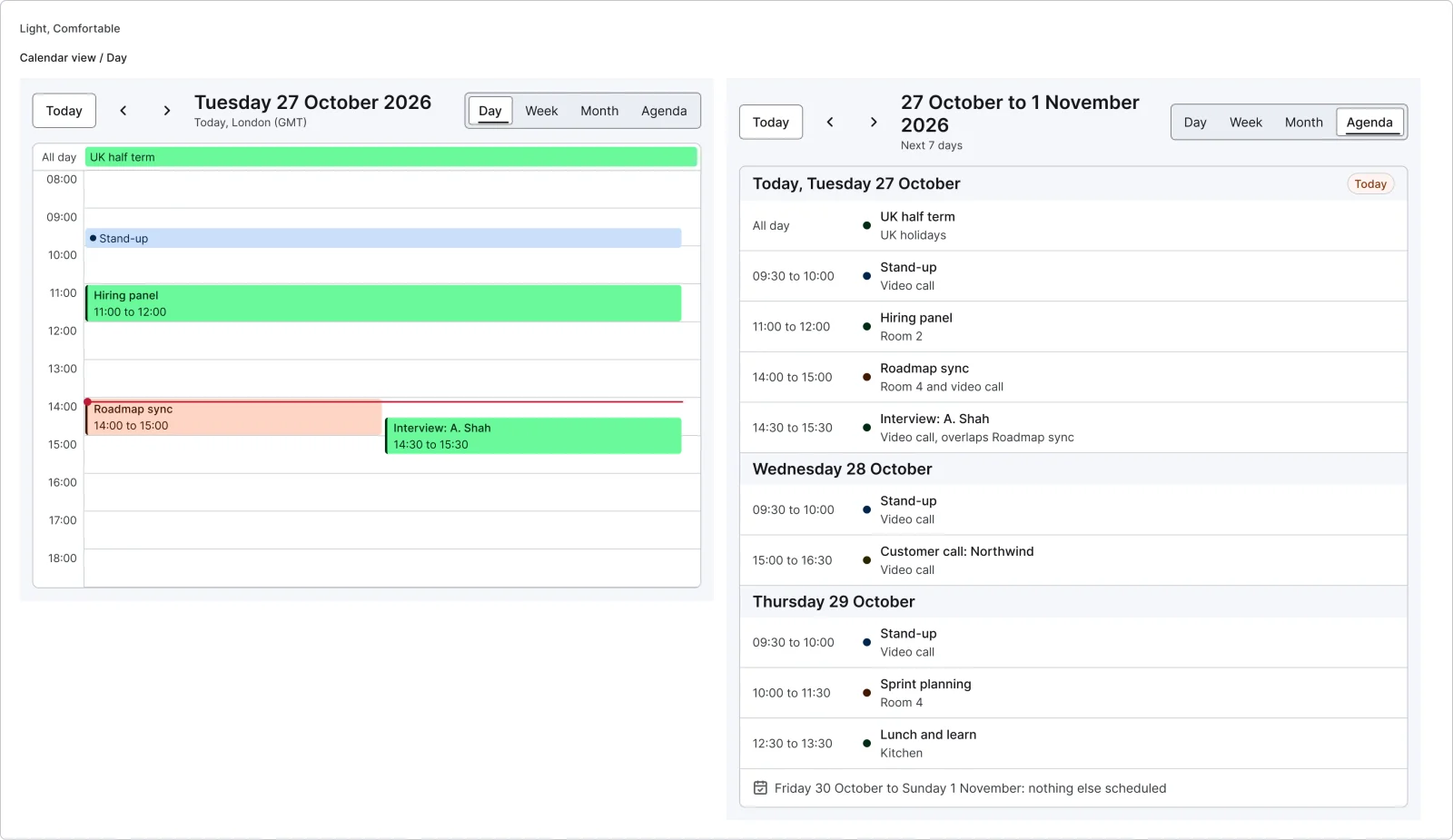
2 variants
12 variants
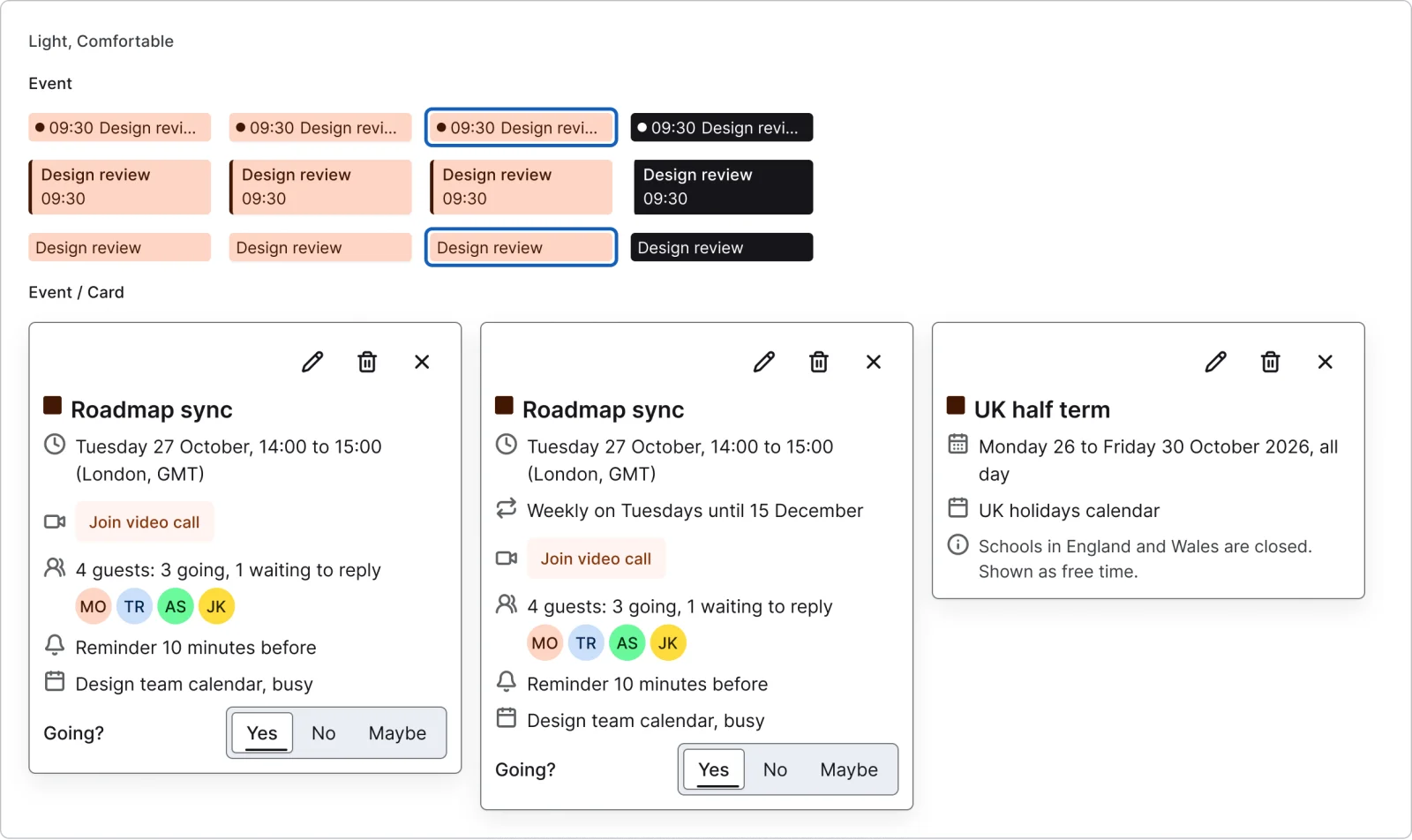
3 variants
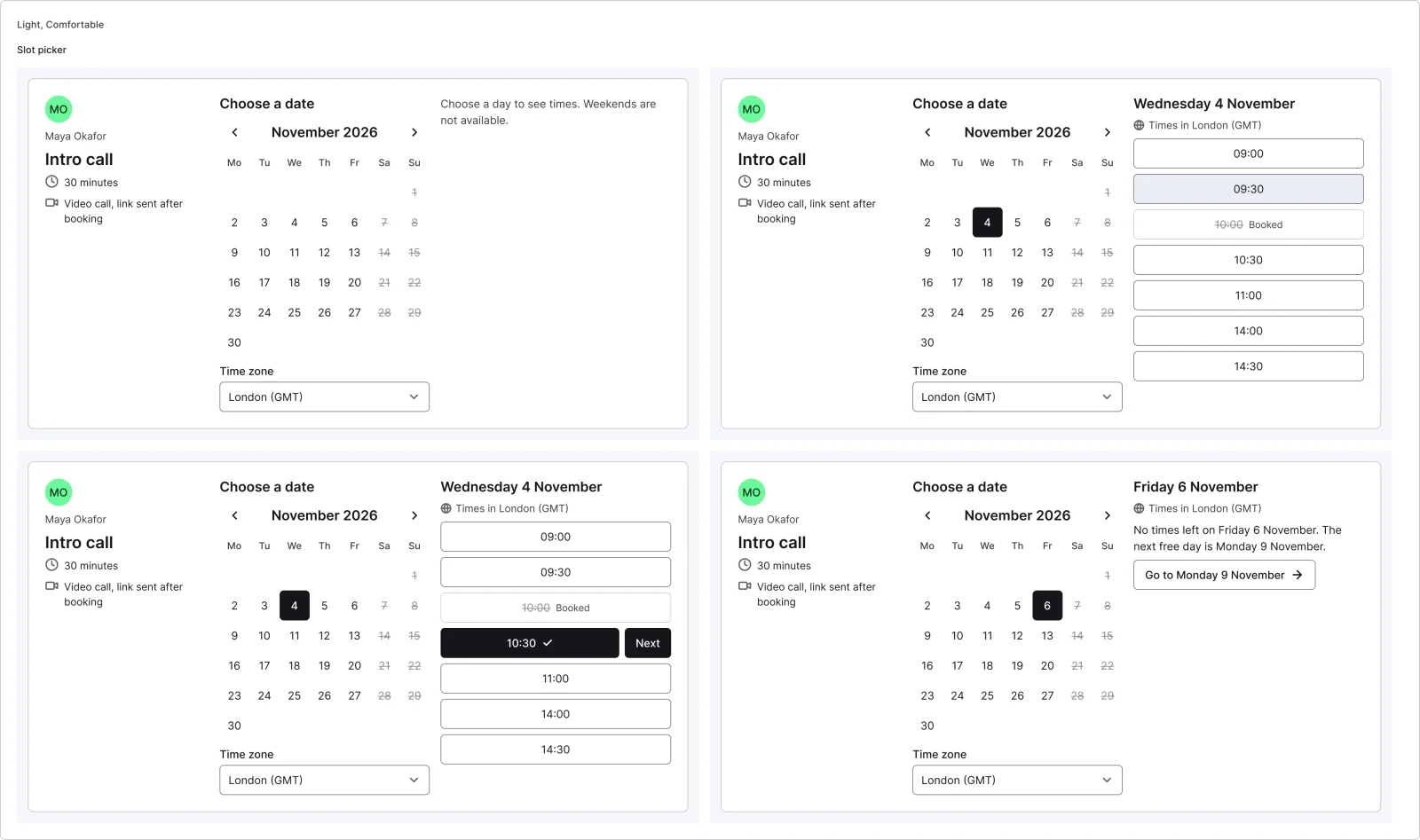
4 variants
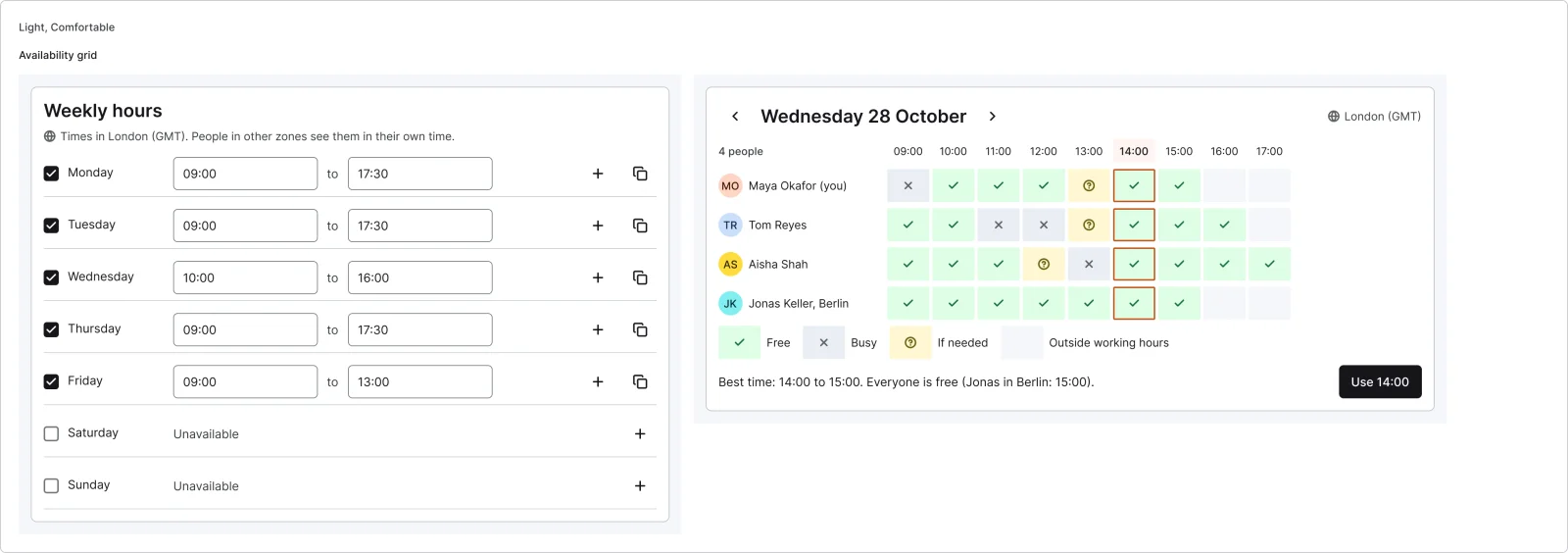
2 variants
Recreations of real products, so you can compare approaches side by side. They are approximate, built from public product knowledge, with placeholder data and no third-party artwork.
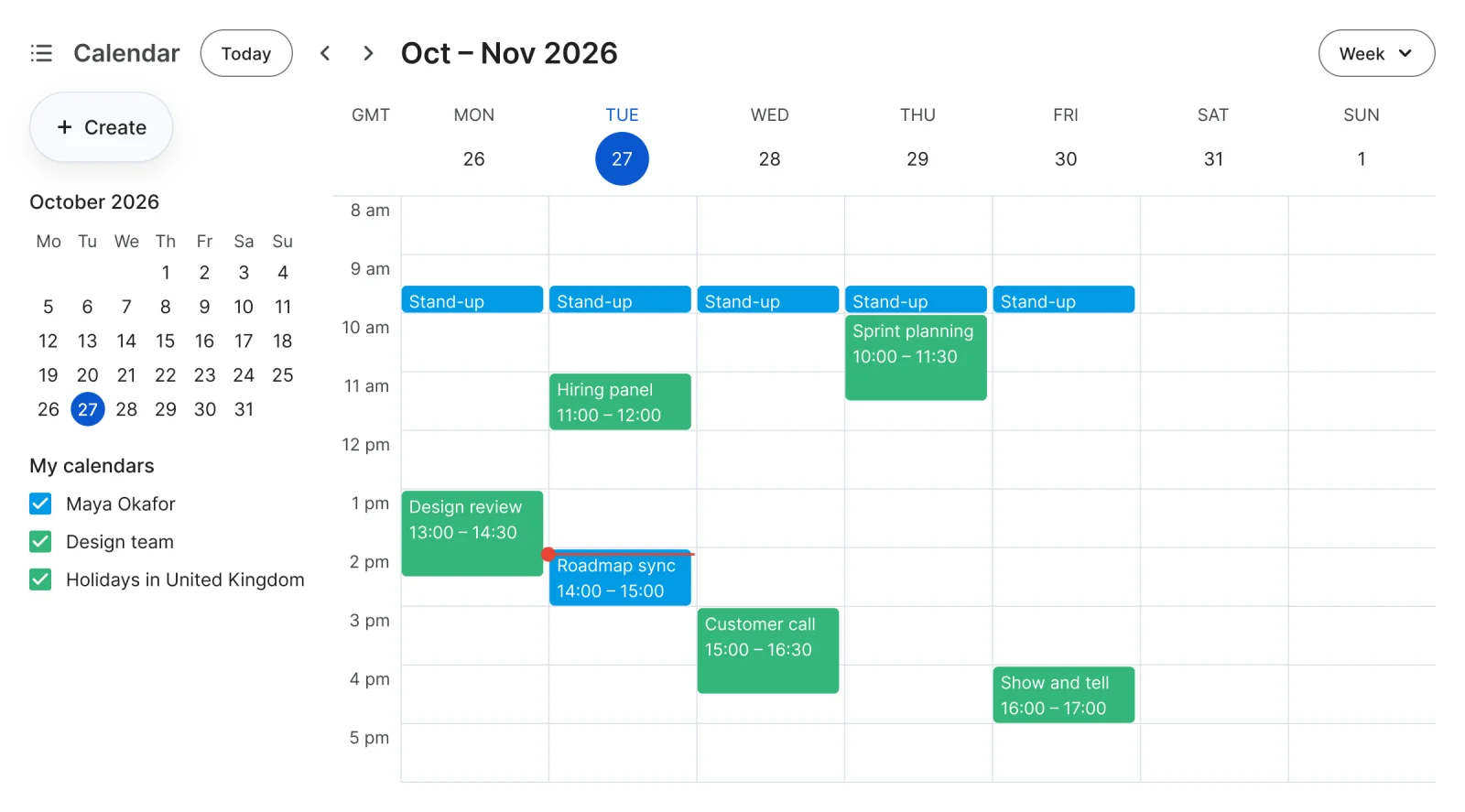
Recreated from Google Calendar
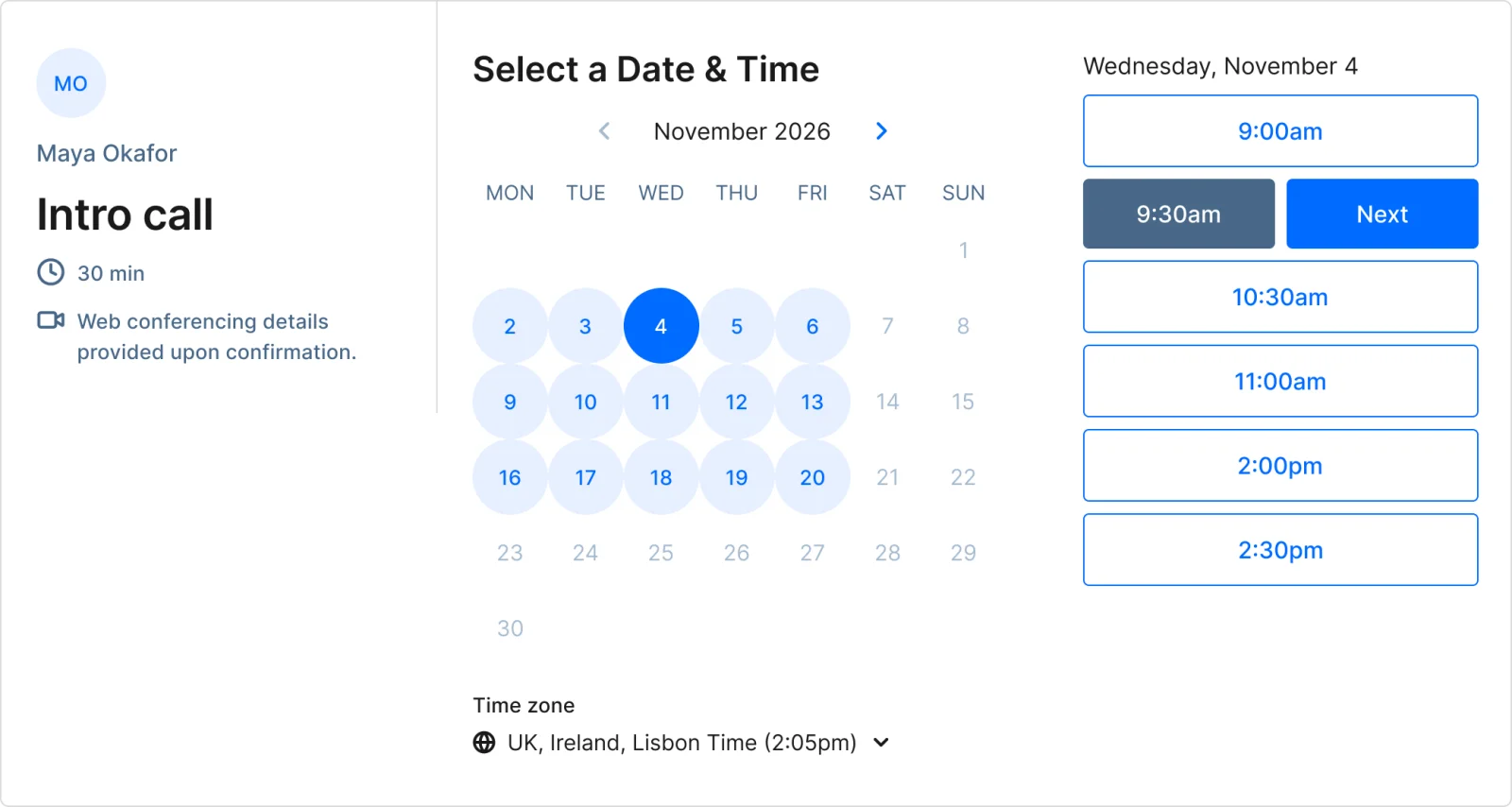
Recreated from Calendly
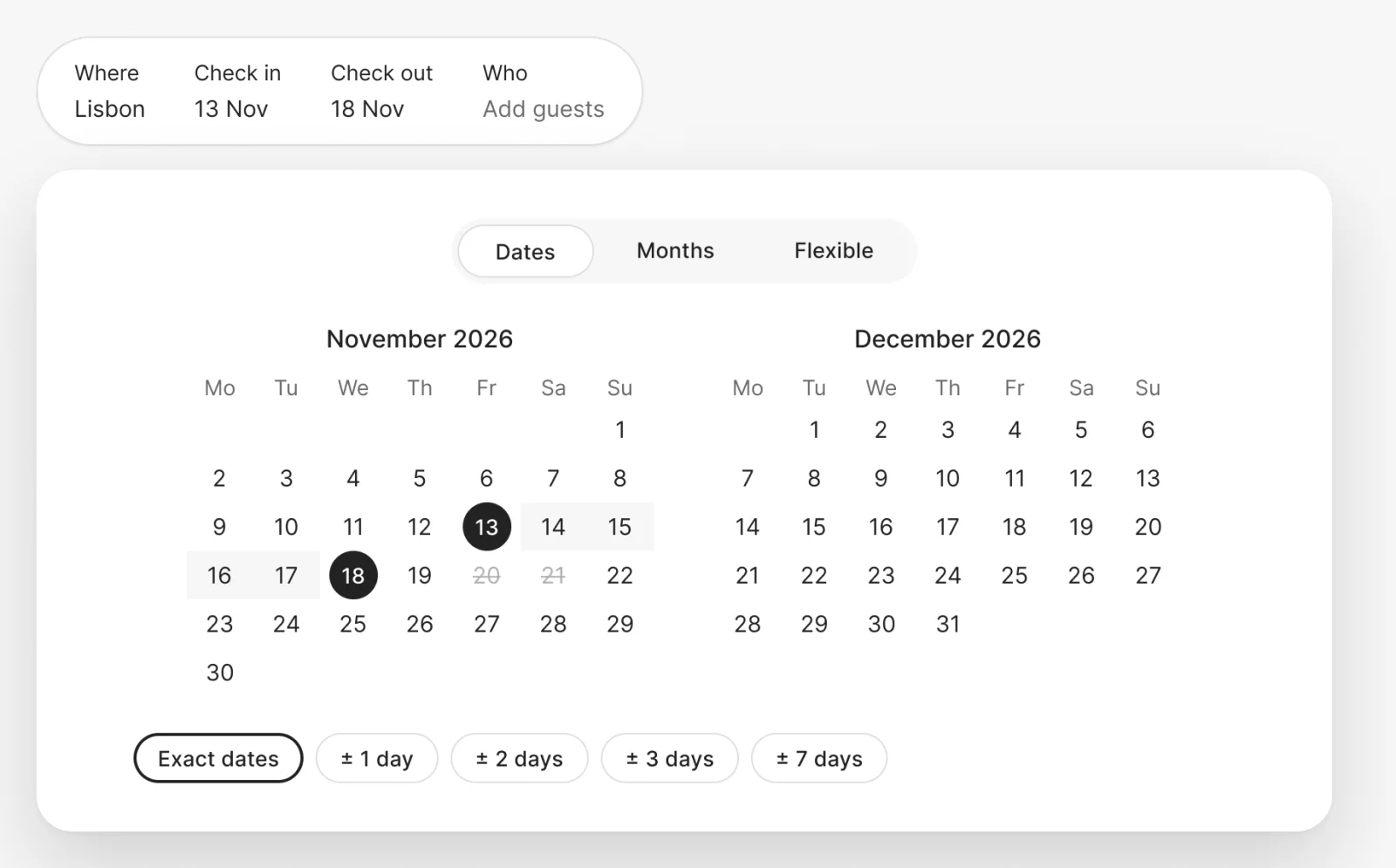
Recreated from Airbnb
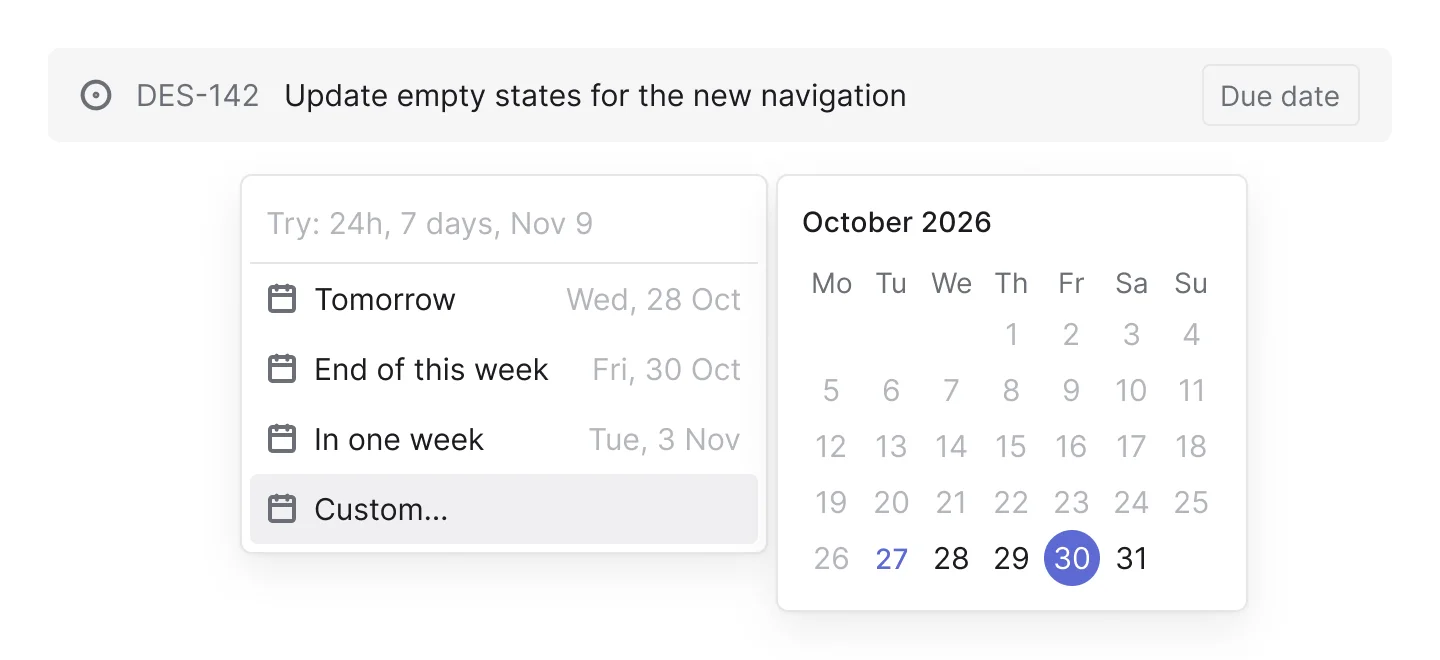
Recreated from Linear
Not affiliated with, endorsed or sponsored by Google Calendar, Calendly, Airbnb and Linear. Their names are trade marks of their owners and are used only to say what each recreation is based on.
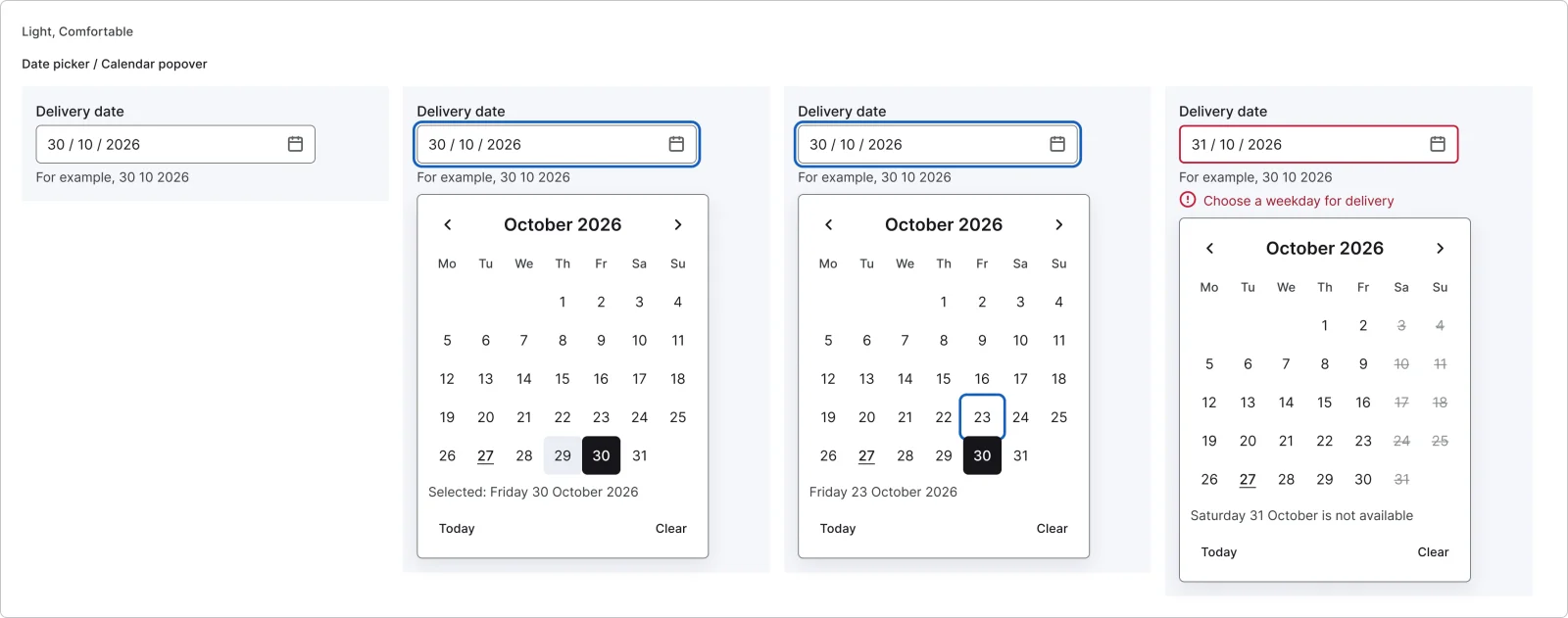
A date field with its calendar popover: closed, open, keyboard focus and an unavailable date. All 4 variants, free to see with a SuperDuperUI account. The Figma file comes with the pack.
Desktop10 components34 variants4 recreations
Desktop search: header trigger, global popover, autocomplete, match highlights, recents, scoped search, results and no results.
$9, or included with Pro
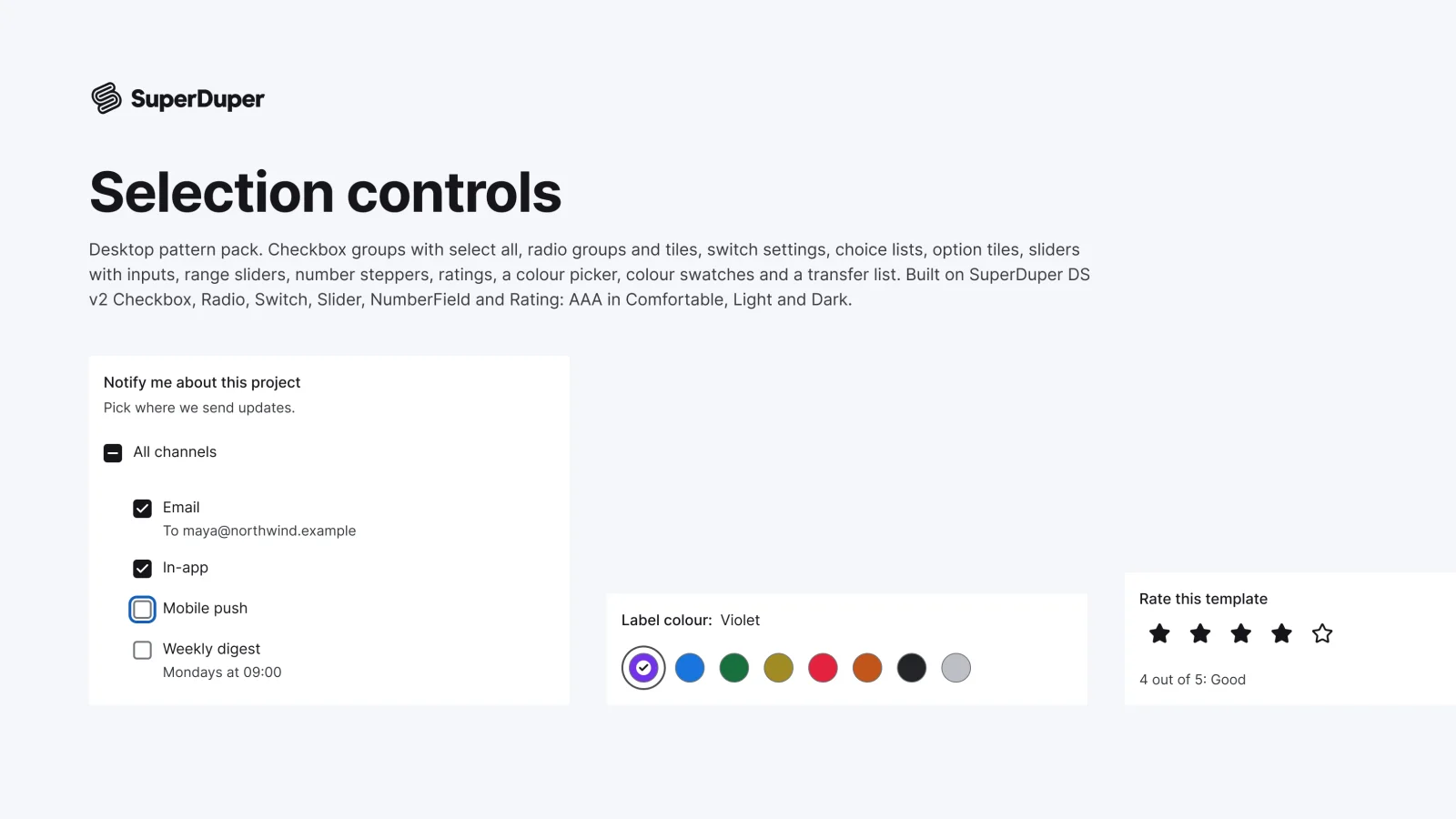
Desktop13 components54 variants3 recreations
Desktop checkbox and radio groups, setting switches, sliders, steppers, ratings, swatches, a colour picker and a transfer list.
$9, or included with Pro
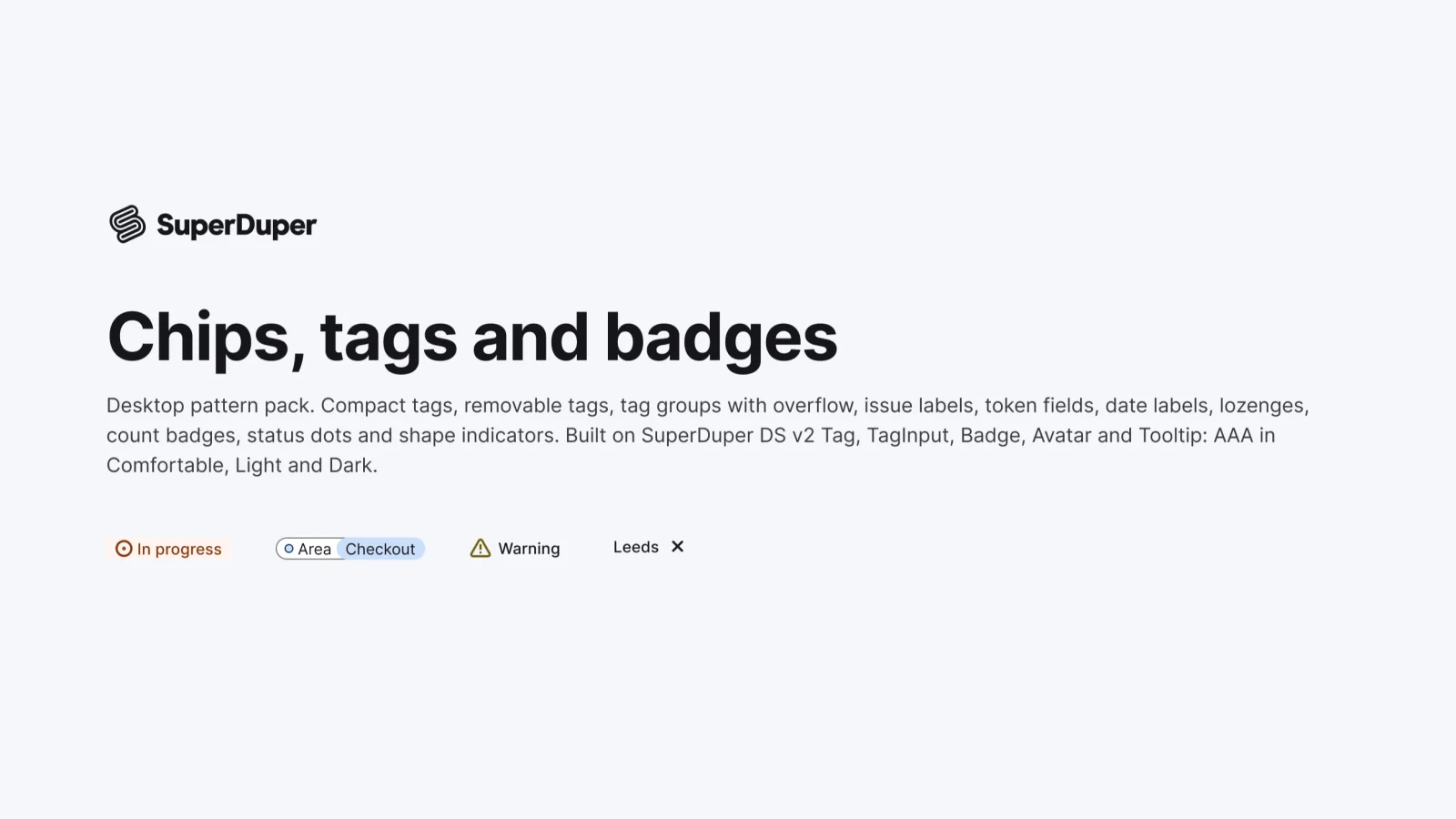
Desktop10 components64 variants3 recreations
Desktop tags, labels, lozenges, count badges and status indicators, sized for dense tables and sidebars.
$9, or included with Pro
One Figma file: SuperDuper Pack: Date, time and calendars (Desktop). It has 17 components with 73 variants, 4 recreations, and notes on when to use each part. Everything uses Figma variables, so you can change the colours and type to match your product.