
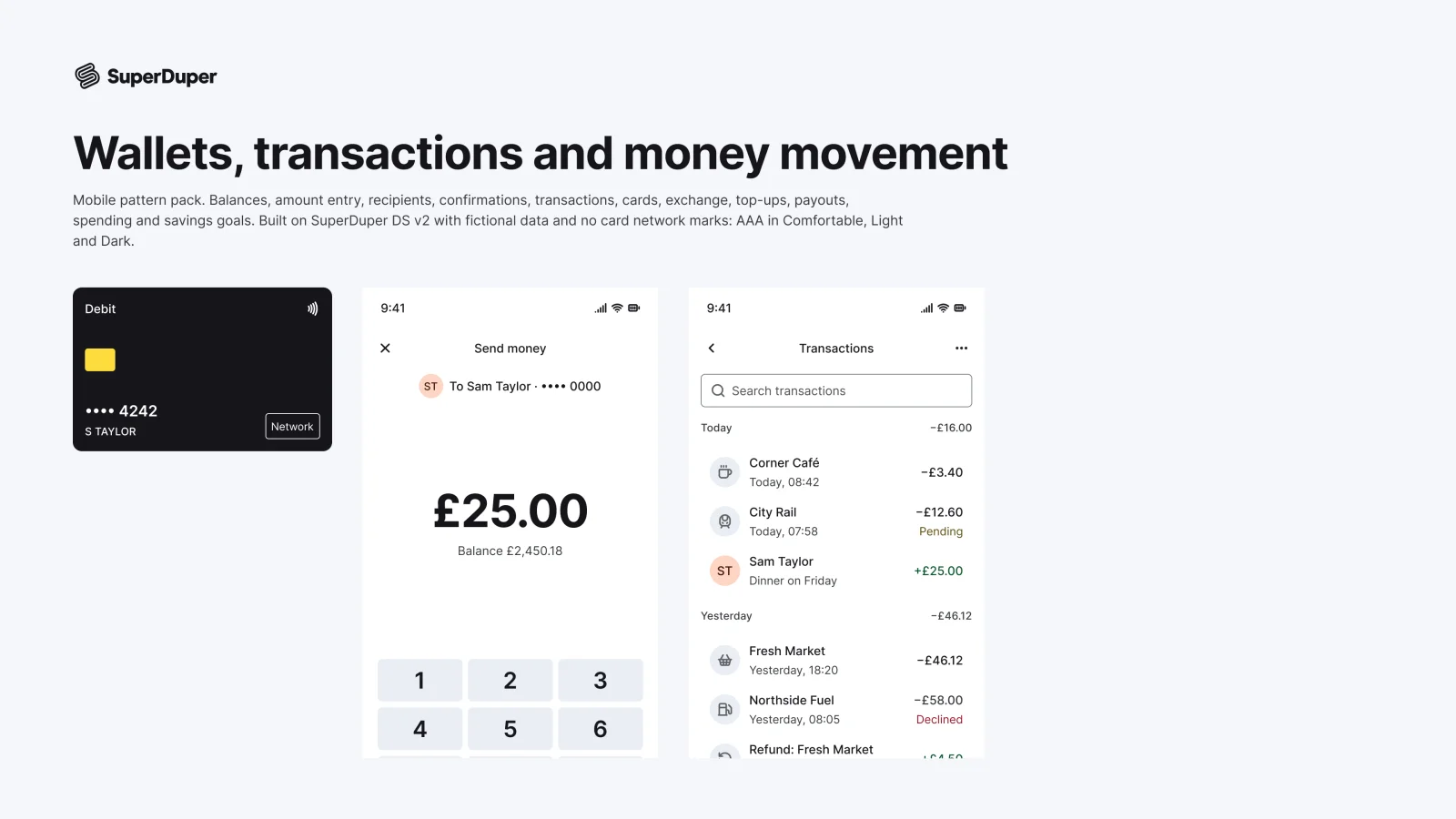
Wallets, transactions and money movement
Mobile13 components48 variants2 recreations
Mobile balances, amount entry, send and request, transactions, cards, exchange, payouts and savings goals screens.
$9, or included with Pro
Mobile packDomain
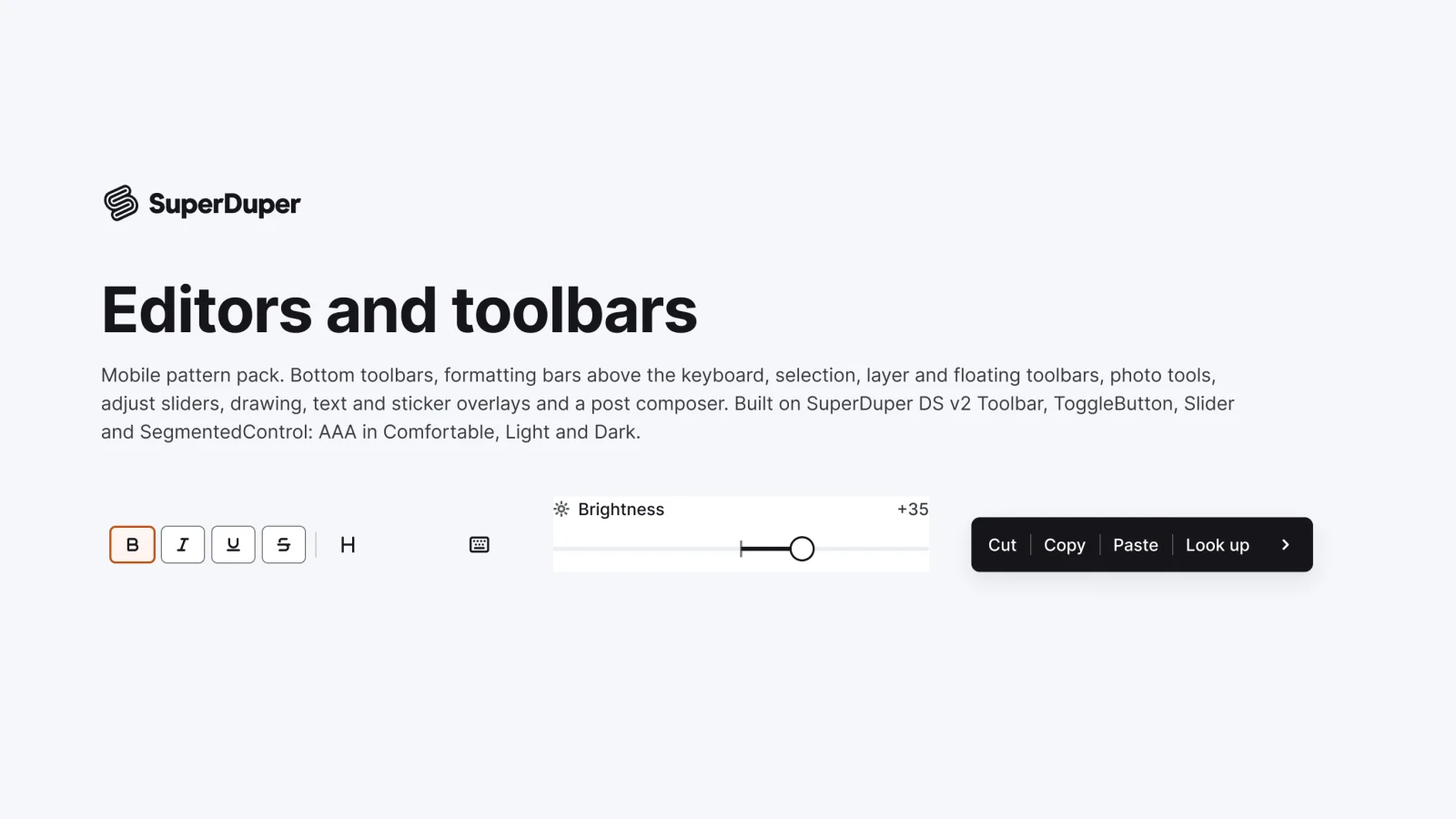
Mobile editor toolbars and tools: formatting, selection, layers, photo crop and adjust, drawing, text overlay and post composer.
Also for desktop: Editors and toolbars
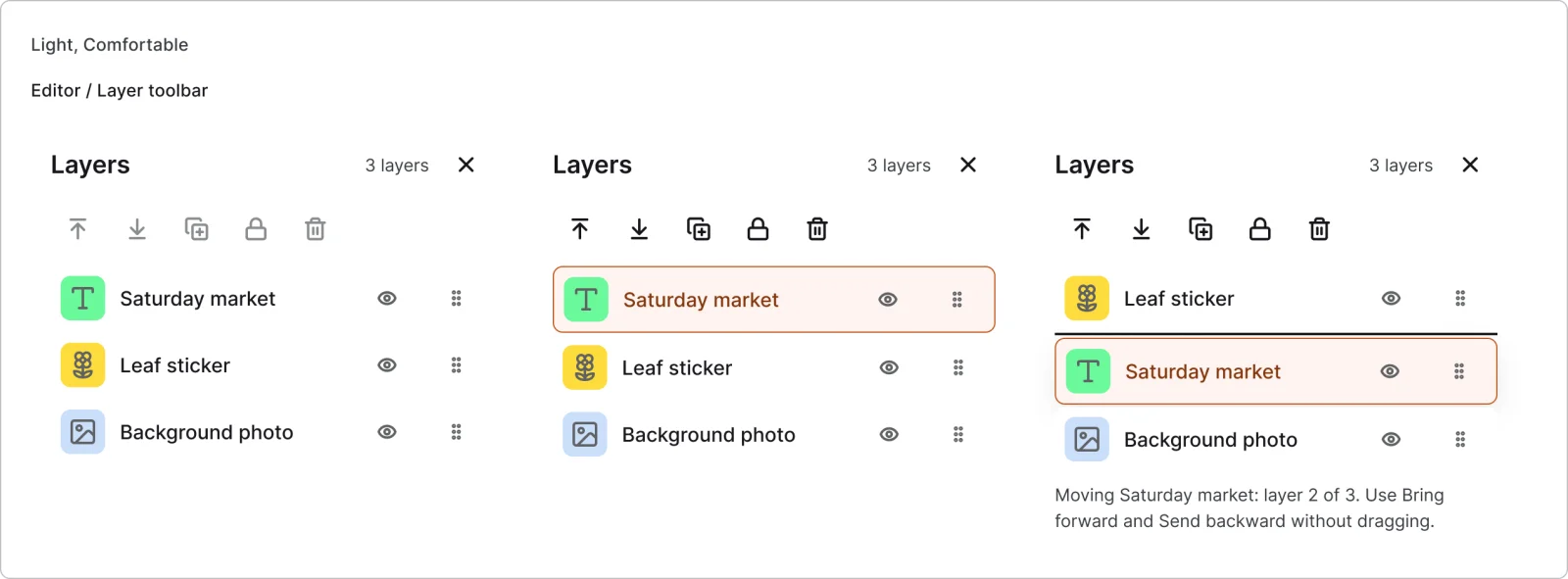
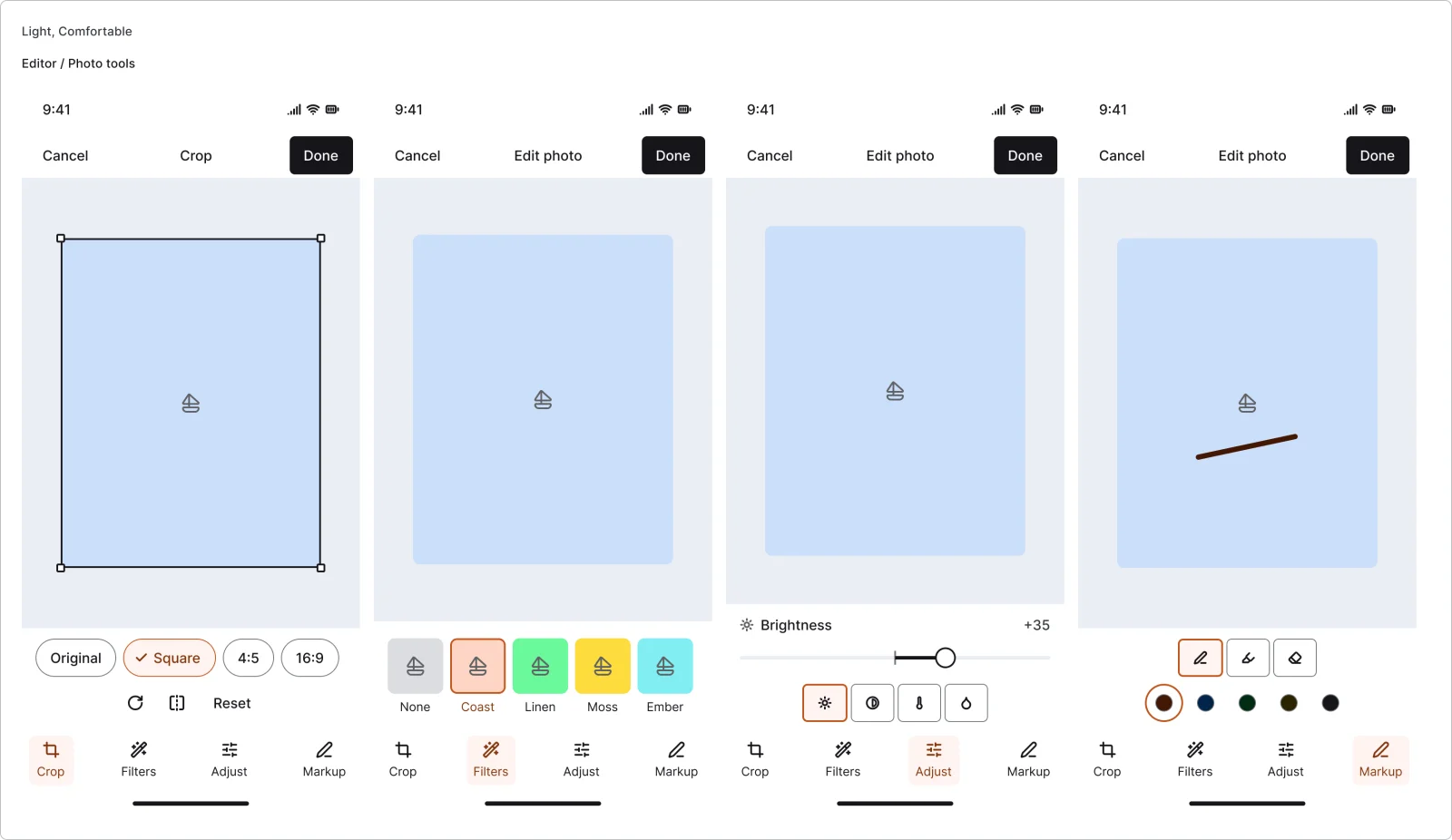
Ten editor patterns for phones: bottom, formatting, selection, layer and floating toolbars, photo tools with crop, filters, adjust and markup, a centre-zero adjust slider, an adjust panel, drawing tools, text overlays and a post composer with a character limit. Five pages show a full editor screen in context, and each page documents states, keyboard and screen reader use.

3 variants

3 variants

3 variants
3 variants

3 variants
4 variants
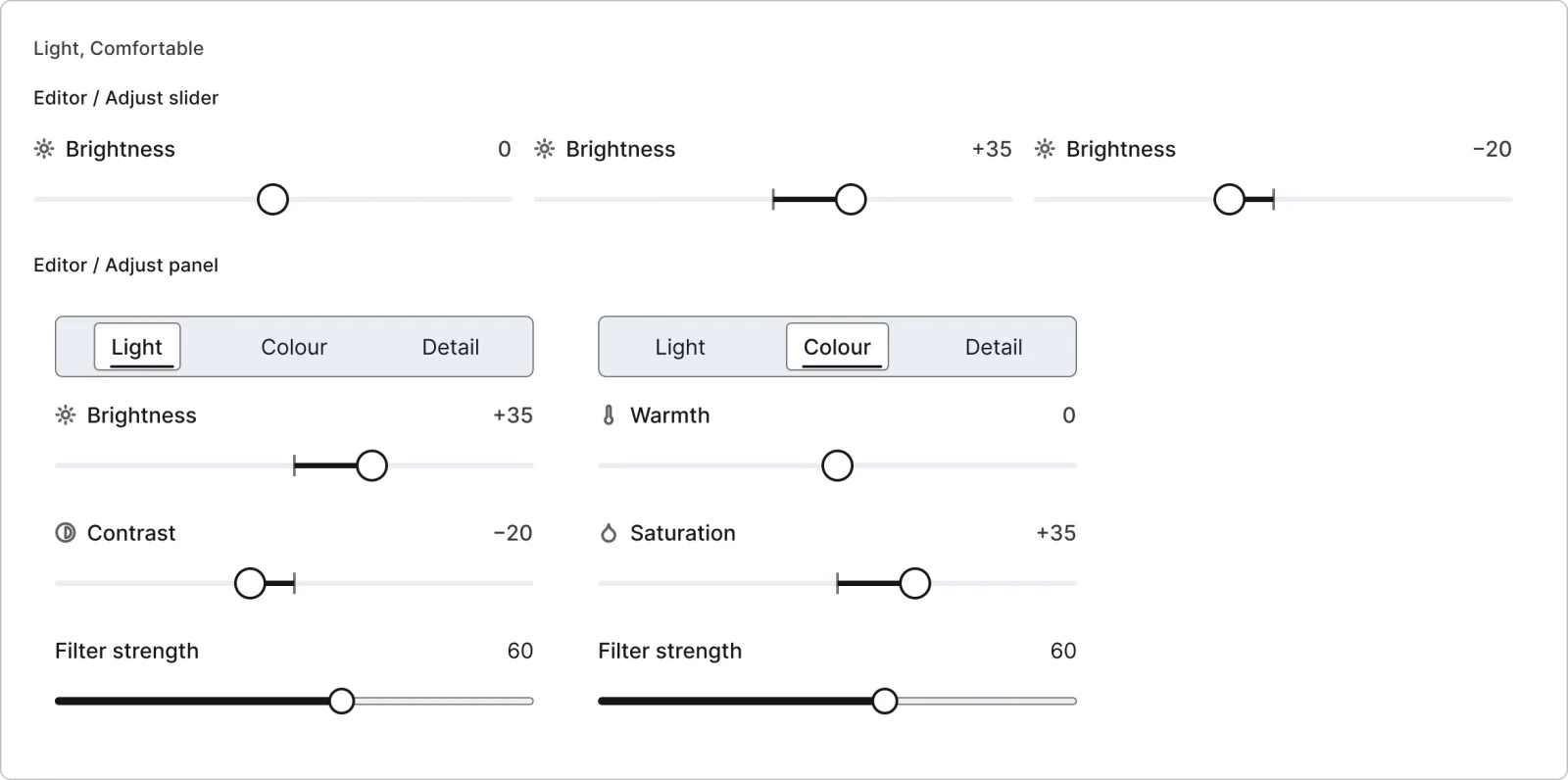
3 variants
2 variants
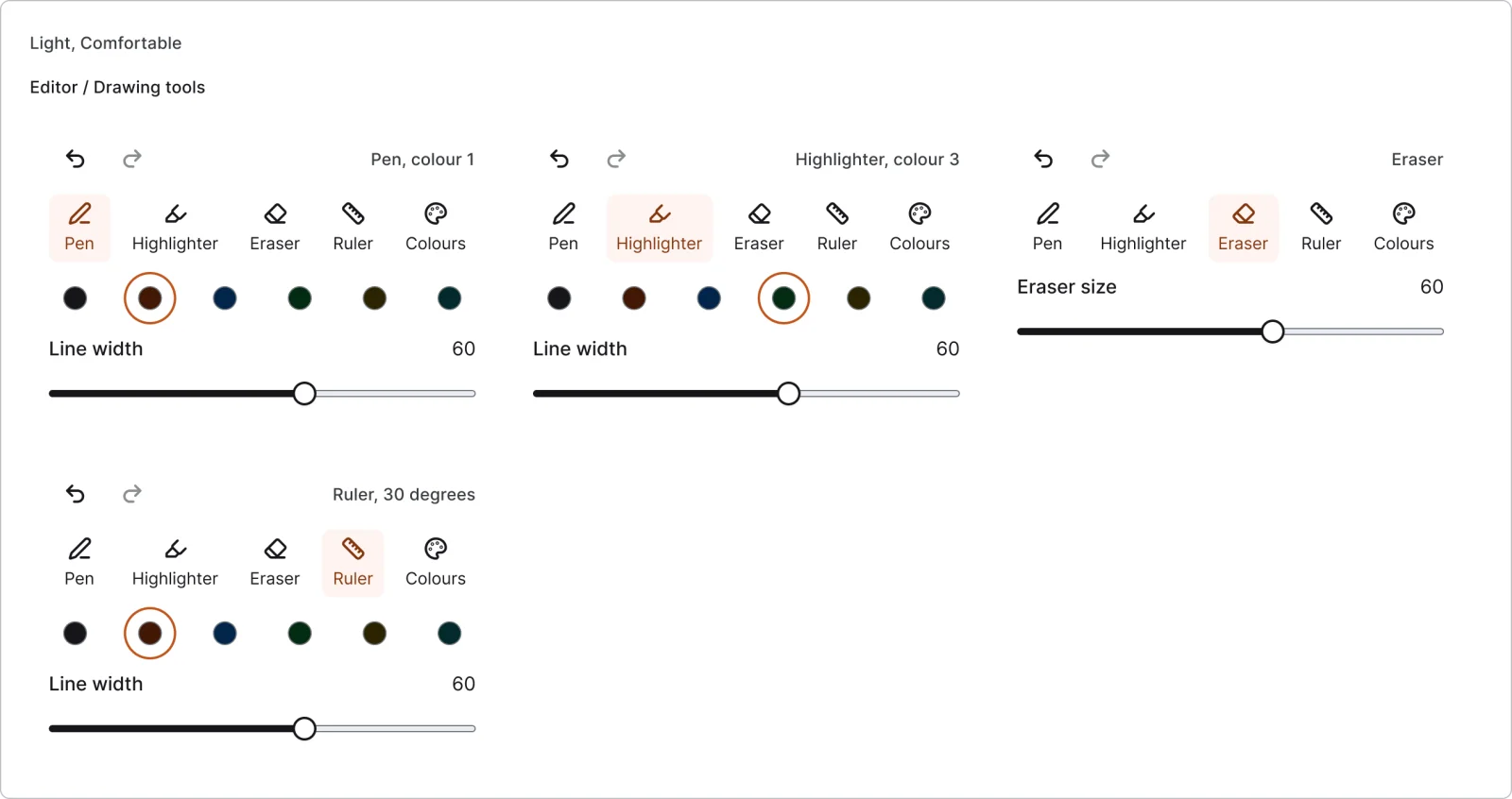
4 variants
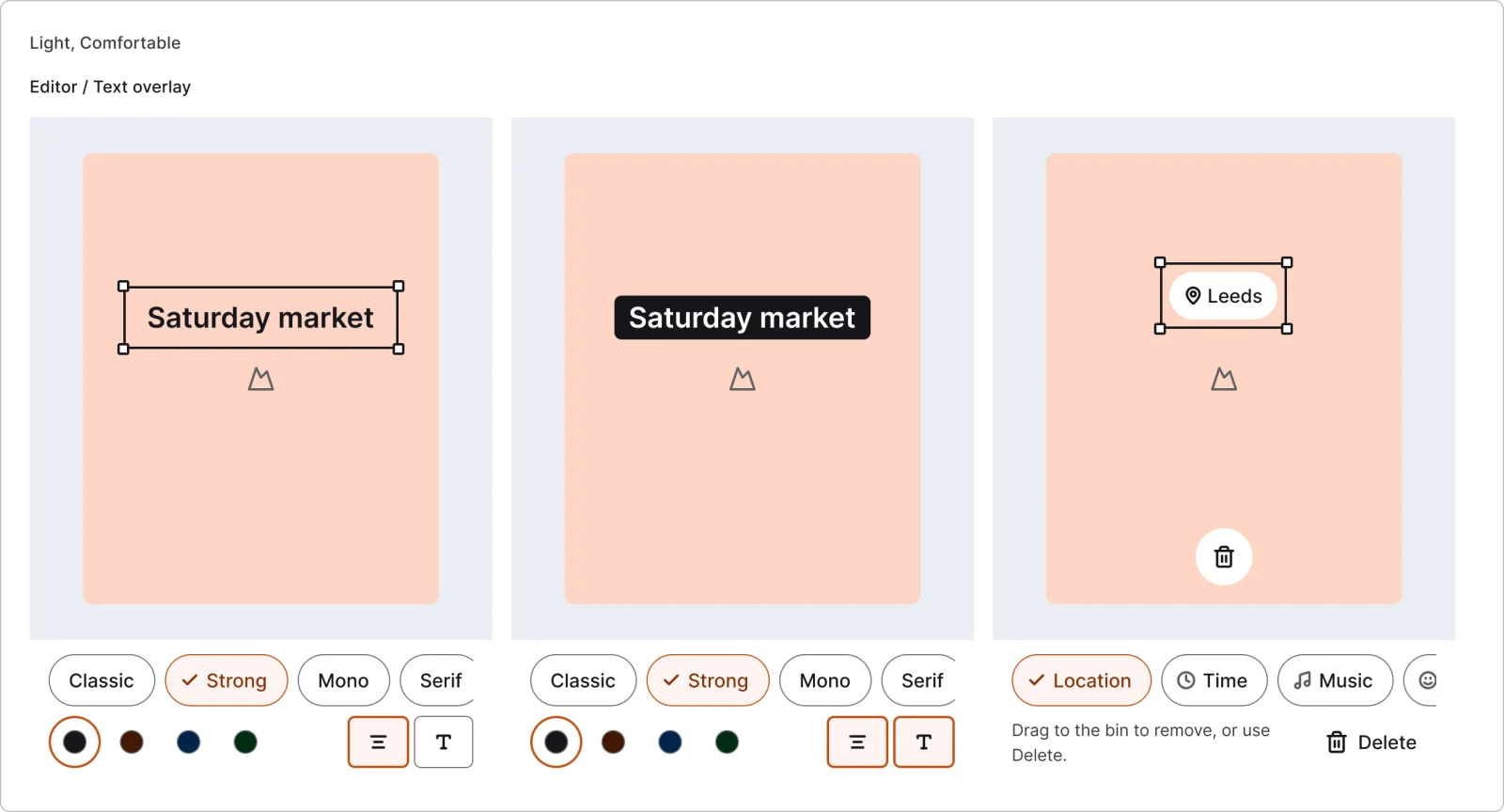
3 variants
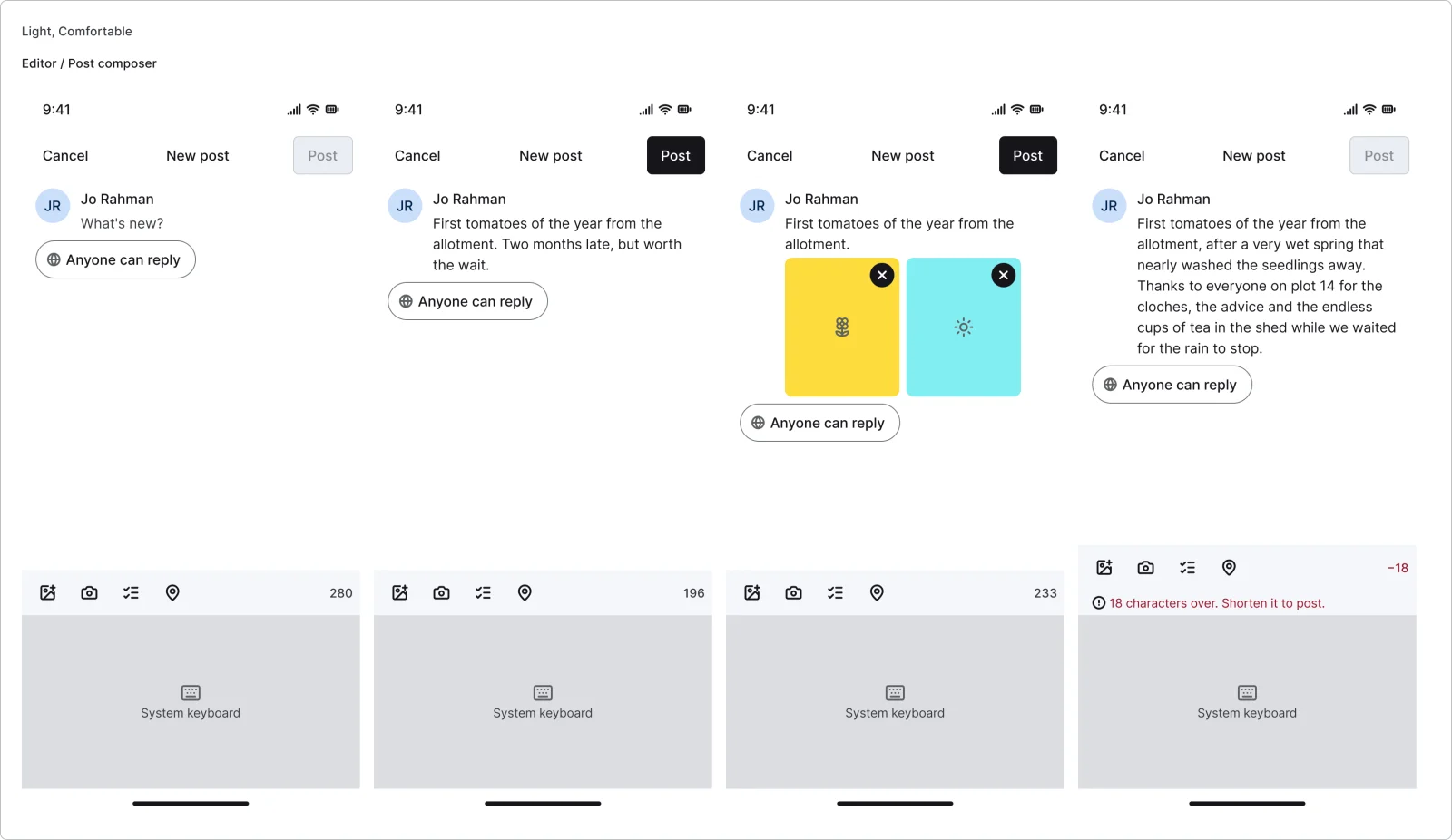
4 variants
Recreations of real products, so you can compare approaches side by side. They are approximate, built from public product knowledge, with placeholder data and no third-party artwork.
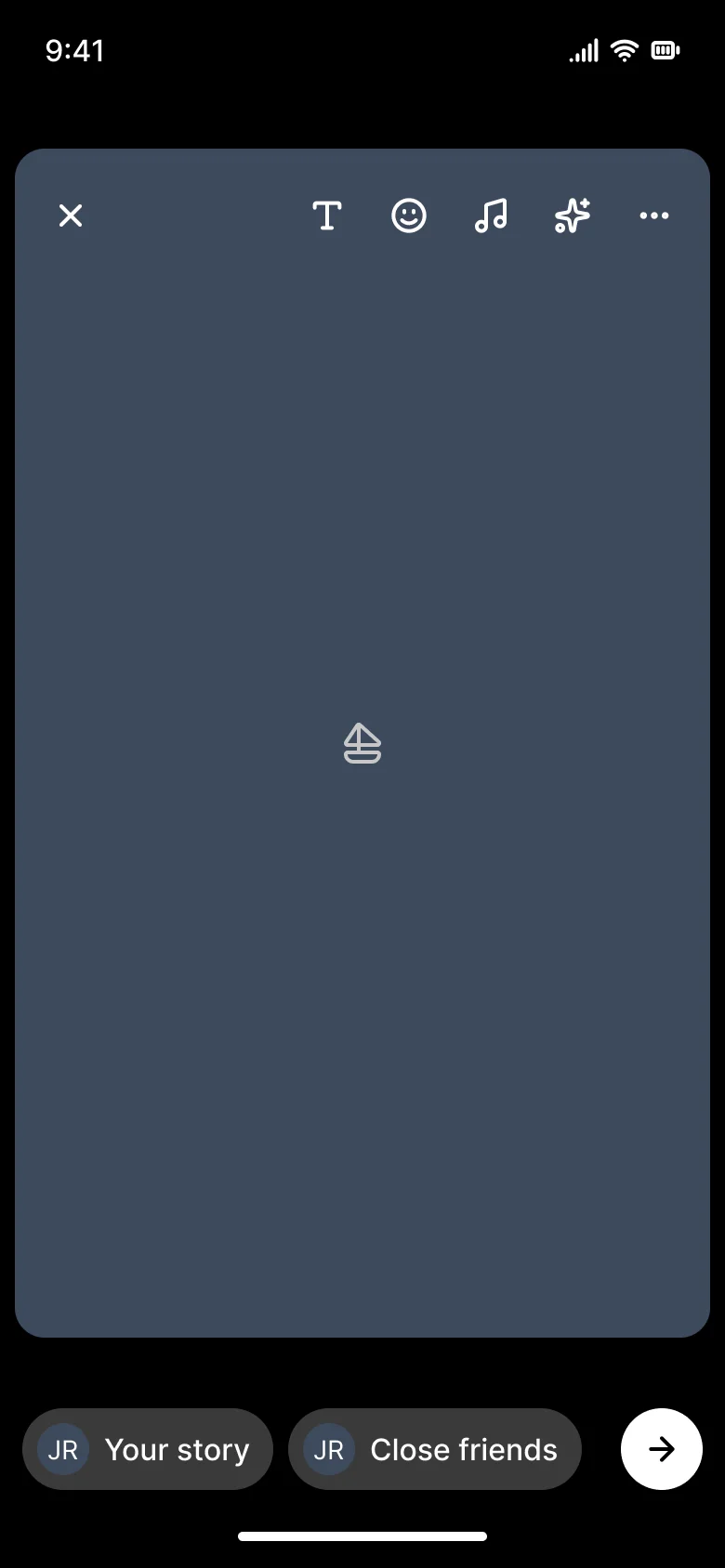
Recreated from Instagram
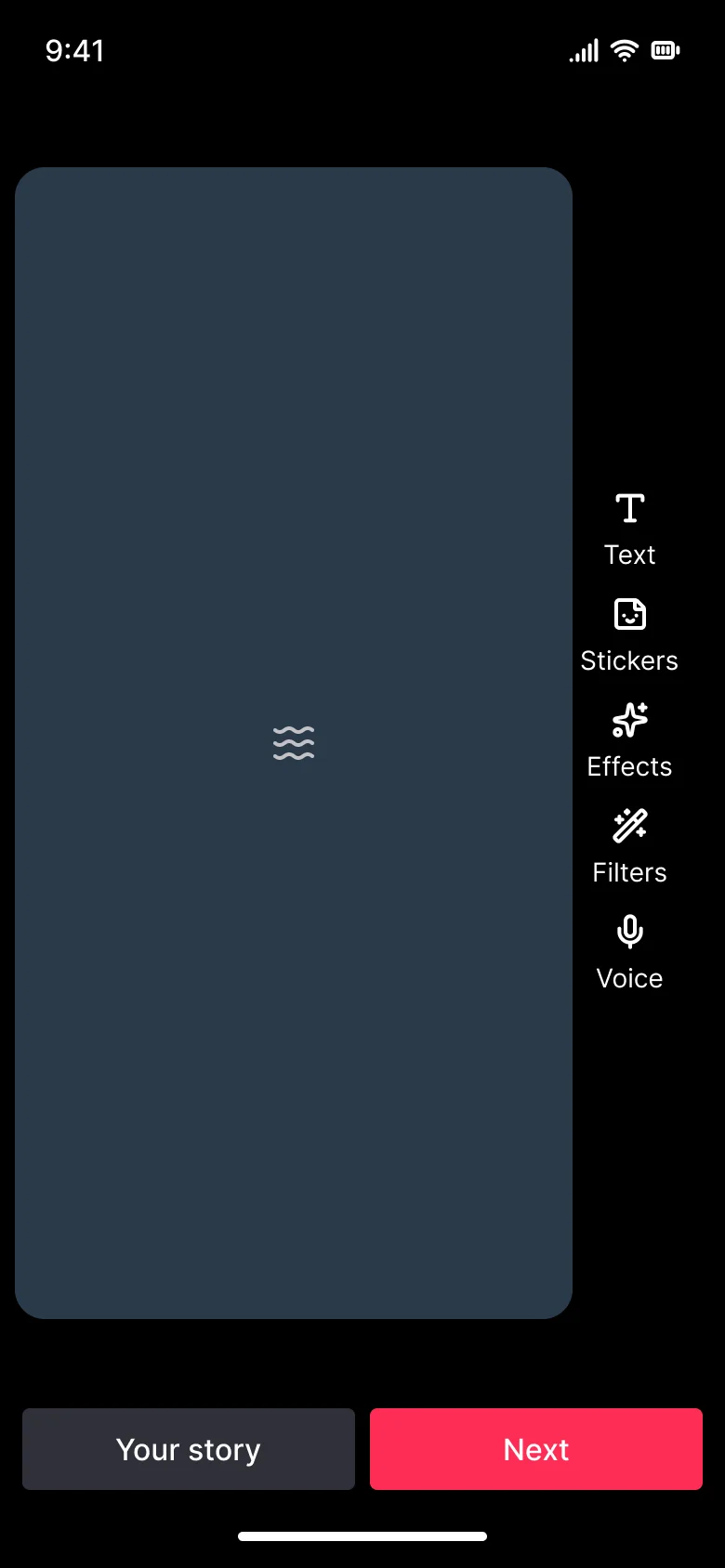
Recreated from TikTok
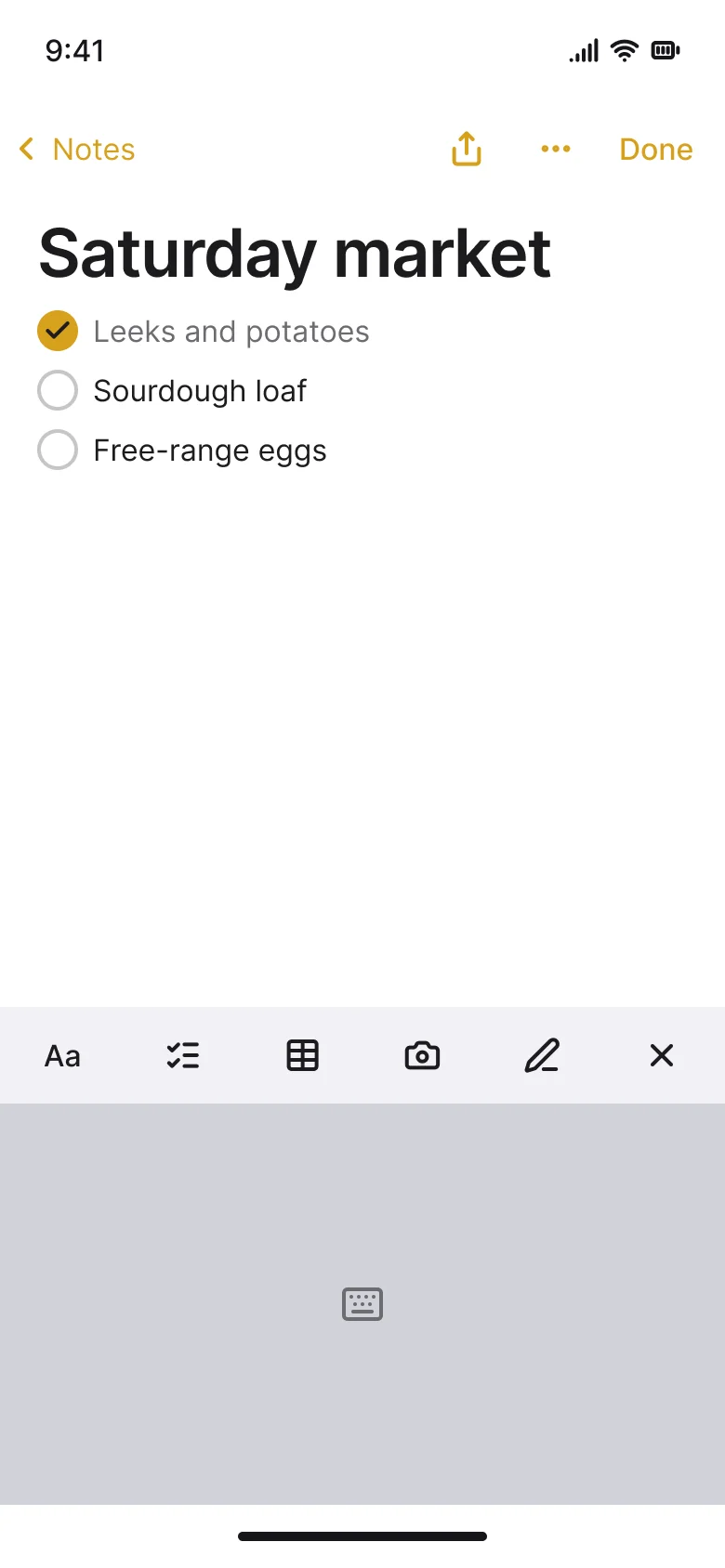
Recreated from Apple Notes
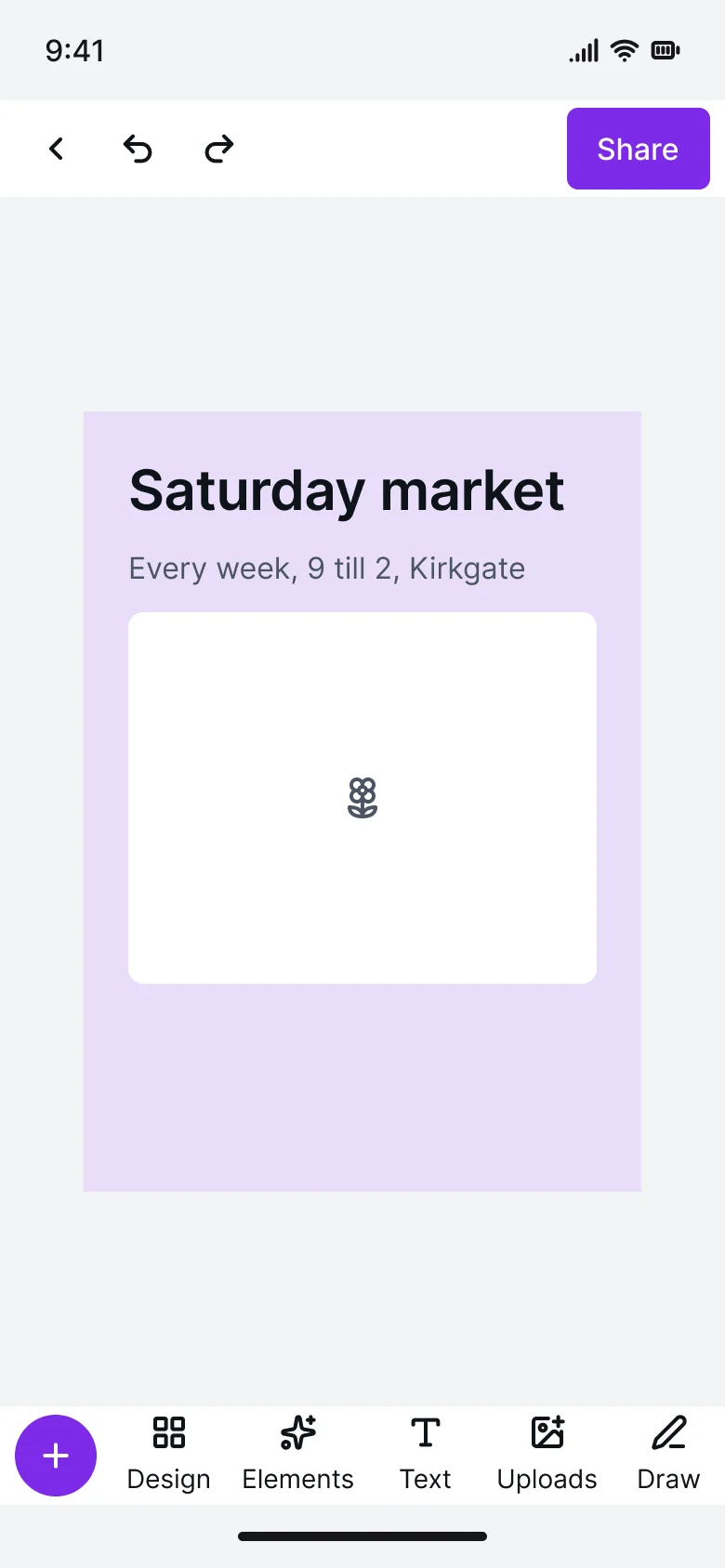
Recreated from Canva
Not affiliated with, endorsed or sponsored by Instagram, TikTok, Apple Notes and Canva. Their names are trade marks of their owners and are used only to say what each recreation is based on.
A mobile formatting bar for text styles, lists and insert, built from toggle buttons. All 3 variants, free to see with a SuperDuperUI account. The Figma file comes with the pack.
Mobile13 components48 variants2 recreations
Mobile balances, amount entry, send and request, transactions, cards, exchange, payouts and savings goals screens.
$9, or included with Pro
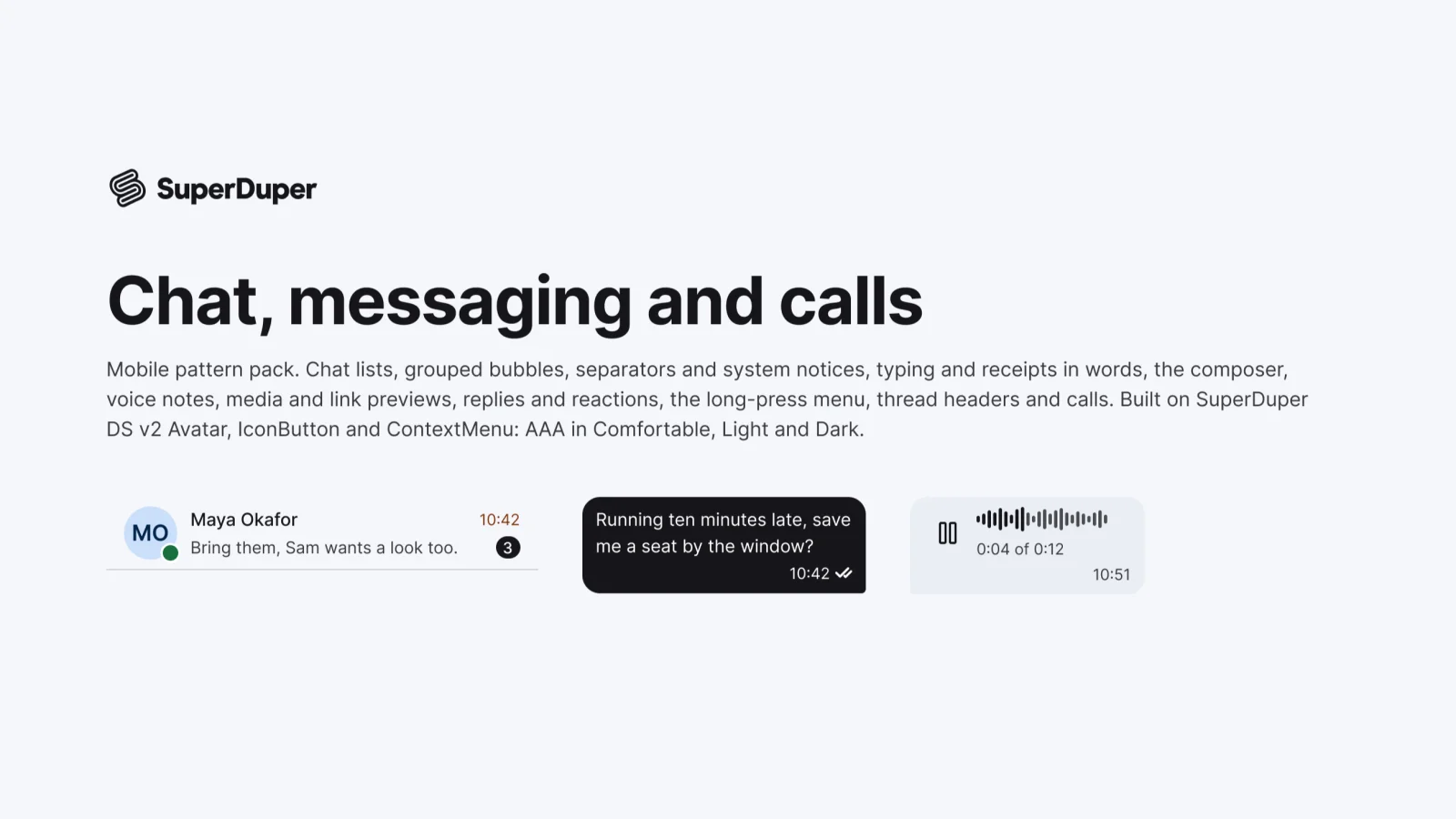
Mobile17 components71 variants4 recreations
Mobile chat list rows, message bubbles, receipts, composer, voice notes, media, reactions and call screens.
$9, or included with Pro
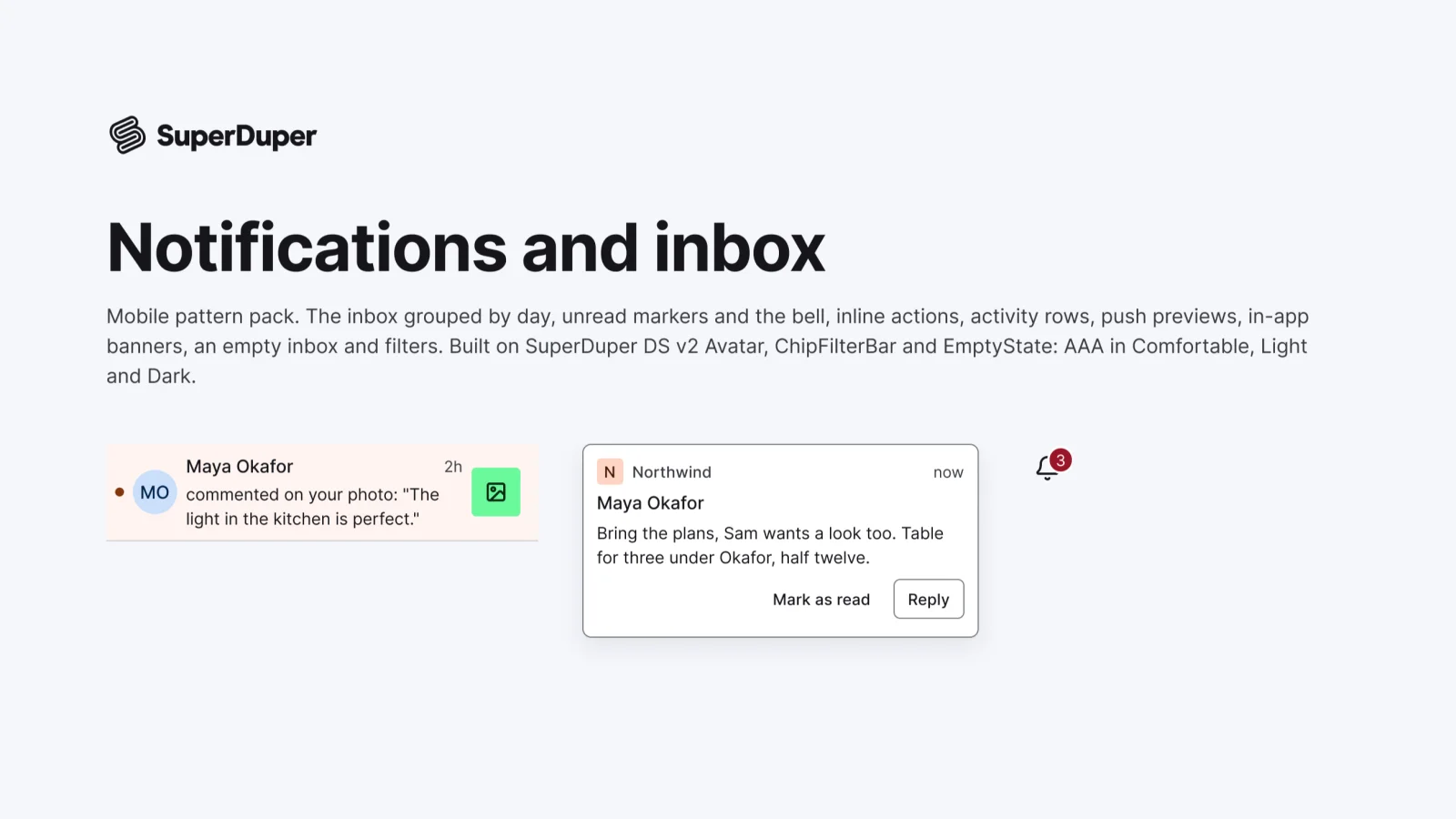
Mobile9 components34 variants3 recreations
Mobile notification patterns: inbox rows, bells with counts, unread markers, activity and action rows, push previews and banners.
$9, or included with Pro
One Figma file: SuperDuper Pack: Editors and toolbars (Mobile). It has 11 components with 35 variants, 4 recreations, and notes on when to use each part. Everything uses Figma variables, so you can change the colours and type to match your product.