
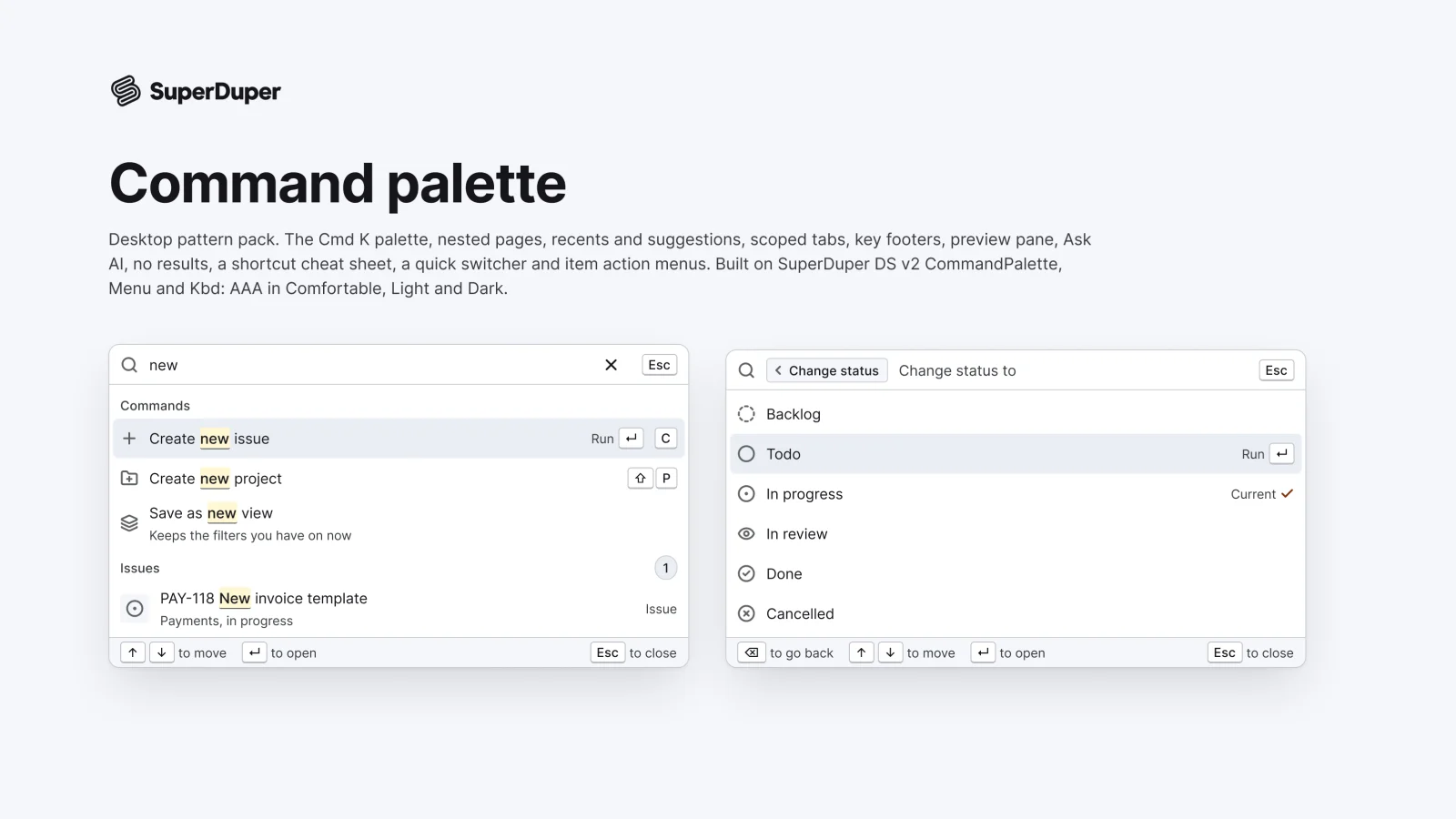
Command palette
Desktop11 components29 variants4 recreations
Desktop command palettes: Command K, nested pages, scoped tabs, preview, Ask AI, cheat sheet and quick switcher.
$9, or included with Pro
Desktop packDomain
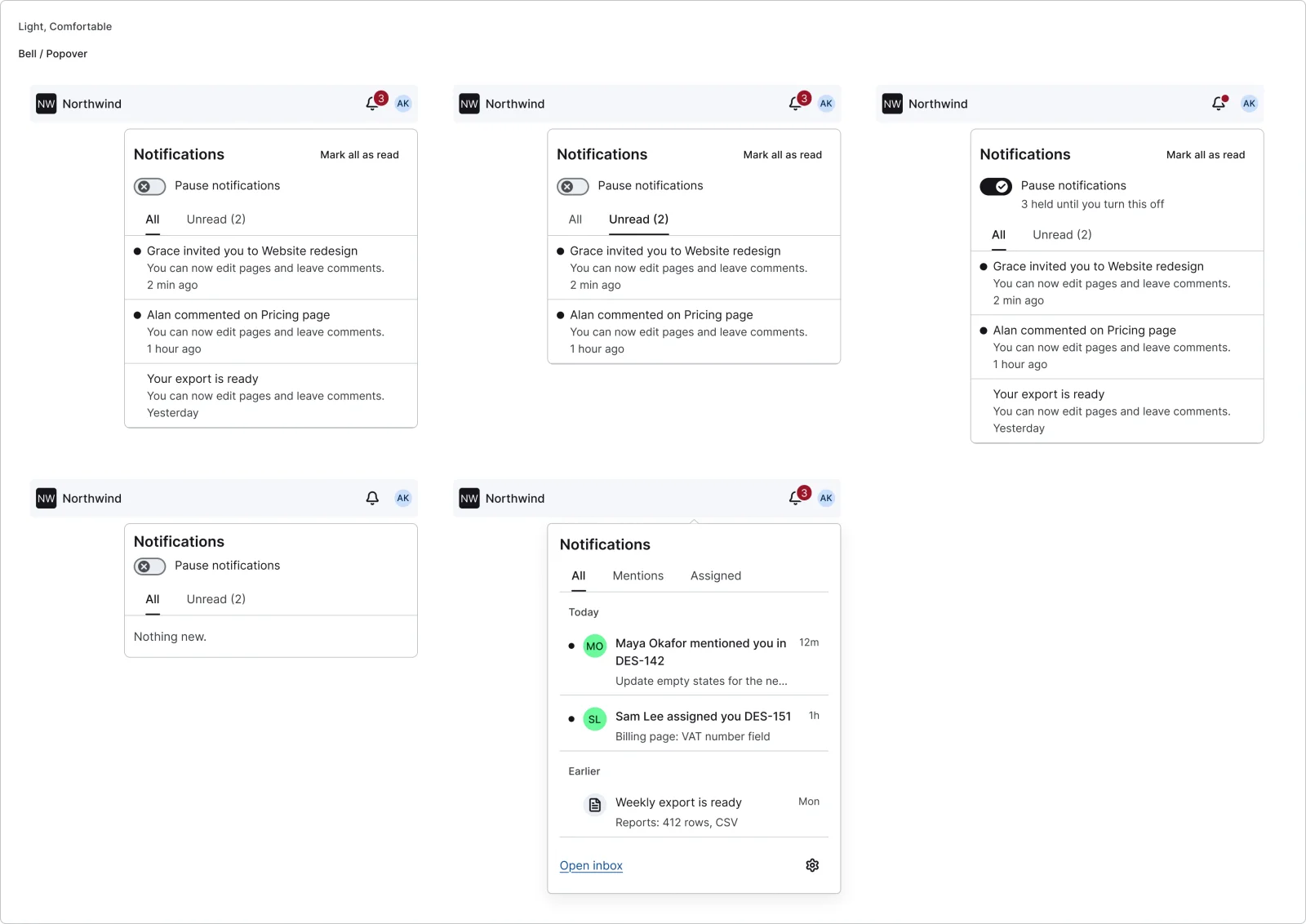
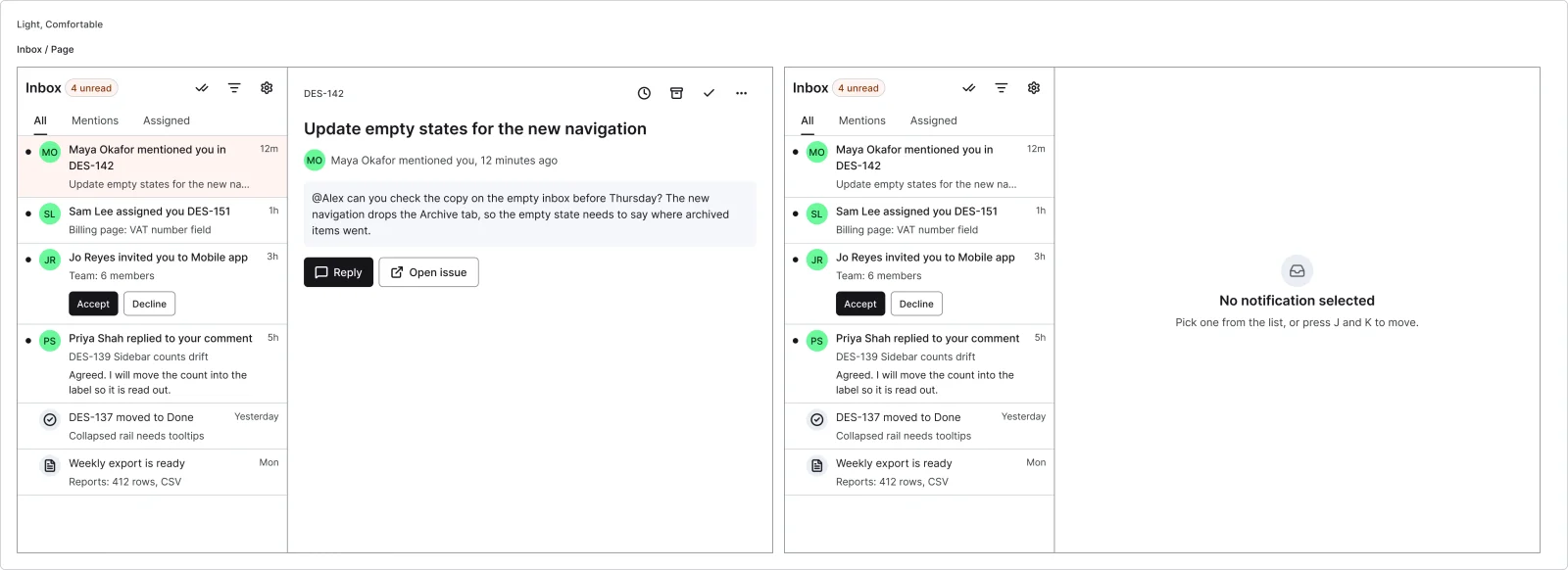
Desktop notification bell and popover, inbox page, row types, snooze, preferences matrix, email digest and empty inbox.
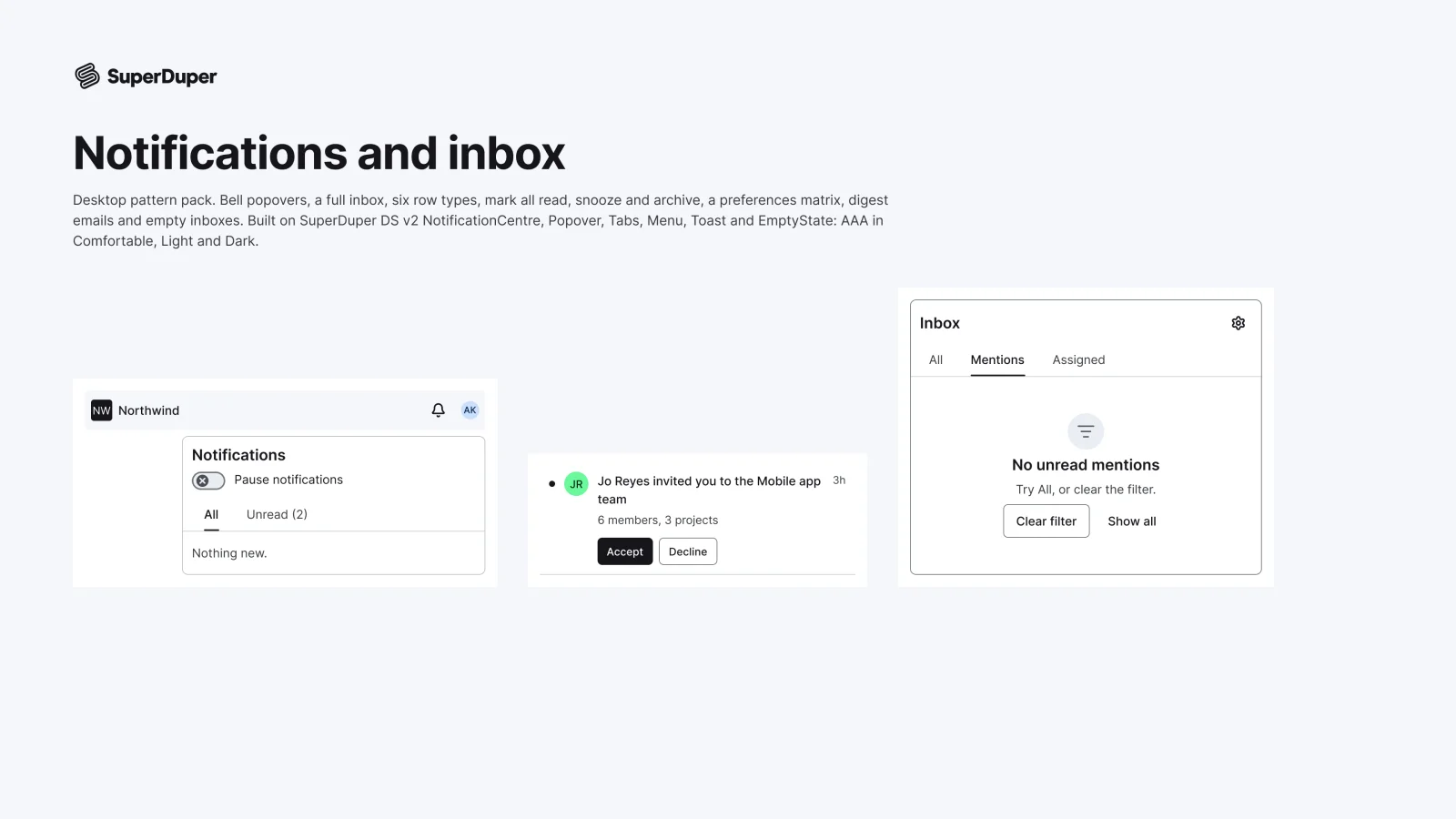
Also for mobile: Notifications and inbox
Eight notification patterns for web apps: a bell with its popover, a full inbox page, notification rows for each type, read and unread, mark all read with undo, row actions such as snooze and archive, a preferences matrix, an email digest and empty inbox states. Each page documents keyboard and screen reader behaviour, motion and when to use it.
5 variants
2 variants
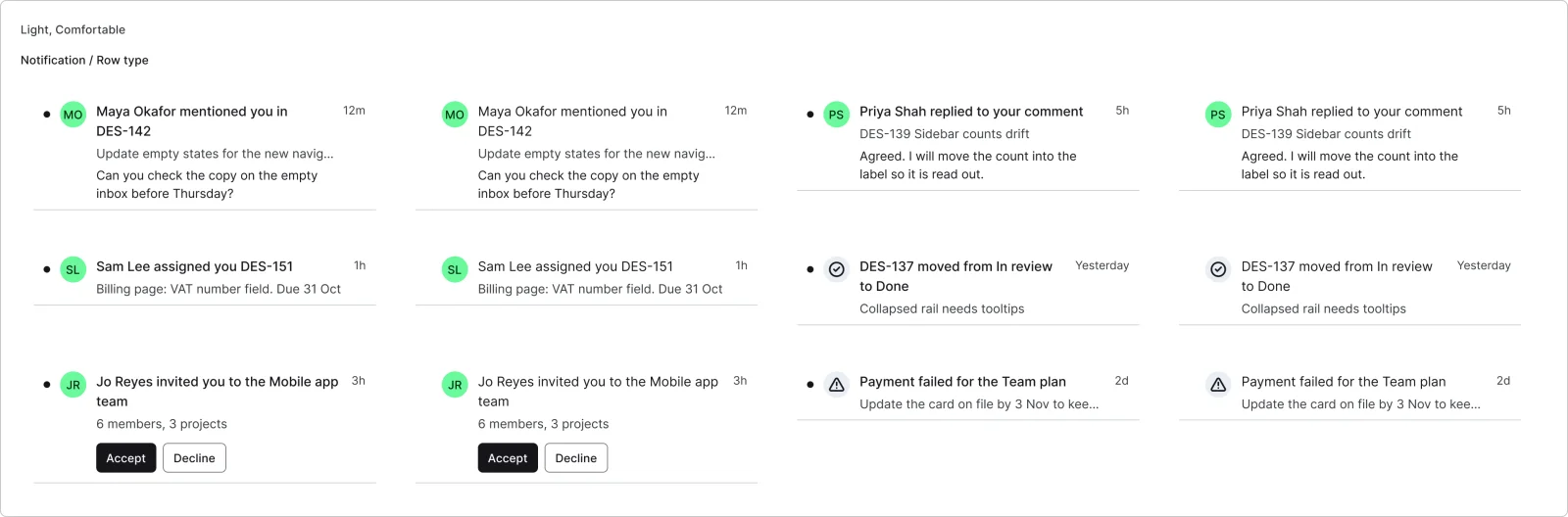
12 variants
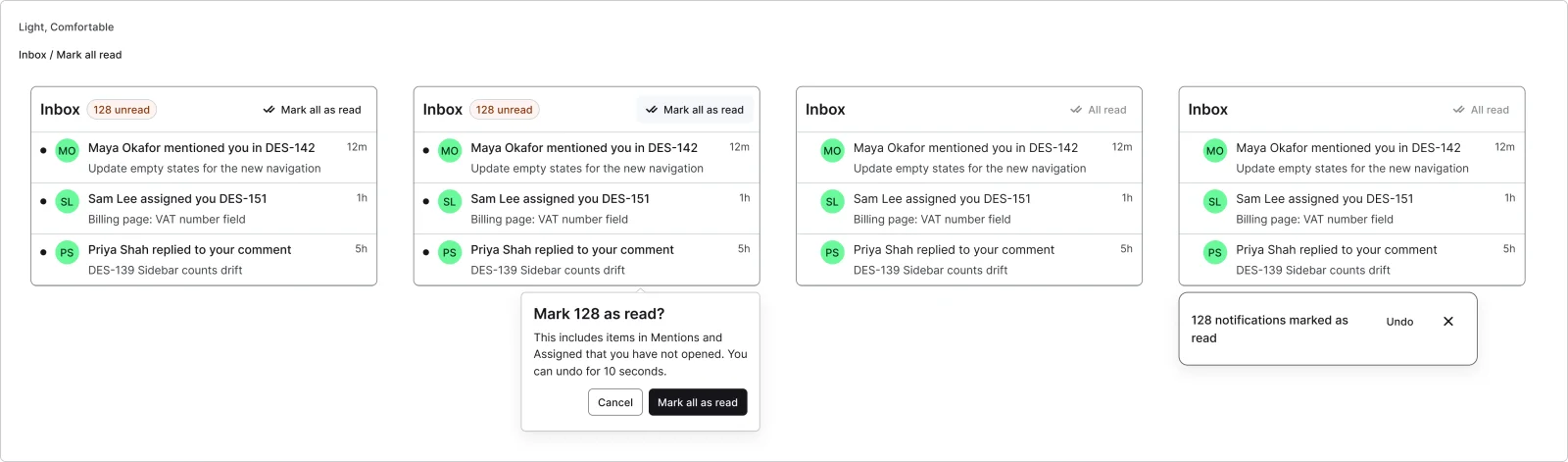
4 variants
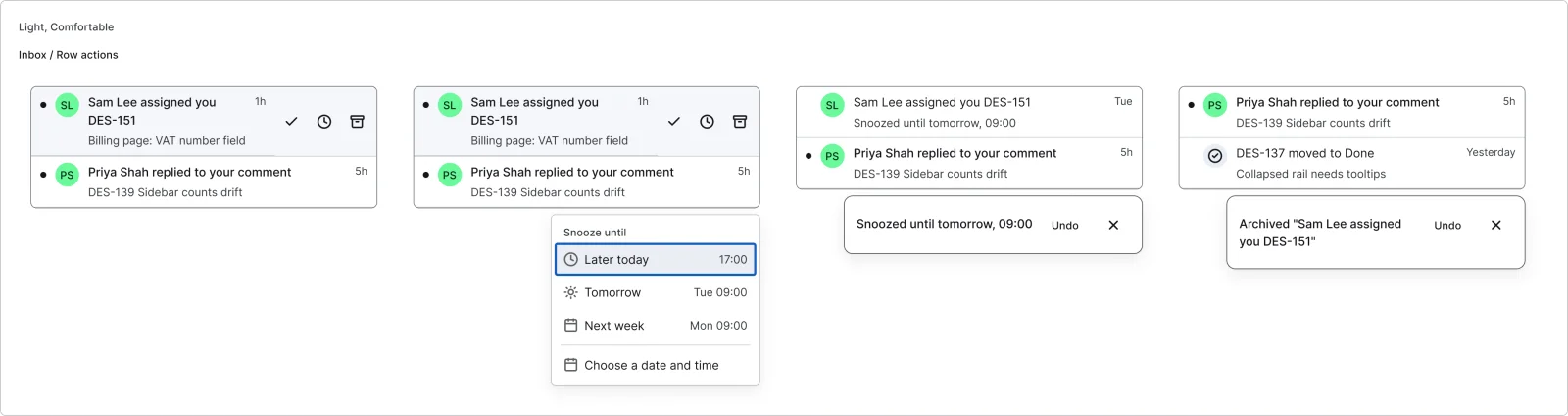
4 variants
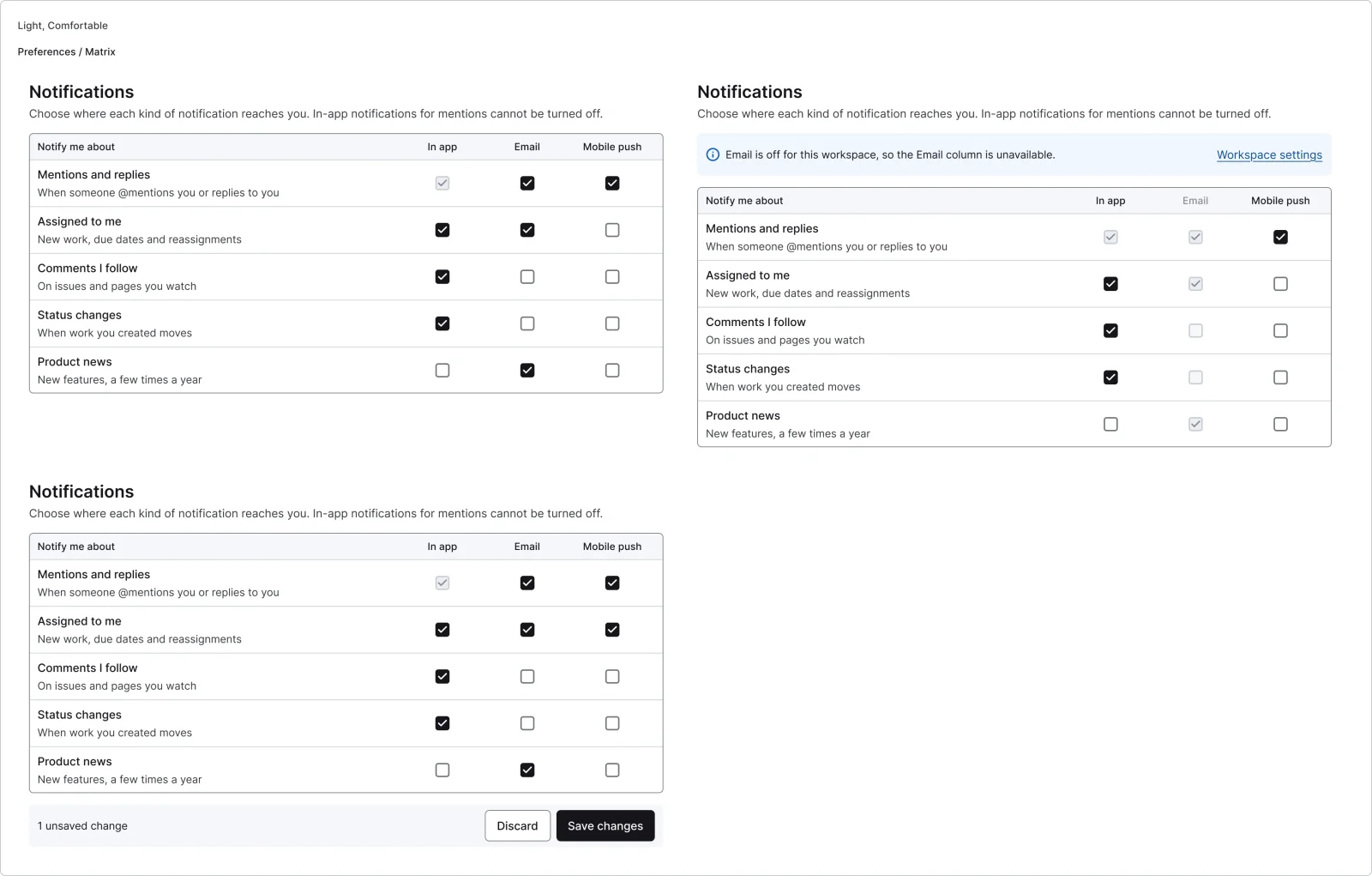
3 variants
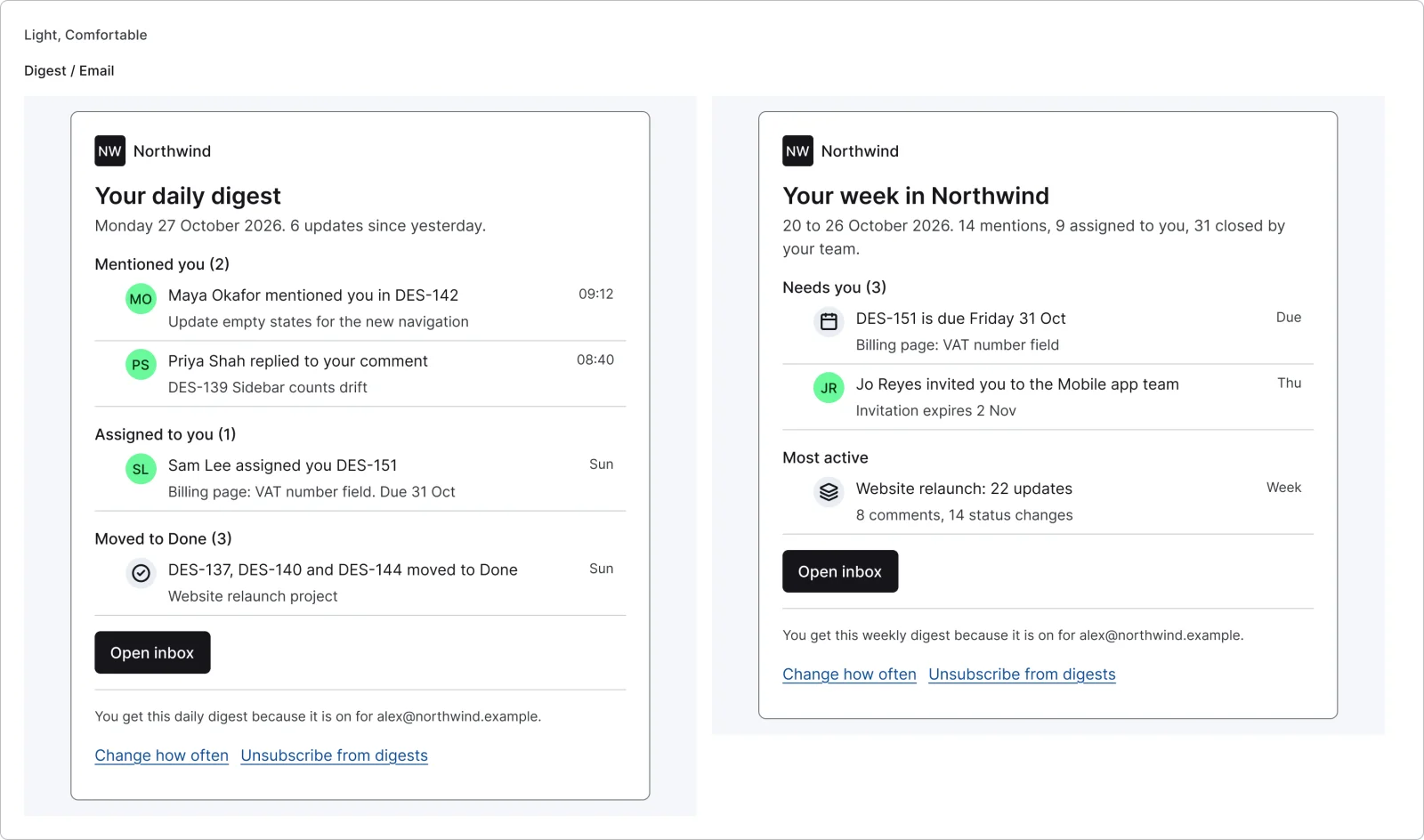
2 variants
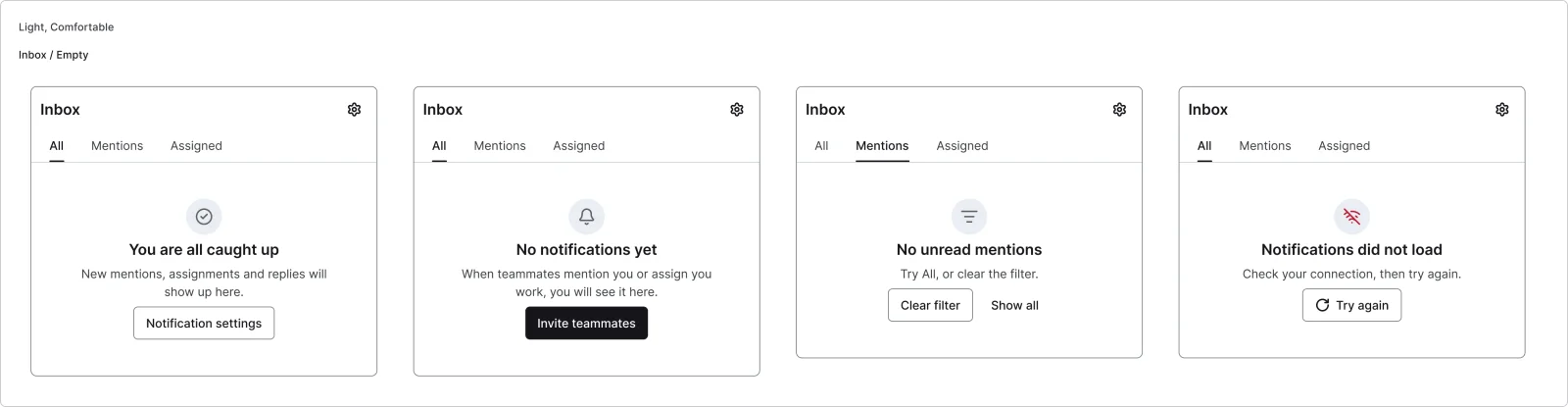
4 variants
Recreations of real products, so you can compare approaches side by side. They are approximate, built from public product knowledge, with placeholder data and no third-party artwork.

Recreated from Linear
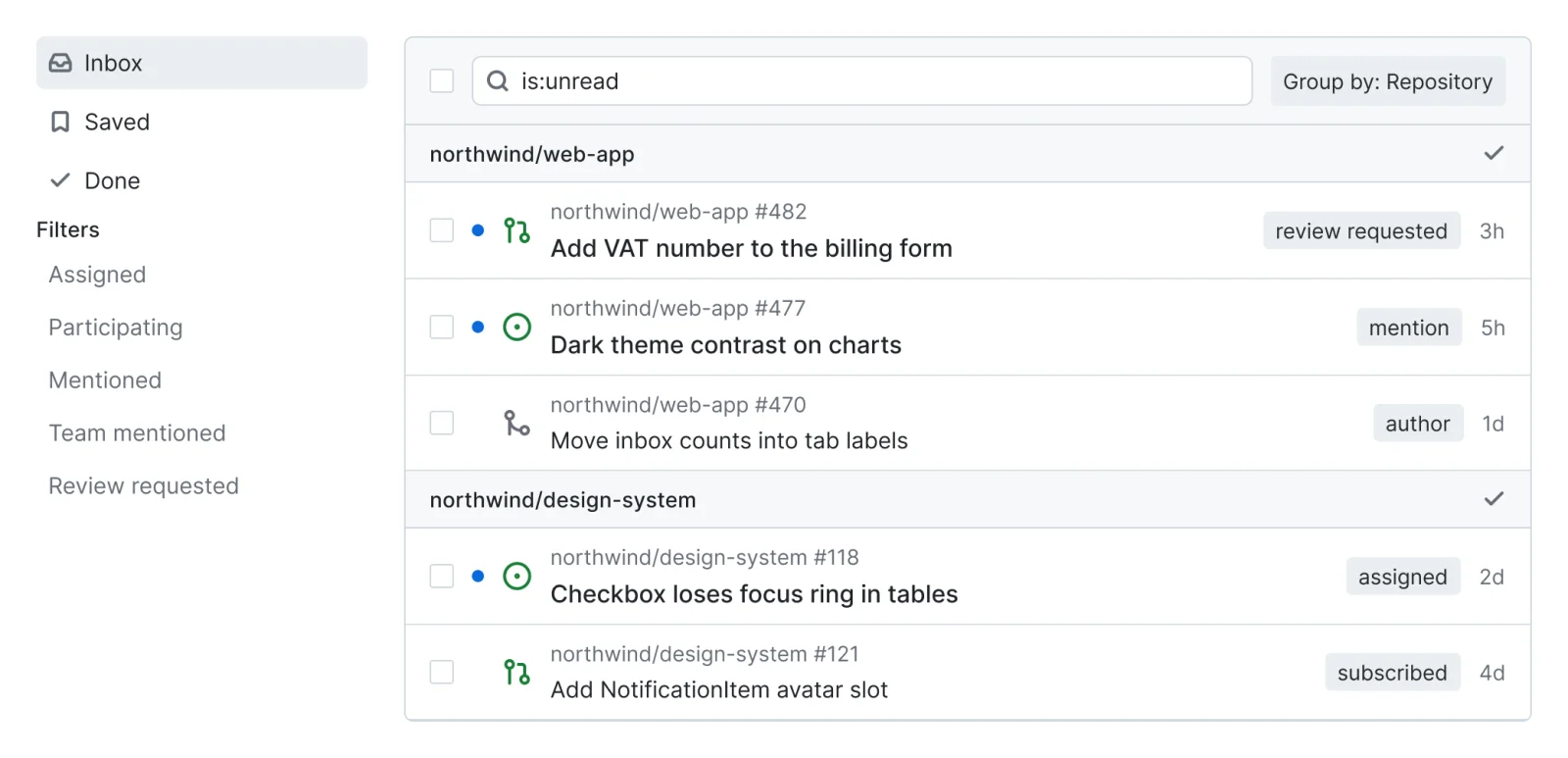
Recreated from GitHub
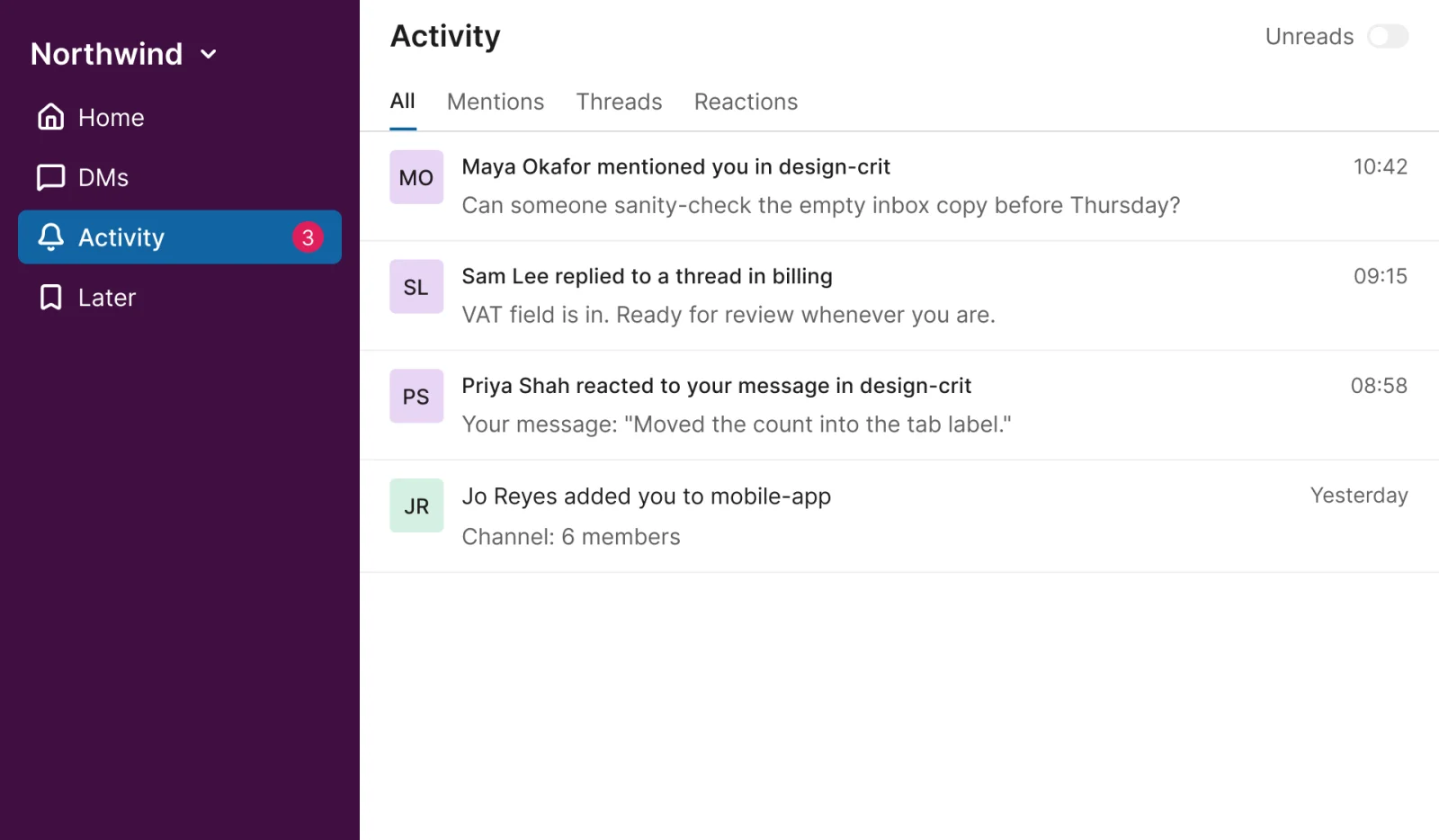
Recreated from Slack

Recreated from Jira
Not affiliated with, endorsed or sponsored by Linear, GitHub, Slack and Jira. Their names are trade marks of their owners and are used only to say what each recreation is based on.
Notification rows for each type, read and unread, with avatar or icon, context, excerpt and time. All 12 variants, free to see with a SuperDuperUI account. The Figma file comes with the pack.
Desktop11 components29 variants4 recreations
Desktop command palettes: Command K, nested pages, scoped tabs, preview, Ask AI, cheat sheet and quick switcher.
$9, or included with Pro
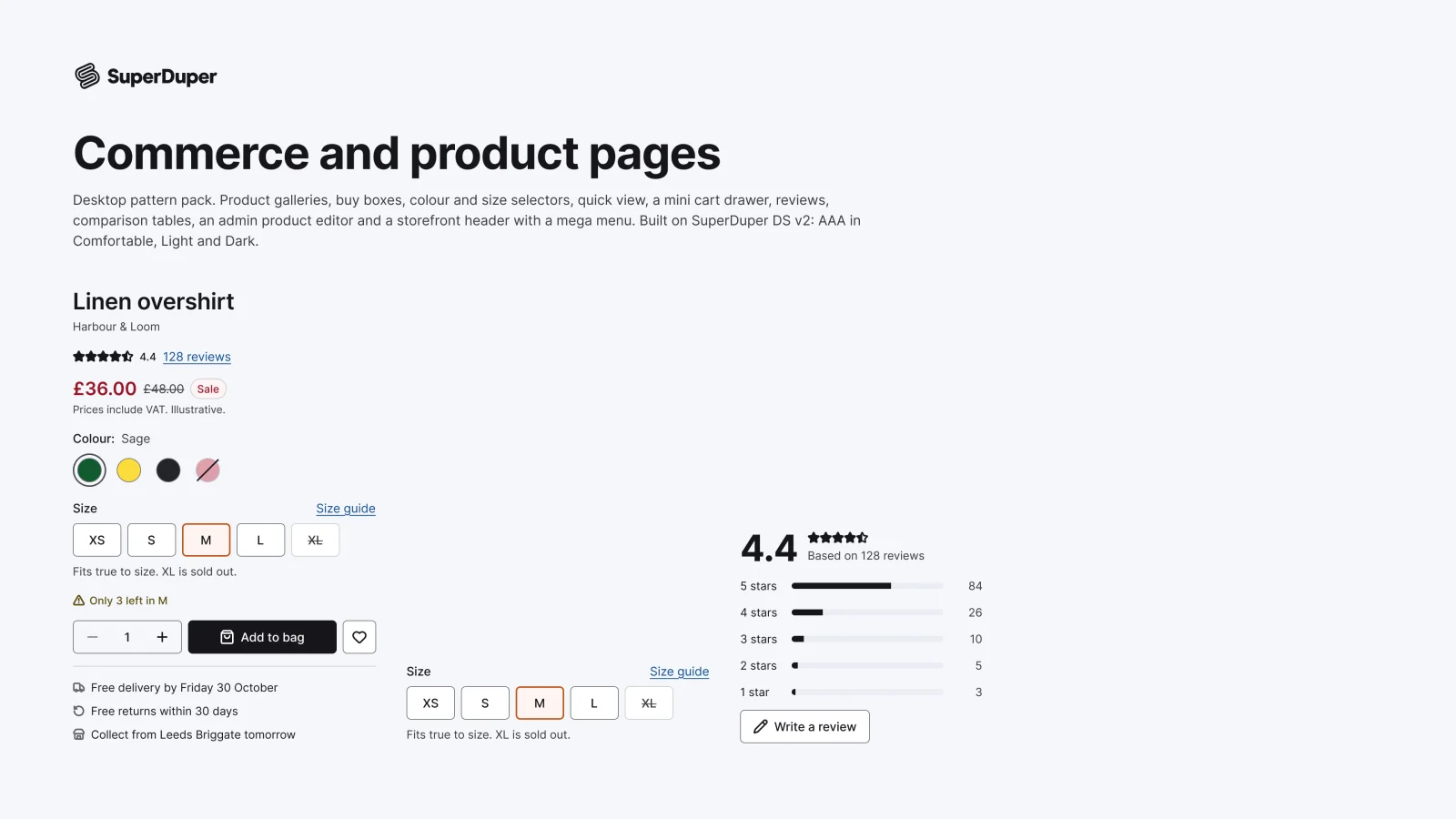
Desktop18 components76 variants3 recreations
Desktop product galleries, buy boxes, variant pickers, quick view, carts, reviews, comparison tables and store headers.
$9, or included with Pro
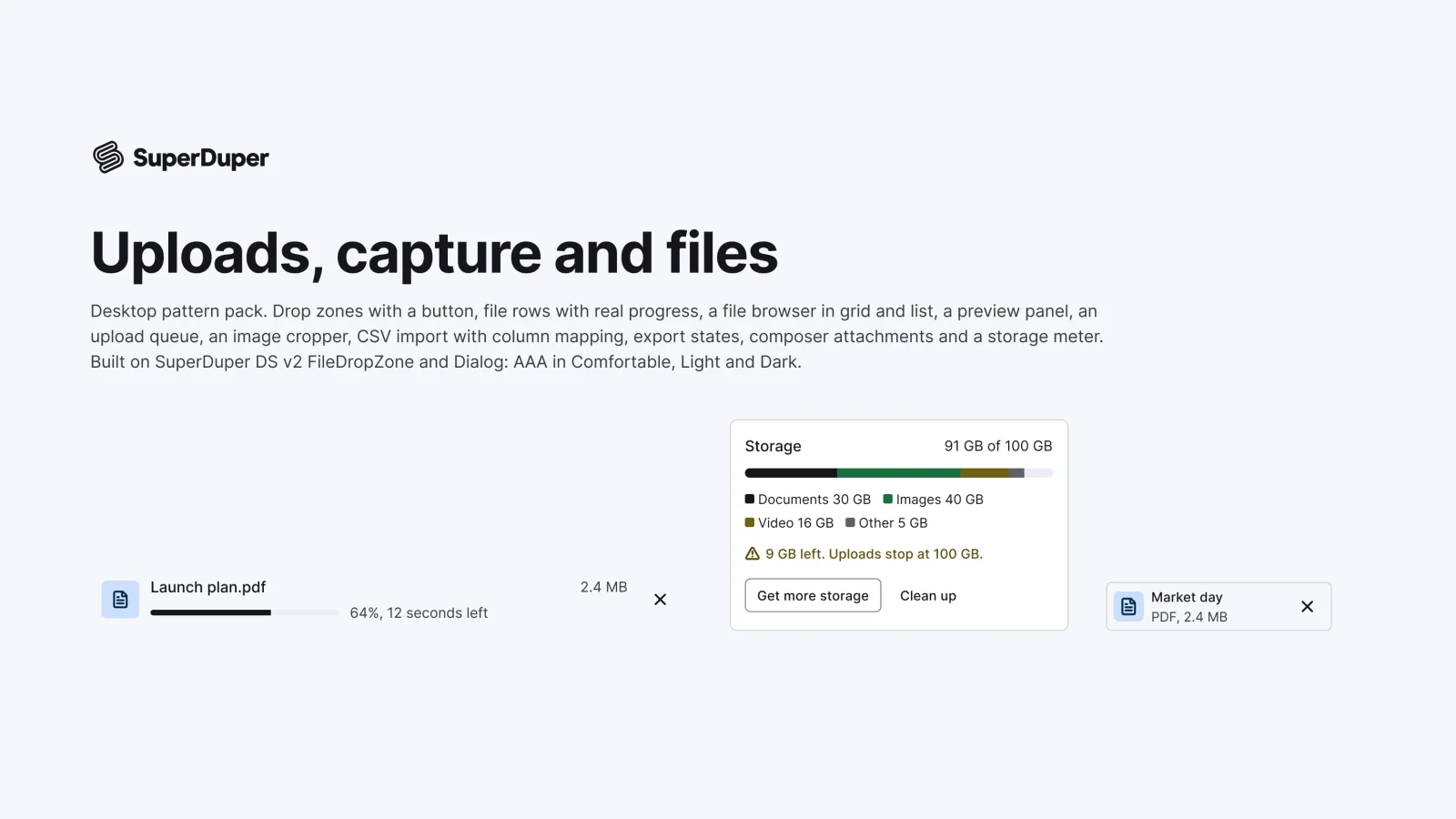
Desktop14 components52 variants3 recreations
Desktop upload and file patterns: drop zones, file rows, browsers, previews, croppers, CSV import, exports and storage meters.
$9, or included with Pro
One Figma file: SuperDuper Pack: Notifications and inbox (Desktop). It has 8 components with 36 variants, 4 recreations, and notes on when to use each part. Everything uses Figma variables, so you can change the colours and type to match your product.