
System UI and device chrome (Desktop)
Desktop packSystem
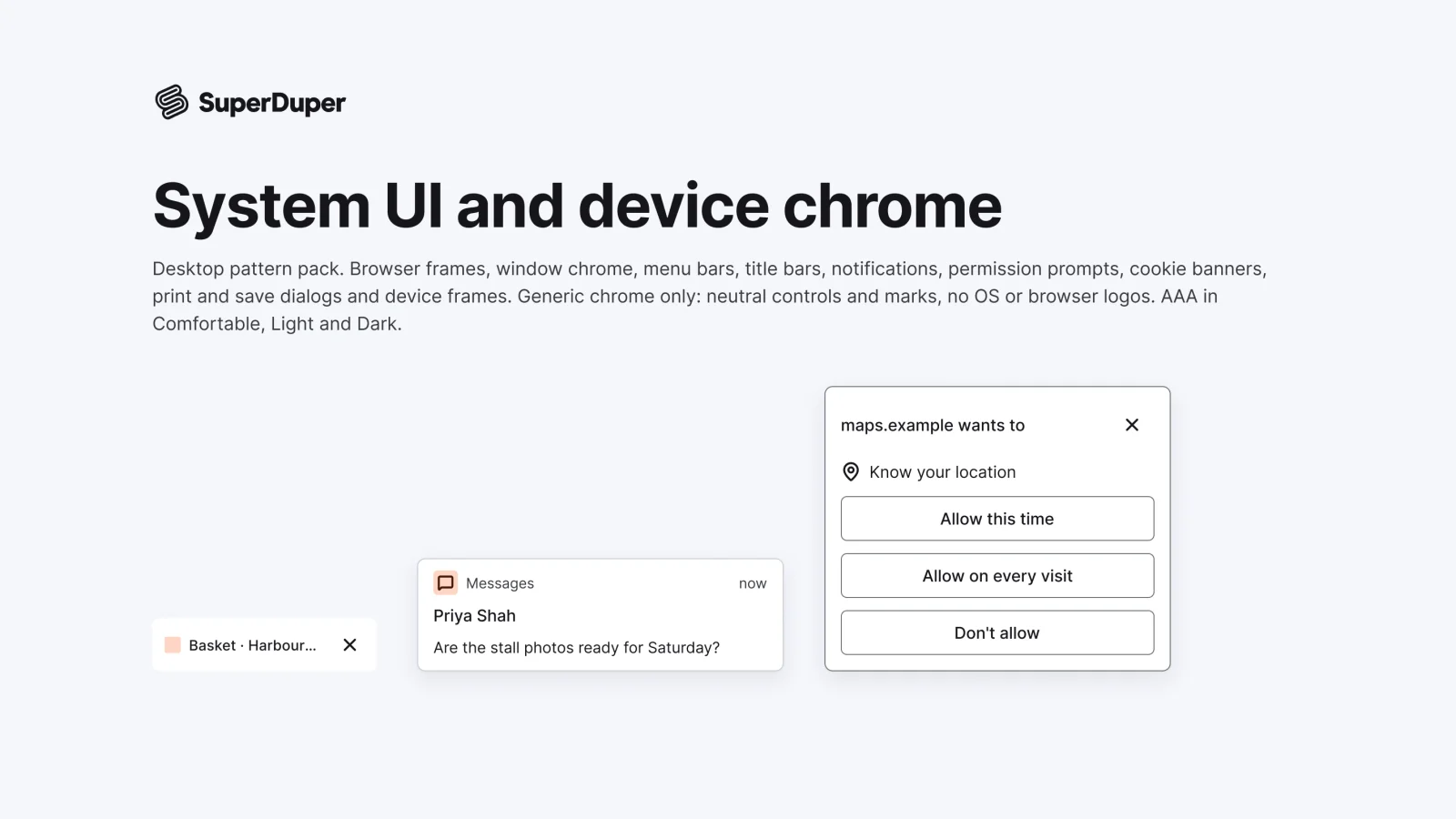
Neutral desktop chrome for mock-ups: browser and window frames, menu bars, notifications, prompts, cookie banners and devices.
- components
- 19
- variants
- 46
- recreations
- 3
- themes
- 5
Also for mobile: System UI and device chrome
What’s inside
Desktop chrome for presenting designs: browser frames and tabs, window controls and title bars, menu bars with open menus, OS notifications, permission prompts, cookie banners with preferences, print and save dialogs, and laptop and monitor frames. The chrome is neutral, with no OS or browser logos or trade dress. Each page has notes and a live grid in light and dark, comfortable and compact.
- Laptop and monitor frames holding a browser or window
- Cookie banner with equal-weight Reject and Accept
- Neutral chrome with no OS or browser logos
- 3 loose recreations of a desktop and two browsers
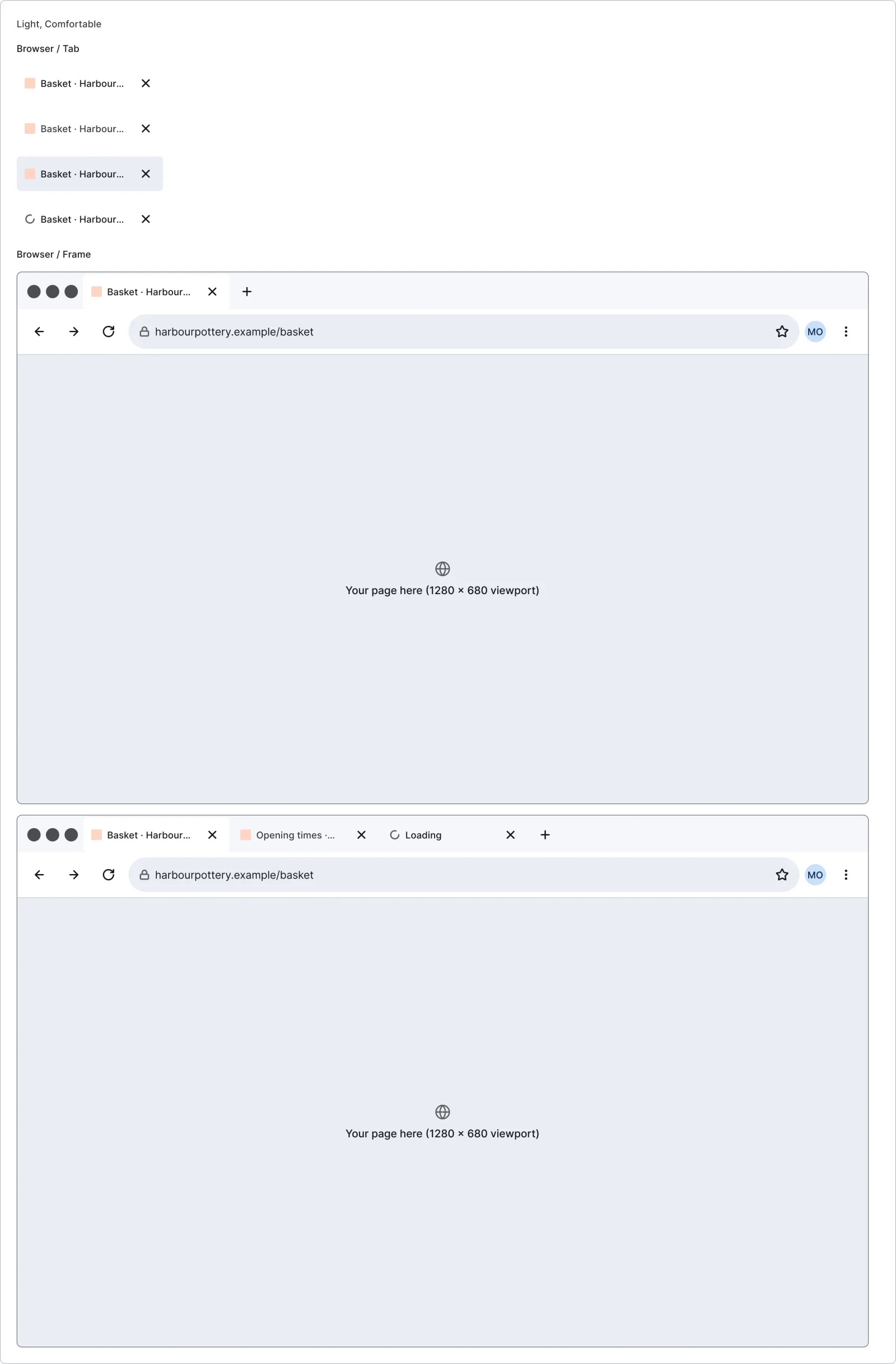
Browser frame
Free sample2 variants
- One
- Several
Browser tab
4 variants
- Active
- Inactive
- Hover
- Loading
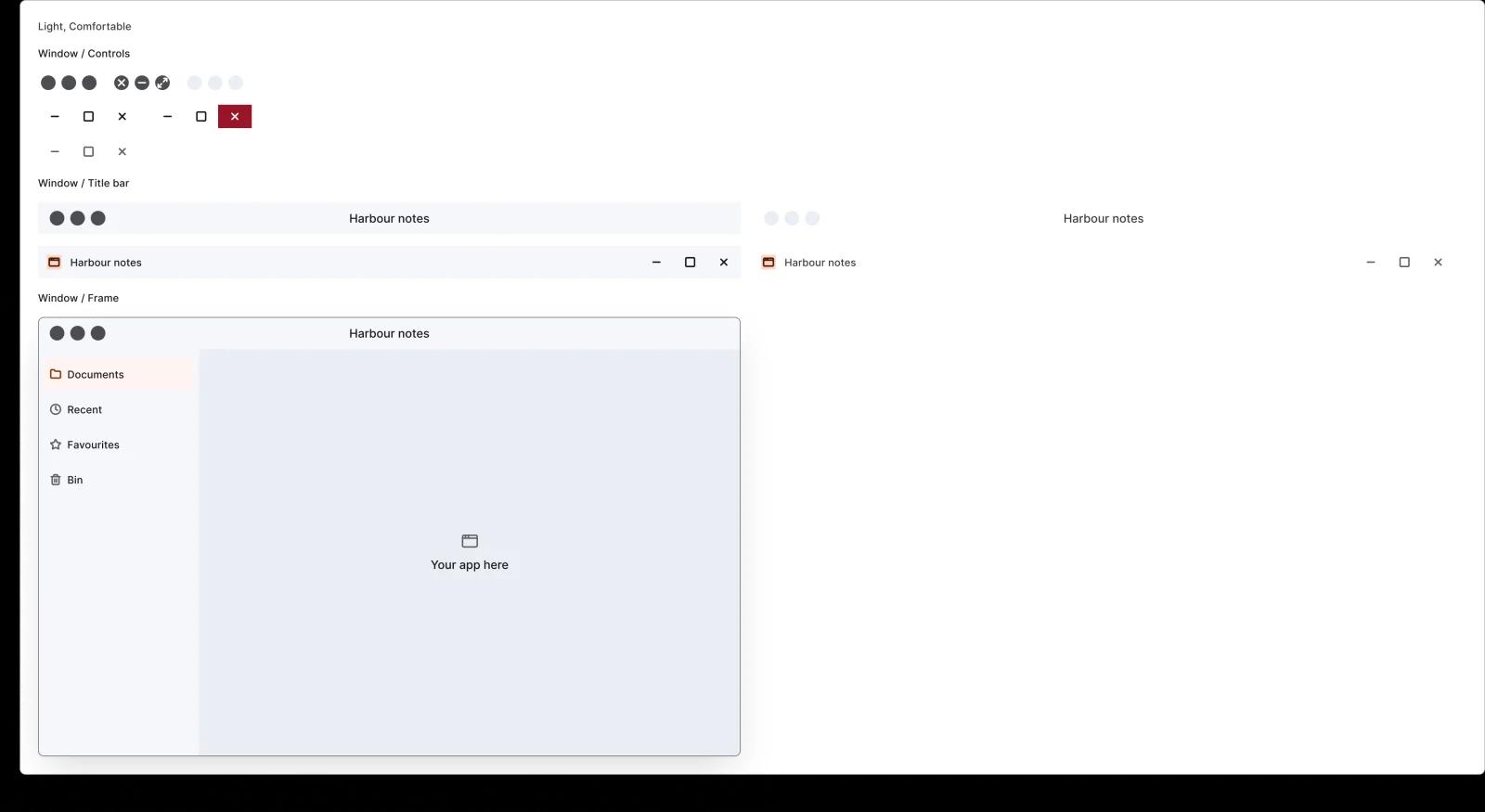
Window controls
6 variants
- Start
- End
- Default
- Hover
- Inactive
Window title bar
4 variants
- Start
- End
- Active
- Inactive
Window frame
1 variant
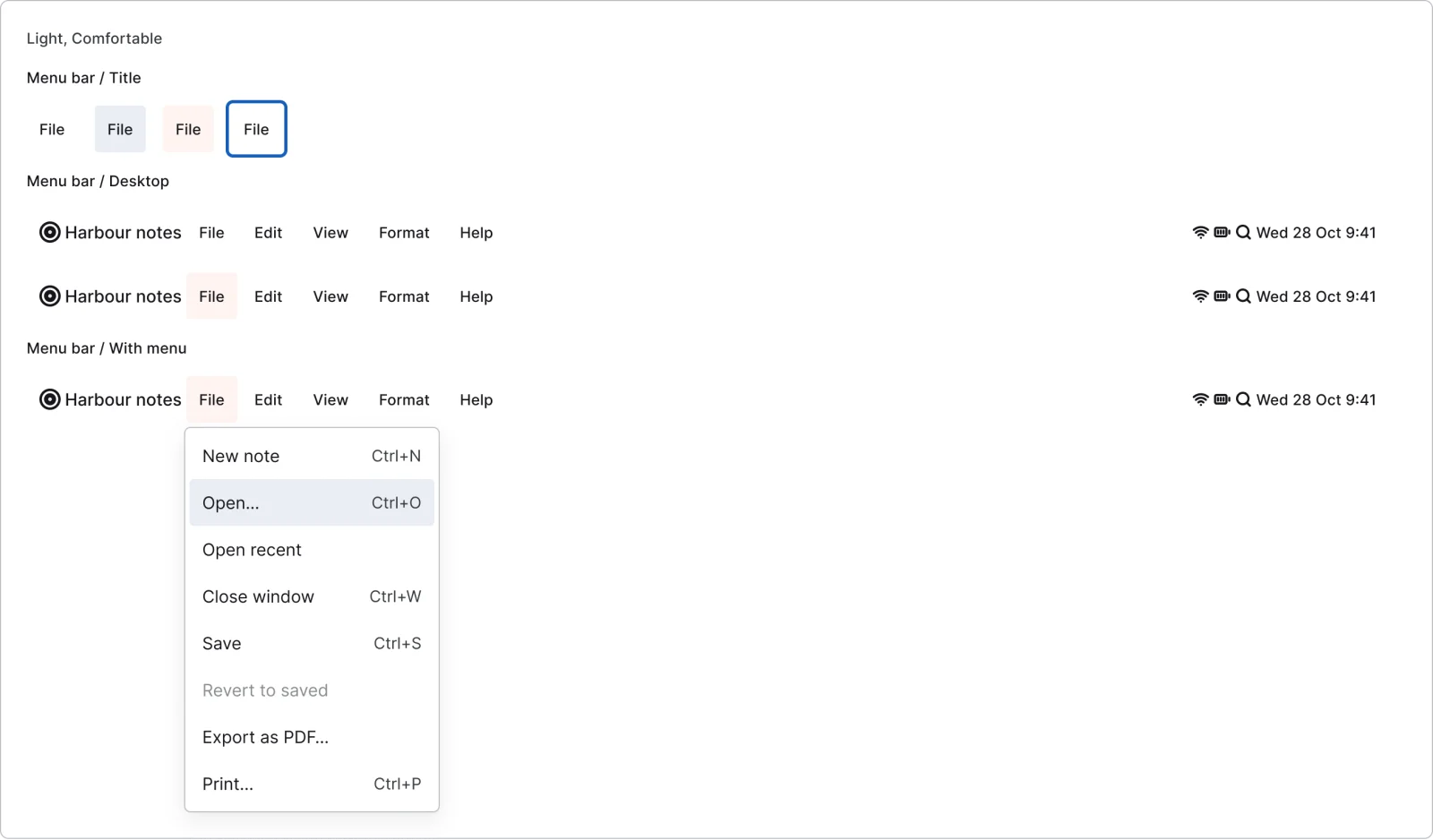
Menu bar title
4 variants
- Default
- Hover
- Open
- Focus
Desktop menu bar
2 variants
- Default
- Menu open
Menu bar with menu
1 variant
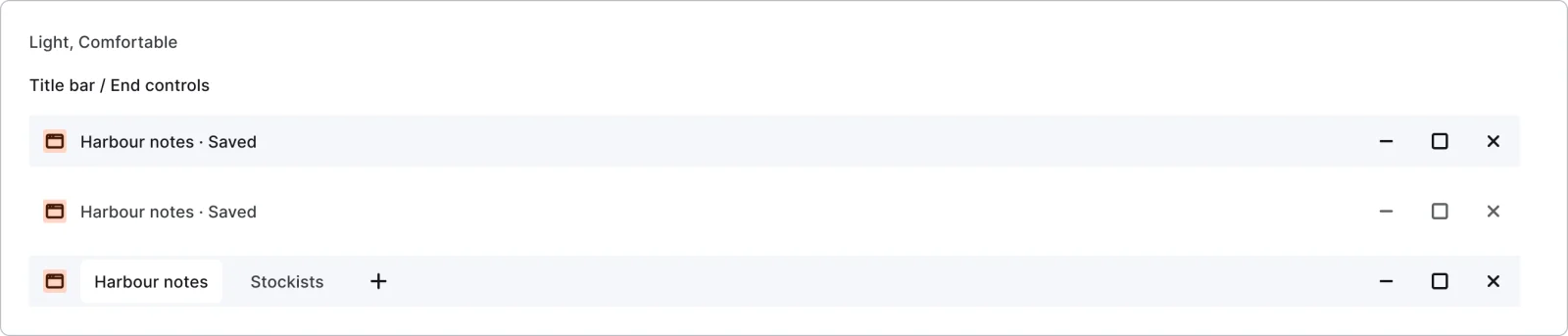
Title bar end controls
3 variants
- Active
- Inactive
- With tabs
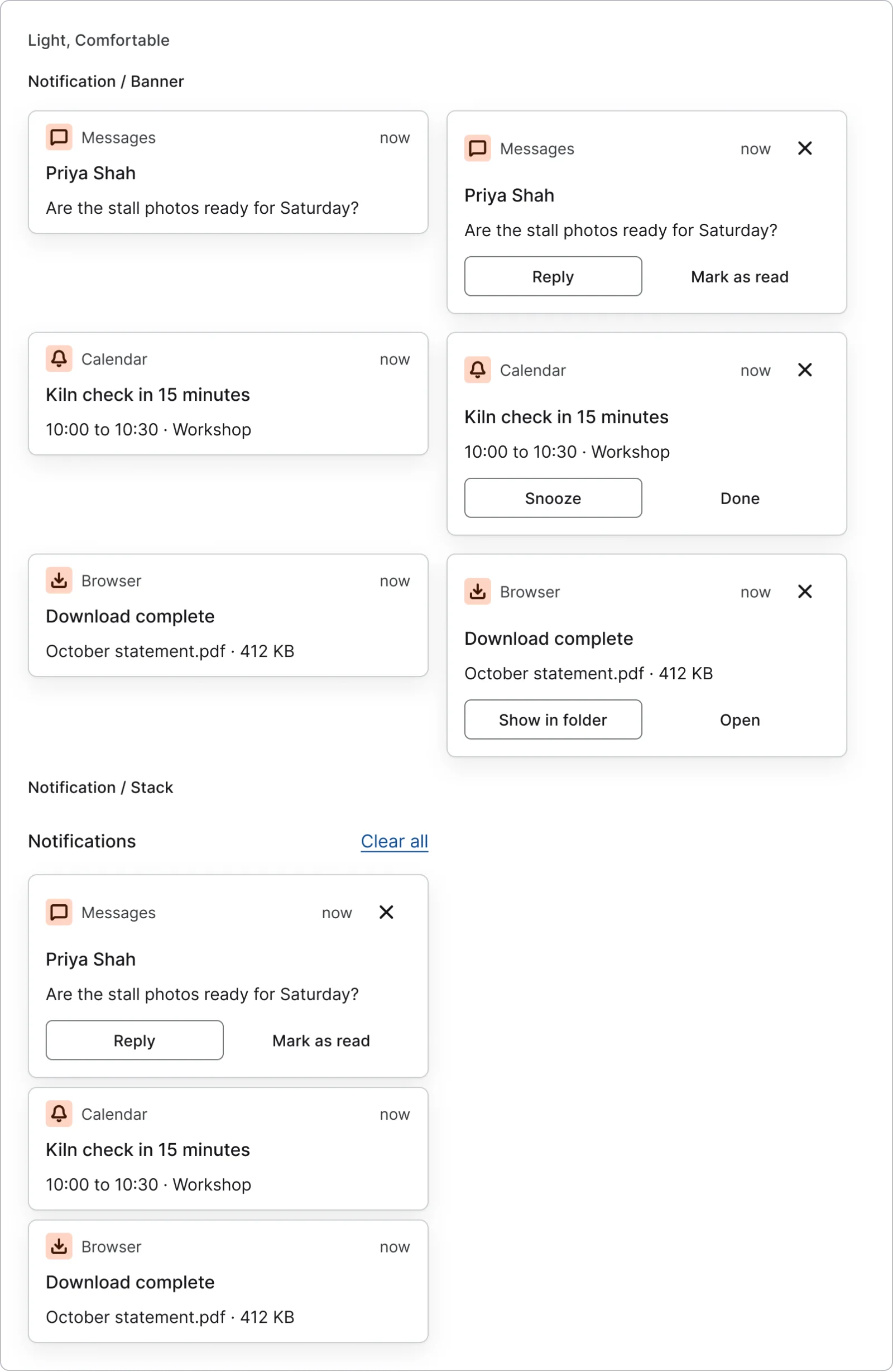
Notification banner
6 variants
- Message
- Reminder
- Download
- Default
- Hover
Notification stack
1 variant
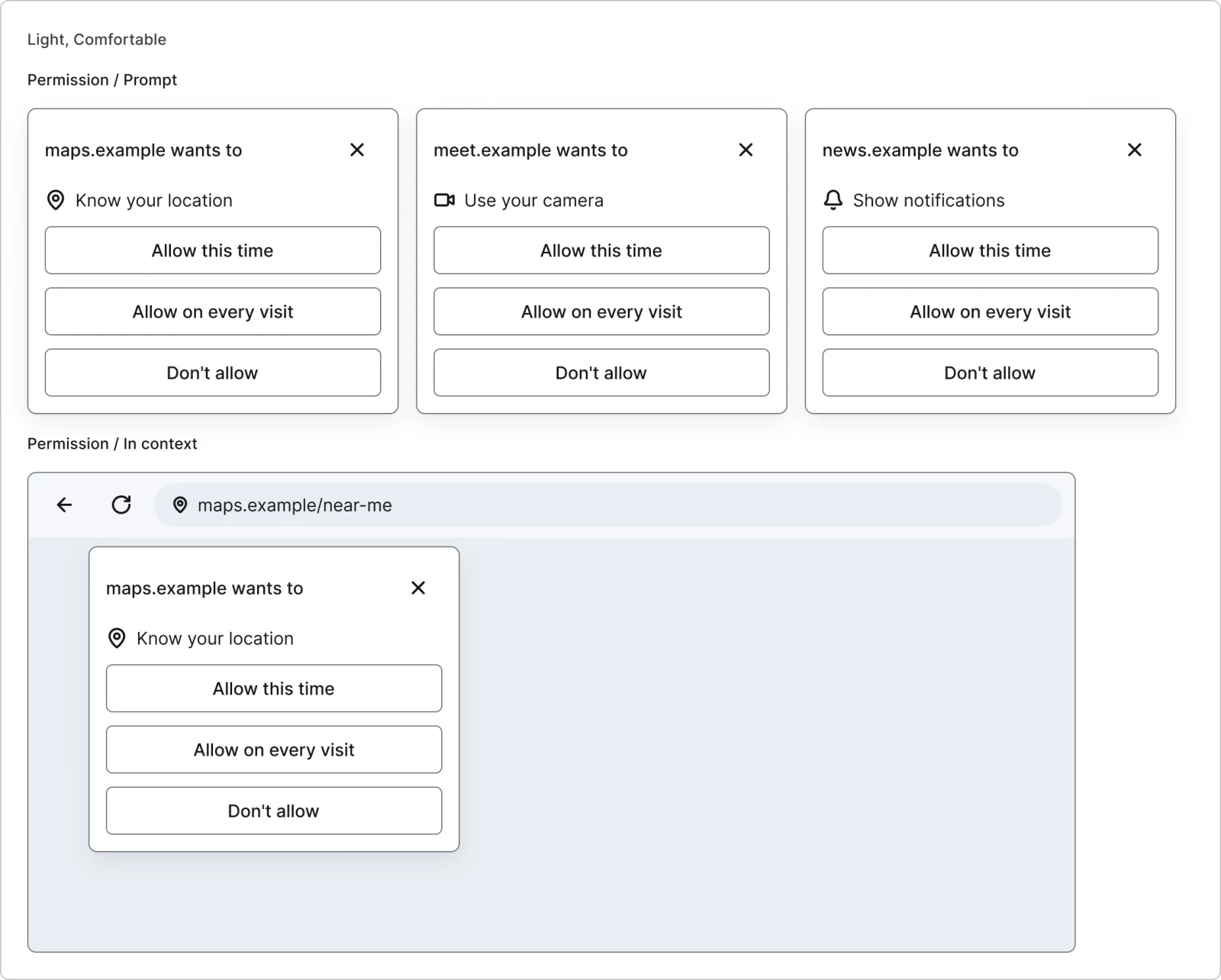
Permission prompt
3 variants
- Location
- Camera
- Notifications
Permission prompt in context
1 variant
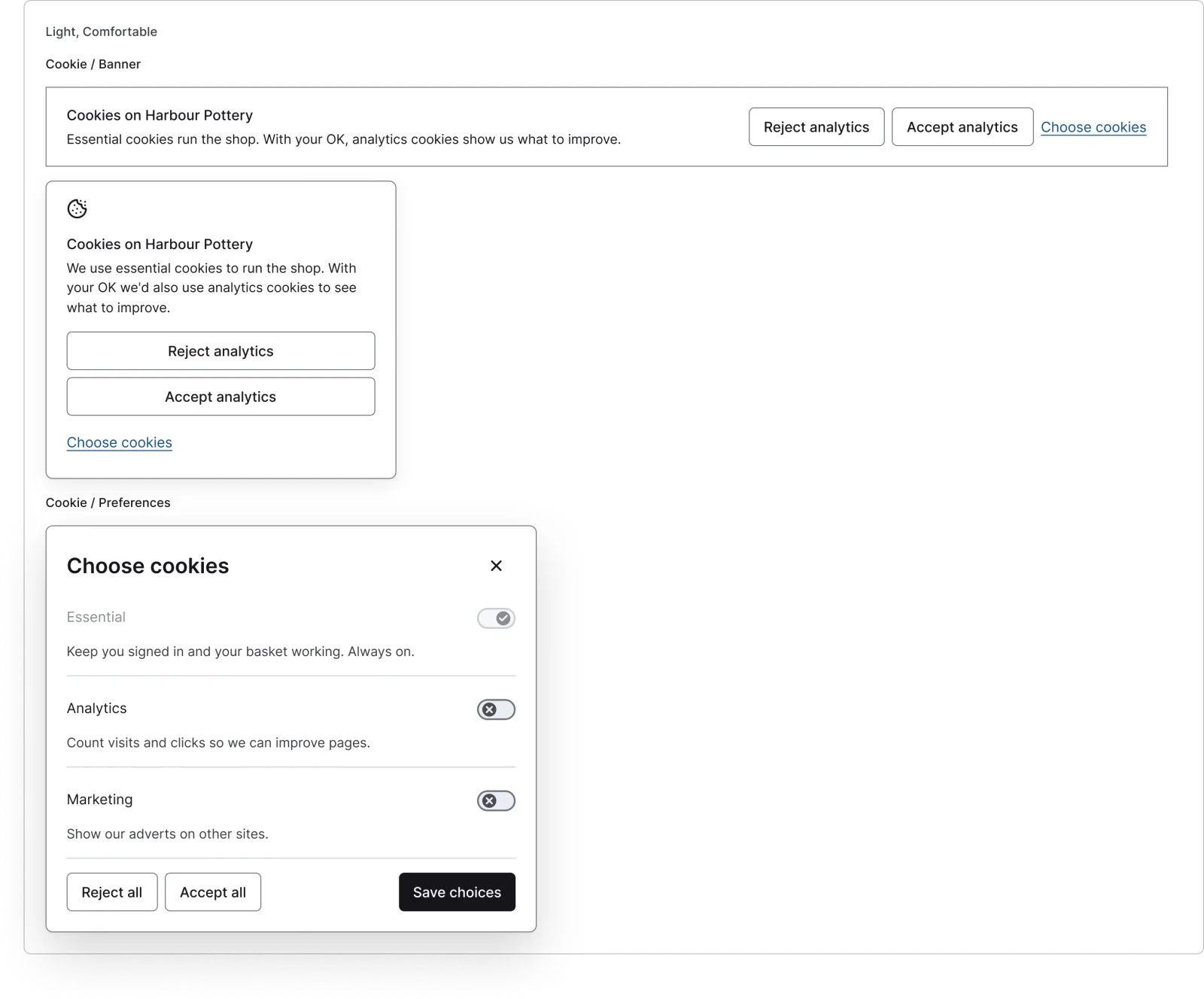
Cookie banner
2 variants
- Bar
- Box
Cookie preferences
1 variant
Print dialog
1 variant
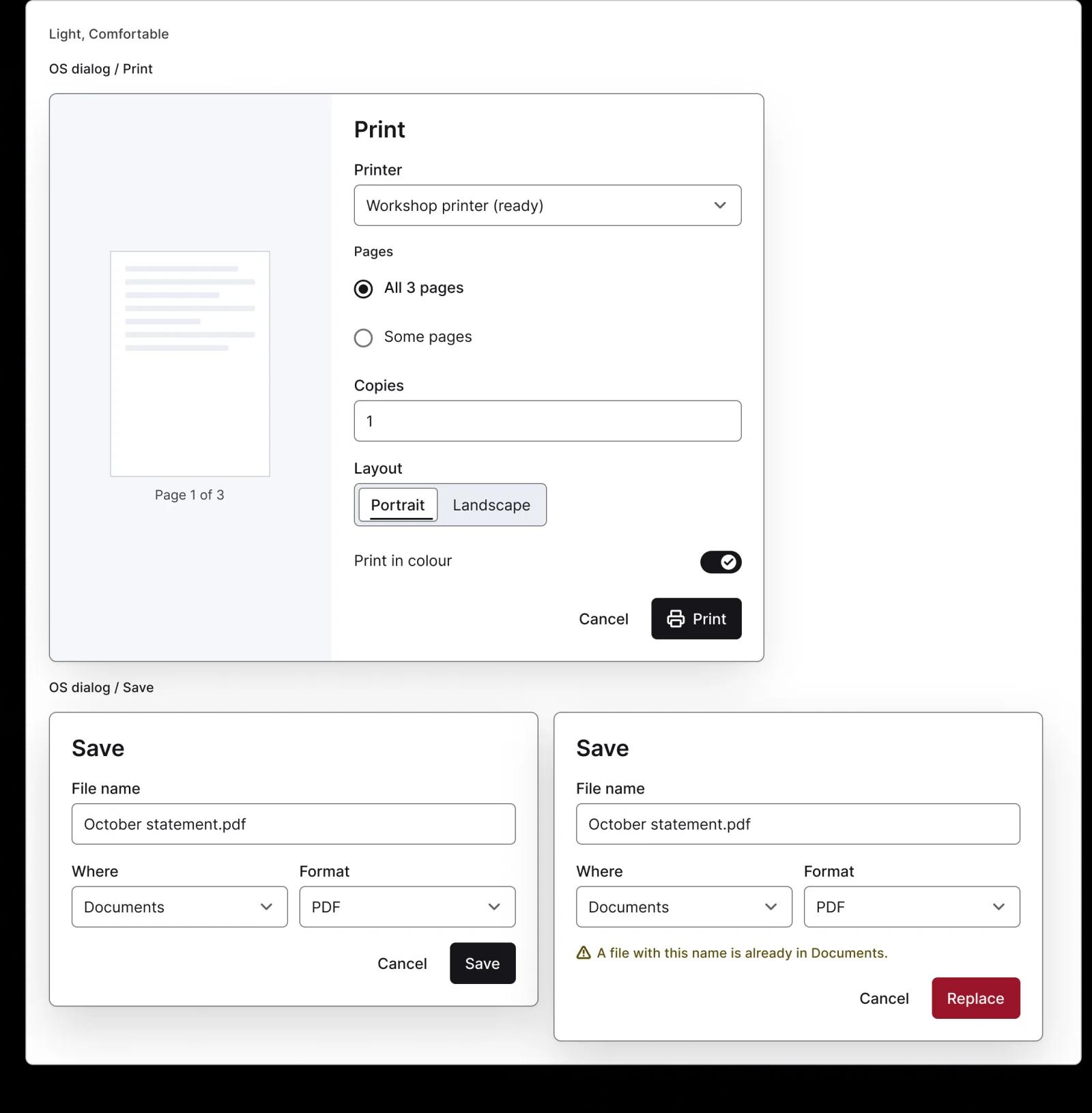
Save dialog
2 variants
- Default
- Replace warning
Laptop frame
1 variant
Monitor frame
1 variant
- Figma file
- SuperDuper Pack: System UI and device chrome (Desktop)
- Themes
- Light, Dark, Light high contrast, Dark high contrast and Wireframe
- Densities
- Comfortable and Compact
- Also in the file
- Usage and accessibility notes, motion specs, Figma variables
- Covers 5 UI elements and 3 screen patterns
- Status bar, Home indicator, Keyboard, System alert, Share sheet, Share, Widget and Live Activity & Dynamic Island
How macOS, Chrome and Safari do it
Recreations of real products, so you can compare approaches side by side. They are approximate, built from public product knowledge, with placeholder data and no third-party artwork.
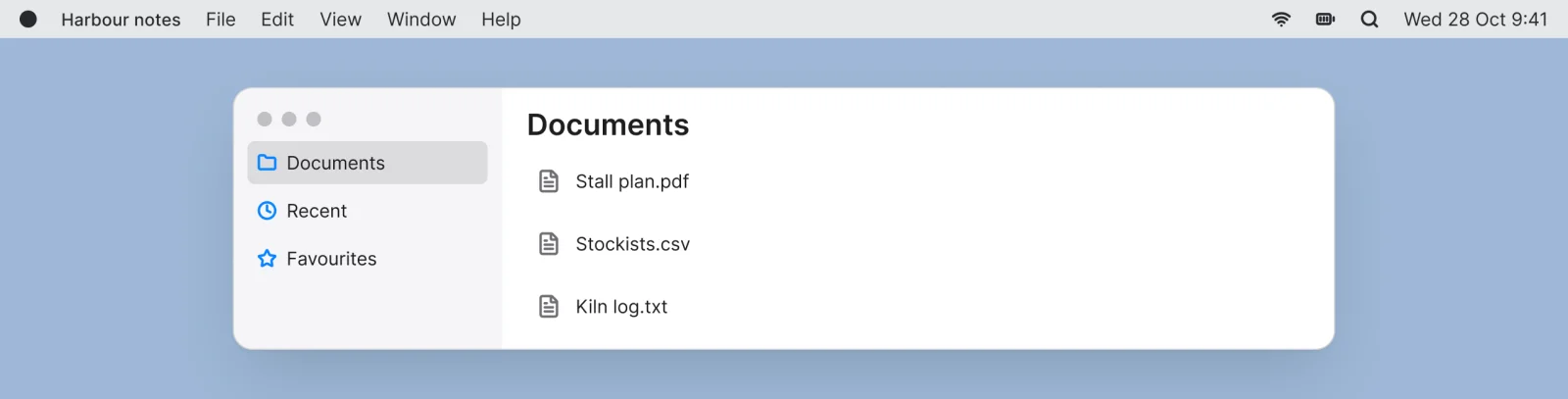
Glass desktop
Recreated from macOS
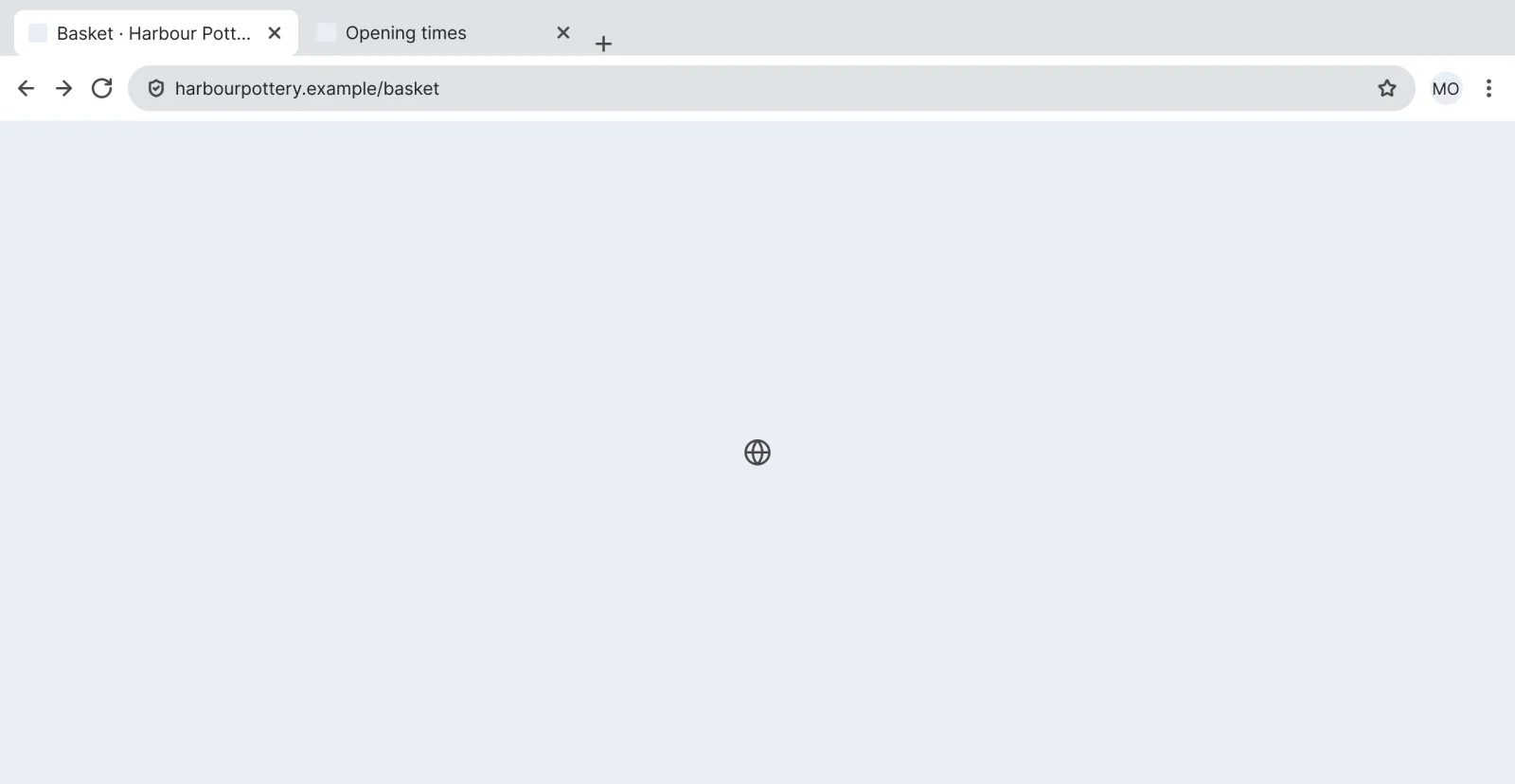
Rounded-tab browser
Recreated from Chrome
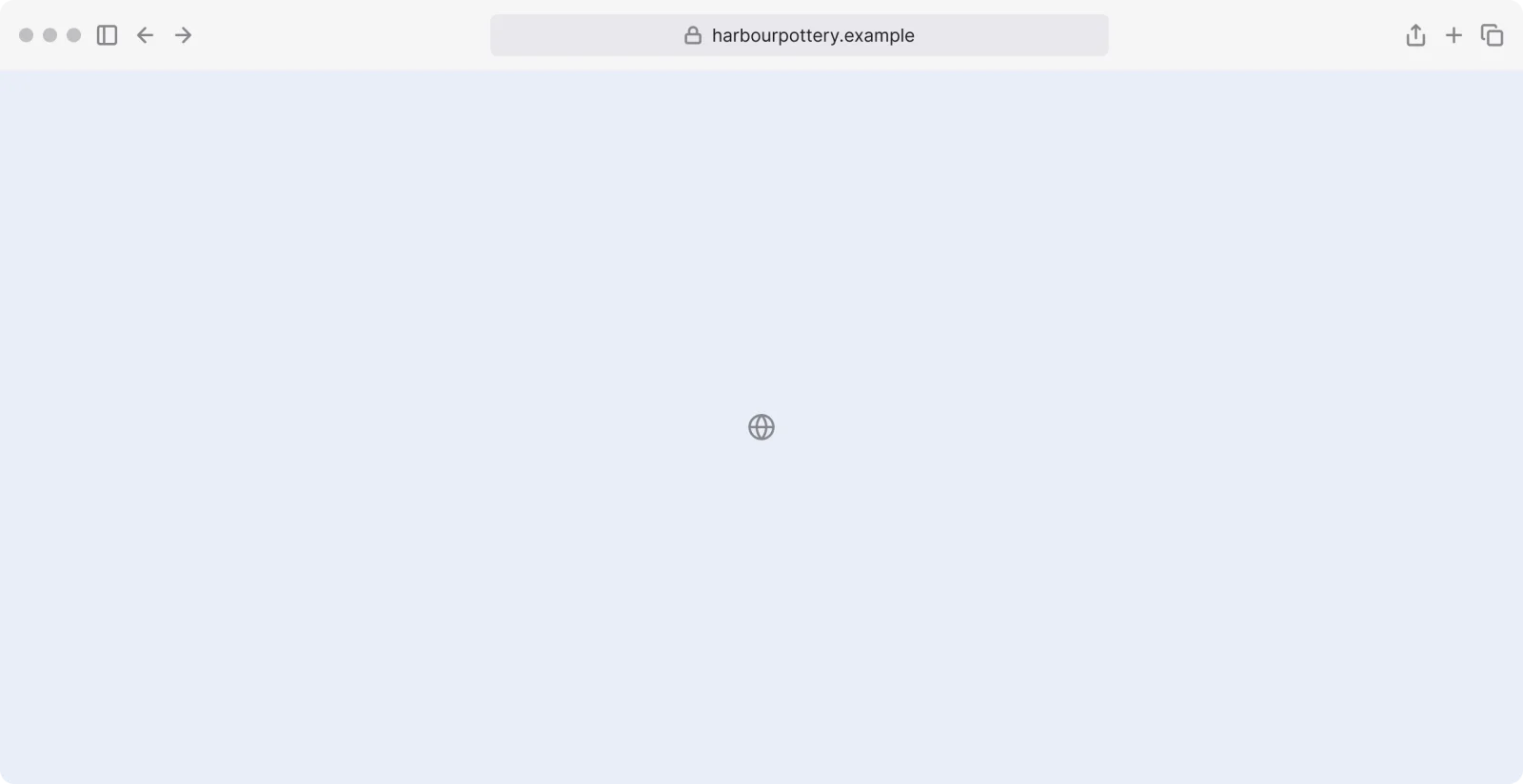
Unified browser
Recreated from Safari
Not affiliated with, endorsed or sponsored by macOS, Chrome and Safari. Their names are trade marks of their owners and are used only to say what each recreation is based on.
See the browser frame full size, free
A 1280 x 800 browser window with one tab or several, ready to hold a page design. All 2 variants, free to see with a SuperDuperUI account. The Figma file comes with the pack.
Questions about the system ui and device chrome pack
One Figma file: SuperDuper Pack: System UI and device chrome (Desktop). It has 19 components with 46 variants, 3 recreations, and notes on when to use each part. Everything uses Figma variables, so you can change the colours and type to match your product.