Skip to content

Tables and data grids (Desktop)

Desktop packData display

Desktop data tables: sort, bulk select, resize, pin, inline edit, grouping, expandable rows, pagination, empty and error states.
components
27
variants
159
recreations
6
themes
2

Also for mobile: Tables and data grids

What’s inside

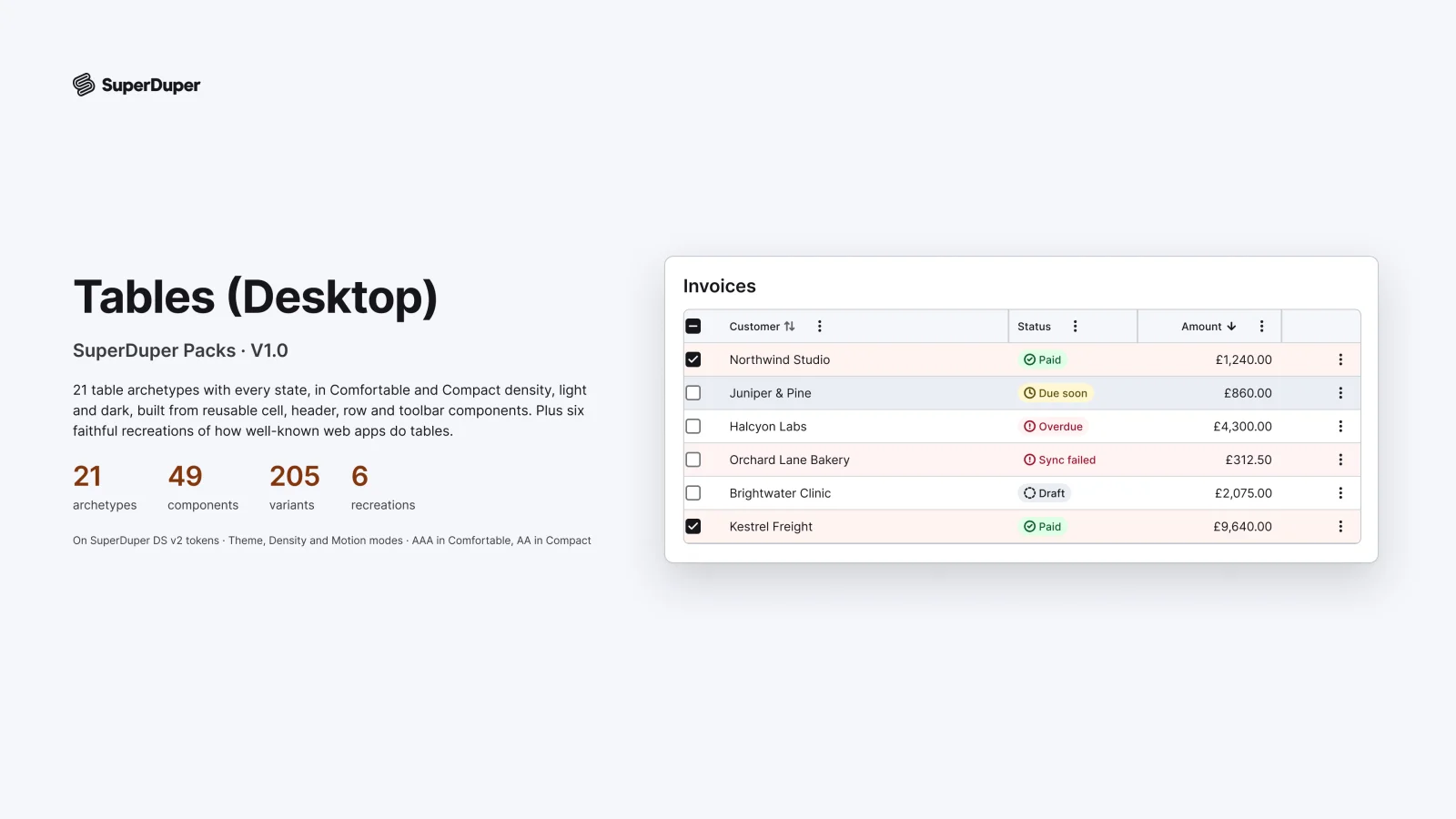
Twenty-one table patterns for web apps, built from cells, rows, bars and overlays: density, sort, bulk select, column resize, manager, pin and menu, inline edit, grouped and expandable rows, pagination, load more, sticky headers, skeleton, empty and error states, row actions, summary rows, toolbars, export and a responsive list. Every cell is an exposed instance, so you edit values without detaching.

  • 21 table patterns, each shown as a whole table in context
  • Inline edit from read to editing, saving, saved and error
  • Every cell editable from the row, nothing detached
  • 6 recreations of real product tables and grids
  • Table cell, every variant

    Table cell

    Free sample

    10 variants

    • Text
    • Secondary
    • Number
    • Status
    • Person
    • Date
    • Link
    • Two-line
    • +2 more
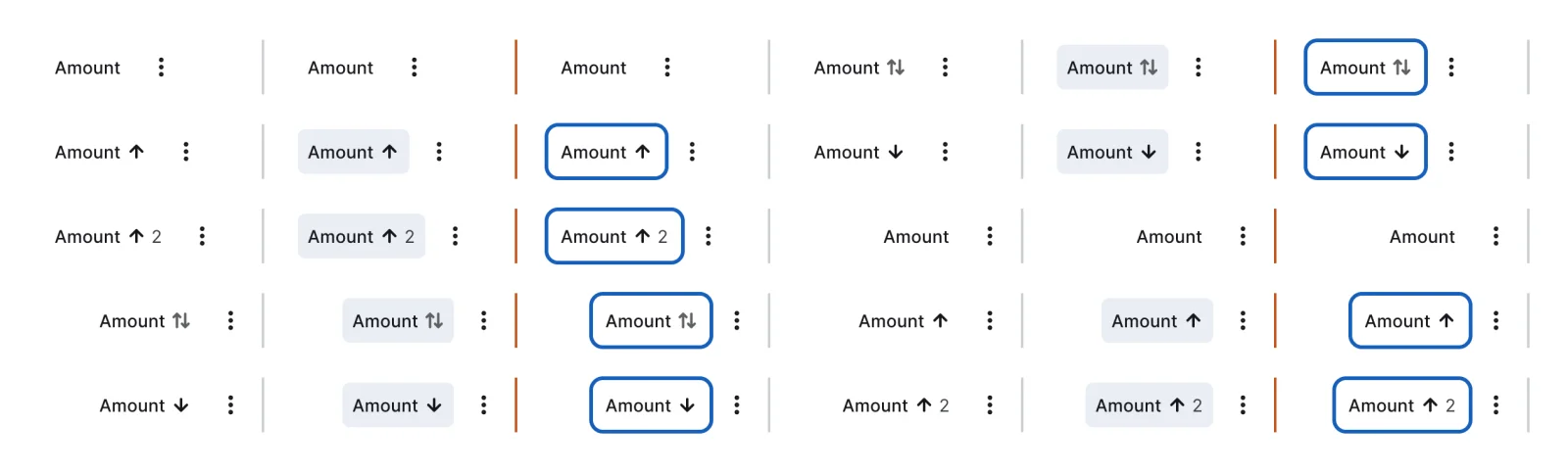
  • Header cell, every variant

    Header cell

    30 variants

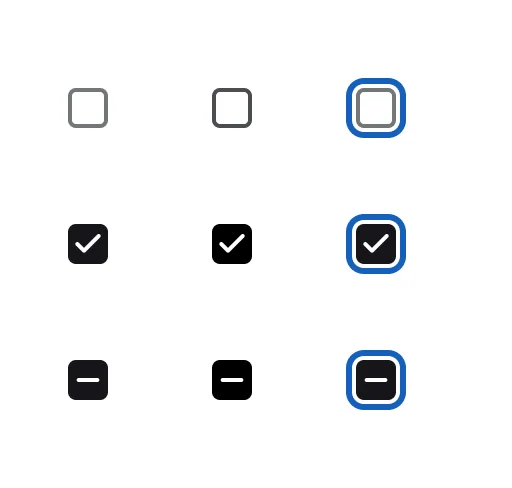
  • Select cell, every variant

    Select cell

    9 variants

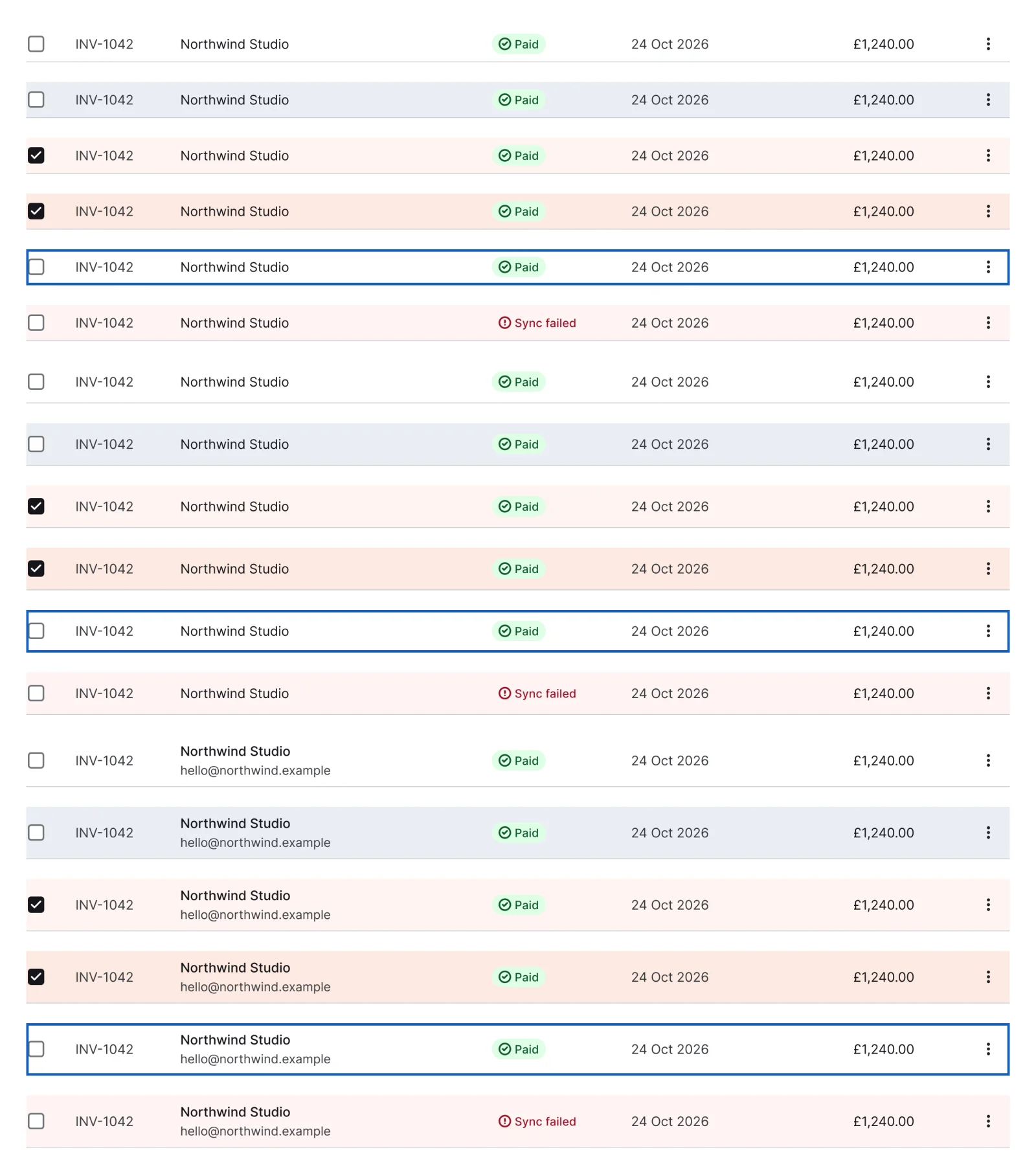
  • Row, every variant

    Row

    18 variants

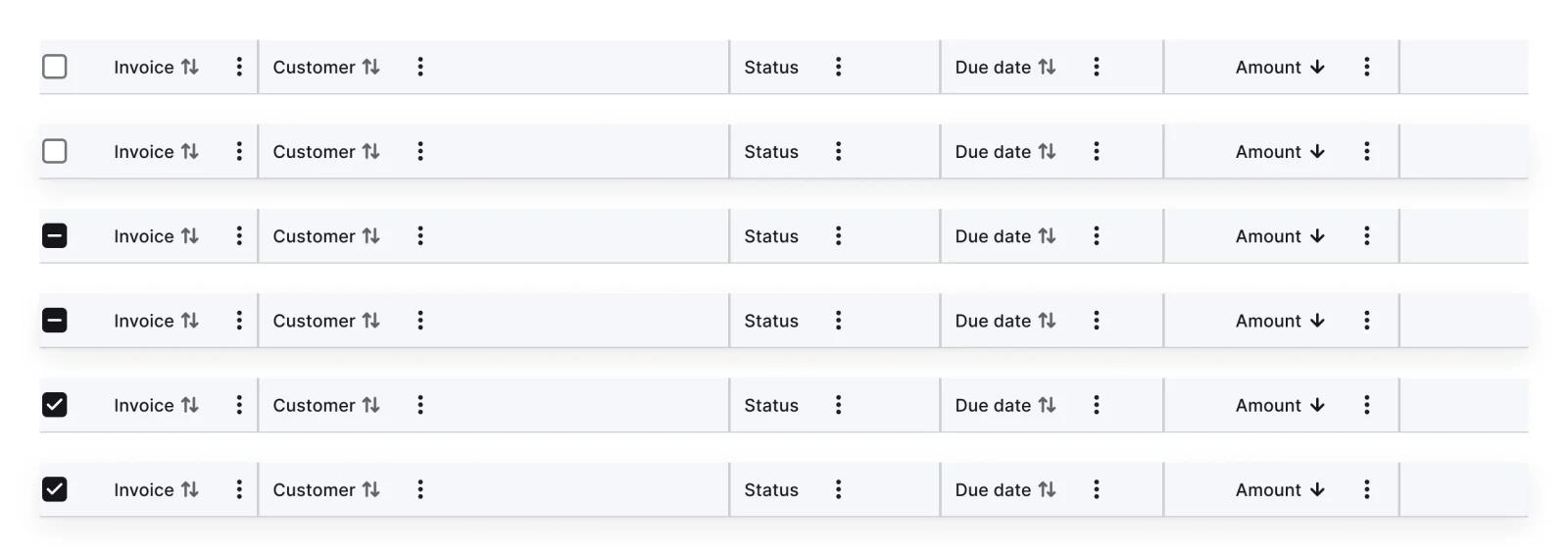
  • Header row, every variant

    Header row

    6 variants

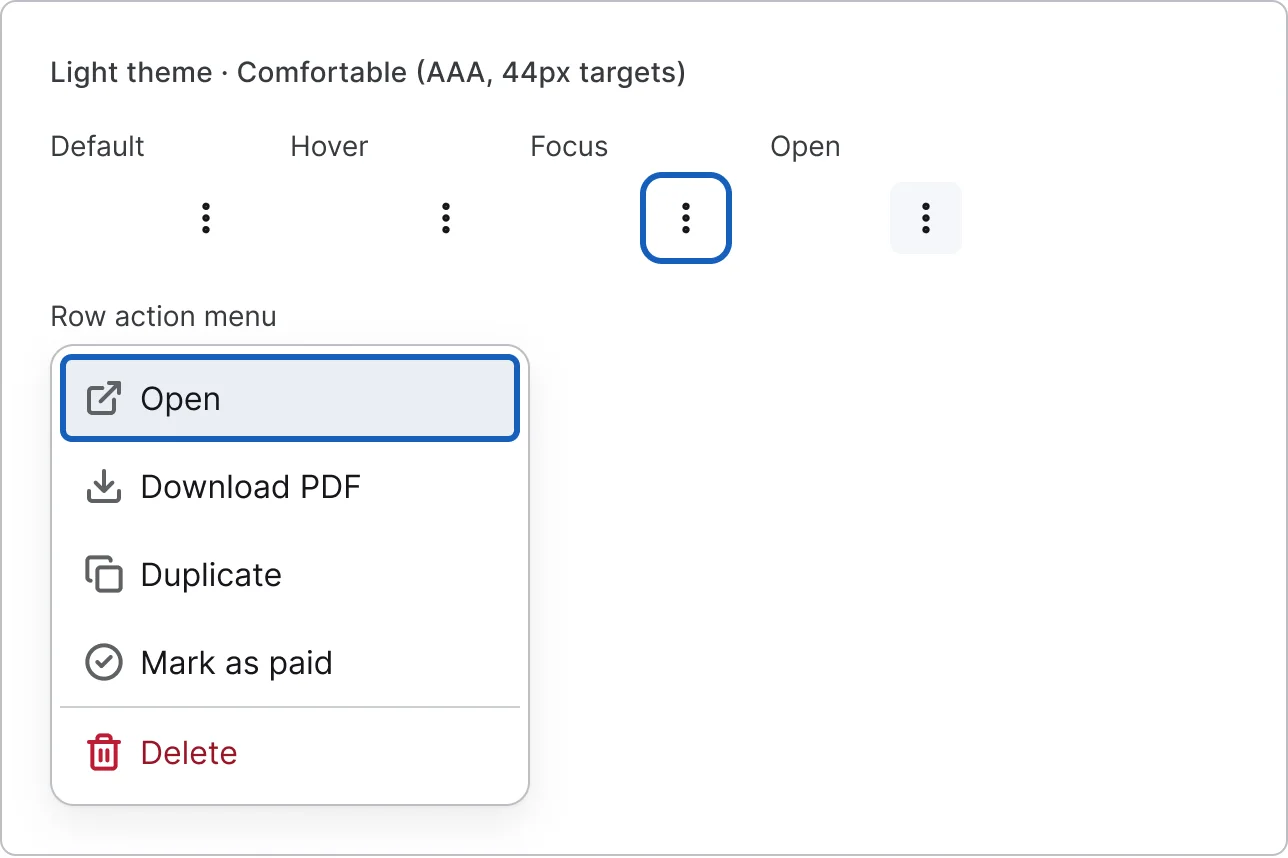
  • Row actions, every variant

    Row actions

    4 variants

    • Default
    • Hover
    • Focus
    • Open
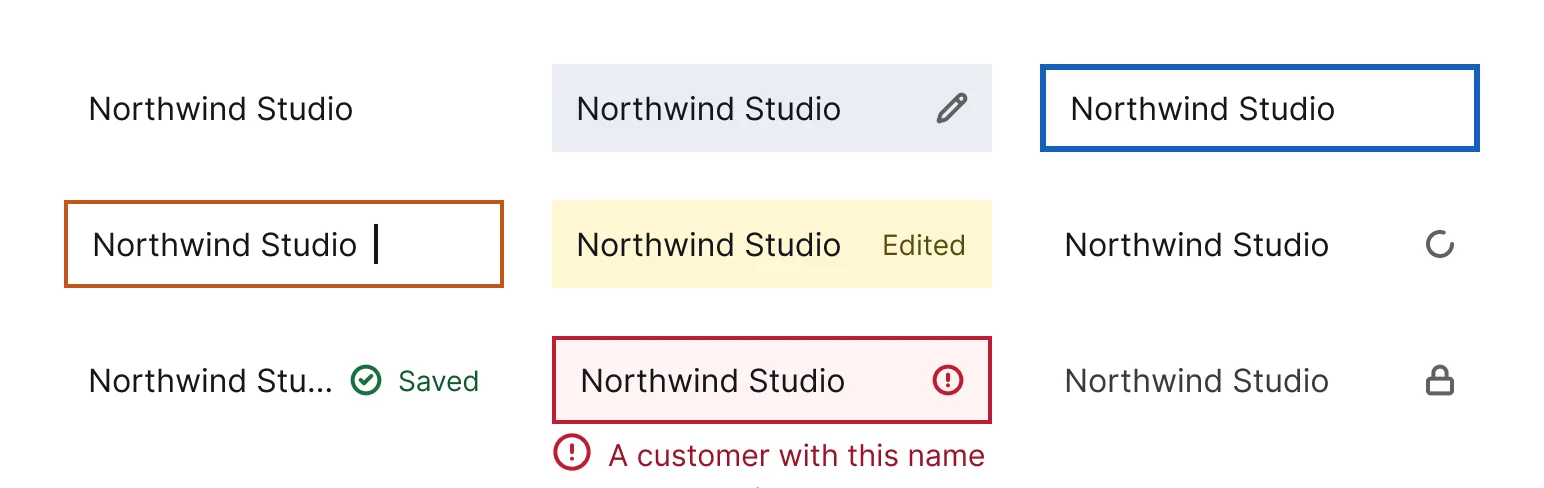
  • Editable cell, every variant

    Editable cell

    9 variants

    • Read
    • Hover
    • Focus
    • Editing
    • Dirty
    • Saving
    • Saved
    • Error
    • +1 more
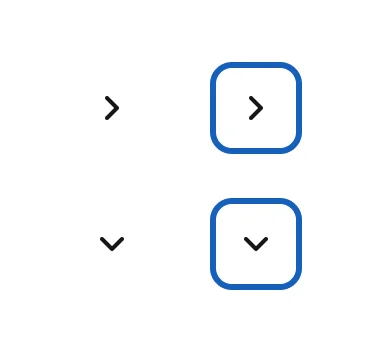
  • Expand cell, every variant

    Expand cell

    4 variants

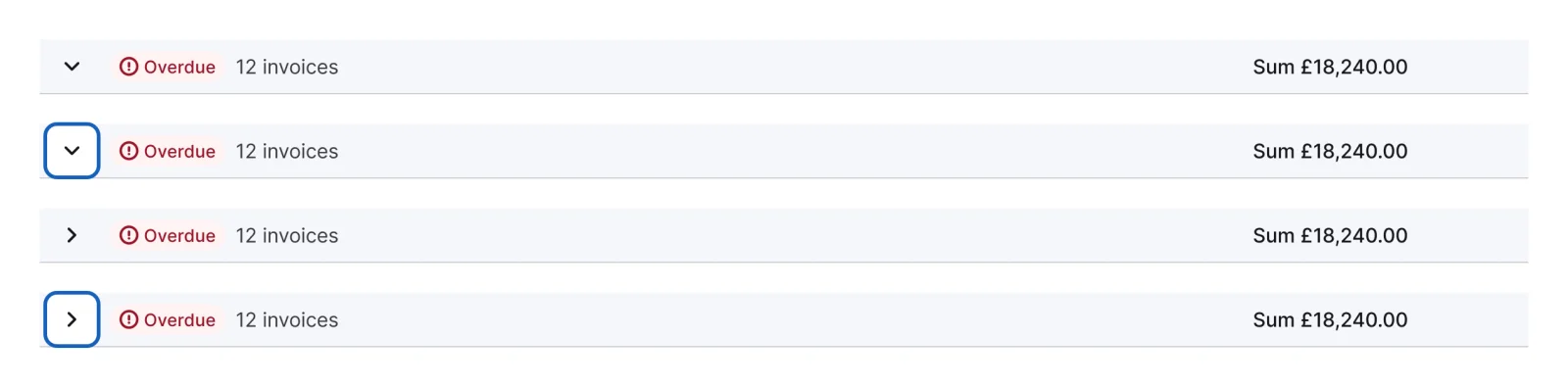
  • Group header row, every variant

    Group header row

    4 variants

  • Summary row, every variant

    Summary row

    2 variants

    • All rows
    • Selection
  • Load more row, every variant

    Load more row

    3 variants

    • Default
    • Loading
    • End
  • List item, every variant

    List item

    3 variants

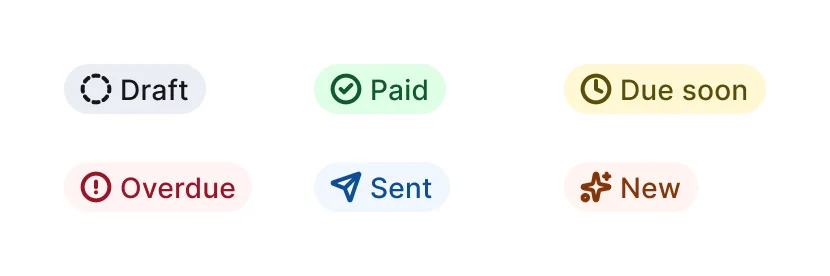
  • Status badge, every variant

    Status badge

    6 variants

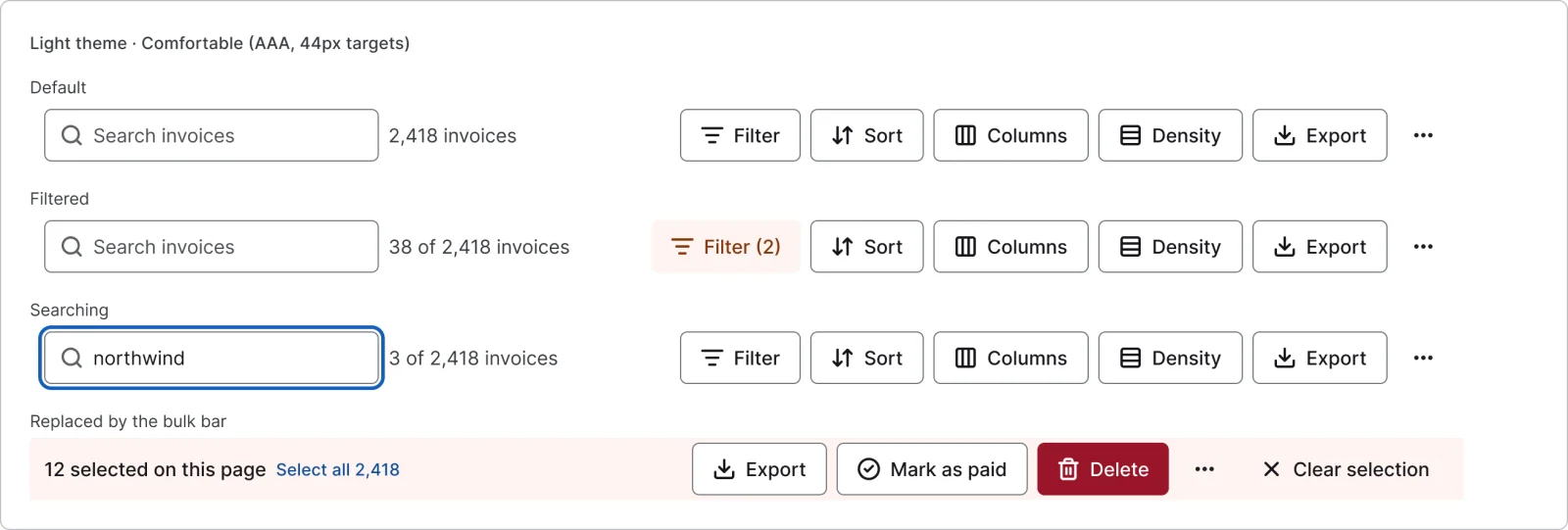
  • Toolbar, every variant

    Toolbar

    3 variants

    • Default
    • Filtered
    • Searching
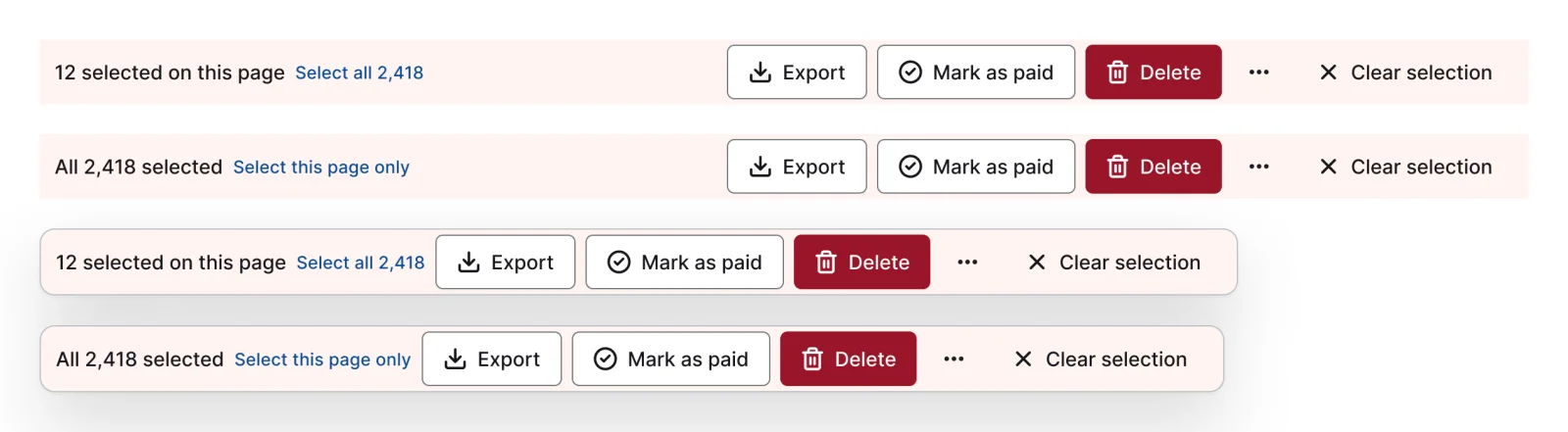
  • Bulk bar, every variant

    Bulk bar

    4 variants

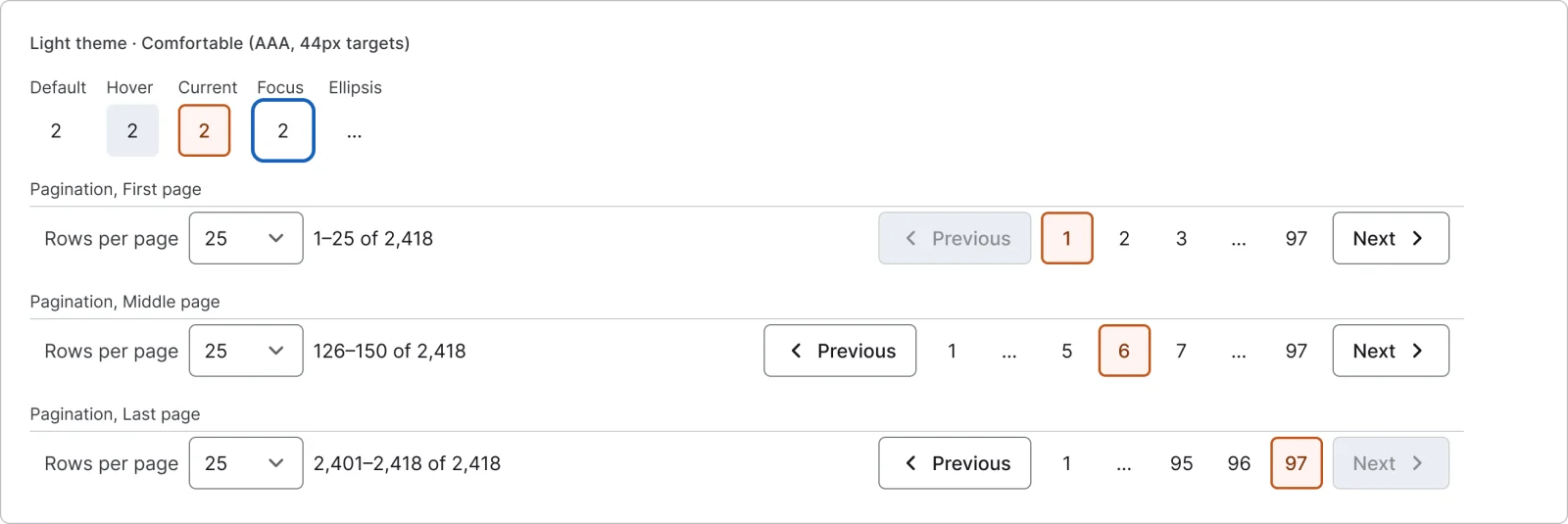
  • Pagination, every variant

    Pagination

    3 variants

    • First
    • Middle
    • Last
  • Page button, every variant

    Page button

    5 variants

  • Save bar, every variant

    Save bar

    2 variants

  • Alert, every variant

    Alert

    2 variants

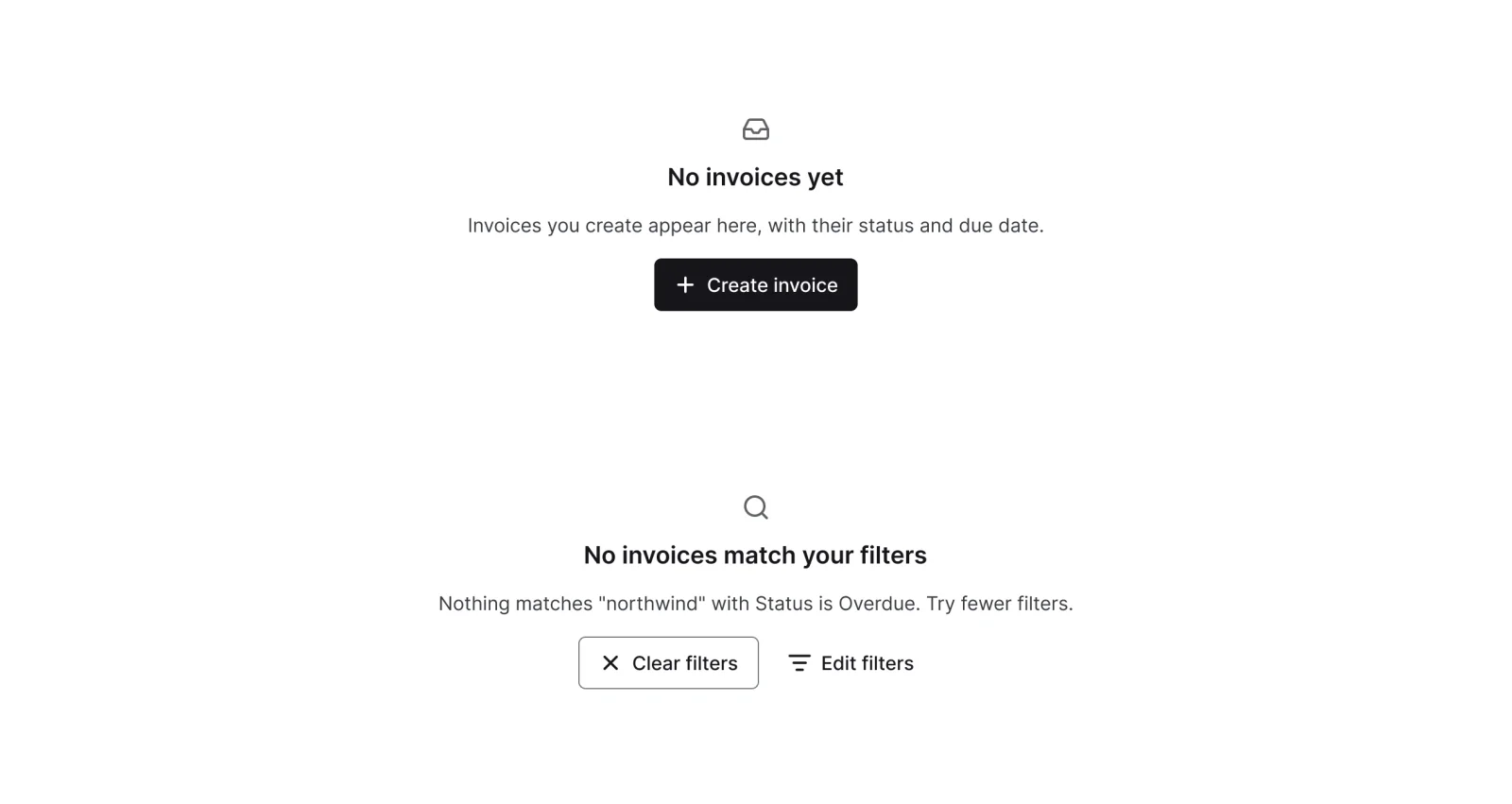
  • Empty state, every variant

    Empty state

    2 variants

  • Menu item, every variant

    Menu item

    12 variants

  • Column option, every variant

    Column option

    4 variants

    • Default
    • Hover
    • Dragging
    • Locked
  • Sort rule, every variant

    Sort rule

    2 variants

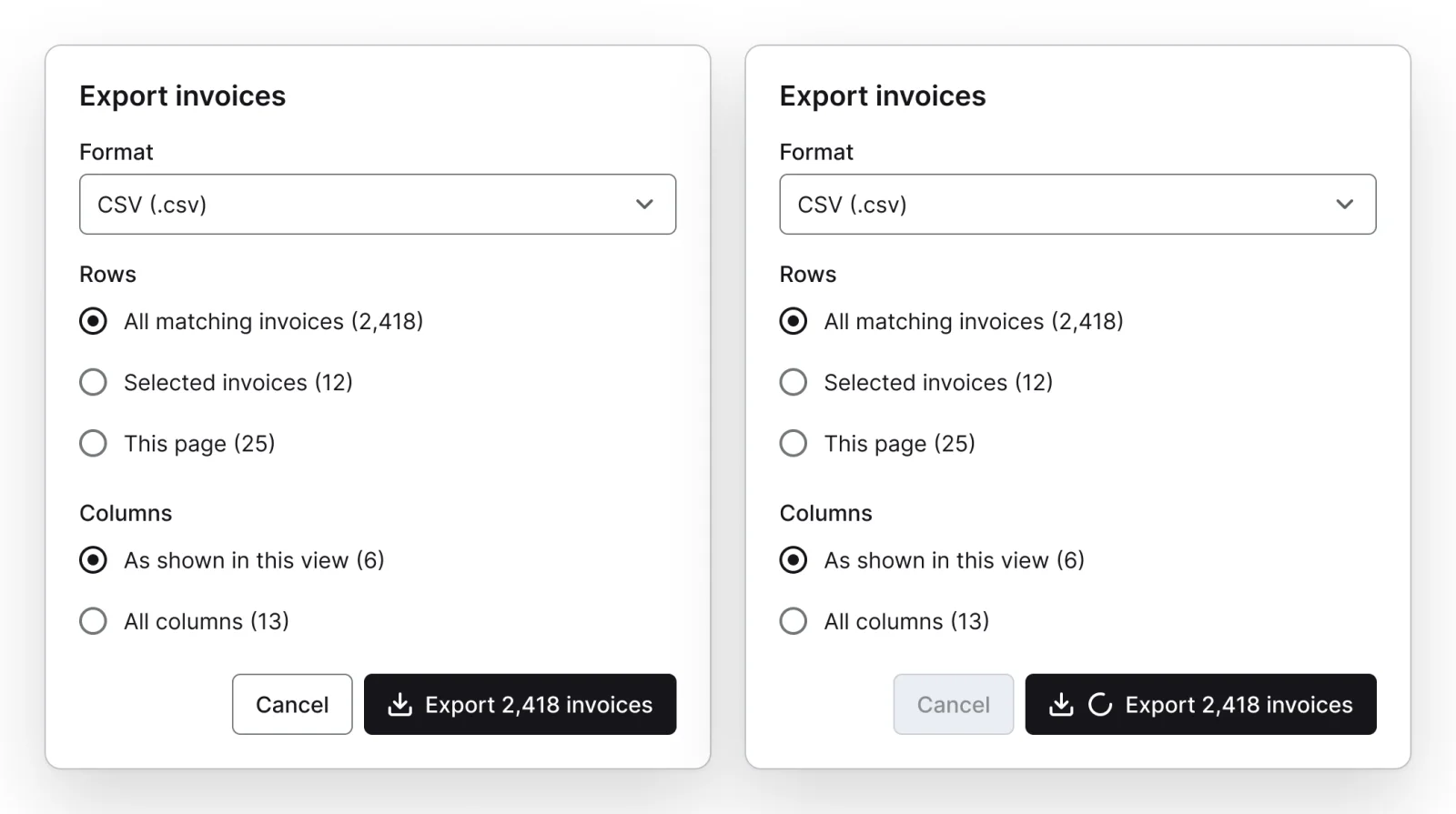
  • Export dialog, every variant

    Export dialog

    2 variants

    • Default
    • Exporting
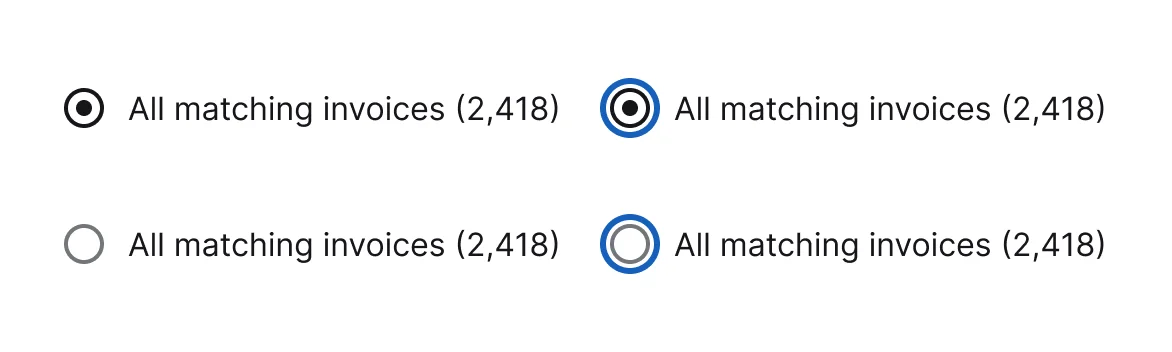
  • Radio option, every variant

    Radio option

    4 variants

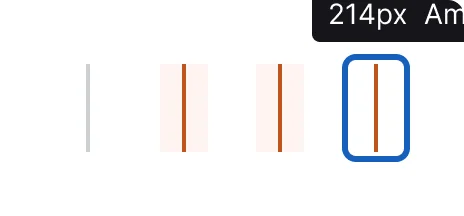
  • Resize handle, every variant

    Resize handle

    4 variants

    • Default
    • Hover
    • Dragging
    • Keyboard
  • Pinned divider, every variant

    Pinned divider

    2 variants

Figma file
SuperDuper Packs - Tables (Desktop) - V1.0
Themes
Light and Dark
Densities
Comfortable and Compact
Also in the file
Usage and accessibility notes, motion specs, Figma variables
Covers 1 UI element
Table

How Airtable, Notion and Linear and others do it

Recreations of real products, so you can compare approaches side by side. They are approximate, built from public product knowledge, with placeholder data and no third-party artwork.
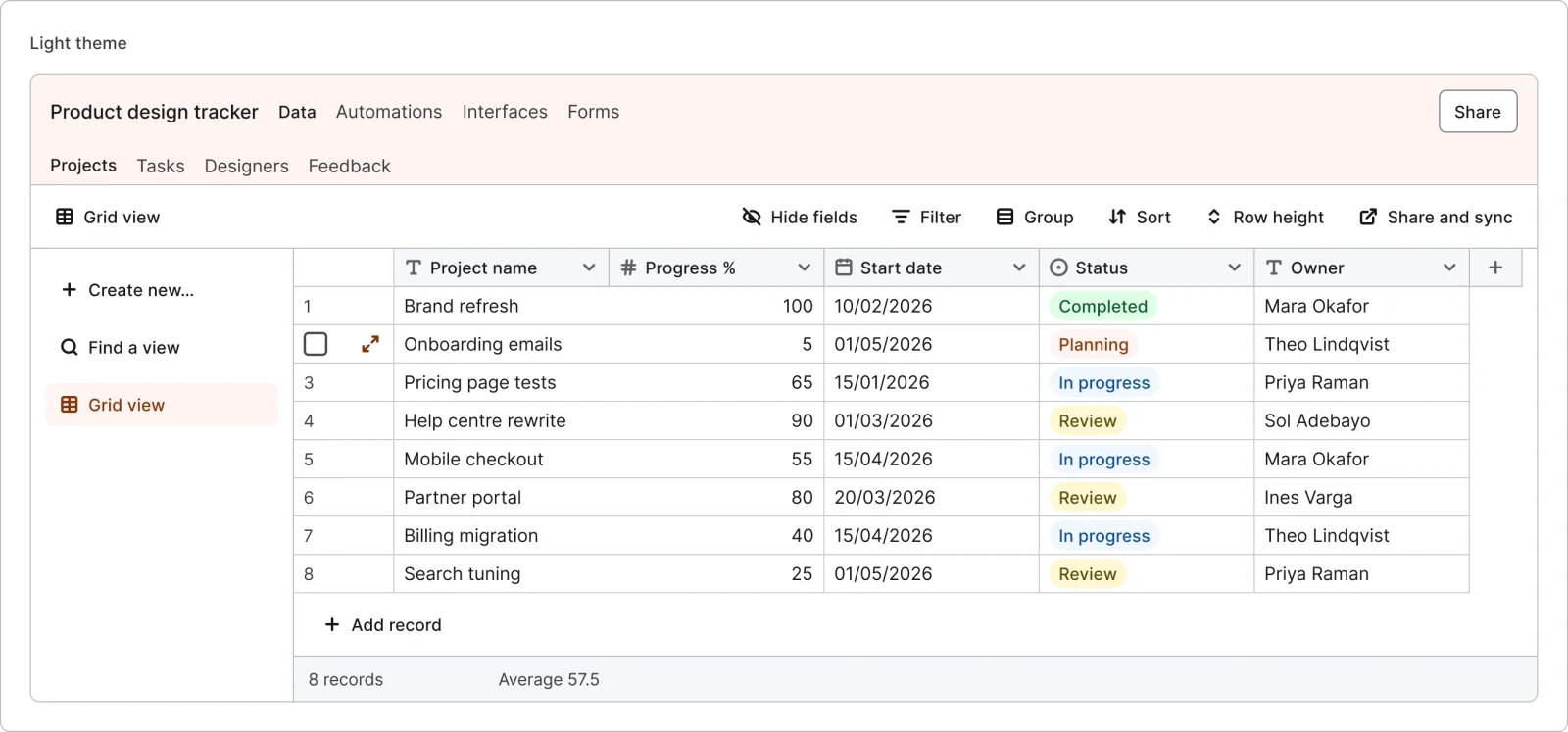
  • Spreadsheet database grid, every variant

    Spreadsheet database grid

    Recreated from Airtable

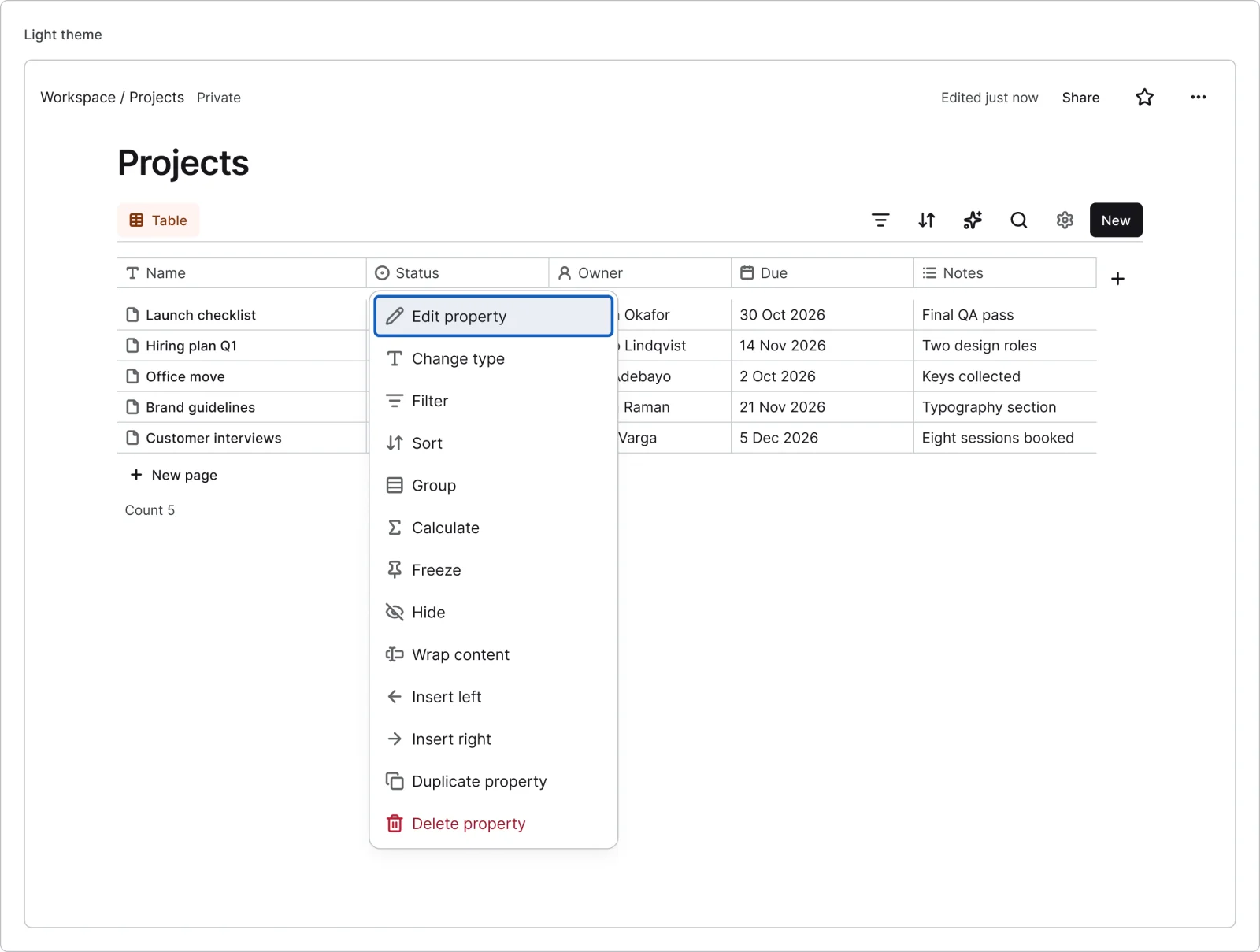
  • Docs database table, every variant

    Docs database table

    Recreated from Notion

  • Product tracker list, every variant

    Product tracker list

    Recreated from Linear

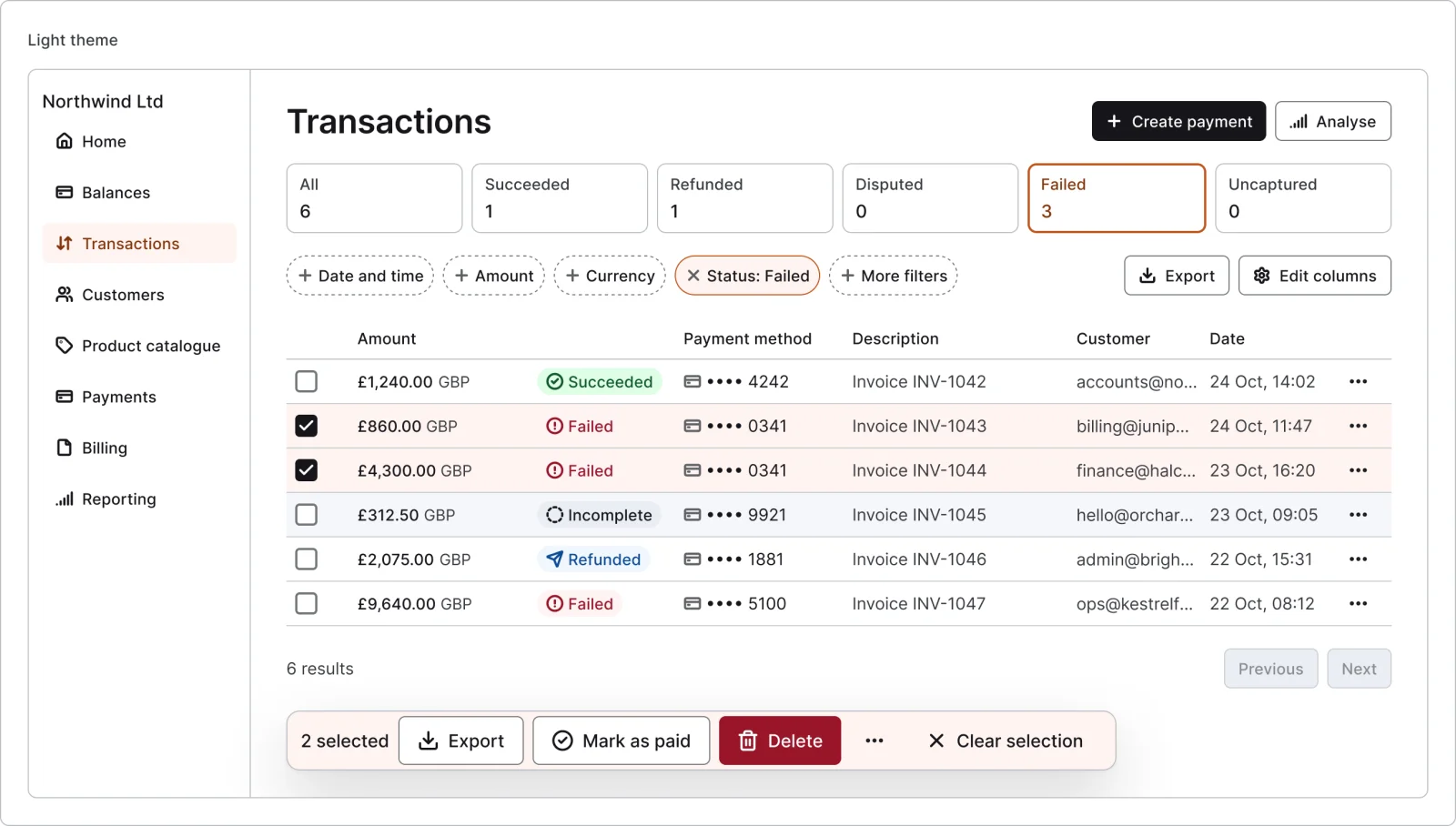
  • Payments table, every variant

    Payments table

    Recreated from Stripe

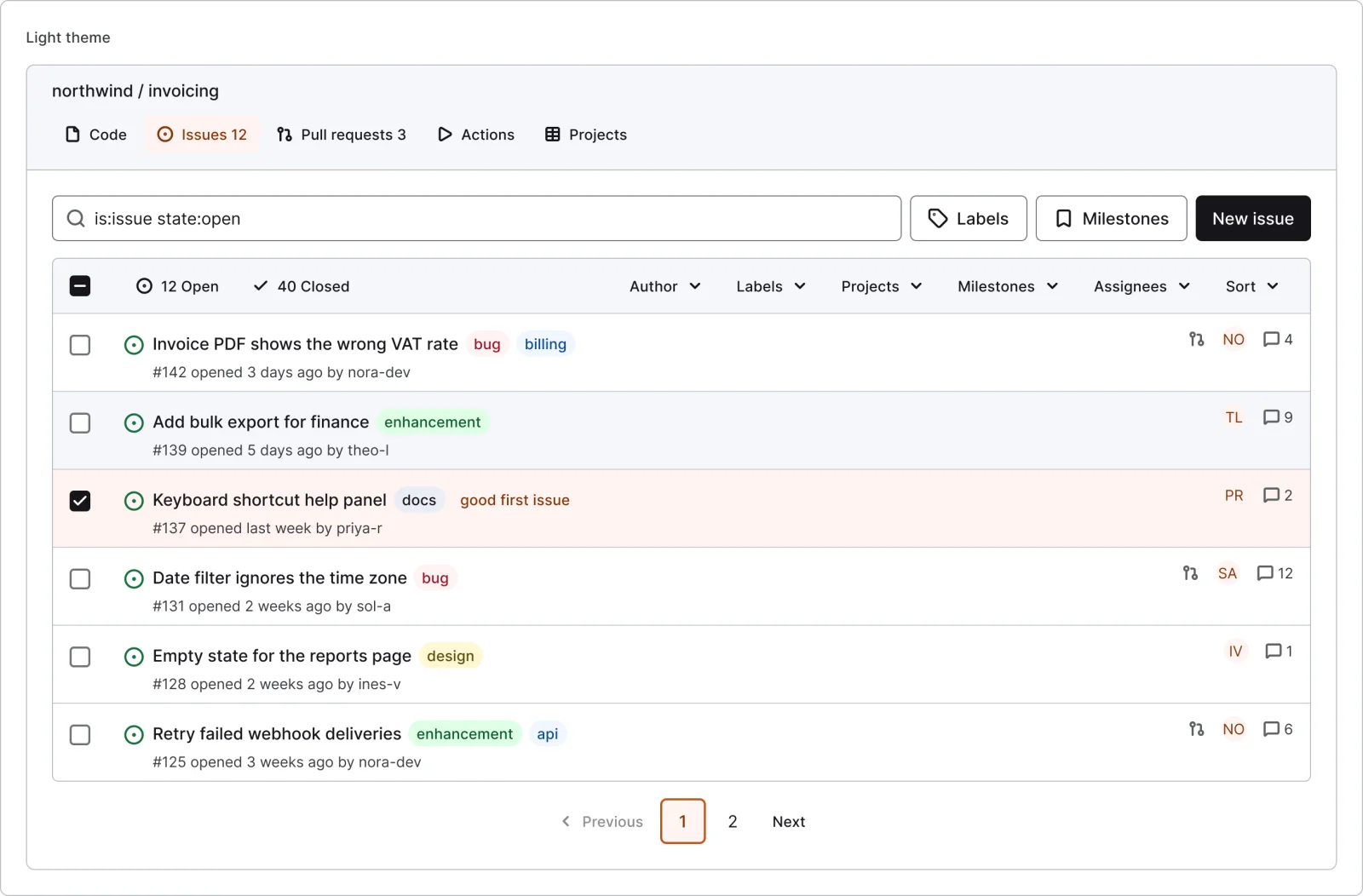
  • Developer platform issues list, every variant

    Developer platform issues list

    Recreated from GitHub

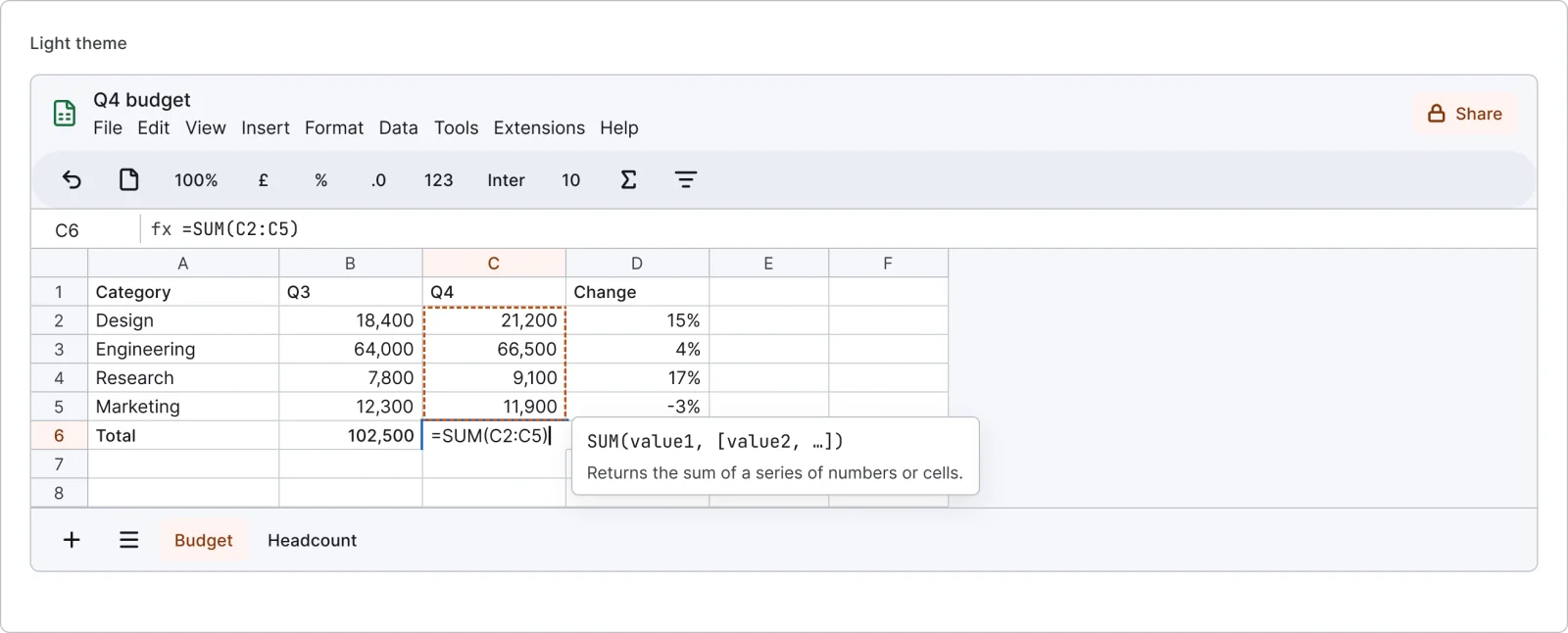
  • Spreadsheet inline edit, every variant

    Spreadsheet inline edit

    Recreated from Google Sheets

Not affiliated with, endorsed or sponsored by Airtable, Notion, Linear, Stripe, GitHub and Google Sheets. Their names are trade marks of their owners and are used only to say what each recreation is based on.

Table cell, every variant

See the table cell full size, free

Table cells for text, numbers, status, people, dates, links, two-line, empty and skeleton. All 10 variants, free to see with a SuperDuperUI account. The Figma file comes with the pack.

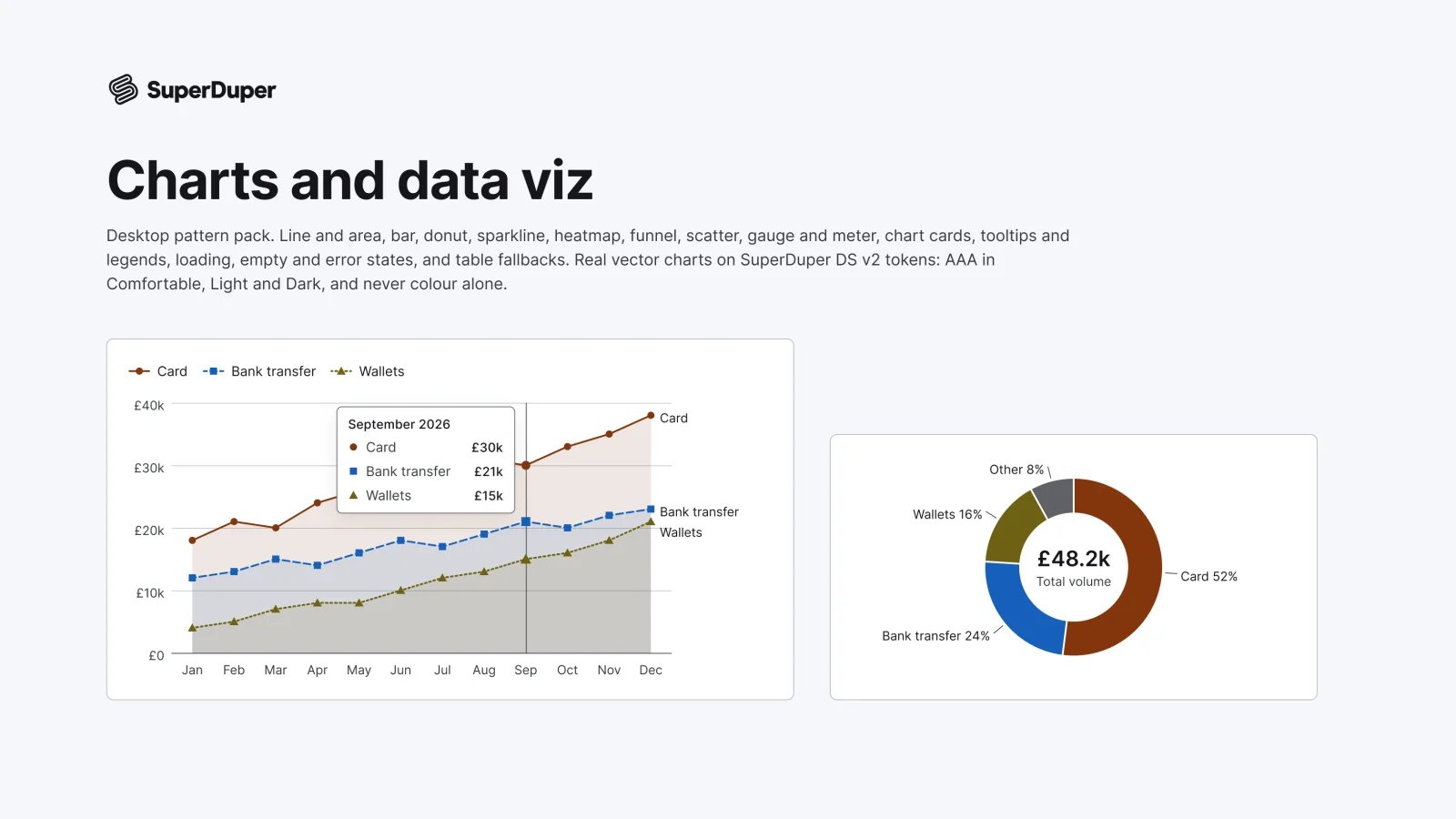
  • Charts and data viz

    Desktop13 components54 variants4 recreations

    Desktop line, bar, donut, heatmap, funnel, scatter and gauge charts drawn as vectors, with legends, tooltips and states.

    $9, or included with Pro
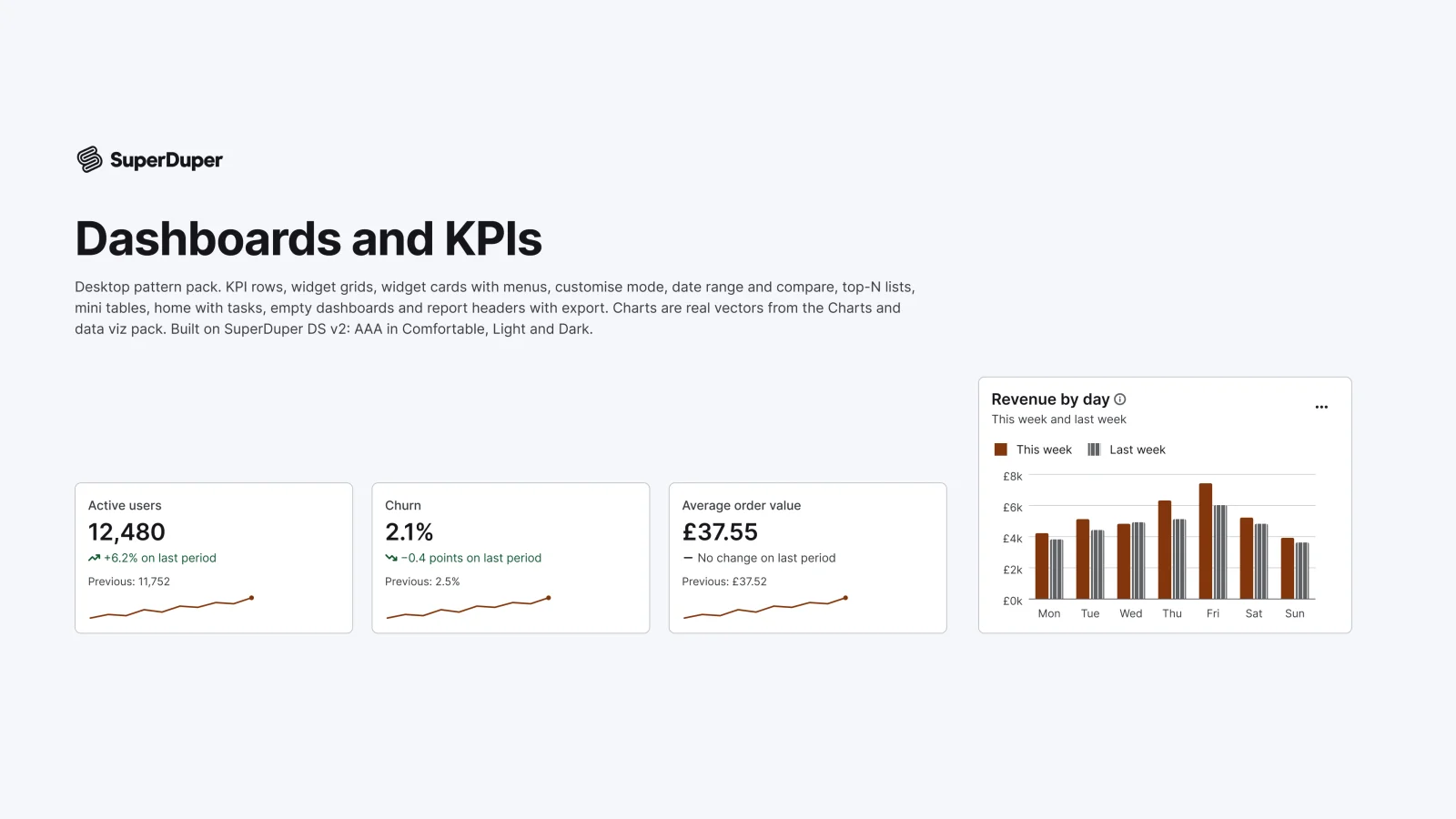
  • Dashboards and KPIs

    Desktop10 components35 variants5 recreations

    Desktop KPI rows, widget cards, date range pickers, top-N lists, dashboard homes and empty states with vector charts.

    $9, or included with Pro
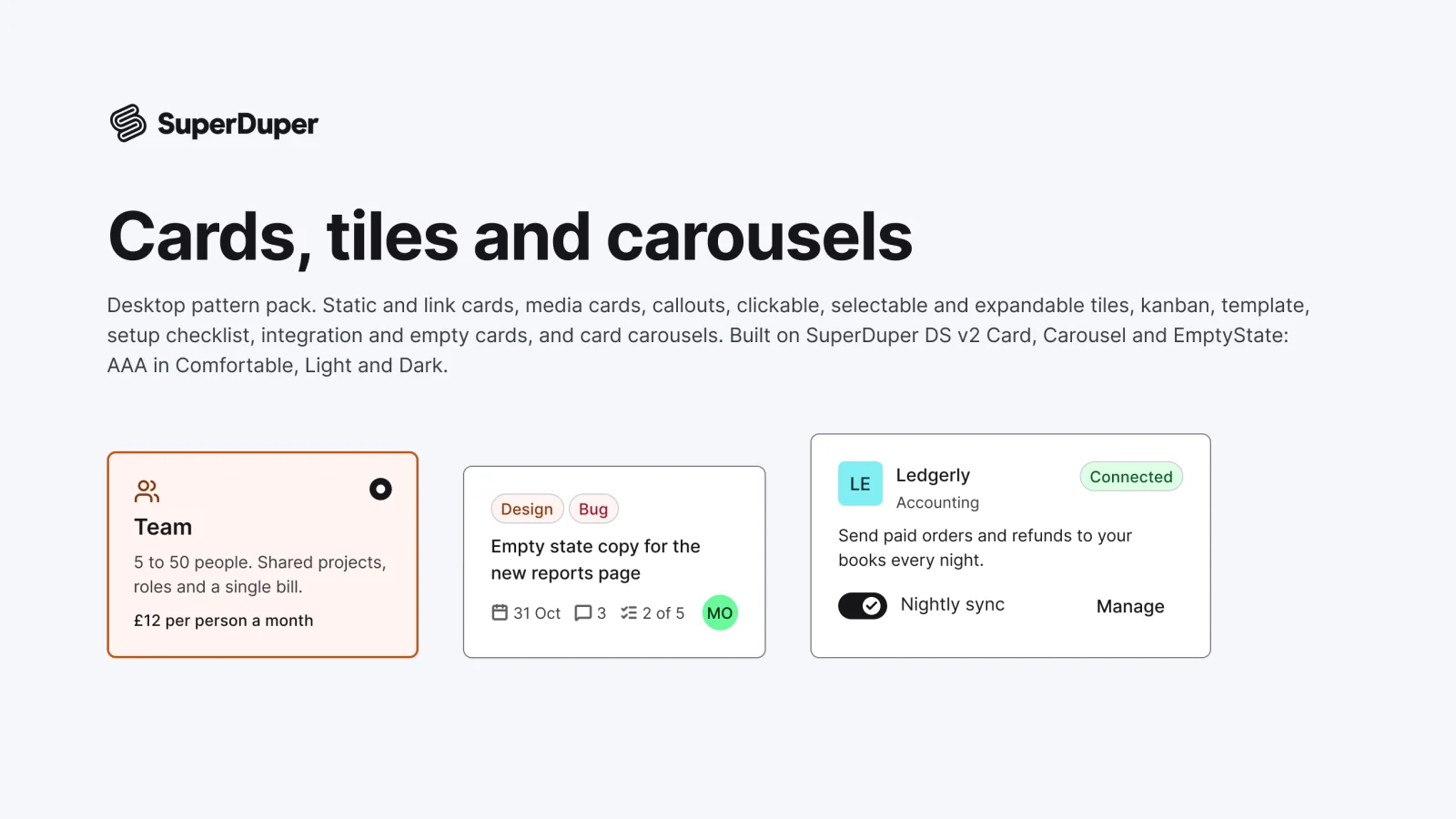
  • Cards, tiles and carousels

    Desktop13 components67 variants4 recreations

    Desktop cards and tiles: media, callout, selectable, expandable, kanban, template, checklist, integration and carousels.

    $9, or included with Pro

Questions about the tables and data grids pack

  • One Figma file: SuperDuper Packs - Tables (Desktop) - V1.0. It has 27 components with 159 variants, 6 recreations, and notes on when to use each part. Everything uses Figma variables, so you can change the colours and type to match your product.