
Sign up
Verify and finish account on Gmail
The user fixes a weak password, verifies a phone number by SMS code, adds the phone, reviews info, chooses personalisation and agrees to terms.
Step 1 of 25
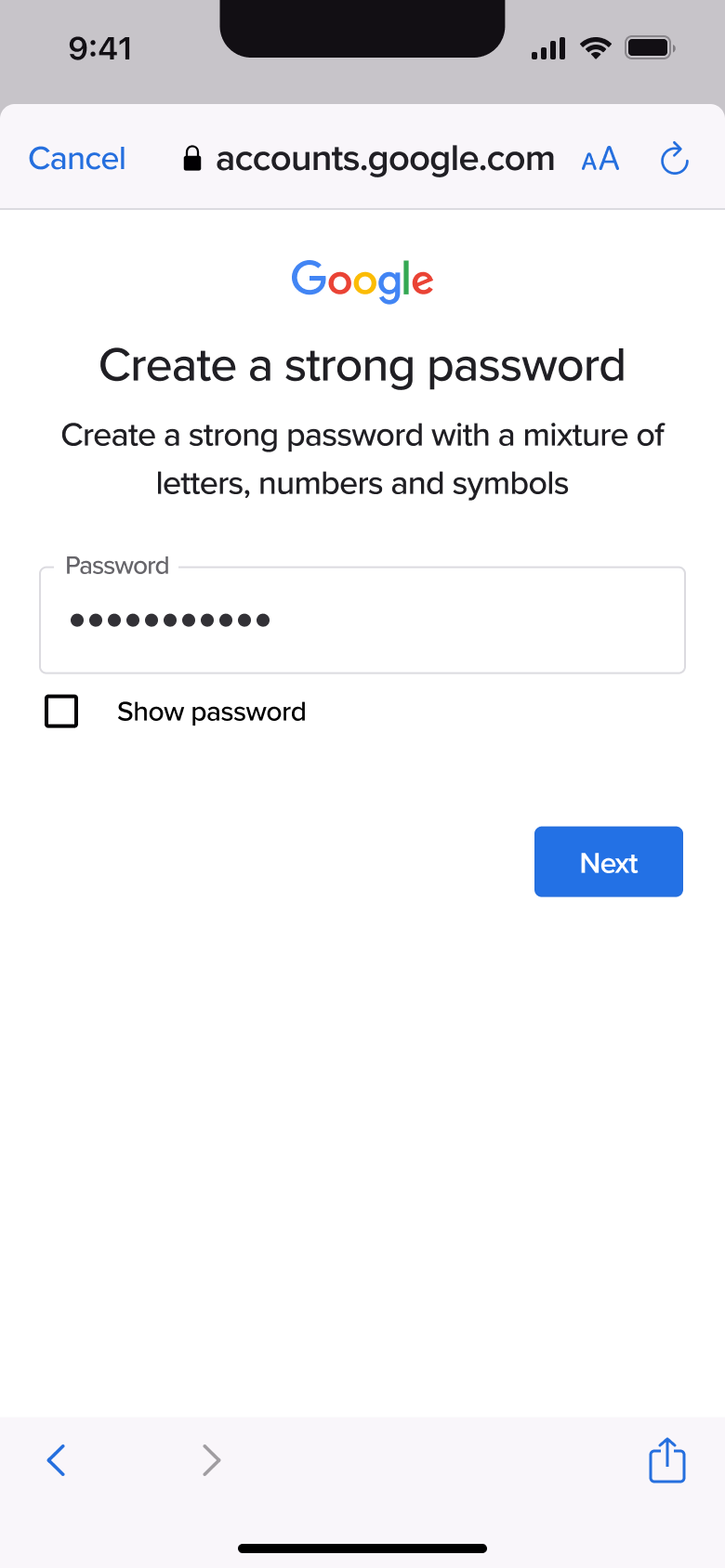
Push
The steps
- Step 1. Push
- Step 2. Tap Next, In-place change
- Step 3. In-place change
- Step 4. Type, In-place change
- Step 5. In-place change
- Step 6. Tap Next, Push
- Step 7. Tap field, In-place change
- Step 8. Type, In-place change
- Step 9. Tap Next, In-place change
- Step 10. Push
- Step 11. In-place change
- Step 12. Tap field, In-place change
- Step 13. Wrong length, In-place change
- Step 14. Enter code, In-place change
- Step 15. Tap Next, In-place change
- Step 16. Push
- Step 17. Scroll, In-place change
- Step 18. Tap Yes, Push
- Step 19. Tap Next, Push
- Step 20. Select express, In-place change
- Step 21. Tap Next, Push
- Step 22. Scroll, In-place change
- Step 23. Tap Confirm, Push
- Step 24. Scroll, In-place change
- Step 25. Tap I agree, Push
More from Gmail
- Create an account on Gmail
- Sign in on Gmail
- Manage accounts on Gmail
- First launch inbox on Gmail
- Read and reply to an email on Gmail
- Browse folders on Gmail
- Filter emails on Gmail
- Create and apply a label on Gmail
- Settings on Gmail
- Compose an email on Gmail
- Add another account on Gmail
- Reply in a thread on Gmail
- Chat and spaces on Gmail
- Start a meeting on Gmail
- Rejoin a meeting on Gmail
- Set a status on Gmail
- Folders with mail on Gmail
- Full Gmail UI kit
- Sign up flows in other apps
Not affiliated with, endorsed or sponsored by Gmail. Gmail is a trade mark of its owner. Recreated for design reference and education. Rights holders: contact us