
Switch to dark mode
Appearance & dark mode13 screens
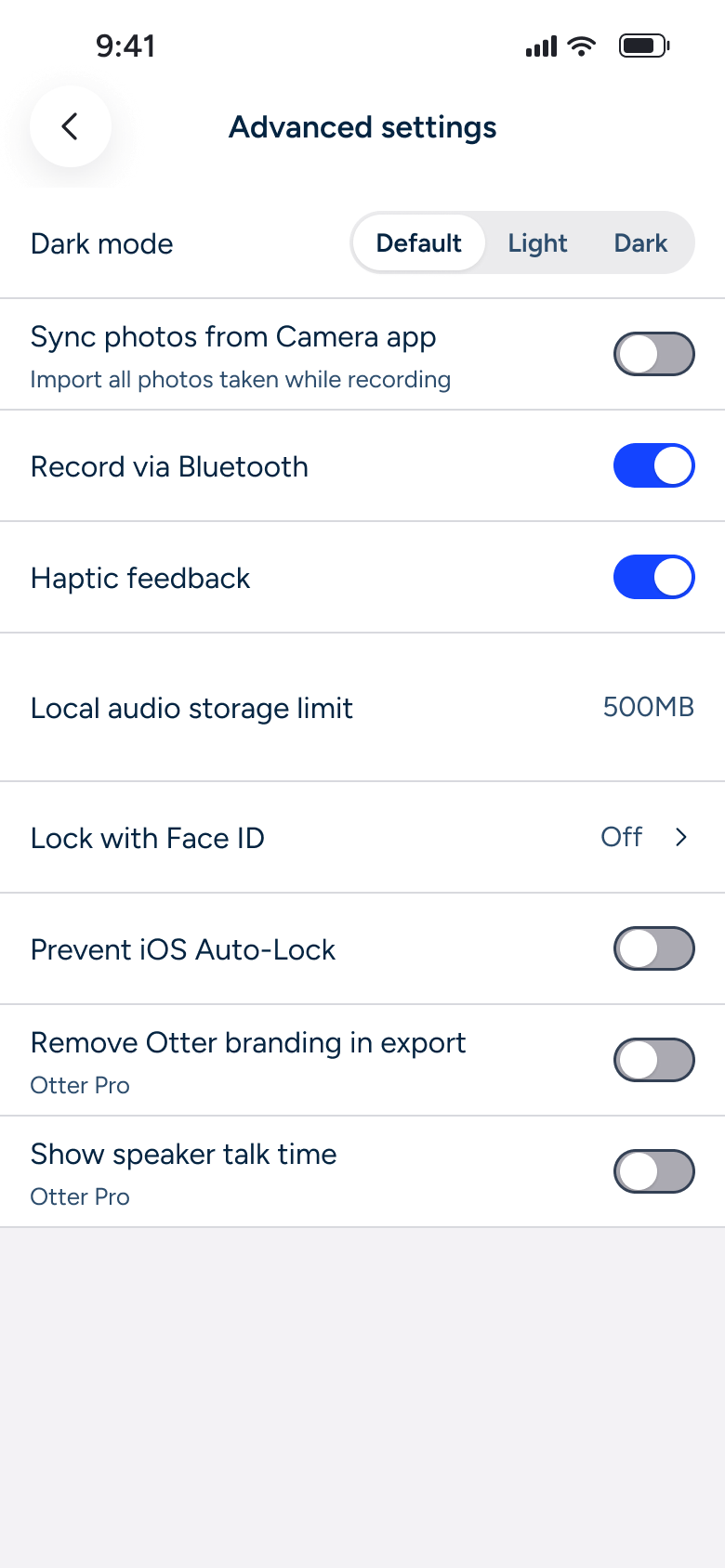
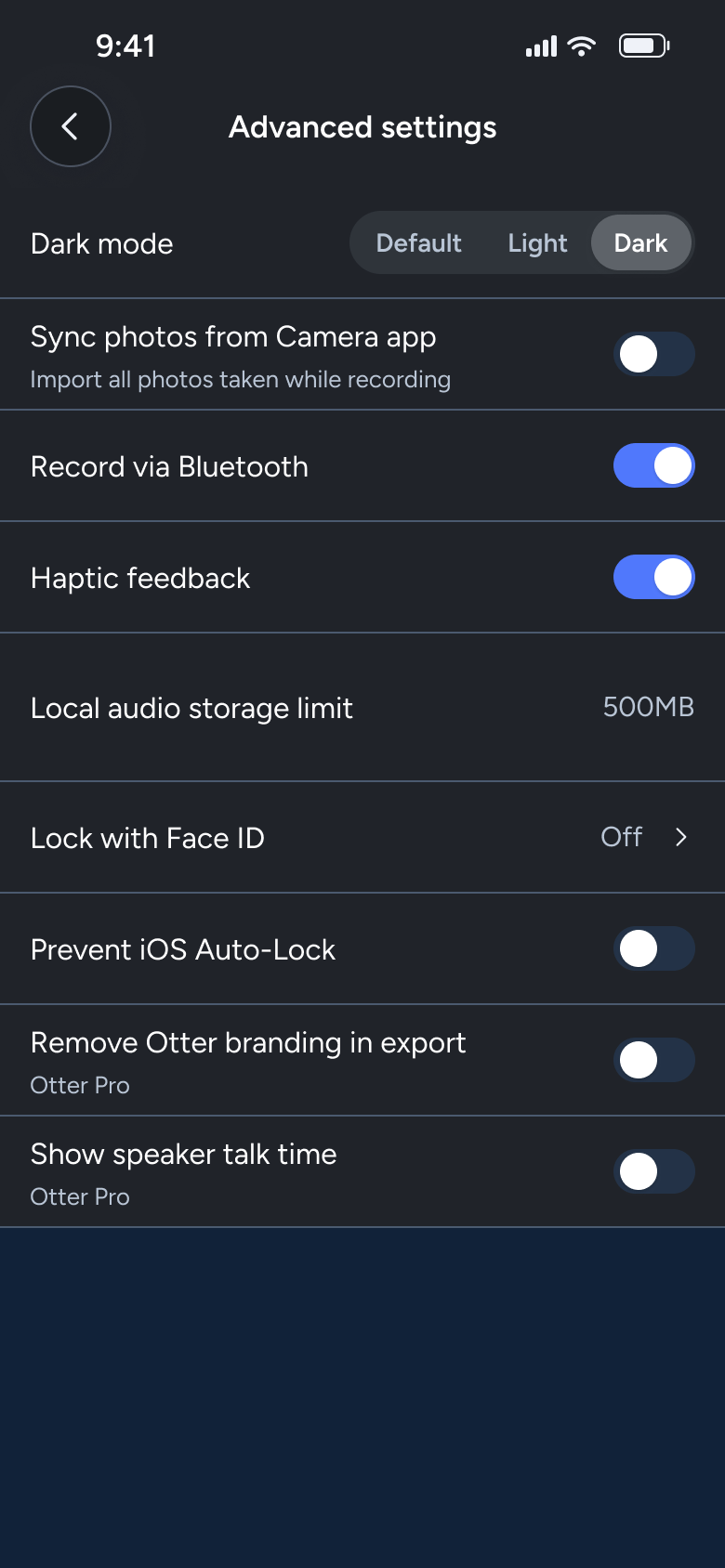
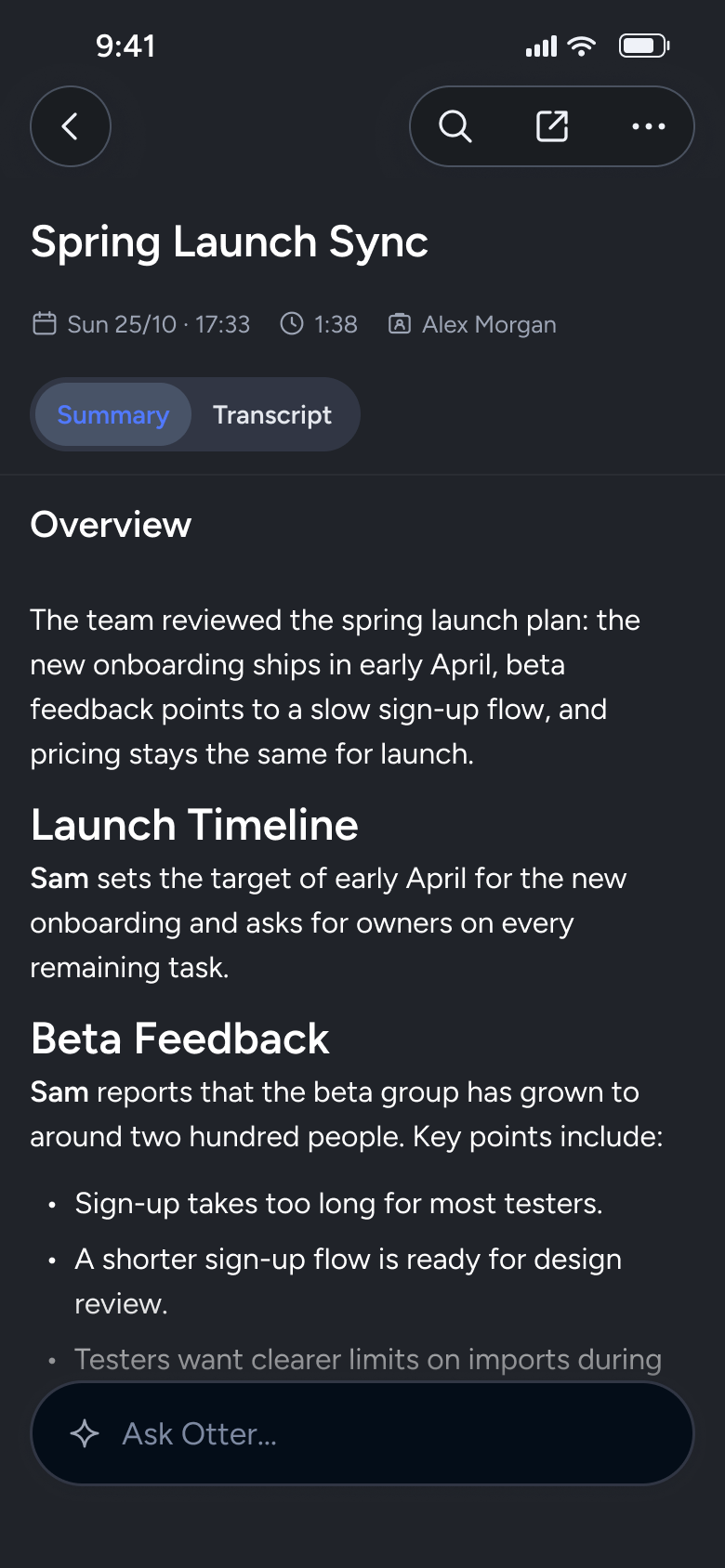
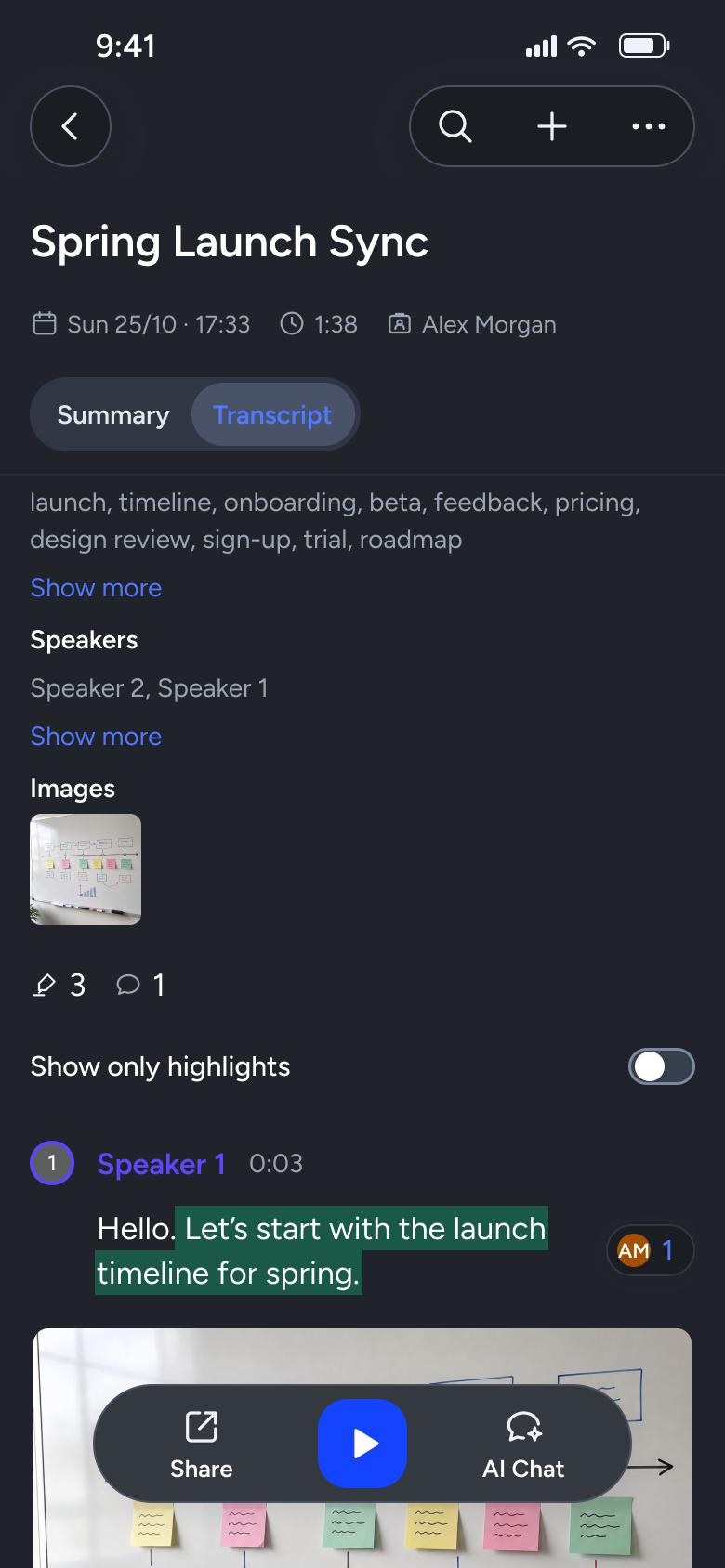
Steps 1–4 of 13, in recording order
Open flowSelect a transcript passage, reply in the comment thread, then copy and delete a comment.
OtteriOS7 steps
Every app’s free flow imports free, no card needed.
See all comment & reply flows across apps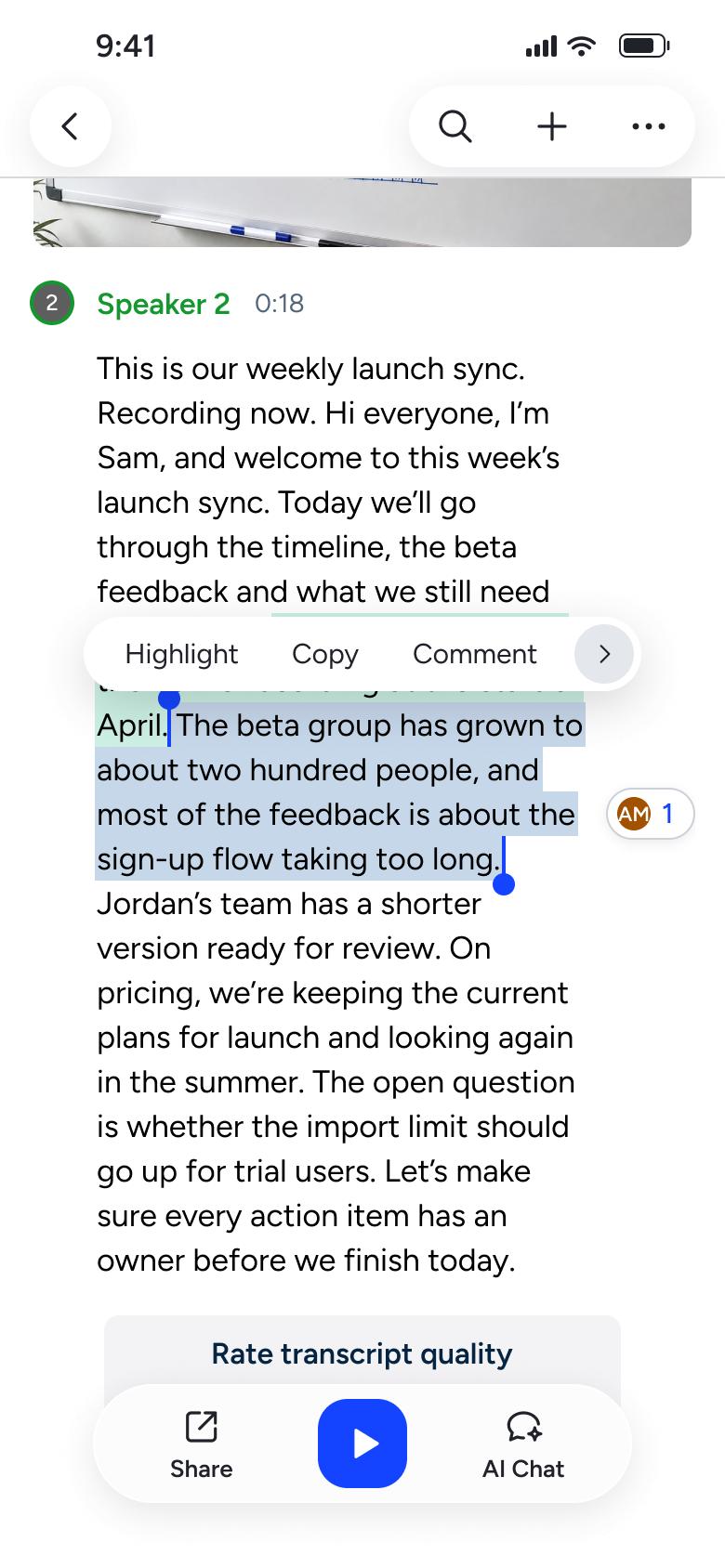
Step 1 of 7
Transcript 20
How you get here: Changes in place
Open the SuperDuper UI plugin in Figma to paste these 7 screens into your file as editable layers.
All 7 steps
Use ← → to step through
Each screen in the order it was recorded, with how the user got there.
Long-press transcript text
Transcript 20
Changes in place
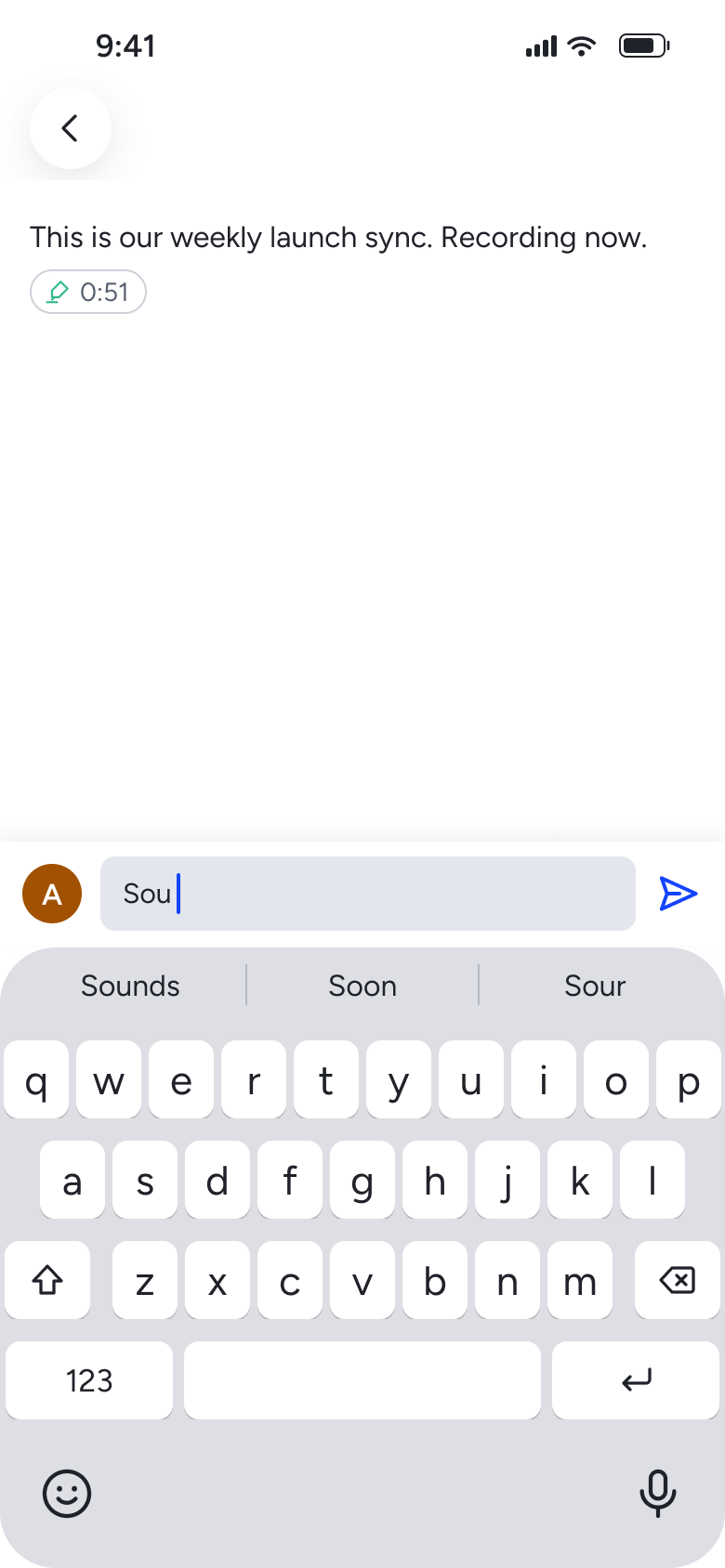
Tap Comment
Comments 6
Slides in from the right
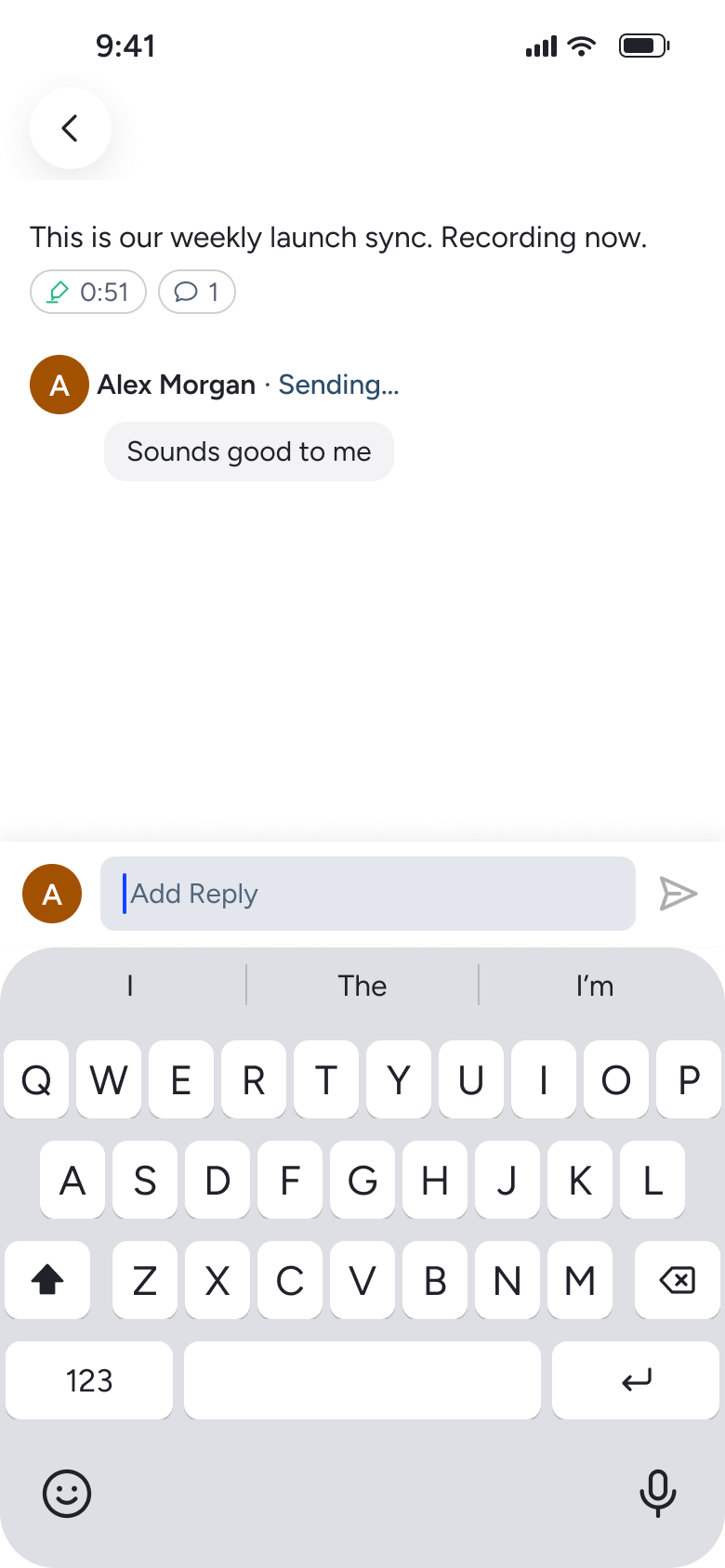
Tap send
Comments 7
Changes in place
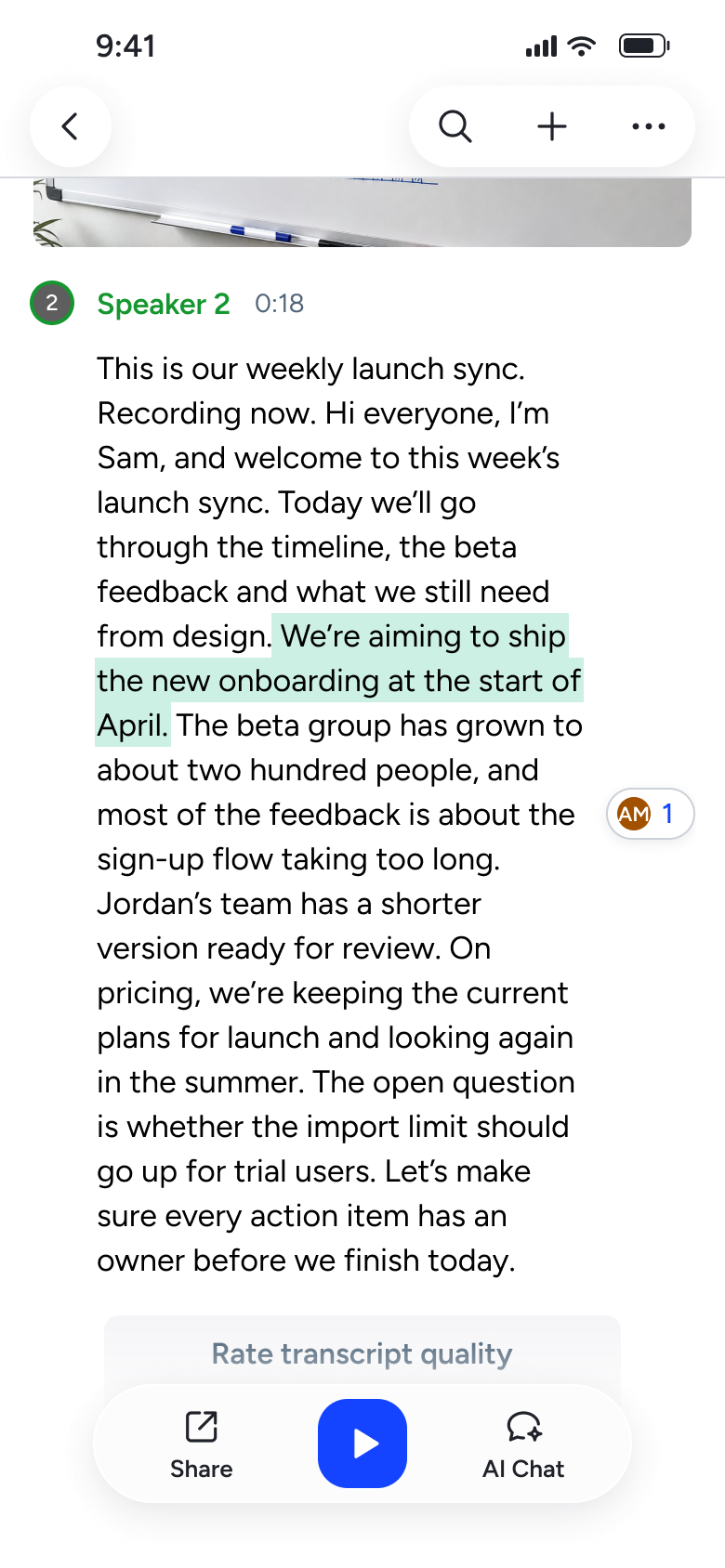
Tap back
Transcript 21
Goes back
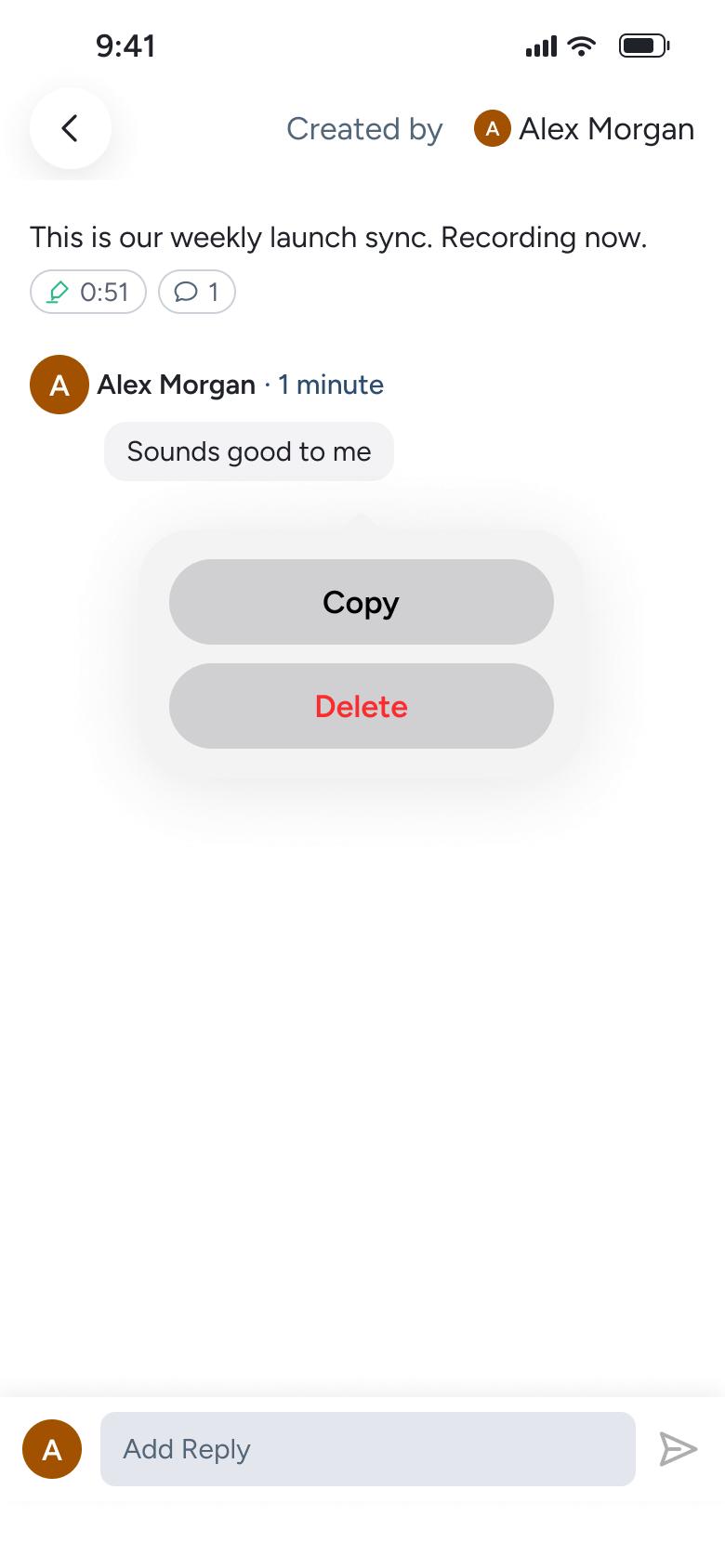
Long-press comment
Comments 8
Opens full screen
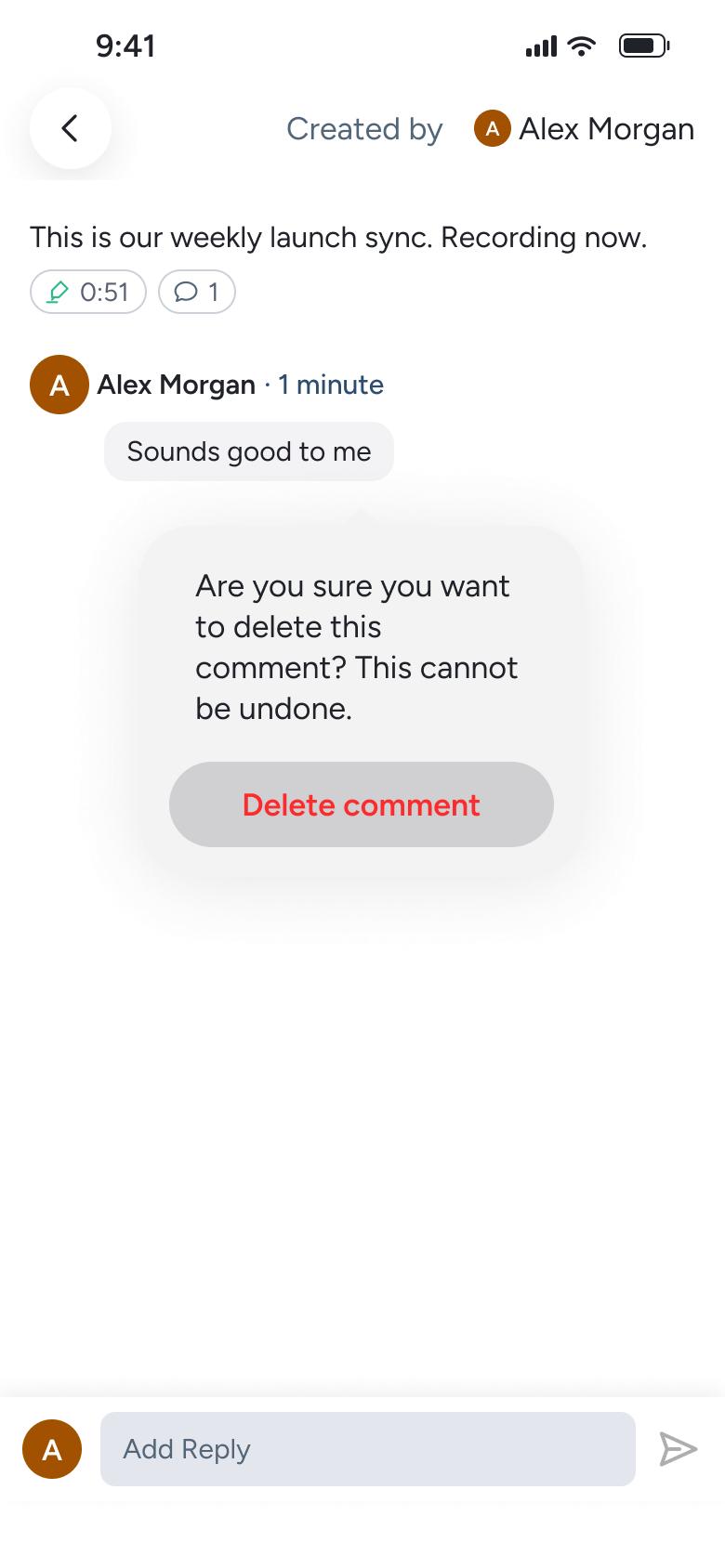
Tap Delete
Comments 9
Changes in place
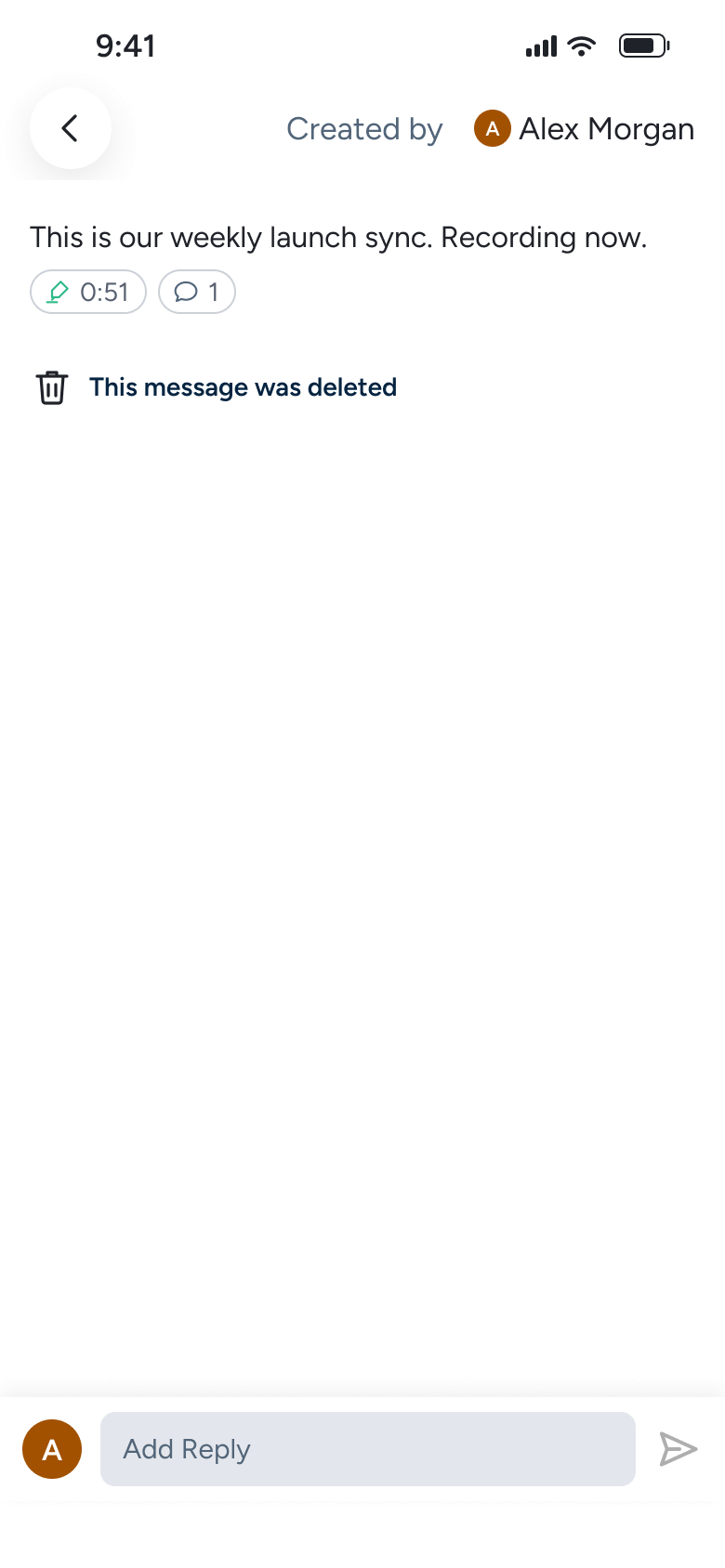
Tap Delete comment
Comments 10
Changes in place
Not affiliated with, endorsed or sponsored by Otter. Otter is a trade mark of its owner. Recreated for design reference and education. Rights holders: contact us
Appearance & dark mode13 screens
Steps 1–4 of 13, in recording order
Open flow12 screens
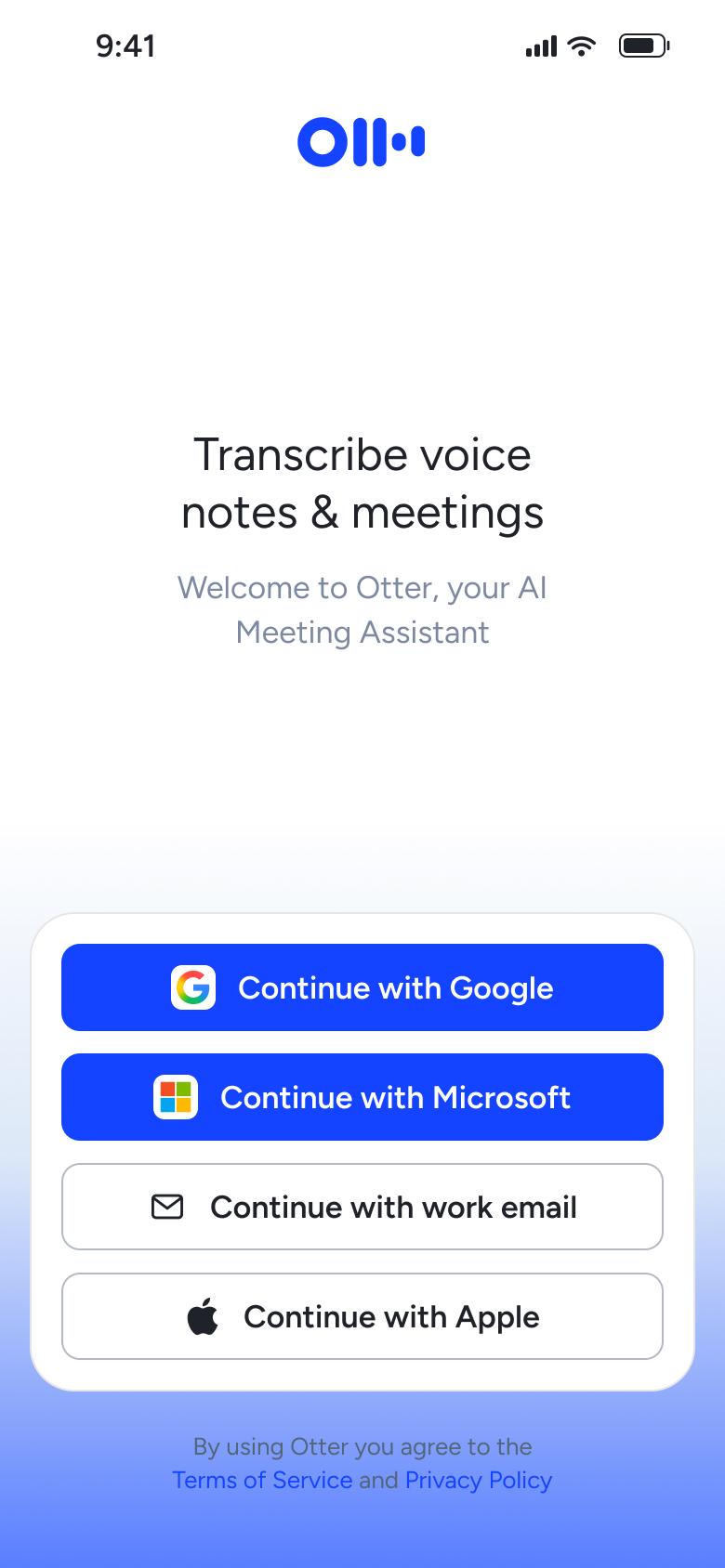
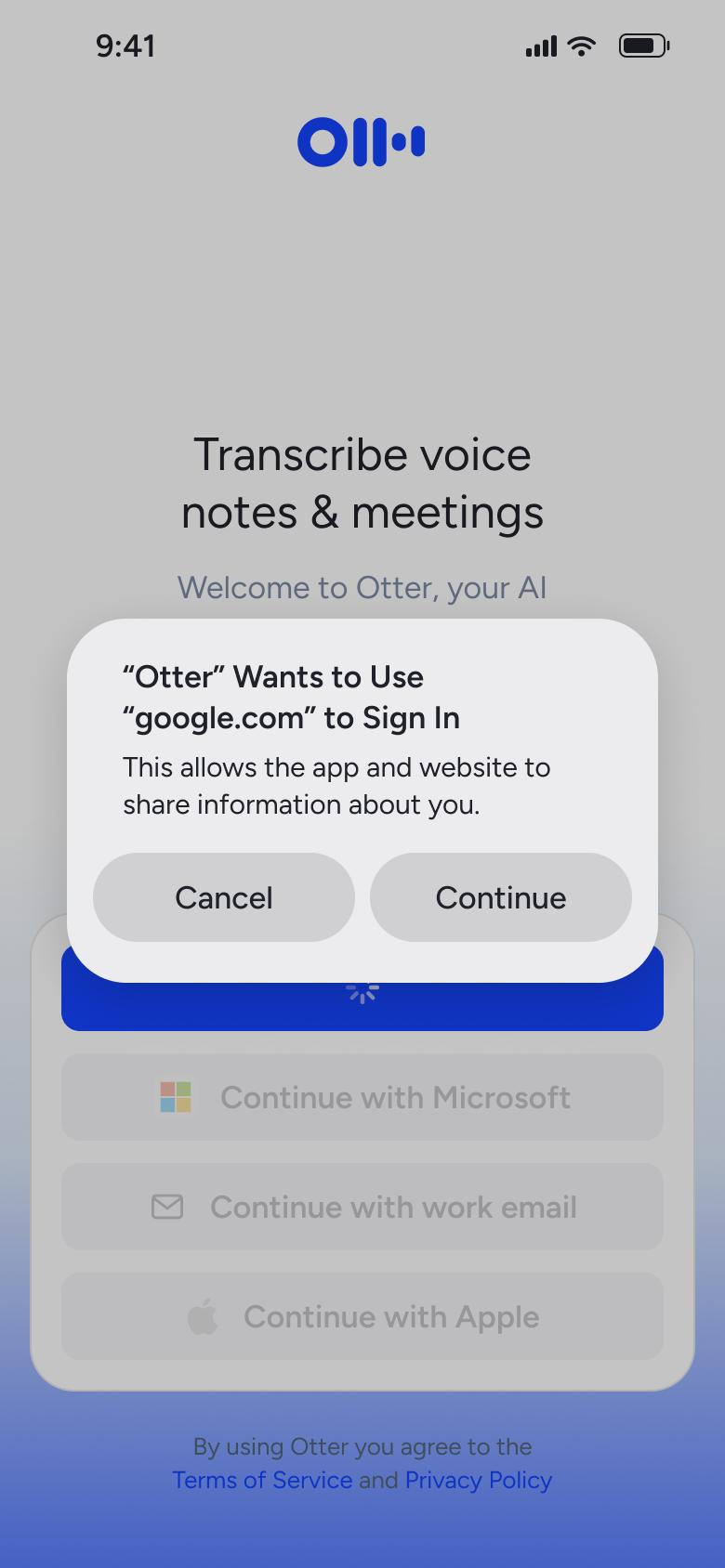
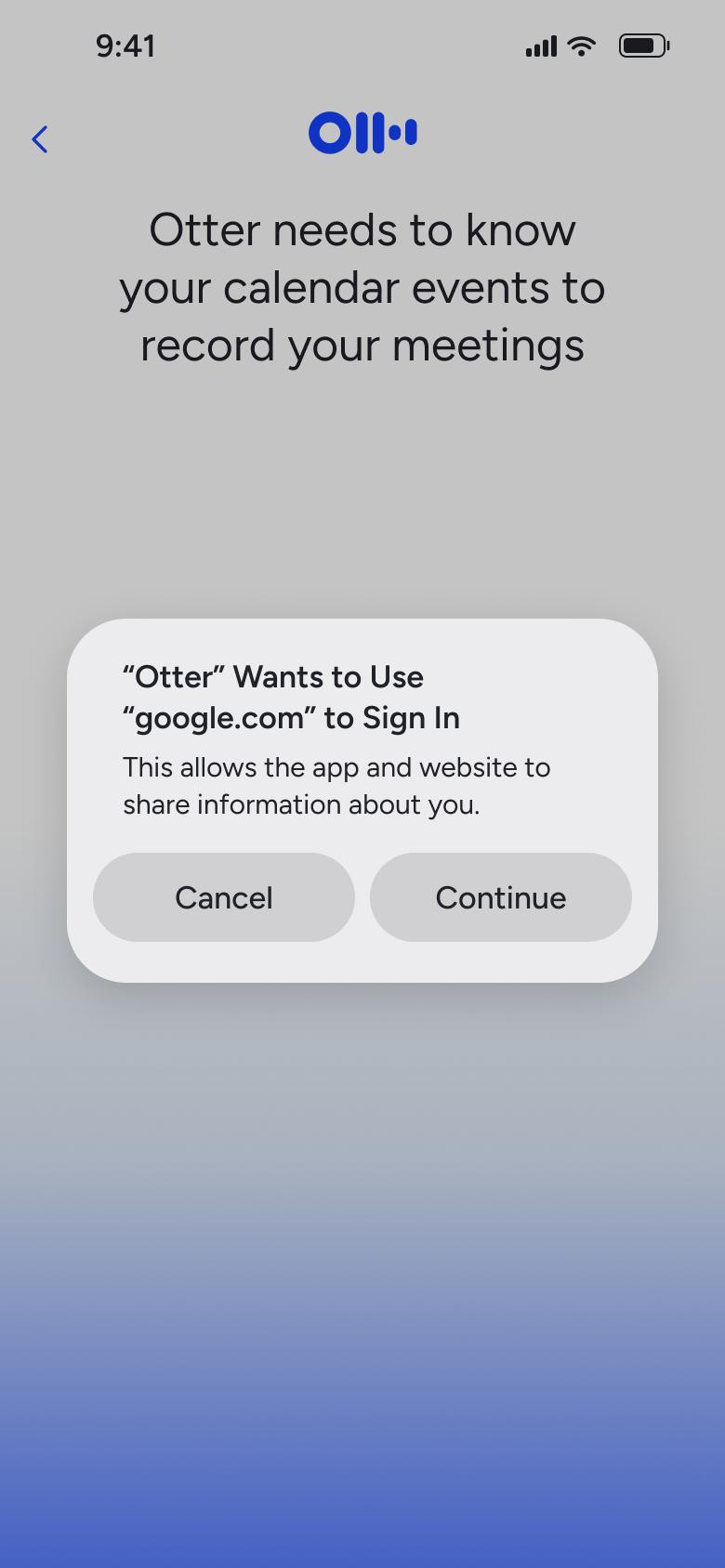
Steps 1–4 of 12, in recording order
Open flowAll of WhatsApp, and a complete flow from every app. No card needed.