
Complete your profile
Edit profile12 screens
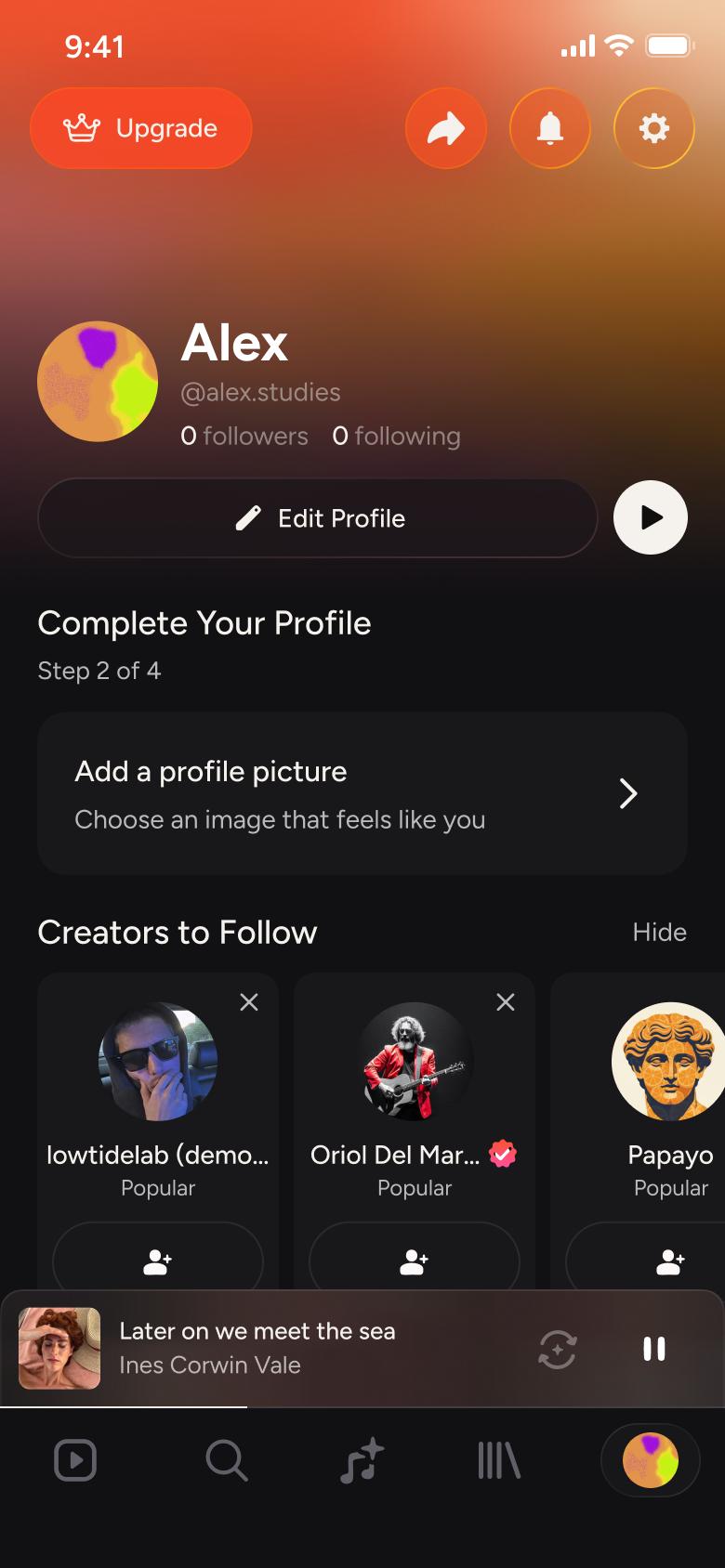
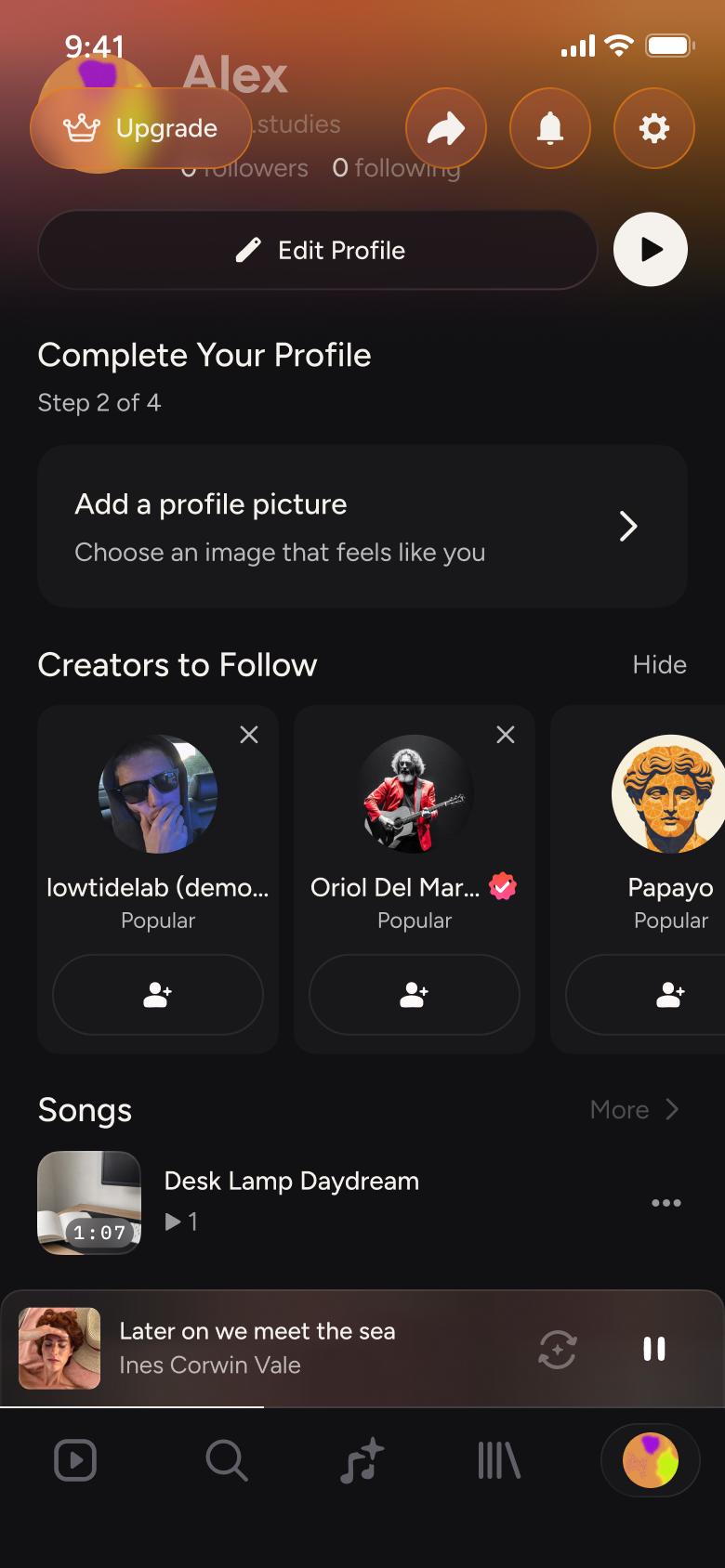
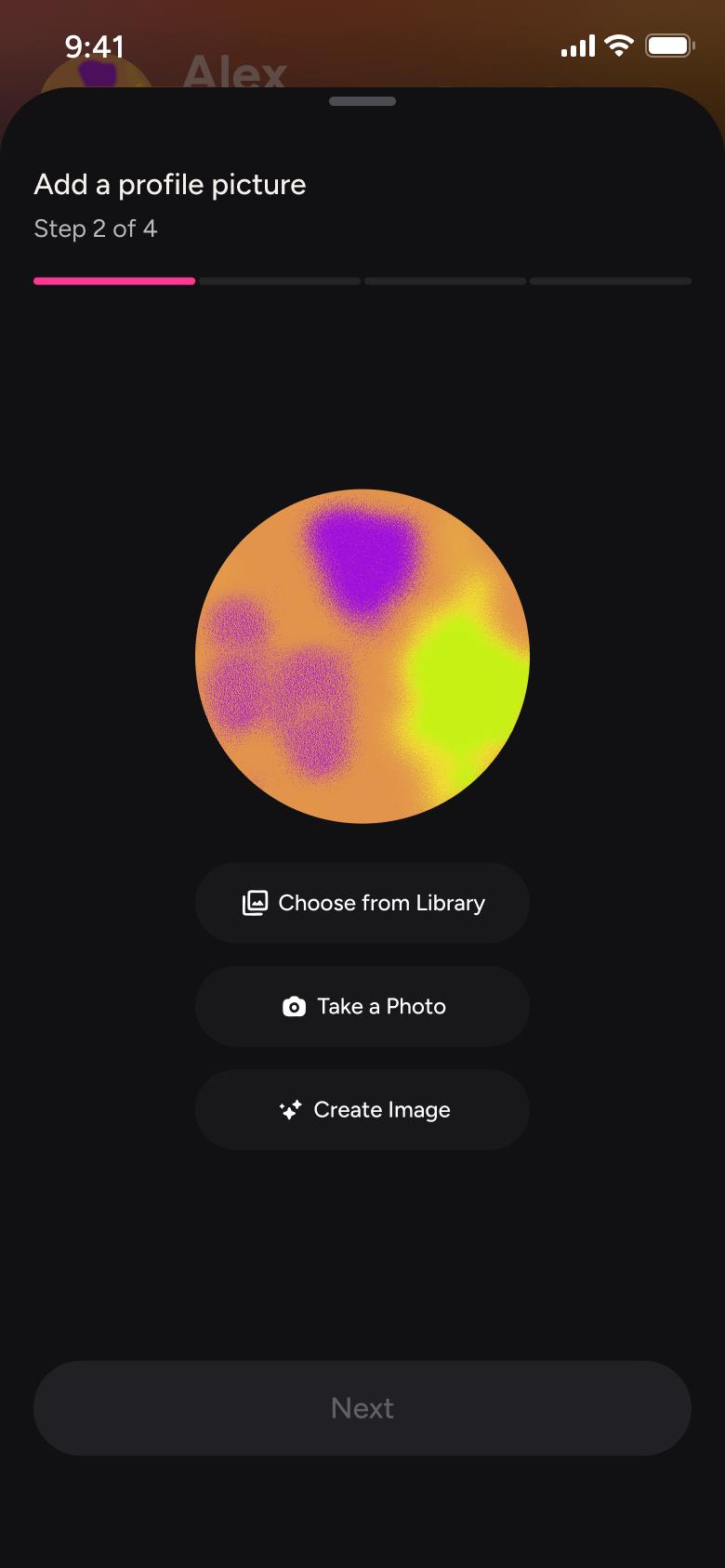
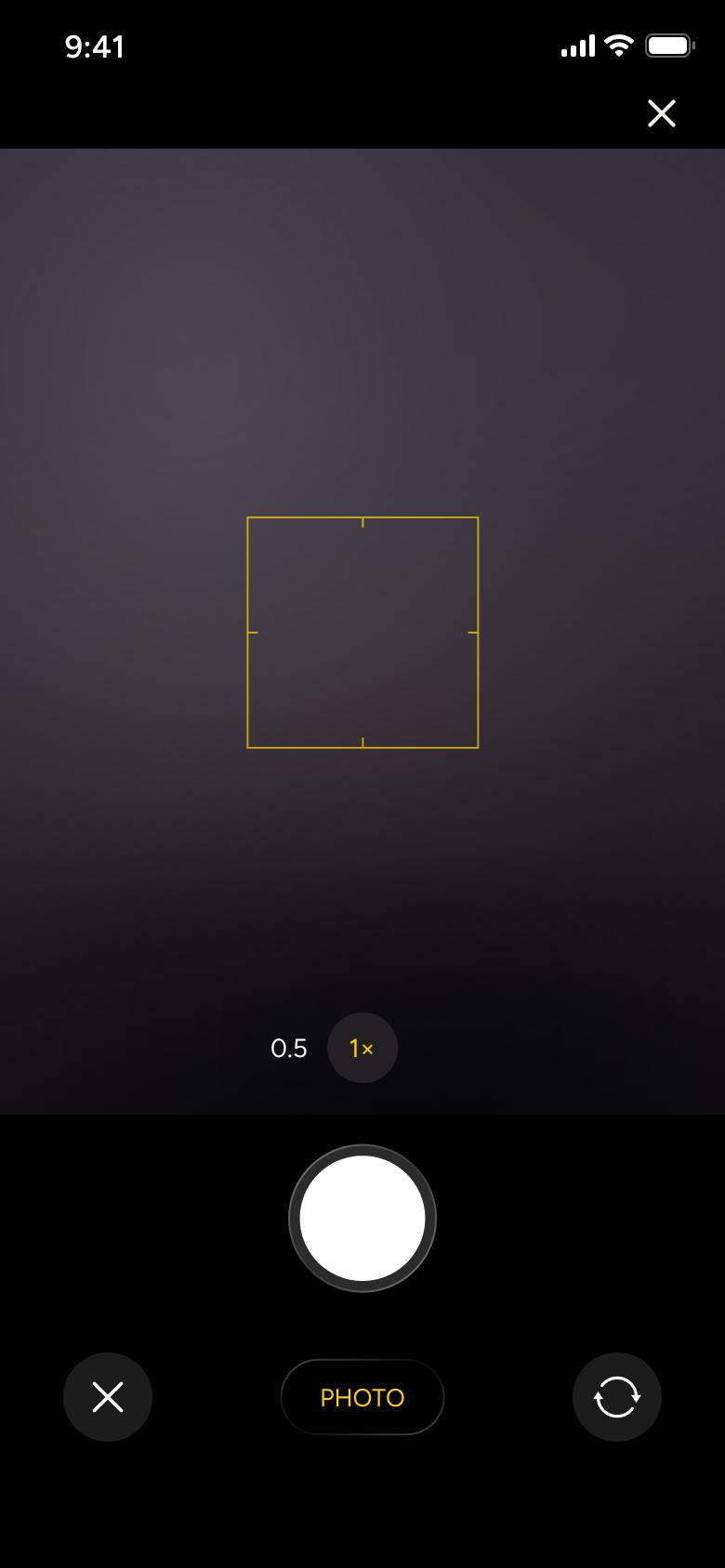
Steps 1–4 of 12, in recording order
Open flowChoose a provider on the welcome carousel, answer the website prompt, set a birthday on the date wheel, type a profile name and save it.
SunoiOS7 steps
Every app’s free flow imports free, no card needed.
See all sign up flows across apps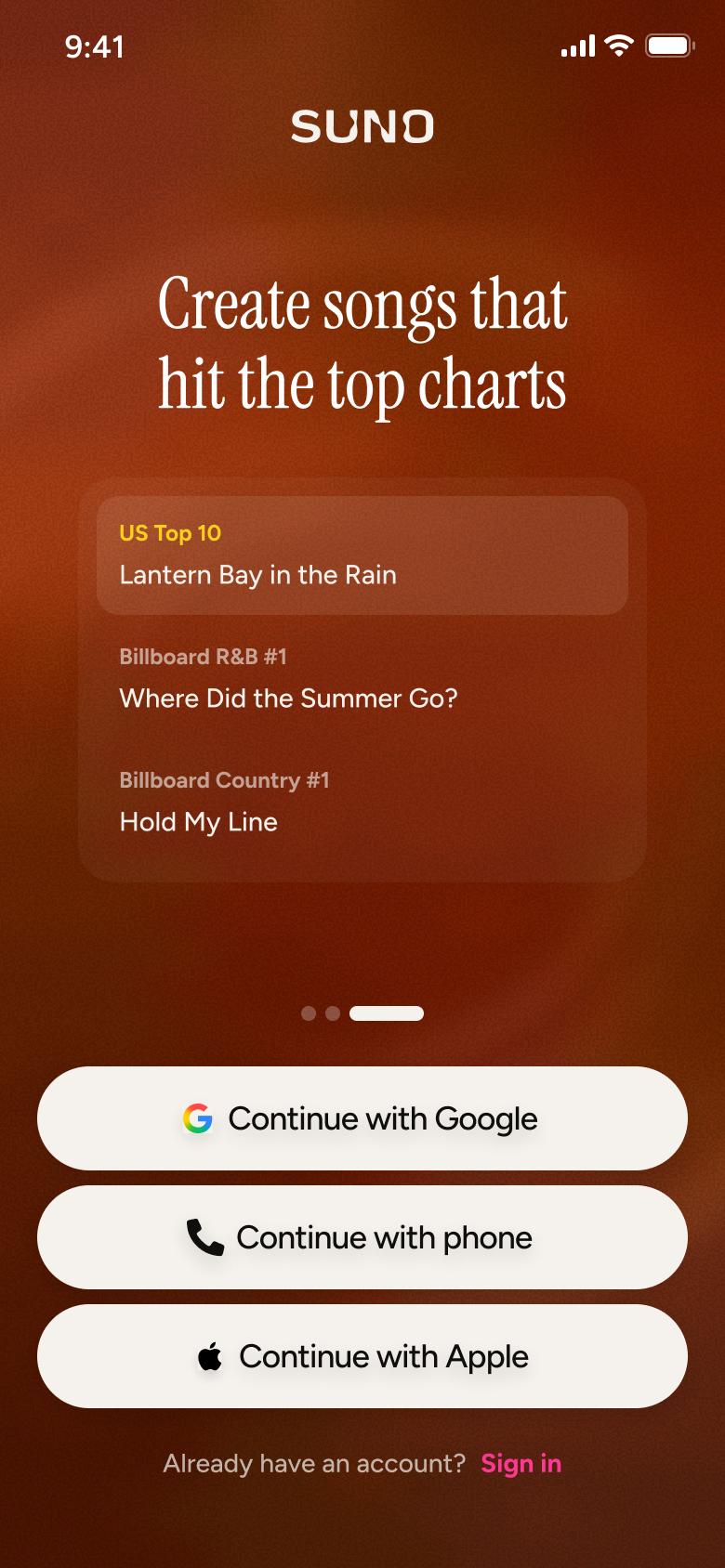
Step 1 of 7
Launch and Welcome 6
How you get here: Changes in place
Open the SuperDuper UI plugin in Figma to paste these 7 screens into your file as editable layers.
All 7 steps
Use ← → to step through
Each screen in the order it was recorded, with how the user got there.
Carousel moves to slide three
Launch and Welcome 6
Changes in place
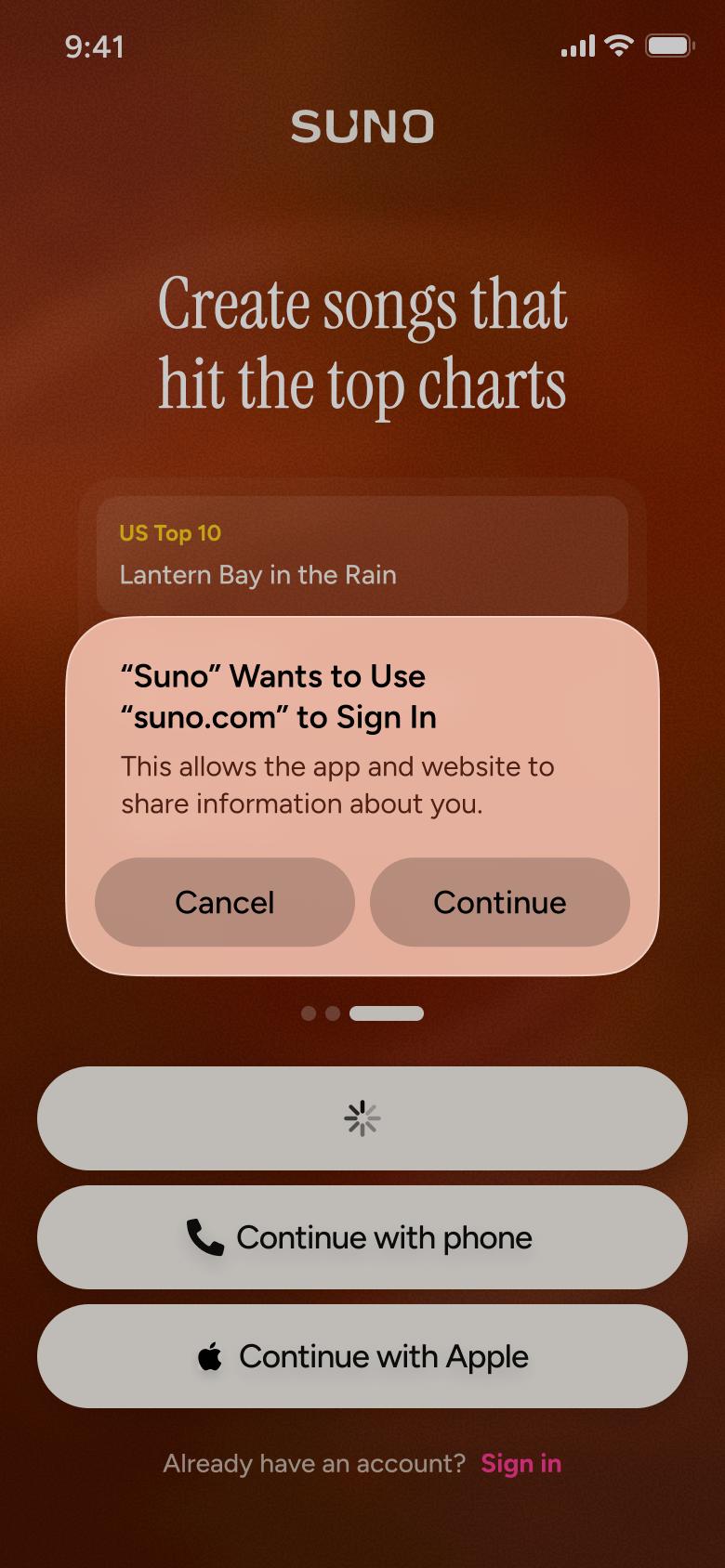
Tap a provider button
Launch and Welcome 7
Shows an alert
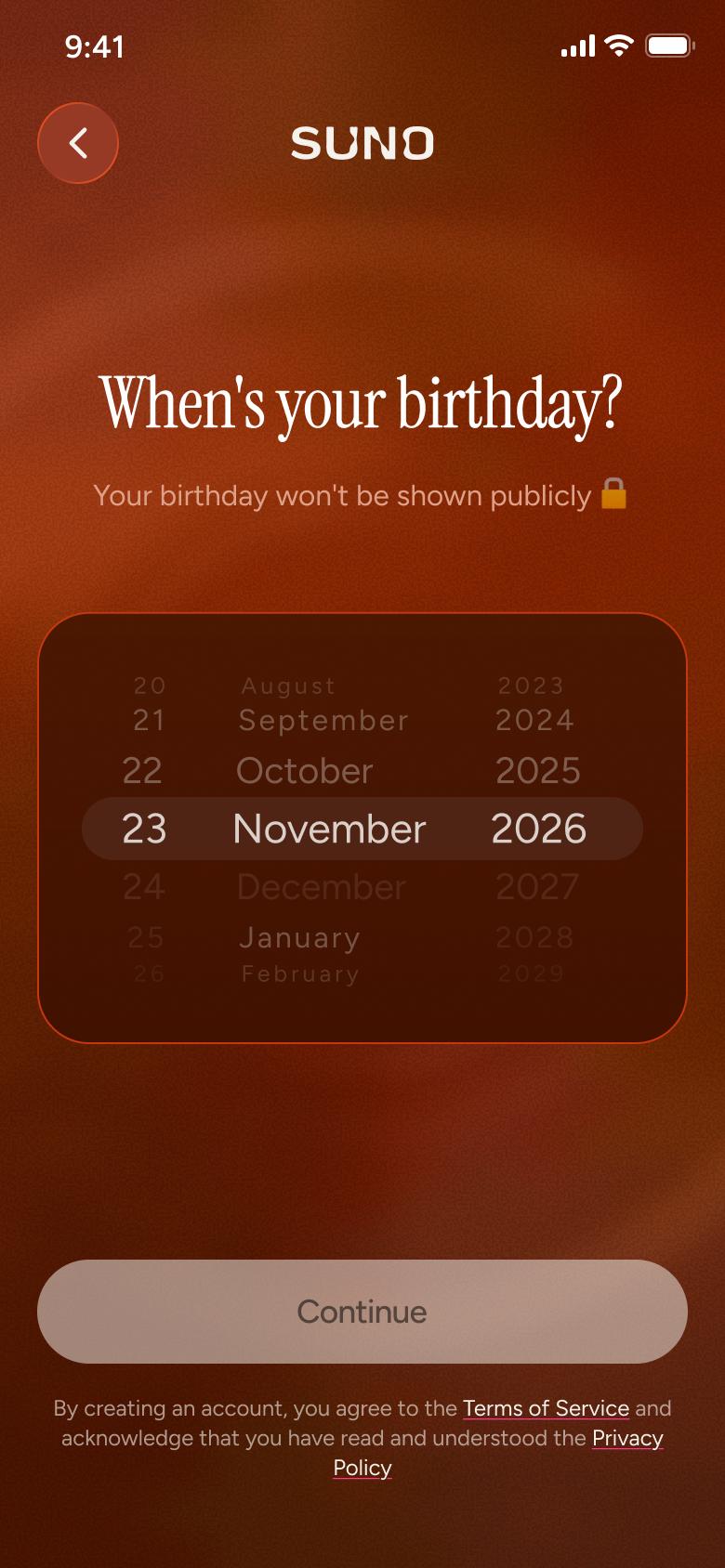
Finish signing in
Onboarding 1
Slides in from the right
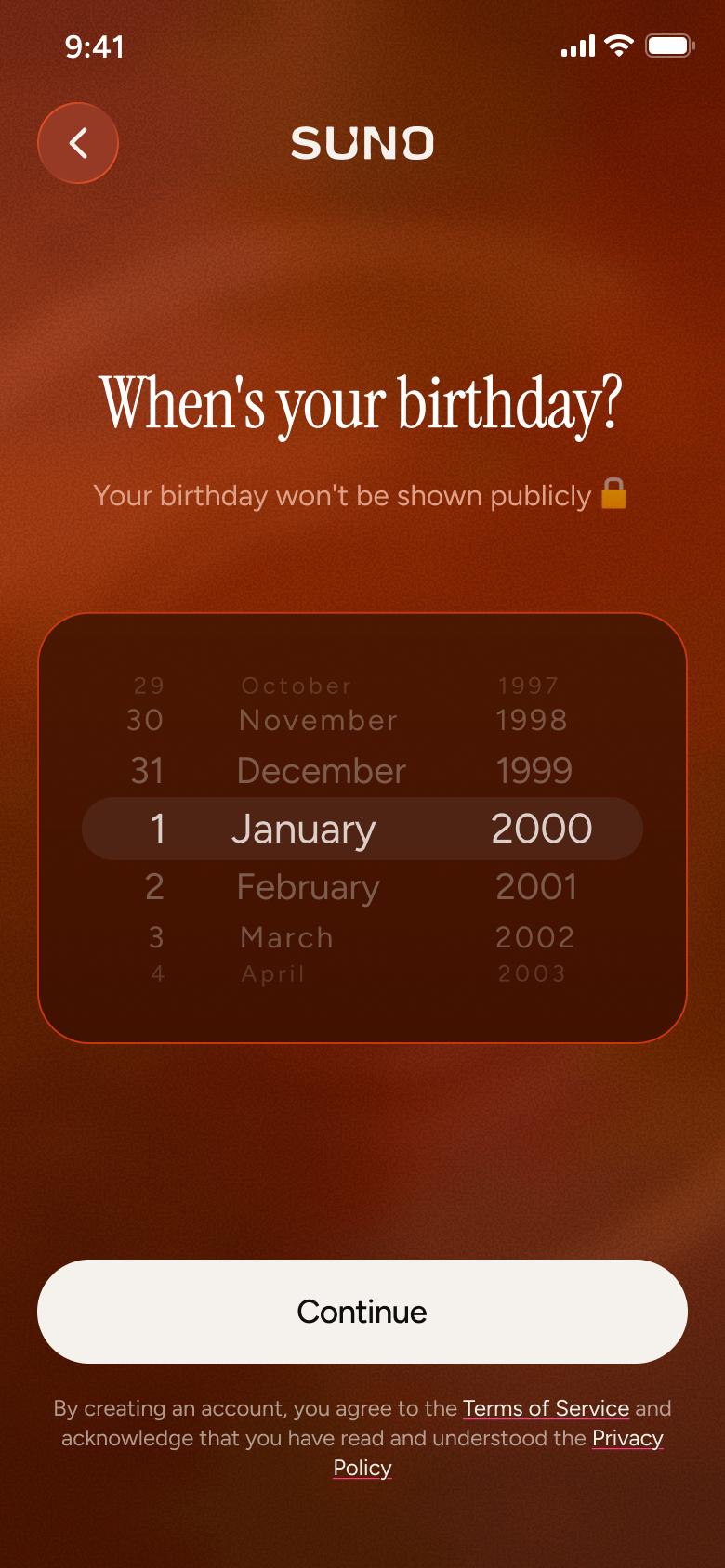
Spin the wheels
Onboarding 2
Changes in place
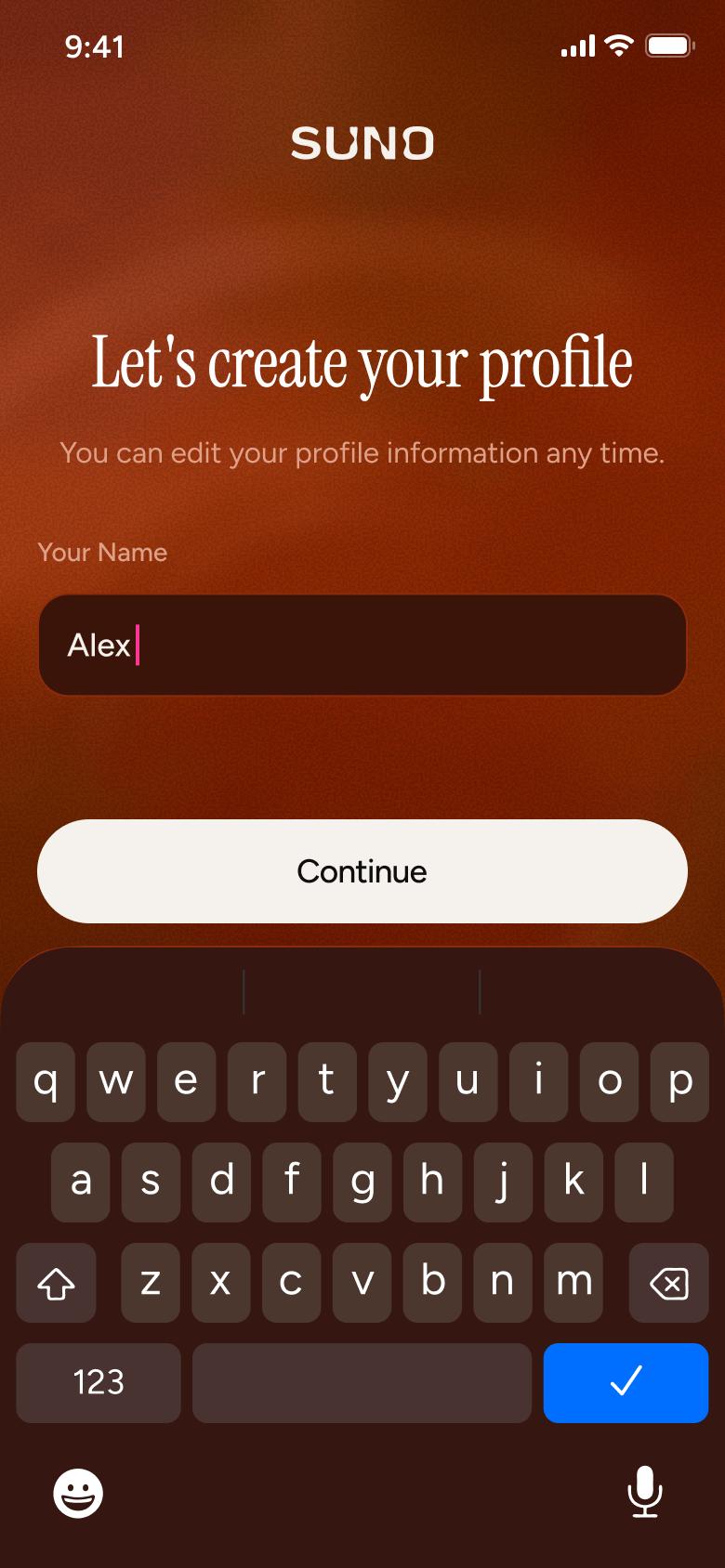
Tap Continue
Onboarding 3
Slides in from the right
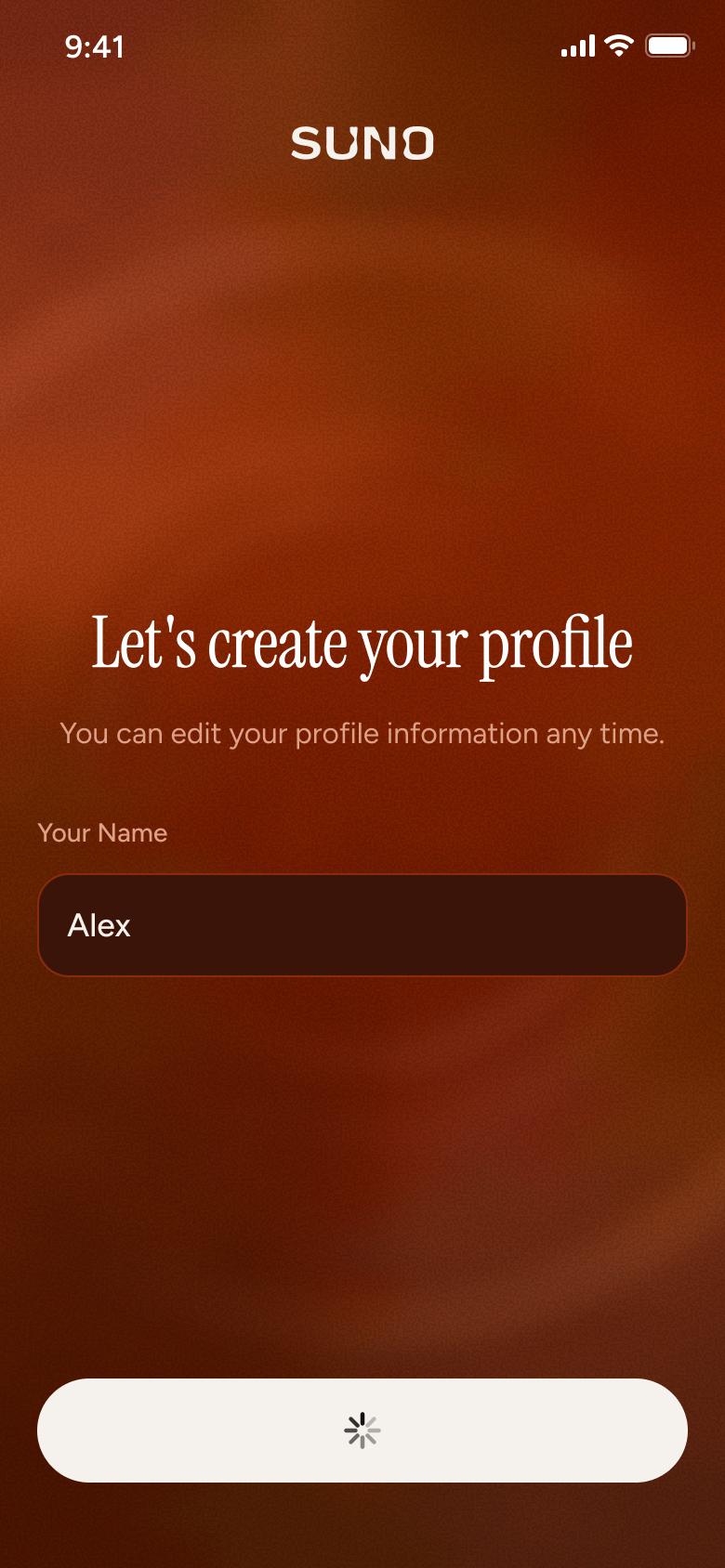
Tap Continue
Onboarding 4
Changes in place
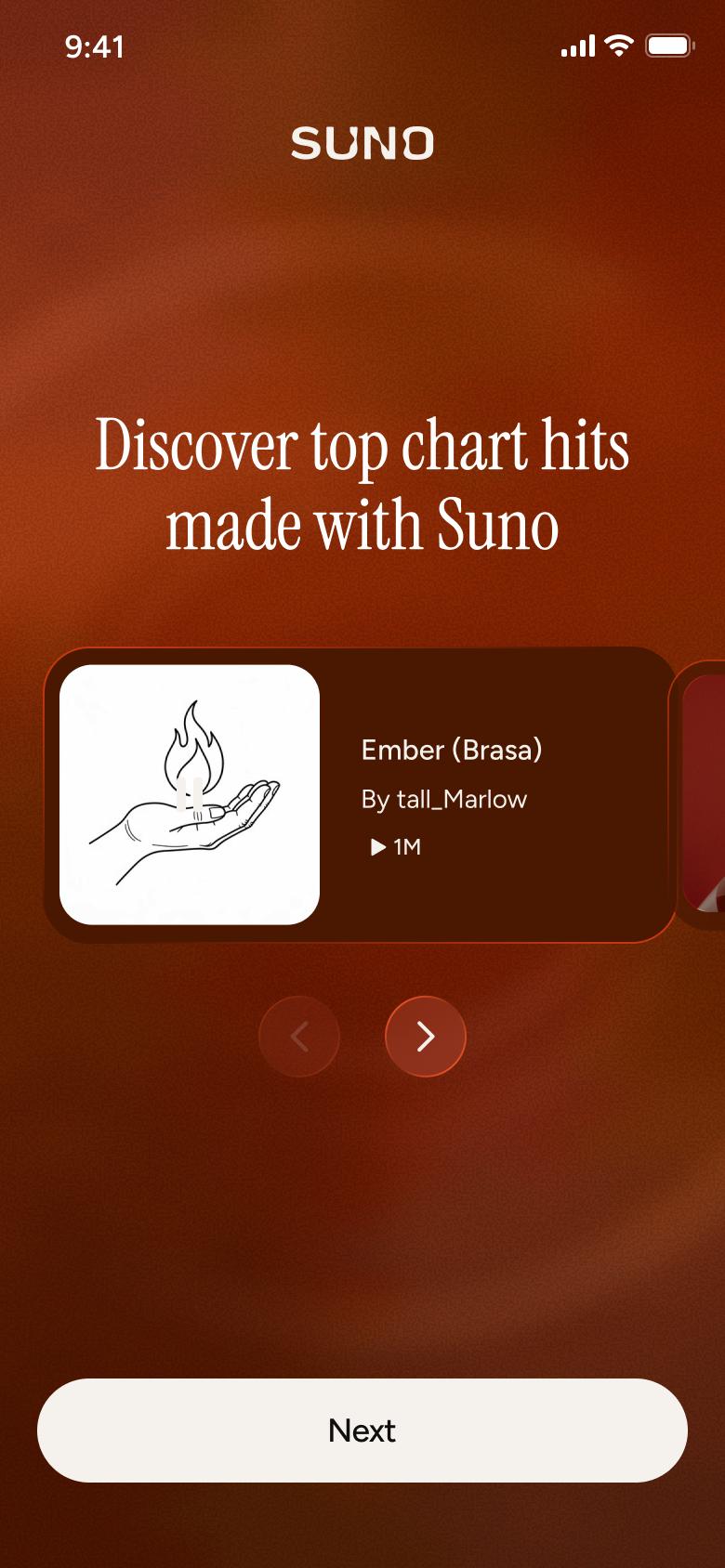
Profile saved
Onboarding 5
Slides in from the right
Not affiliated with, endorsed or sponsored by Suno. Suno is a trade mark of its owner. Recreated for design reference and education. Rights holders: contact us
Edit profile12 screens
Steps 1–4 of 12, in recording order
Open flowCreate11 screens
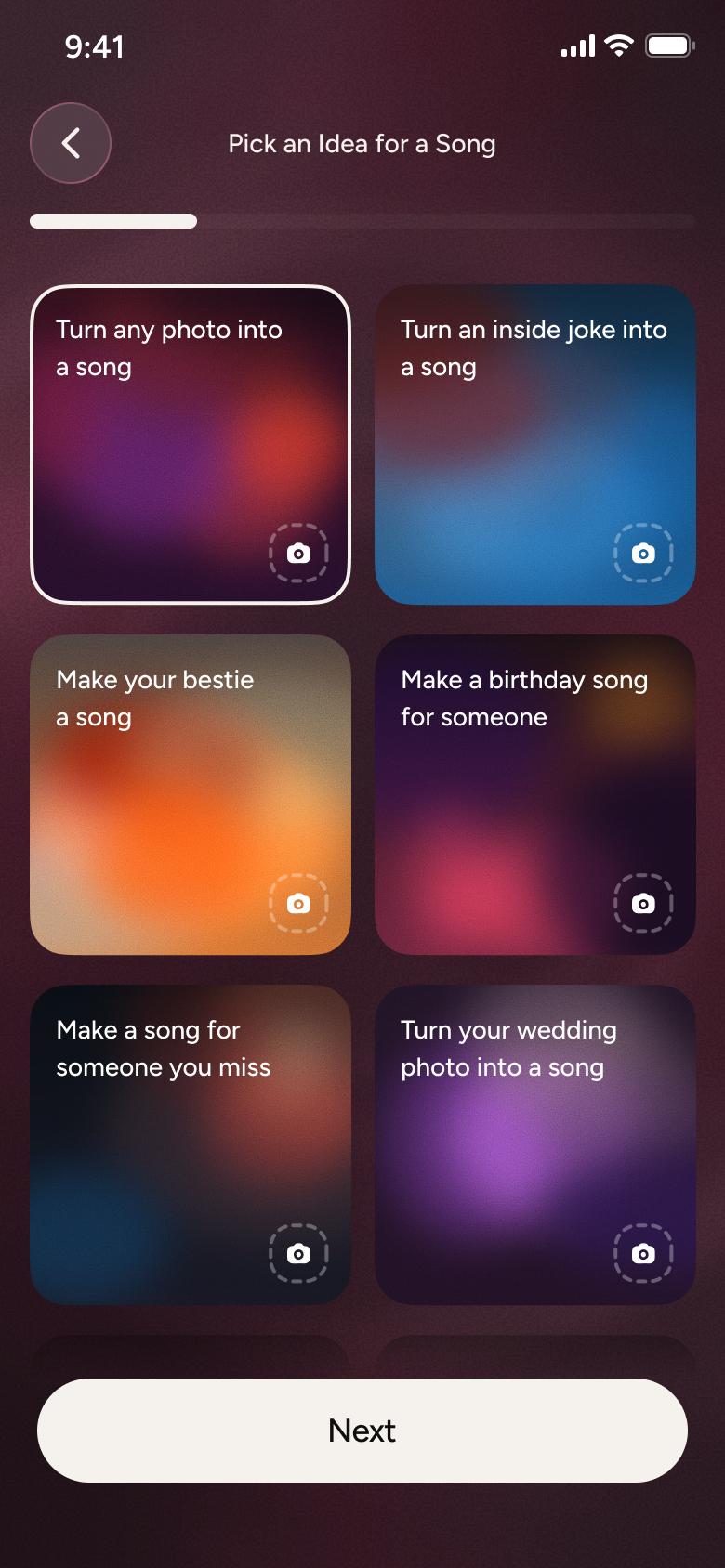
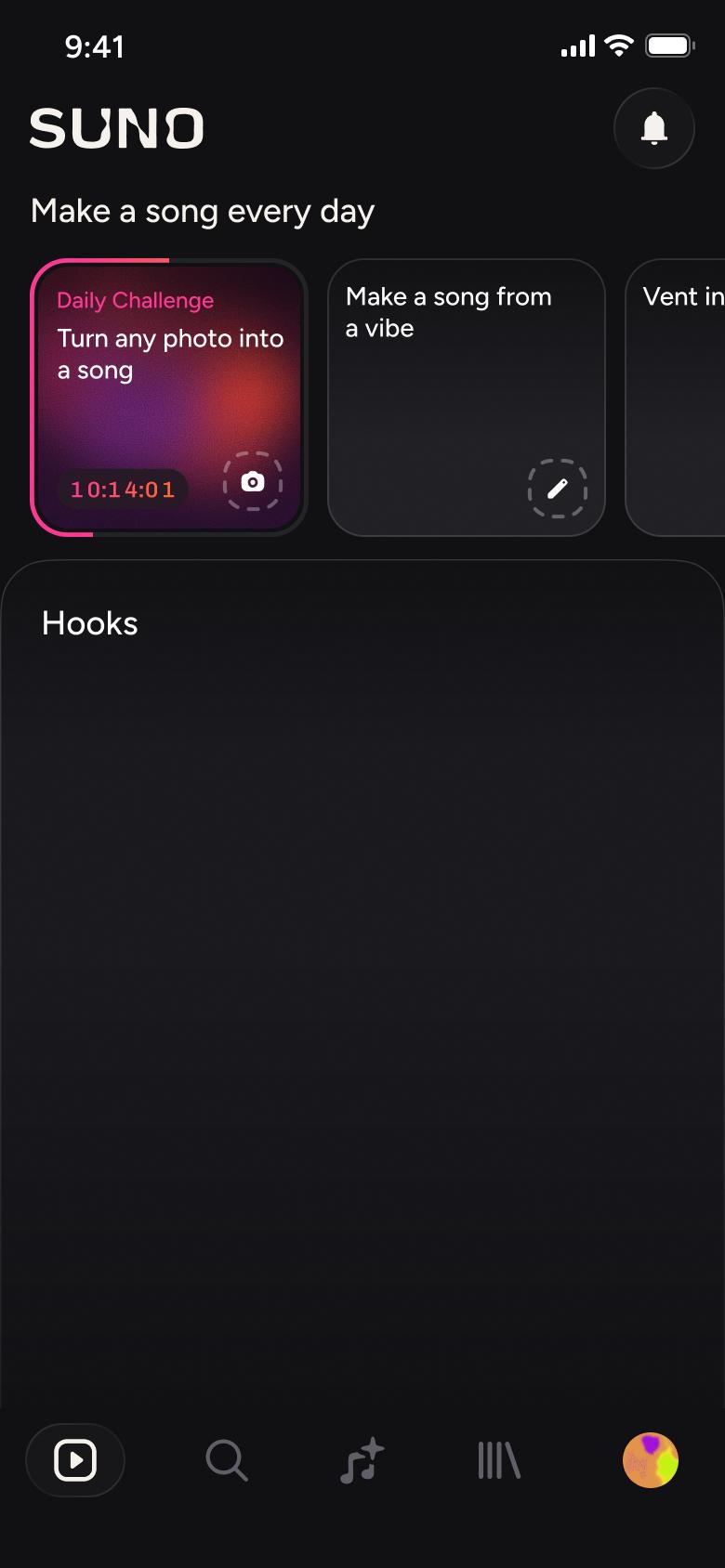
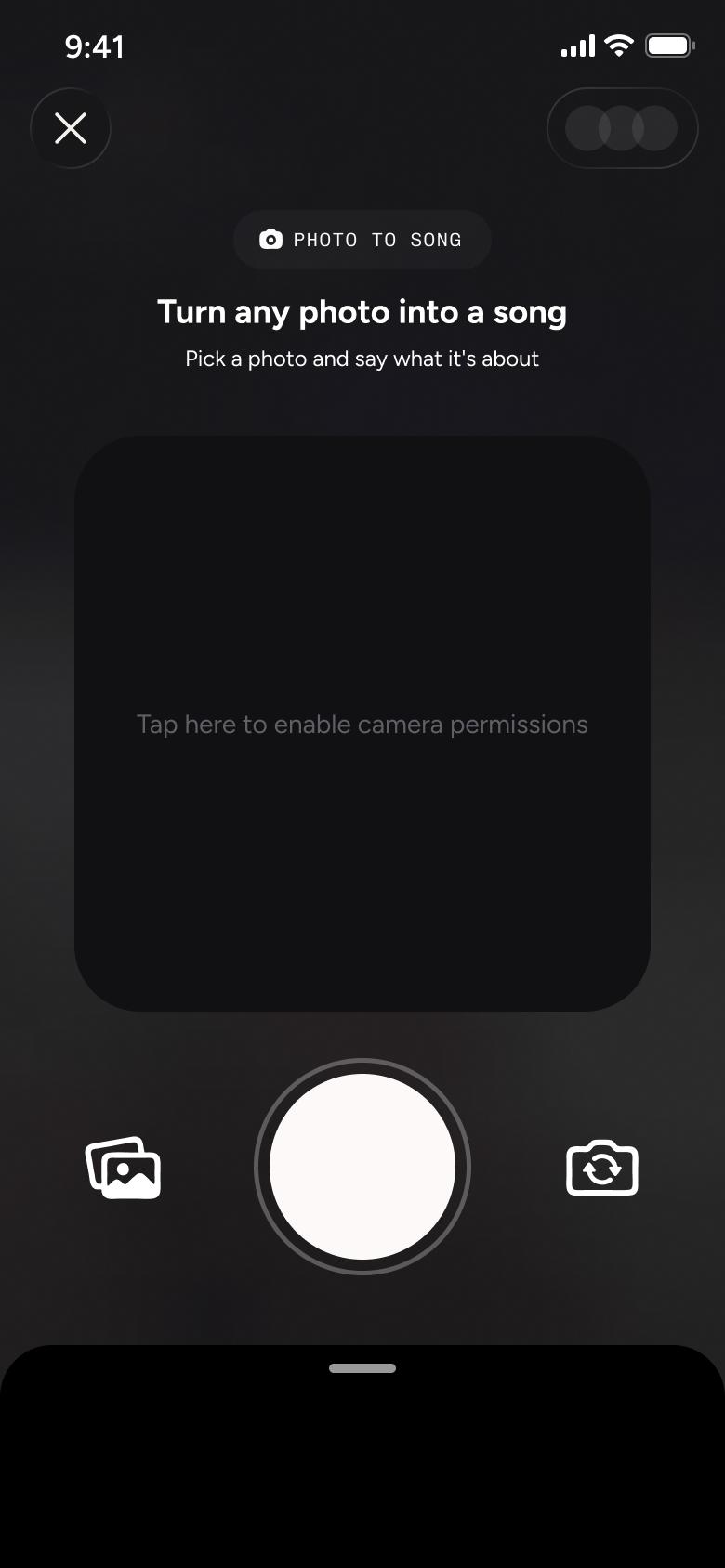
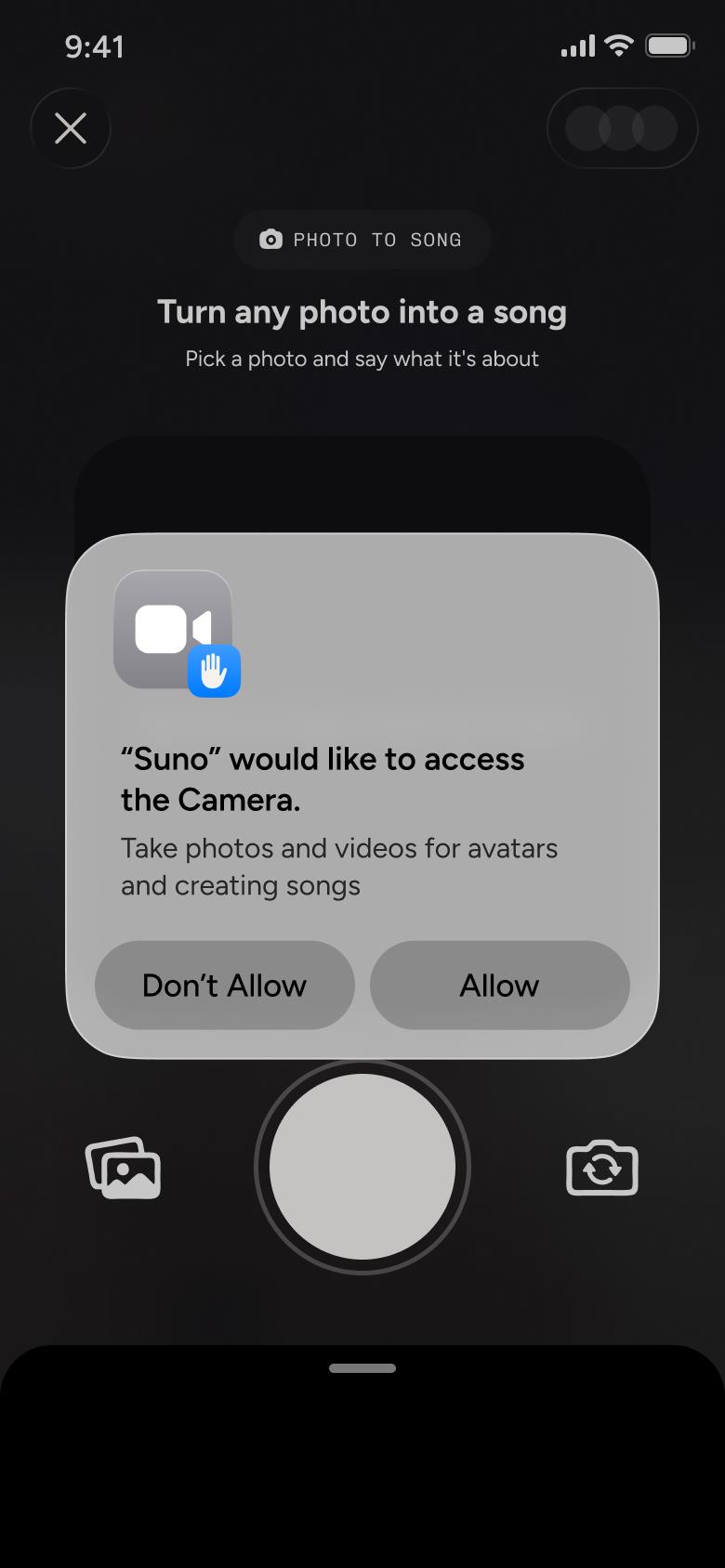
Steps 1–4 of 11, in recording order
Open flowAll of WhatsApp, and a complete flow from every app. No card needed.
Step 1 of 7
Launch and Welcome 6
How you get here: Changes in place
Open the SuperDuper UI plugin in Figma to paste these 7 screens into your file as editable layers.
All 7 steps
Use ← → to step through