
Onboarding
Status walkthrough on WhatsApp
The user sees the status feature intro and swipes through a walkthrough of status features.
Step 1 of 7
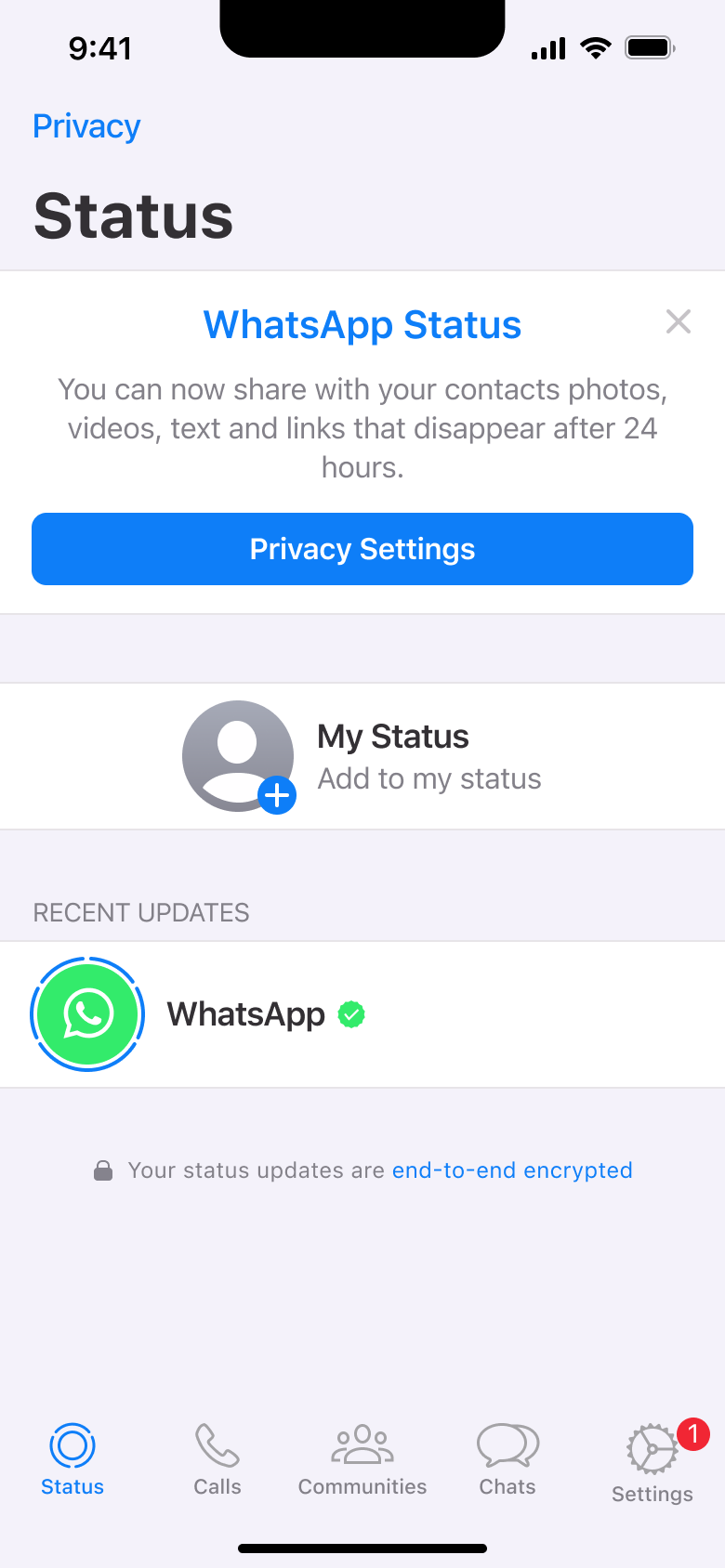
Tap Status · Tab switch
The steps
- Step 1. Tap Status, Tab switch
- Step 2. Tap status, Modal
- Step 3. Tap, In-place change
- Step 4. Tap, In-place change
- Step 5. Tap, In-place change
- Step 6. Tap, In-place change
- Step 7. Tap, In-place change
More from WhatsApp
- Sign up on WhatsApp
- Post a status on WhatsApp
- Calls and call links on WhatsApp
- Create a community on WhatsApp
- Start a chat on WhatsApp
- Send messages and media on WhatsApp
- Share attachments on WhatsApp
- Create a poll on WhatsApp
- Video and voice calls on WhatsApp
- Settings on WhatsApp
- Account and privacy on WhatsApp
- Delete account on WhatsApp
- Full WhatsApp UI kit
- Onboarding flows in other apps
Not affiliated with, endorsed or sponsored by WhatsApp. WhatsApp is a trade mark of its owner. Recreated for design reference and education. Rights holders: contact us