
Date, time and calendars
Desktop17 components73 variants4 recreations
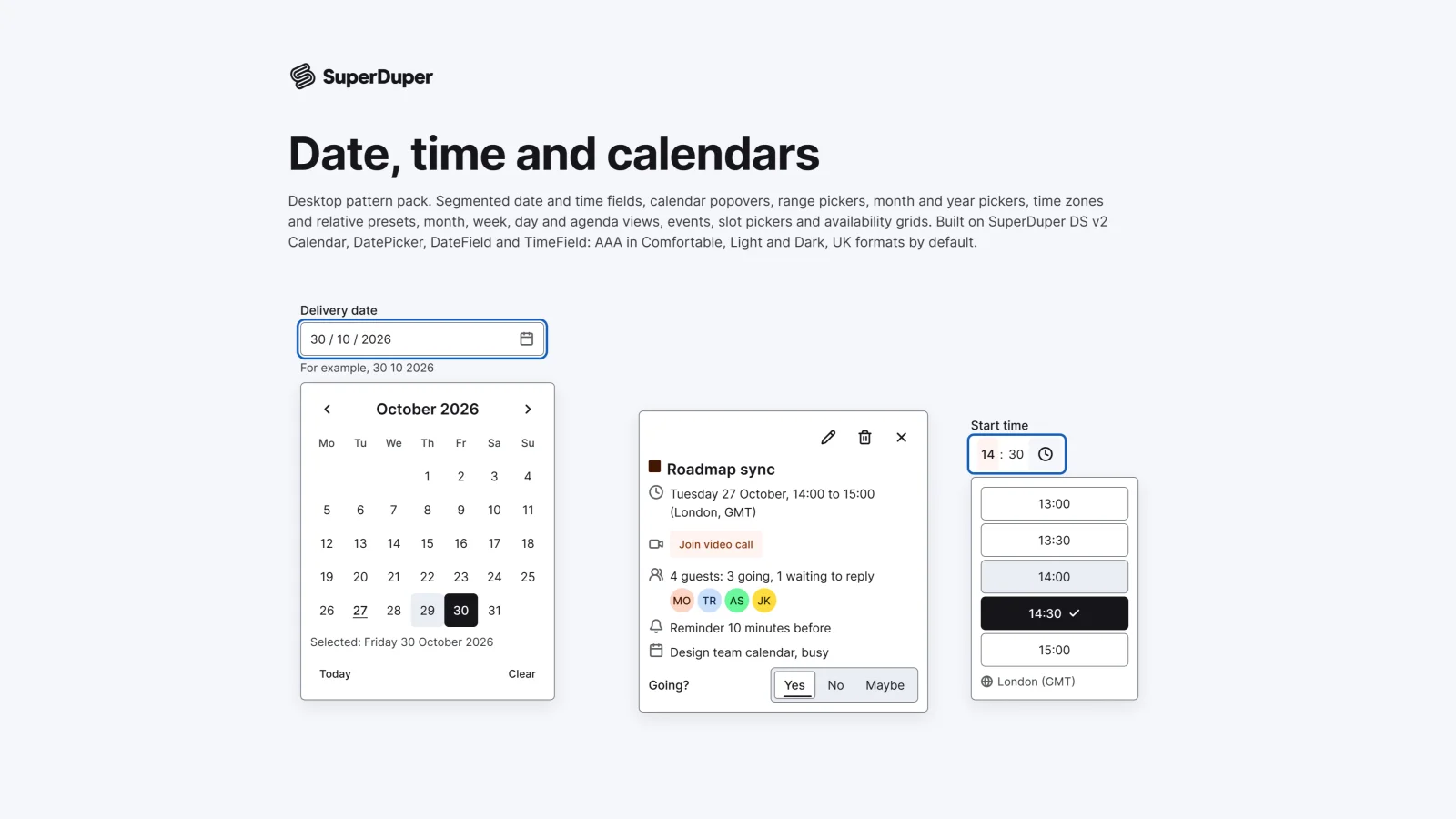
Desktop date and time fields, calendar and range pickers, time zones, month, week and day views, events and slot pickers.
$9, or included with Pro
Desktop packActions and input
Desktop condition builders, filter chips, query bars, facet sidebars, saved views, date presets and quick search.
Also for mobile: Filtering and sorting
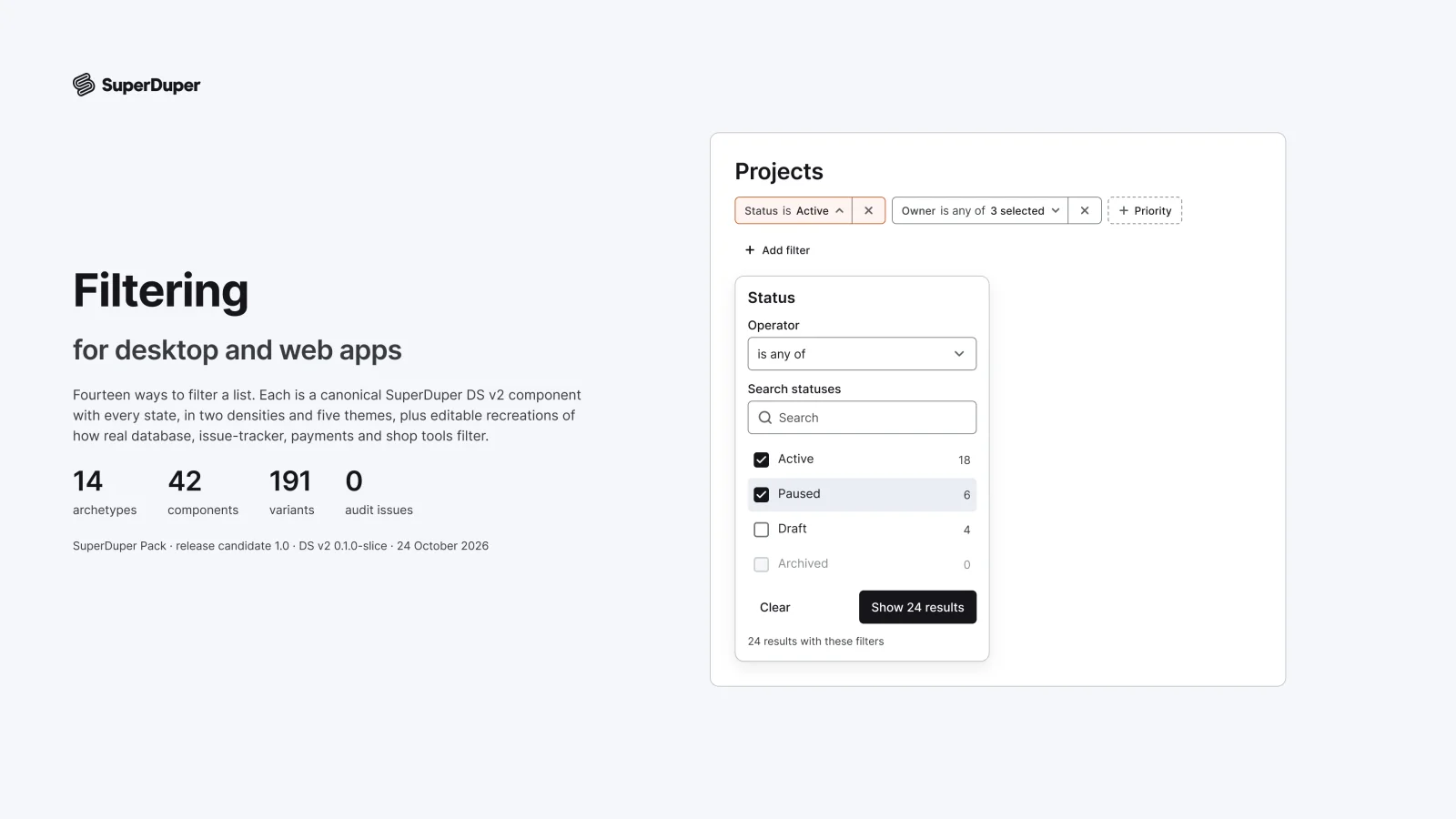
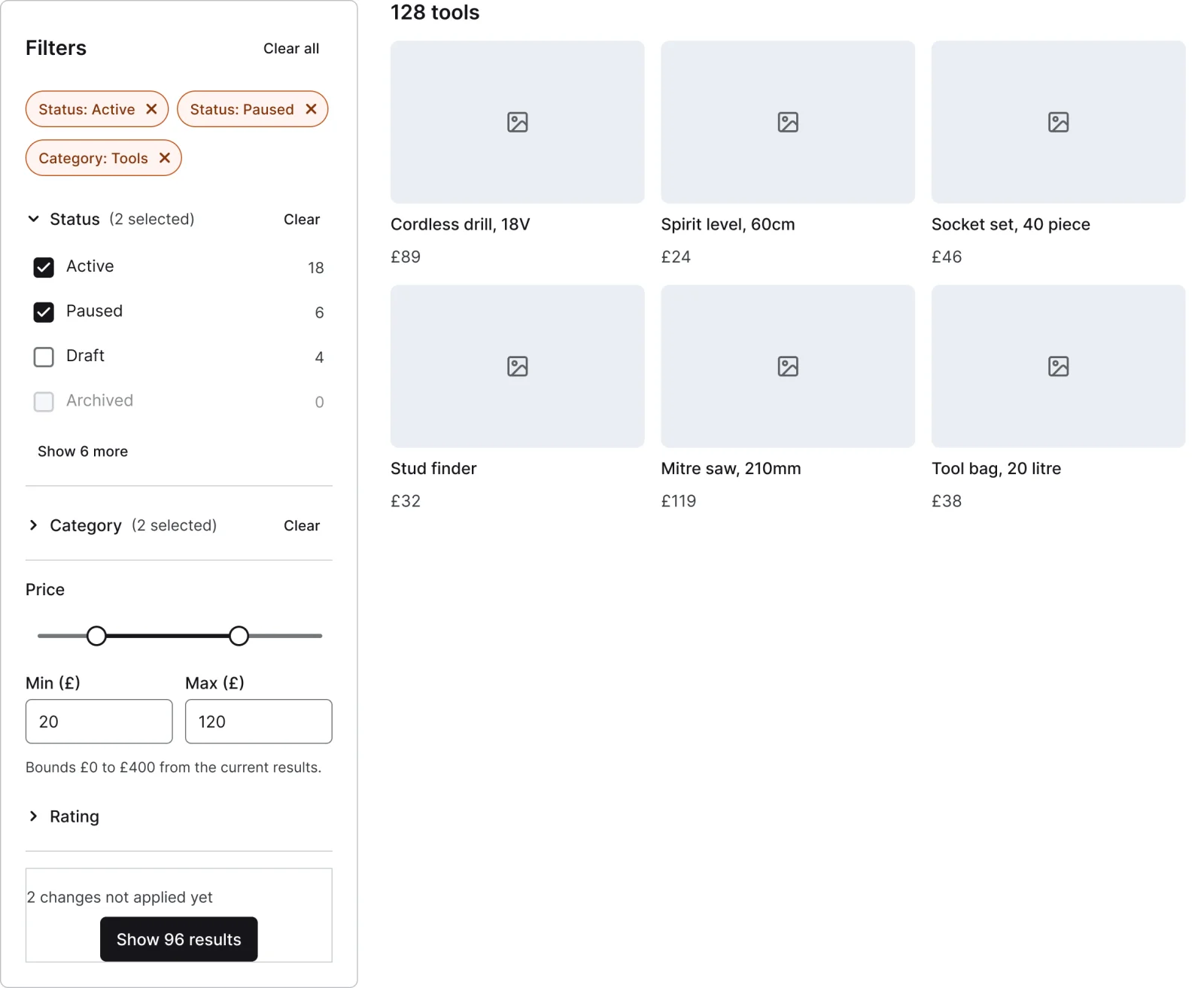
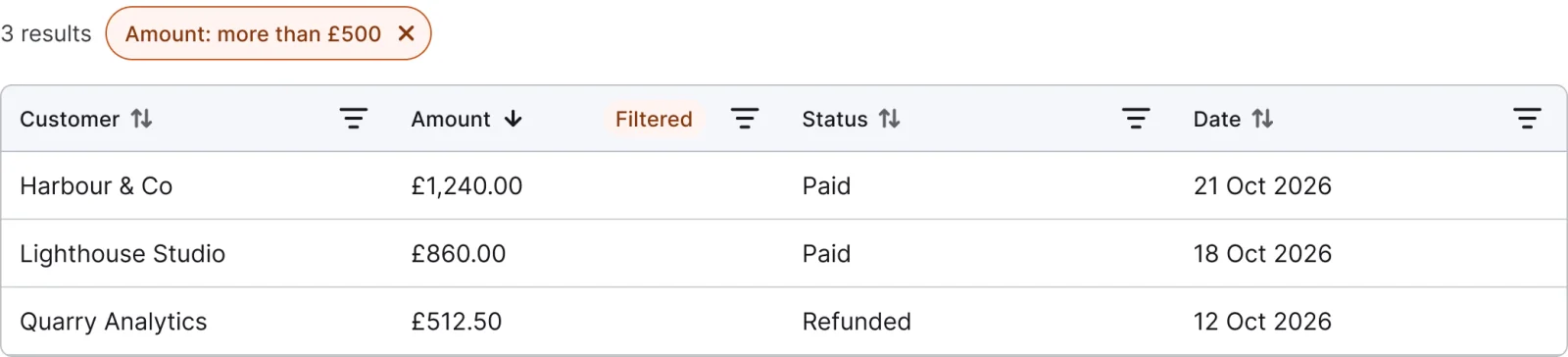
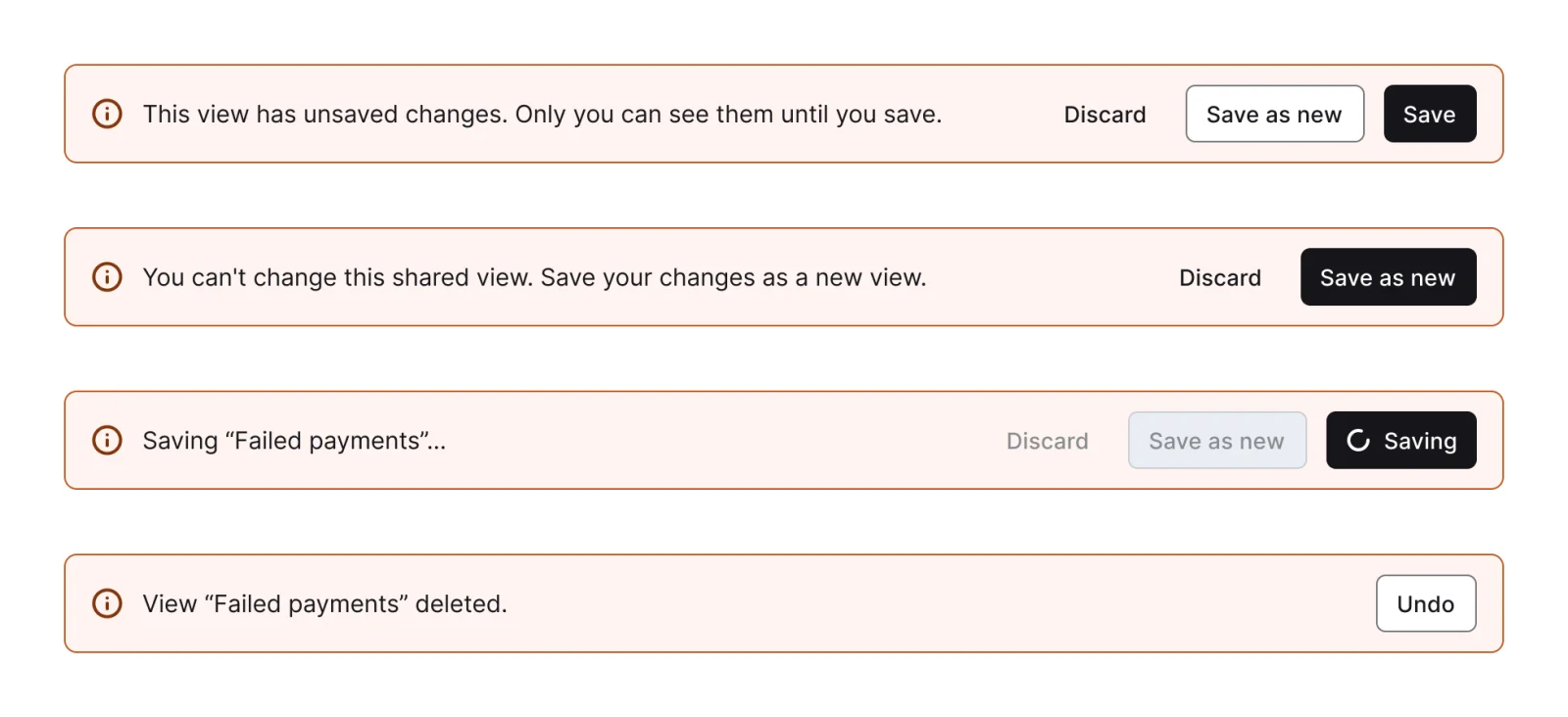
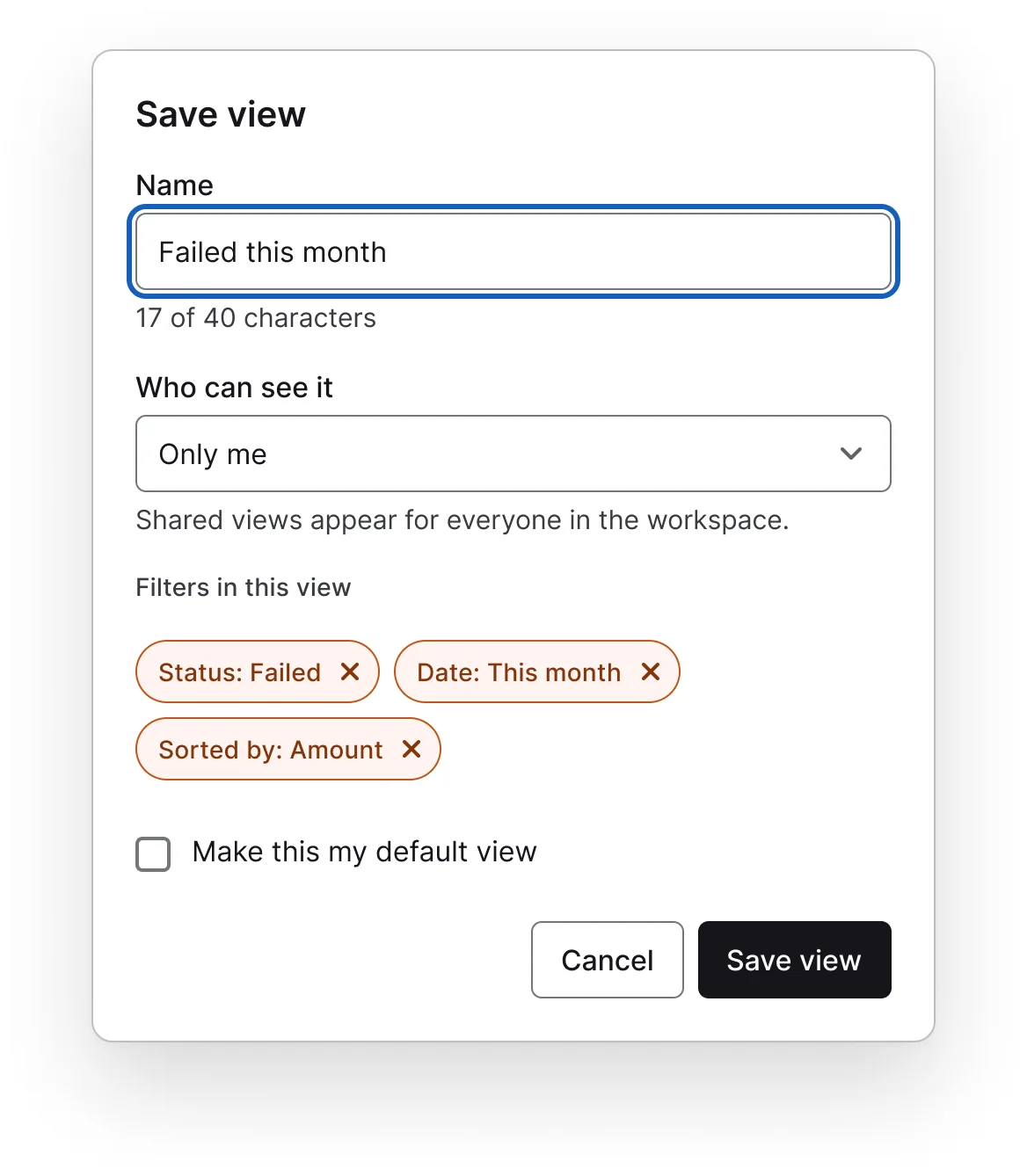
Fourteen desktop filtering patterns: a condition builder, property chips, a query bar with basic and advanced modes, qualifier search, a facet sidebar, column header filters, saved views, a summary bar, no results states, a responsive filter sheet, date presets, quick tabs, quick search and natural language filters. Sets cover loading counts, invalid, empty, error and applying states.

9 variants
12 variants
16 variants
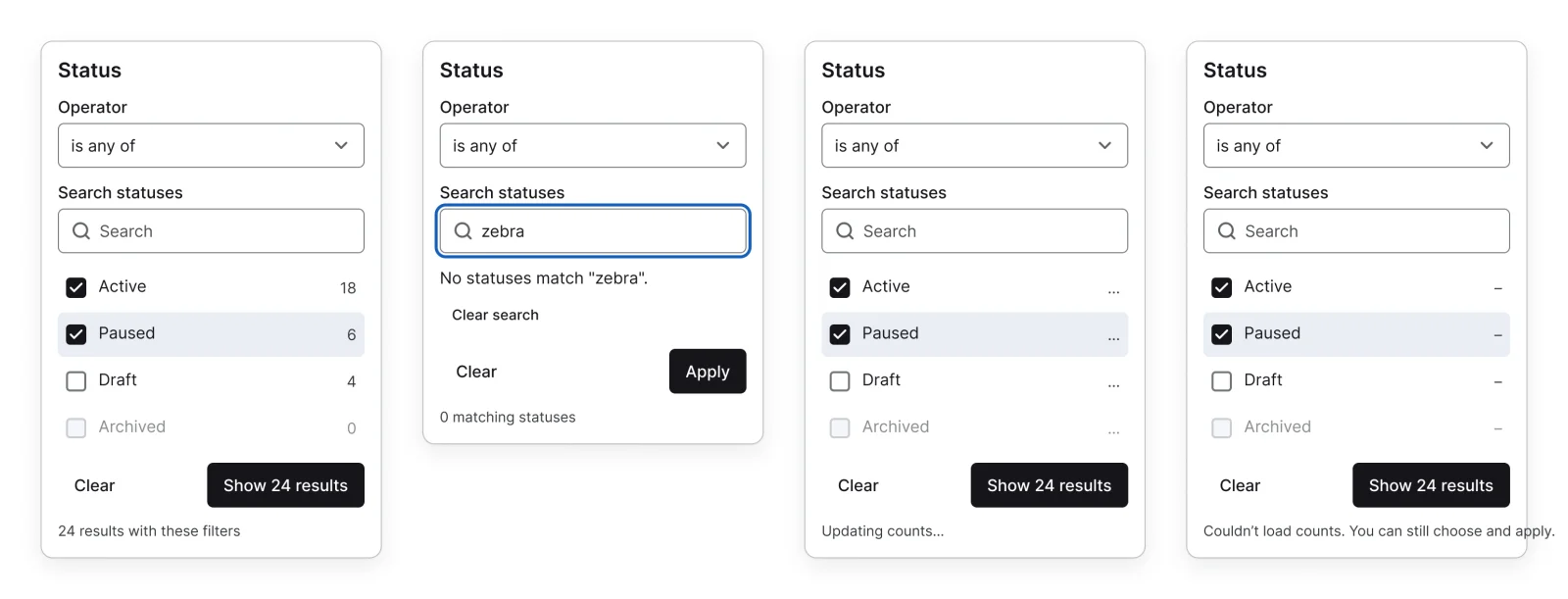
4 variants

9 variants
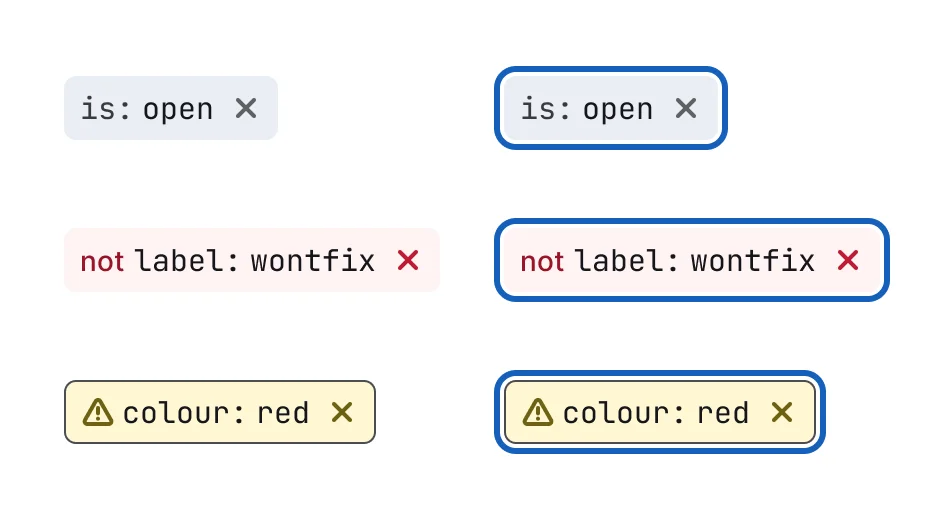
6 variants
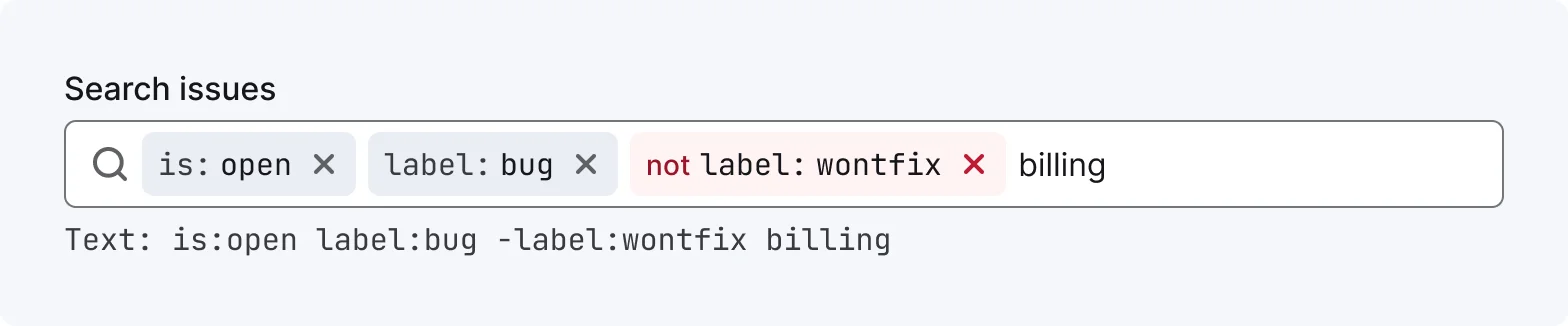
6 variants
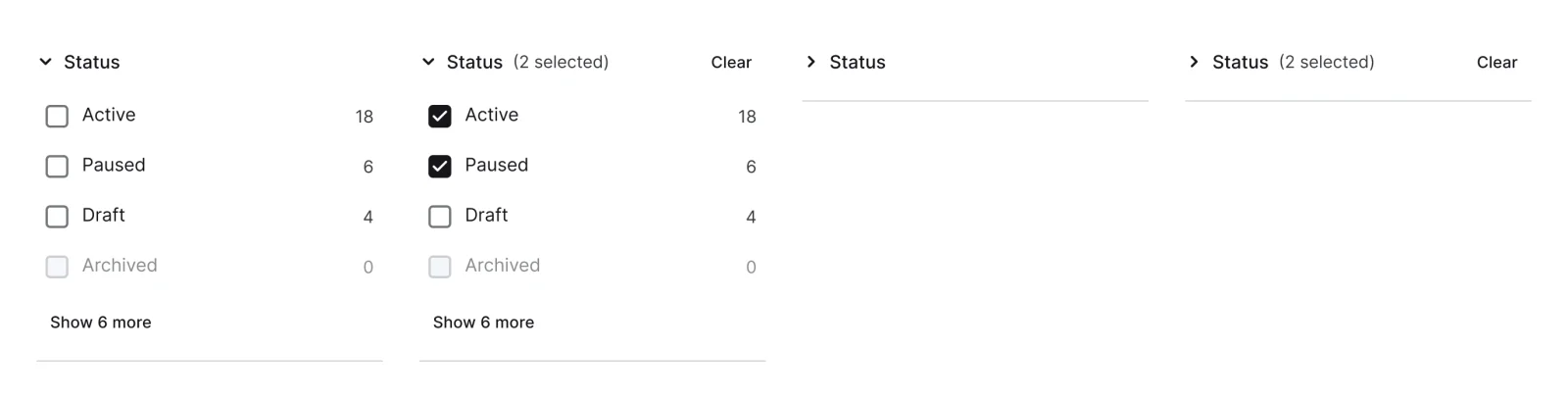
4 variants
6 variants
4 variants

8 variants
4 variants
3 variants

5 variants
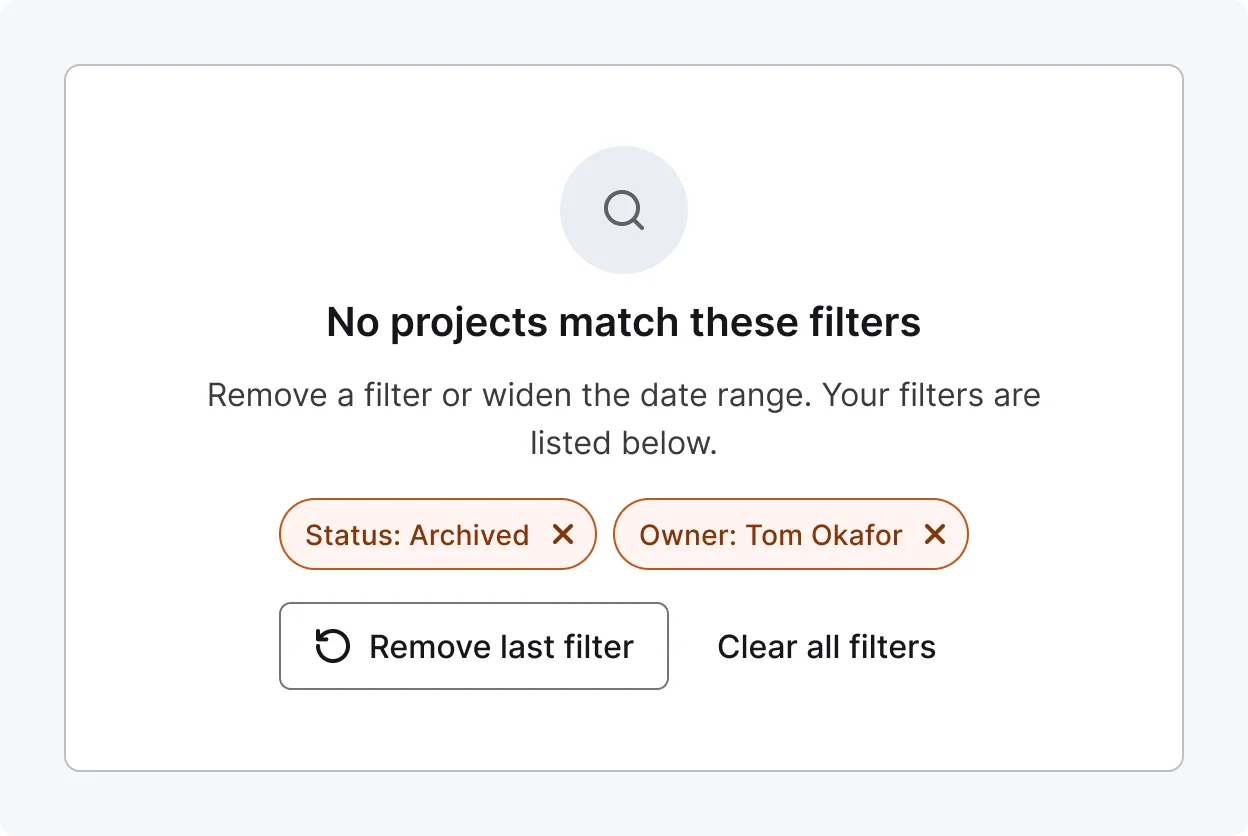
3 variants
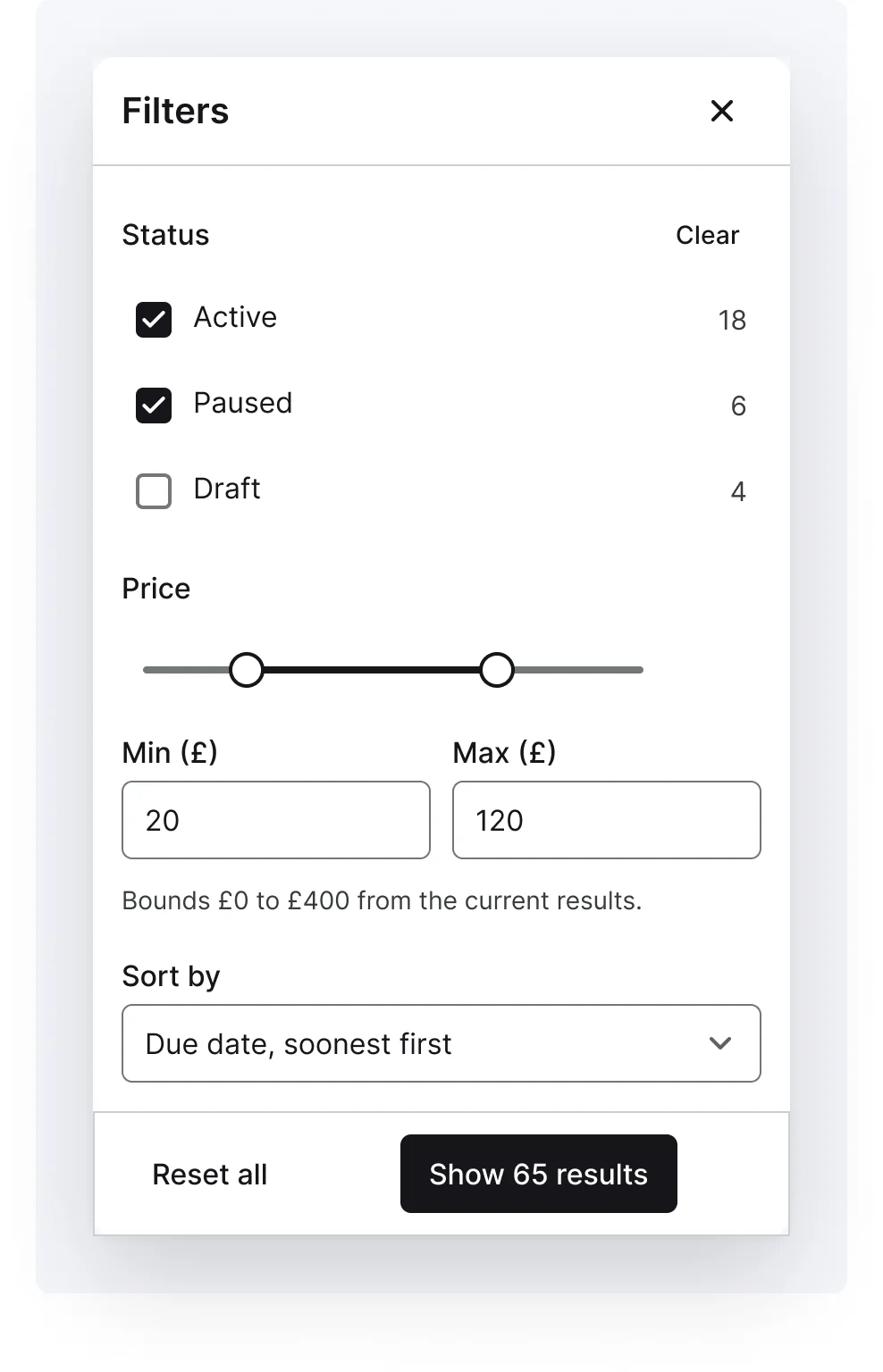
4 variants

3 variants
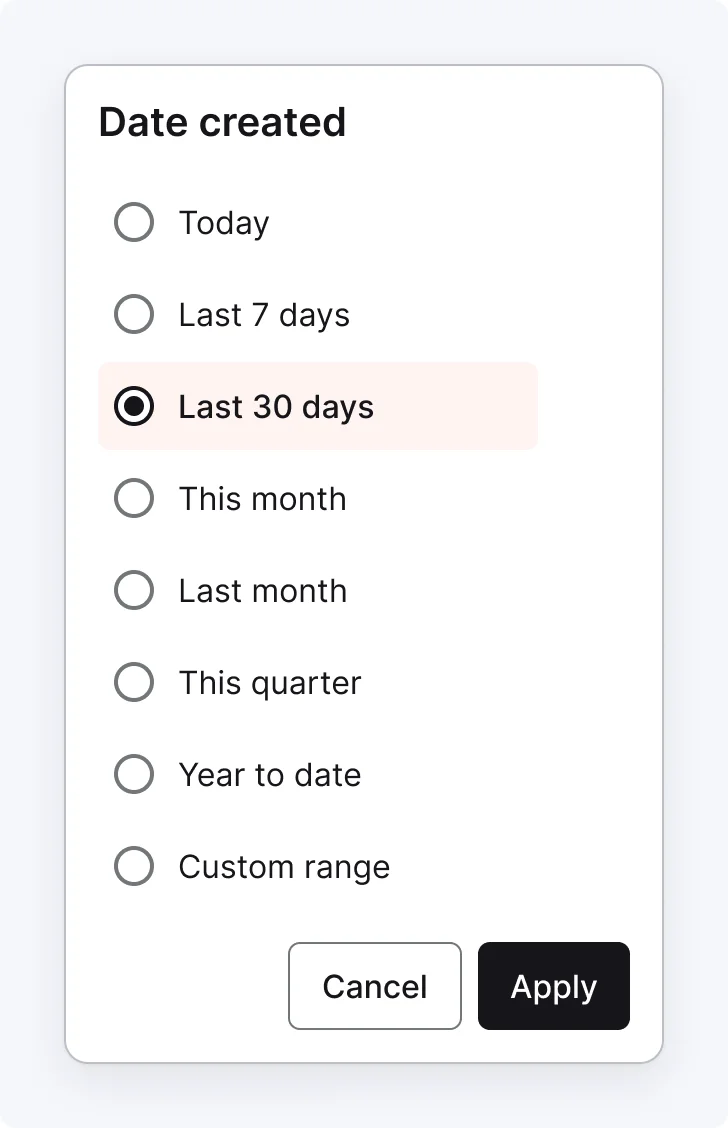
3 variants
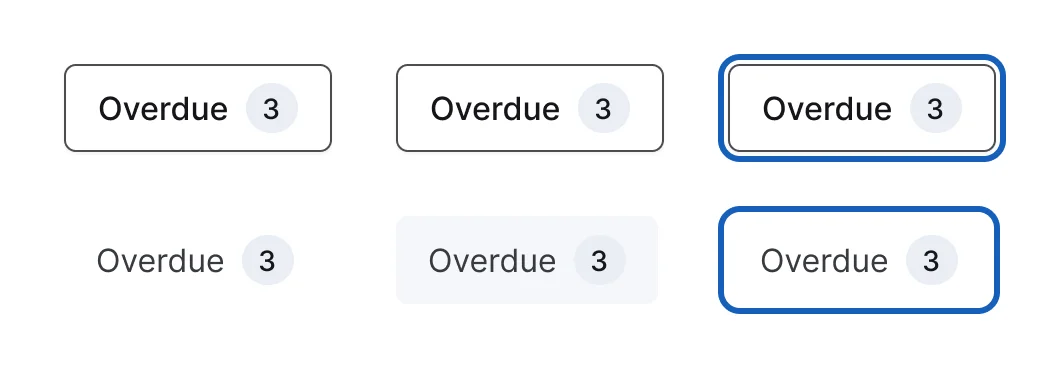
6 variants

2 variants
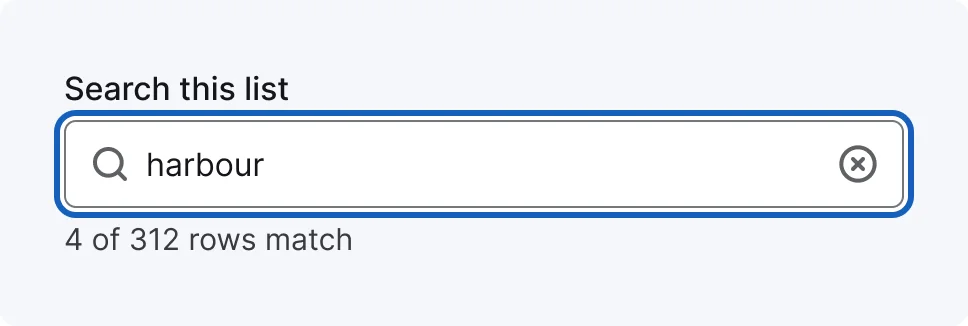
4 variants
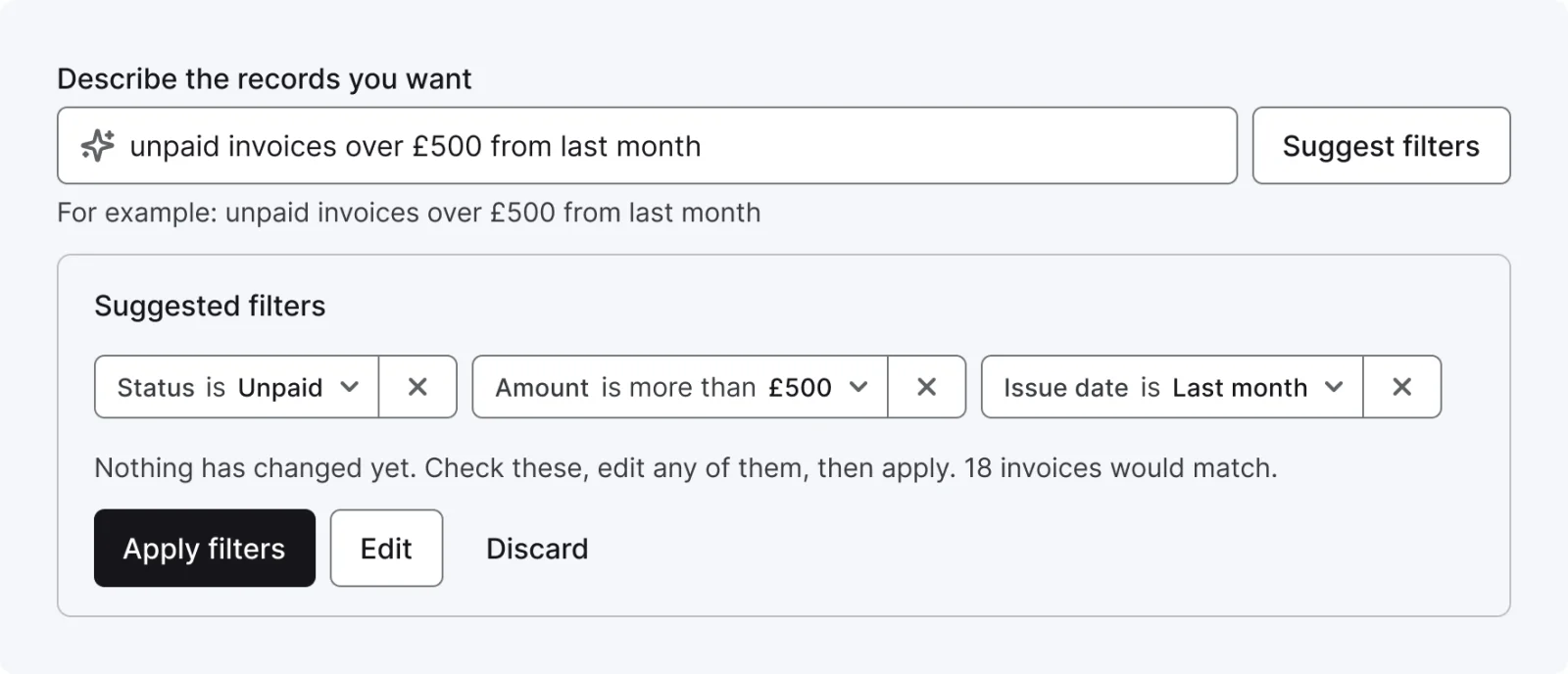
5 variants
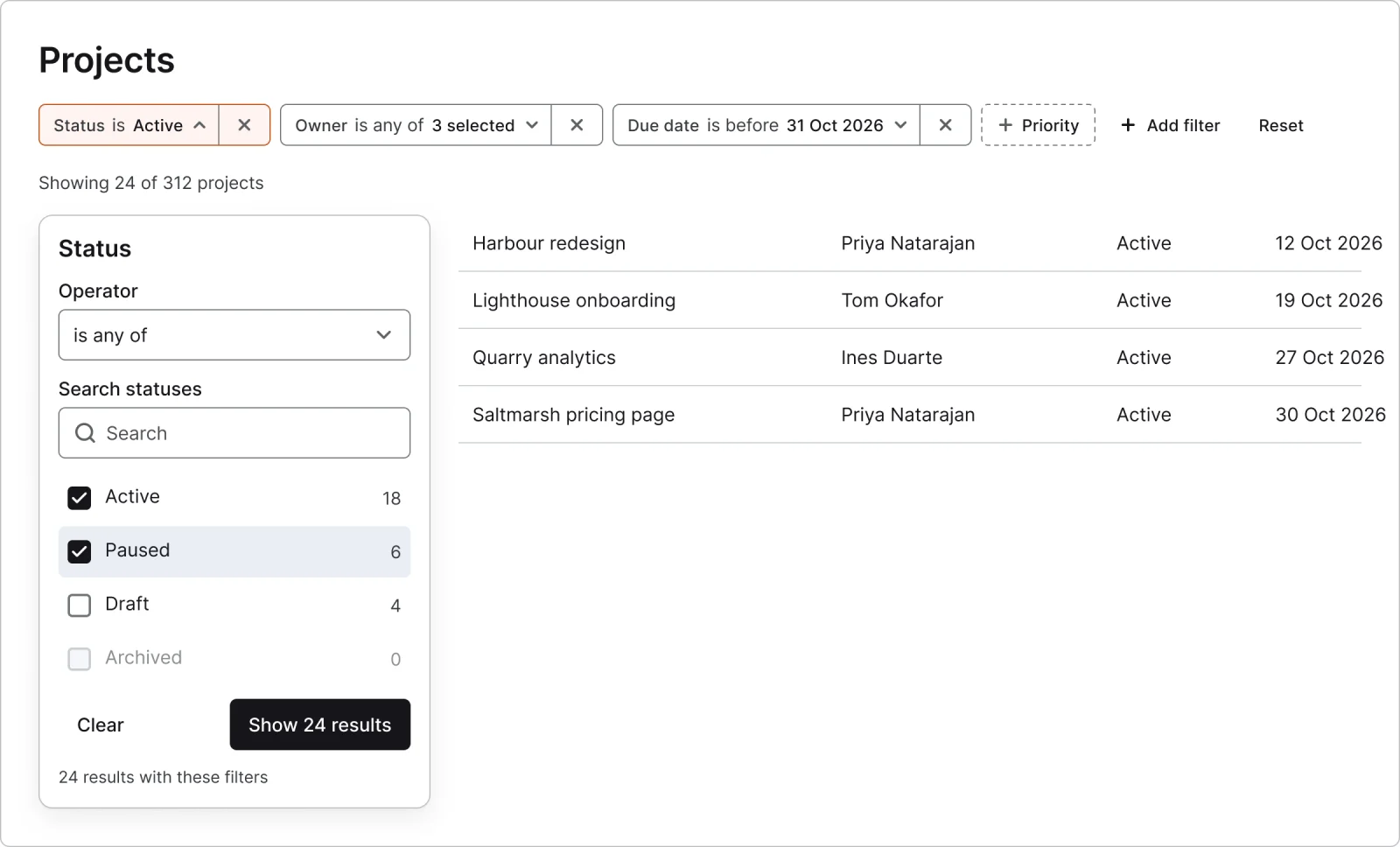
Recreations of real products, so you can compare approaches side by side. They are approximate, built from public product knowledge, with placeholder data and no third-party artwork.
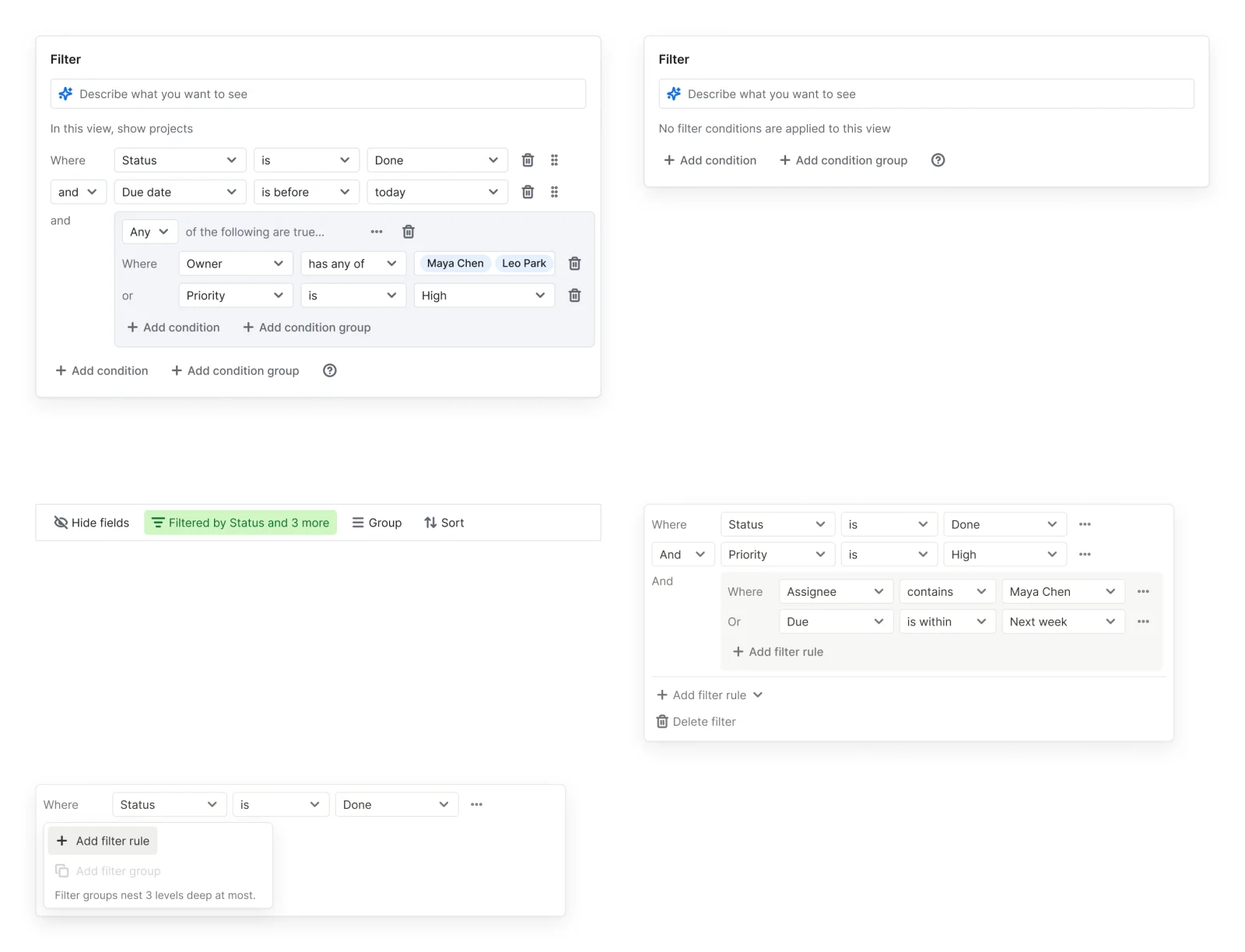
Recreated from Airtable, Notion
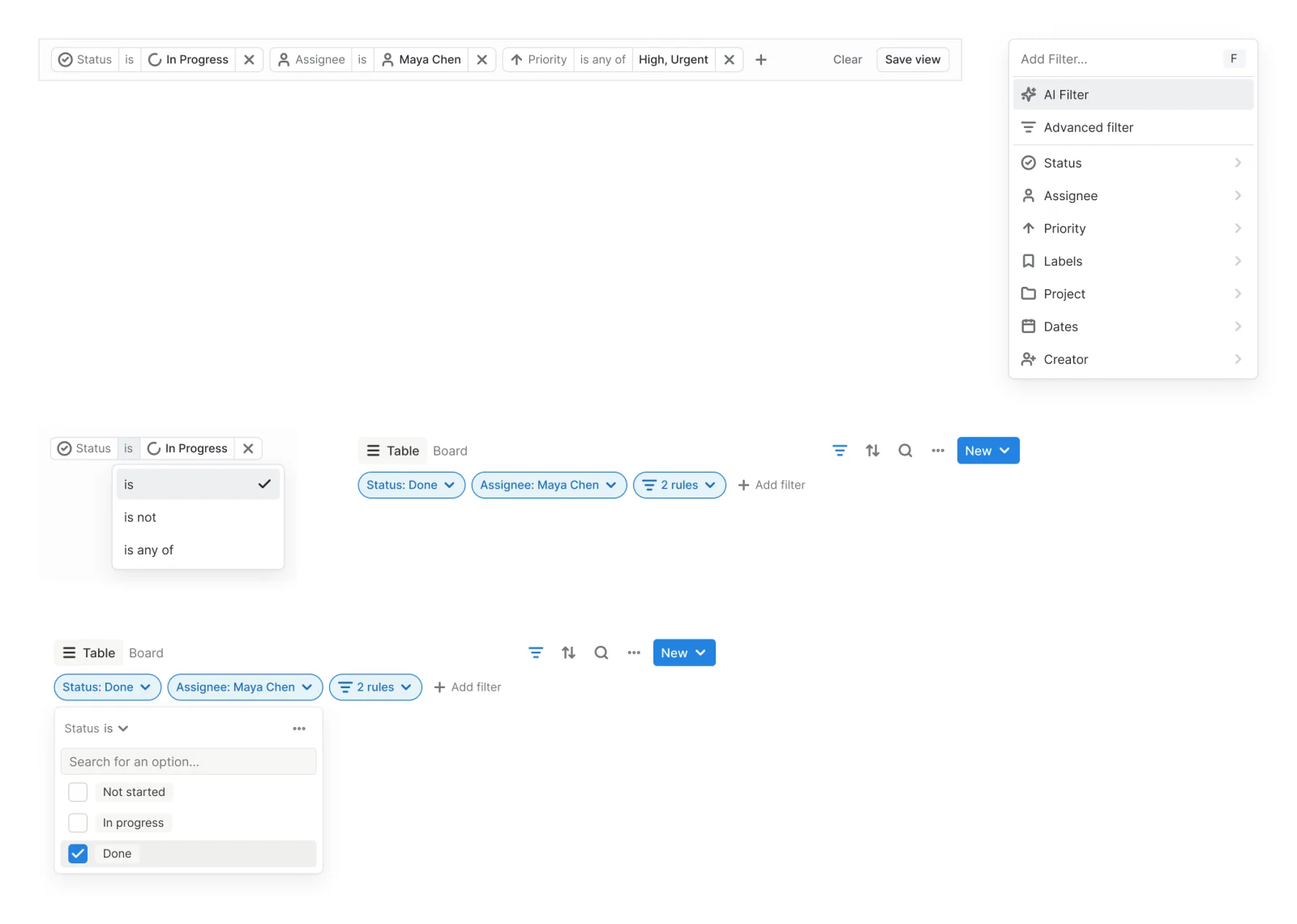
Recreated from Linear, Notion
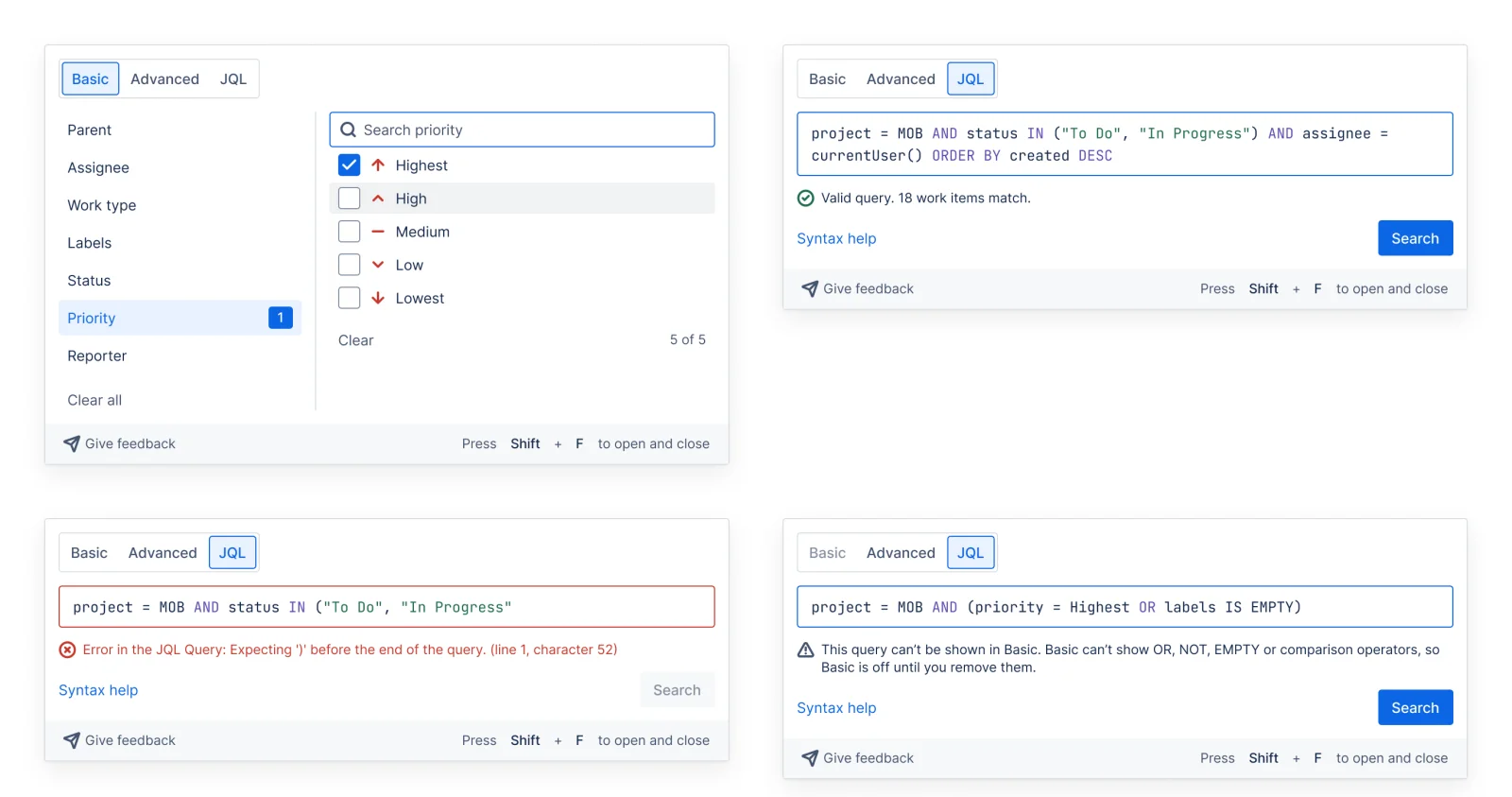
Recreated from Jira
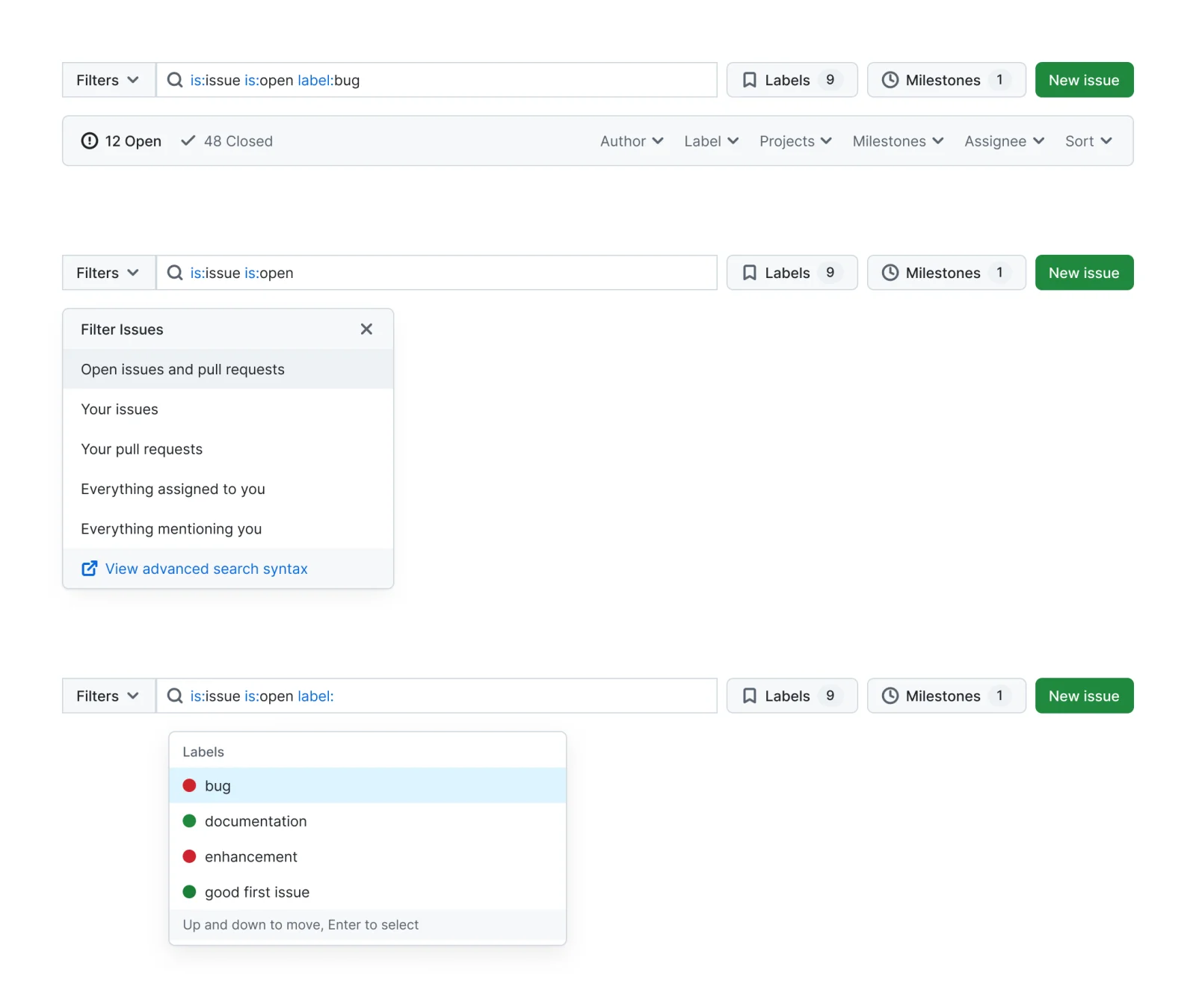
Recreated from GitHub
Recreated from Stripe Dashboard
Recreated from Stripe Dashboard
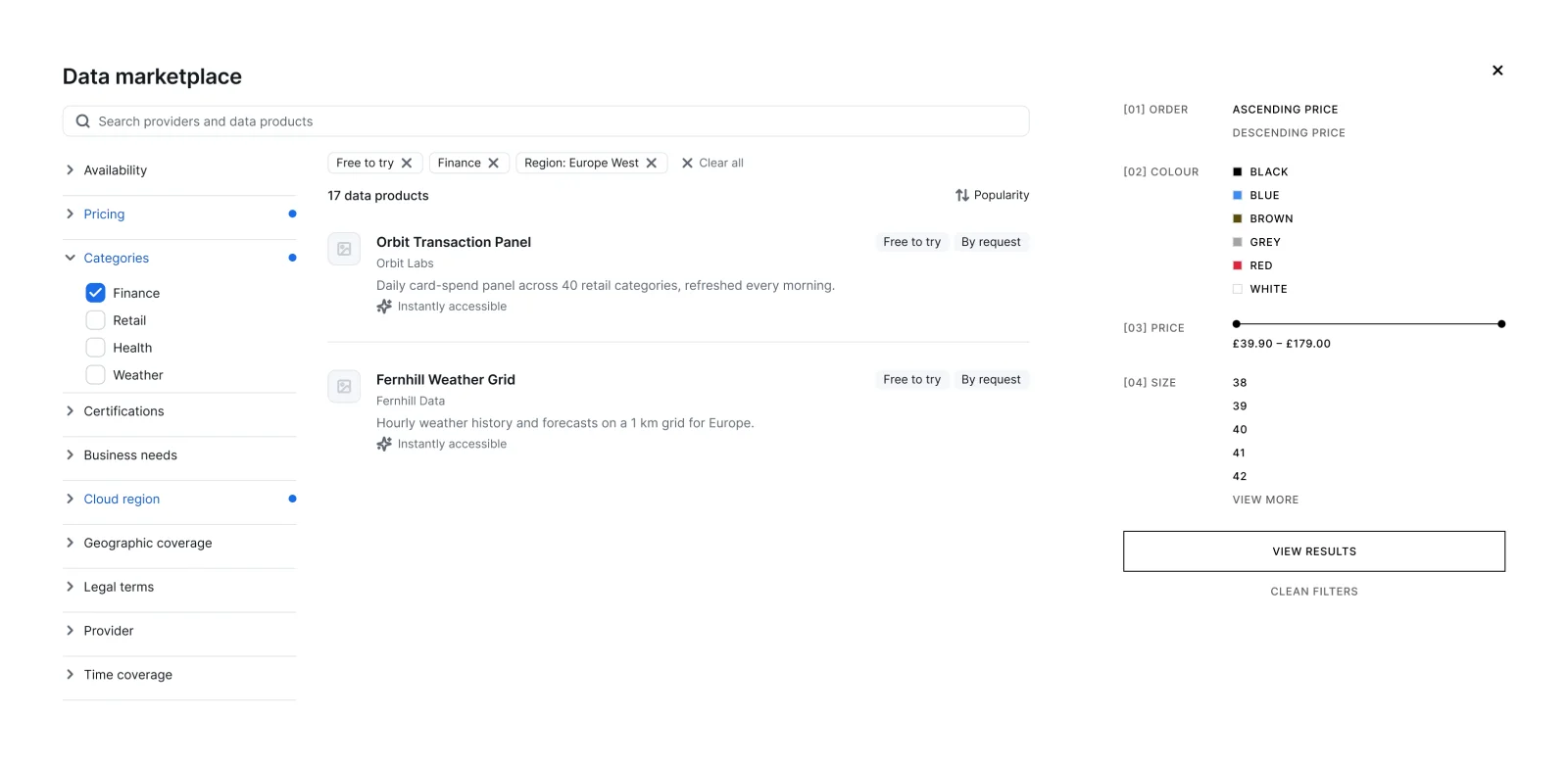
Recreated from Snowflake Marketplace, ZARA
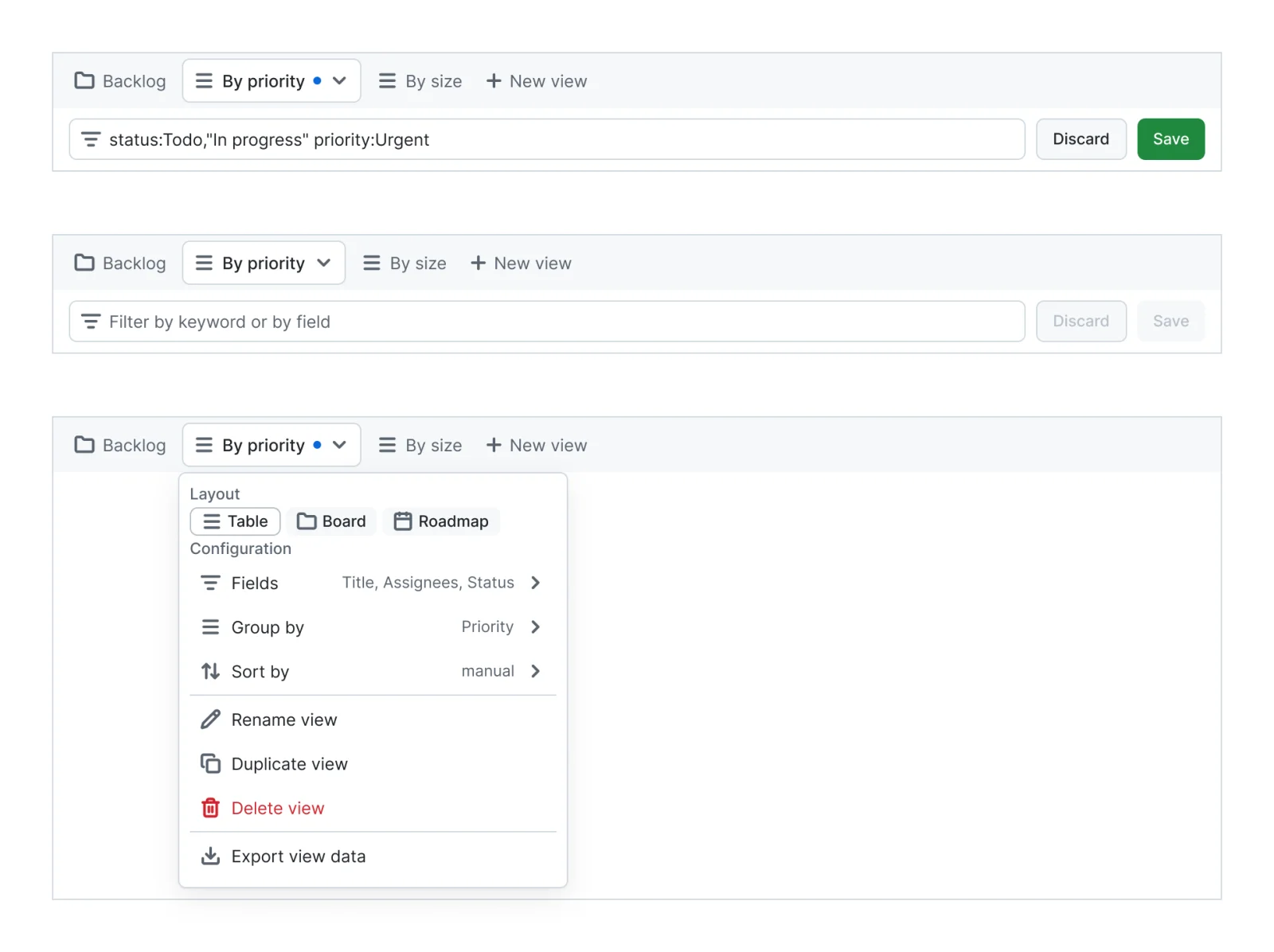
Recreated from GitHub Projects
Recreated from HubSpot
Recreated from GitHub
Recreated from ZARA
Recreated from Airtable, Notion
Recreated from Airtable
Not affiliated with, endorsed or sponsored by Airtable, Notion, Linear, Notion, Jira, GitHub, Stripe Dashboard, Snowflake Marketplace, ZARA, GitHub Projects, HubSpot, ZARA and Airtable. Their names are trade marks of their owners and are used only to say what each recreation is based on.
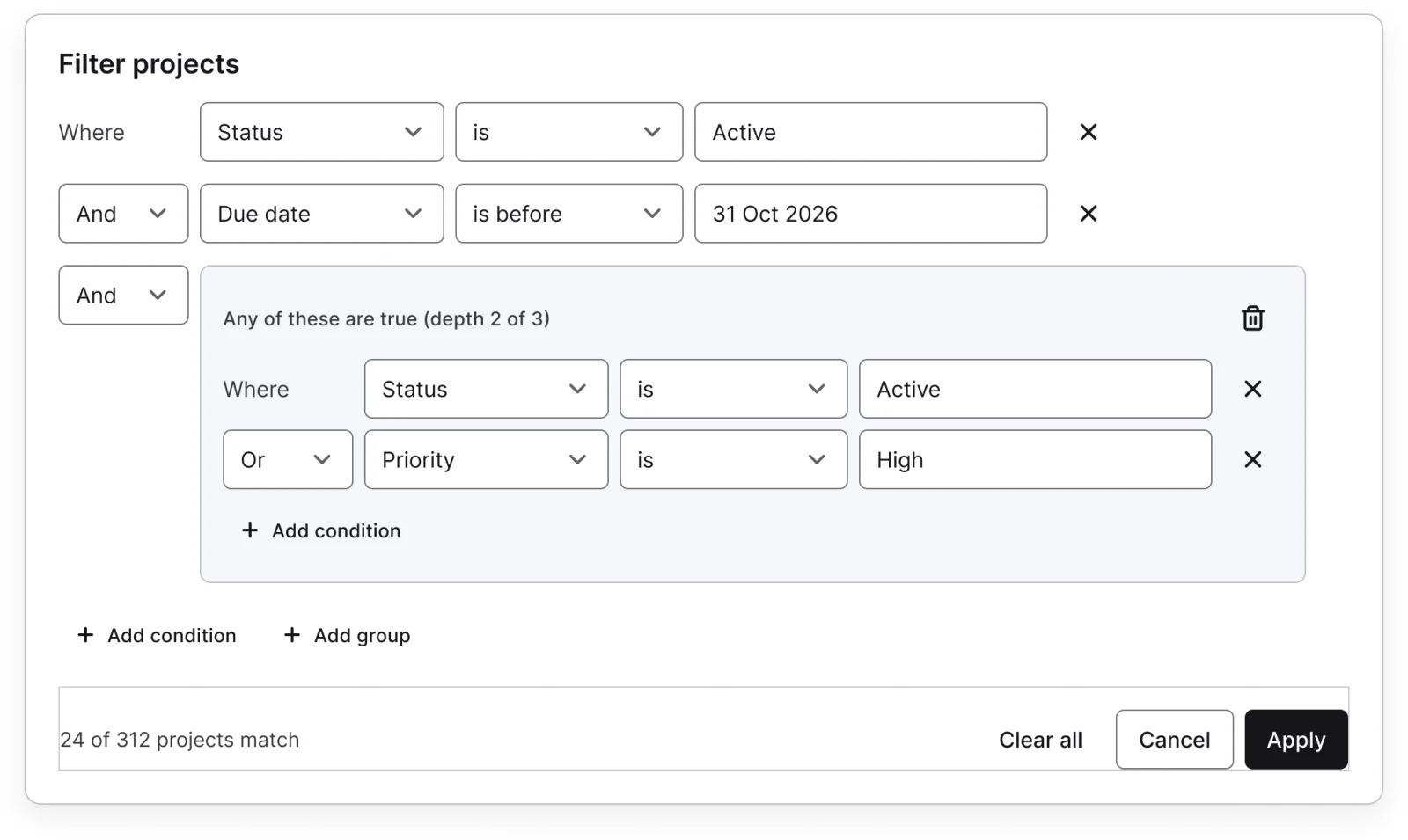
A filter condition builder with empty, incomplete, invalid, limit, counting and applying states. All 12 variants, free to see with a SuperDuperUI account. The Figma file comes with the pack.
Desktop17 components73 variants4 recreations
Desktop date and time fields, calendar and range pickers, time zones, month, week and day views, events and slot pickers.
$9, or included with Pro
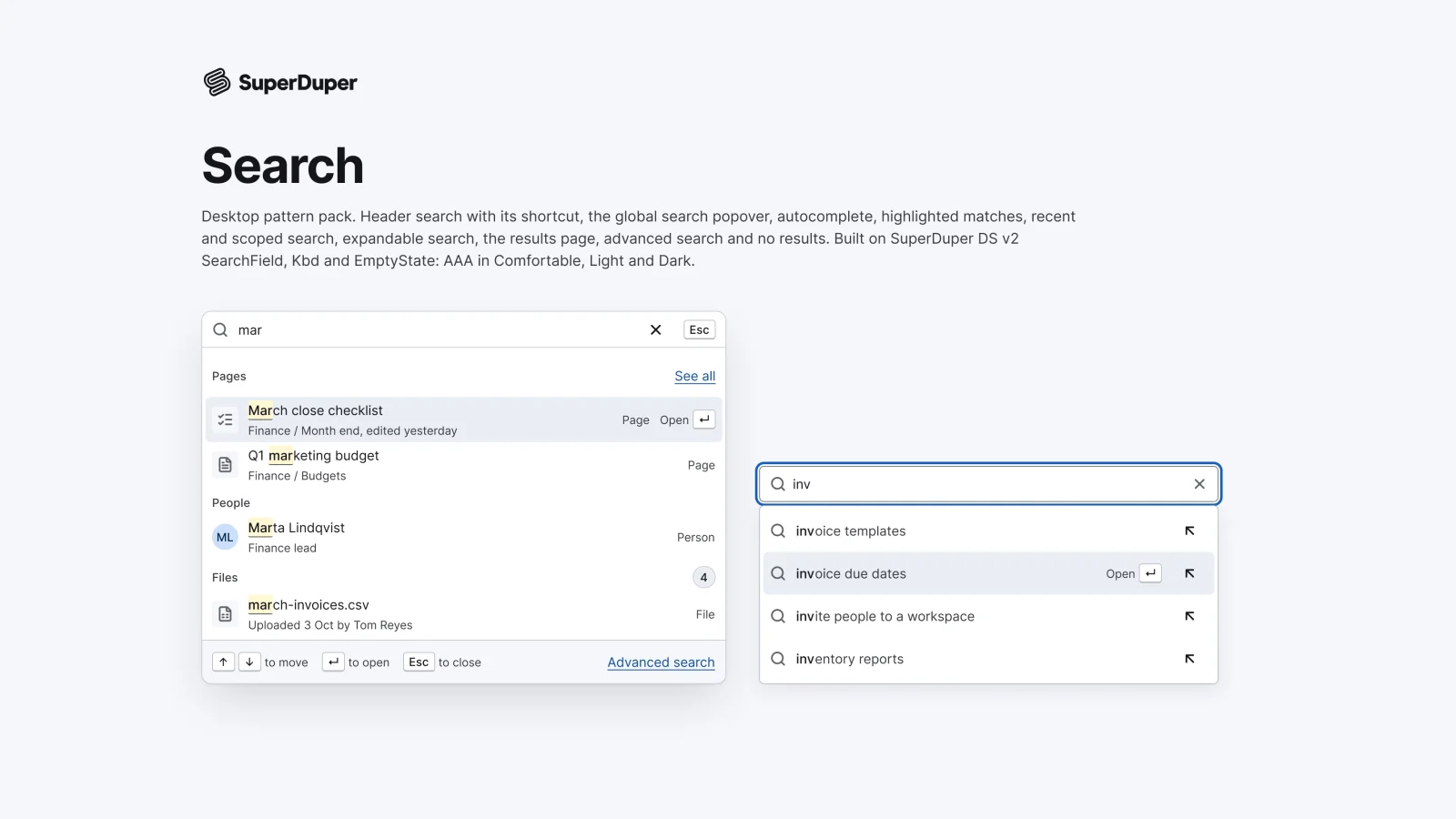
Desktop10 components34 variants4 recreations
Desktop search: header trigger, global popover, autocomplete, match highlights, recents, scoped search, results and no results.
$9, or included with Pro
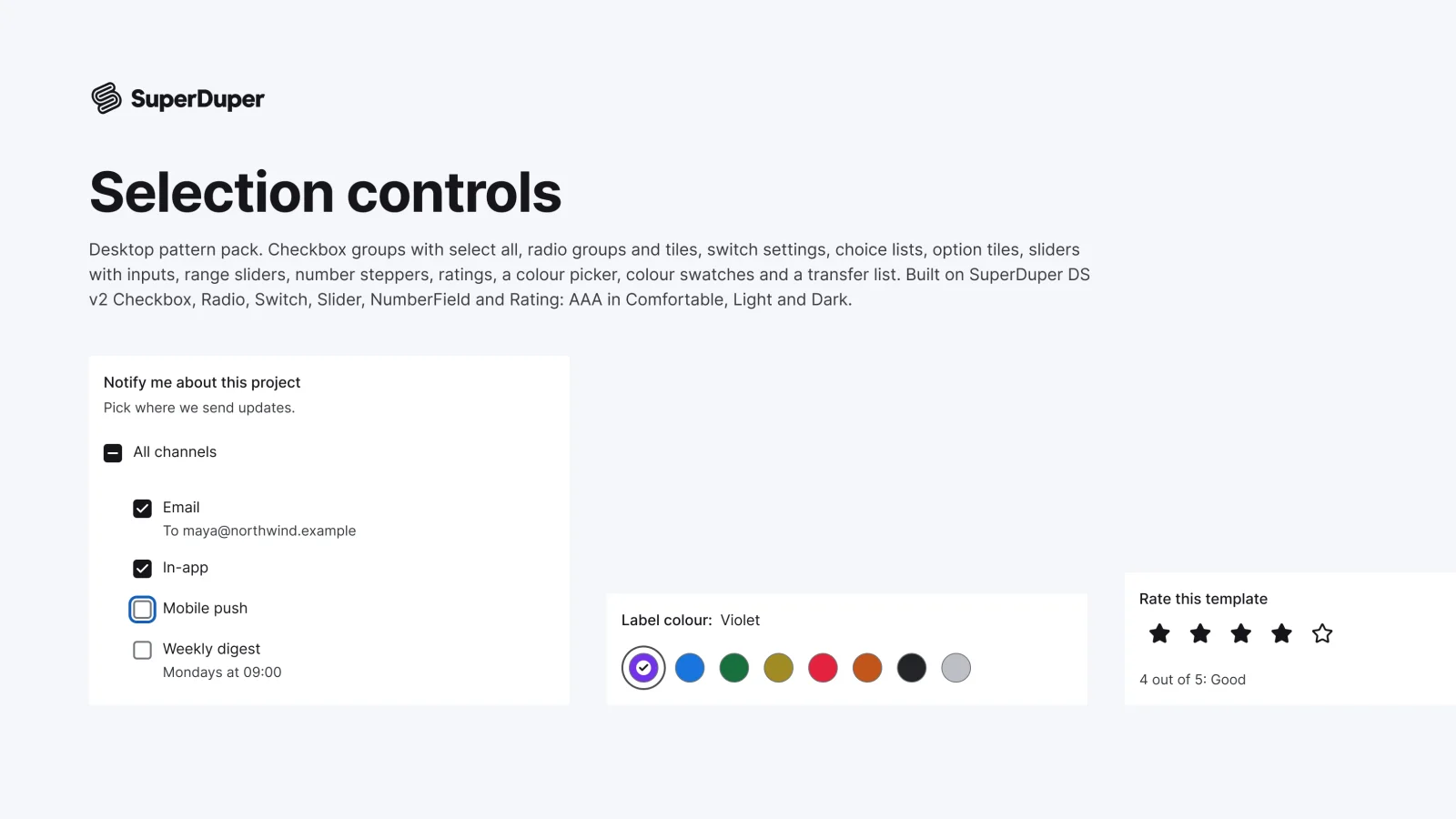
Desktop13 components54 variants3 recreations
Desktop checkbox and radio groups, setting switches, sliders, steppers, ratings, swatches, a colour picker and a transfer list.
$9, or included with Pro
One Figma file: SuperDuper Pack: Filtering (Desktop). It has 22 components with 126 variants, 13 recreations, and notes on when to use each part. Everything uses Figma variables, so you can change the colours and type to match your product.