
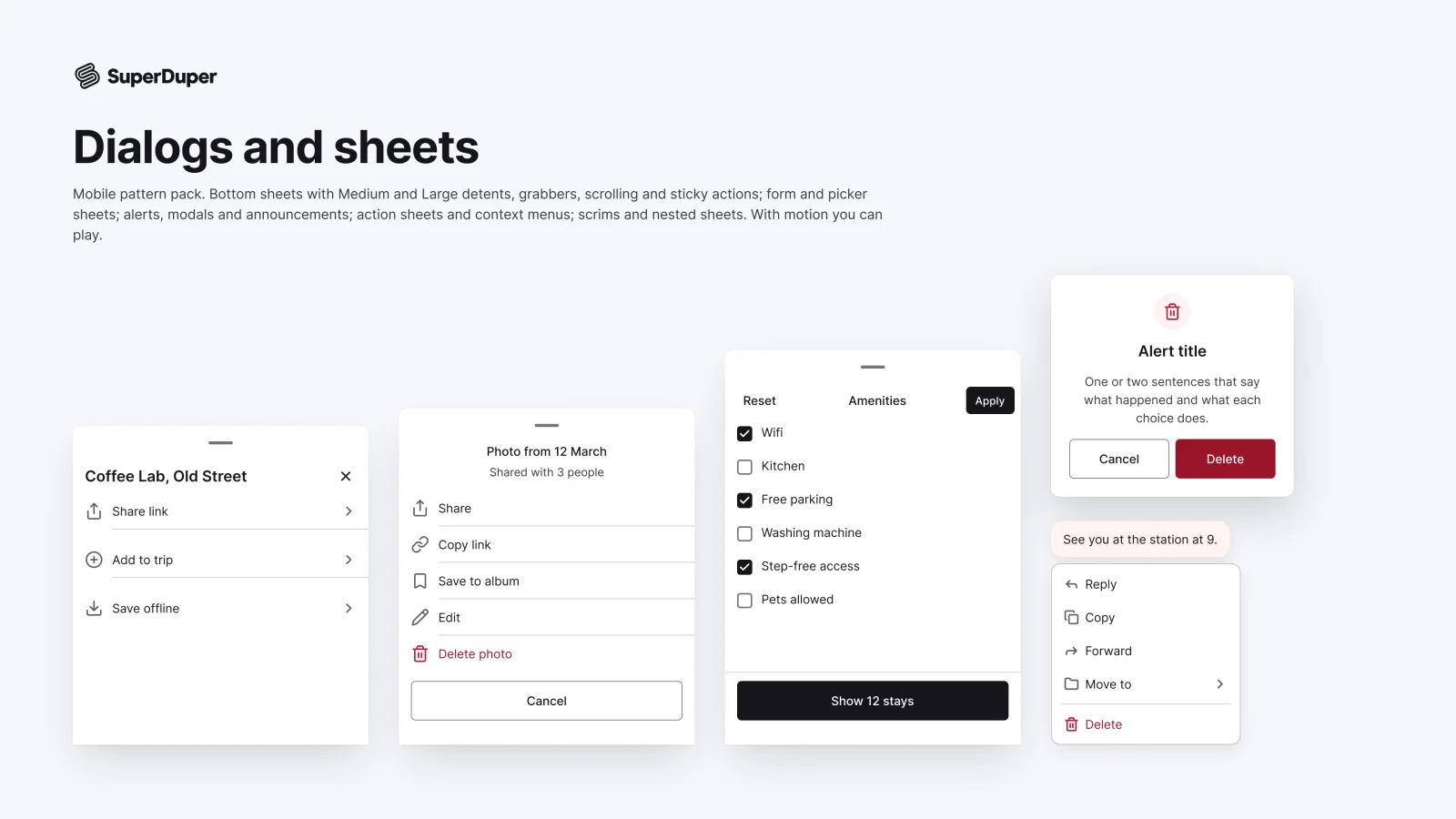
Dialogs, sheets and modals
Mobile14 components70 variants3 recreations
Mobile bottom sheets, alerts, modals, context menus and scrims, with detents, drag states and working prototypes.
$9, or included with Pro
Mobile packOverlays and feedback
Mobile action sheets, context menus, pull-downs, popovers, tooltips, coach marks, edit menus and quick actions.
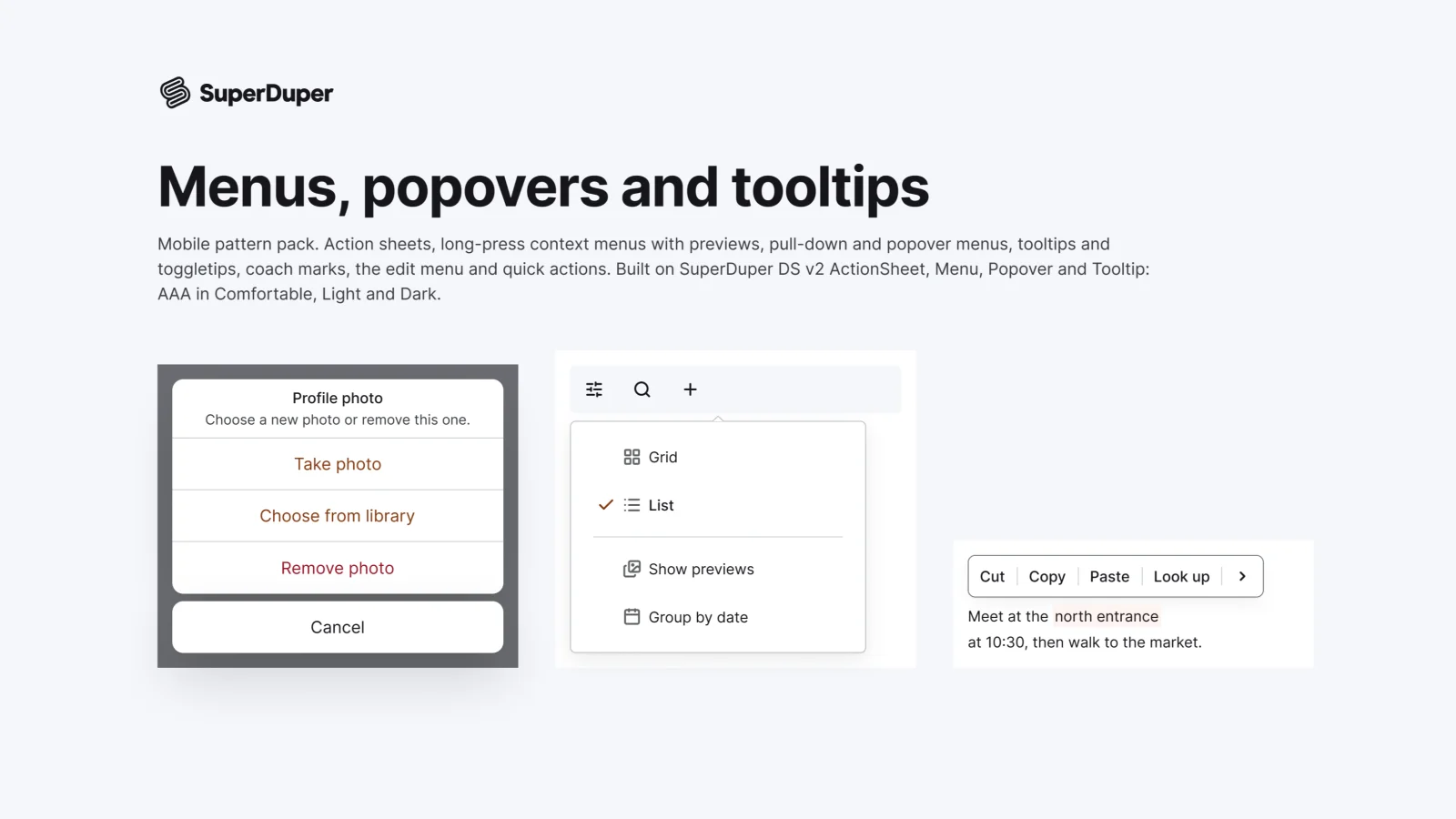
Also for desktop: Menus, popovers and tooltips
Eight touch menu patterns, each drawn as a full 390px scene: action sheets, long-press context menus with a preview, pull-down menus, popover menus, touch tooltips and toggletips, coach mark tours, the text edit menu and home screen quick actions. Every page has a documentation frame, a live grid in Light and Dark, Comfortable and Compact, and an in-context phone screen.
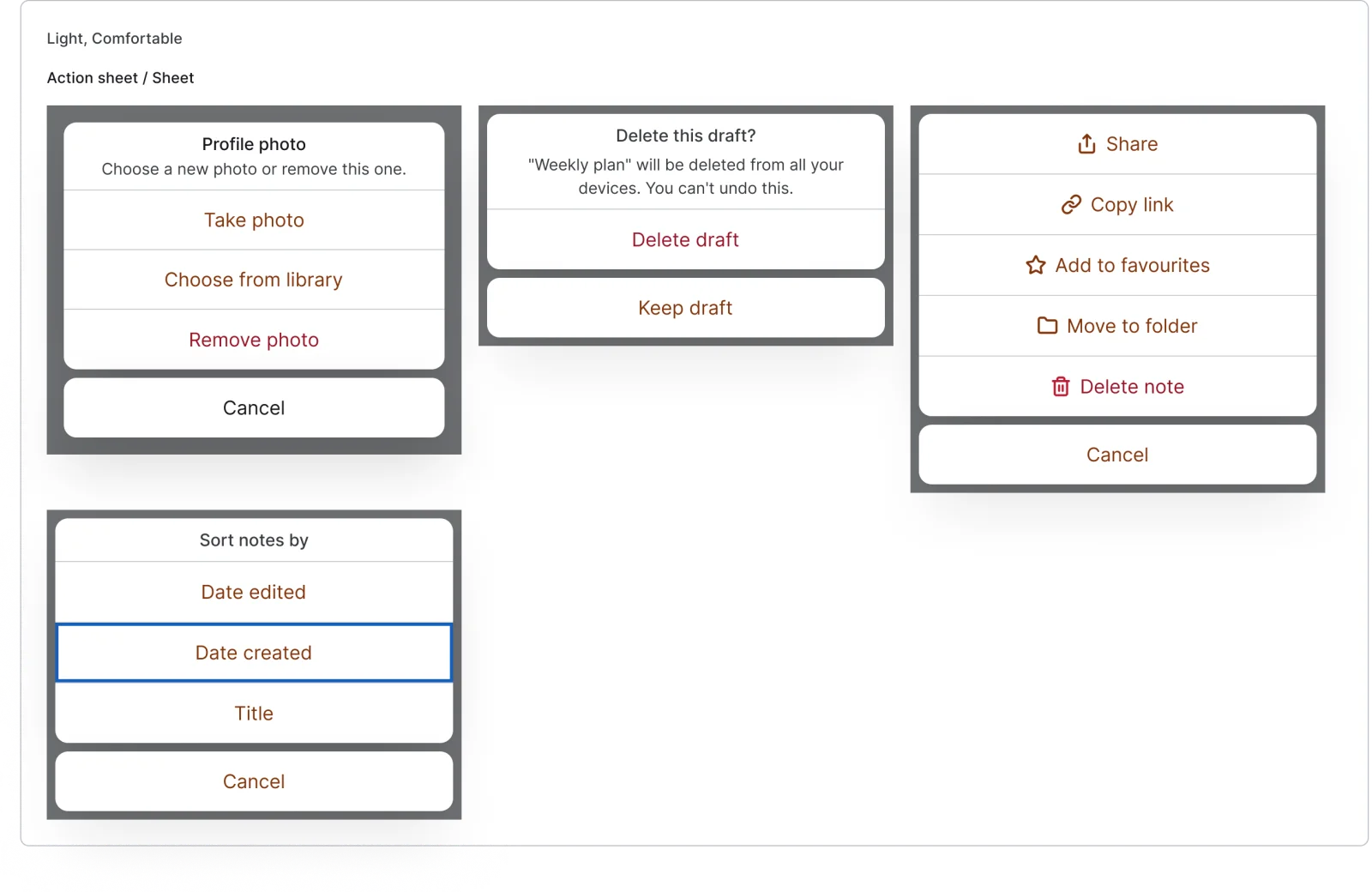
4 variants
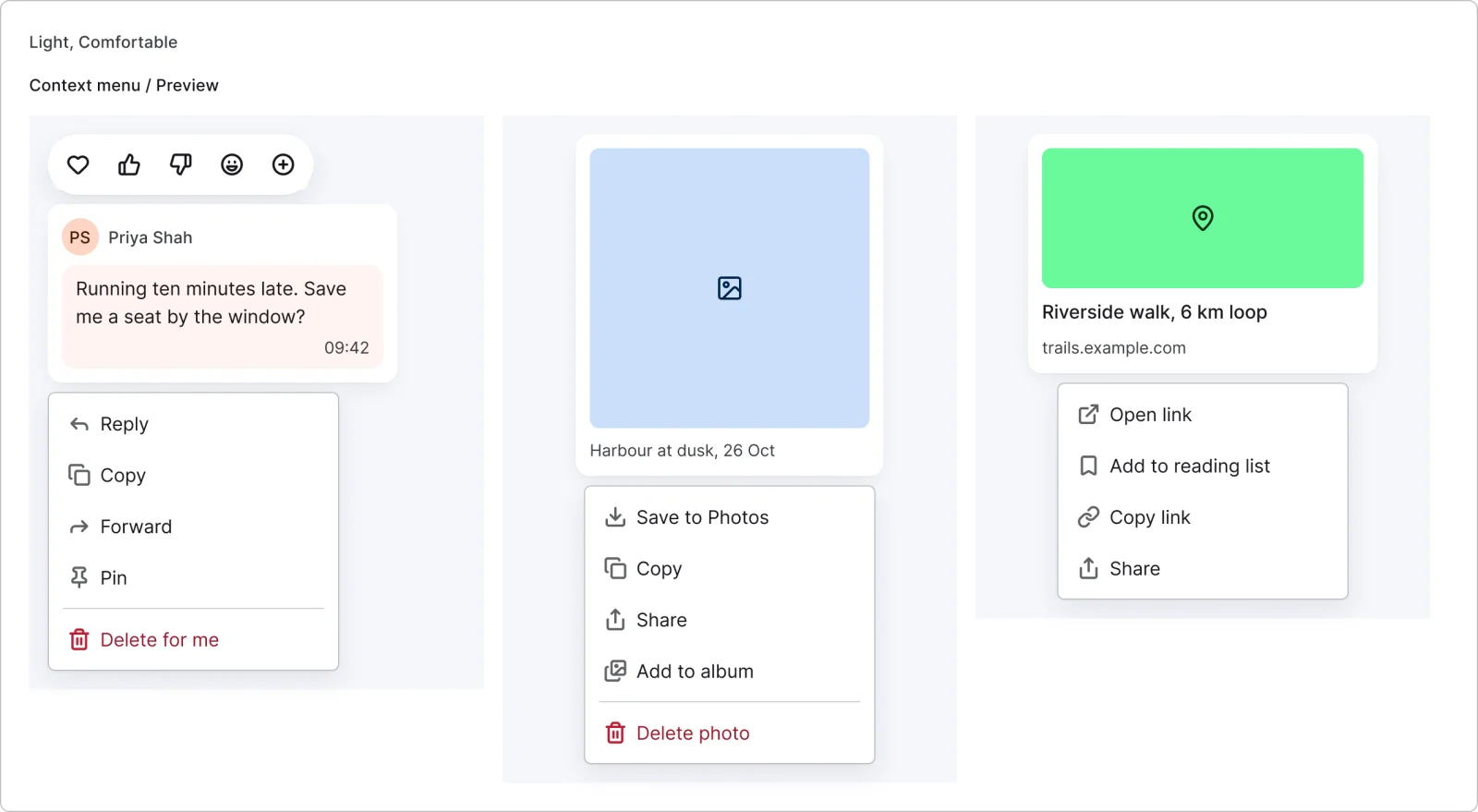
3 variants
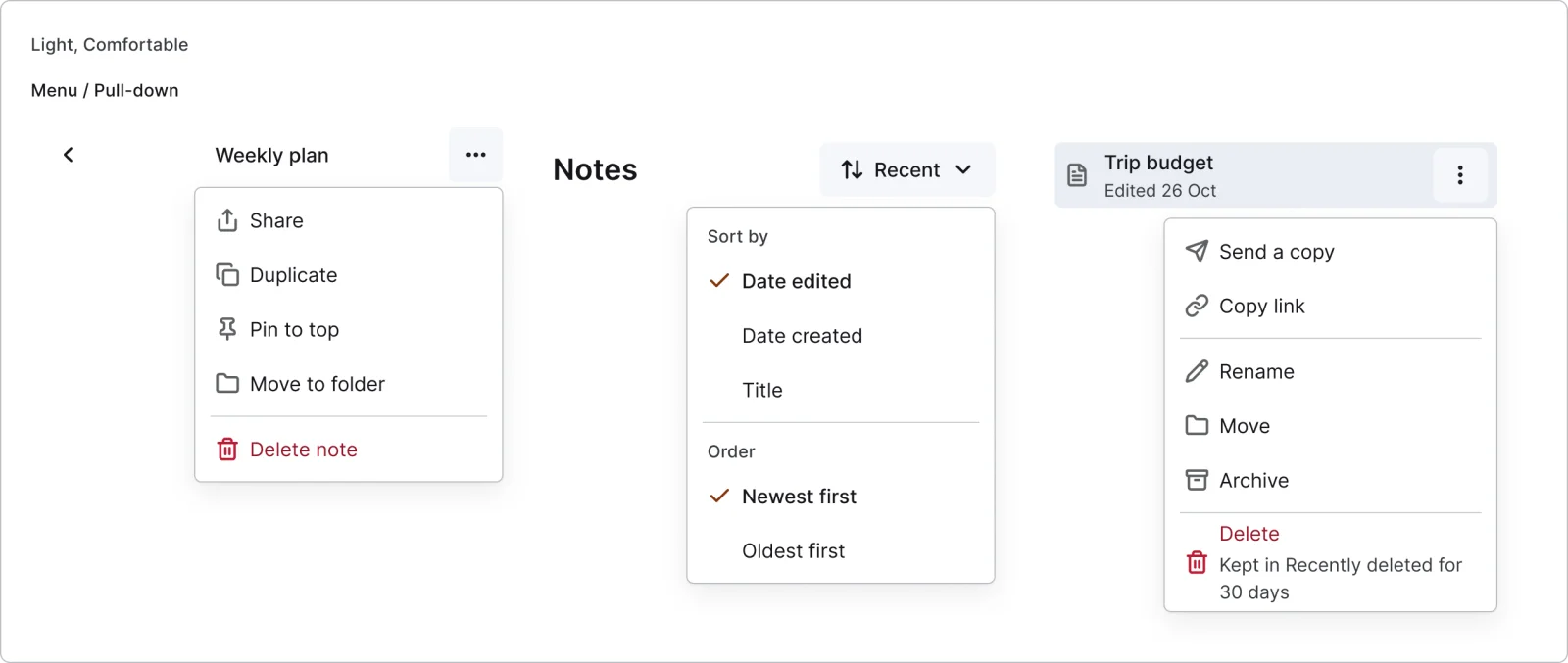
3 variants
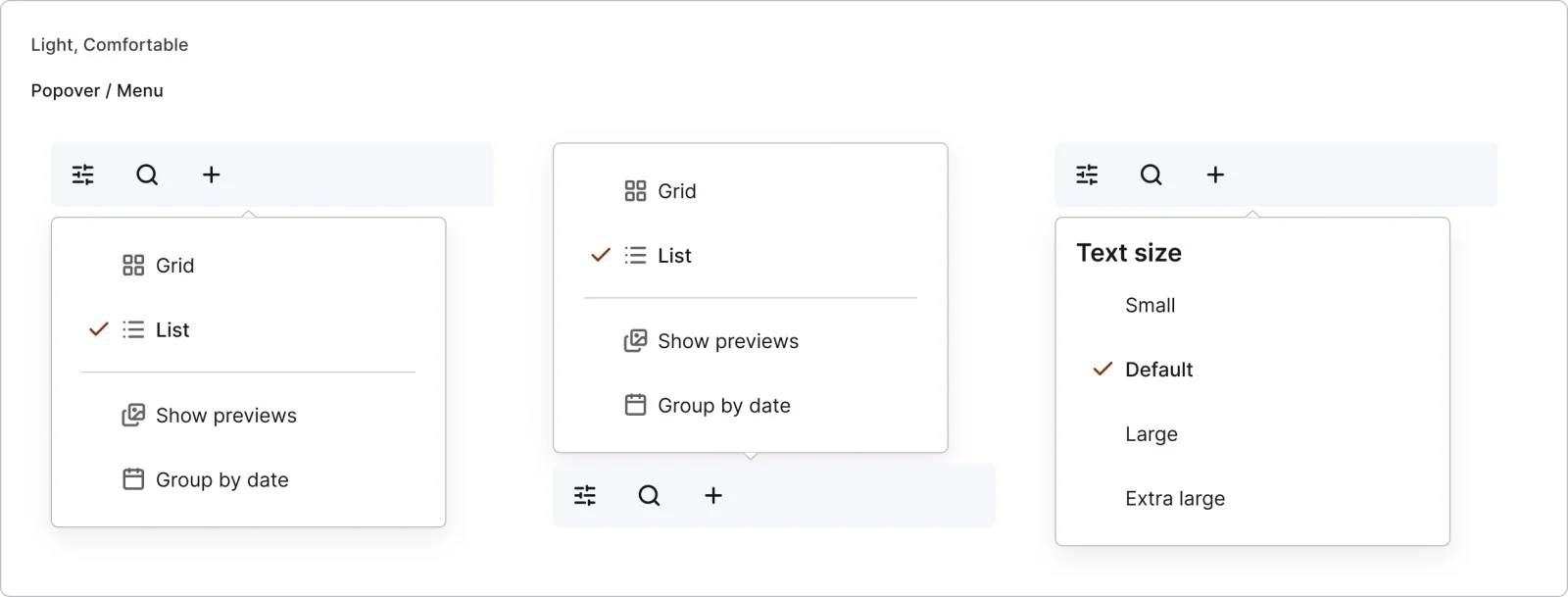
3 variants
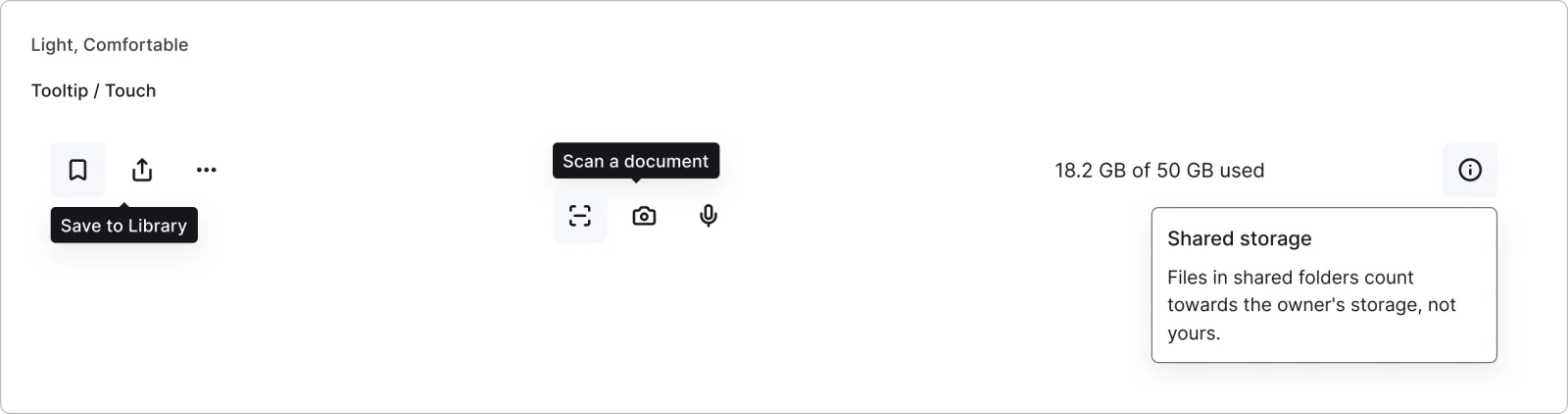
3 variants
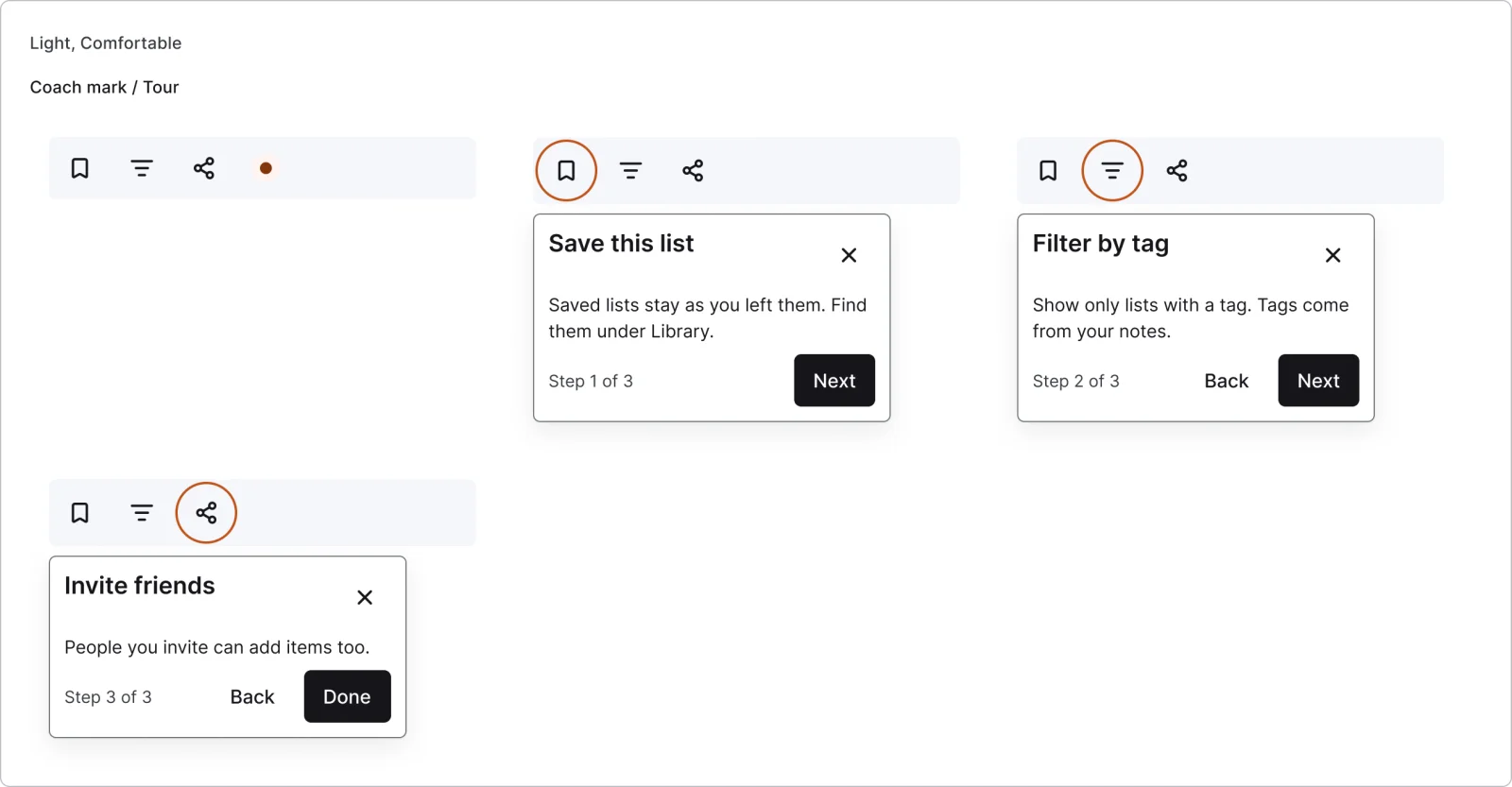
4 variants
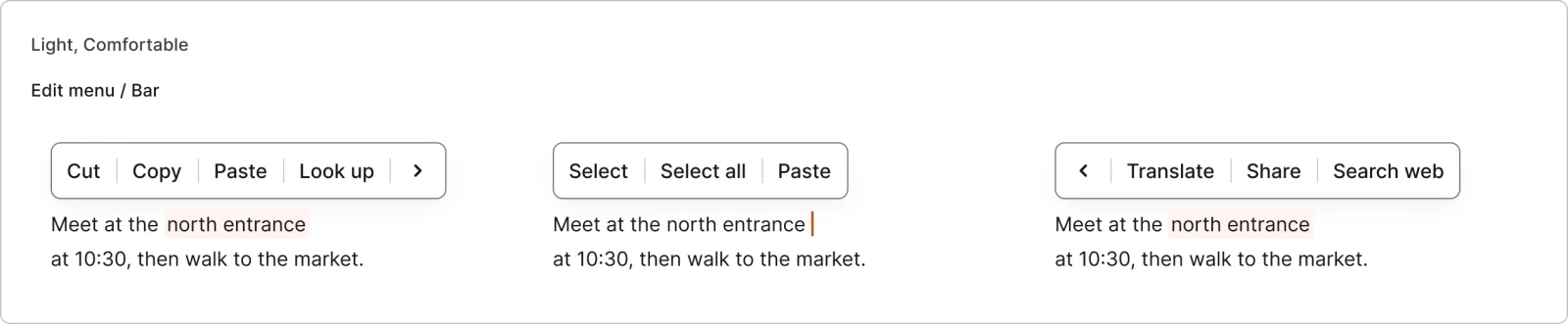
3 variants
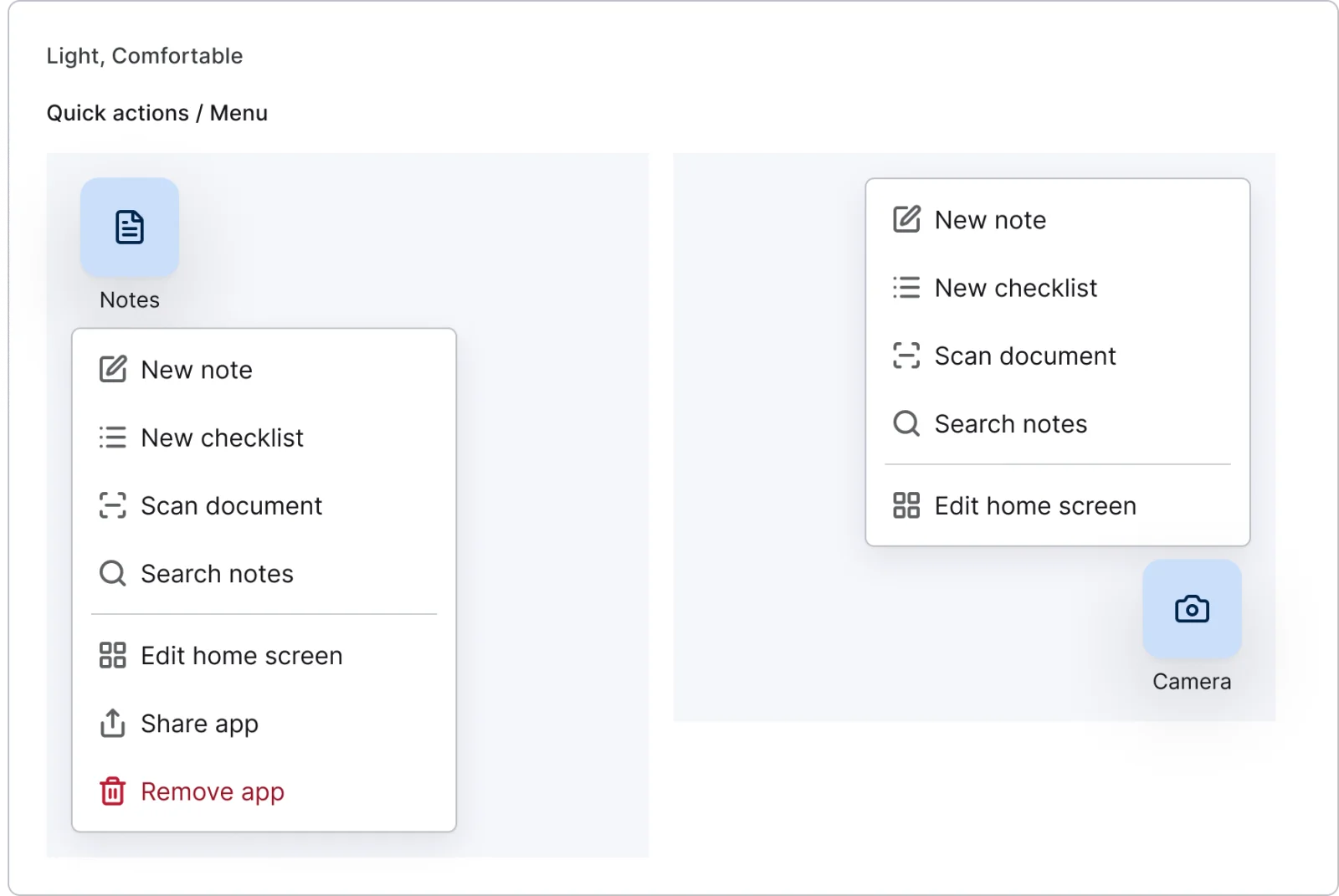
2 variants
Recreations of real products, so you can compare approaches side by side. They are approximate, built from public product knowledge, with placeholder data and no third-party artwork.
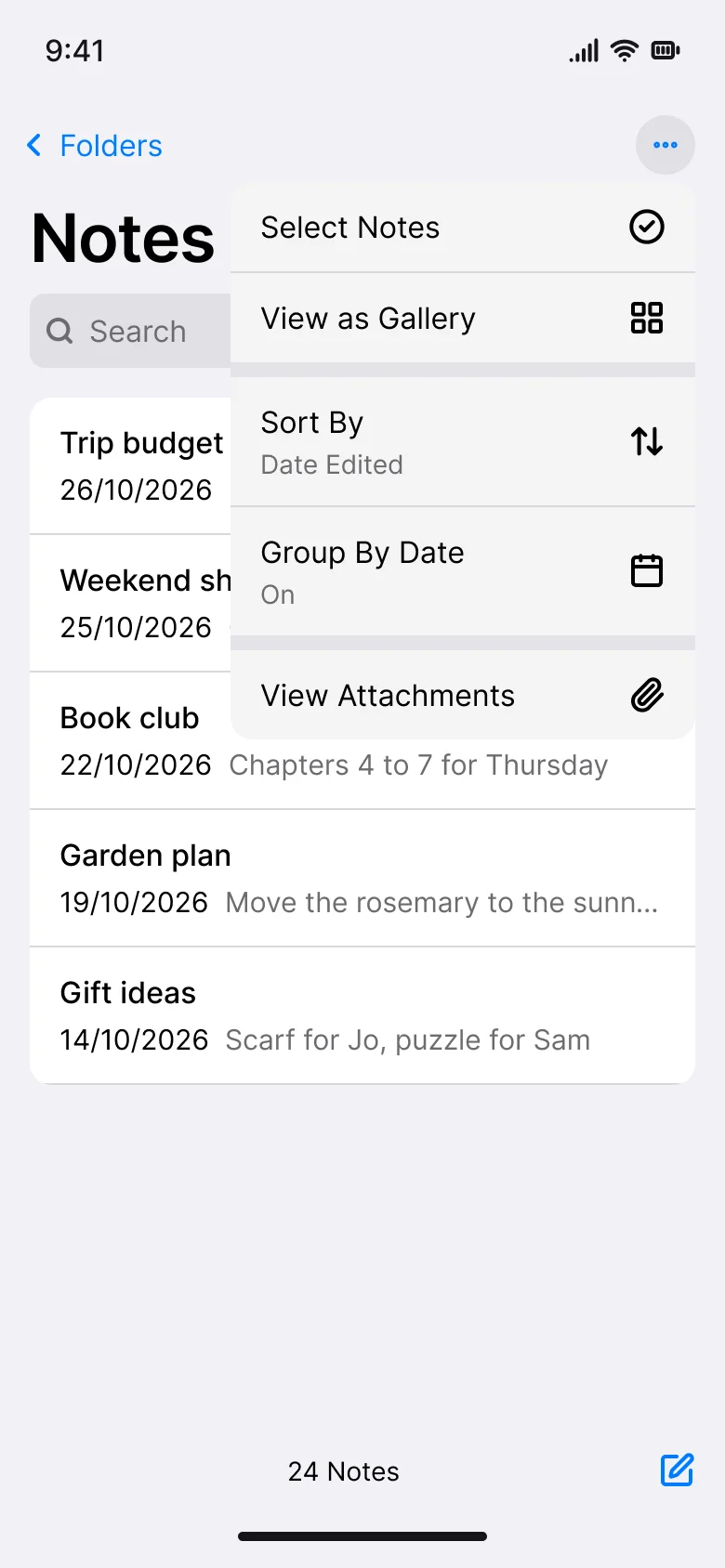
Recreated from iOS
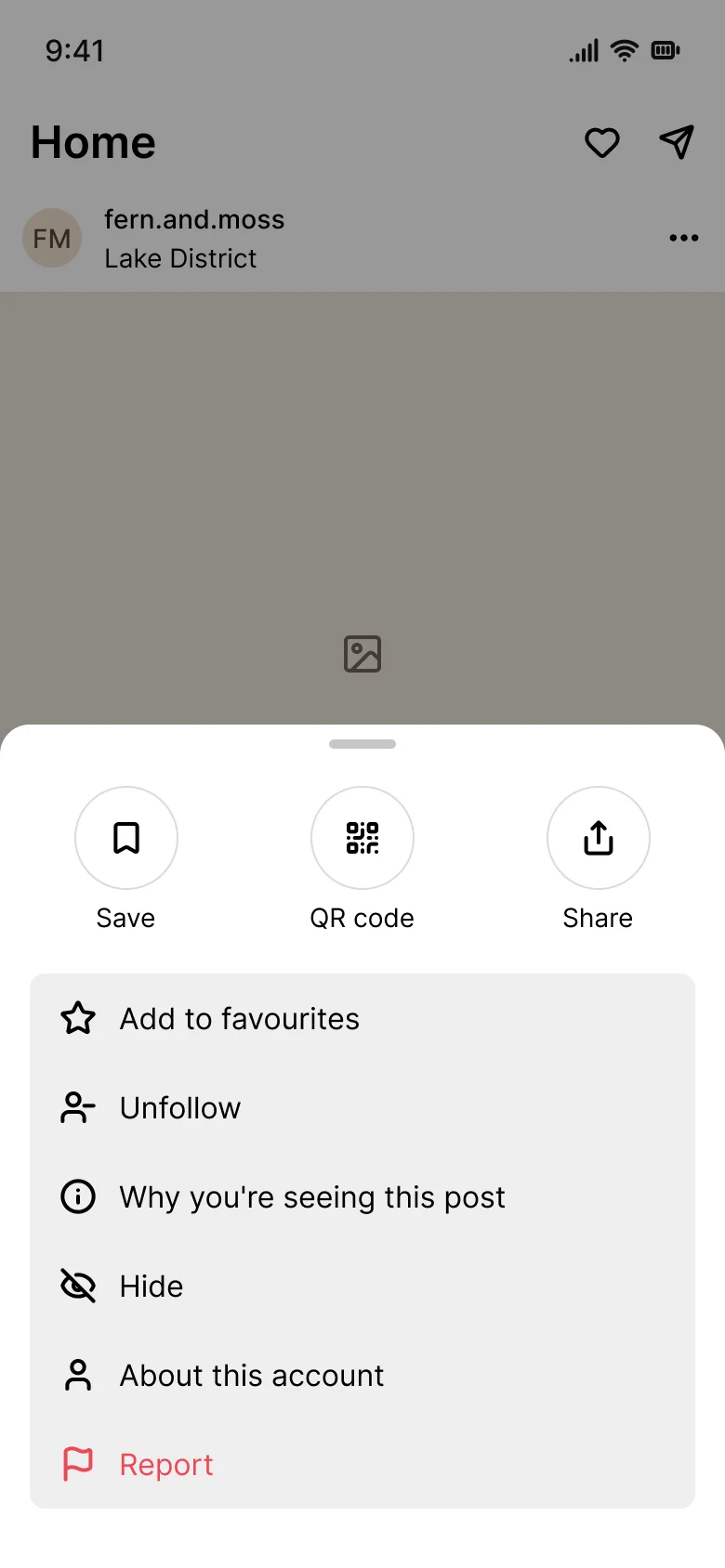
Recreated from Instagram
Not affiliated with, endorsed or sponsored by iOS and Instagram. Their names are trade marks of their owners and are used only to say what each recreation is based on.
An action sheet in standard, destructive confirm, with icons and focus versions. All 4 variants, free to see with a SuperDuperUI account. The Figma file comes with the pack.
Mobile14 components70 variants3 recreations
Mobile bottom sheets, alerts, modals, context menus and scrims, with detents, drag states and working prototypes.
$9, or included with Pro
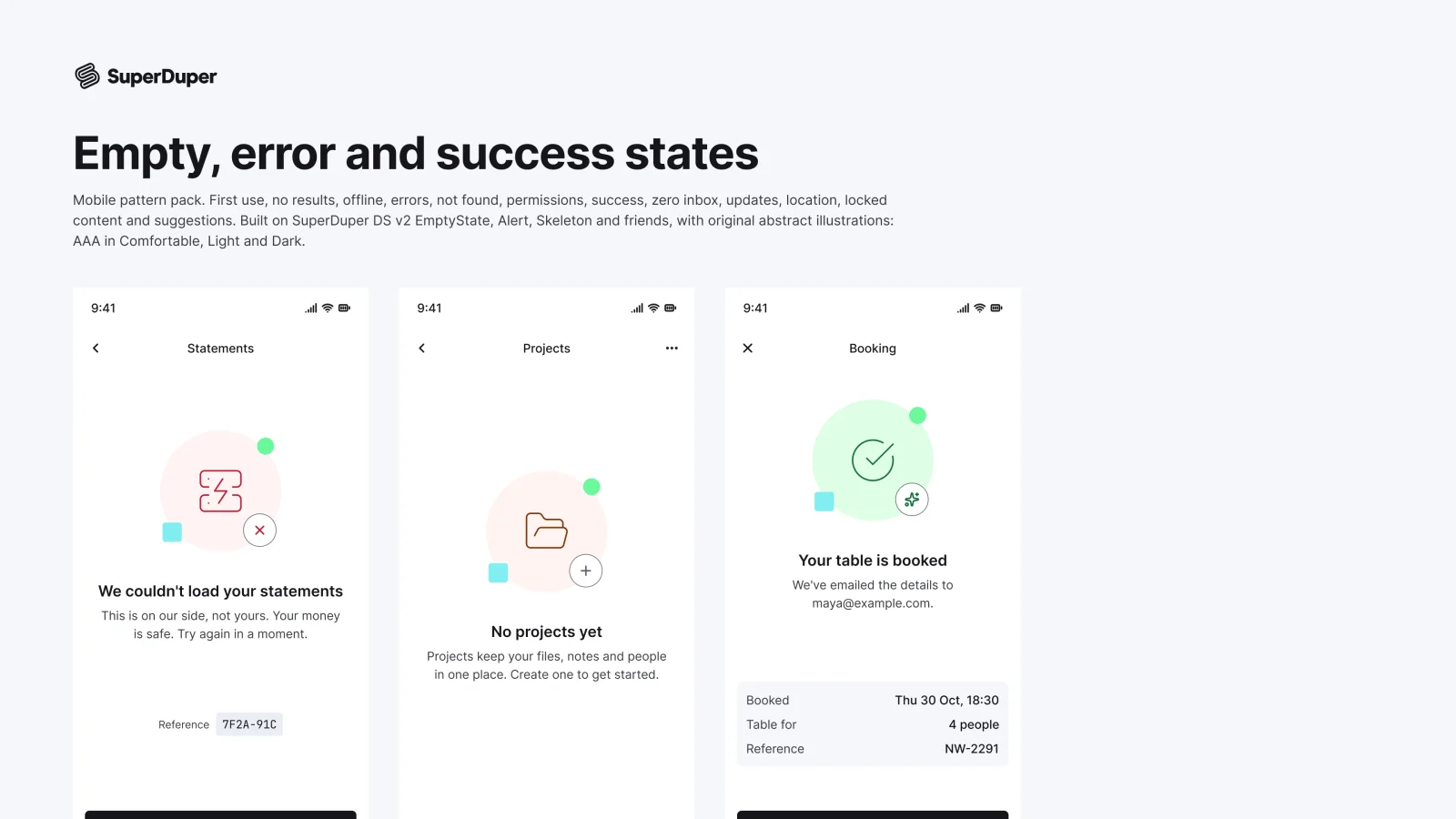
Mobile12 components29 variants2 recreations
12 mobile empty, error and success screens, from first use and offline to update required and caught up.
$9, or included with Pro
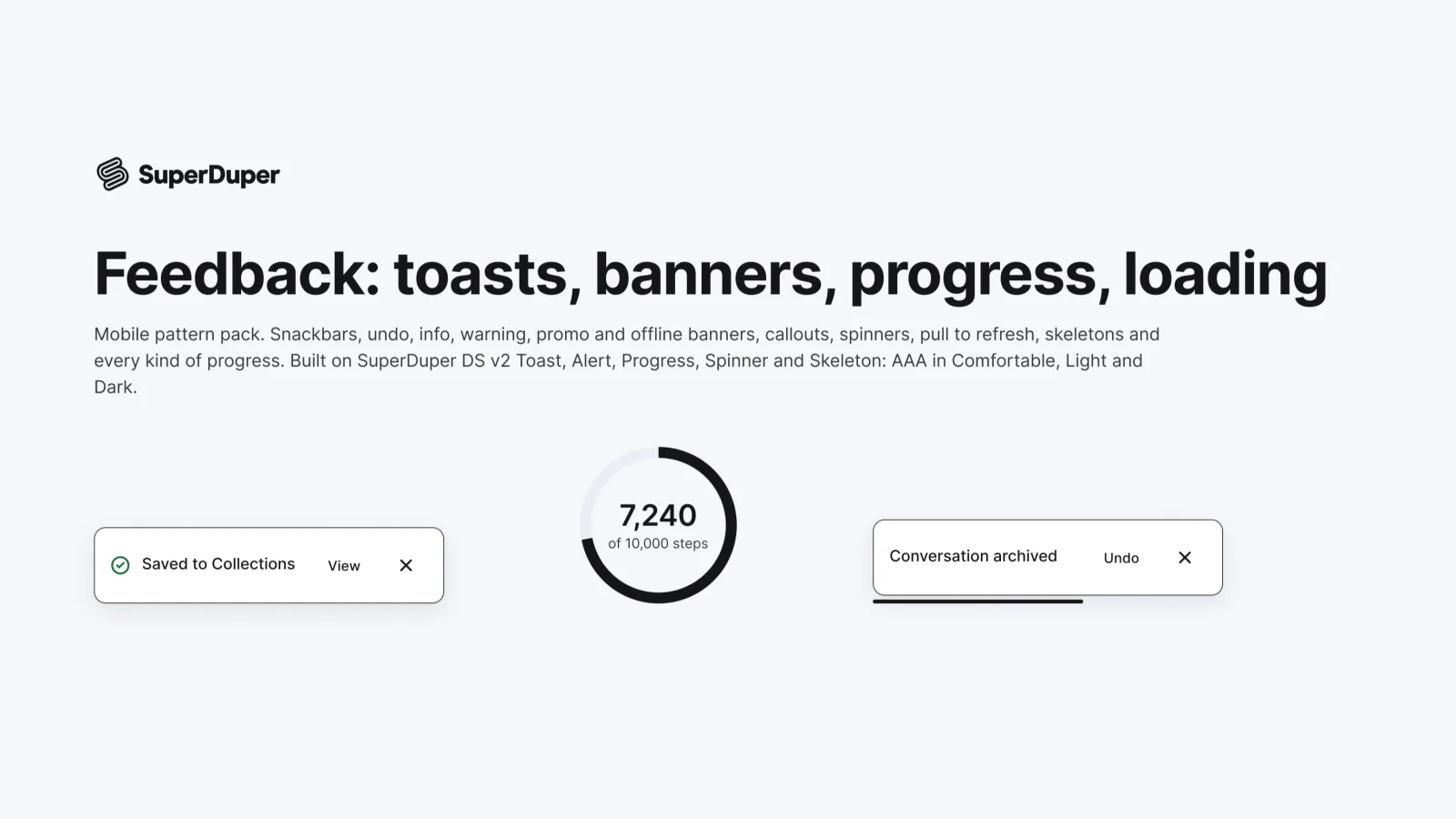
Mobile14 components53 variants3 recreations
Mobile feedback patterns: snackbars, undo toasts, banners, callouts, loading states, skeletons and progress bars and rings.
$9, or included with Pro
One Figma file: SuperDuper Pack: Menus, popovers and tooltips (Mobile). It has 8 components with 25 variants, 2 recreations, and notes on when to use each part. Everything uses Figma variables, so you can change the colours and type to match your product.