Skip to content

Onboarding and walkthroughs (Desktop)

Desktop packFlows

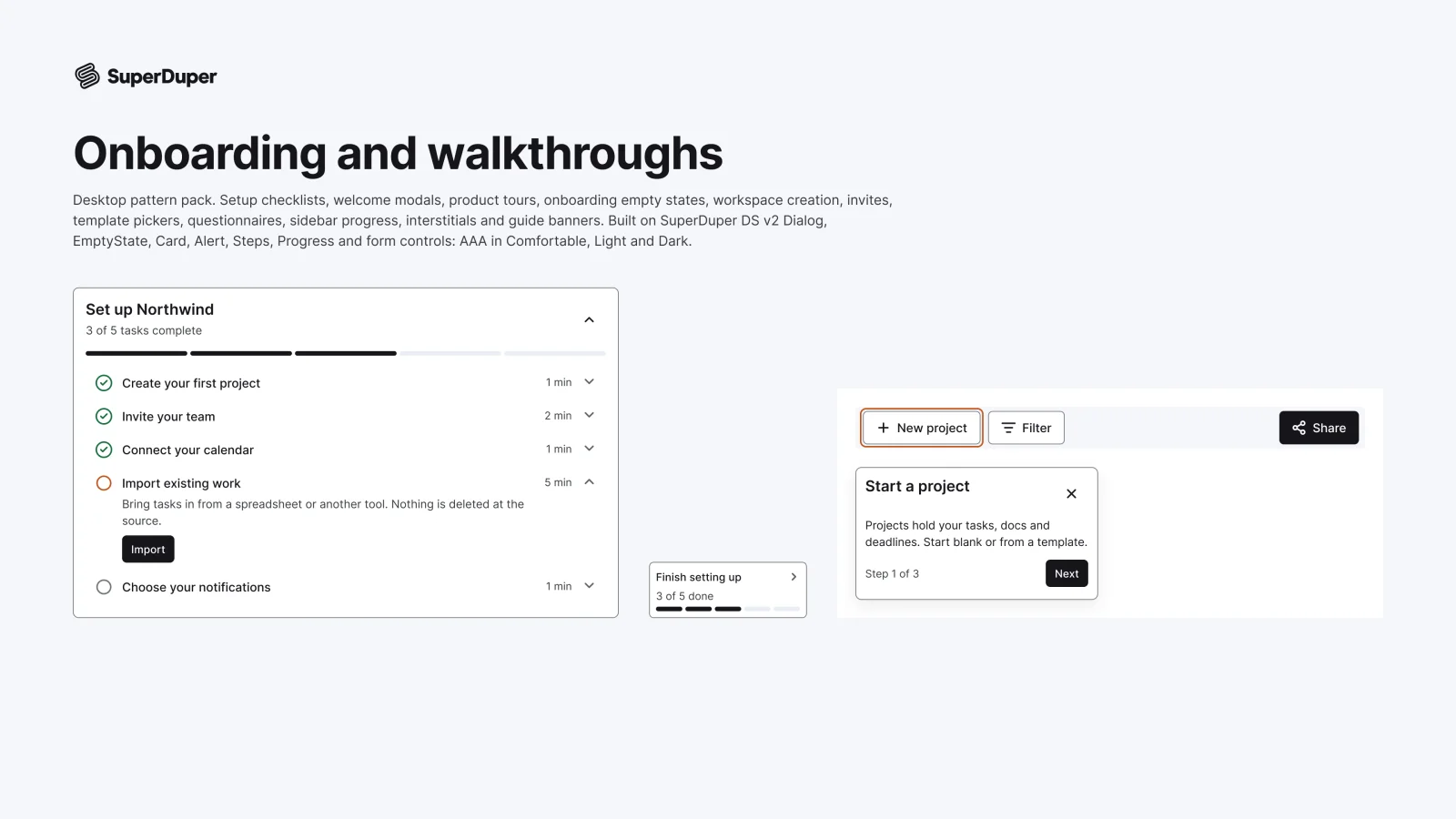
Desktop setup checklists, welcome modals, product tours, workspace creation, invites, templates and setup questions.
components
13
variants
50
recreations
4
themes
5

Also for mobile: Onboarding and walkthroughs

What’s inside

Twelve desktop onboarding patterns in 13 sets: a setup guide checklist, welcome modal, product tour steps with beacons, onboarding empty pages, workspace creation, team invites, a template picker, setup questions, a sidebar progress widget, interstitials and a guide banner. Content sits in editable slots, so nothing needs detaching. Every page is documented with a live grid in light and dark.
  • Tour steps with beacon, first, middle and last coachmarks
  • Sidebar progress widget, expanded and as a collapsed rail
  • Recreations of Shopify, Linear, Notion and Slack onboarding
  • Setup guide checklist, every variant

    Setup guide checklist

    Free sample

    3 variants

    • Start
    • Midway
    • Done
  • Checklist on home

    1 variant

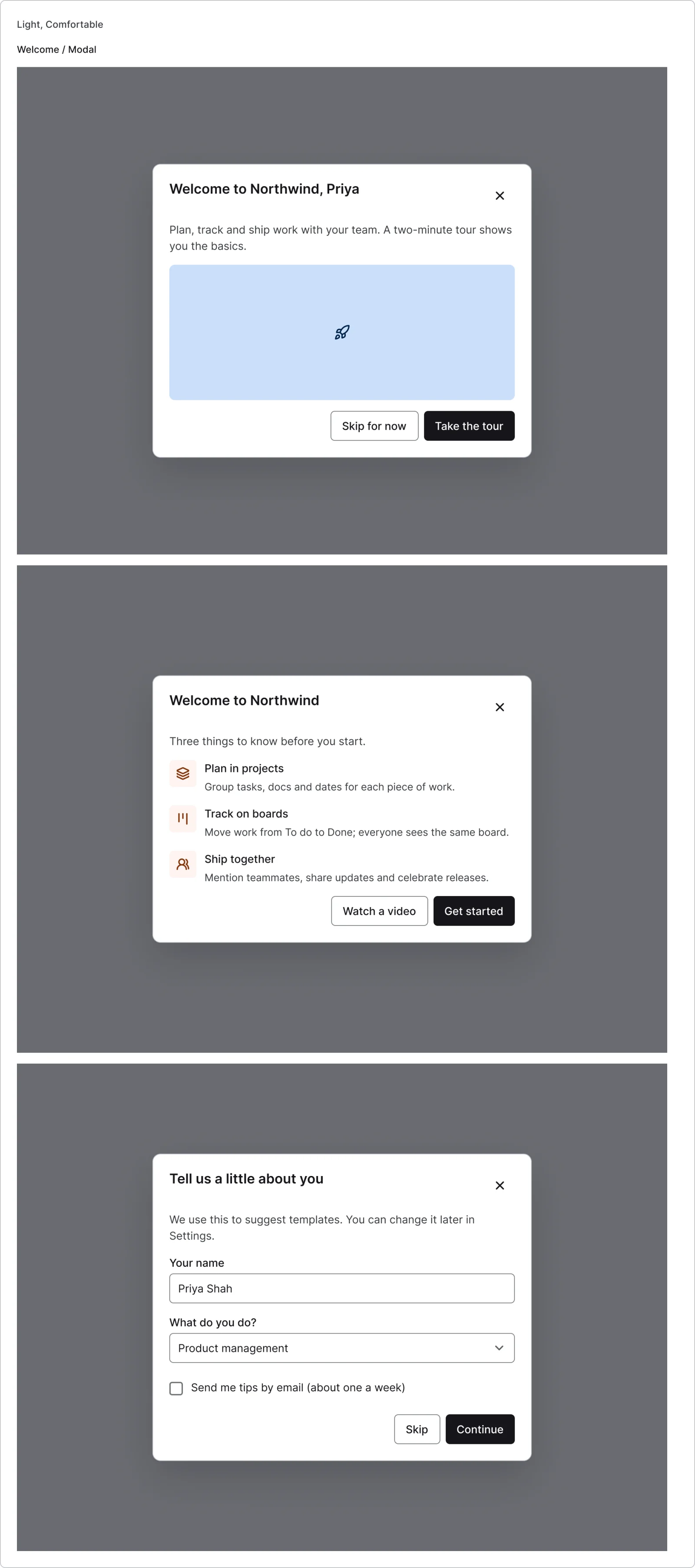
  • Welcome modal, every variant

    Welcome modal

    3 variants

    • Hero
    • Value list
    • About you
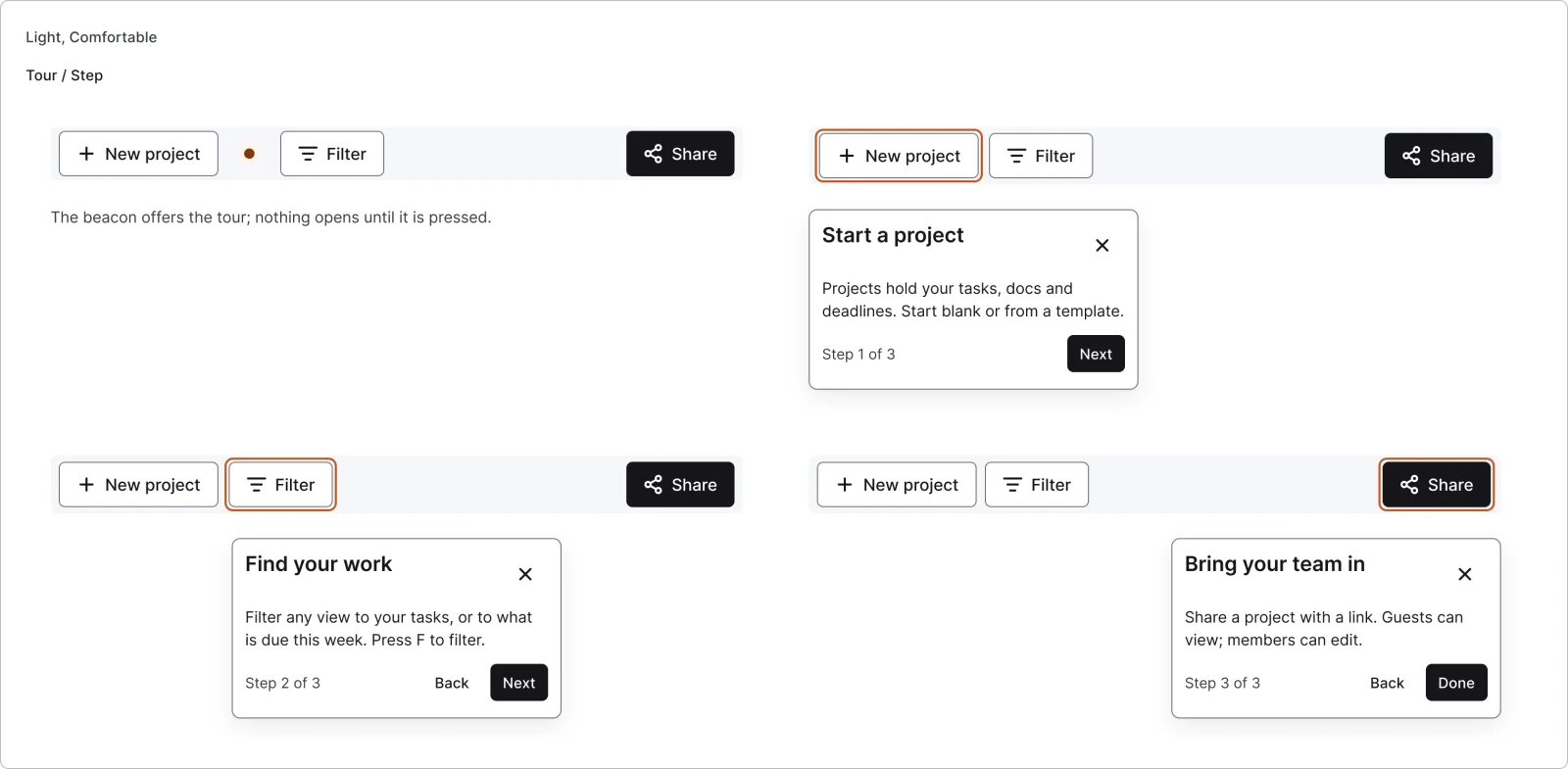
  • Tour step, every variant

    Tour step

    4 variants

    • Beacon
    • First
    • Middle
    • Last
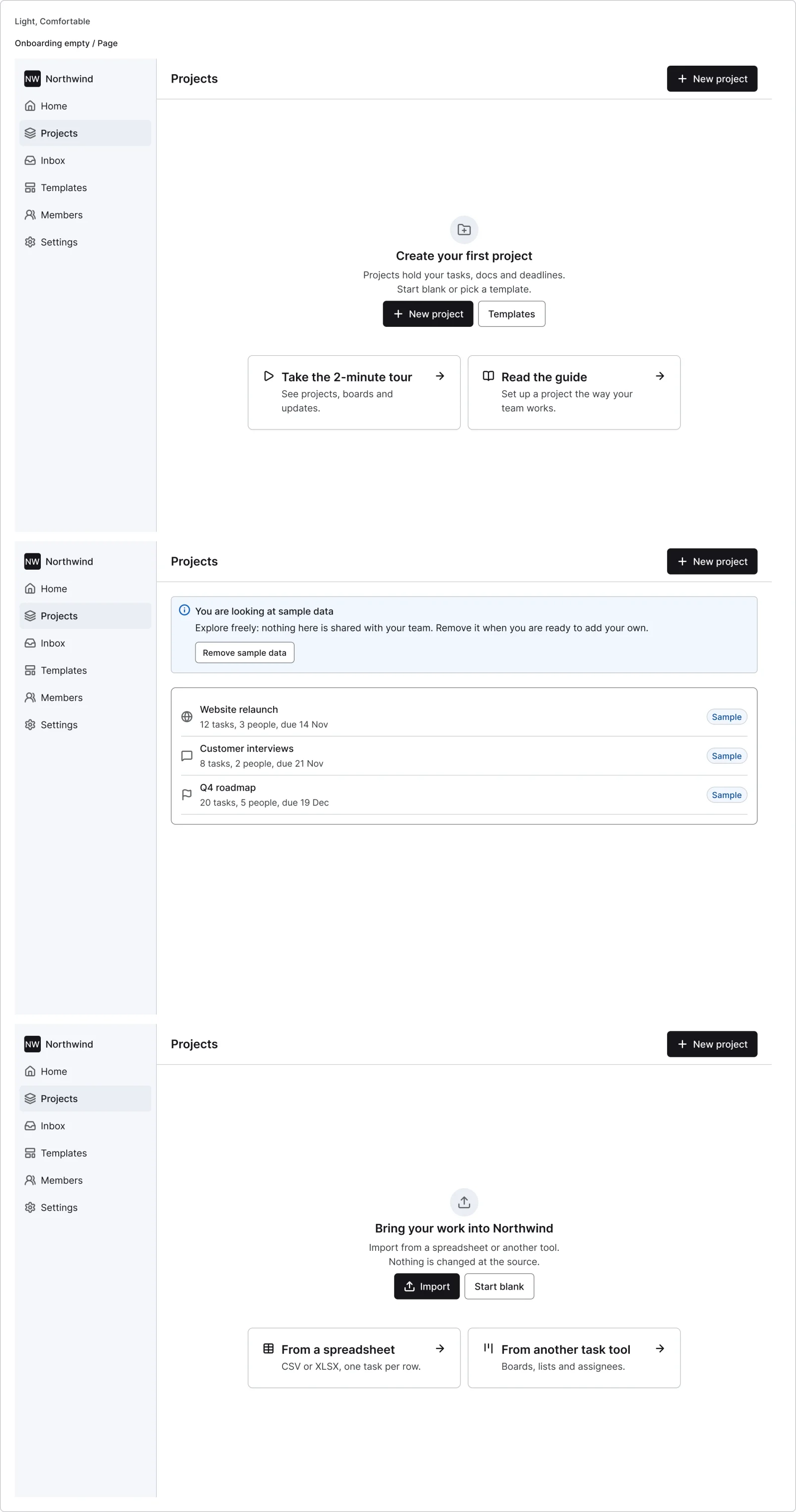
  • Onboarding empty page, every variant

    Onboarding empty page

    3 variants

    • Create first
    • Sample data
    • Import
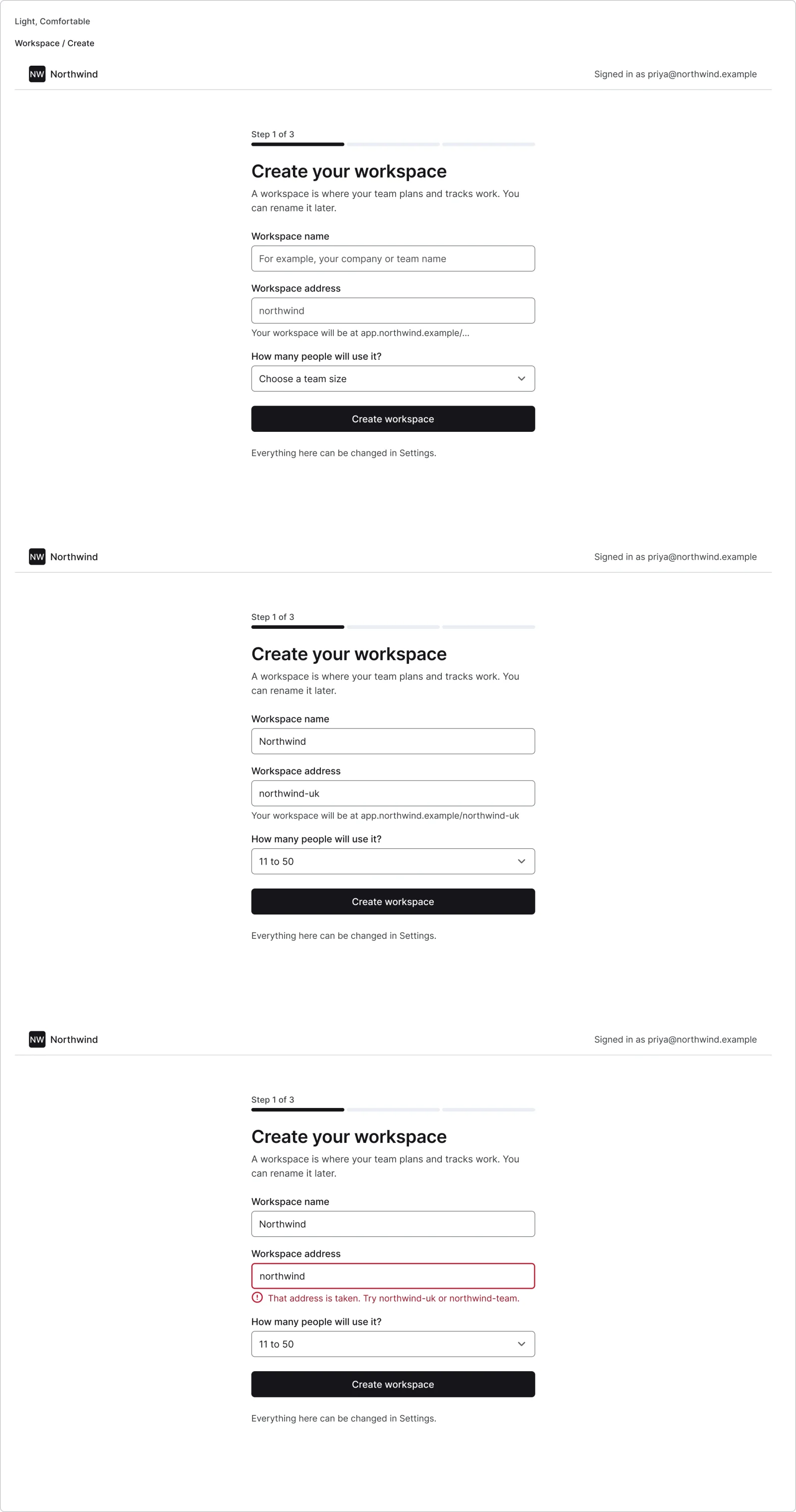
  • Create workspace, every variant

    Create workspace

    3 variants

    • Empty
    • Filled
    • URL taken
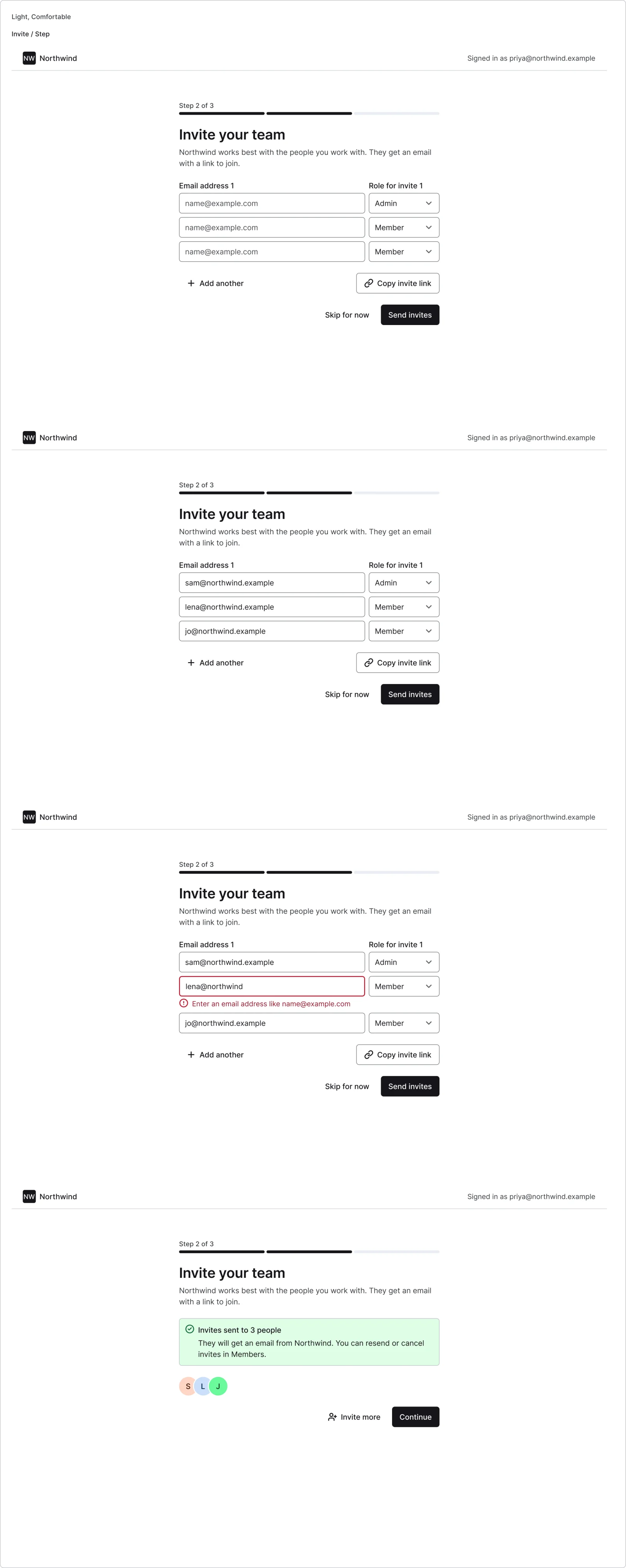
  • Invite step, every variant

    Invite step

    4 variants

    • Empty
    • Filled
    • Error
    • Sent
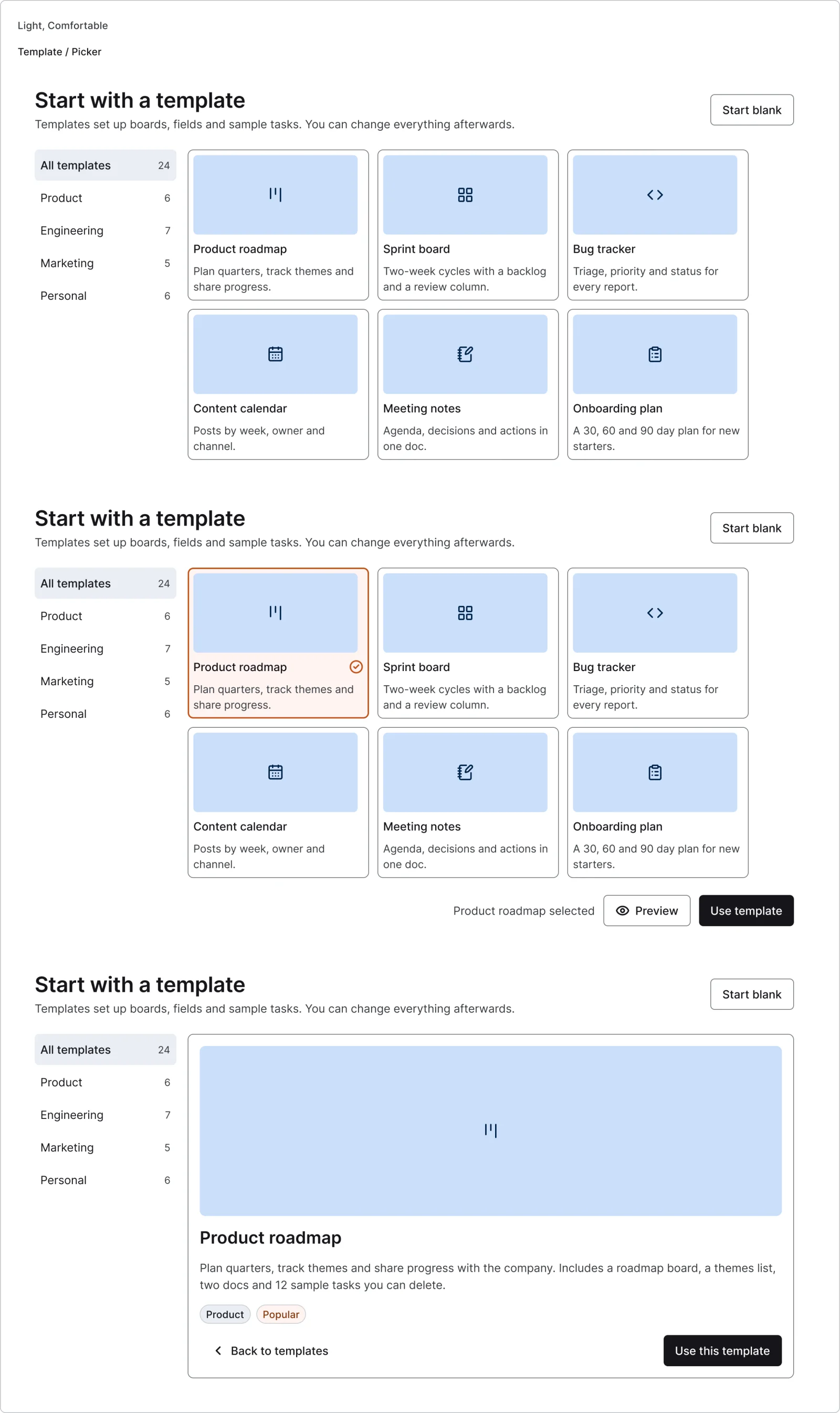
  • Template picker, every variant

    Template picker

    3 variants

    • Browse
    • Selected
    • Preview
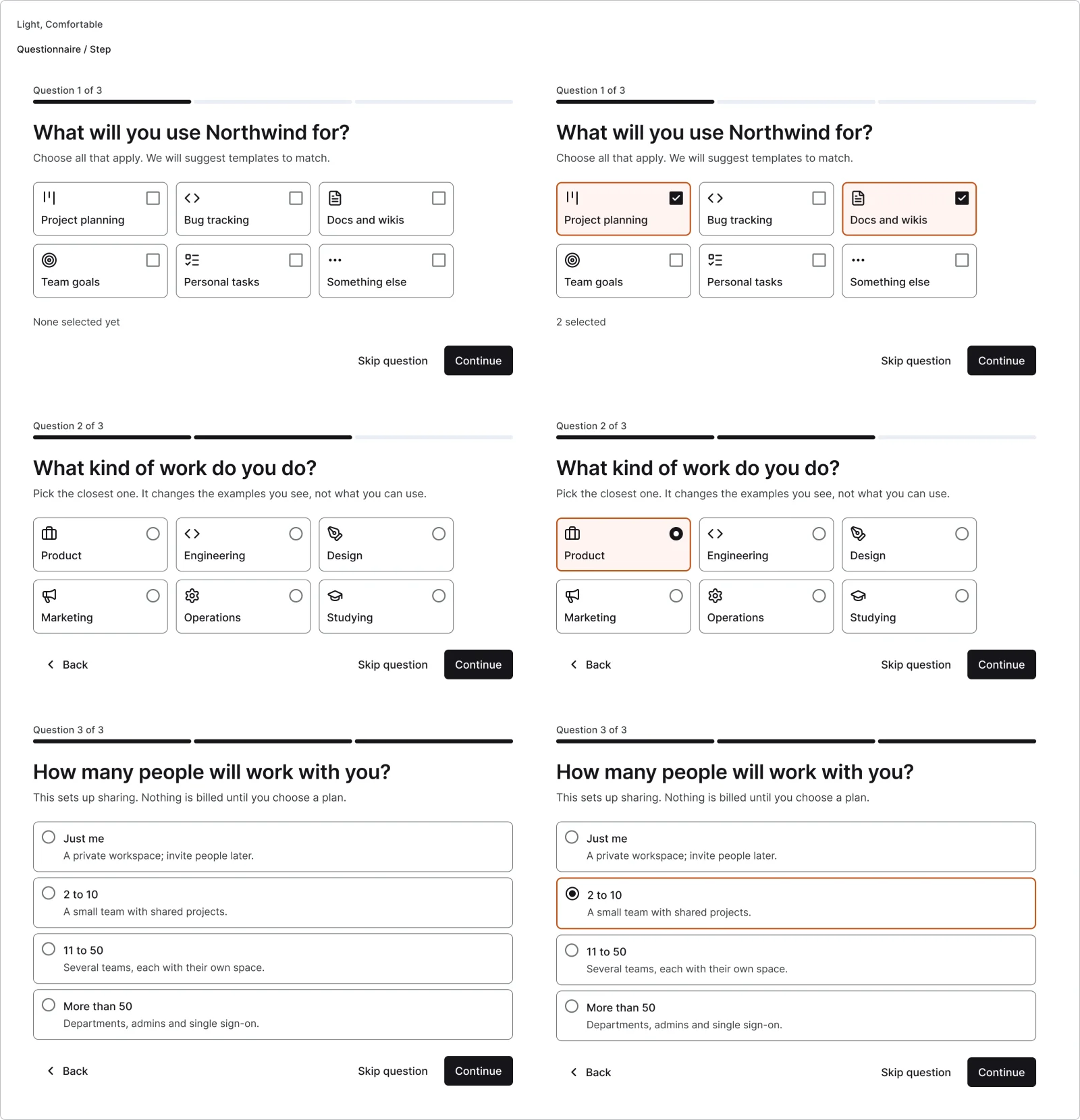
  • Questionnaire step, every variant

    Questionnaire step

    6 variants

    • Use case
    • Role
    • Team size
    • None
    • Answered
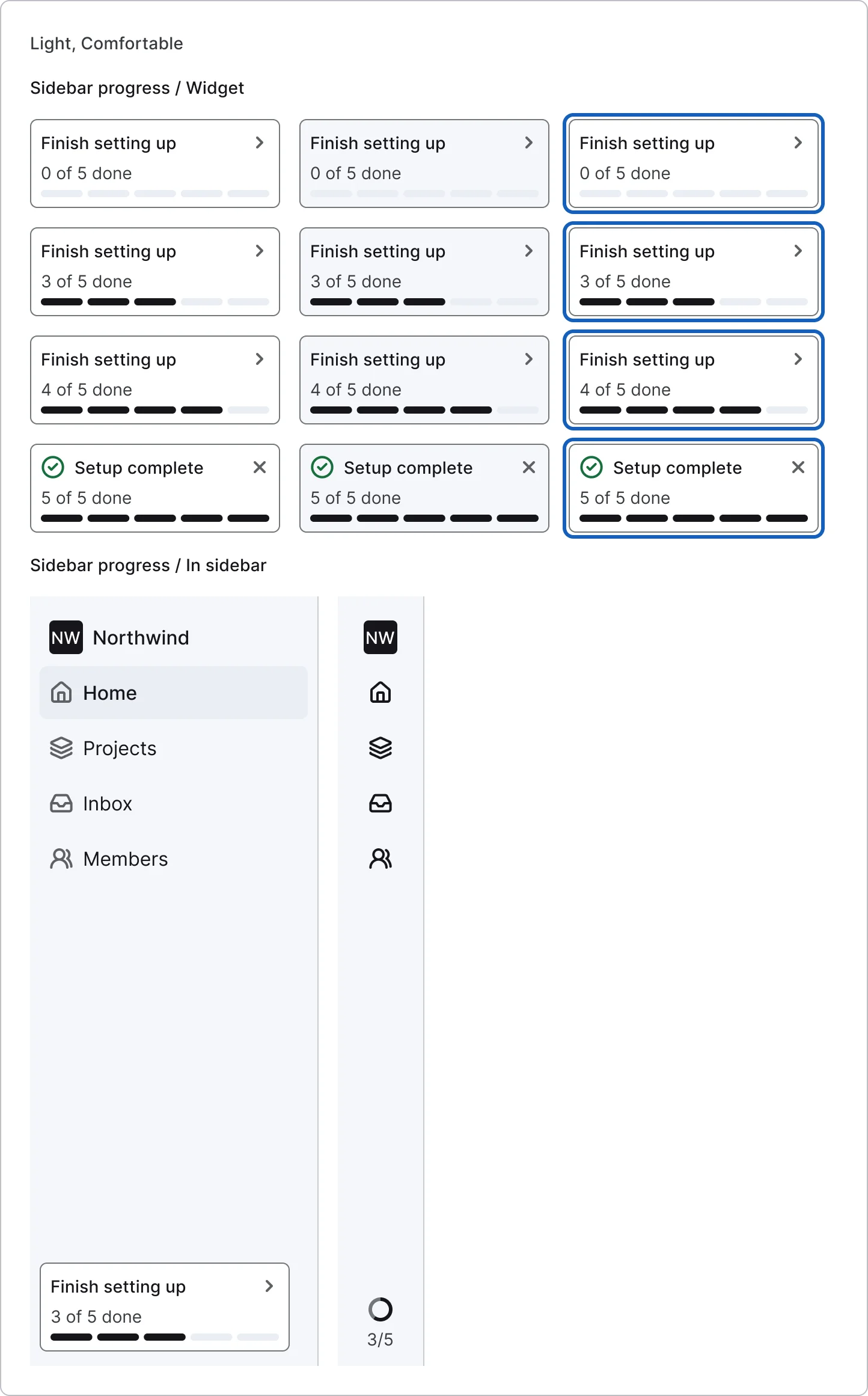
  • Sidebar progress widget, every variant

    Sidebar progress widget

    12 variants

    • Start
    • Midway
    • Almost done
    • Done
    • Default
    • Hover
    • Focus
  • Sidebar progress in sidebar

    2 variants

    • Expanded
    • Collapsed rail
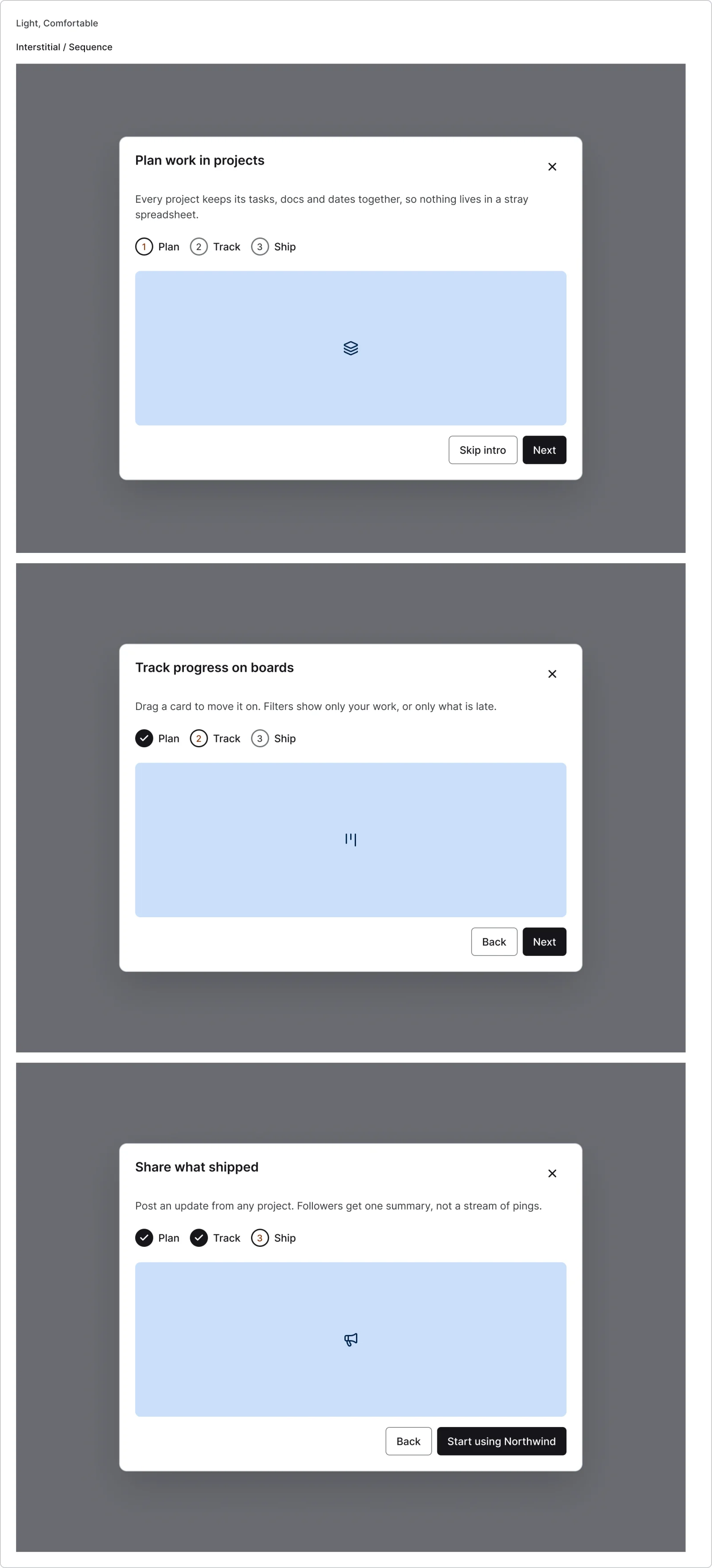
  • Interstitial sequence, every variant

    Interstitial sequence

    3 variants

    • 1
    • 2
    • 3
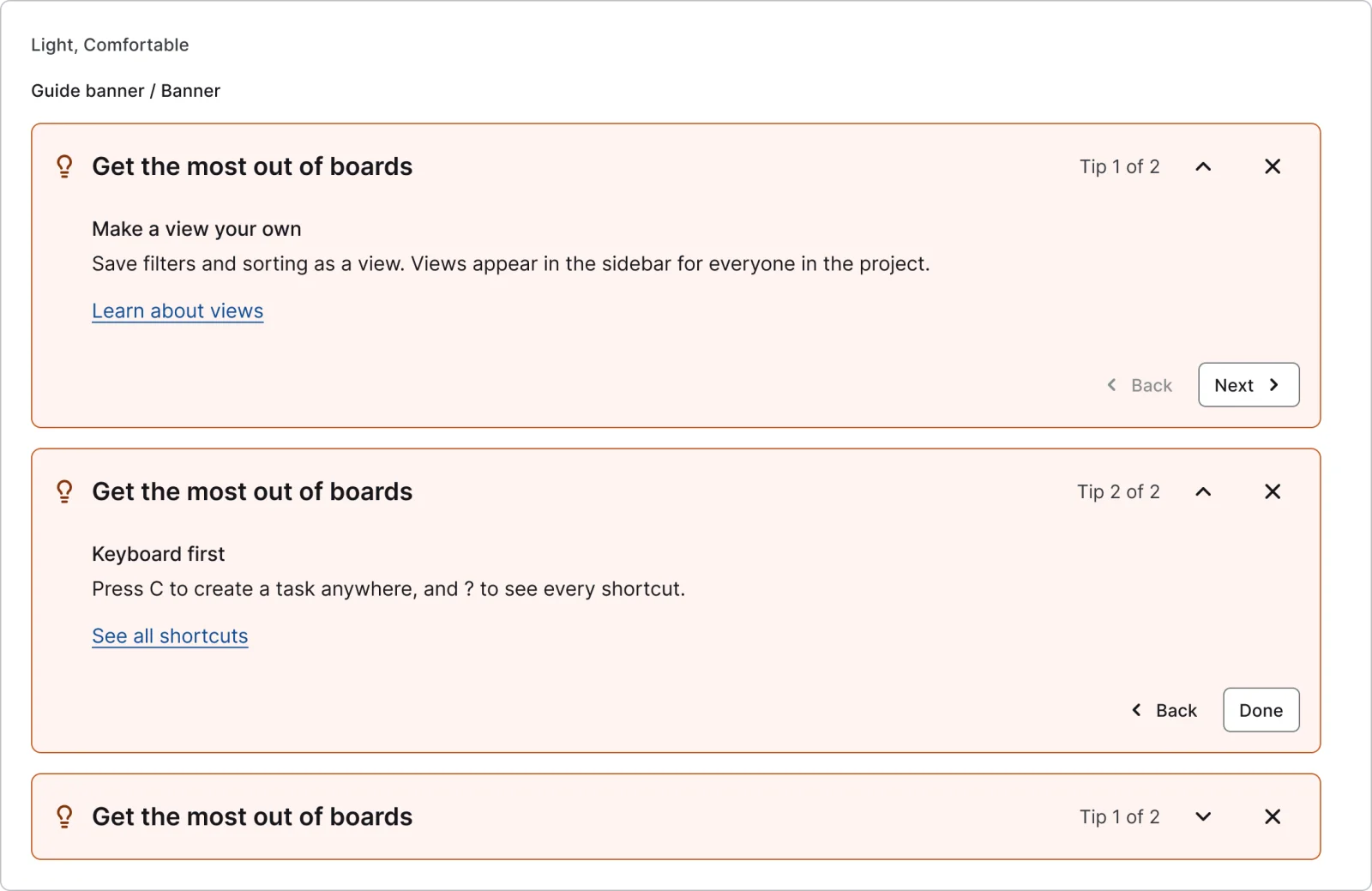
  • Guide banner, every variant

    Guide banner

    3 variants

    • Expanded
    • Next tip
    • Collapsed
Figma file
SuperDuper Pack: Onboarding and walkthroughs (Desktop)
Themes
Light, Dark, Light high contrast, Dark high contrast and Wireframe
Densities
Comfortable and Compact
Also in the file
Usage and accessibility notes, motion specs, Figma variables
Covers 7 screen patterns
Splash screen, Welcome & get started, Onboarding carousel, Onboarding question, Permission request, Account setup and Feature info & tip

How Shopify, Linear and Notion and others do it

Recreations of real products, so you can compare approaches side by side. They are approximate, built from public product knowledge, with placeholder data and no third-party artwork.
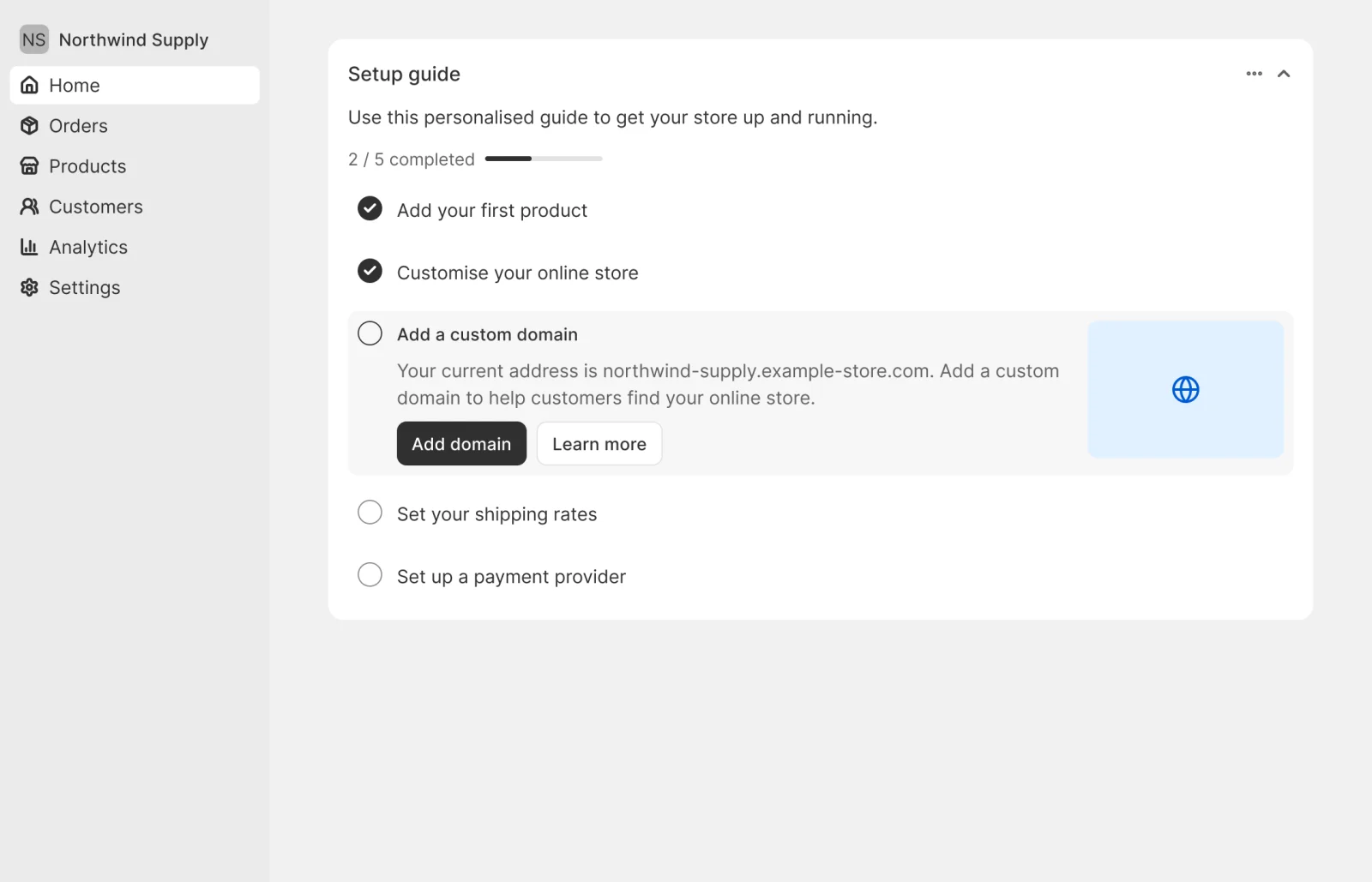
  • Store setup guide, every variant

    Store setup guide

    Recreated from Shopify

  • Issue tracker workspace, every variant

    Issue tracker workspace

    Recreated from Linear

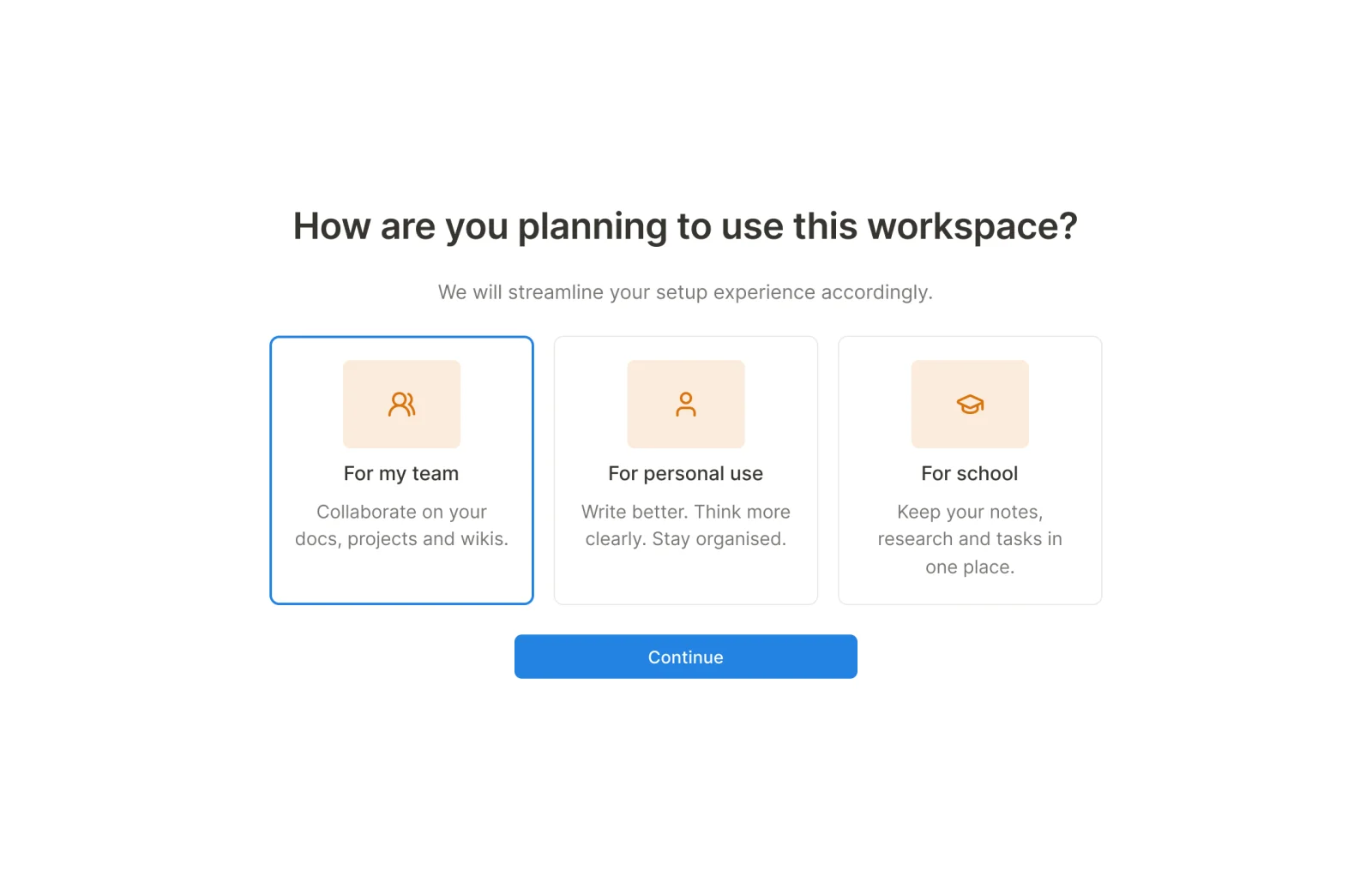
  • Docs workspace use case, every variant

    Docs workspace use case

    Recreated from Notion

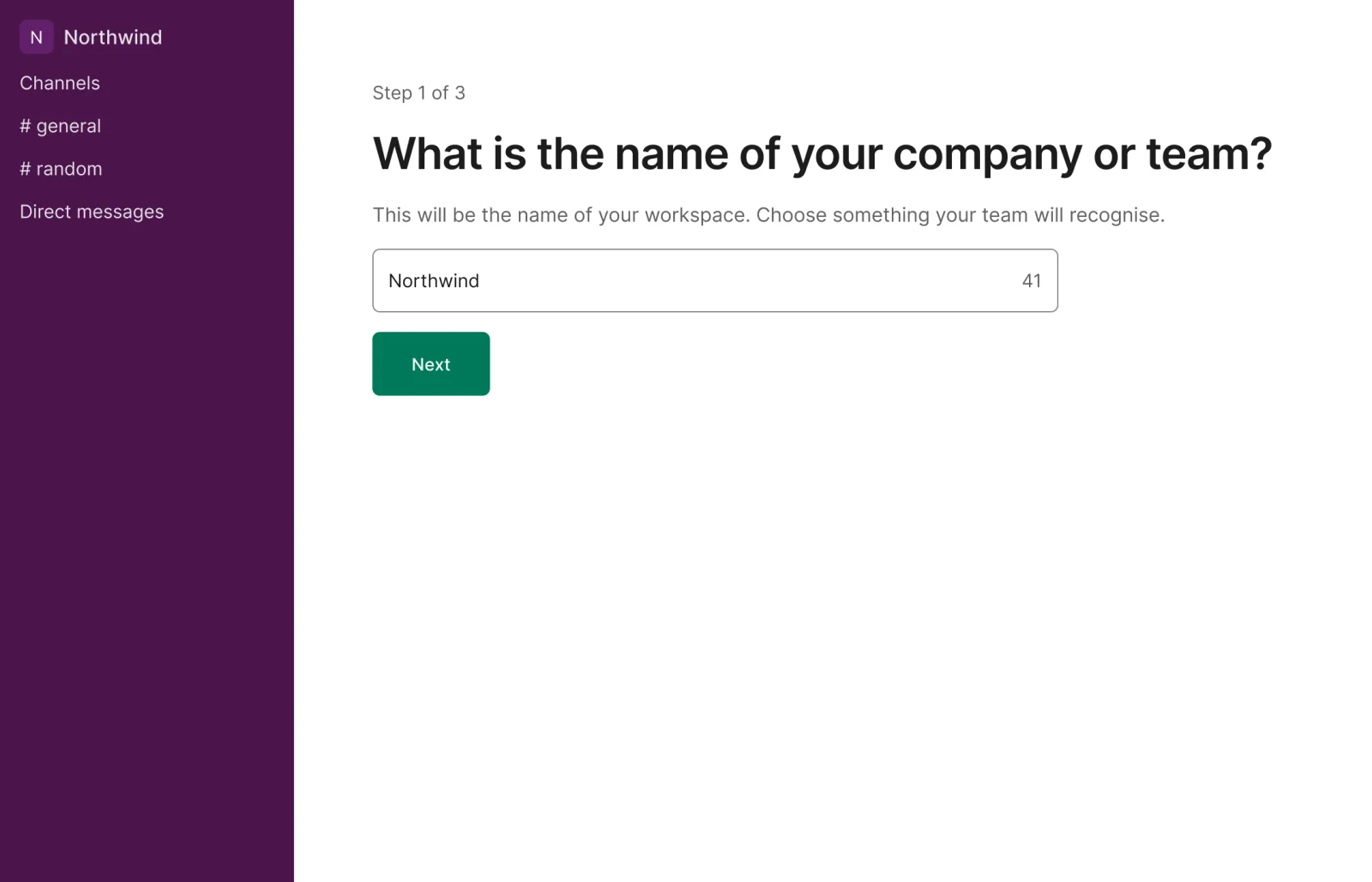
  • Team chat setup, every variant

    Team chat setup

    Recreated from Slack

Not affiliated with, endorsed or sponsored by Shopify, Linear, Notion and Slack. Their names are trade marks of their owners and are used only to say what each recreation is based on.

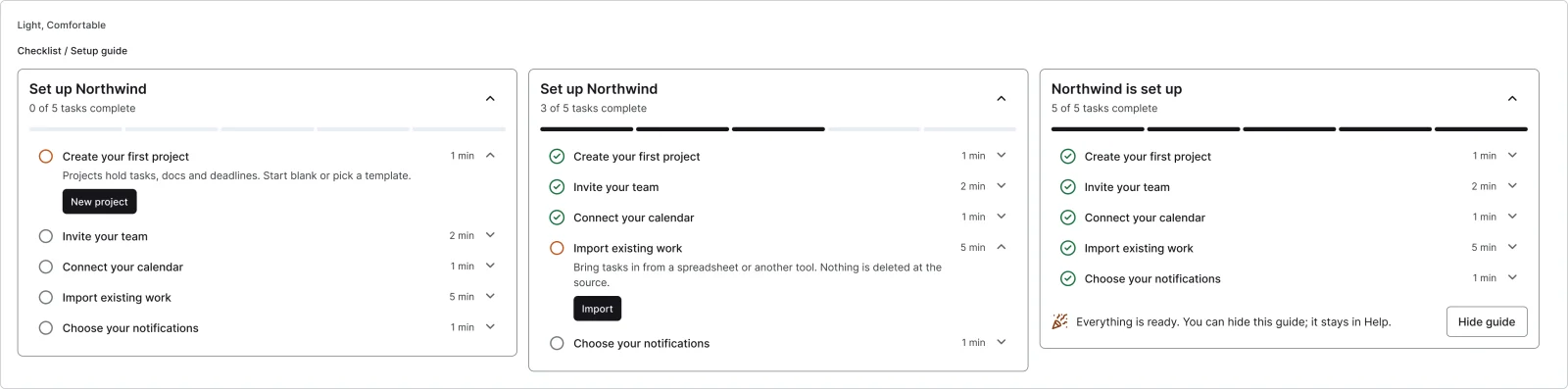
Setup guide checklist, every variant

See the setup guide checklist full size, free

A setup guide checklist at start, midway and done, with the task count written out. All 3 variants, free to see with a SuperDuperUI account. The Figma file comes with the pack.

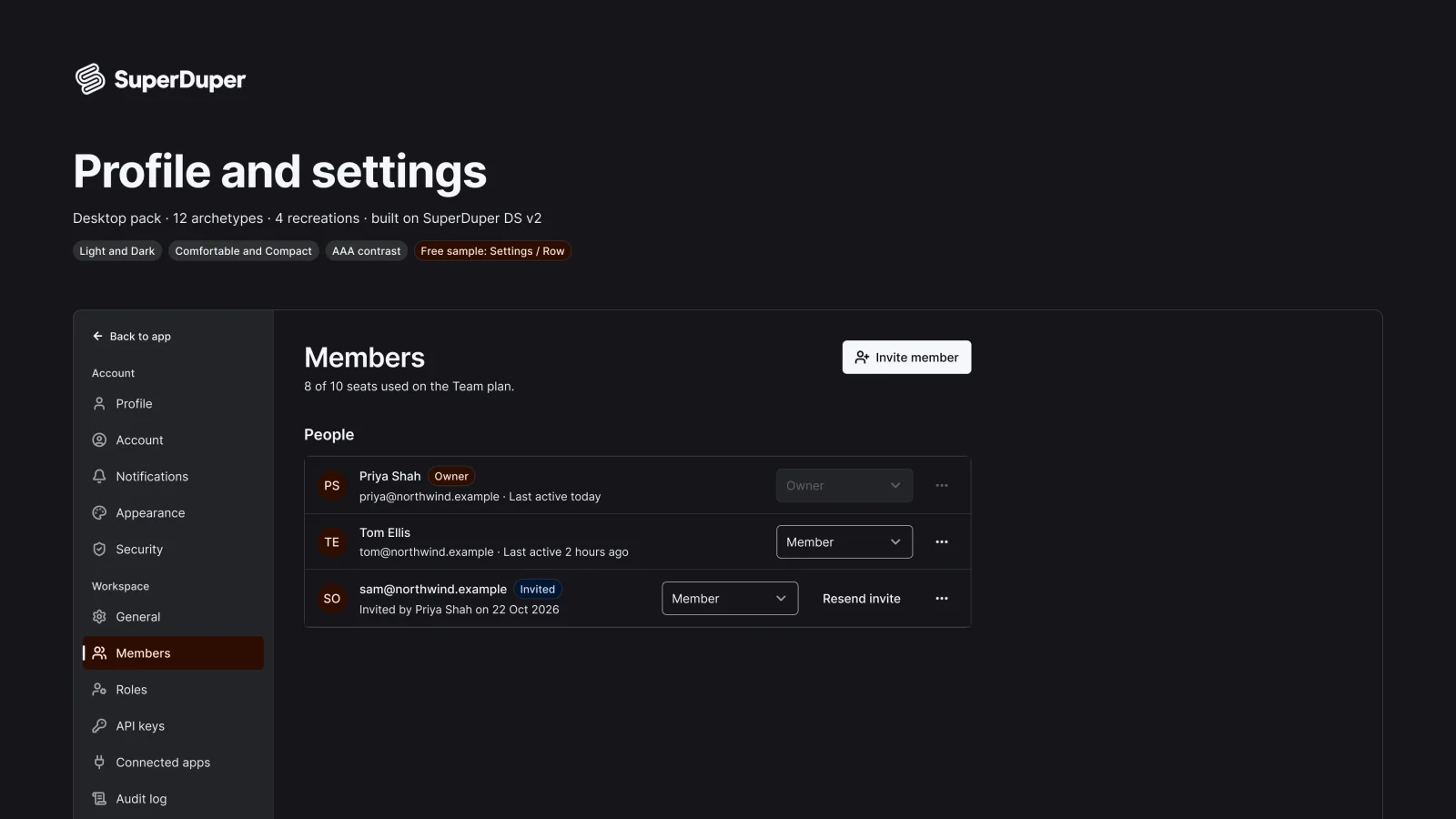
  • Profile and settings

    Desktop27 components135 variants4 recreations

    Desktop settings screens: shell, profile, team members, roles, API keys, notifications, theme, security and danger zone.

    $9, or included with Pro
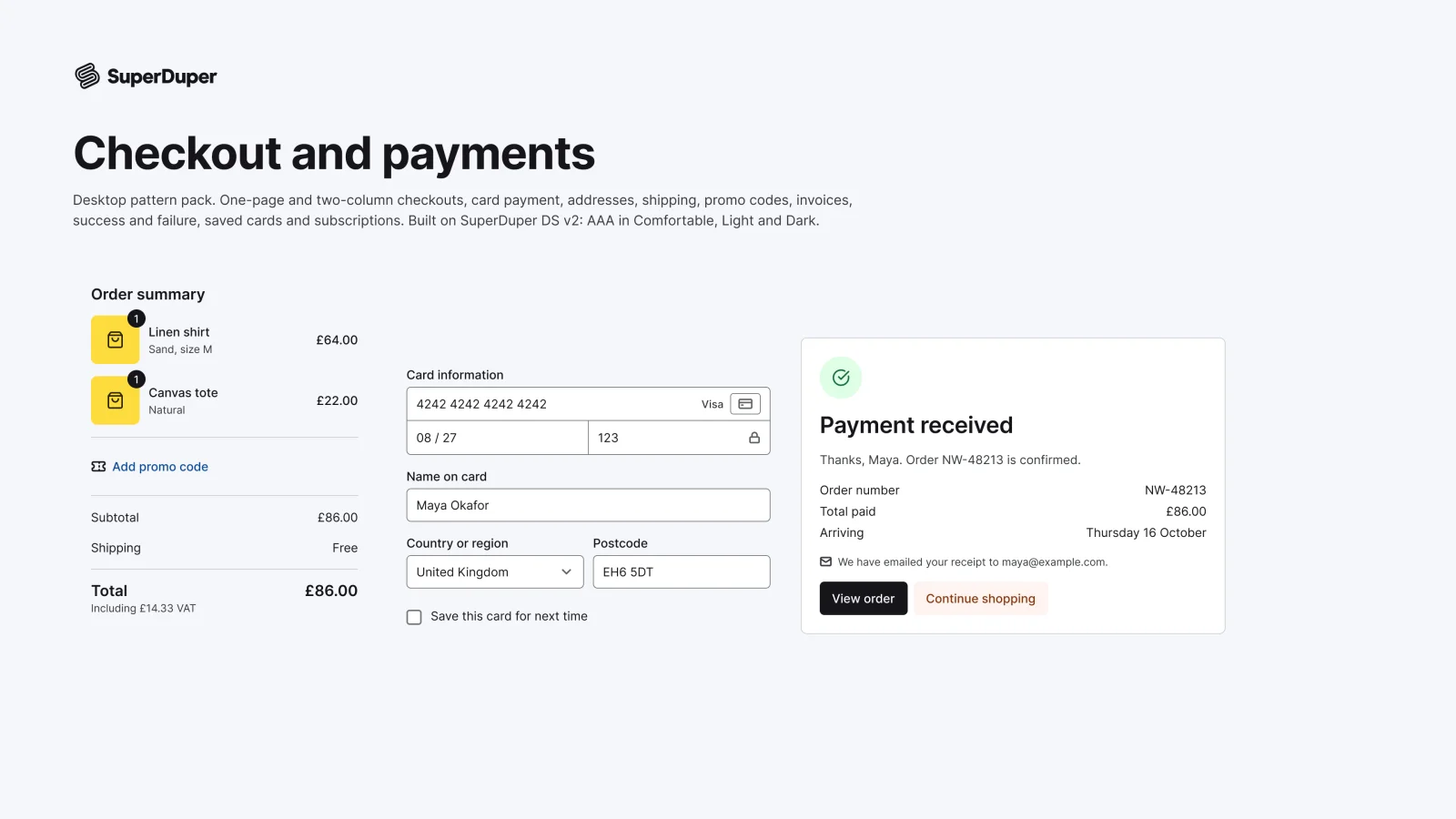
  • Checkout and payments

    Desktop12 components48 variants4 recreations

    Desktop checkout pages, card and address forms, order summaries, invoices and payment results, ready to compose.

    $9, or included with Pro
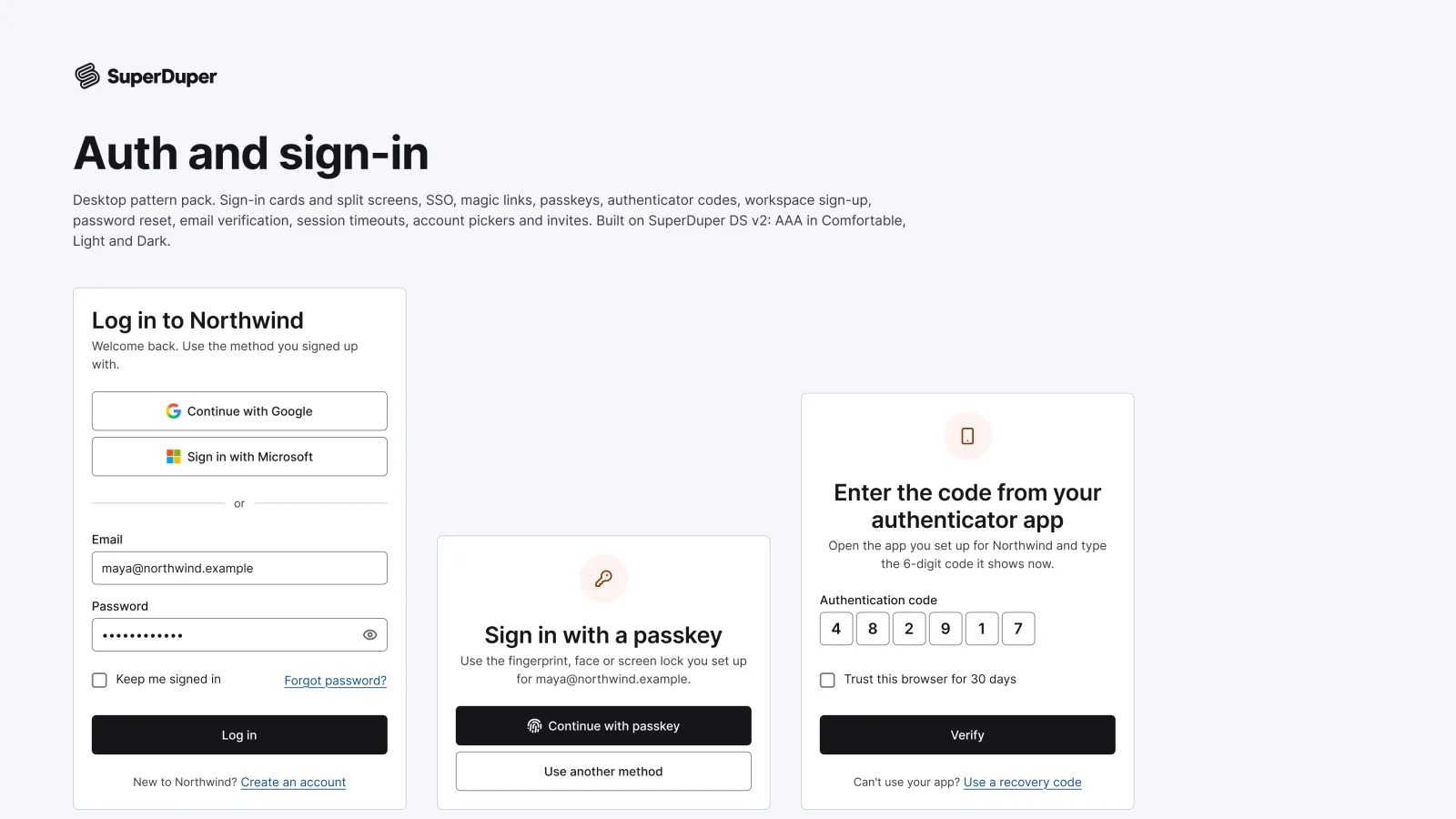
  • Auth and sign-in

    Desktop13 components47 variants4 recreations

    Desktop sign-in, sign-up, SSO, passkey, two-factor, magic link, password reset and invite screens with every state.

    $9, or included with Pro

Questions about the onboarding and walkthroughs pack

  • One Figma file: SuperDuper Pack: Onboarding and walkthroughs (Desktop). It has 13 components with 50 variants, 4 recreations, and notes on when to use each part. Everything uses Figma variables, so you can change the colours and type to match your product.