Skip to content

Profile and settings (Desktop)

Desktop packFlows

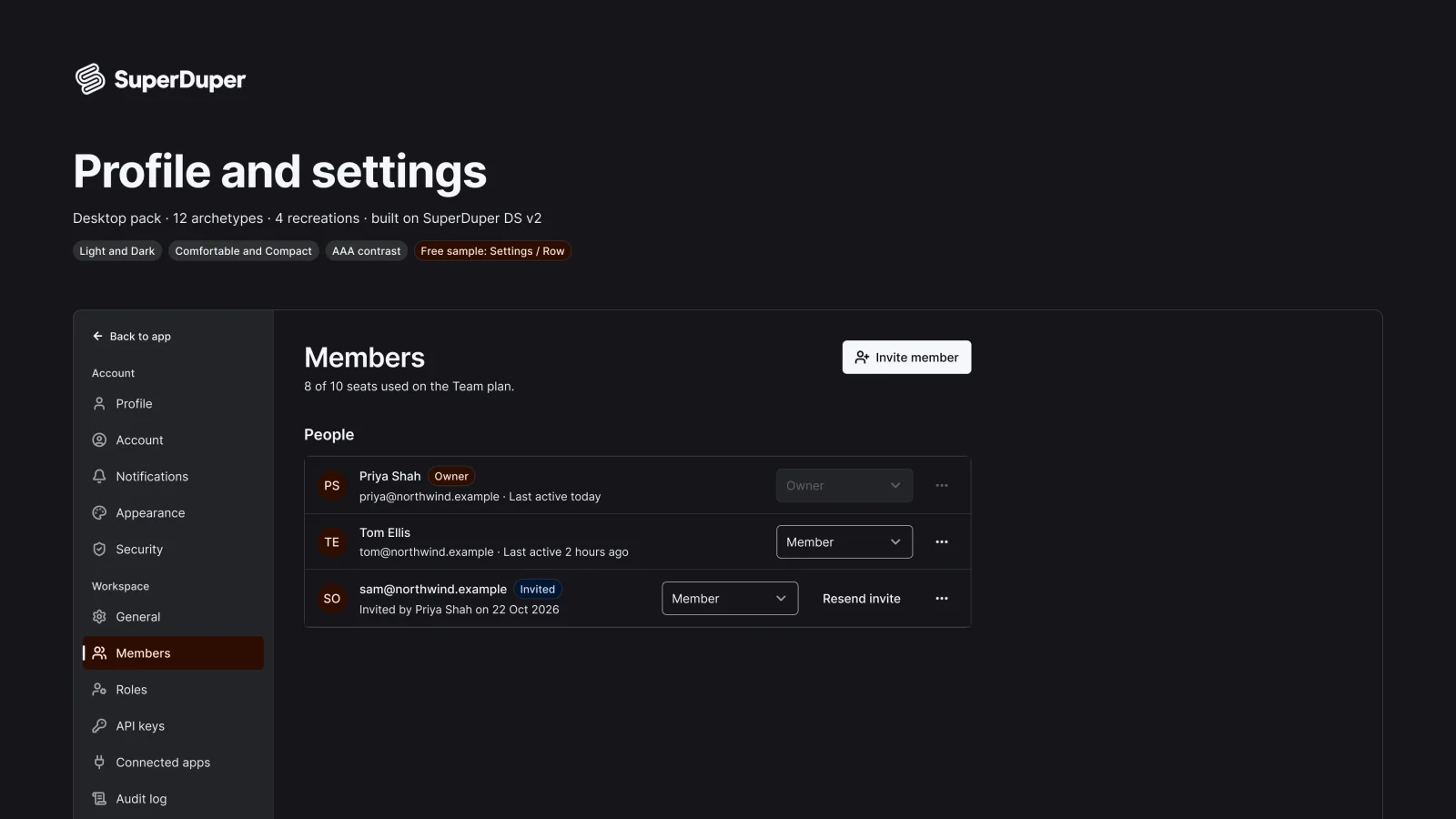
Desktop settings screens: shell, profile, team members, roles, API keys, notifications, theme, security and danger zone.
components
27
variants
135
recreations
4
themes
5

Also for mobile: Profile and settings

What’s inside

Twelve settings patterns for web apps, from the settings shell and save bar to profile, account, team invites, a roles matrix, API keys, notification preferences, theme picker, connected accounts, sessions and two-factor, an audit log and a danger zone. Every page has a state grid, in-context screens at 1280px and notes on keyboard and screen reader use.

  • 12 settings patterns, each with full in-context screens
  • Every control is a design system instance
  • Destructive actions name the object and confirm by typing
  • 4 recreations of real product settings pages
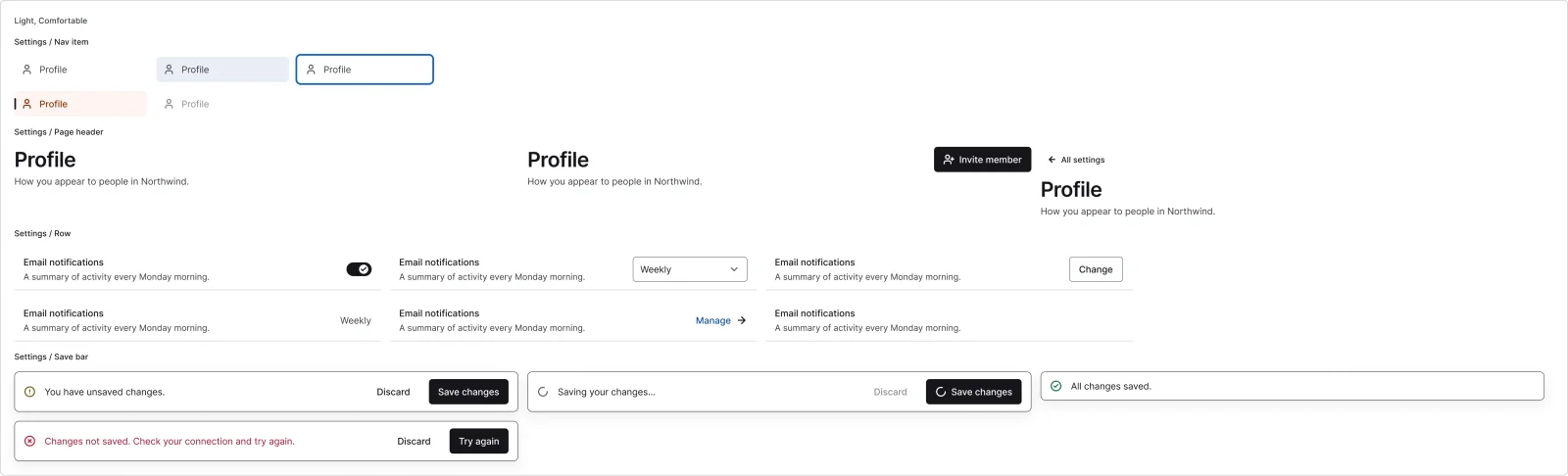
  • Settings nav item

    5 variants

    • Default
    • Hover
    • Focus
    • Selected
    • Disabled
  • Settings page header

    3 variants

  • Settings row

    Free sample

    6 variants

    • Switch
    • Select
    • Button
    • Value
    • Link
    • None
  • Settings section

    2 variants

    • Stacked
    • Two column
  • Save bar

    4 variants

    • Dirty
    • Saving
    • Saved
    • Error
  • Settings shell, every variant

    Settings shell

    2 variants

    • Sidebar
    • Top tabs
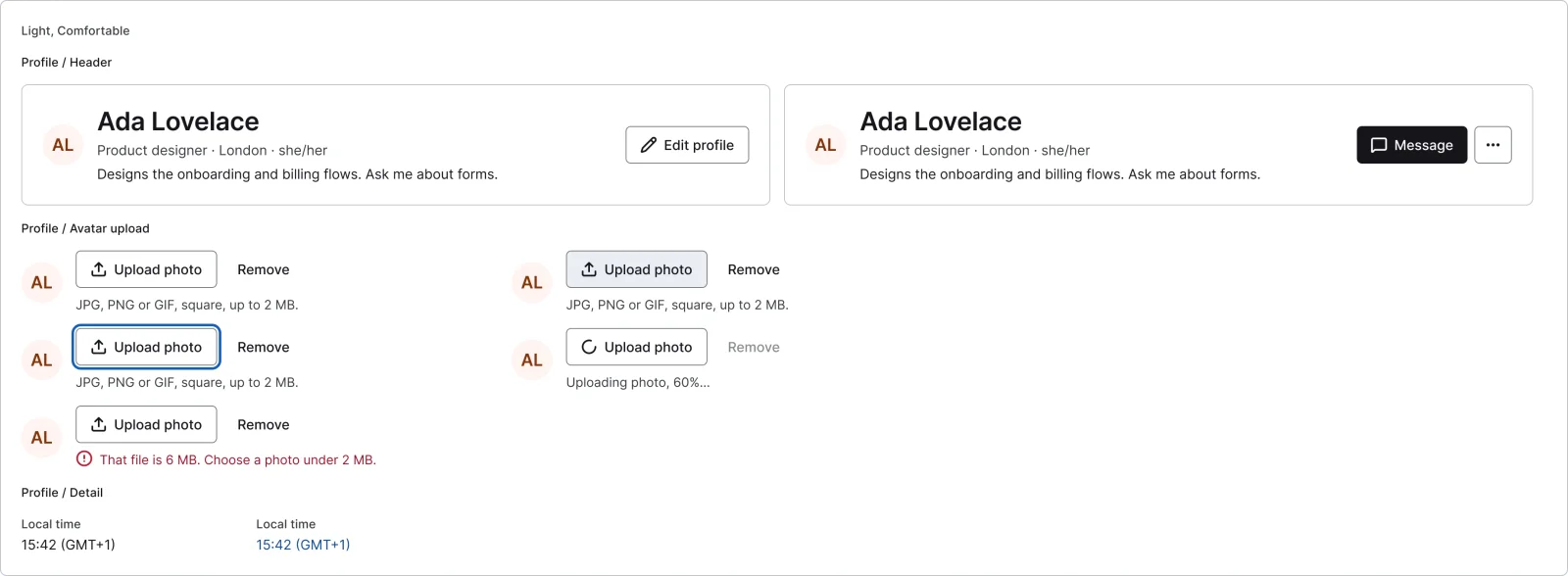
  • Profile header, every variant

    Profile header

    2 variants

    • Own
    • Other
  • Avatar upload

    5 variants

  • Profile detail

    2 variants

    • Text
    • Link
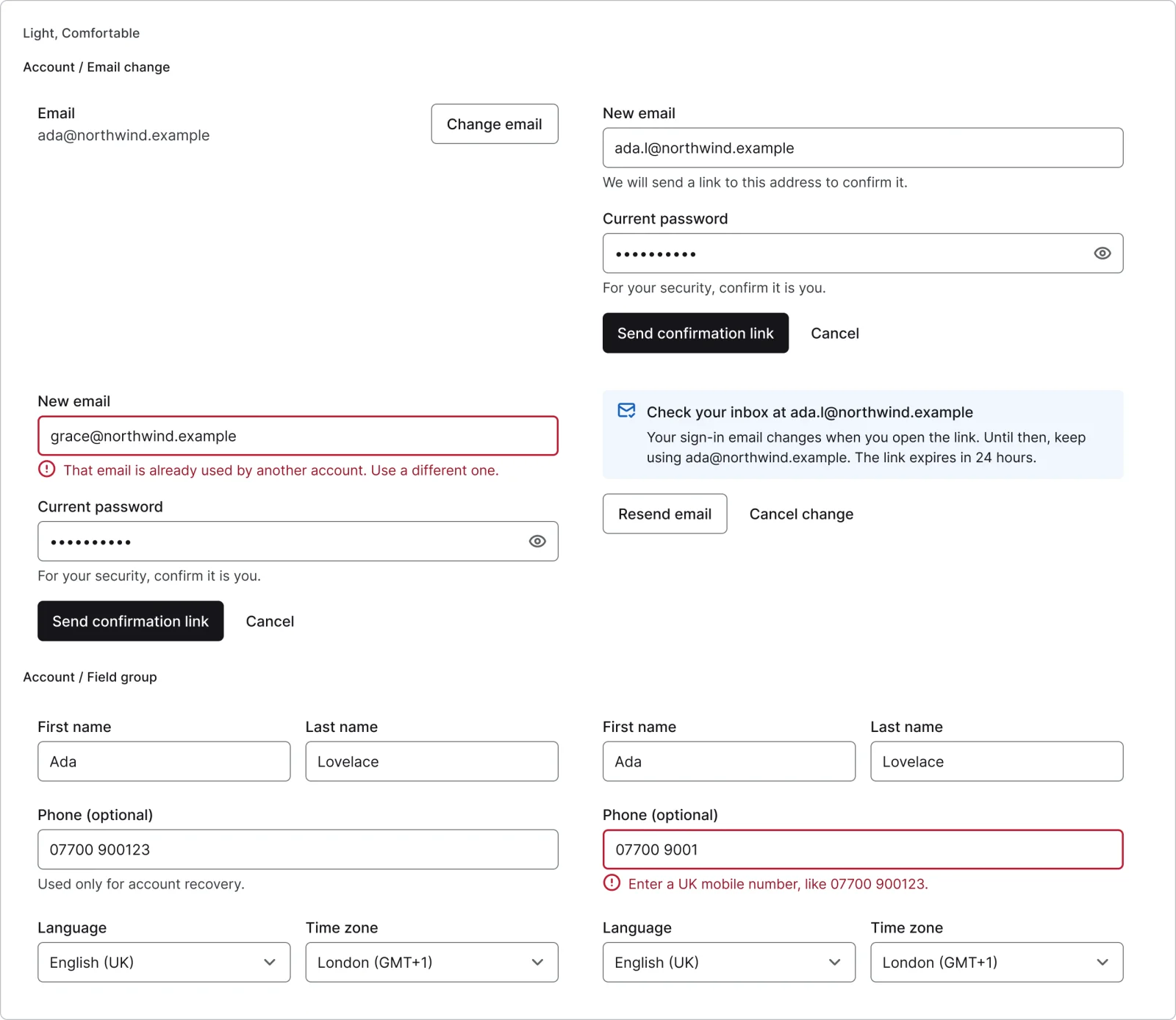
  • Account field group

    2 variants

    • Default
    • Invalid
  • Email change, every variant

    Email change

    4 variants

    • Current
    • Editing
    • Error
    • Verify sent
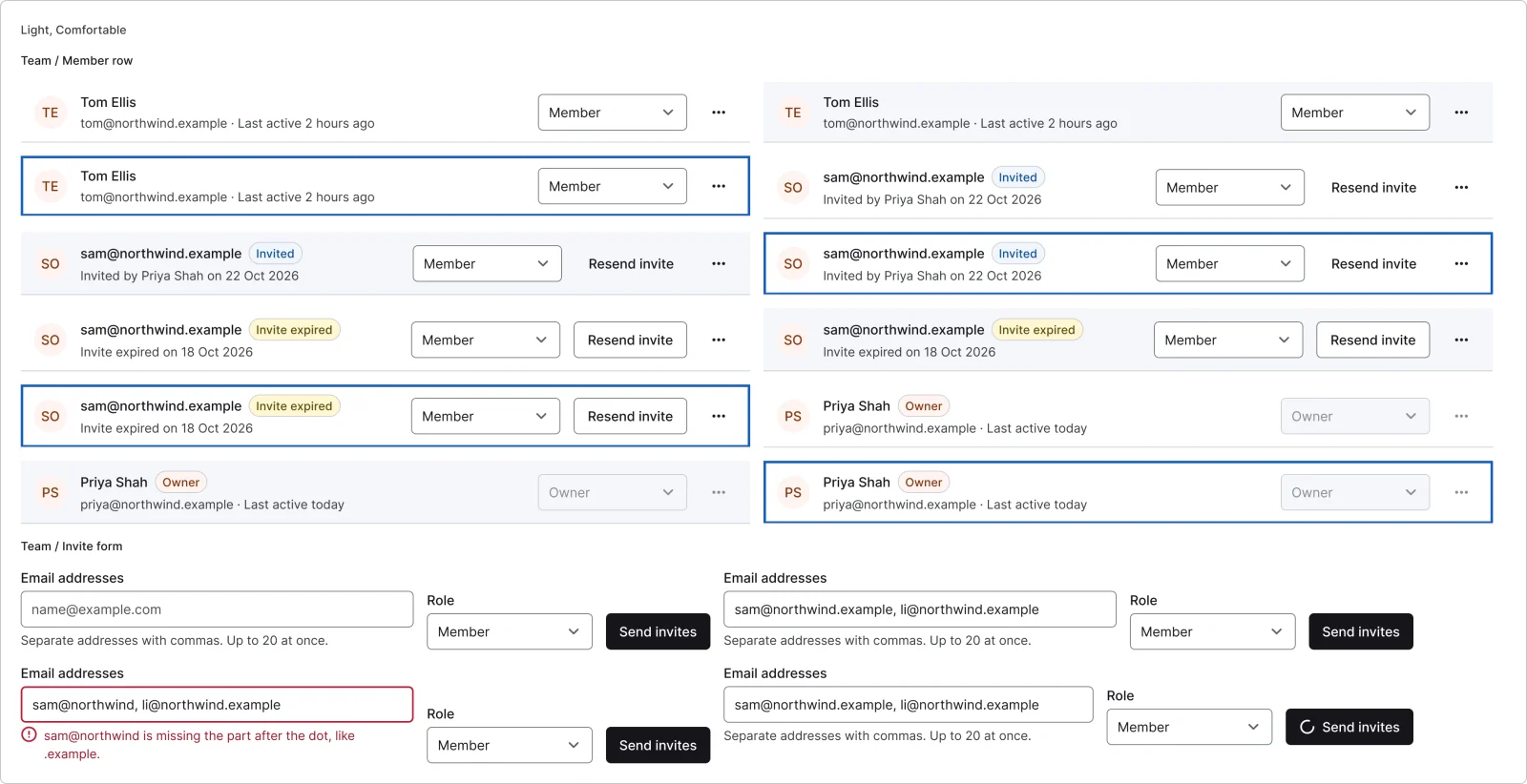
  • Team member row

    12 variants

  • Invite form, every variant

    Invite form

    4 variants

    • Empty
    • Filled
    • Error
    • Sending
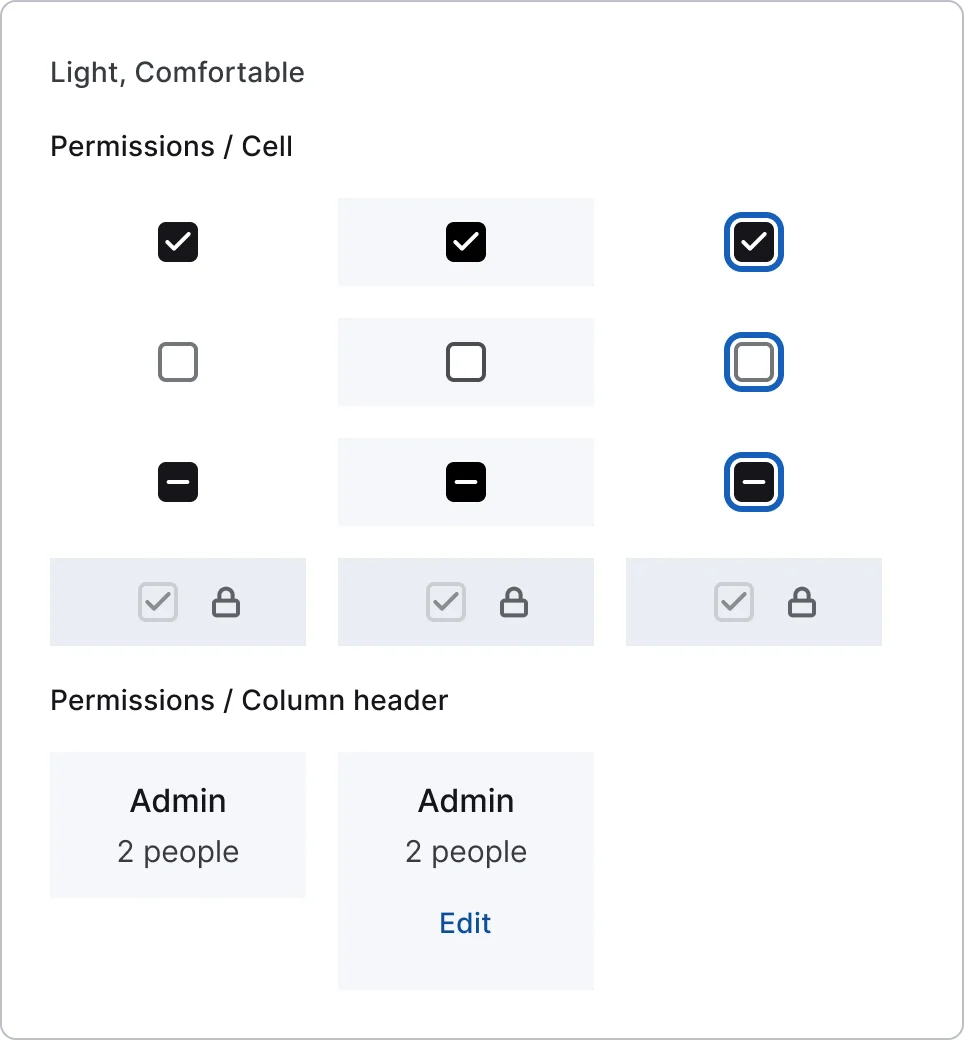
  • Permission cell, every variant

    Permission cell

    12 variants

    • On
    • Off
    • Partial
    • Locked
    • Default
    • Hover
    • Focus
  • Permission column header

    2 variants

    • System
    • Custom
  • Permission row

    2 variants

    • Permission
    • Group
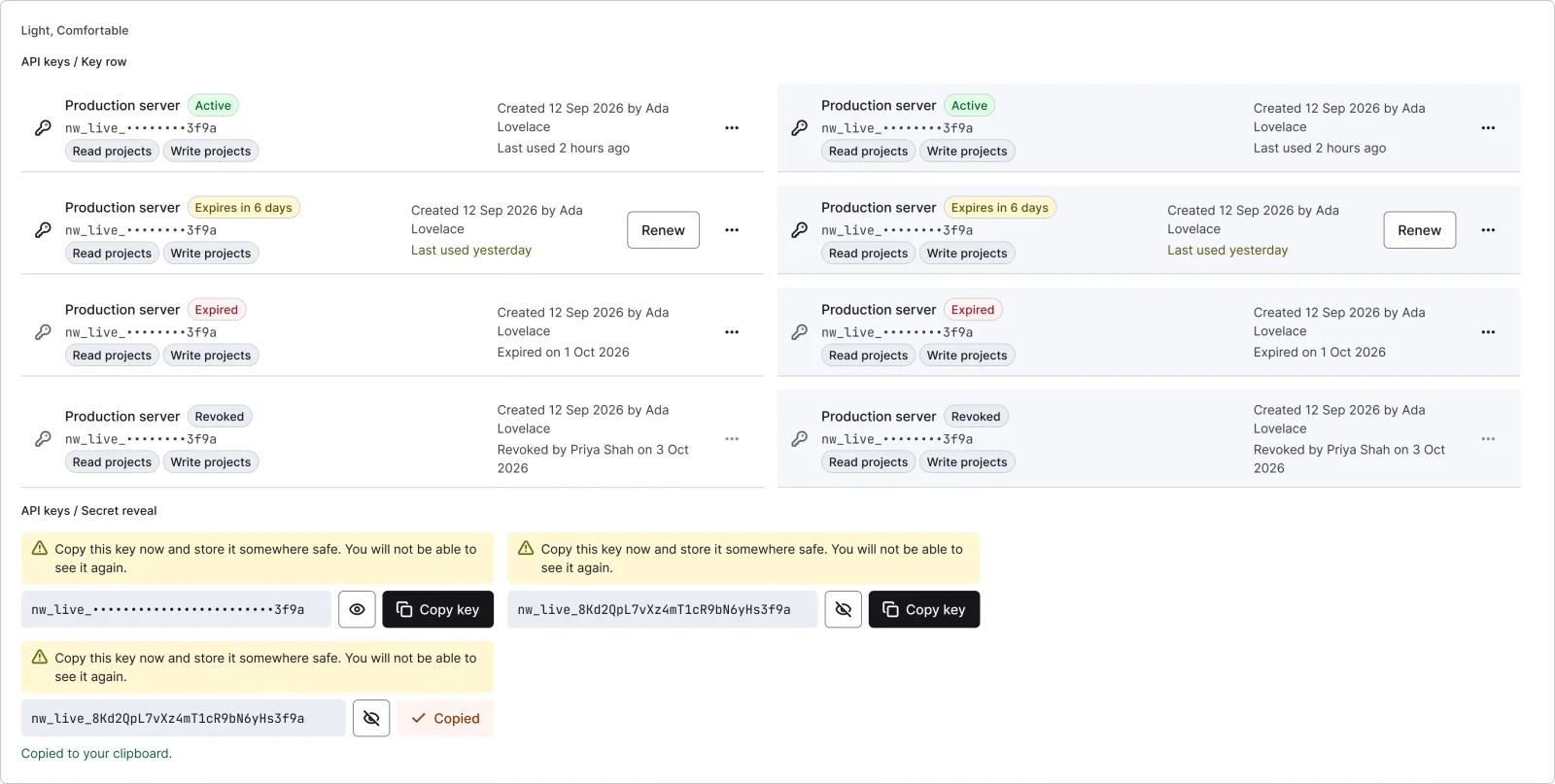
  • API key row, every variant

    API key row

    8 variants

    • Active
    • Expiring
    • Expired
    • Revoked
    • Default
    • Hover
  • Secret reveal

    3 variants

    • Hidden
    • Shown
    • Copied
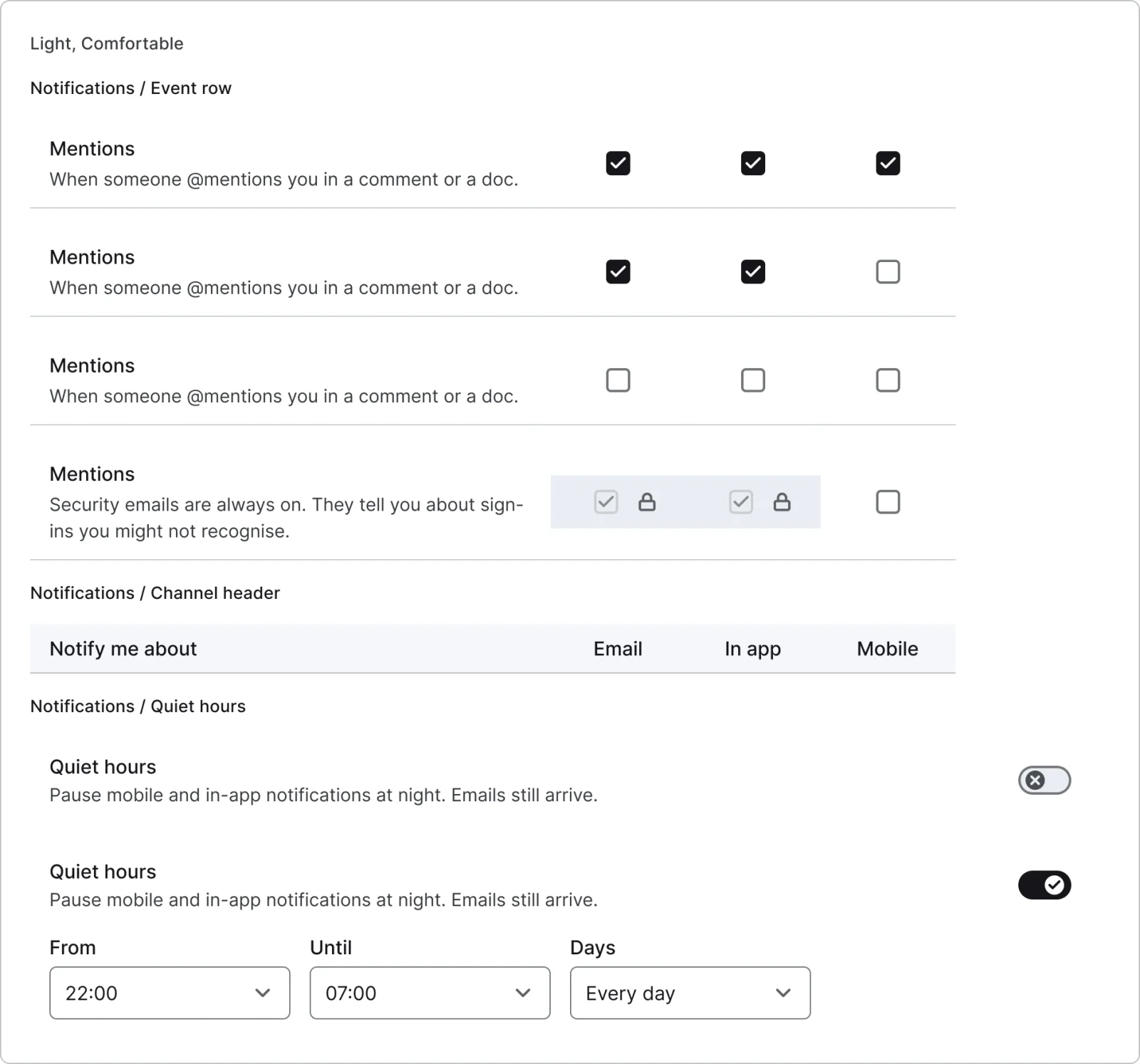
  • Notification event row, every variant

    Notification event row

    4 variants

    • All
    • Some
    • None
    • Locked
  • Quiet hours

    2 variants

    • Off
    • On
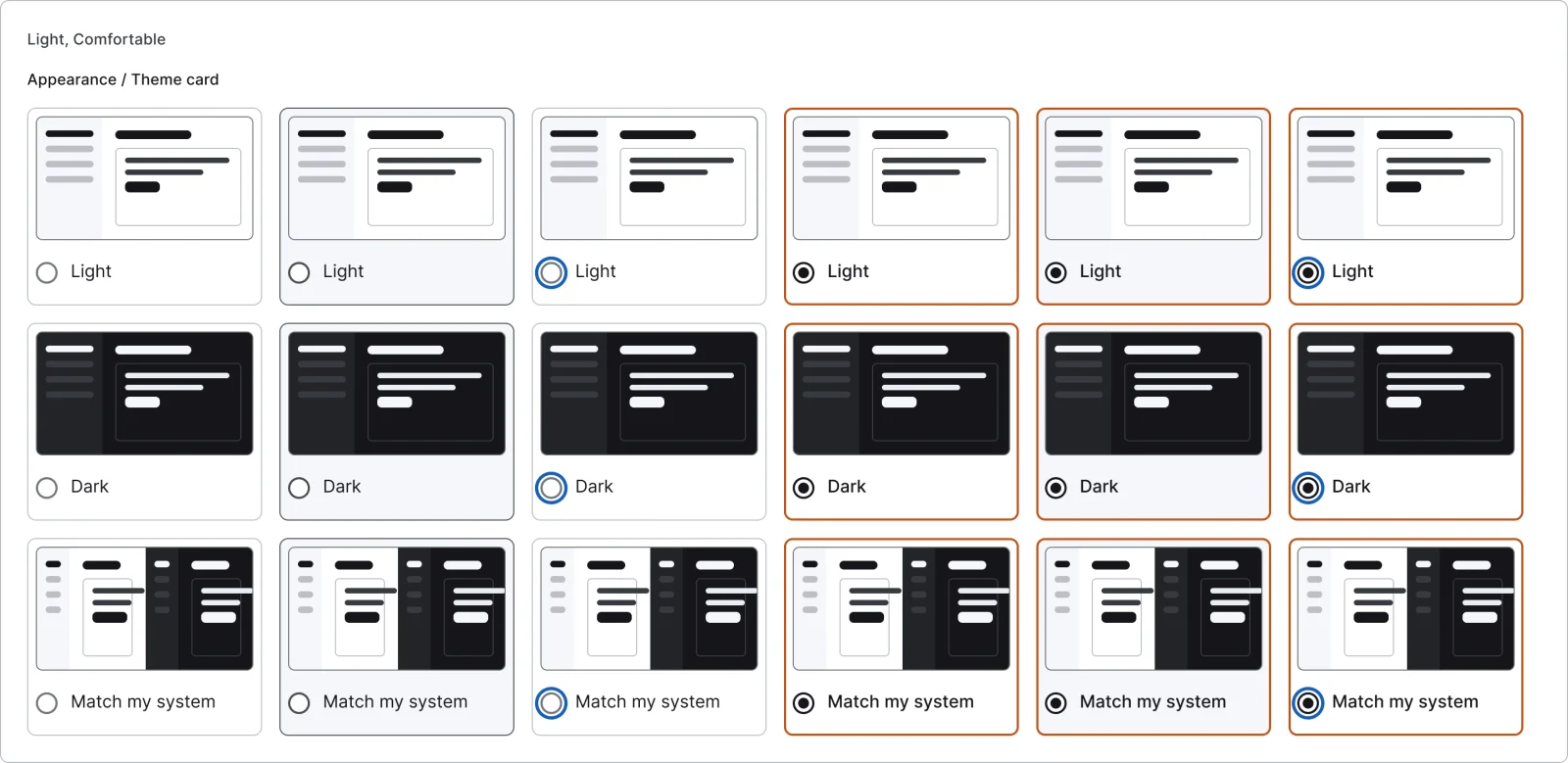
  • Theme card, every variant

    Theme card

    18 variants

    • Light
    • Dark
    • System
    • Default
    • Hover
    • Focus
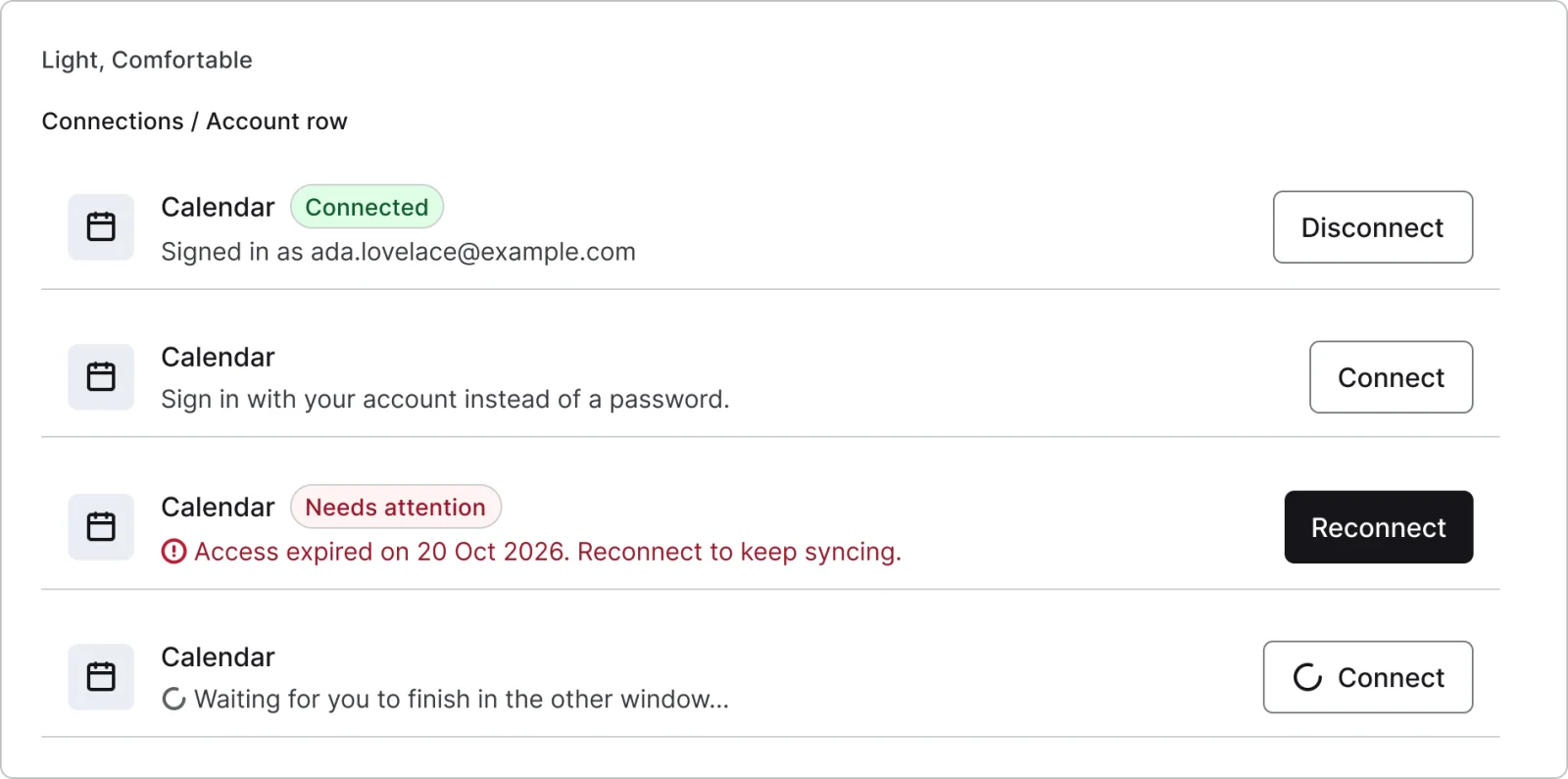
  • Connected account row, every variant

    Connected account row

    4 variants

    • Connected
    • Not connected
    • Error
    • Connecting
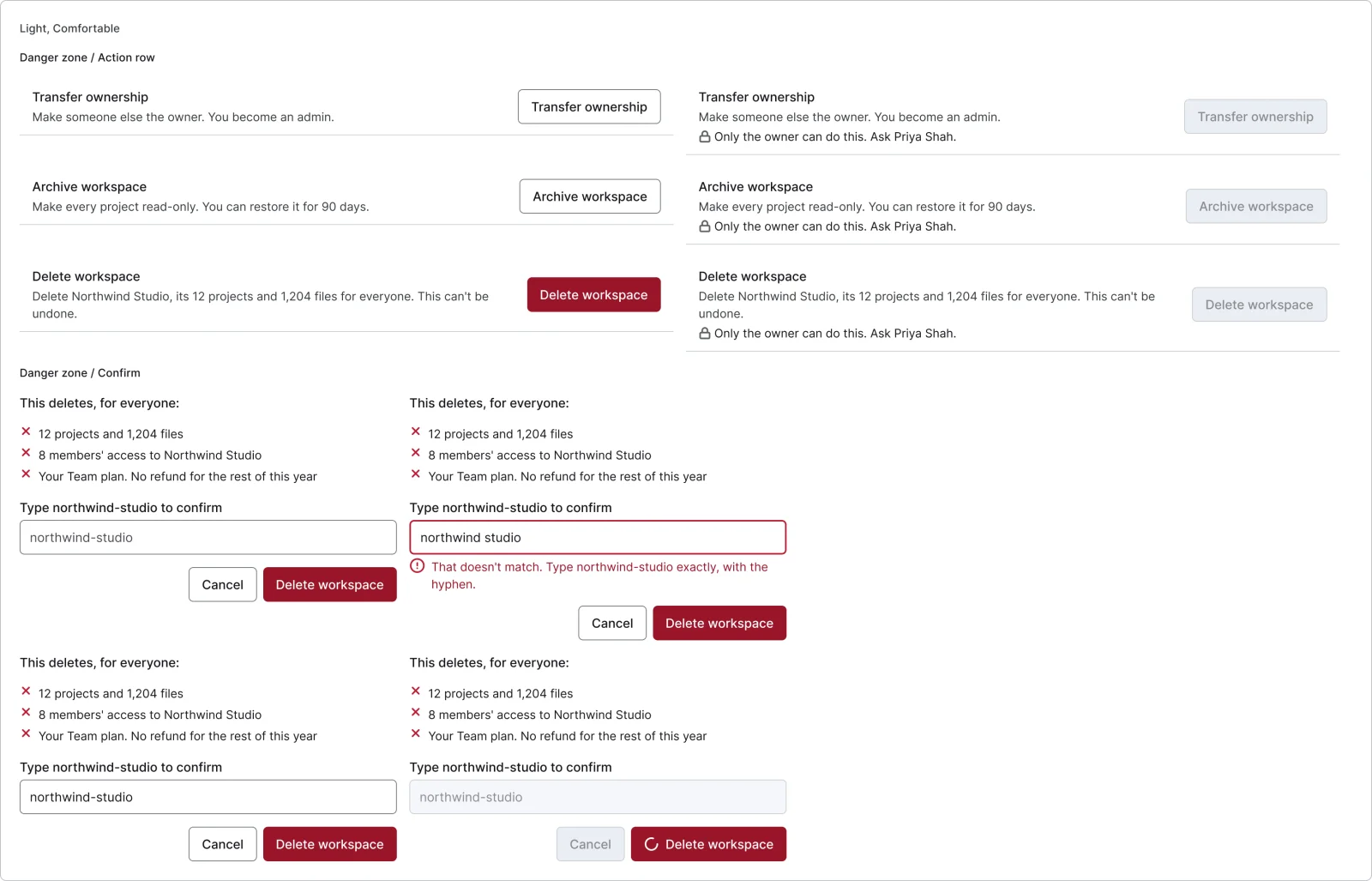
  • Danger zone action row, every variant

    Danger zone action row

    6 variants

    • Transfer
    • Archive
    • Delete
  • Type-to-confirm dialog

    4 variants

    • Empty
    • Mismatch
    • Match
    • Deleting
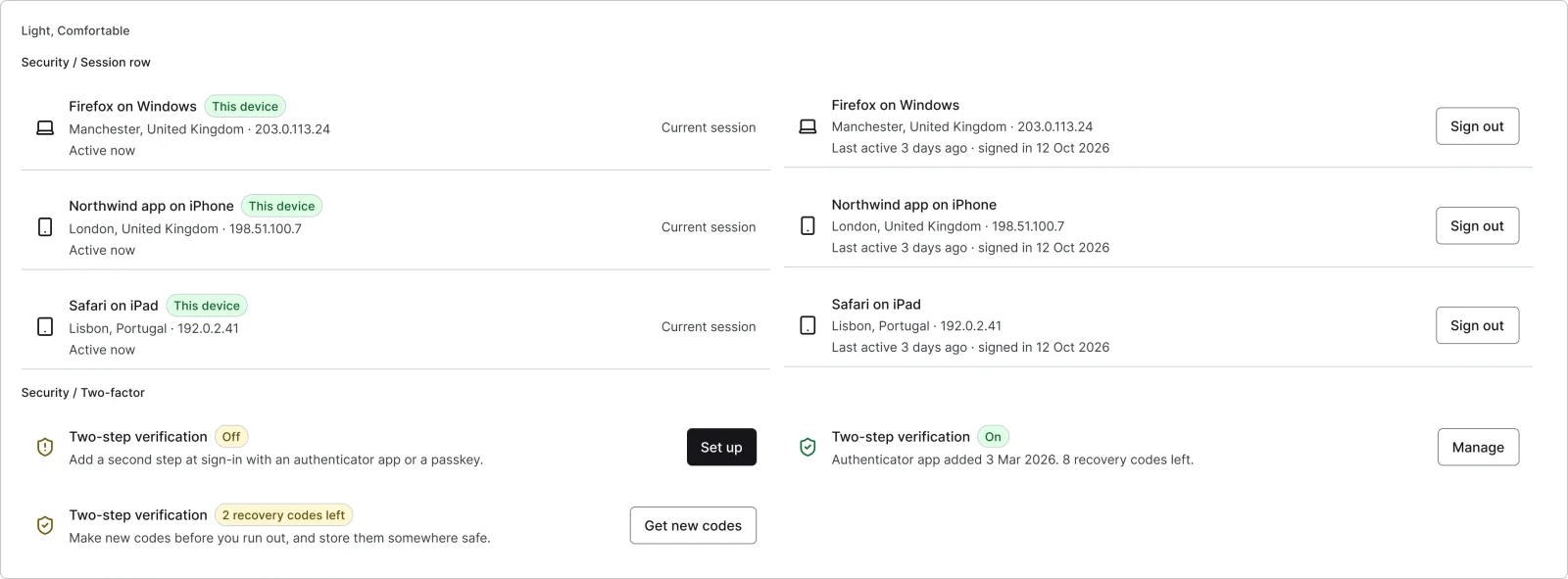
  • Session row, every variant

    Session row

    6 variants

    • Desktop
    • Mobile
    • Tablet
  • Two-factor

    3 variants

    • Off
    • On
    • Recovery low
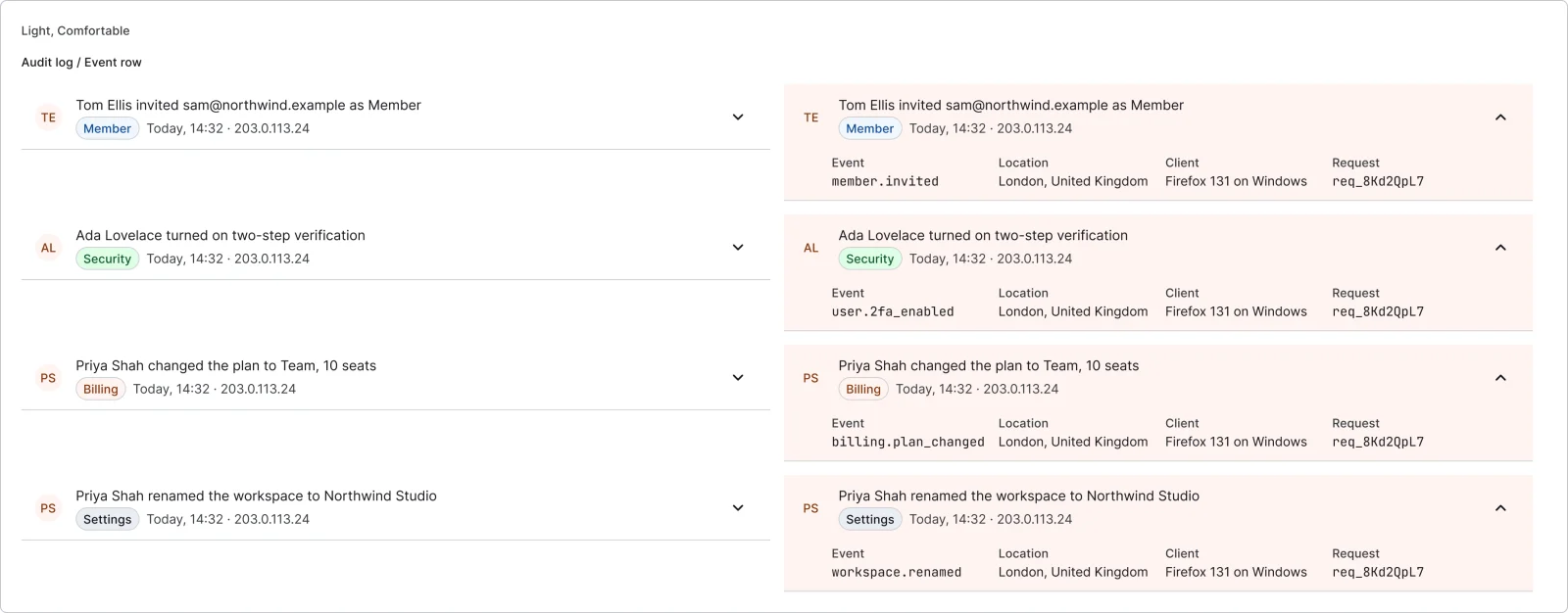
  • Audit log event row, every variant

    Audit log event row

    8 variants

Figma file
SuperDuper Pack: Profile and settings (Desktop)
Themes
Light, Dark, Light high contrast, Dark high contrast and Wireframe
Densities
Comfortable and Compact
Also in the file
Usage and accessibility notes, motion specs, Figma variables
Covers 7 screen patterns
Settings list, Settings detail, My profile, User profile, Invite & referral, Help & support and Legal & terms

How Linear, GitHub and Vercel and others do it

Recreations of real products, so you can compare approaches side by side. They are approximate, built from public product knowledge, with placeholder data and no third-party artwork.

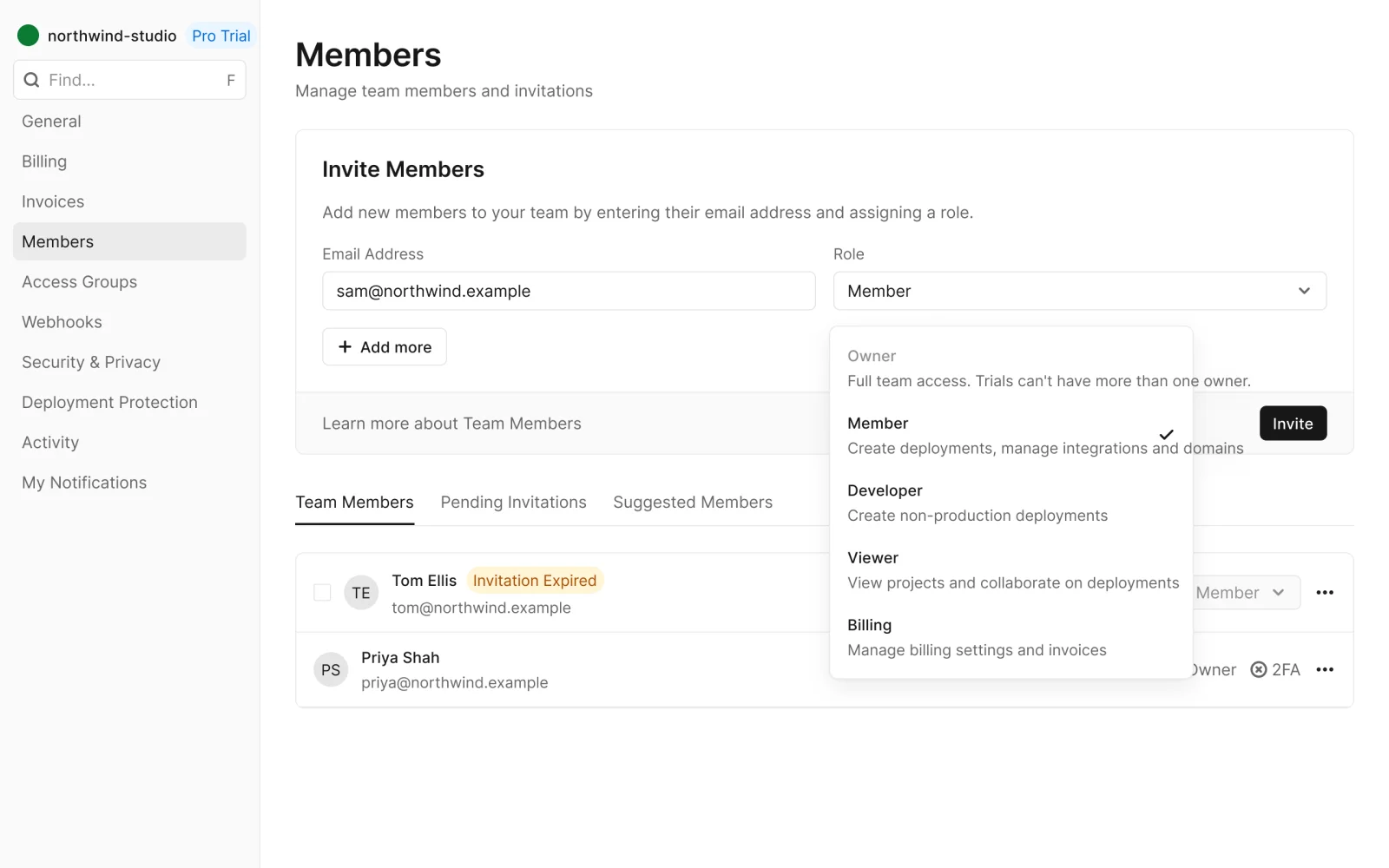
  • Issue tracker settings, every variant

    Issue tracker settings

    Recreated from Linear

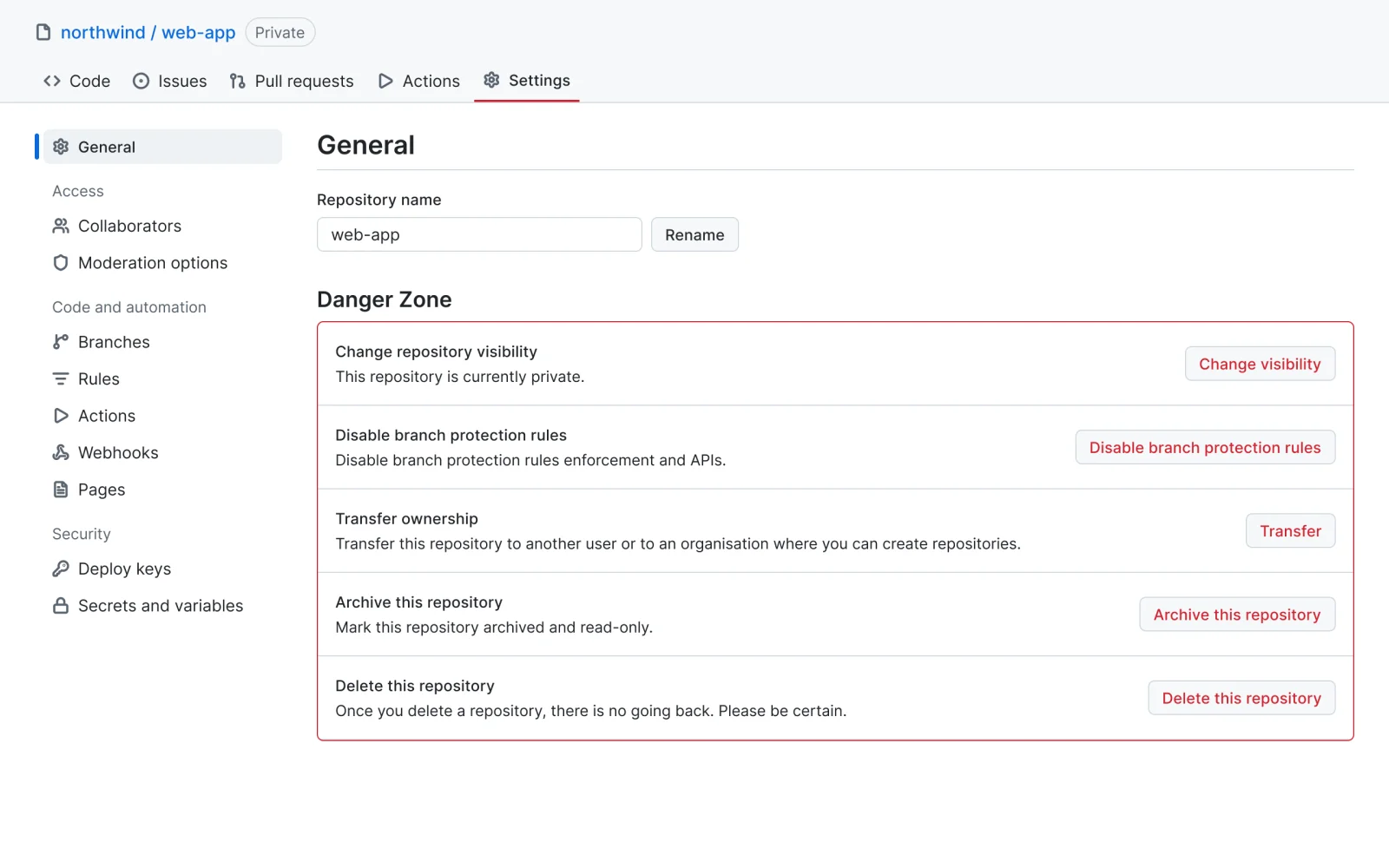
  • Developer platform settings, every variant

    Developer platform settings

    Recreated from GitHub

  • Hosting platform settings, every variant

    Hosting platform settings

    Recreated from Vercel

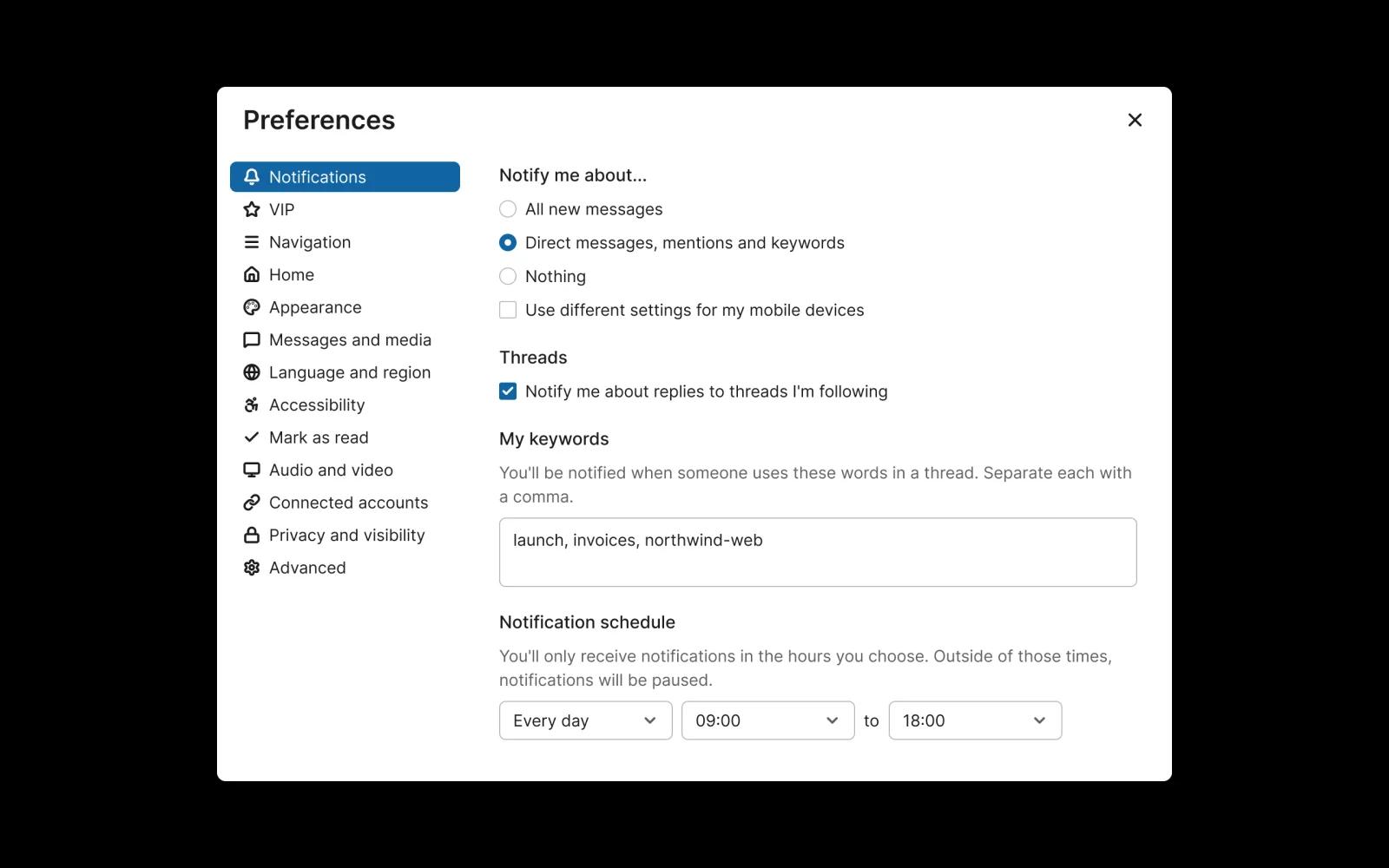
  • Team chat preferences, every variant

    Team chat preferences

    Recreated from Slack

Not affiliated with, endorsed or sponsored by Linear, GitHub, Vercel and Slack. Their names are trade marks of their owners and are used only to say what each recreation is based on.

See the settings row full size, free

One setting with label, description and a switch, select, button, value, link or no control. All 6 variants, free to see with a SuperDuperUI account. The Figma file comes with the pack.

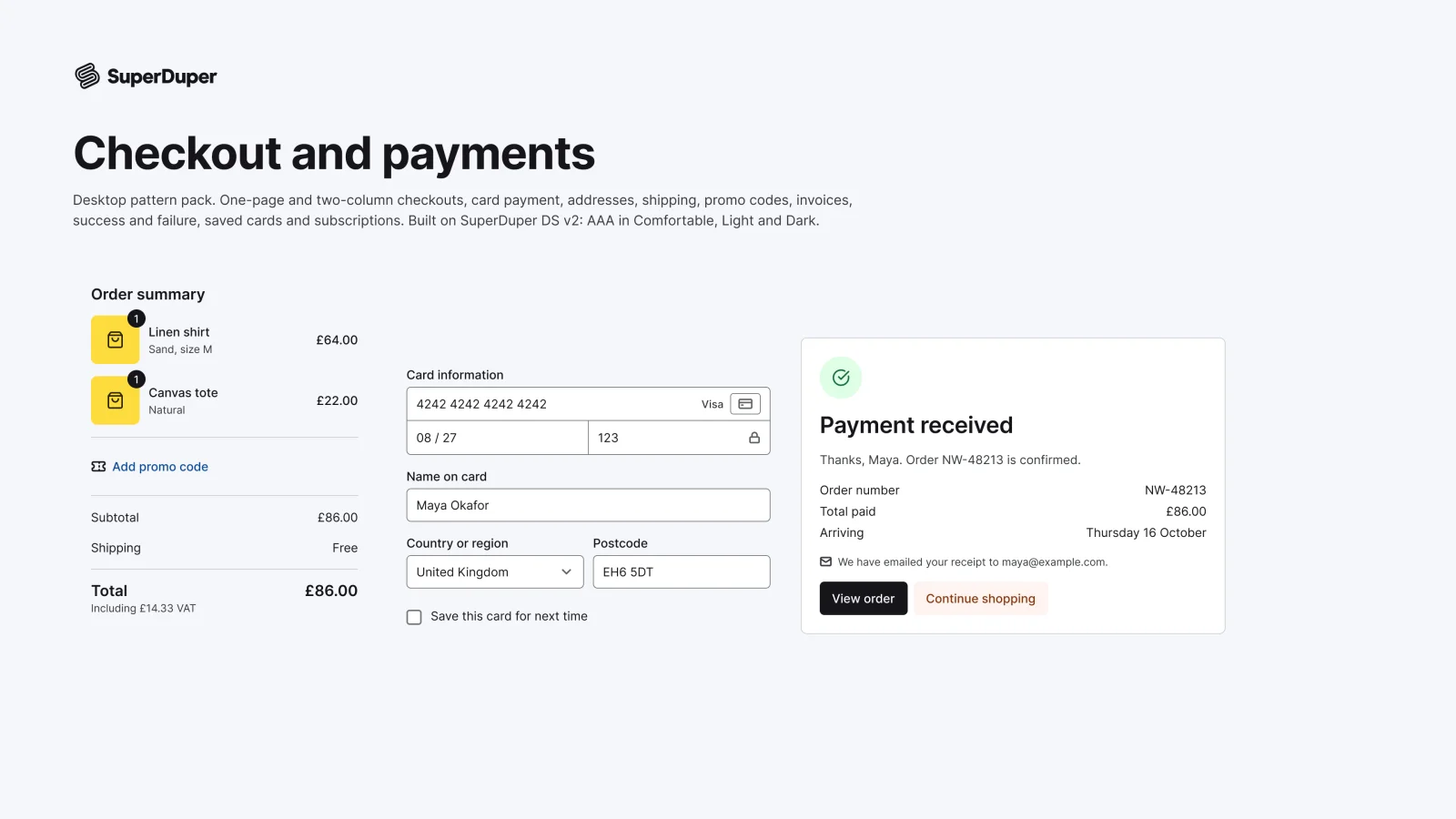
  • Checkout and payments

    Desktop12 components48 variants4 recreations

    Desktop checkout pages, card and address forms, order summaries, invoices and payment results, ready to compose.

    $9, or included with Pro
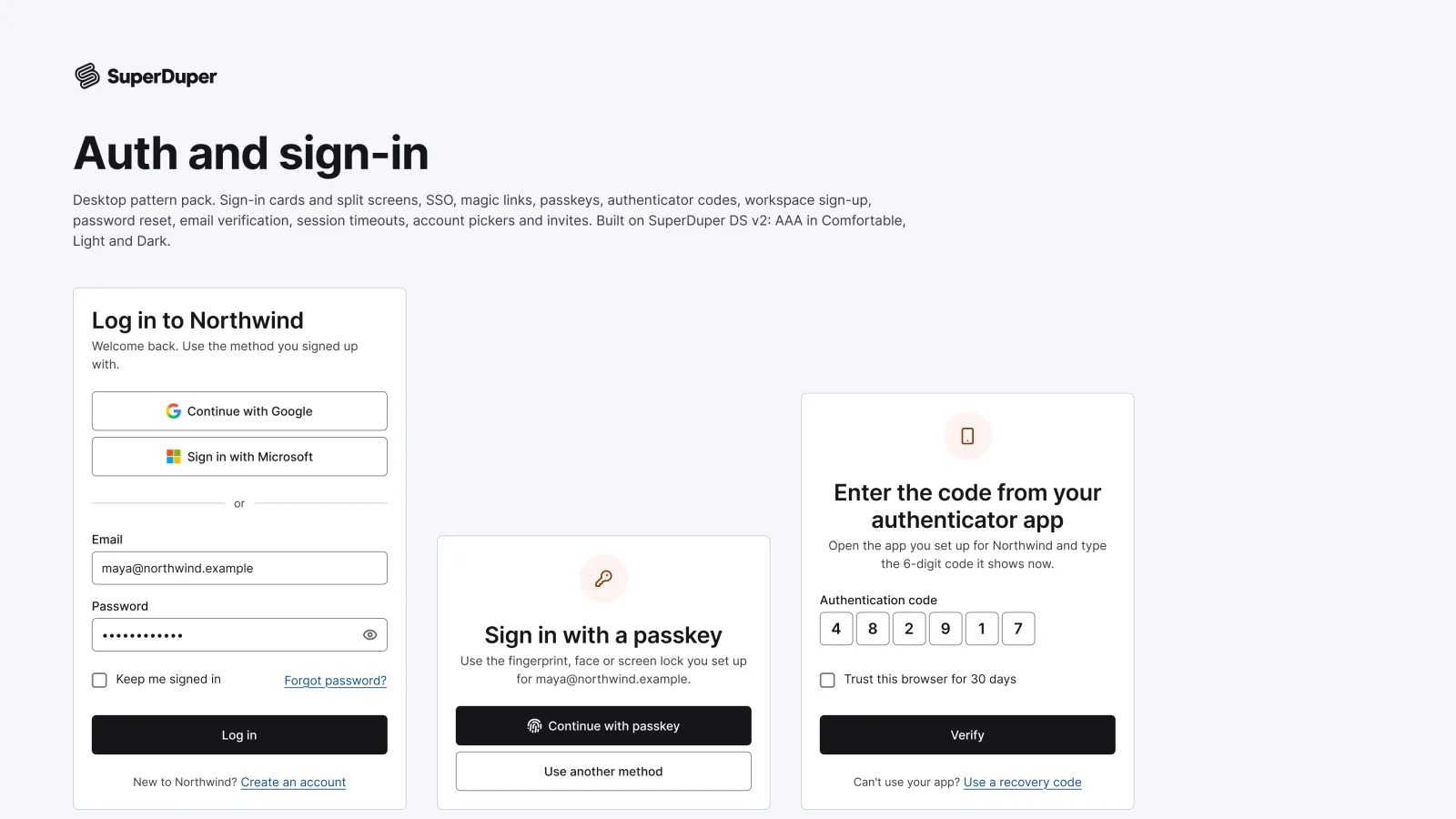
  • Auth and sign-in

    Desktop13 components47 variants4 recreations

    Desktop sign-in, sign-up, SSO, passkey, two-factor, magic link, password reset and invite screens with every state.

    $9, or included with Pro
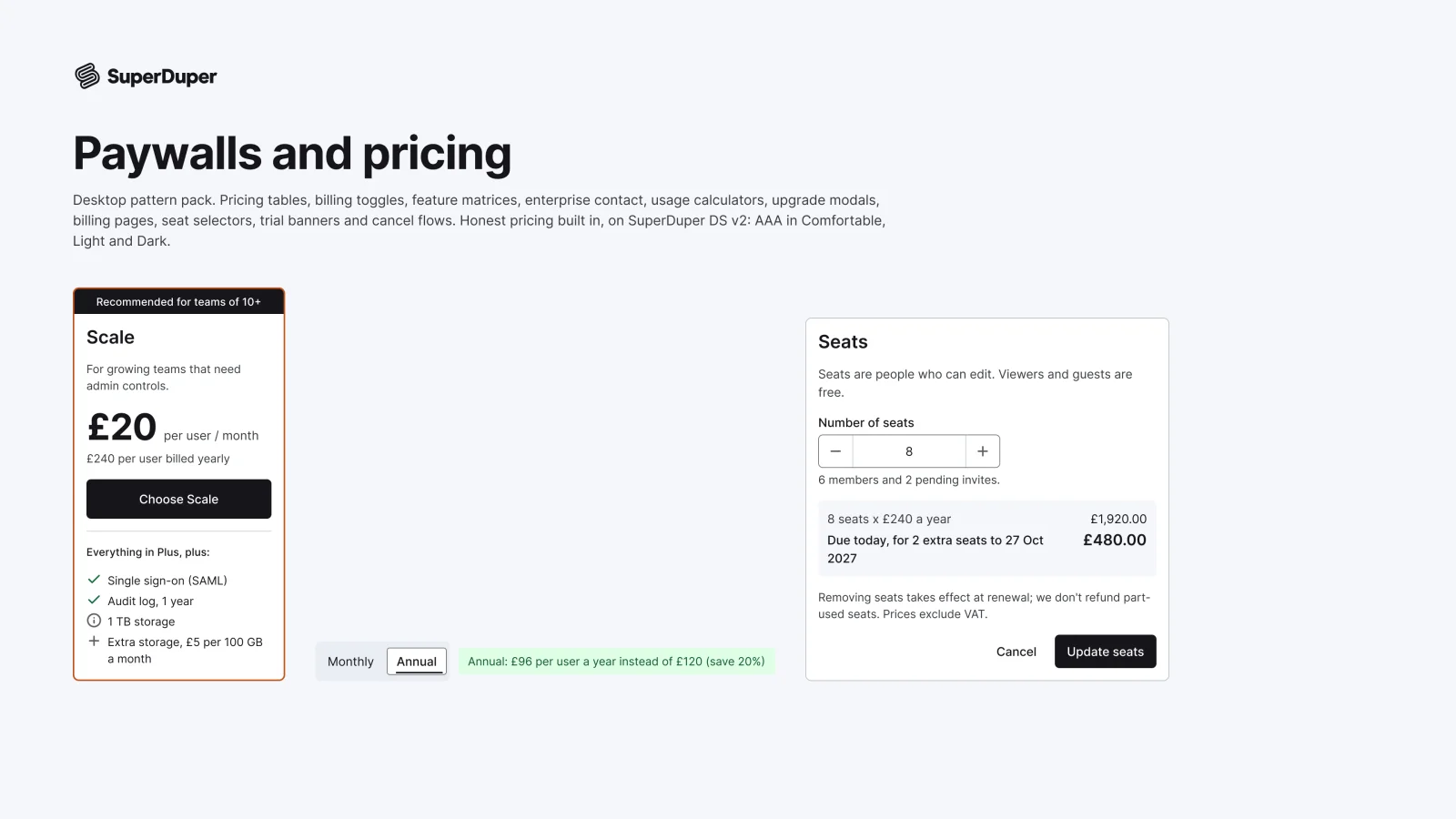
  • Paywalls and pricing

    Desktop11 components39 variants4 recreations

    Desktop pricing pages, upgrade modals, billing, trials and cancel flows, with a guide to honest pricing.

    $9, or included with Pro

Questions about the profile and settings pack

  • One Figma file: SuperDuper Pack: Profile and settings (Desktop). It has 27 components with 135 variants, 4 recreations, and notes on when to use each part. Everything uses Figma variables, so you can change the colours and type to match your product.