Skip to content

Profile and settings (Mobile)

Mobile packFlows

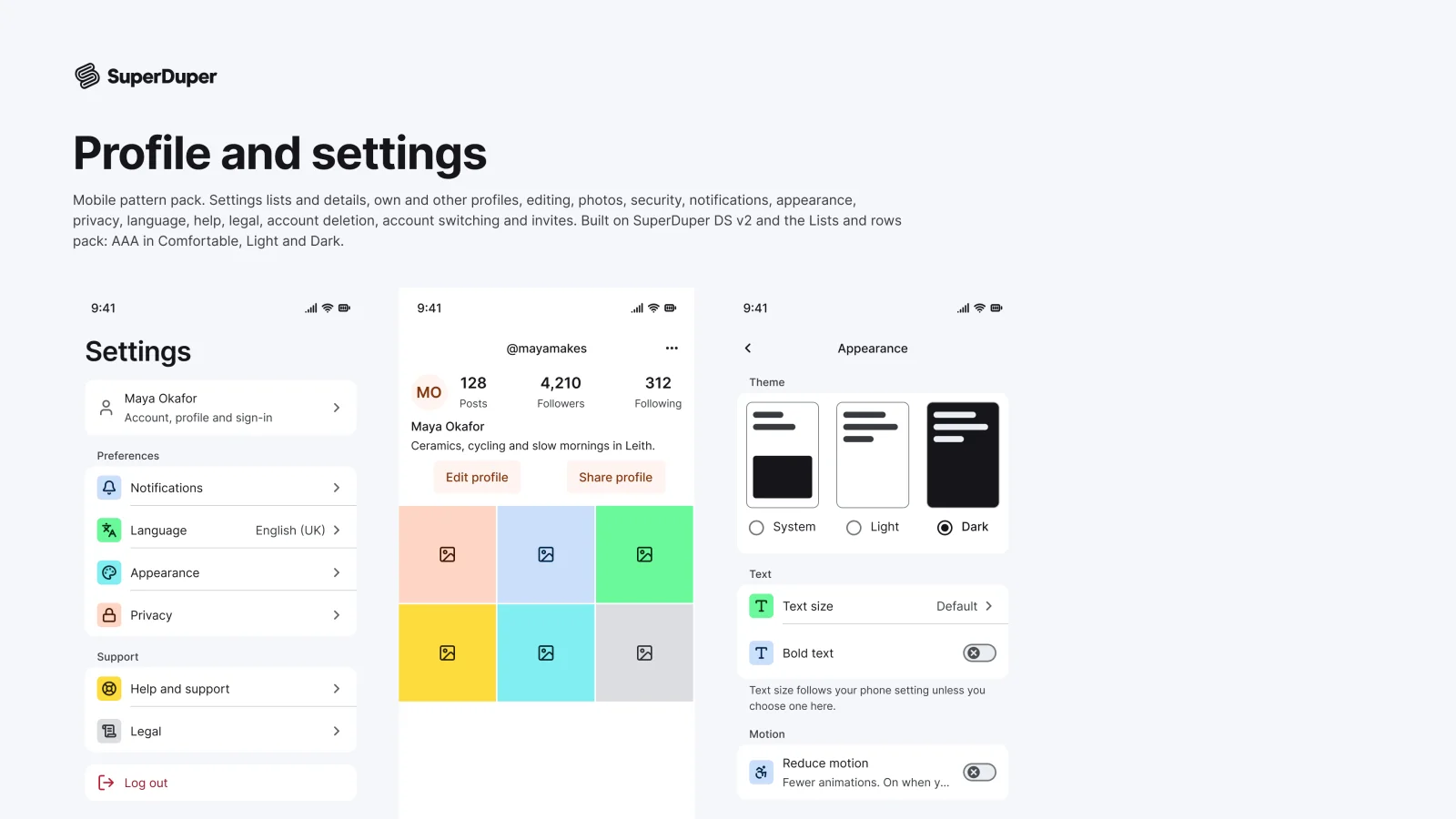
16 mobile profile and settings screens, from the settings root to account deletion, built from real list rows.
components
16
variants
43
recreations
4
themes
2

Also for desktop: Profile and settings

What’s inside

Settings root, detail, own and other profiles, edit profile, avatar picker and crop, account and security, notifications, appearance, privacy, language, help, legal, delete account, account switcher and invite screens. Each screen covers its key states, such as loading, empty, saving, error and switching. Every page has a documentation frame and a live grid in Light and Dark, Comfortable and Compact.
  • Built from list row components you can edit
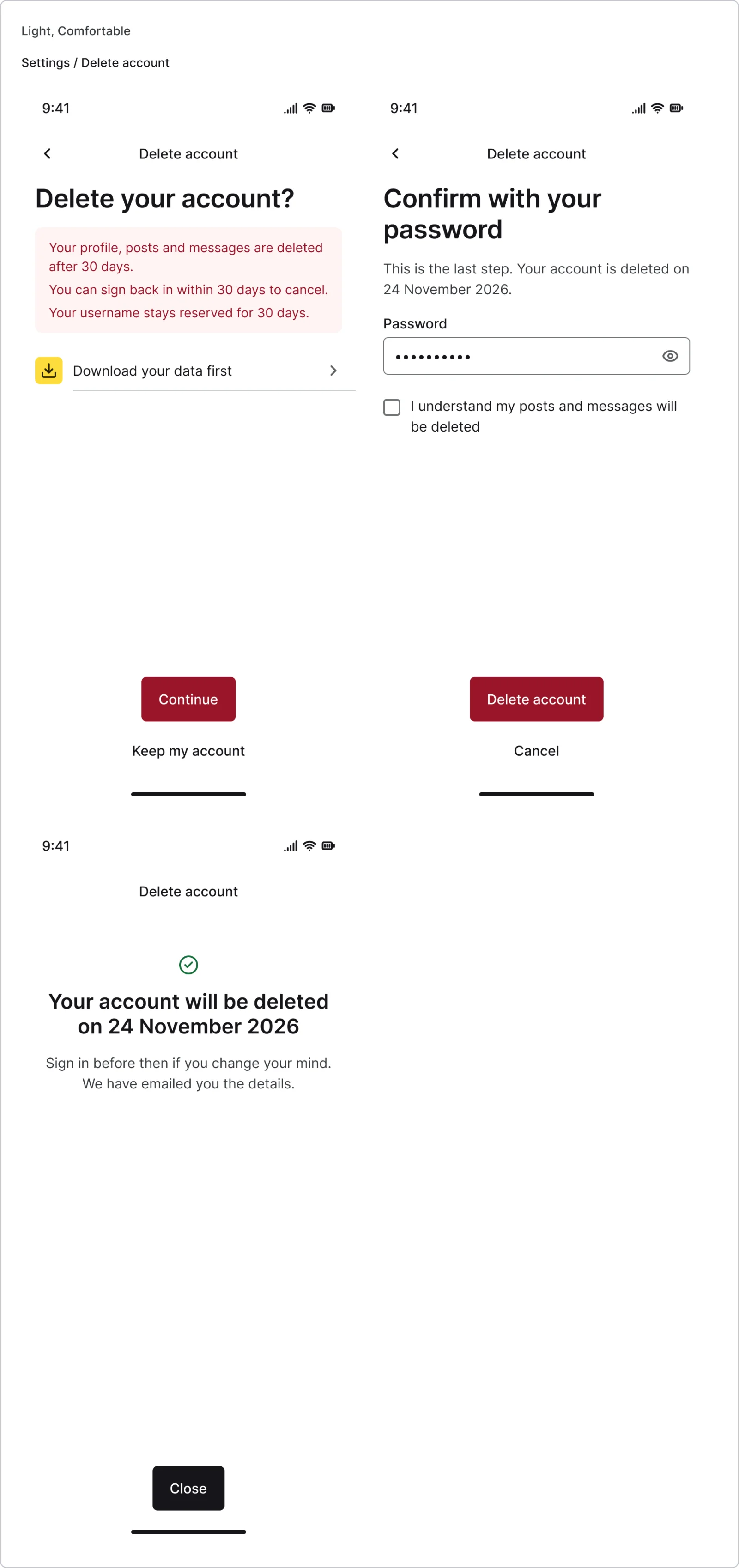
  • Delete account flow: explain, confirm, done
  • 4 recreations from iOS Settings, Revolut, Instagram and Spotify
  • Grouped settings list, every variant

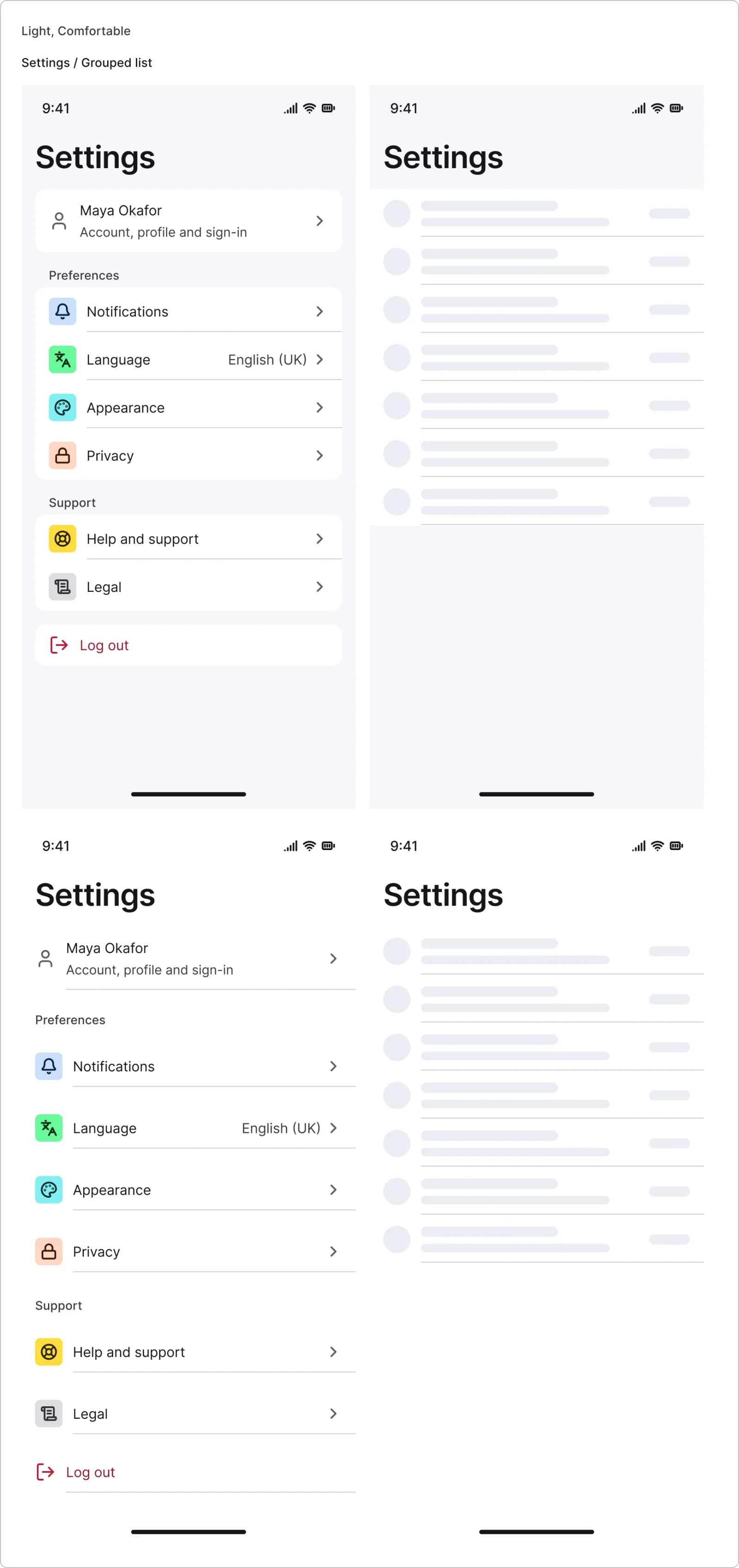
    Grouped settings list

    Free sample

    4 variants

    • Grouped
    • Plain
    • Default
    • Loading
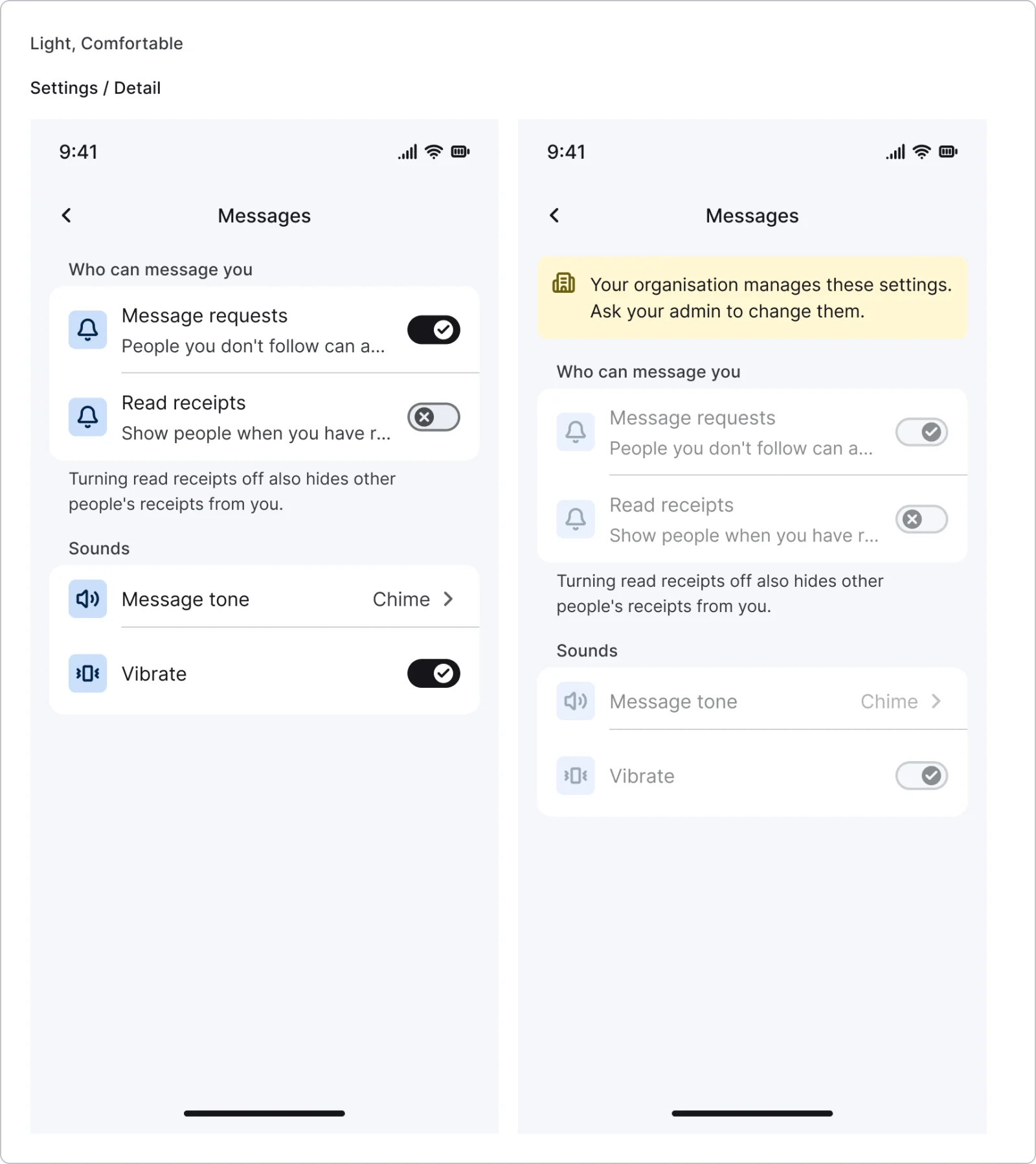
  • Settings detail, every variant

    Settings detail

    2 variants

    • Default
    • Managed
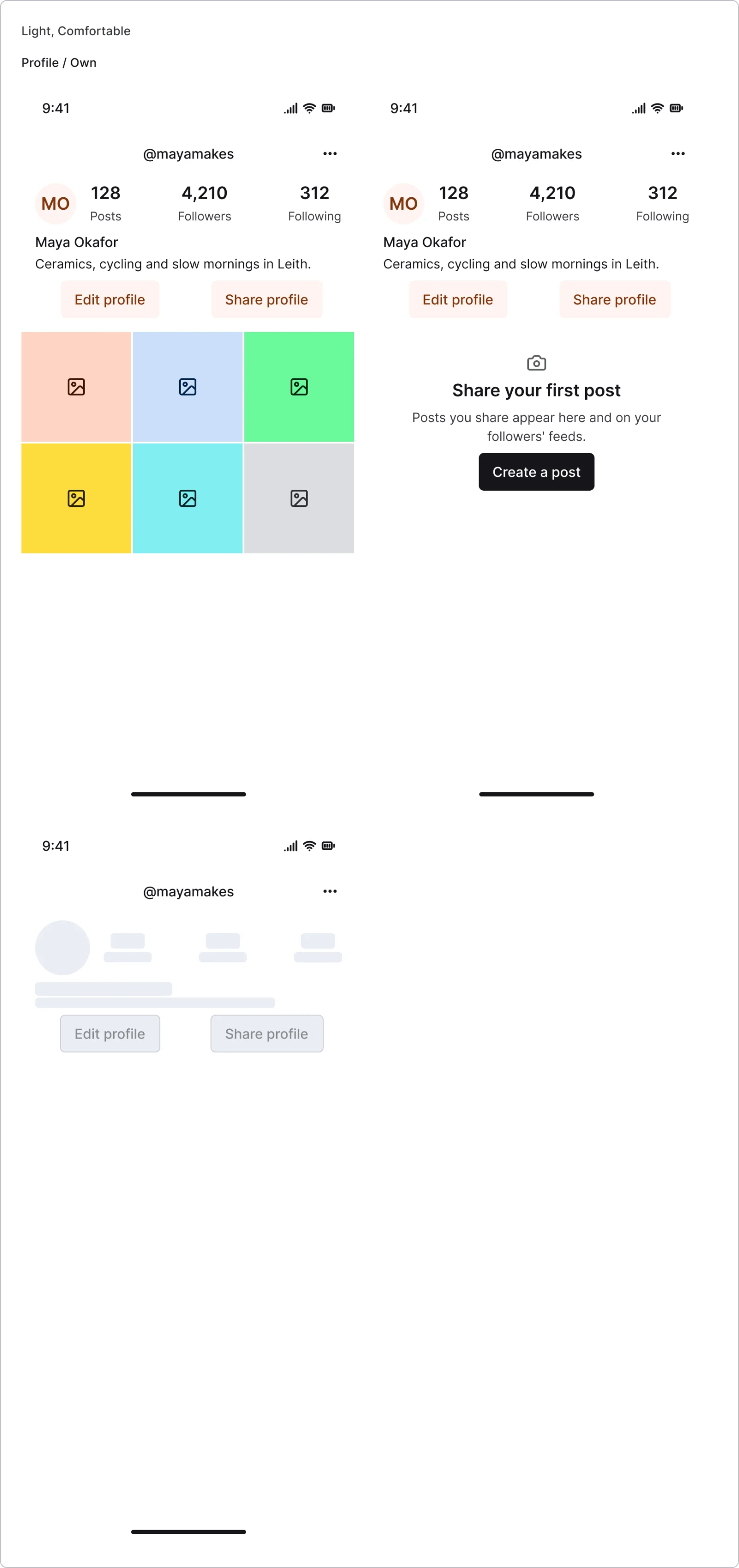
  • Own profile, every variant

    Own profile

    3 variants

    • Default
    • Empty
    • Loading
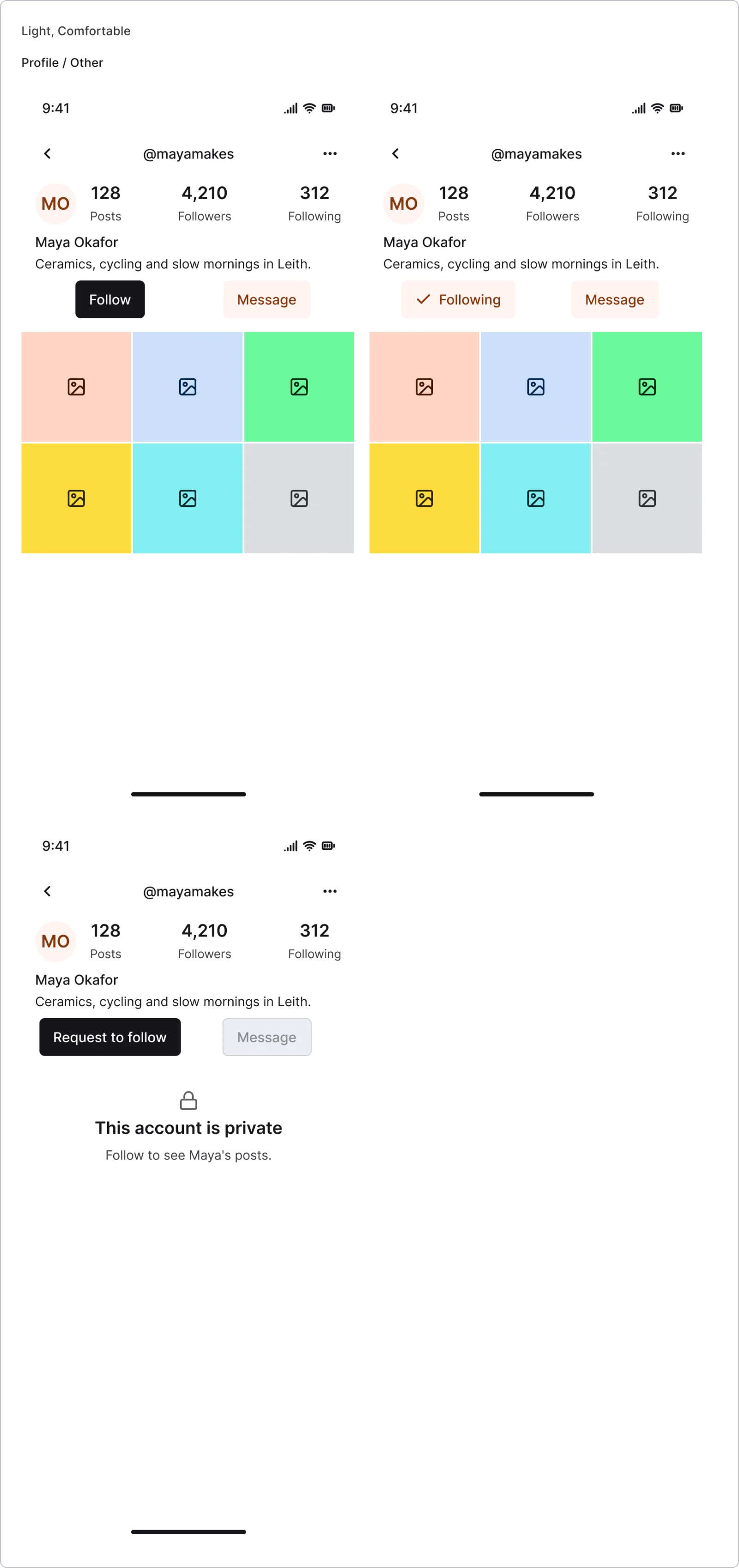
  • Other profile, every variant

    Other profile

    3 variants

    • Not following
    • Following
    • Private
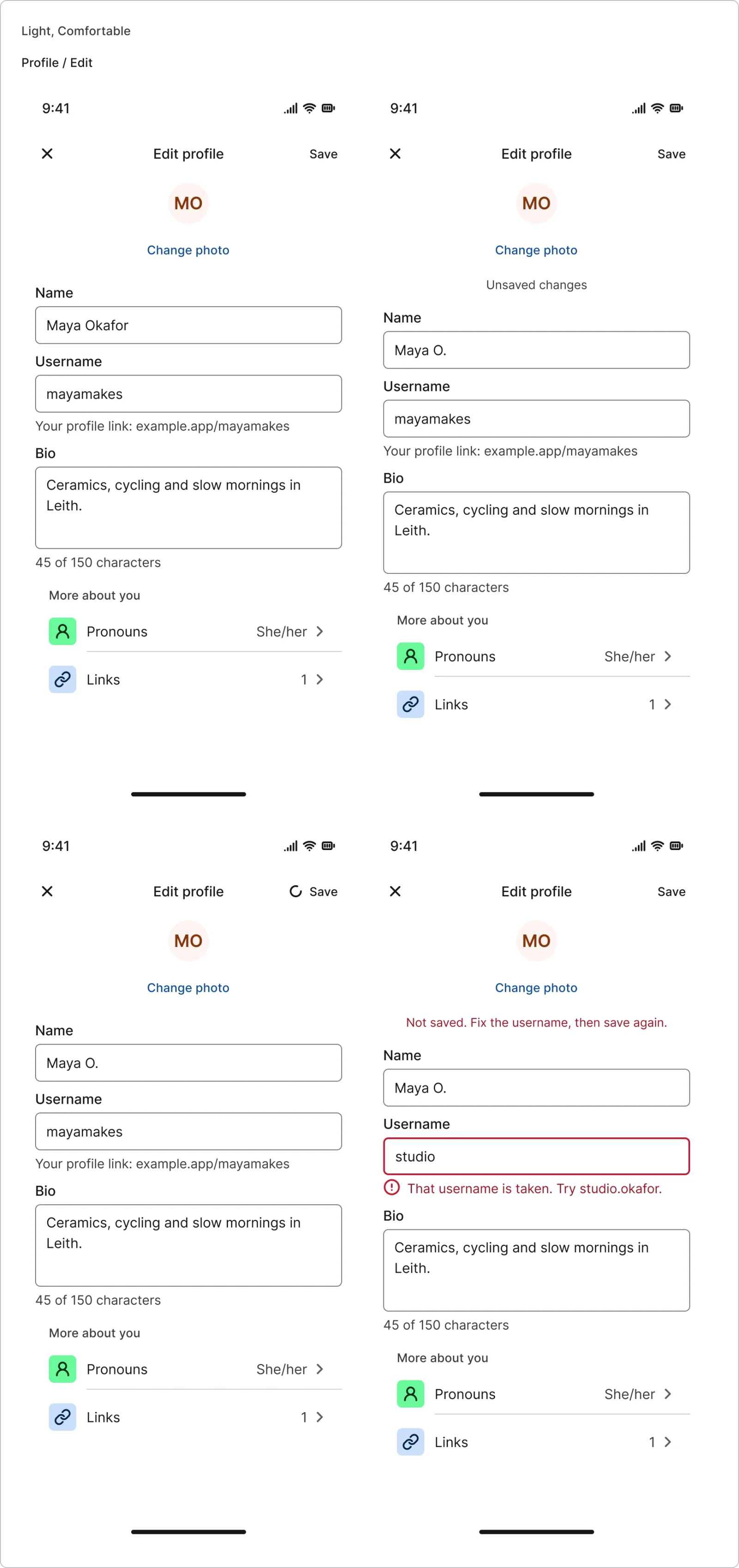
  • Edit profile, every variant

    Edit profile

    4 variants

    • Default
    • Dirty
    • Saving
    • Error
  • Avatar picker, every variant

    Avatar picker

    3 variants

    • Choose
    • Crop
    • Uploading
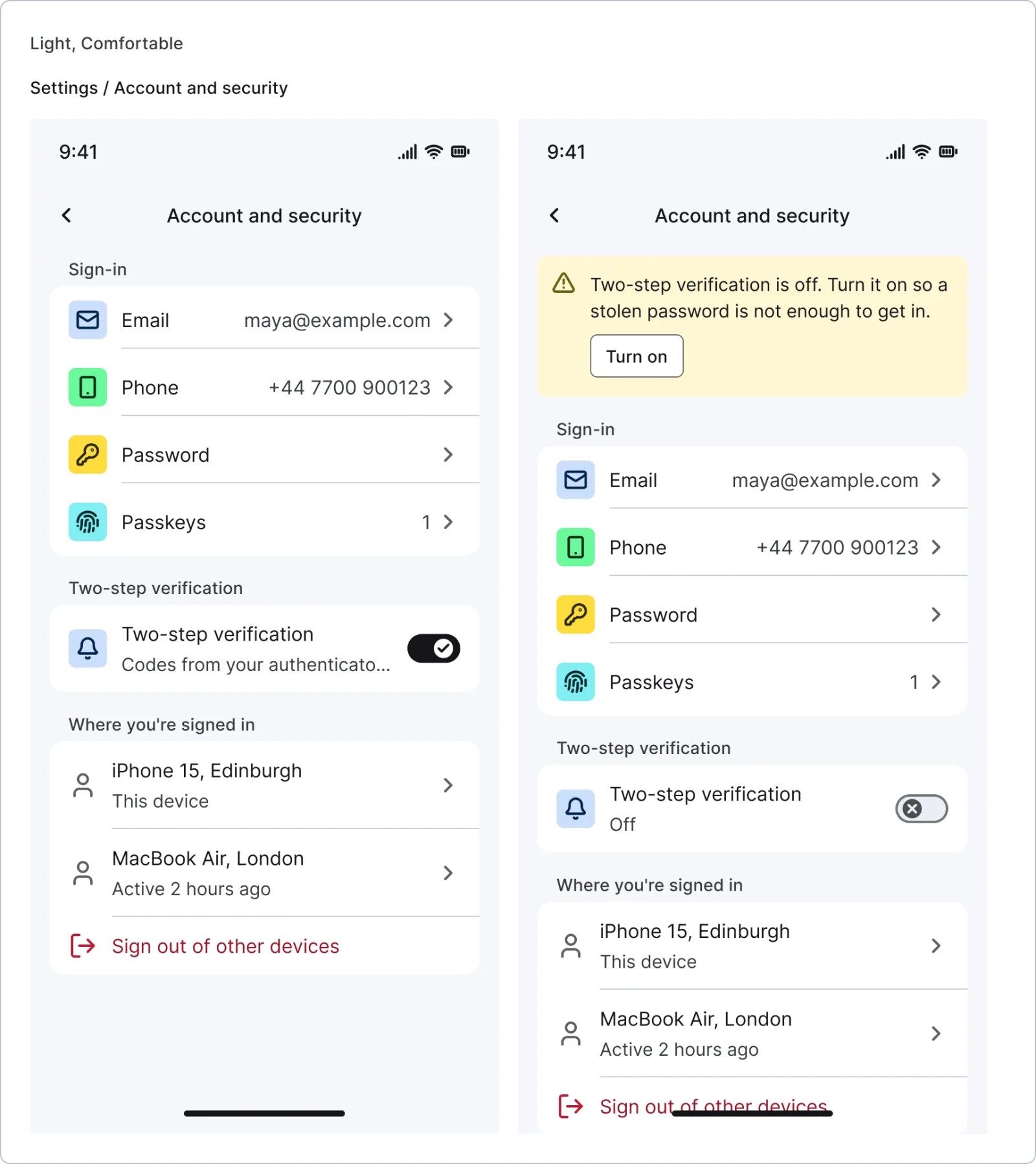
  • Account and security, every variant

    Account and security

    2 variants

    • Two-step on
    • Two-step off
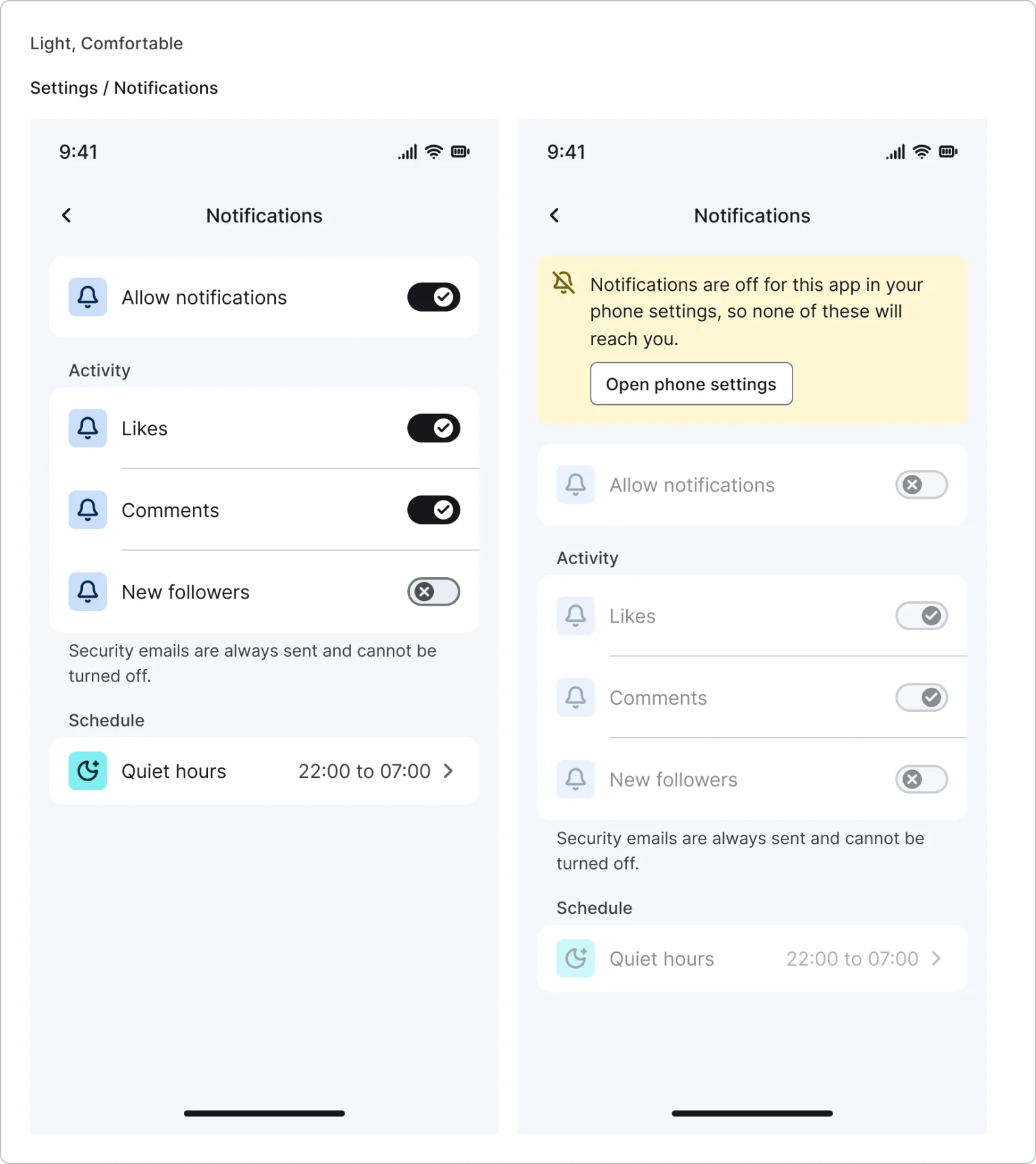
  • Notification settings, every variant

    Notification settings

    2 variants

    • Allowed
    • Off in system
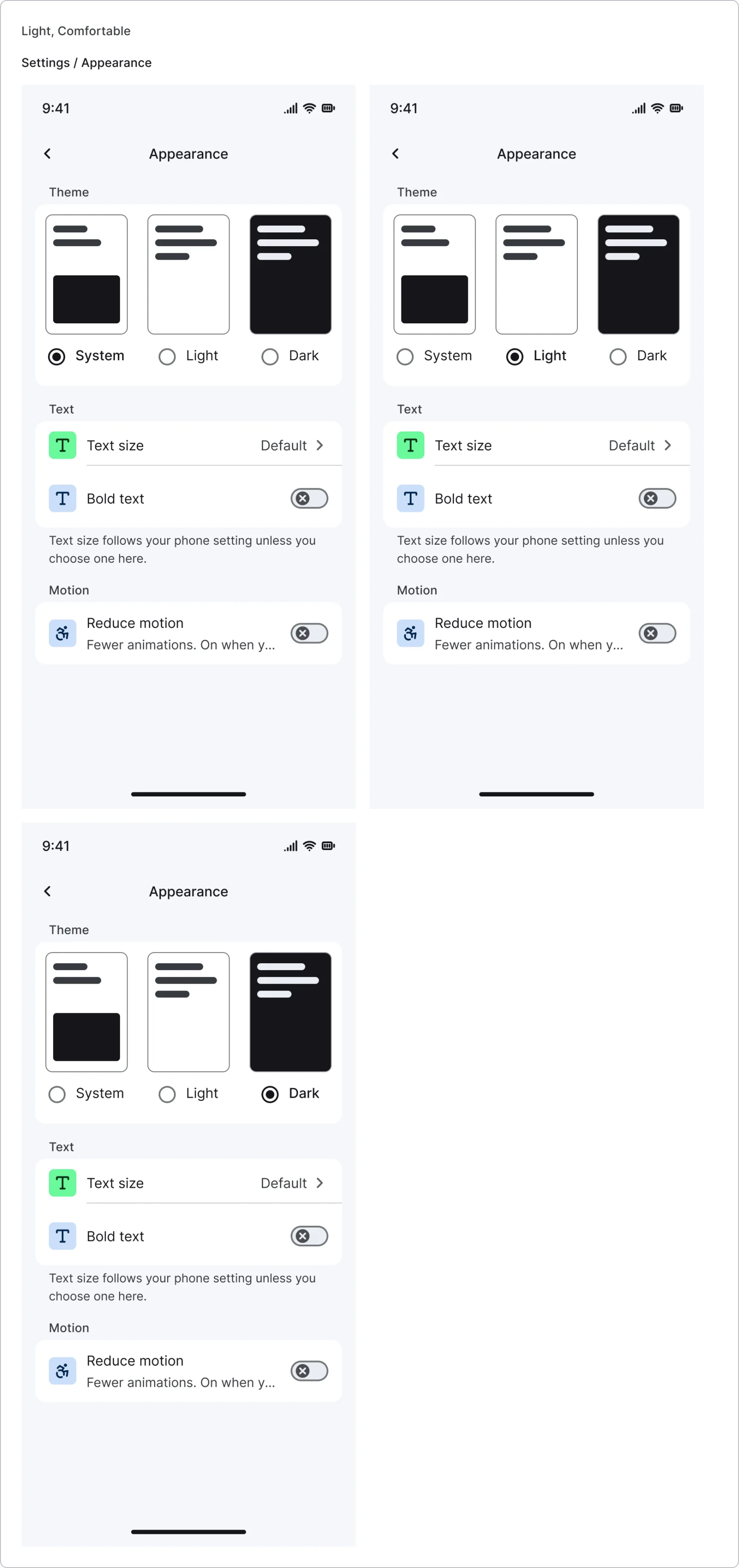
  • Appearance, every variant

    Appearance

    3 variants

    • System
    • Light
    • Dark
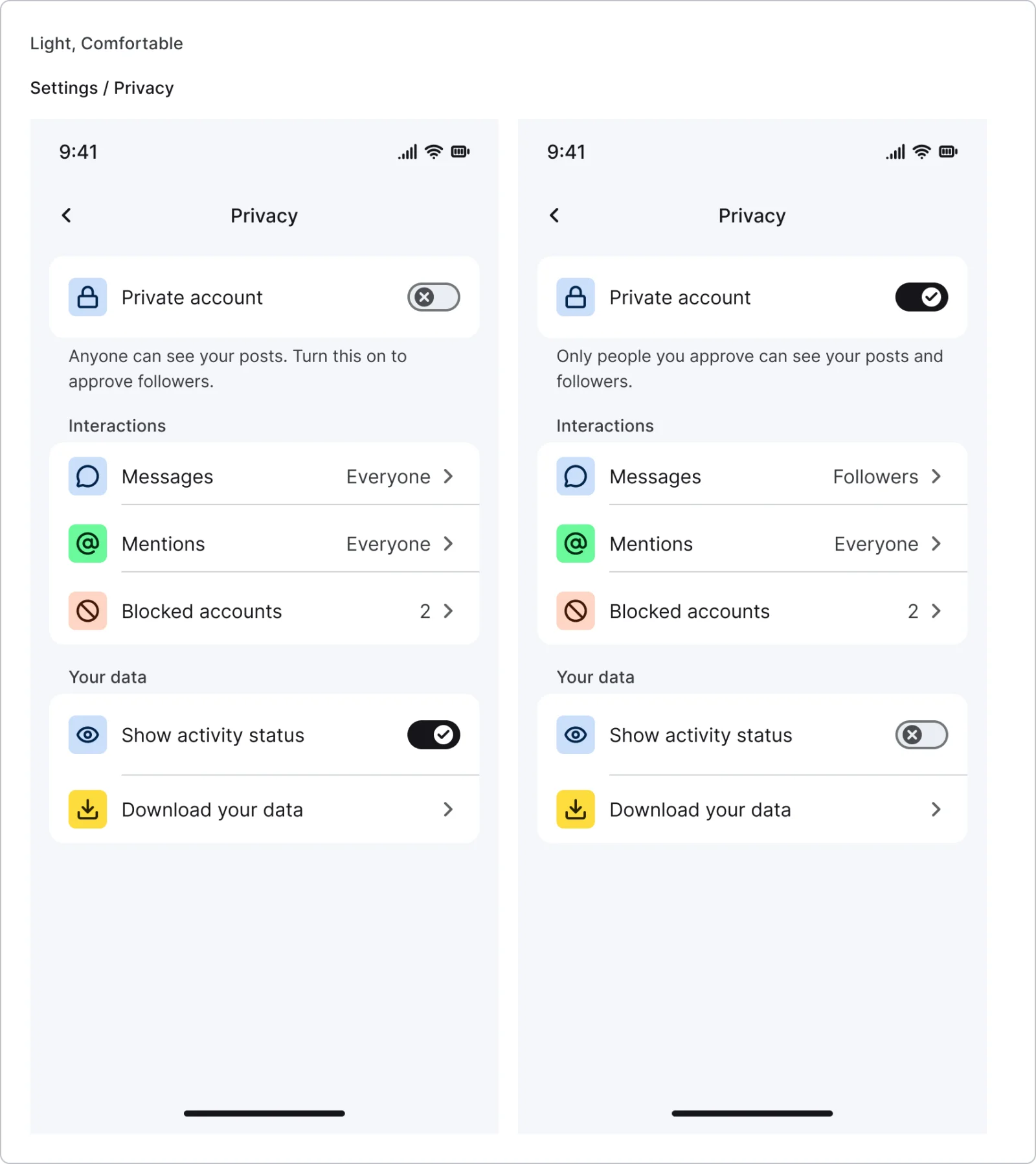
  • Privacy, every variant

    Privacy

    2 variants

    • Public
    • Private
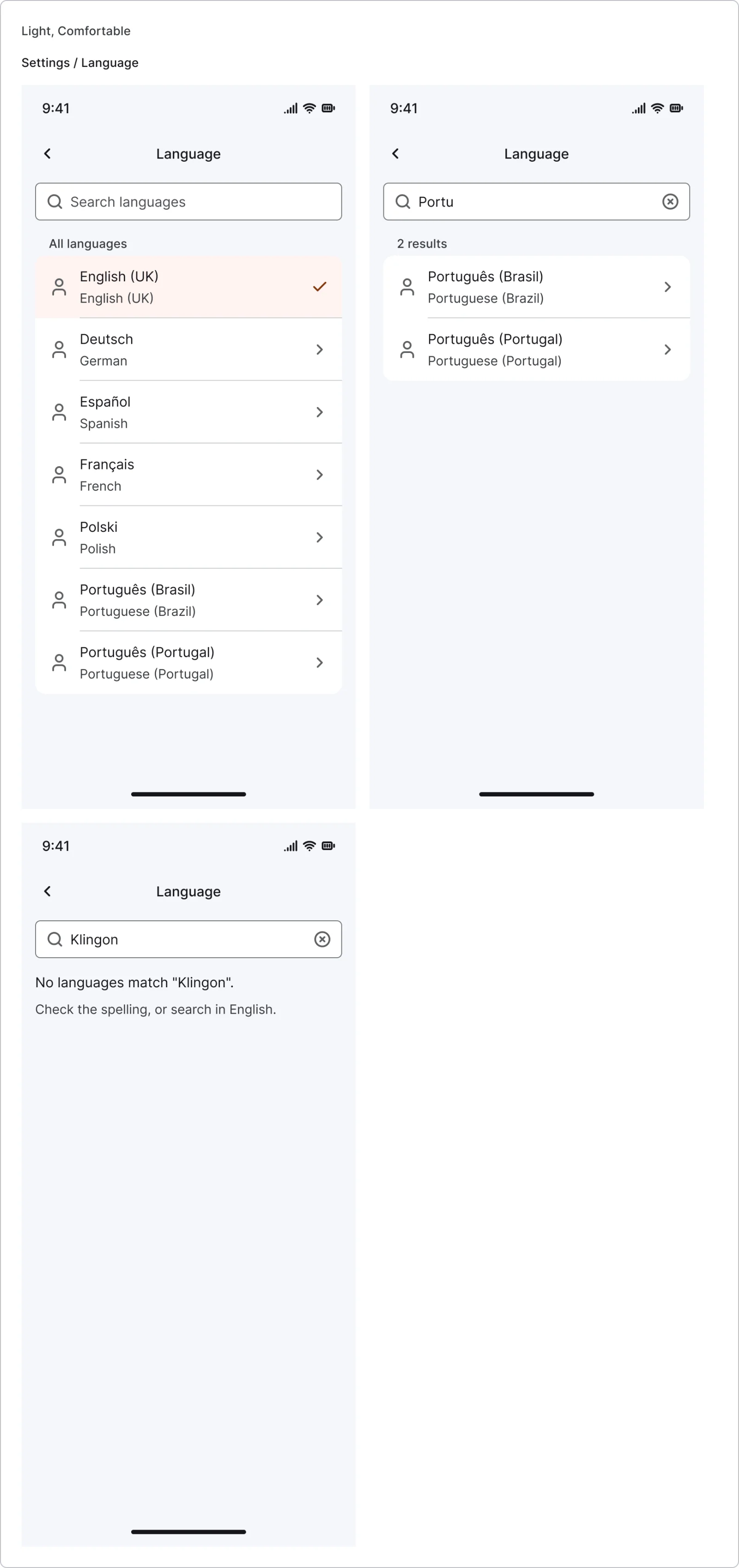
  • Language picker, every variant

    Language picker

    3 variants

    • Default
    • Searching
    • No results
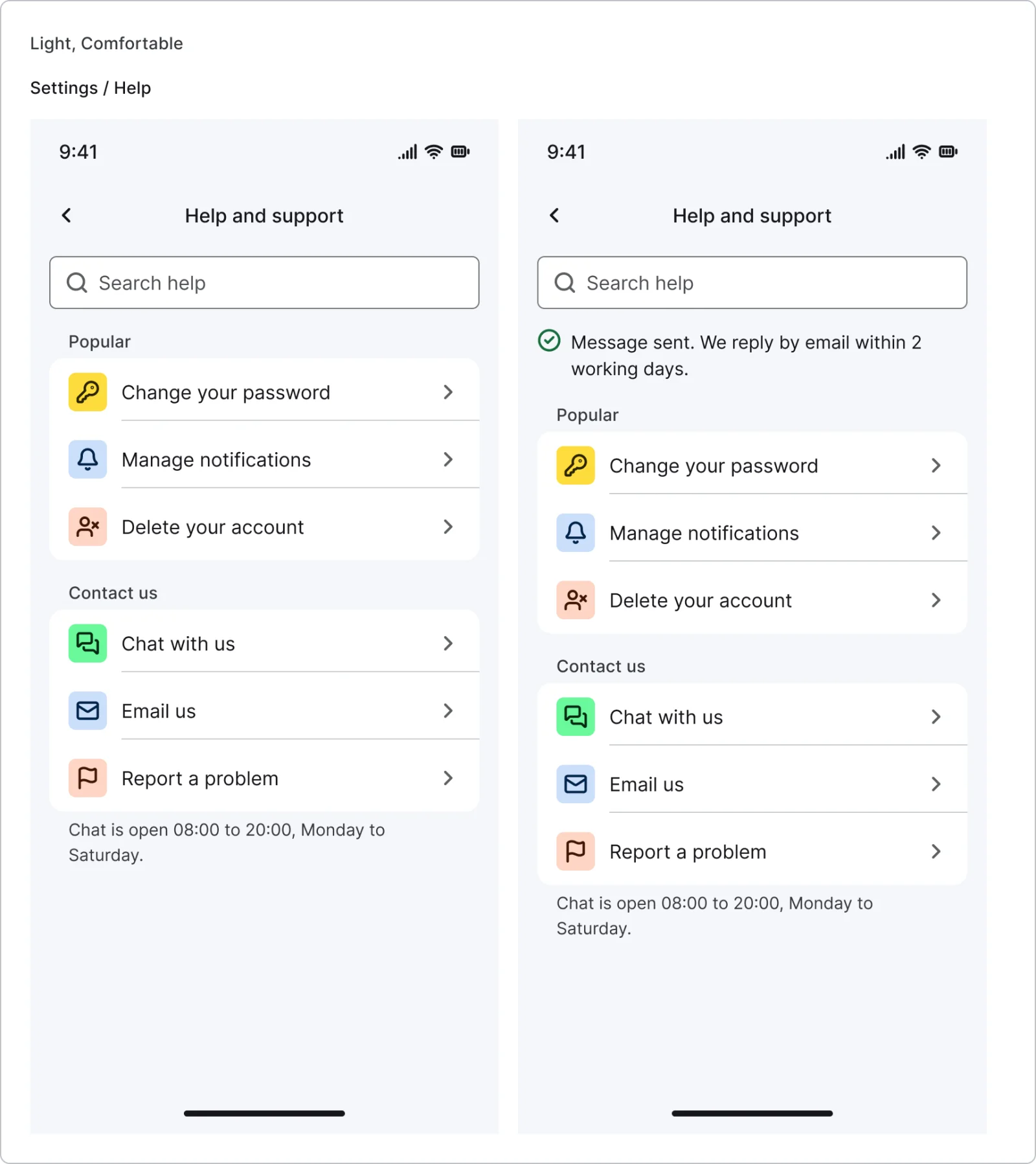
  • Help and support, every variant

    Help and support

    2 variants

    • Default
    • Message sent
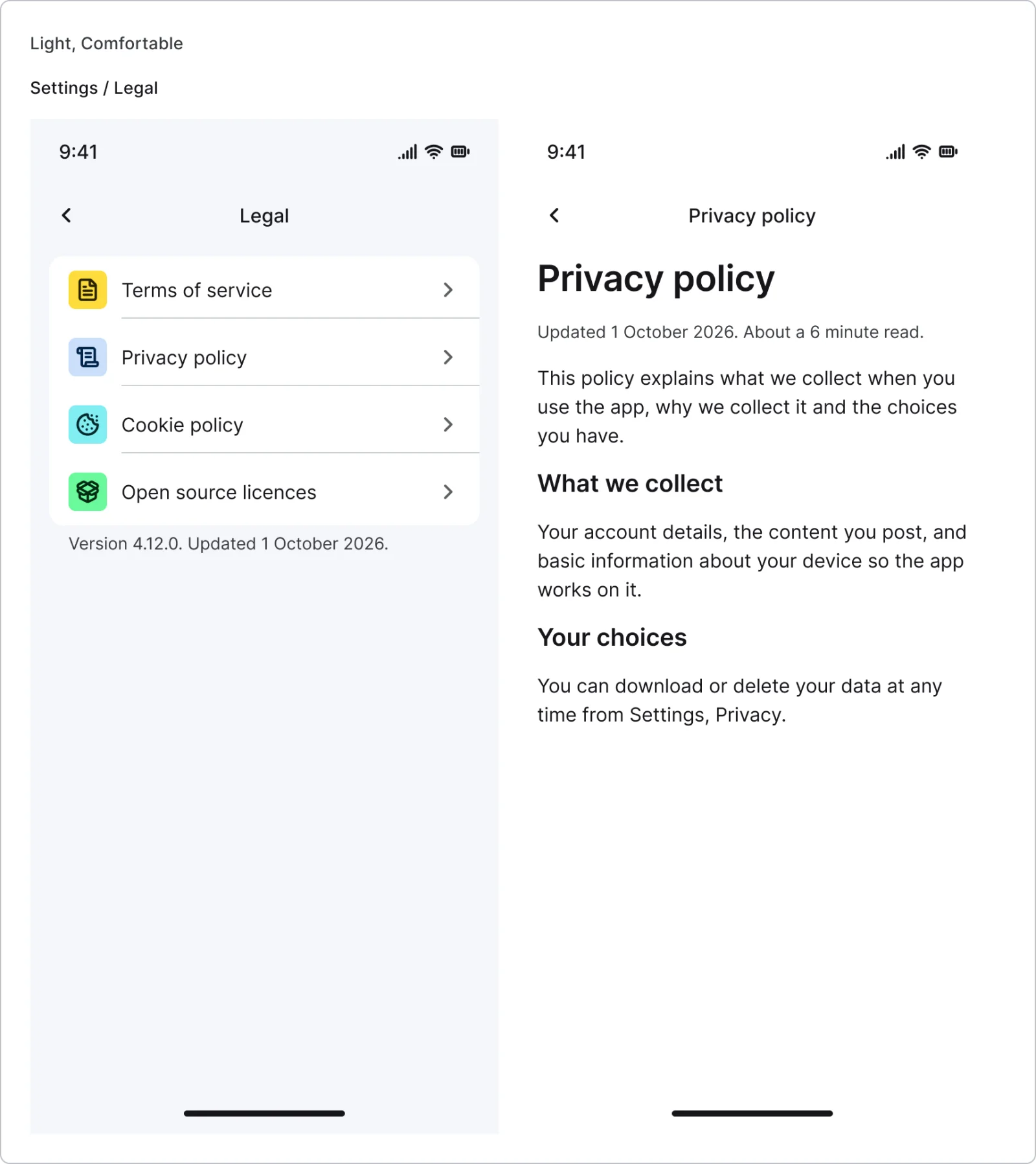
  • Legal, every variant

    Legal

    2 variants

    • List
    • Document
  • Delete account, every variant

    Delete account

    3 variants

    • Explain
    • Confirm
    • Done
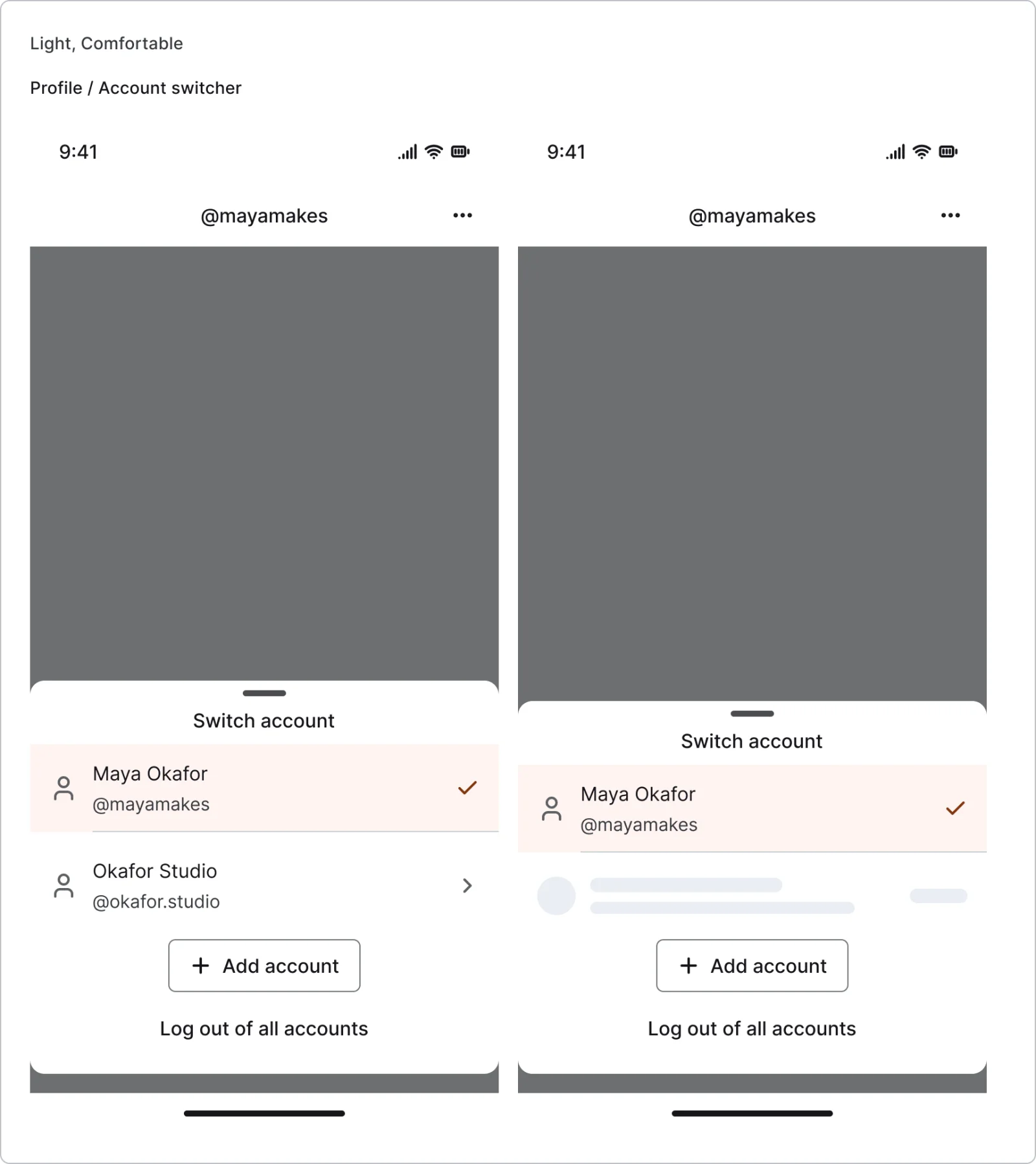
  • Account switcher, every variant

    Account switcher

    2 variants

    • Default
    • Switching
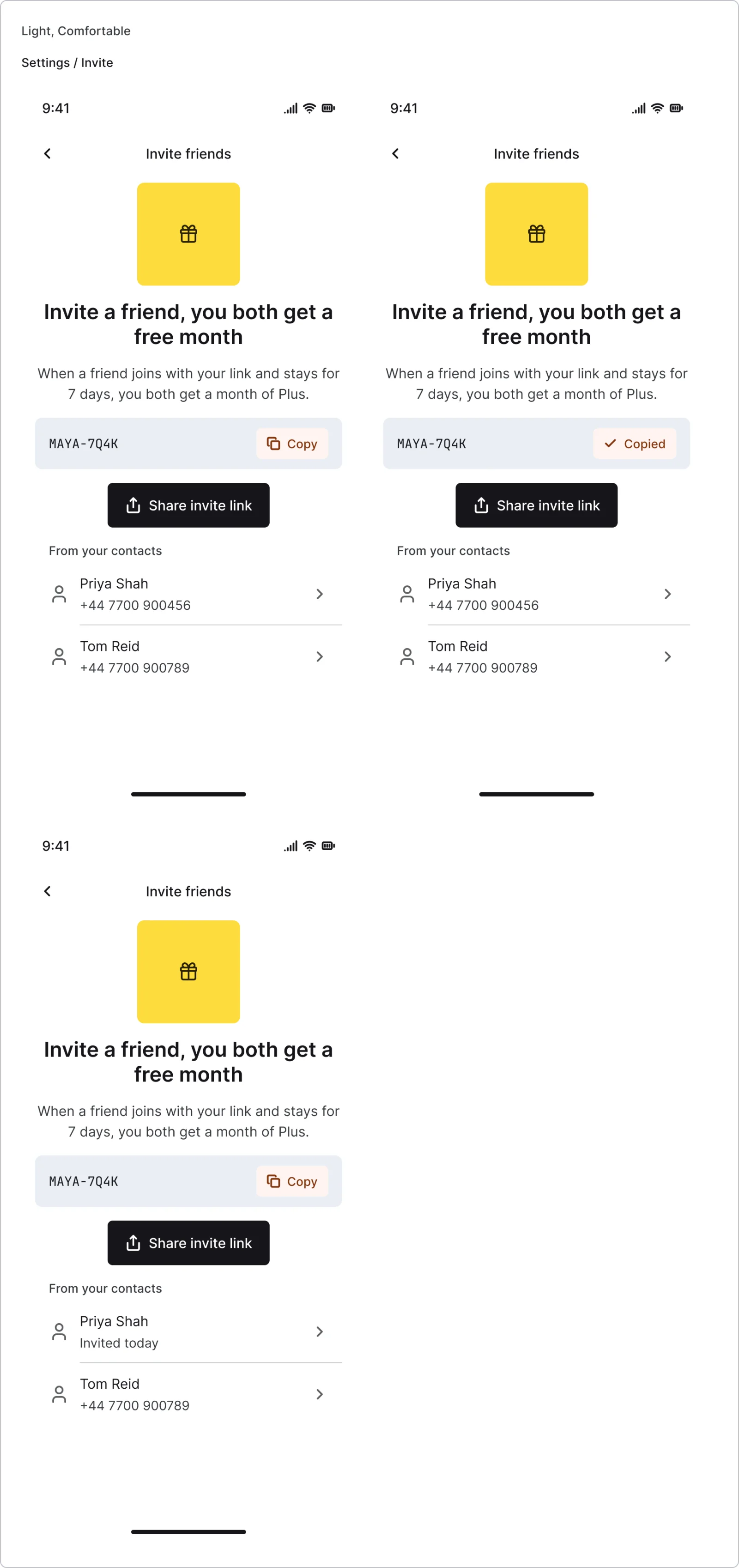
  • Invite and referral, every variant

    Invite and referral

    3 variants

    • Default
    • Copied
    • Invited
Figma file
SuperDuper Pack: Profile and settings (Mobile)
Themes
Light and Dark
Densities
Comfortable and Compact
Also in the file
Usage and accessibility notes, motion specs, Figma variables
Covers 7 screen patterns
Settings list, Settings detail, My profile, User profile, Invite & referral, Help & support and Legal & terms

How iOS Settings, Revolut and Instagram and others do it

Recreations of real products, so you can compare approaches side by side. They are approximate, built from public product knowledge, with placeholder data and no third-party artwork.
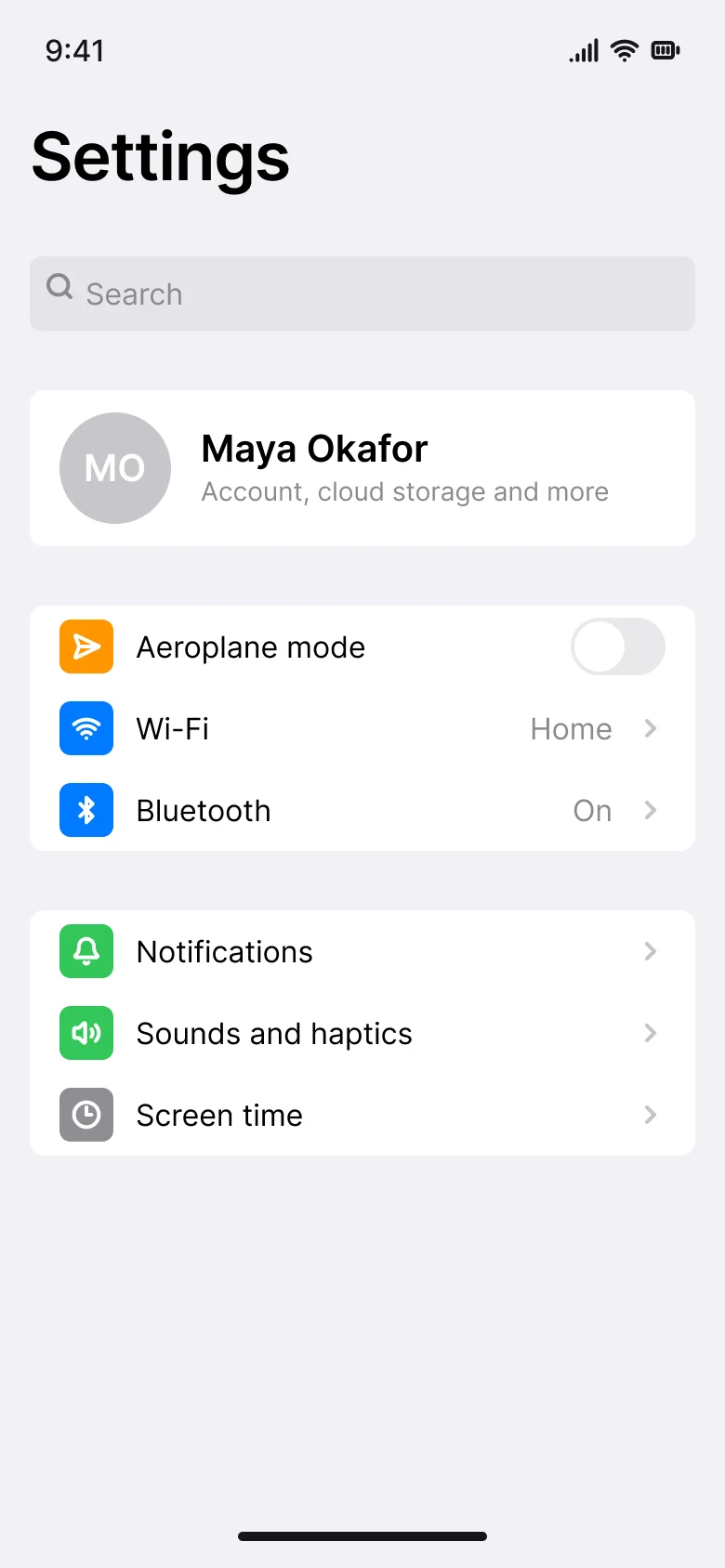
  • Settings list, every variant

    Settings list

    Recreated from iOS Settings

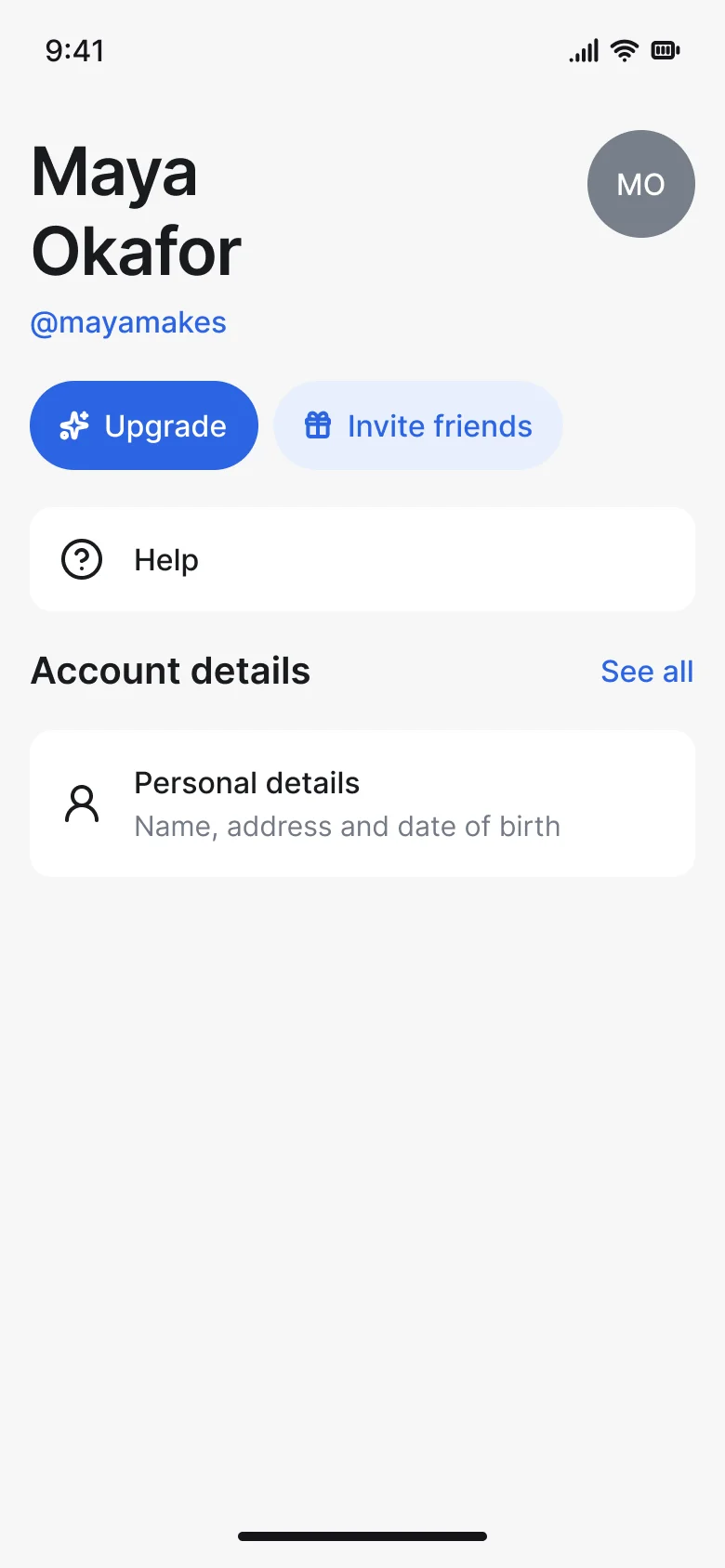
  • Account hub, every variant

    Account hub

    Recreated from Revolut

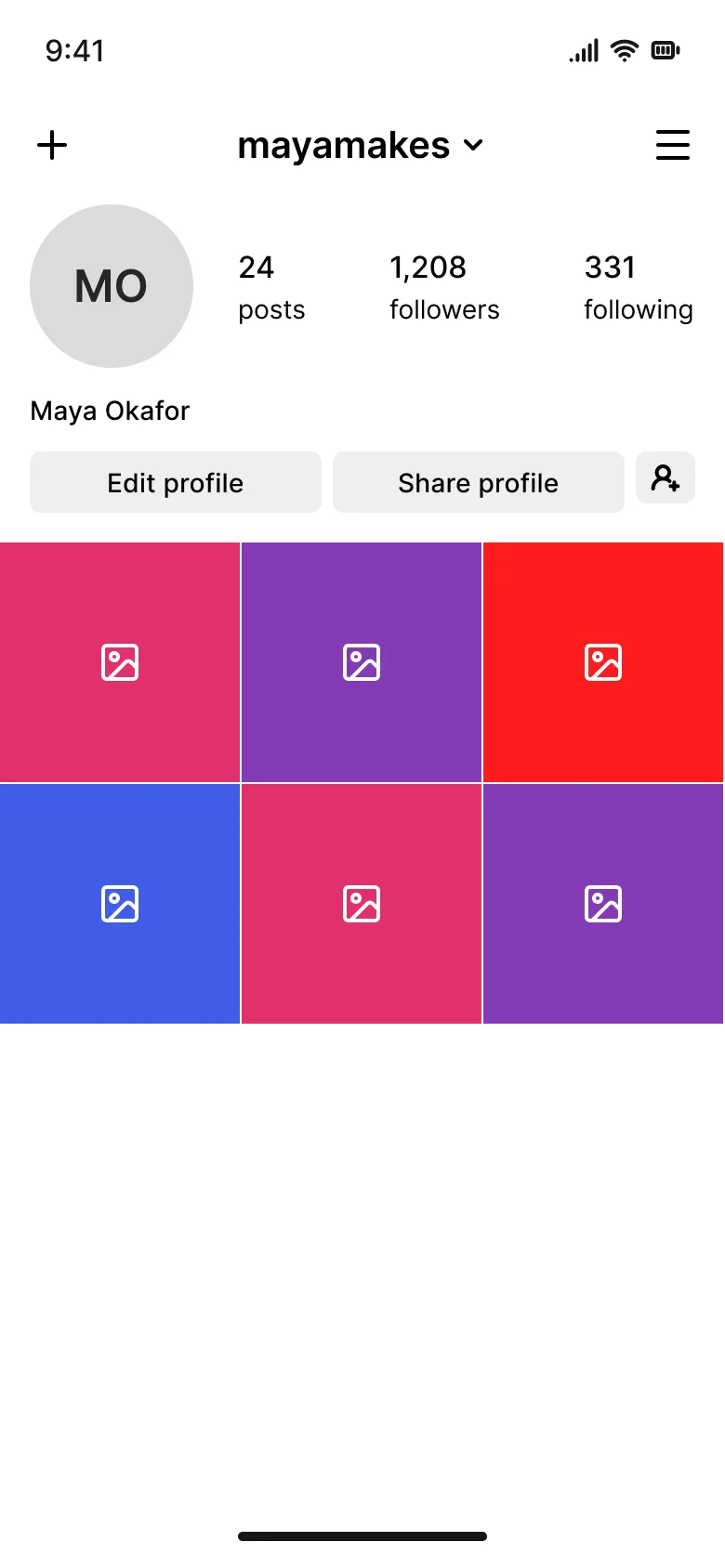
  • Profile and bio, every variant

    Profile and bio

    Recreated from Instagram

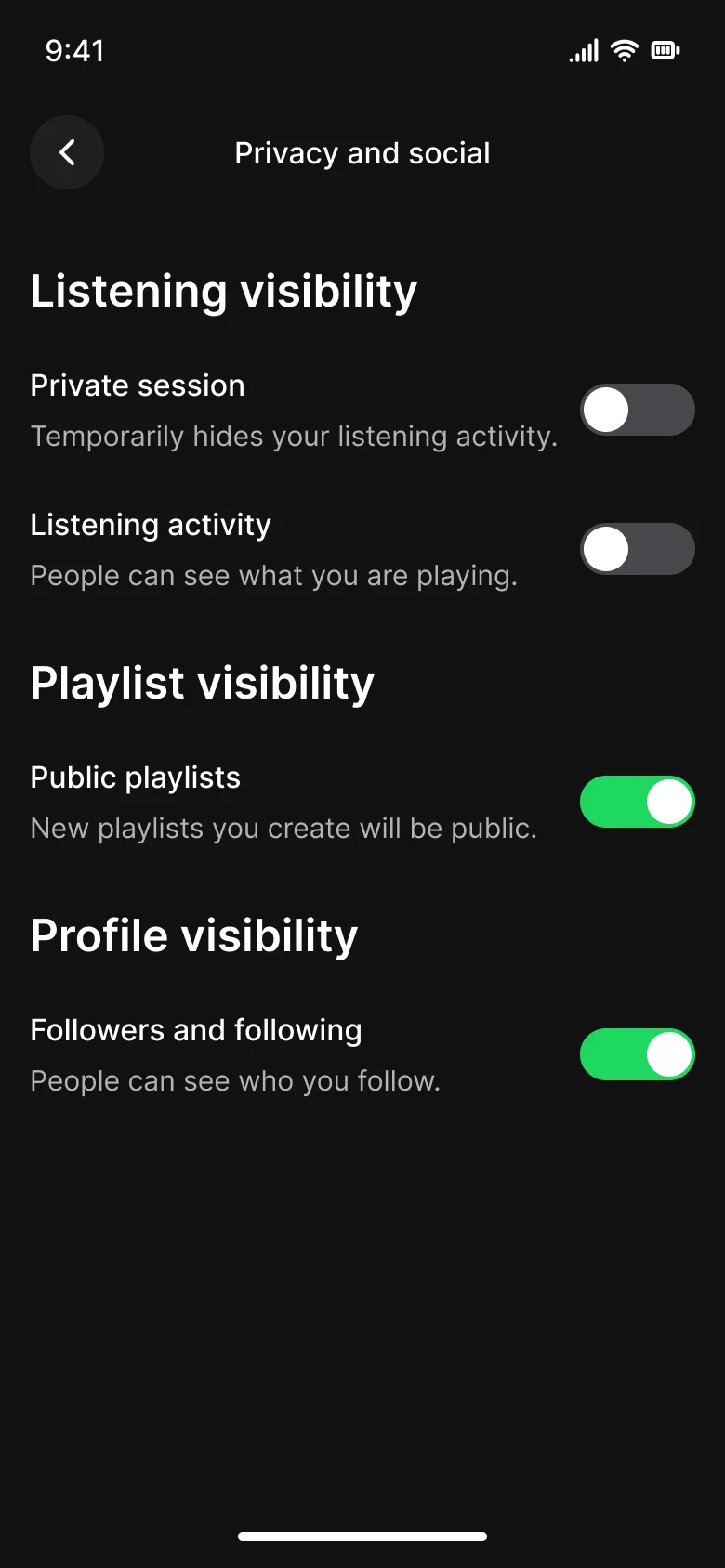
  • Privacy settings, every variant

    Privacy settings

    Recreated from Spotify

Not affiliated with, endorsed or sponsored by iOS Settings, Revolut, Instagram and Spotify. Their names are trade marks of their owners and are used only to say what each recreation is based on.

Grouped settings list, every variant

See the grouped settings list full size, free

The settings root with a large title, account row and grouped rows, in grouped and plain styles. All 4 variants, free to see with a SuperDuperUI account. The Figma file comes with the pack.

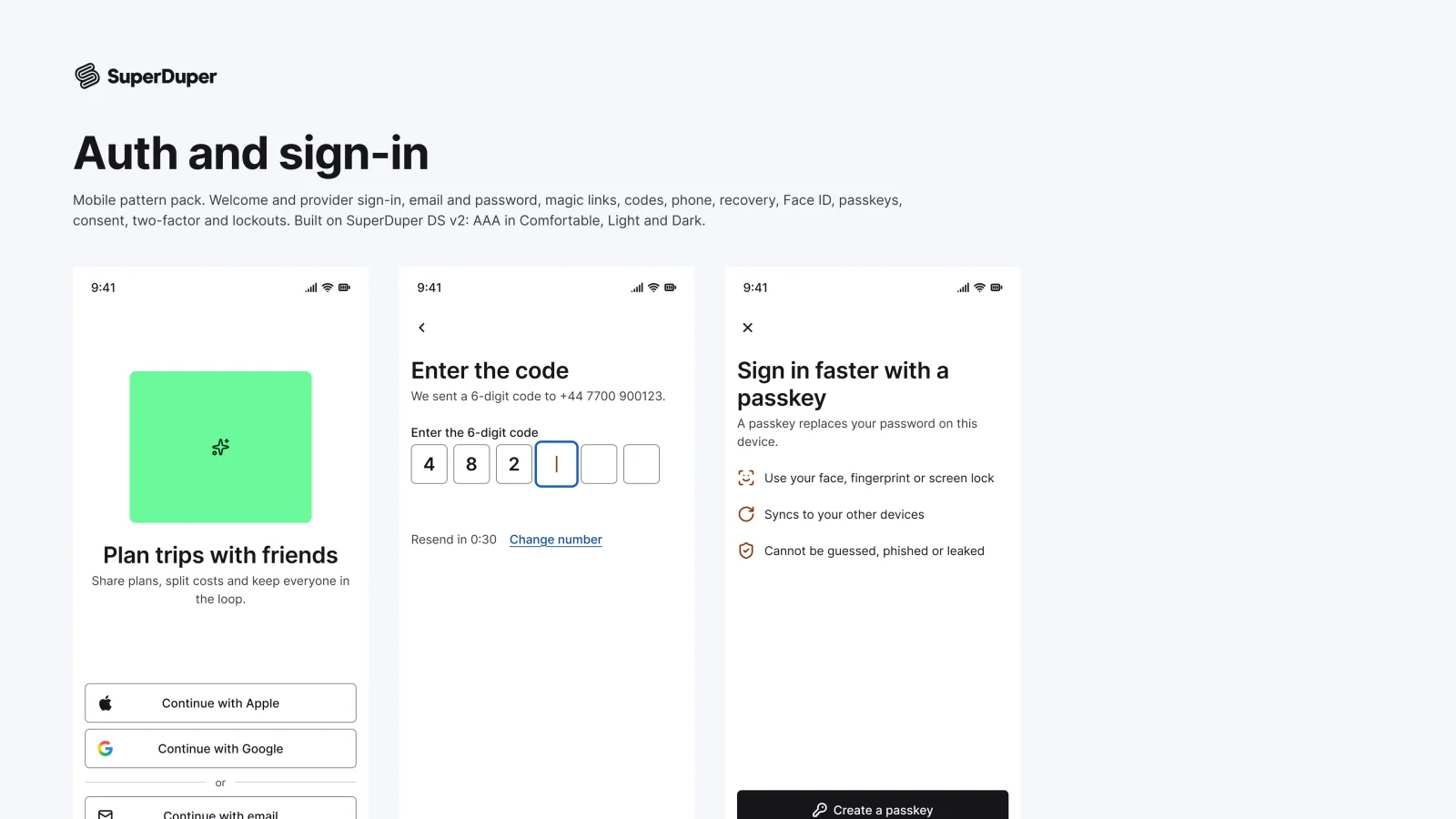
  • Auth and sign-in

    Mobile15 components83 variants4 recreations

    Mobile sign-in screens and parts, from social buttons and passkeys to codes, two-factor and locked accounts.

    $9, or included with Pro
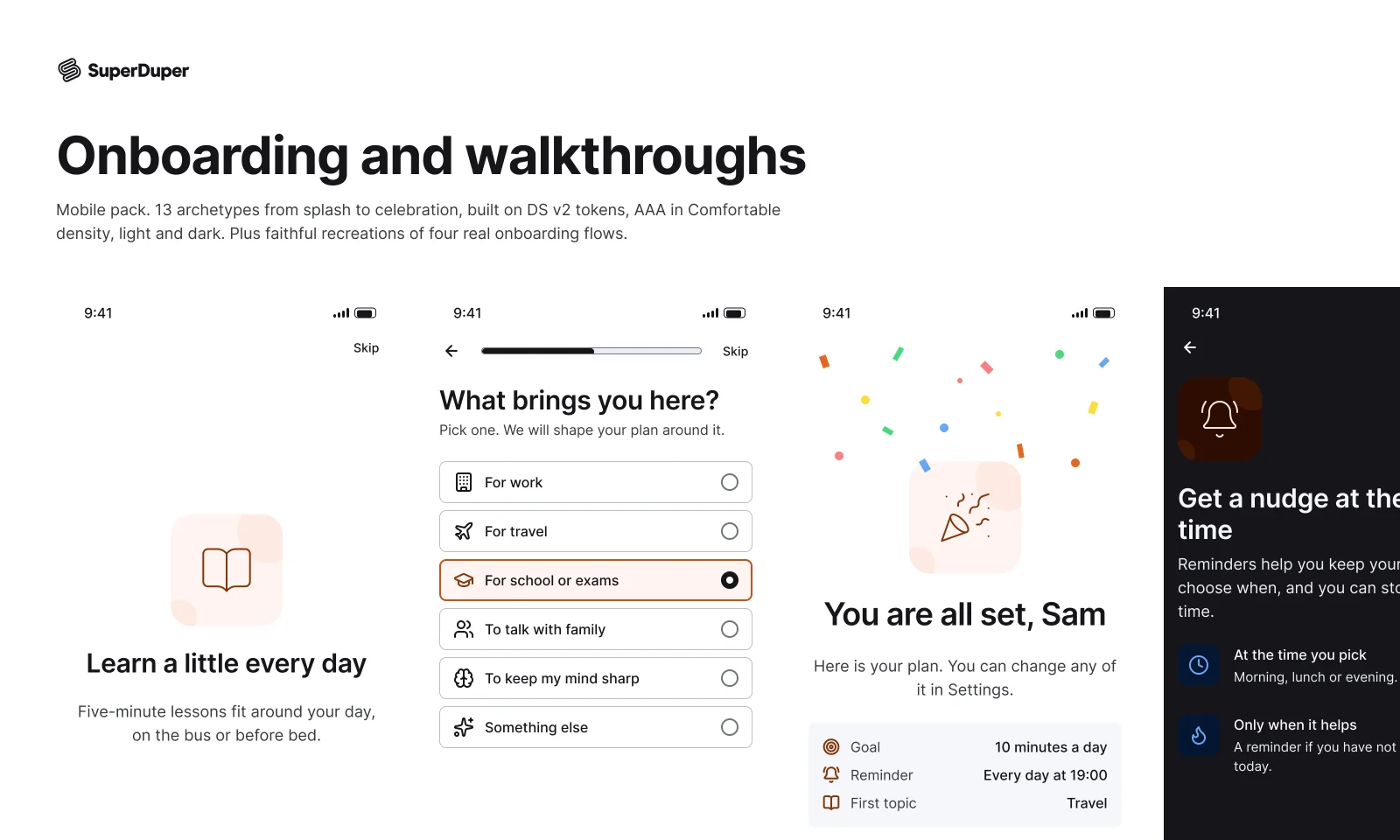
  • Onboarding and walkthroughs

    Mobile20 components128 variants4 recreations

    Mobile onboarding screens from splash to celebration, with questions, goals, permissions and tutorials.

    $9, or included with Pro
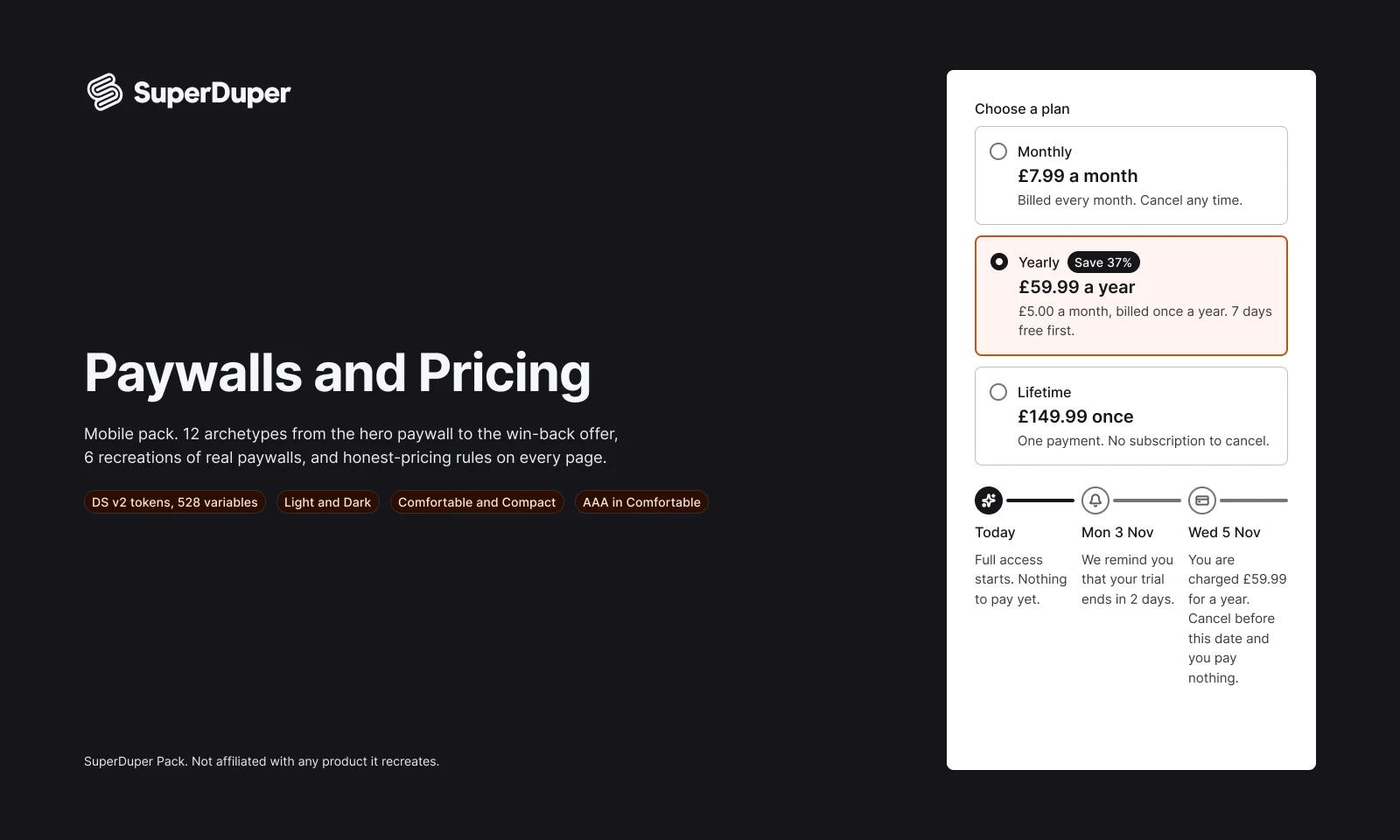
  • Paywalls and pricing

    Mobile14 components80 variants6 recreations

    Mobile paywalls, plan cards, trial timelines, upsell sheets and offers, built around honest pricing.

    $9, or included with Pro

Questions about the profile and settings pack

  • One Figma file: SuperDuper Pack: Profile and settings (Mobile). It has 16 components with 43 variants, 4 recreations, and notes on when to use each part. Everything uses Figma variables, so you can change the colours and type to match your product.