
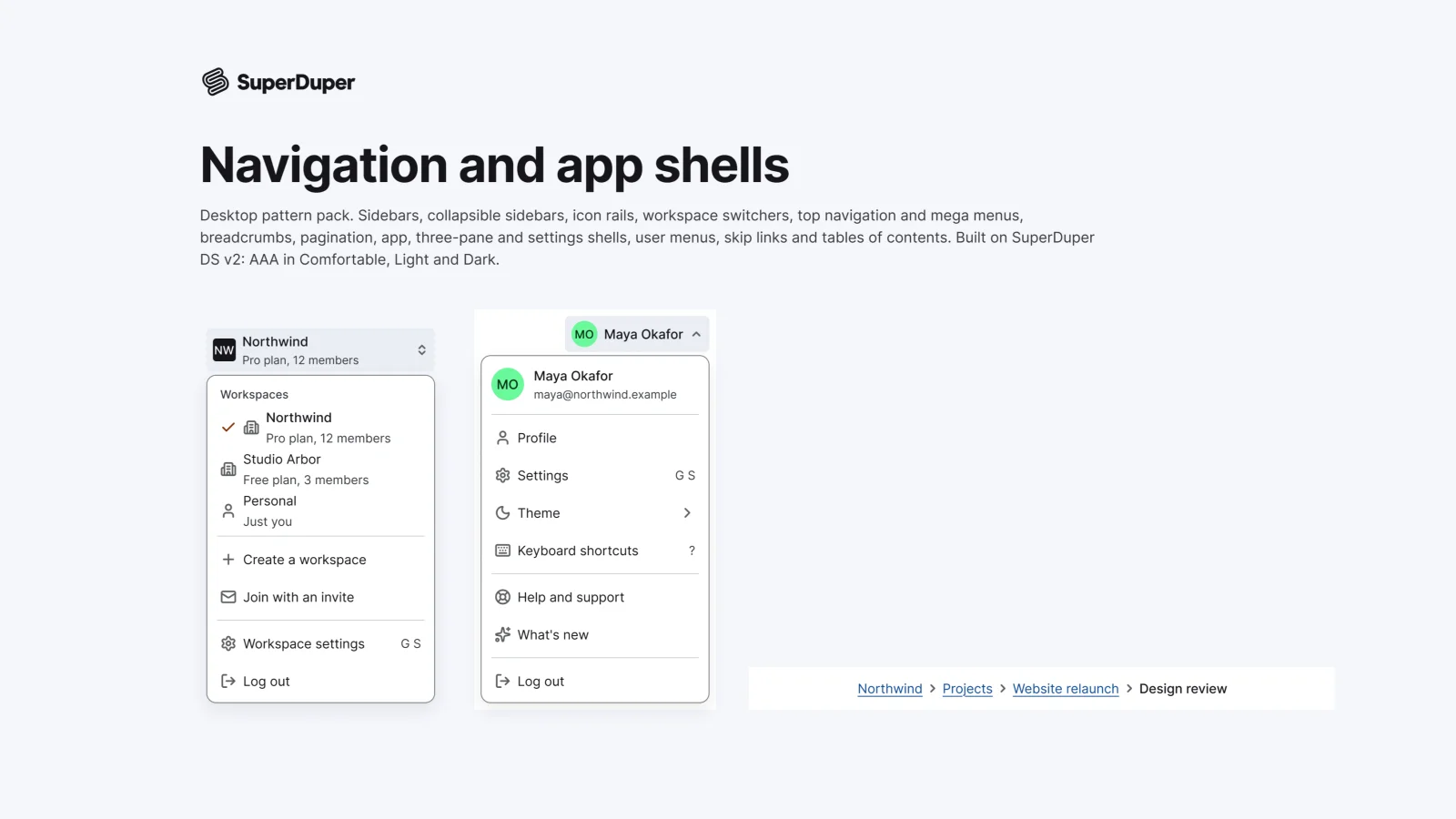
Navigation and app shells
Desktop14 components32 variants6 recreations
Desktop navigation and app shells: sidebars, icon rails, top nav, breadcrumbs, menus and full page layouts.
$9, or included with Pro
Desktop packNavigation and structure
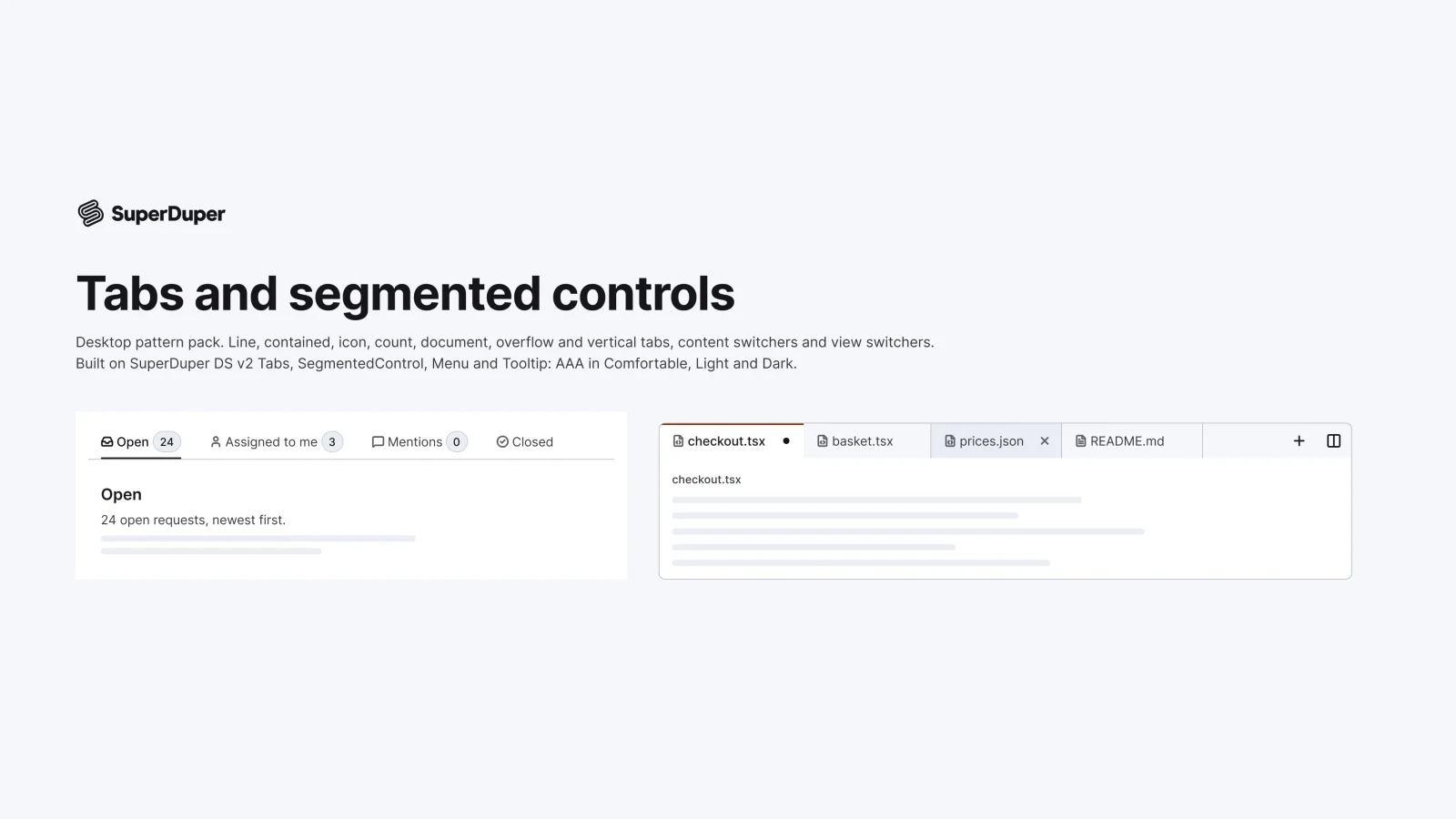
Desktop tabs and segmented controls: line, contained, icon, count, document, overflow, vertical and view switchers.
Also for mobile: Tabs and segmented controls
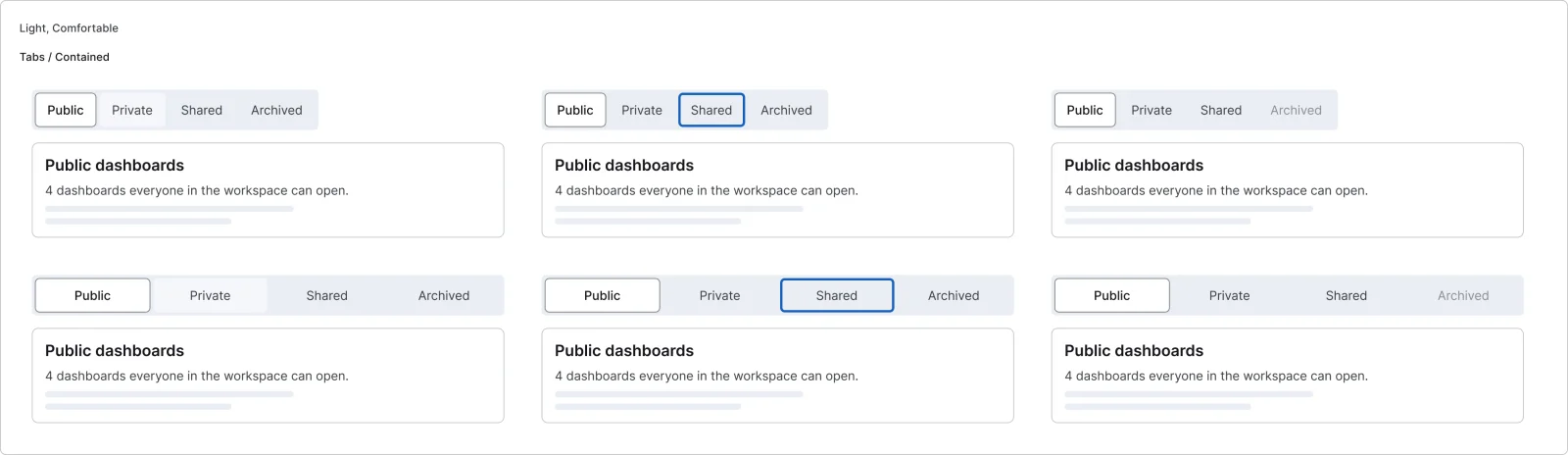
Nine tab patterns for desktop apps, from line and contained tabs to closable document tabs with unsaved changes, an overflow menu, vertical tabs, a content switcher and a table, board or calendar view switcher. Documentation covers keyboard behaviour, including automatic and manual activation, Home and End, and Delete for closable tabs. Every page has a live grid in Light and Dark, Comfortable and Compact.
6 variants
6 variants

6 variants
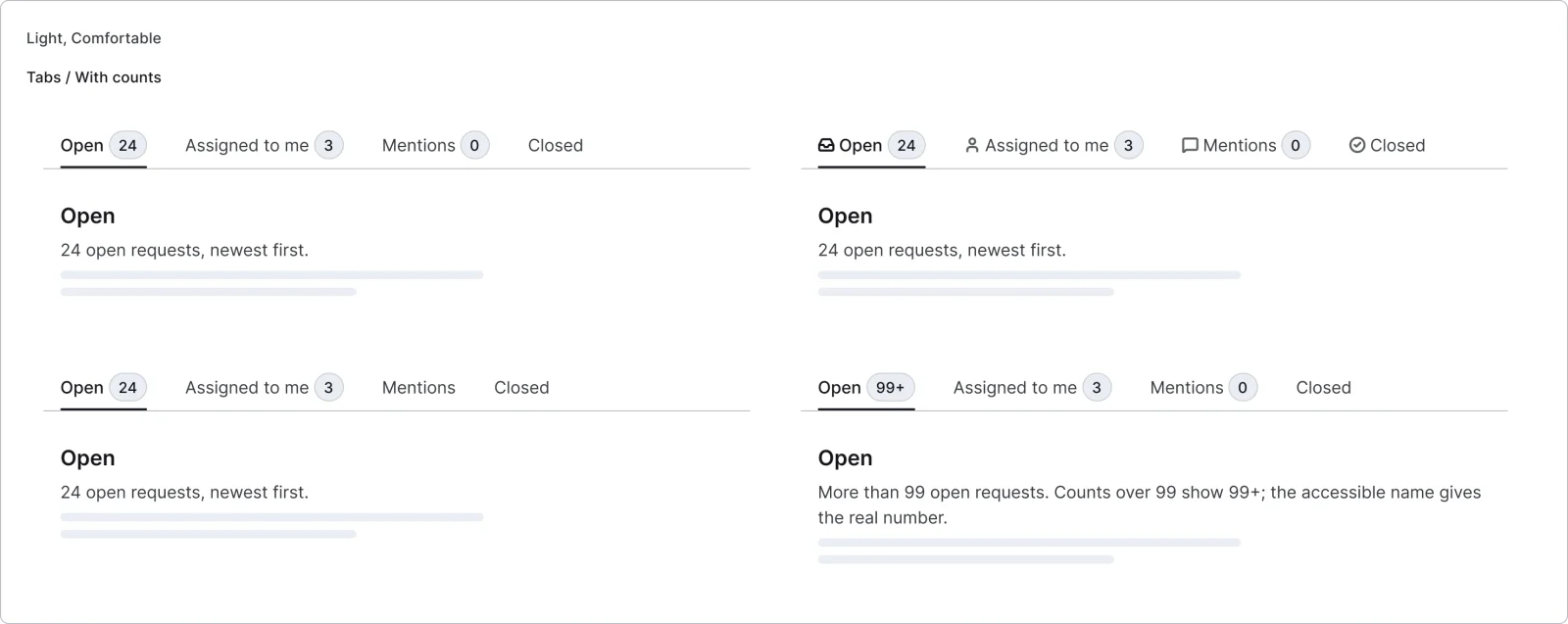
4 variants
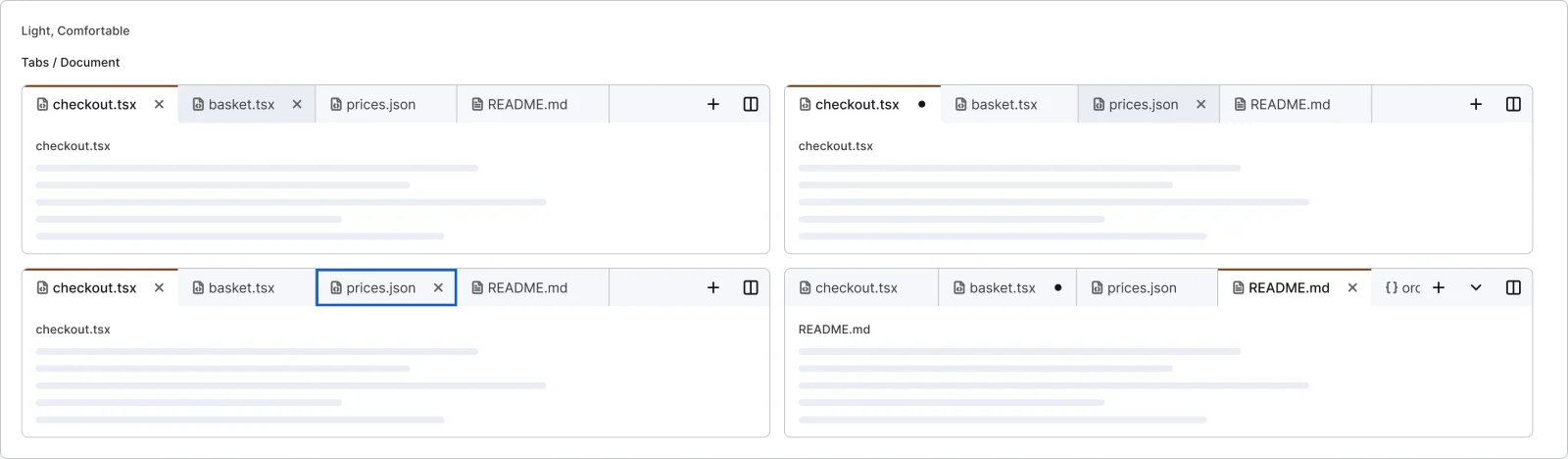
4 variants
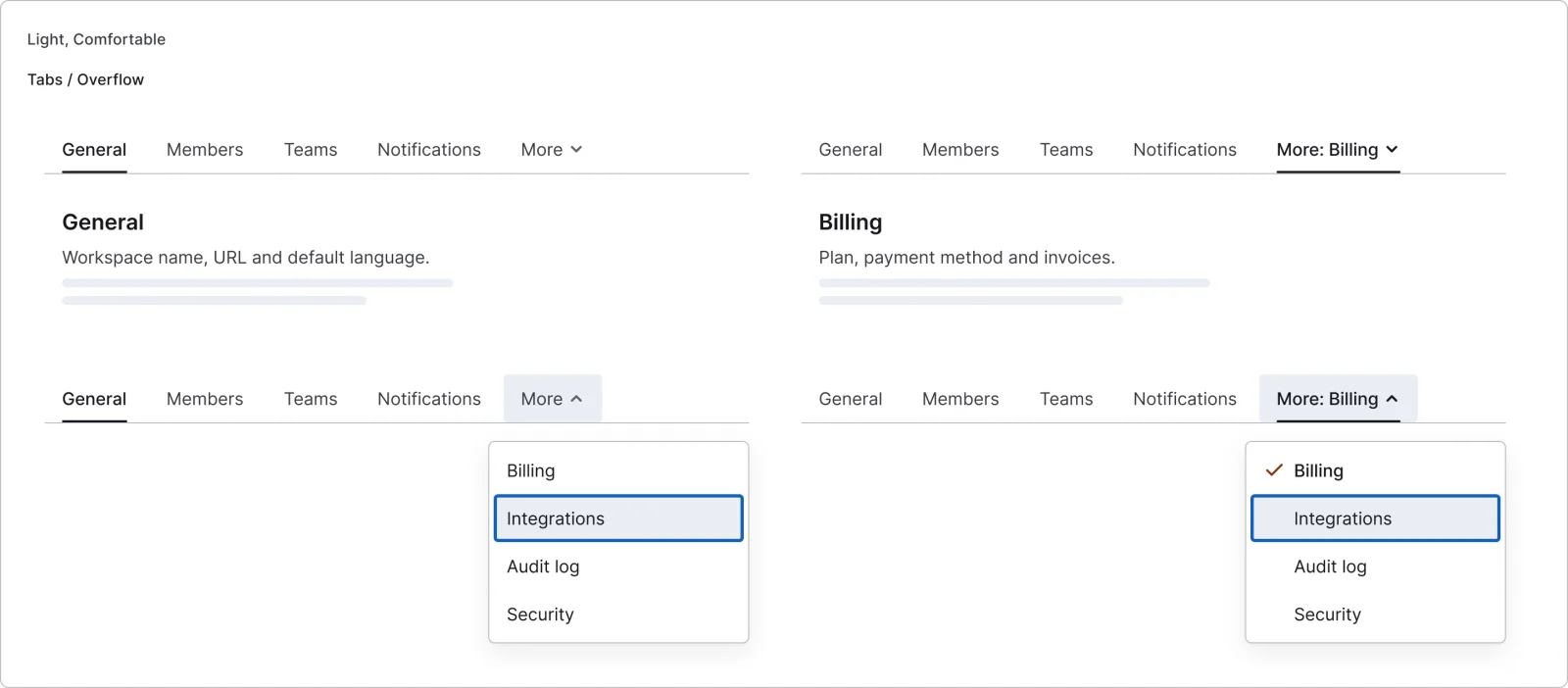
4 variants
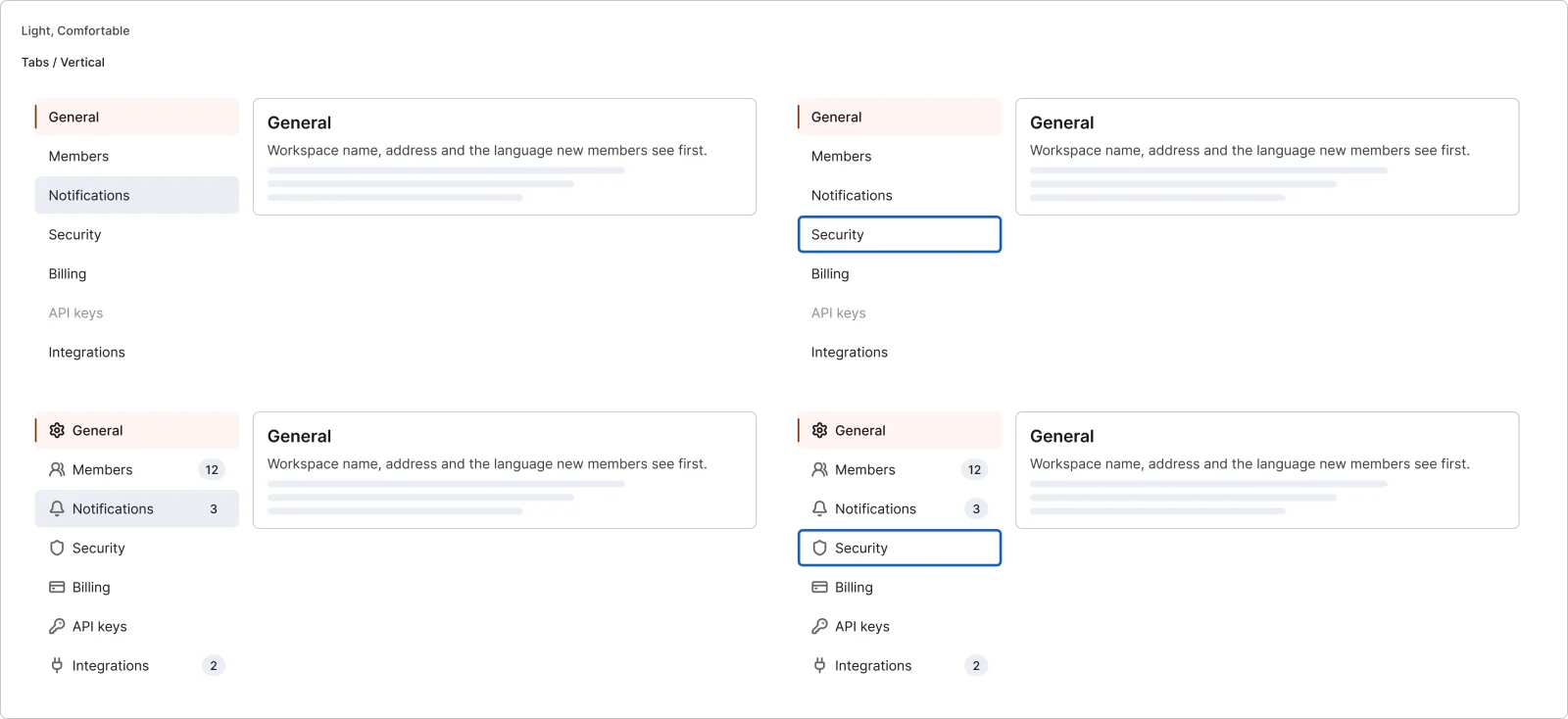
4 variants
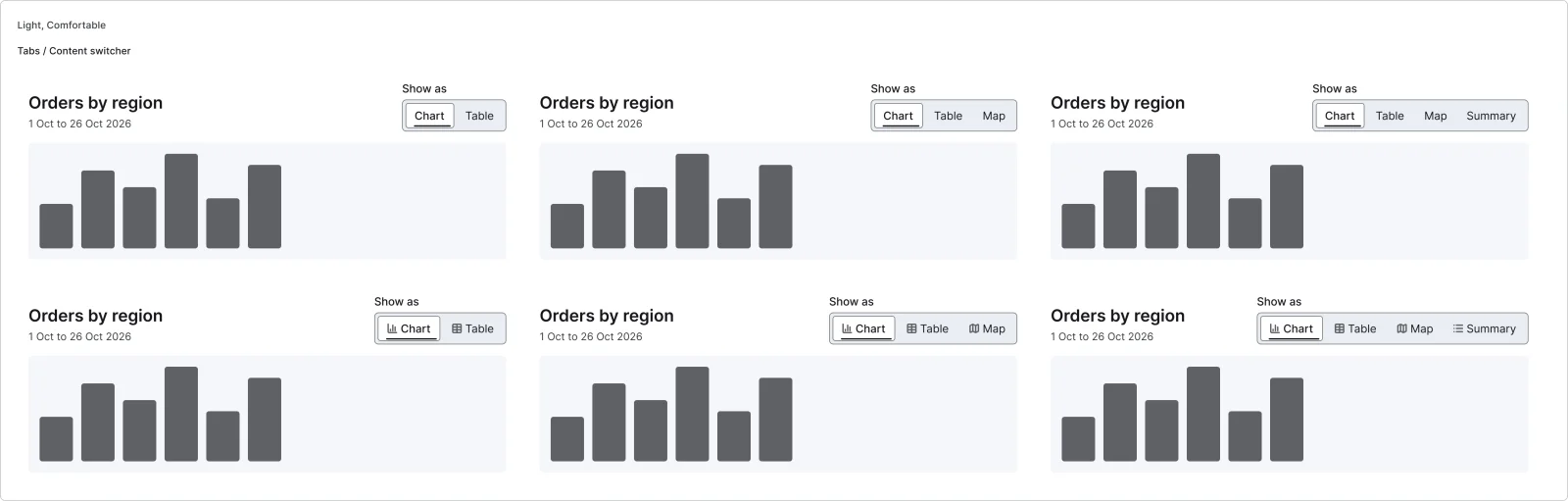
6 variants
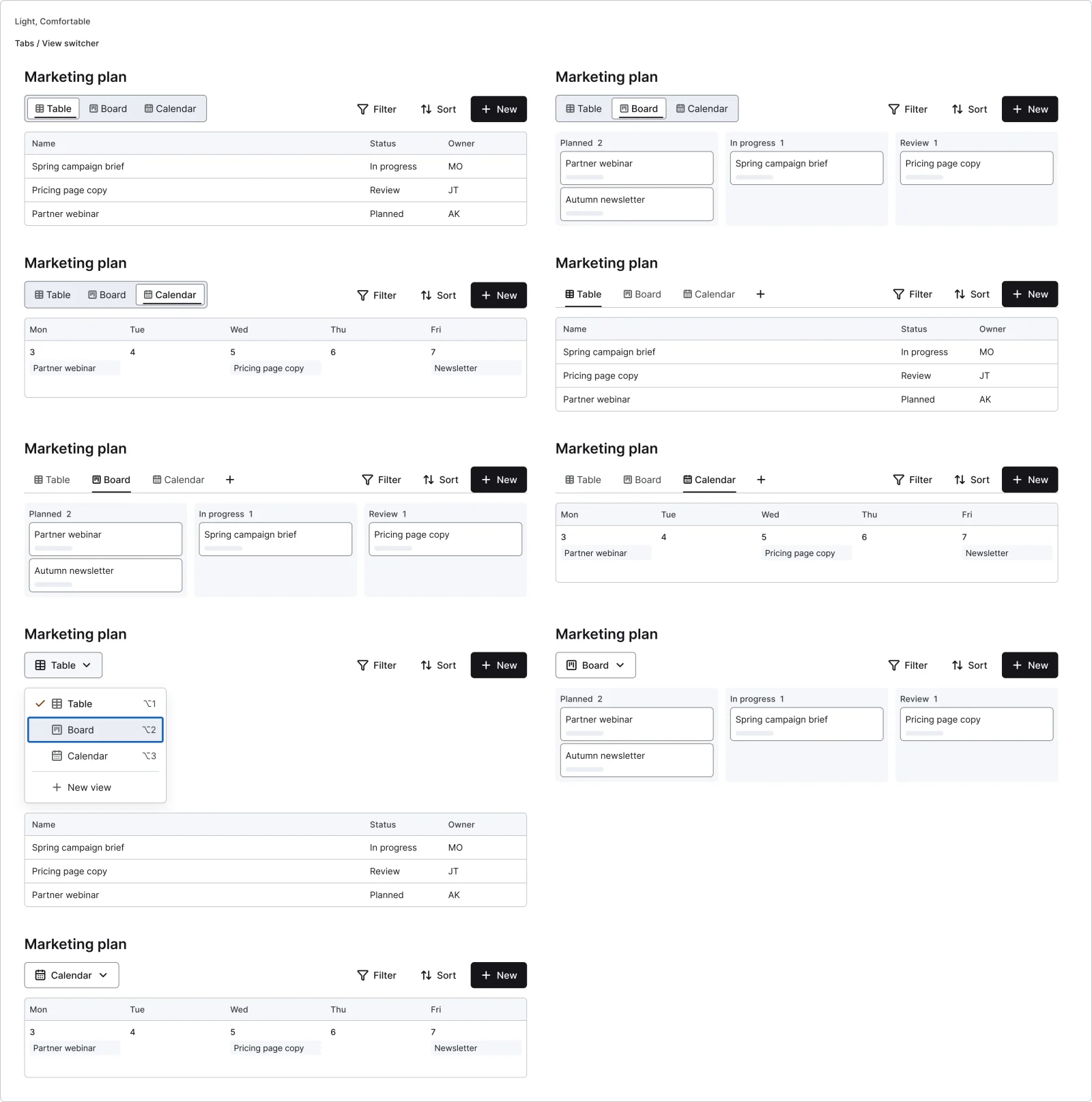
9 variants
Recreations of real products, so you can compare approaches side by side. They are approximate, built from public product knowledge, with placeholder data and no third-party artwork.
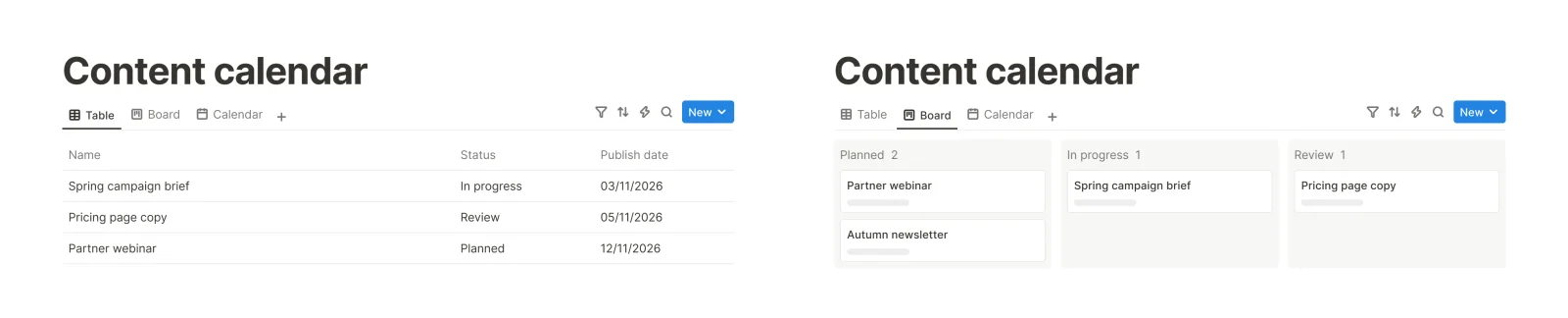
Recreated from Notion
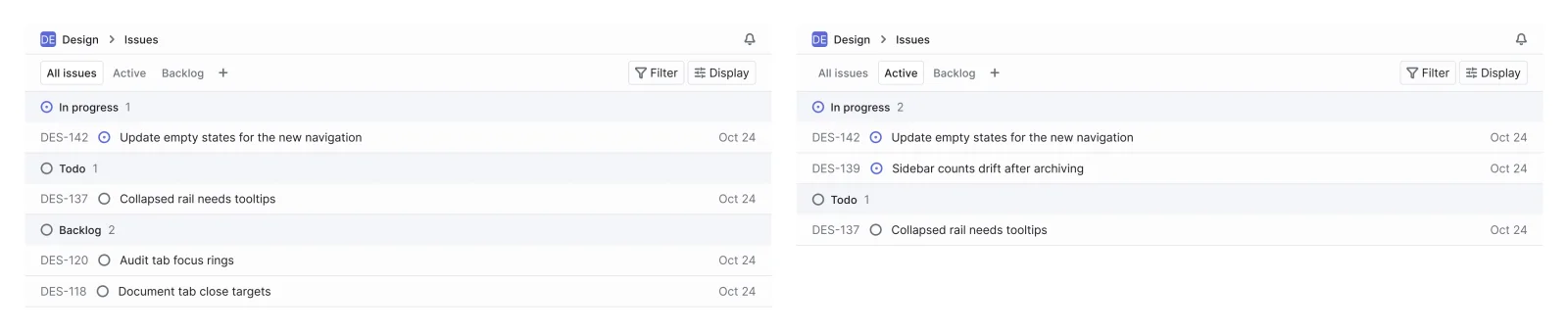
Recreated from Linear
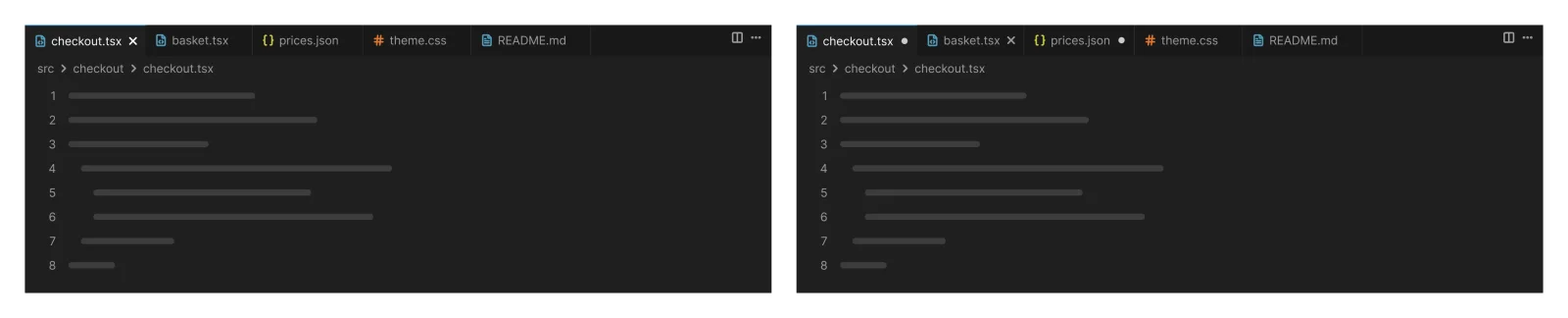
Recreated from VS Code
Not affiliated with, endorsed or sponsored by Notion, Linear and VS Code. Their names are trade marks of their owners and are used only to say what each recreation is based on.
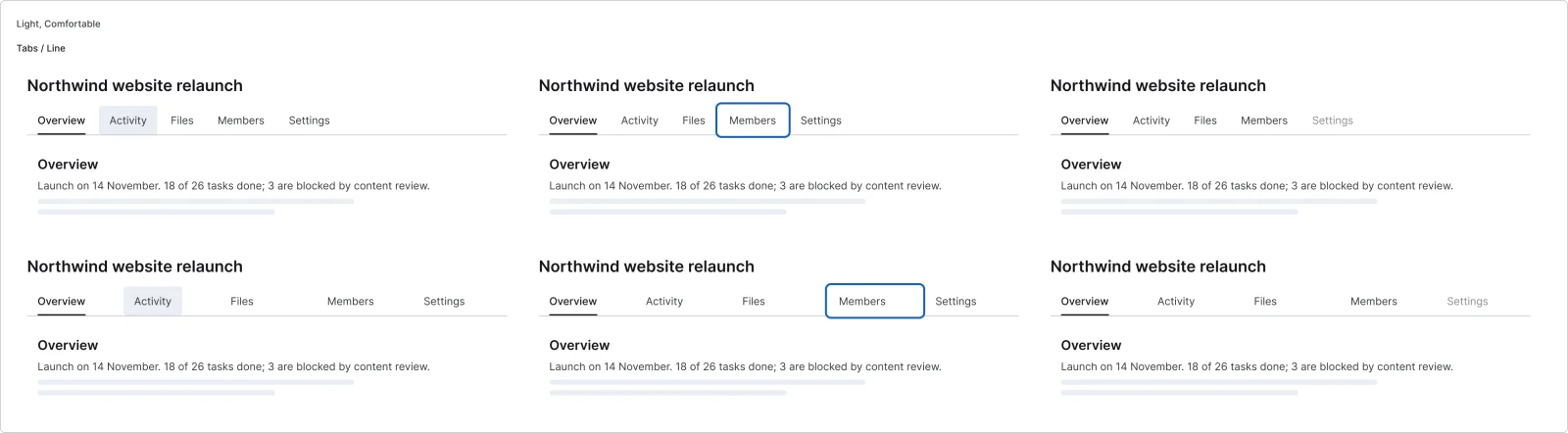
Line tabs aligned to start or filling the width, at rest, with keyboard focus and with a disabled tab. All 6 variants, free to see with a SuperDuperUI account. The Figma file comes with the pack.
Desktop14 components32 variants6 recreations
Desktop navigation and app shells: sidebars, icon rails, top nav, breadcrumbs, menus and full page layouts.
$9, or included with Pro
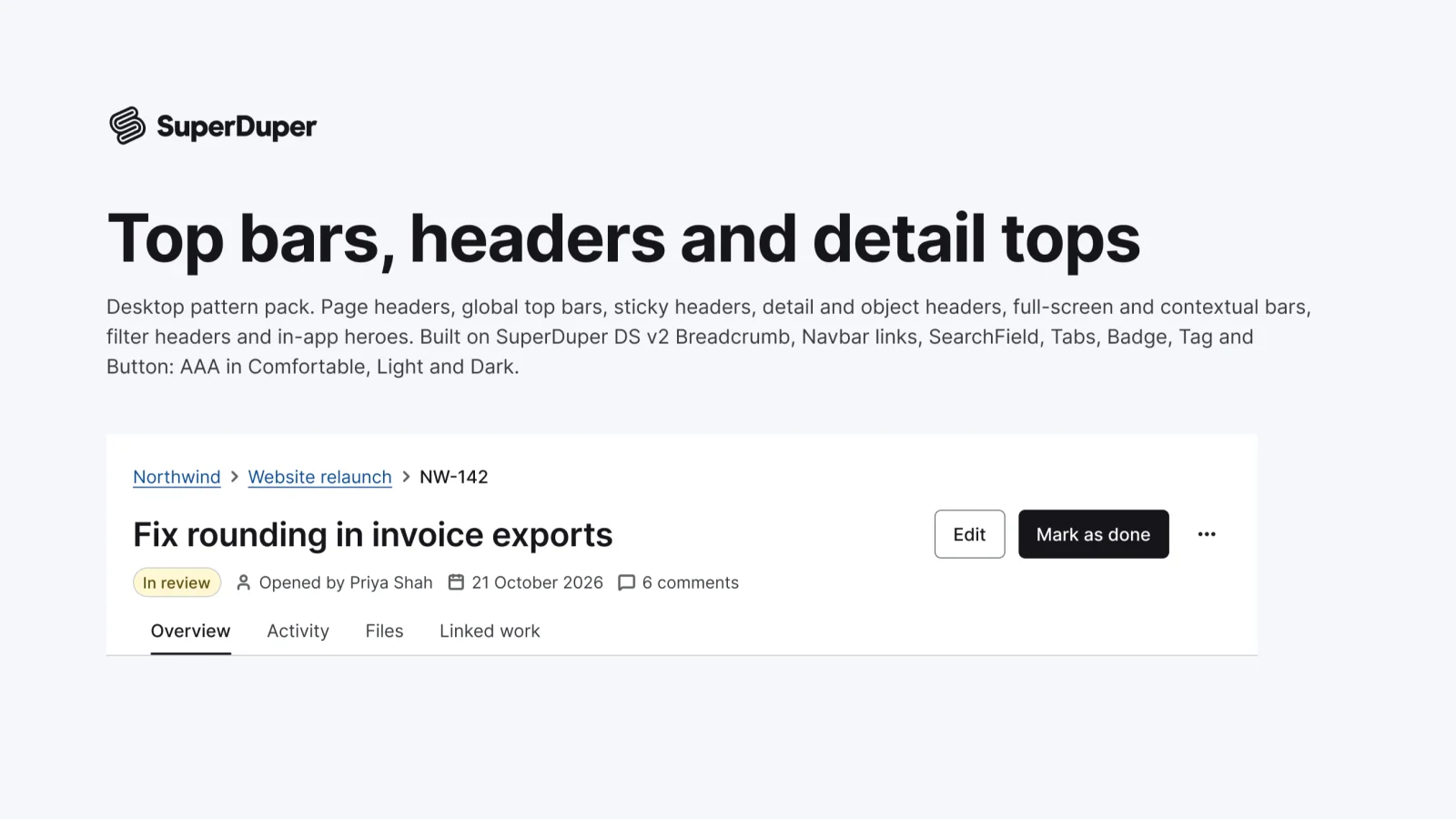
Desktop9 components24 variants3 recreations
Desktop page headers, global top bars, sticky and detail headers, contextual save bars and object headers.
$9, or included with Pro
One Figma file: SuperDuper Pack: Tabs and segmented controls (Desktop). It has 9 components with 49 variants, 3 recreations, and notes on when to use each part. Everything uses Figma variables, so you can change the colours and type to match your product.