
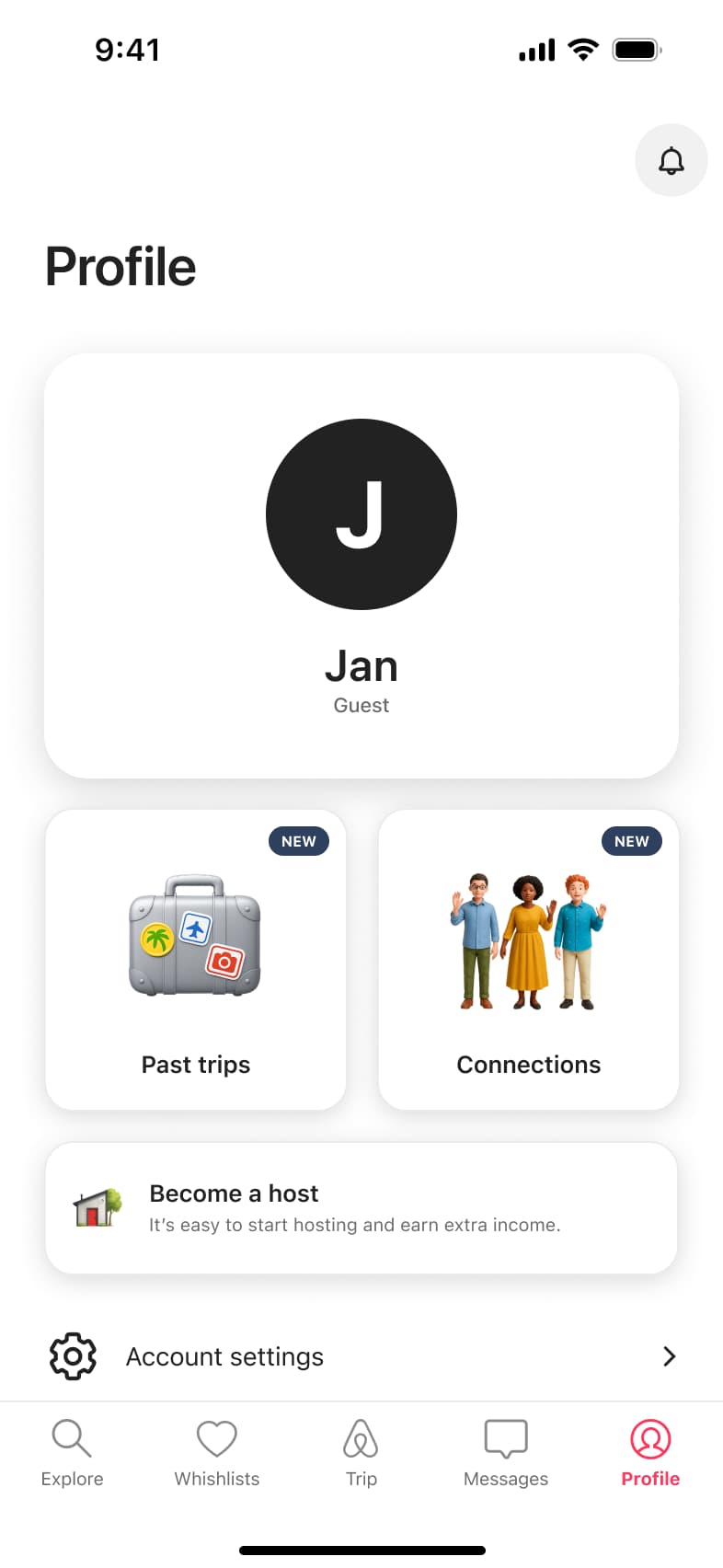
 1
1Tap Profile tab - In-place change
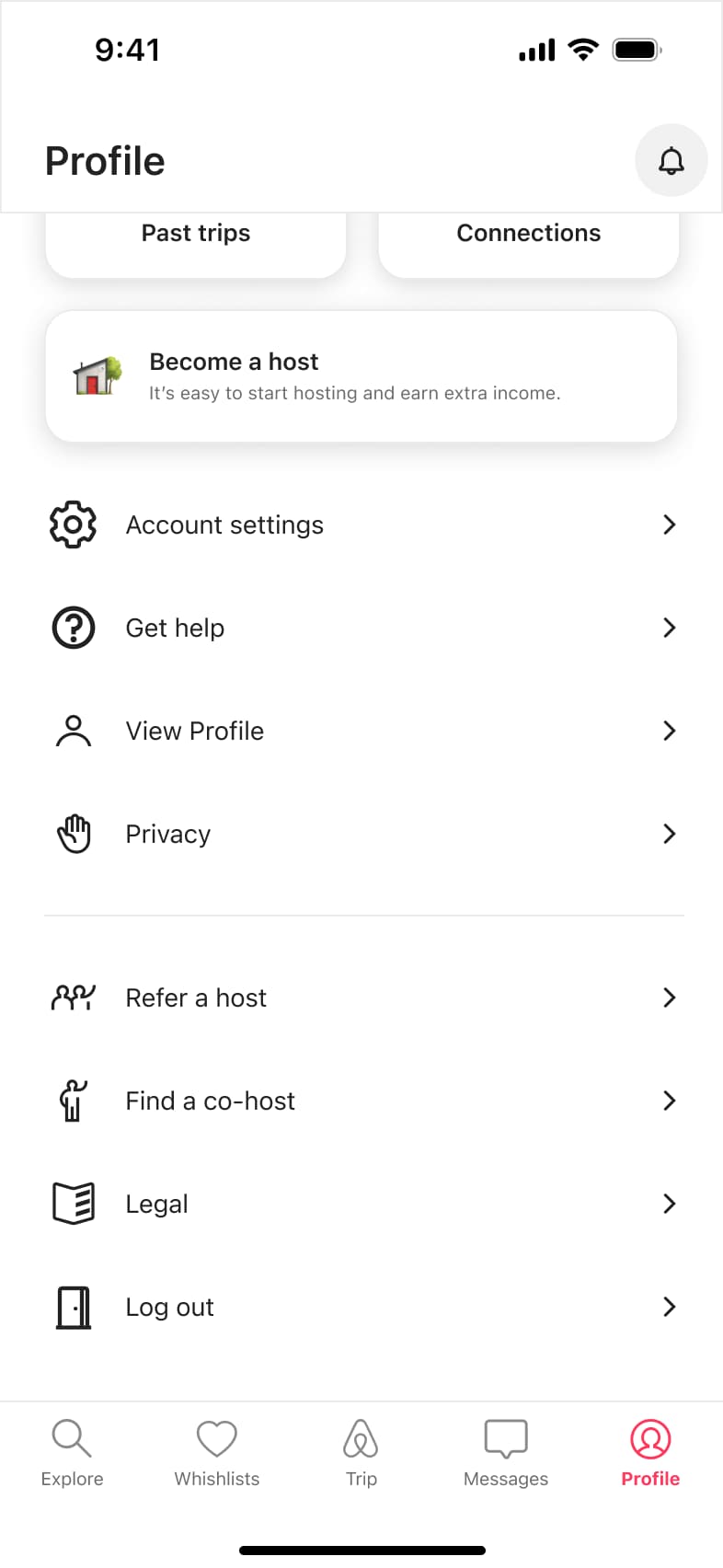 2
2Scroll - Push
 3
3Tap Account settings - In-place change
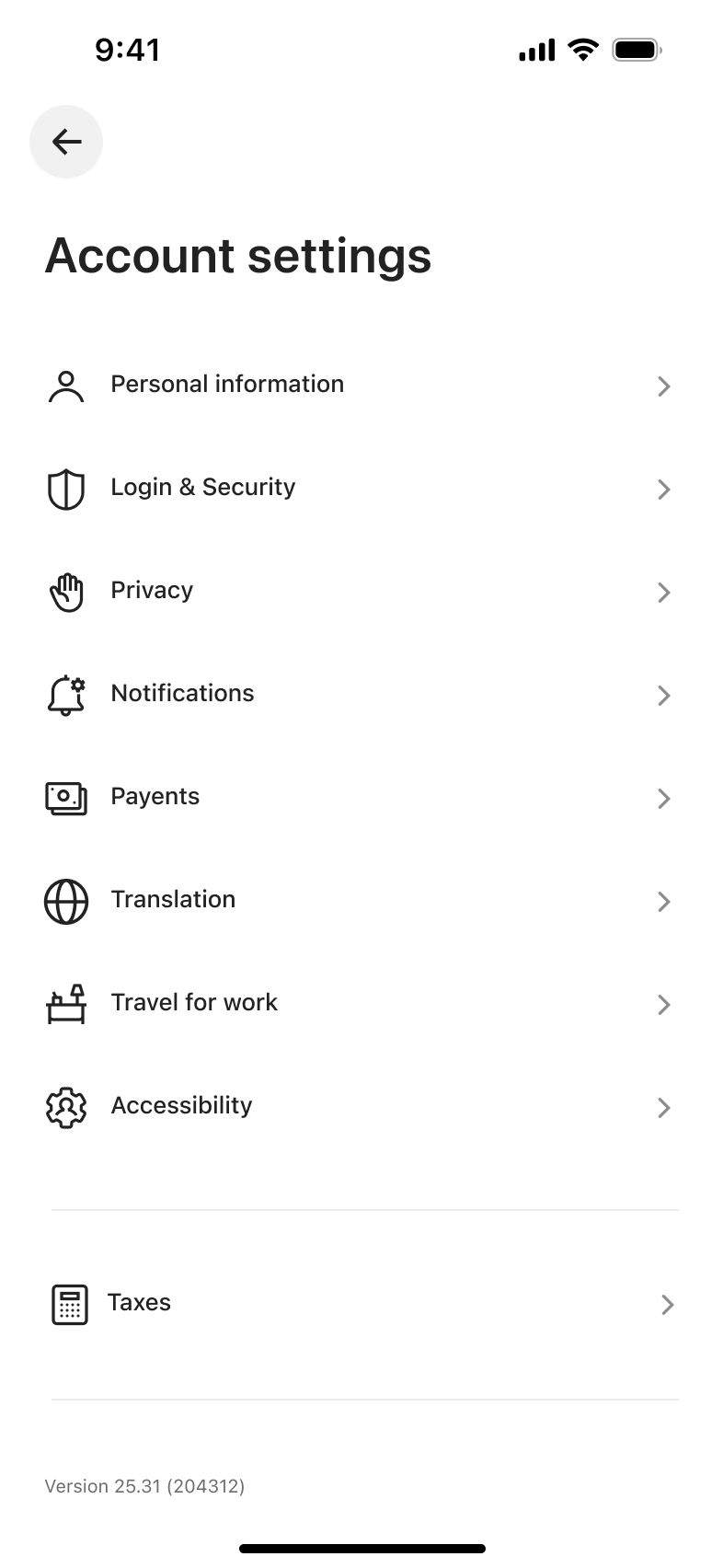 4
4Dismiss banner - In-place change
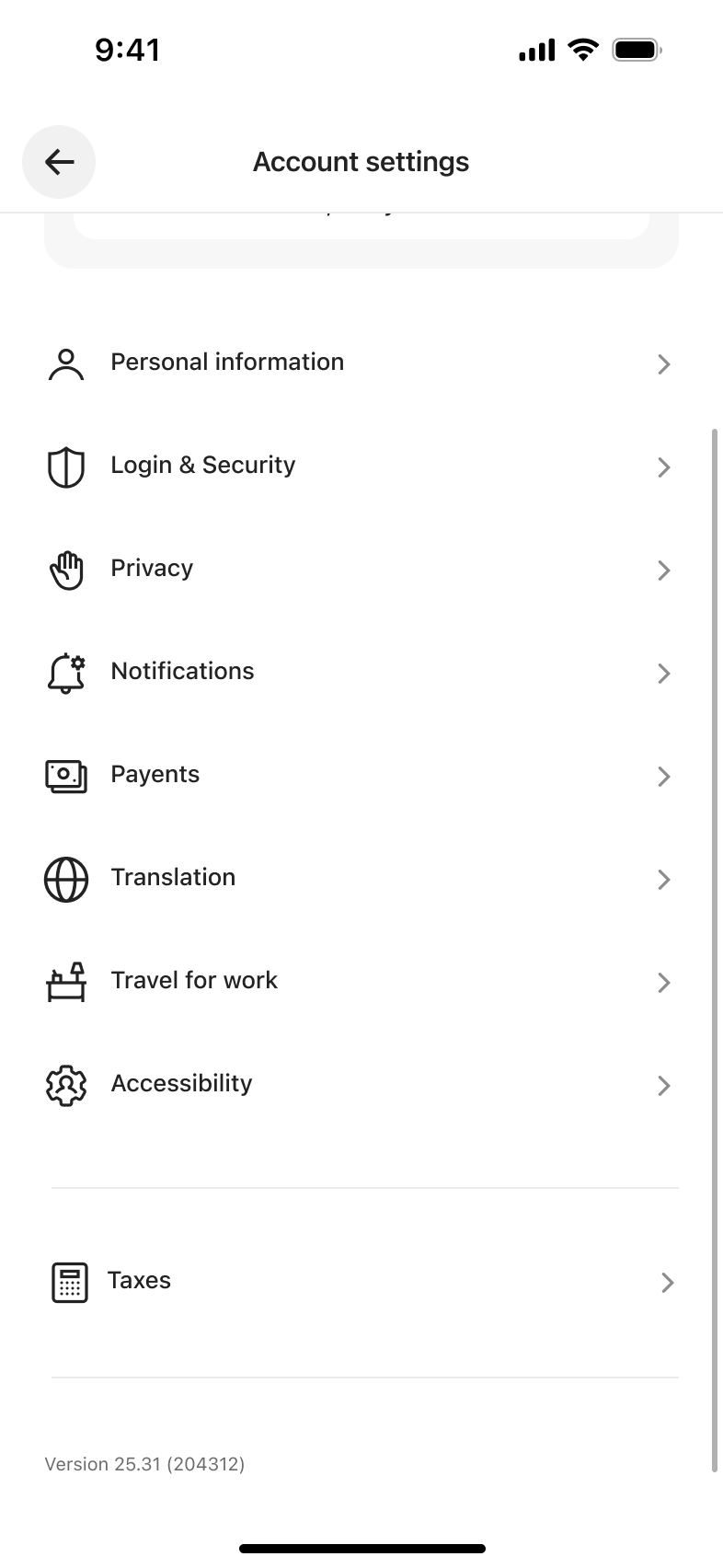 5
5Scroll
Settings & support
Settings & preferences flows from real apps
Every settings & preferences flow we have rebuilt, as a row of numbered screens with the transition between each step. Open one to play it through and import it into Figma.
28 flows from 17 apps
 1
1Tap Settings and documents - Push
 2
2Tap Payout settings - Push
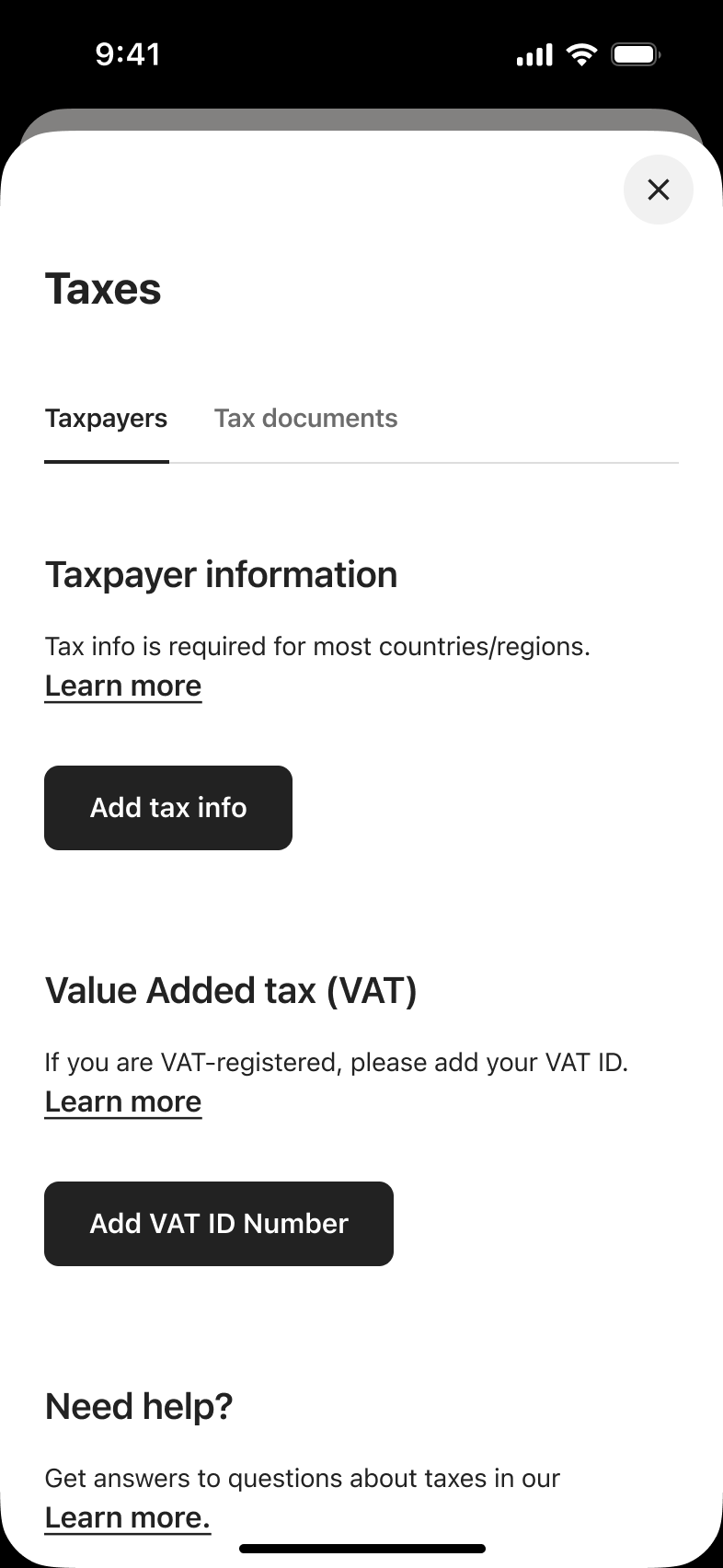 3
3Tap Tax information - In-place change
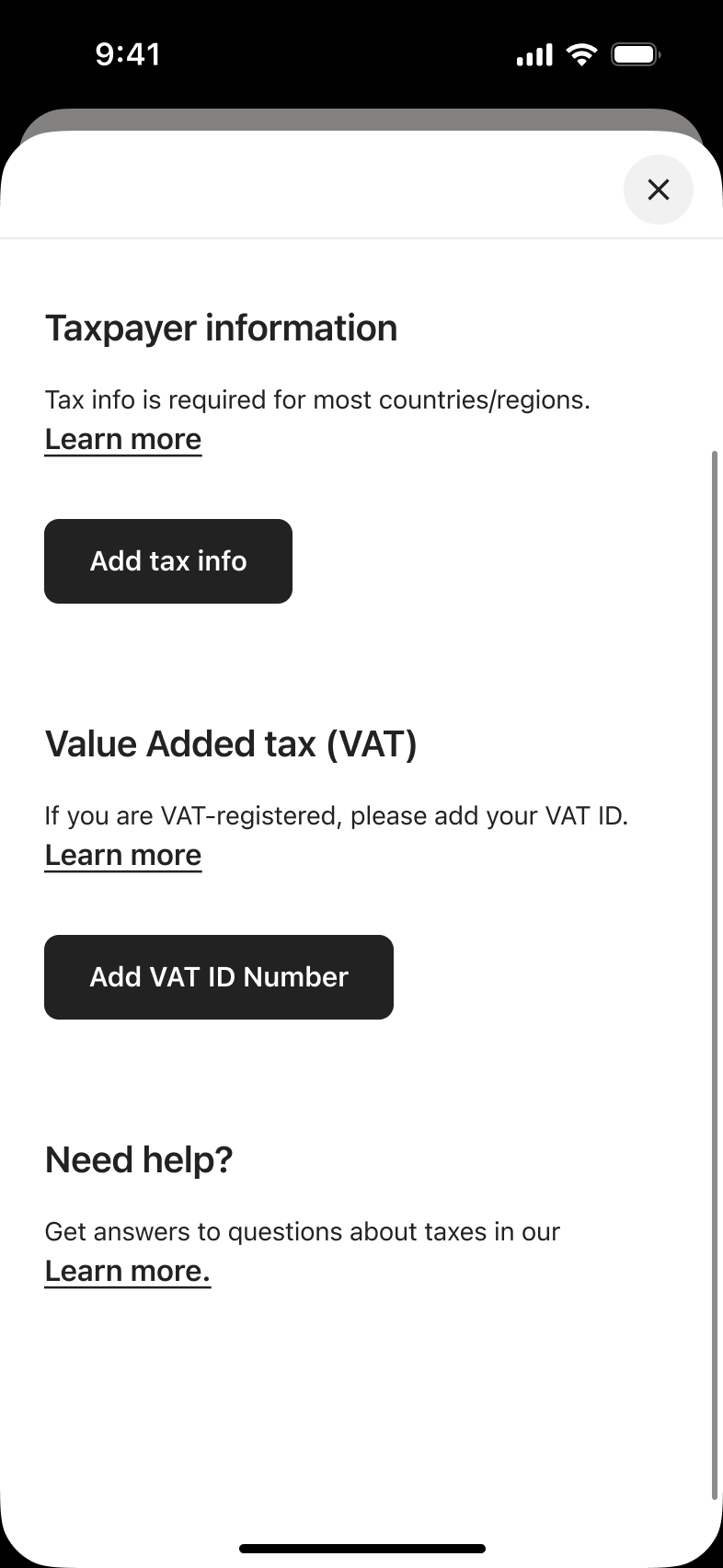 4
4Scroll - Alert / dialog over screen
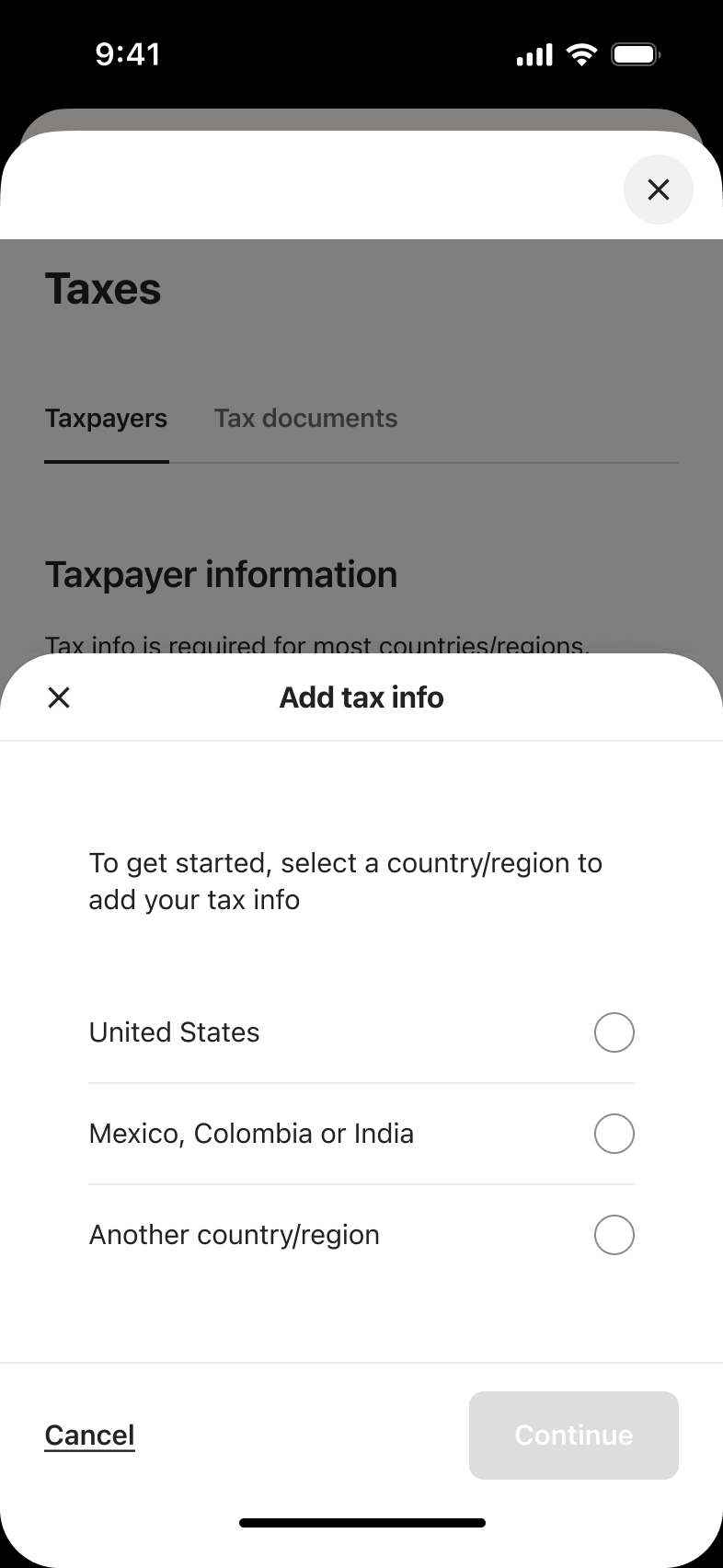 5
5Tap Add tax info - In-place change
 6
6Select country - Push
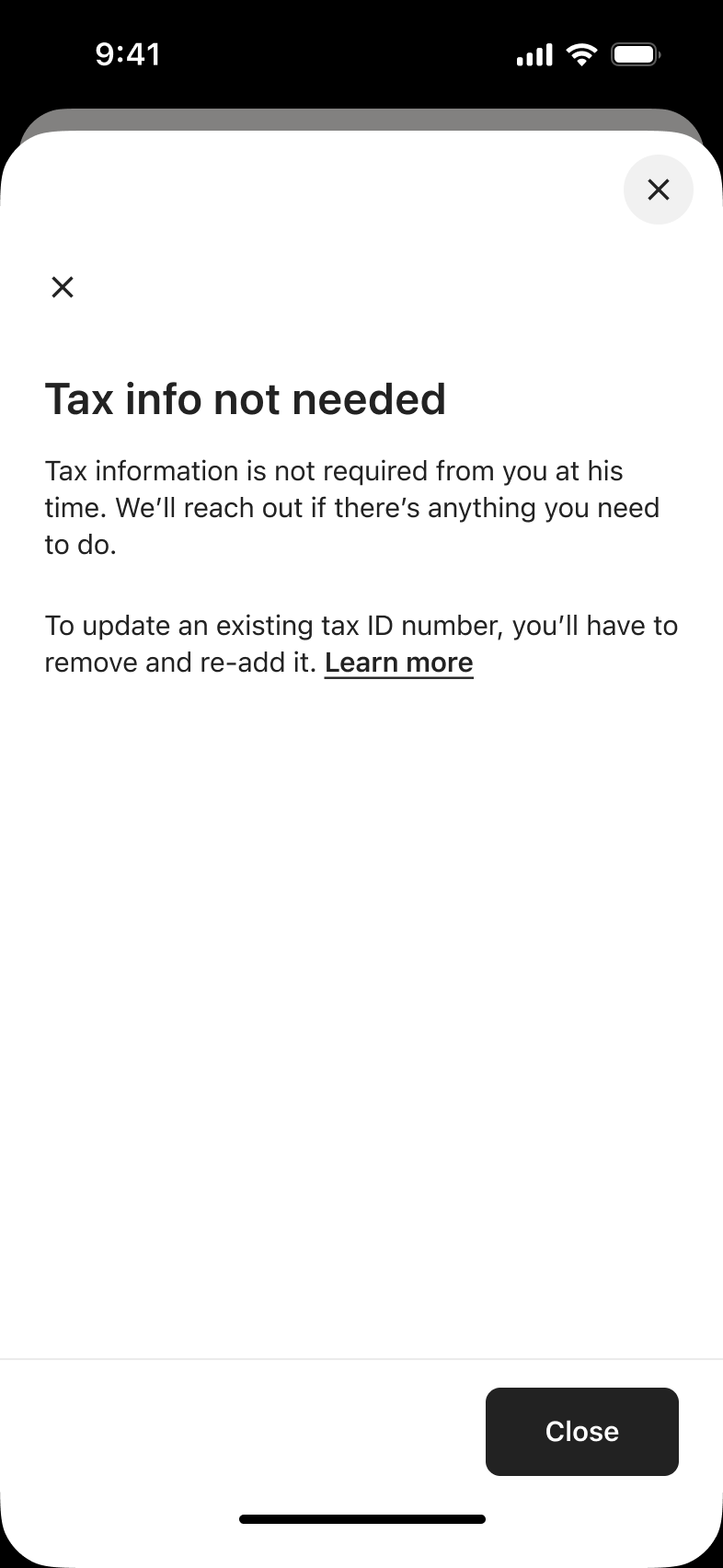 7
7Tap Continue - Sheet
 8
8Tap Add VAT ID - +3 more
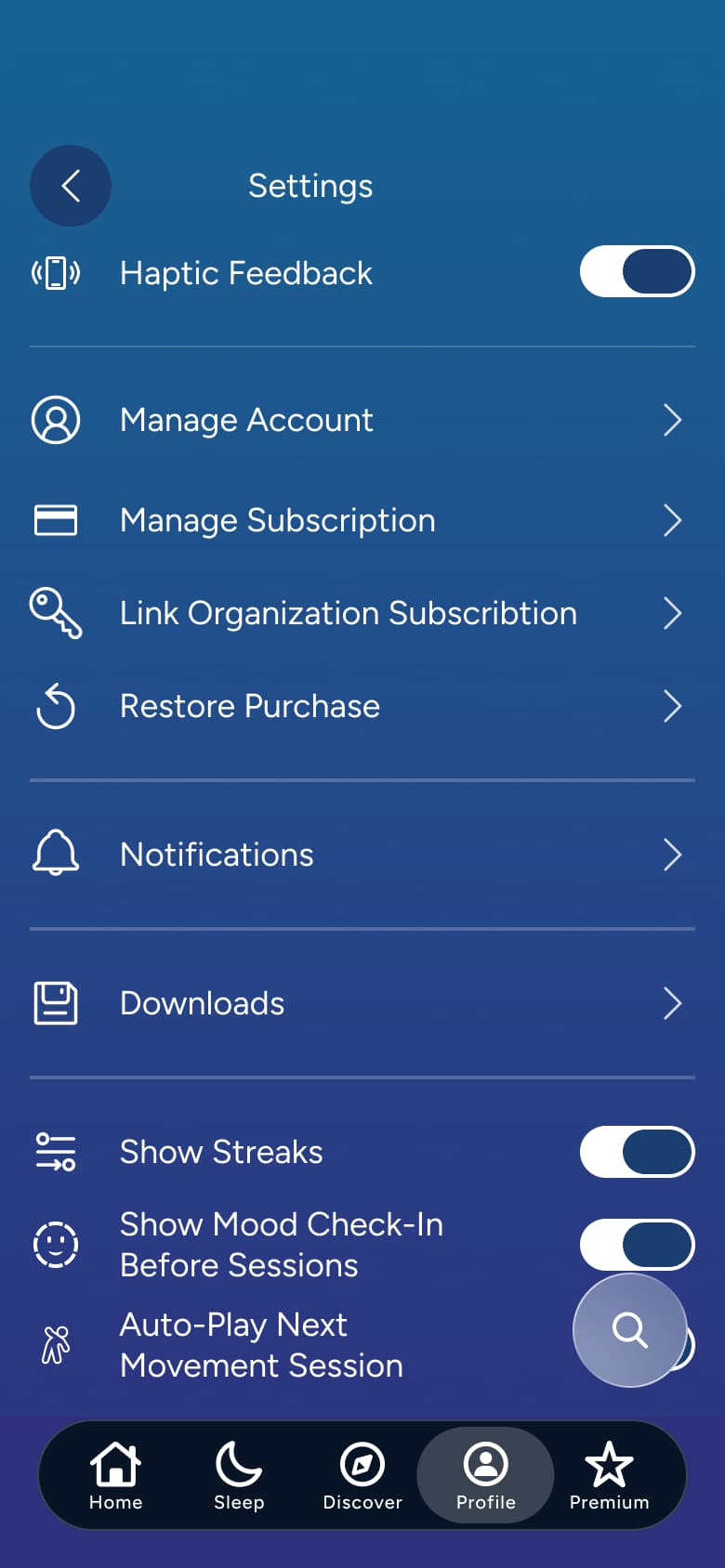 1
1Tap settings - In-place change
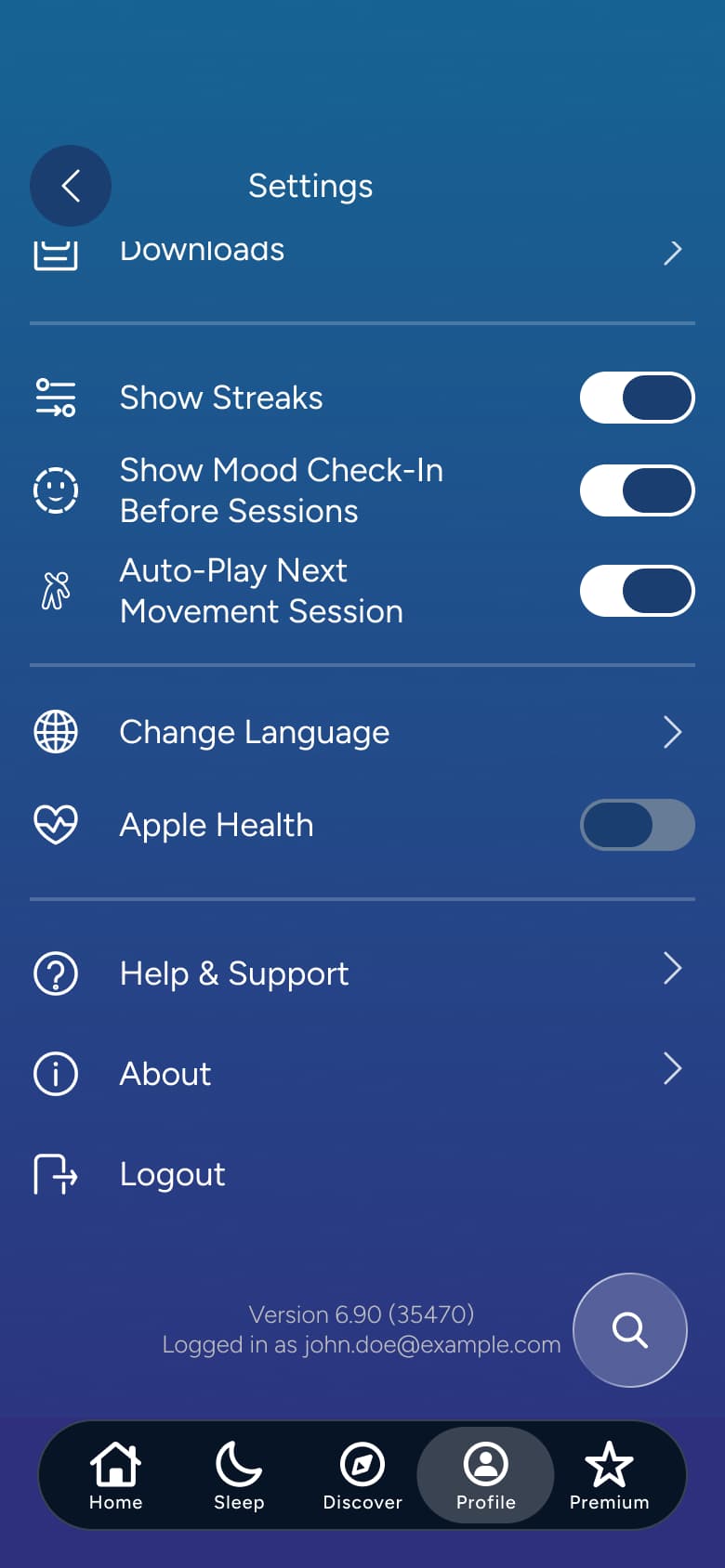 2
2Scroll - Push
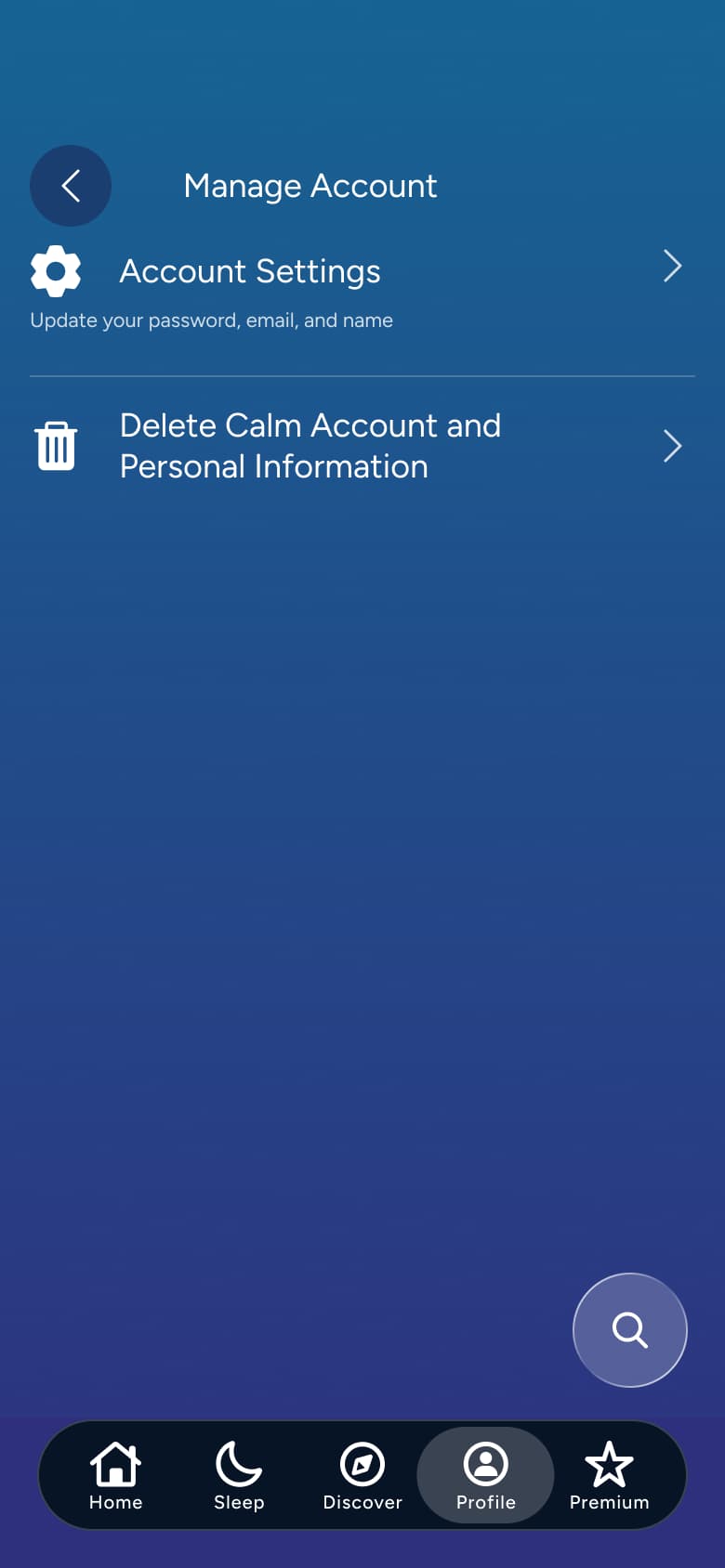 3
3Tap Manage Account - Push
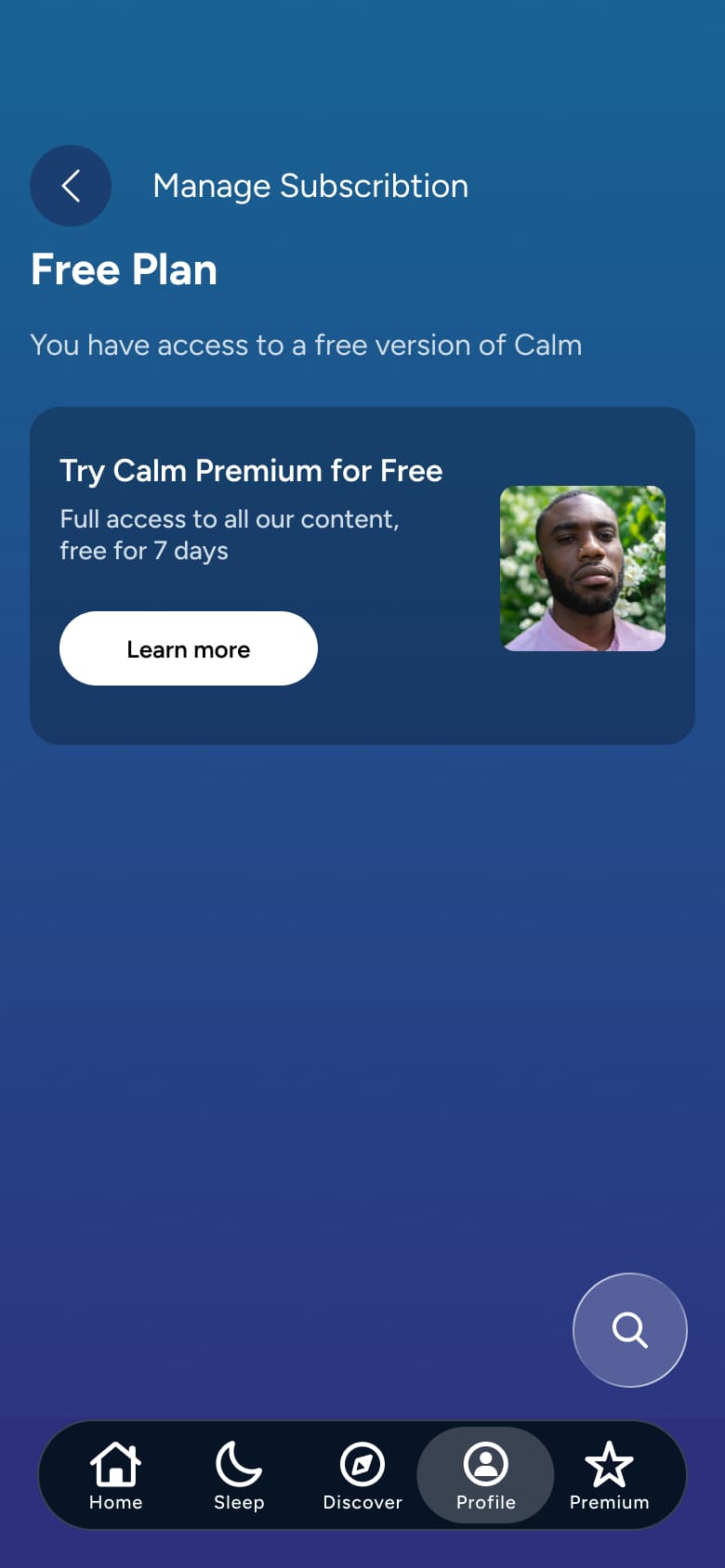 4
4Tap Manage Subscription - Push
 5
5Tap Link Organisation - Push
 6
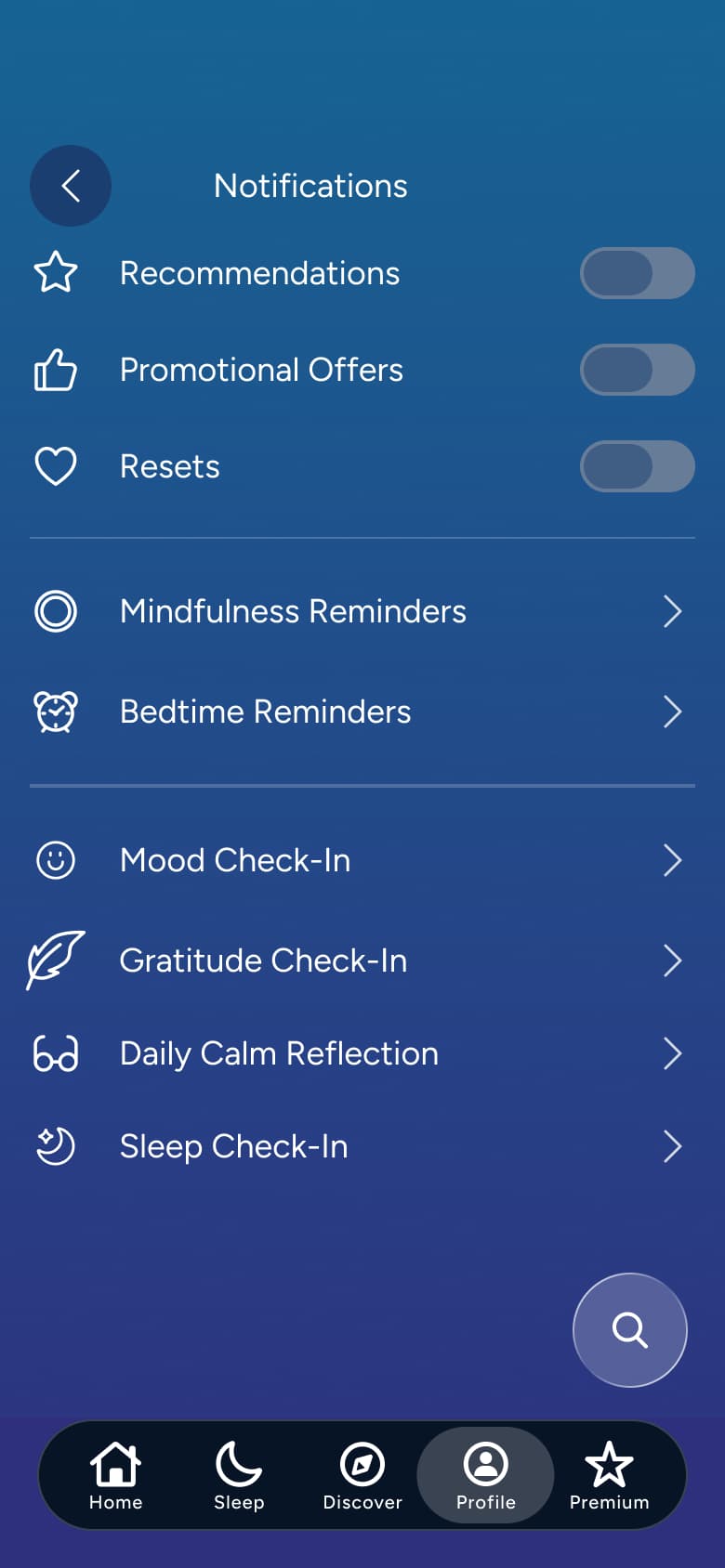
6Tap Notifications - Modal
 7
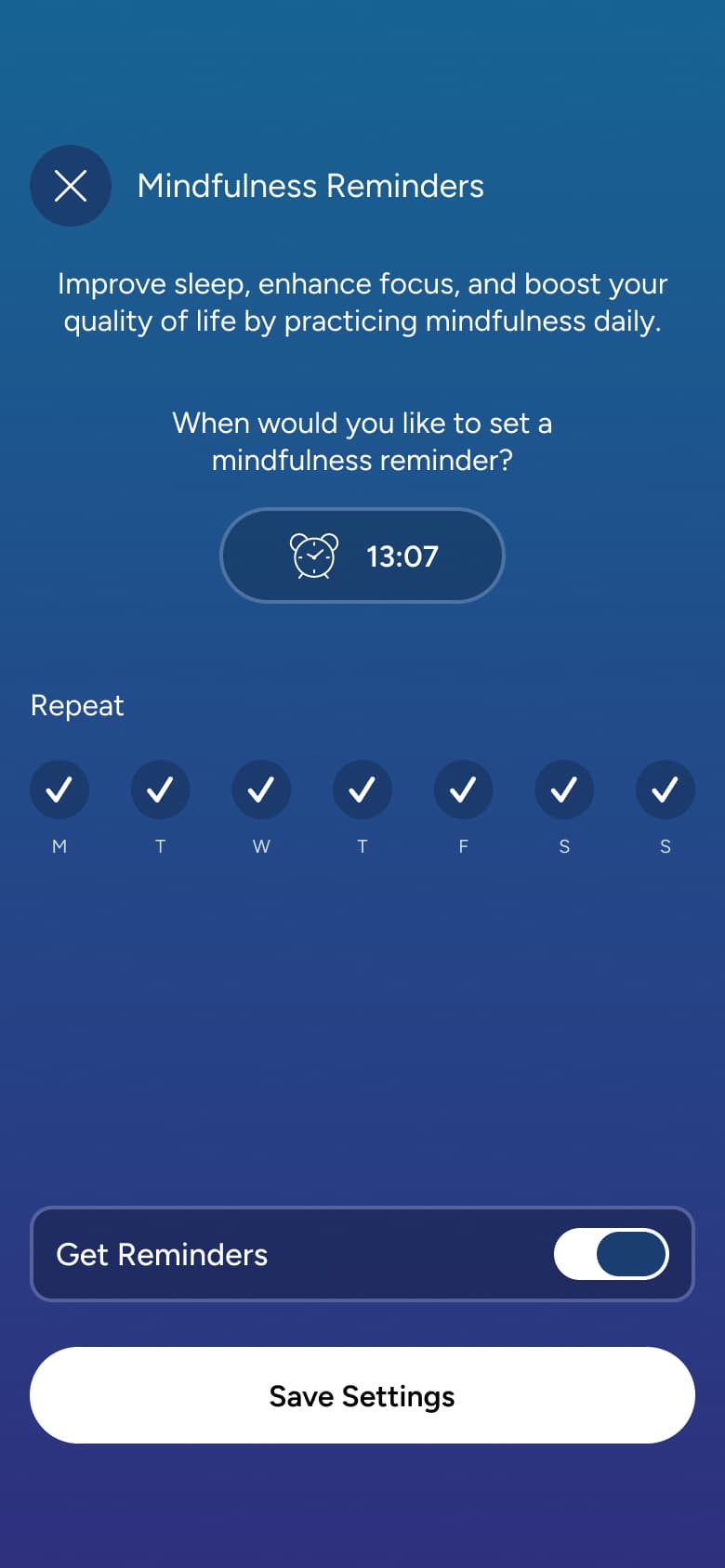
7Tap Mindfulness Reminders - Modal
 8
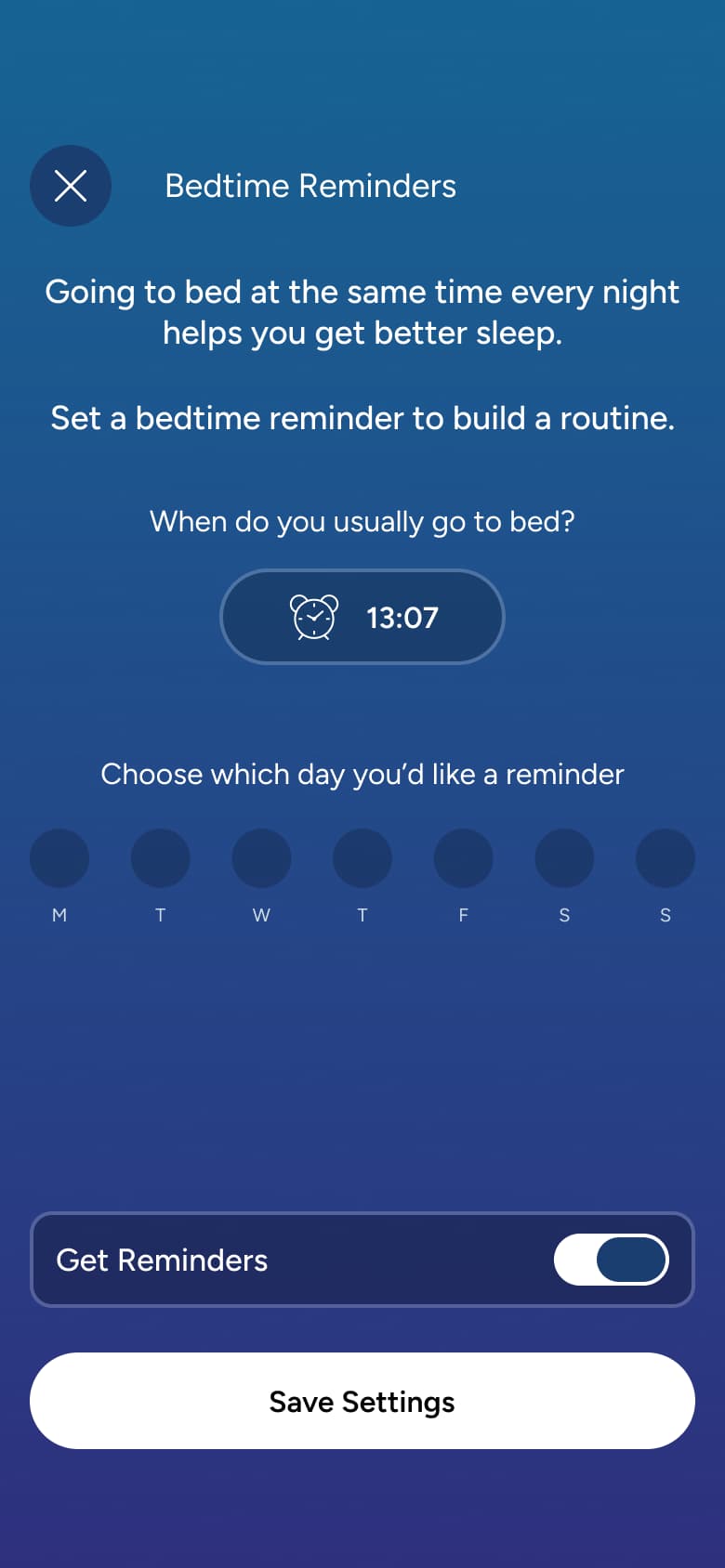
8Tap Bedtime Reminders - +5 more
 1
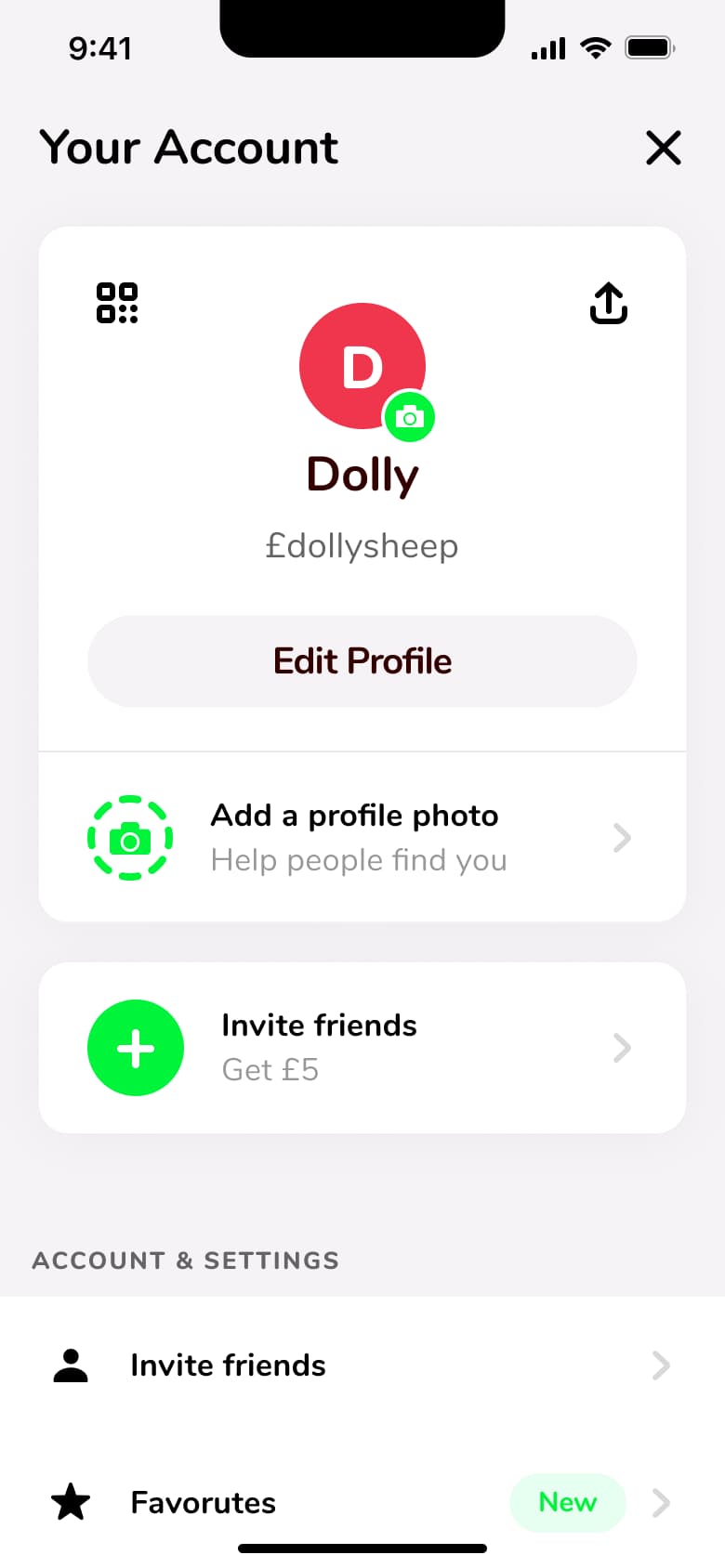
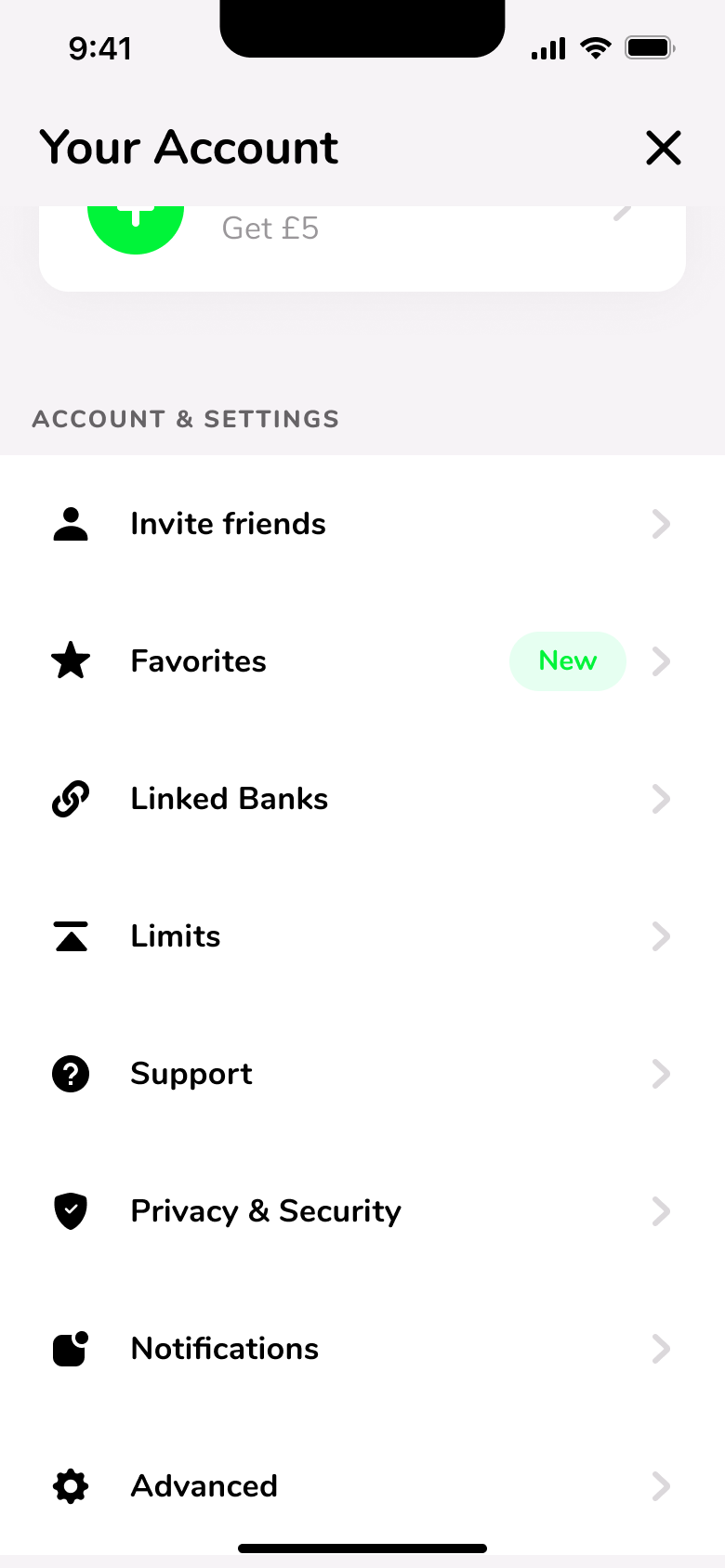
1- In-place change
 2
2Scroll - Push
 3
3Tap Personal - Push
 4
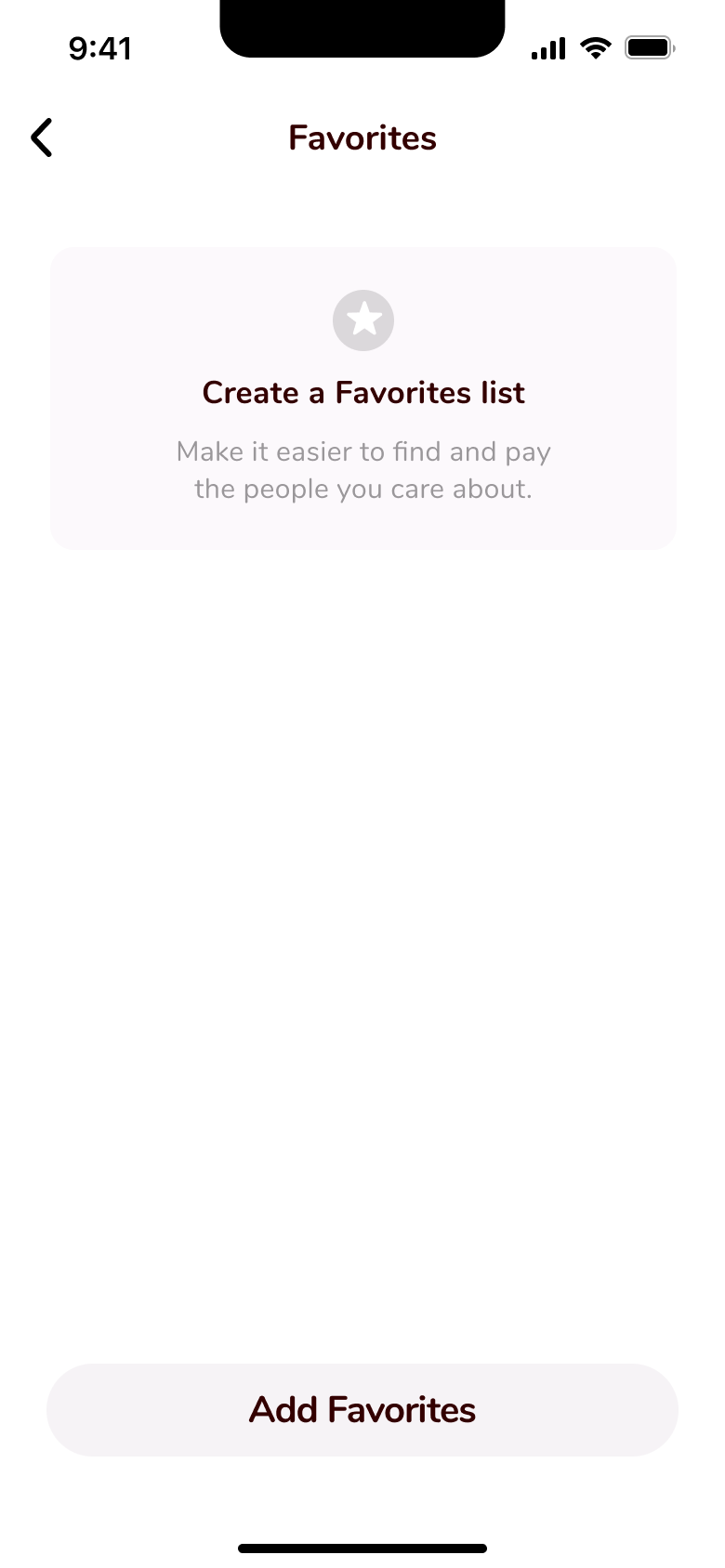
4Tap Favourites - In-place change
 5
5Scroll - Push
 6
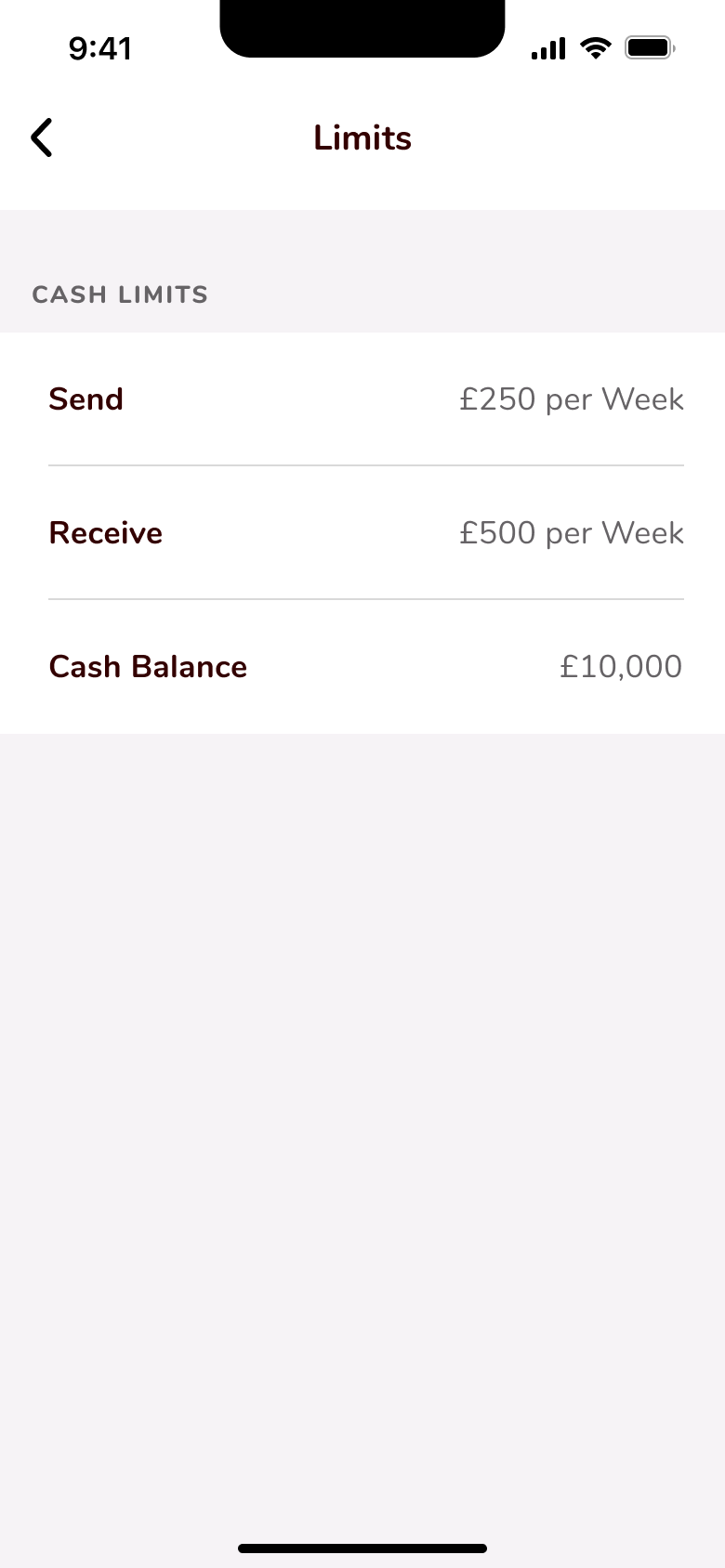
6Tap Limits - Push
 7
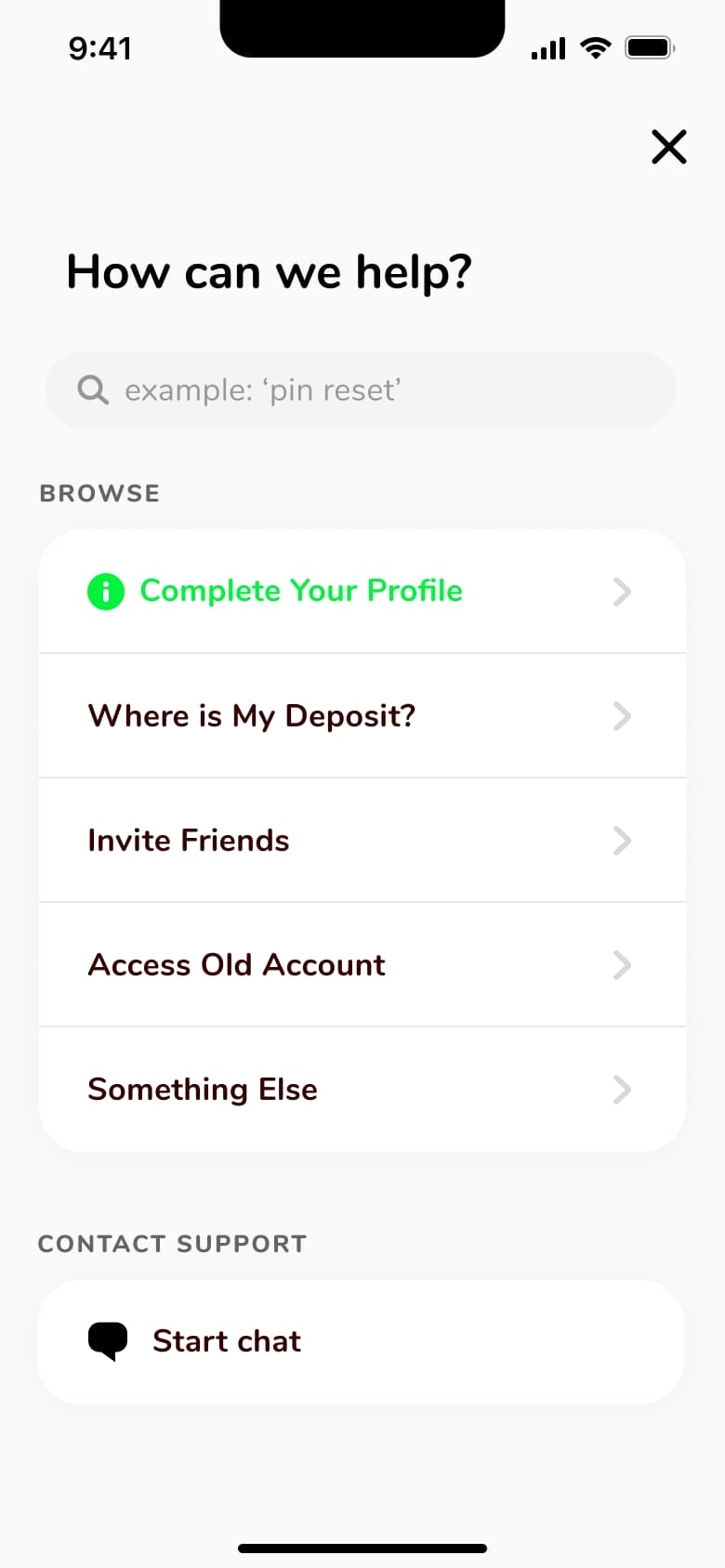
7Tap Support - In-place change
 8
8 - +2 more
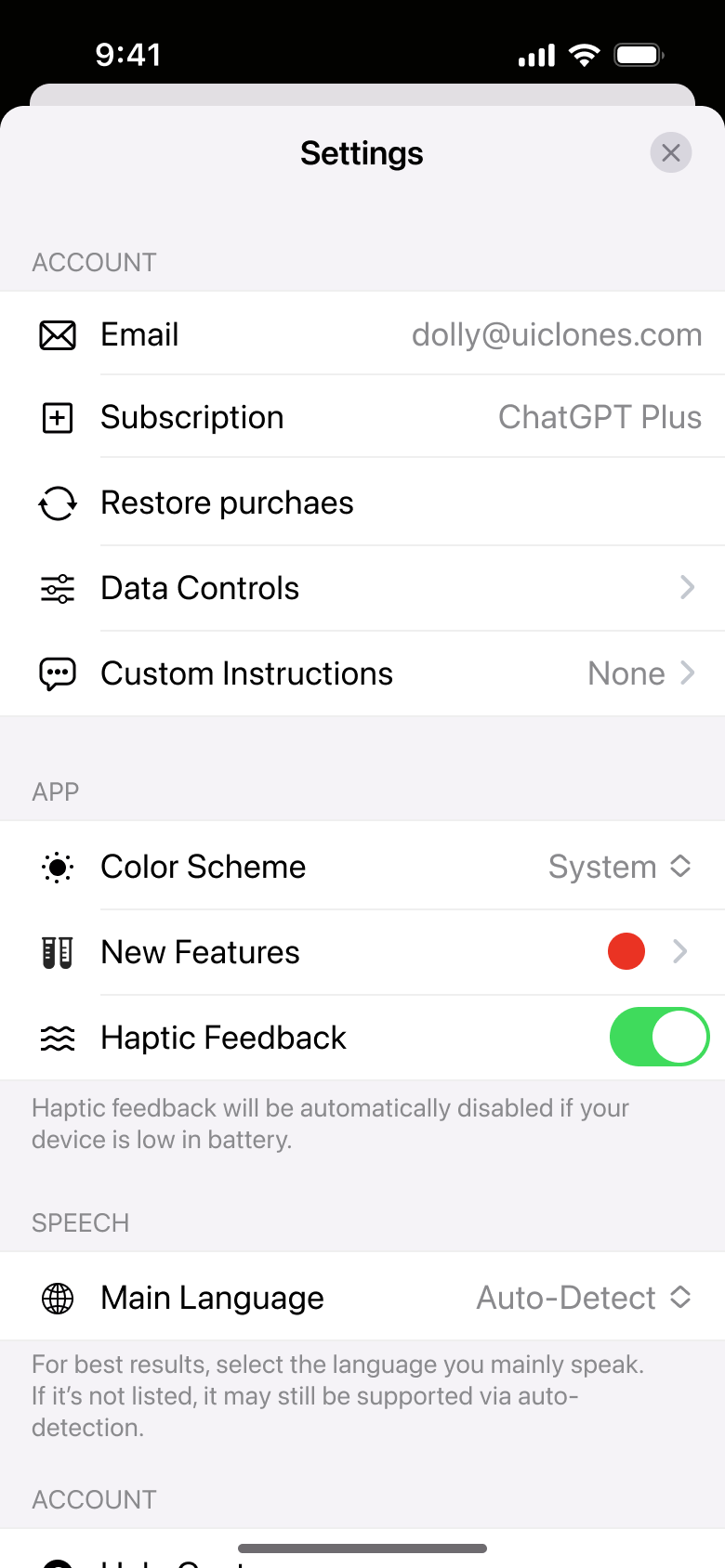
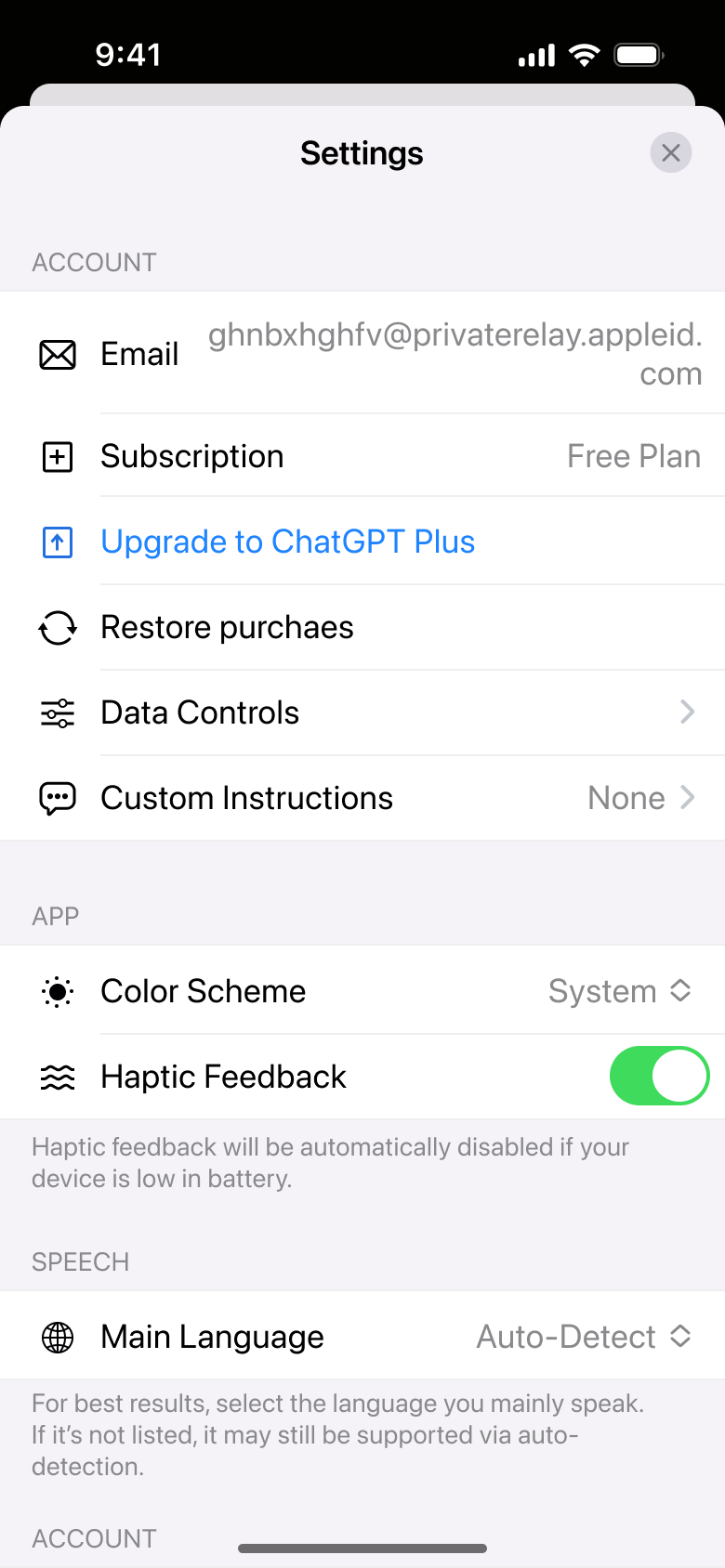 1
1Tap Settings - Push
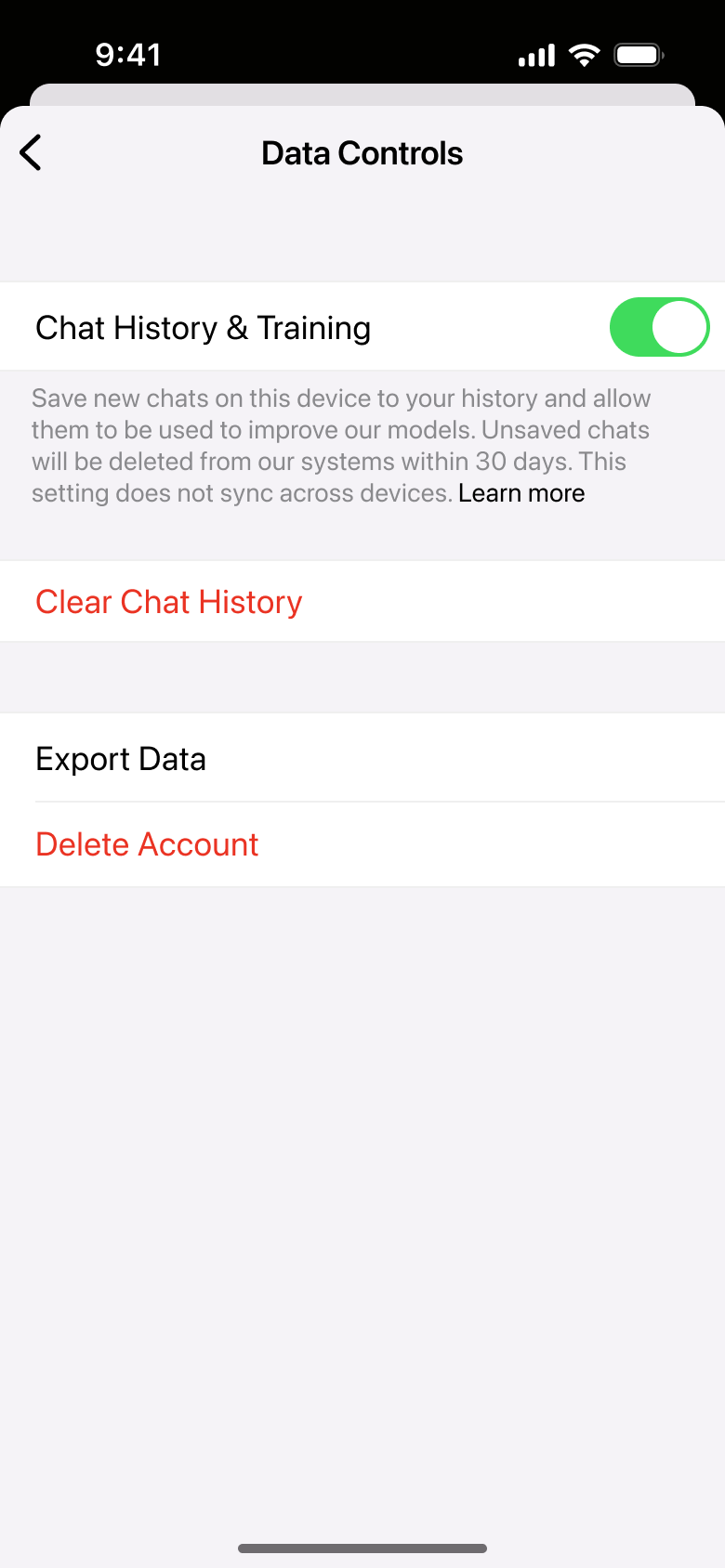 2
2Tap Data Controls - Push
 3
3Tap Custom Instructions - Push
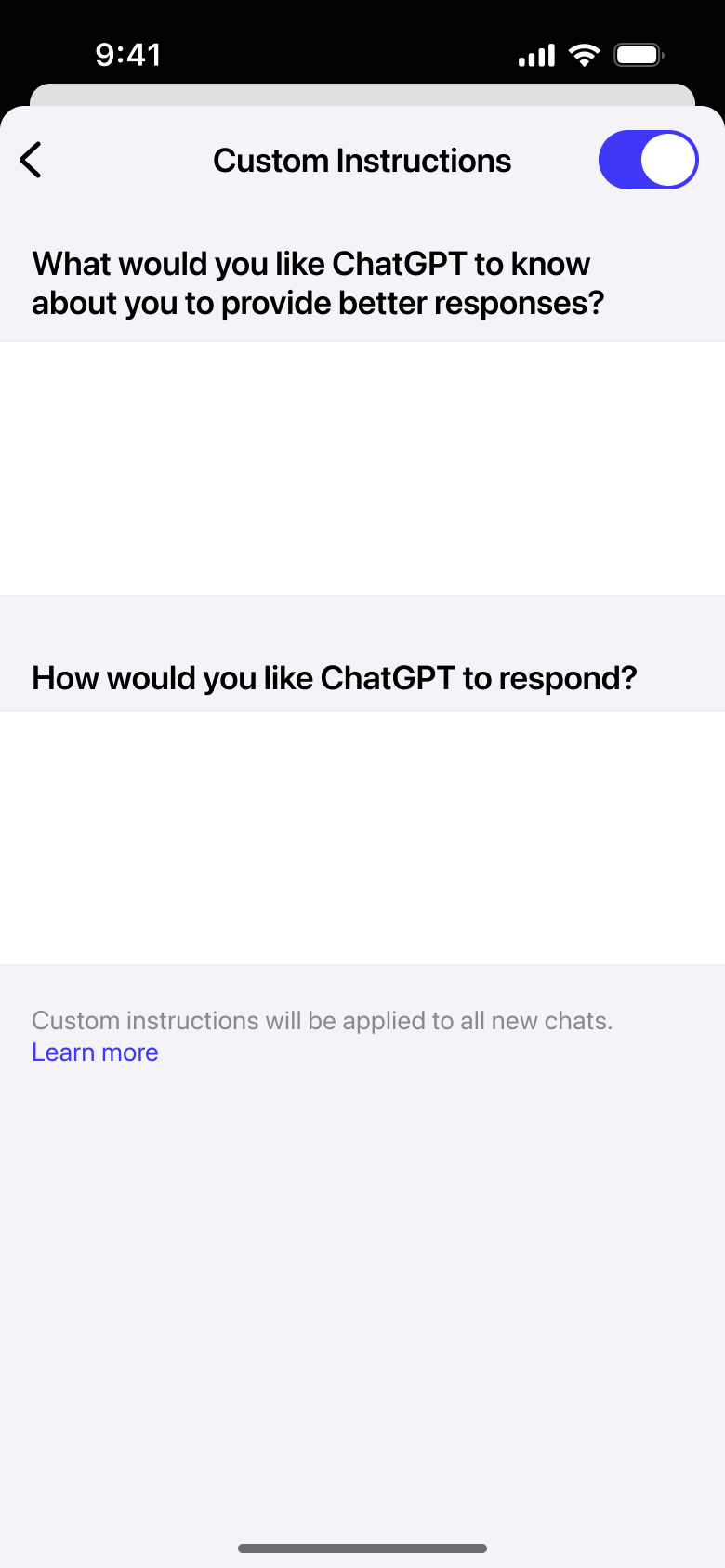 4
4Tap Continue - In-place change
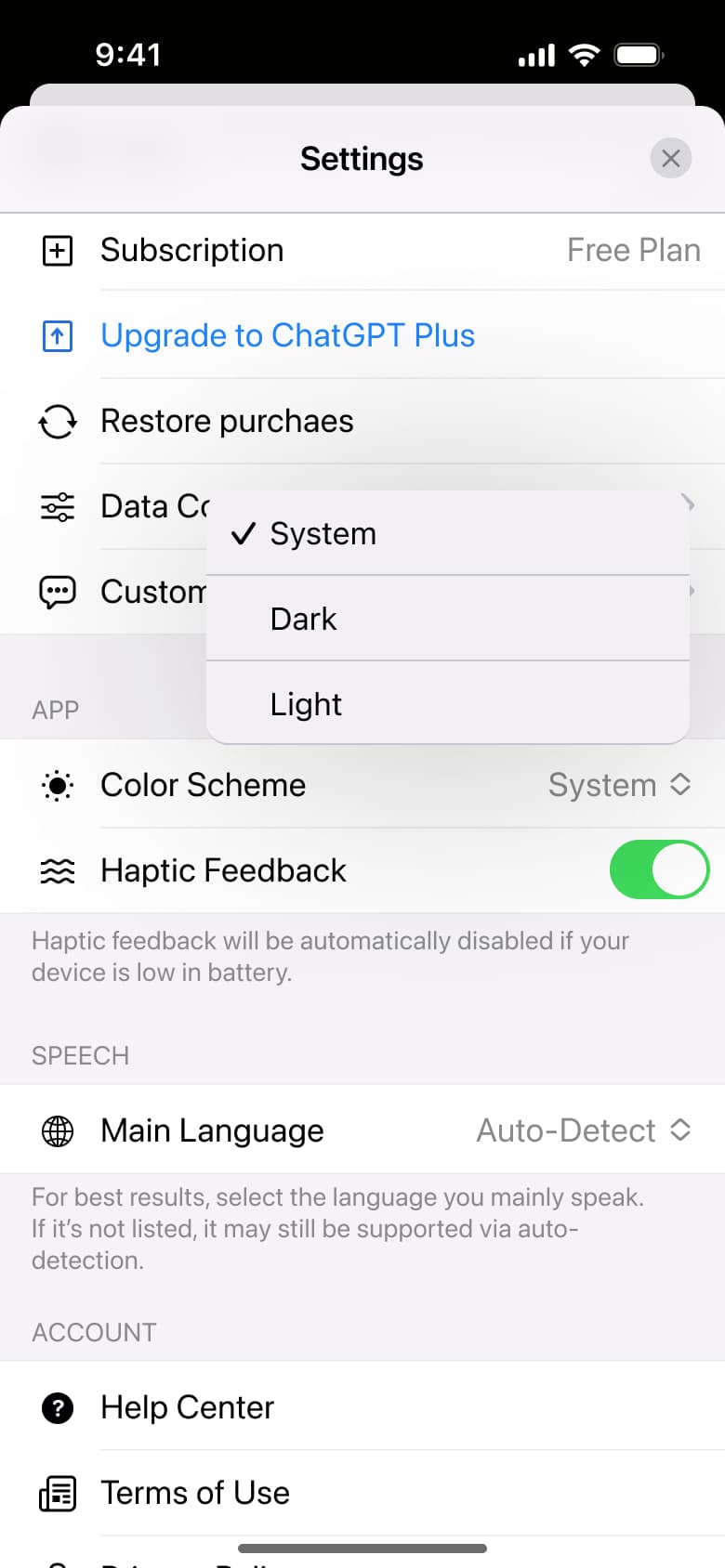 5
5Tap Color Scheme - In-place change
 6
6Scroll
 1
1Tap Settings - Push
 2
2Tap New Features - In-place change
 3
3Toggle voice
 1
1Tap menu - In-place change
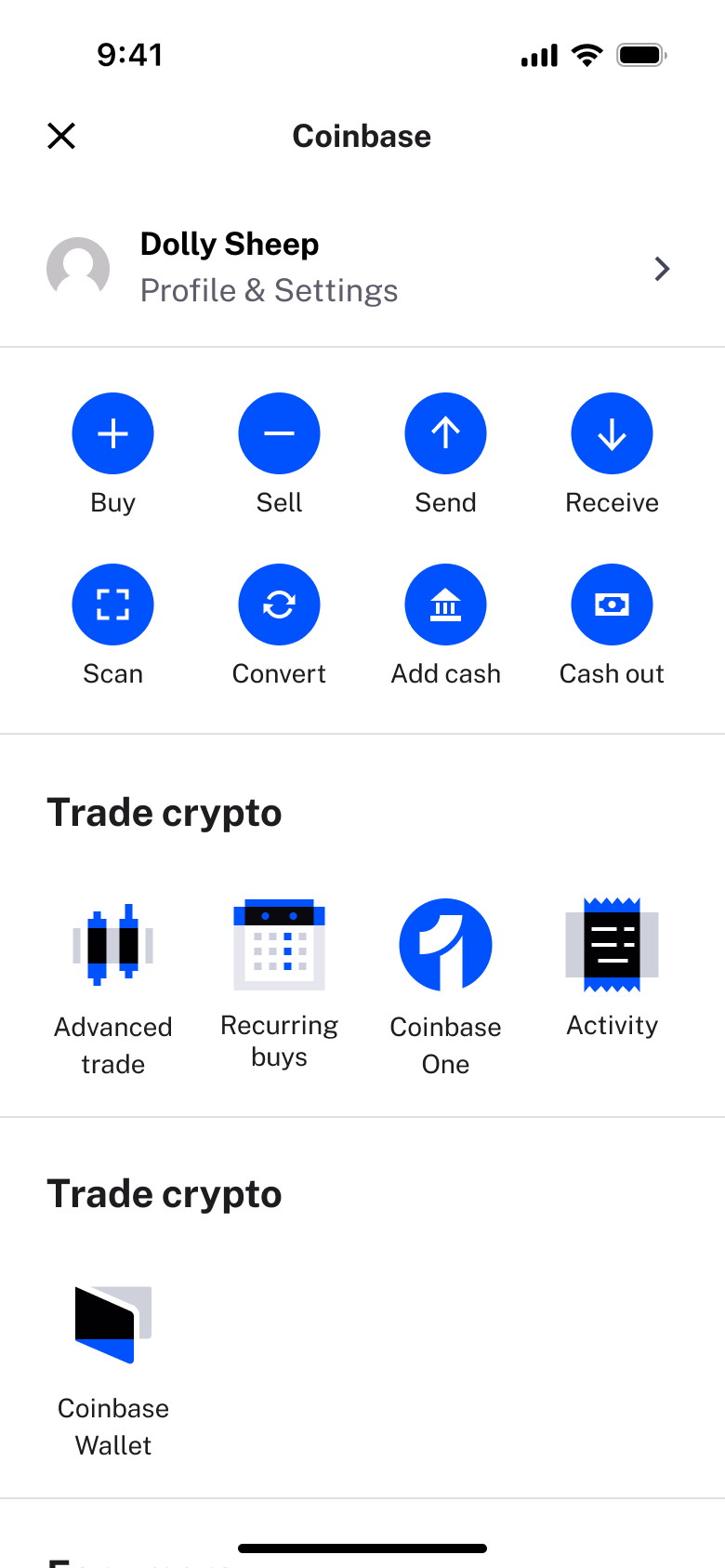 2
2 - In-place change
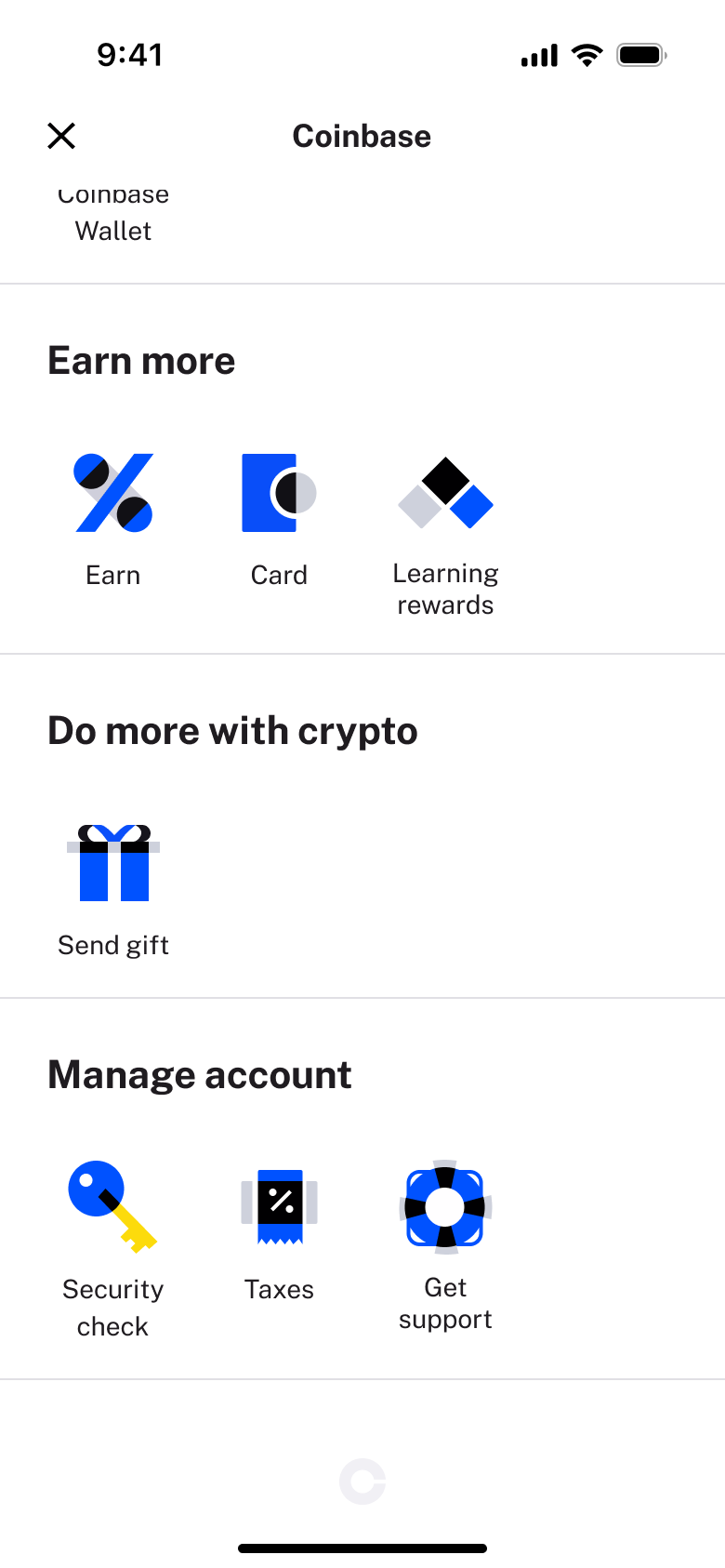 3
3Scroll - In-place change
 4
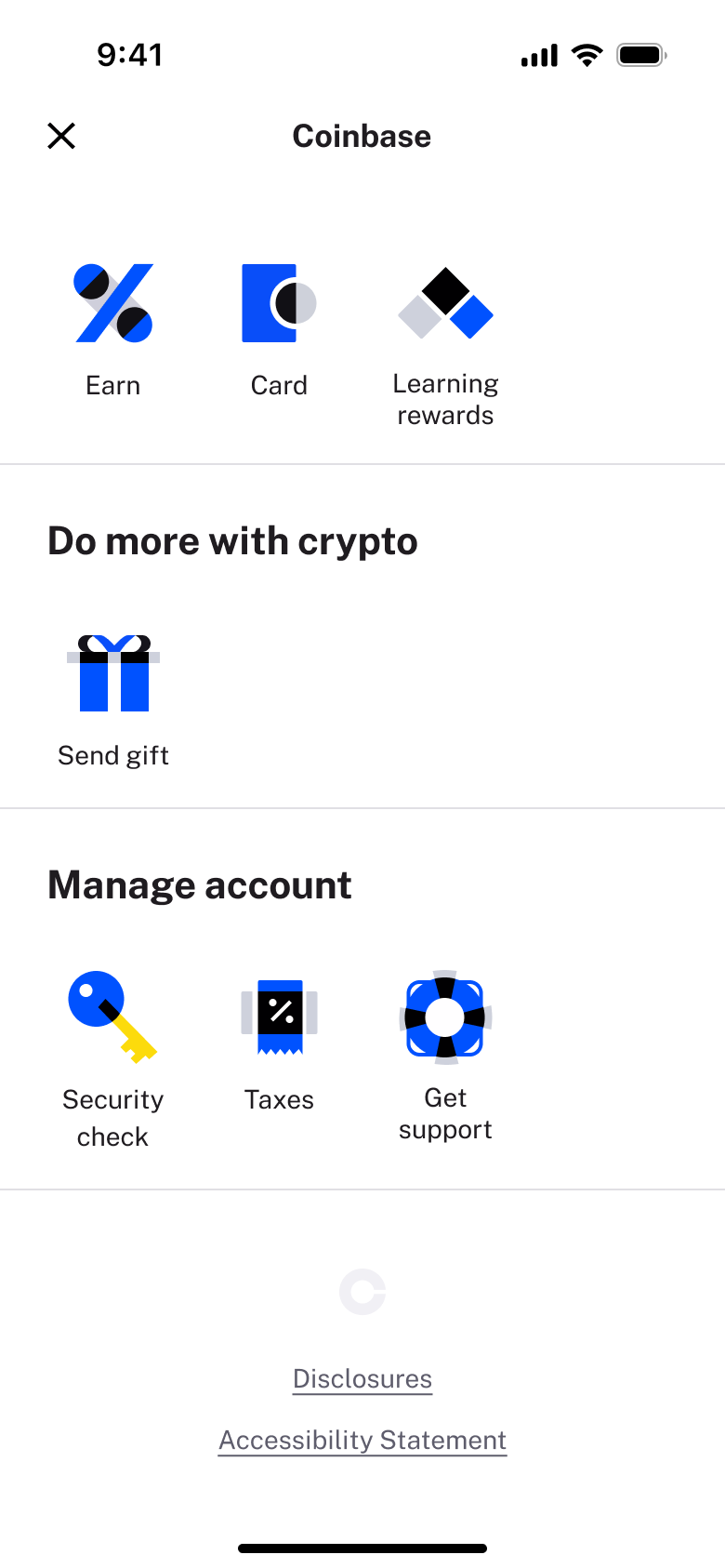
4Scroll - Push
 5
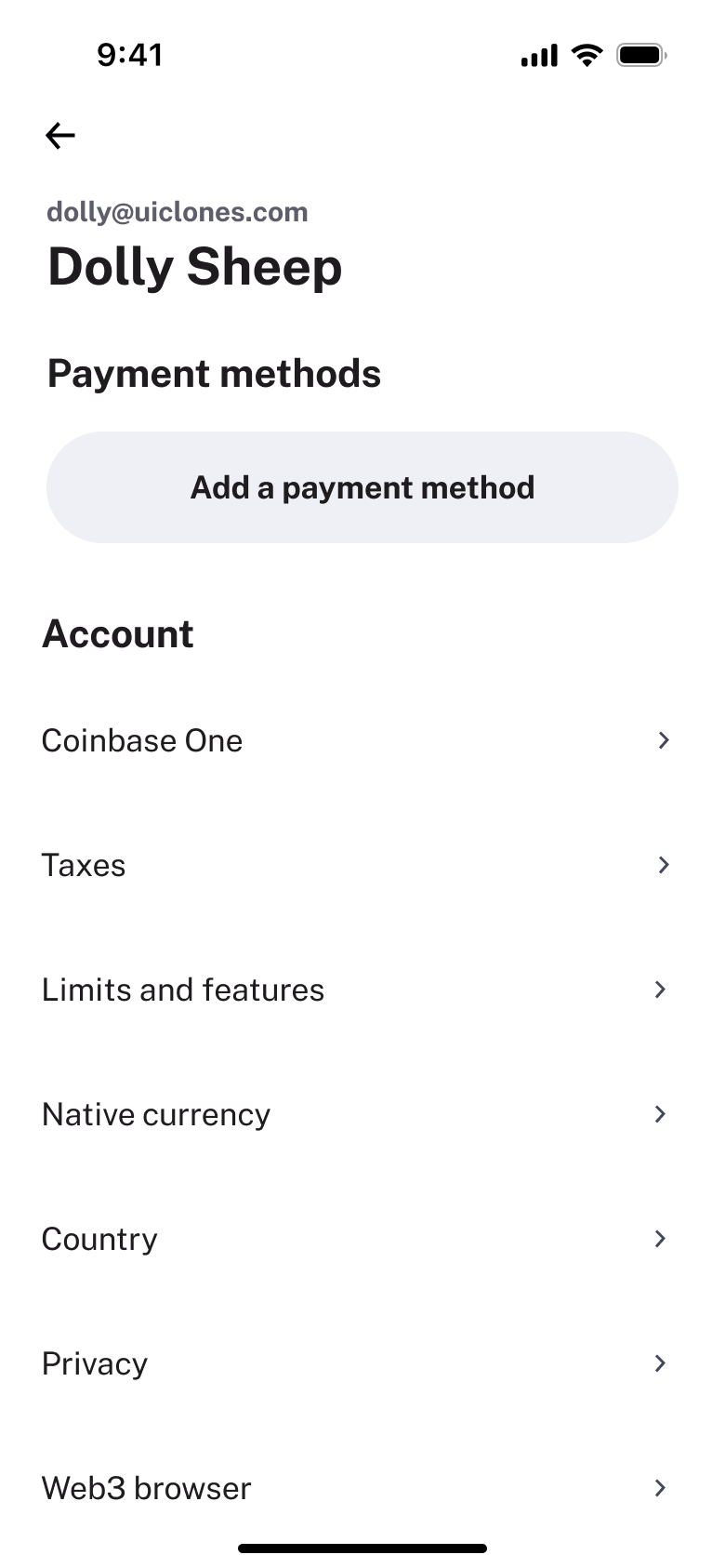
5Tap profile - In-place change
 6
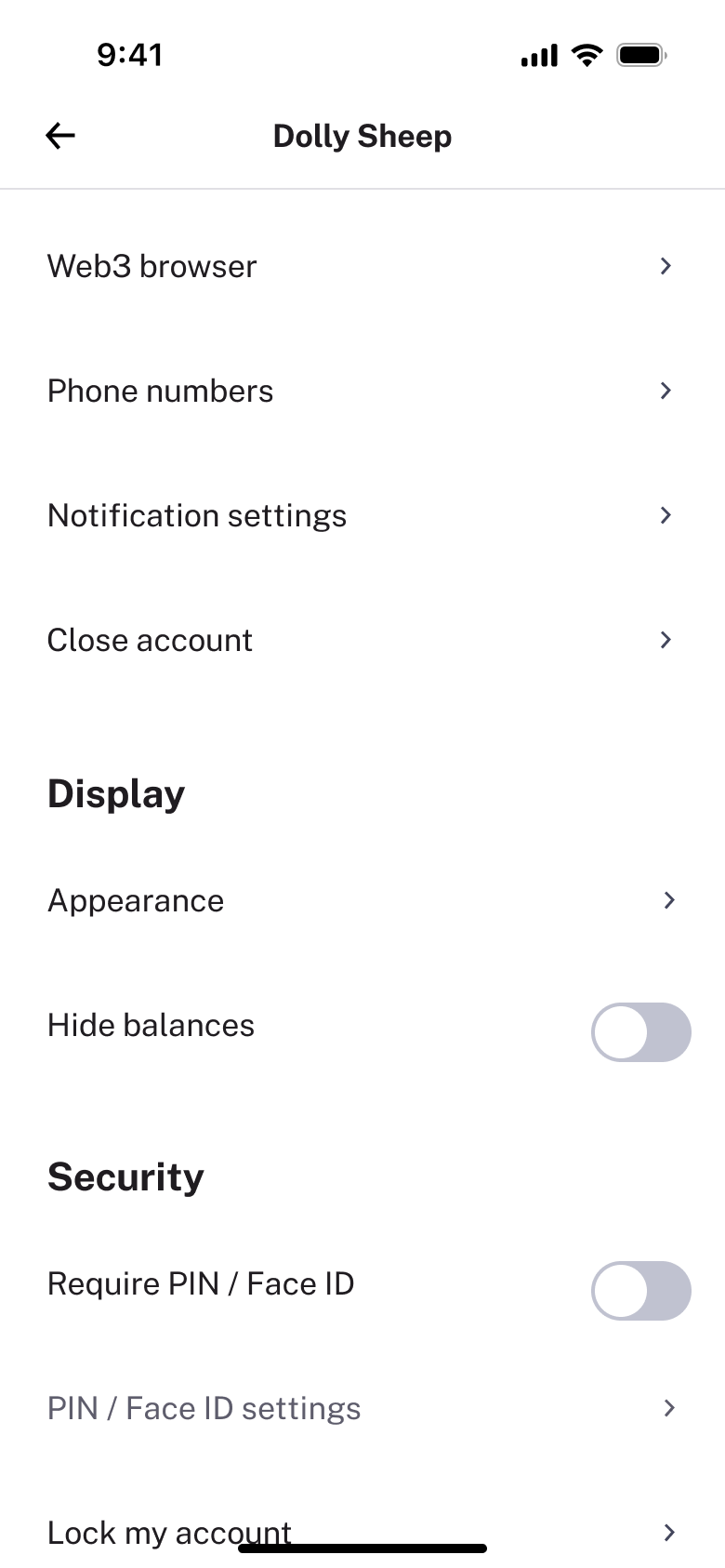
6Scroll - In-place change
 7
7Scroll
 1
1Tap Settings - In-place change
 2
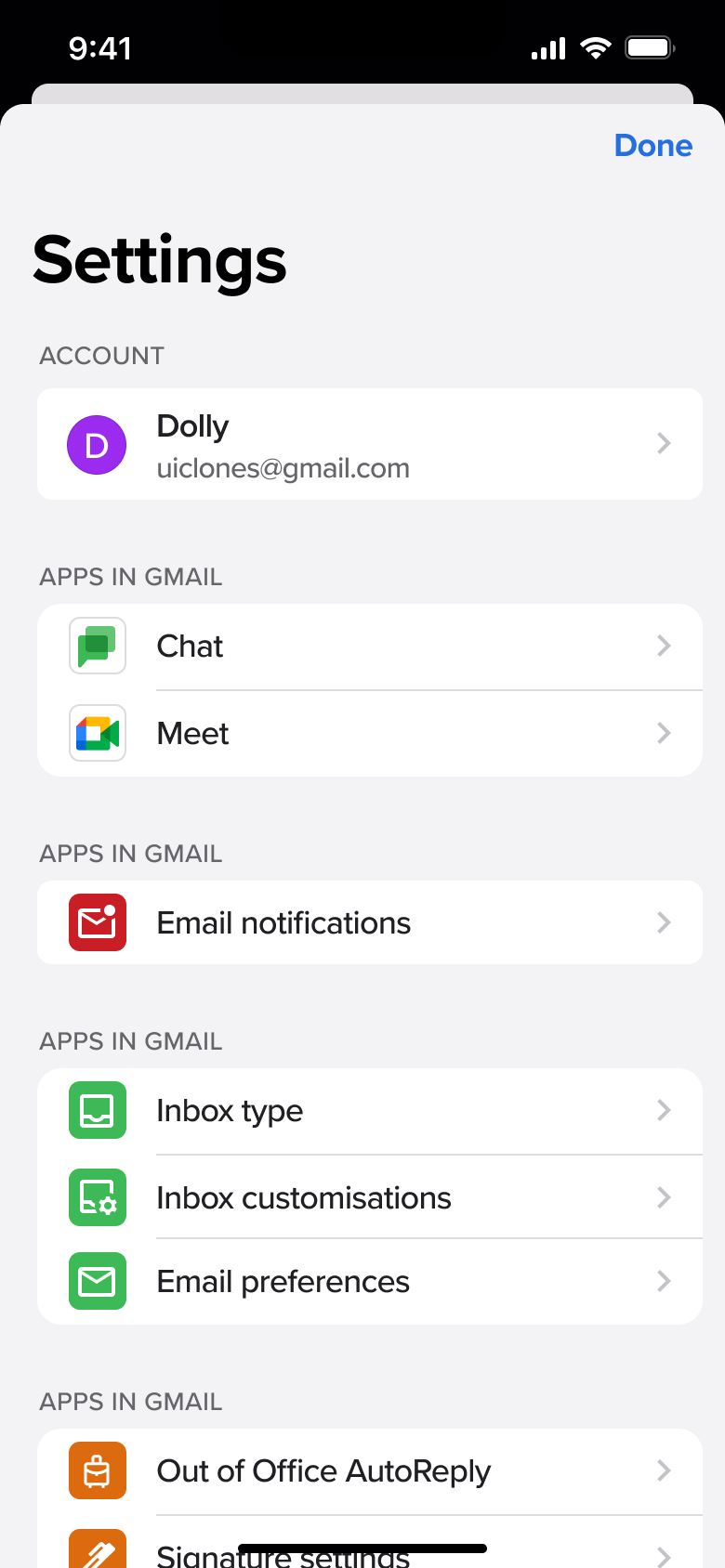
2Scroll - Push
 3
3Tap account - Push
 4
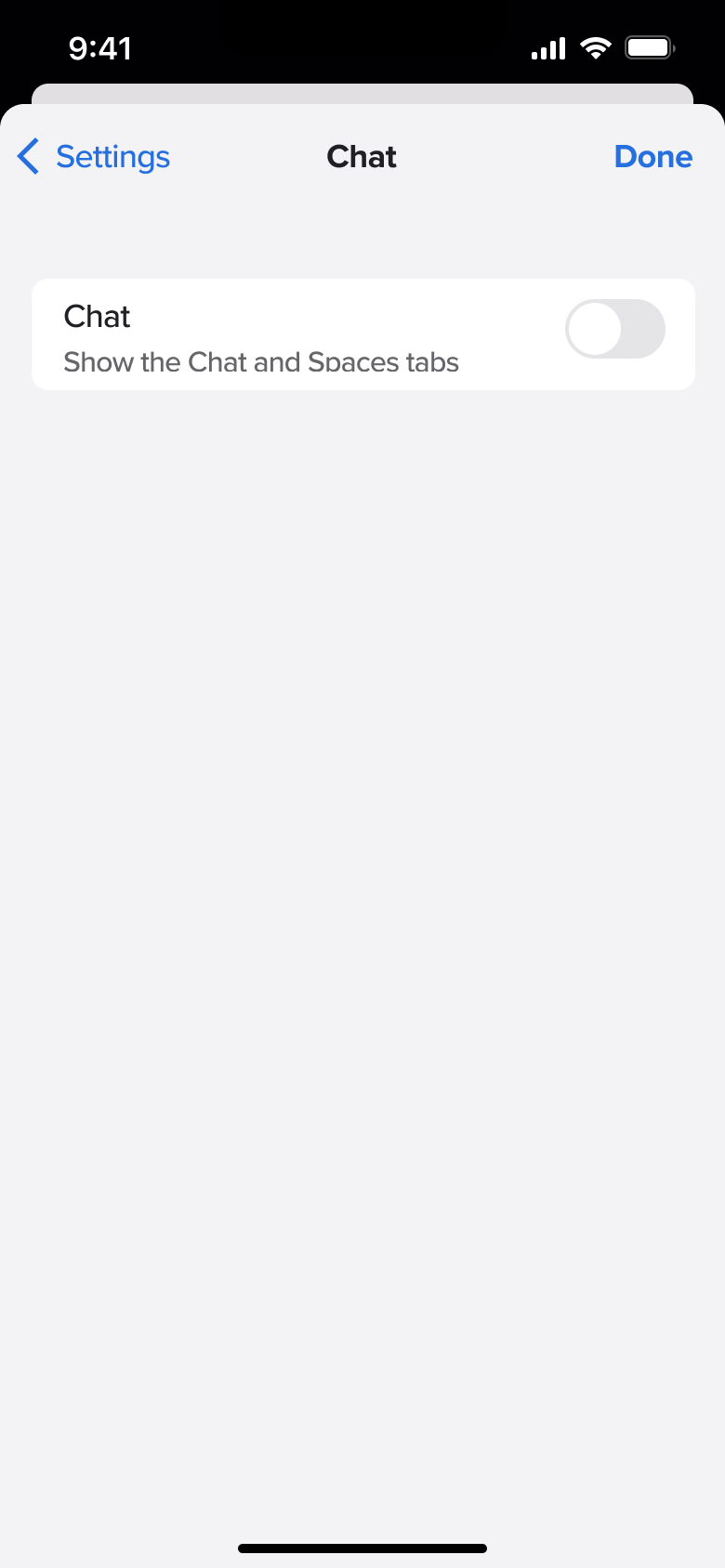
4Tap Chat - Push
 5
5Tap Meet - Push
 6
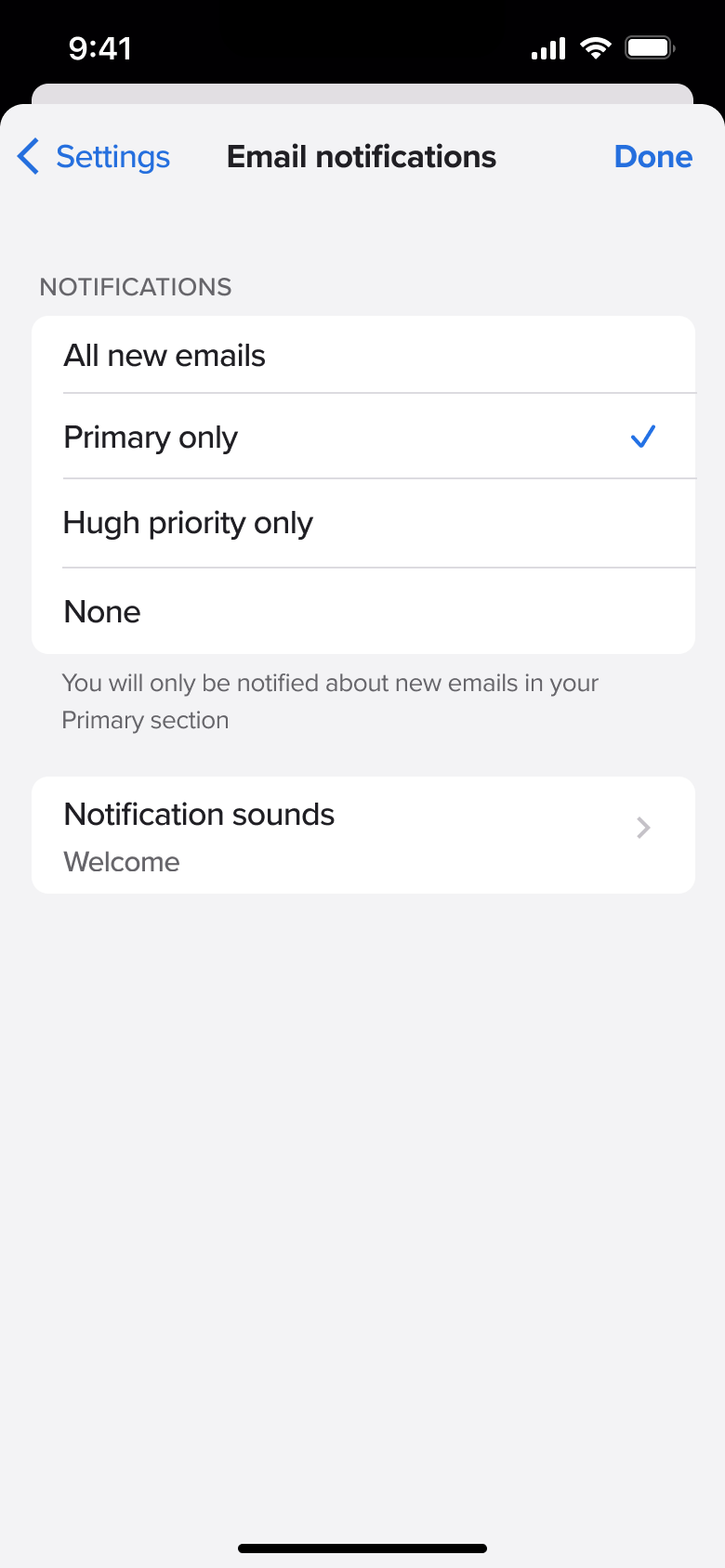
6Tap Email notifications - Push
 7
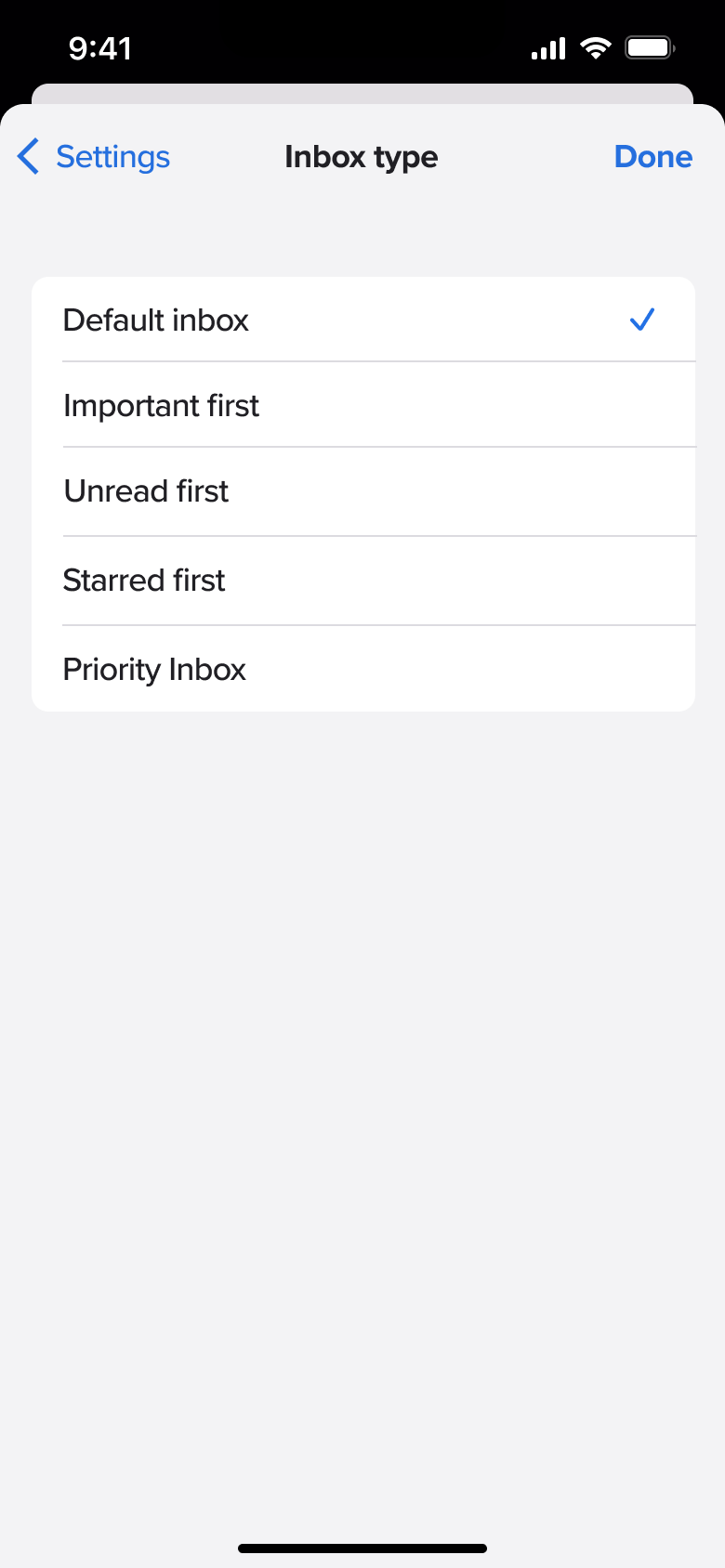
7Tap Inbox type - Push
 8
8Tap Inbox customisations - +7 more
 1
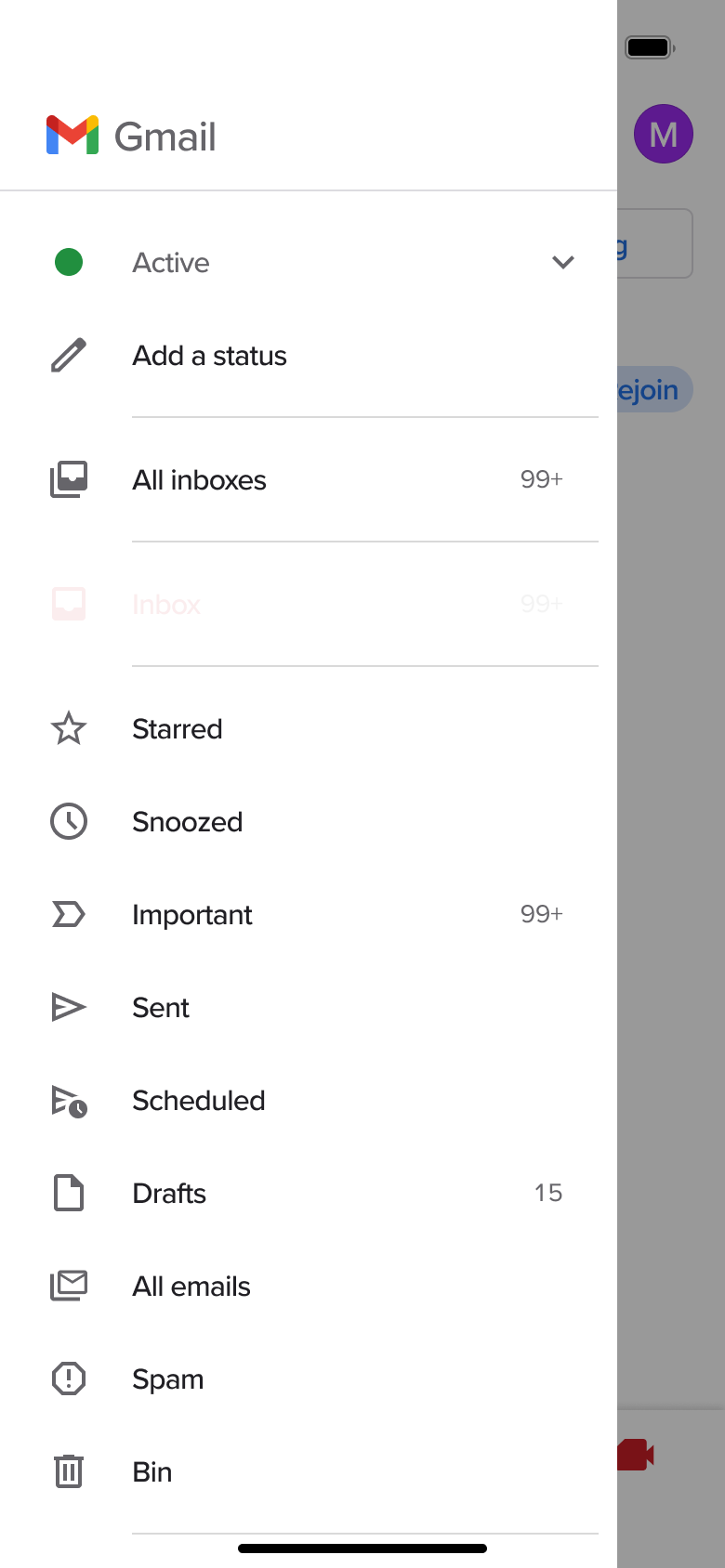
1Tap menu - In-place change
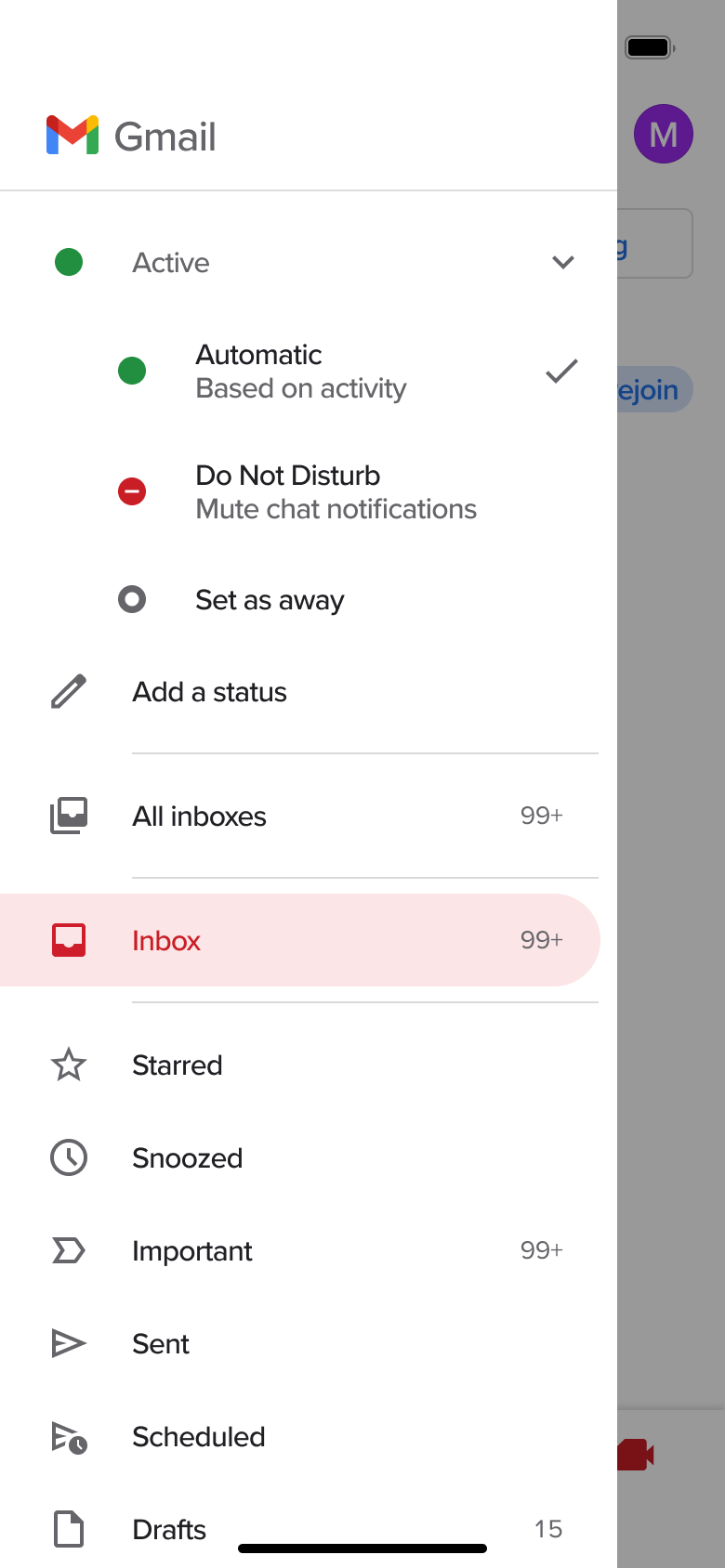 2
2Tap Active - Push
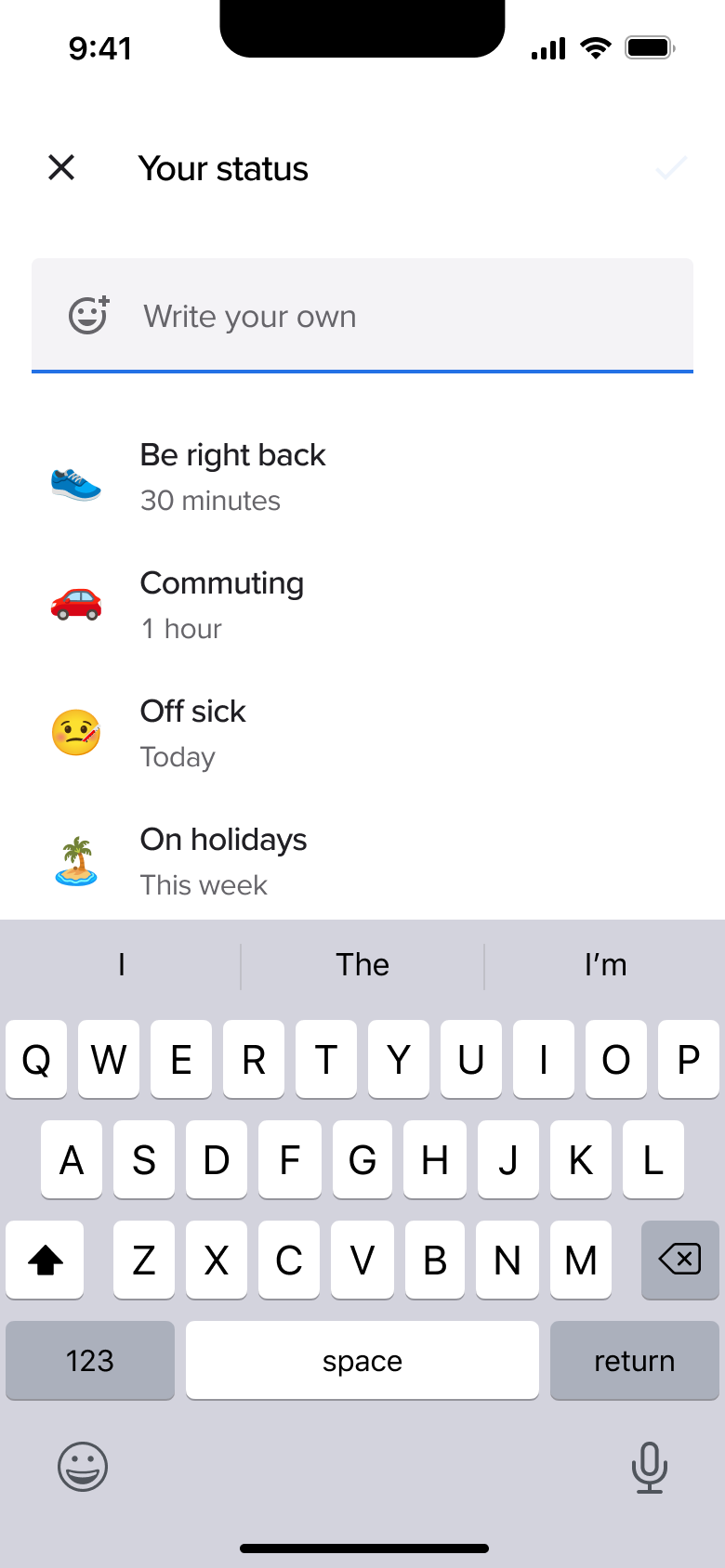 3
3Tap Add a status - In-place change
 4
4Select preset - Dismiss modal or sheet
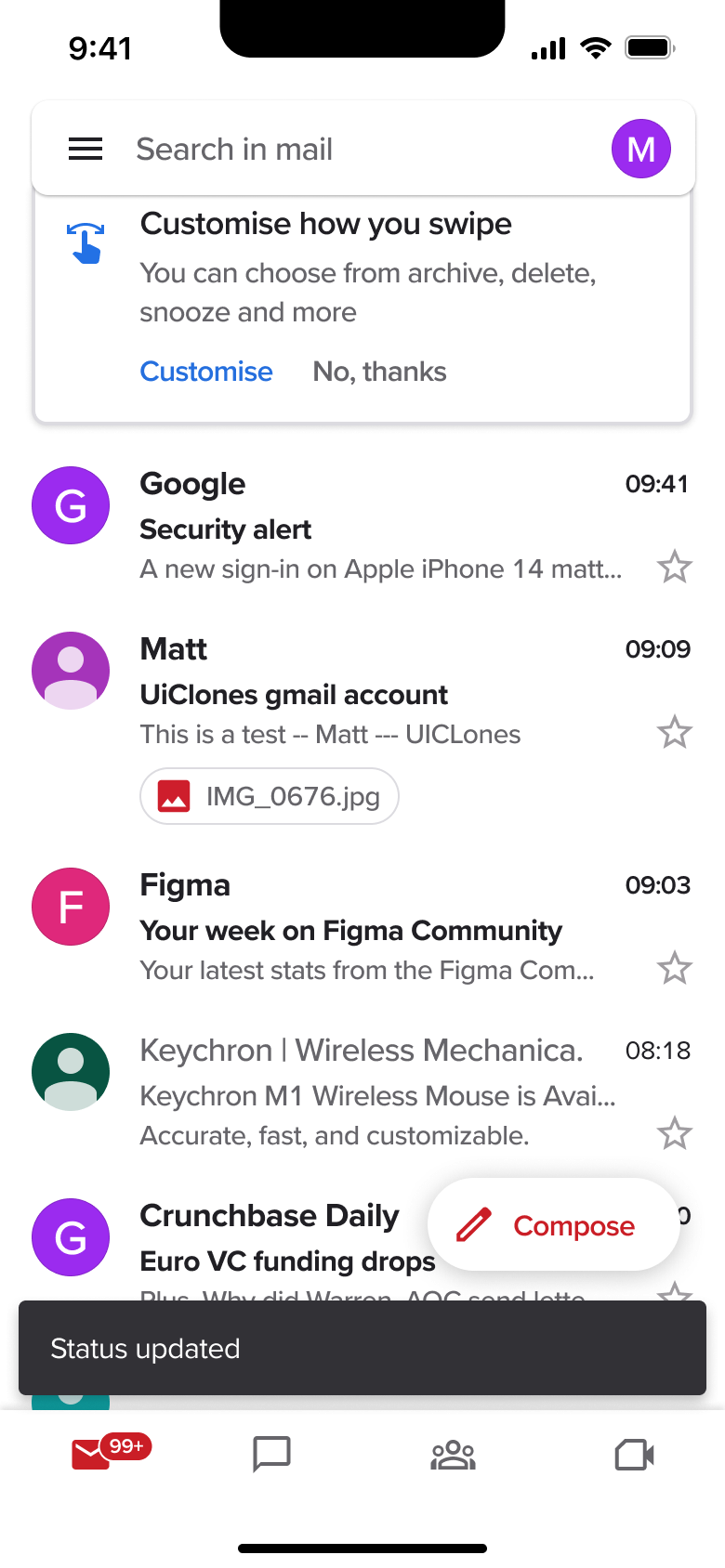 5
5Tap Done - Modal
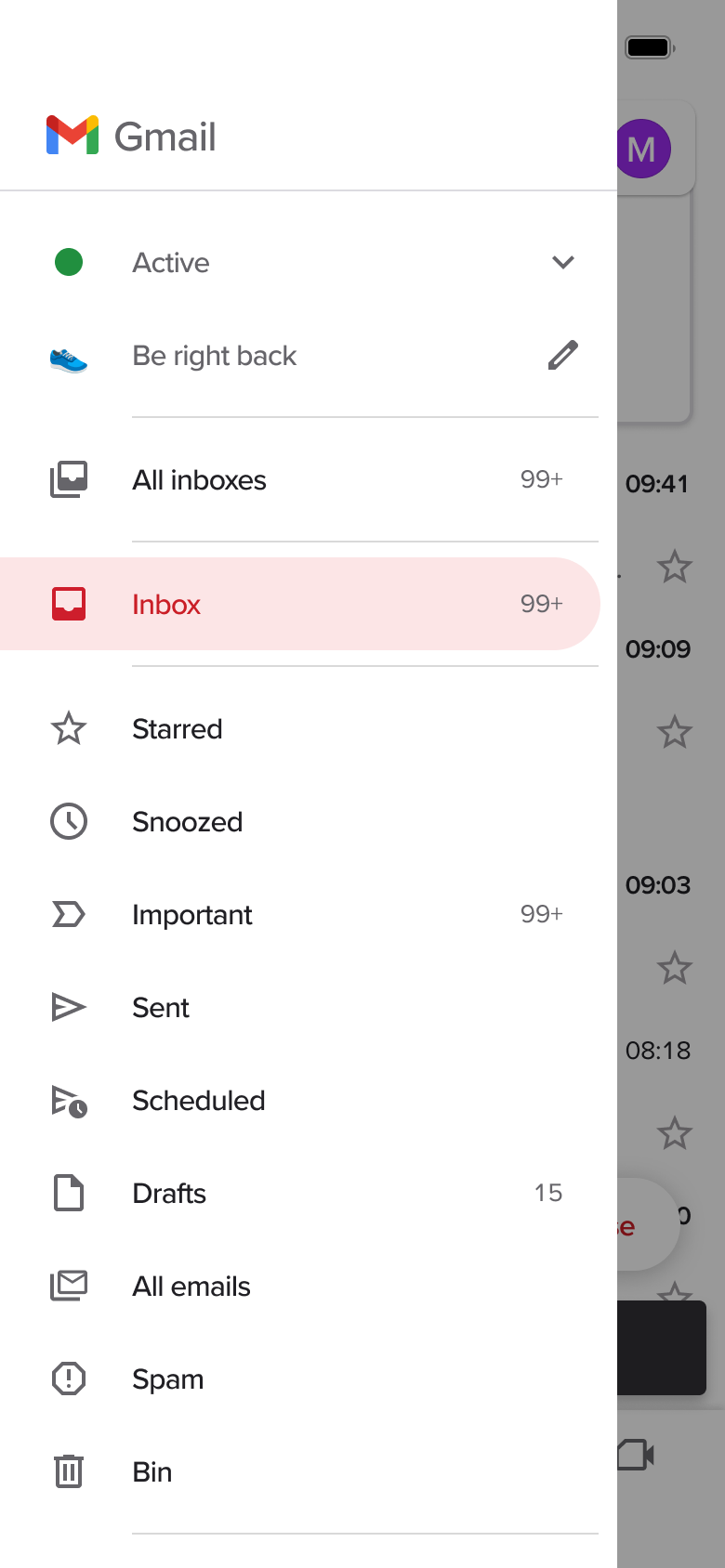 6
6Tap menu
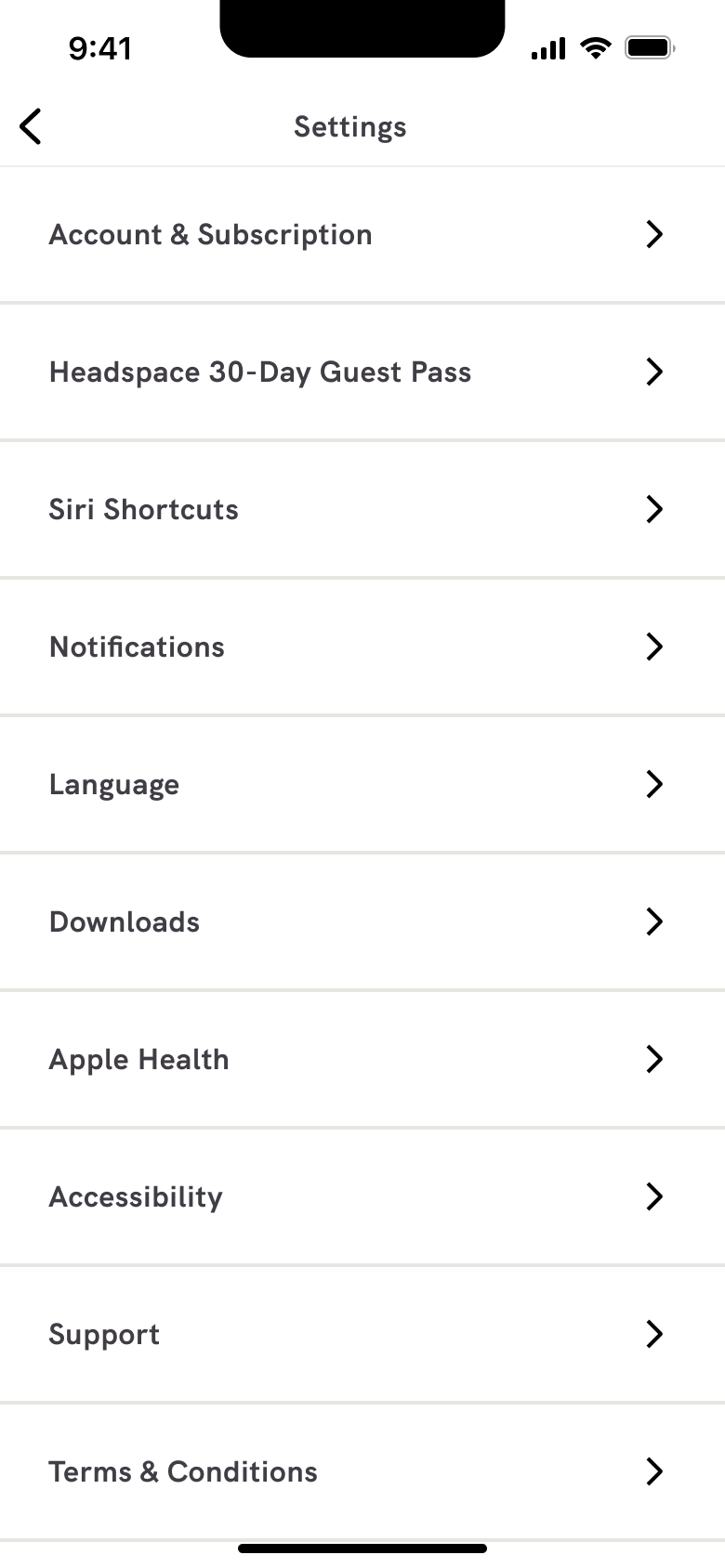 1
1Tap settings - In-place change
 2
2Scroll - Push
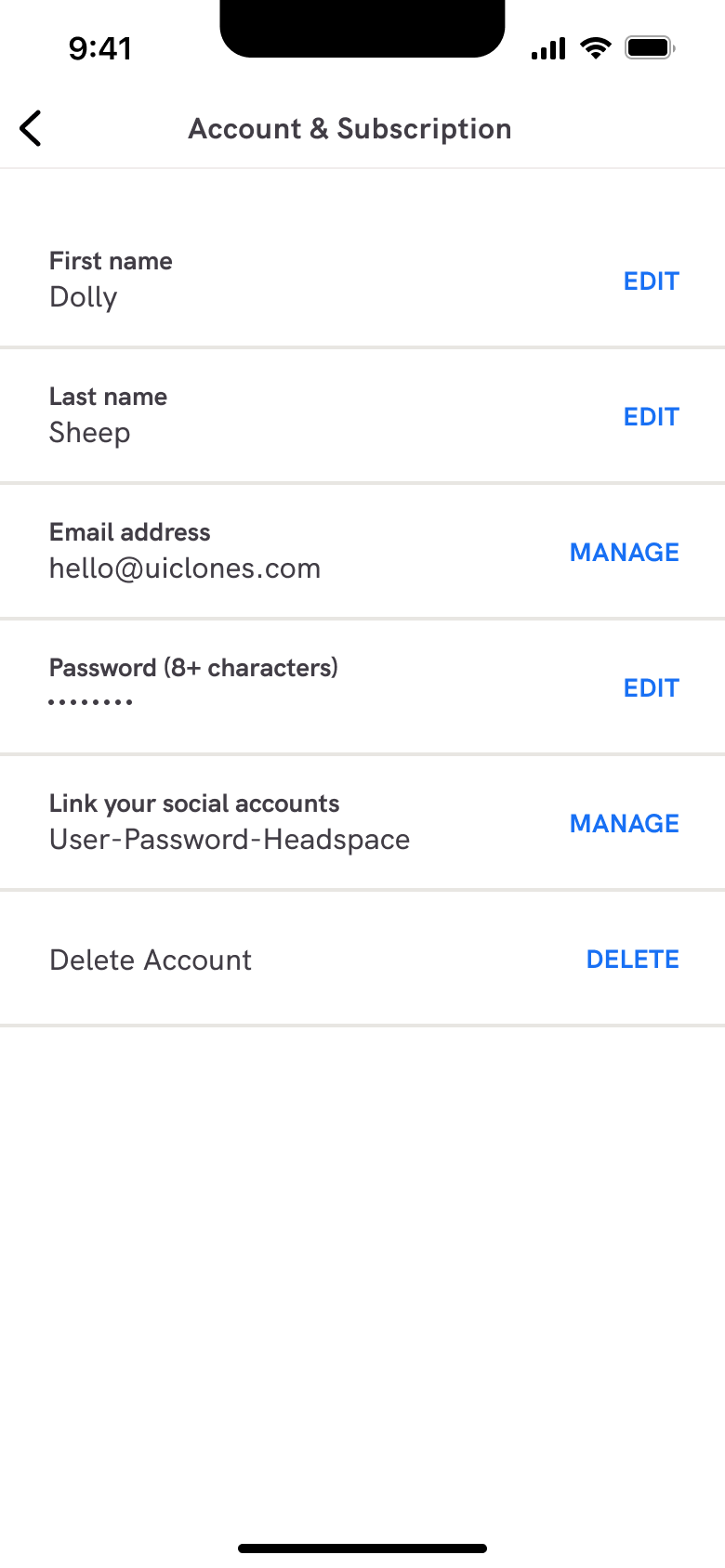 3
3Tap Account - In-place change
 4
4 - Alert / dialog over screen
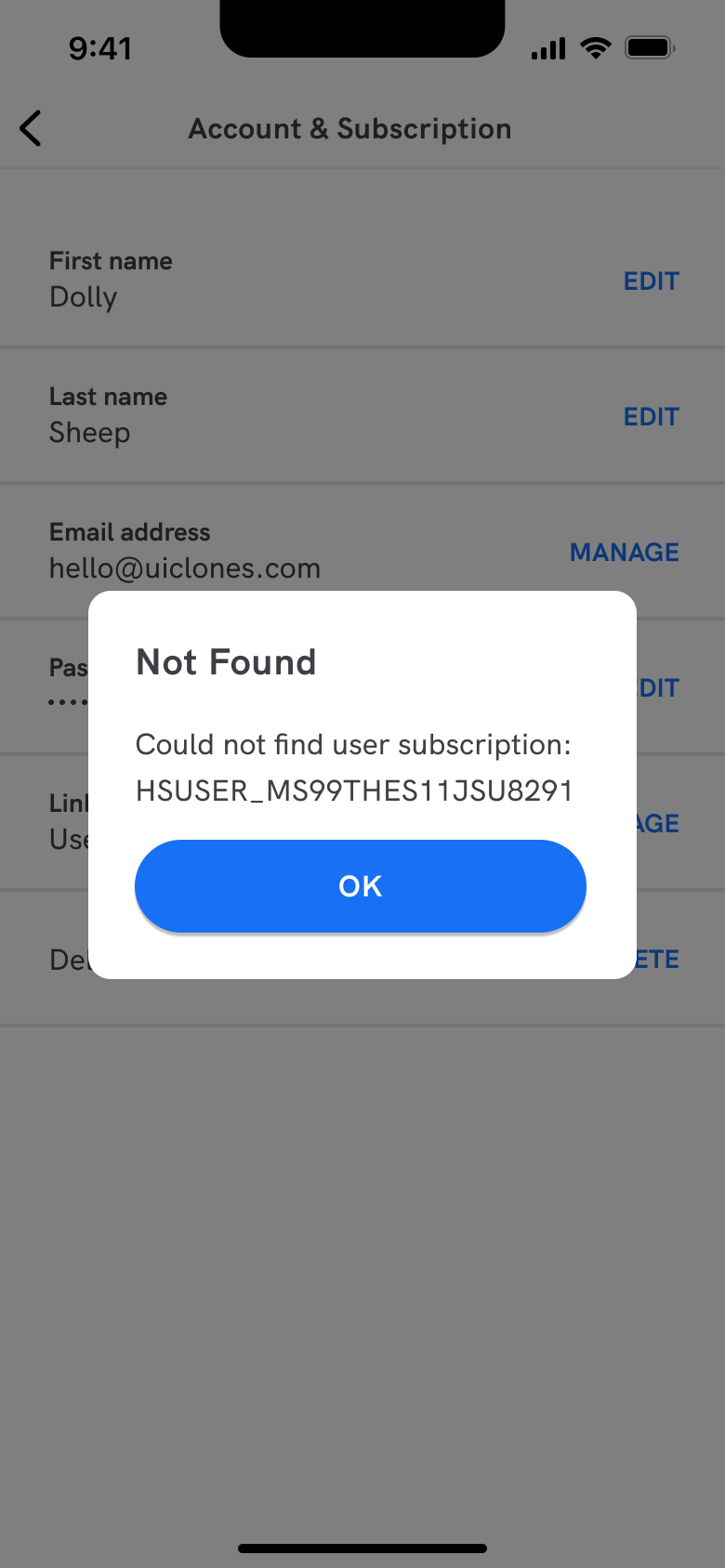 5
5 - Push
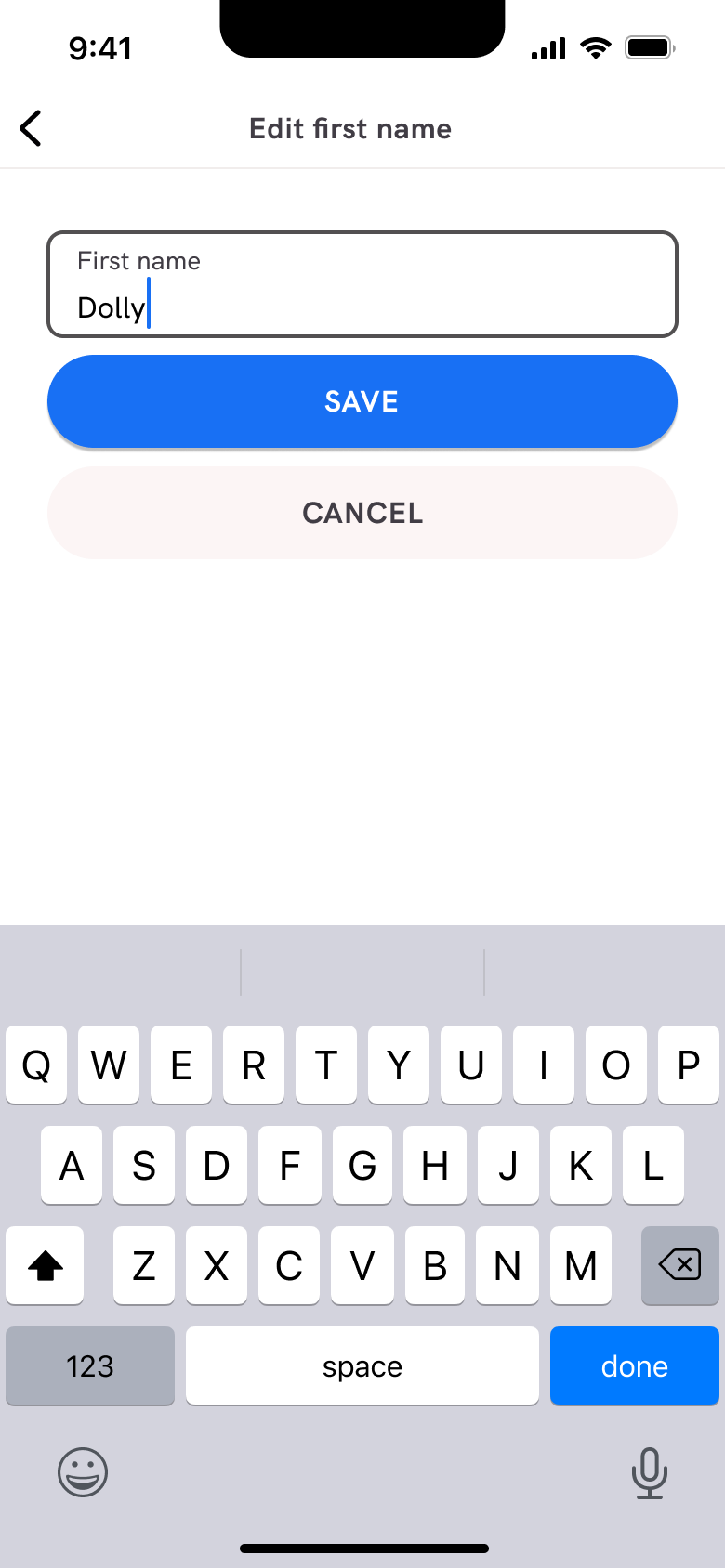 6
6Tap Edit - Push
 7
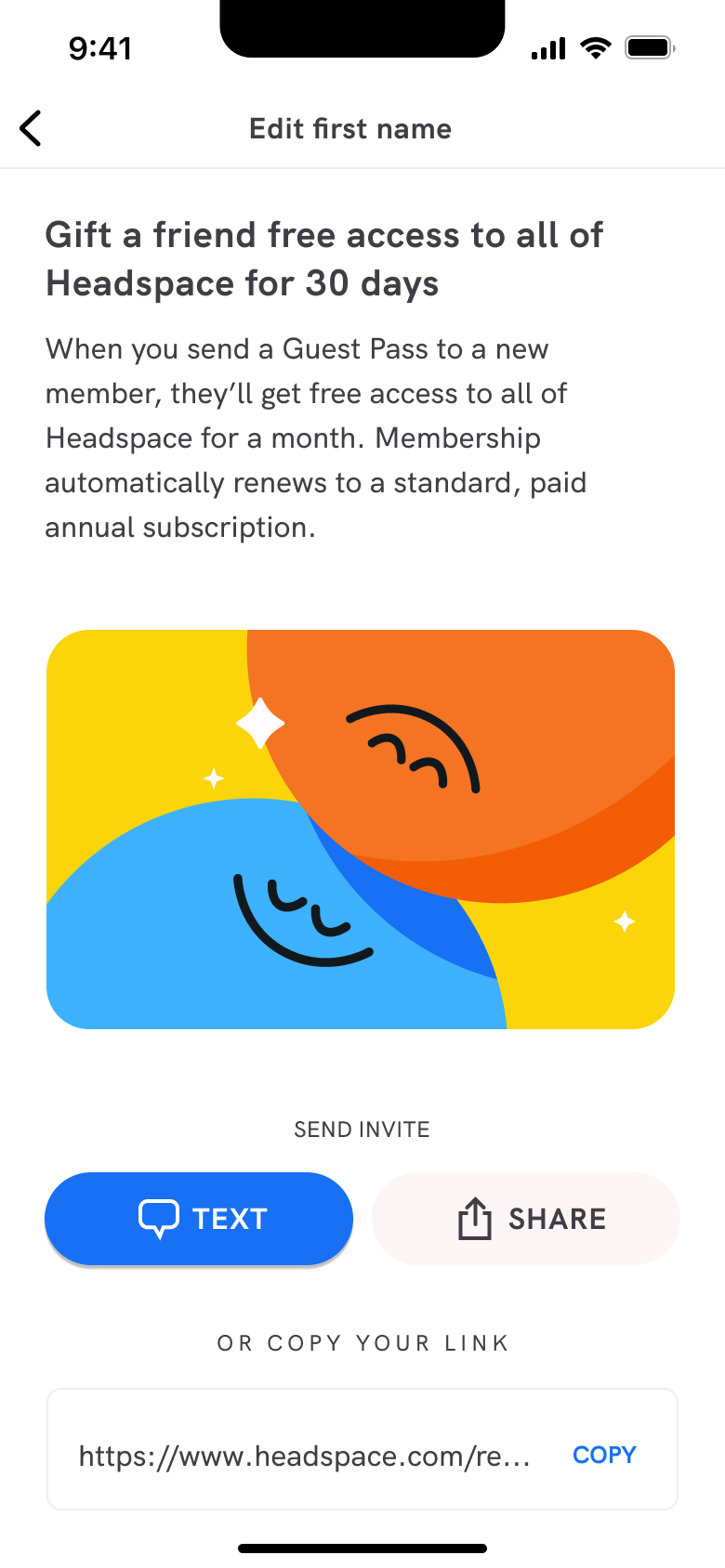
7Tap Guest Pass - Push
 8
8Tap Siri Shortcuts - +6 more
 1
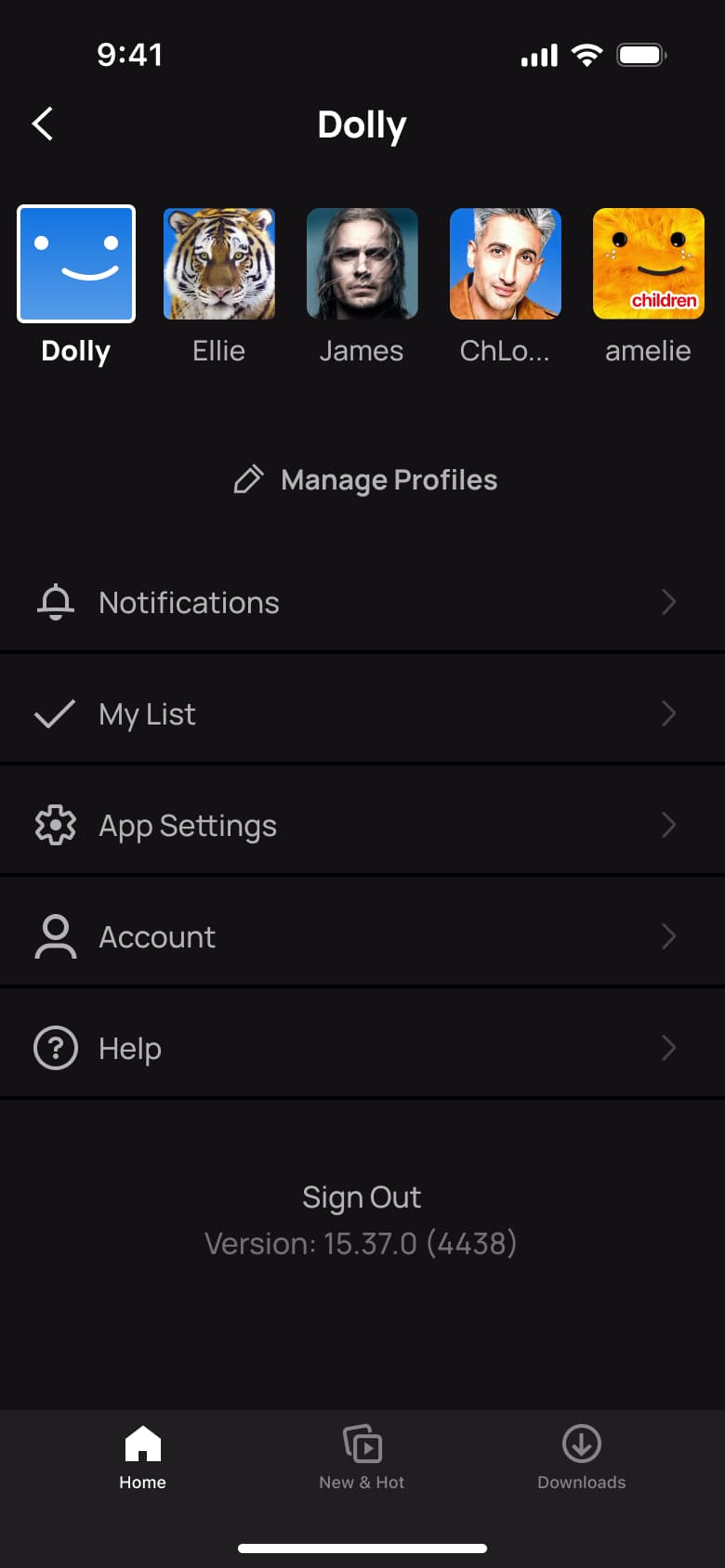
1- Push
 2
2Tap App Settings - In-place change
 3
3Scroll - Push
 4
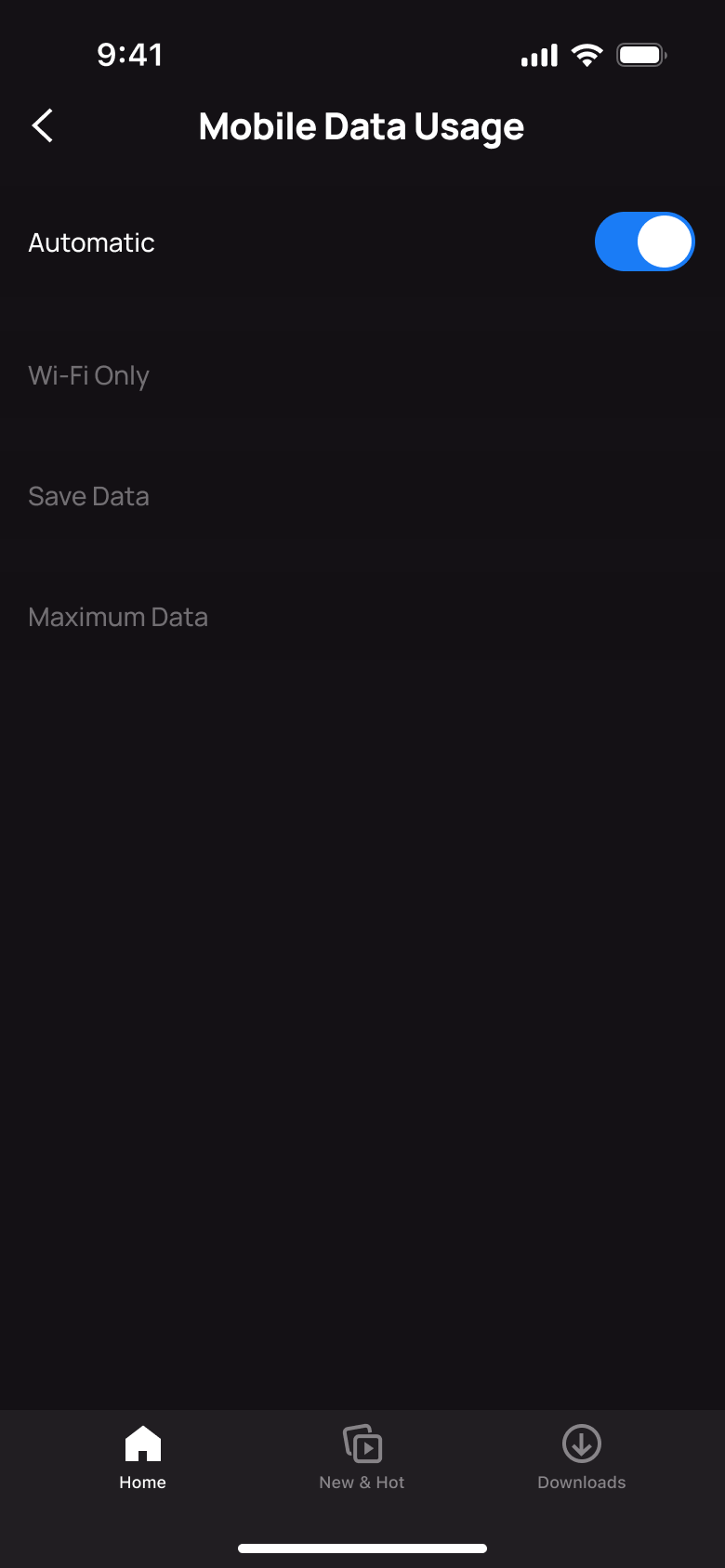
4Tap Mobile Data Usage - Push
 5
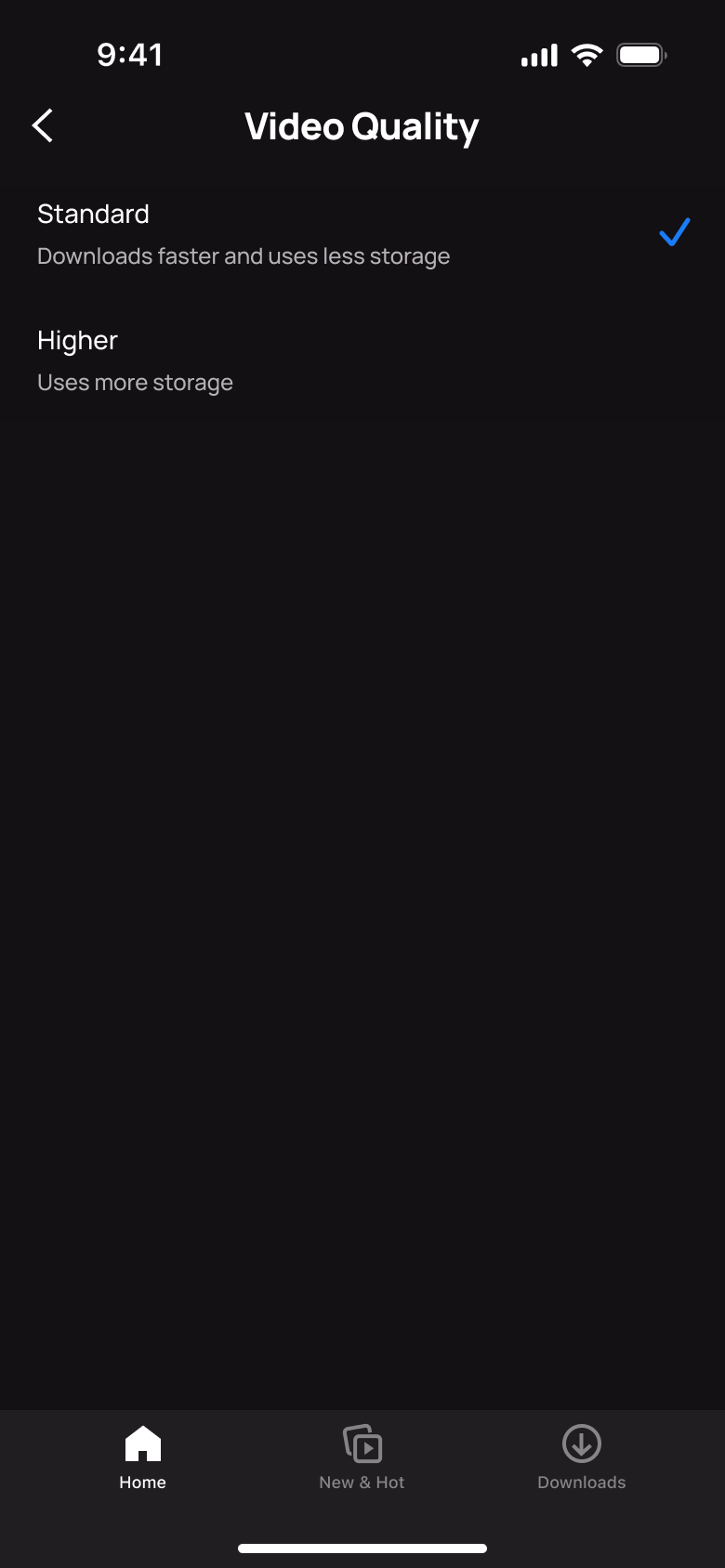
5Tap Video Quality - Push
 6
6Tap Smart Downloads
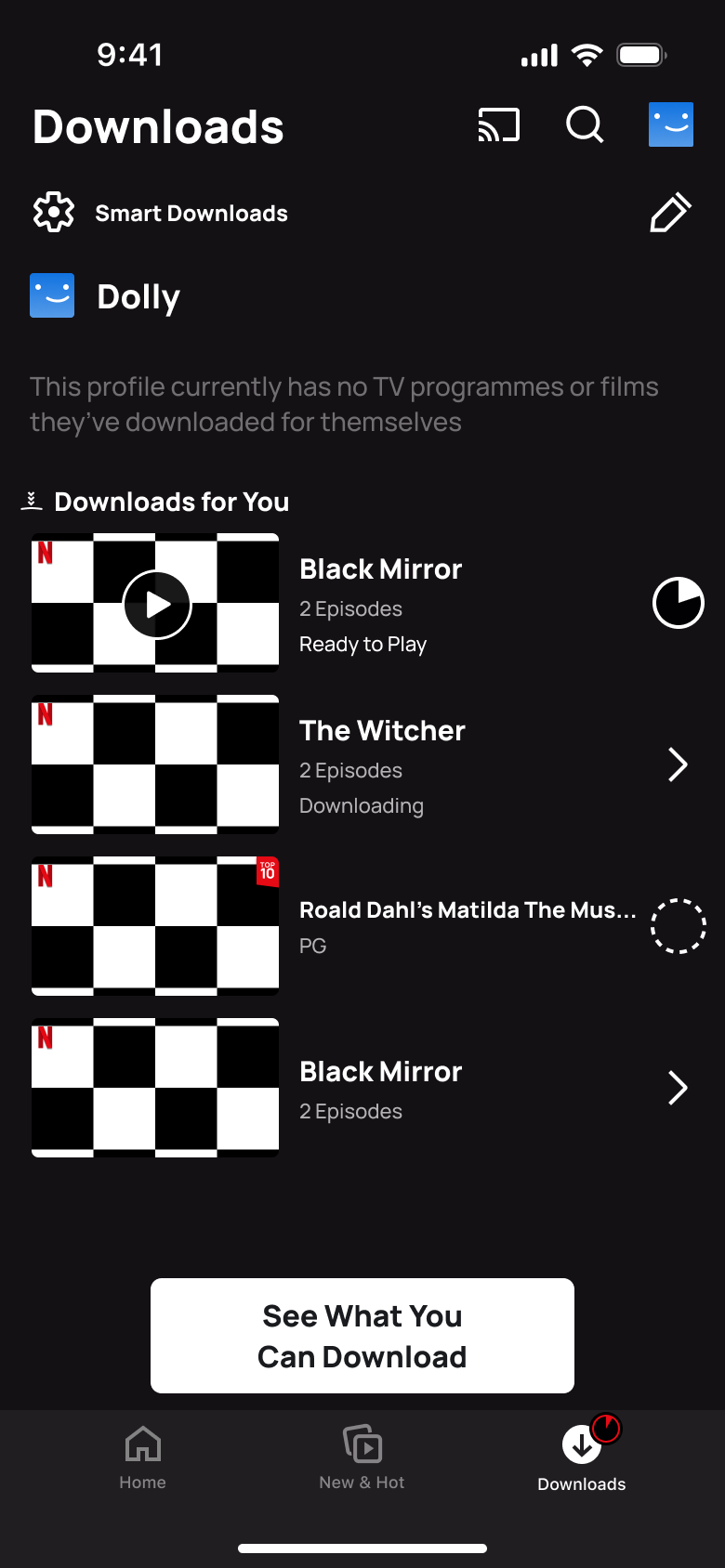 1
1- Push
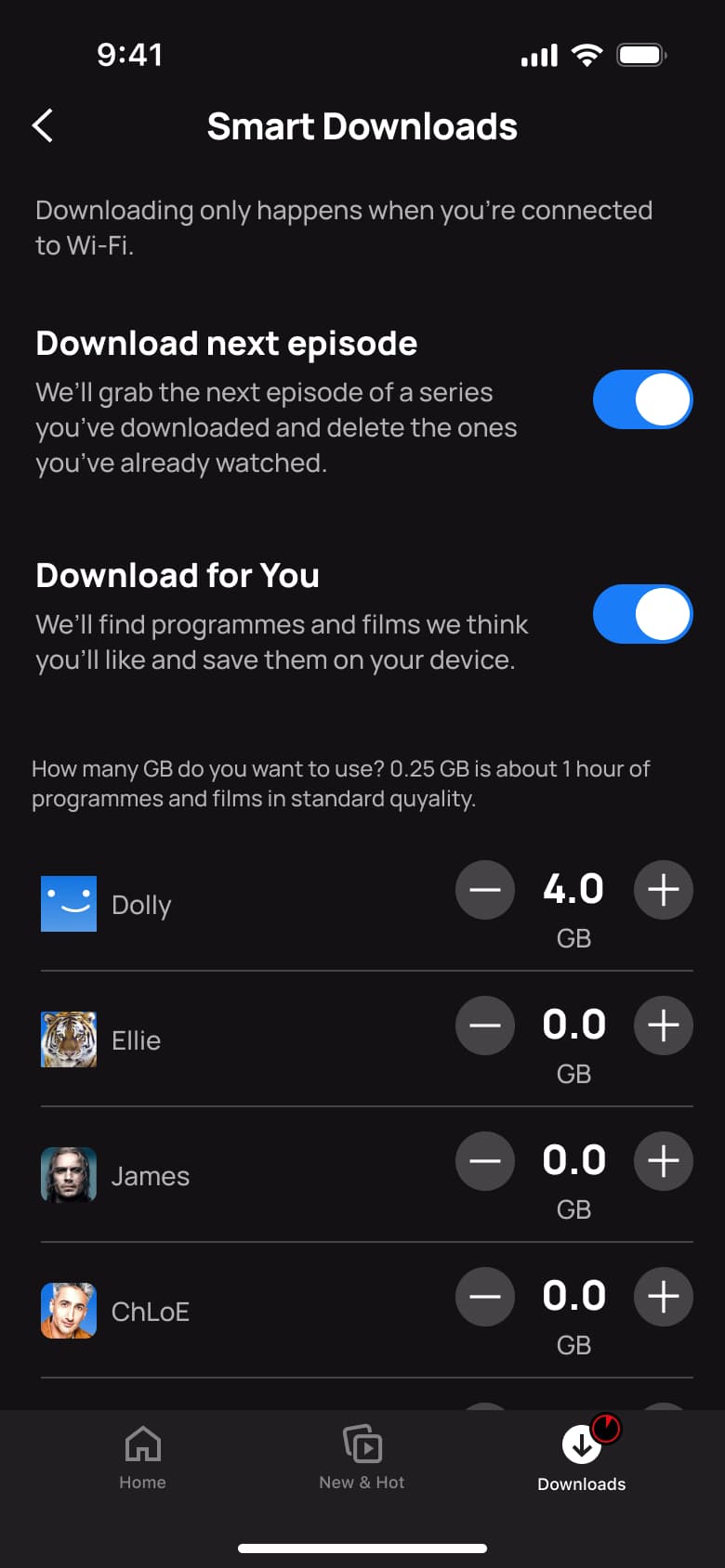 2
2Tap Smart Downloads - In-place change
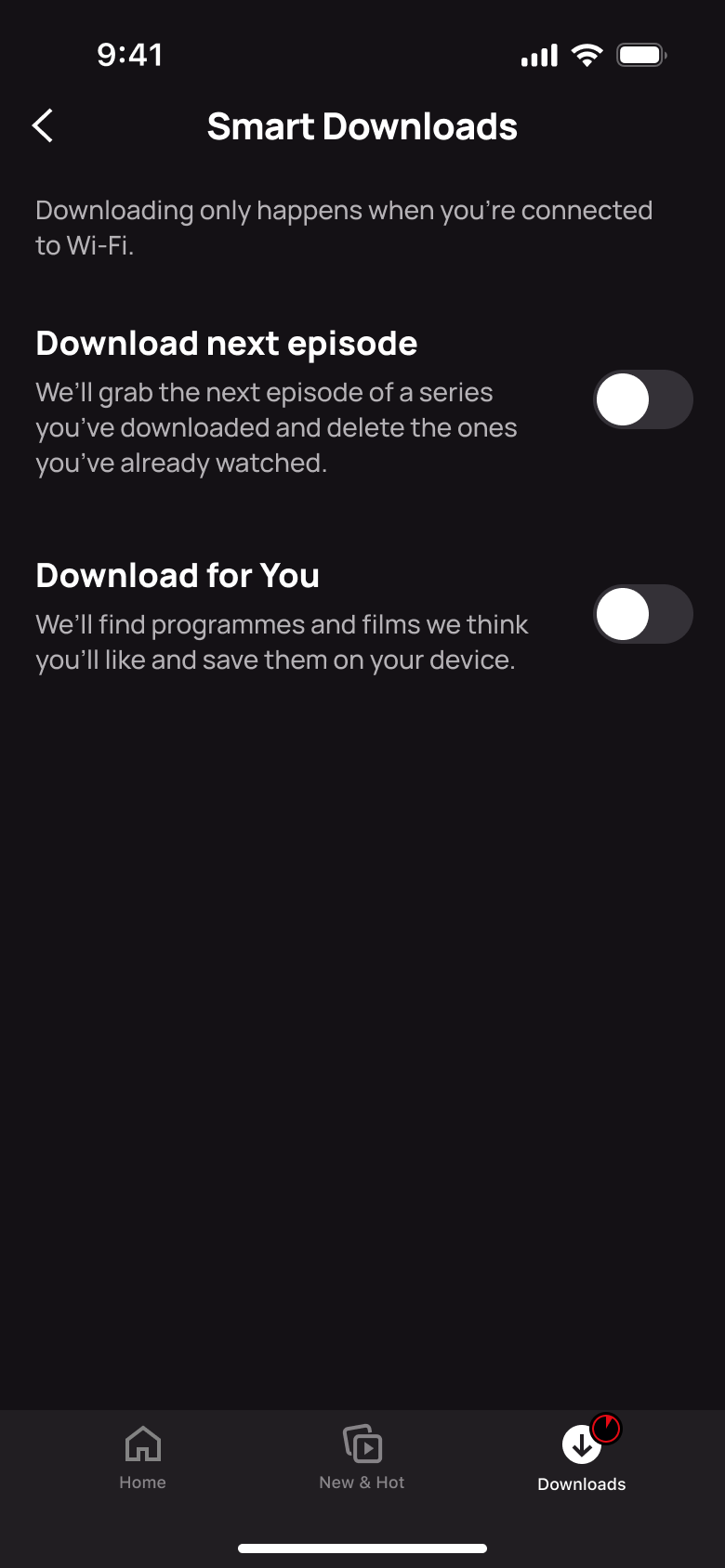 3
3Turn off toggles - In-place change
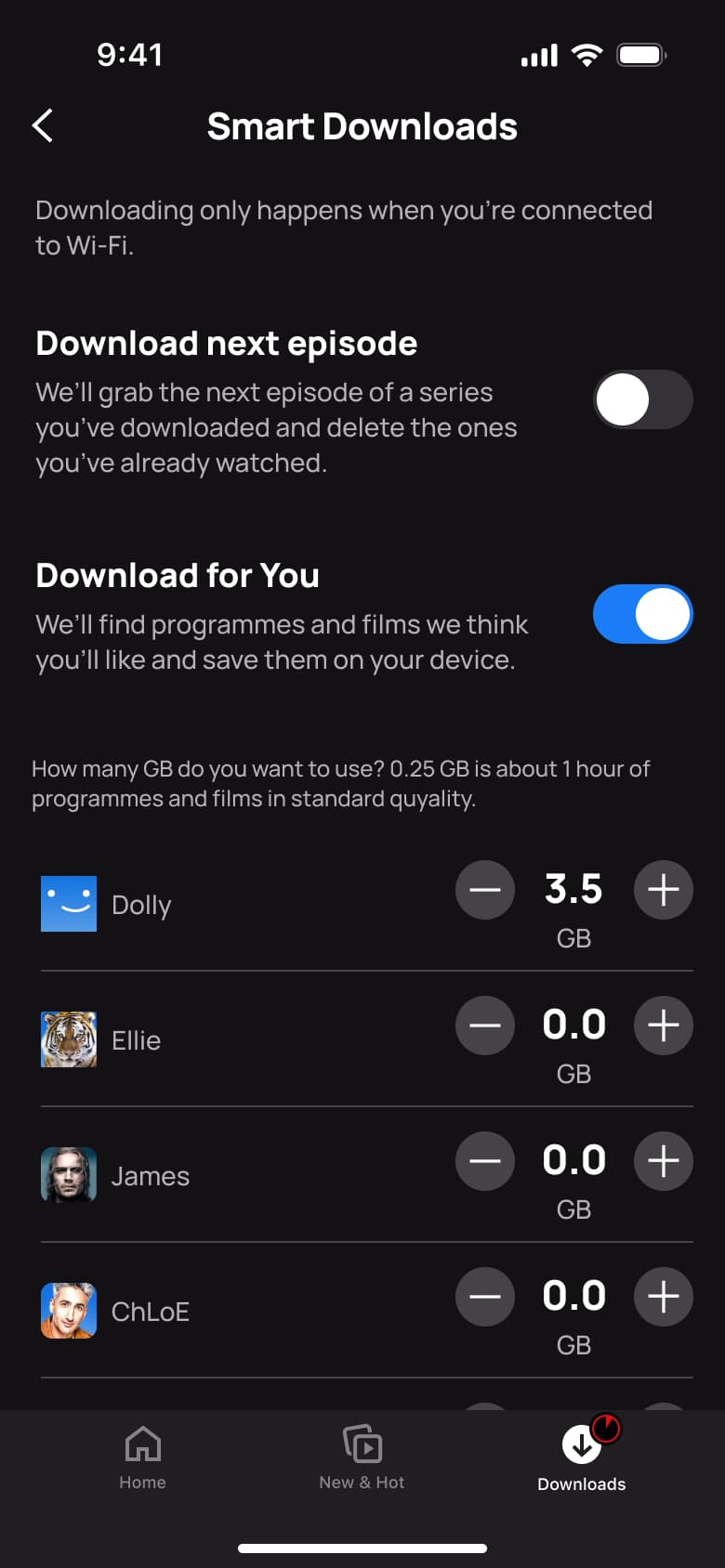 4
4Turn on Download for You - In-place change
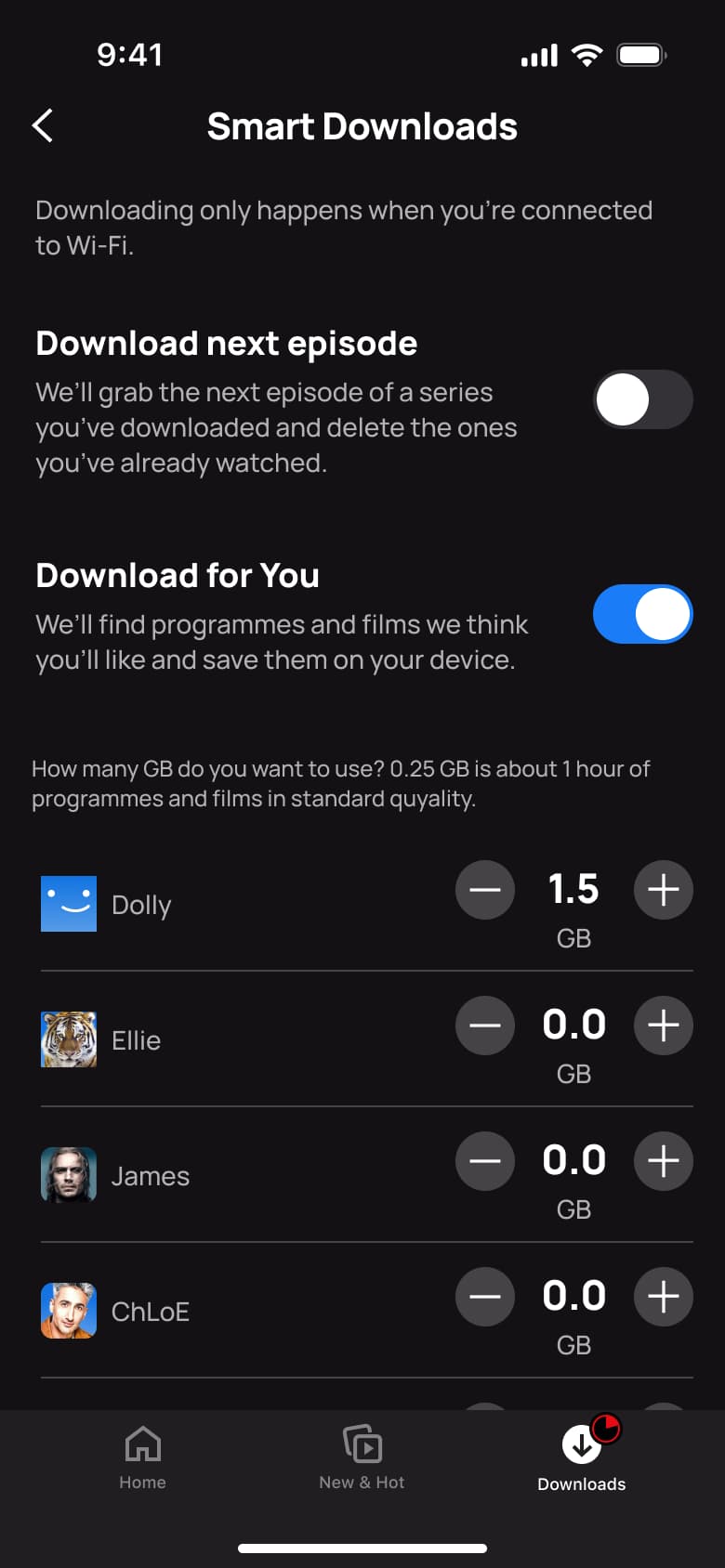 5
5Tap minus - In-place change
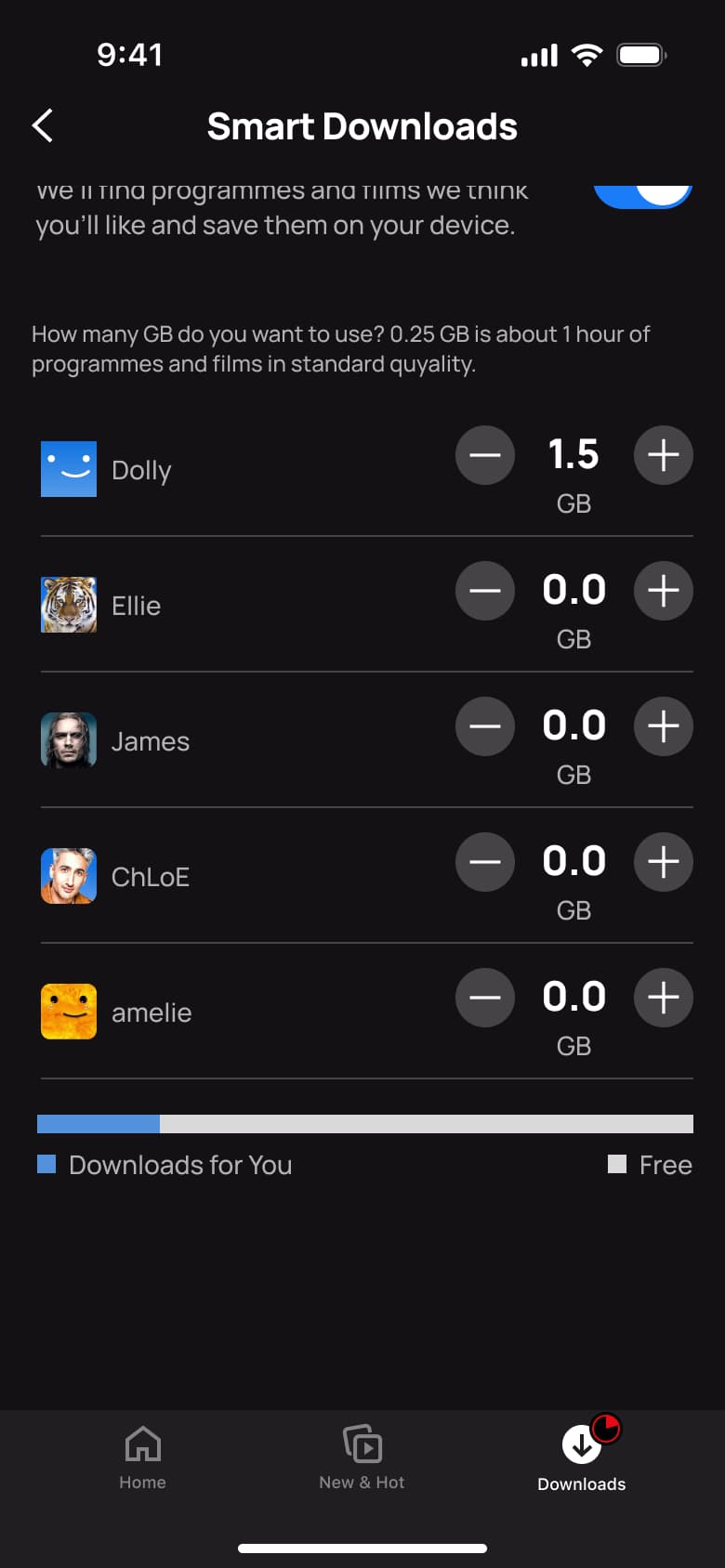 6
6Scroll
 1
1- In-place change
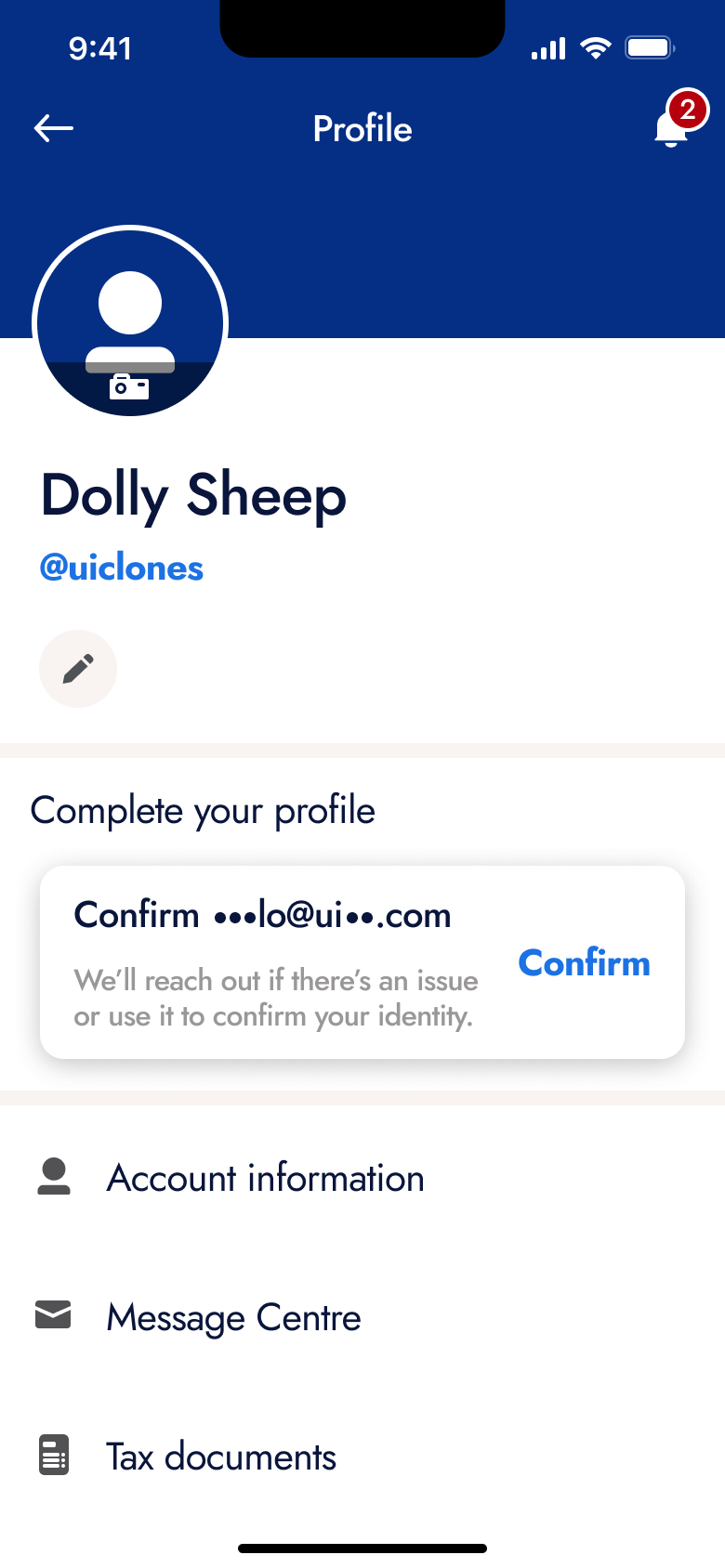 2
2 - Push
 3
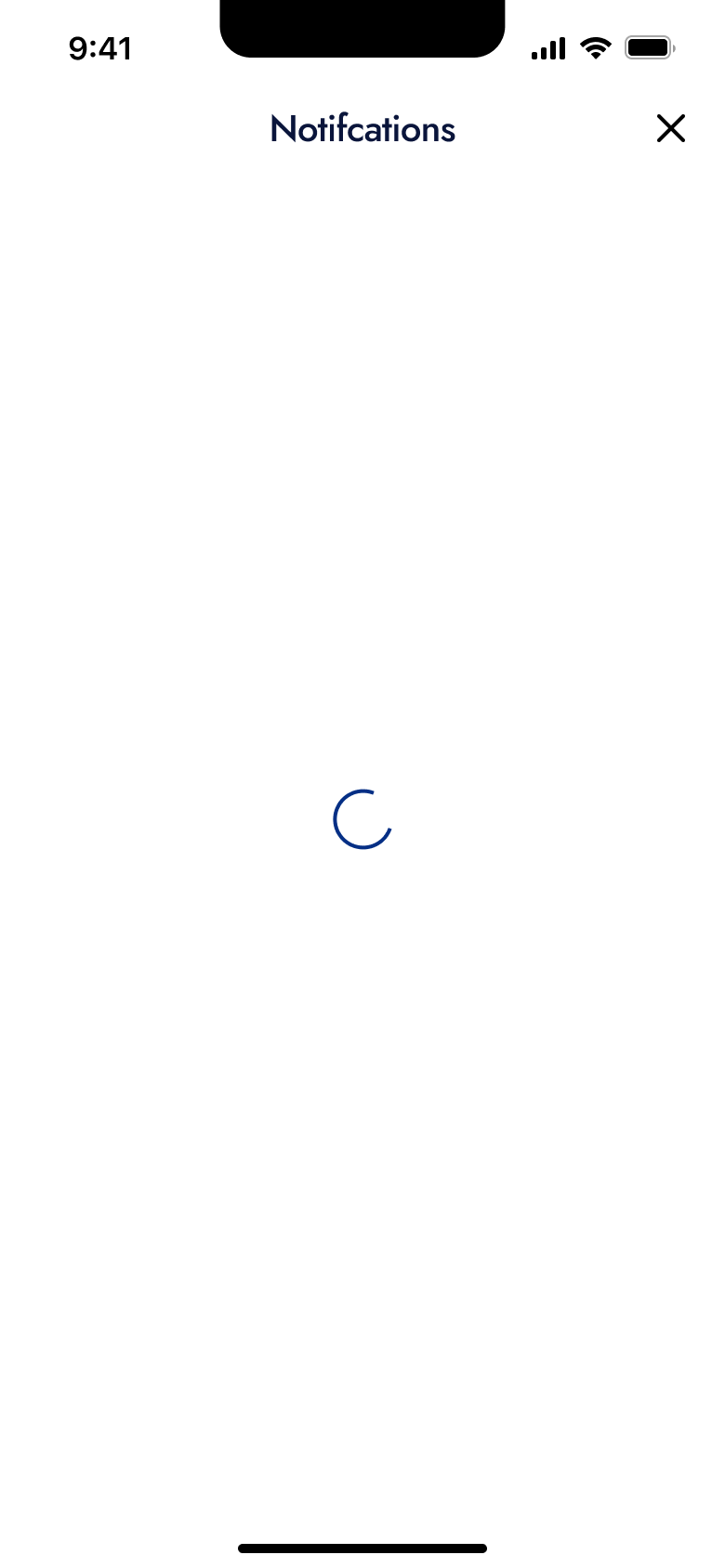
3Tap bell - In-place change
 4
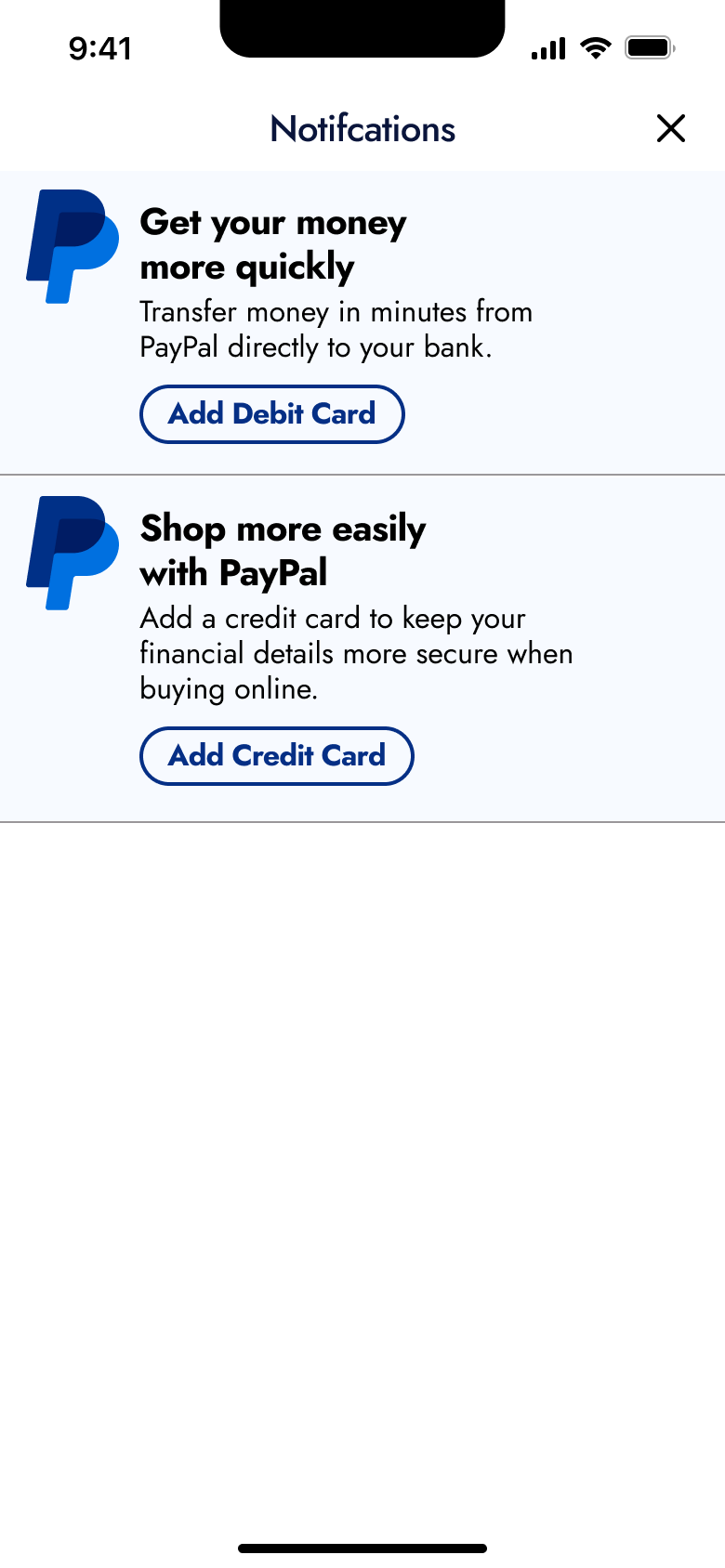
4 - Push
 5
5 - Push
 6
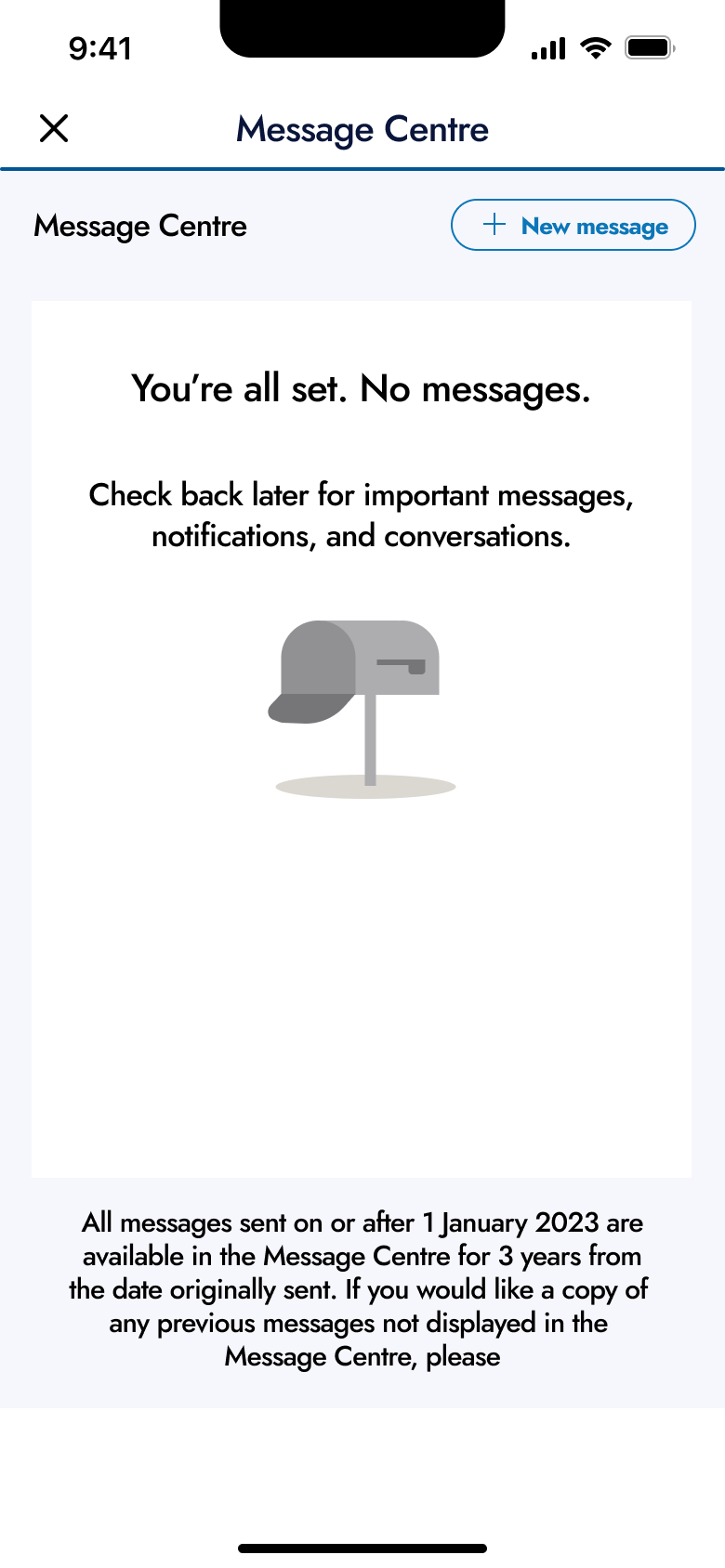
6Tap Message Centre - Push
 7
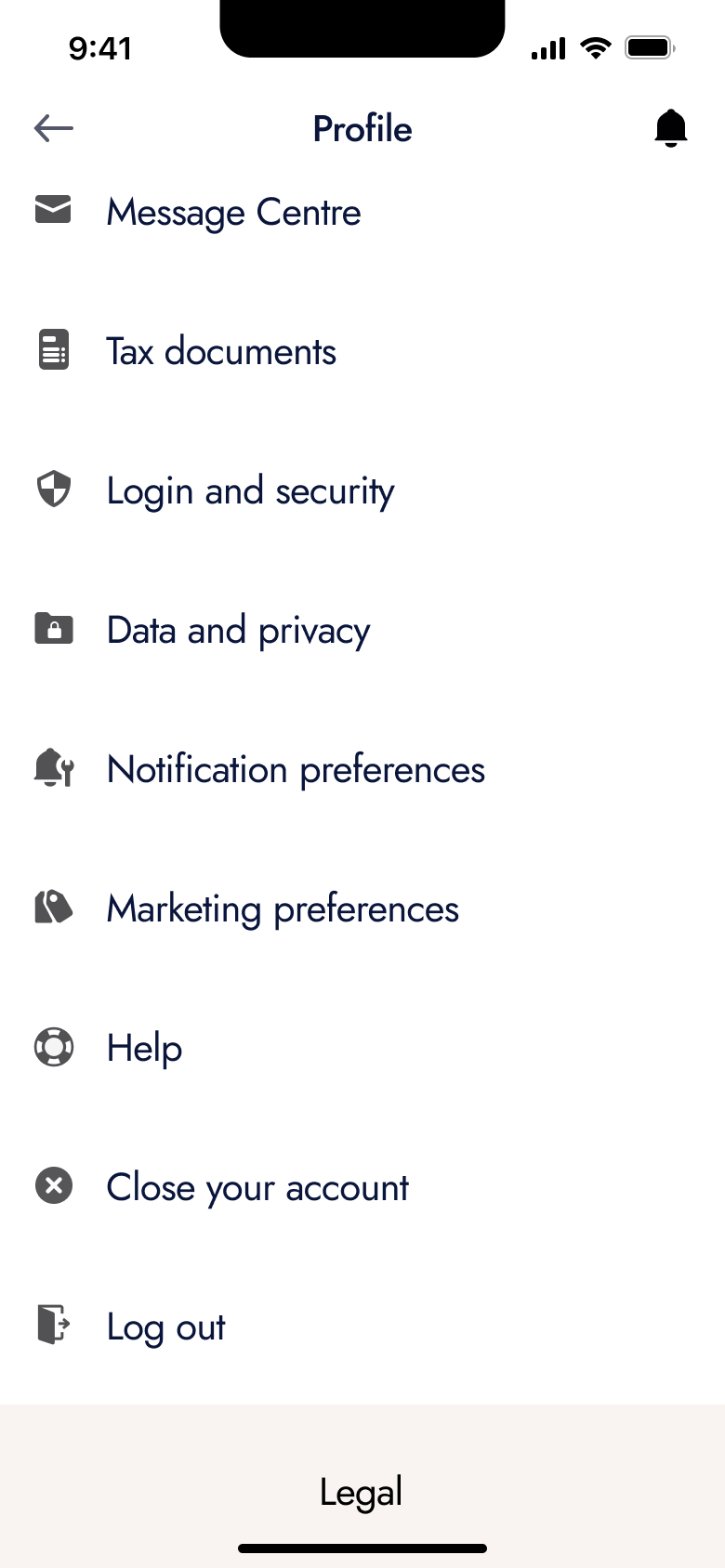
7Tap Settings
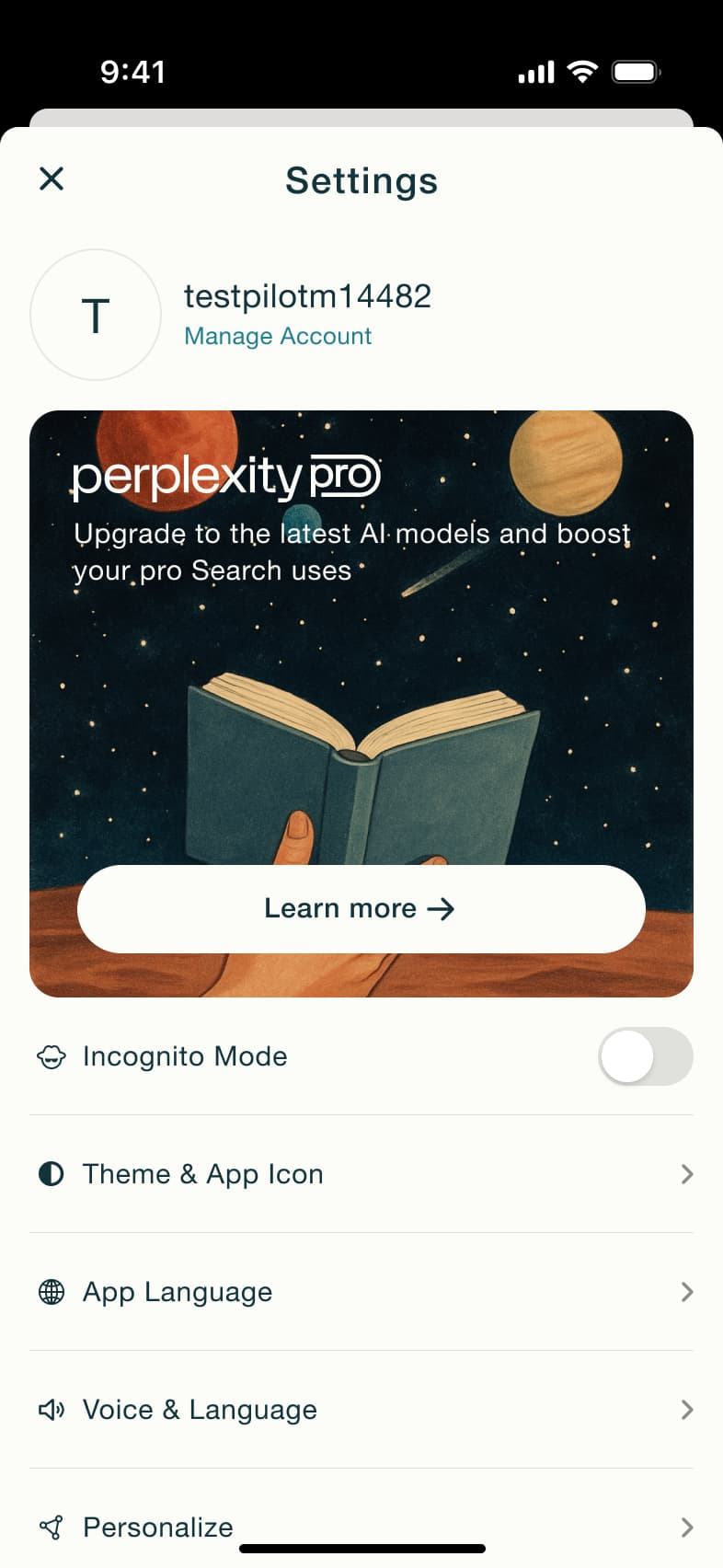 1
1Tap avatar - In-place change
 2
2Toggle incognito - Sheet
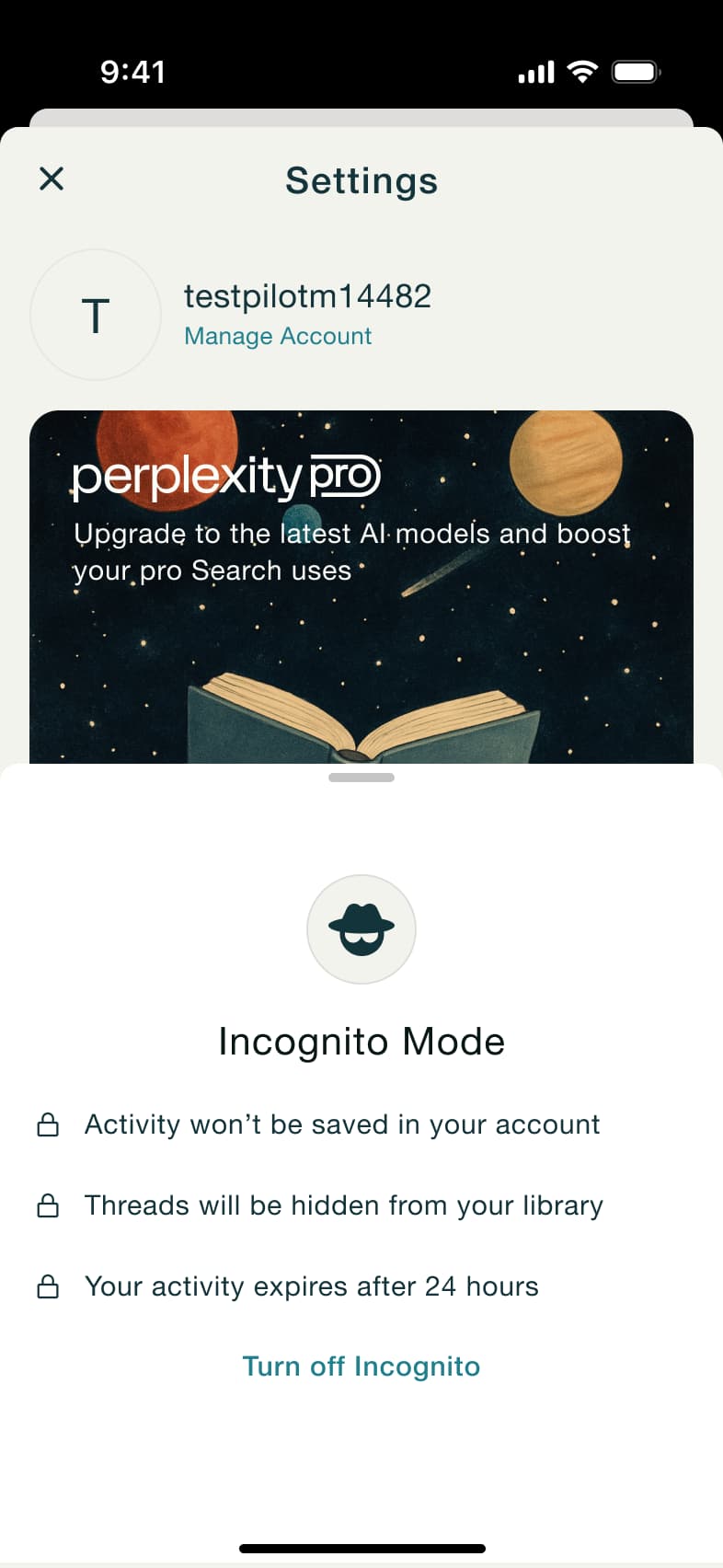 3
3 - In-place change
 4
4Scroll - In-place change
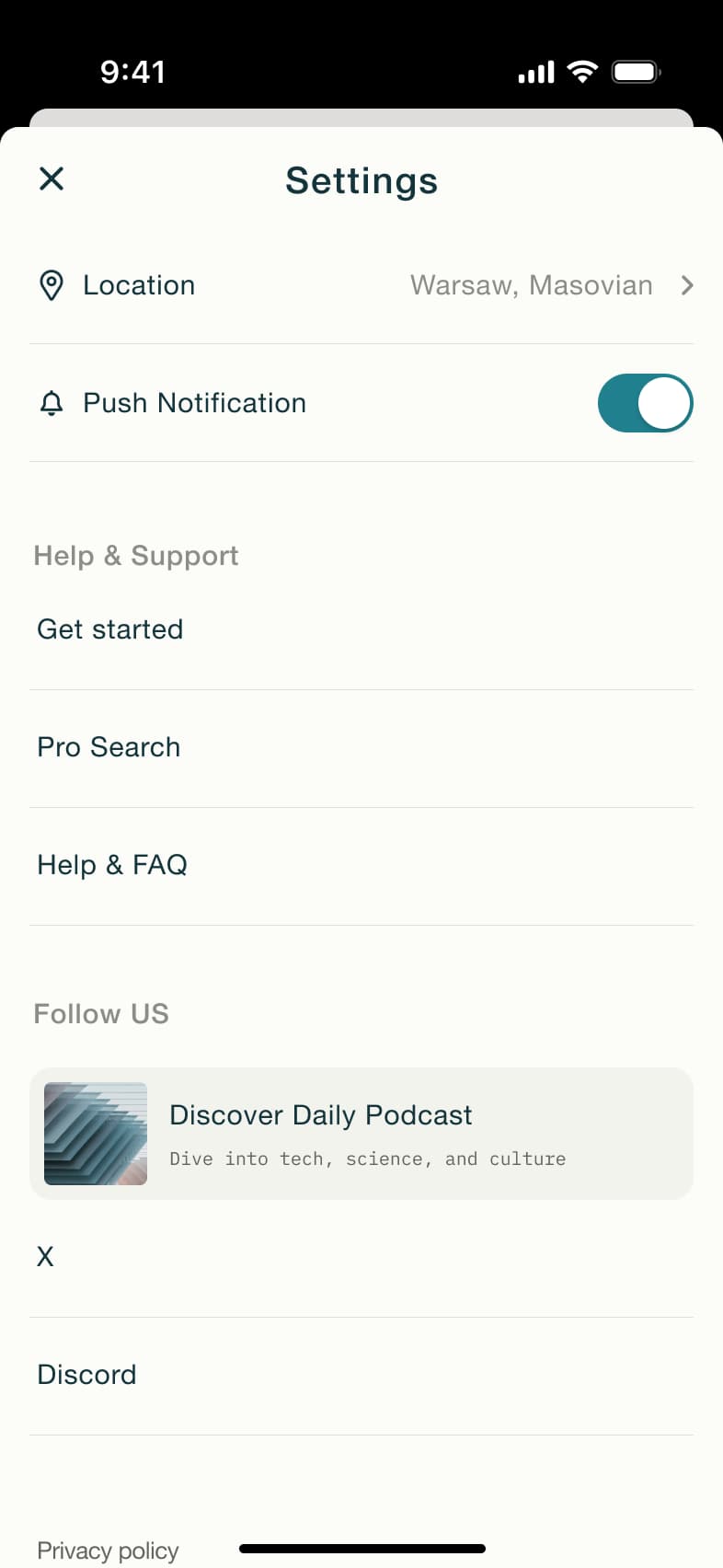 5
5Toggle push - In-place change
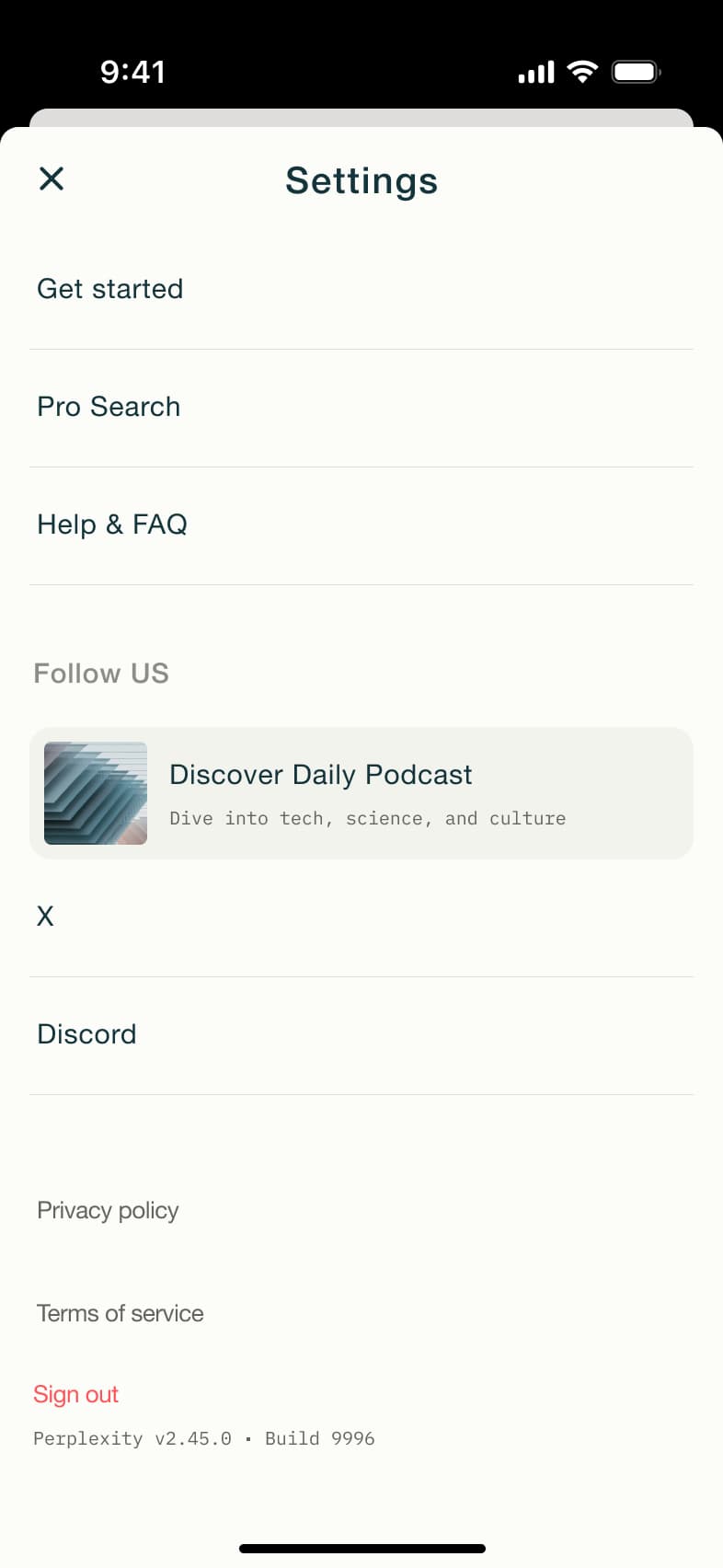 6
6Scroll - Alert / dialog over screen
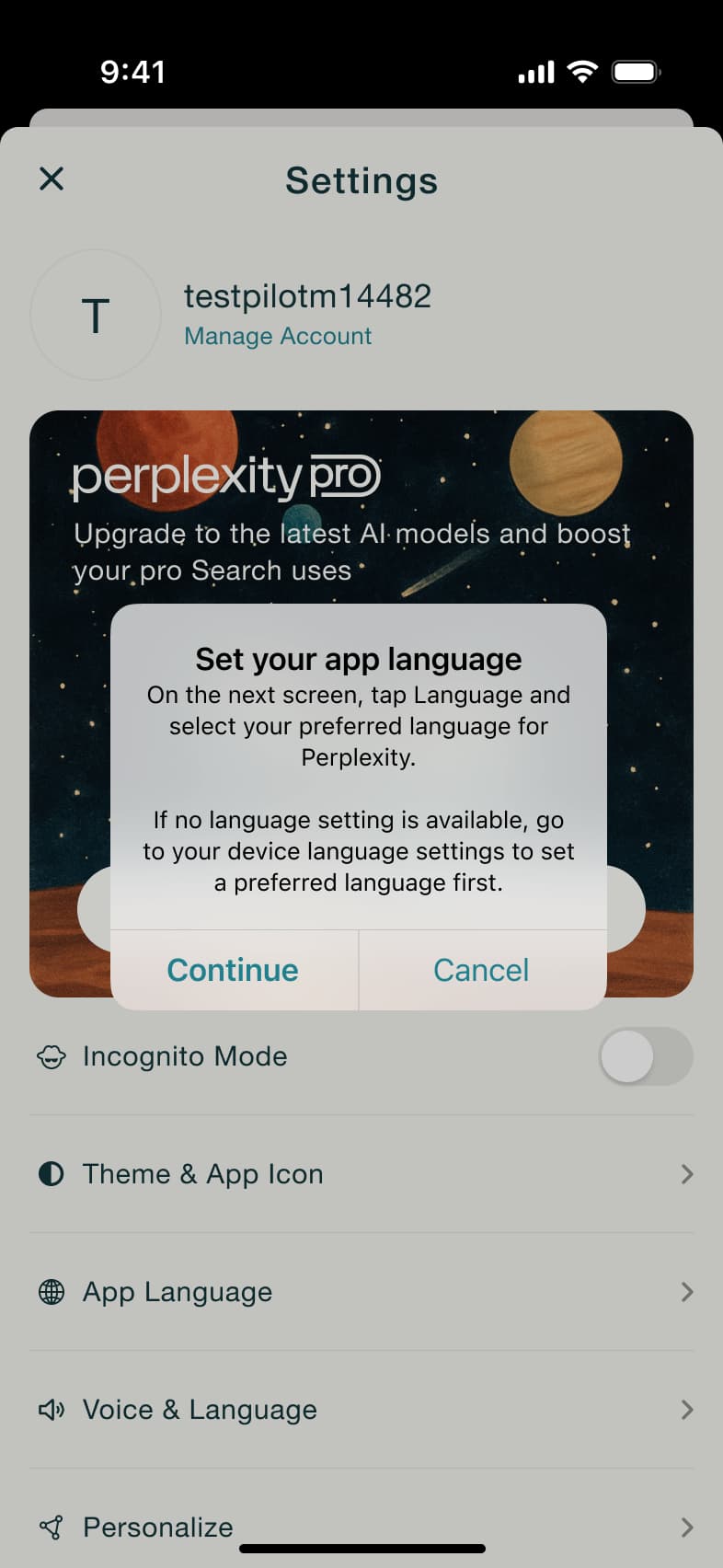 7
7Tap App Language - Alert / dialog over screen
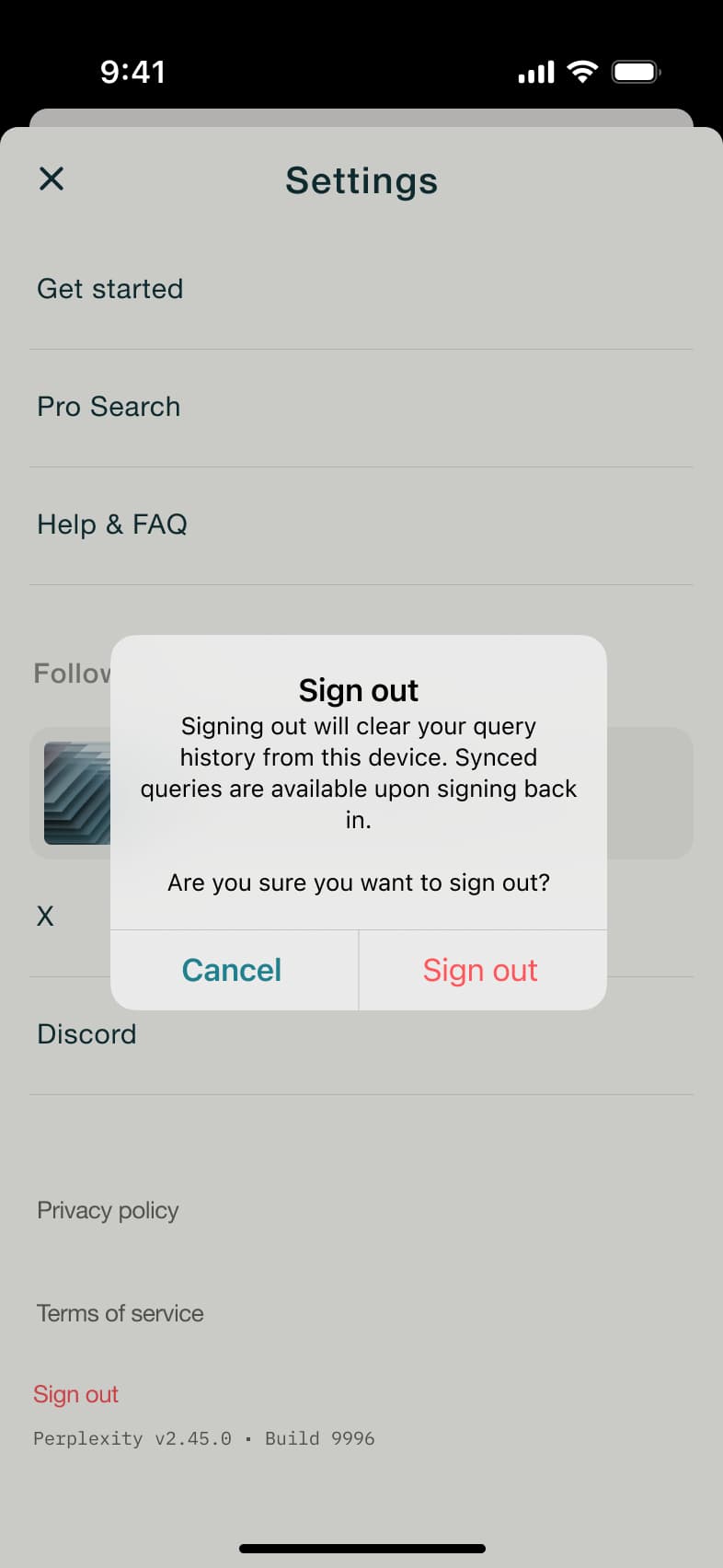 8
8Tap Sign out
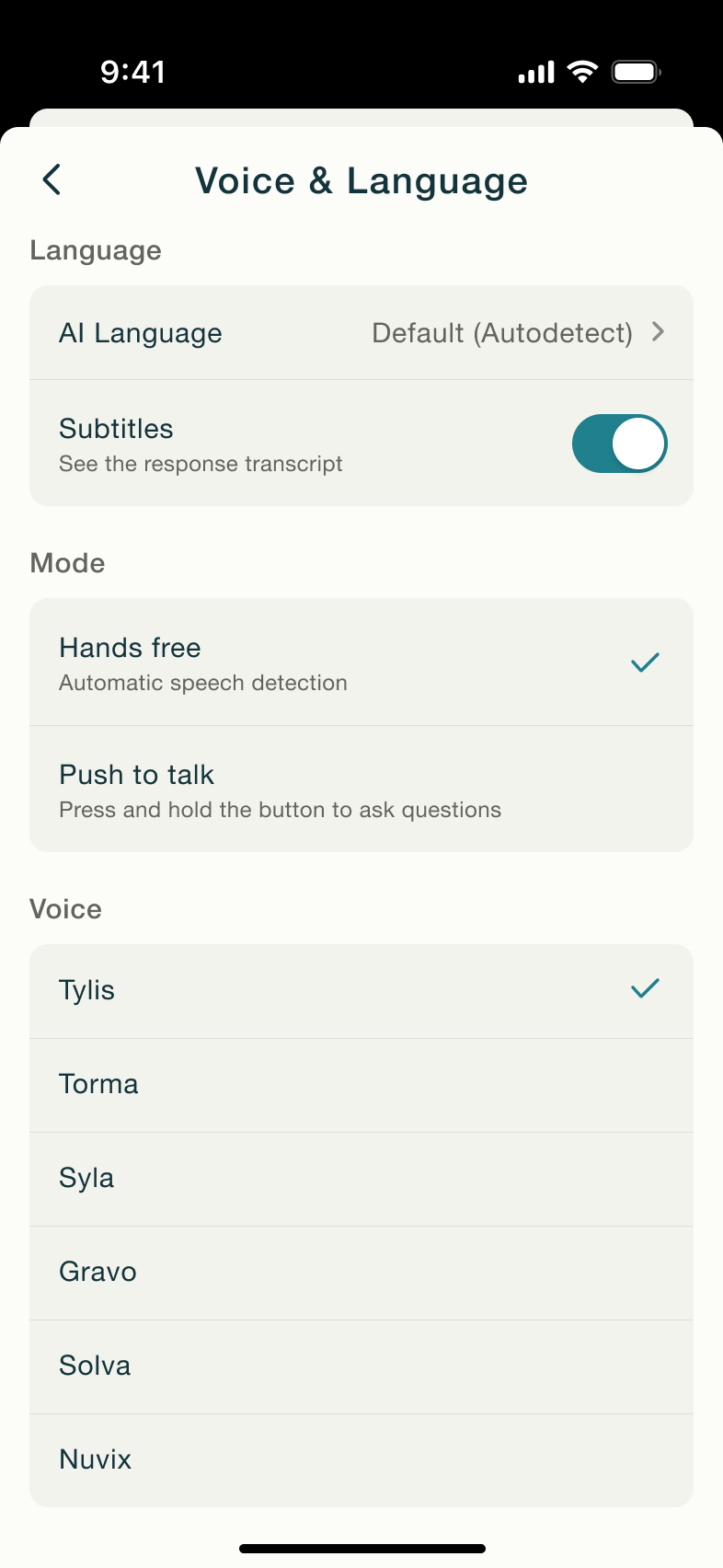 1
1Tap Voice and Language - In-place change
 2
2Toggle subtitles - In-place change
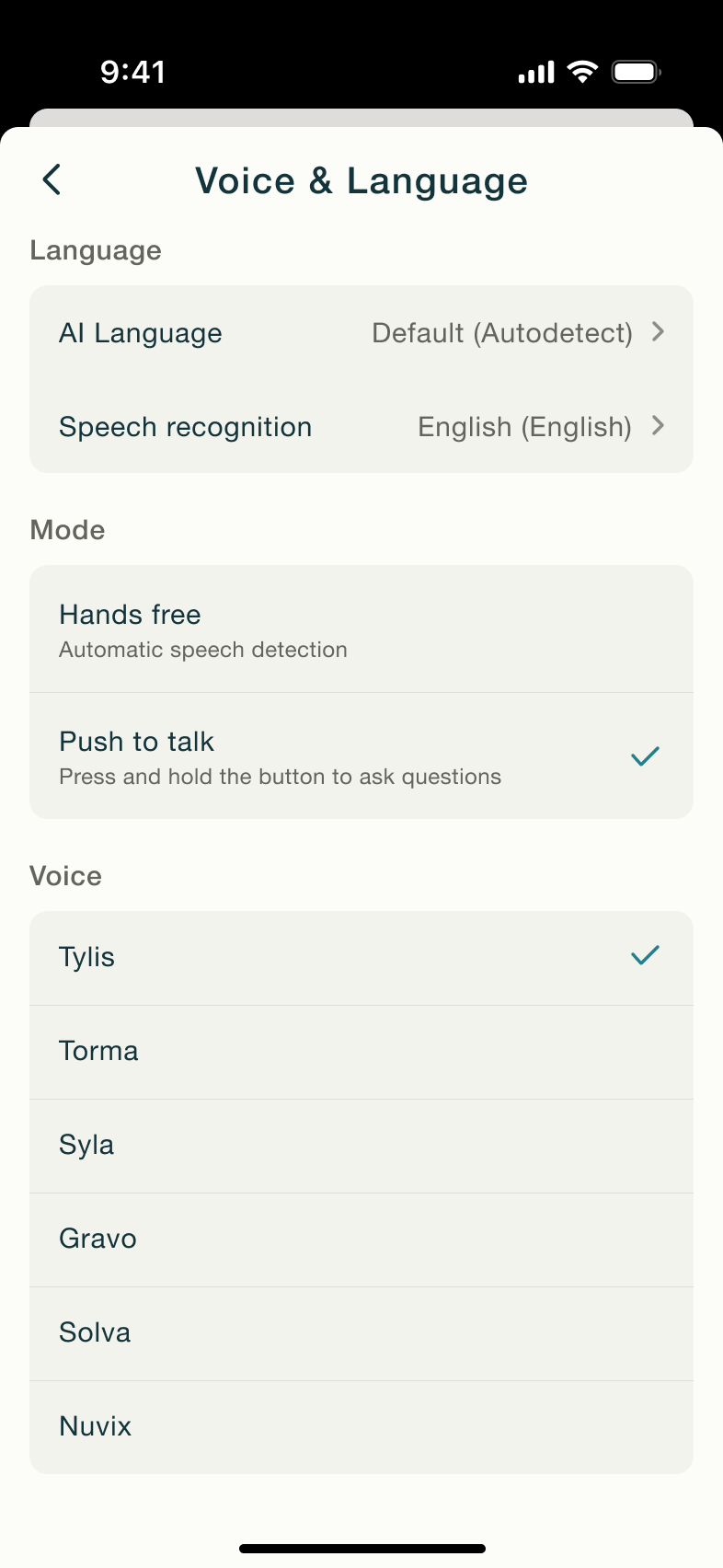 3
3Tap Push to talk - Push
 4
4Tap AI Language - In-place change
 5
5Scroll - Modal
 6
6Tap speech recognition - In-place change
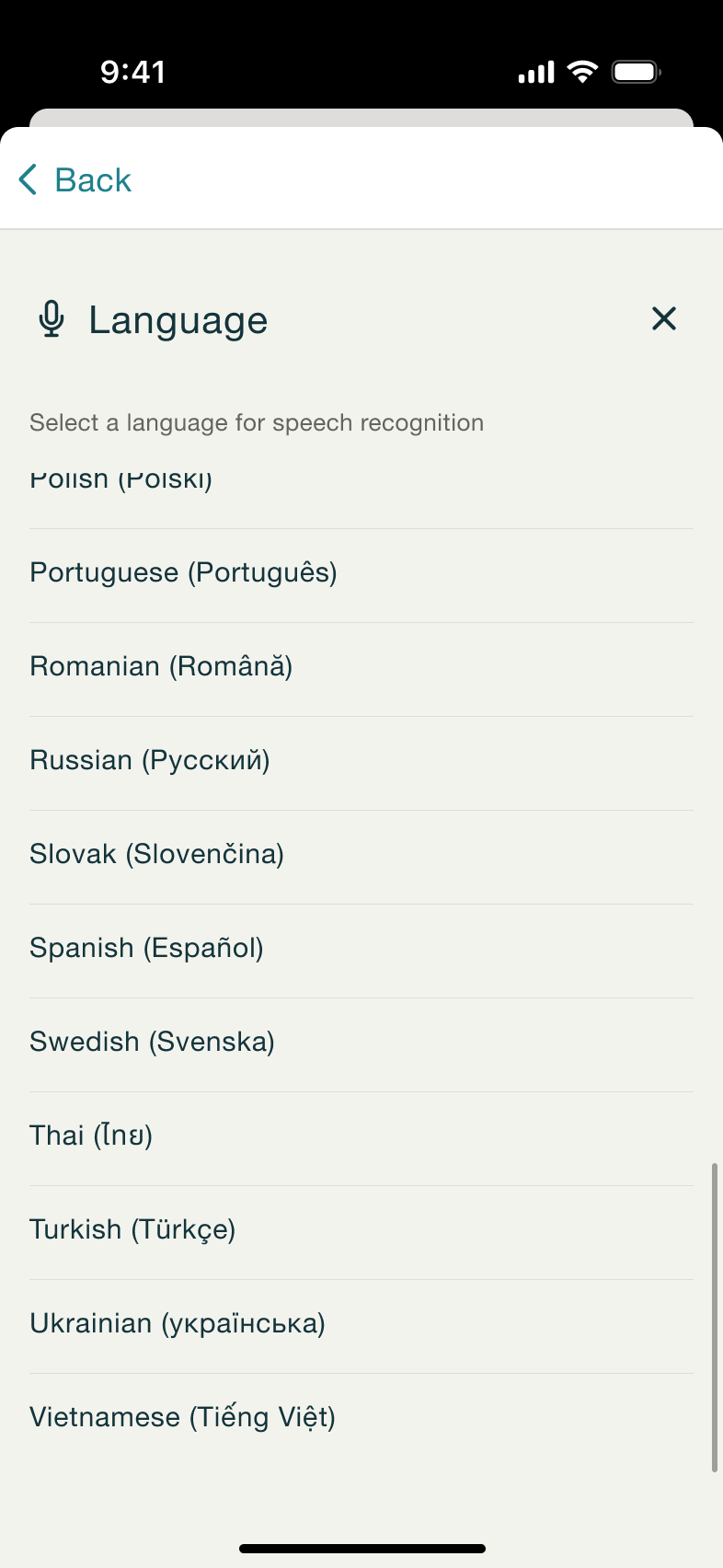 7
7Scroll
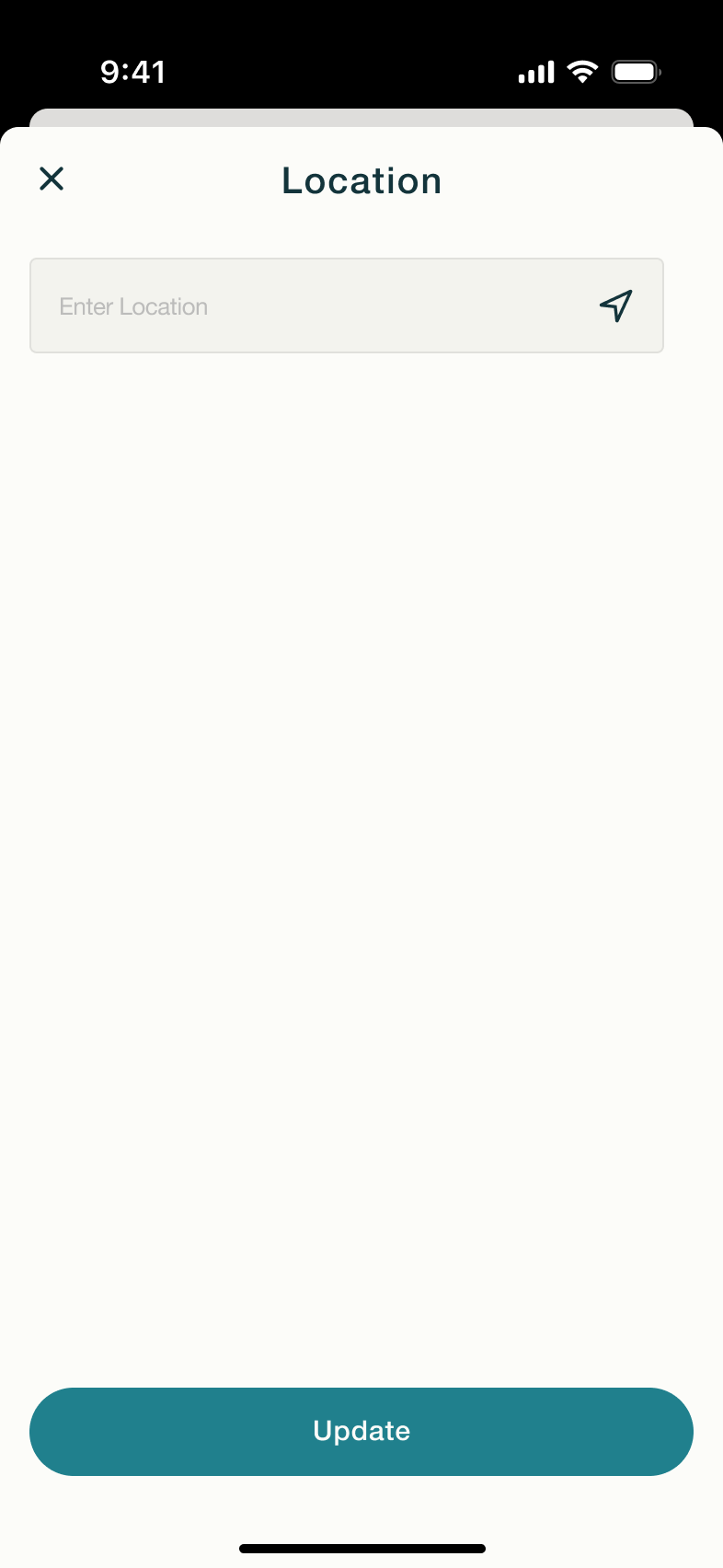 1
1Tap Location - In-place change
 2
2Tap field - In-place change
 3
3Type - In-place change
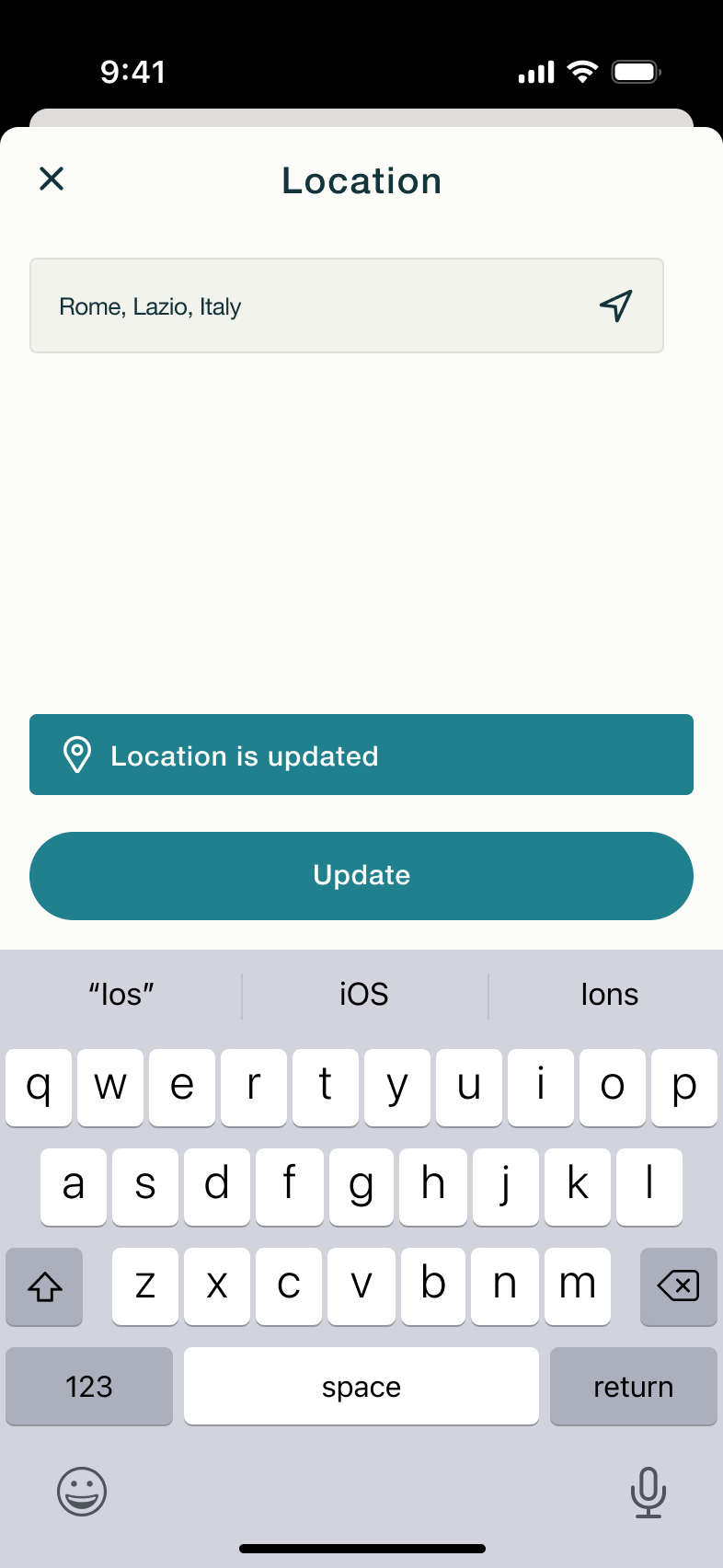 4
4Tap Update - In-place change
 5
5 - Alert / dialog over screen
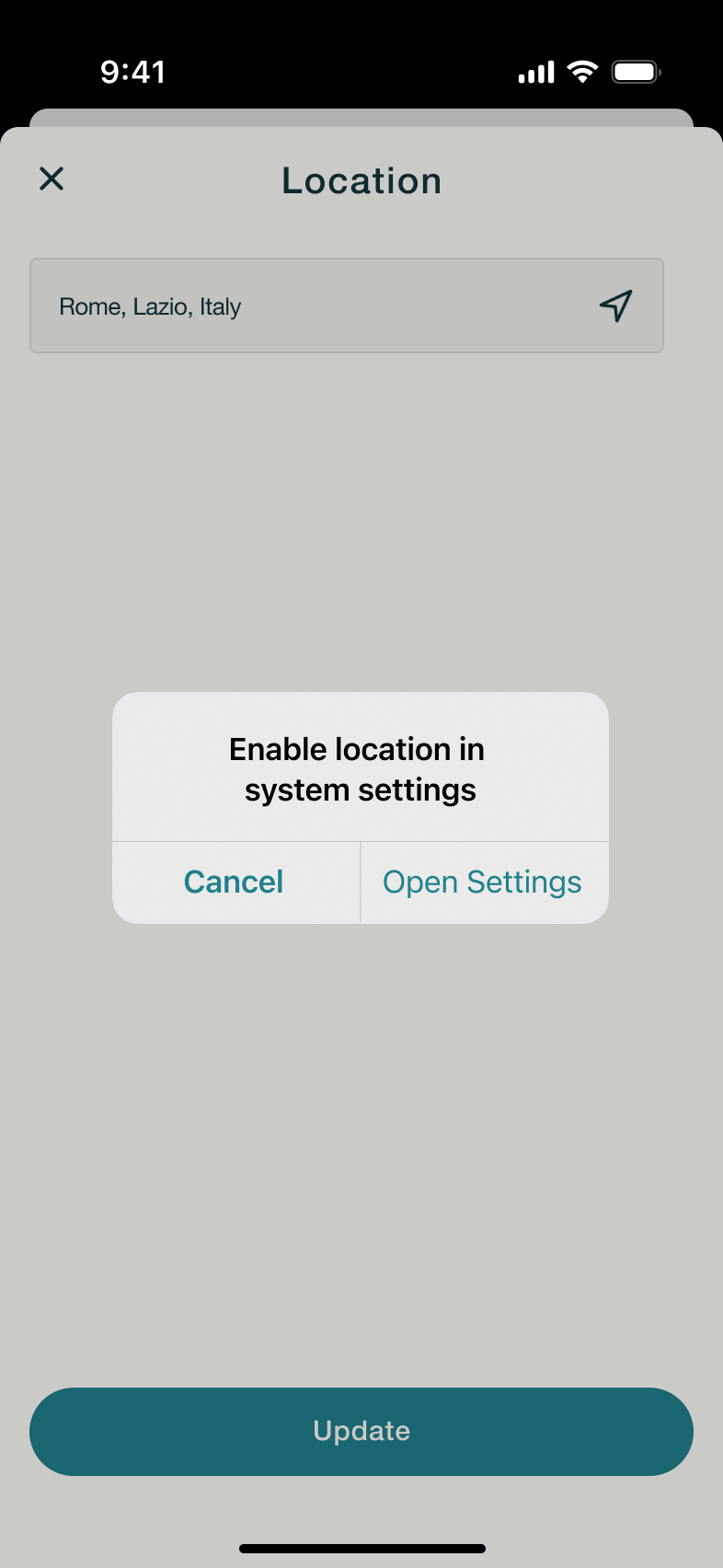 6
6Tap current location
 1
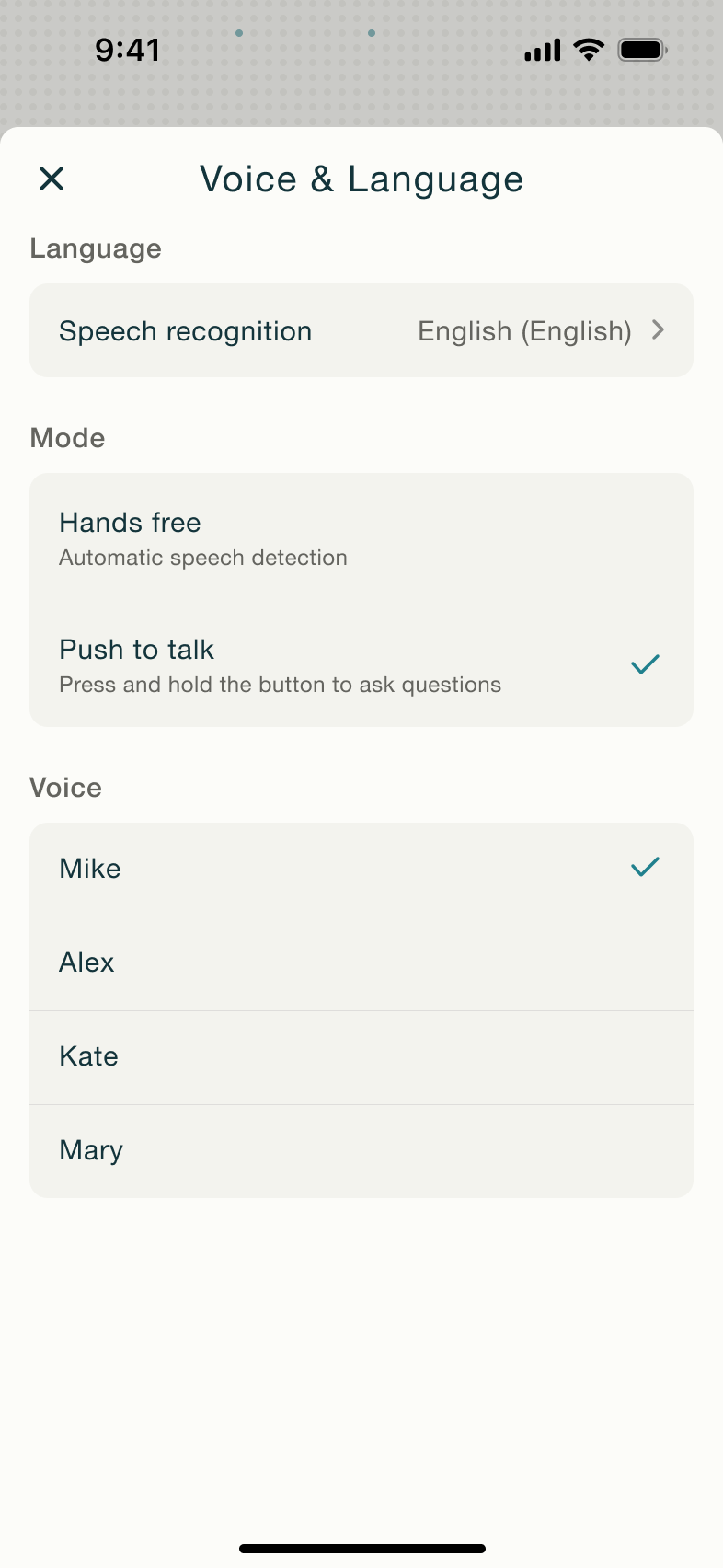
1Tap Voice and Language - Modal
 2
2Tap Speech recognition - In-place change
 3
3Scroll - Dismiss modal or sheet
 4
4Select Hands free - Modal
 5
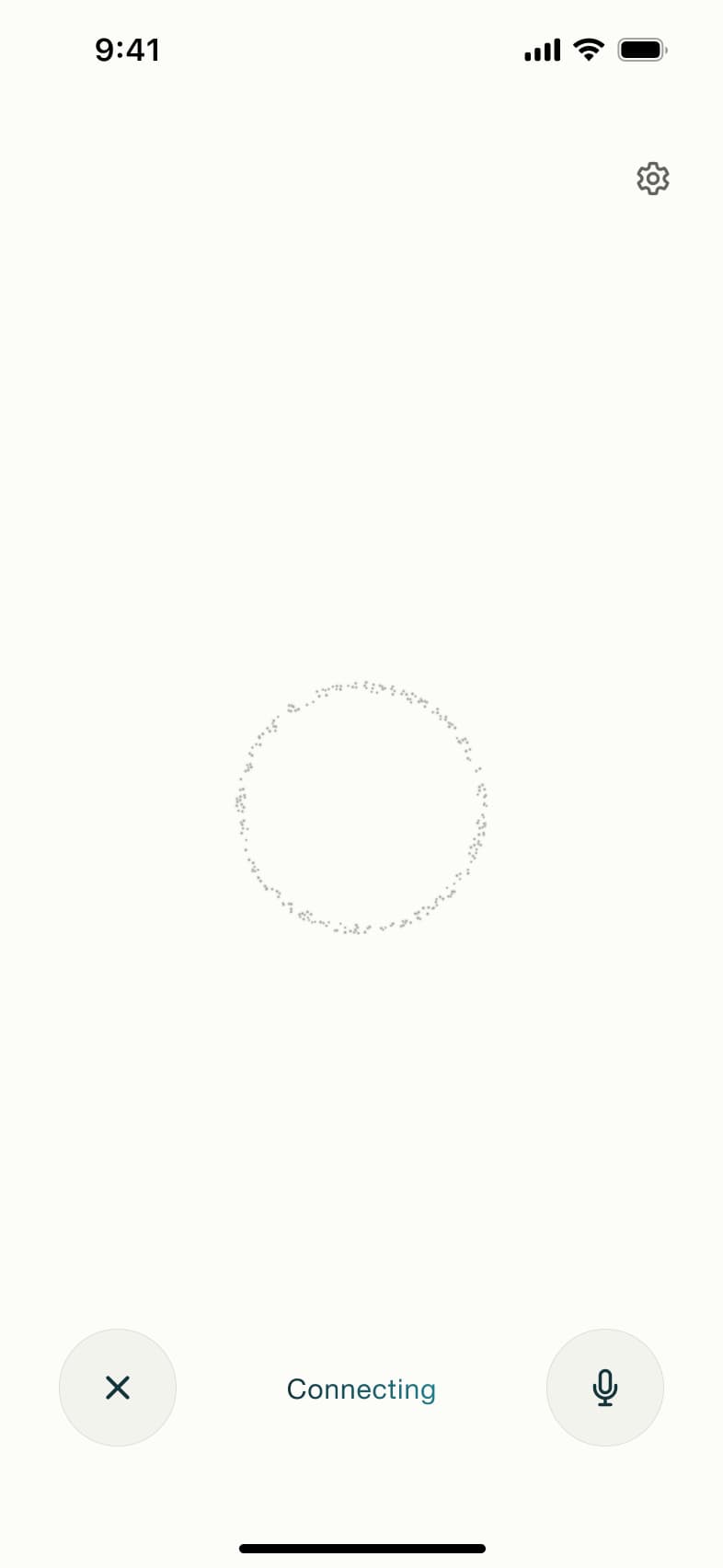
5Tap mic - In-place change
 6
6 - In-place change
 7
7 - In-place change
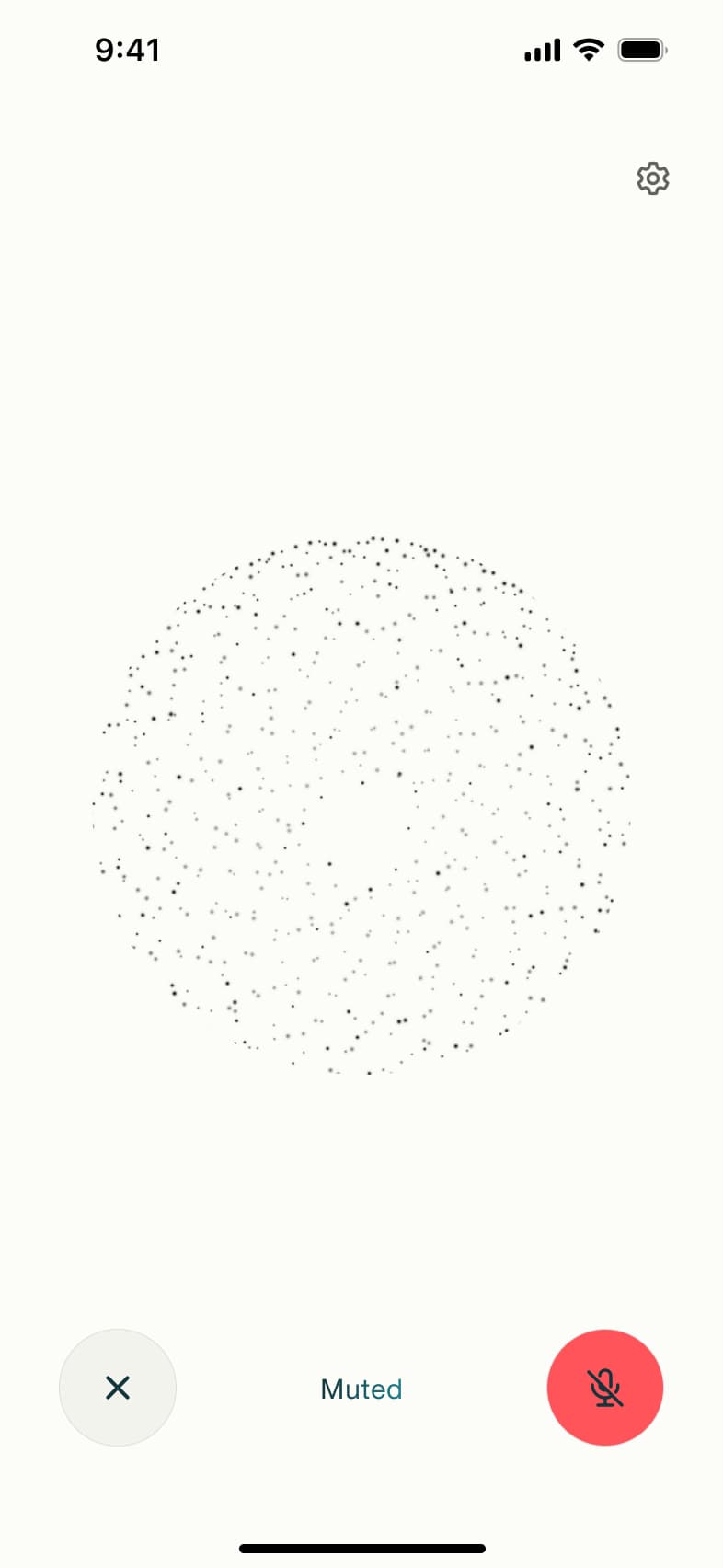 8
8Tap mute
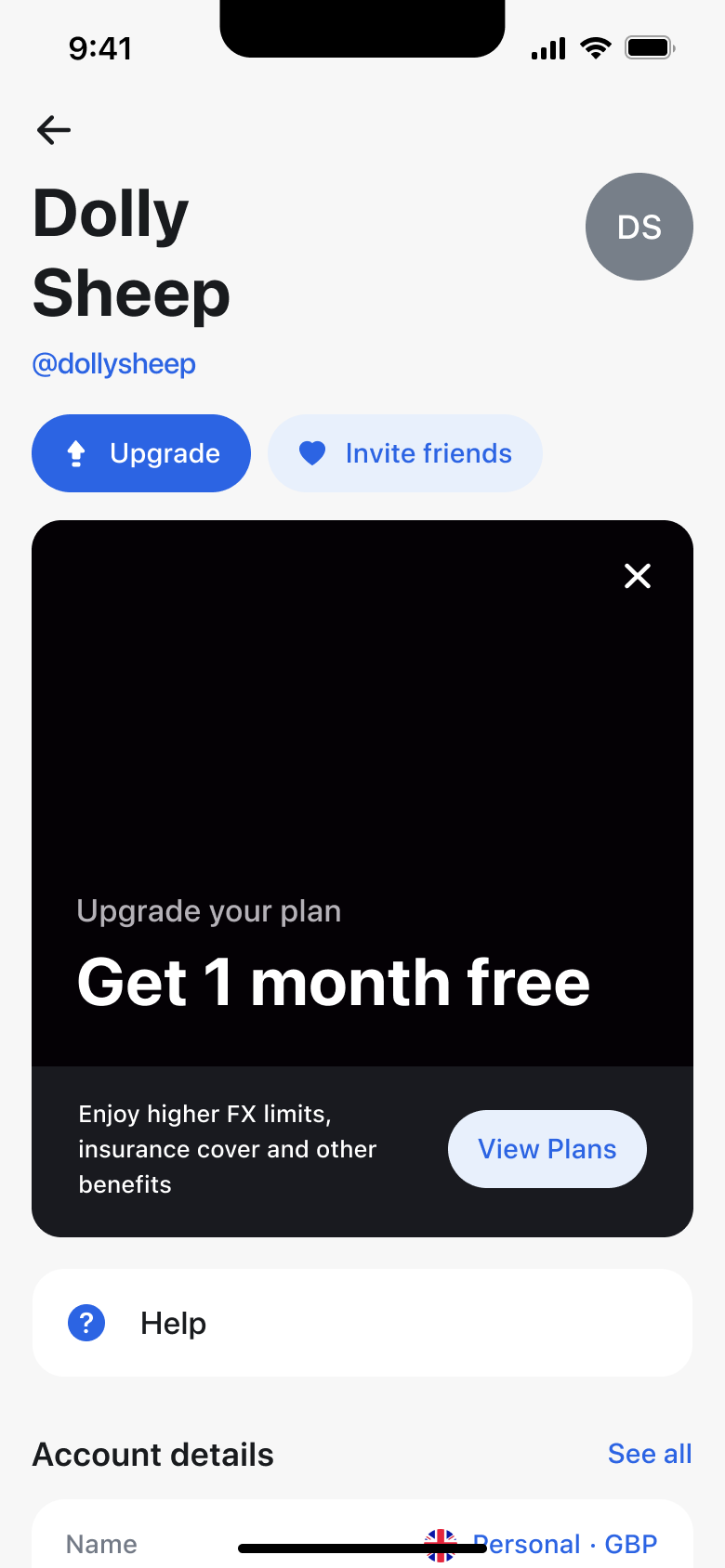 1
1Tap avatar - In-place change
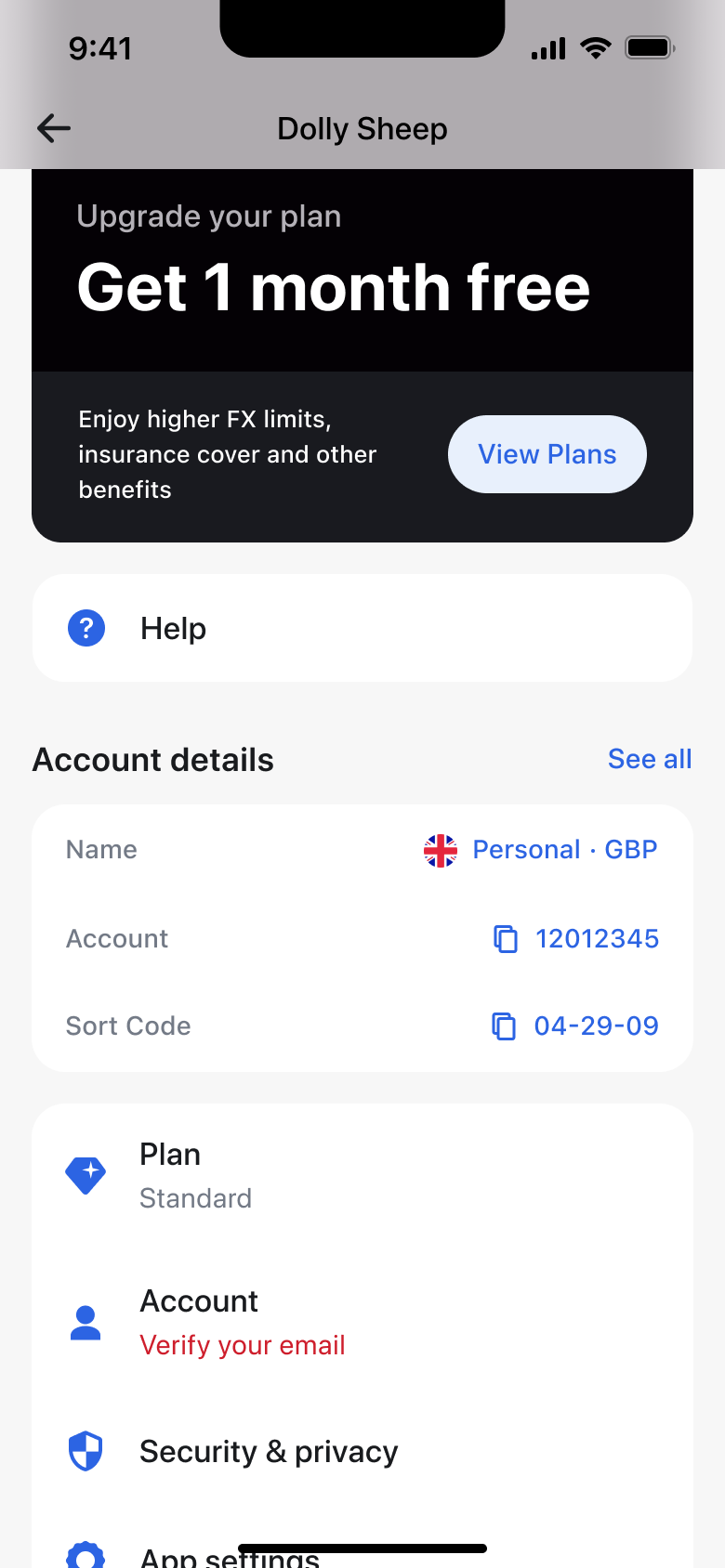 2
2Scroll - Push
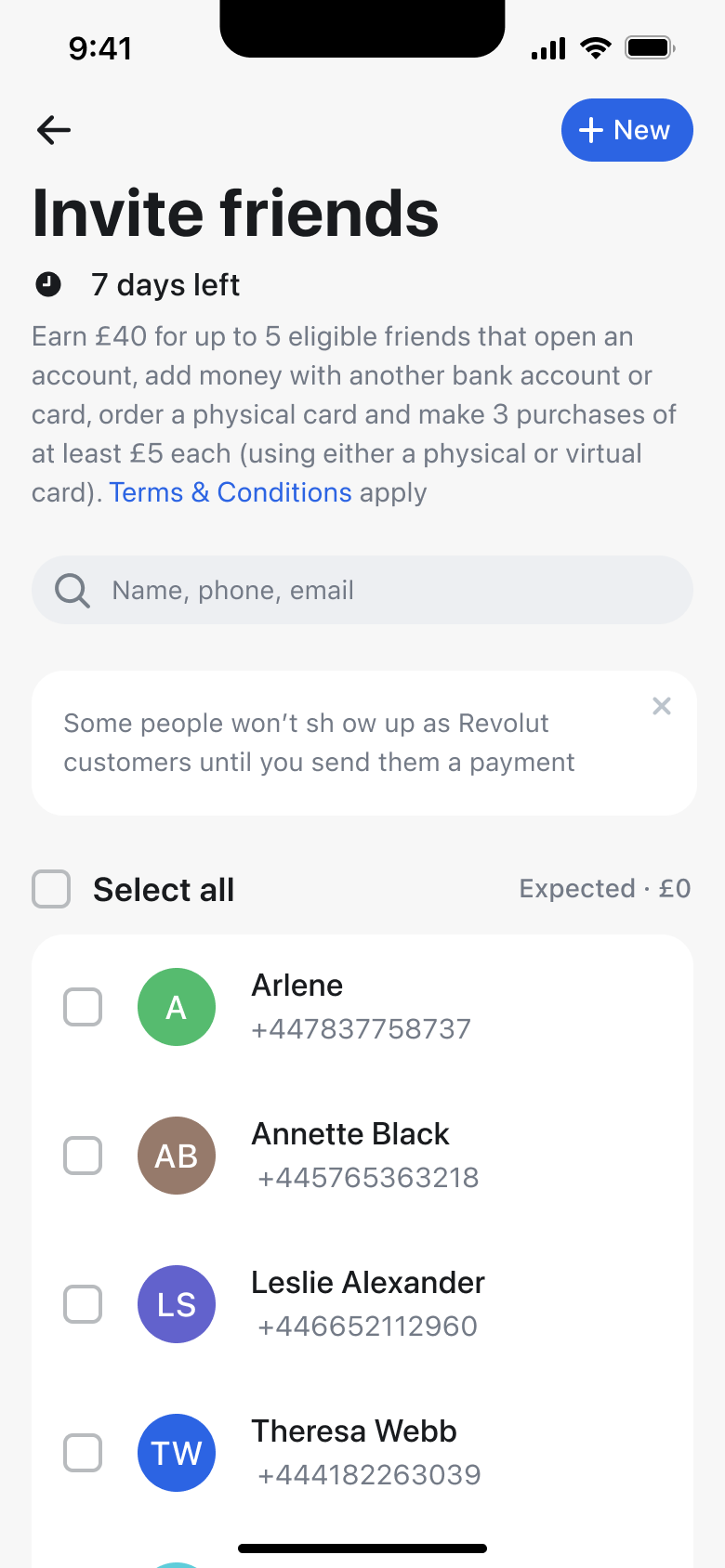 3
3Tap Invite friends
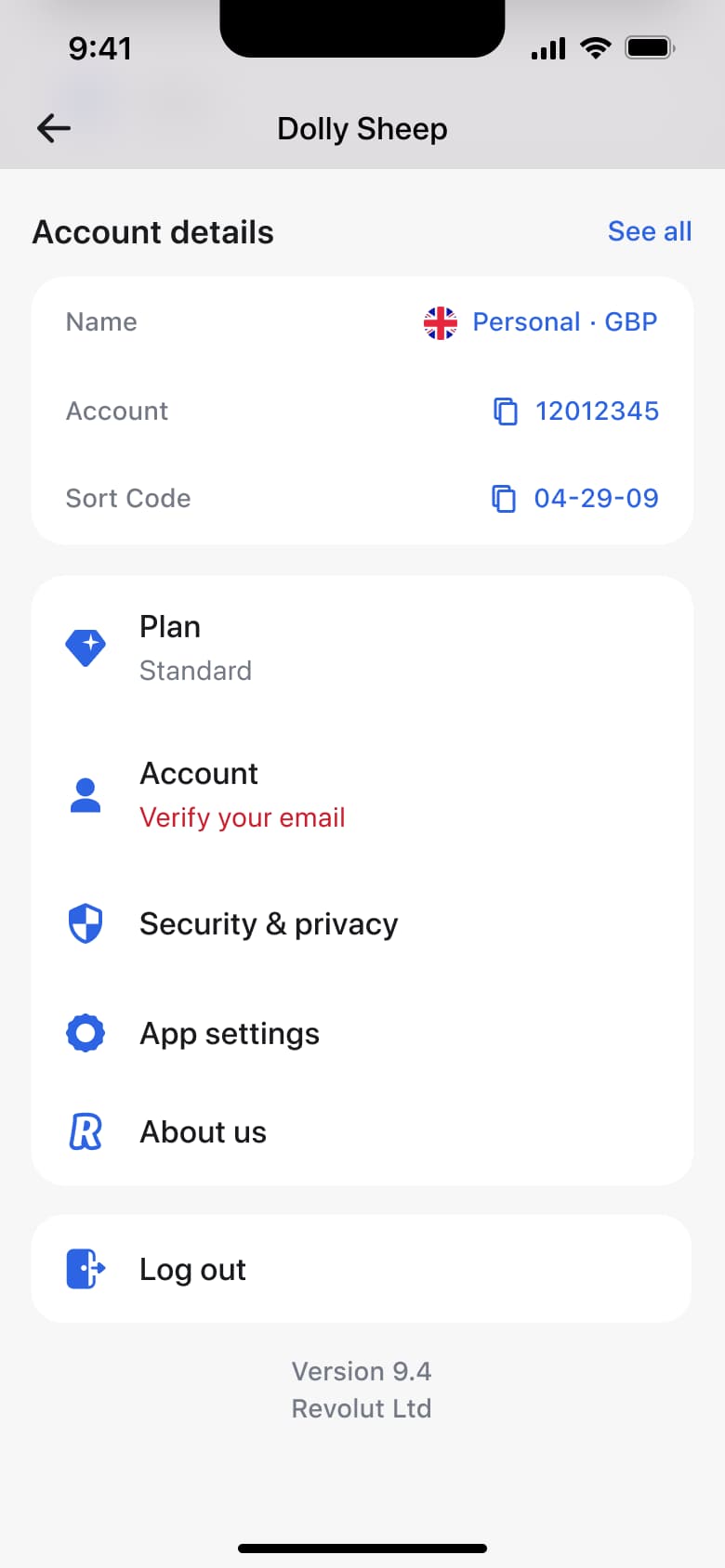 1
1Tap avatar - Push
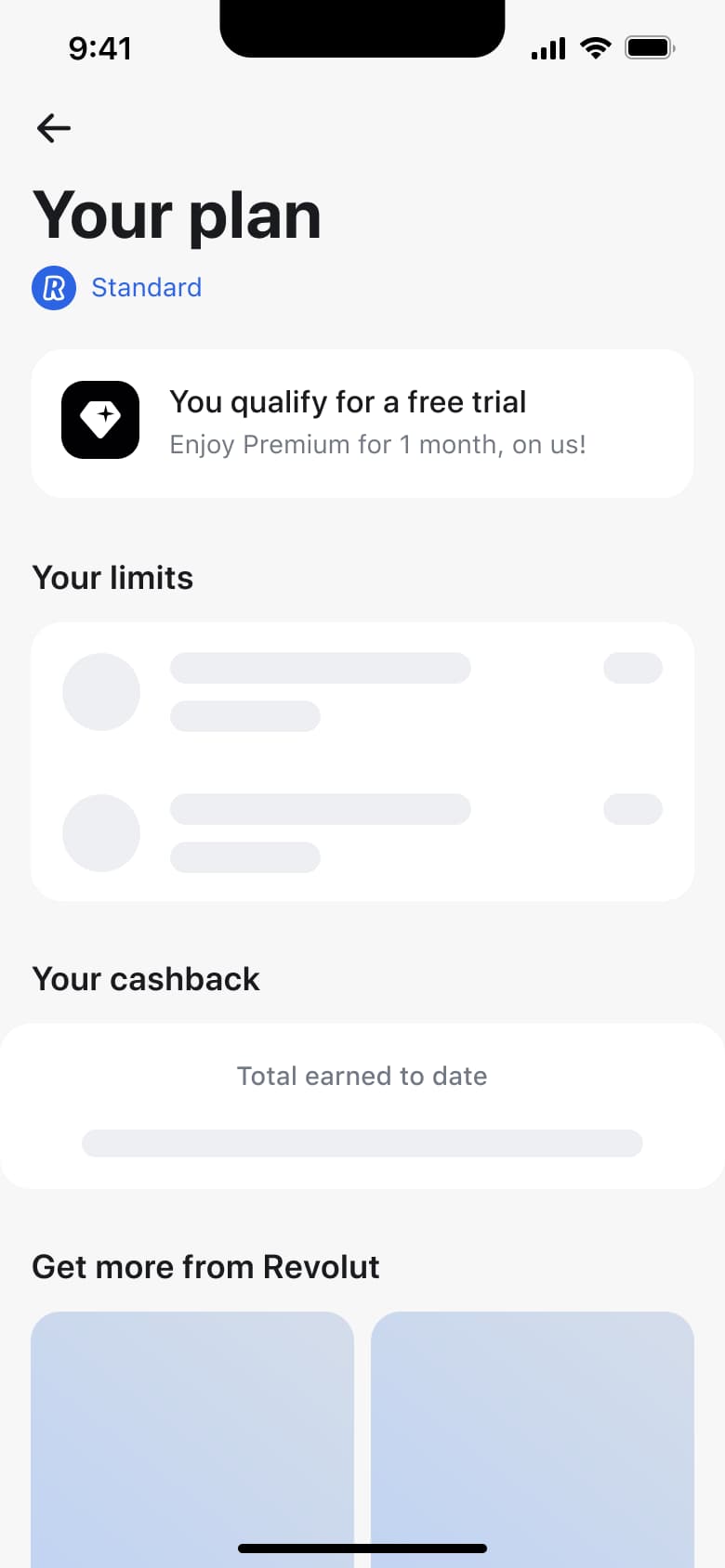 2
2Tap Plan - In-place change
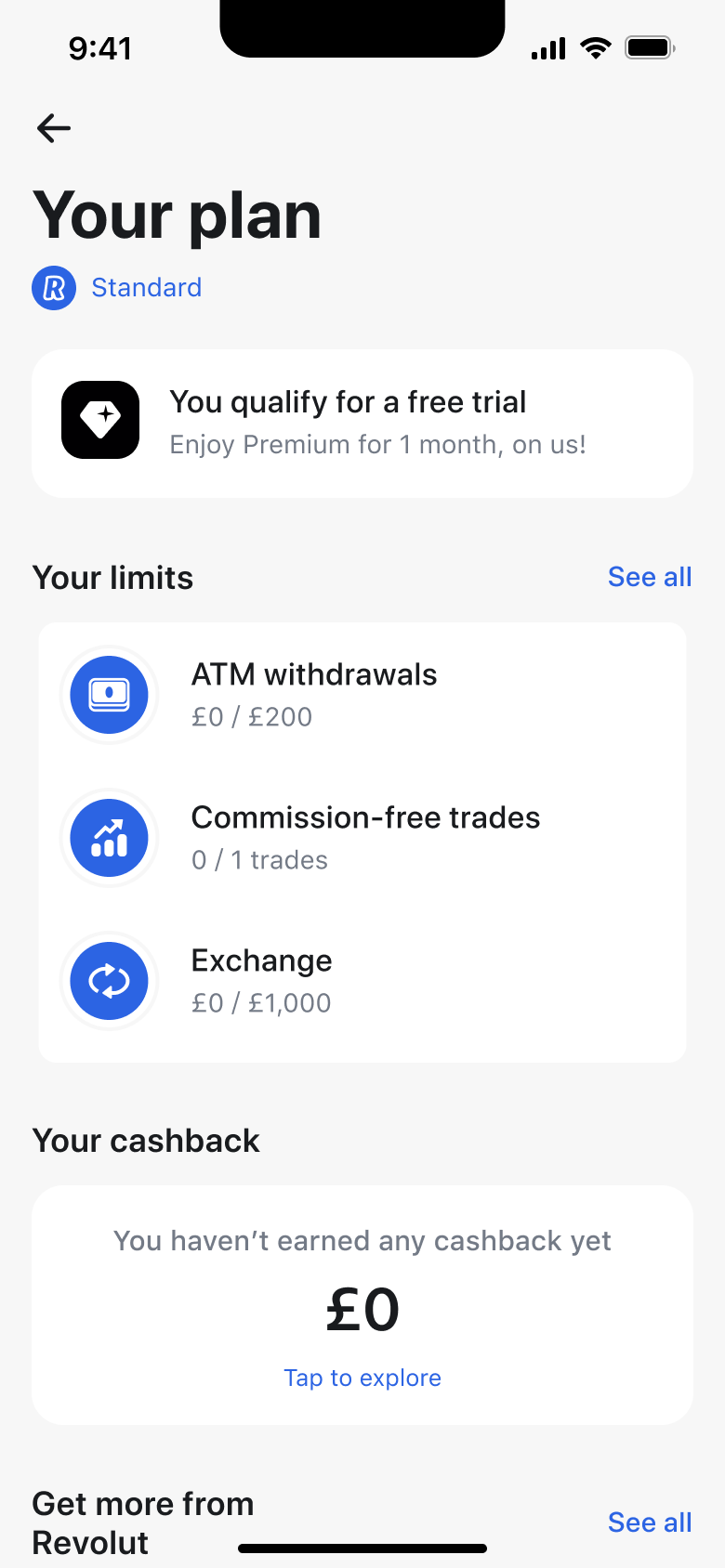 3
3 - In-place change
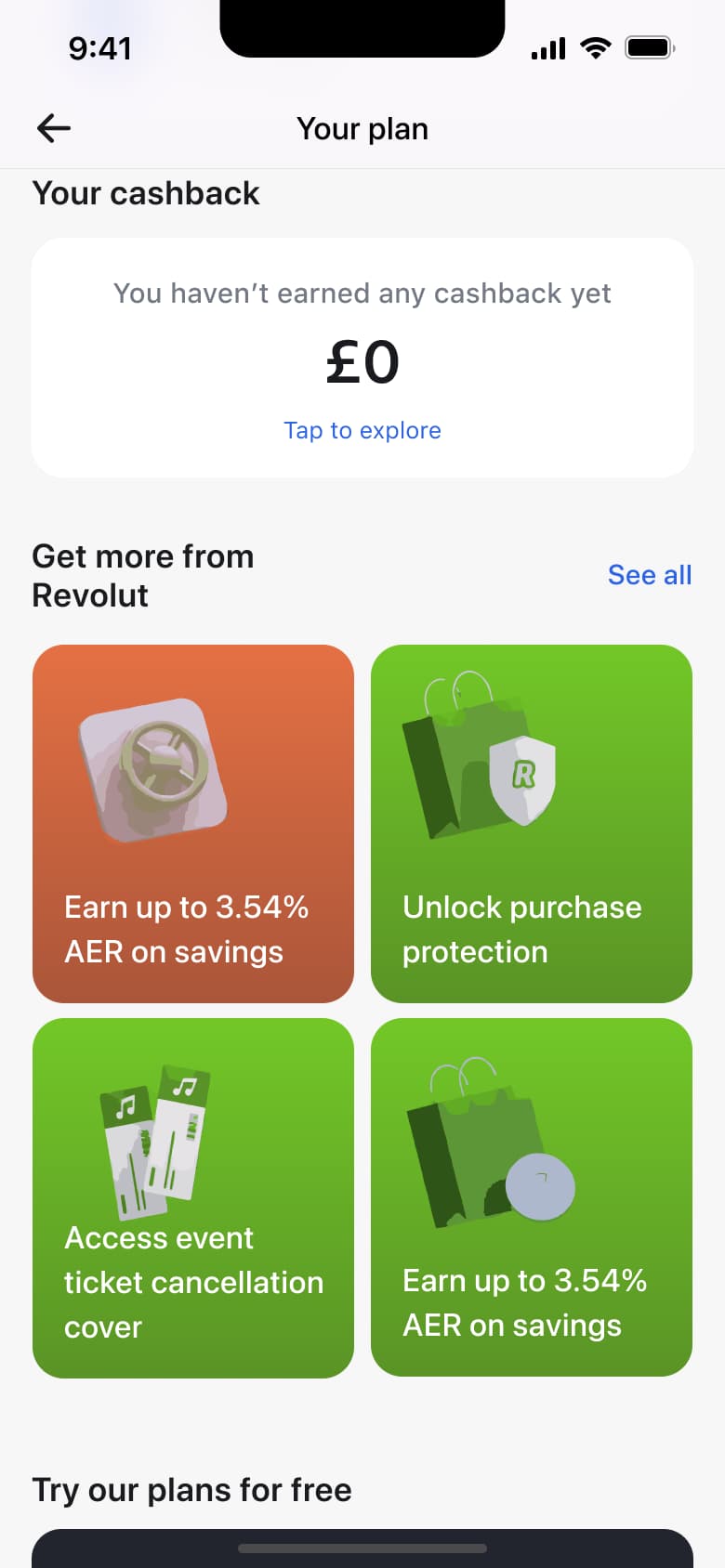 4
4Scroll - In-place change
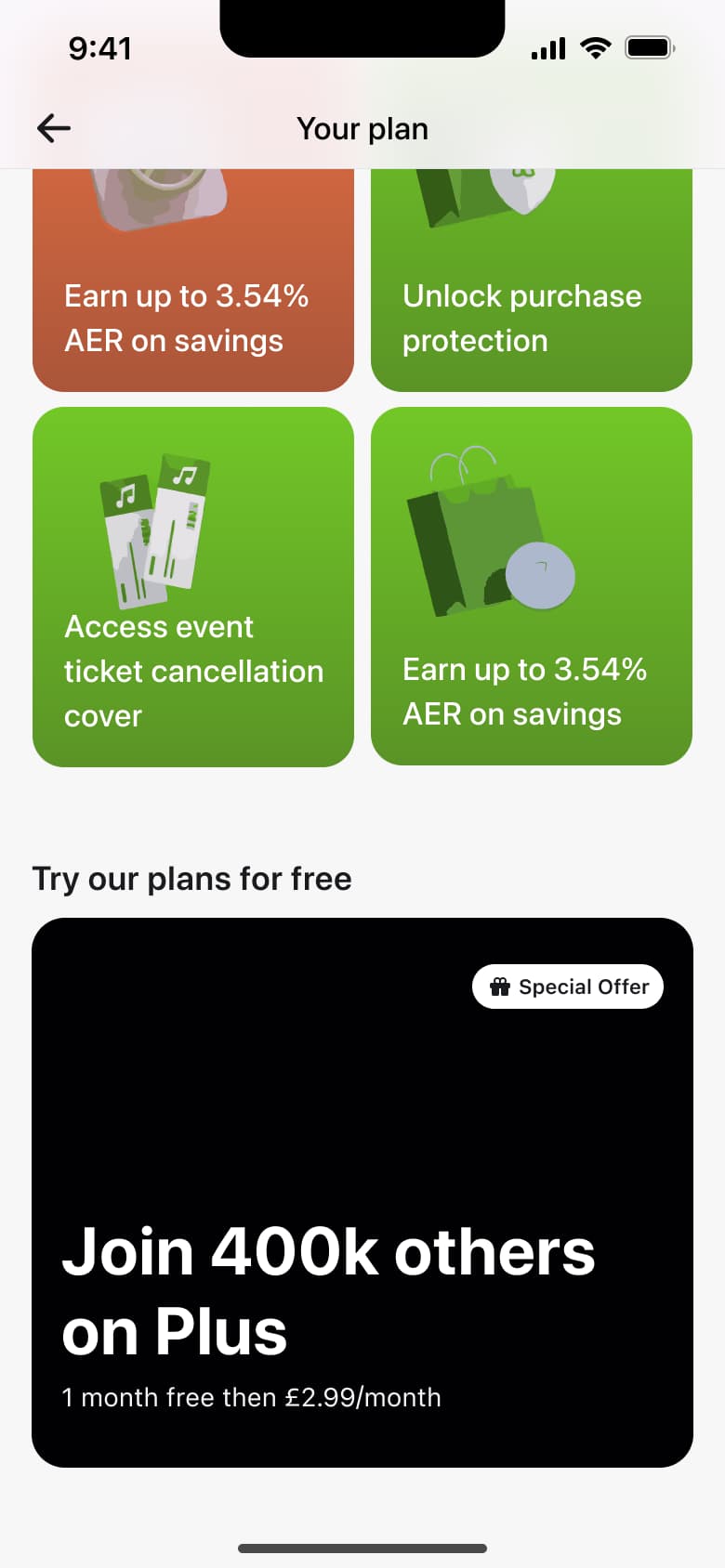 5
5Scroll - Push
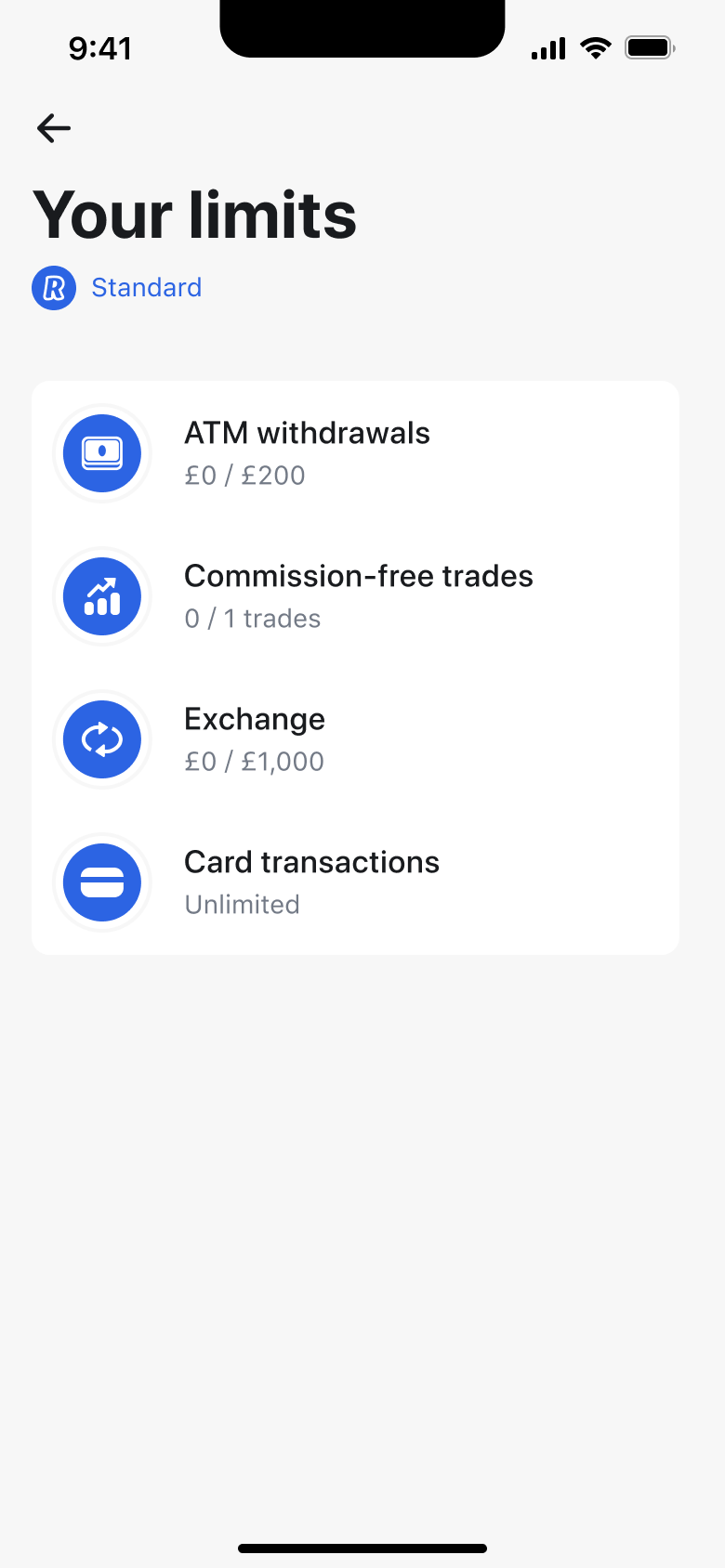 6
6Tap See all - Push
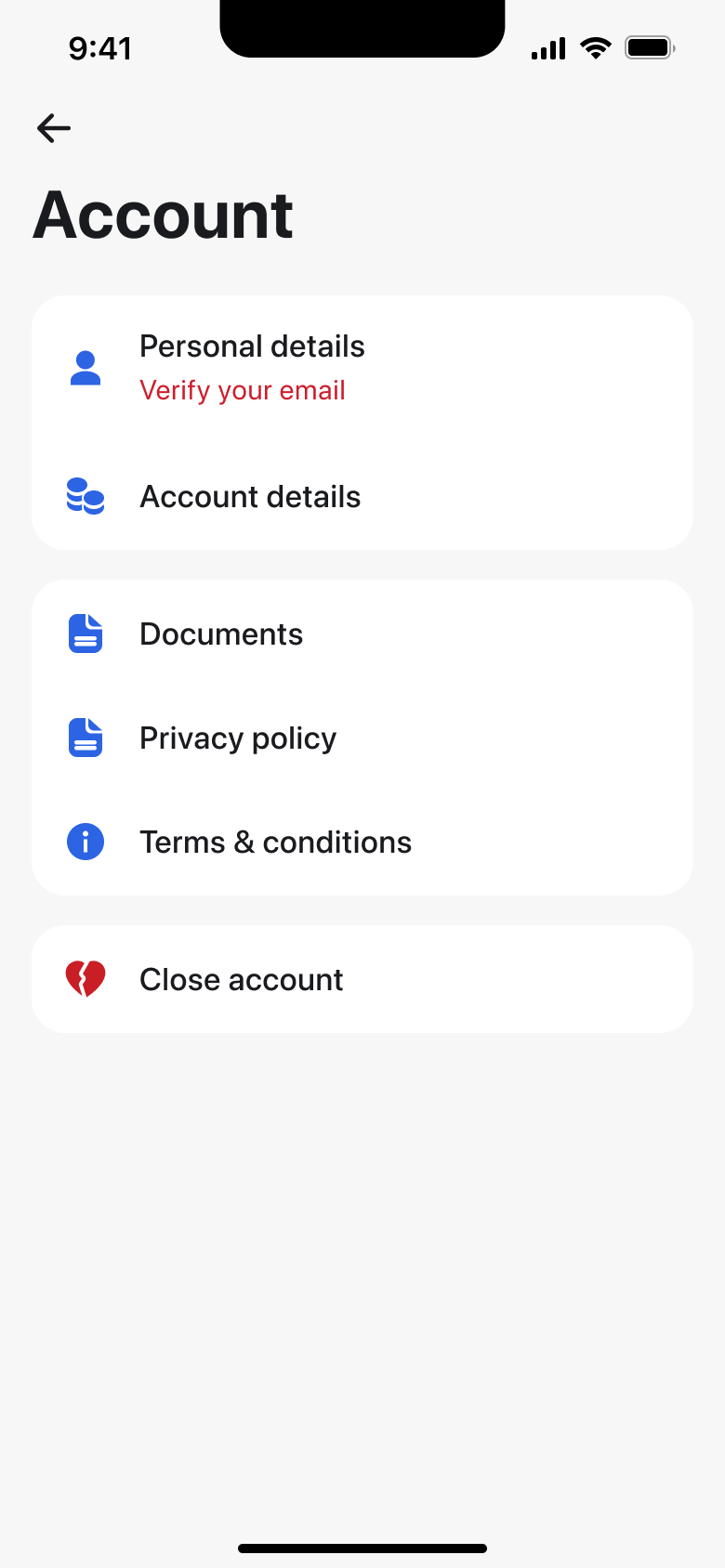 7
7Tap Account - Push
 8
8Tap Personal details - +9 more
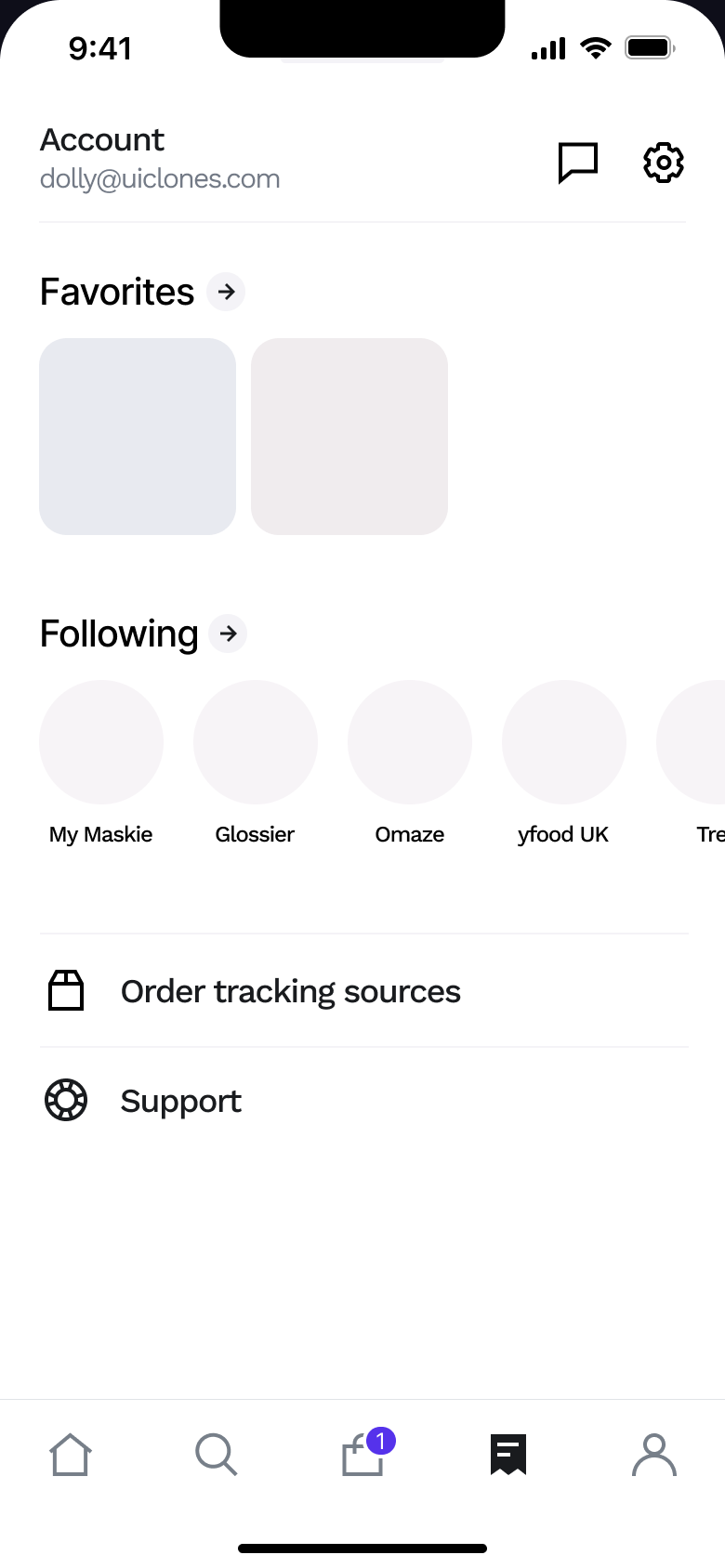 1
1Tap Account - Push
 2
2Tap settings - Alert / dialog over screen
 3
3Tap Sign out - Push
 4
4Tap Sign out - Push
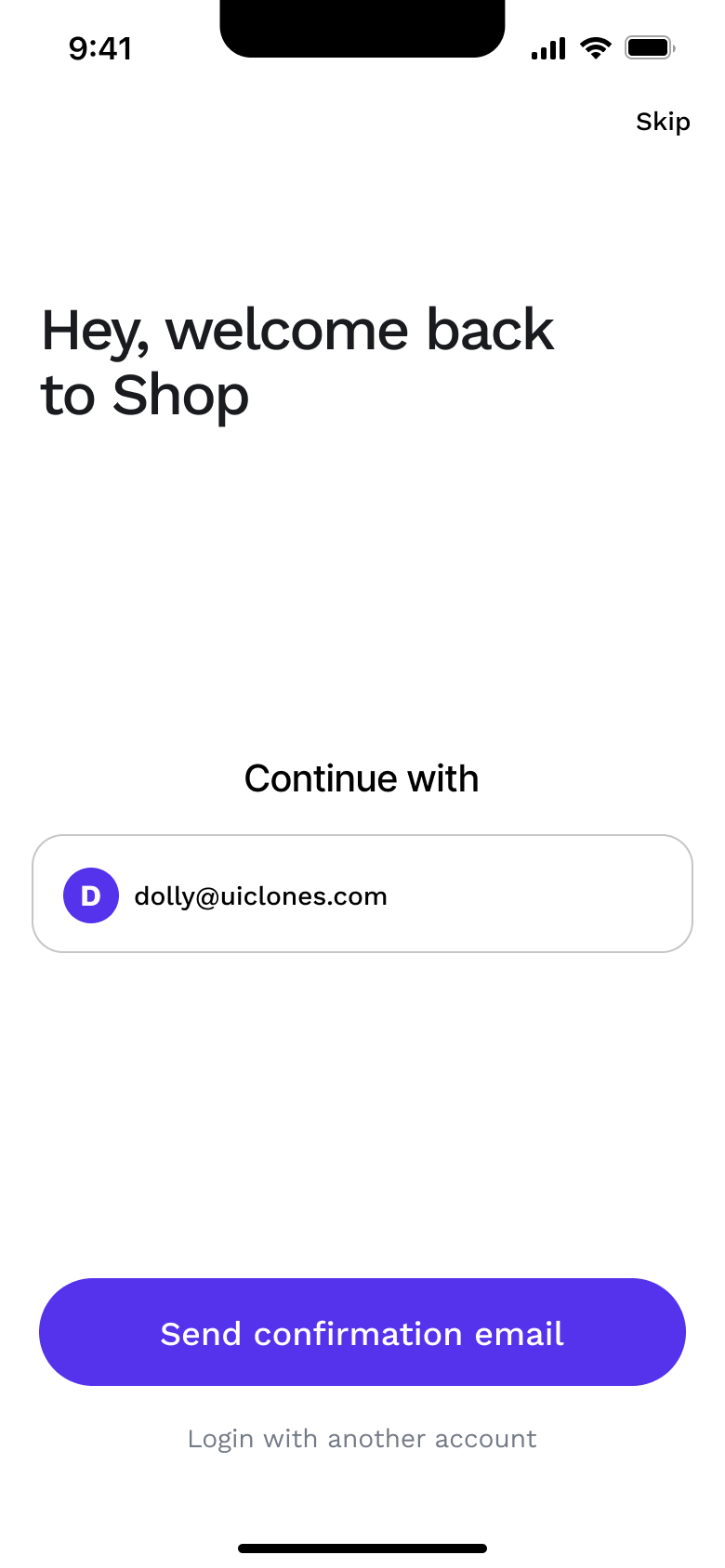 5
5 - Push
 6
6Tap Send confirmation email - Push
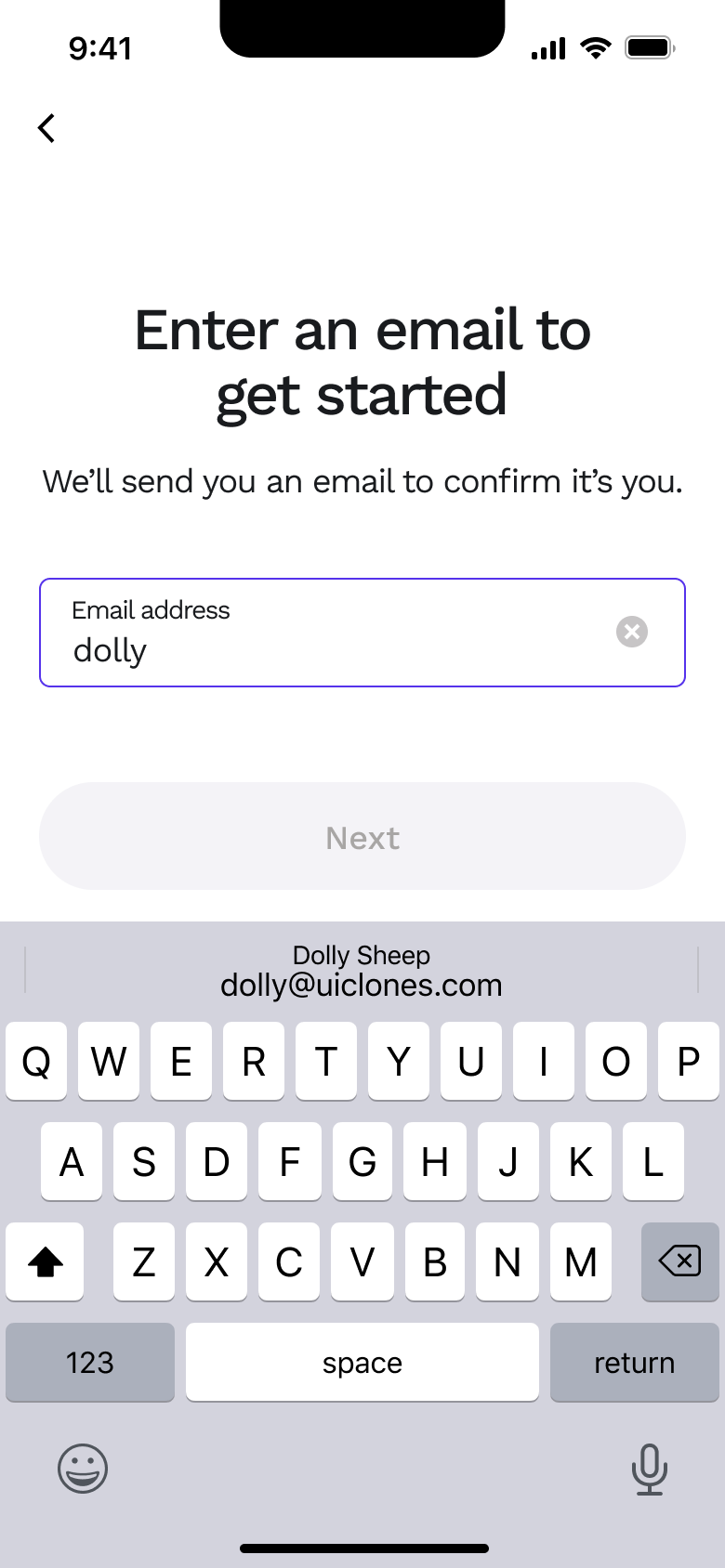 7
7Tap Log in with another account - In-place change
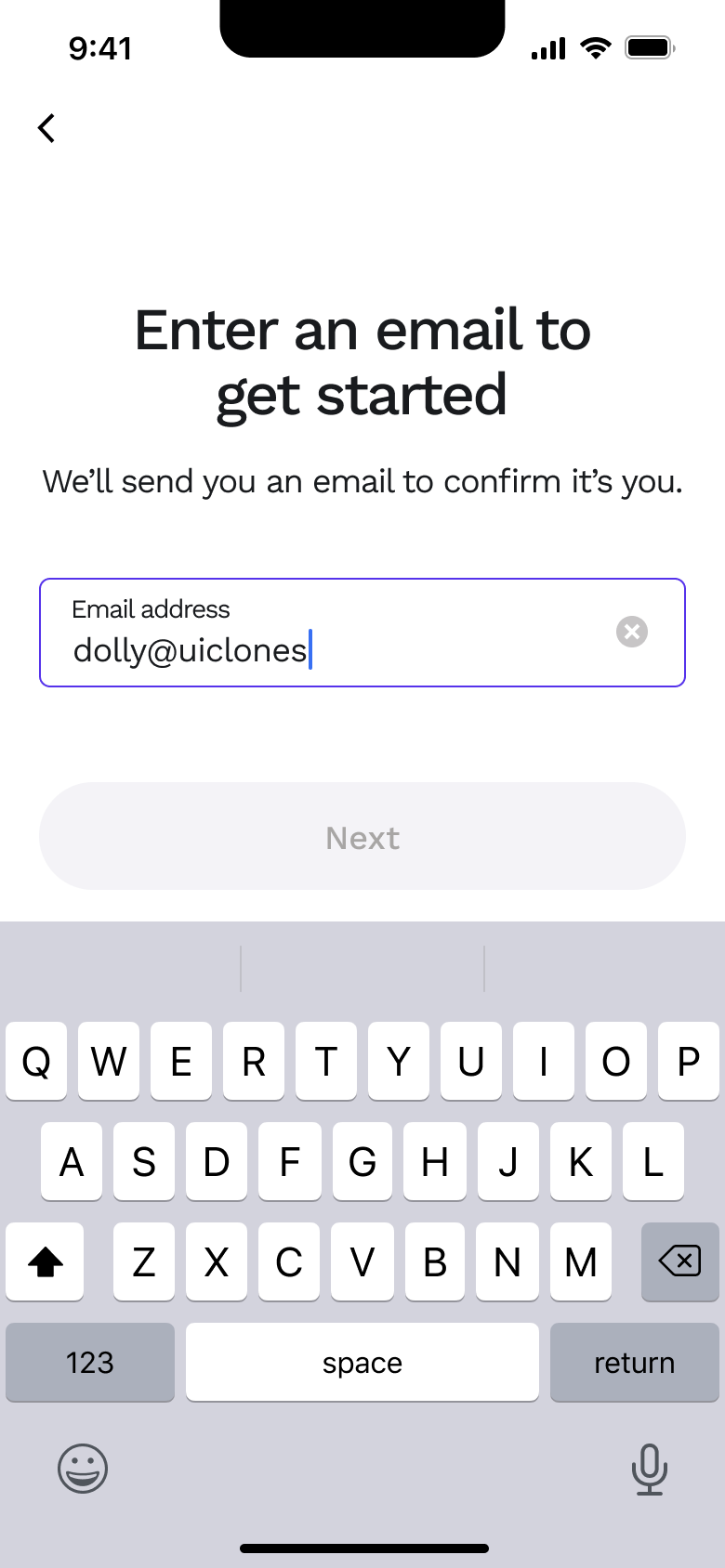 8
8Type - +2 more
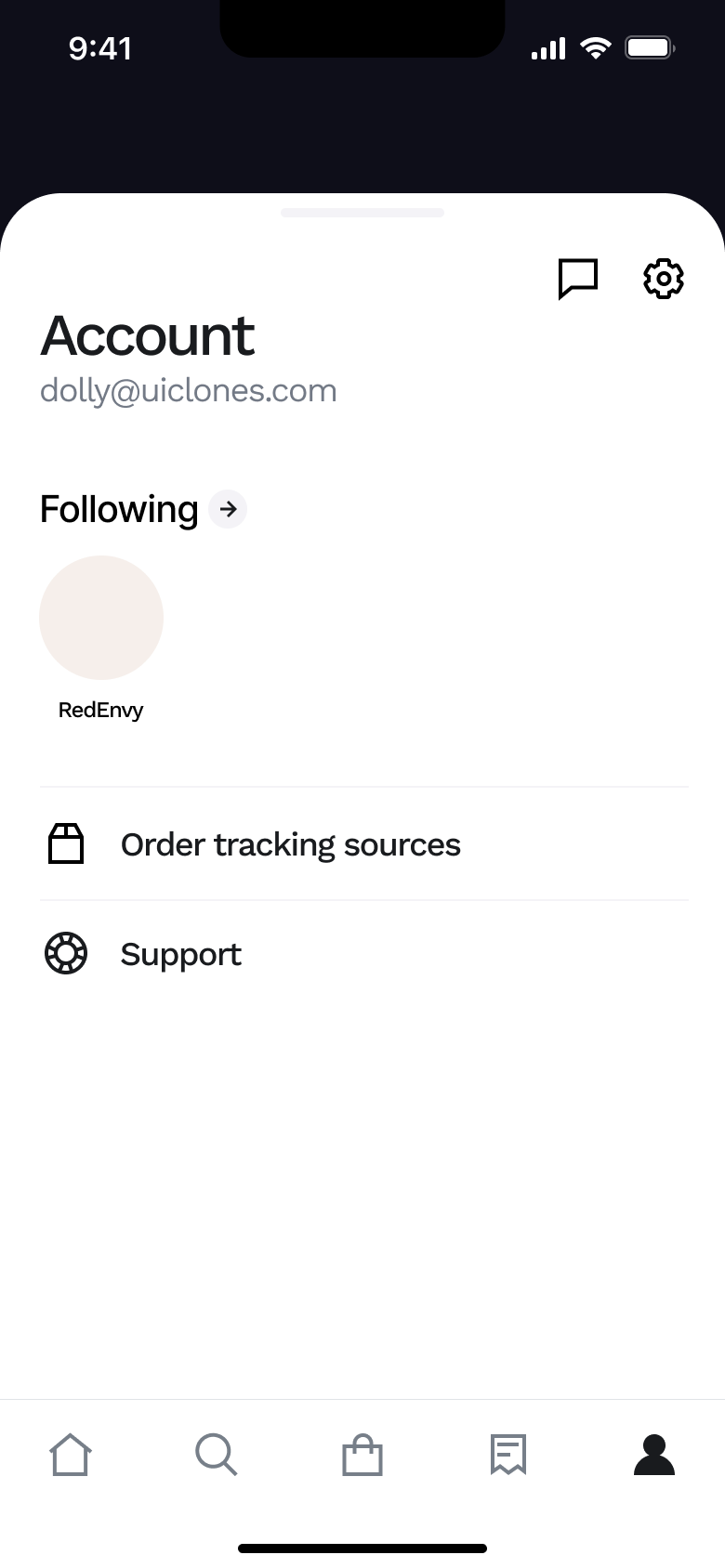 1
1Tap Account - Push
 2
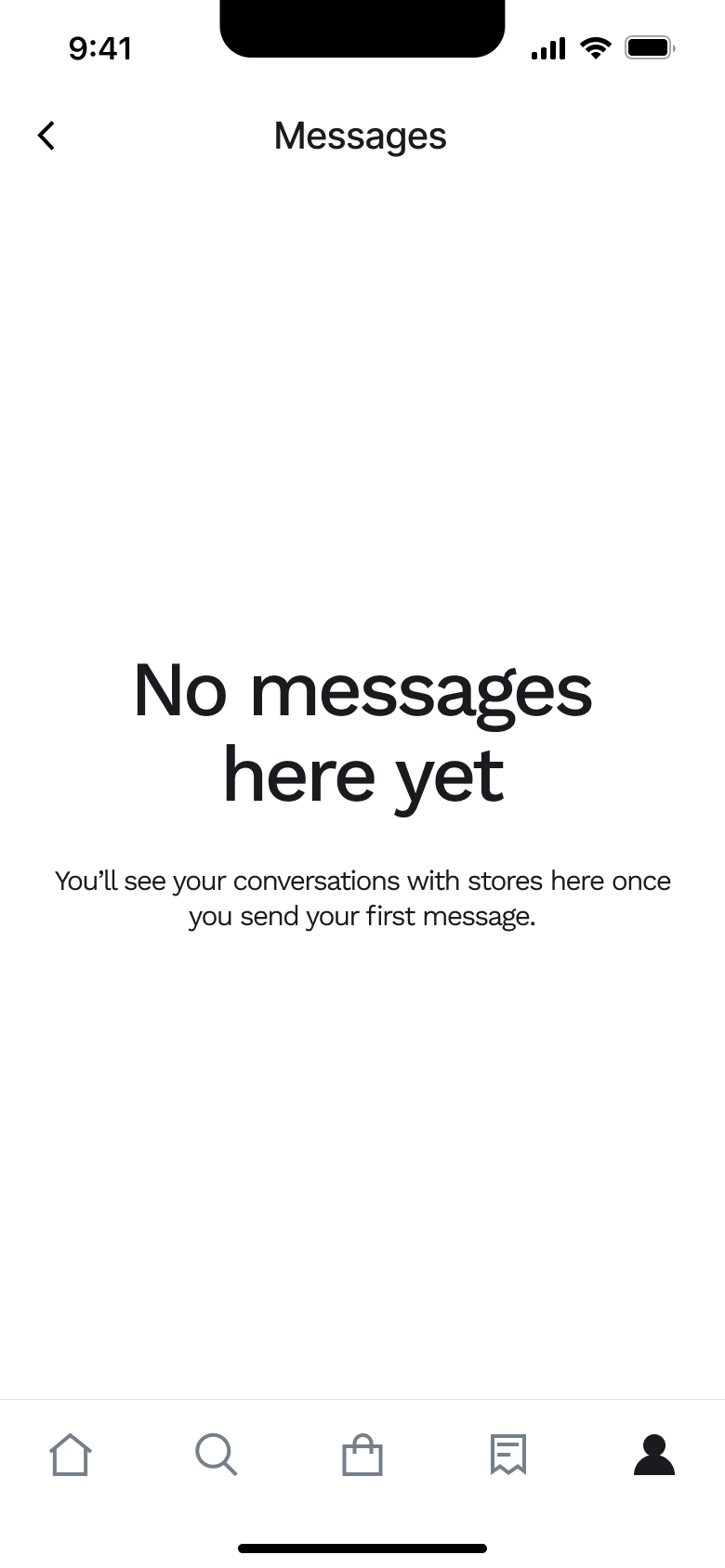
2Tap messages - Push
 3
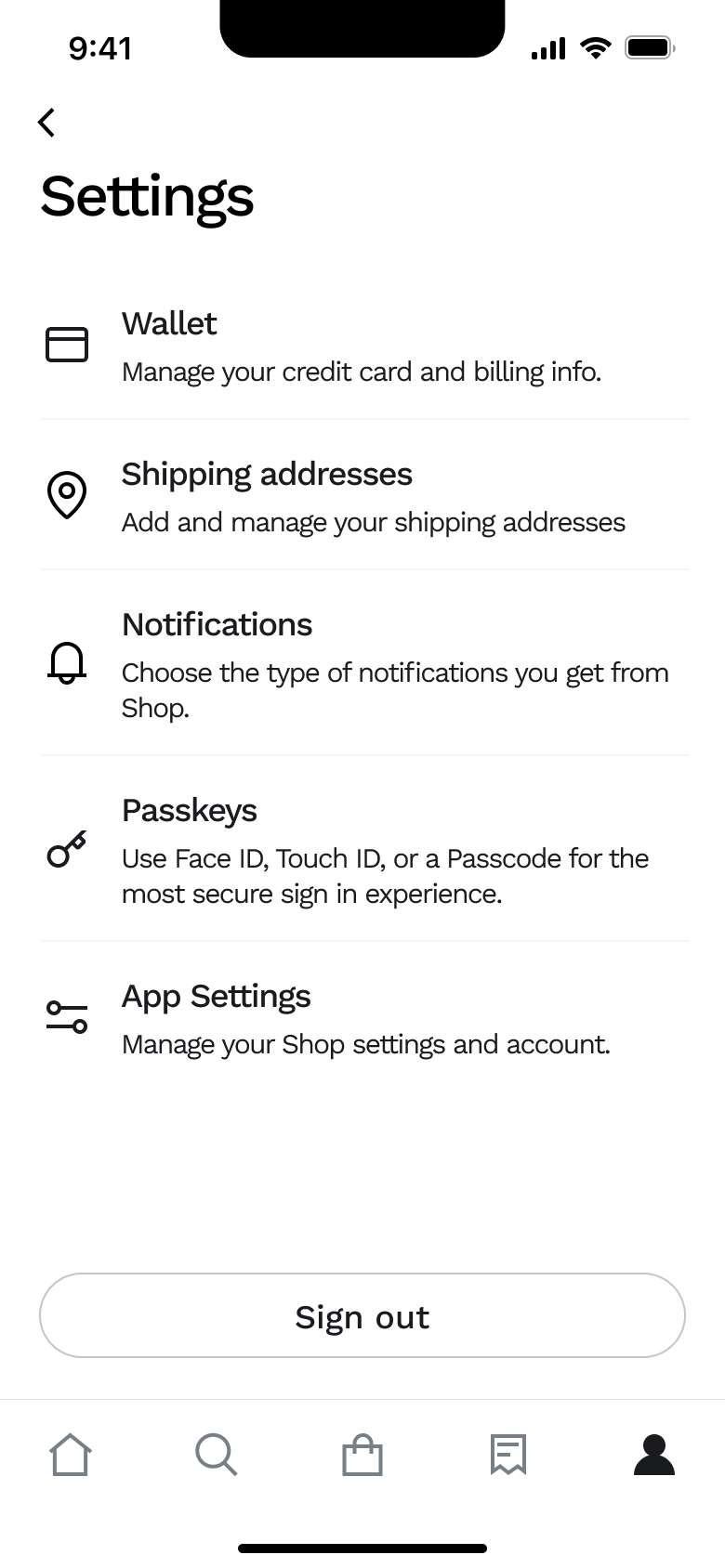
3Tap settings - Push
 4
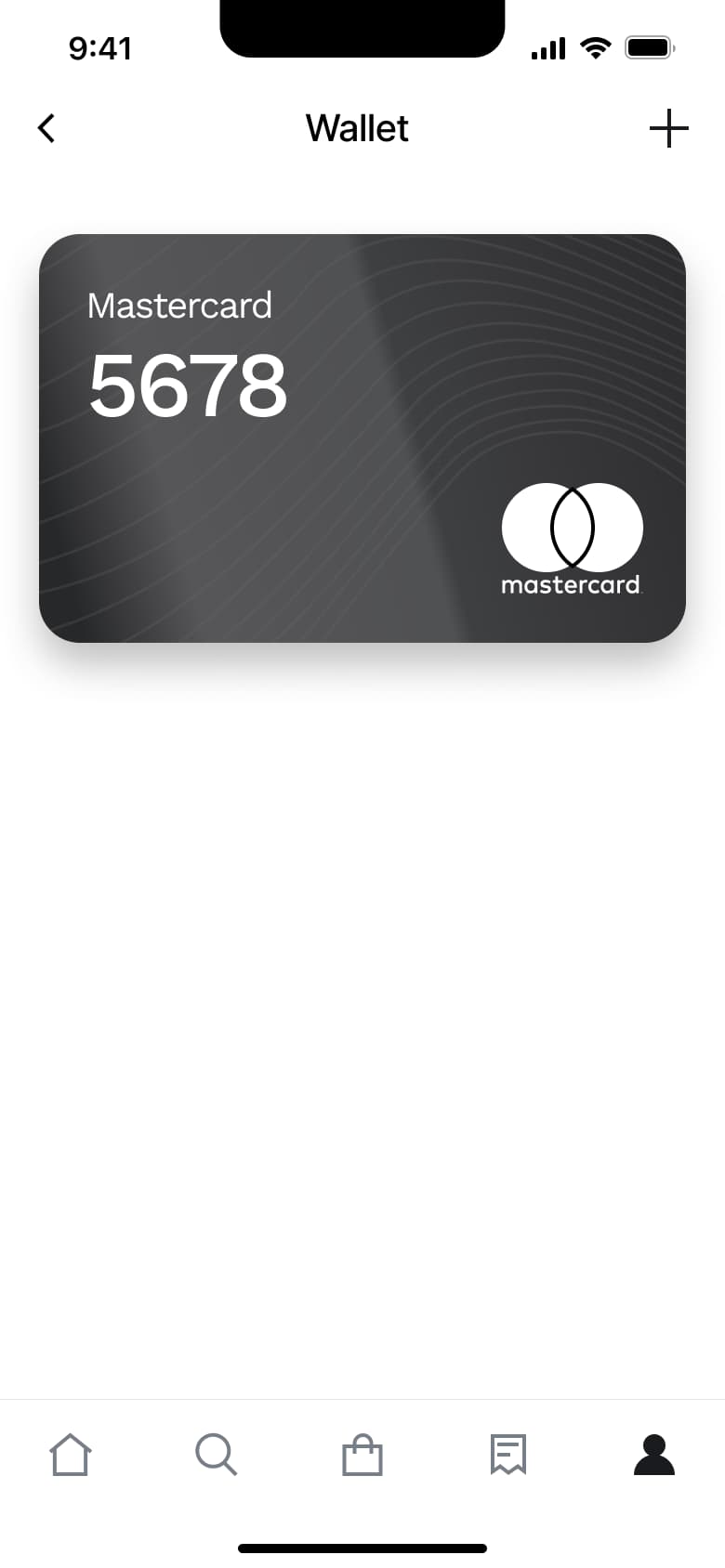
4Tap Wallet - Push
 5
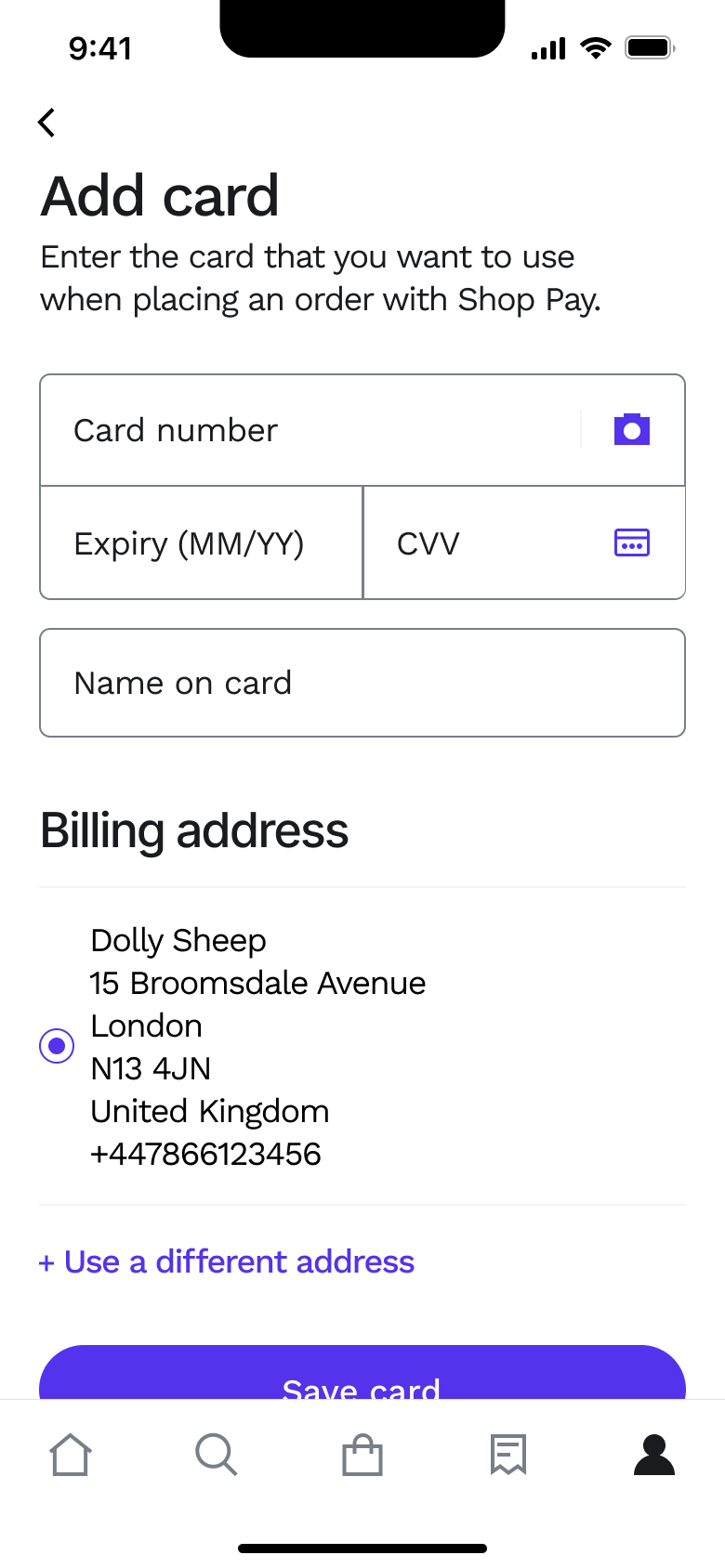
5Tap add - Push
 6
6Tap card - Push
 7
7Tap Shipping addresses - Push
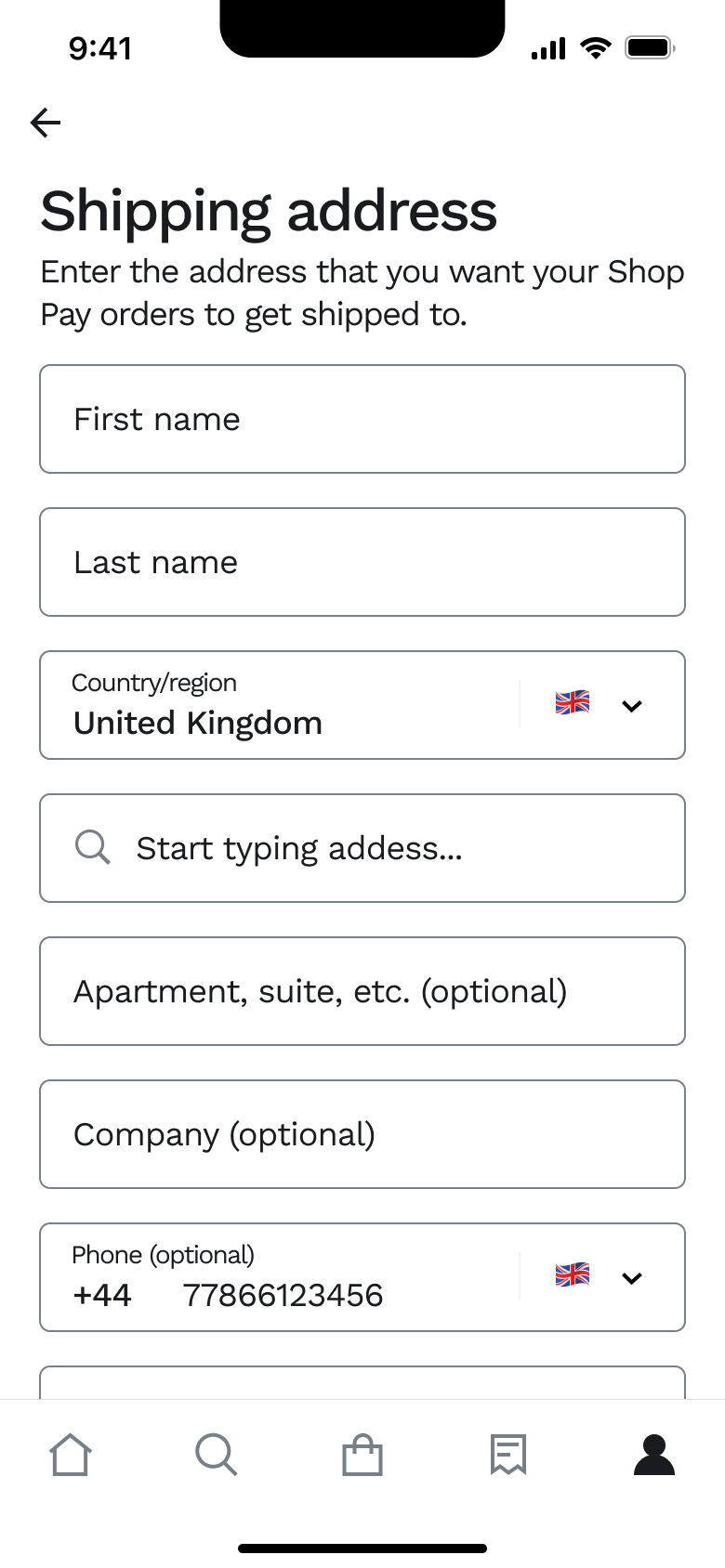 8
8Tap Add new address - +7 more
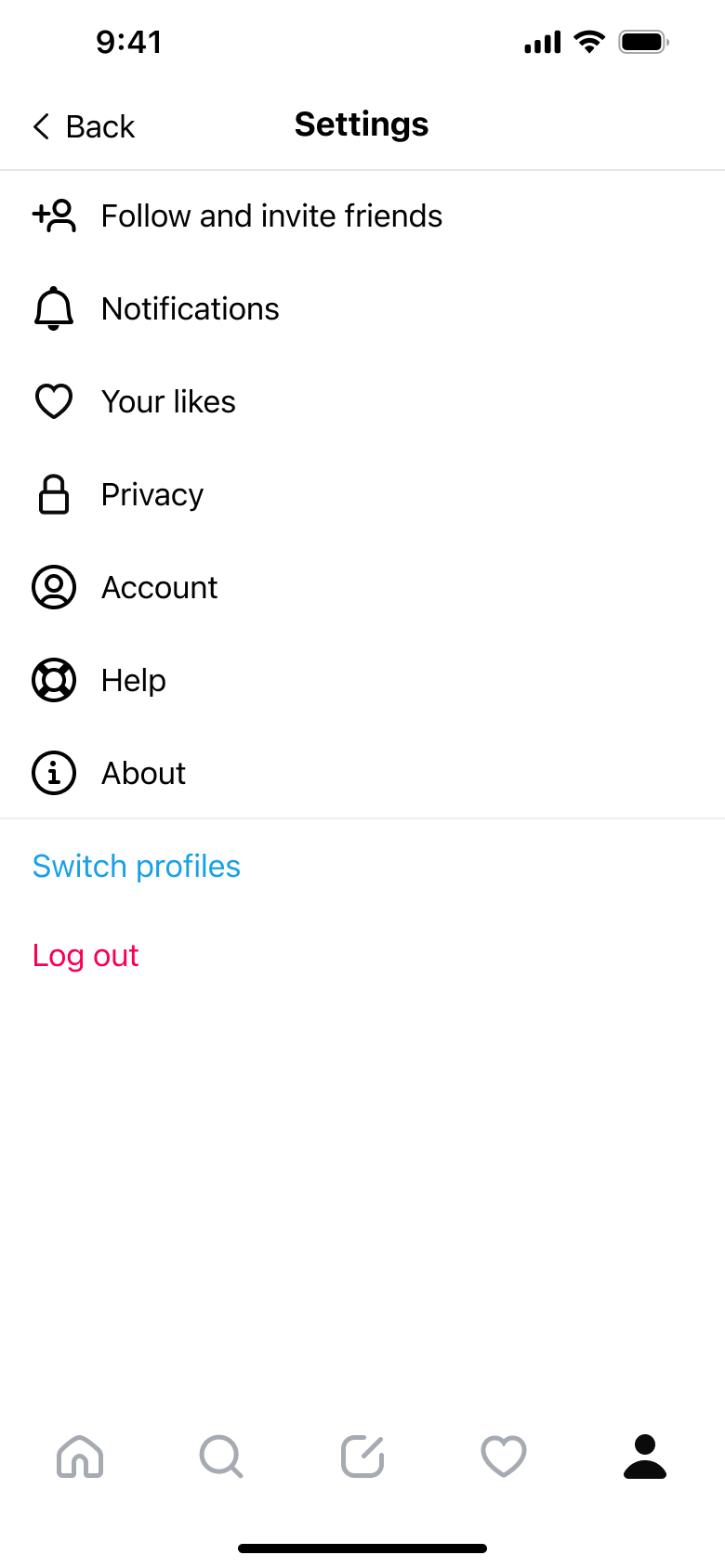 1
1Tap menu - Push
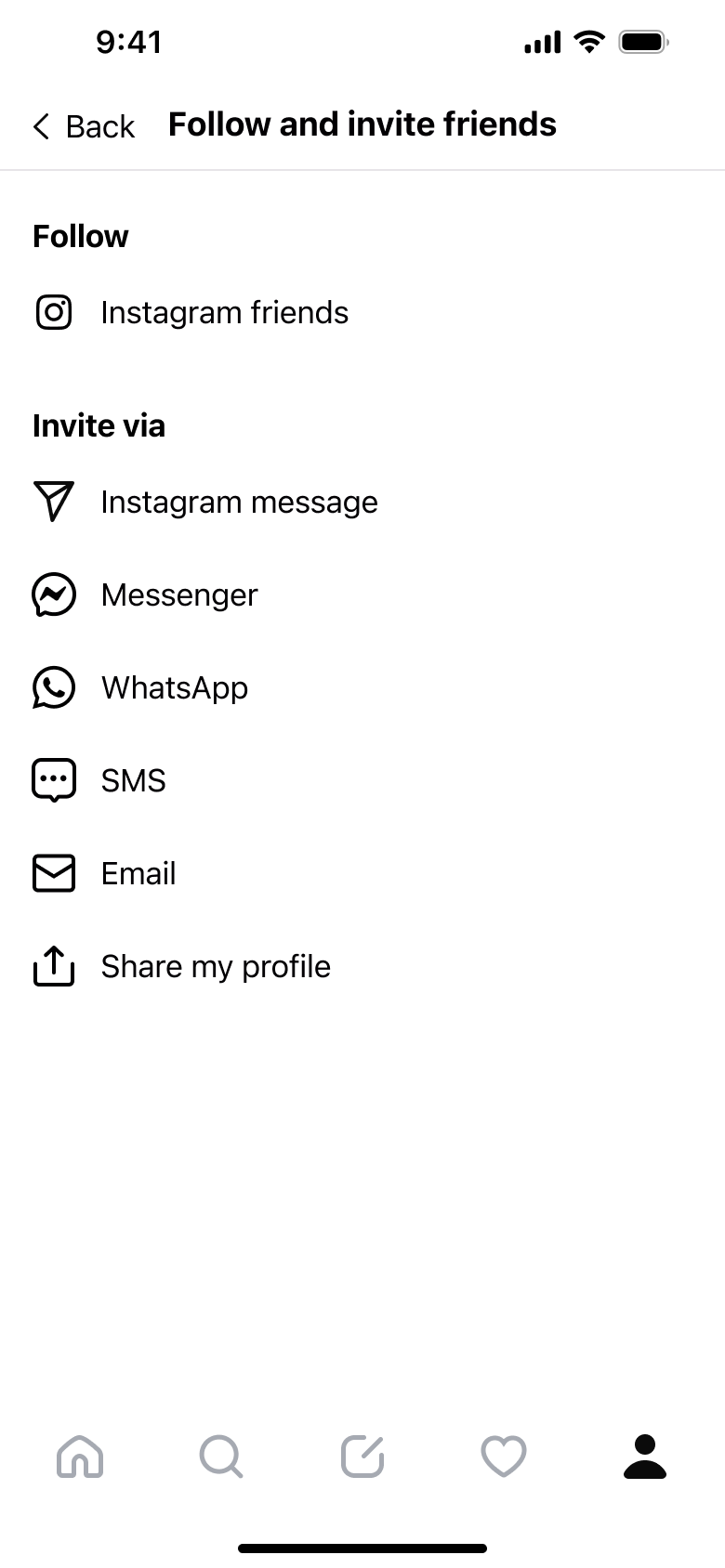 2
2Tap Follow and invite - Push
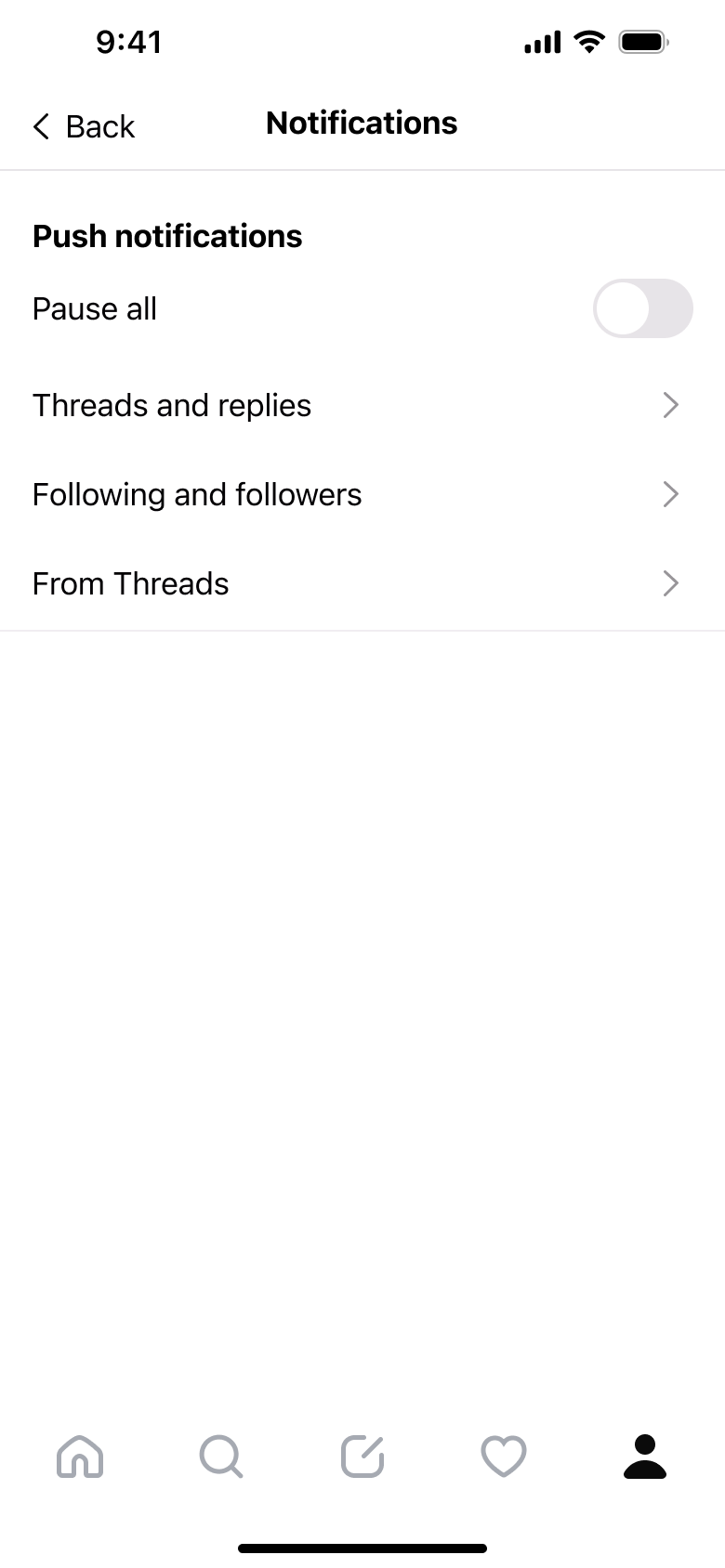 3
3Tap Notifications - Push
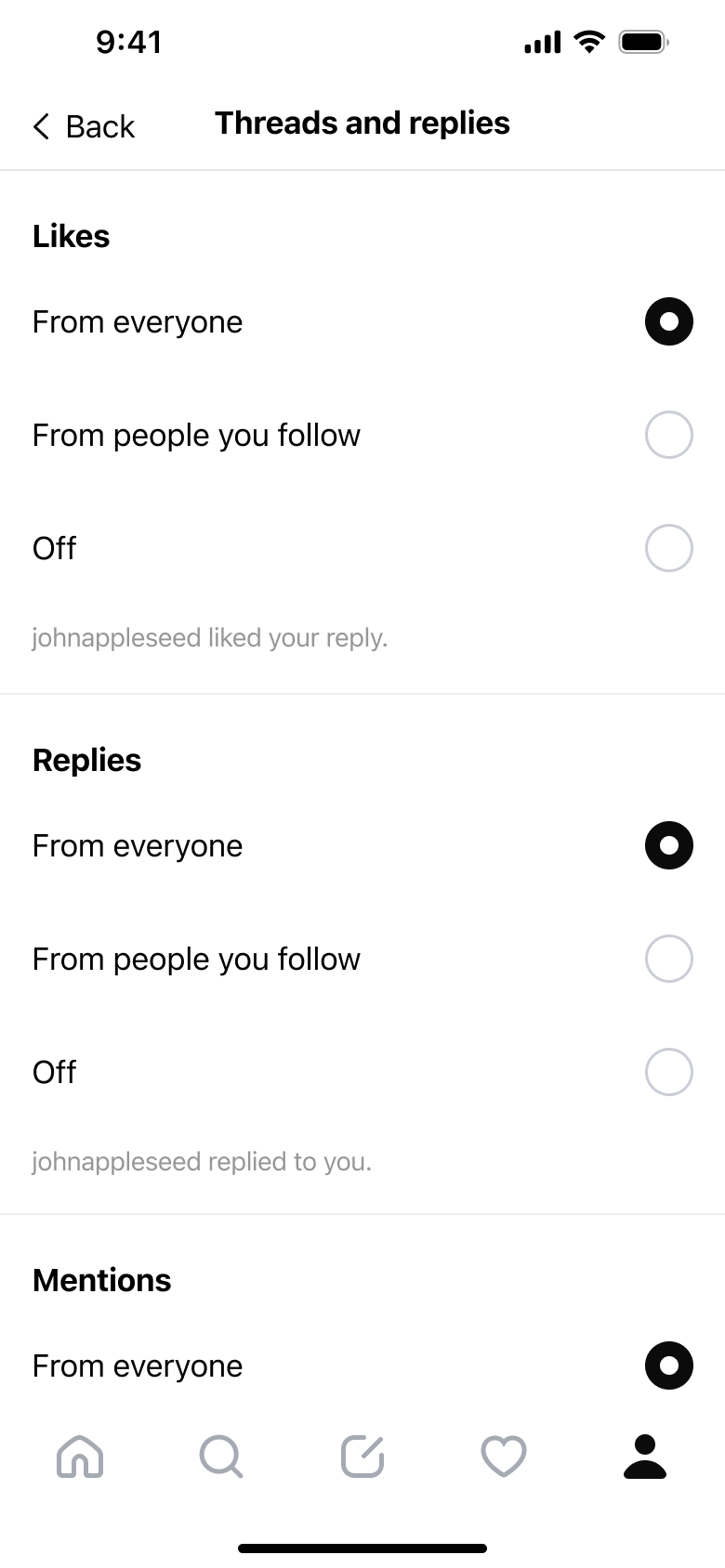 4
4Tap Threads and replies - In-place change
 5
5Scroll - Push
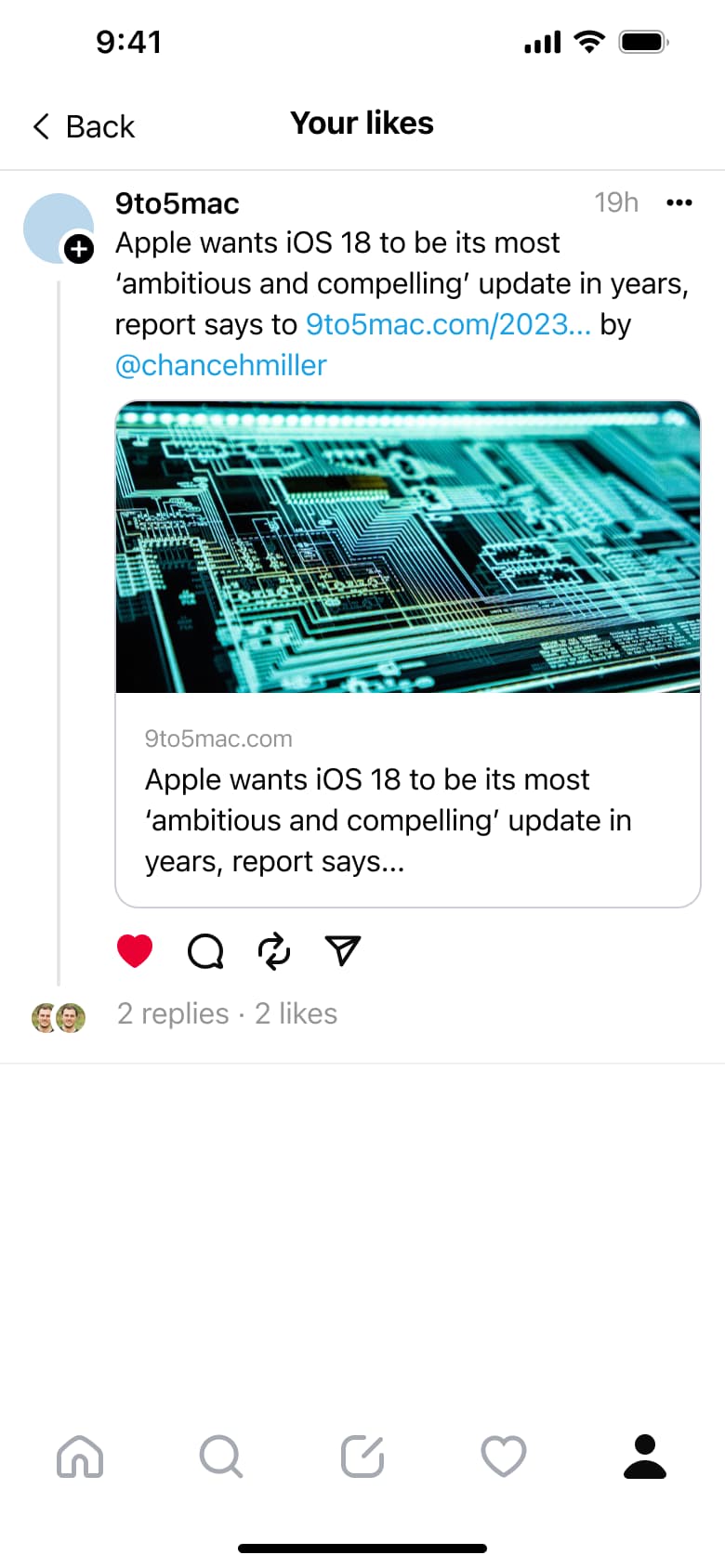 6
6Tap Your likes - Push
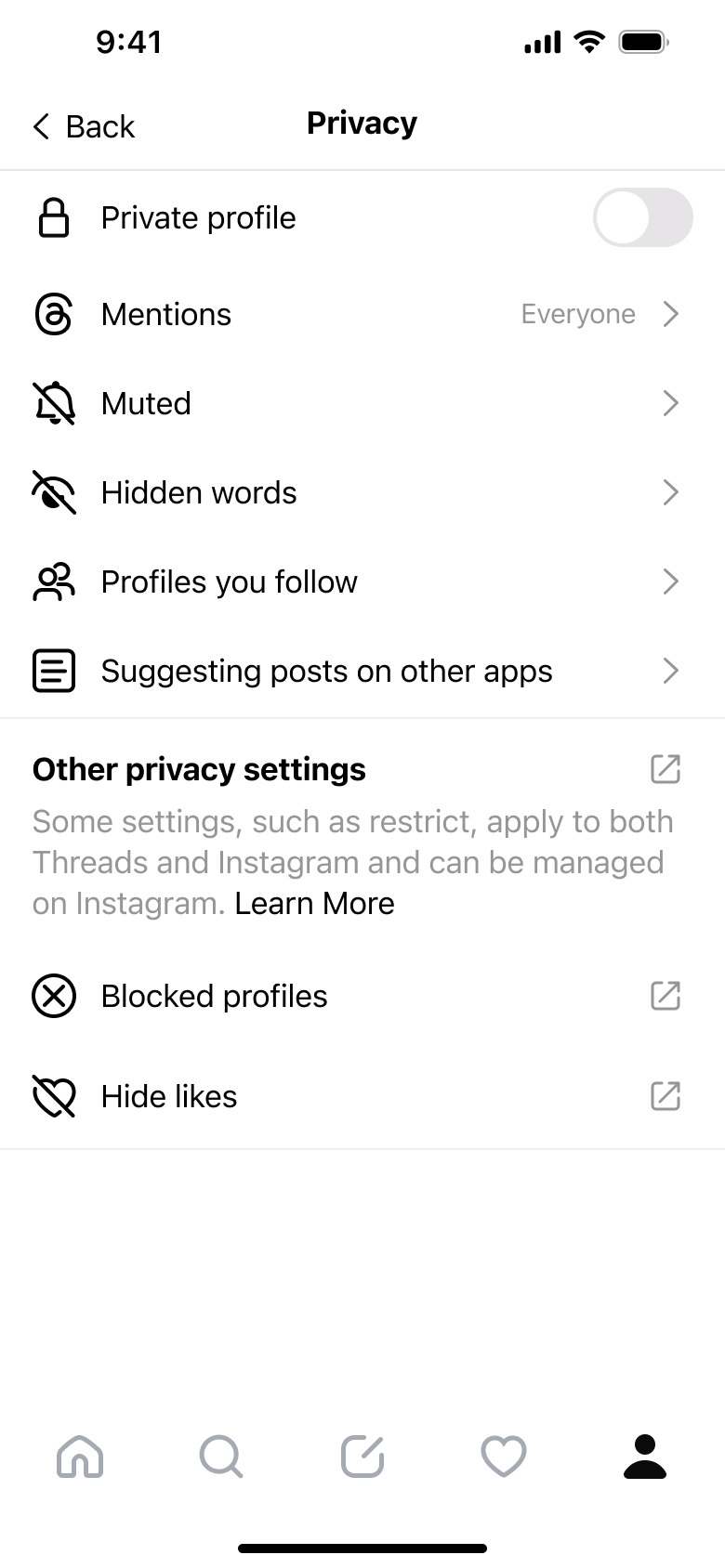 7
7Tap Privacy - Push
 8
8Tap Mentions - +10 more
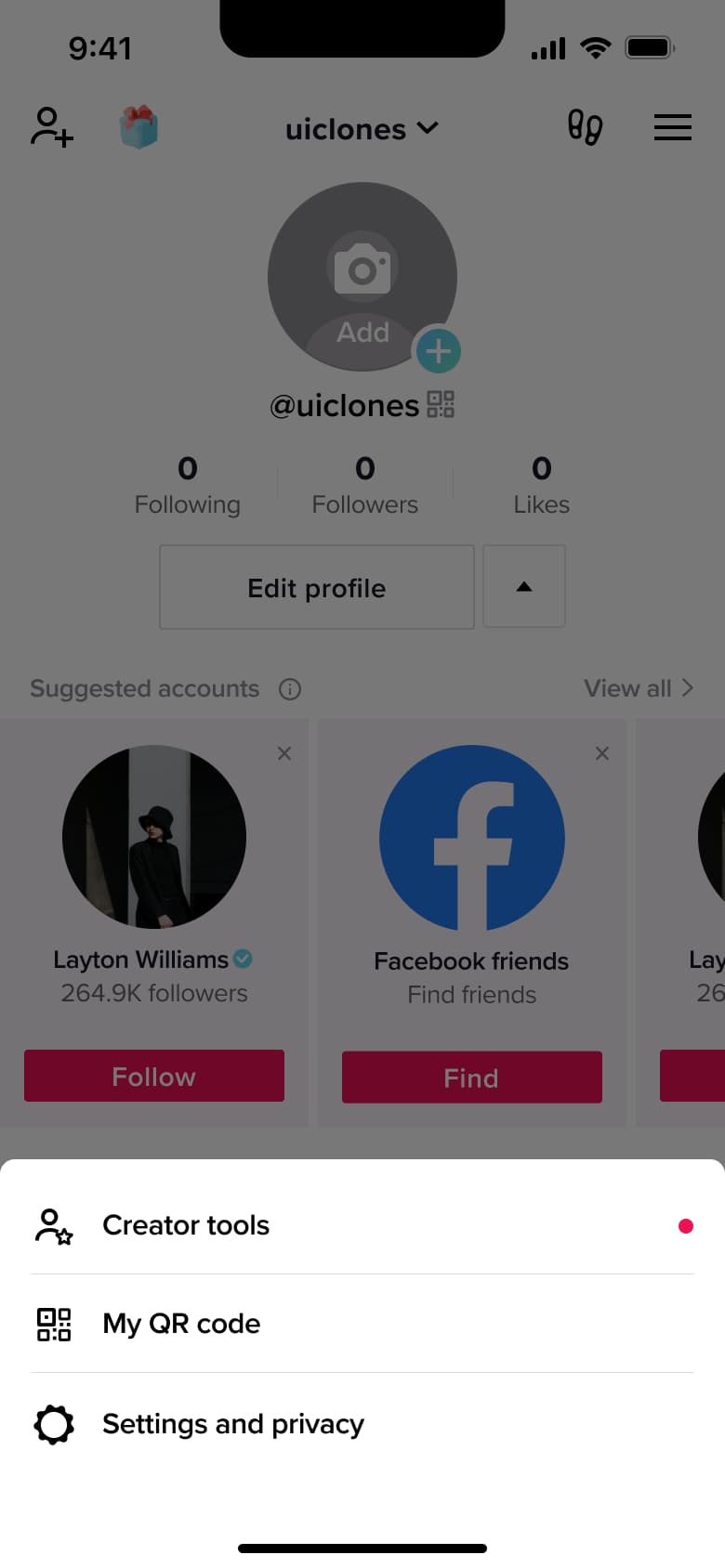 1
1- Push
 2
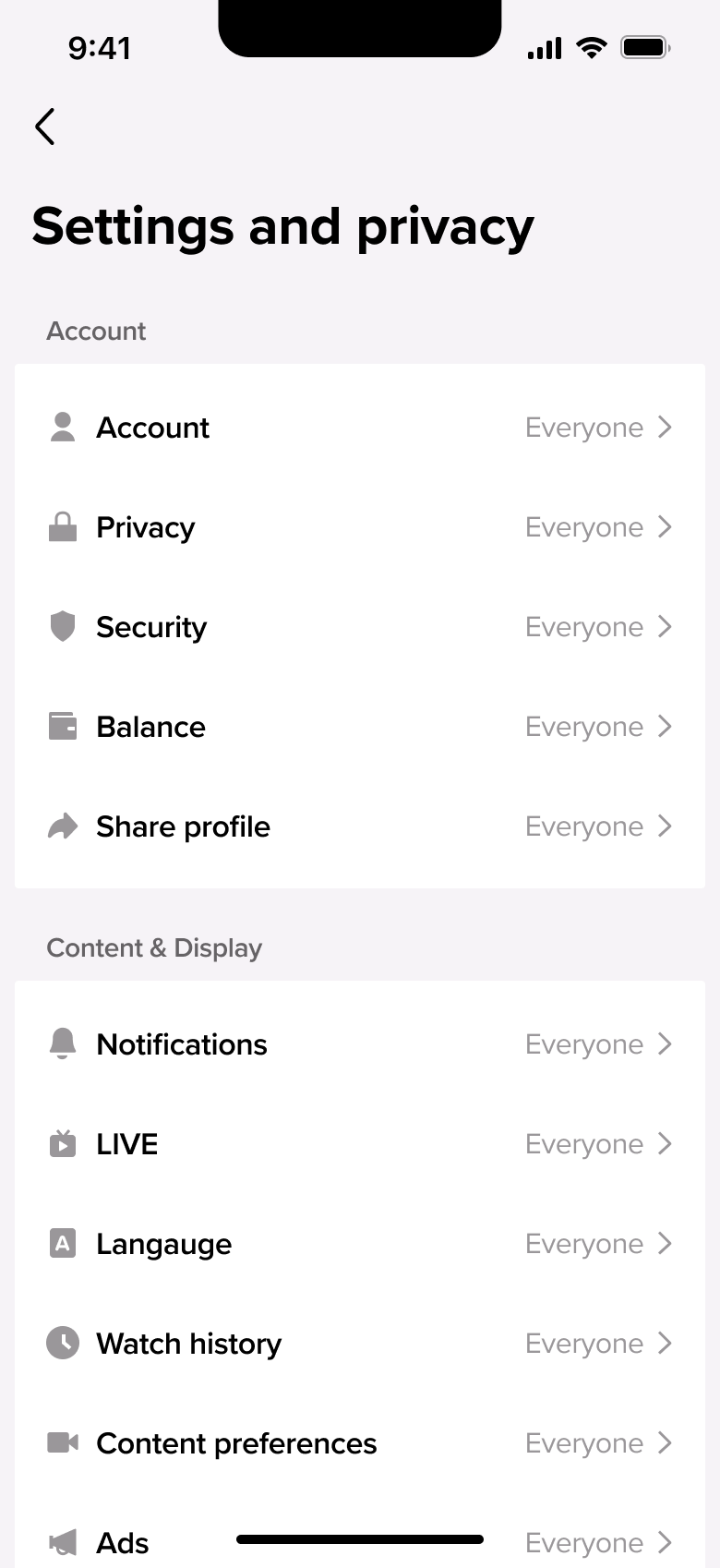
2Tap Settings and privacy - Push
 3
3Tap Account - Push
 4
4Tap Security - Push
 5
5Tap Privacy - In-place change
 6
6Scroll - Push
 7
7Tap Notifications - In-place change
 8
8Scroll - +14 more
 1
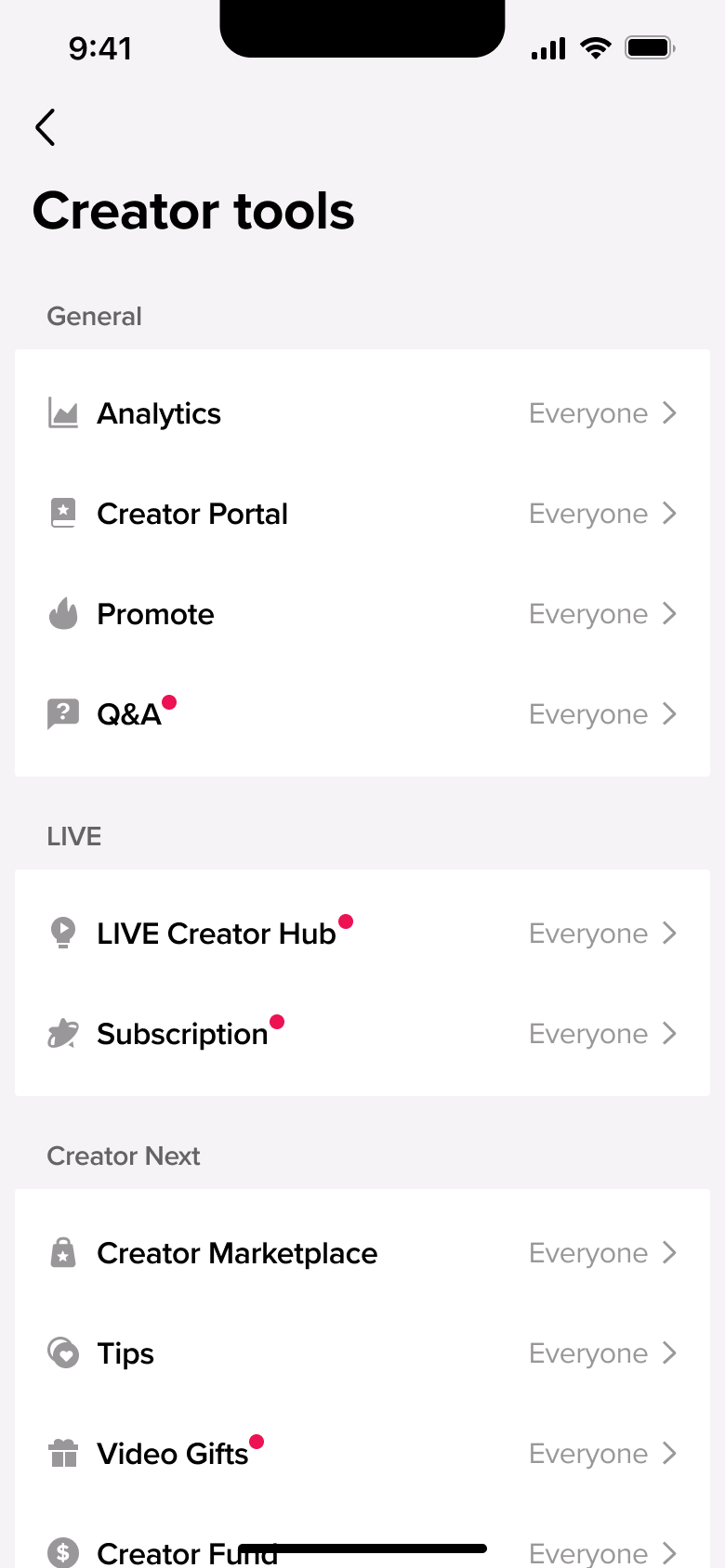
1Tap Creator tools - In-place change
 2
2Scroll - Push
 3
3Tap Family Pairing - Push
 4
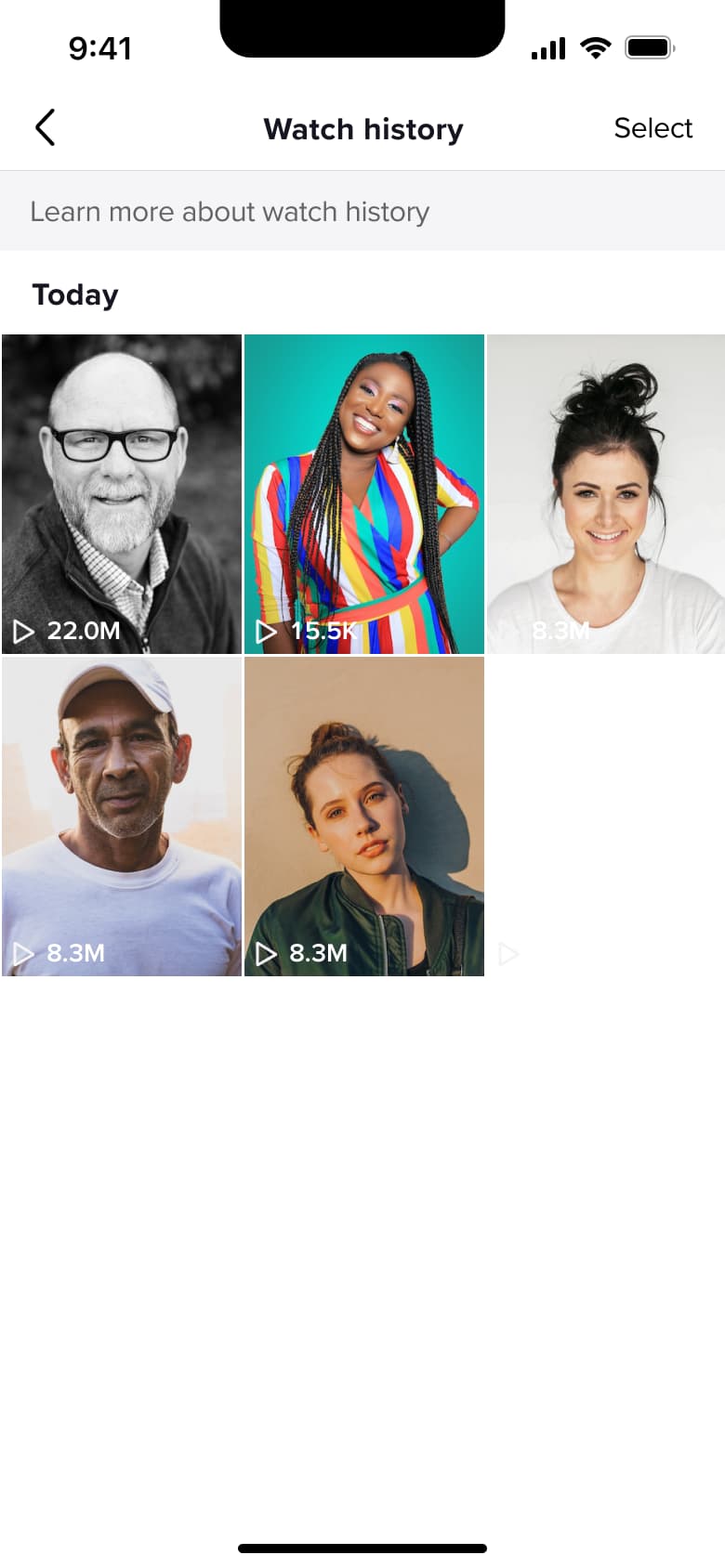
4Tap Watch history - In-place change
 5
5
 1
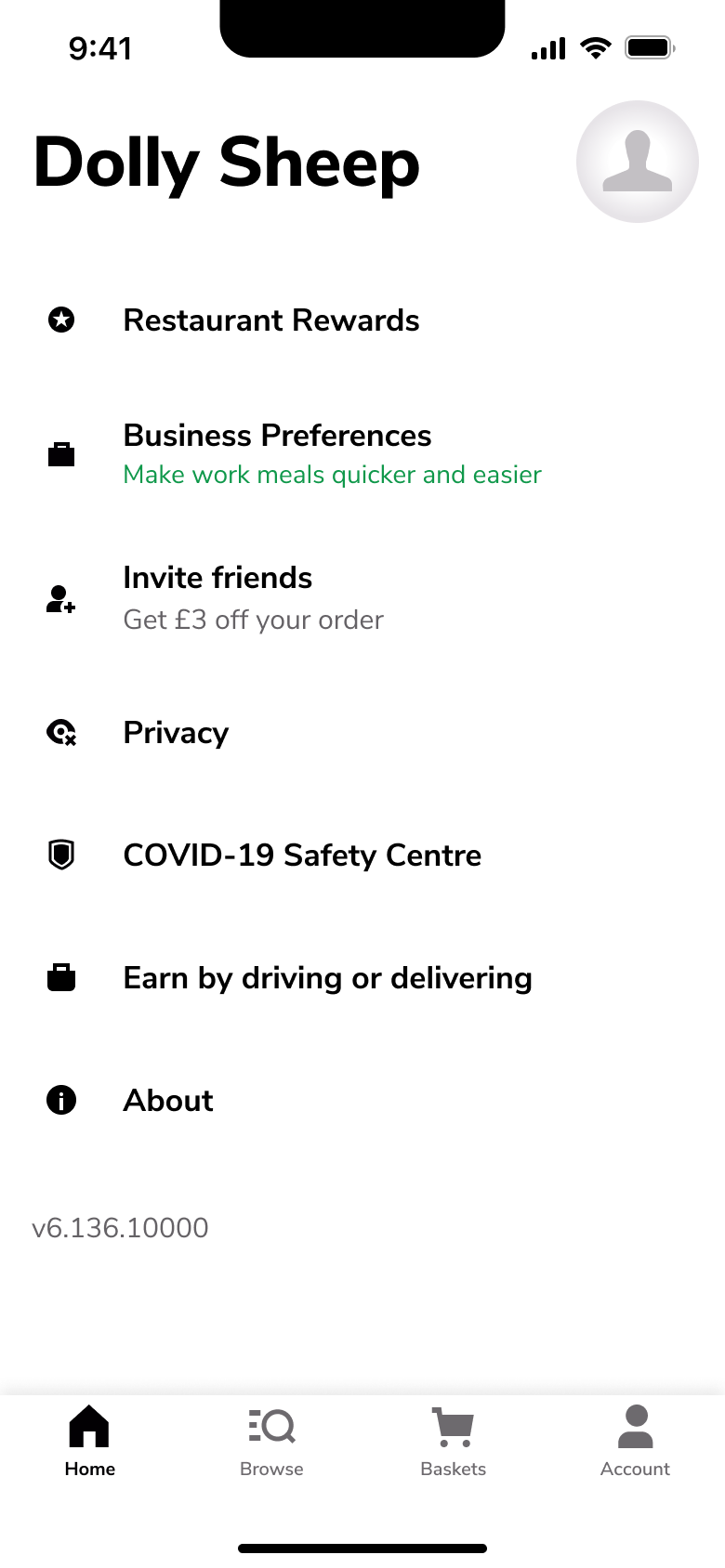
1Tap Account - In-place change
 2
2Scroll - Push
 3
3Tap name - Modal
 4
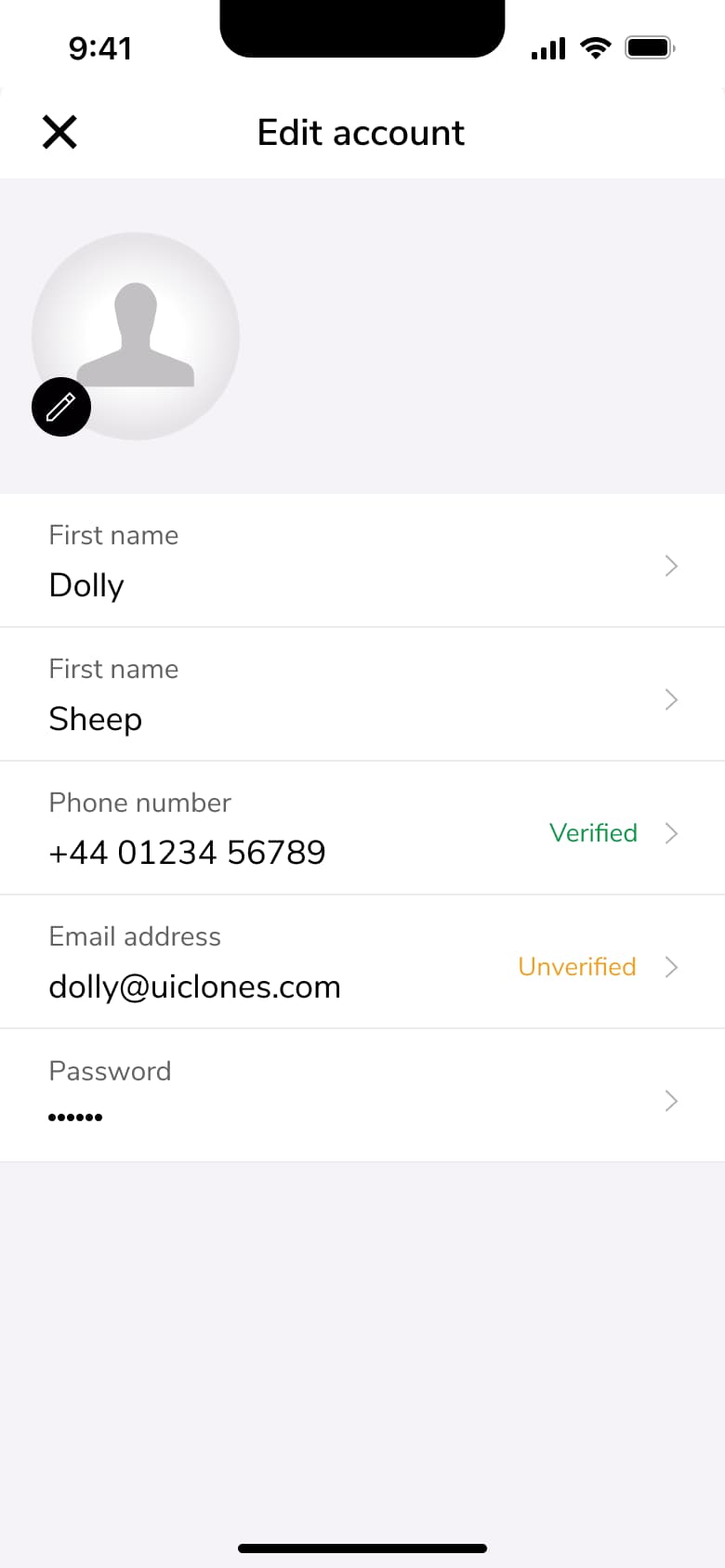
4Tap Edit account - Push
 5
5Tap First name - Push
 6
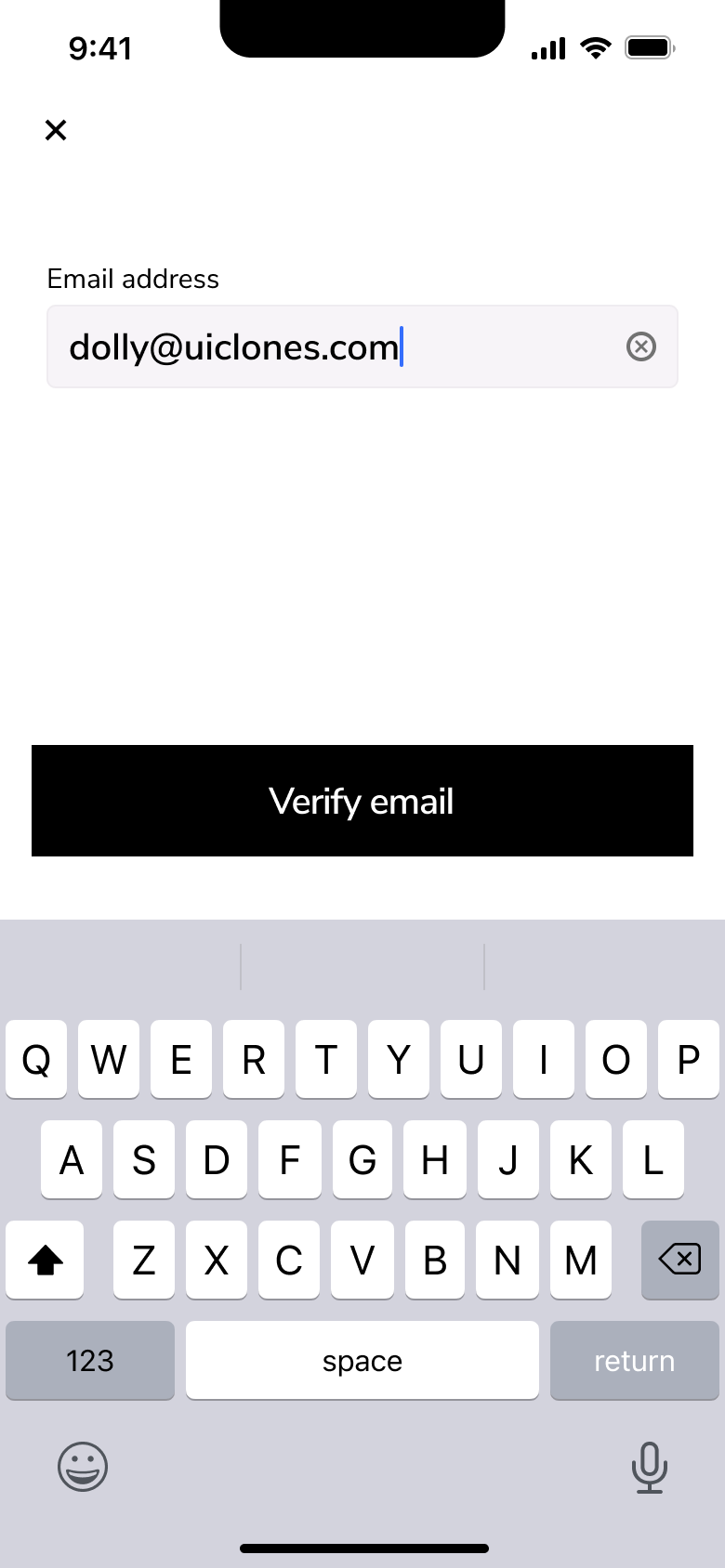
6Tap Email - Push
 7
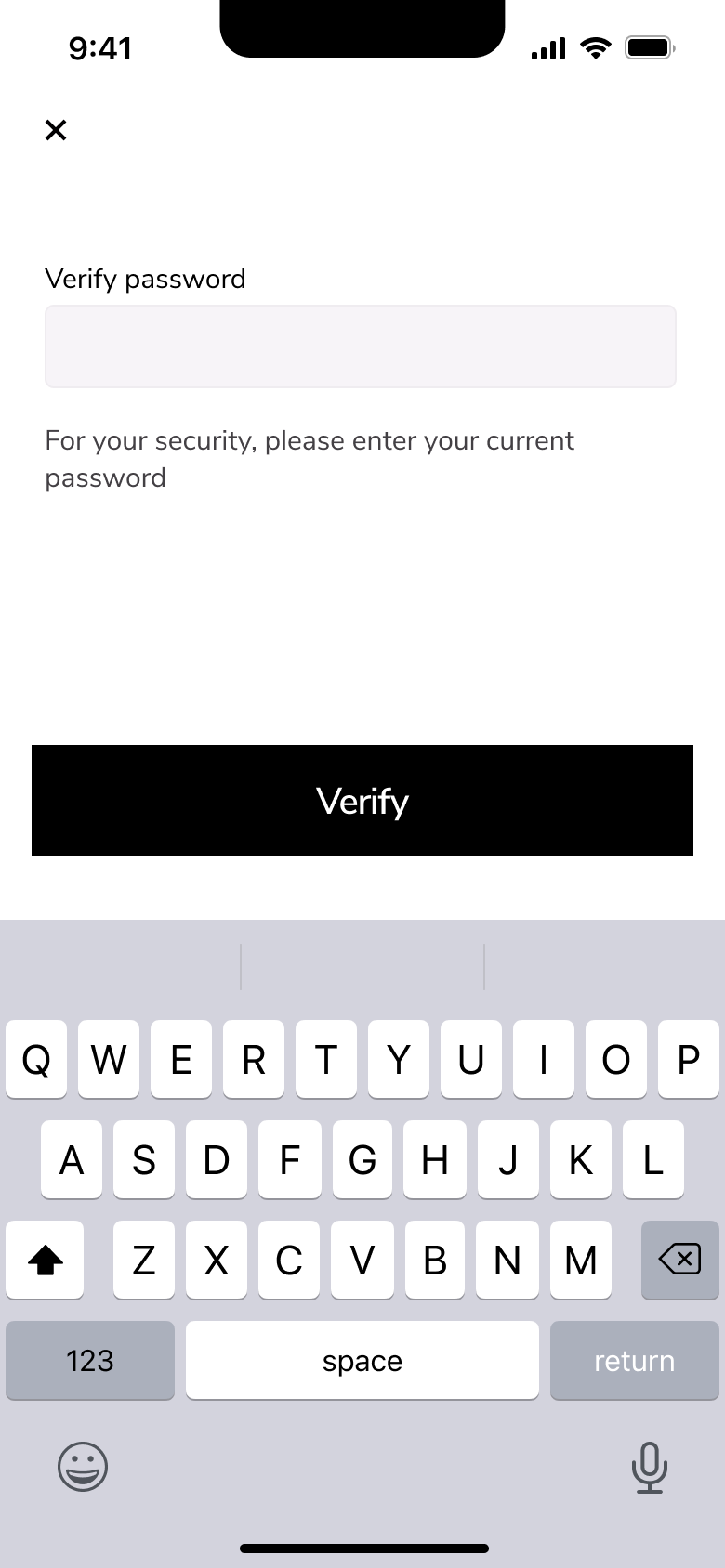
7Verify - Push
 8
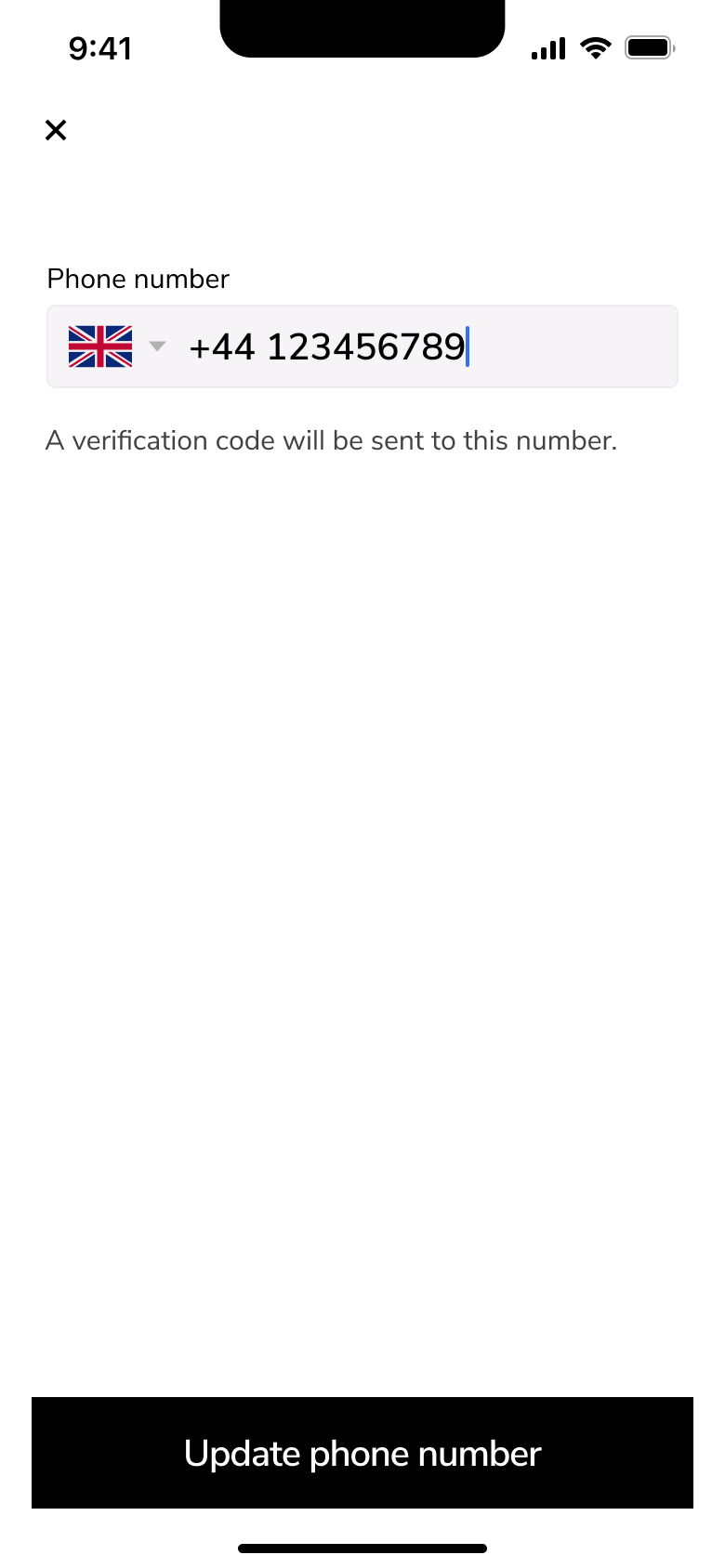
8Tap Phone - +6 more
 1
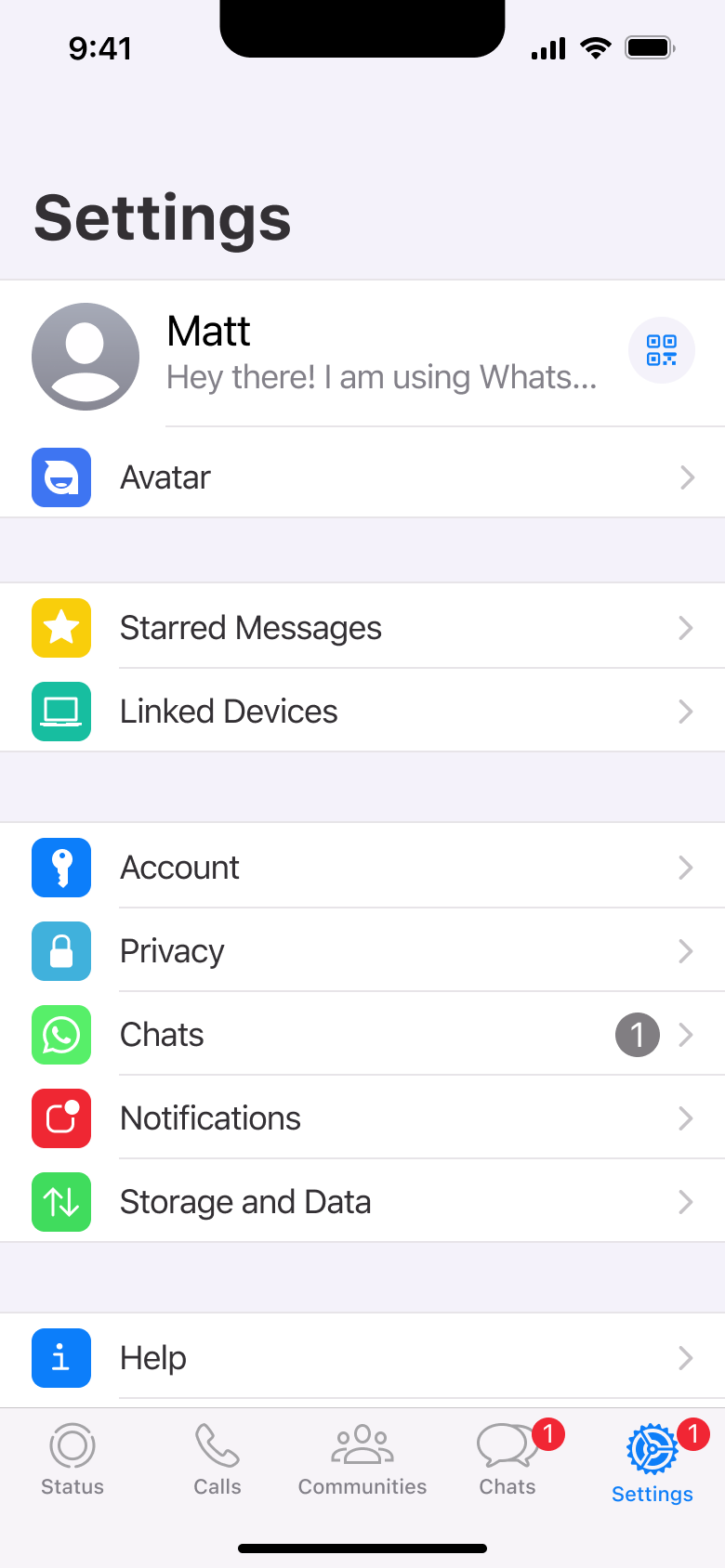
1Tap Settings - Push
 2
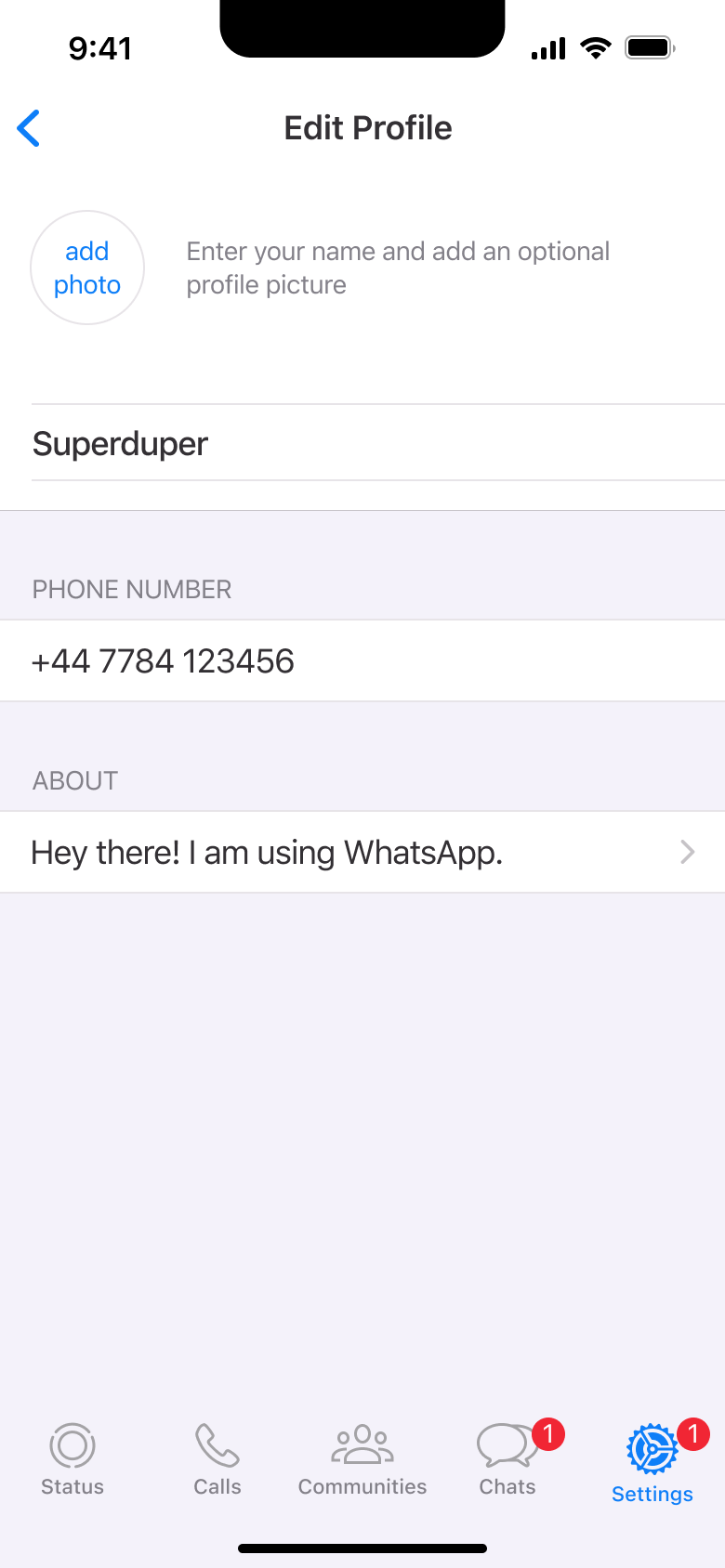
2Tap profile - Push
 3
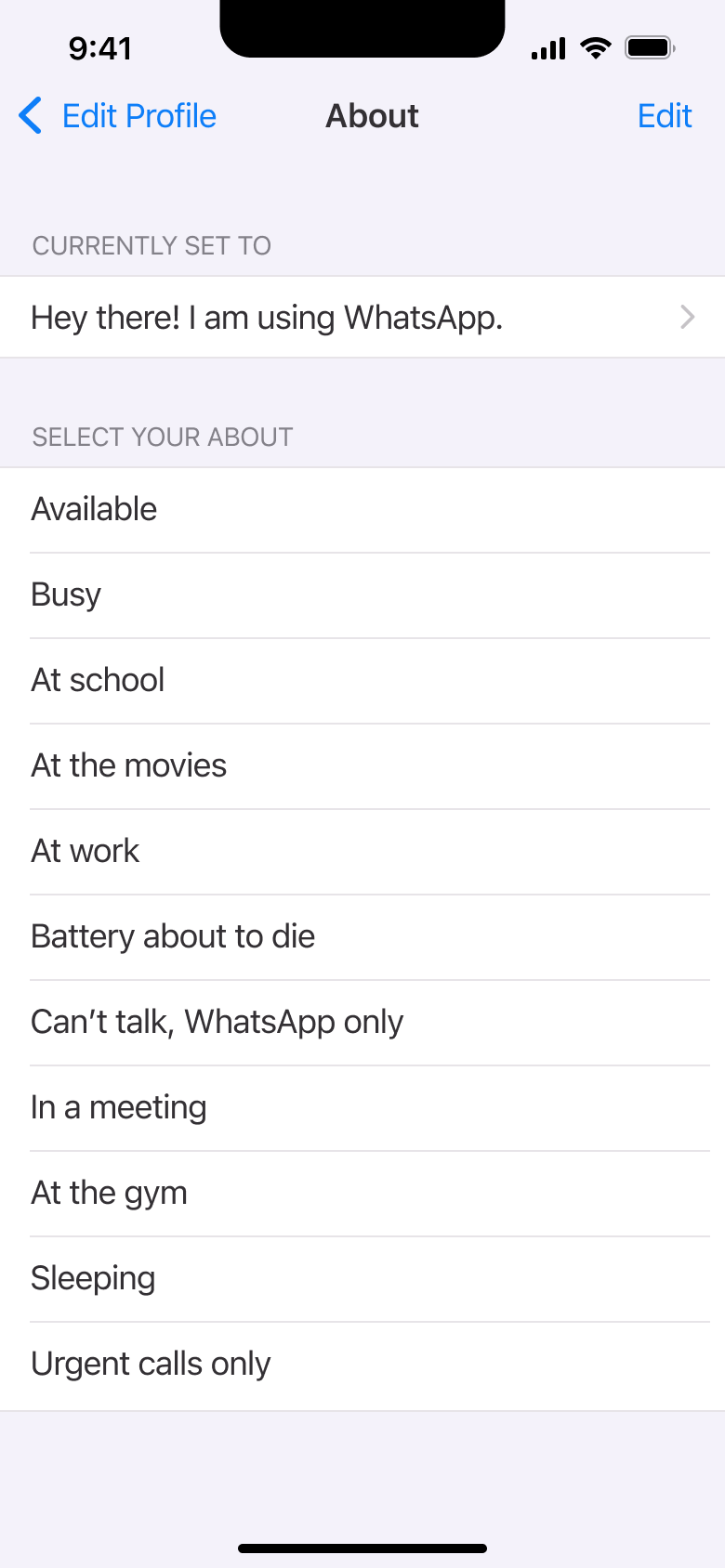
3Tap About - Push
 4
4Tap Avatar - Push
 5
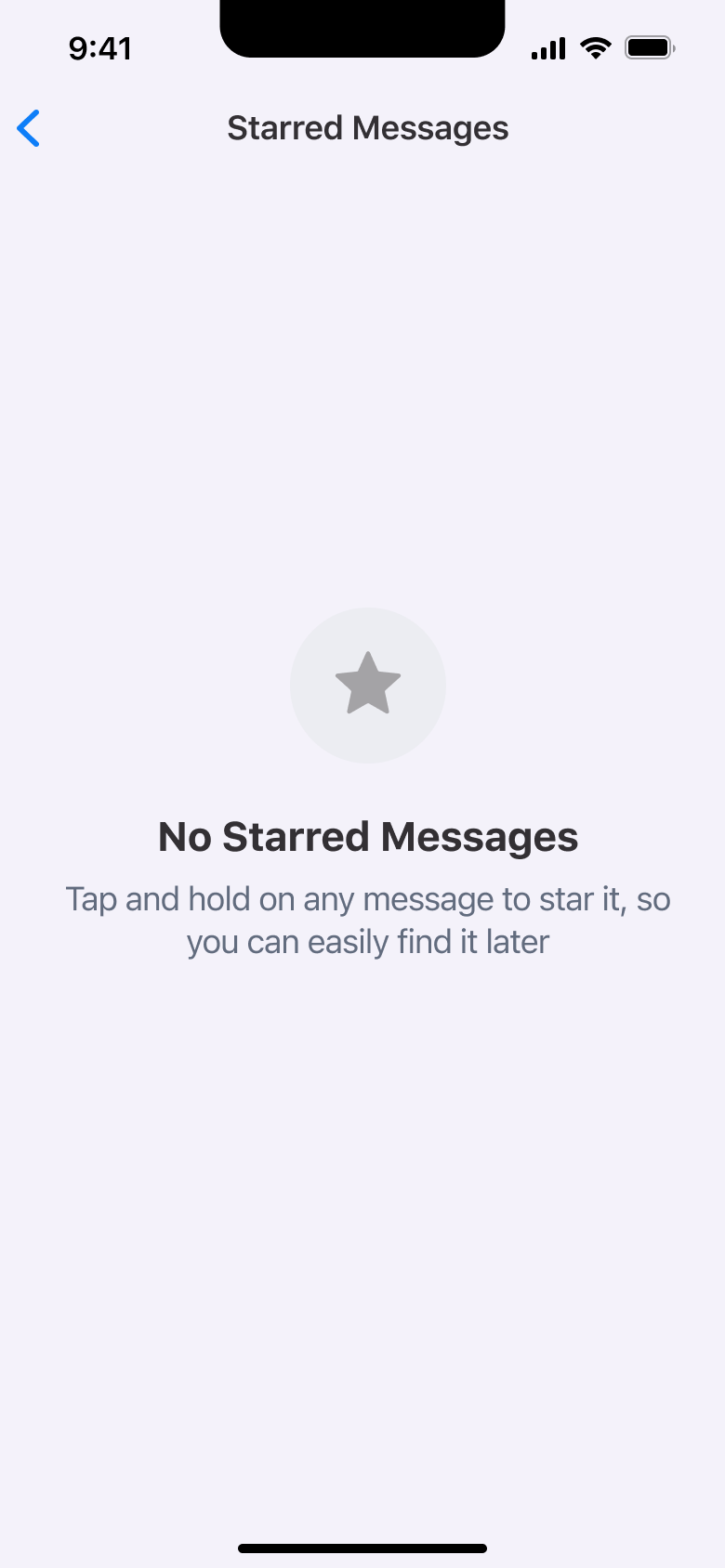
5Tap Starred - Push
 6
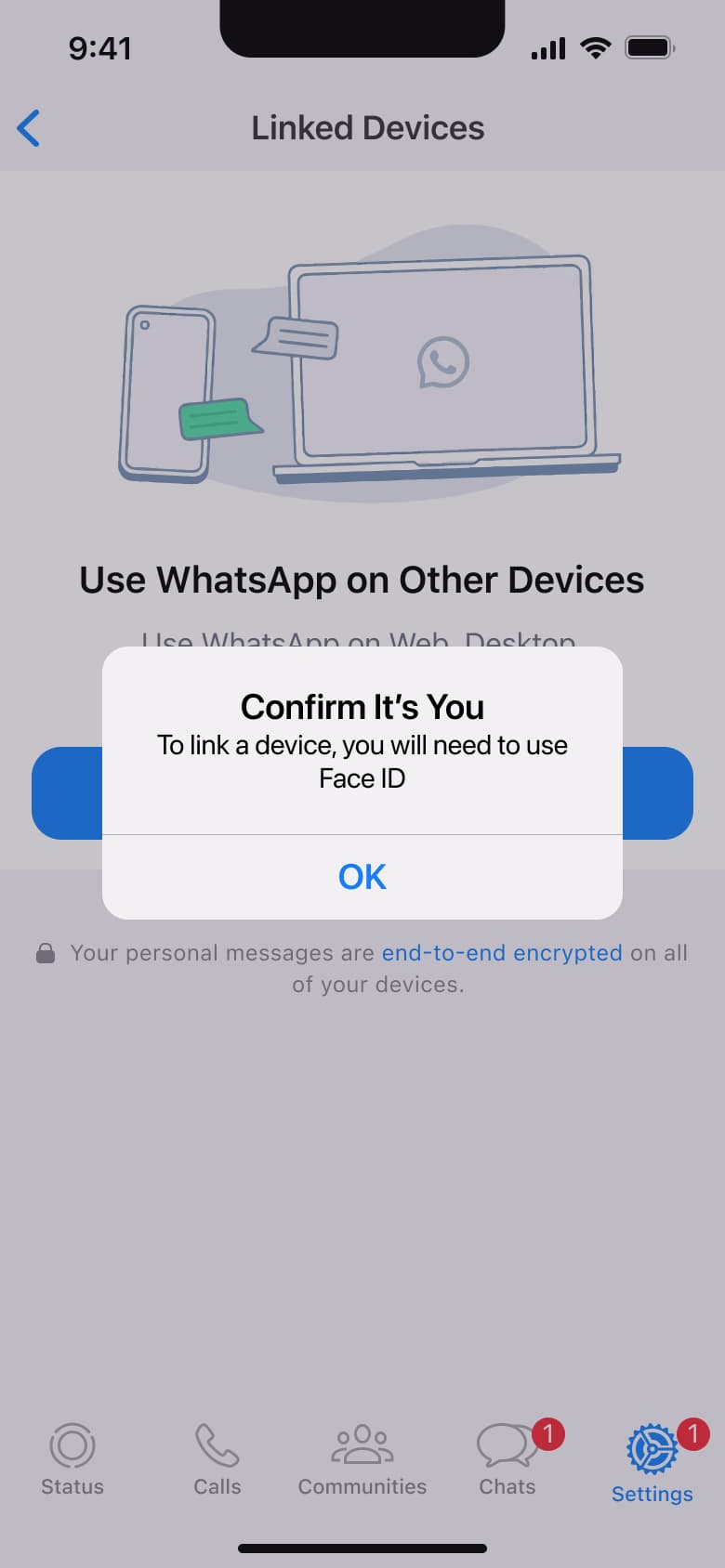
6Tap Linked Devices - Dismiss modal or sheet
 7
7Tap OK - Alert / dialog over screen
 8
8Tap Link a Device - +9 more
 1
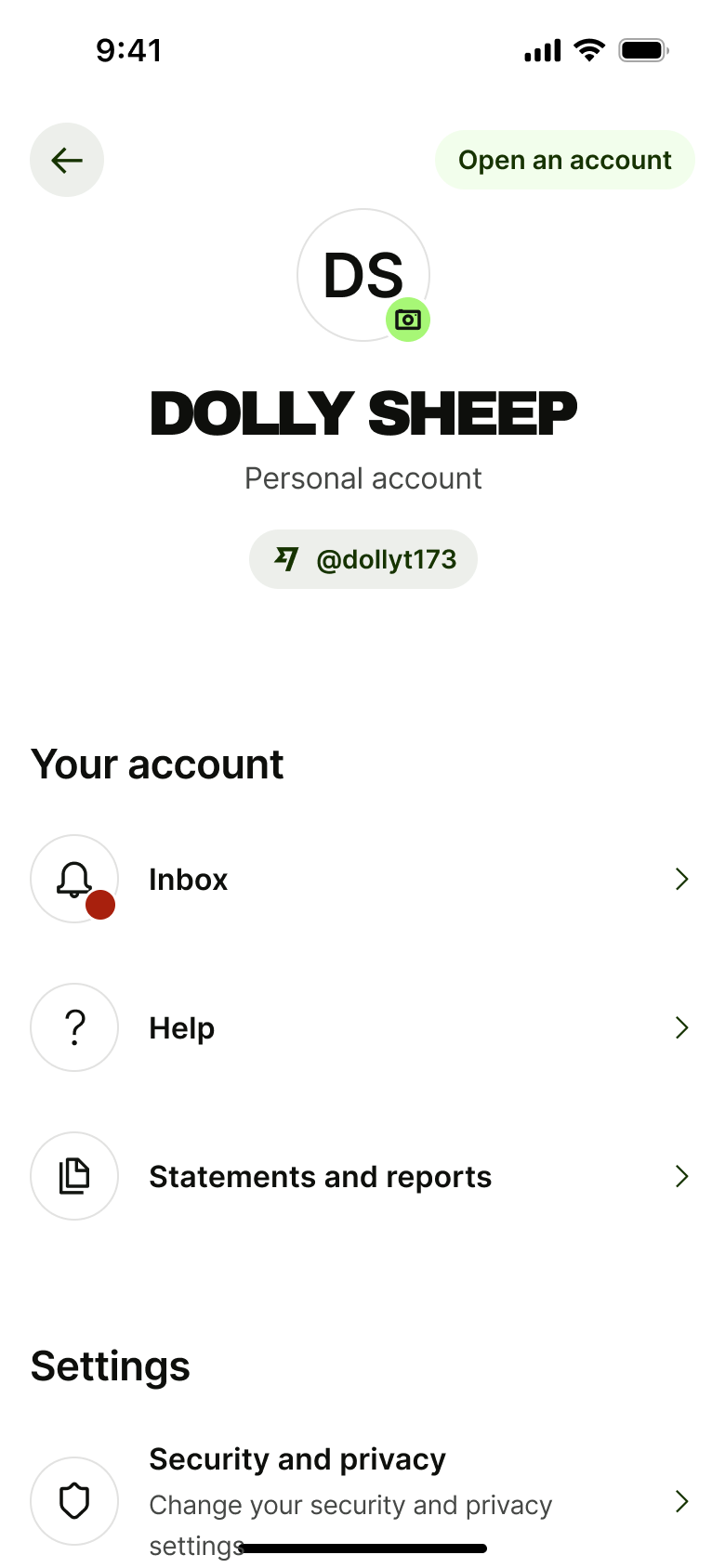
1Tap avatar - In-place change
 2
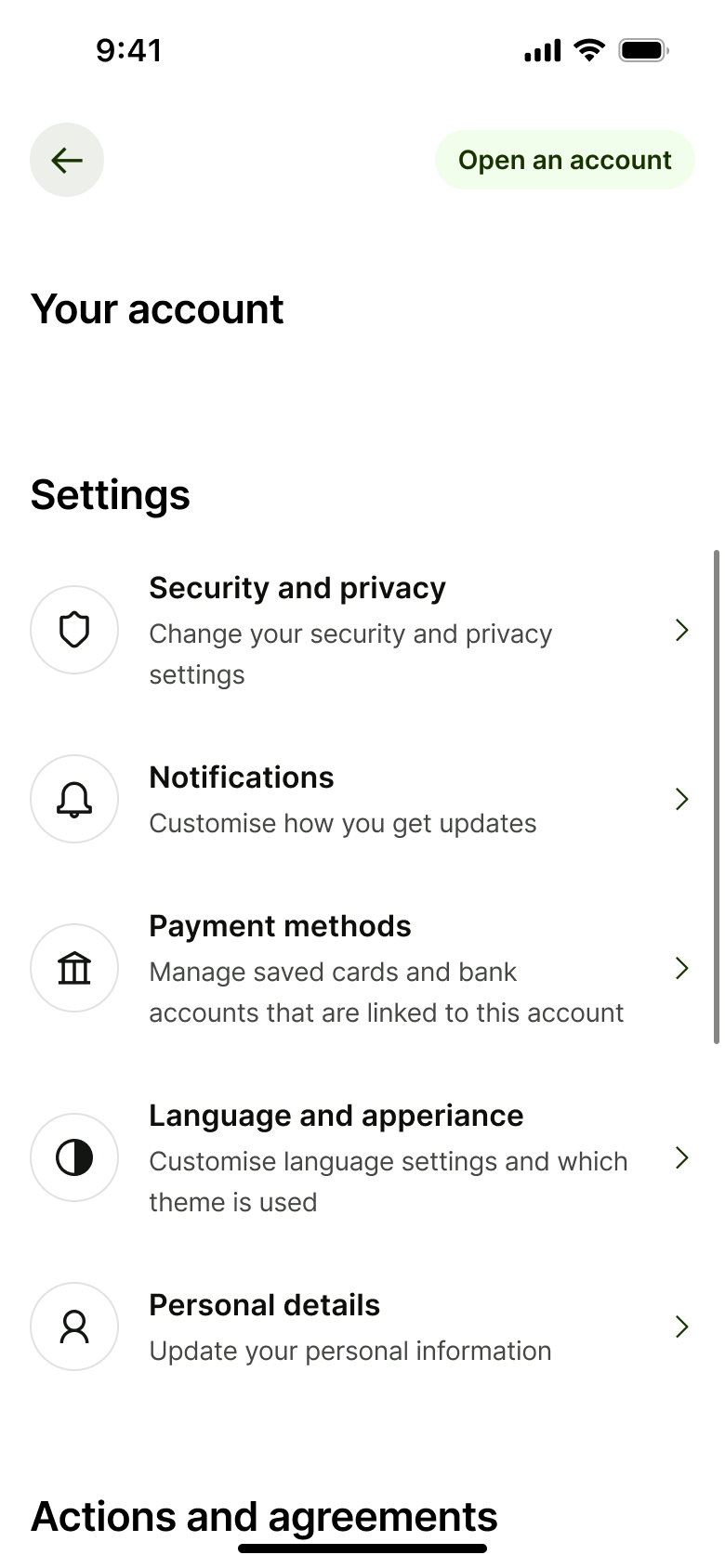
2Scroll - In-place change
 3
3Scroll - In-place change
 4
4Scroll - Push
 5
5Tap Security - Push
 6
6Tap Notifications - Push
 7
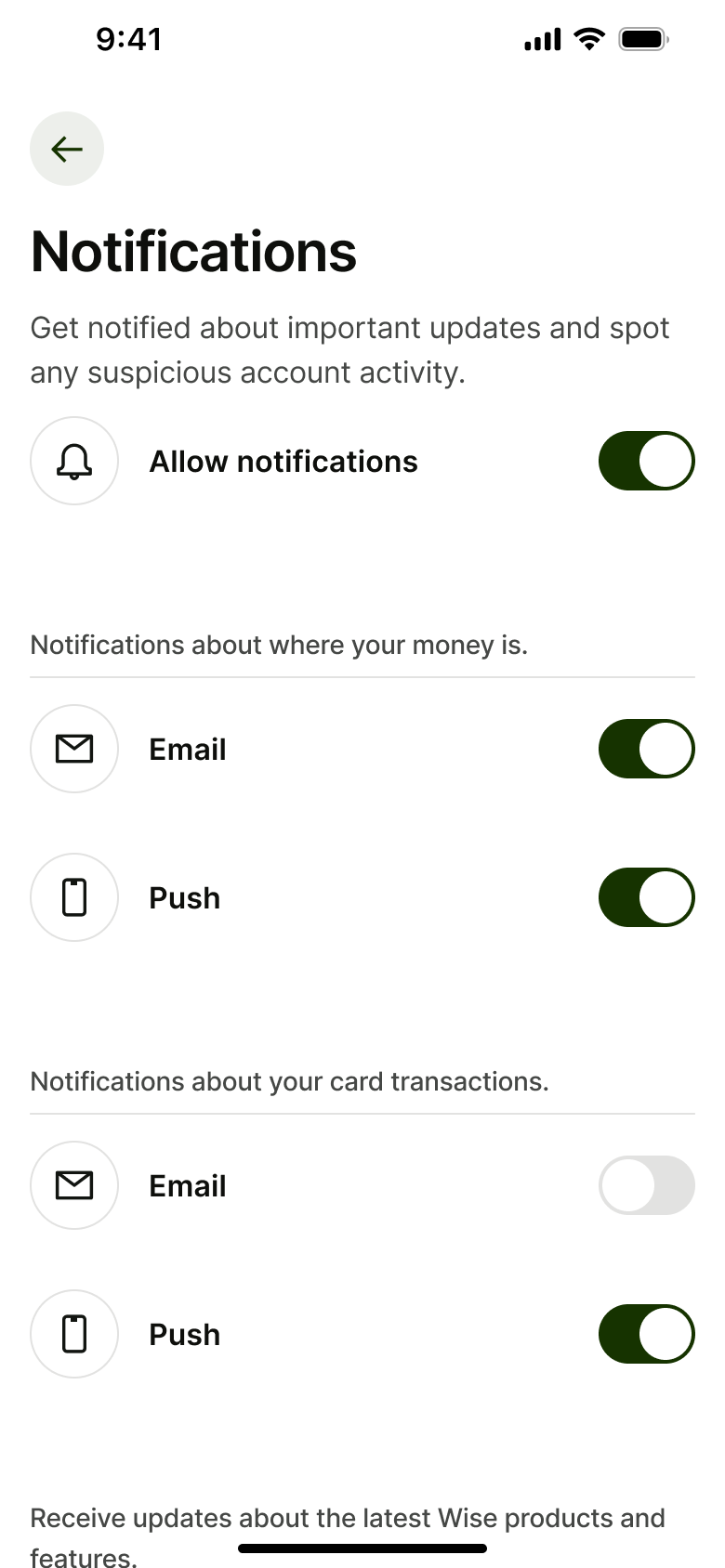
7Tap Notifications - In-place change
 8
8Toggle - +12 more
 1
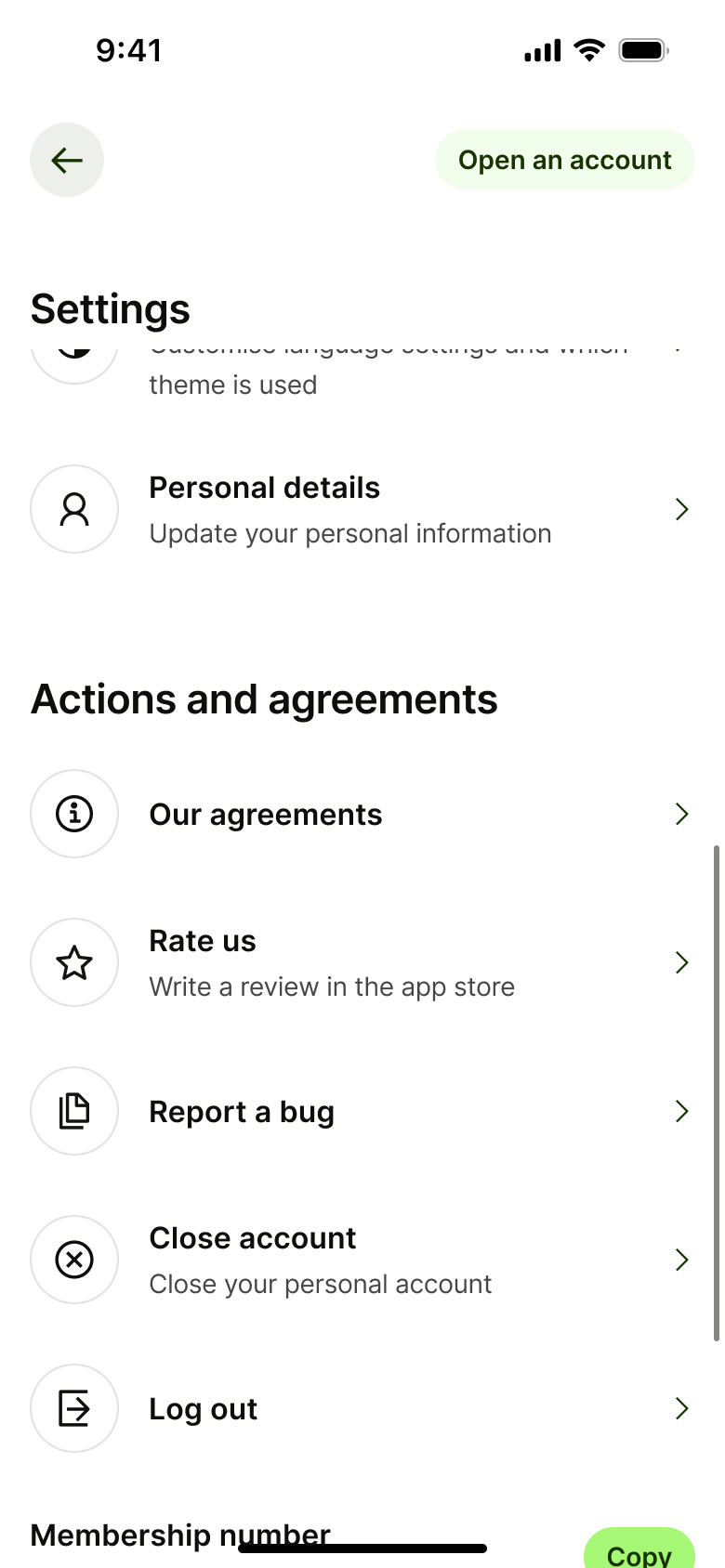
1- In-place change
 2
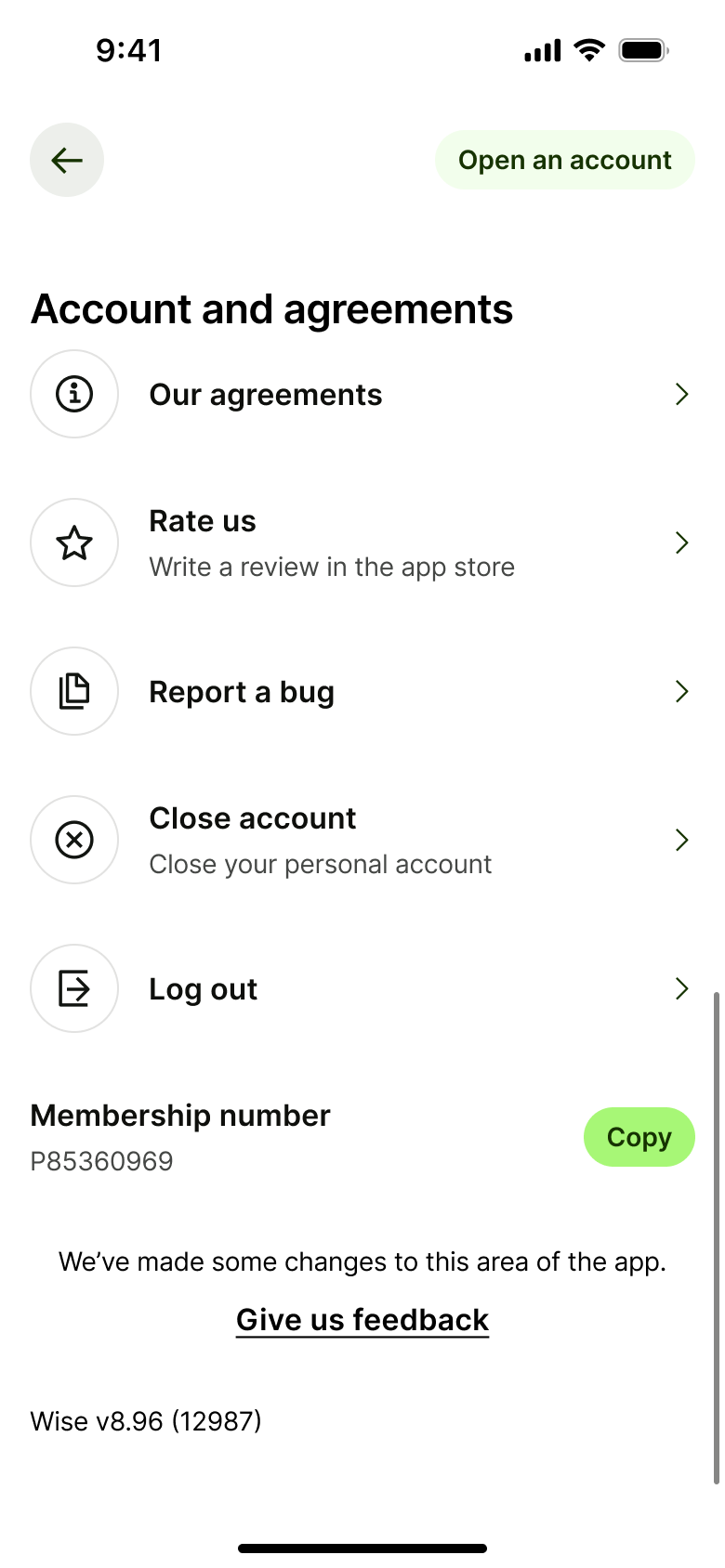
2Scroll - Push
 3
3 - Push
 4
4Tap Security - Push
 5
5Tap Notifications - Push
 6
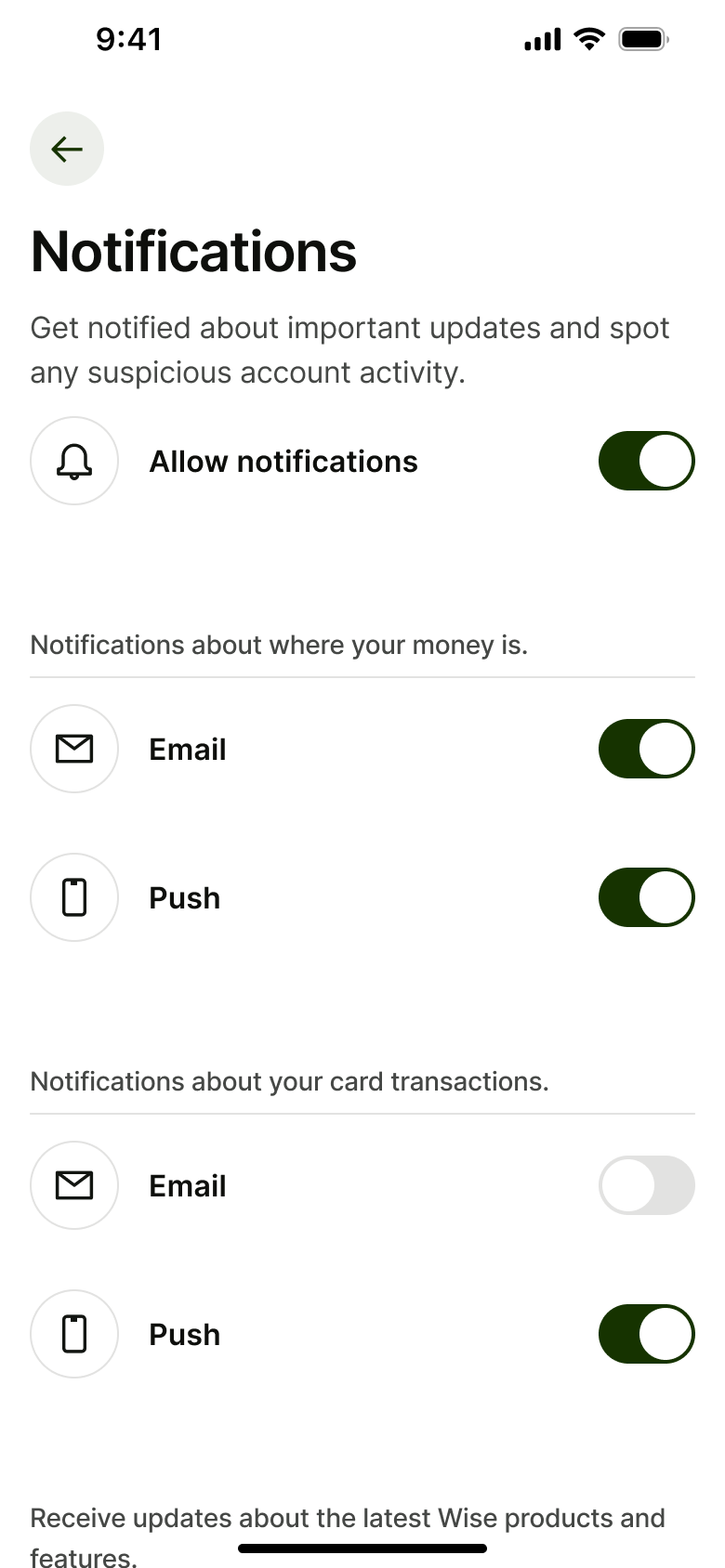
6Tap Notifications
More settings & support flows
Try an editable clone in Figma
Install the free plugin and import 5 screens from any paid clone, or take the whole WhatsApp clone free.
Not affiliated with, endorsed or sponsored by the companies whose apps we recreate. Their names and logos are trade marks of their owners. Recreated for design reference and education. Rights holders: contact us