Skip to content

Form fields (Mobile)

Mobile packActions and input

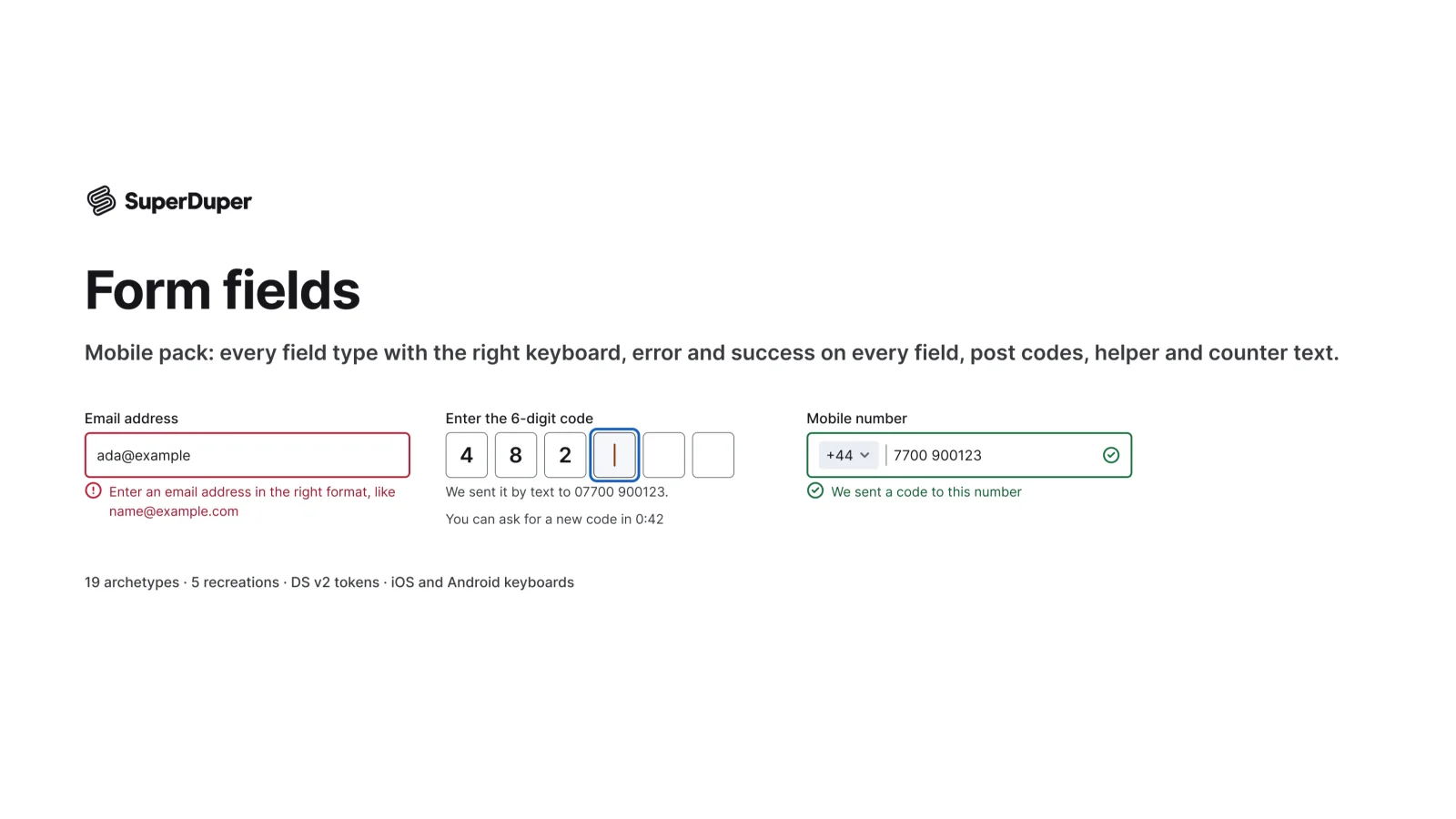
Mobile form fields with error and success states, each paired with the right iOS or Android keyboard.
components
28
variants
208
recreations
5
themes
2

Also for desktop: Form fields

What’s inside

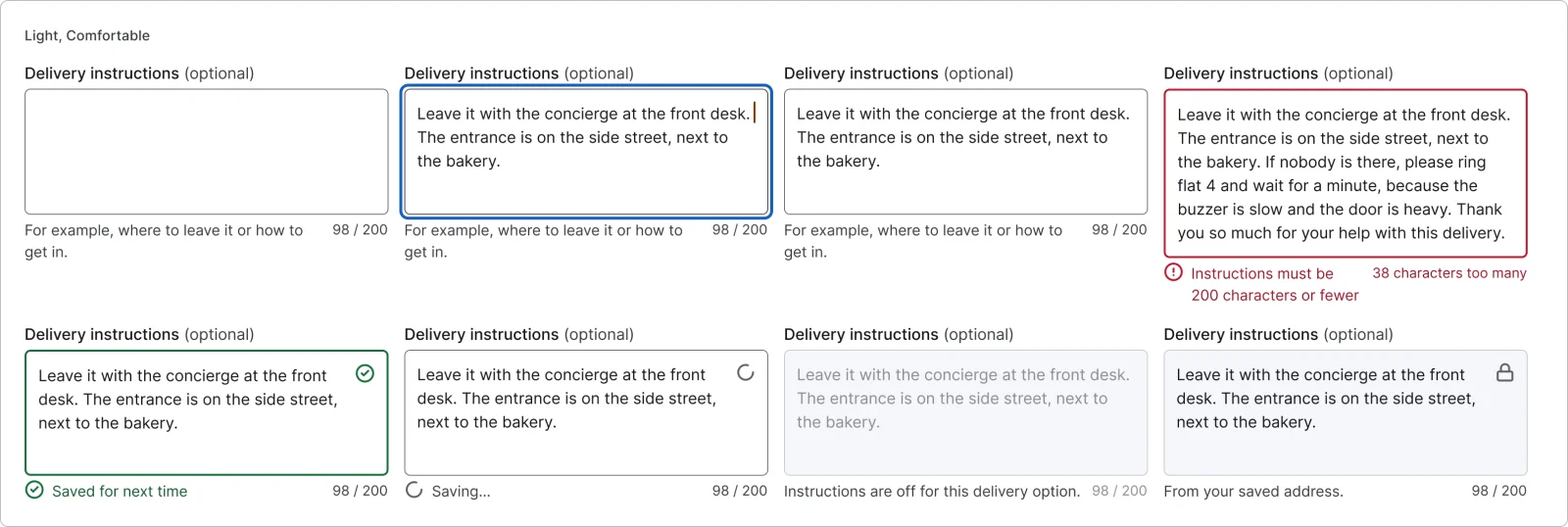
Text, email, phone, postcode, address, password, one-time code, PIN, amount and card fields, plus pickers, error summaries, sticky actions and one-question-per-screen forms. Every field has error, success, checking and disabled states, helper and counter text, and notes on its keyboard type and autofill. Each page has a documentation frame and a live grid in Light and Dark, Comfortable and Compact.
  • Error and success states on every field
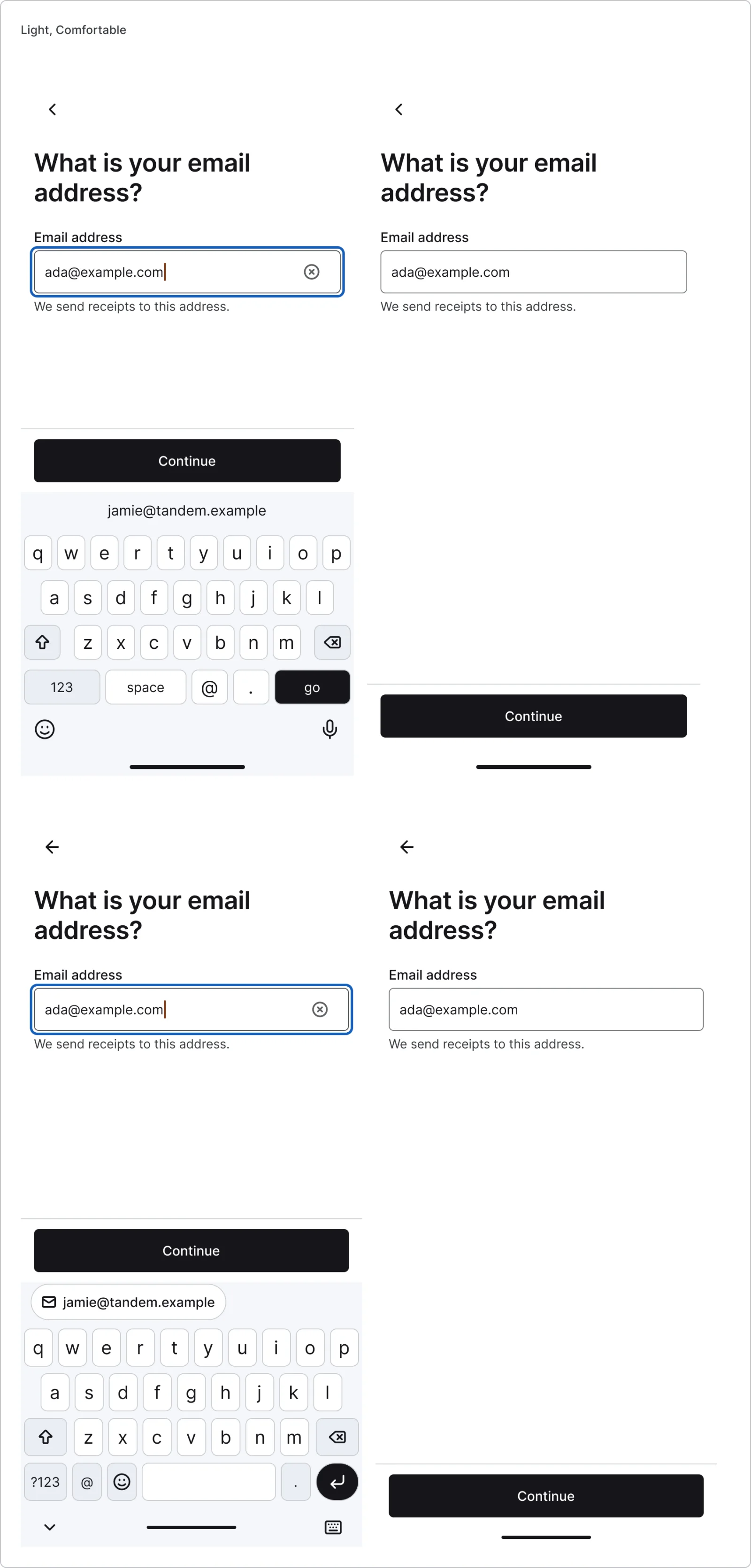
  • Fields shown next to the matching iOS and Android keyboard
  • 5 recreations from Revolut, Airbnb, Uber Eats, Cash App and Monzo
  • Text field, every variant

    Text field

    Free sample

    16 variants

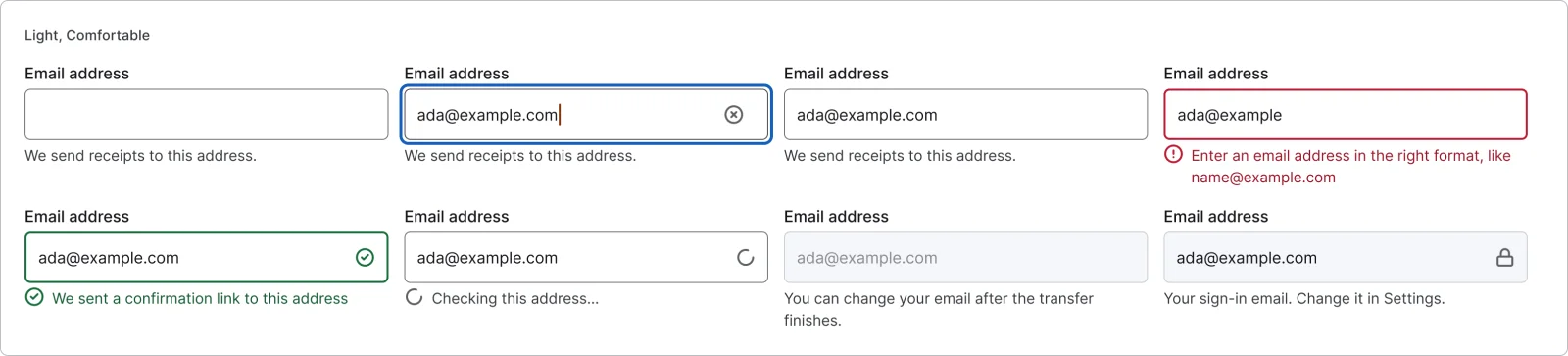
  • Email field, every variant

    Email field

    8 variants

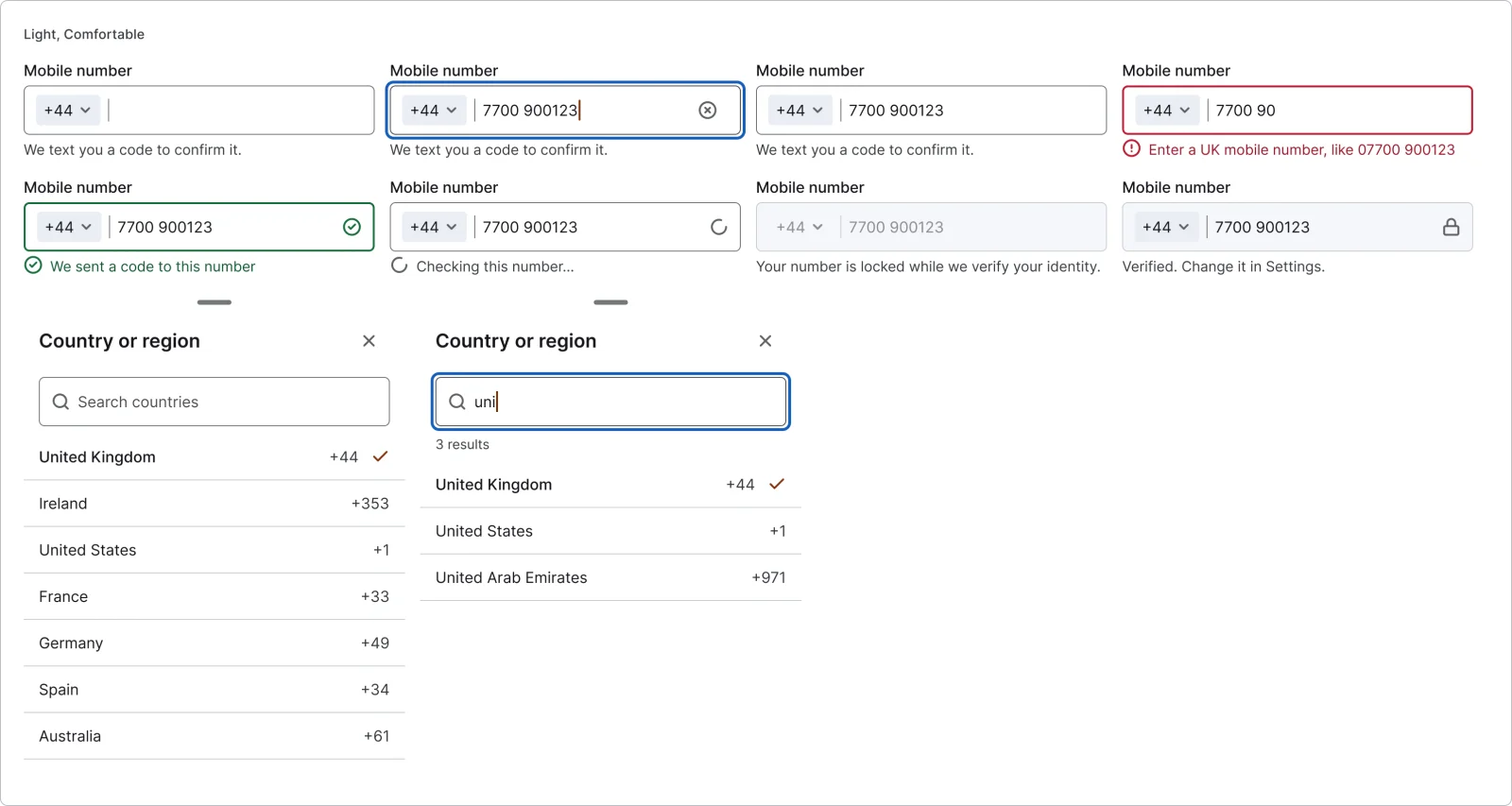
  • Phone field, every variant

    Phone field

    8 variants

  • Country picker

    2 variants

    • Default
    • Searching
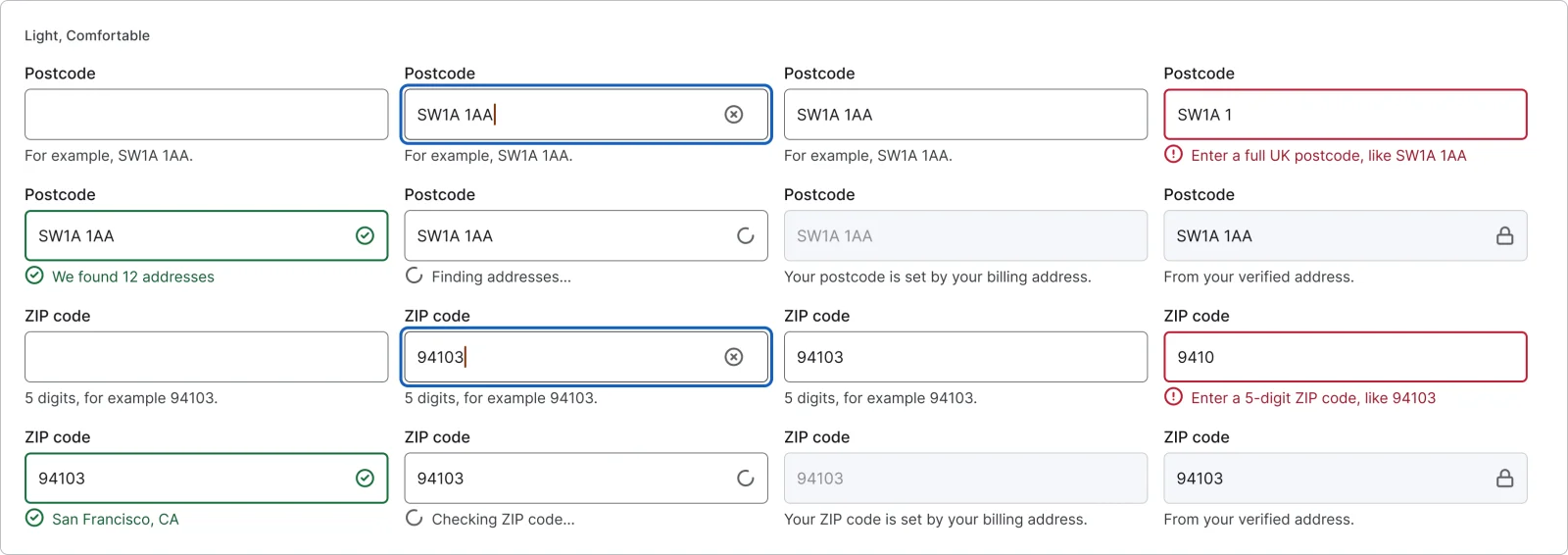
  • Postcode and ZIP field, every variant

    Postcode and ZIP field

    16 variants

    • UK postcode
    • US ZIP code
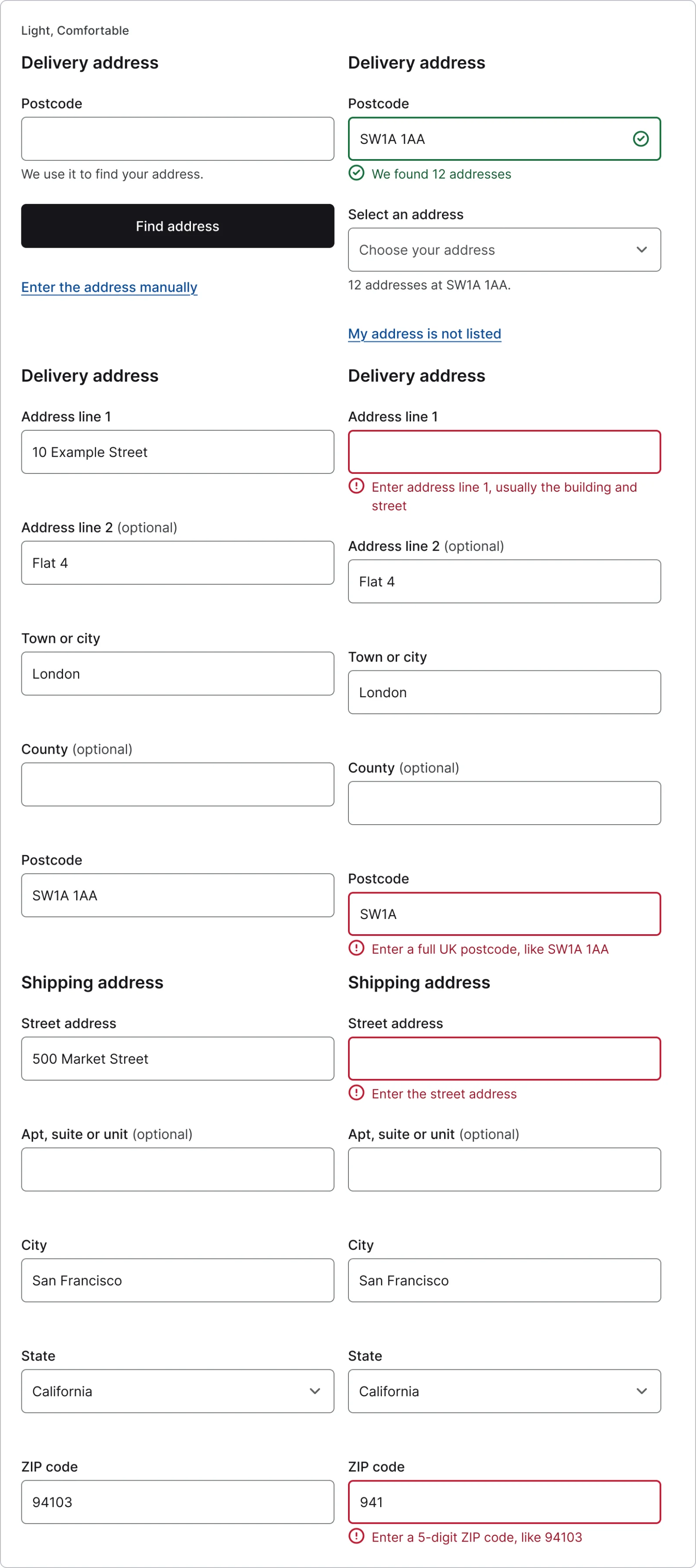
  • Address form, every variant

    Address form

    6 variants

    • UK Lookup
    • UK Choose
    • UK Manual
    • UK Error
    • US Manual
    • US Error
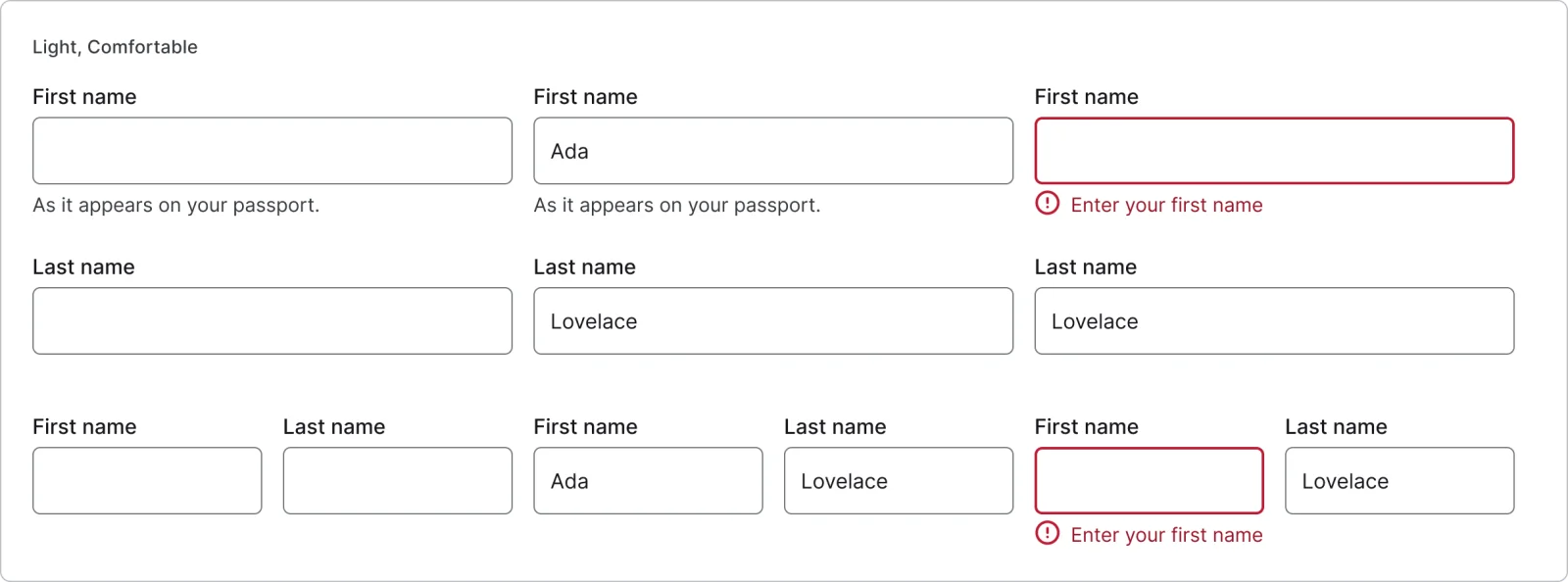
  • Name pair, every variant

    Name pair

    6 variants

    • Stacked
    • Side by side
    • Empty
    • Filled
    • Error
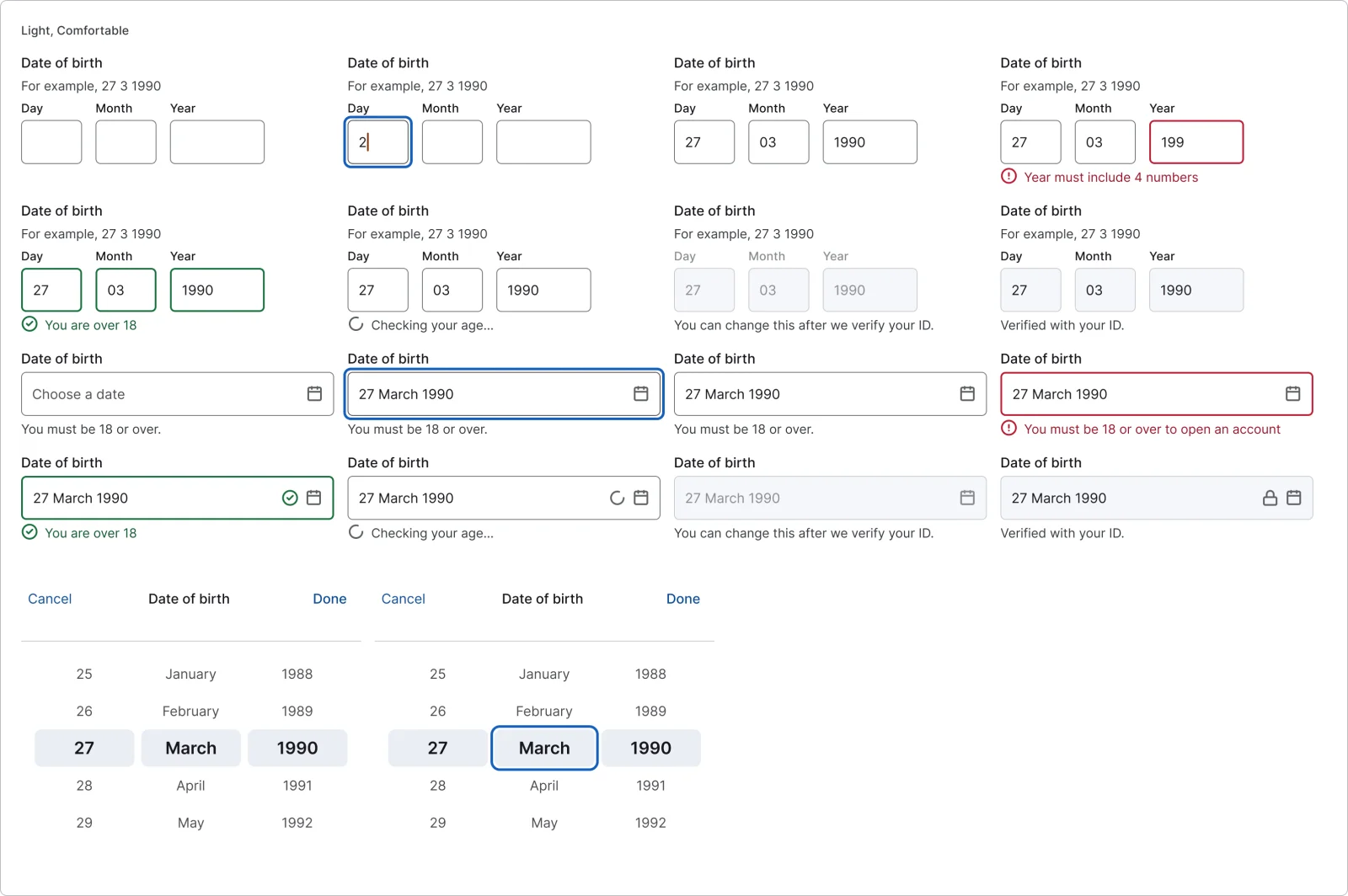
  • Date of birth field, every variant

    Date of birth field

    8 variants

  • Date picker field

    8 variants

  • Date wheel

    2 variants

    • Default
    • Focus
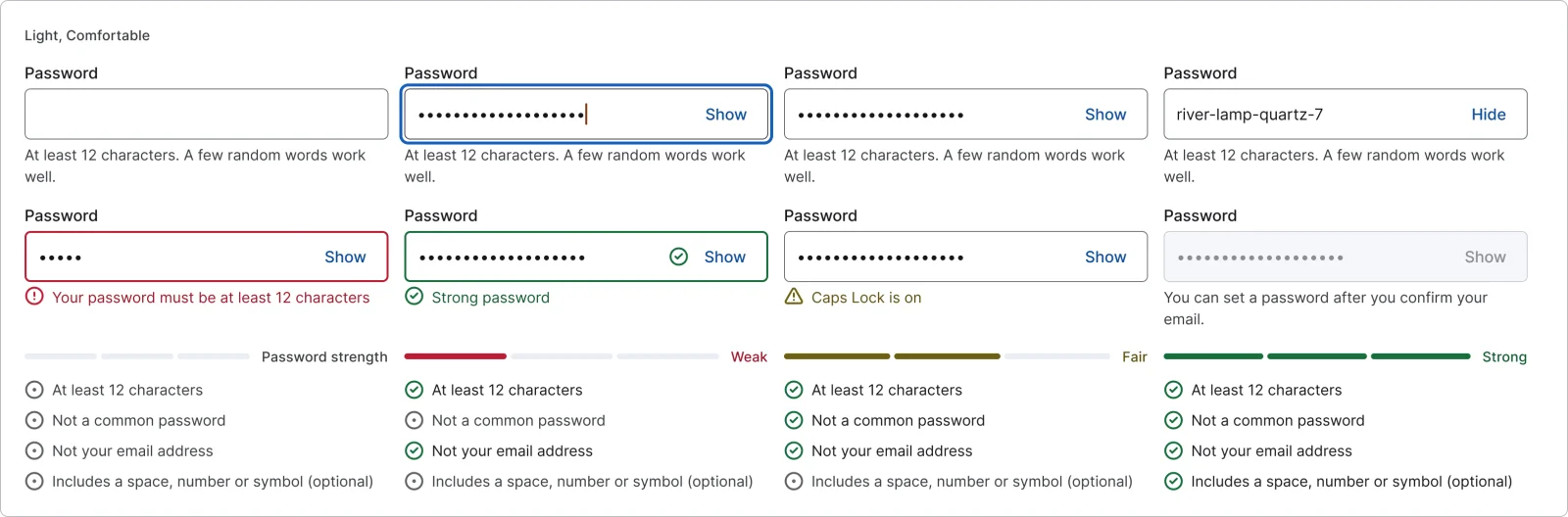
  • Password field, every variant

    Password field

    8 variants

    • Empty
    • Focus
    • Filled
    • Shown
    • Error
    • Success
    • Caps lock
    • Disabled
  • Password rules

    4 variants

    • None
    • Weak
    • Fair
    • Strong
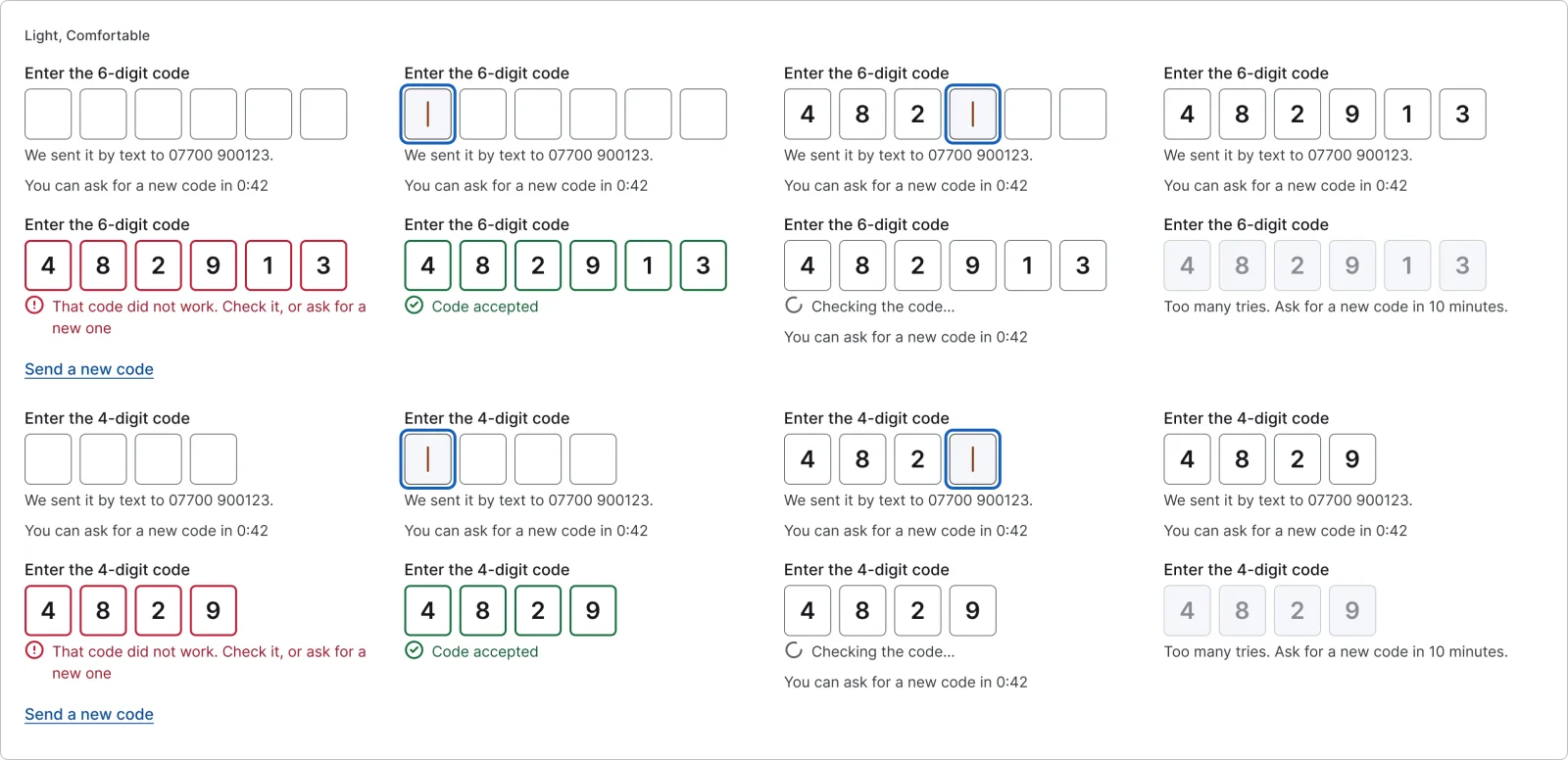
  • One-time code field, every variant

    One-time code field

    16 variants

    • 6 digits
    • 4 digits
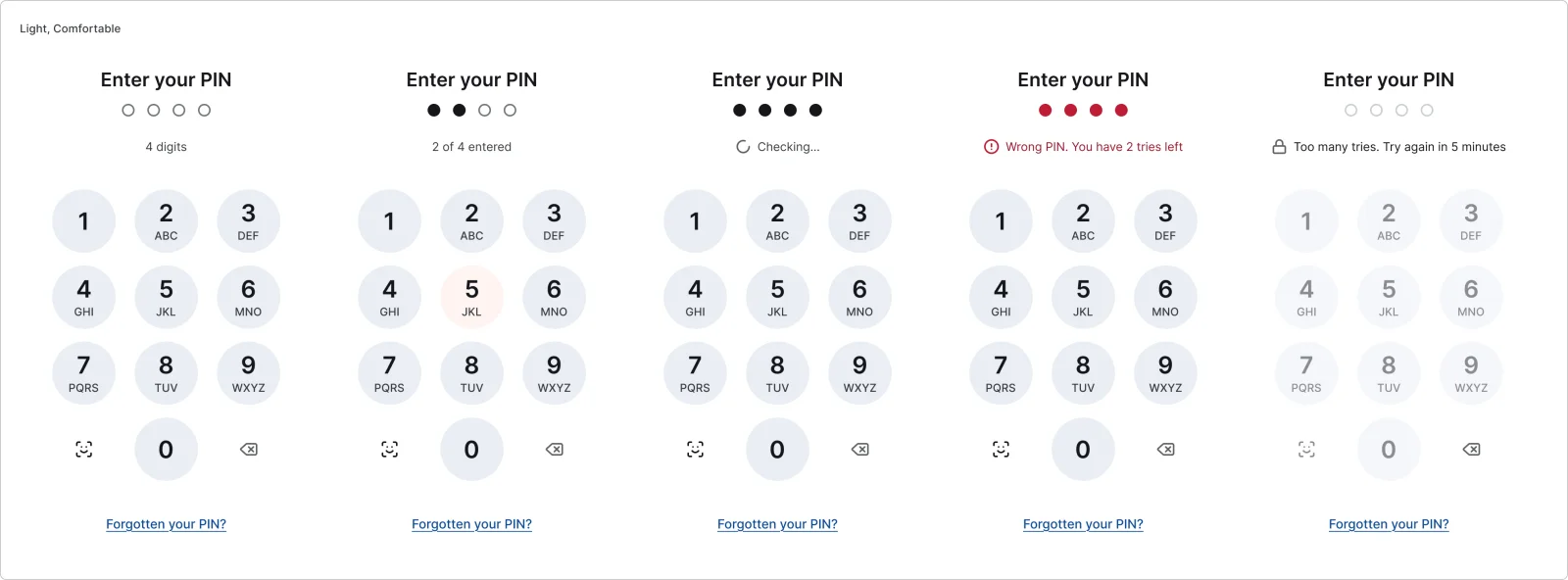
  • PIN entry, every variant

    PIN entry

    5 variants

    • Empty
    • Partial
    • Verifying
    • Error
    • Locked
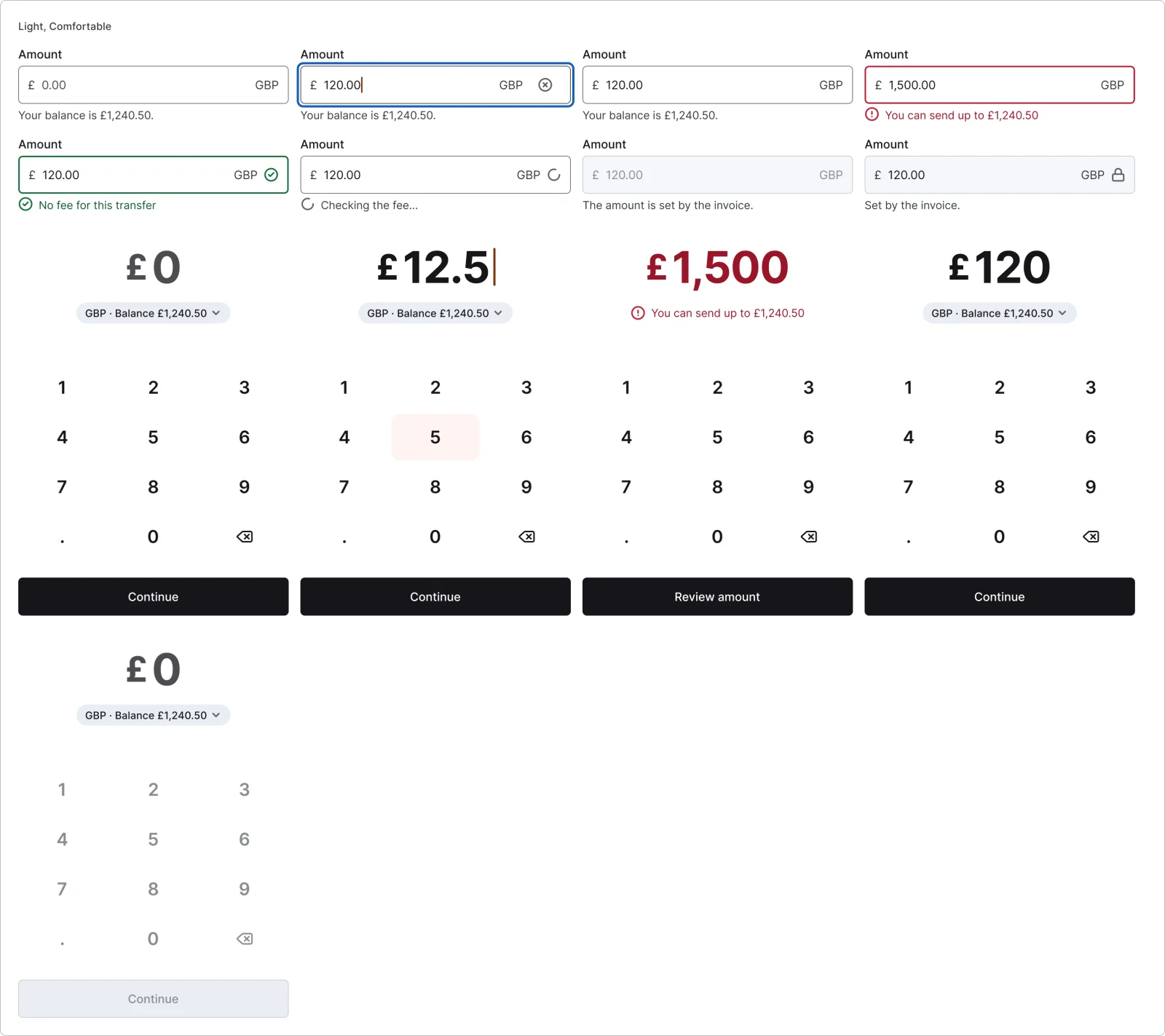
  • Amount field, every variant

    Amount field

    8 variants

  • Amount entry

    5 variants

    • Empty
    • Typing
    • Over balance
    • Ready
    • Disabled
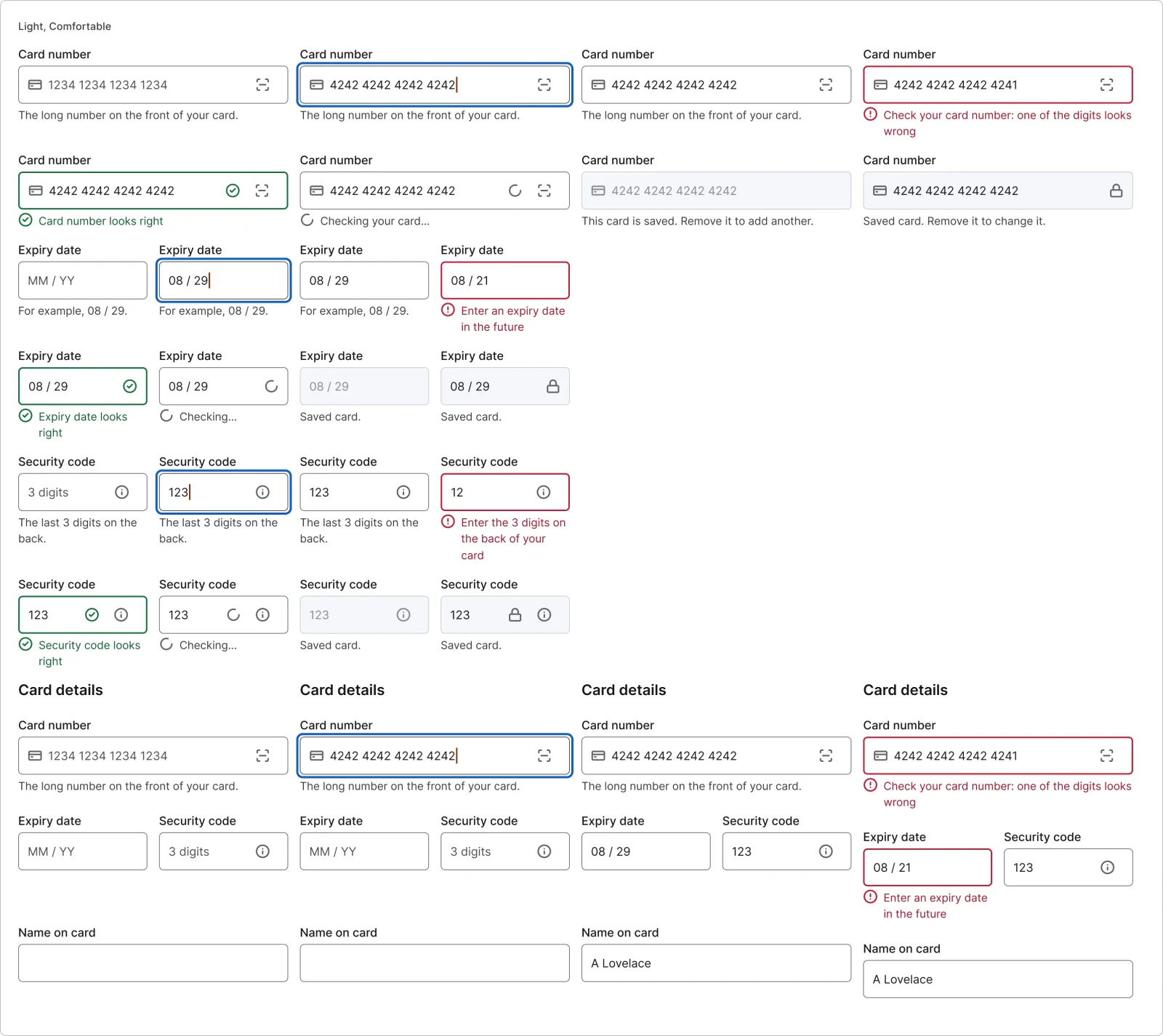
  • Card number field, every variant

    Card number field

    8 variants

  • Expiry date field

    8 variants

  • Security code field

    8 variants

  • Card details form

    4 variants

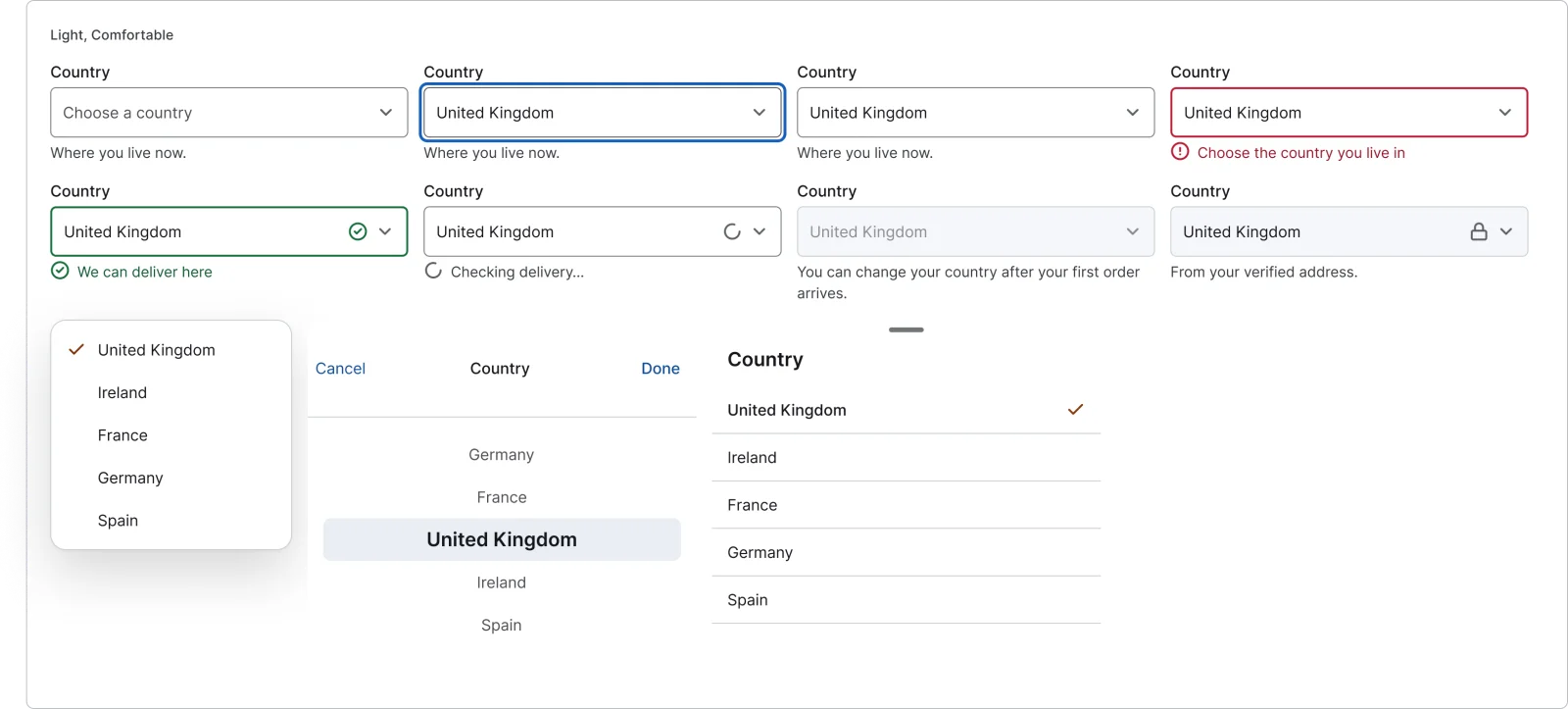
  • Select field, every variant

    Select field

    8 variants

  • Picker sheet

    3 variants

    • Menu
    • Wheel
    • List
  • Text area, every variant

    Text area

    8 variants

  • Field status, every variant

    Field status

    3 variants

    • Success
    • Checking
    • Warning
  • Error summary, every variant

    Error summary

    4 variants

    • One
    • Several
    • Default
    • Focus
  • Field with keyboard, every variant

    Field with keyboard

    20 variants

    • iOS
    • Android
  • Sticky action above keyboard, every variant

    Sticky action above keyboard

    4 variants

    • iOS
    • Android
    • Keyboard shown
    • Keyboard hidden
  • Question screen, every variant

    Question screen

    4 variants

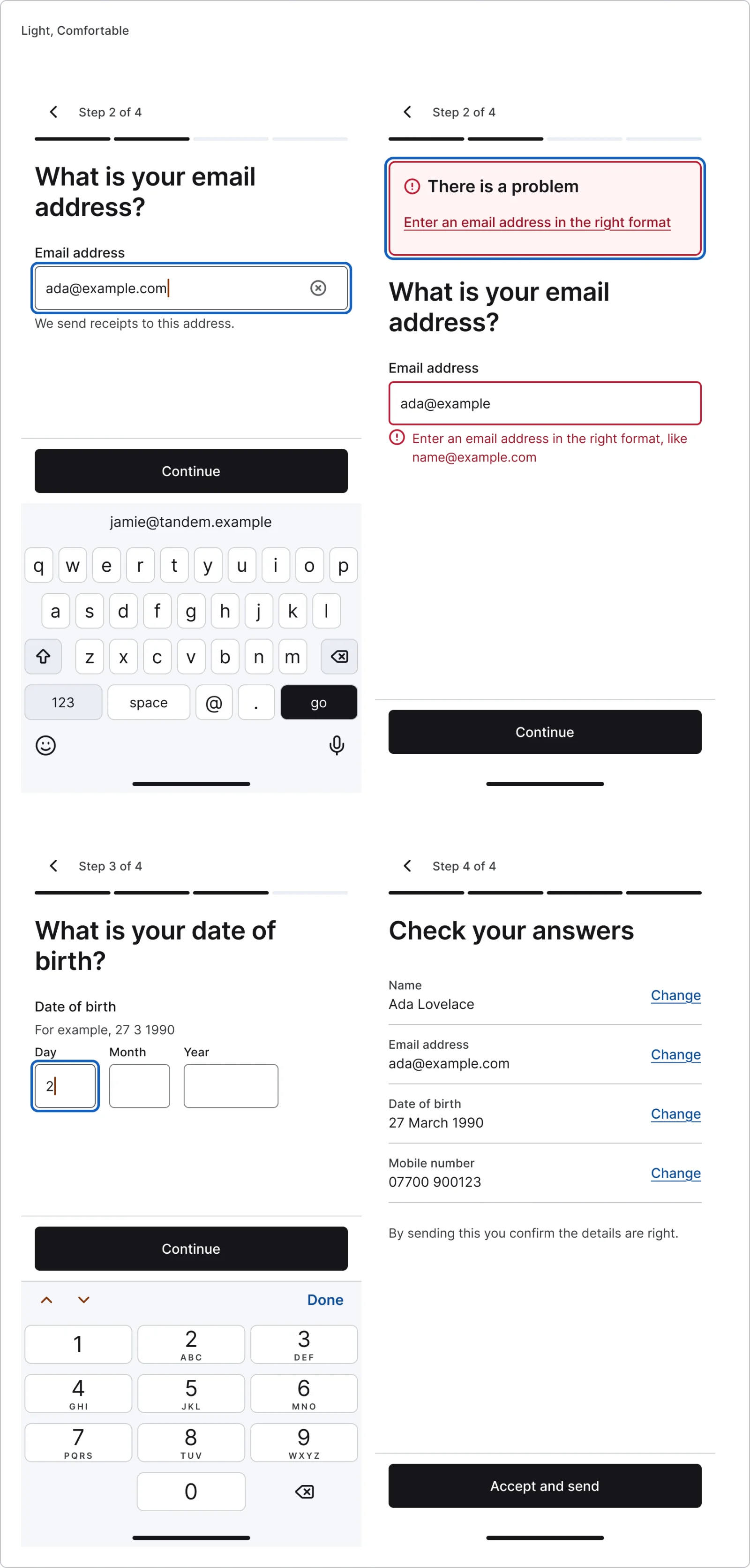
    • Question
    • Question with error
    • Date question
    • Check answers
Figma file
SuperDuper Pack: Form fields (Mobile)
Themes
Light and Dark
Densities
Comfortable and Compact
Also in the file
Usage and accessibility notes, motion specs, Figma variables
Covers 5 UI elements
Text field, Password field, Text area, Dropdown & select and Code input

How Revolut, Airbnb and Uber Eats and others do it

Recreations of real products, so you can compare approaches side by side. They are approximate, built from public product knowledge, with placeholder data and no third-party artwork.
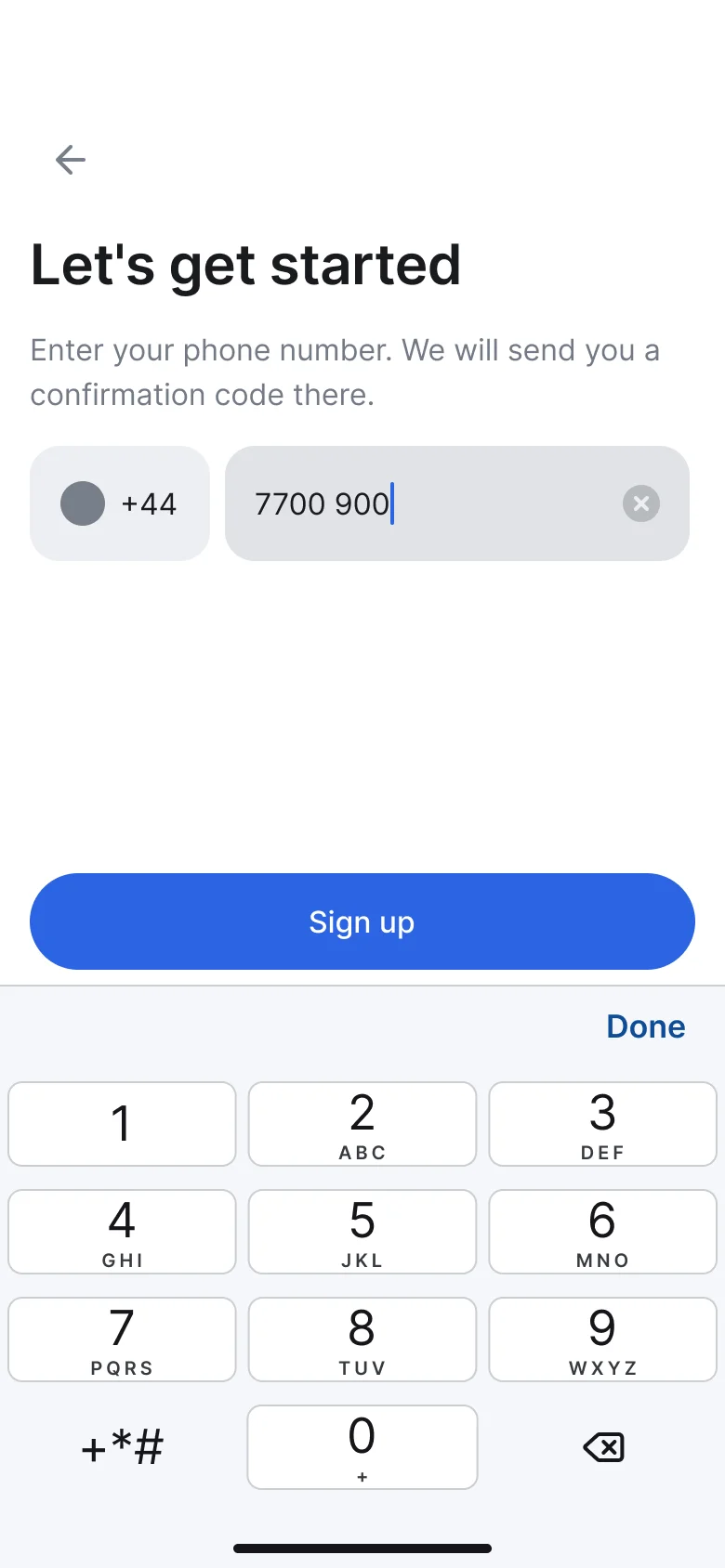
  • Phone sign-up, every variant

    Phone sign-up

    Recreated from Revolut

  • Card details, every variant

    Card details

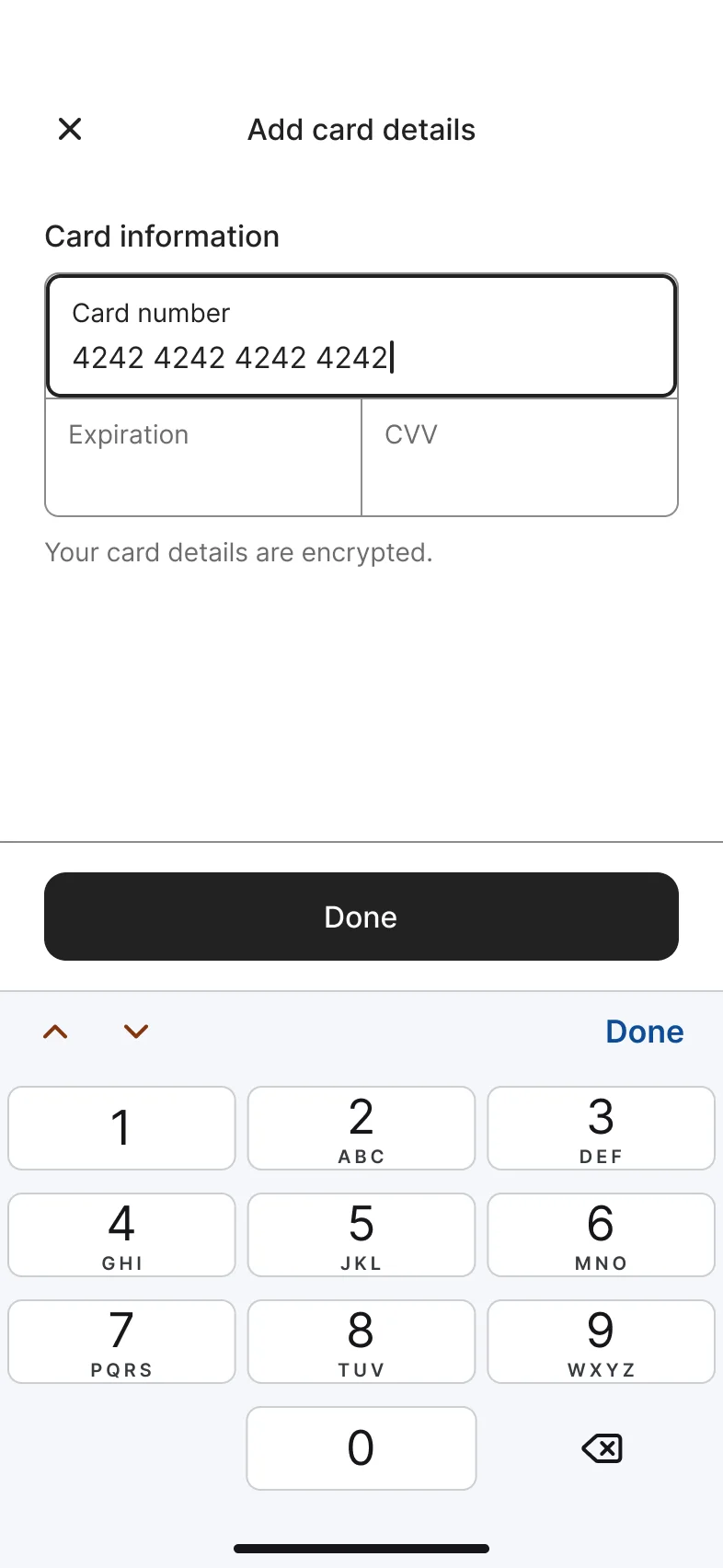
    Recreated from Airbnb

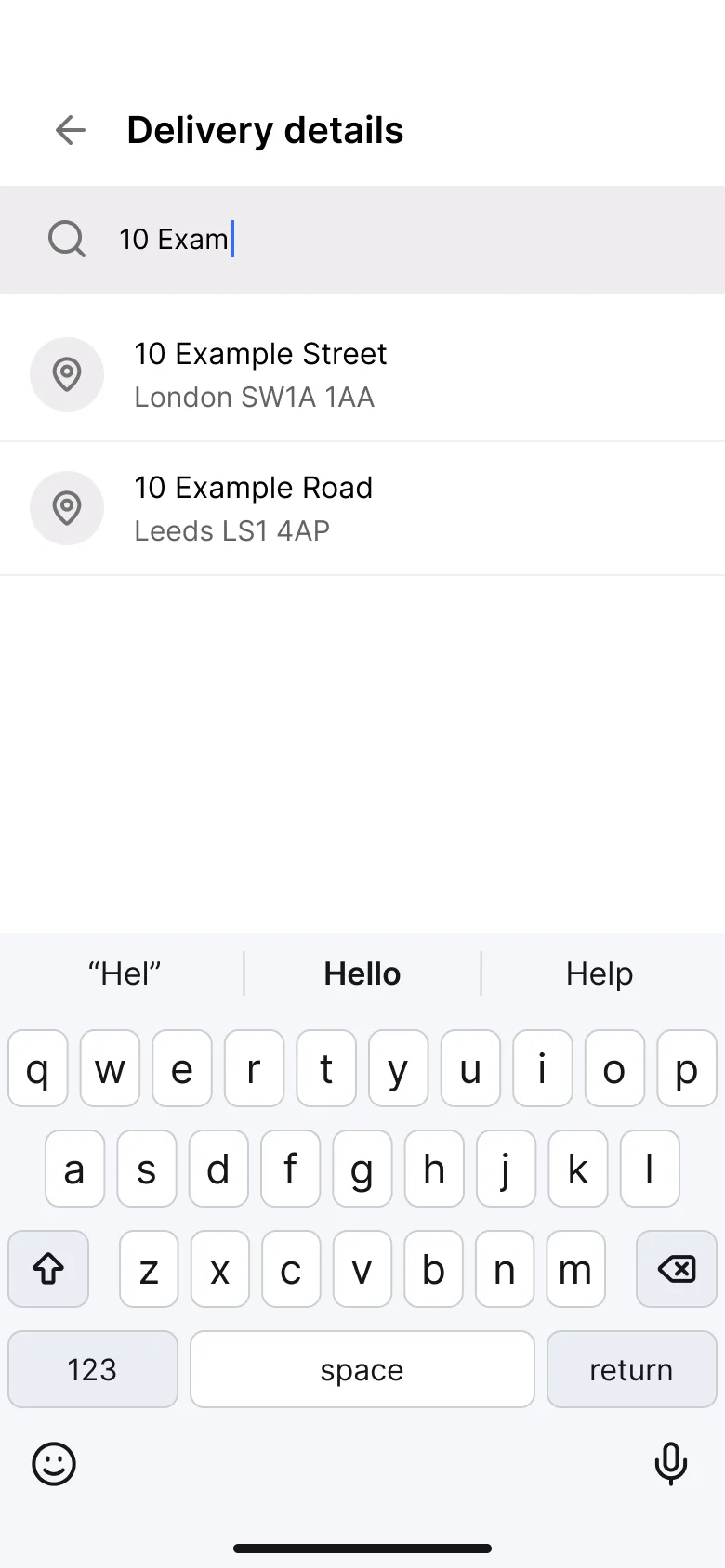
  • Delivery address, every variant

    Delivery address

    Recreated from Uber Eats

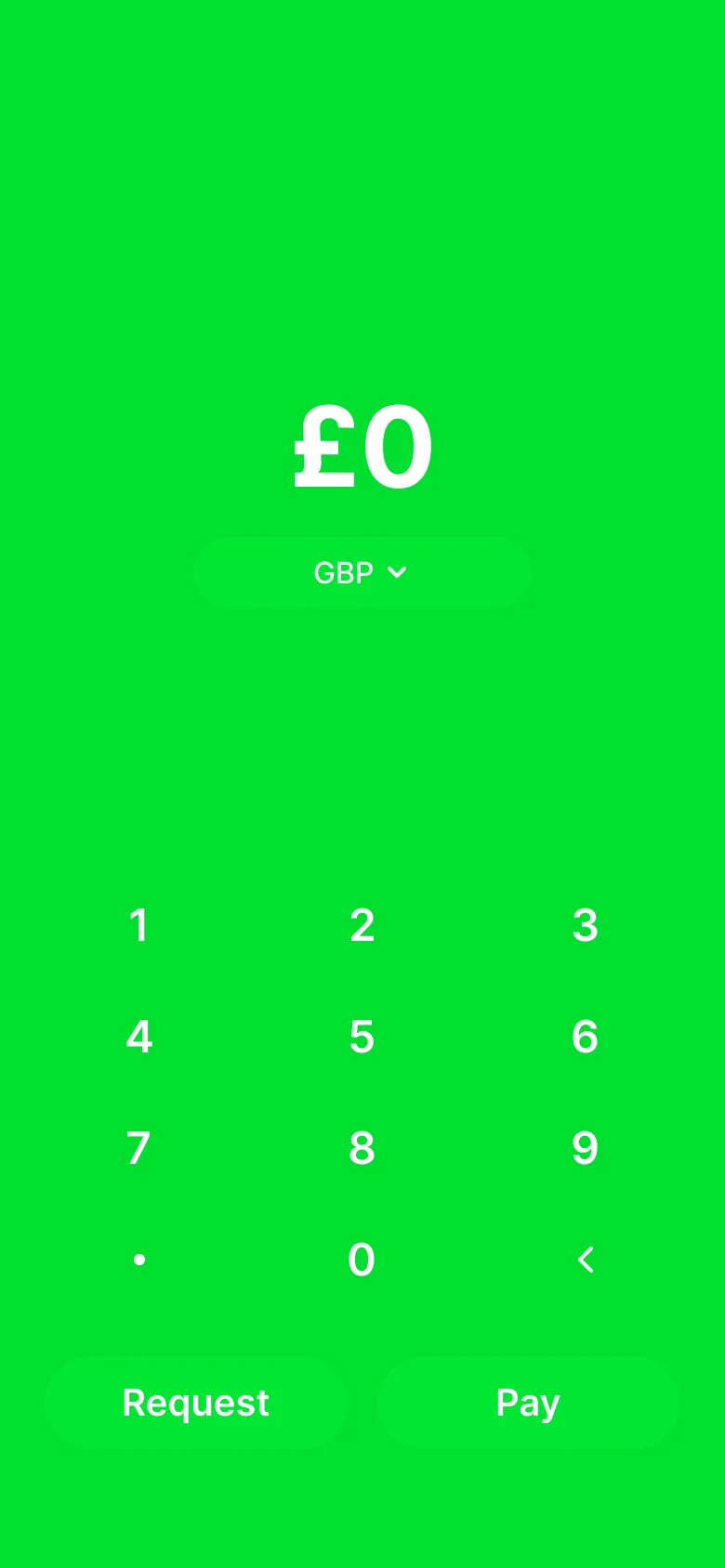
  • Amount keypad, every variant

    Amount keypad

    Recreated from Cash App

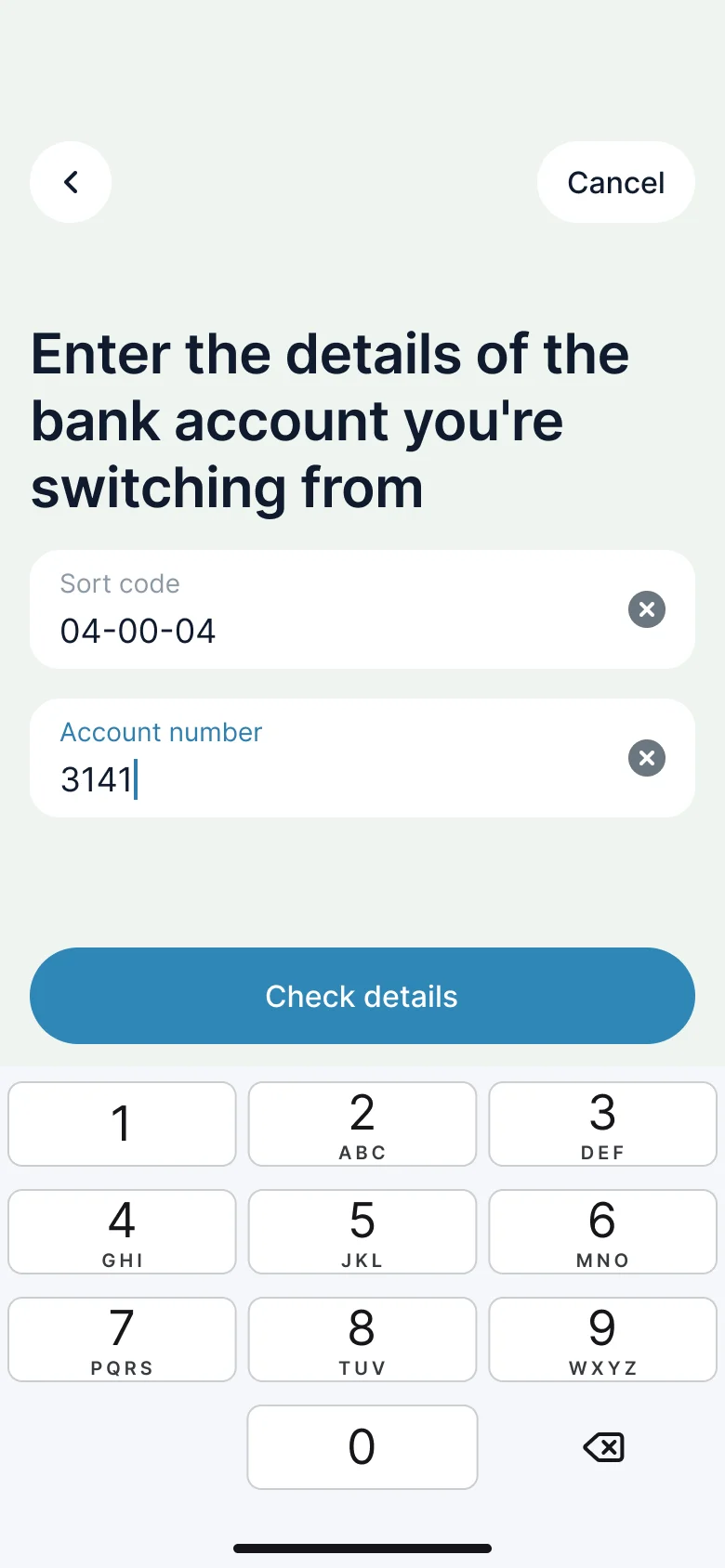
  • Bank sign-up, every variant

    Bank sign-up

    Recreated from Monzo

Not affiliated with, endorsed or sponsored by Revolut, Airbnb, Uber Eats, Cash App and Monzo. Their names are trade marks of their owners and are used only to say what each recreation is based on.

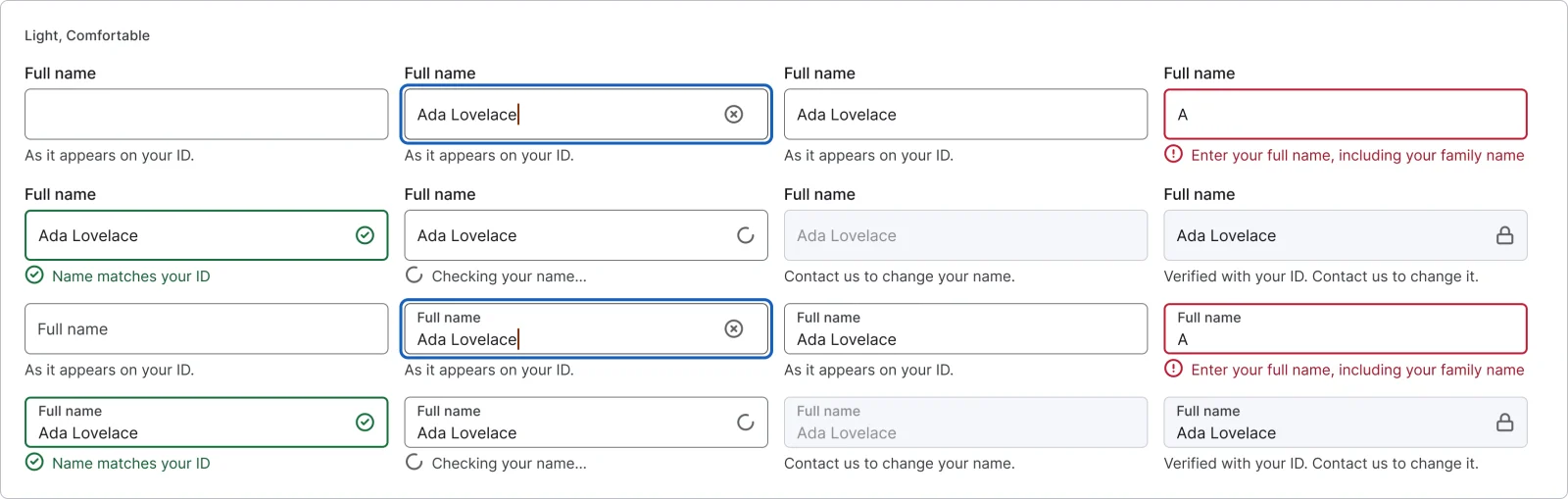
Text field, every variant

See the text field full size, free

The base text field with static and floating labels in 8 states, including error, success and helper text. All 16 variants, free to see with a SuperDuperUI account. The Figma file comes with the pack.

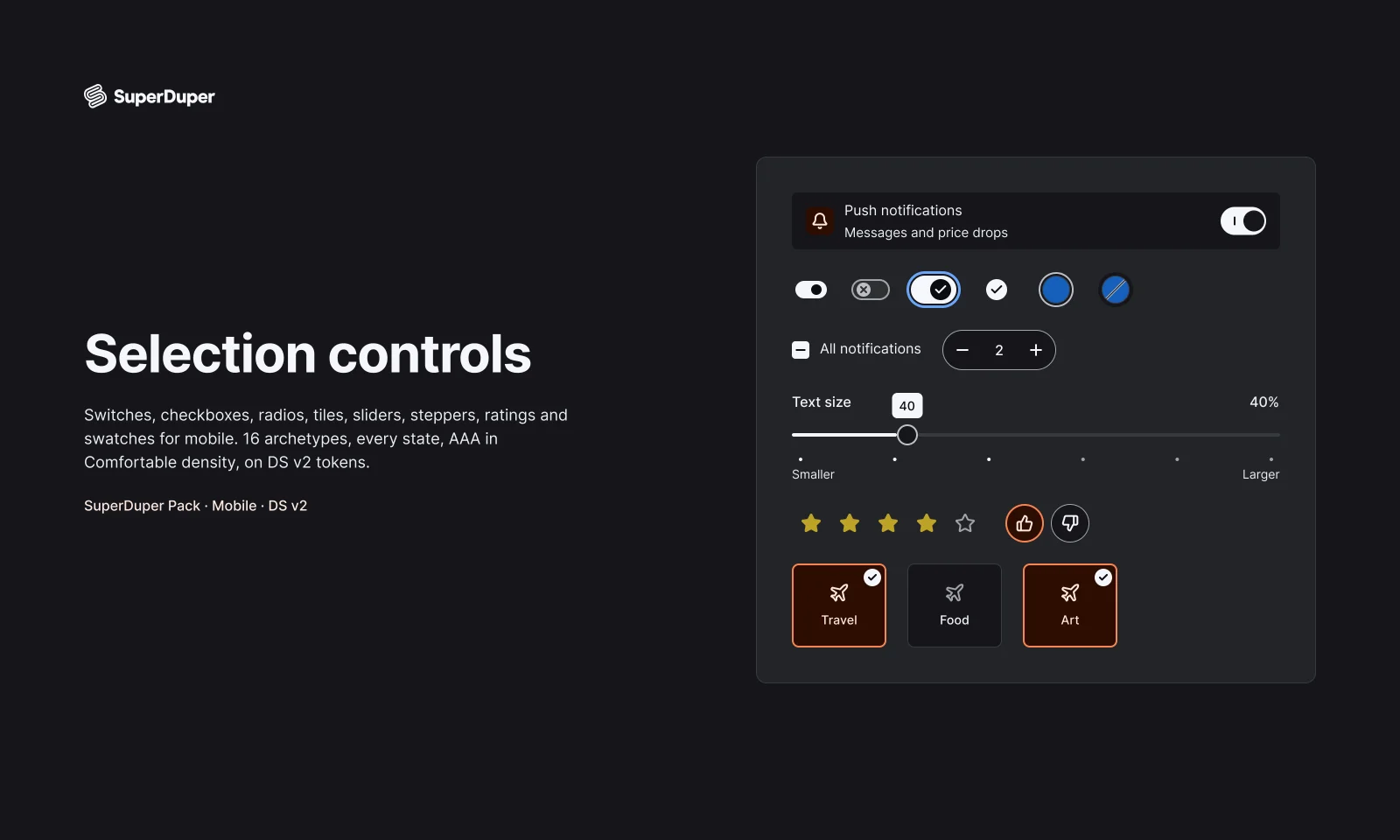
  • Selection controls

    Mobile19 components216 variants3 recreations

    Mobile switches, checkboxes, radios, sliders, steppers, ratings and swatches, each with every state drawn and documented.

    $9, or included with Pro
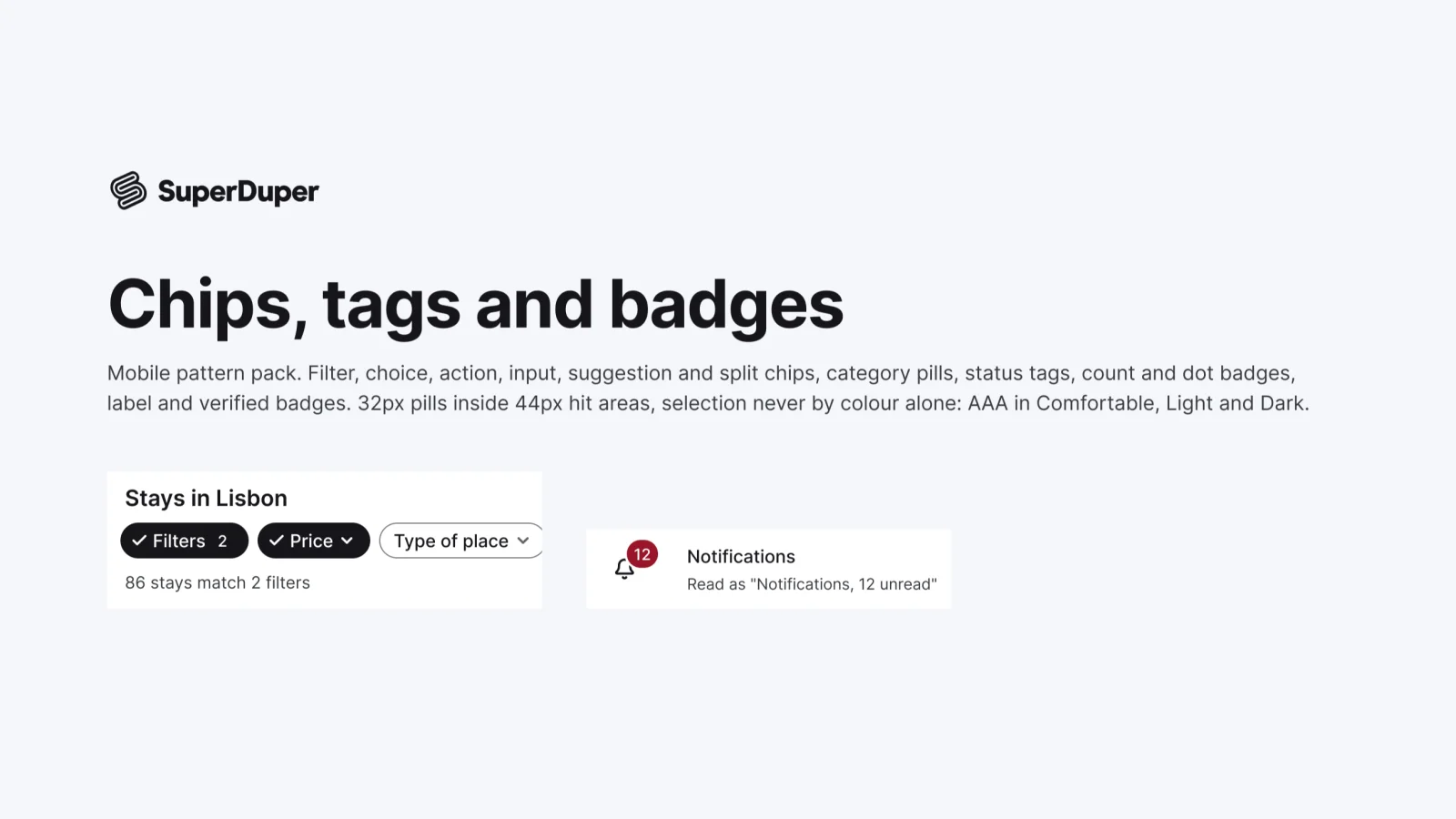
  • Chips, tags and badges

    Mobile12 components40 variants3 recreations

    Mobile chips and badges: filter, choice, input, action and category chips, plus status, count, dot and verified badges.

    $9, or included with Pro
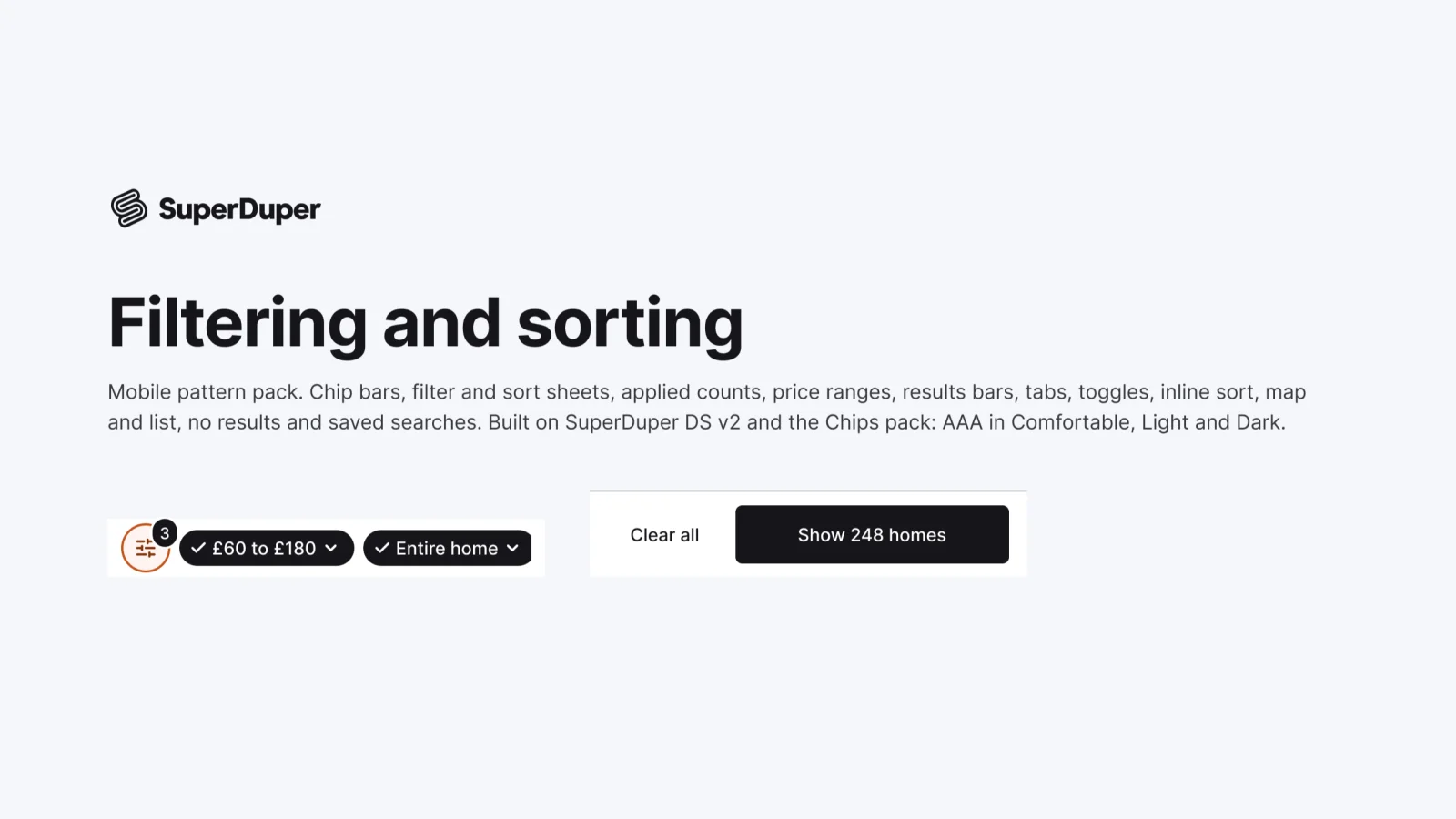
  • Filtering and sorting

    Mobile12 components41 variants5 recreations

    Mobile filter and sort patterns: chip bars, filter and sort sheets, price ranges, results bars, map and list, saved searches.

    $9, or included with Pro

Questions about the form fields pack

  • One Figma file: SuperDuper Pack: Form fields (Mobile). It has 28 components with 208 variants, 5 recreations, and notes on when to use each part. Everything uses Figma variables, so you can change the colours and type to match your product.